
Vintage Mixed-Media Muse Portrait
Generates a dreamy parchment-style portrait combining realistic photography, watercolor mountains, botanical collage, and an inspirational handwritten quote.
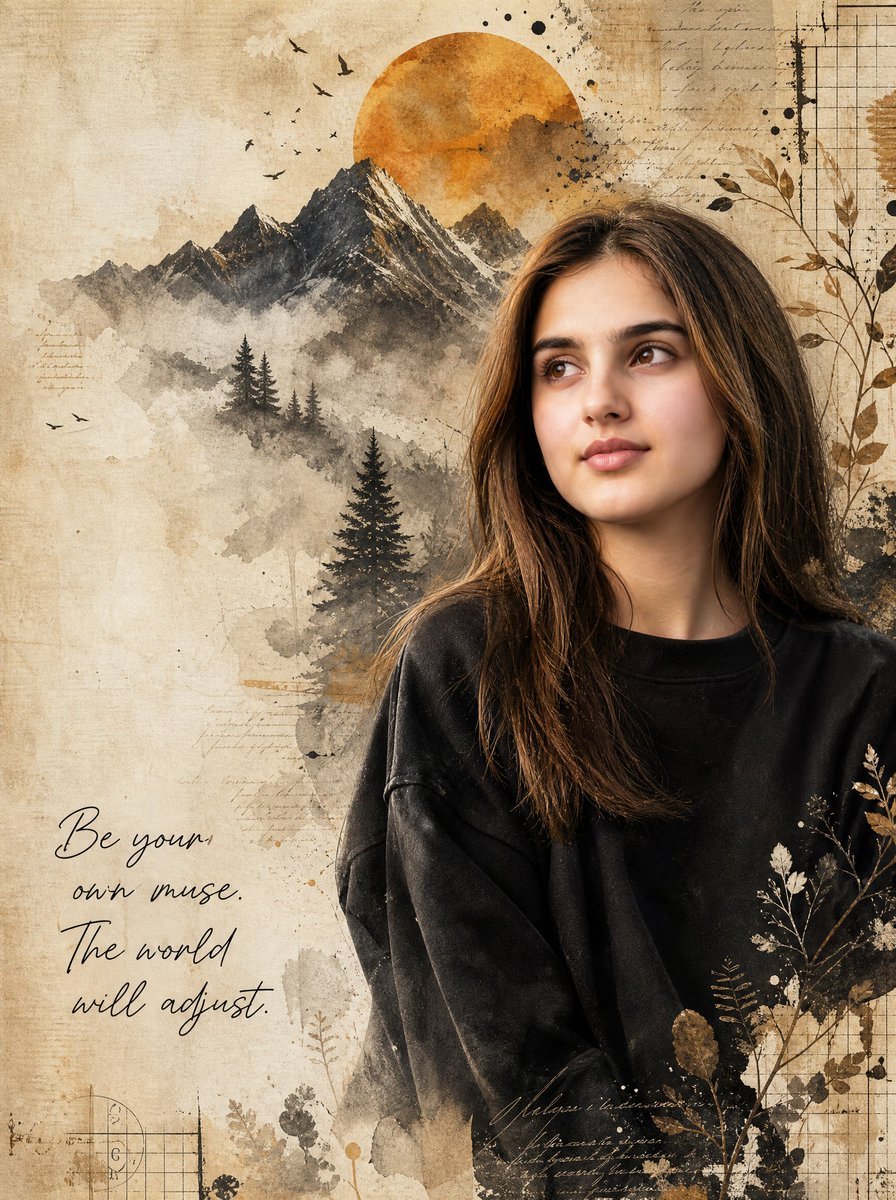
- Prompt included
- Model and format preset
- Free template
The prompt behind this image
Copy the exact prompt behind Vintage Mixed-Media Muse Portrait, or open it in the studio and make it yours.
Create a highly detailed artistic mixed-media portrait using a realistic young woman as the main subject. Preserve a natural photographic face with soft skin texture, almond brown eyes, full brows, a straight nose, soft pink lips, oval face shape, and long loose chestnut-brown hair with subtle highlights. Place her on the right half of a vertical canvas, shown from mid-torso up, wearing an oversized matte black sweatshirt, shoulders relaxed, head turned slightly left while gazing upward to the left with a calm thoughtful expression. Use a warm vintage parchment background in beige, tan, sepia, charcoal, and burnt orange. Blend photography with watercolor, ink wash, collage, botanical illustration, and aged paper textures. Behind her, create a layered mountain landscape on the left-center: exactly 5 visible jagged mountain peaks with snowy charcoal ridges, misty watercolor foothills, and exactly 6 dark evergreen trees of varying sizes in the lower mountain area. Add a large burnt-orange sun disk behind the mountains near the top center. Include exactly 11 small black bird silhouettes flying around the sun and mountains. Add decorative mixed-media elements: faint handwritten manuscript lines in sepia, black ink splatters, grunge stains, torn-paper washes, subtle grid paper in the top-right and bottom-left corners, thin botanical branches with leaves on the right edge and lower-right foreground, and a few dried floral silhouettes overlapping the sweatshirt. In the lower-left quadrant, add elegant black handwritten script reading exactly: "{argument name="quote" default="Be your own muse. The world will adjust."}" with line breaks arranged like the image. Make the composition feel like a fine-art journal page, dreamy and inspirational, with soft natural lighting on the face, high detail in the hair, painterly edges dissolving into the paper, no frame, no watermark, and no extra text.
How to use Vintage Mixed-Media Muse Portrait in 3 steps
- 1Upload ImagePNG, JPG or paste
Add your photo
Upload the photo the template builds on. The prompt, model and format are already set.
- 2…a portrait of your subject in softgolden-hour light, 85mm…
Personalize
Edit the subject and creative details for your destination.
- 3Generate
Generate
Press Generate — your image is created in PicX Studio, so you can compare it with the original and refine one variable at a time.
More like this
Templates with the same subject, style or setup. Open one to see its prompt.

Found Photograph: Us, 1970

80s Couple Studio Portrait

80s Bollywood Star

80s Golden Hour Cinema
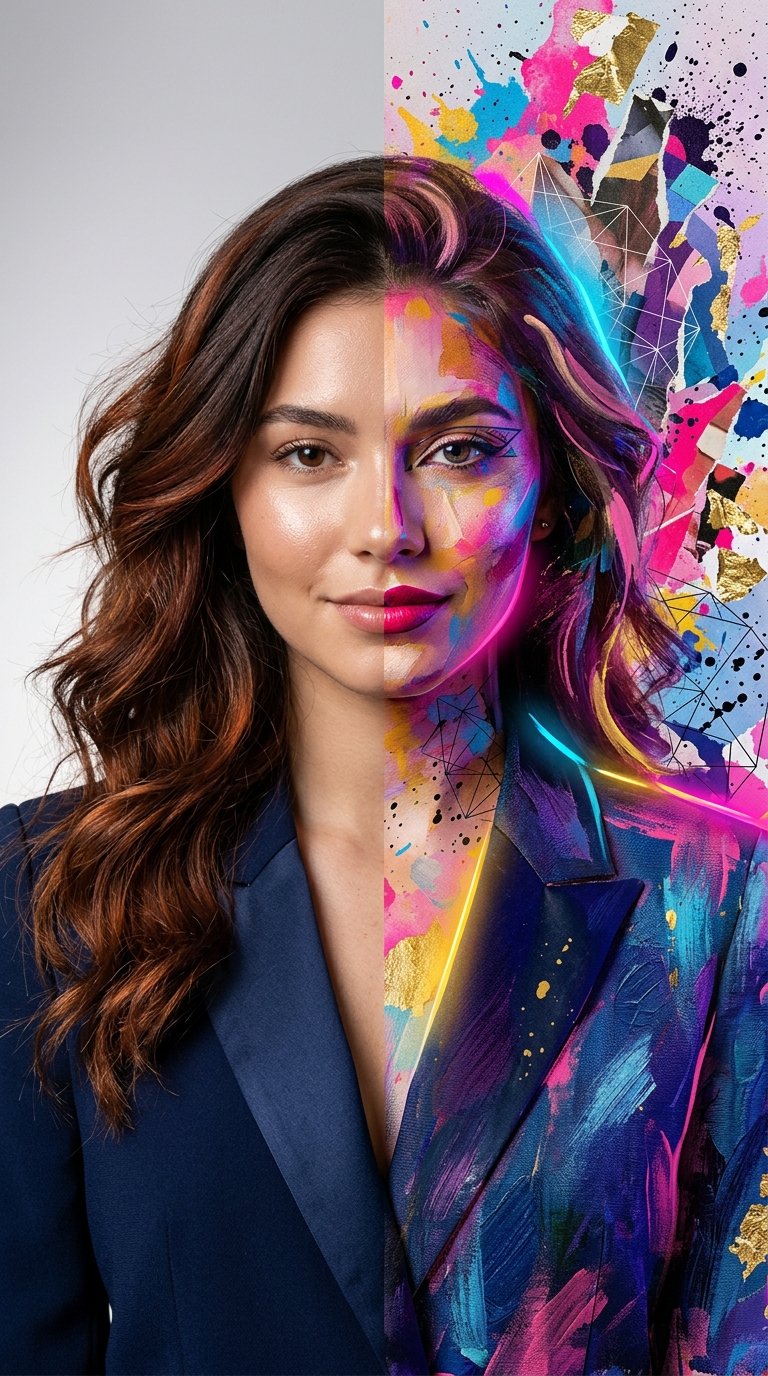
Split Portrait - Mixed Media
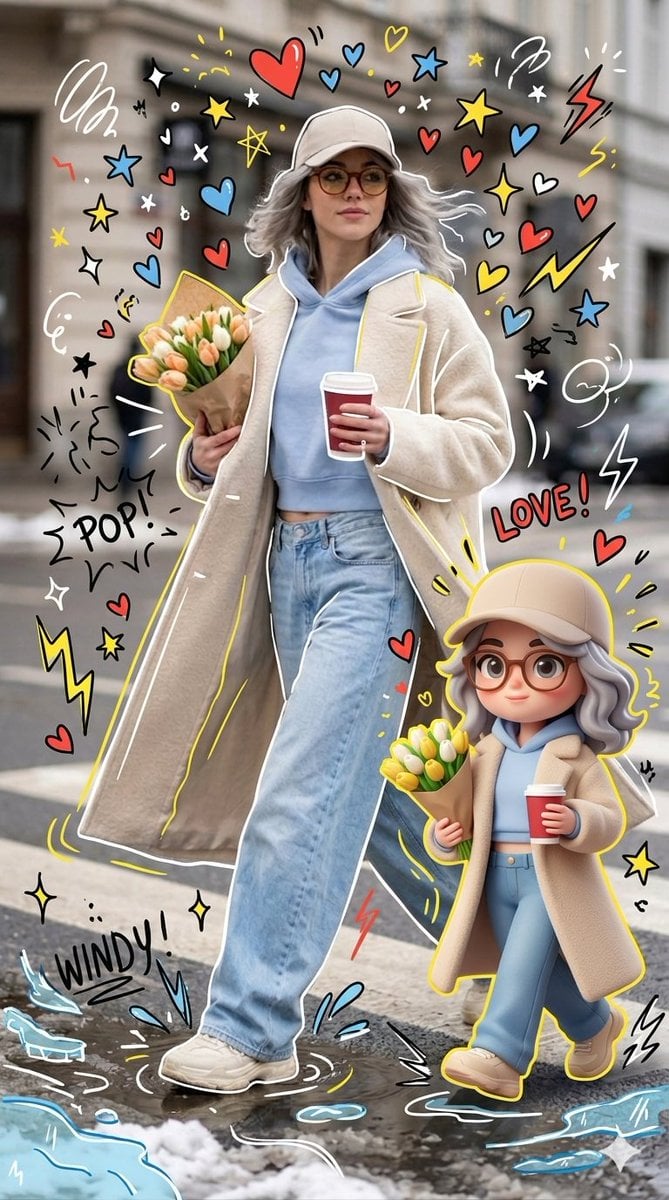
Mixed-media Chibi portrait
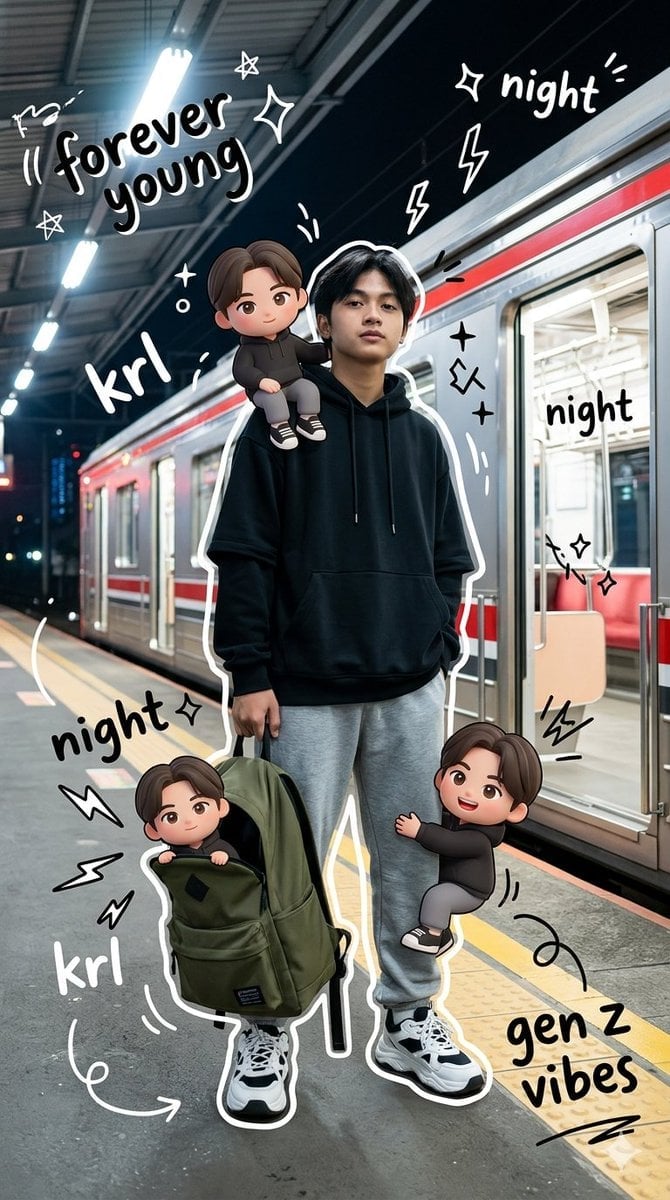
Gen Z Mixed-Media Portrait with Chibi Effects
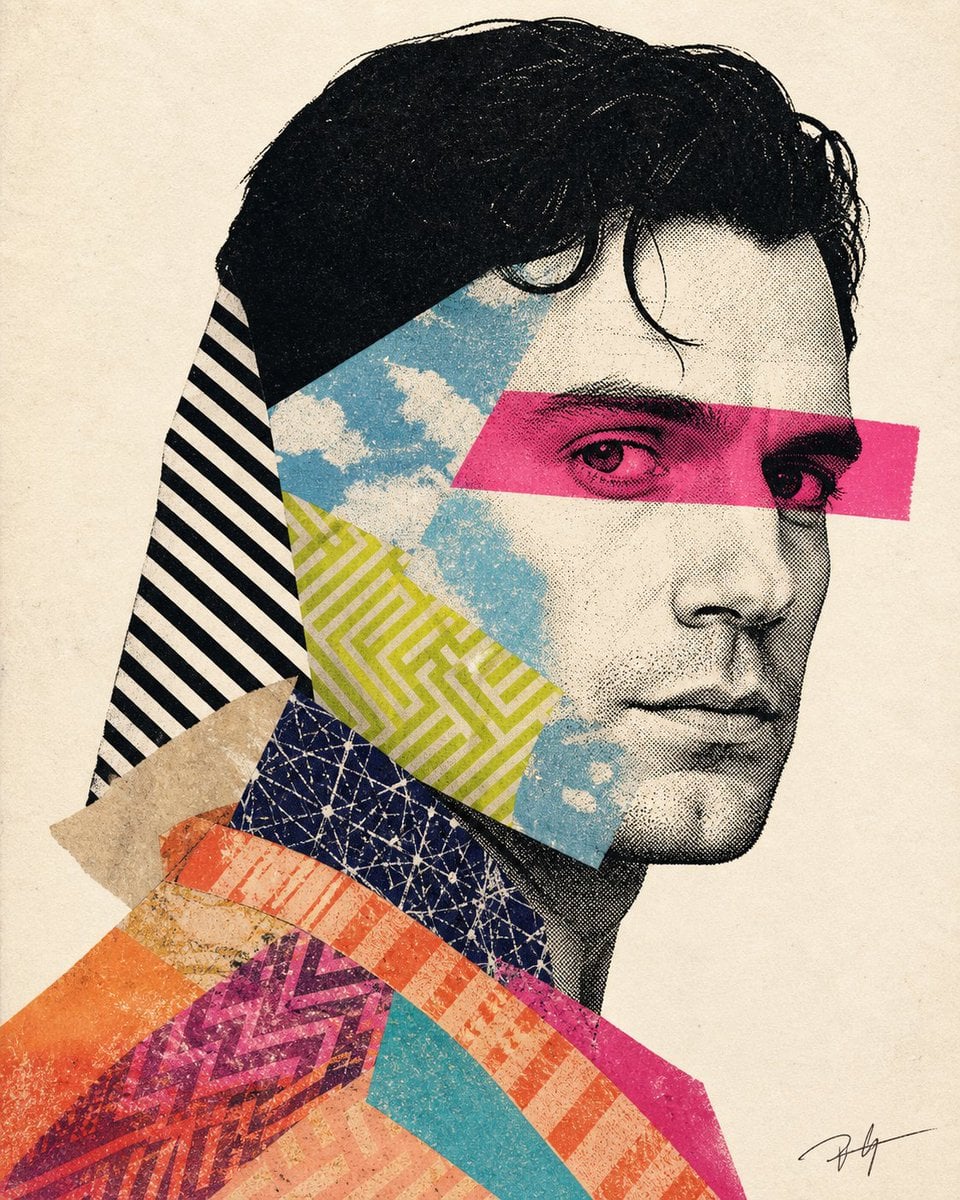
Mixed-media collage portrait illustration
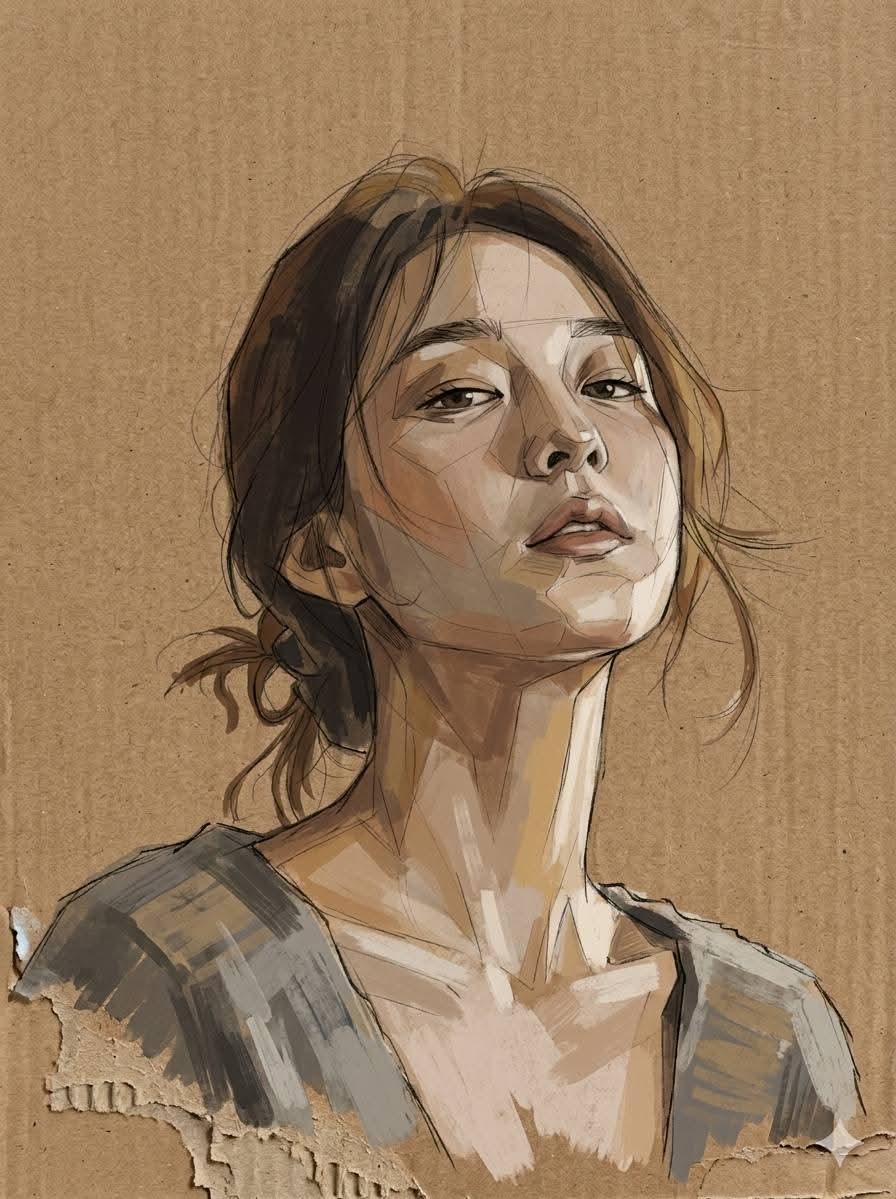
Cardboard Mixed Media Portrait
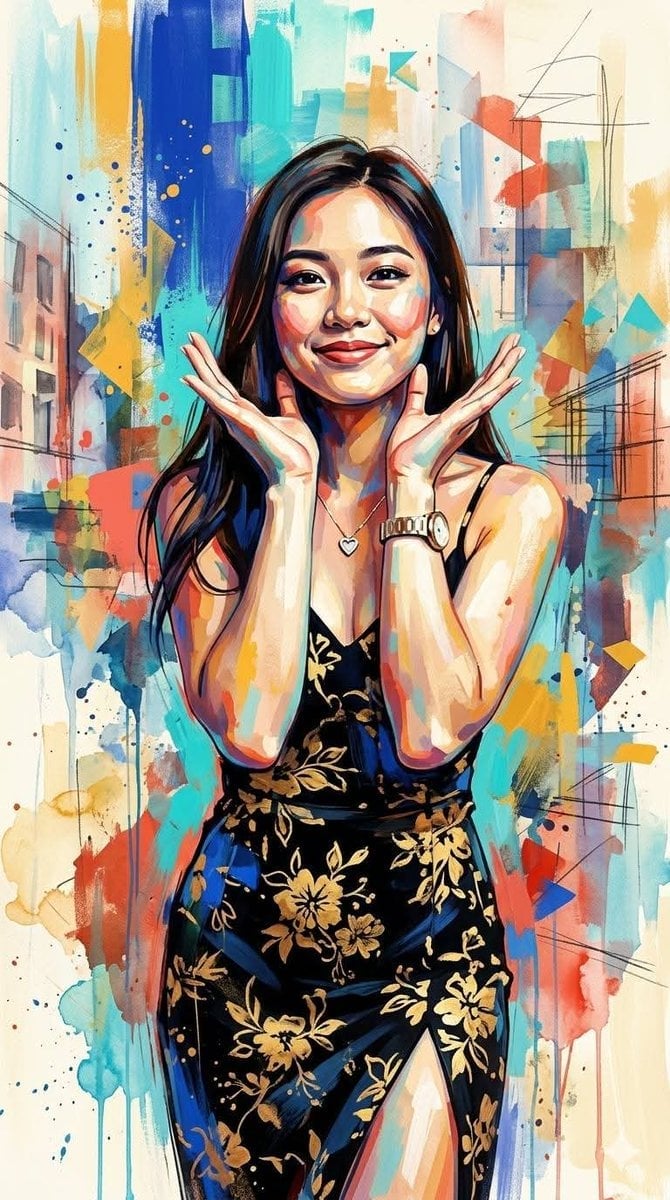
Contemporary Mixed-Media Abstract Portrait
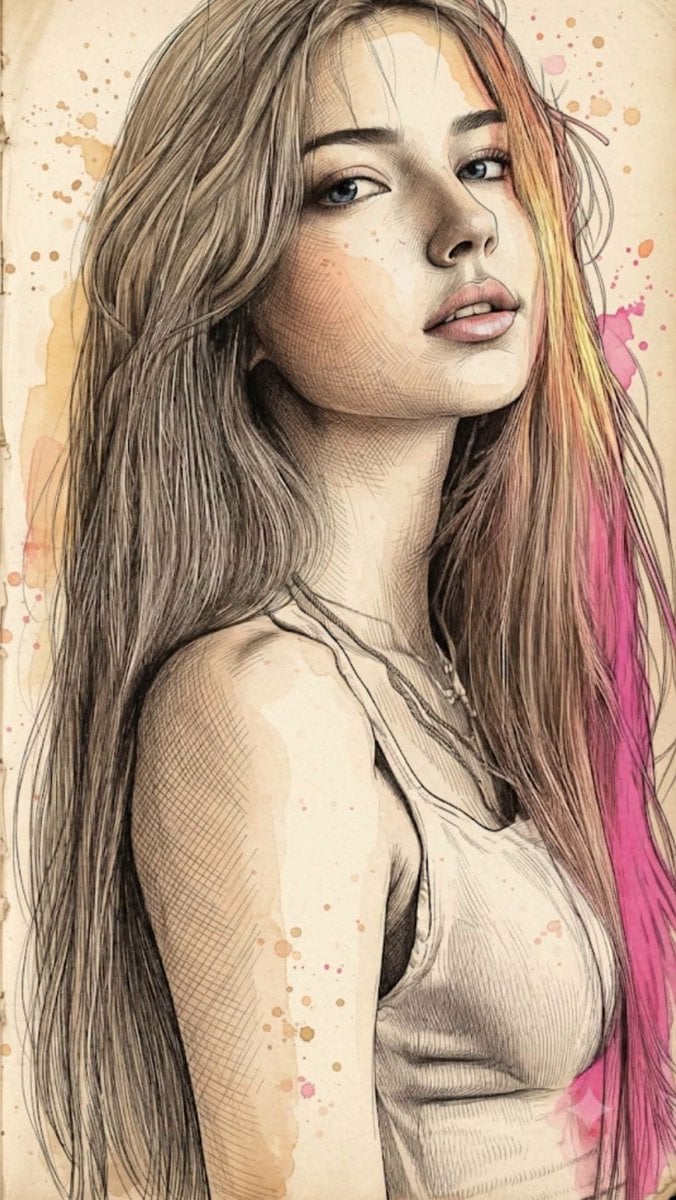
Fine Art Mixed-Media Portrait Illustration
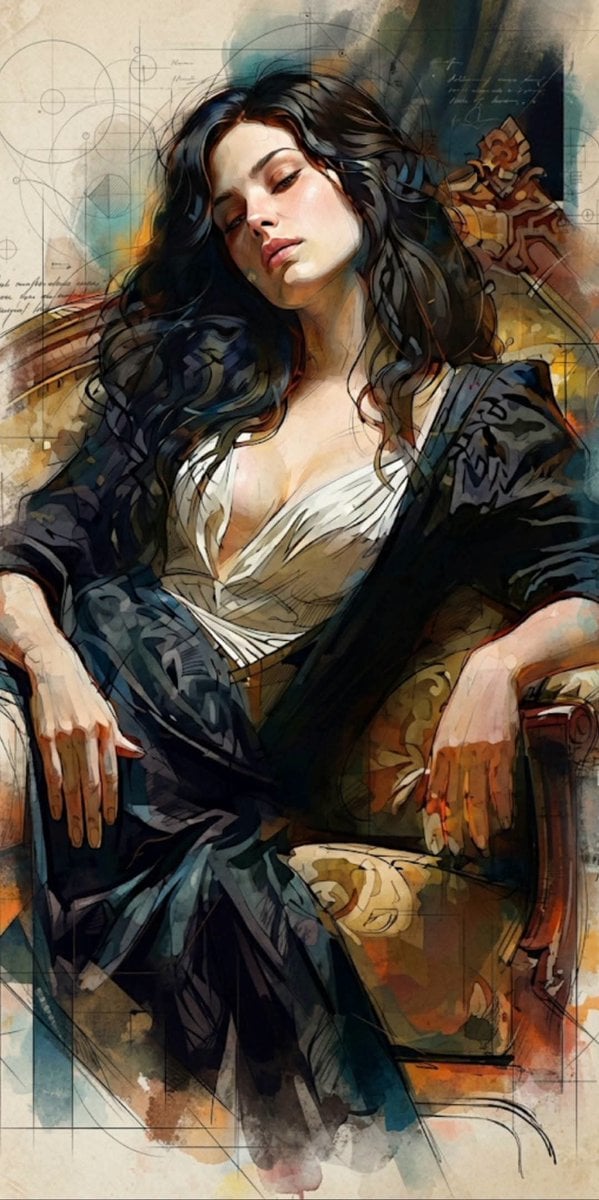
Mixed Media Cinematic Portrait Illustration
Make it yours
Vintage Mixed-Media Muse Portrait works as-is. These are the safest ways to change it without losing the look.
Change one field
Copy a single group, rewrite it, and generate again so you can see what that field is doing.
Keep the frame, change the subject
Hold the composition and light of Vintage Mixed-Media Muse Portrait, then swap wardrobe, props or the person for a new take.
| If the result… | Why | Fix |
|---|---|---|
| The result drifts from the preview | Too many fields changed at once. | Reuse Vintage Mixed-Media Muse Portrait as-is first, then change one group — subject, light, or setting. |
| The model over-stylizes the scene | The prose prompt leaves finish and camera underspecified. | Add one camera or lighting sentence and stay on GPT Image 2. |
More GPT Image 2 templates
Other prompts made for GPT Image 2.

Six VTuber Japanese Logo Sheet

Realistic Portrait of Woman and Deer

The Vista Modular Condo Poster

AI Model Routing Comparison Infographic

2.5D Anime Art Board

Isometric Productivity Desk Scene

New York Double Exposure Poster

Four-Panel AI Landscape Comparison

Japanese Tatami Lifestyle Magazine Cover

NESCAFÉ Coffee Map Poster
More image prompts
Fresh picks from across the catalog.
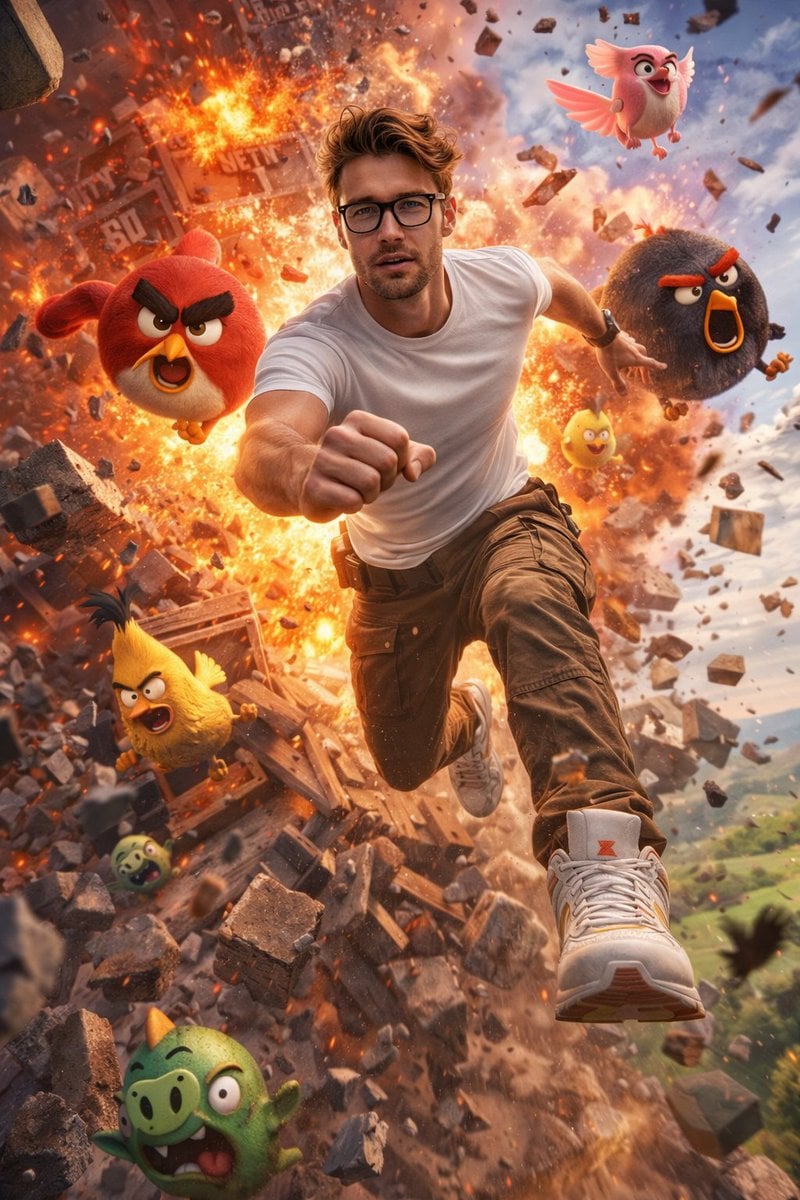
Ultra-Realistic Man in Angry Birds World
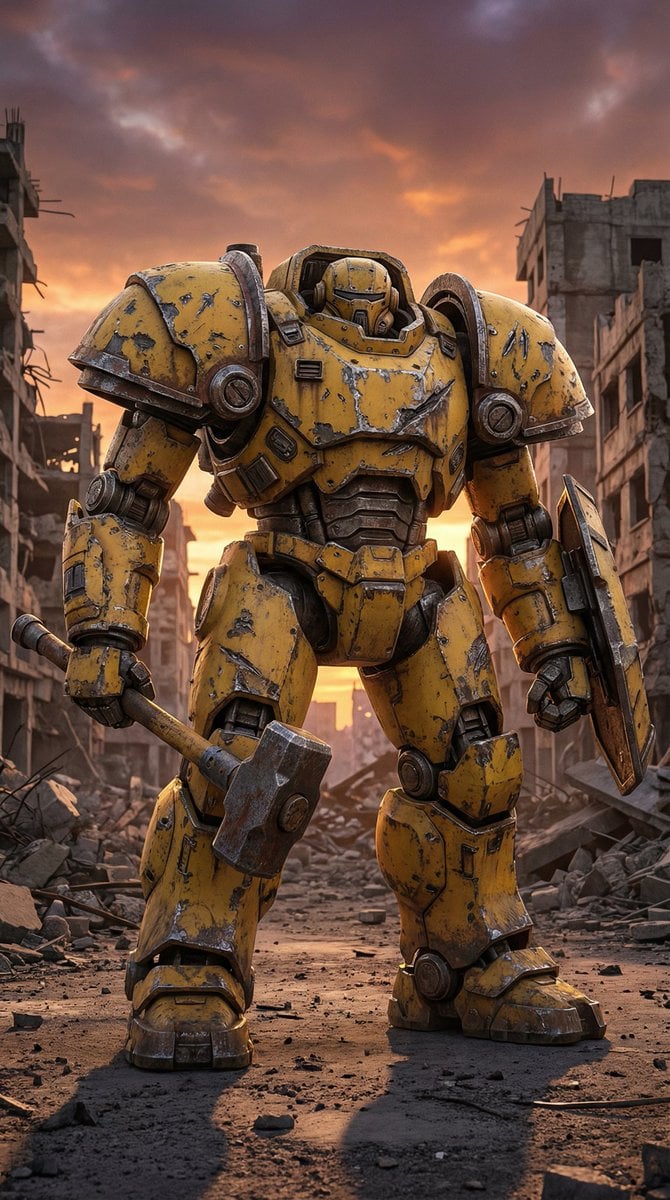
Photorealistic Battle-Damaged Mech Prompt
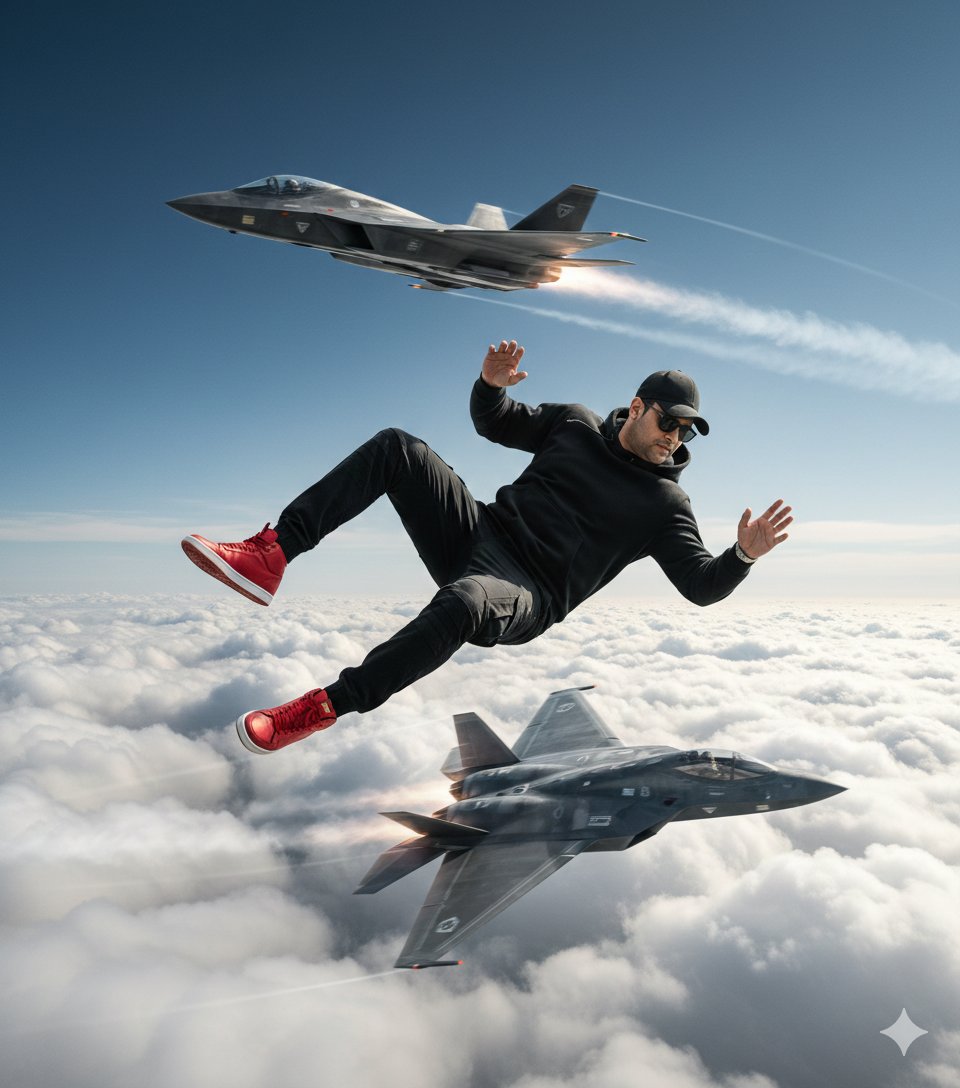
Ultra-Realistic Cinematic Scene of Floating in Mid-Air
Green Sport Motorcycle Mountain Road
3D Chibi Food Advertisement Scene
Cinematic Urban Commute Fashion Editorial
Image Generation Prompt: Rembrandt Style Painting
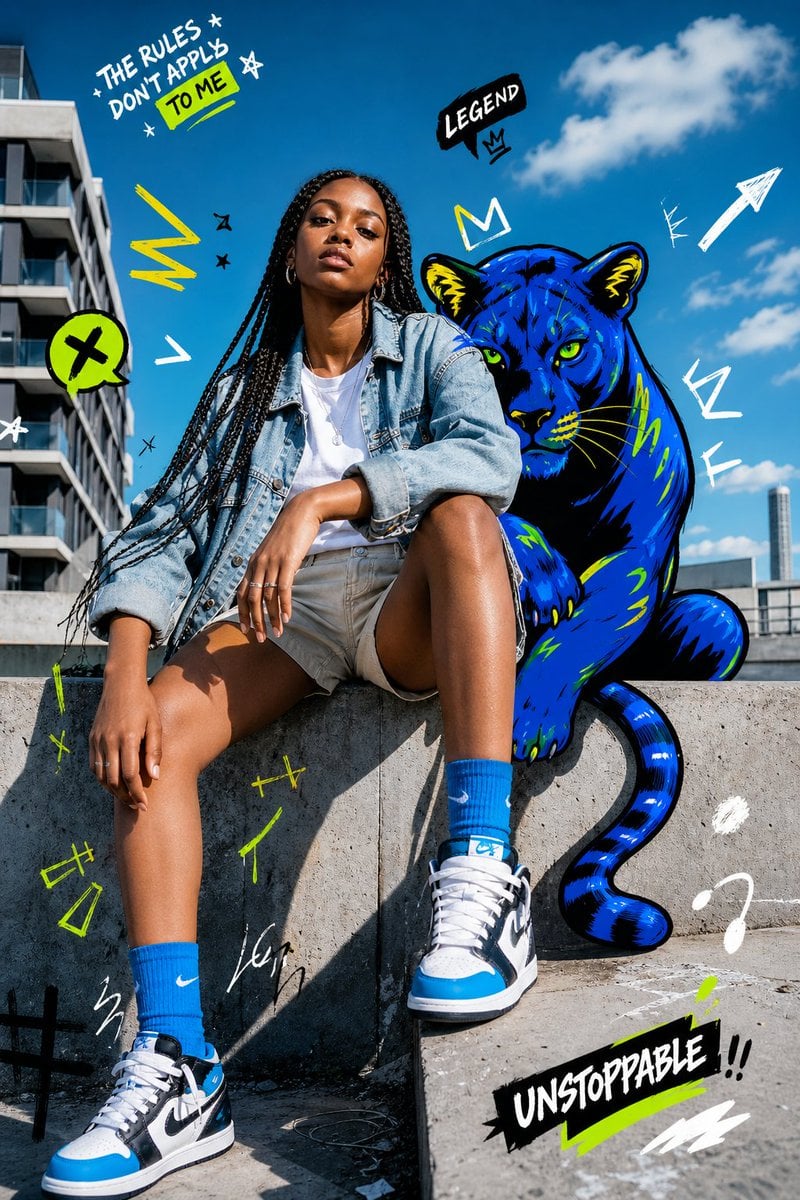
Street Fashion Panther Graffiti
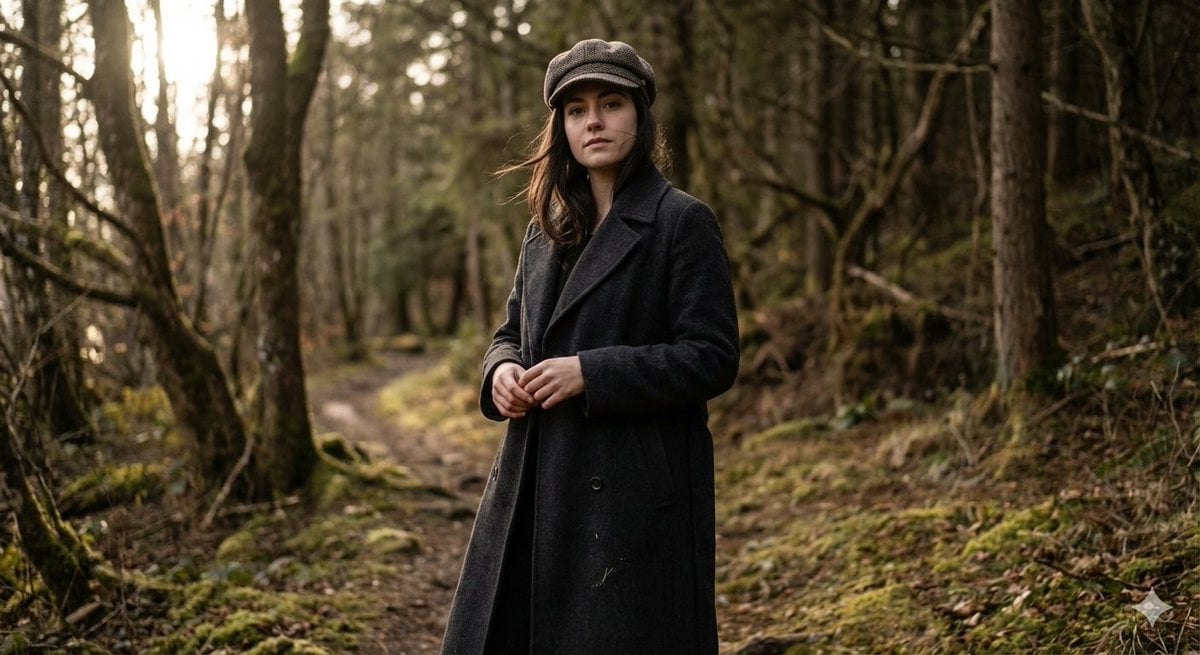
Realistic Full-Body Portrait in Forest Prompt
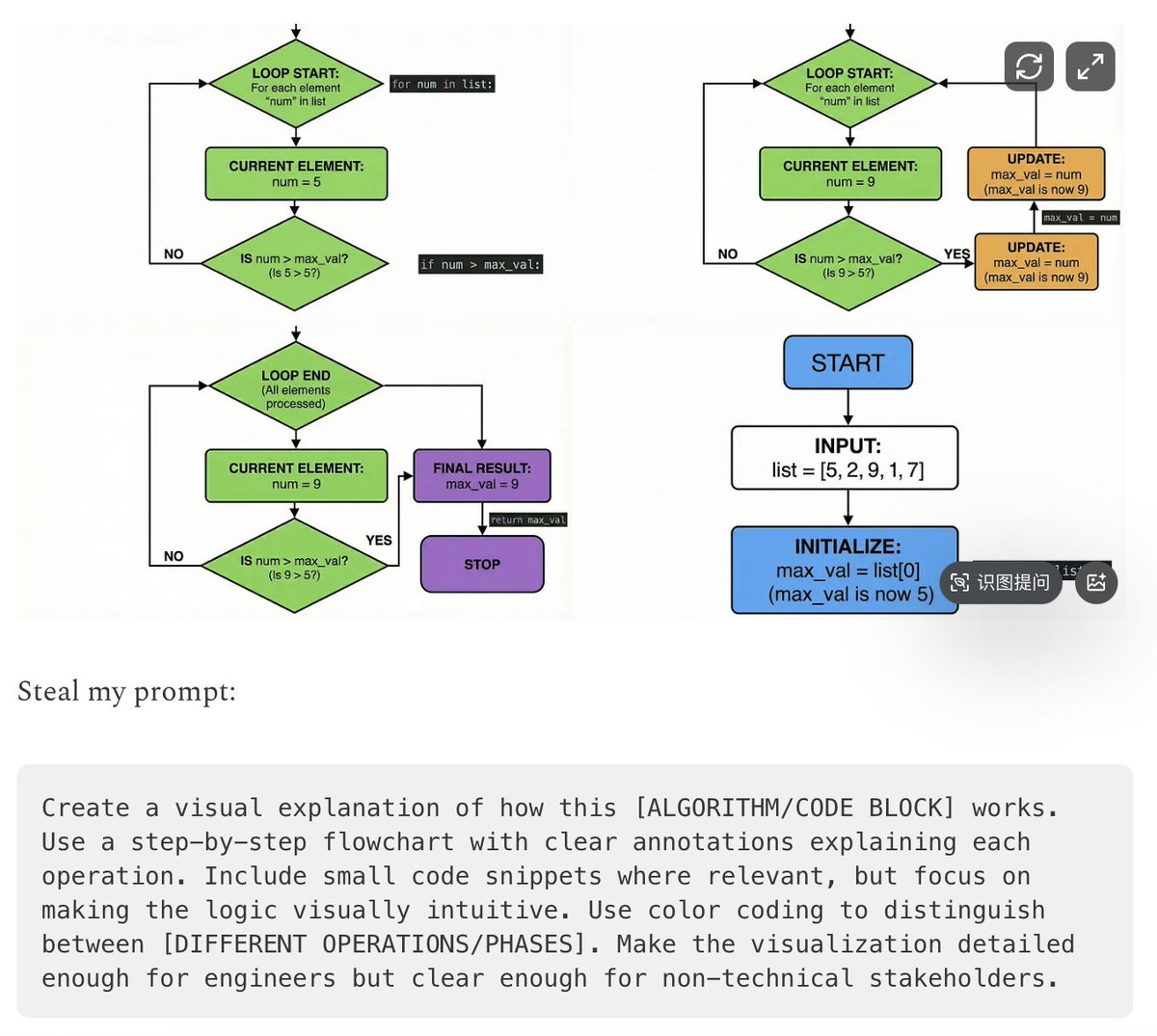
Five High-Efficiency Nano Banana Pro Prompts for Business Graphics
Browse template categories
Vintage Mixed-Media Muse Portrait questions
How do I use the Vintage Mixed-Media Muse Portrait template?
Add your photo if the template asks for one, edit the prompt if you like — the template's model and format are already selected — and press Generate. Your version opens in PicX Studio.
Can I customize the Vintage Mixed-Media Muse Portrait template?
Yes. You can change the subject, setting, lighting, mood, format, and available model controls before creating your image.
Is the Vintage Mixed-Media Muse Portrait template free?
Opening and editing this template is free. Generating uses credits, shown on the Generate button when you are signed in.
Which AI model should I use?
Start with GPT Image 2, which is the model associated with this template. You can compare another compatible model for a different finish.
Looking for something else? Browse all templates.

Your photo, any look
Thousands of ready templates for every top image and video model, from one credit balance.