
Mixed Media Cinematic Portrait Illustration
An extremely detailed prompt for a semi-realistic, neo-editorial portrait that blends architectural drafting elements with expressive oil painting and digital textures.
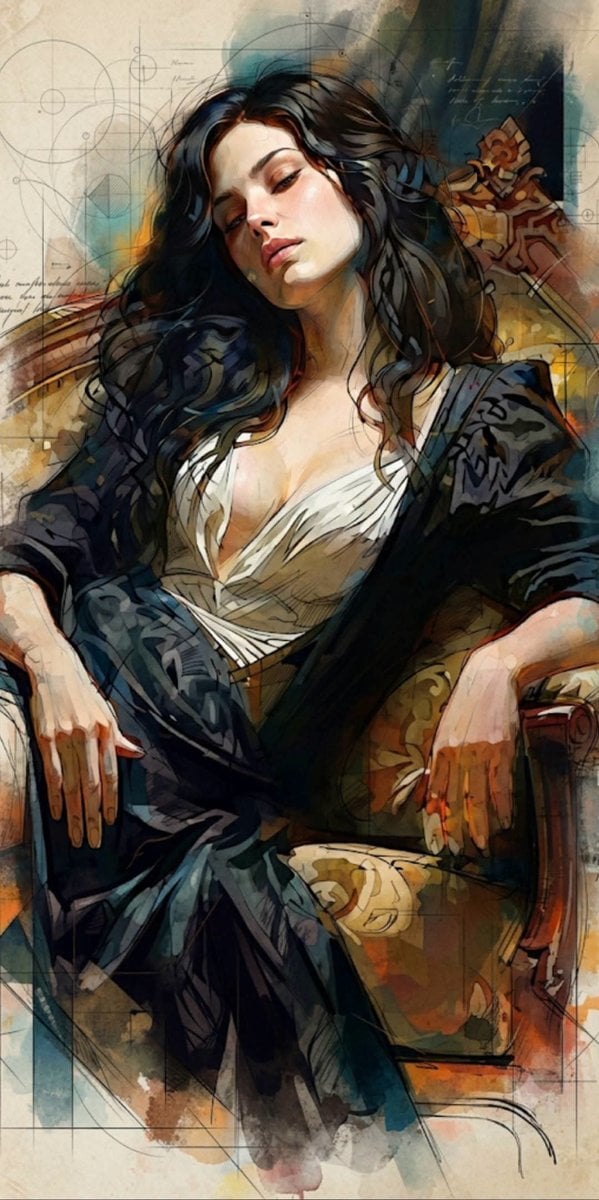
- Prompt included
- Model and format preset
- Free template
The prompt behind this image
Copy the exact prompt behind Mixed Media Cinematic Portrait Illustration, or open it in the studio and make it yours.
Ultra-detailed {argument name="style" default="neo-editorial cinematic portrait illustration"} rendered in a hybrid semi-realistic painterly-engineering style, combining refined anatomical realism with expressive sketch abstraction and futuristic conceptual drafting. The artwork fuses elegant graphite fashion illustration, architectural blueprint aesthetics, and richly layered digital painting into a visually immersive mixed-media composition. Human anatomy is highly accurate and sculptural, featuring luminous skin gradients, tactile pores, subtle wrinkles, refined facial contours, and soft glossy highlights. Facial rendering is extremely expressive and emotionally cinematic, with sharp eyes, delicately shaded brows, natural lips, and dramatic warm rim lighting blending golden-orange glow with cool bluish atmospheric reflections. Smooth polished rendering transitions coexist with rough textured brushwork, etched shading, and visible painterly grain. Fine ultra-thin micro-line drafting overlays merge seamlessly with loose hand-drawn sketch strokes, cross-hatching, technical contour lines, and schematic construction marks. Portions of the composition intentionally retain unfinished artistic energy: faded edges, dissolving contours, partially erased strokes, and fragmented geometric segmentation inspired by cubist blueprint structures. Certain body and fabric areas transform into layered painterly abstraction with watercolor diffusion, acrylic textures, expressive oil-like sweeps, and deconstructed mixed-media detailing. Lighting is highly cinematic and directional, creating deep volumetric shadows and glowing highlights with dramatic editorial contrast. The composition balances softness and structure—warm sepia shadows, sculpted highlights, and atmospheric diffusion enhance emotional depth while maintaining precision-engineered visual control. Background features a fusion of textured parchment surfaces and futuristic technical collage aesthetics: faint diagrams, circles, architectural annotations, handwritten marks, layered scratches, drafting elements, grain textures, faded paper imperfections, and atmospheric painterly haze. The environment feels both vintage and futuristic, combining analog artistic charm with advanced conceptual design language. Color palette blends earthy sophistication with vibrant cinematic accents: {argument name="colors" default="warm beige, creamy ivory, ochre, burnt orange, golden yellow, sepia brown, muted charcoal, deep bluish-green, cobalt blue, and subtle black-red highlights"}. Tonal harmony emphasizes warm desaturated realism contrasted by luminous energetic accent colors. Overall aesthetic is intimate, melancholic, elegant, high-fashion, cinematic, and emotionally powerful—an artistic fusion of vintage sketchbook illustration, futuristic engineering draftsmanship, cubist fragmentation, expressive oil painting, and contemporary editorial digital realism. No text, no logo and no watermark. R 9:16.
How to use Mixed Media Cinematic Portrait Illustration in 3 steps
- 1
Open
The prompt is already in the box next to the preview, with the template's model and format selected.
- 2…a portrait of your subject in softgolden-hour light, 85mm…
Personalize
Edit the subject and creative details for your destination.
- 3Generate
Generate
Press Generate — your image is created in PicX Studio, so you can compare it with the original and refine one variable at a time.
More like this
Templates with the same subject, style or setup. Open one to see its prompt.
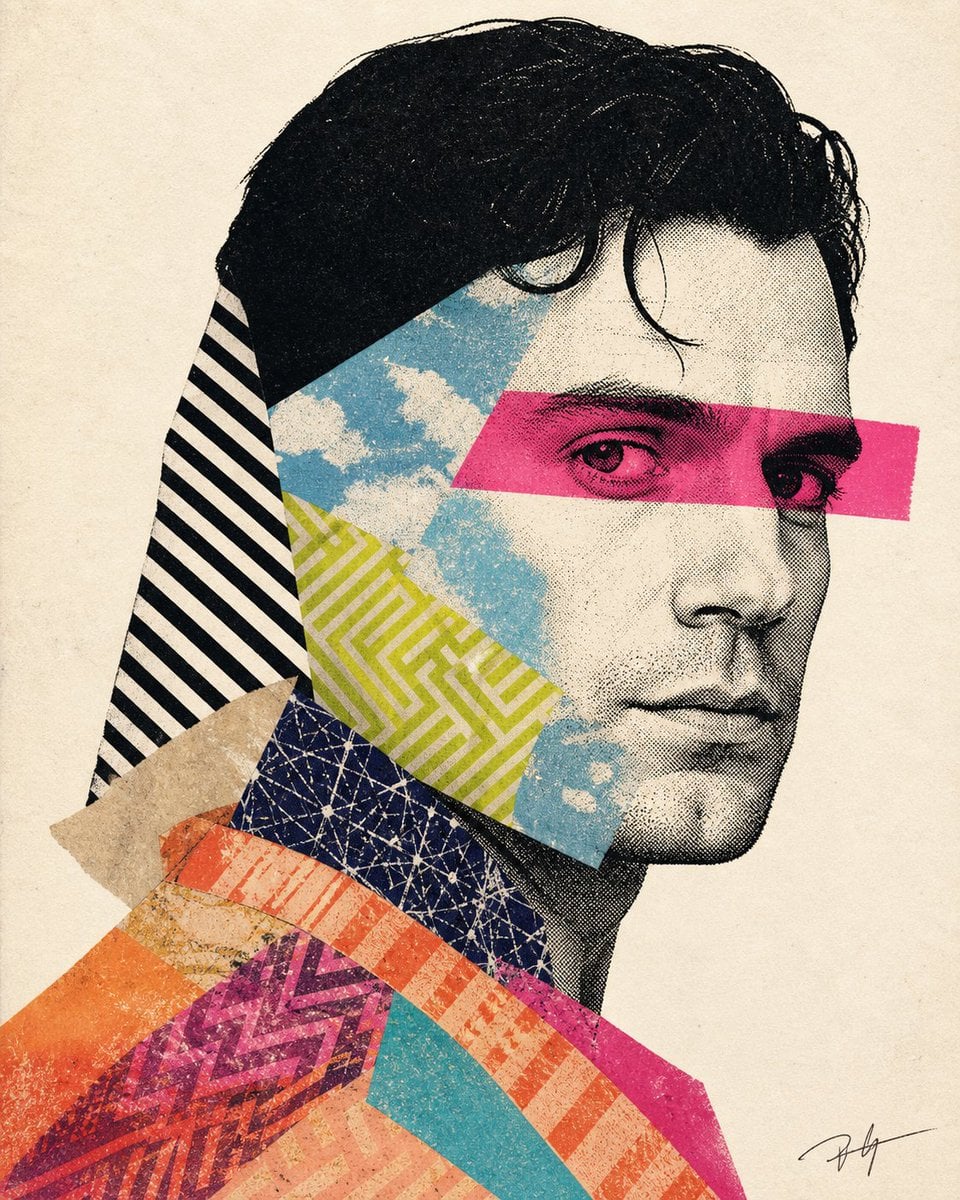
Mixed-media collage portrait illustration
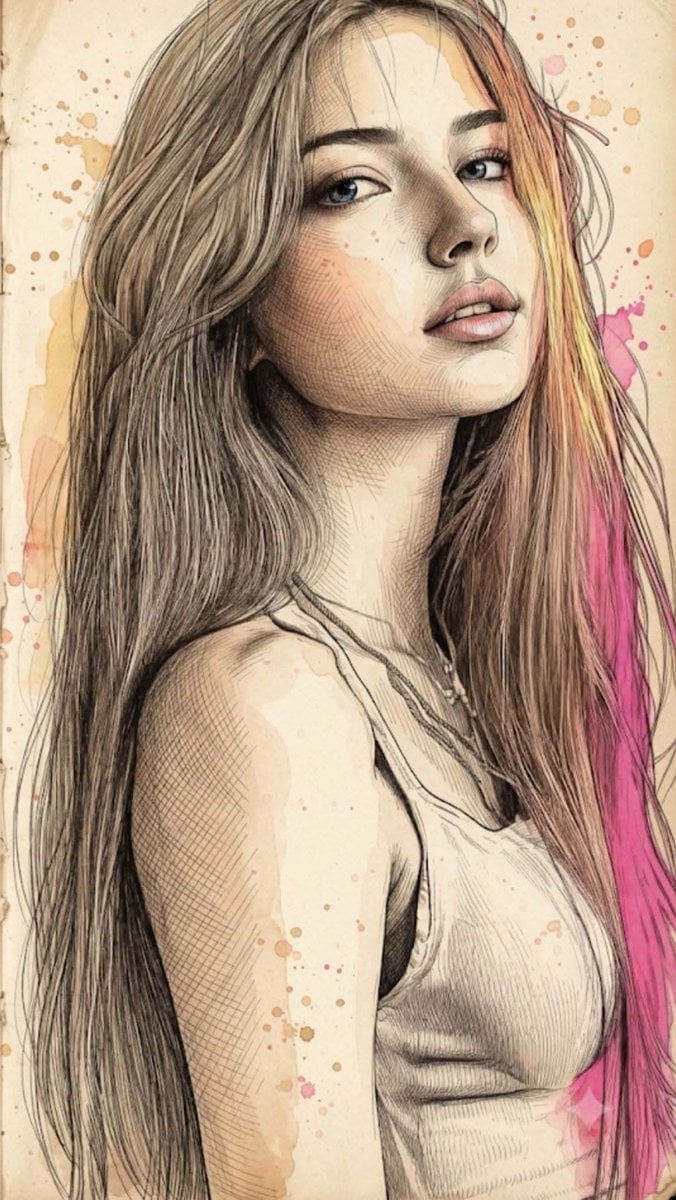
Fine Art Mixed-Media Portrait Illustration
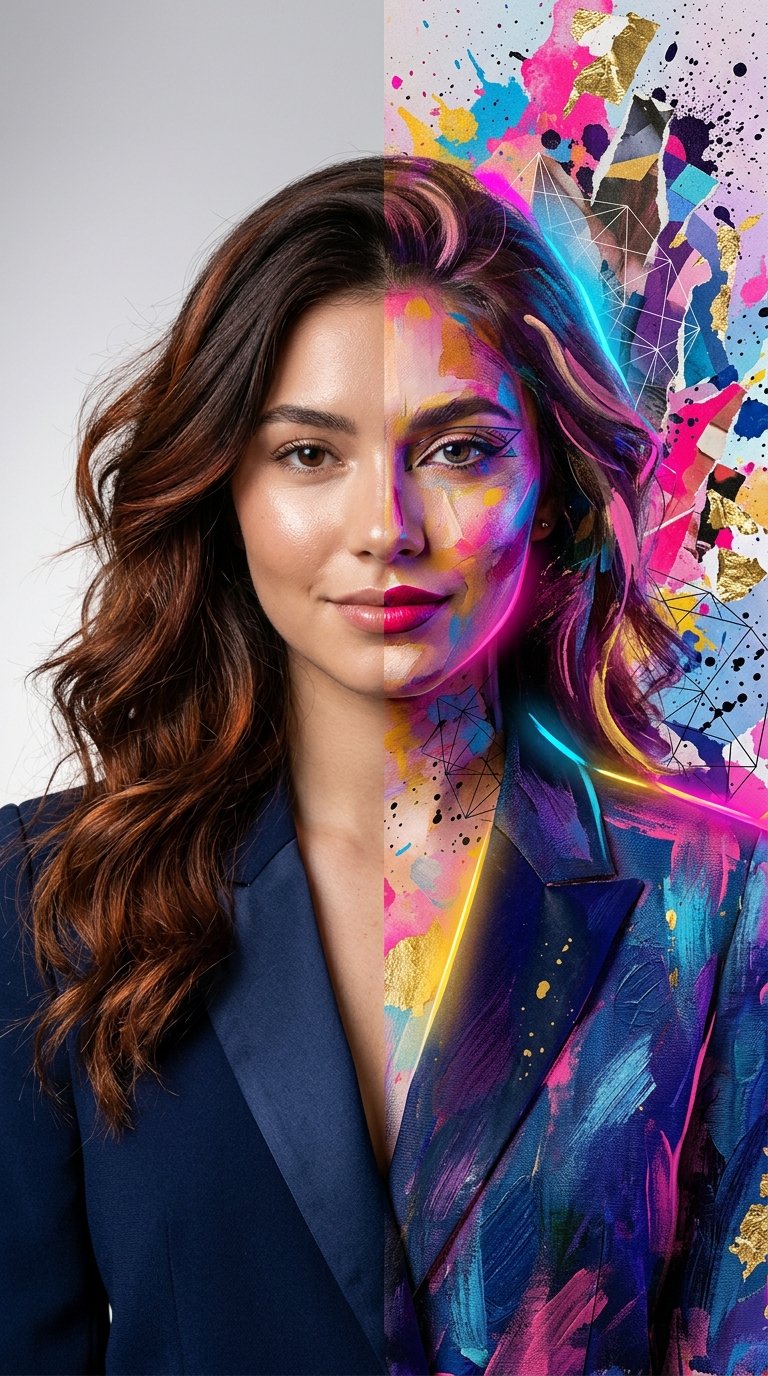
Split Portrait - Mixed Media
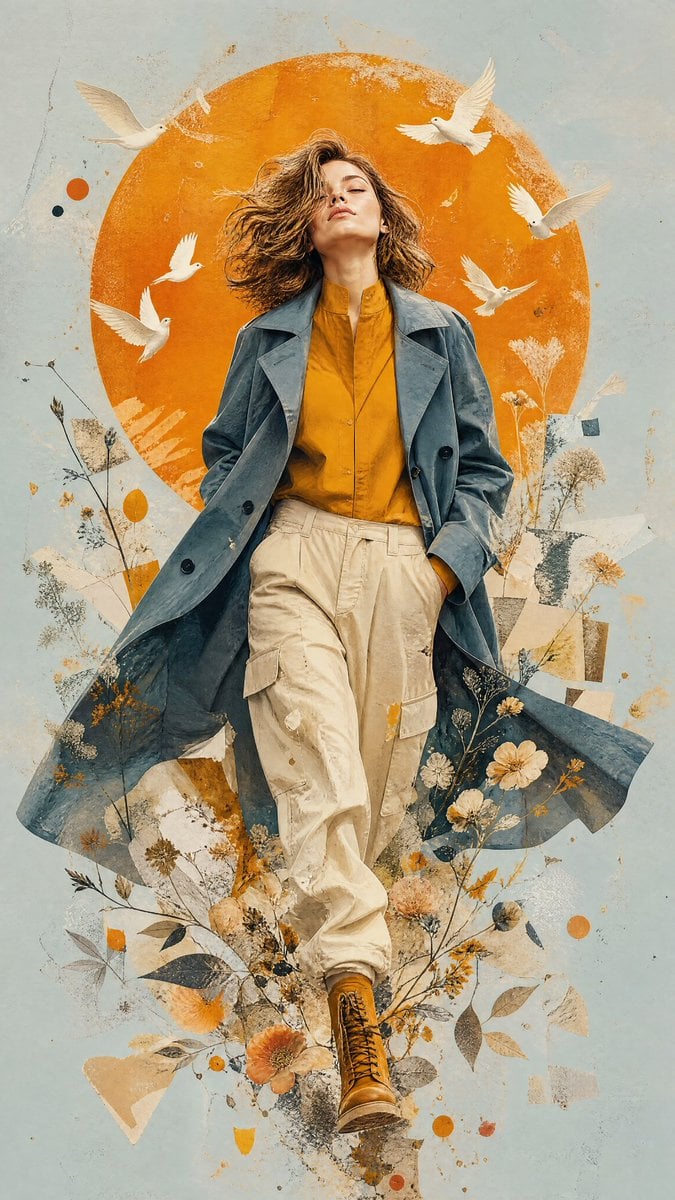
Mixed-Media Editorial Illustration
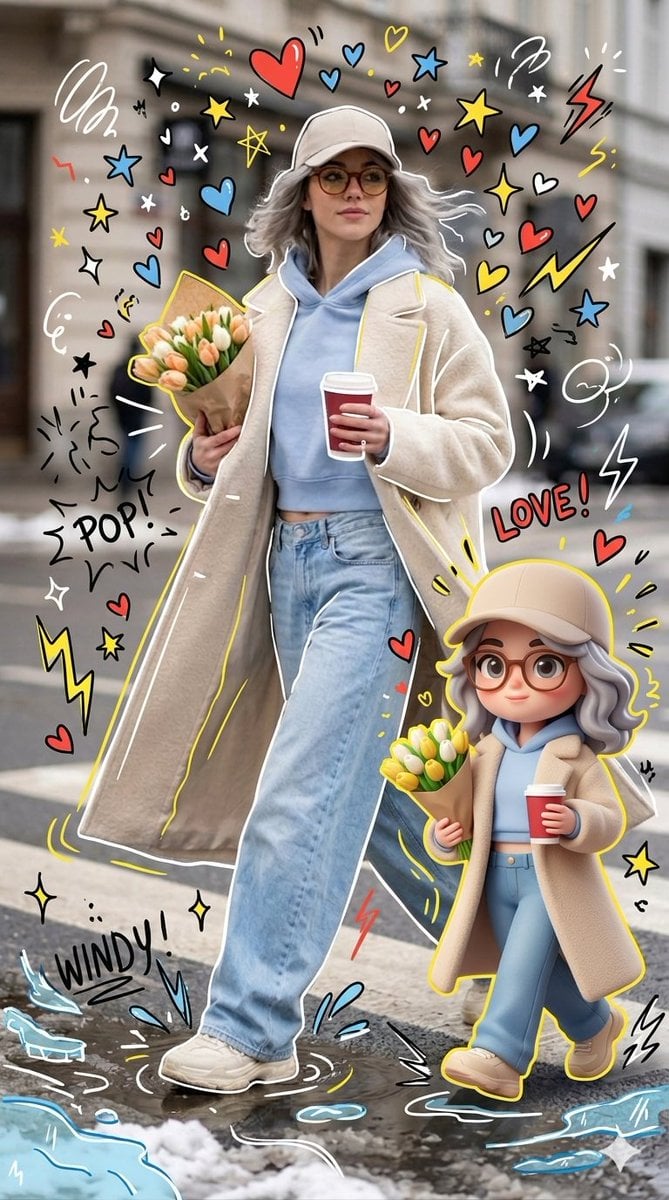
Mixed-media Chibi portrait
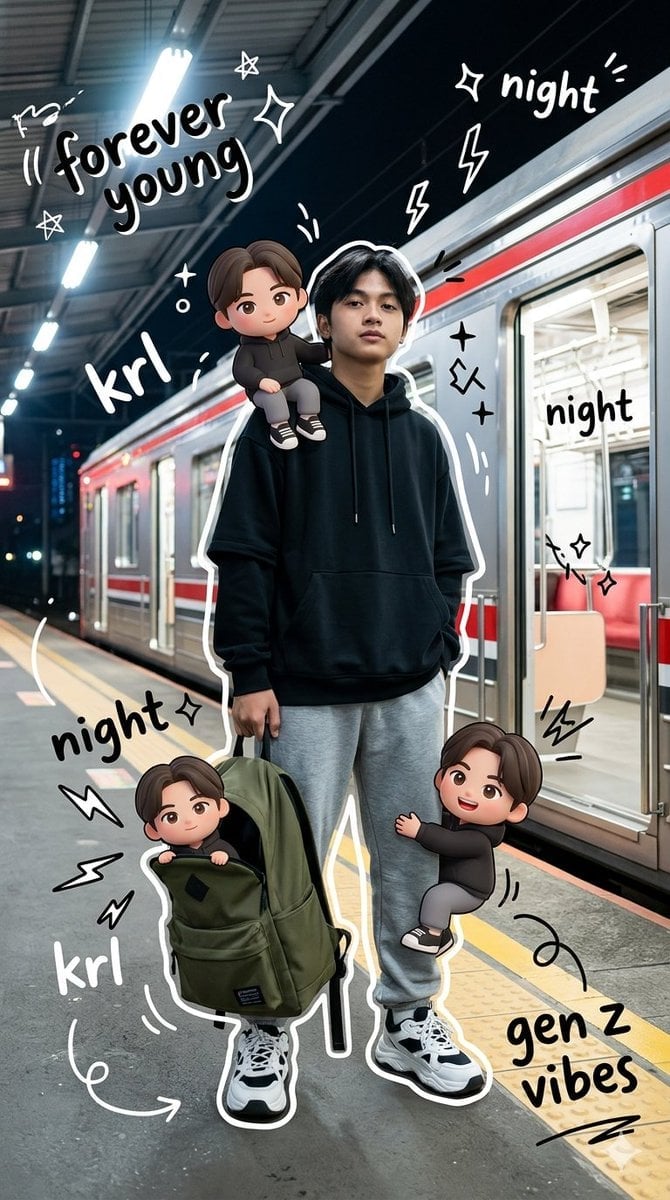
Gen Z Mixed-Media Portrait with Chibi Effects
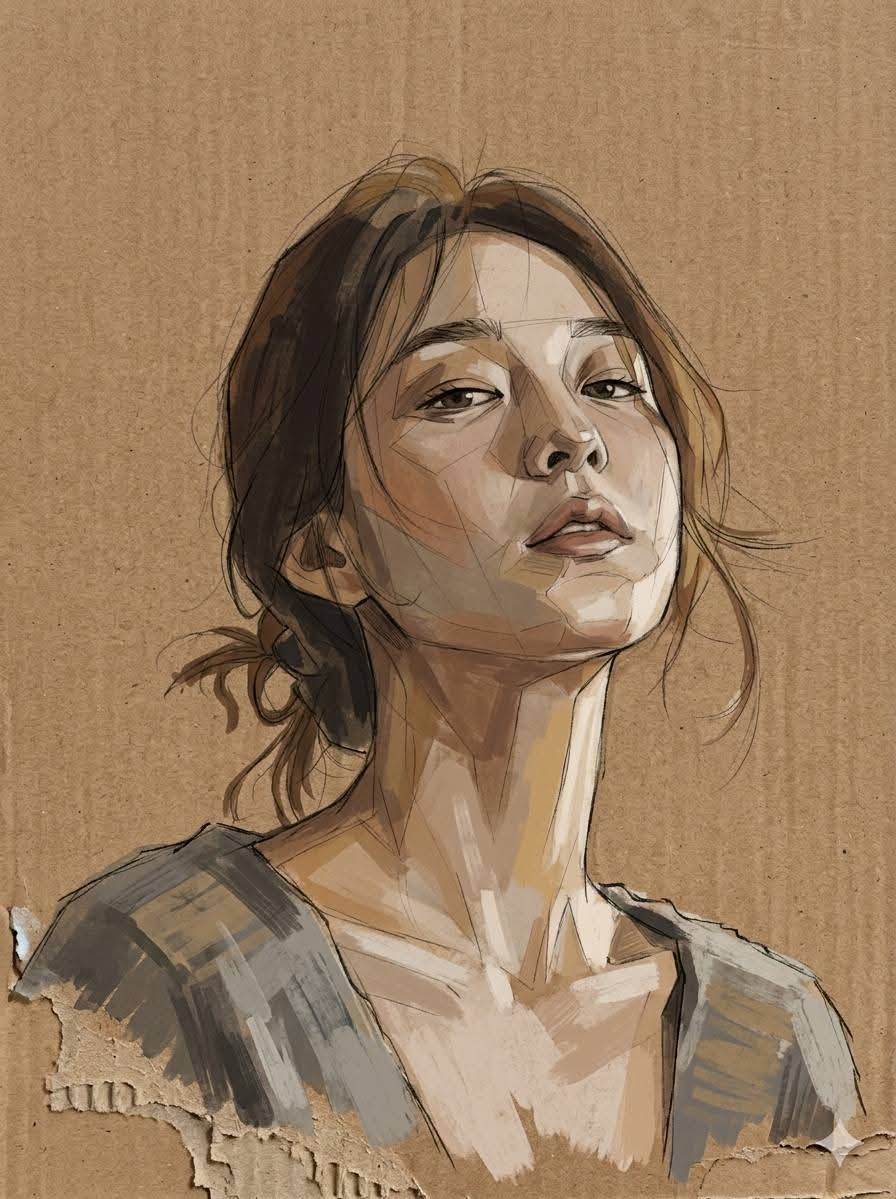
Cardboard Mixed Media Portrait
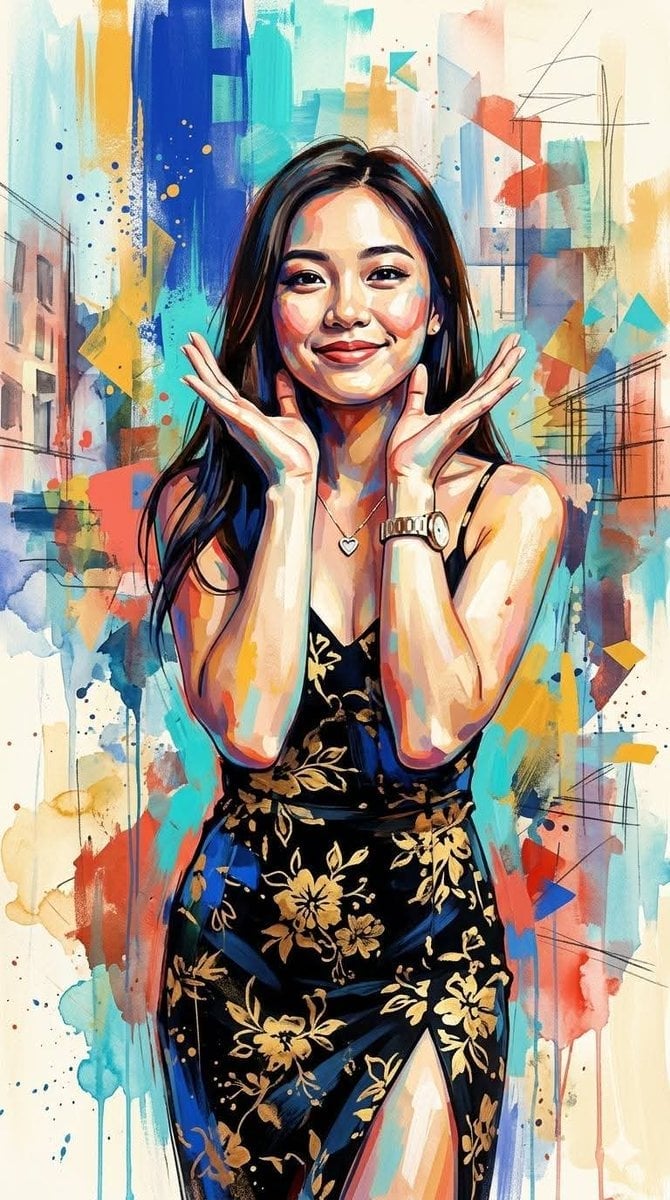
Contemporary Mixed-Media Abstract Portrait
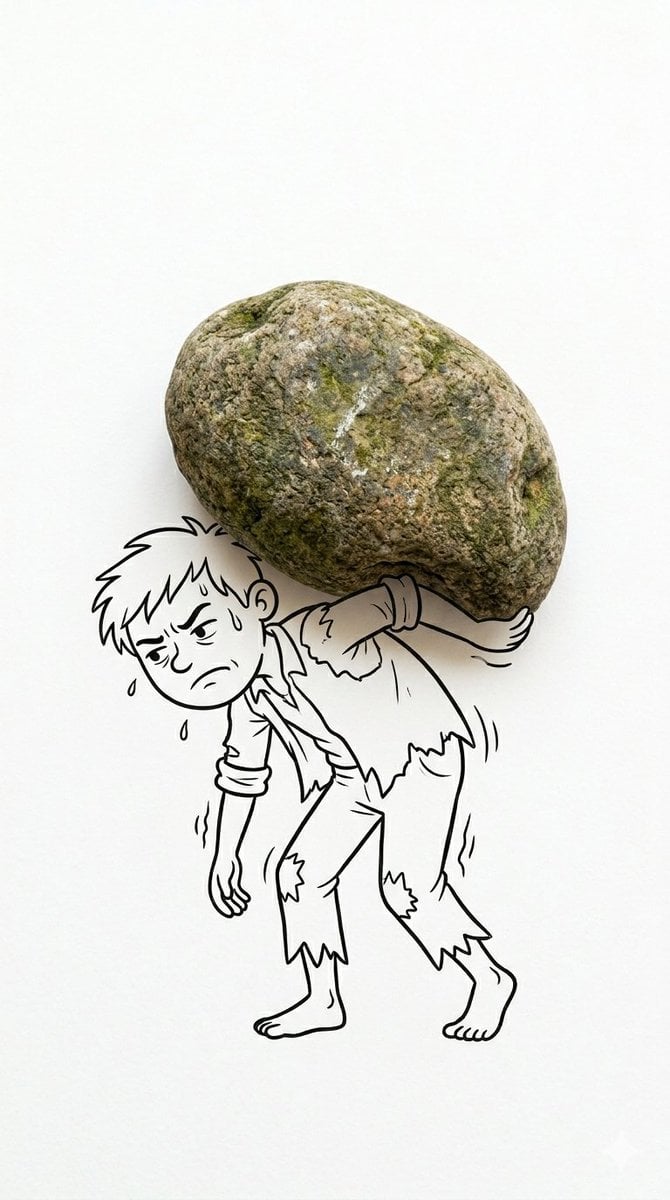
Creative Mixed Media Photo and Ink Illustration Fusion
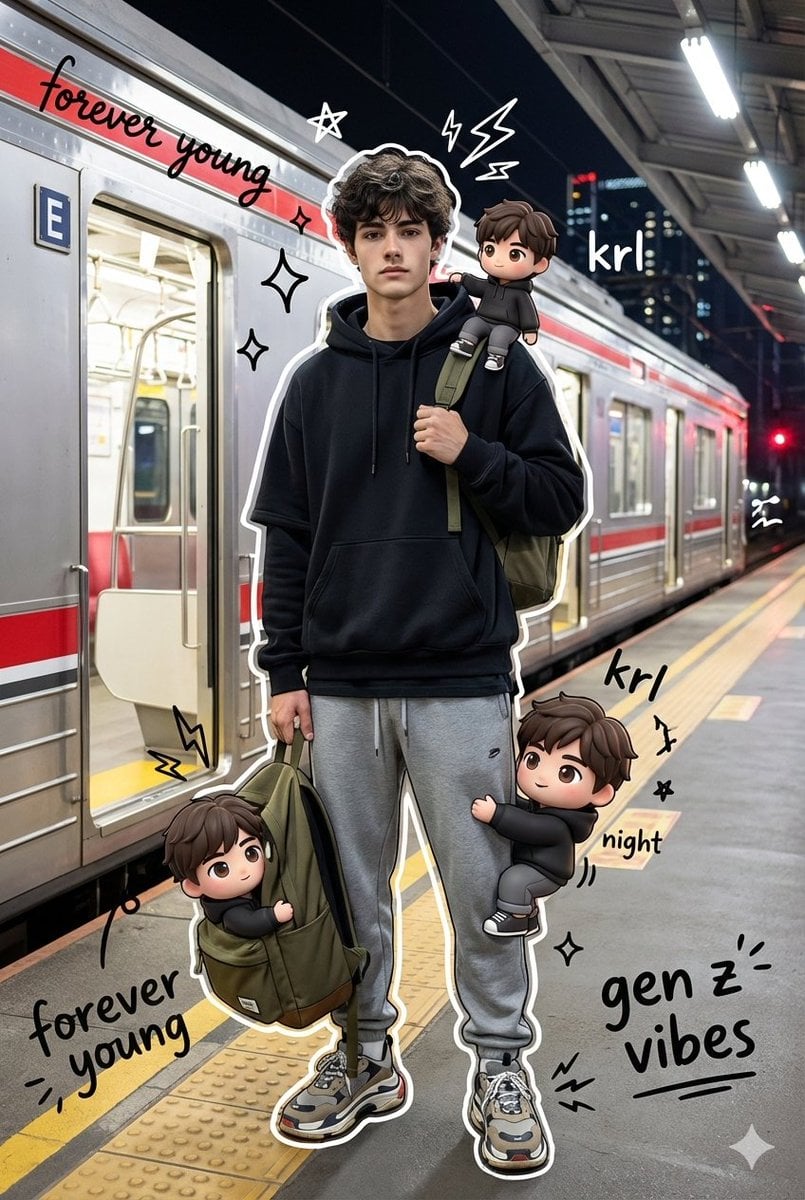
Mixed Media Chibi Streetwear Portrait
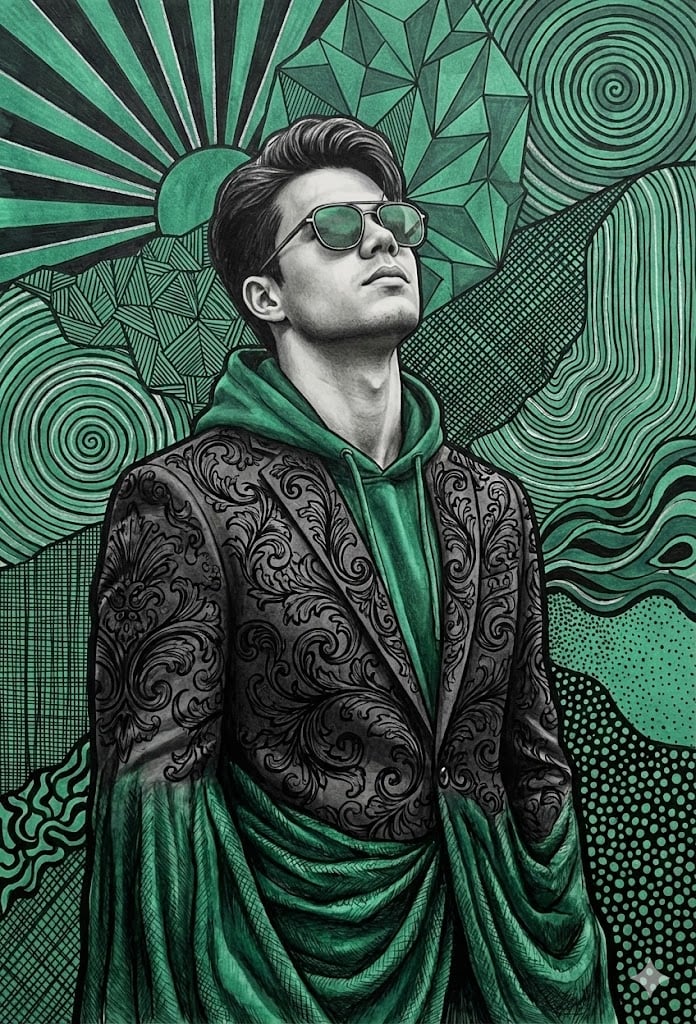
Emerald and Charcoal Mixed-Media Pop Realism Portrait Prompt
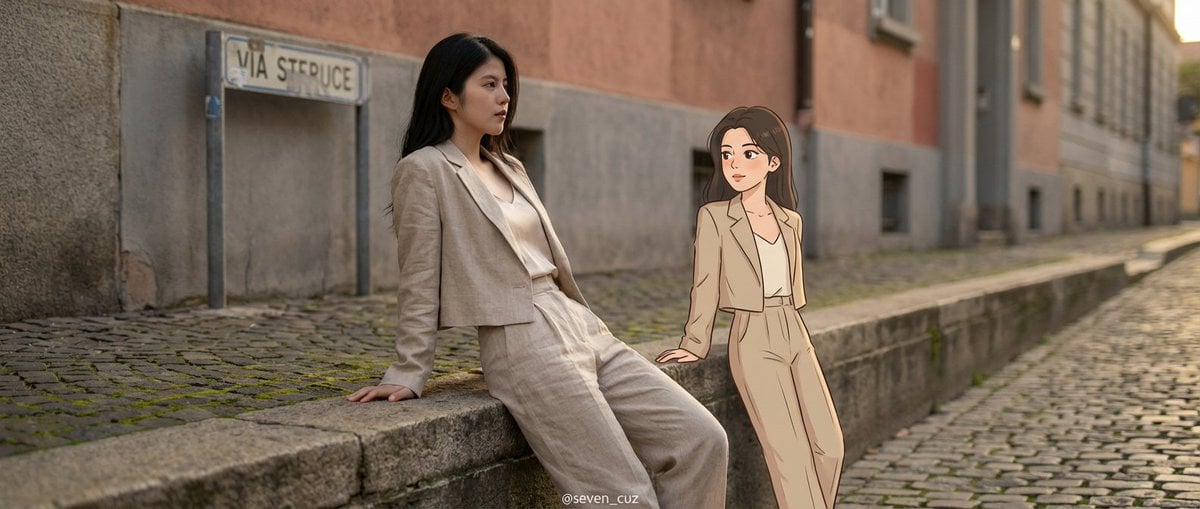
Mixed-Media Crossover Portrait (Real and Cartoon)
Make it yours
Mixed Media Cinematic Portrait Illustration works as-is. These are the safest ways to change it without losing the look.
Change one field
Copy a single group, rewrite it, and generate again so you can see what that field is doing.
Keep the frame, change the subject
Hold the composition and light of Mixed Media Cinematic Portrait Illustration, then swap wardrobe, props or the person for a new take.
| If the result… | Why | Fix |
|---|---|---|
| The result drifts from the preview | Too many fields changed at once. | Reuse Mixed Media Cinematic Portrait Illustration as-is first, then change one group — subject, light, or setting. |
| The model over-stylizes the scene | The prose prompt leaves finish and camera underspecified. | Add one camera or lighting sentence and stay on Nano Banana 2. |
More Nano Banana 2 templates
Other prompts made for Nano Banana 2.

Photorealistic Leaf Shaped Like a Dragon

K-Pop Idol Portrait Grid for Rapid Selection

Poetic Rain Forest Portrait During Golden Hour

Urban Street Portrait with Cartoon Inner Self Duo

Candid Nighttime Photo with Cat Prompt

High-Concept 3D Diorama Generation Prompt

Cinematic Futuristic Studio Portrait Template

Skincare Editorial Photography Collage Prompt

Hyper-Realistic Commercial Product Photography (Splash Effect)

Hyper-Realistic Nightclub Portrait Prompt
More image prompts
Fresh picks from across the catalog.
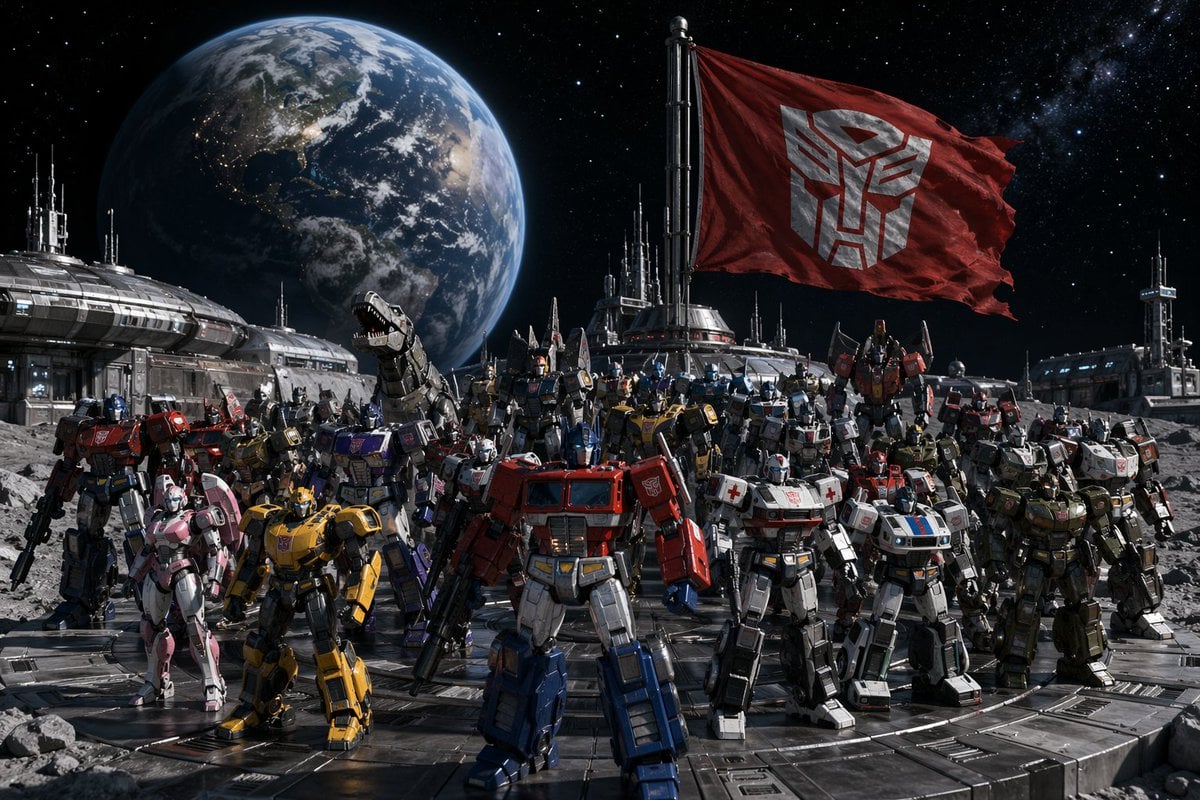
Transformers Space Scenes Prompt
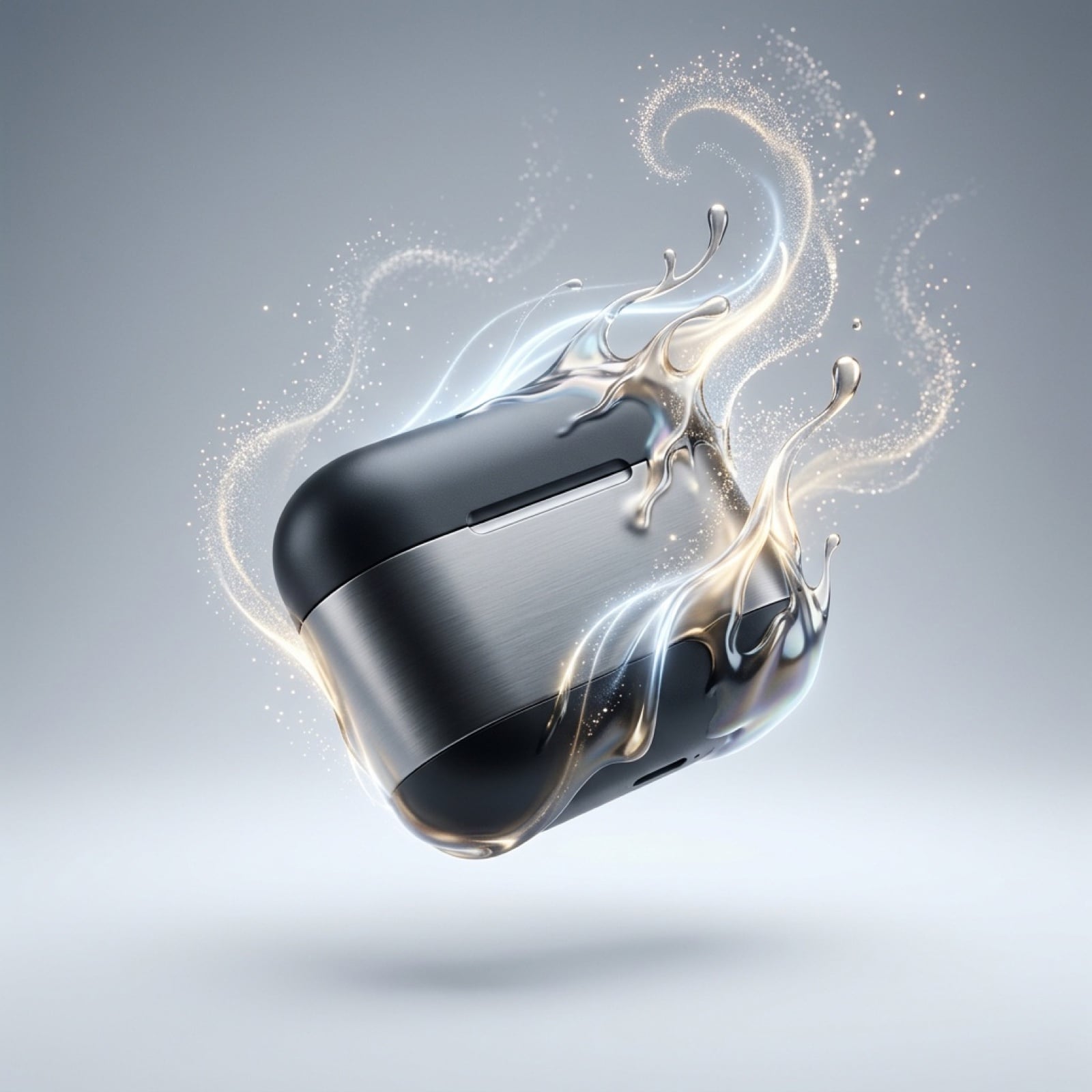
Melting Transition Product Photography Prompt
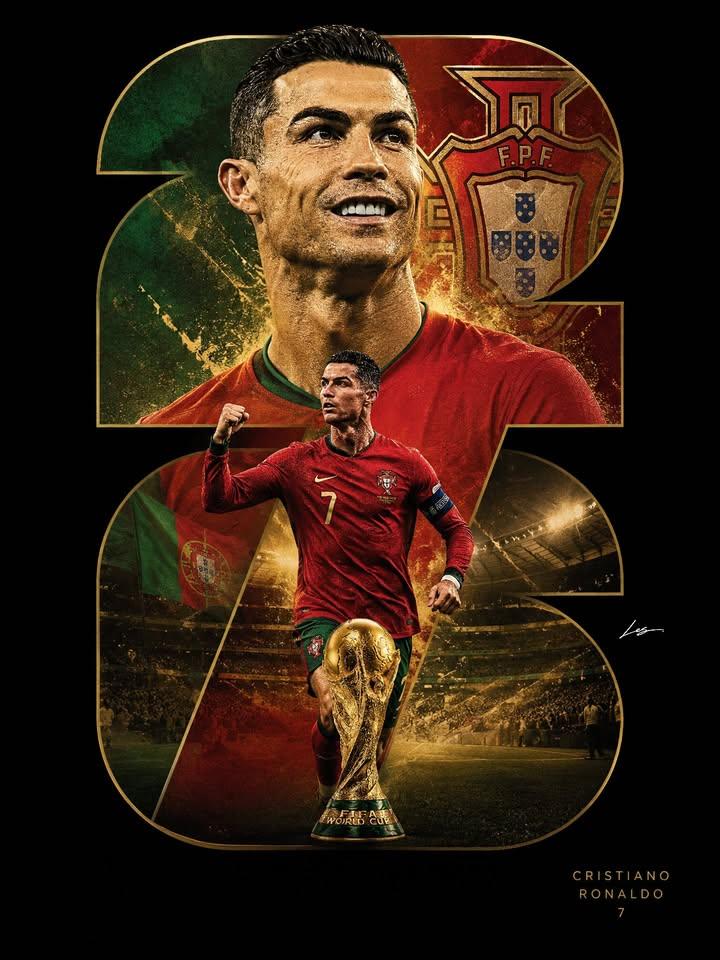
Luxury Sports Poster Design
Man Holding Holographic Drone Prompt
AI Image Generation Prompts for Multiple Angles
Japanese Anime Poster Transformation
Perspective Shift Card Modification
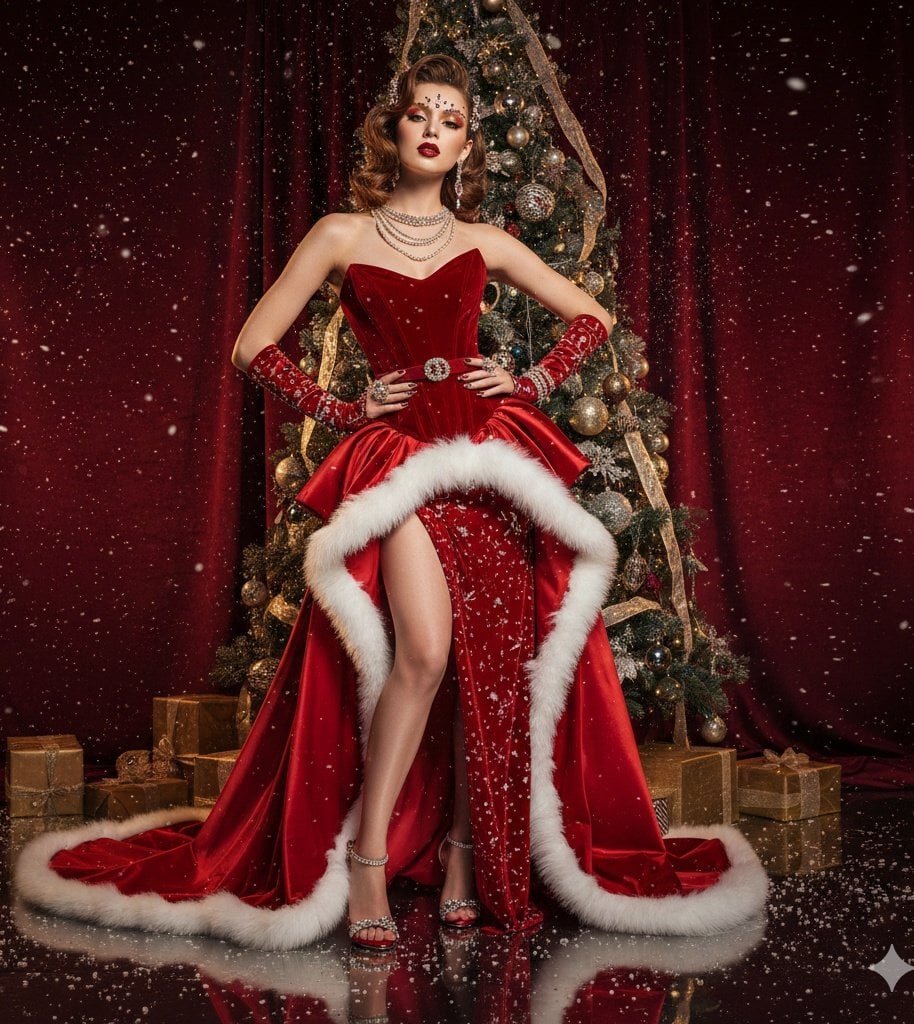
High-Fashion Christmas Editorial Prompt
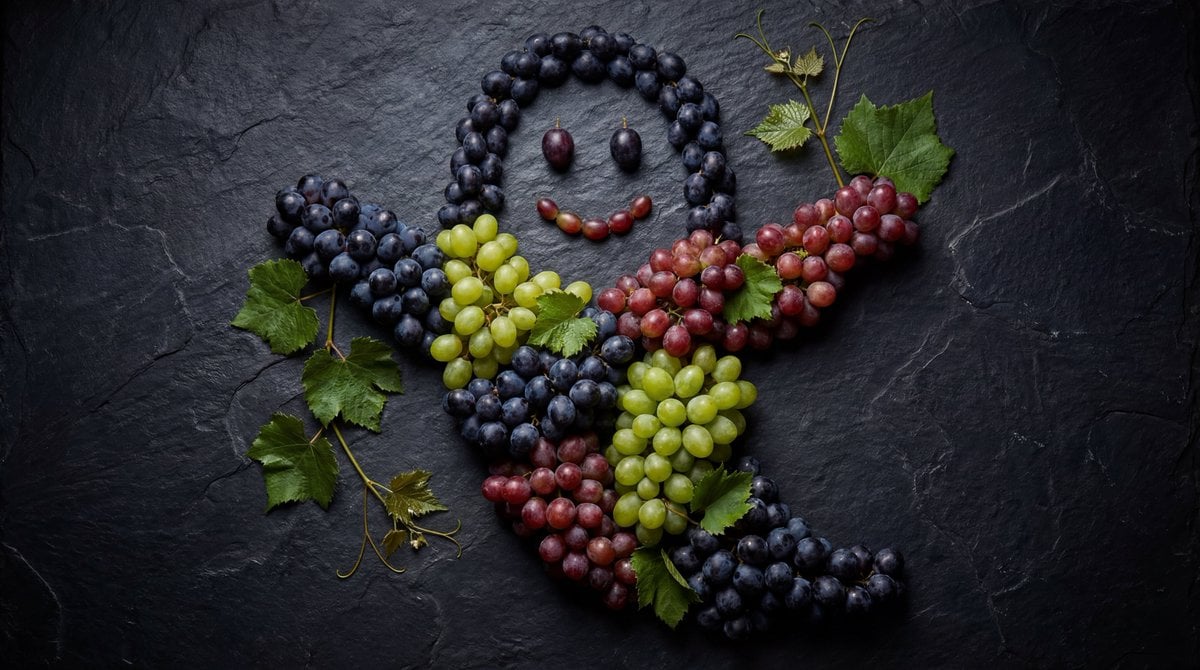
Grapes Arranged as a Ghost
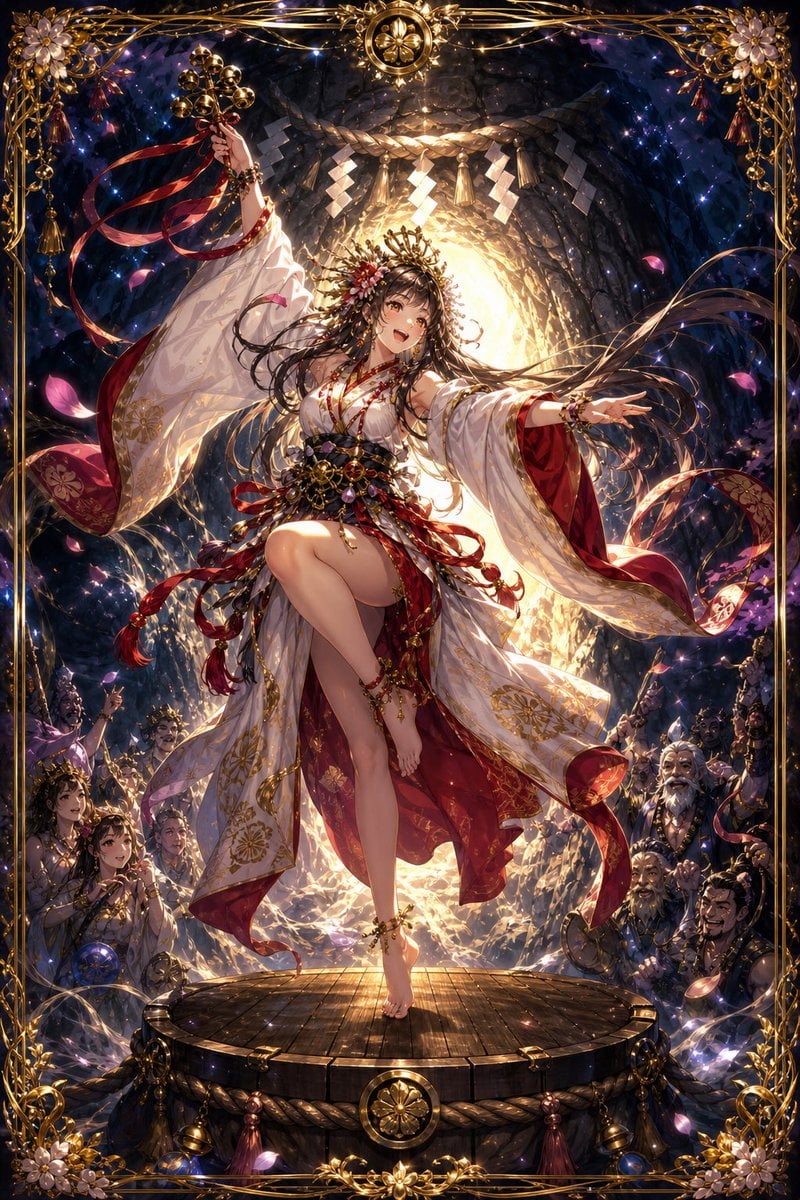
Ame-no-Uzume Sacred Cave Dance
Browse template categories
Mixed Media Cinematic Portrait Illustration questions
How do I use the Mixed Media Cinematic Portrait Illustration template?
Add your photo if the template asks for one, edit the prompt if you like — the template's model and format are already selected — and press Generate. Your version opens in PicX Studio.
Can I customize the Mixed Media Cinematic Portrait Illustration template?
Yes. You can change the subject, setting, lighting, mood, format, and available model controls before creating your image.
Is the Mixed Media Cinematic Portrait Illustration template free?
Opening and editing this template is free. Generating uses credits, shown on the Generate button when you are signed in.
Which AI model should I use?
Start with Nano Banana 2, which is the model associated with this template. You can compare another compatible model for a different finish.
Looking for something else? Browse all templates.

Your photo, any look
Thousands of ready templates for every top image and video model, from one credit balance.