
Transformers Space Scenes Prompt
Prompts for generating cinematic scenes of Autobots and Decepticons in space settings.
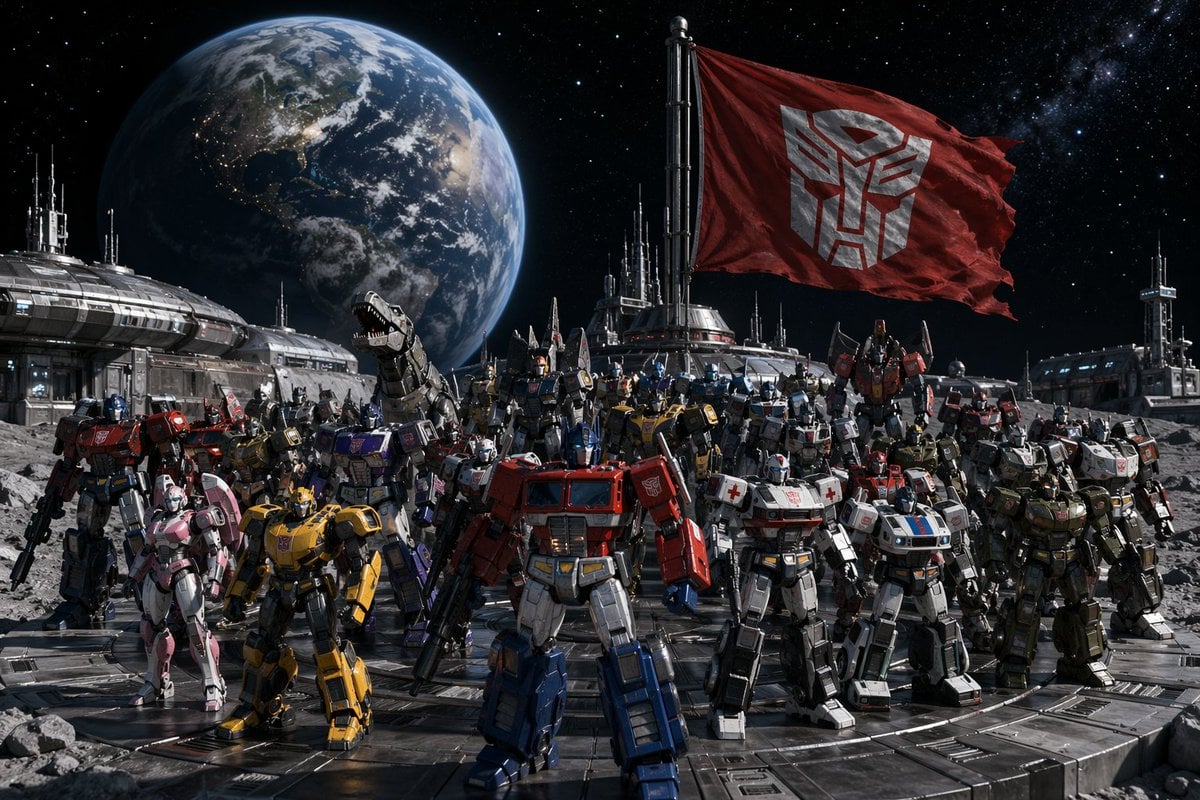
- Prompt included
- Model and format preset
- Free template
The prompt behind this image
Copy the exact prompt behind Transformers Space Scenes Prompt, or open it in the studio and make it yours.
图片1:{argument name="派系A" default="汽车人"}全员月球基地集结,地球悬于身后星空,赛博坦旗帜飘扬 图片2:{argument name="派系B" default="霸天虎"}全员列阵外星战舰甲板,威震天坐于王座俯视全军
How to use Transformers Space Scenes Prompt in 3 steps
- 1
Open
The prompt is already in the box next to the preview, with the template's model and format selected.
- 2…a portrait of your subject in softgolden-hour light, 85mm…
Personalize
Edit the subject and creative details for your destination.
- 3Generate
Generate
Press Generate — your image is created in PicX Studio, so you can compare it with the original and refine one variable at a time.
More like this
Templates with the same subject, style or setup. Open one to see its prompt.

Miniature Travel Diorama Postcard

Astronaut Zero-Gravity Coffee Splash
Minimalist Balanced Conceptual Scenes
Surreal Landscape and Ethereal River Scenes
Retro Wuxia Behind-the-Scenes Still
Premium Food Advertising Campaign Scenes
First Person POV Unusual Scenes
Aesthetic and fill the negative space
Fantasy Multi-panel World Scenes
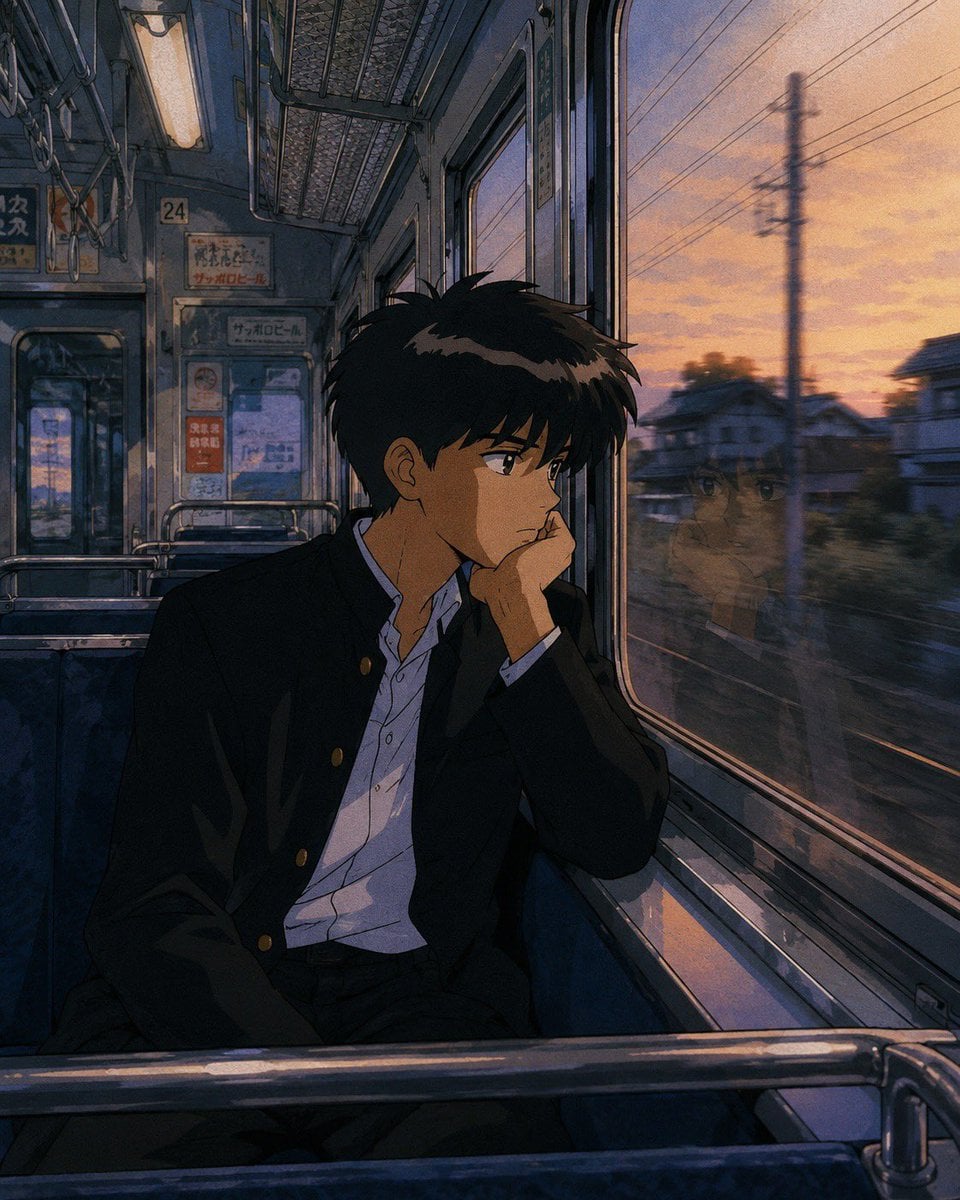
Retro 90s Japanese Anime Scenes
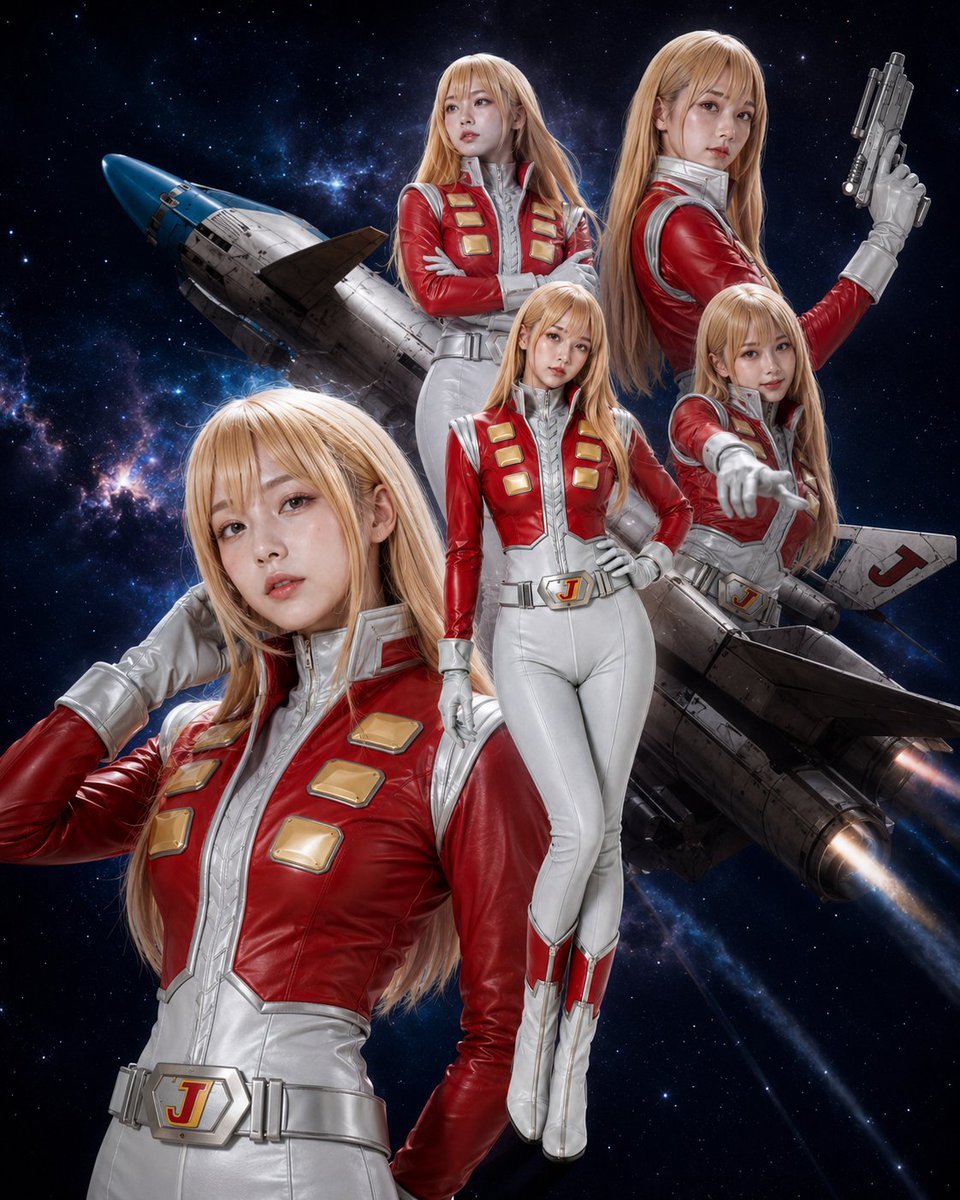
Alfin Space Anime Cosplay Composite
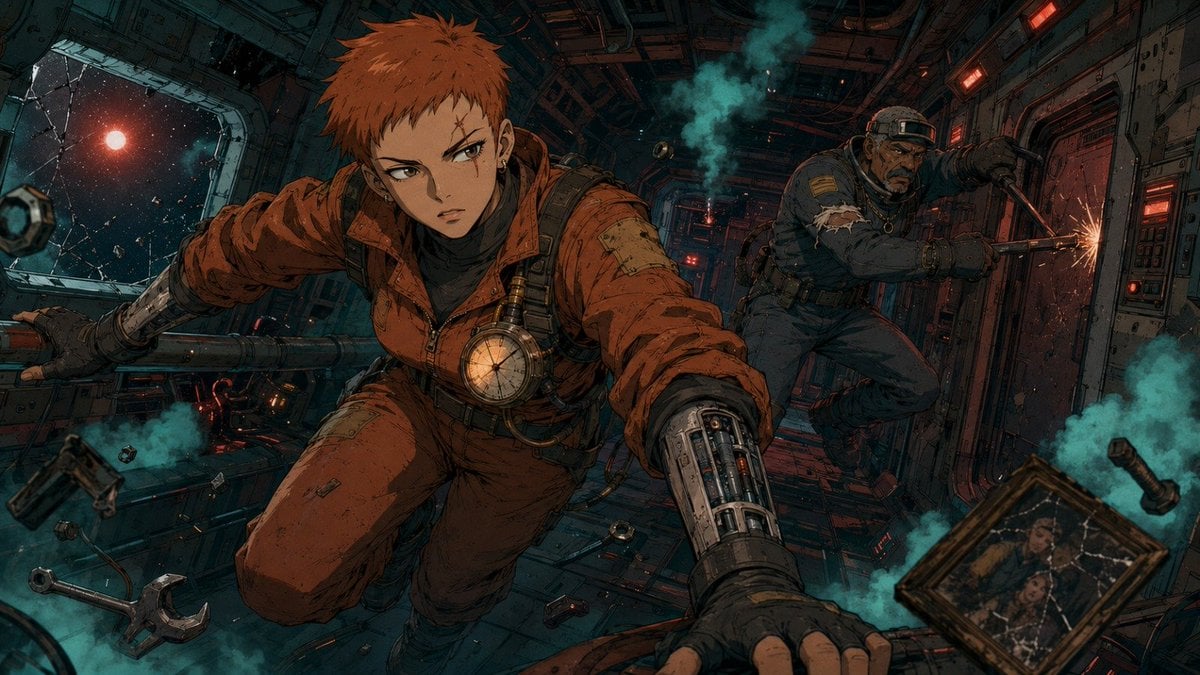
Zero-Gravity Anime Spaceship Escape
Make it yours
Transformers Space Scenes Prompt works as-is. These are the safest ways to change it without losing the look.
Change one field
Copy a single group, rewrite it, and generate again so you can see what that field is doing.
Keep the frame, change the subject
Hold the composition and light of Transformers Space Scenes Prompt, then swap wardrobe, props or the person for a new take.
| If the result… | Why | Fix |
|---|---|---|
| The result drifts from the preview | Too many fields changed at once. | Reuse Transformers Space Scenes Prompt as-is first, then change one group — subject, light, or setting. |
| The model over-stylizes the scene | The prose prompt leaves finish and camera underspecified. | Add one camera or lighting sentence and stay on GPT Image 2. |
More GPT Image 2 templates
Other prompts made for GPT Image 2.

Six VTuber Japanese Logo Sheet

Realistic Portrait of Woman and Deer

The Vista Modular Condo Poster

AI Model Routing Comparison Infographic

2.5D Anime Art Board

Isometric Productivity Desk Scene

New York Double Exposure Poster

Four-Panel AI Landscape Comparison

Japanese Tatami Lifestyle Magazine Cover

NESCAFÉ Coffee Map Poster
More image prompts
Fresh picks from across the catalog.
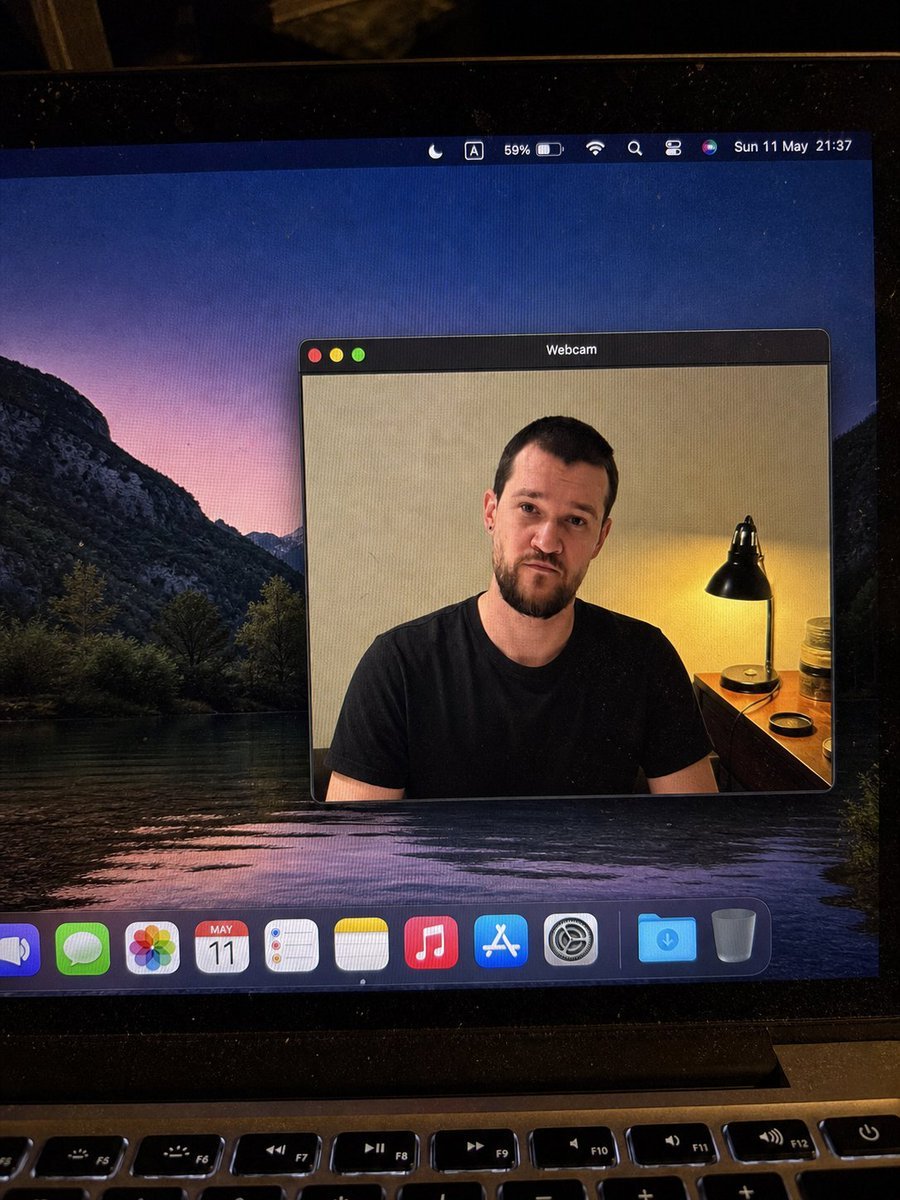
MacBook Webcam Window Photo
High-Contrast Beach Snapshot with Strict Identity and Sharp Focus
Moody 2x2 editorial collage of an androgynous woman
Annotated Chinese BBQ Food Poster
Cinematic dance scene with a girl
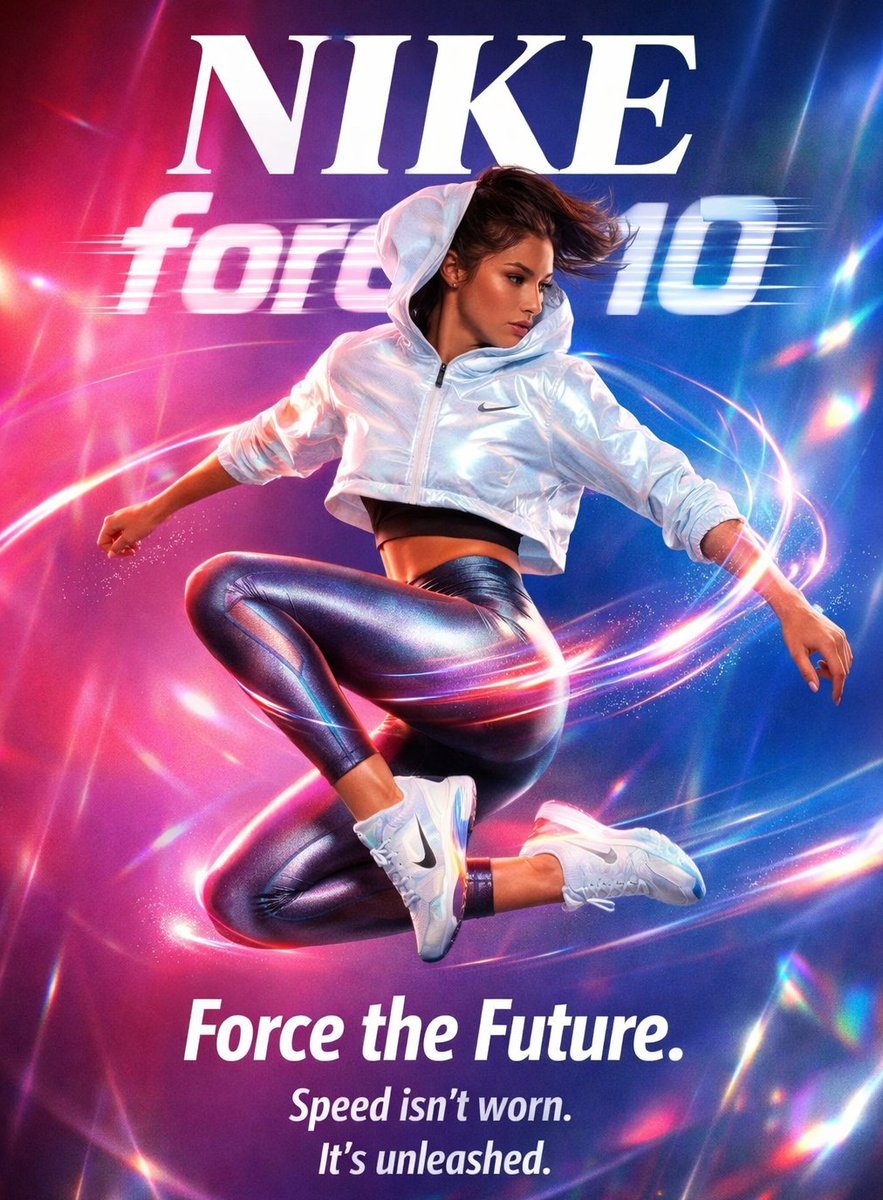
Futuristic Nike Fashion Ad with Light Trails
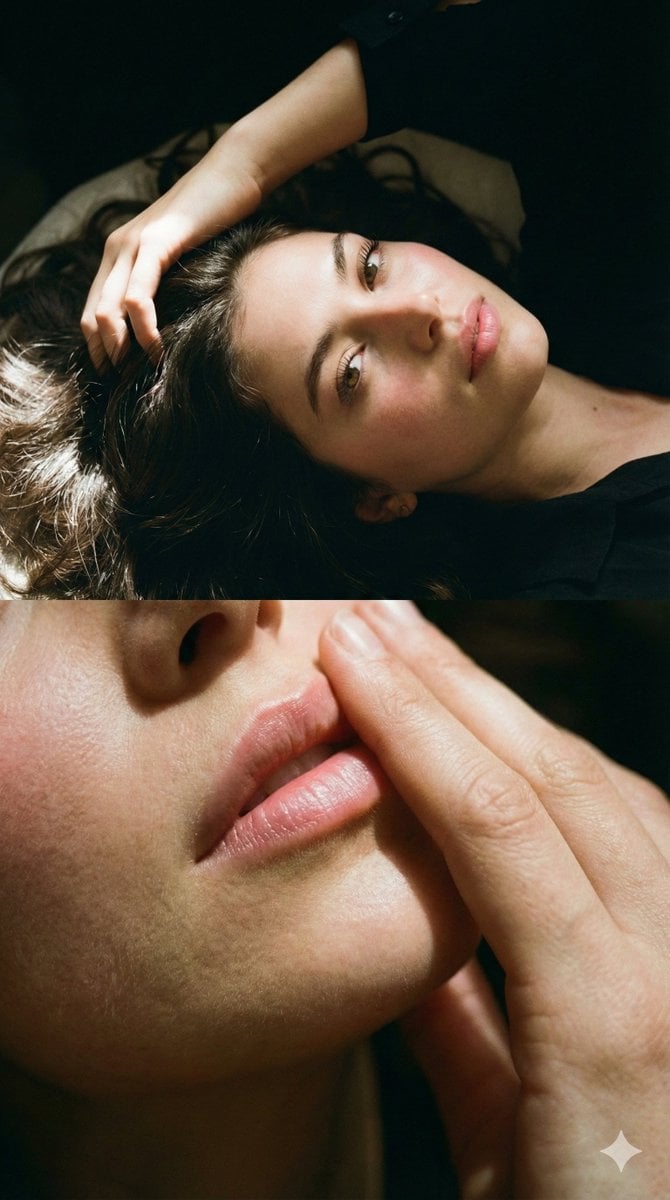
Two-Part Cinematic Portrait with Identity Lock
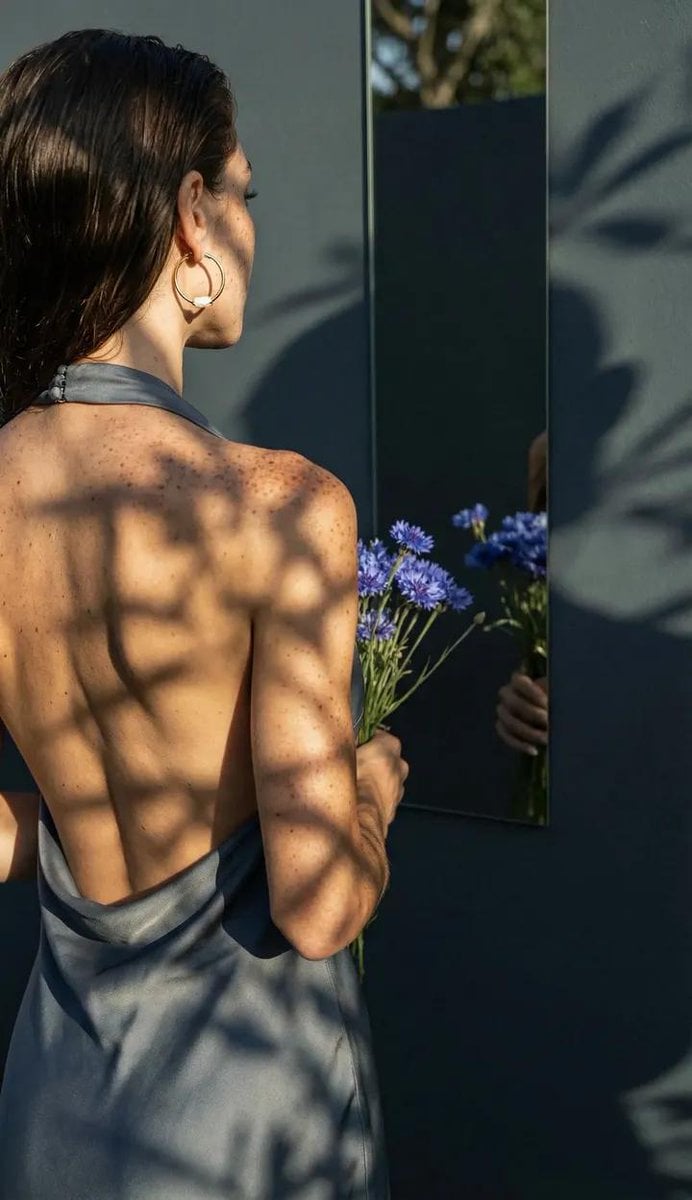
Poetic Realism Portrait with Light and Shadow Interplay
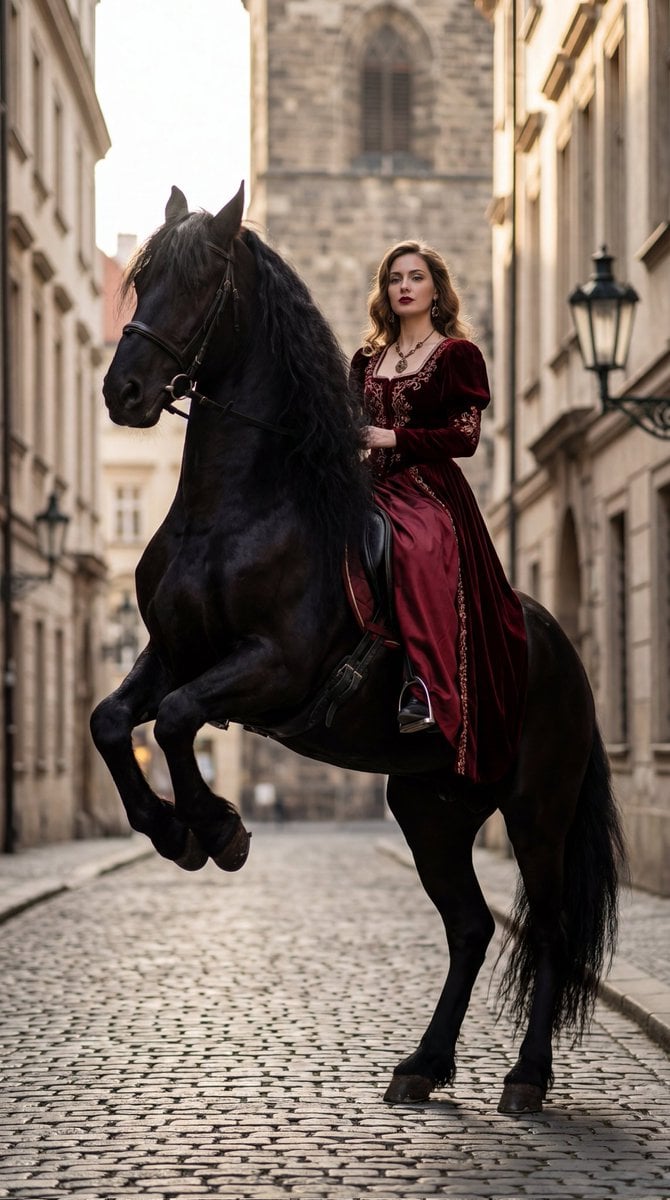
High-Fashion Horseback Portrait on Vintage Street
3D stylized character transformation prompt
Browse template categories
Transformers Space Scenes Prompt questions
How do I use the Transformers Space Scenes Prompt template?
Add your photo if the template asks for one, edit the prompt if you like — the template's model and format are already selected — and press Generate. Your version opens in PicX Studio.
Can I customize the Transformers Space Scenes Prompt template?
Yes. You can change the subject, setting, lighting, mood, format, and available model controls before creating your image.
Is the Transformers Space Scenes Prompt template free?
Opening and editing this template is free. Generating uses credits, shown on the Generate button when you are signed in.
Which AI model should I use?
Start with GPT Image 2, which is the model associated with this template. You can compare another compatible model for a different finish.
Looking for something else? Browse all templates.

Your photo, any look
Thousands of ready templates for every top image and video model, from one credit balance.