
Retro 90s Japanese Anime Scenes
A comprehensive collection of prompts for creating nostalgic Japanese anime illustrations with 90s aesthetics, including train, diner, and bedroom scenes.
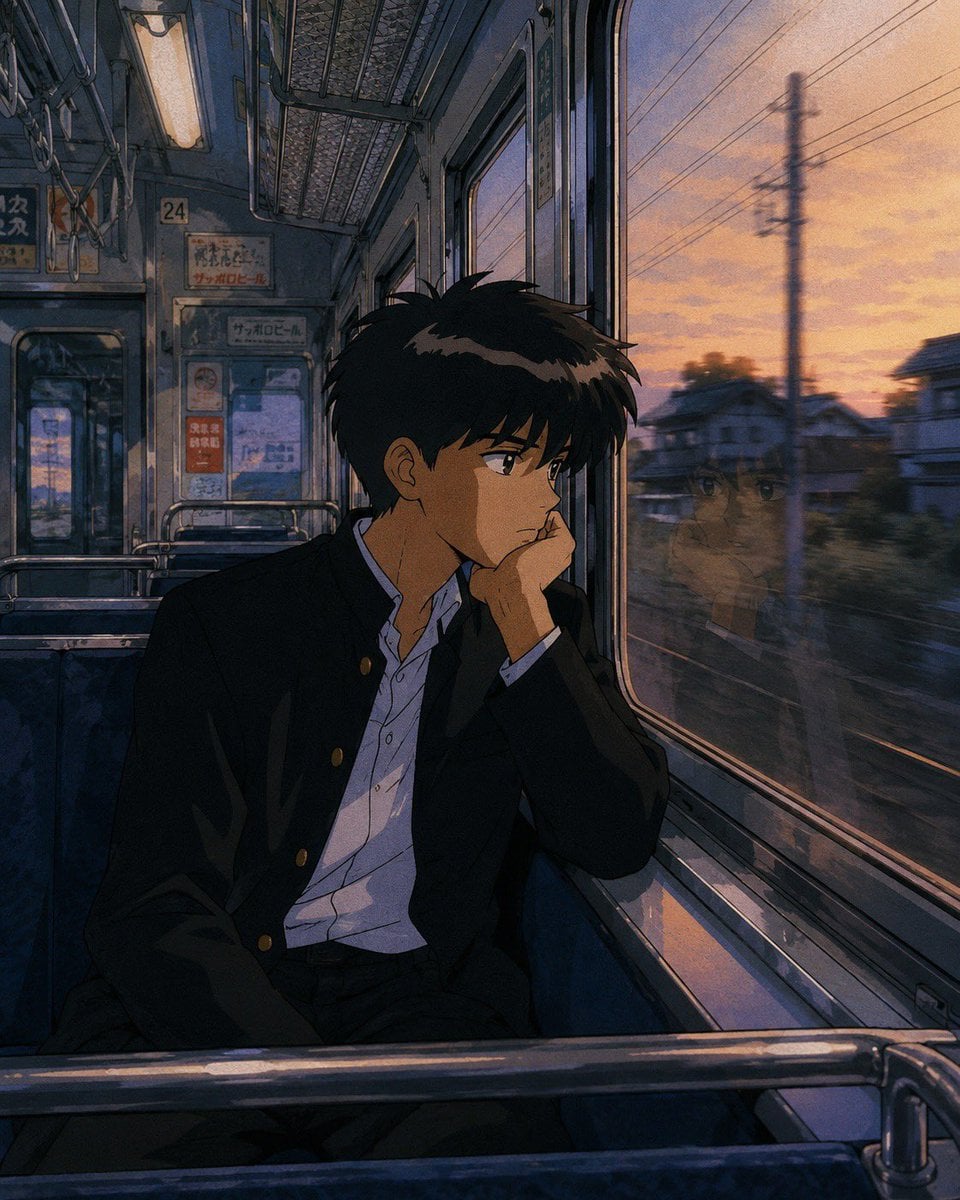
- Prompt included
- Model and format preset
- Free template
The prompt behind this image
Copy the exact prompt behind Retro 90s Japanese Anime Scenes, or open it in the studio and make it yours.
A nostalgic 1980s–1990s {argument name="style" default="Japanese anime cinematic illustration"}, highly detailed hand-painted background, warm golden-hour and neon lighting, soft film grain, subtle watercolor texture, expressive anime characters with natural proportions and detailed eyes, realistic architecture and interiors, slice-of-life atmosphere, emotional storytelling, cozy urban Japan, dramatic perspective, beautiful reflections, volumetric sunlight, soft shadows, rich color grading, intricate environmental details, quiet contemplative mood, Makoto Shinkai-inspired lighting, vintage Studio Ghibli atmosphere, city pop aesthetic, retro Japanese nostalgia, analog photography feel, perfectly composed cinematic framing, ultra-detailed digital painting, masterpiece quality. 1. {argument name="scene one" default="Train Scene: A Japanese high school boy in a black gakuran uniform sitting alone inside an old commuter train at sunset"} 2. {argument name="scene two" default="Retro Diner: A stylish young woman sitting in a retro American-style diner at night, drinking a vanilla milkshake"} 3. Cozy Bedroom: A girl reading a book on the floor of her cozy bedroom, morning sunlight streaming through lace curtains, sleeping cat on the windowsill, cassette player, vintage posters, books, plants, soft pastel colors, warm peaceful atmosphere, nostalgic 90s Japanese bedroom. 4. Japanese Street: A schoolgirl walking through a quiet suburban Japanese neighborhood during golden hour, sailor school uniform, utility poles, narrow residential street, glowing clouds, warm evening light, peaceful everyday life, highly detailed environment, cinematic perspective.
How to use Retro 90s Japanese Anime Scenes in 3 steps
- 1
Open
The prompt is already in the box next to the preview, with the template's model and format selected.
- 2…a portrait of your subject in softgolden-hour light, 85mm…
Personalize
Edit the subject and creative details for your destination.
- 3Generate
Generate
Press Generate — your image is created in PicX Studio, so you can compare it with the original and refine one variable at a time.
More like this
Templates with the same subject, style or setup. Open one to see its prompt.
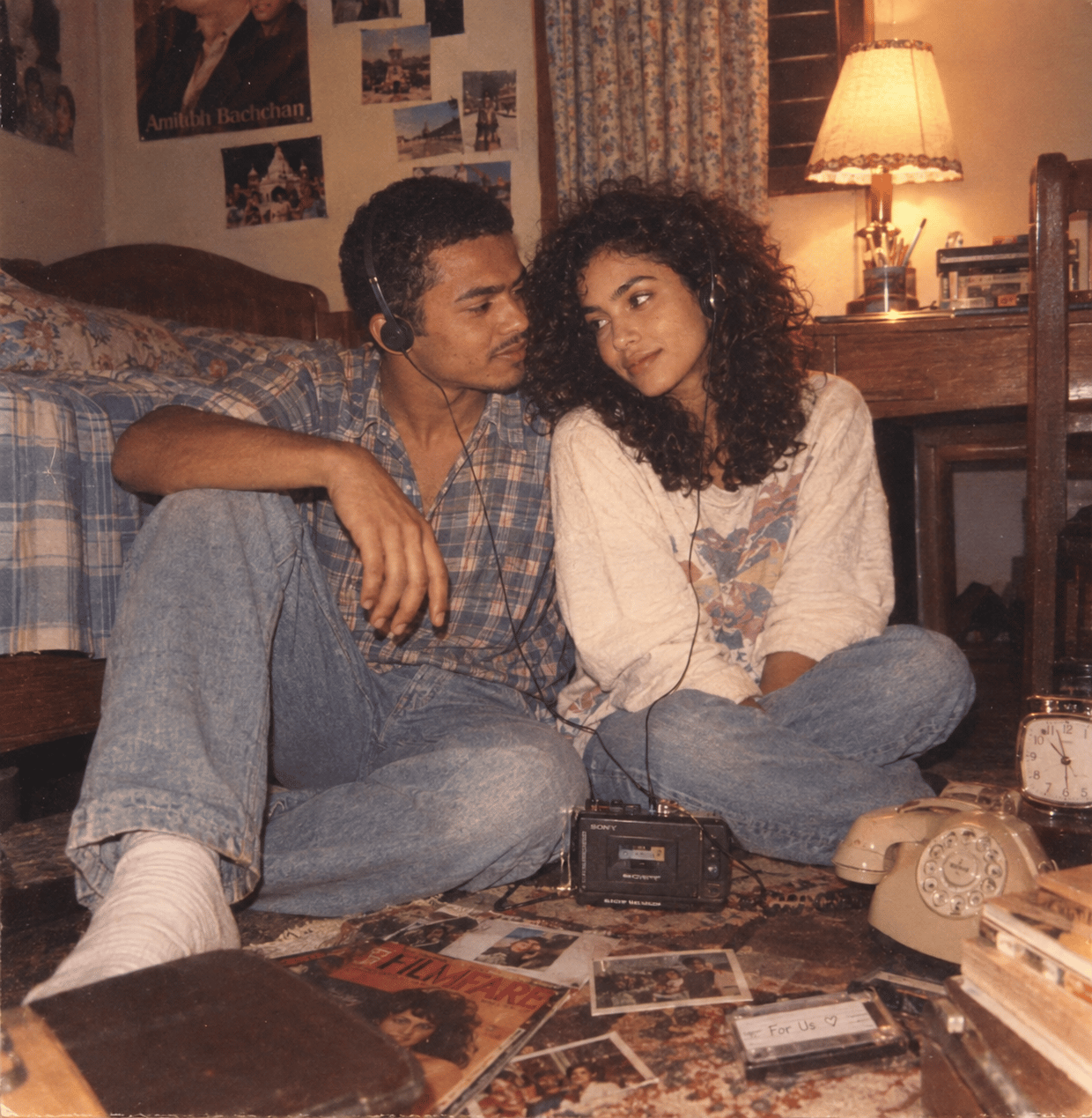
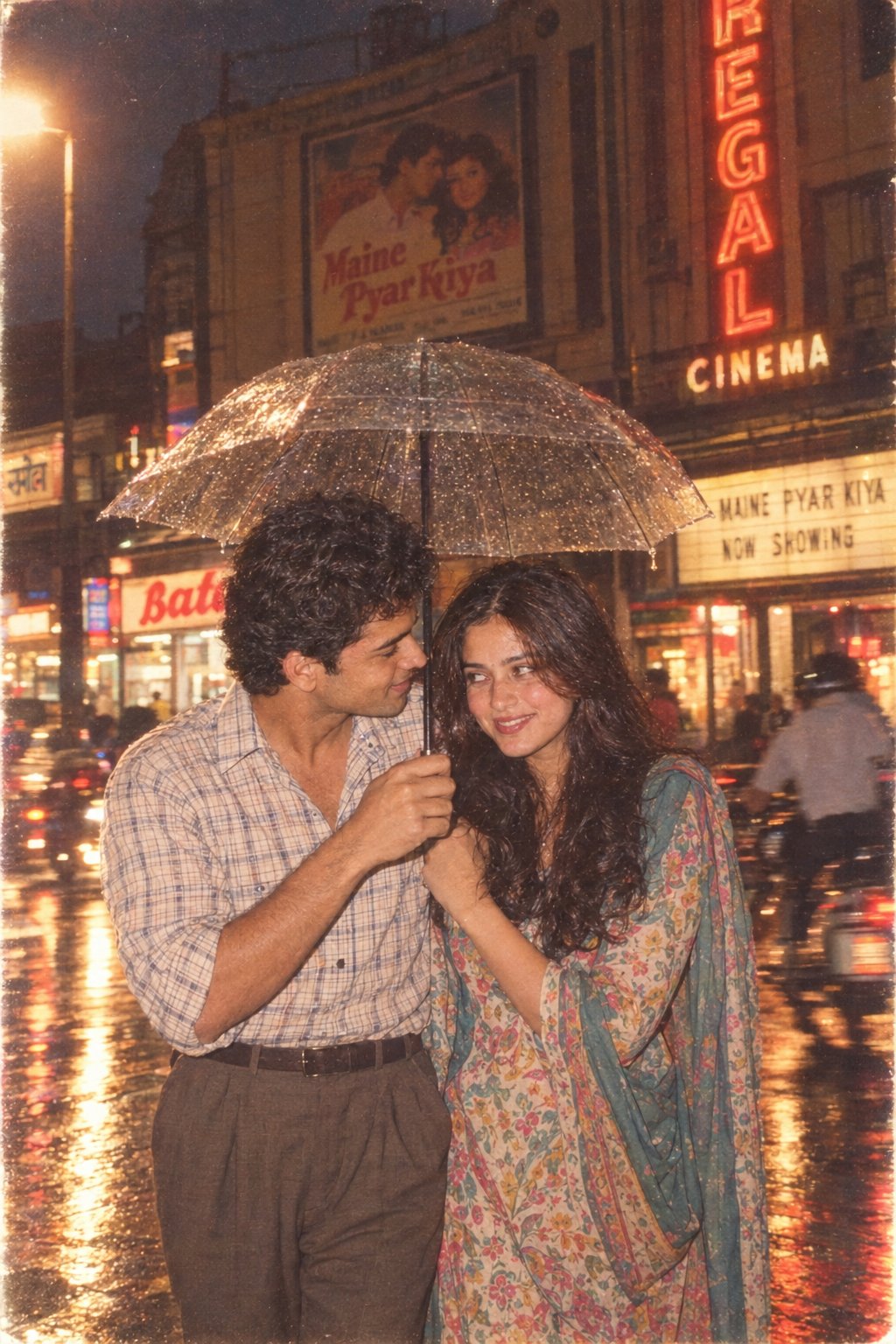
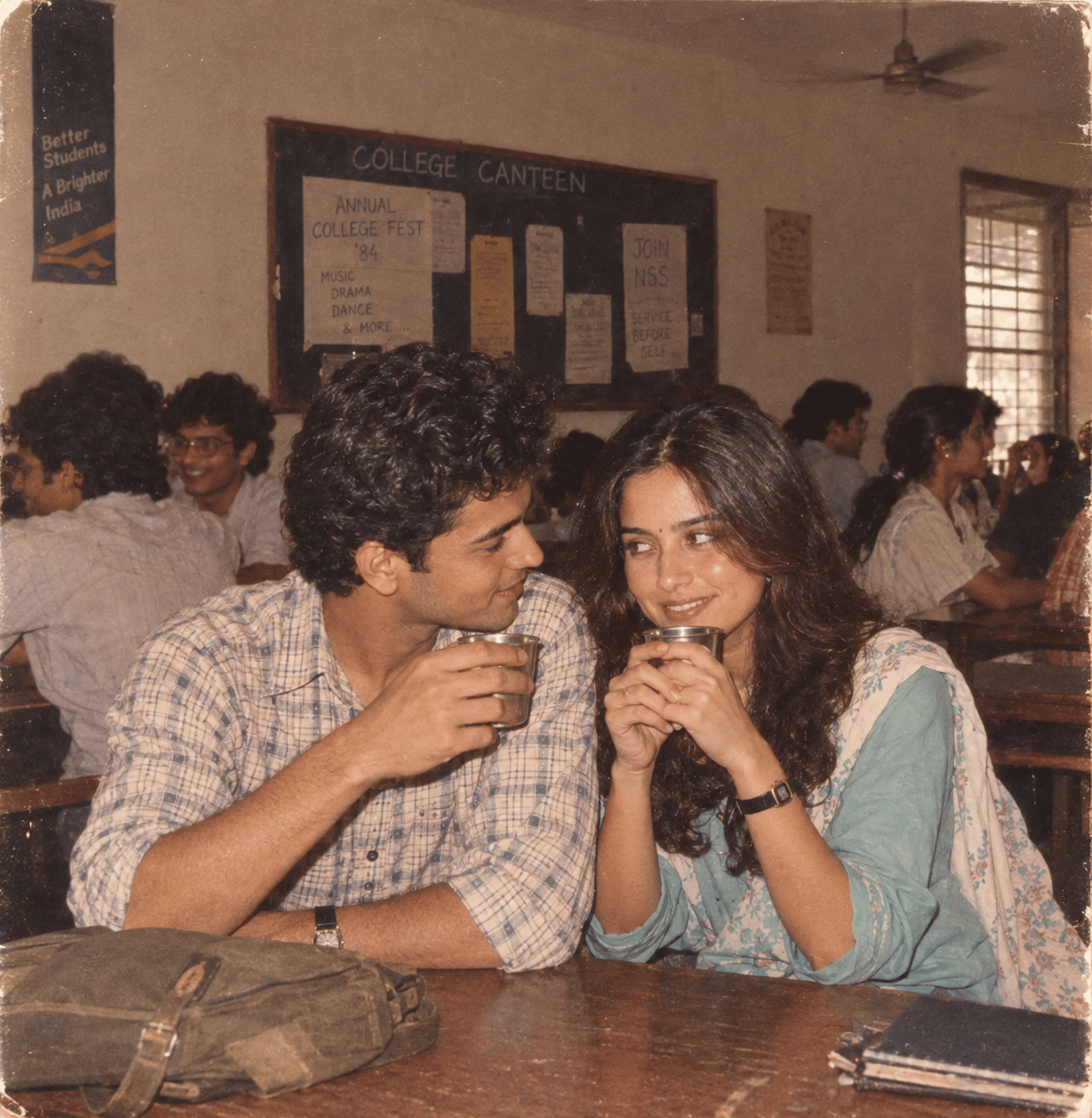
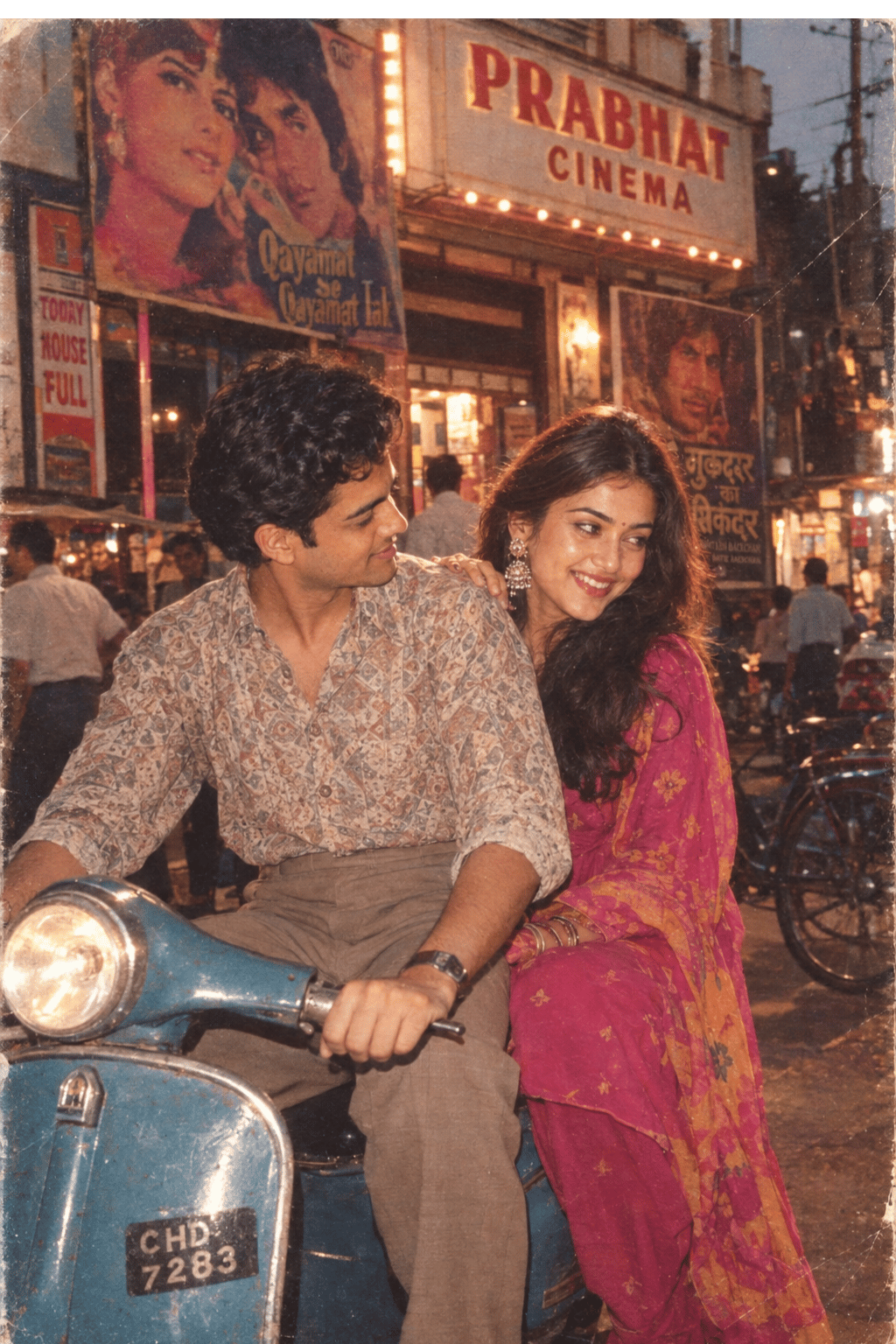
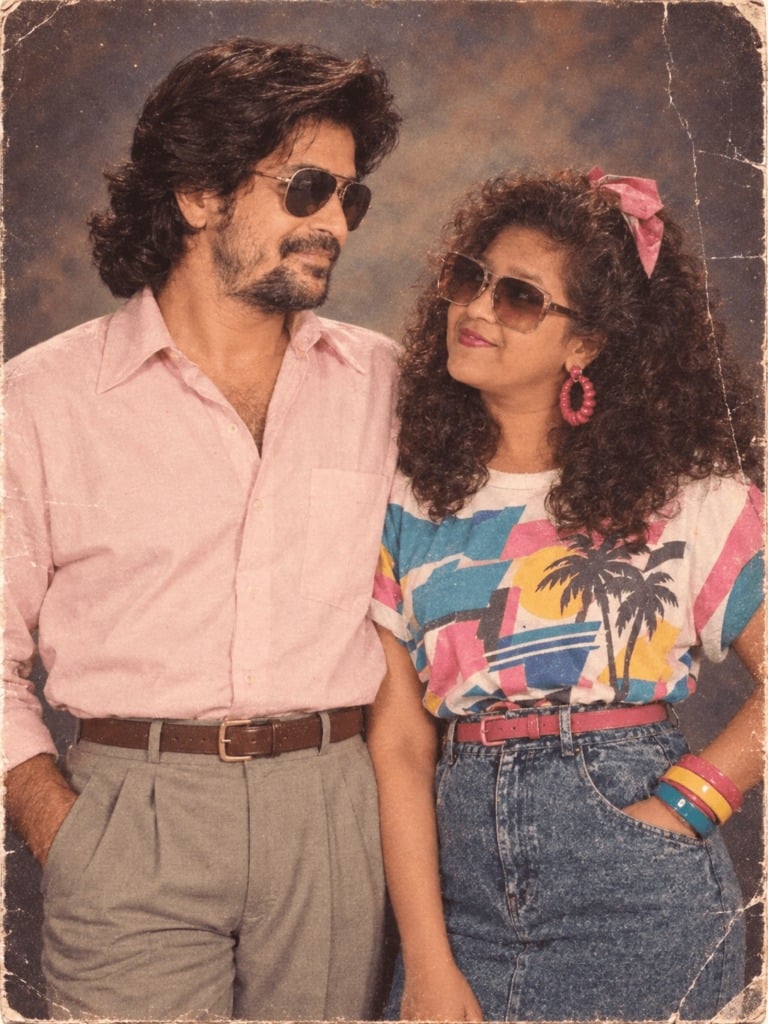
Make it yours
Retro 90s Japanese Anime Scenes works as-is. These are the safest ways to change it without losing the look.
Change one field
Copy a single group, rewrite it, and generate again so you can see what that field is doing.
Keep the frame, change the subject
Hold the composition and light of Retro 90s Japanese Anime Scenes, then swap wardrobe, props or the person for a new take.
| If the result… | Why | Fix |
|---|---|---|
| The result drifts from the preview | Too many fields changed at once. | Reuse Retro 90s Japanese Anime Scenes as-is first, then change one group — subject, light, or setting. |
| The model over-stylizes the scene | The prose prompt leaves finish and camera underspecified. | Add one camera or lighting sentence and stay on GPT Image 2. |
More GPT Image 2 templates
Other prompts made for GPT Image 2.
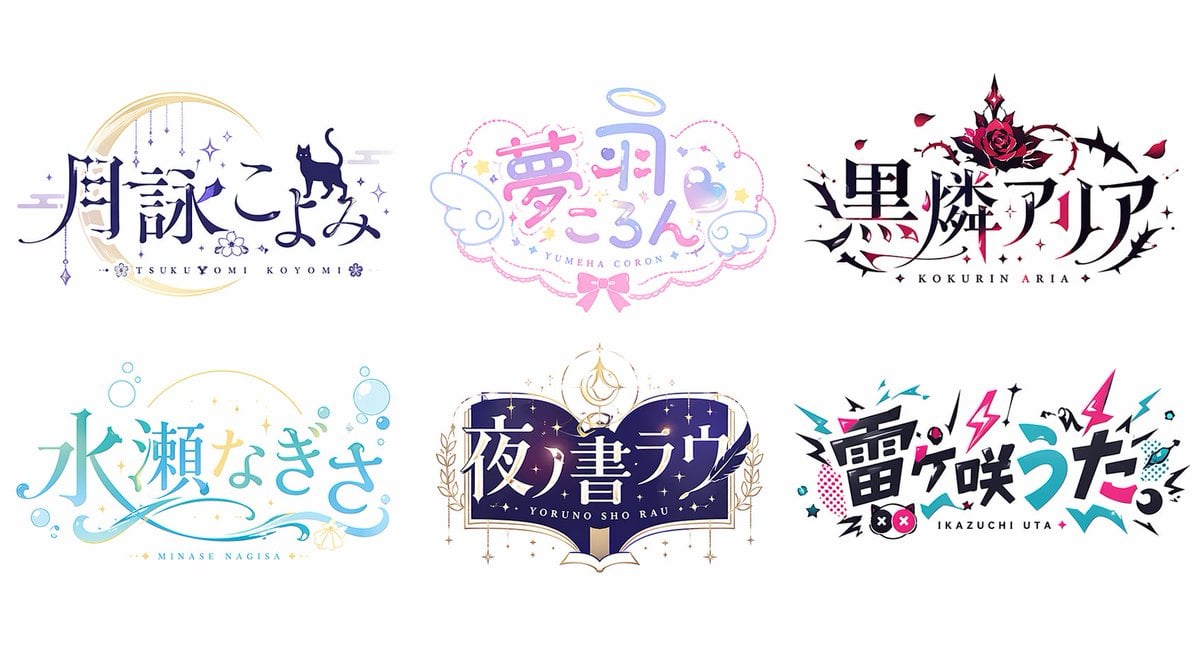
Six VTuber Japanese Logo Sheet
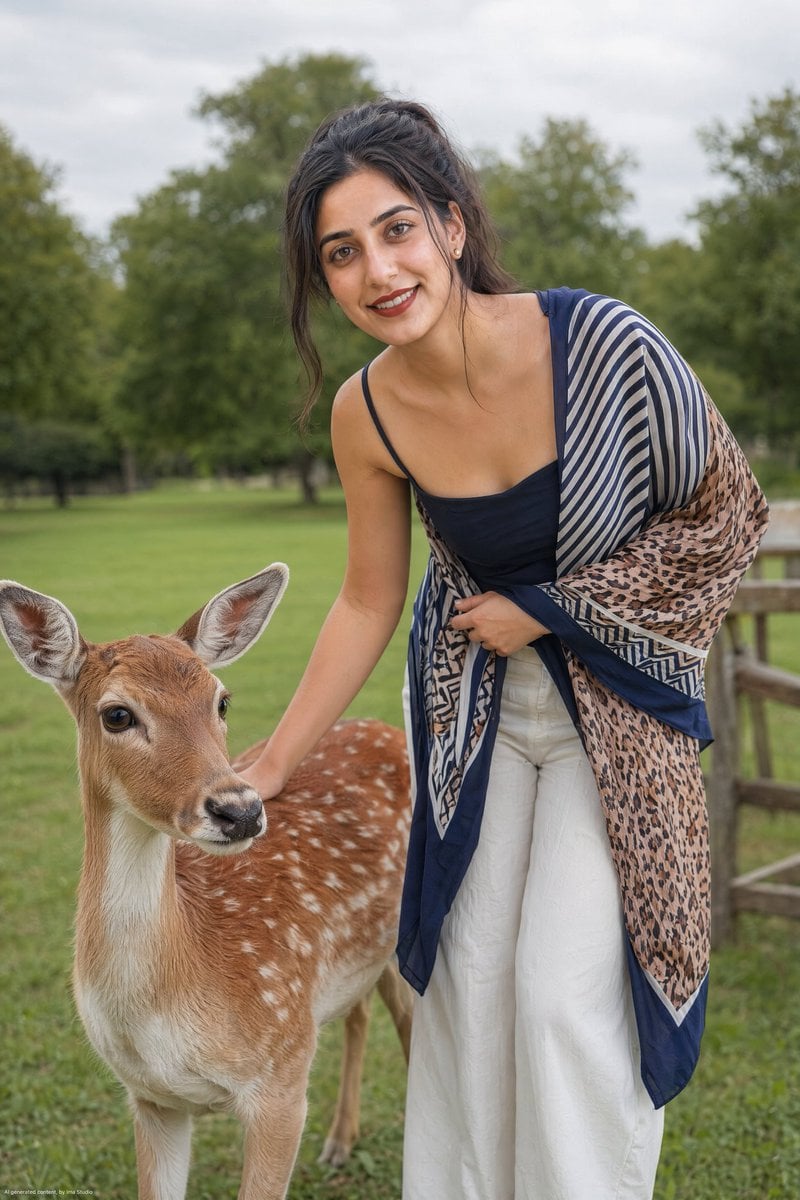
Realistic Portrait of Woman and Deer
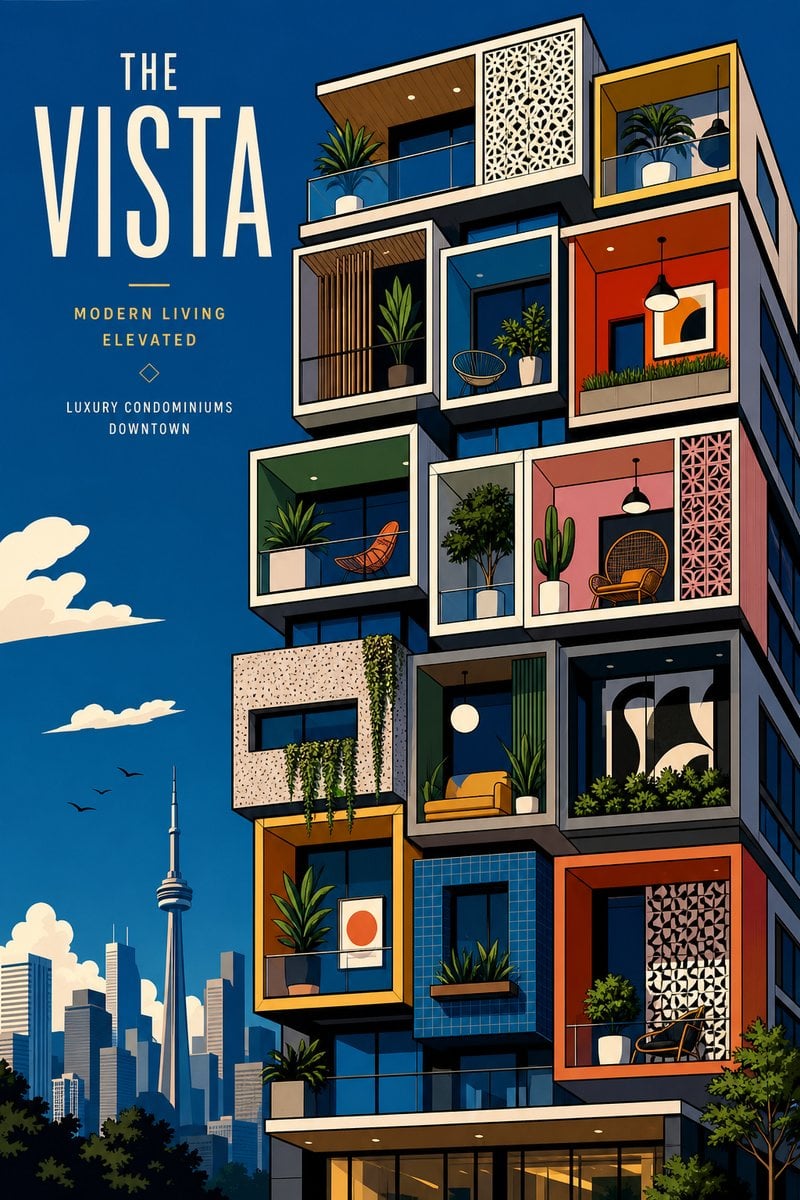
The Vista Modular Condo Poster

AI Model Routing Comparison Infographic
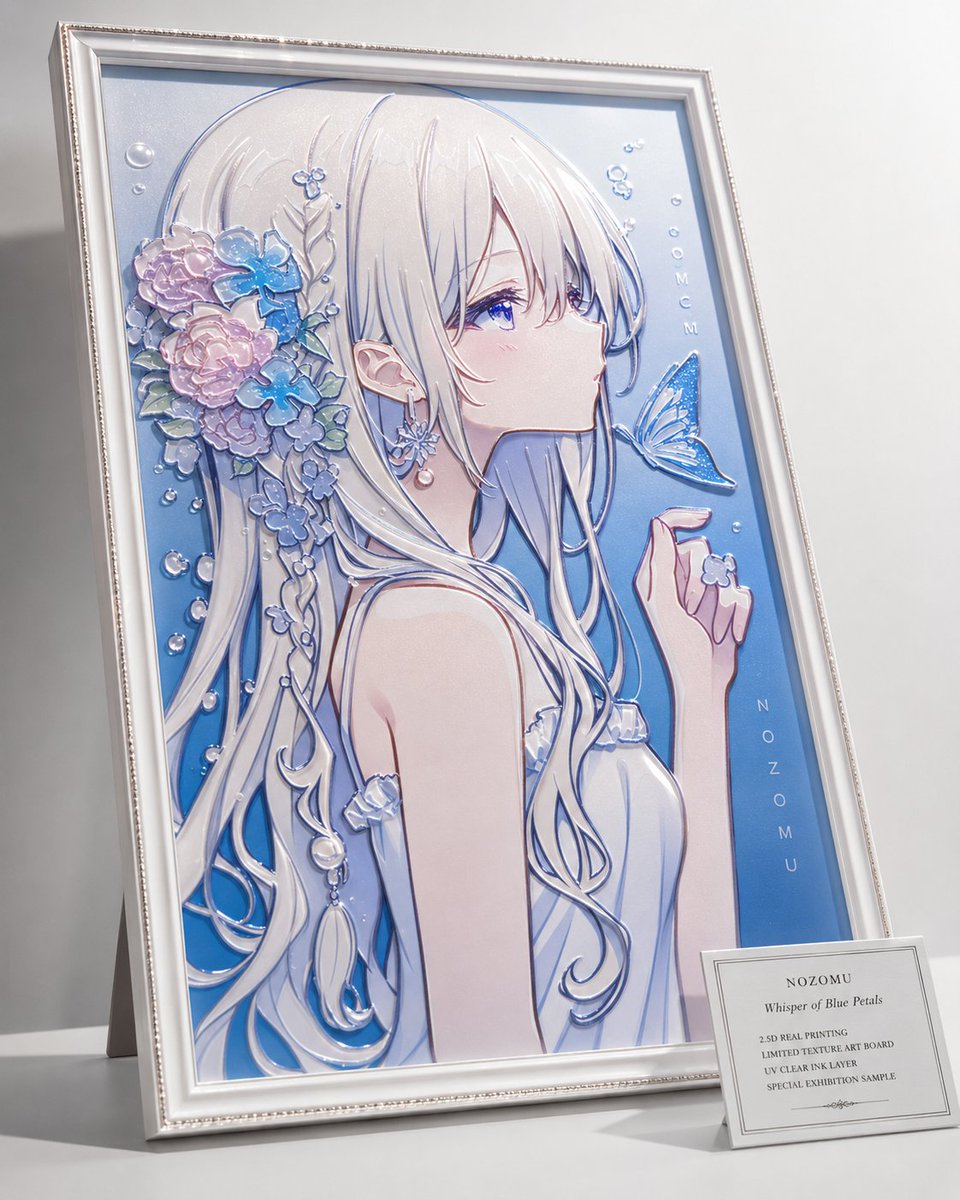
2.5D Anime Art Board

Isometric Productivity Desk Scene
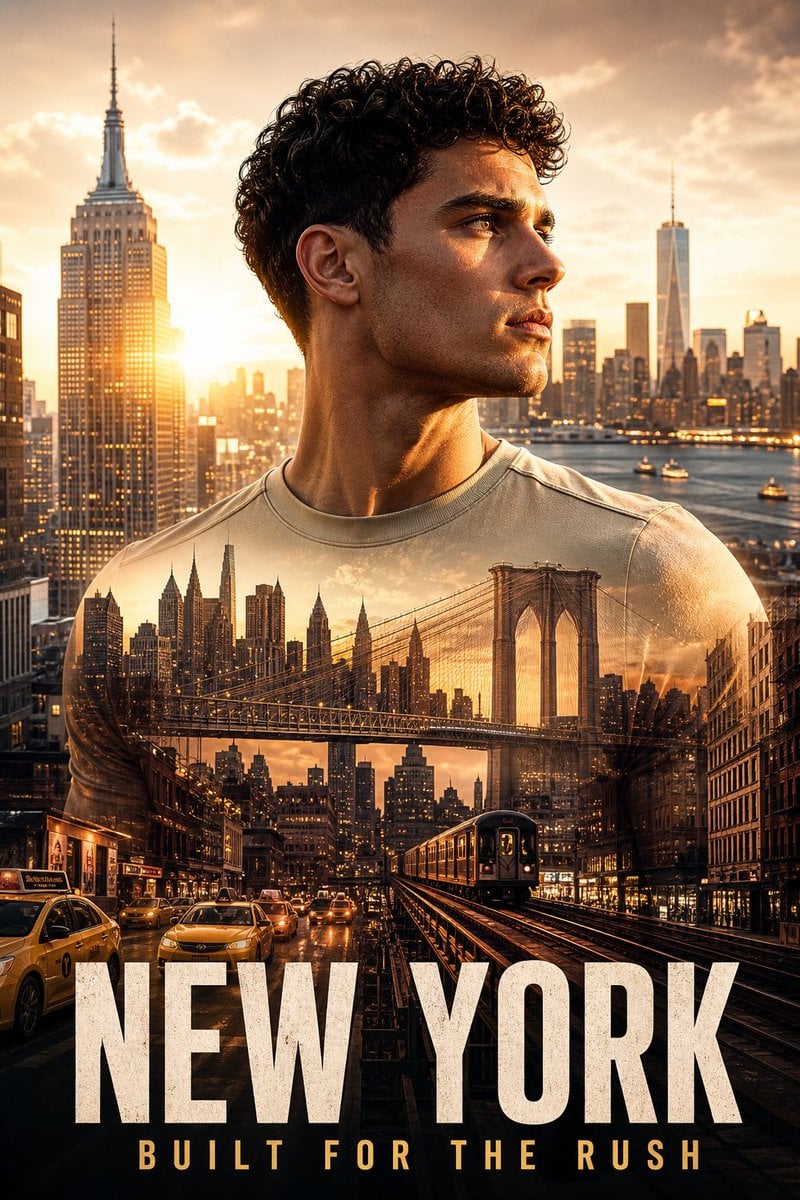
New York Double Exposure Poster
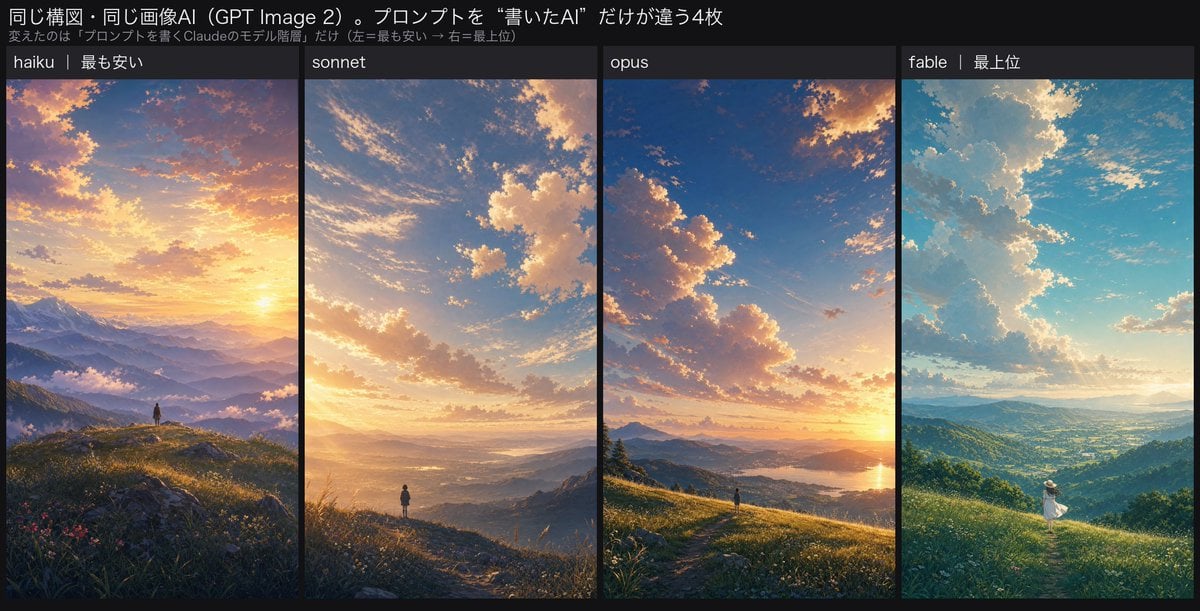
Four-Panel AI Landscape Comparison
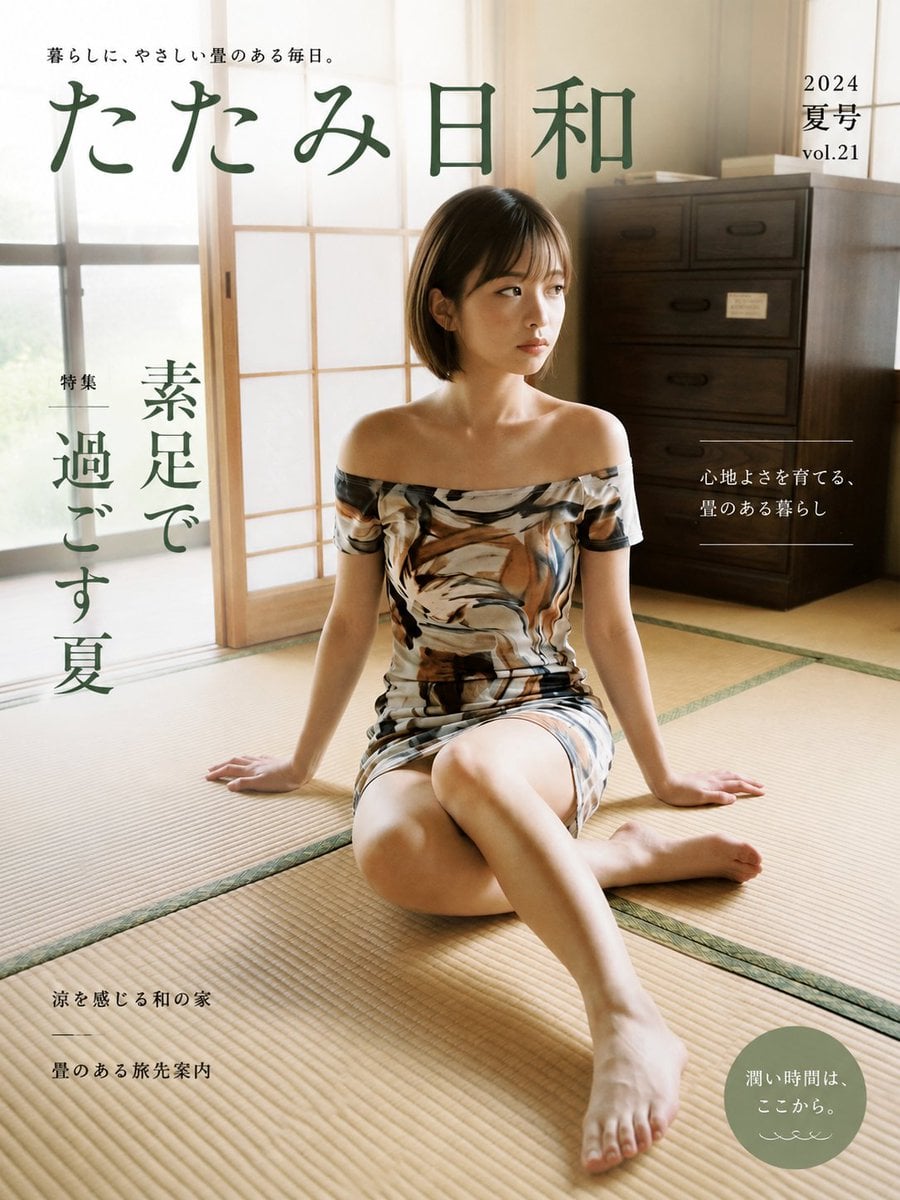
Japanese Tatami Lifestyle Magazine Cover
NESCAFÉ Coffee Map Poster
More image prompts
Fresh picks from across the catalog.
untitled
Mystical Crystal Music Stand Image Prompt
Tang Dynasty Empress in Paris Fashion Magazine Cover Prompt
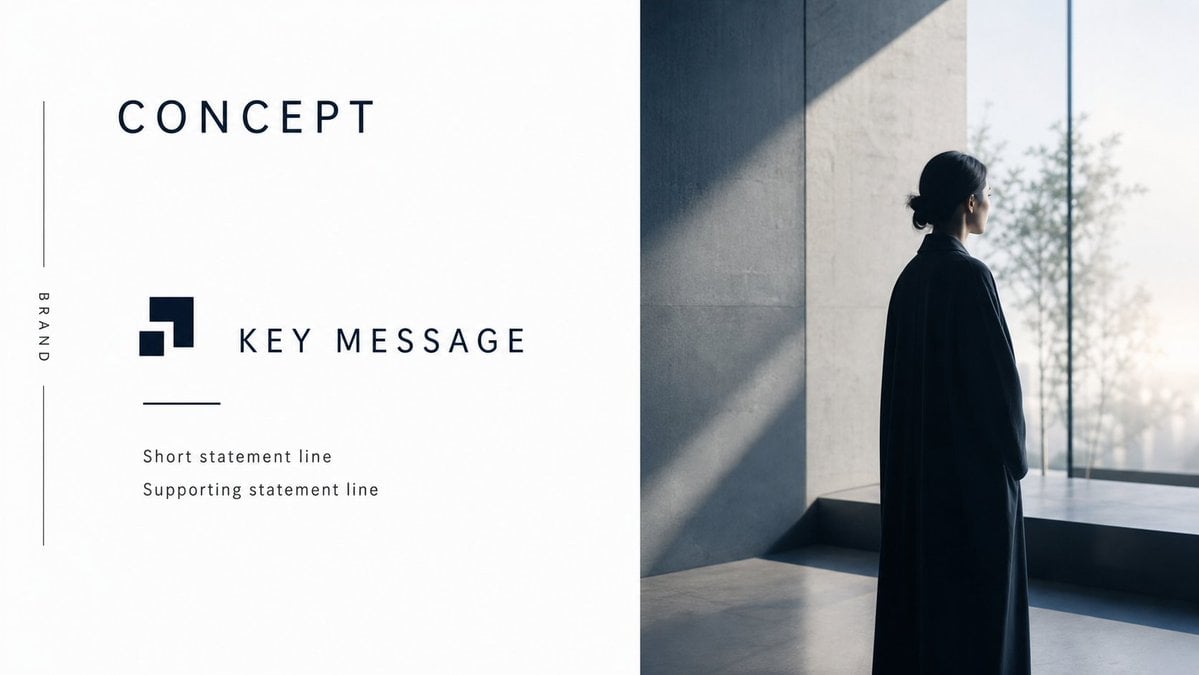
Minimal Luxury Brand Concept Slide
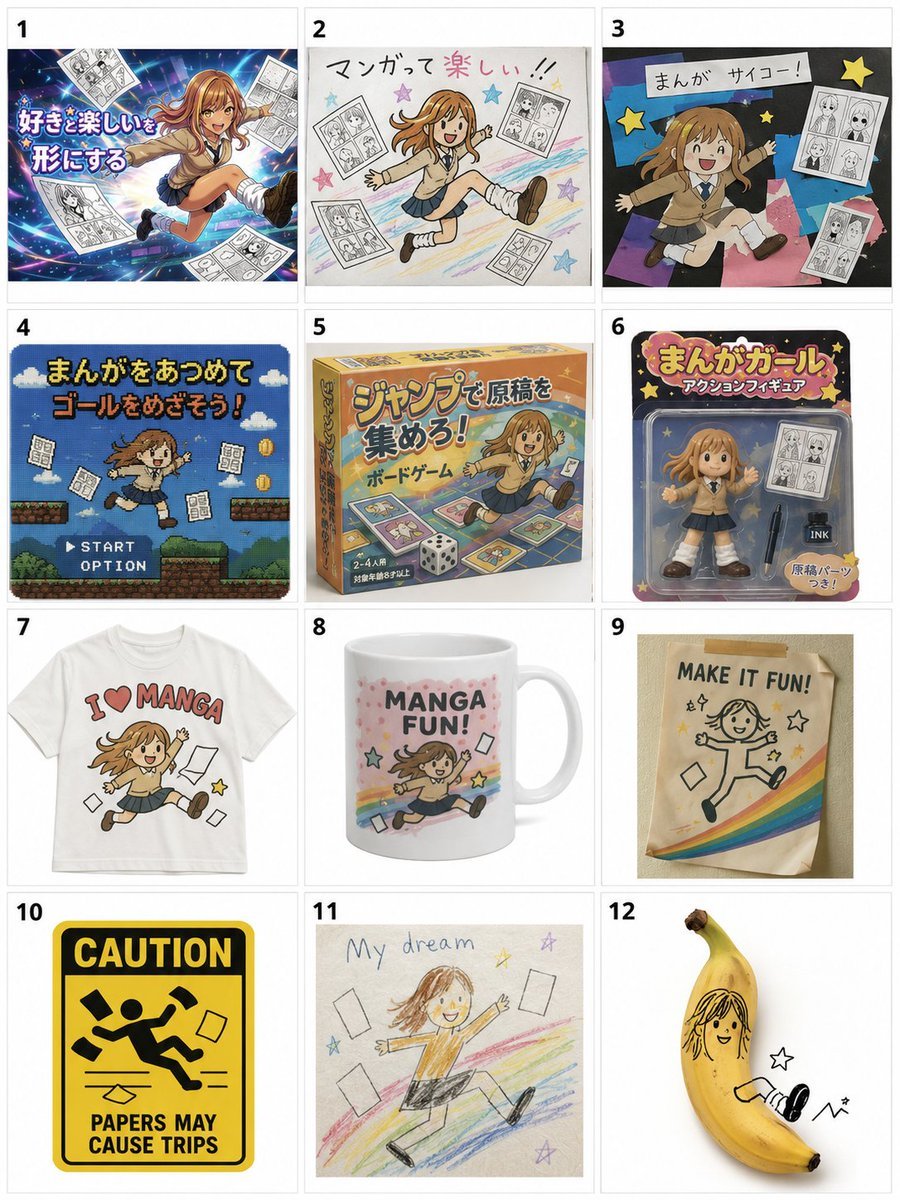
Misordered Image Relay Grid
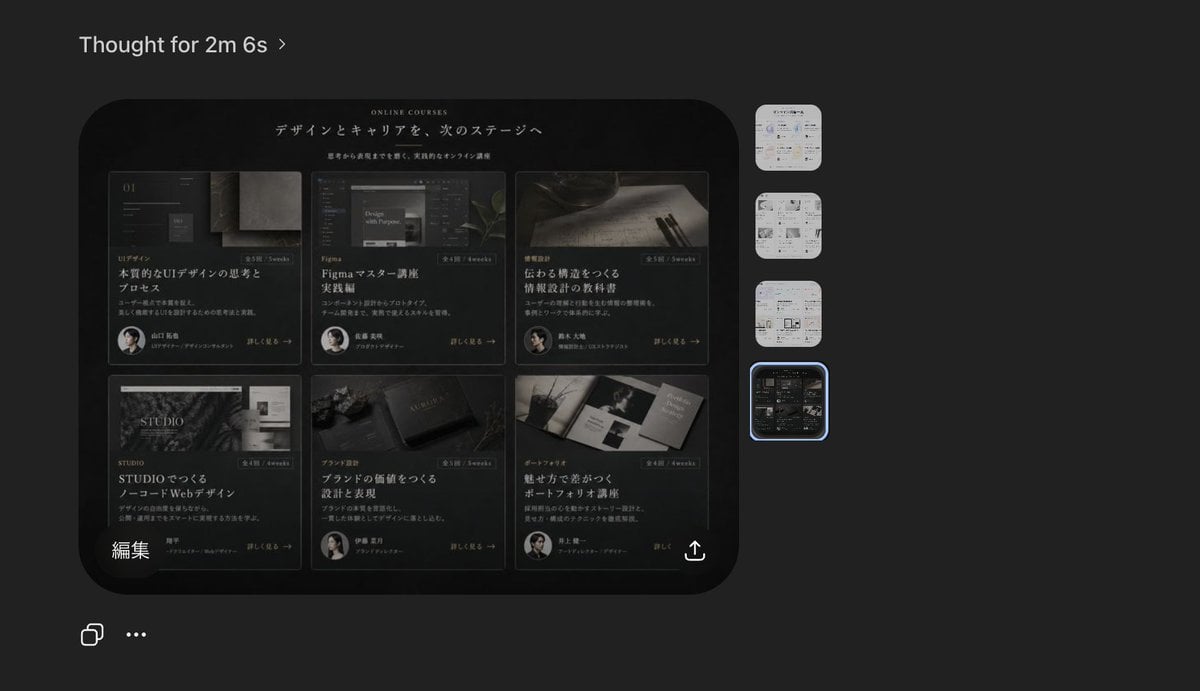
Dark AI Viewer with Course Website Preview
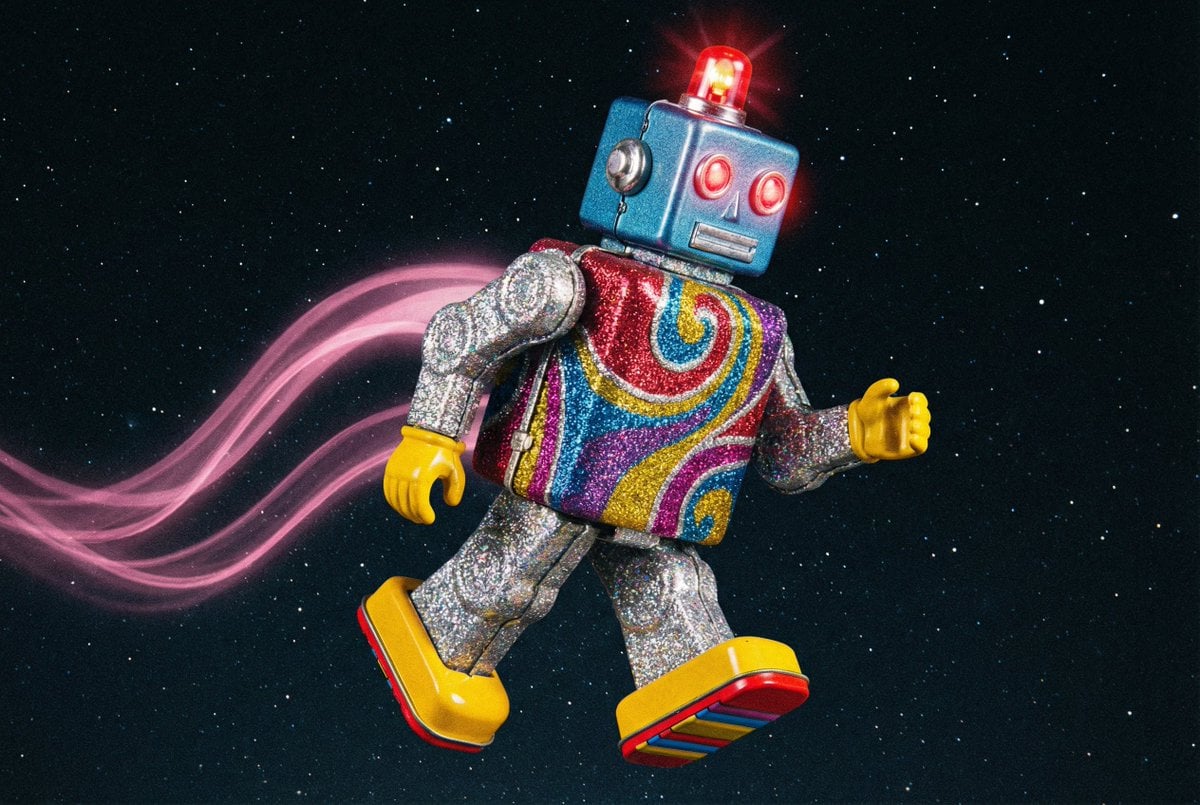
Nano Banana Pro prompt for a futuristic, neon-lit cityscape
Convex Mirror Night Street Selfie
Master Prompt for Premium Minimalist Product Photography
Playful Cartoon Sketch Transformation
Browse template categories
Retro 90s Japanese Anime Scenes questions
How do I use the Retro 90s Japanese Anime Scenes template?
Add your photo if the template asks for one, edit the prompt if you like — the template's model and format are already selected — and press Generate. Your version opens in PicX Studio.
Can I customize the Retro 90s Japanese Anime Scenes template?
Yes. You can change the subject, setting, lighting, mood, format, and available model controls before creating your image.
Is the Retro 90s Japanese Anime Scenes template free?
Opening and editing this template is free. Generating uses credits, shown on the Generate button when you are signed in.
Which AI model should I use?
Start with GPT Image 2, which is the model associated with this template. You can compare another compatible model for a different finish.
Looking for something else? Browse all templates.

Your photo, any look
Thousands of ready templates for every top image and video model, from one credit balance.