
Artist and Ethereal Muse at Night
This prompt generates a dreamy cinematic illustration of a young artist meeting a glowing imagined muse, ideal for visualizing emotional relationships, inspiration, and creator-character bonds.
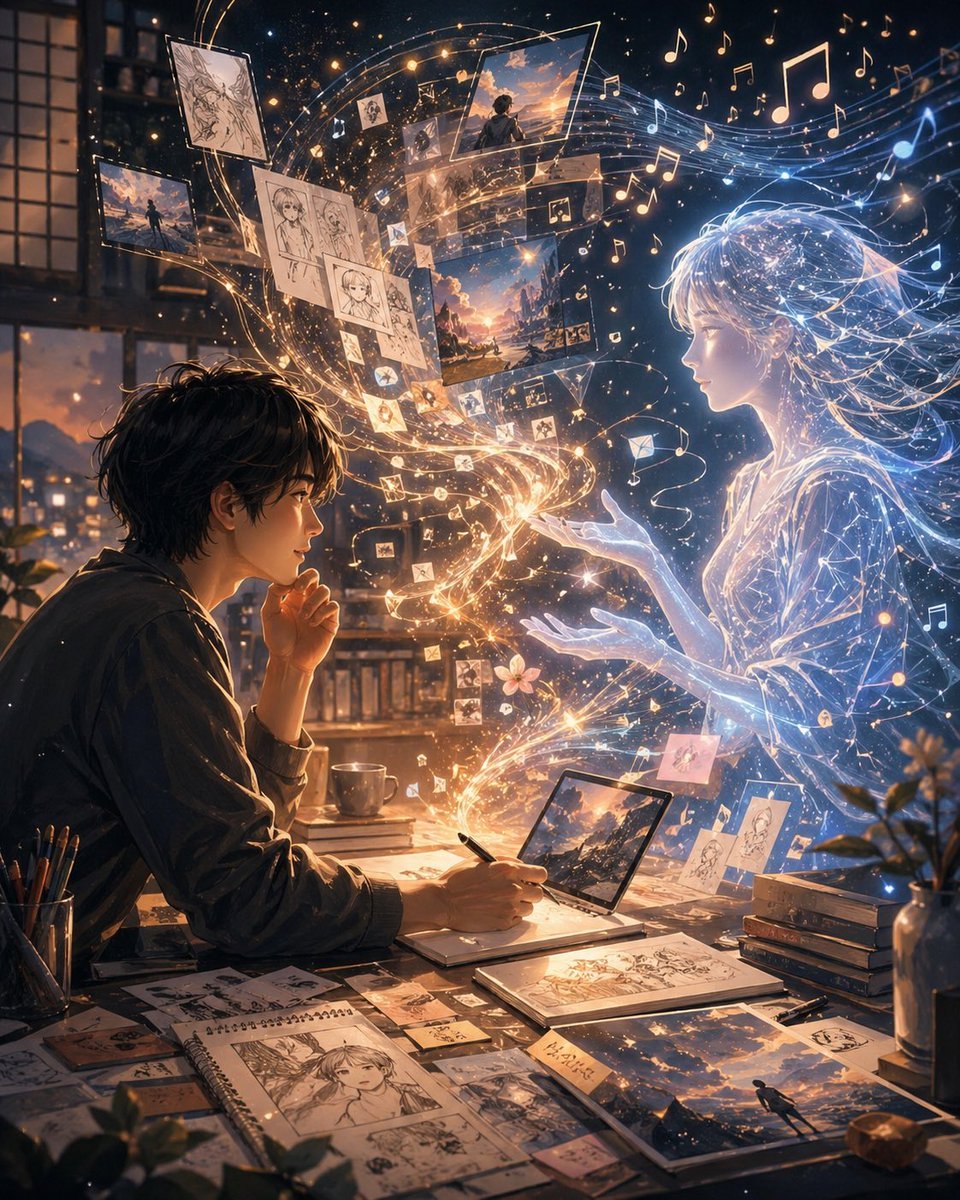
- Prompt included
- Model and format preset
- Free template
The prompt behind this image
Copy the exact prompt behind Artist and Ethereal Muse at Night, or open it in the studio and make it yours.
A cinematic anime-inspired digital illustration set at night inside a cozy artist's room with large window panes and a warm city glow outside. On the left, a young male artist with {argument name="hair color" default="dark brown"} messy hair sits at a cluttered desk in side profile, leaning forward with one hand near his mouth and the other drawing with a pen on a tablet or sketchbook. The desk is covered with exactly 1 pen cup filled with pencils, 1 coffee mug, 1 open laptop or pen-display showing a sunset landscape, 1 spiral sketchbook with manga-style character drawings, 2 additional drawing books or pads, 1 small stack of about 4 books, and many scattered art cards and printed illustrations. On the right, a luminous ethereal anime girl made of blue-white light appears life-sized, facing the artist with both hands gently extended toward him. Her form is translucent, delicate, and composed of glowing contour lines, starry particles, and flowing strands of light, with long windblown hair and a soft dress-like silhouette. Between them, a magical stream of golden and white light spirals upward from the artist's desk into the air, connecting creator and creation. Inside this swirling ribbon are exactly 12 to 16 floating image fragments and sketch pages: monochrome character sketches, scenic sunset paintings, small photo-like panels, and tiny icon-like cards, all orbiting in a curved arc from lower center to upper left and upper center. Around the upper half of the image, dozens of glowing musical notes float through the air, mixed with sparkling particles, creating the feeling that inspiration has become visible sound and memory. The palette is rich warm gold and amber on the artist's side, contrasted with cool electric blue and white on the spirit girl's side, with dramatic rim light, volumetric glow, intricate particles, and a dreamy emotional atmosphere. Composition is vertical, highly detailed, intimate, and poetic, evoking the relationship between {argument name="person one" default="you"} and {argument name="person two" default="me"} as artist and imagined muse, where drawings, music, memories, and fantasy physically manifest in the room. Add a small handwritten note card on the desk with {argument name="note text" default="二人だけの物語"}, and display one prominent artwork on the desk and one floating scenic panel using {argument name="scene theme" default="sunset sky over a distant city"}.
How to use Artist and Ethereal Muse at Night in 3 steps
- 1Upload ImagePNG, JPG or paste
Add your photo
Upload the photo the template builds on. The prompt, model and format are already set.
- 2…a portrait of your subject in softgolden-hour light, 85mm…
Personalize
Edit the subject and creative details for your destination.
- 3Generate
Generate
Press Generate — your image is created in PicX Studio, so you can compare it with the original and refine one variable at a time.
More like this
Templates with the same subject, style or setup. Open one to see its prompt.
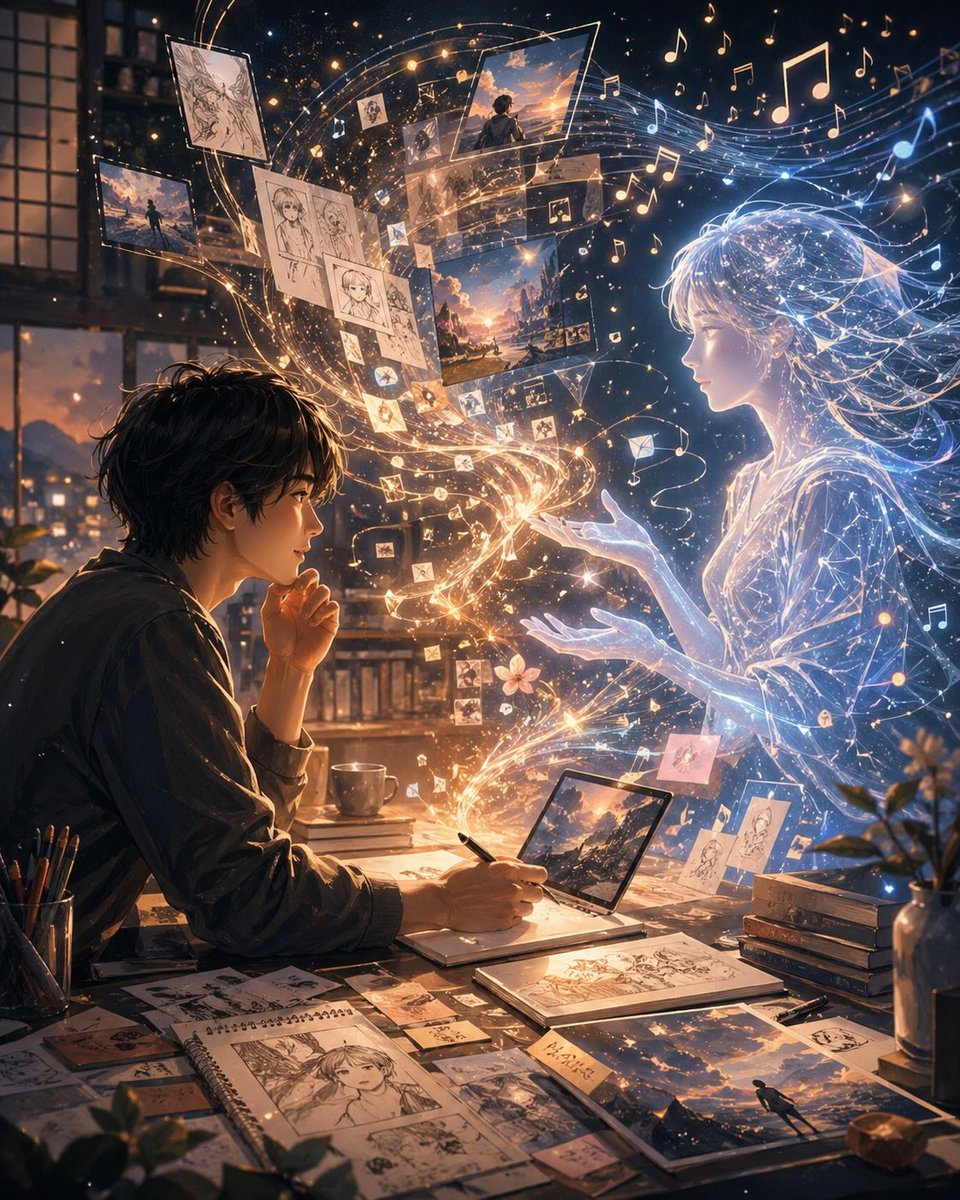
Gpt2 Social Media Post Artist and Ethereal Muse at Night

Subway Platform Quiet Introspective Portrait
Subway Platform Quiet Introspective Portrait

Spider-Man Night Swing New York Cinematic
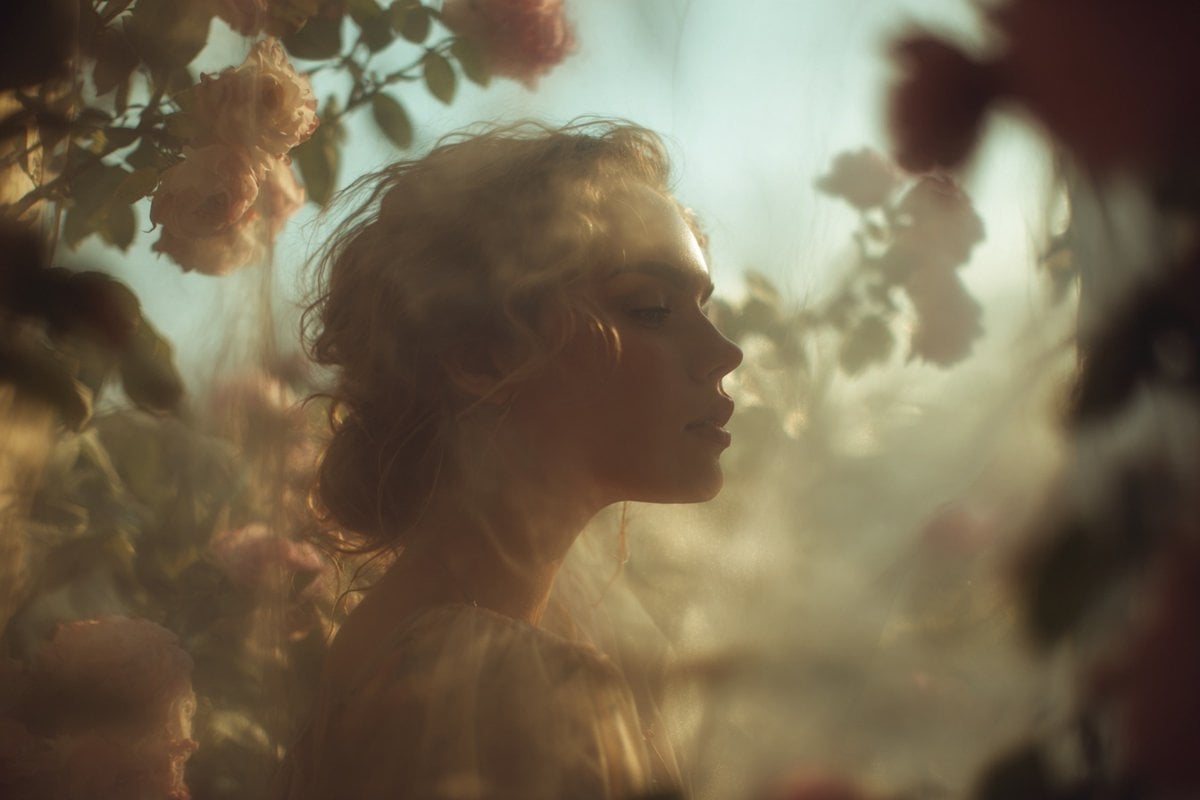
Ethereal Dream Editorial Through Fabric Portrait

Floating Woman Above Cityscape with Notifications

Night Sports Car Portrait — Cinematic Moody

Nano Banana - Cozy Cafe Night
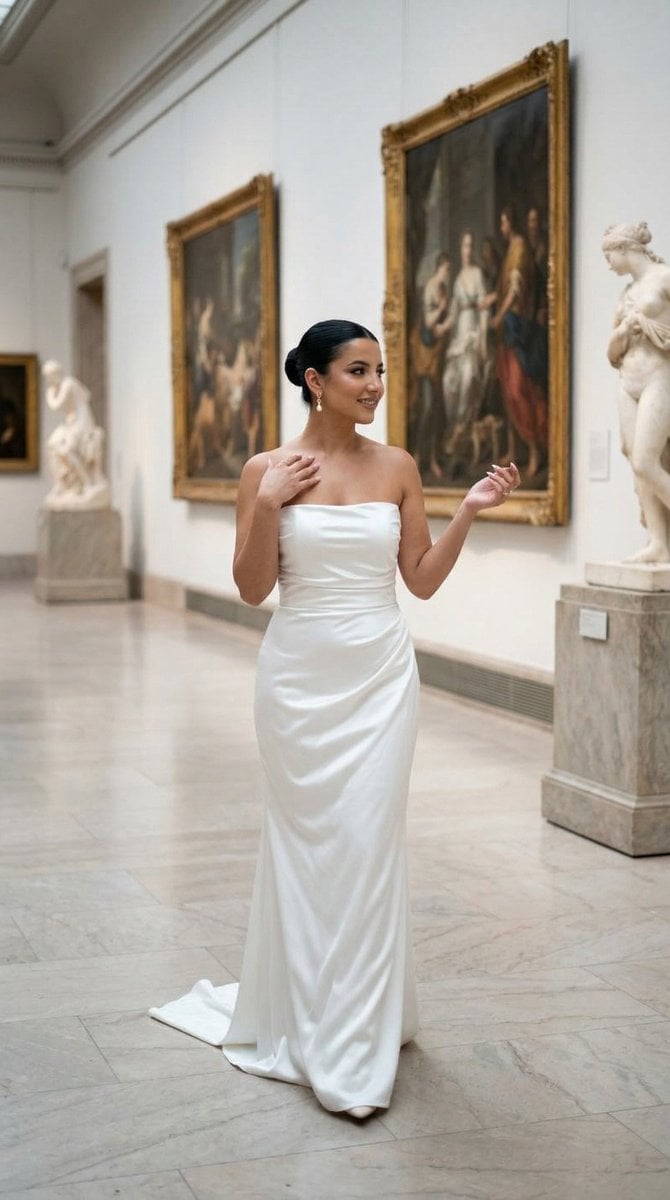
Nano Banana - Dancing Carefree Paris

Nano Banana - Paris Night Party Dancing
Nano Banana - Bathtub Eiffel Night
Nano Banana - Rooftop Dinner Night
Make it yours
Artist and Ethereal Muse at Night works as-is. These are the safest ways to change it without losing the look.
Change one field
Copy a single group, rewrite it, and generate again so you can see what that field is doing.
Keep the frame, change the subject
Hold the composition and light of Artist and Ethereal Muse at Night, then swap wardrobe, props or the person for a new take.
| If the result… | Why | Fix |
|---|---|---|
| The result drifts from the preview | Too many fields changed at once. | Reuse Artist and Ethereal Muse at Night as-is first, then change one group — subject, light, or setting. |
| The model over-stylizes the scene | The prose prompt leaves finish and camera underspecified. | Add one camera or lighting sentence and stay on GPT Image 2. |
More GPT Image 2 templates
Other prompts made for GPT Image 2.

Six VTuber Japanese Logo Sheet

Realistic Portrait of Woman and Deer

The Vista Modular Condo Poster

AI Model Routing Comparison Infographic

2.5D Anime Art Board

Isometric Productivity Desk Scene

New York Double Exposure Poster

Four-Panel AI Landscape Comparison

Japanese Tatami Lifestyle Magazine Cover

NESCAFÉ Coffee Map Poster
More image prompts
Fresh picks from across the catalog.
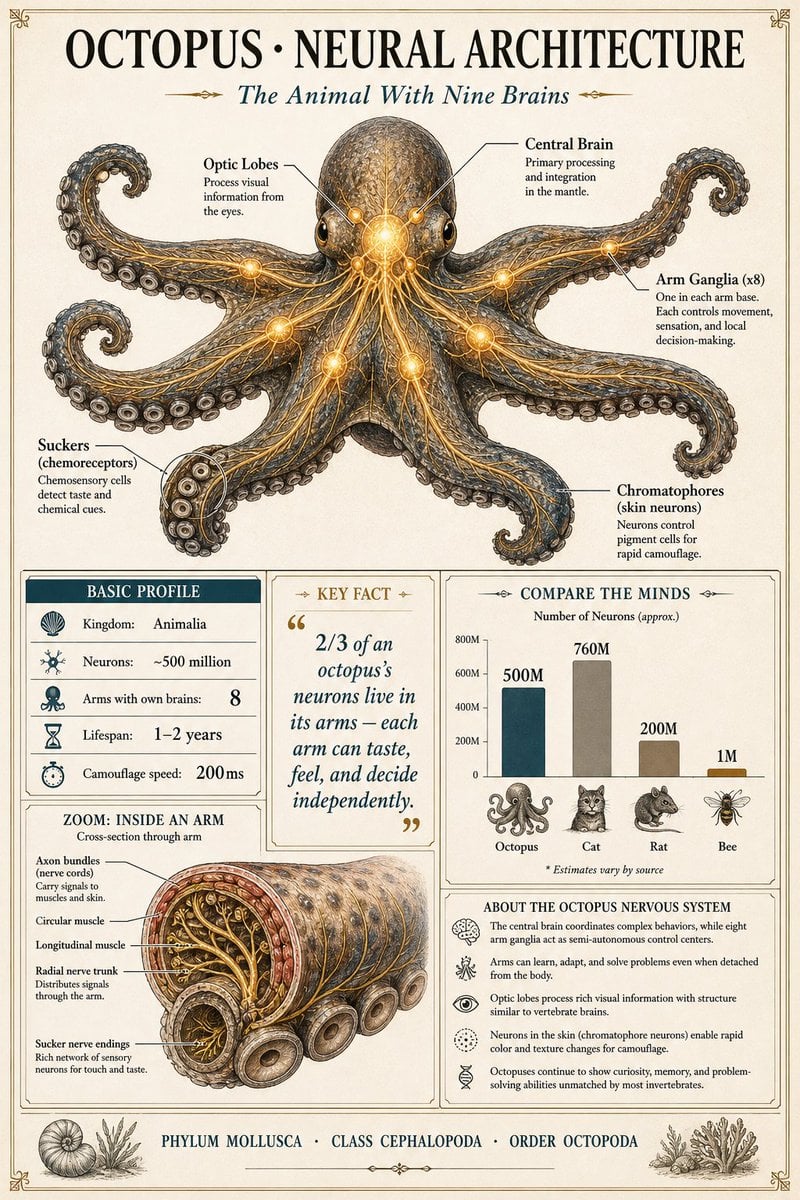
Scientific Encyclopedia Infographic Prompt
Grok Video Prompt: High-Speed Bike Stunt Action
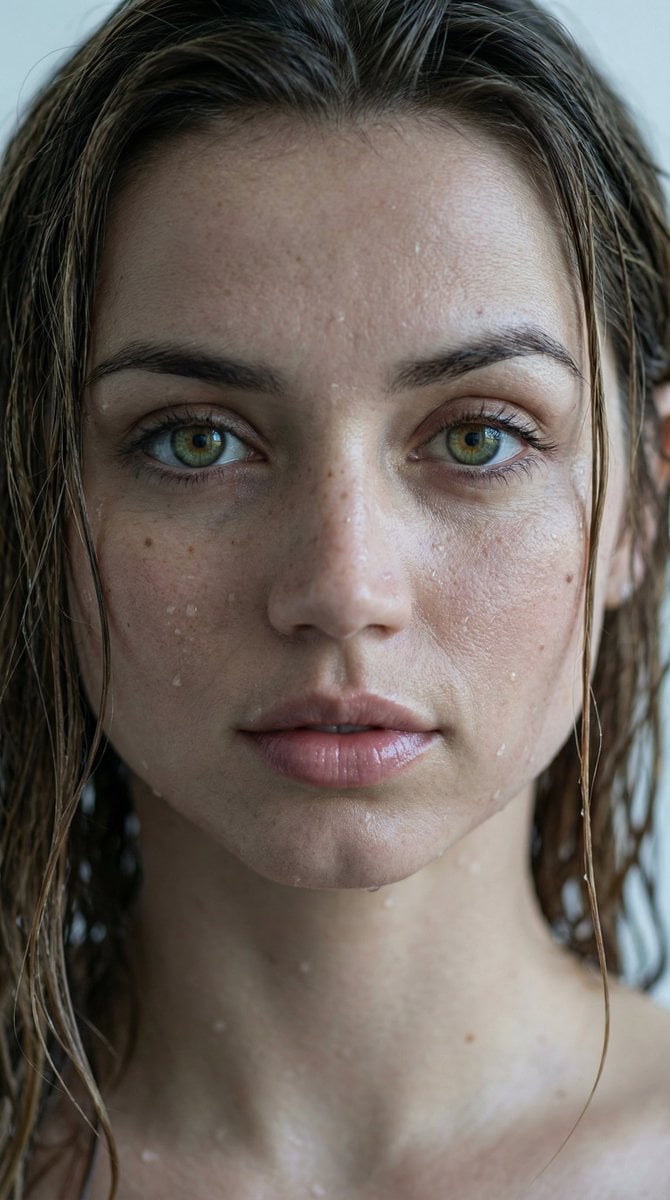
Hyper-Realistic Wet Look Close-Up Portrait
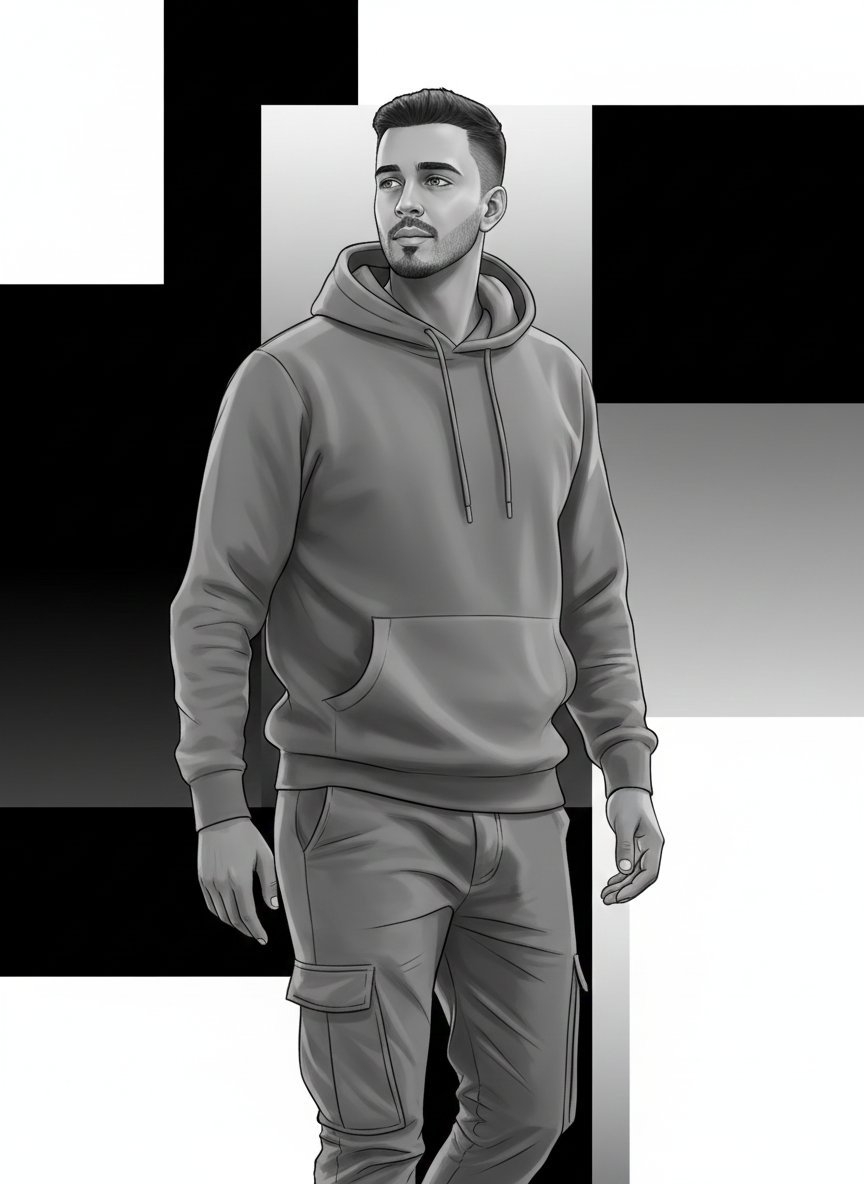
High-Fashion Monochrome Vector Illustration Prompt
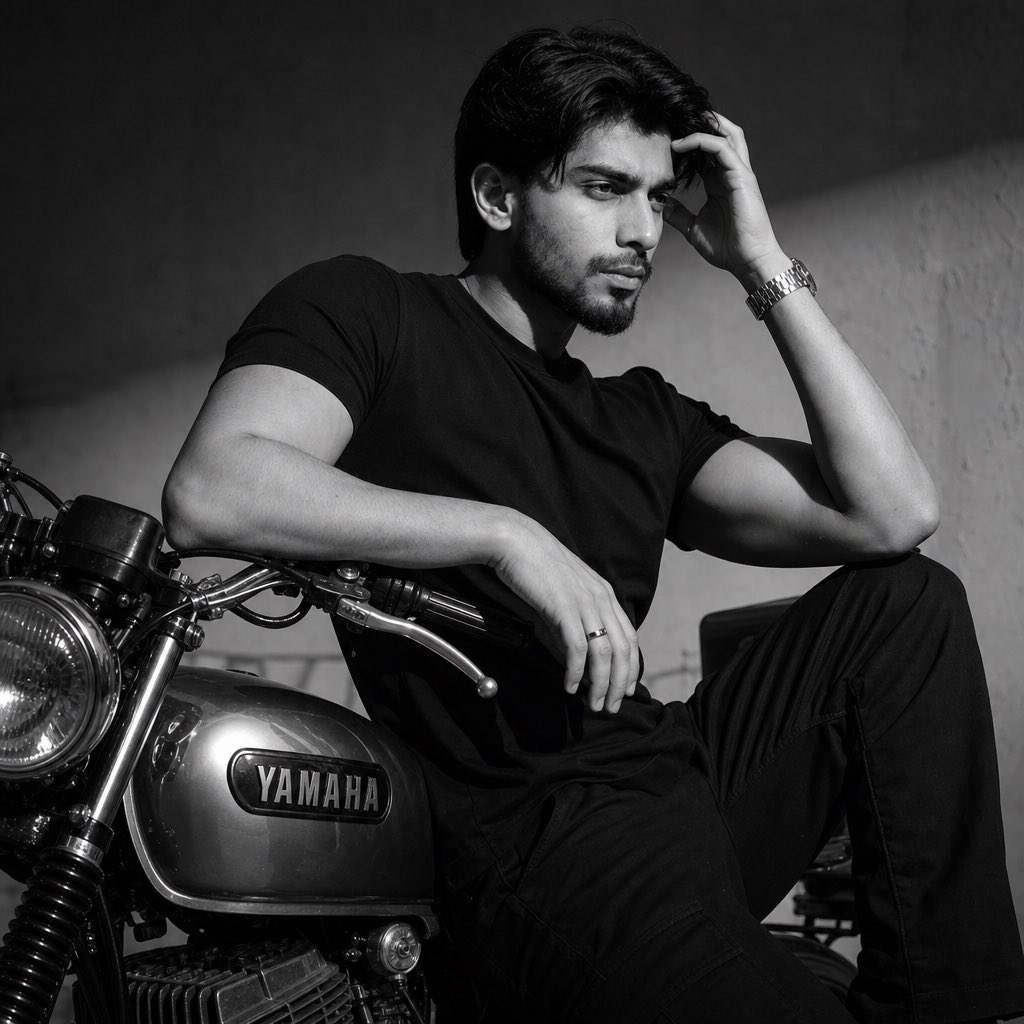
Nostalgic Black and White Portrait
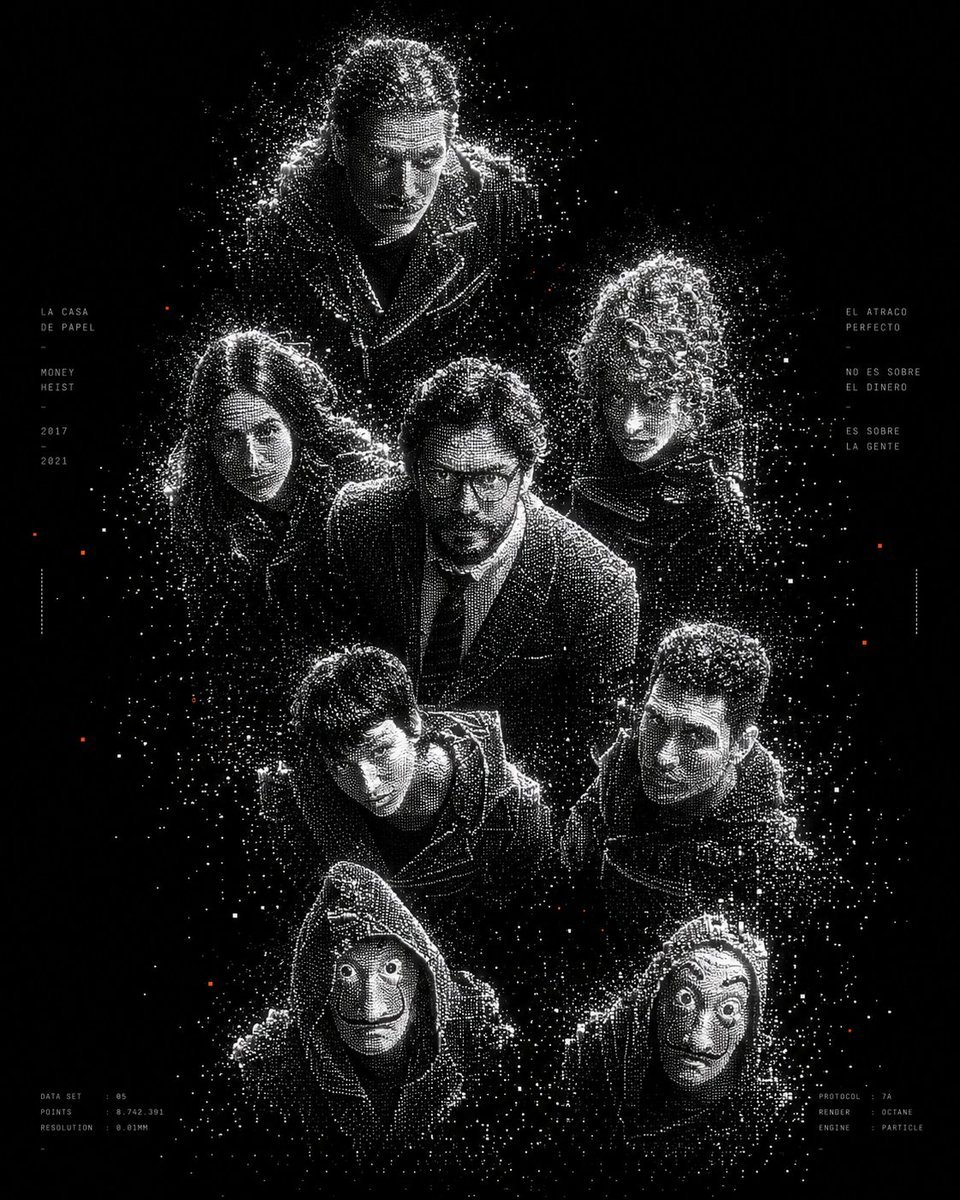
Monochrome Particle Render Art
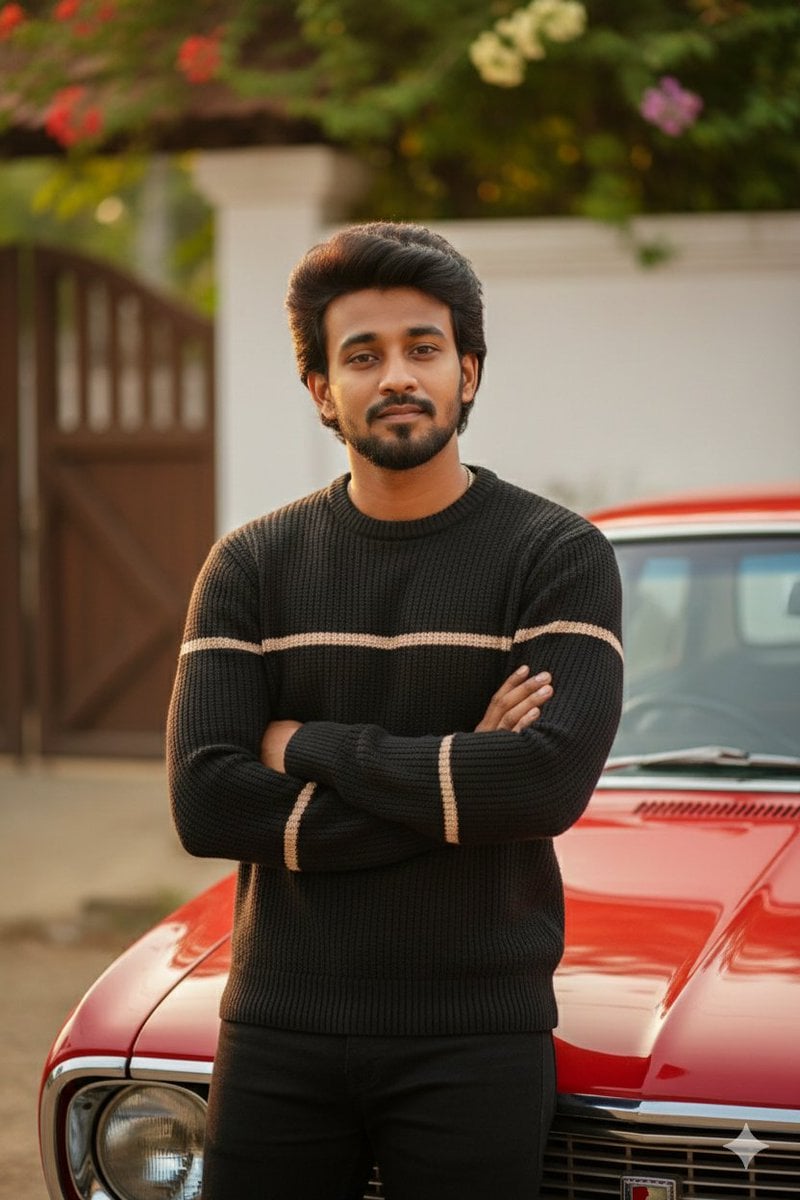
Stunning Photo Prompt for Gemini Nano Banana (Generic)
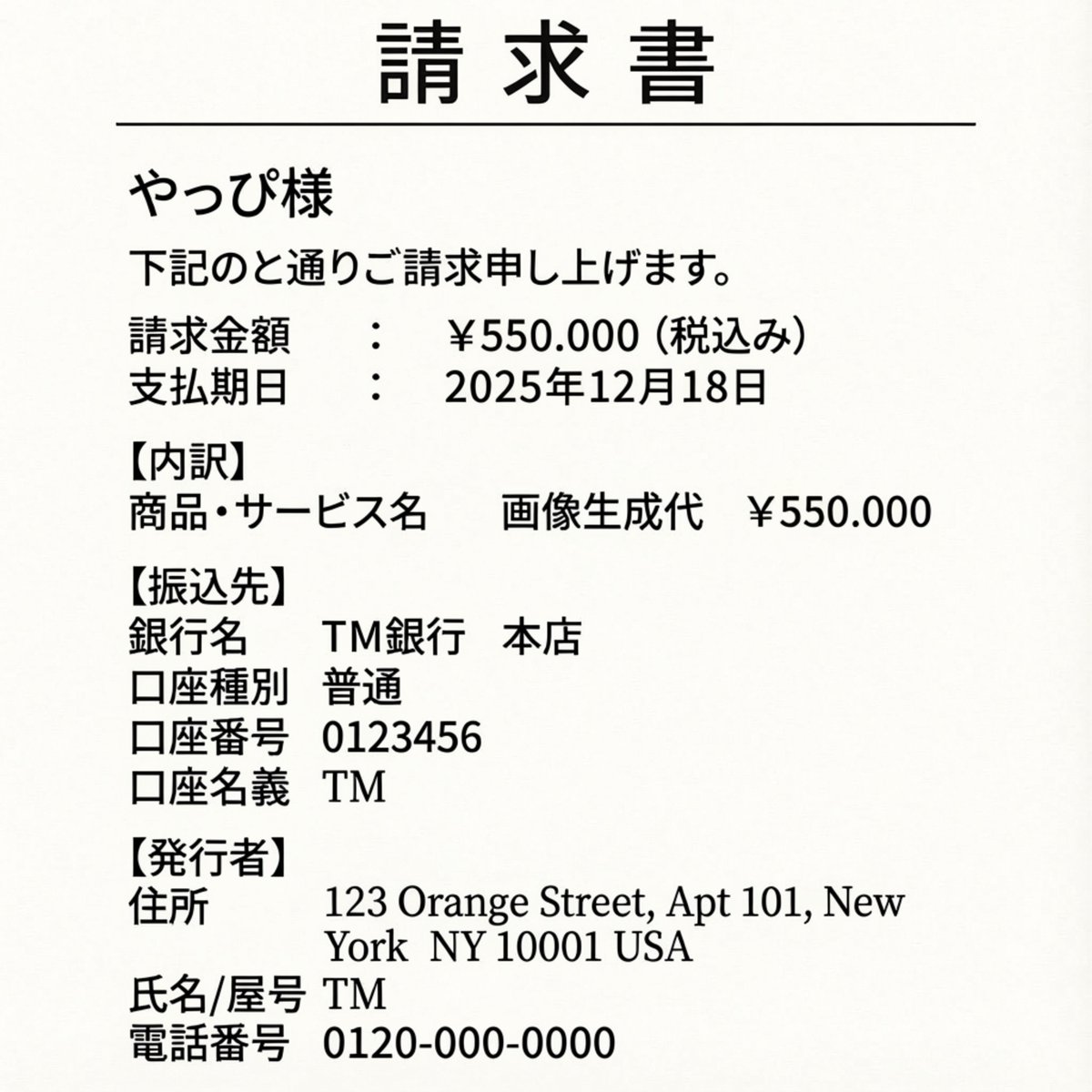
Editing an Invoice Image Amount
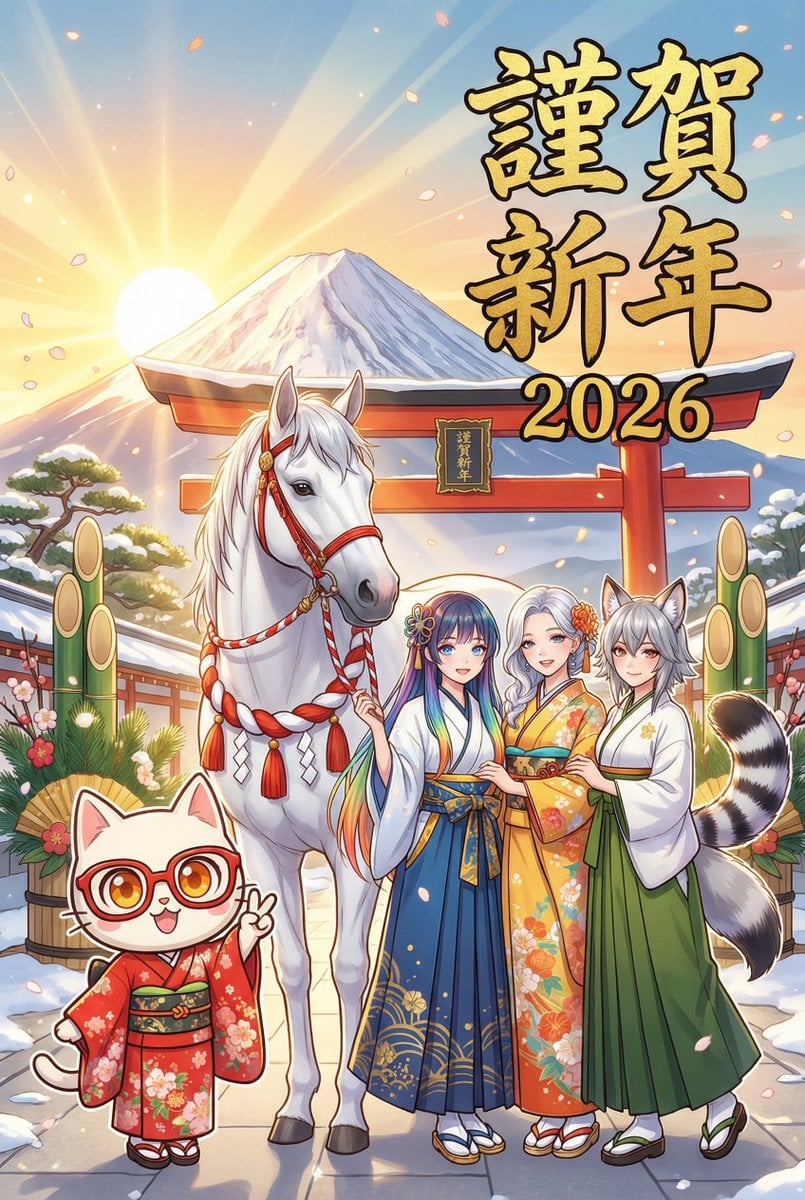
New Year's Card Generation with Character Synchronization and Typography
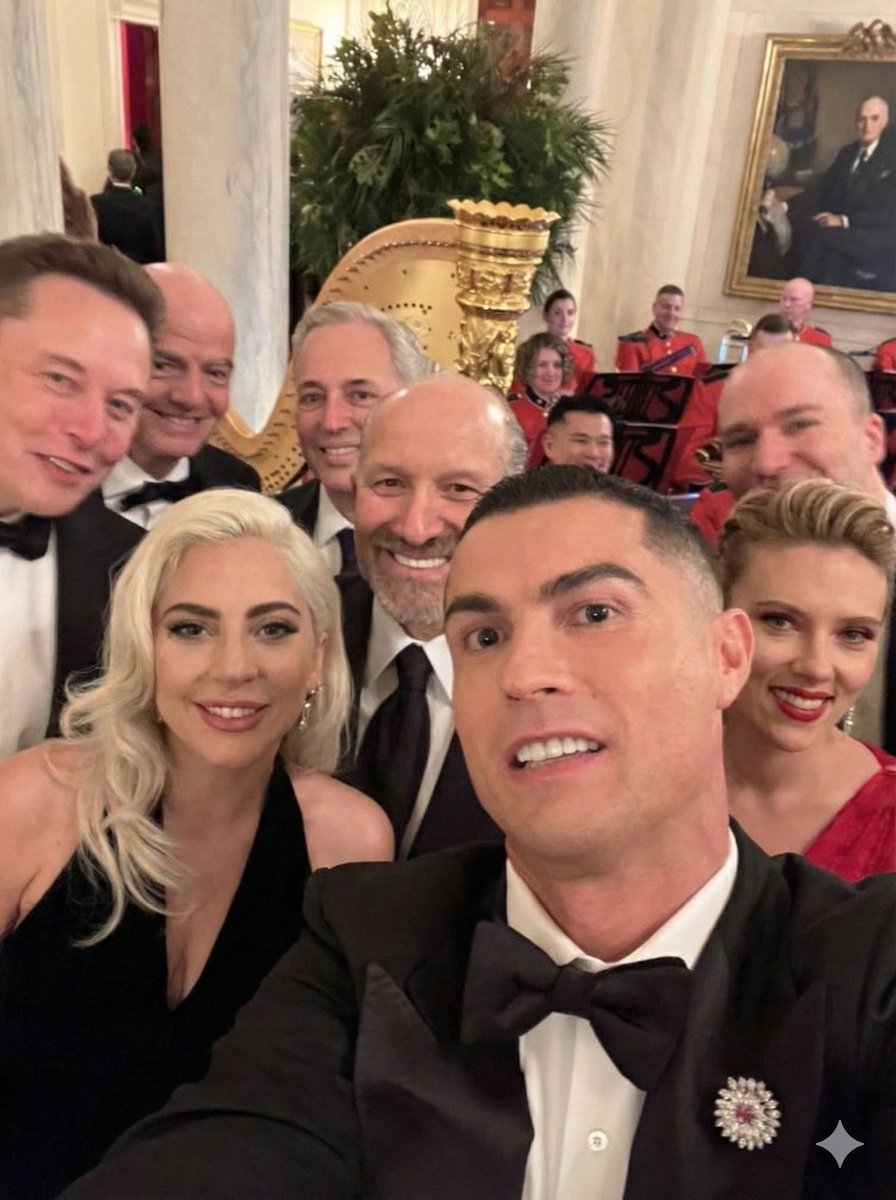
Replace women with specific celebrities
Browse template categories
Artist and Ethereal Muse at Night questions
How do I use the Artist and Ethereal Muse at Night template?
Add your photo if the template asks for one, edit the prompt if you like — the template's model and format are already selected — and press Generate. Your version opens in PicX Studio.
Can I customize the Artist and Ethereal Muse at Night template?
Yes. You can change the subject, setting, lighting, mood, format, and available model controls before creating your image.
Is the Artist and Ethereal Muse at Night template free?
Opening and editing this template is free. Generating uses credits, shown on the Generate button when you are signed in.
Which AI model should I use?
Start with GPT Image 2, which is the model associated with this template. You can compare another compatible model for a different finish.
Looking for something else? Browse all templates.

Your photo, any look
Thousands of ready templates for every top image and video model, from one credit balance.