
New Year's Card Generation with Character Synchronization and Typography
A comprehensive prompt for generating a New Year's card featuring four characters and the zodiac animal (White Horse for 2026).
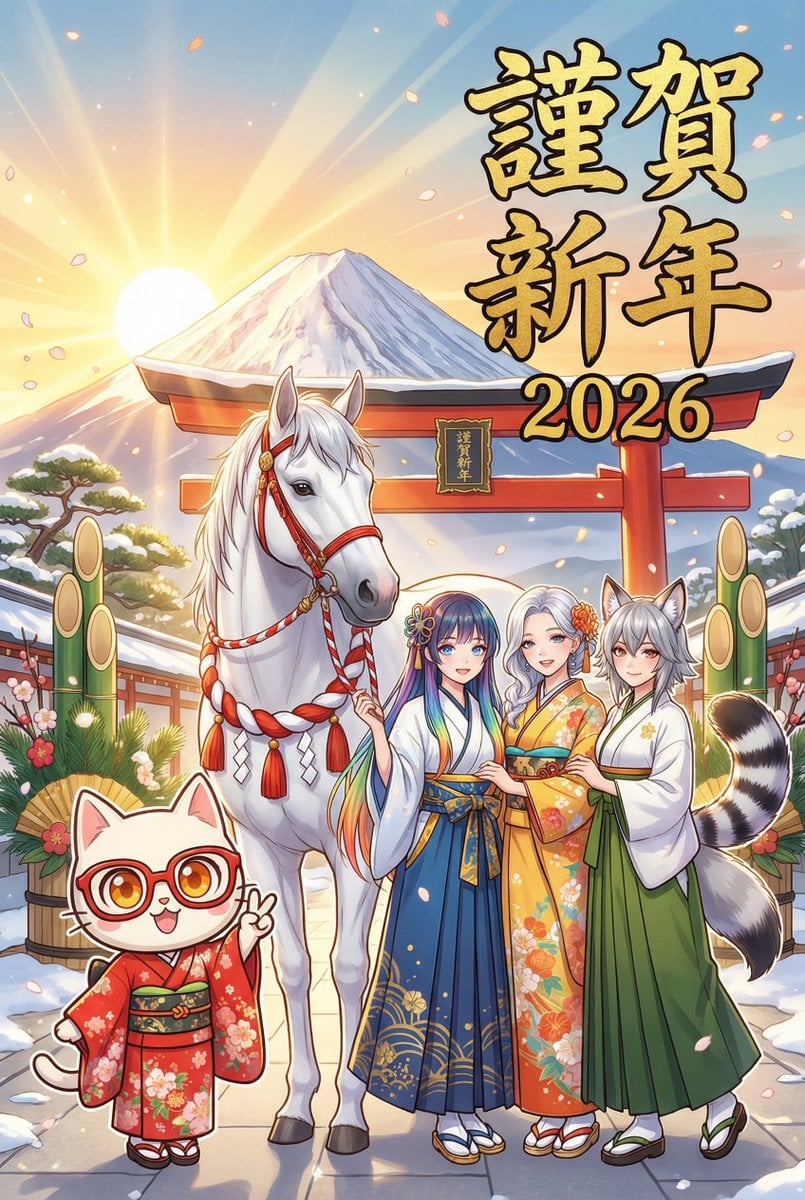
- Prompt included
- Model and format preset
- Free template
The prompt behind this image
Copy the exact prompt behind New Year's Card Generation with Character Synchronization and Typography, or open it in the studio and make it yours.
**タスク:** 参照画像の4人のキャラクターと、2026年の干支「白馬」を描いた年賀状を生成する。 **【最重要:頭身とスタイルの完全同期】** Nano Banana Proは、各キャラクターの参照元画像の「画風」と「頭身(プロポーション)」を**絶対厳守**すること。 - **参照画像が「ちびキャラ(2〜3頭身)」の場合:** → **必ず「ちびキャラ」として描画する。**(勝手にリアル化しない) - **参照画像が「リアル頭身」の場合:** → **必ず「リアル頭身」のまま描画する。**(勝手にデフォルメしない) - **顔の再現:** 目、表情、髪型を参照画像と完全に一致させる。 **被写体 (SUBJECTS):** 1. **キャラクター4名:** - **衣装:** 全員、お正月らしい豪華な和装({argument name="和装の種類" default="振袖、羽織袴"})。 {argument name="色合い" default="赤・青・黄・緑"}など、それぞれのイメージカラーに合わせた華やかな色合い。 - **ポーズ:** 4人で仲良く並び、楽しそうにポーズ(ピースや手を振るなど)をとっている。 2. **白馬 (Year of the Horse):** - キャラクターたちと一緒にいる、美しく神々しい白馬。 - お正月用の飾り(紅白の紐や房)を付けている。 **背景 (ENVIRONMENT):** - {argument name="背景の場所" default="初日の出、富士山、または神社の鳥居"}。 - 「お正月」と一目でわかる、明るくめでたい雰囲気。 **文字 (TYPOGRAPHY):** - メイン: 「{argument name="メインテキスト" default="謹賀新年"}」(力強い金色の筆文字) - 年号: 「2026」(読みやすいフォント) - レイアウト: 絵柄を邪魔しない位置にバランスよく配置する。 **画質:** - スタイルは参照画像に準拠しつつ、細部(着物の柄、馬の毛並み)を高解像度で描き込む。
How to use New Year's Card Generation with Character Synchronization and Typography in 3 steps
- 1
Open
The prompt is already in the box next to the preview, with the template's model and format selected.
- 2…a portrait of your subject in softgolden-hour light, 85mm…
Personalize
Edit the subject and creative details for your destination.
- 3Generate
Generate
Press Generate — your image is created in PicX Studio, so you can compare it with the original and refine one variable at a time.
More like this
Templates with the same subject, style or setup. Open one to see its prompt.
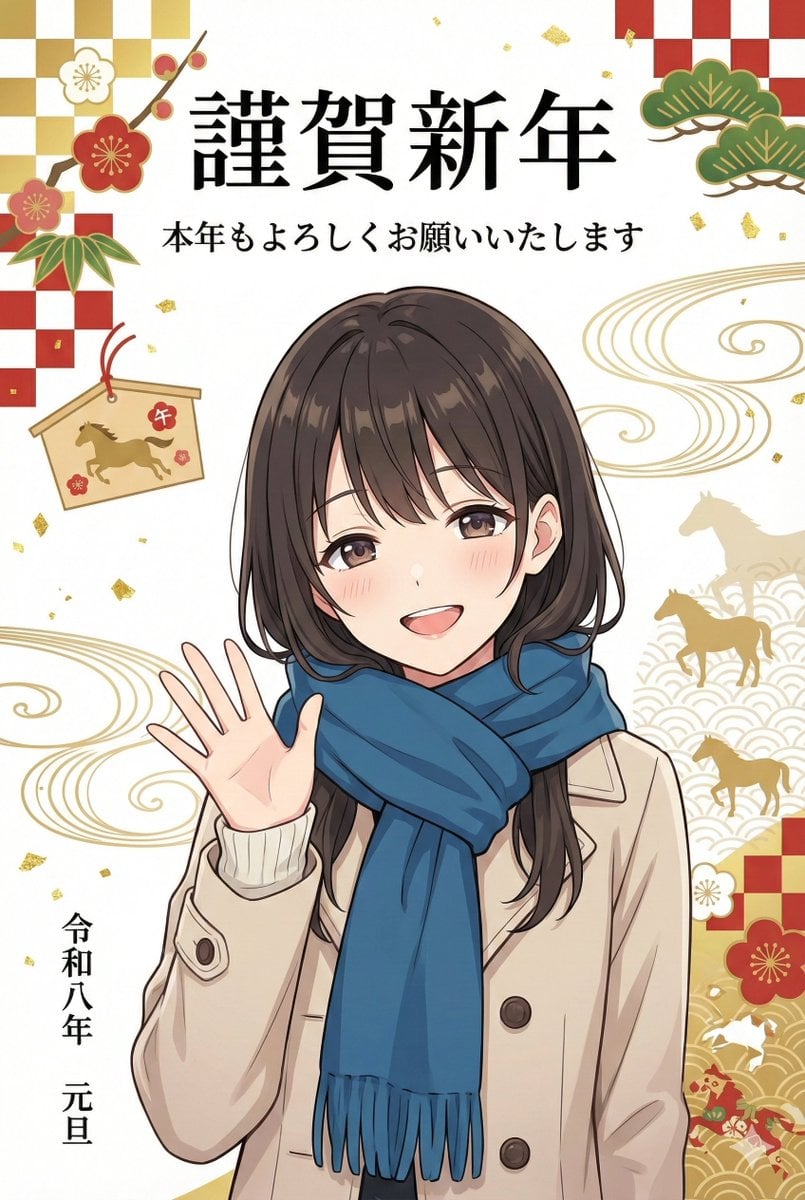
New Year's Card Illustration Generation Prompt

Motion Graphics Finale Fireworks

Motion Graphics Garden Maze

Motion Graphics Castle Gate

Motion Graphics Kitchen Chaos

Motion Graphics Carnival Ride

Motion Graphics Rainy Bus Stop
Motion Graphics Space Dock
Motion Graphics Cafe Morning
Motion Graphics Mountain Summit
Motion Graphics Underwater Reef
Motion Graphics Street Festival
Make it yours
New Year's Card Generation with Character Synchronization and Typography works as-is. These are the safest ways to change it without losing the look.
Change one field
Copy a single group, rewrite it, and generate again so you can see what that field is doing.
Keep the frame, change the subject
Hold the composition and light of New Year's Card Generation with Character Synchronization and Typography, then swap wardrobe, props or the person for a new take.
| If the result… | Why | Fix |
|---|---|---|
| The result drifts from the preview | Too many fields changed at once. | Reuse New Year's Card Generation with Character Synchronization and Typography as-is first, then change one group — subject, light, or setting. |
| The model over-stylizes the scene | The prose prompt leaves finish and camera underspecified. | Add one camera or lighting sentence and stay on Nano Banana 2. |
More Nano Banana 2 templates
Other prompts made for Nano Banana 2.

Photorealistic Leaf Shaped Like a Dragon

K-Pop Idol Portrait Grid for Rapid Selection

Poetic Rain Forest Portrait During Golden Hour

Urban Street Portrait with Cartoon Inner Self Duo

Candid Nighttime Photo with Cat Prompt

High-Concept 3D Diorama Generation Prompt

Cinematic Futuristic Studio Portrait Template

Skincare Editorial Photography Collage Prompt

Hyper-Realistic Commercial Product Photography (Splash Effect)

Hyper-Realistic Nightclub Portrait Prompt
More image prompts
Fresh picks from across the catalog.
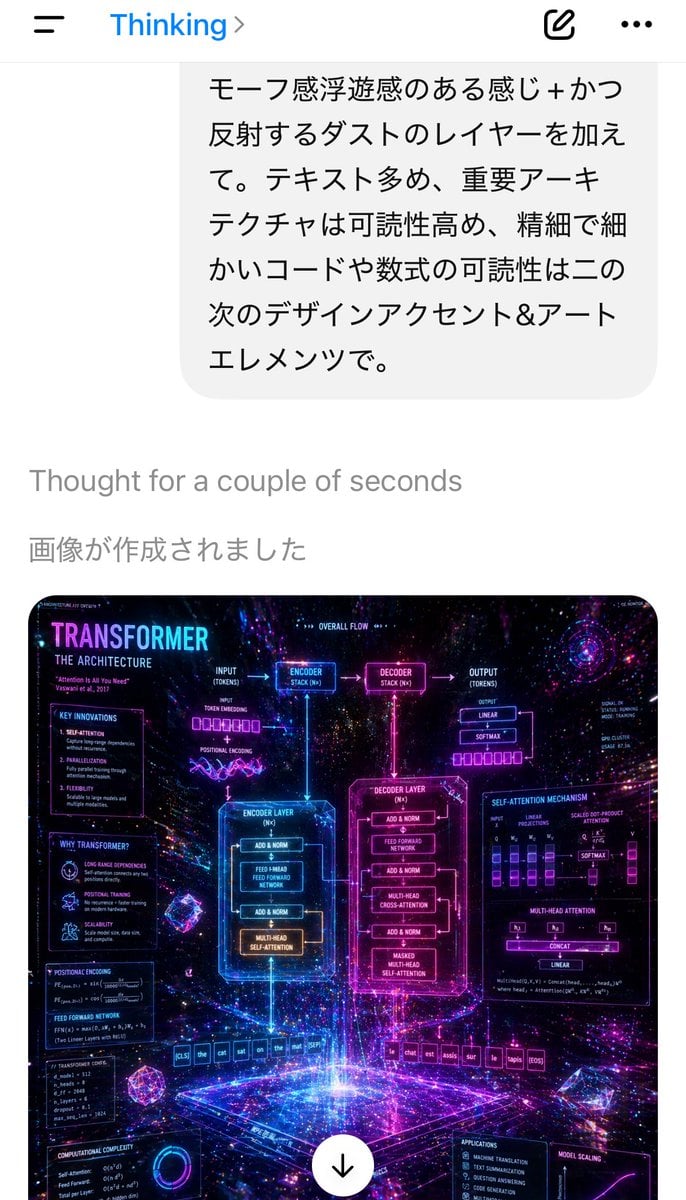
Mobile AI Chat Screenshot with Transformer Poster
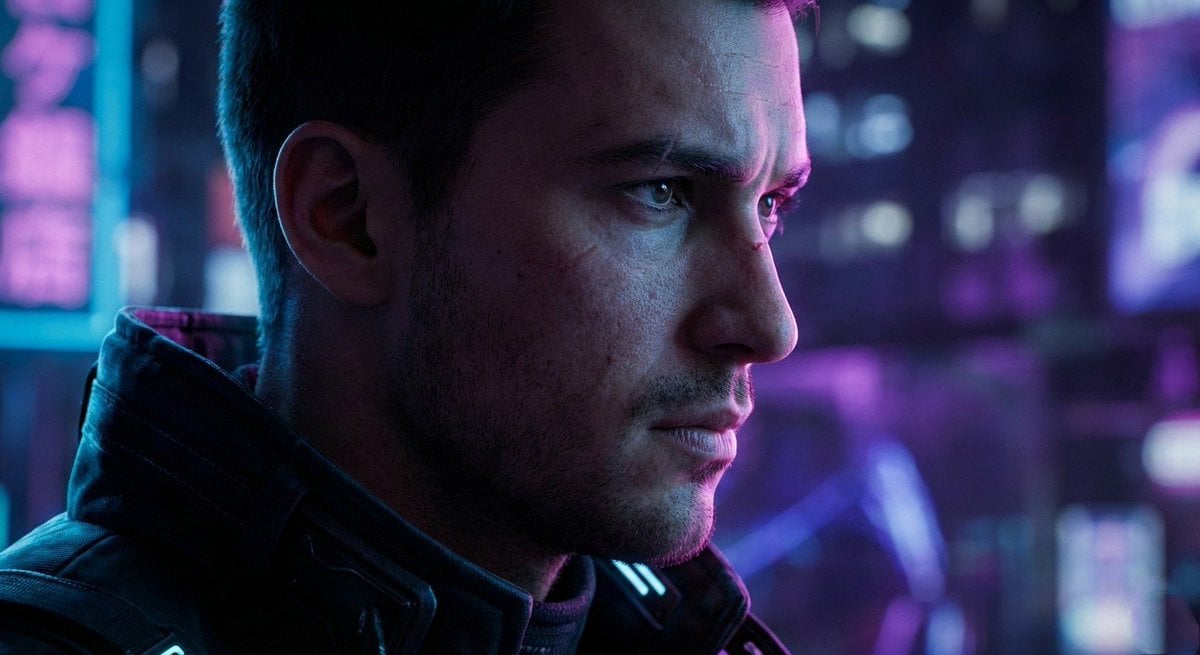
Cyberpunk Cinematic Close-up Portrait
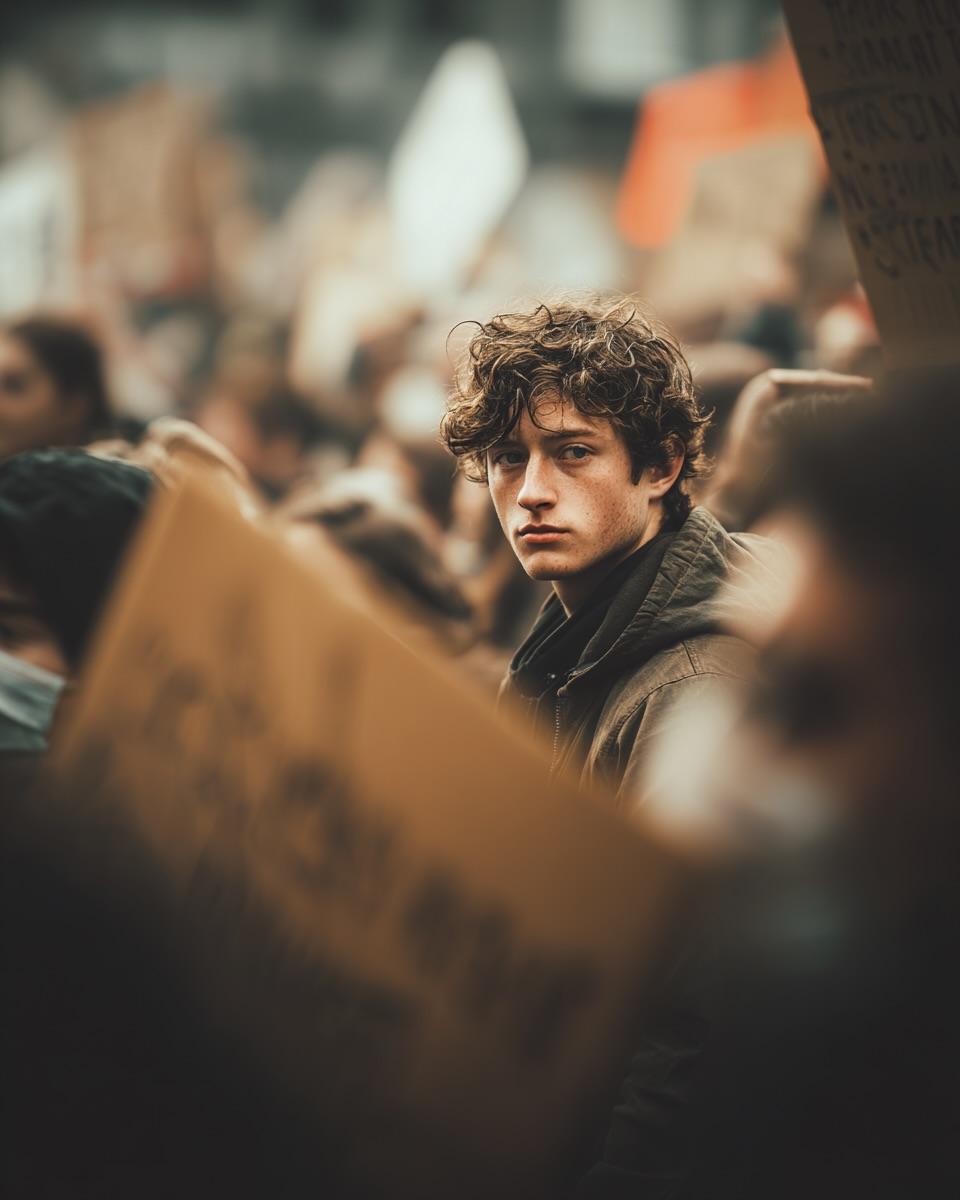
Ultra-Realistic Cinematic Street Photograph Prompt
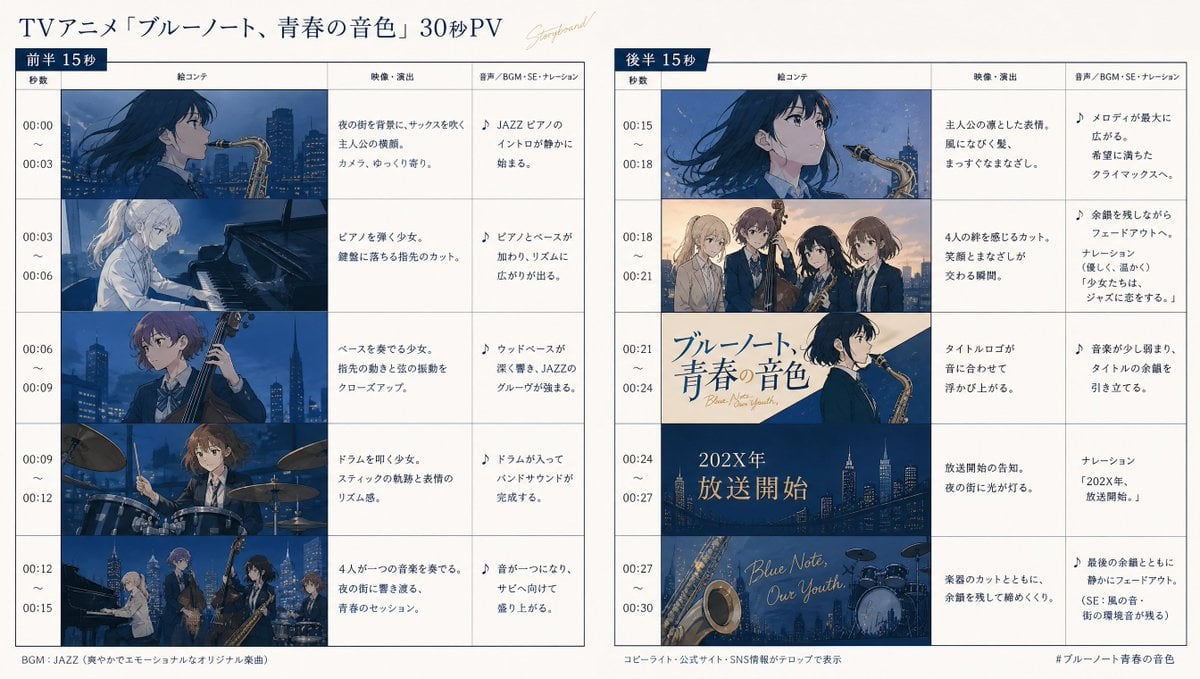
Anime Storyboard Generation
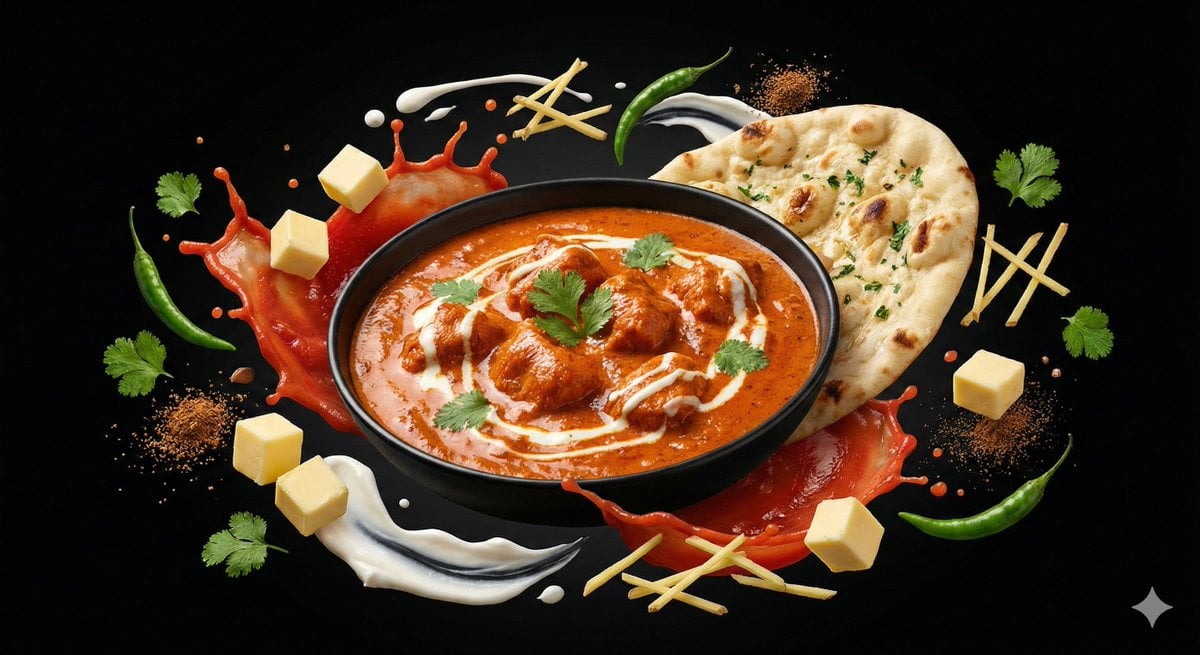
Ingredient Orbit Shot: Food Photography
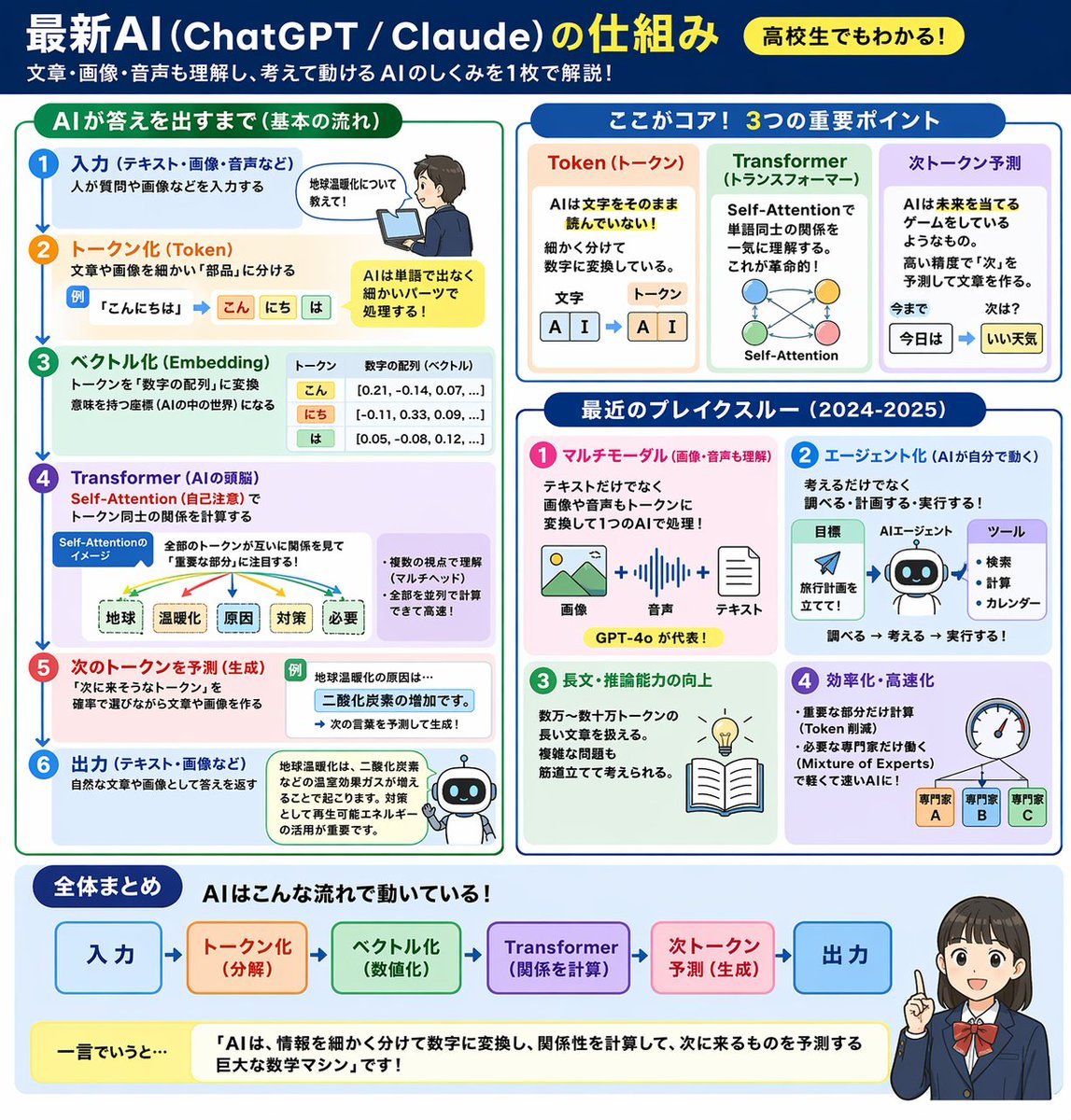
AI Mechanism Infographic
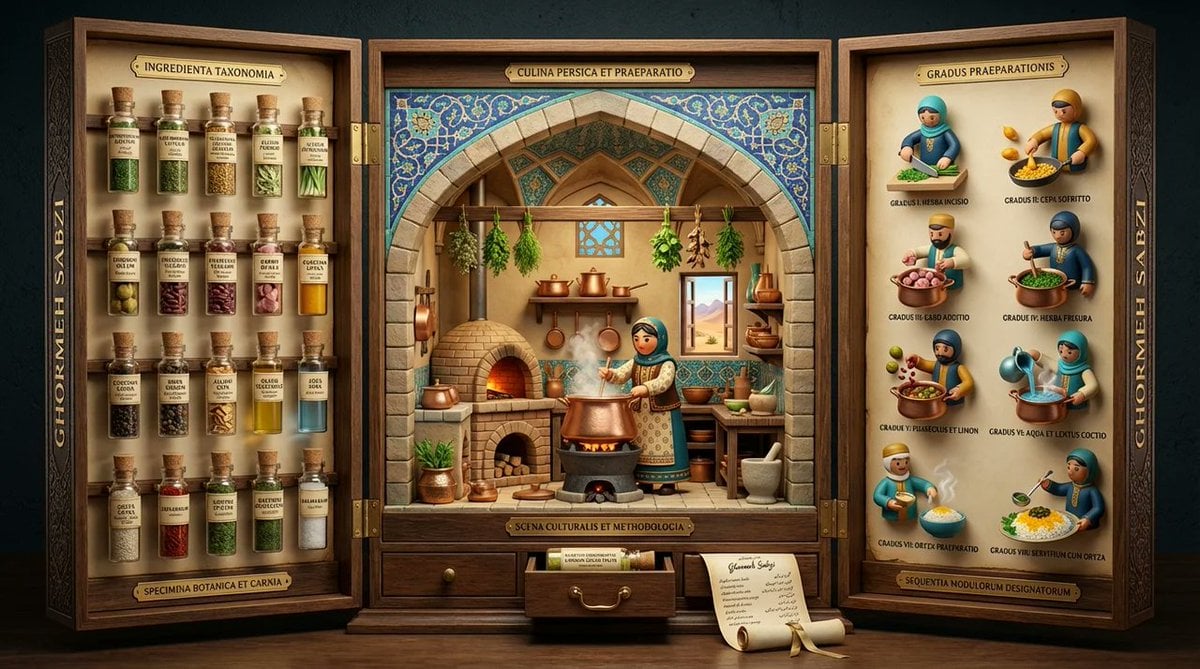
Medieval Altarpiece Display of Ghormeh Sabzi

Grok Video Prompt: High-Speed Jet Boot Action
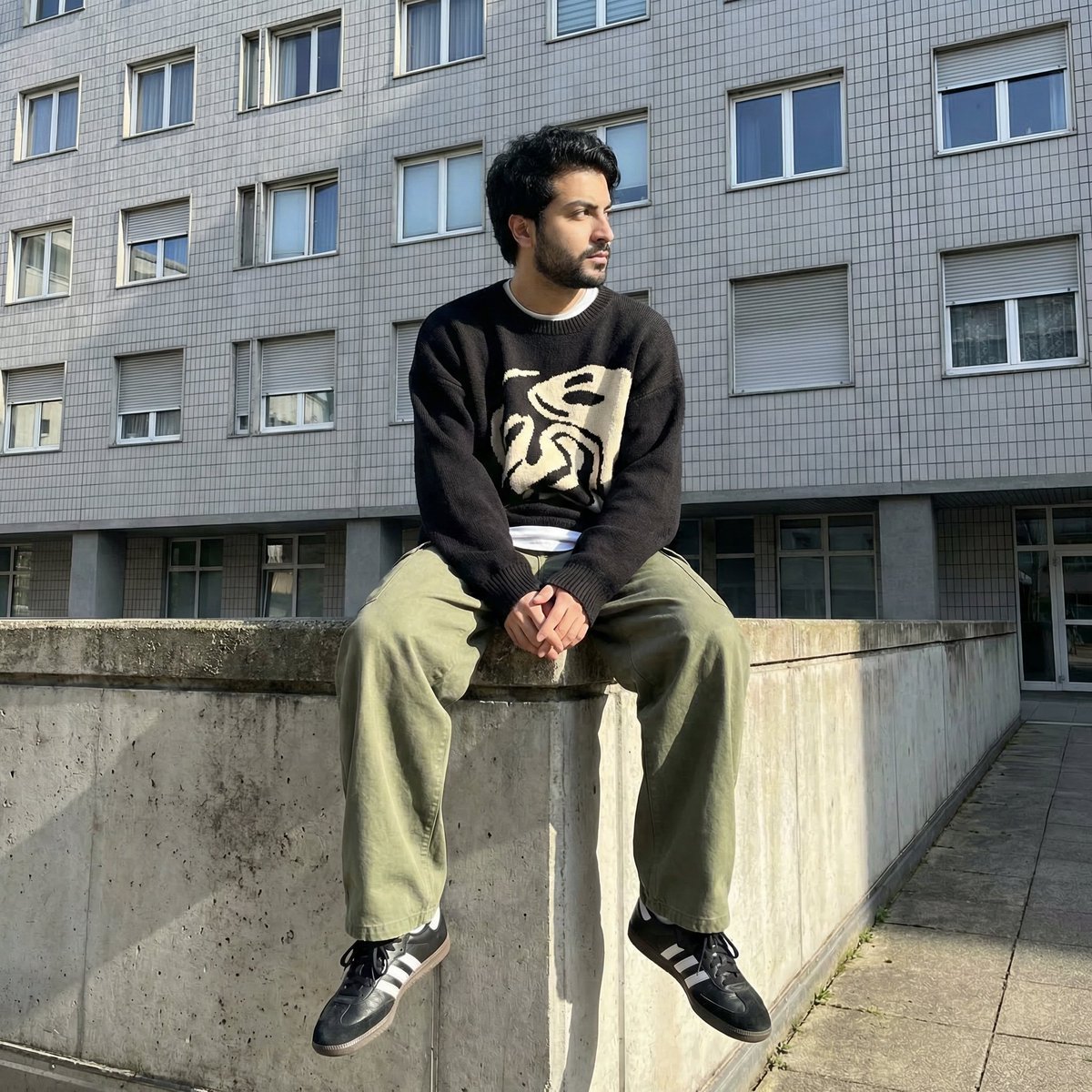
Photorealistic Urban Portrait from Reference Image
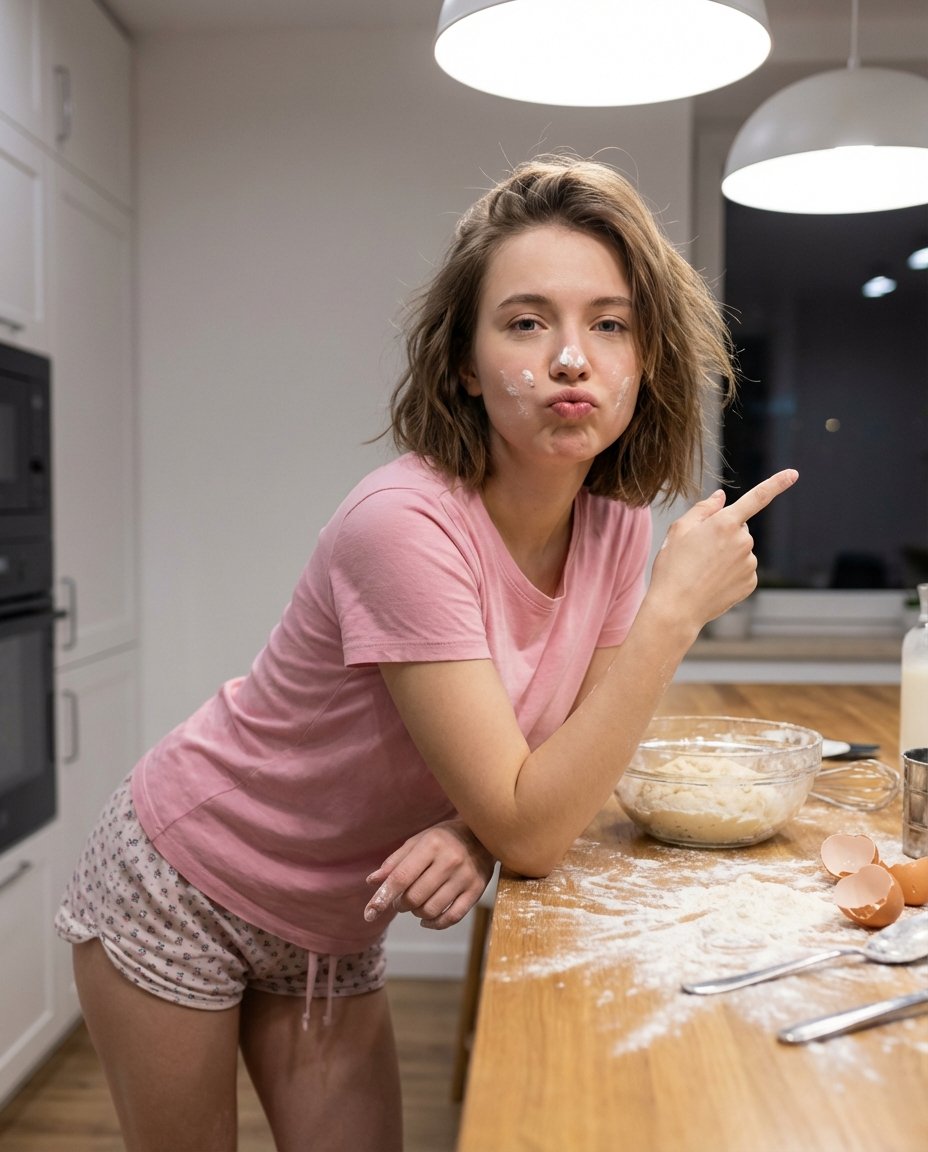
Adding Imperfections to AI Images for Realism
Browse template categories
New Year's Card Generation with Character Synchronization and Typography questions
How do I use the New Year's Card Generation with Character Synchronization and Typography template?
Add your photo if the template asks for one, edit the prompt if you like — the template's model and format are already selected — and press Generate. Your version opens in PicX Studio.
Can I customize the New Year's Card Generation with Character Synchronization and Typography template?
Yes. You can change the subject, setting, lighting, mood, format, and available model controls before creating your image.
Is the New Year's Card Generation with Character Synchronization and Typography template free?
Opening and editing this template is free. Generating uses credits, shown on the Generate button when you are signed in.
Which AI model should I use?
Start with Nano Banana 2, which is the model associated with this template. You can compare another compatible model for a different finish.
Looking for something else? Browse all templates.

Your photo, any look
Thousands of ready templates for every top image and video model, from one credit balance.