
Underwater Pink Petal Muse
Generates a dreamy anime-style underwater fantasy figure wrapped in giant blush-pink petals, useful for ethereal character art or surreal fashion illustration.
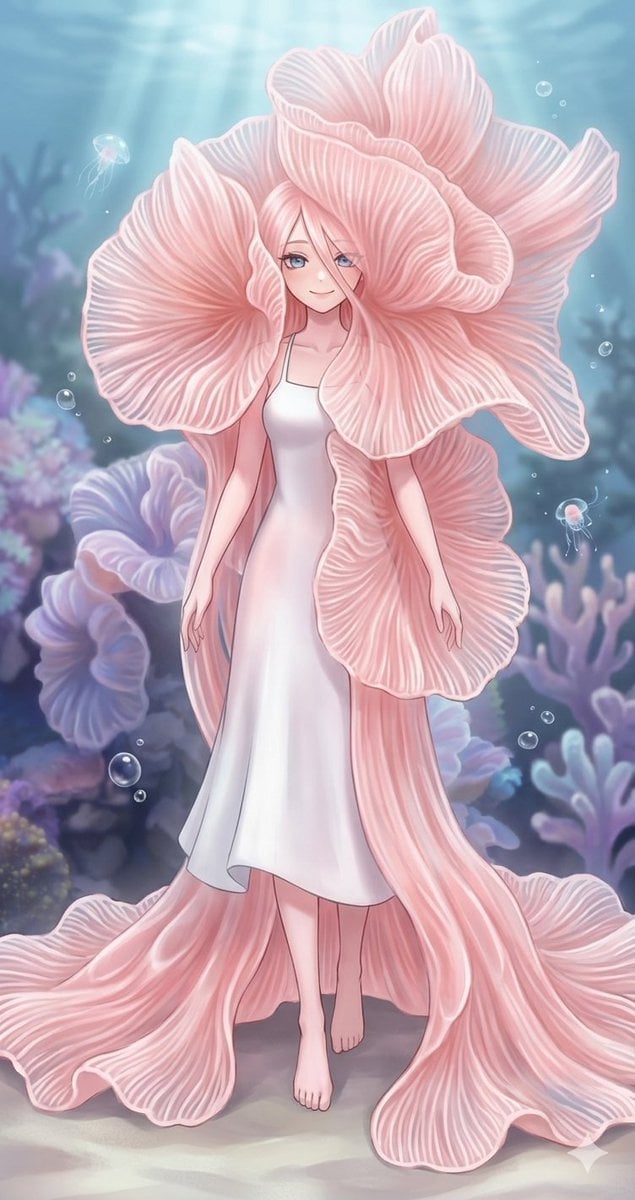
- Prompt included
- Model and format preset
- Free template
The prompt behind this image
Copy the exact prompt behind Underwater Pink Petal Muse, or open it in the studio and make it yours.
Create a vertical fantasy anime illustration of a graceful underwater flower-woman standing barefoot on a pale sandy seabed, centered in the composition. She wears a simple satin-white slip dress with thin straps, softly reflective fabric, and a calf-length hem, while her body is enveloped by enormous flowing {argument name="flower petal color" default="pale blush pink"} petals resembling oversized ruffled sea anemone or oyster mushroom petals. The petals form a dramatic headdress and cloak around her, with many fine white vein lines, scalloped edges, translucent layering, and long trailing petal panels spreading across the floor like a gown train. Her face is intentionally hidden by a flat square {argument name="face cover color" default="dusty pink"} censor block placed over the head area. Set the scene in a dreamy underwater garden with soft blue-green water, sunbeams filtering down from above, floating bubbles, tiny glowing jellyfish, and blurred coral and anemone shapes in lavender, blue, and pastel pink in the background. Use delicate painterly rendering, soft gradients, luminous rim light, ethereal pastel colors, elegant fashion-illustration proportions, intricate petal texture, serene magical atmosphere, and high detail.
How to use Underwater Pink Petal Muse in 3 steps
- 1Upload ImagePNG, JPG or paste
Add your photo
Upload the photo the template builds on. The prompt, model and format are already set.
- 2…a portrait of your subject in softgolden-hour light, 85mm…
Personalize
Edit the subject and creative details for your destination.
- 3Generate
Generate
Press Generate — your image is created in PicX Studio, so you can compare it with the original and refine one variable at a time.
More like this
Templates with the same subject, style or setup. Open one to see its prompt.

Cinematic Watercolor Muse Portrait
Pastel Flower Petal Dress
Underwater River Ink Rubbing Diptych

Vintage Mixed-Media Muse Portrait

Underwater Macro Face Portrait

Flower Petal Sunglasses Couture Portrait

A hyper-realistic beauty product photograph of a pink jar placed

Portrait with Cartoon Pink Rabbit
Intimate Flower Petal Macro Portrait

Pink Lounge Set Mirror Selfie
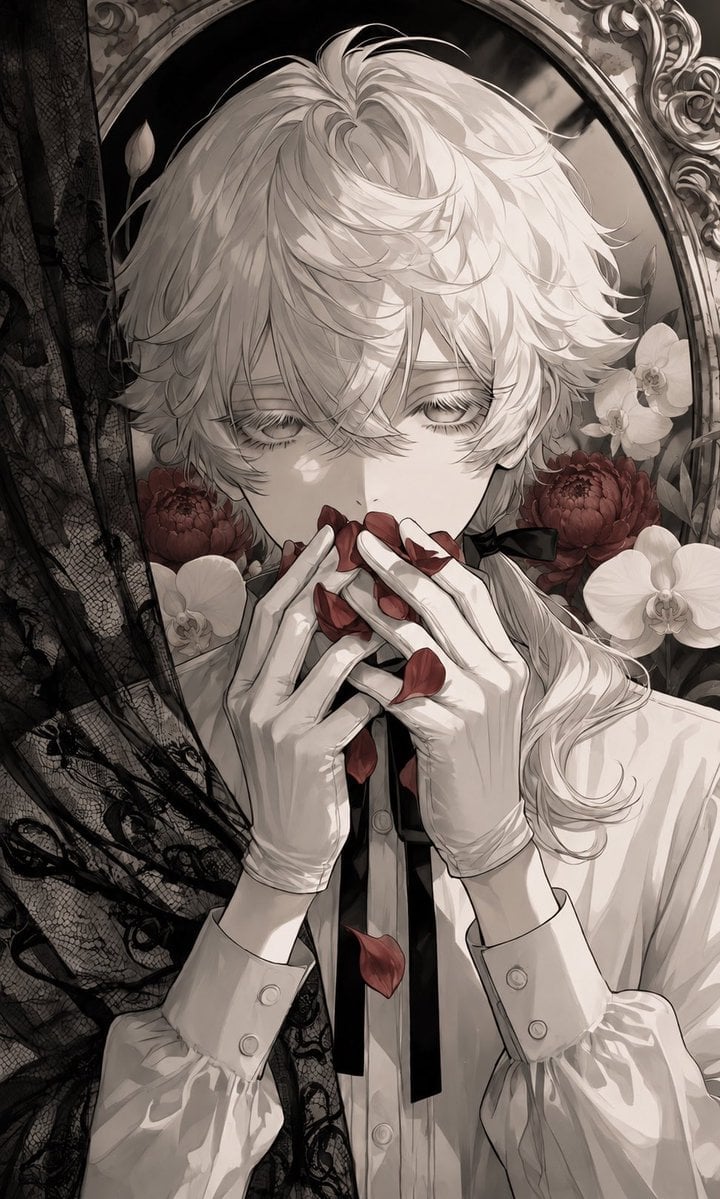
Gothic Flower Petal Portrait
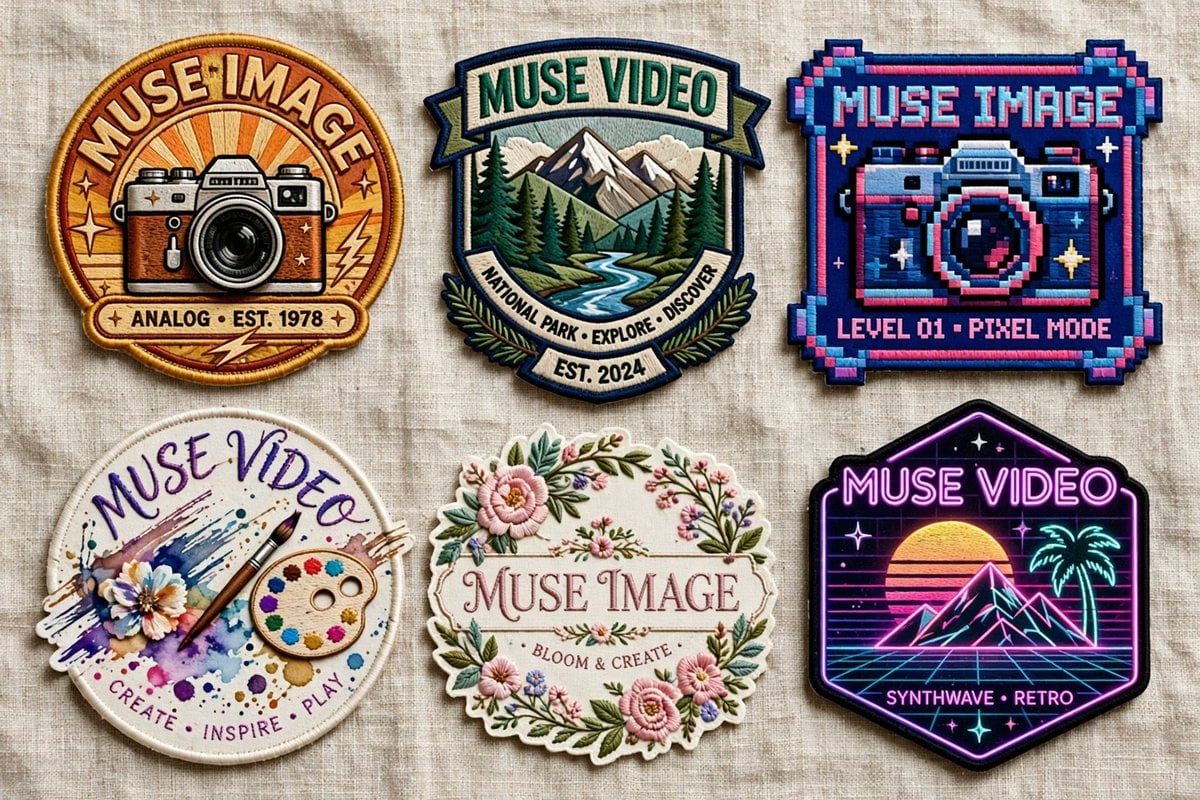
Six Embroidered Muse Patches
Make it yours
Underwater Pink Petal Muse works as-is. These are the safest ways to change it without losing the look.
Change one field
Copy a single group, rewrite it, and generate again so you can see what that field is doing.
Keep the frame, change the subject
Hold the composition and light of Underwater Pink Petal Muse, then swap wardrobe, props or the person for a new take.
| If the result… | Why | Fix |
|---|---|---|
| The result drifts from the preview | Too many fields changed at once. | Reuse Underwater Pink Petal Muse as-is first, then change one group — subject, light, or setting. |
| The model over-stylizes the scene | The prose prompt leaves finish and camera underspecified. | Add one camera or lighting sentence and stay on GPT Image 2. |
More GPT Image 2 templates
Other prompts made for GPT Image 2.

Six VTuber Japanese Logo Sheet

Realistic Portrait of Woman and Deer

The Vista Modular Condo Poster

AI Model Routing Comparison Infographic

2.5D Anime Art Board

Isometric Productivity Desk Scene

New York Double Exposure Poster

Four-Panel AI Landscape Comparison

Japanese Tatami Lifestyle Magazine Cover

NESCAFÉ Coffee Map Poster
More image prompts
Fresh picks from across the catalog.

Casual 'Lazy-Hot' Mirror Selfie in Dorm Room

Kawaii Family Travel Paper-Cut Collage

Elf Sniper Team in Forest Ambush
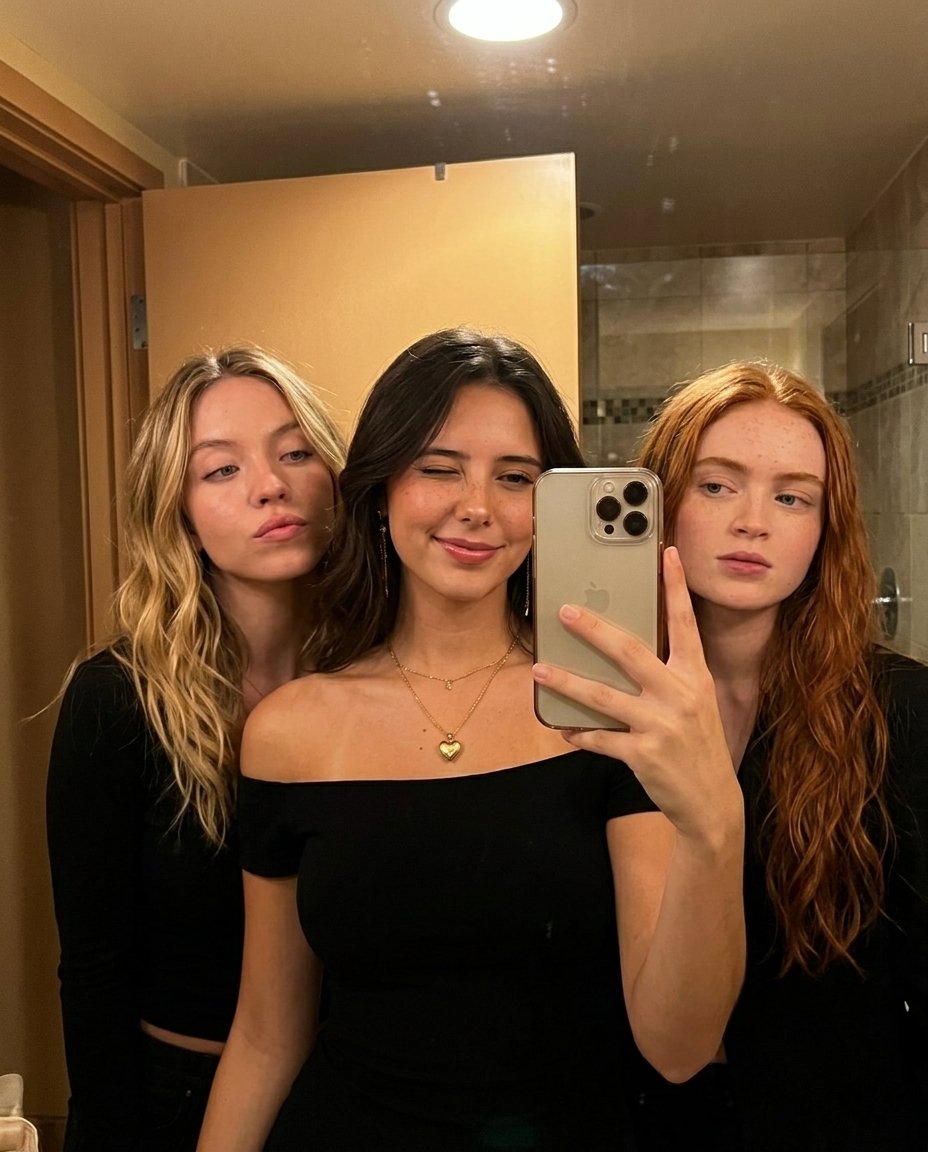
Warm Indoor Group Mirror Selfie Prompt for Nano Banana Pro
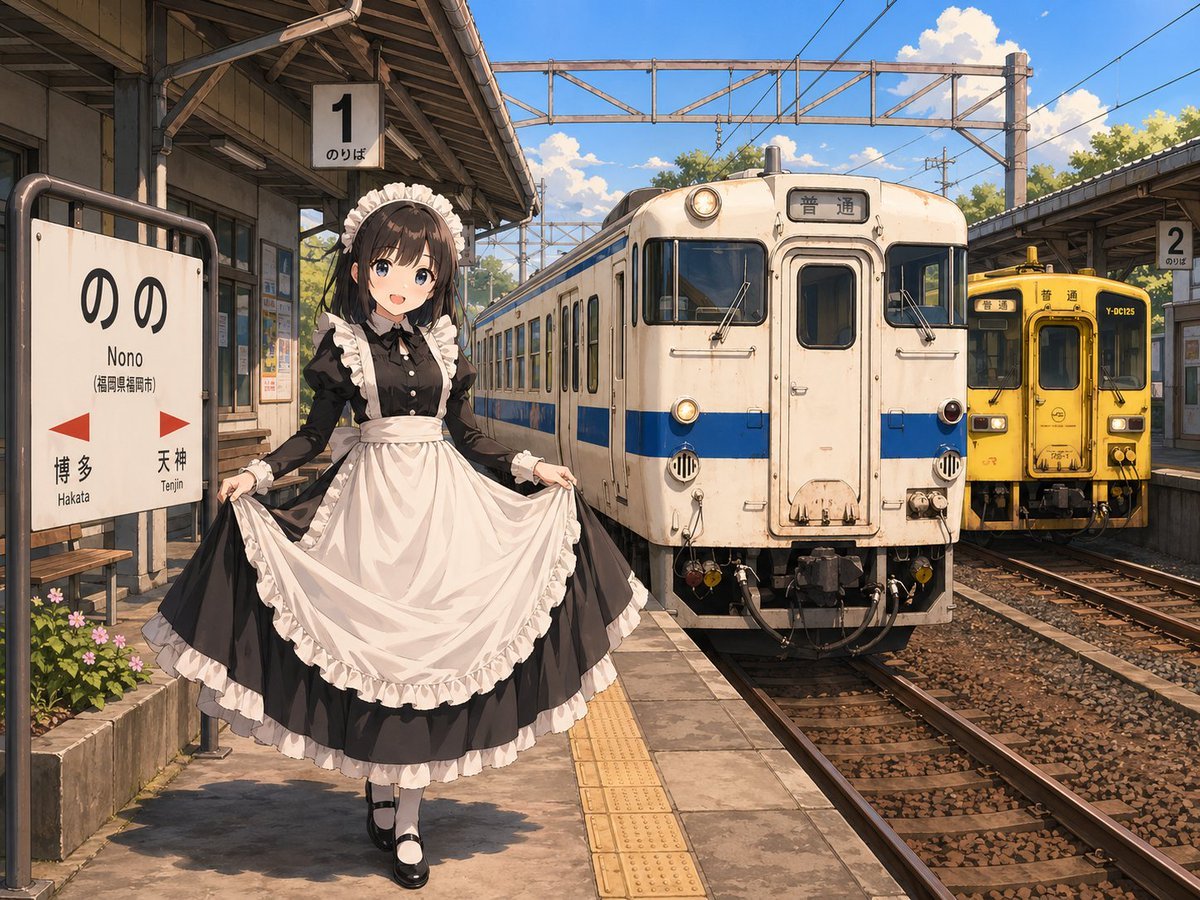
Anime Maid at Rural Train Station

Raw High-Fidelity iPhone 17 Pro Simulation
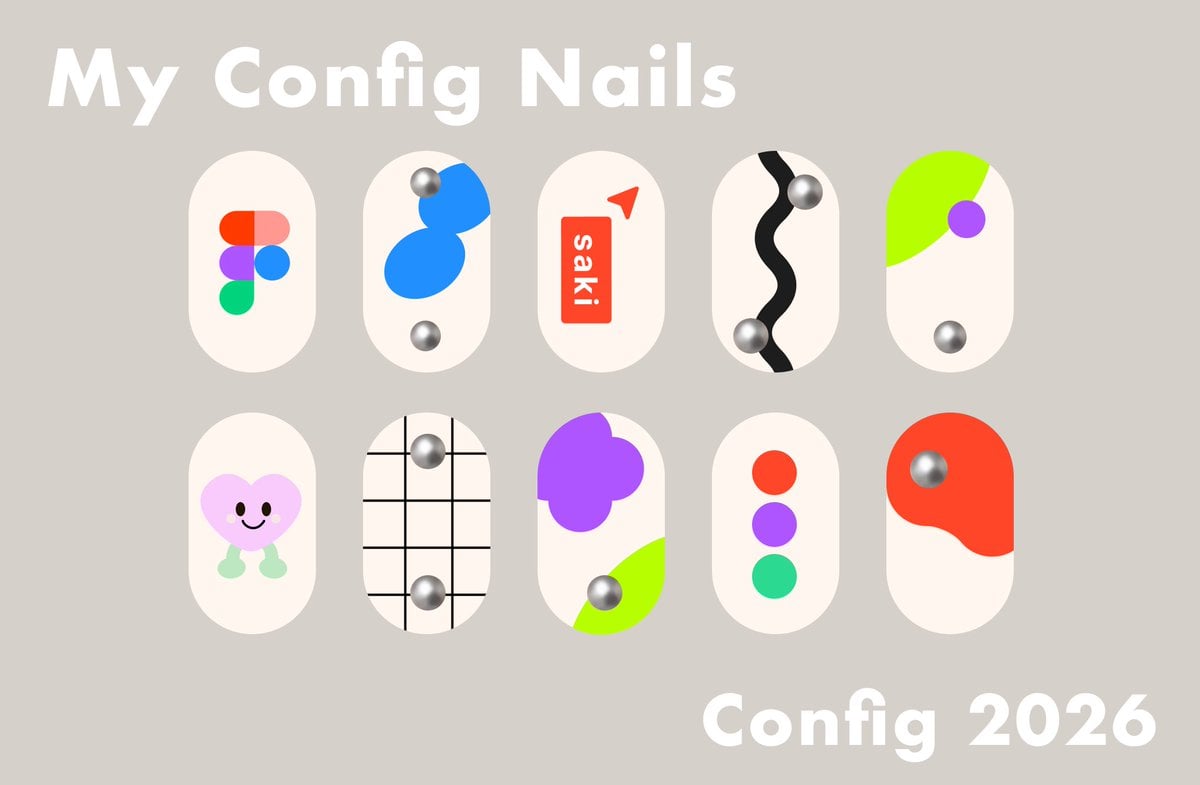
Config 2026 Nail Art Board
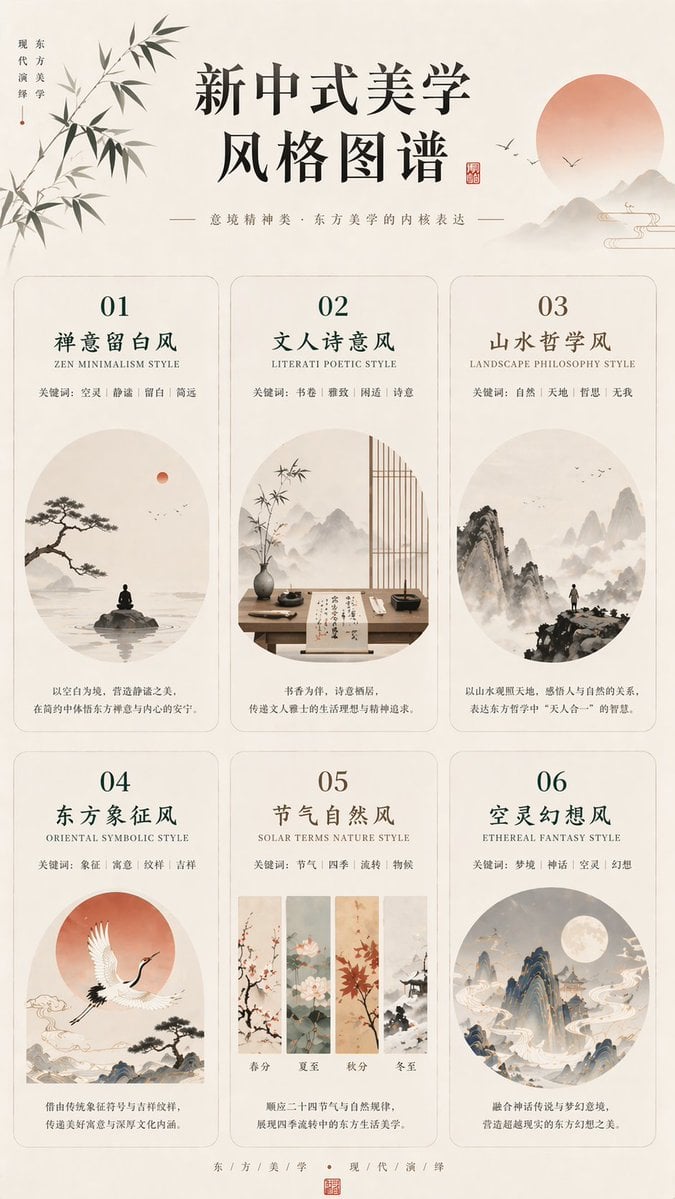
New Chinese Aesthetics Style Atlas
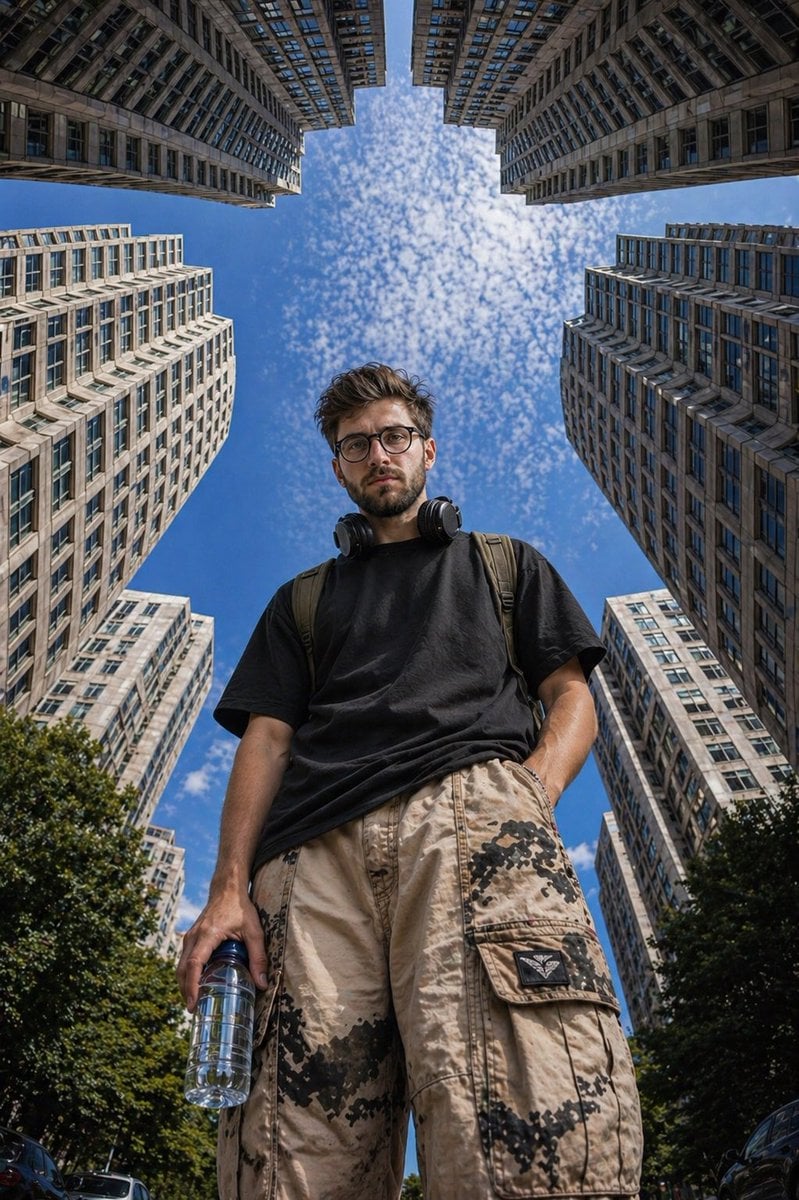
Low-Angle Urban Street Photography
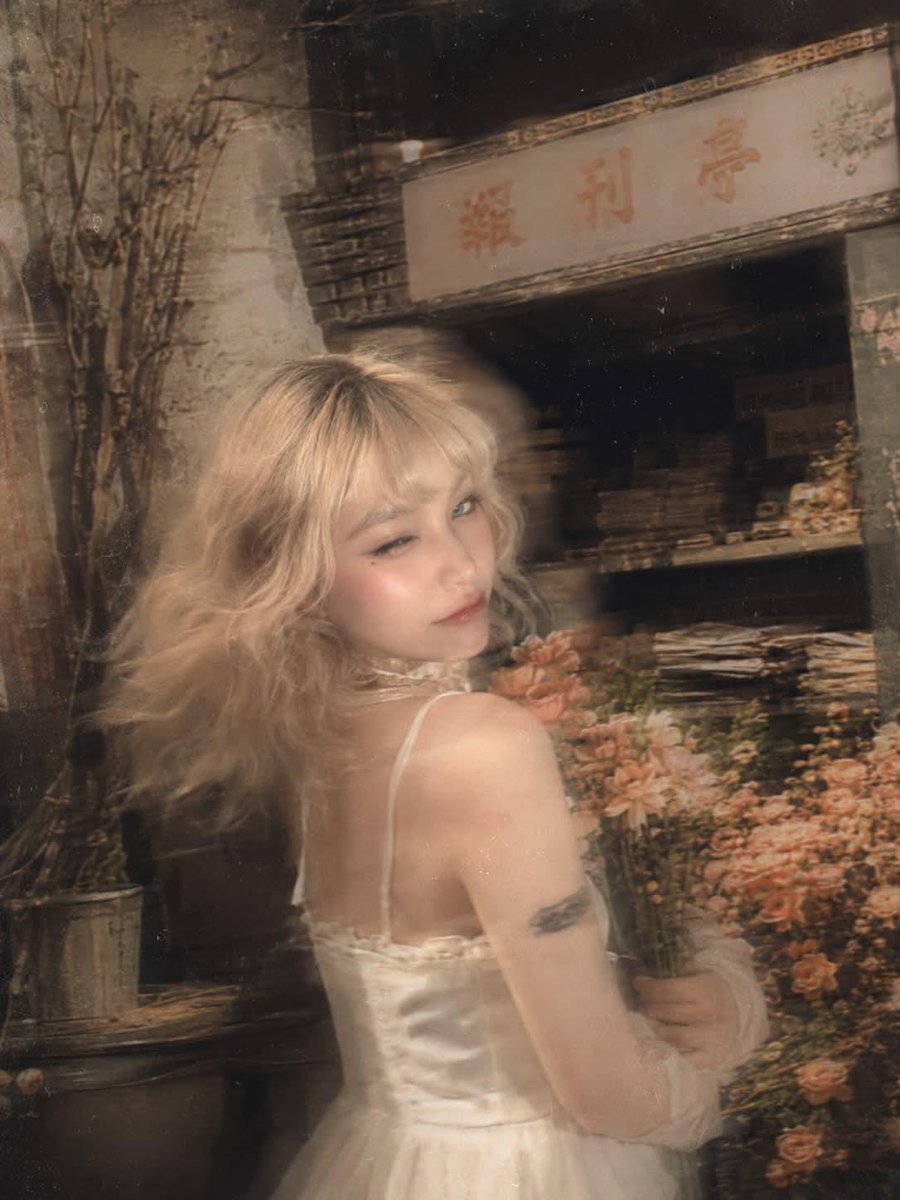
Surreal Fujifilm Vintage Film Portrait
Browse template categories
Underwater Pink Petal Muse questions
How do I use the Underwater Pink Petal Muse template?
Add your photo if the template asks for one, edit the prompt if you like — the template's model and format are already selected — and press Generate. Your version opens in PicX Studio.
Can I customize the Underwater Pink Petal Muse template?
Yes. You can change the subject, setting, lighting, mood, format, and available model controls before creating your image.
Is the Underwater Pink Petal Muse template free?
Opening and editing this template is free. Generating uses credits, shown on the Generate button when you are signed in.
Which AI model should I use?
Start with GPT Image 2, which is the model associated with this template. You can compare another compatible model for a different finish.
Looking for something else? Browse all templates.

Your photo, any look
Thousands of ready templates for every top image and video model, from one credit balance.