
Embroidered Santa Monica Pier Photo
Transforms a Santa Monica Pier reference photo into a detailed raised-yarn embroidered tapestry while preserving the original scene and landmark sign.
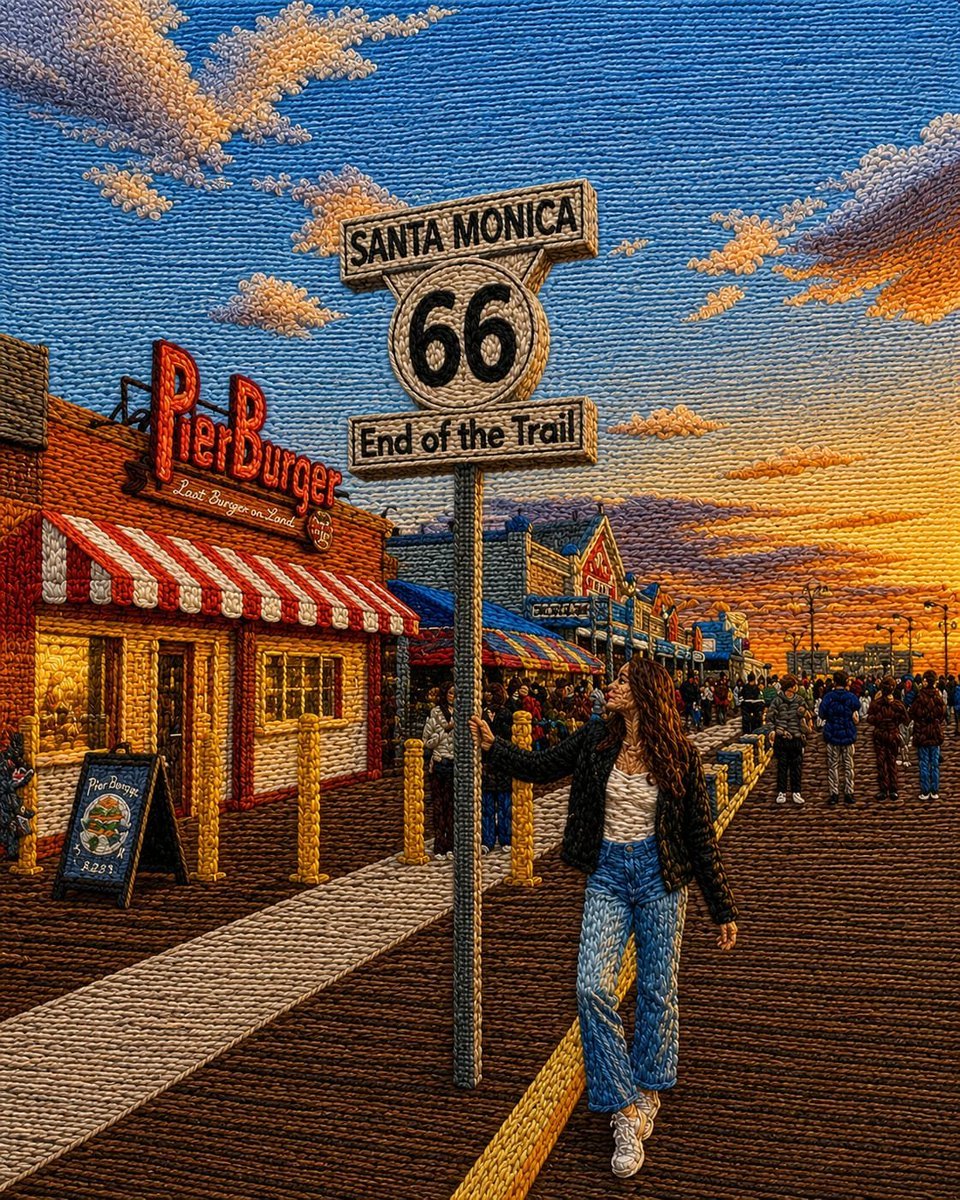
- Prompt included
- Model and format preset
- Free template
The prompt behind this image
Copy the exact prompt behind Embroidered Santa Monica Pier Photo, or open it in the studio and make it yours.
Using the provided reference image as the base, transform the entire scene into a richly textured embroidered tapestry / punch-needle yarn artwork while preserving the original composition, perspective, pose, sign placement, pier setting, buildings, crowd layout, and golden-hour atmosphere. Style: Make every visible surface look hand-stitched with thick yarn loops, raised threads, woven fibers, and tactile embroidery texture. Use dense directional stitching to define the sky, clouds, wooden pier boards, clothing, buildings, signage, and people. Keep the image highly detailed and colorful, with a warm cinematic sunset palette. Subject and scene: Keep the young woman standing beside the Santa Monica Route 66 sign in the same pose and position. Preserve the iconic sign text: “SANTA MONICA”, “66”, and “End of the Trail”. Keep the Pier Burger storefront and lively pier crowd, but render all details as embroidered thread rather than photographic realism. Visual treatment: Add strong handcrafted relief, visible yarn ridges, looped thread outlines, stitched shadows, and woven highlights. The result should look like a realistic fiber-art recreation of the reference photo, not a flat filter. Customizable settings: Convert the reference into a {argument name="art style" default="embroidered punch-needle yarn tapestry"} with a {argument name="color palette" default="warm golden-hour sunset palette"} and {argument name="texture intensity" default="very dense raised yarn texture"}. Keep the location sign text as {argument name="sign text" default="SANTA MONICA 66 End of the Trail"} and preserve the overall mood as {argument name="scene mood" default="lively cinematic Santa Monica Pier at sunset"}. Constraints: Do not change the main composition or replace the landmark sign. Do not remove the woman, the Pier Burger storefront, or the pier crowd. Avoid adding extra text or modern graphic overlays.
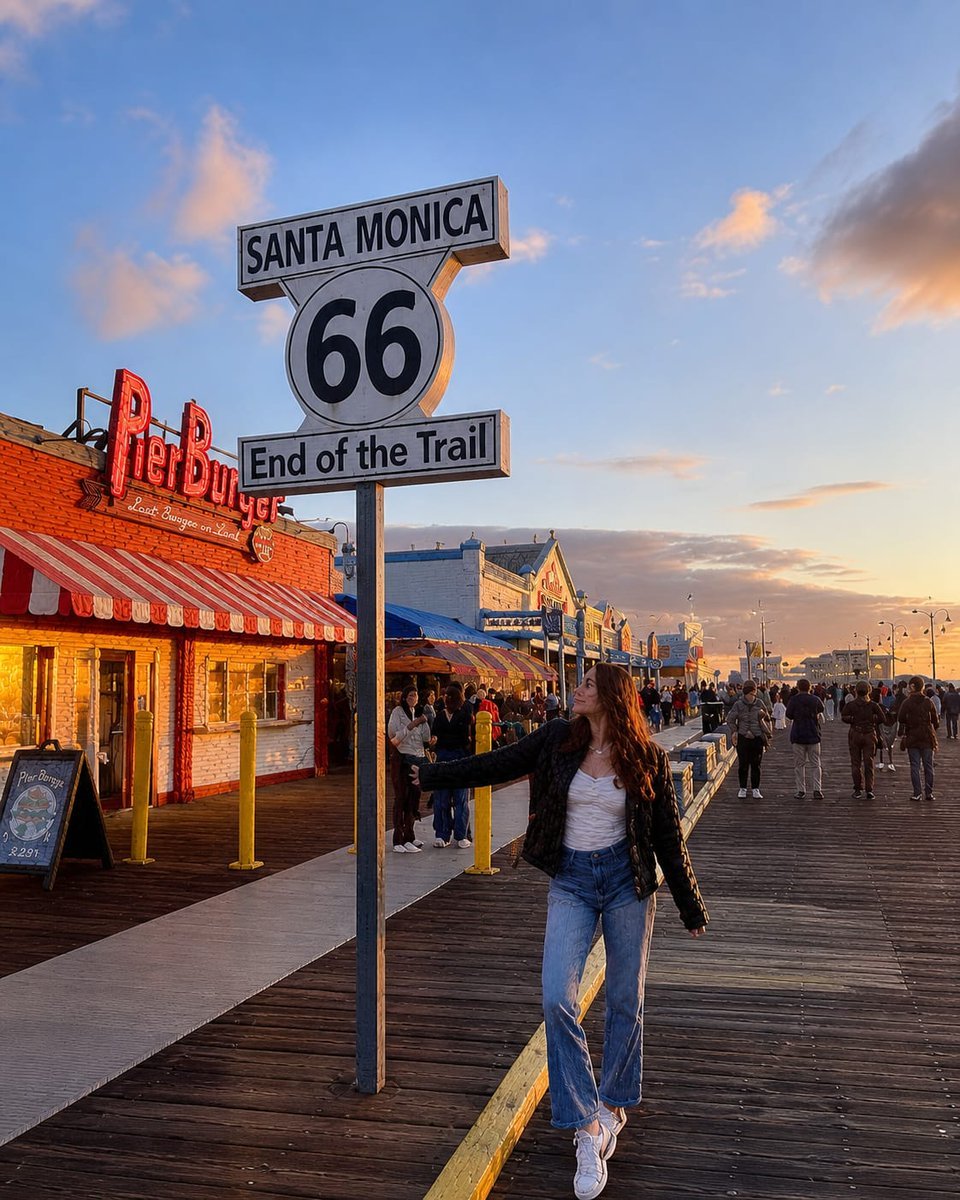
Reference images included
Embroidered Santa Monica Pier Photo needs input media to work. They load alongside the prompt when you open it in the studio.
How to use Embroidered Santa Monica Pier Photo in 3 steps
- 1Upload ImagePNG, JPG or paste
Add your photo
Upload the photo the template builds on. The prompt, model and format are already set.
- 2…a portrait of your subject in softgolden-hour light, 85mm…
Personalize
Edit the subject and creative details for your destination.
- 3Generate
Generate
Press Generate — your image is created in PicX Studio, so you can compare it with the original and refine one variable at a time.
More like this
Templates with the same subject, style or setup. Open one to see its prompt.
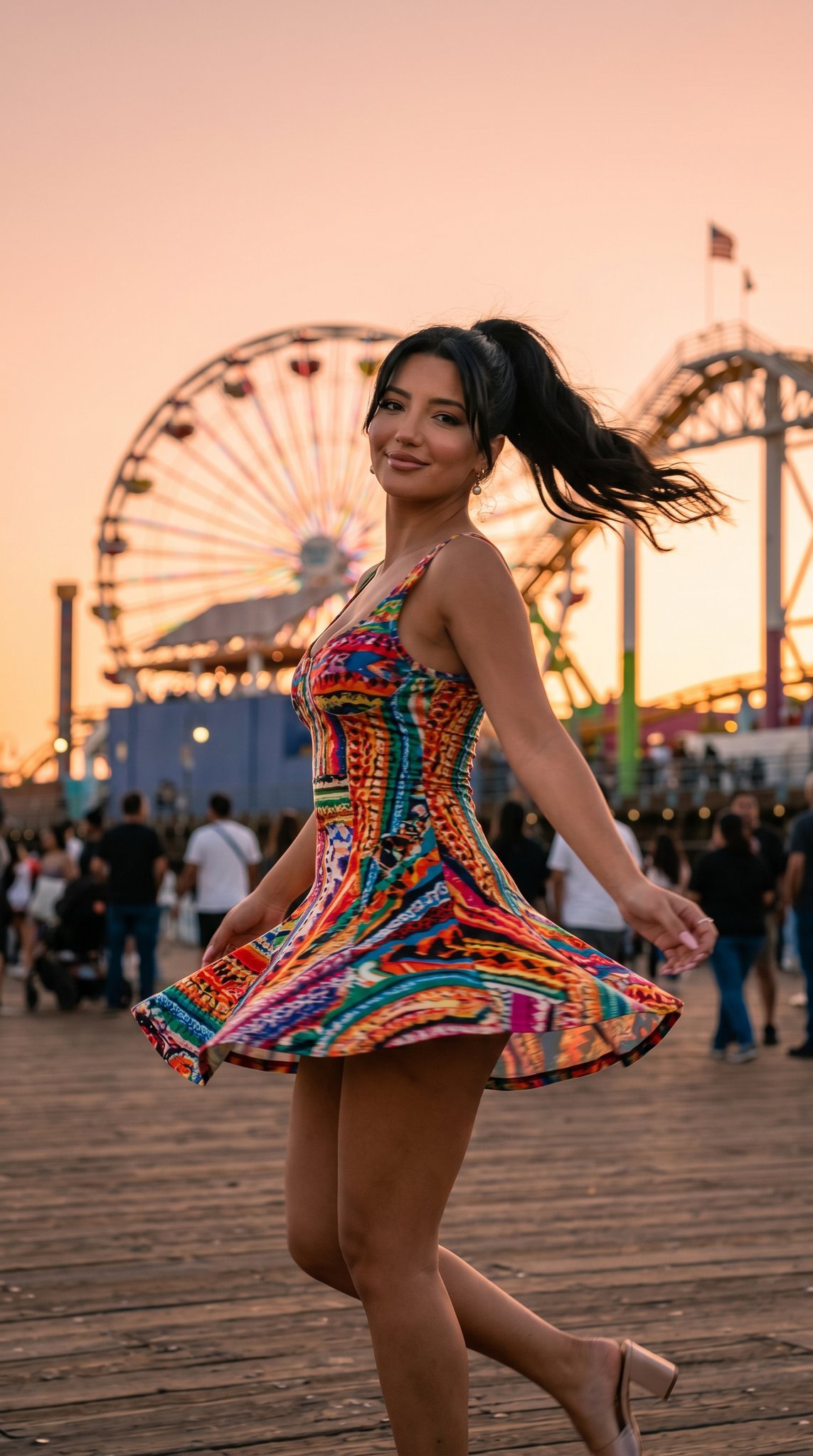
05 Santa Monica Pier — California Series
05 Santa Monica Pier — California Series
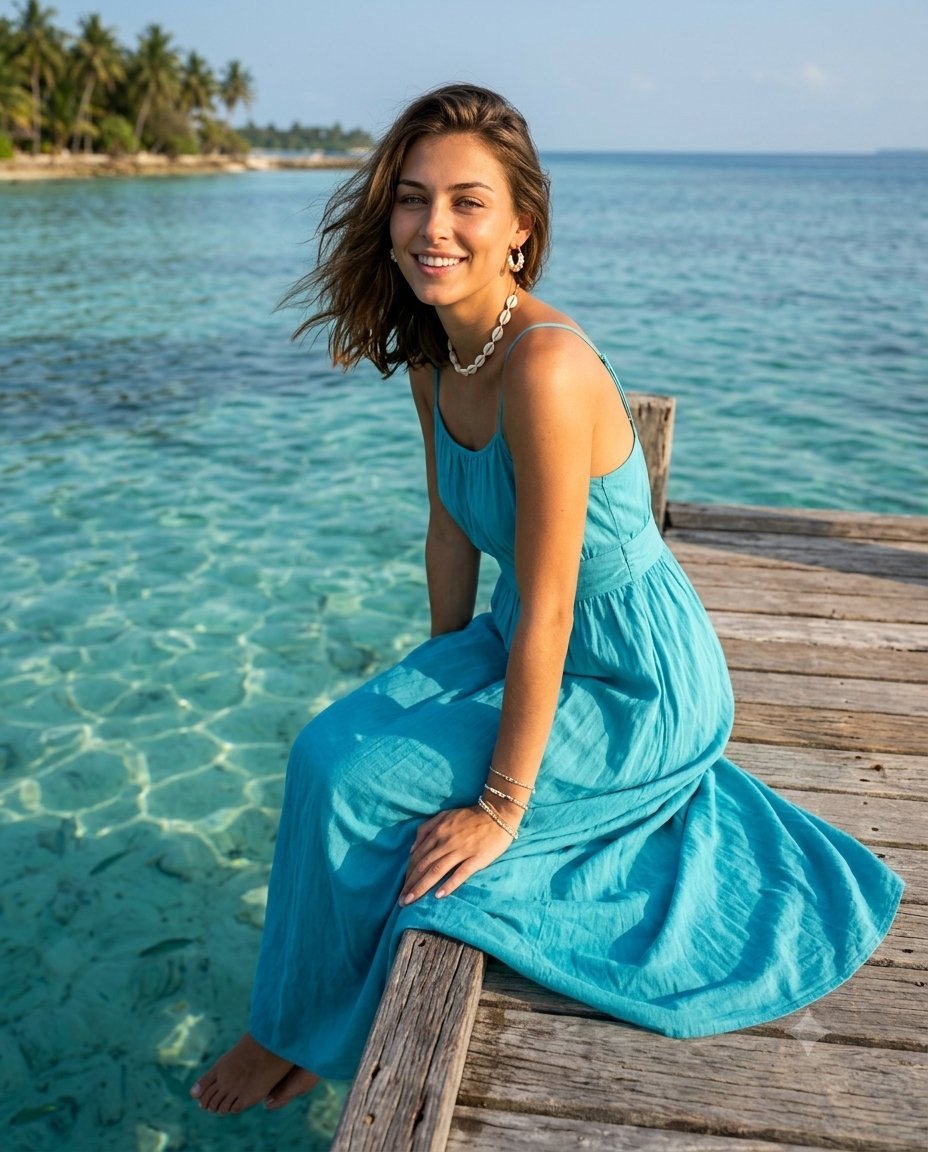
Cinematic Summer Tropical Pier Portrait
A close-up editorial campaign of a premium embroidered garment
Embroidered Floral Fine-Art Portrait
Six Embroidered Muse Patches
Embroidered Empress Tarot Cockatoo
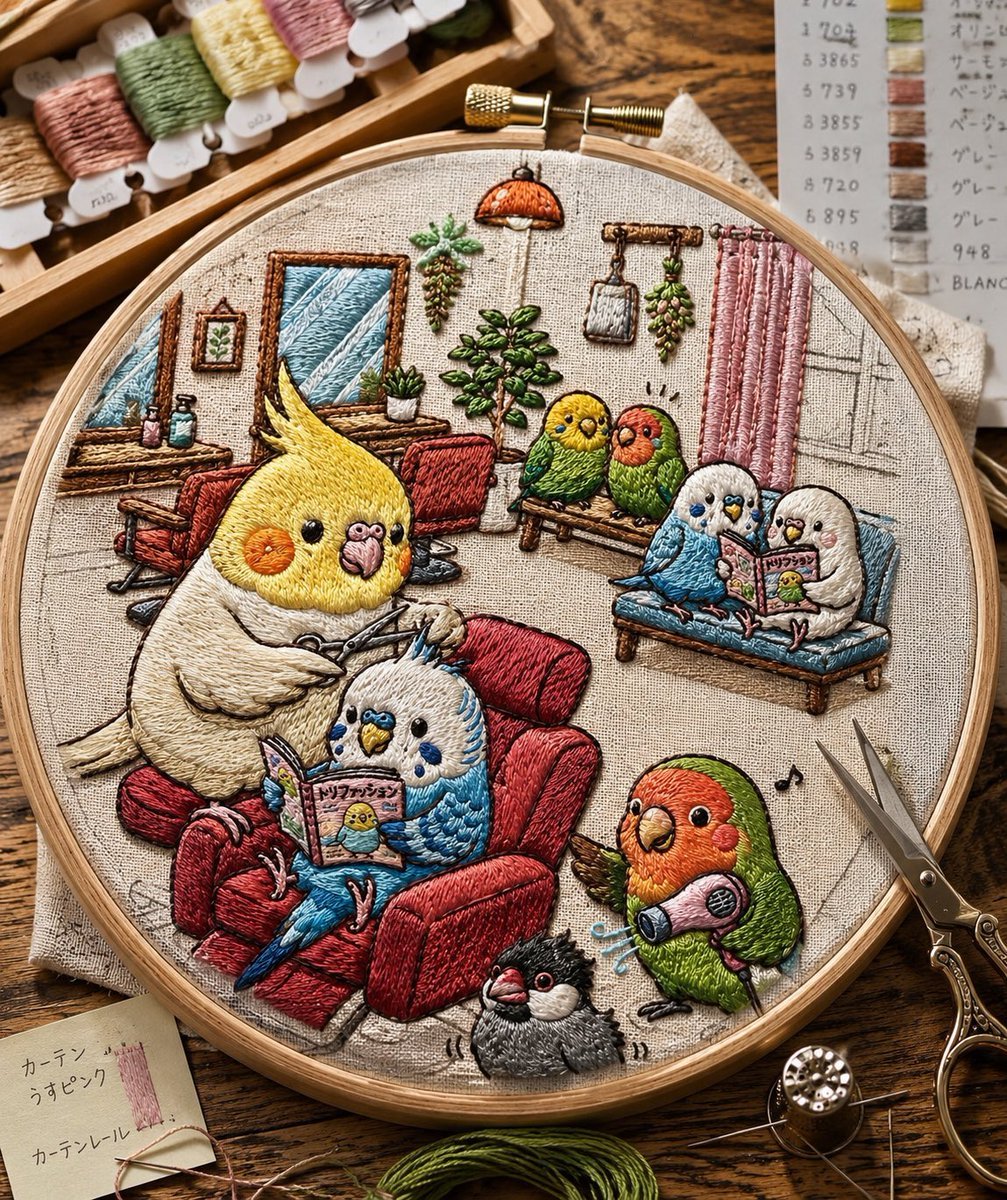
Embroidered Cozy Bird Living Room
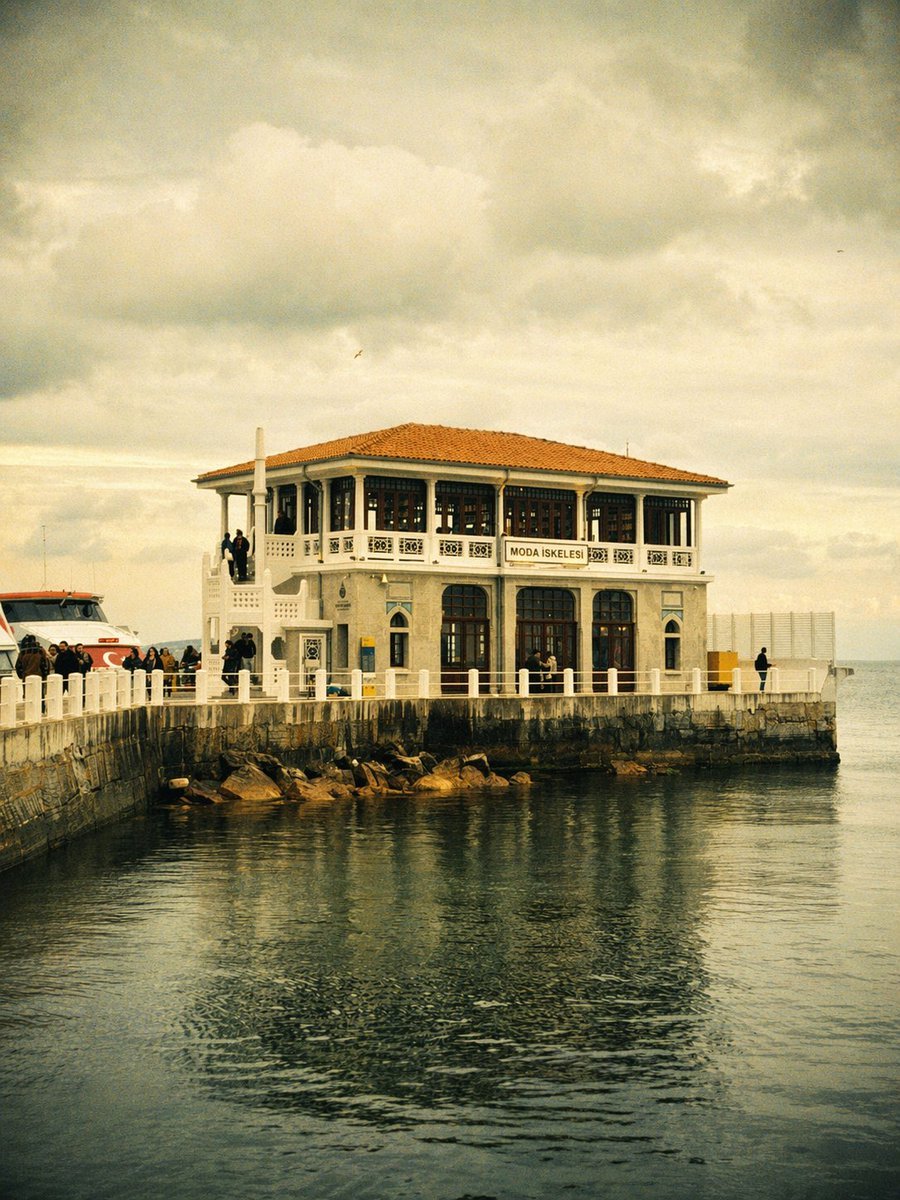
Vintage Moda Pier in Istanbul
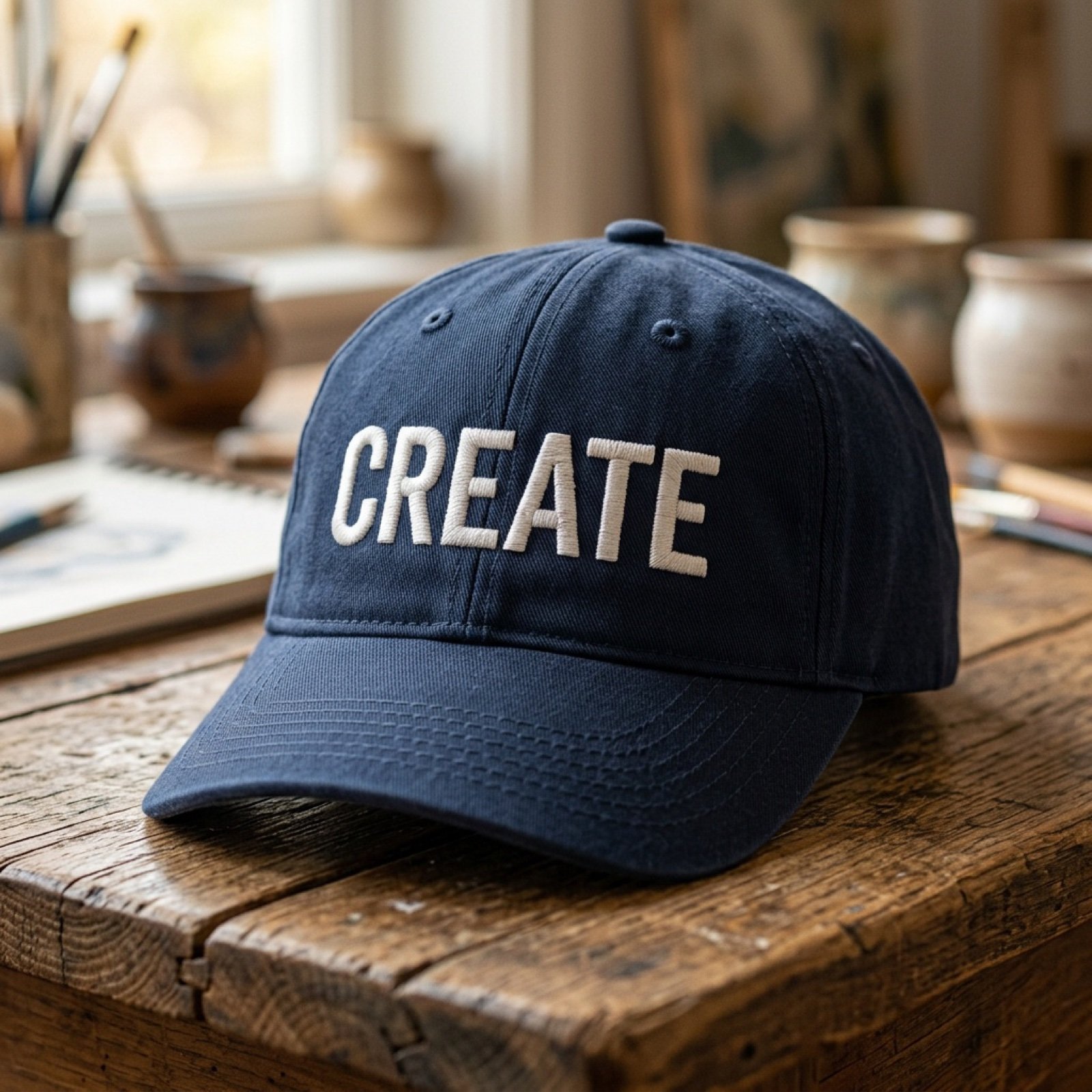
Add baseball hat with embroidered text

Minimalistic contemplative pier scene prompt for Nano Banana Pro
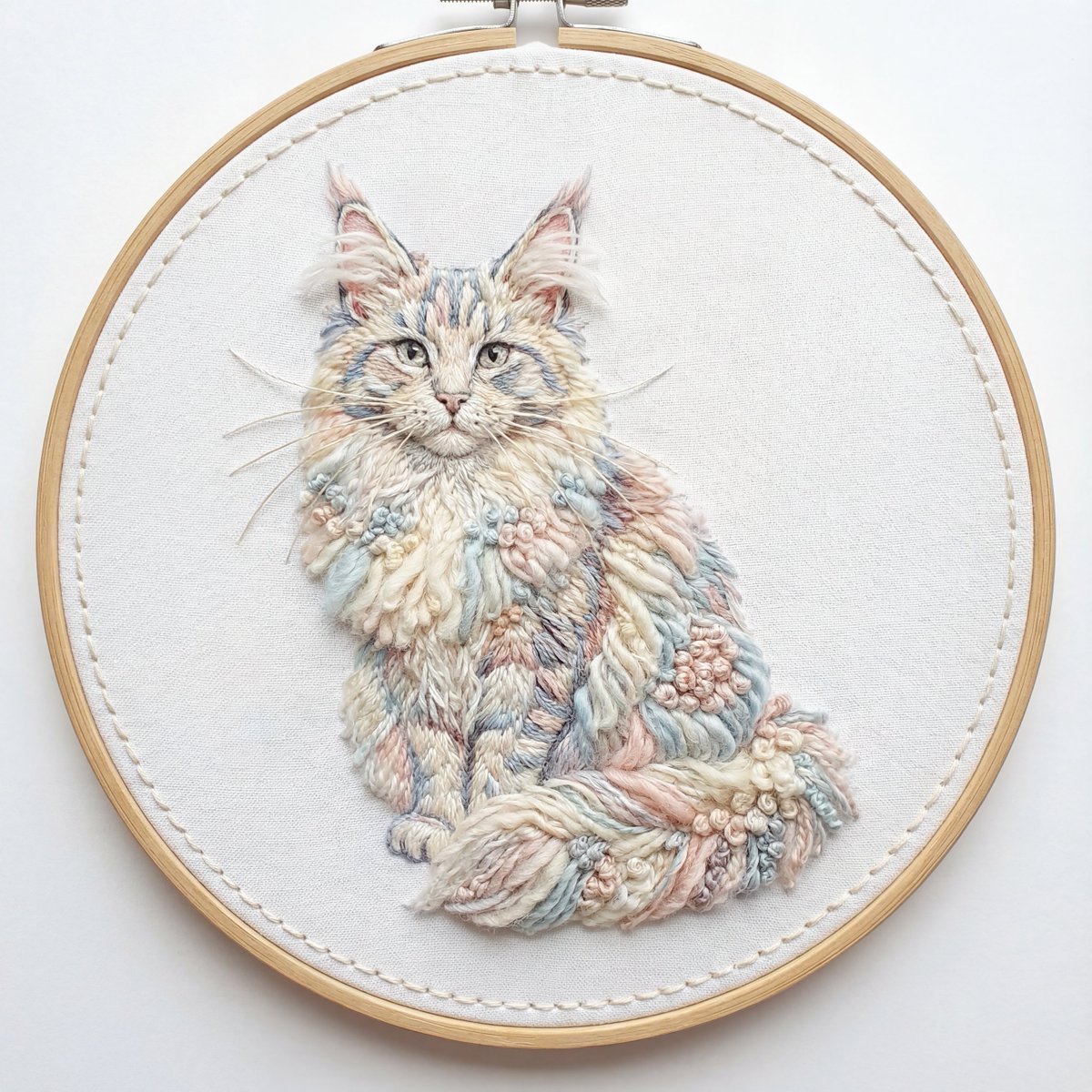
Akita Dog Embroidered Patch Design
Make it yours
Embroidered Santa Monica Pier Photo works as-is. These are the safest ways to change it without losing the look.
Change one field
Copy a single group, rewrite it, and generate again so you can see what that field is doing.
Keep the frame, change the subject
Hold the composition and light of Embroidered Santa Monica Pier Photo, then swap wardrobe, props or the person for a new take.
| If the result… | Why | Fix |
|---|---|---|
| The result drifts from the preview | Too many fields changed at once. | Reuse Embroidered Santa Monica Pier Photo as-is first, then change one group — subject, light, or setting. |
| The model over-stylizes the scene | The prose prompt leaves finish and camera underspecified. | Add one camera or lighting sentence and stay on GPT Image 2. |
More GPT Image 2 templates
Other prompts made for GPT Image 2.

Six VTuber Japanese Logo Sheet

Realistic Portrait of Woman and Deer

The Vista Modular Condo Poster

AI Model Routing Comparison Infographic

2.5D Anime Art Board

Isometric Productivity Desk Scene

New York Double Exposure Poster

Four-Panel AI Landscape Comparison

Japanese Tatami Lifestyle Magazine Cover

NESCAFÉ Coffee Map Poster
More image prompts
Fresh picks from across the catalog.
Moody Cinematic Platinum Blonde Portrait
2x2 Beauty Portrait Collage
Cinematic Home Editorial Grid Prompt
Luxury High-Rise at Hazy Sunrise
Lord Shiva Hand-Holding Cinematic Scene Prompt
Architectural Interior Style Transformation with Depth Map Constraint
Romantic Candlelit Couple Dinner
GTA VI Style 8K Cinematic Poster
Product Poster: Sunglasses with Shallow Depth of Field
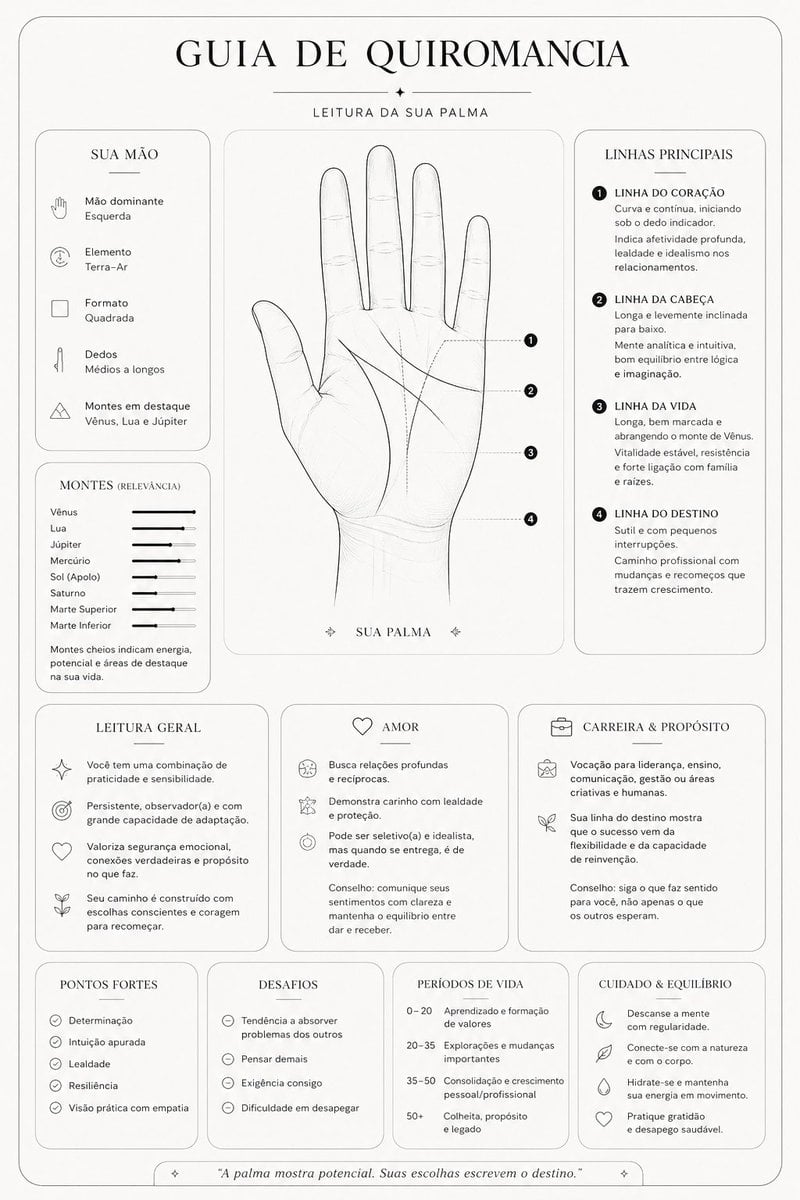
Minimalist Palmistry Guide Prompt
Browse template categories
Embroidered Santa Monica Pier Photo questions
How do I use the Embroidered Santa Monica Pier Photo template?
Add your photo if the template asks for one, edit the prompt if you like — the template's model and format are already selected — and press Generate. Your version opens in PicX Studio.
Can I customize the Embroidered Santa Monica Pier Photo template?
Yes. You can change the subject, setting, lighting, mood, format, and available model controls before creating your image.
Is the Embroidered Santa Monica Pier Photo template free?
Opening and editing this template is free. Generating uses credits, shown on the Generate button when you are signed in.
Which AI model should I use?
Start with GPT Image 2, which is the model associated with this template. You can compare another compatible model for a different finish.
Looking for something else? Browse all templates.

Your photo, any look
Thousands of ready templates for every top image and video model, from one credit balance.