
Luxury High-Rise at Hazy Sunrise
This prompt generates a photorealistic sunrise cityscape featuring a close modern apartment tower and a hazy downtown skyline, ideal for architectural visualization or luxury real-estate imagery.
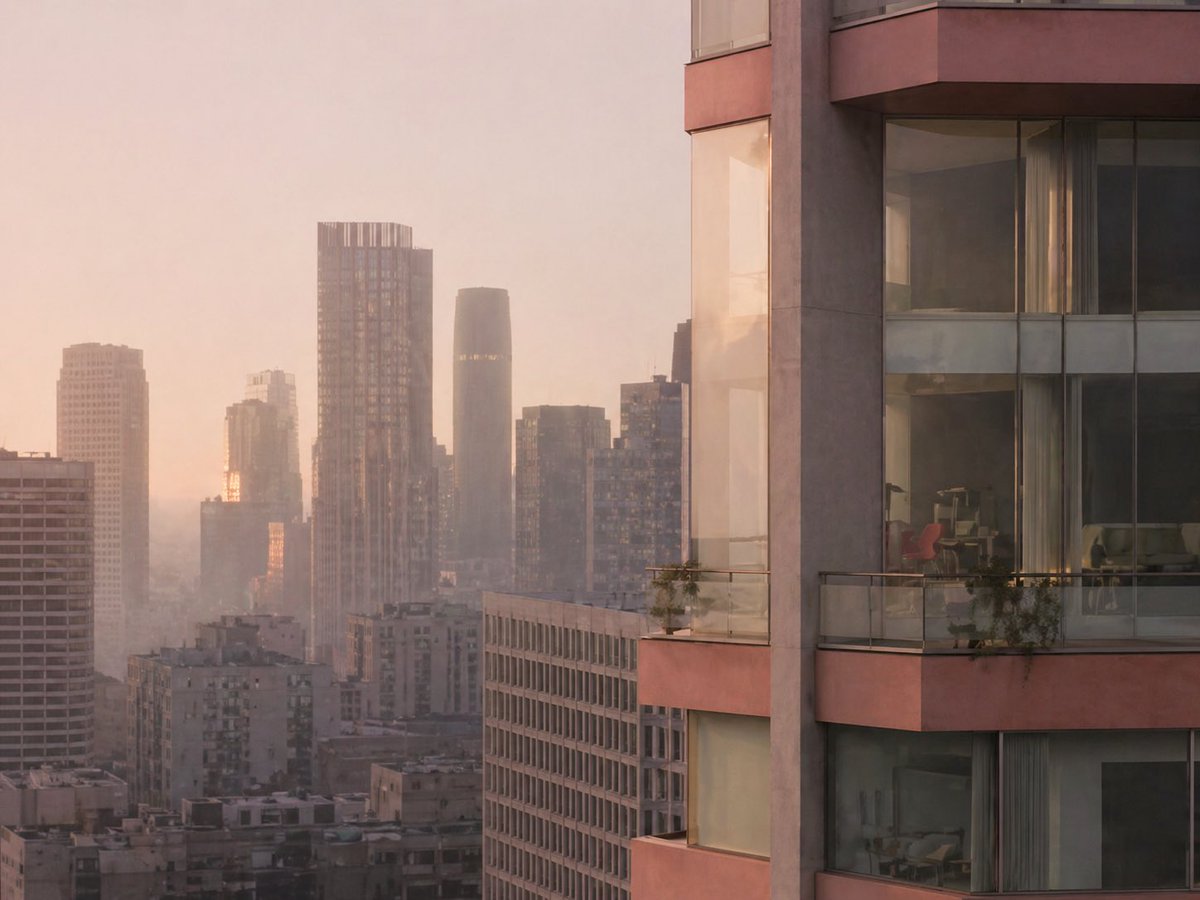
- Prompt included
- Model and format preset
- Free template
The prompt behind this image
Copy the exact prompt behind Luxury High-Rise at Hazy Sunrise, or open it in the studio and make it yours.
A cinematic architectural cityscape at sunrise, viewed from a high vantage point over a dense modern downtown skyline softened by pale haze. Warm peach, blush, and dusty gold morning light fills the scene, with the sun low behind the buildings and subtle reflections glowing on glass facades. The composition is asymmetrical: the right third of the image is dominated by the close exterior corner of a luxury high-rise residential tower with curved glass windows, muted rose-beige concrete bands, and 3 visible balcony levels. Each balcony has transparent glass railings and a few small potted plants trailing over the edge. Through the large windows, faint interior details are visible, including contemporary furniture and a distinctive red chair in one room. The left and center background show a layered urban skyline with exactly 8 clearly distinguishable high-rise buildings of varying heights and shapes, including a tall rectangular tower with a gridded facade and crown-like top, a dark rounded cylindrical tower near center, and several boxy residential and office buildings fading into atmospheric perspective. The mood is quiet, elegant, and slightly dreamy, like a luxury real-estate editorial photograph. Ultra-realistic, soft contrast, telephoto compression, fine architectural detail, subtle window reflections, no people, no text.
How to use Luxury High-Rise at Hazy Sunrise in 3 steps
- 1Upload ImagePNG, JPG or paste
Add your photo
Upload the photo the template builds on. The prompt, model and format are already set.
- 2…a portrait of your subject in softgolden-hour light, 85mm…
Personalize
Edit the subject and creative details for your destination.
- 3Generate
Generate
Press Generate — your image is created in PicX Studio, so you can compare it with the original and refine one variable at a time.
More like this
Templates with the same subject, style or setup. Open one to see its prompt.
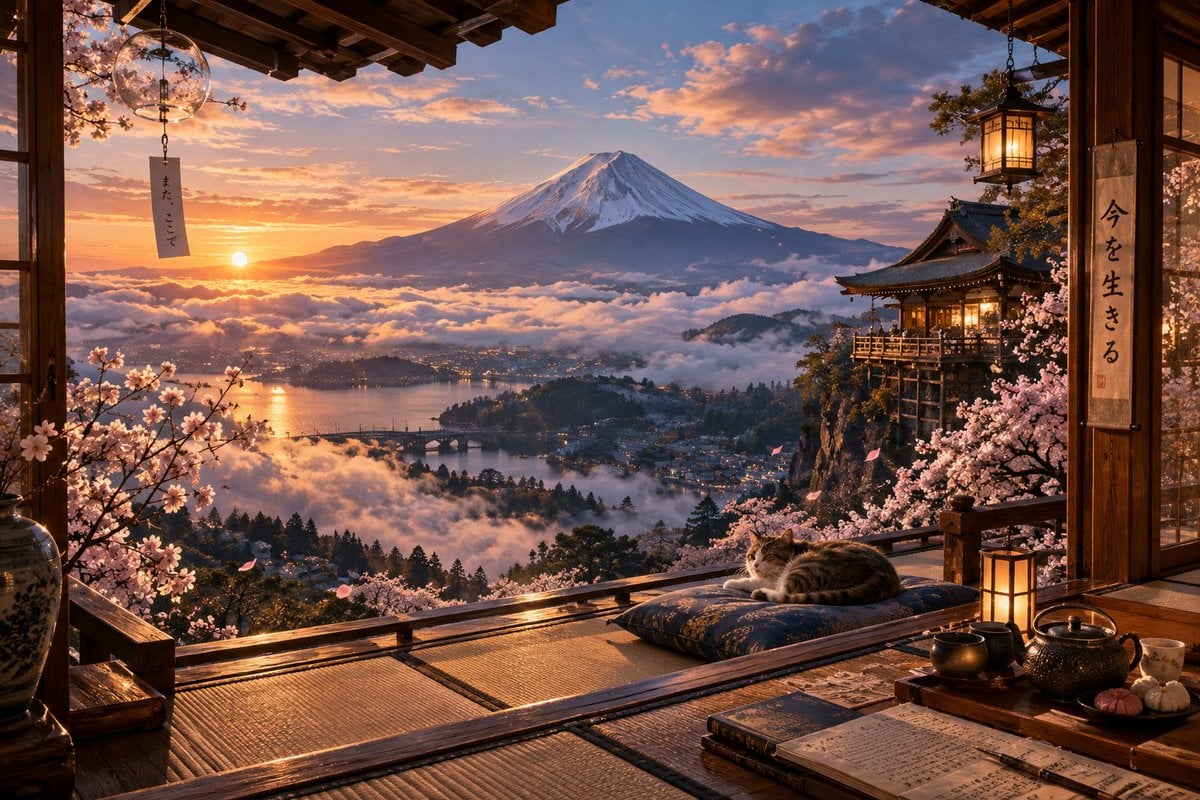
Sunrise Fuji Veranda Scene
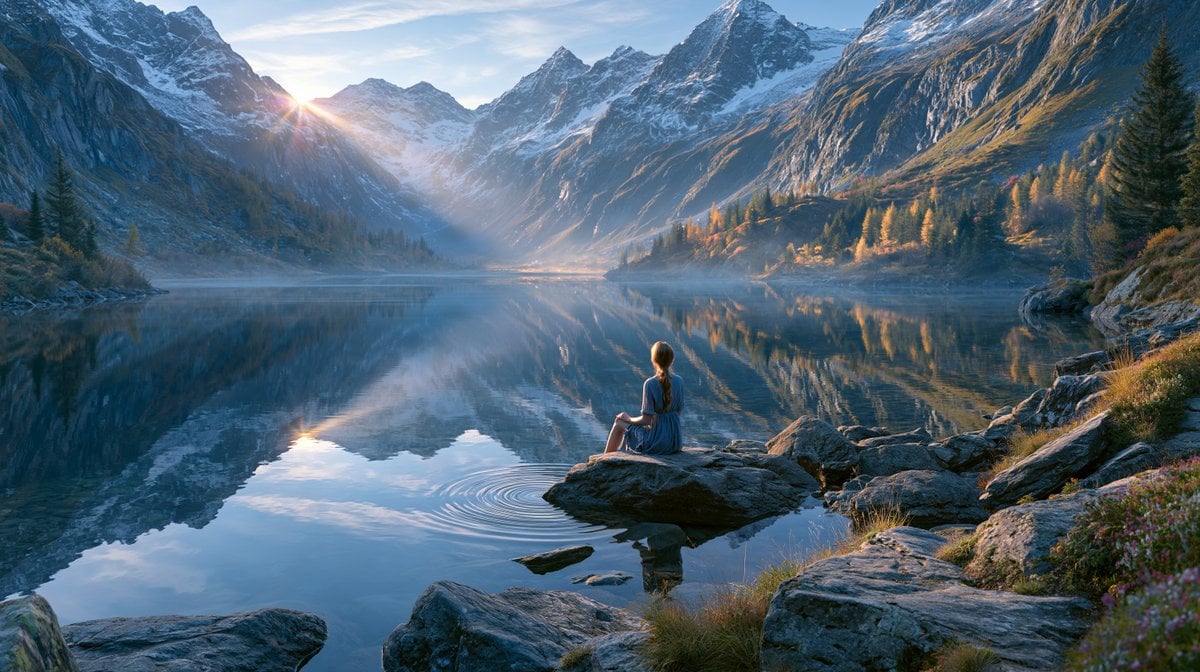
Cinematic Alpine Lake Sunrise
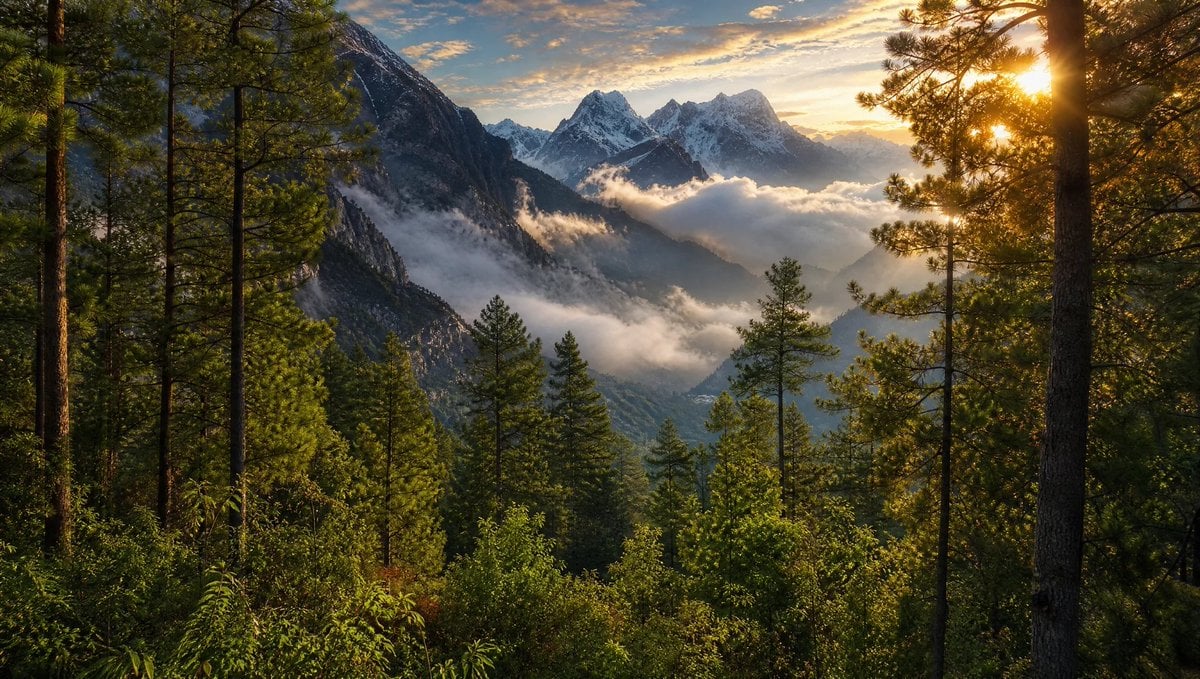
Himalayan Sunrise Mountain Wallpaper
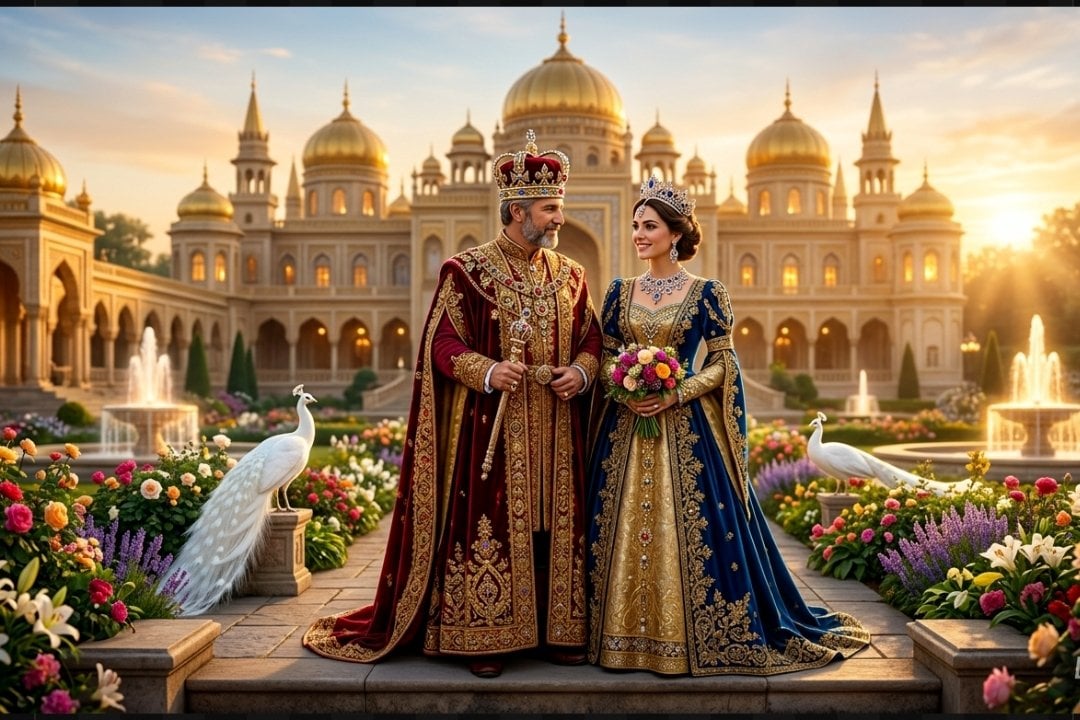
Colorful Royal Sunrise Palace Scene
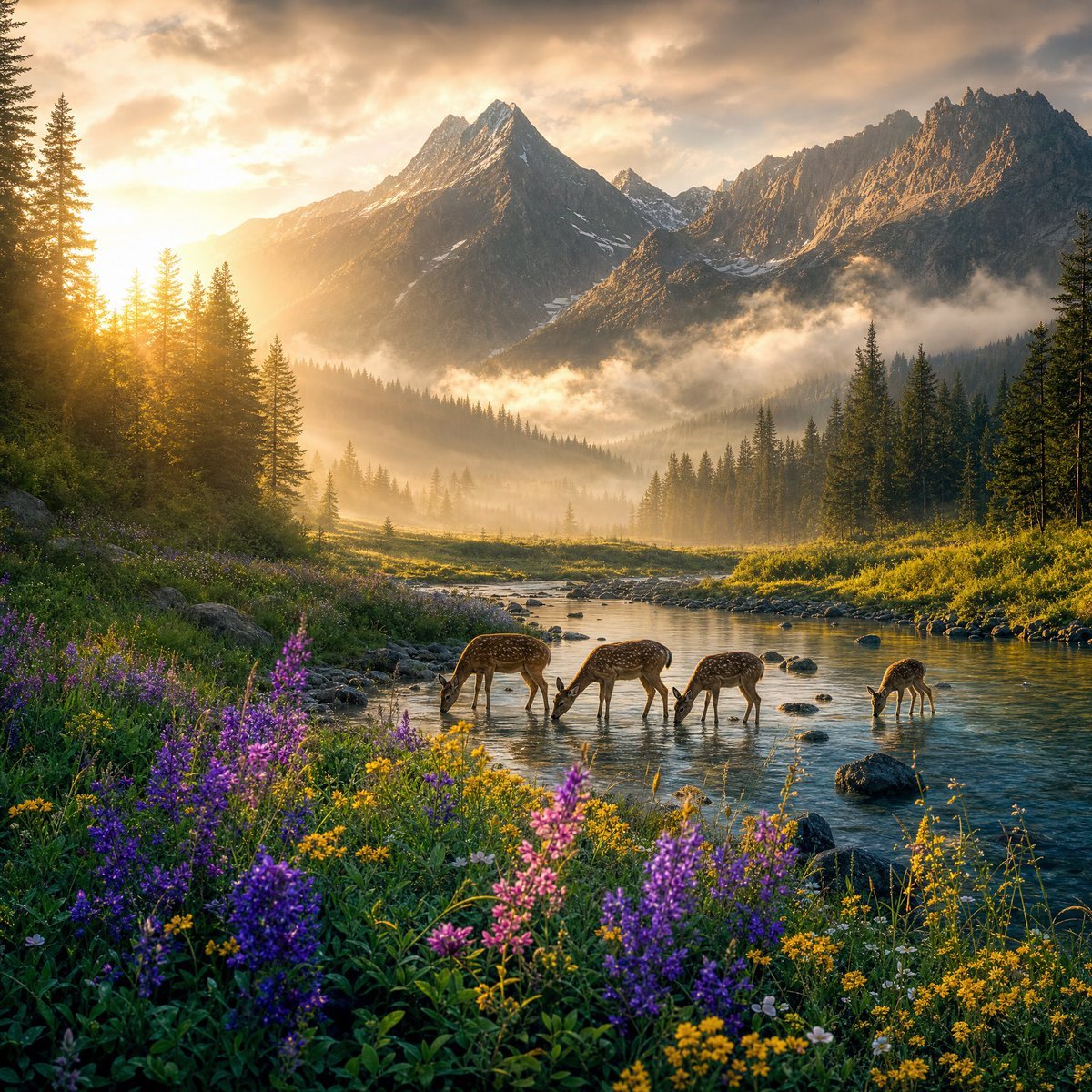
Magical Sunrise Alpine Valley
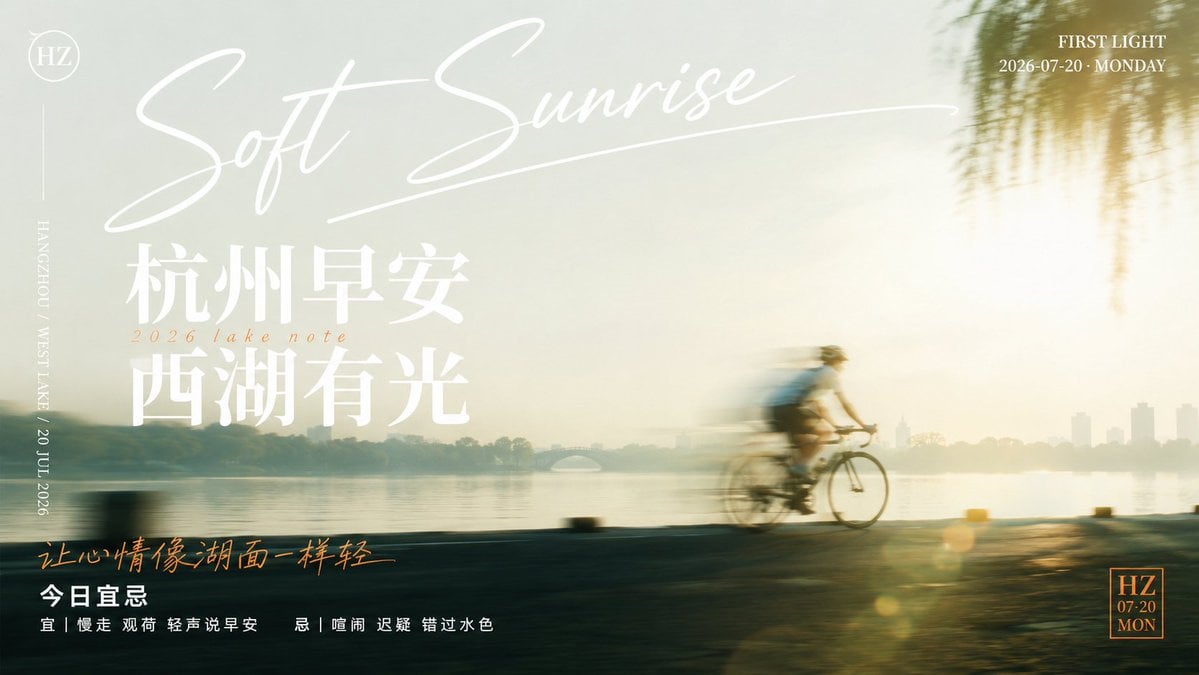
Soft Sunrise West Lake Poster
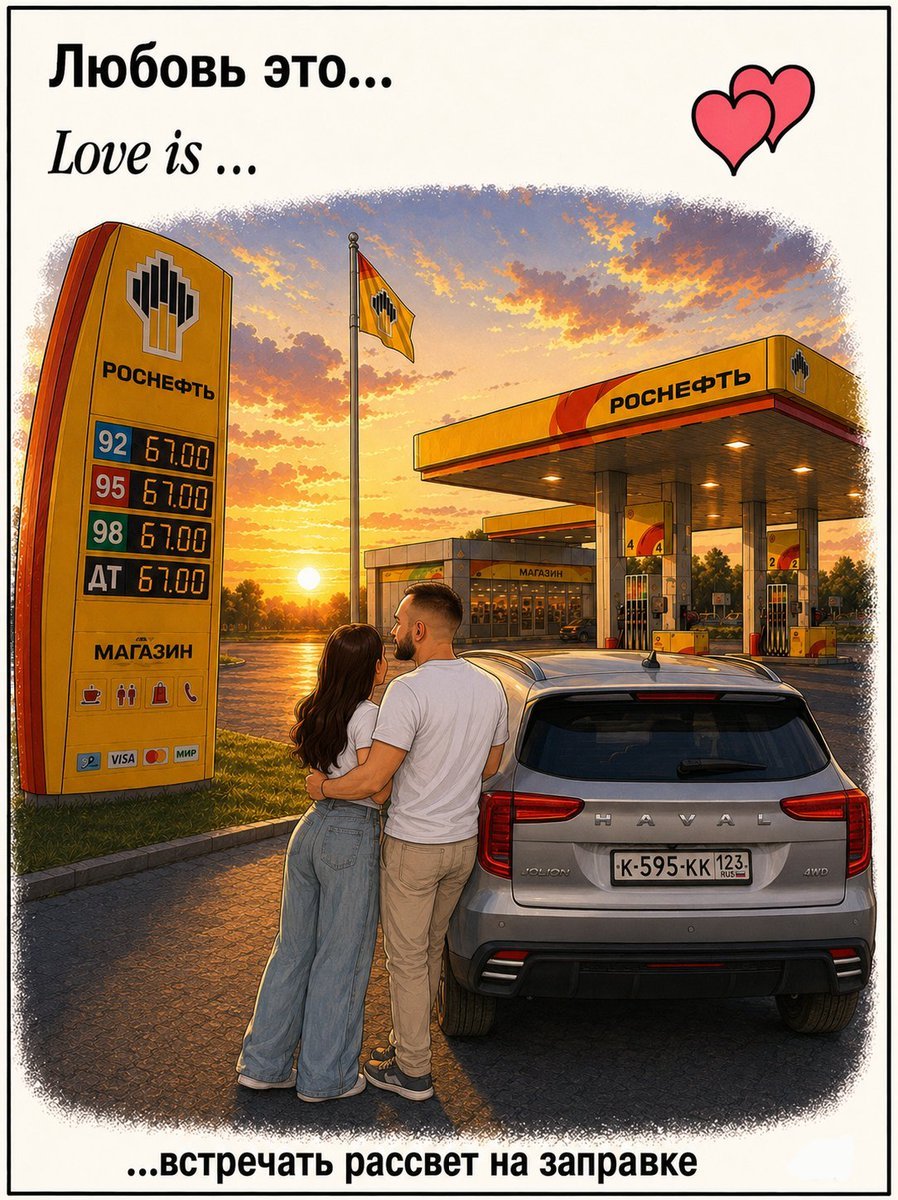
Love Is Gas Station Sunrise Poster
Dewy Lotus Sunrise Landscape
Candid Sunrise Mountain Portrait

Sealing Wax Letter Desk

Ballroom Floor Reflections

Vintage Camera Leather Case
Make it yours
Luxury High-Rise at Hazy Sunrise works as-is. These are the safest ways to change it without losing the look.
Change one field
Copy a single group, rewrite it, and generate again so you can see what that field is doing.
Keep the frame, change the subject
Hold the composition and light of Luxury High-Rise at Hazy Sunrise, then swap wardrobe, props or the person for a new take.
| If the result… | Why | Fix |
|---|---|---|
| The result drifts from the preview | Too many fields changed at once. | Reuse Luxury High-Rise at Hazy Sunrise as-is first, then change one group — subject, light, or setting. |
| The model over-stylizes the scene | The prose prompt leaves finish and camera underspecified. | Add one camera or lighting sentence and stay on GPT Image 2. |
More GPT Image 2 templates
Other prompts made for GPT Image 2.

Six VTuber Japanese Logo Sheet

Realistic Portrait of Woman and Deer

The Vista Modular Condo Poster

AI Model Routing Comparison Infographic

2.5D Anime Art Board

Isometric Productivity Desk Scene

New York Double Exposure Poster

Four-Panel AI Landscape Comparison

Japanese Tatami Lifestyle Magazine Cover

NESCAFÉ Coffee Map Poster
More image prompts
Fresh picks from across the catalog.
Dynamic Energy Drink Advertisement
Spider-Symbiote Mirror Selfie Prompt

Ethereal Product Visual with Frosted Glass Hands
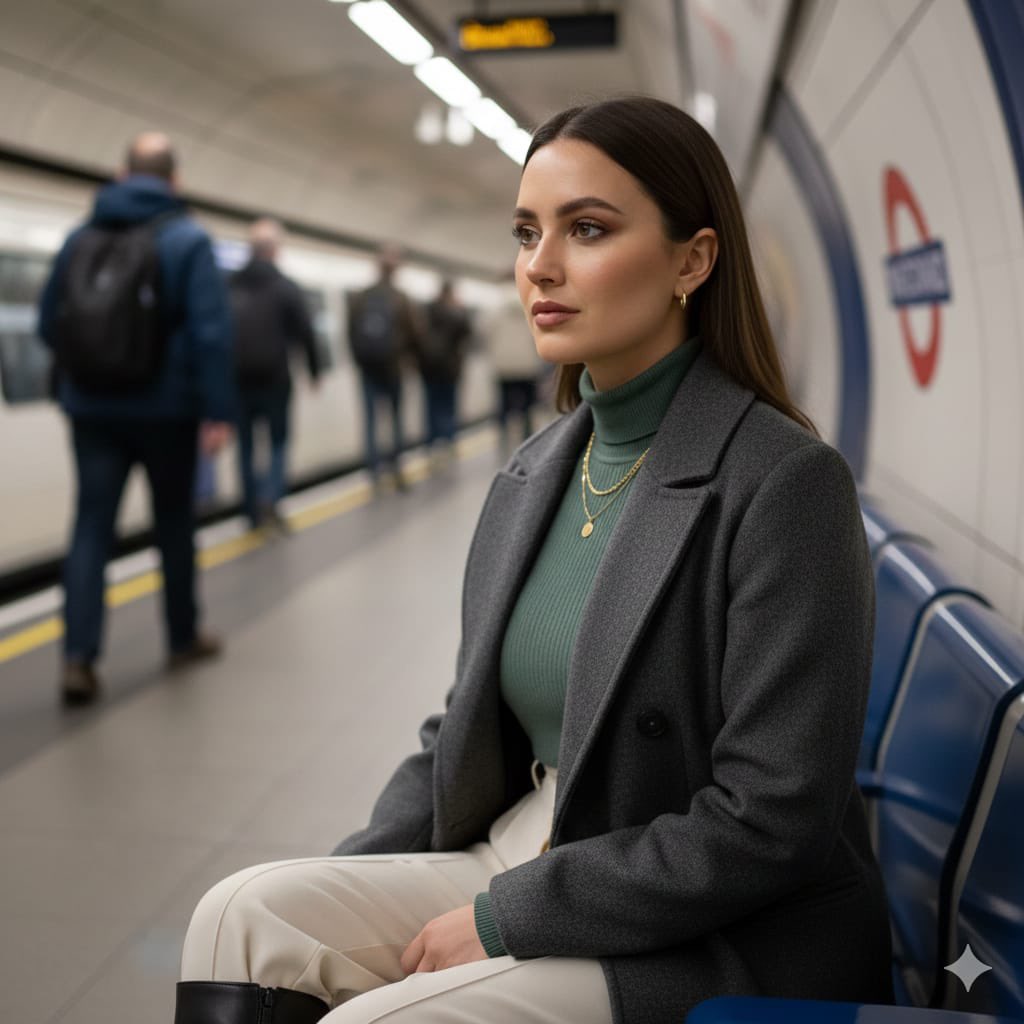
Cinematic London Underground Commuter Portrait Prompt
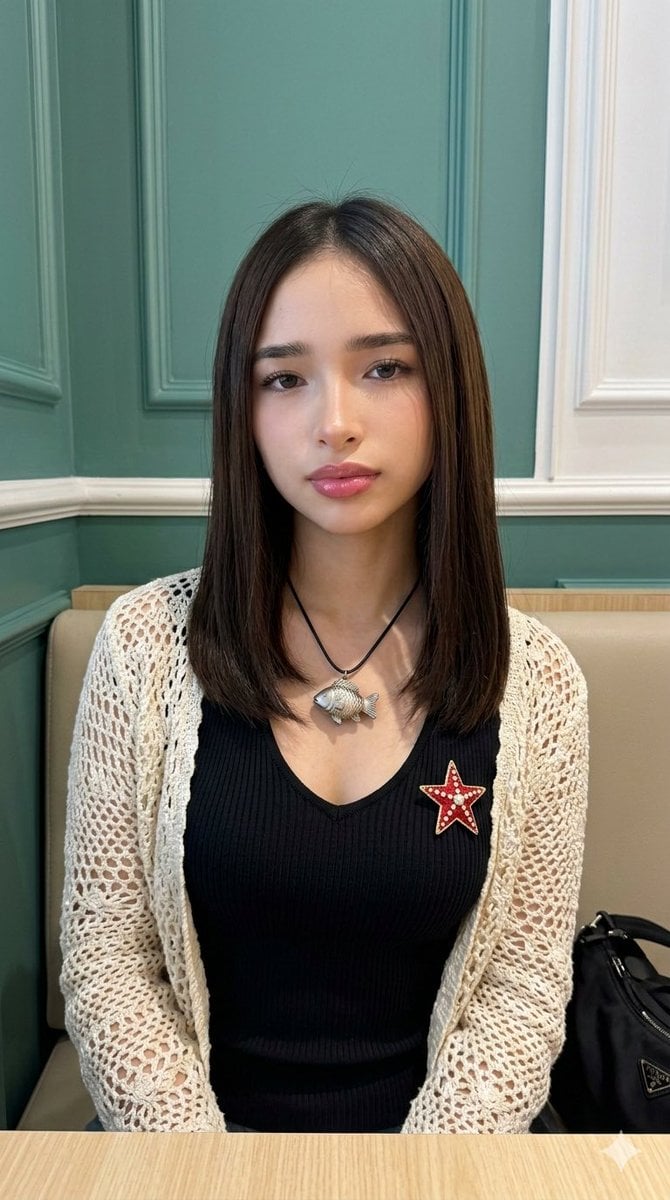
Natural Photo Generation Prompt for Gemini Nano Banana 2
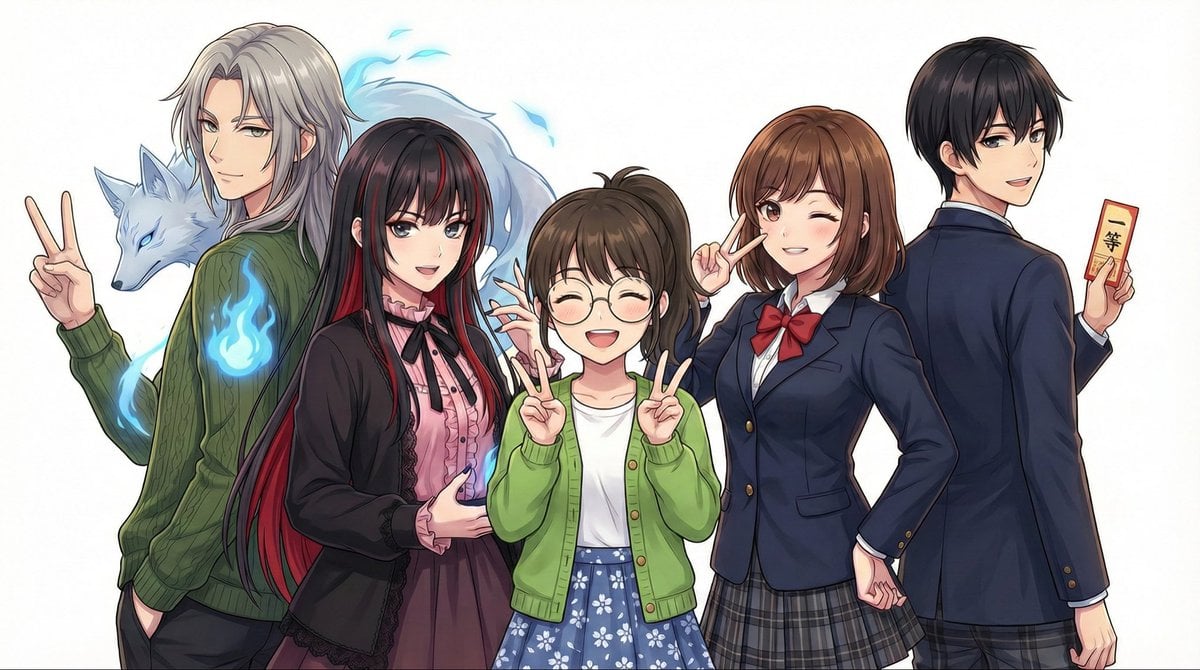
Complex Multi-Instruction Image Generation

Futuristic Fluffy Glass Typography Art
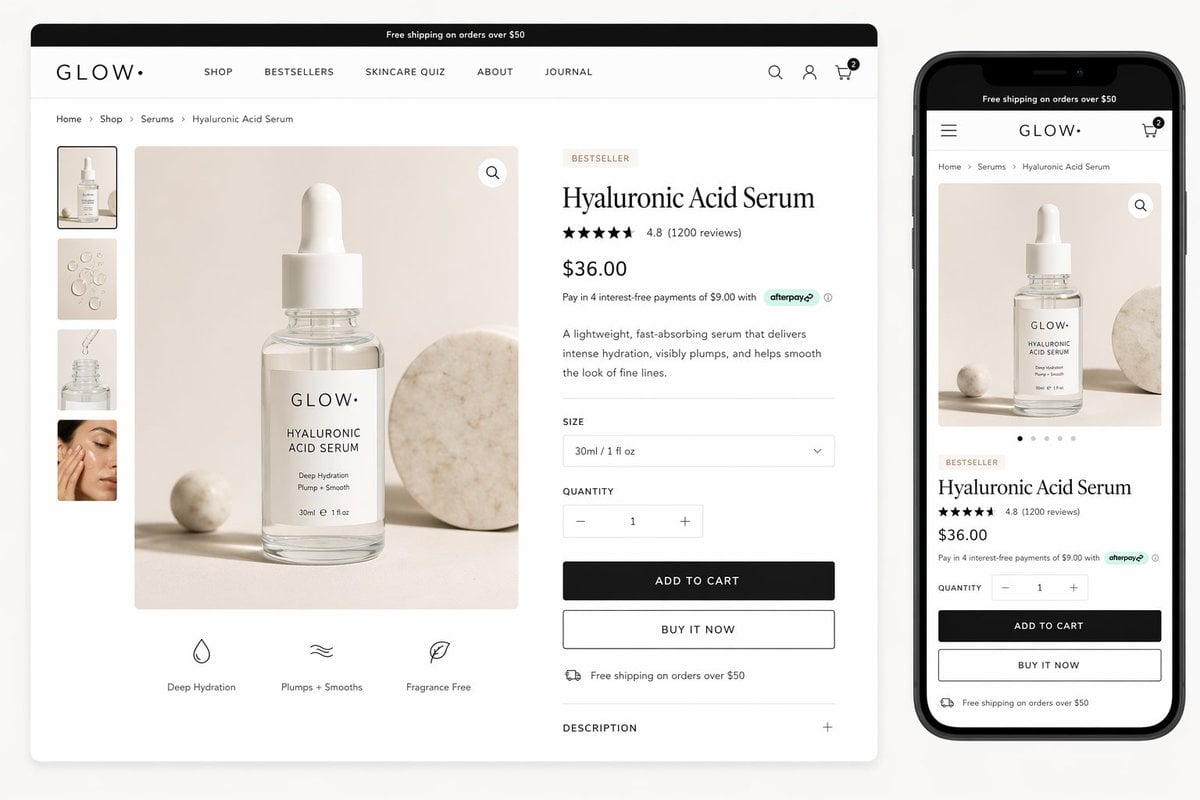
Luxury Skincare Product Page Mockup

Celestial Yuri Wedding in Moonlit Cathedral
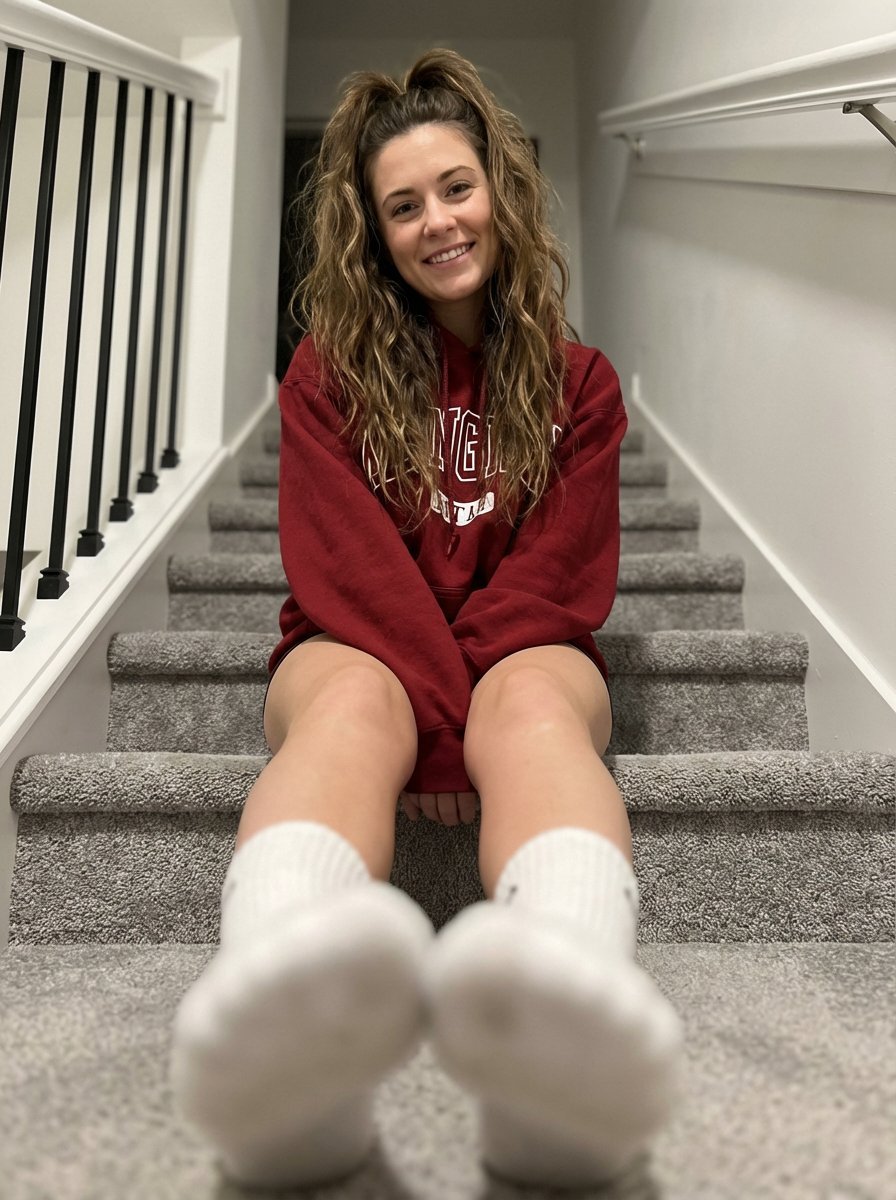
Cozy Indoor Portrait on Staircase with Foreshortening
Browse template categories
Luxury High-Rise at Hazy Sunrise questions
How do I use the Luxury High-Rise at Hazy Sunrise template?
Add your photo if the template asks for one, edit the prompt if you like — the template's model and format are already selected — and press Generate. Your version opens in PicX Studio.
Can I customize the Luxury High-Rise at Hazy Sunrise template?
Yes. You can change the subject, setting, lighting, mood, format, and available model controls before creating your image.
Is the Luxury High-Rise at Hazy Sunrise template free?
Opening and editing this template is free. Generating uses credits, shown on the Generate button when you are signed in.
Which AI model should I use?
Start with GPT Image 2, which is the model associated with this template. You can compare another compatible model for a different finish.
Looking for something else? Browse all templates.

Your photo, any look
Thousands of ready templates for every top image and video model, from one credit balance.