
Cinematic Alpine Lake Sunrise
Generates a serene photorealistic mountain lake scene with a solitary figure, dramatic sunrise light, and mirror-like alpine reflections.
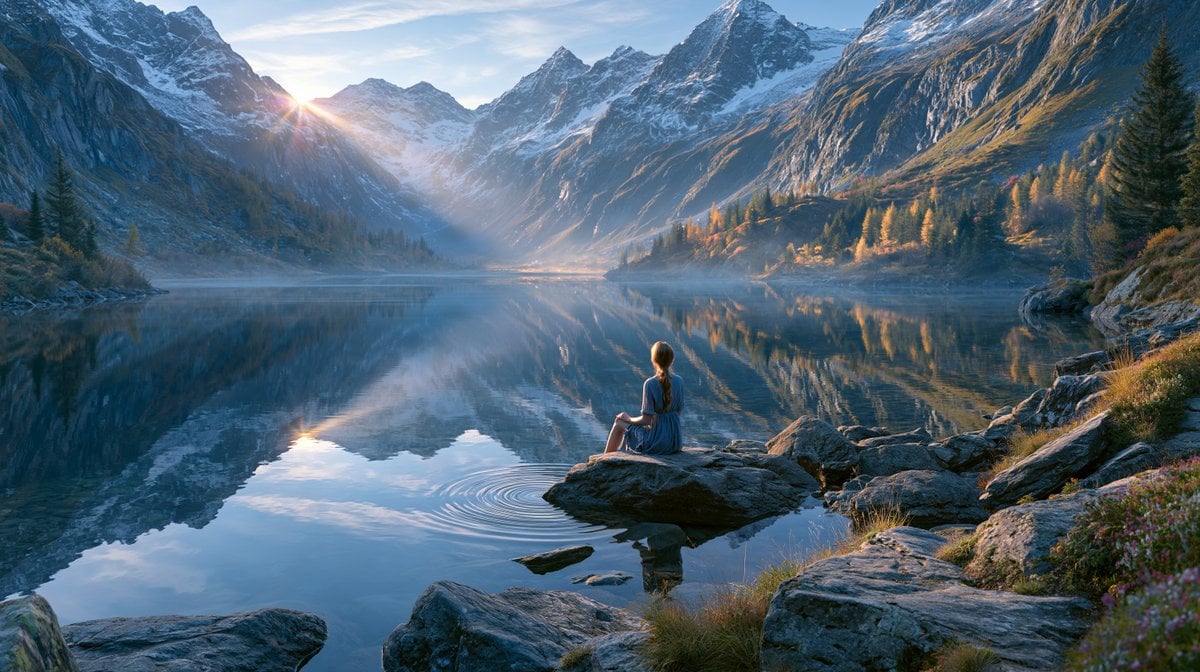
- Prompt included
- Model and format preset
- Free template
The prompt behind this image
Copy the exact prompt behind Cinematic Alpine Lake Sunrise, or open it in the studio and make it yours.
Create a cinematic ultra-realistic alpine landscape at sunrise in a wide panoramic 16:9 composition. A lone {argument name="subject" default="young woman with long brown hair in a blue dress"} sits quietly on a flat rock in the lower center foreground, seen from behind, looking across a perfectly still mountain lake. Surround the lake with towering jagged snow-dusted peaks on both sides, forming a dramatic valley that recedes toward the glowing horizon. Place the rising {argument name="light source" default="sun peeking through a notch between the left mountains"} with a soft starburst and warm golden rays cutting through cool blue morning mist. The lake should mirror the mountains, sky, trees, and sun with near-perfect reflections, broken only by gentle circular ripples around the rock where the woman sits. Include rugged foreground boulders, alpine grasses, small wildflowers, a few conifer trees, and autumn-colored larches on the right shoreline catching warm light. Use a serene, contemplative mood with crisp high-detail textures, atmospheric haze, volumetric light, natural color grading, cool blue shadows contrasted with amber highlights, deep depth, and a polished fine-art travel photography look. No text, no buildings, no extra people, no boats, no animals.
How to use Cinematic Alpine Lake Sunrise in 3 steps
- 1Upload ImagePNG, JPG or paste
Add your photo
Upload the photo the template builds on. The prompt, model and format are already set.
- 2…a portrait of your subject in softgolden-hour light, 85mm…
Personalize
Edit the subject and creative details for your destination.
- 3Generate
Generate
Press Generate — your image is created in PicX Studio, so you can compare it with the original and refine one variable at a time.
More like this
Templates with the same subject, style or setup. Open one to see its prompt.

Teen Girl Alpine Lake Mountain View
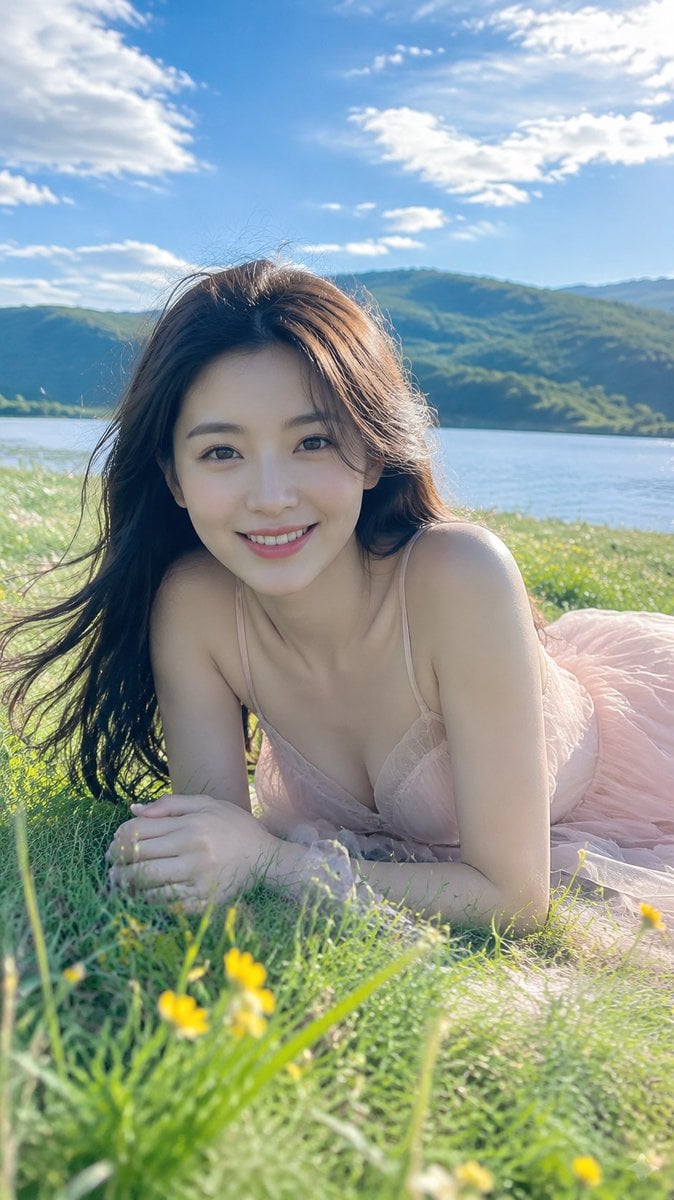
Alpine Lake Candid — Mountain Air Moment
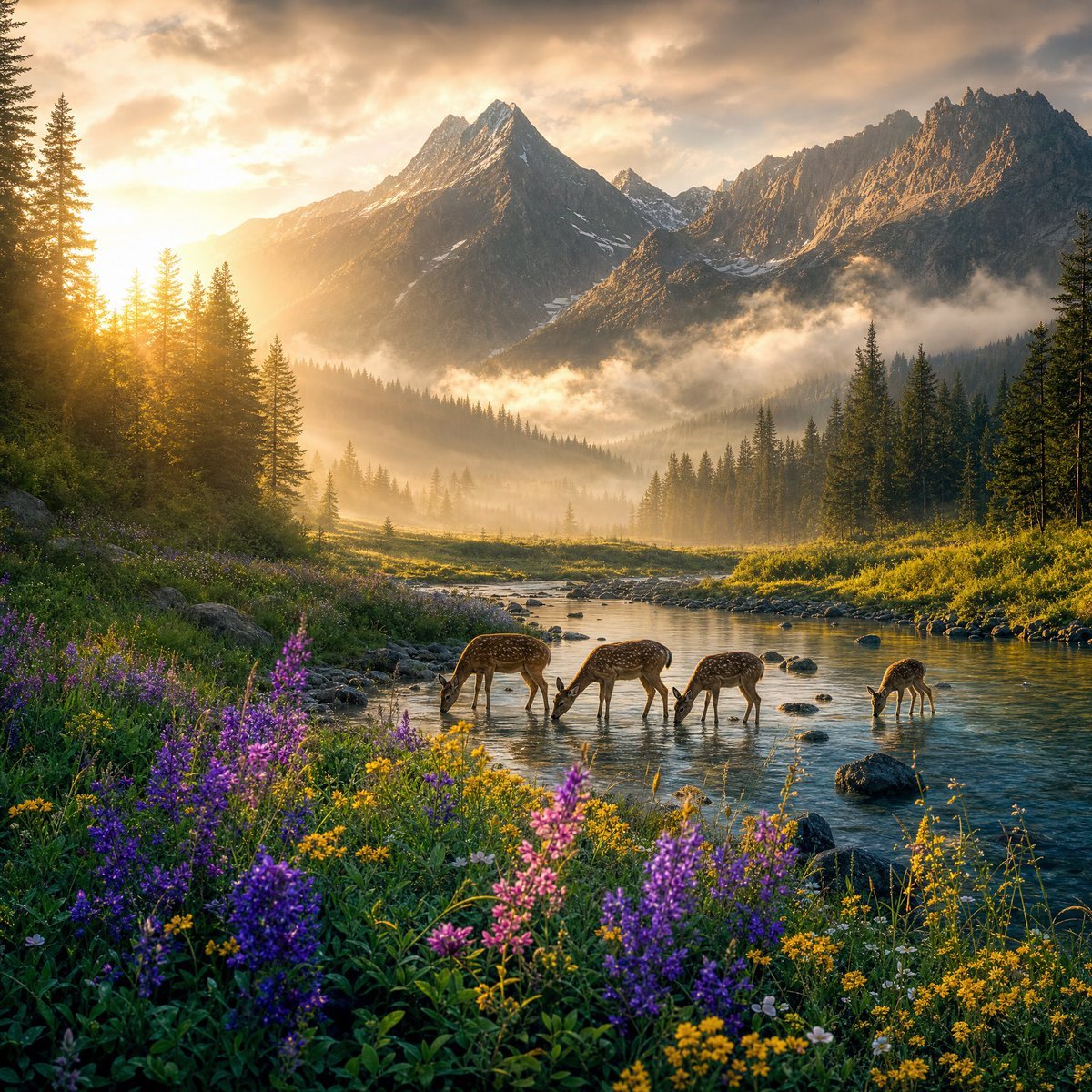
Magical Sunrise Alpine Valley
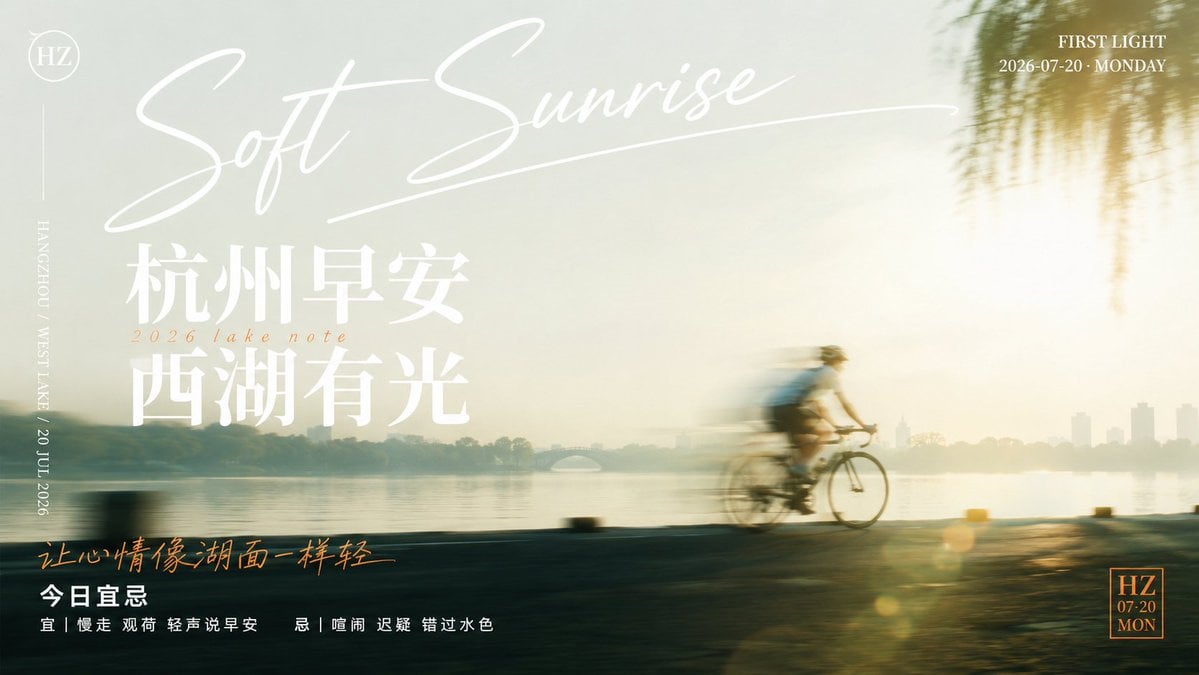
Soft Sunrise West Lake Poster

Mountain Lake Sunset Landscape
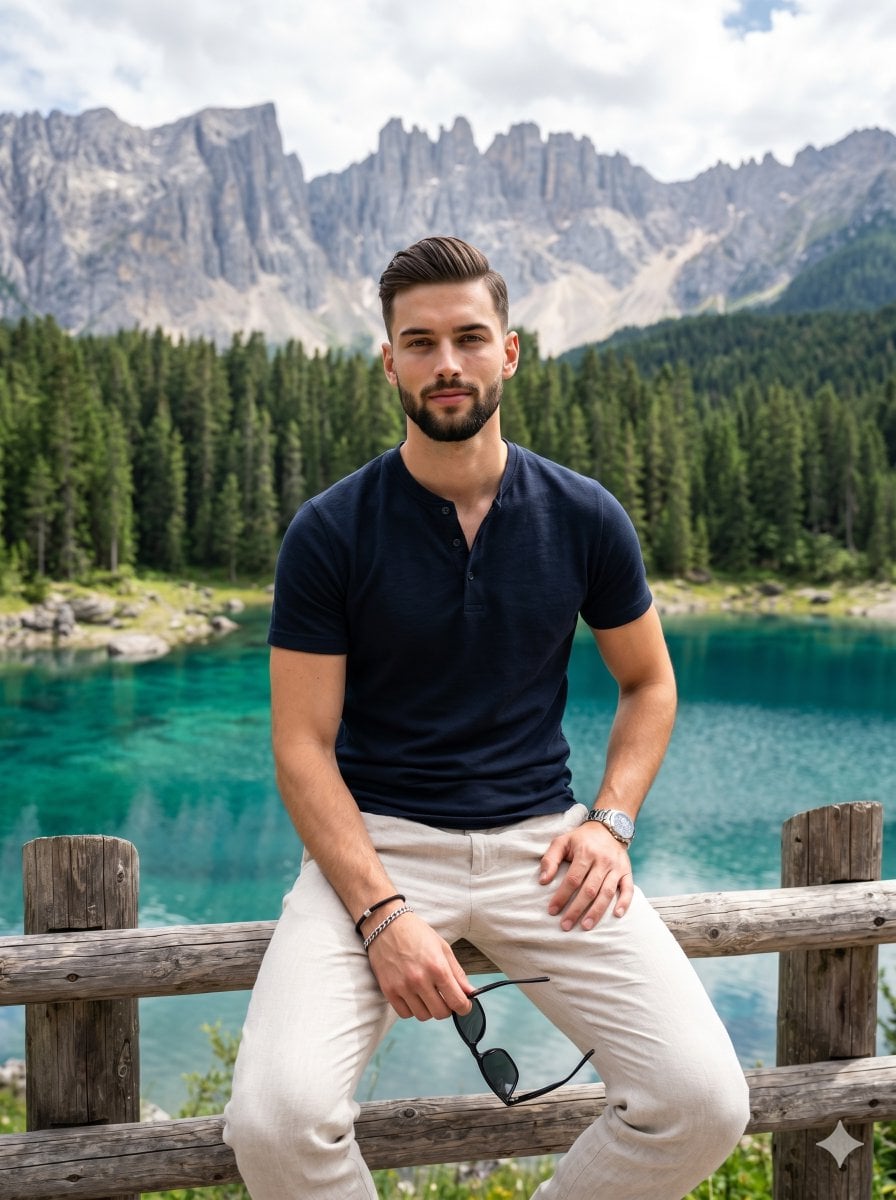
Casual Male Portrait Alpine Lake

Luxury Alpine Lake Travel Portrait
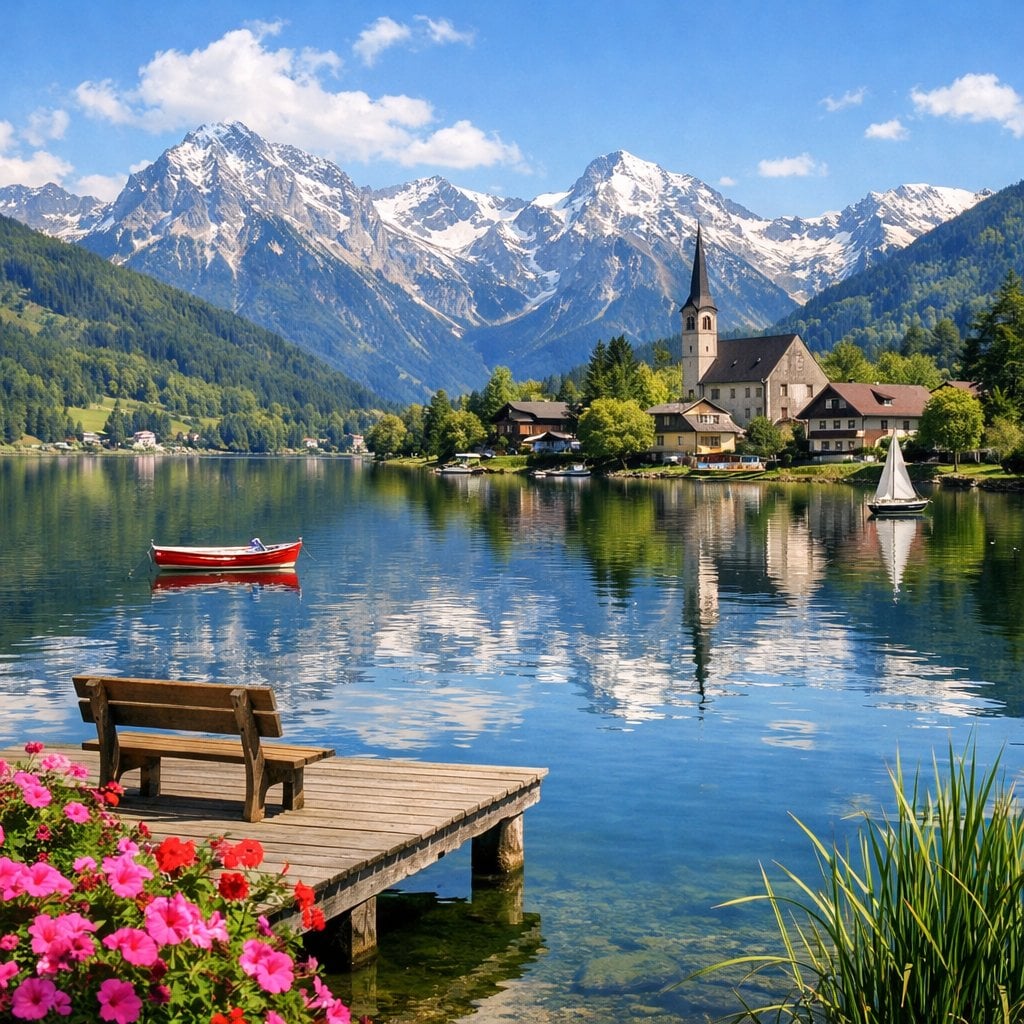
Idyllic Alpine Lake Village Landscape
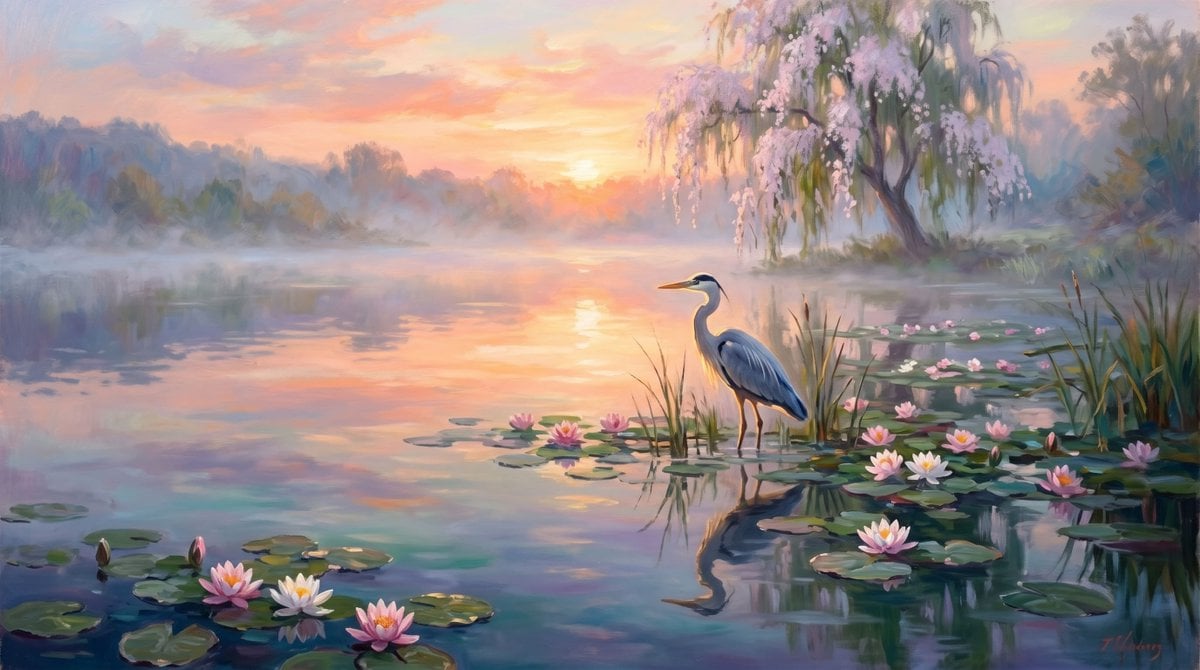
Misty Sunrise Heron Lake
Misty Sunrise Heron Lake
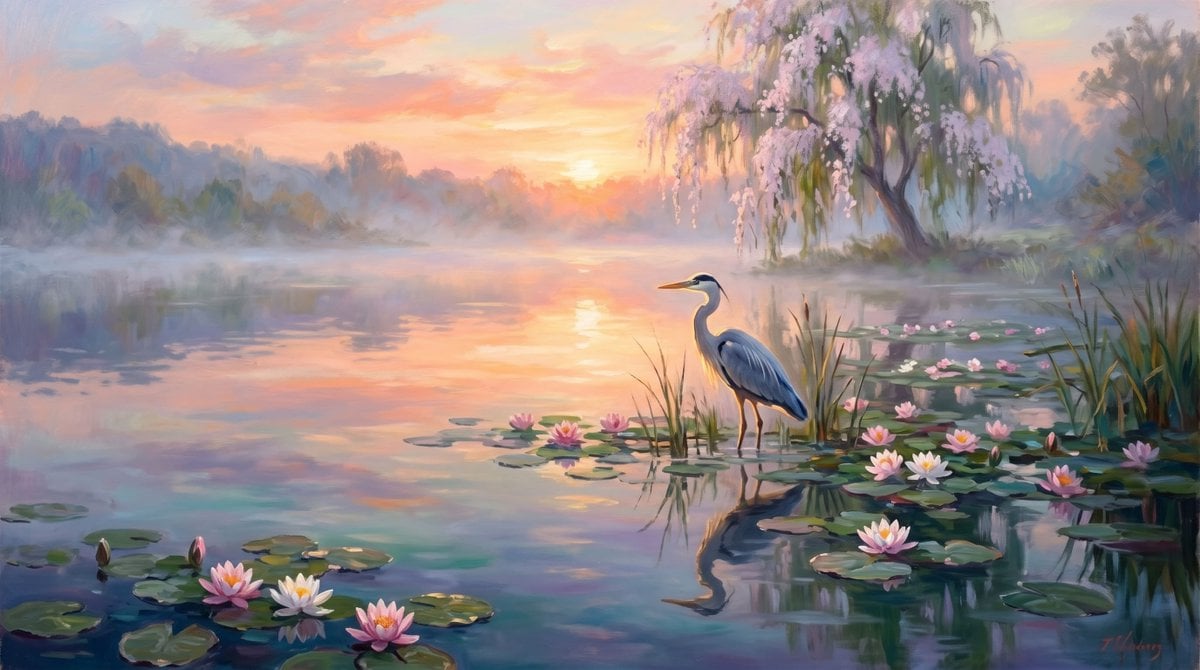
Misty Heron Sunrise Lake
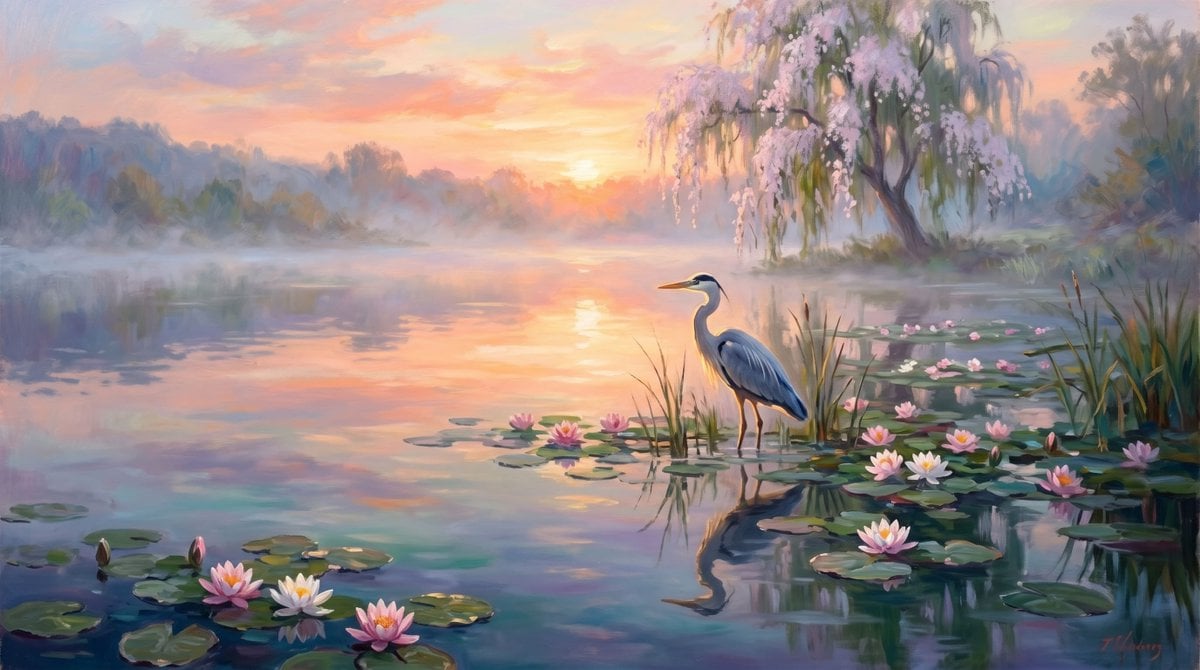
Misty Sunrise Heron Lake
Make it yours
Cinematic Alpine Lake Sunrise works as-is. These are the safest ways to change it without losing the look.
Change one field
Copy a single group, rewrite it, and generate again so you can see what that field is doing.
Keep the frame, change the subject
Hold the composition and light of Cinematic Alpine Lake Sunrise, then swap wardrobe, props or the person for a new take.
| If the result… | Why | Fix |
|---|---|---|
| The result drifts from the preview | Too many fields changed at once. | Reuse Cinematic Alpine Lake Sunrise as-is first, then change one group — subject, light, or setting. |
| The model over-stylizes the scene | The prose prompt leaves finish and camera underspecified. | Add one camera or lighting sentence and stay on GPT Image 2. |
More GPT Image 2 templates
Other prompts made for GPT Image 2.

Six VTuber Japanese Logo Sheet

Realistic Portrait of Woman and Deer

The Vista Modular Condo Poster

AI Model Routing Comparison Infographic

2.5D Anime Art Board

Isometric Productivity Desk Scene

New York Double Exposure Poster

Four-Panel AI Landscape Comparison

Japanese Tatami Lifestyle Magazine Cover

NESCAFÉ Coffee Map Poster
More image prompts
Fresh picks from across the catalog.

2026 Fashion Editorial Portrait
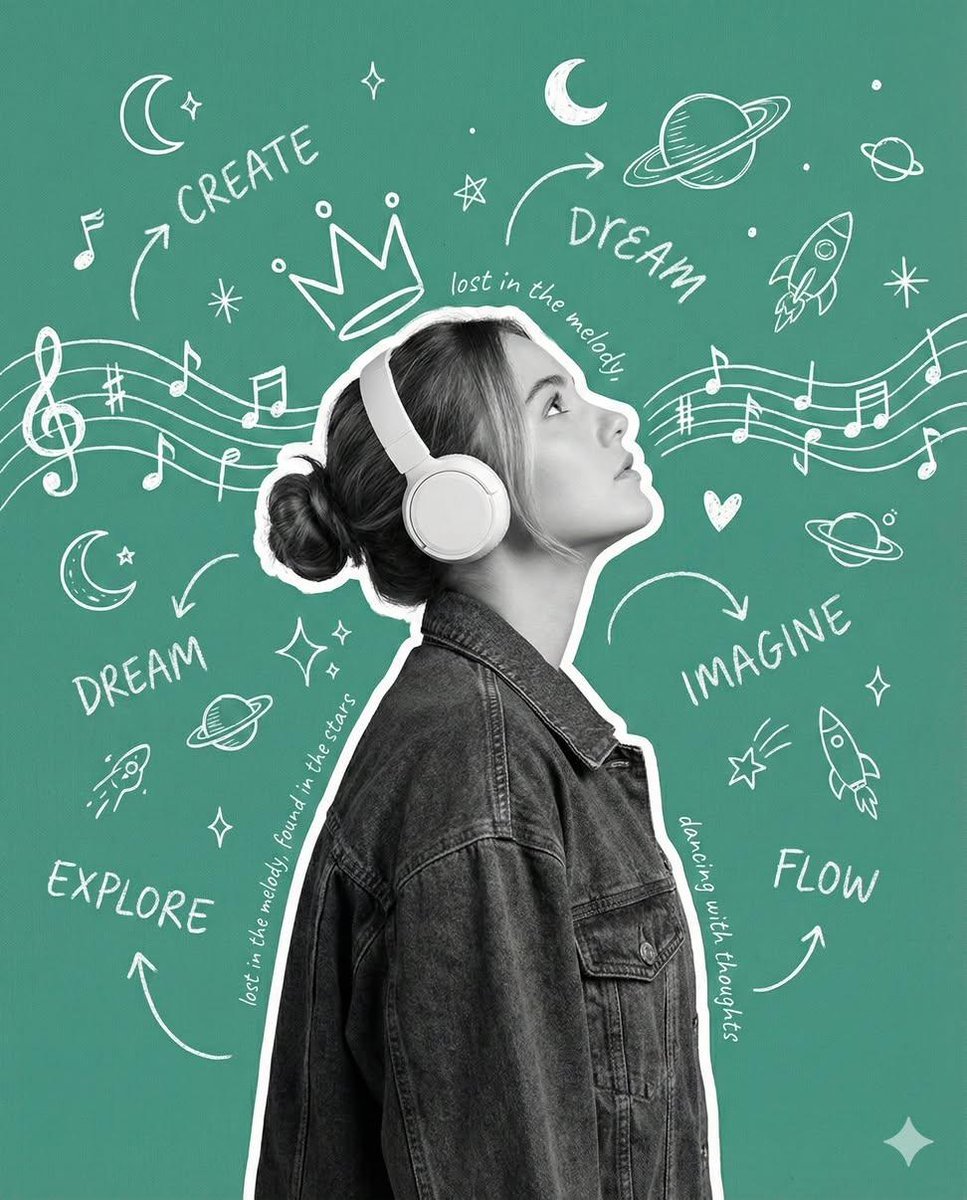
Creative Poster with Cutout Portrait and Chalkboard Doodles
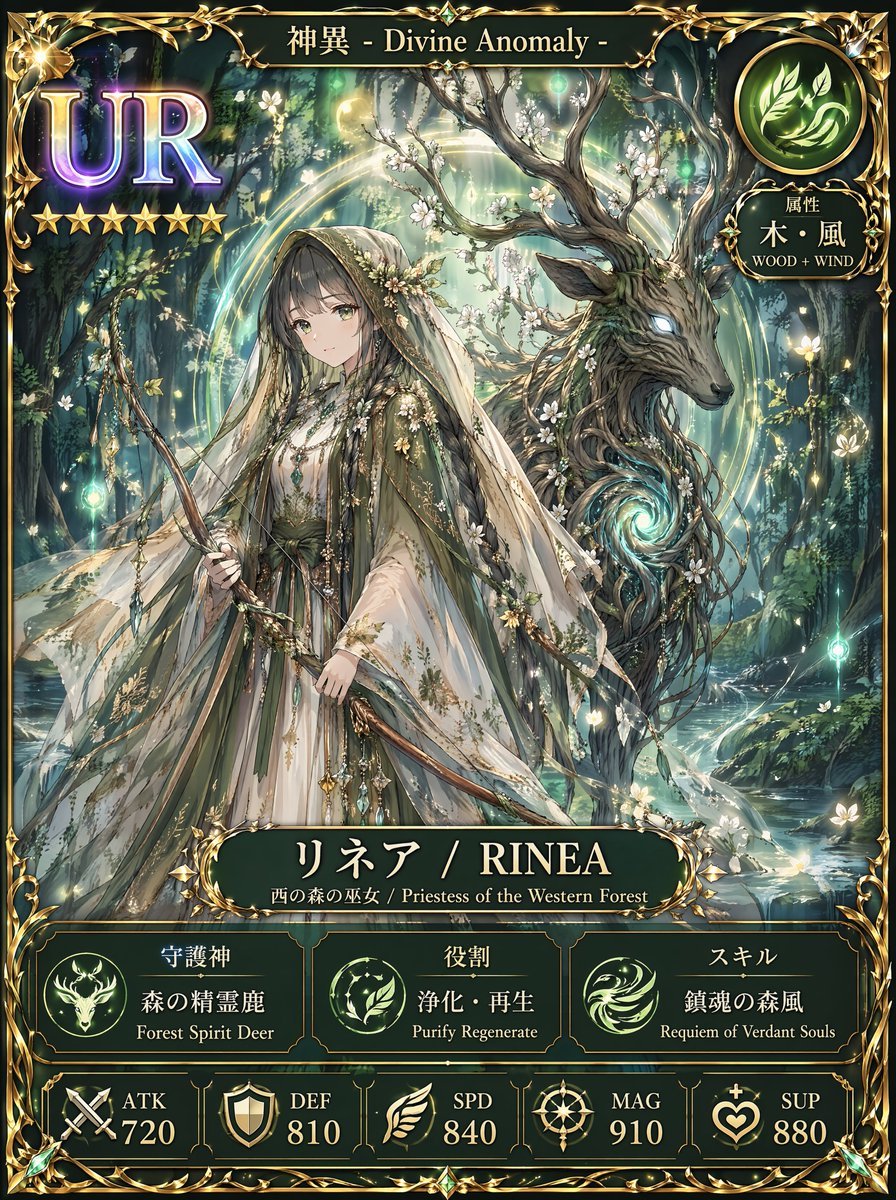
Fantasy UR Forest Priestess Card

Cartoon Cat Group T-Shirt Mockup
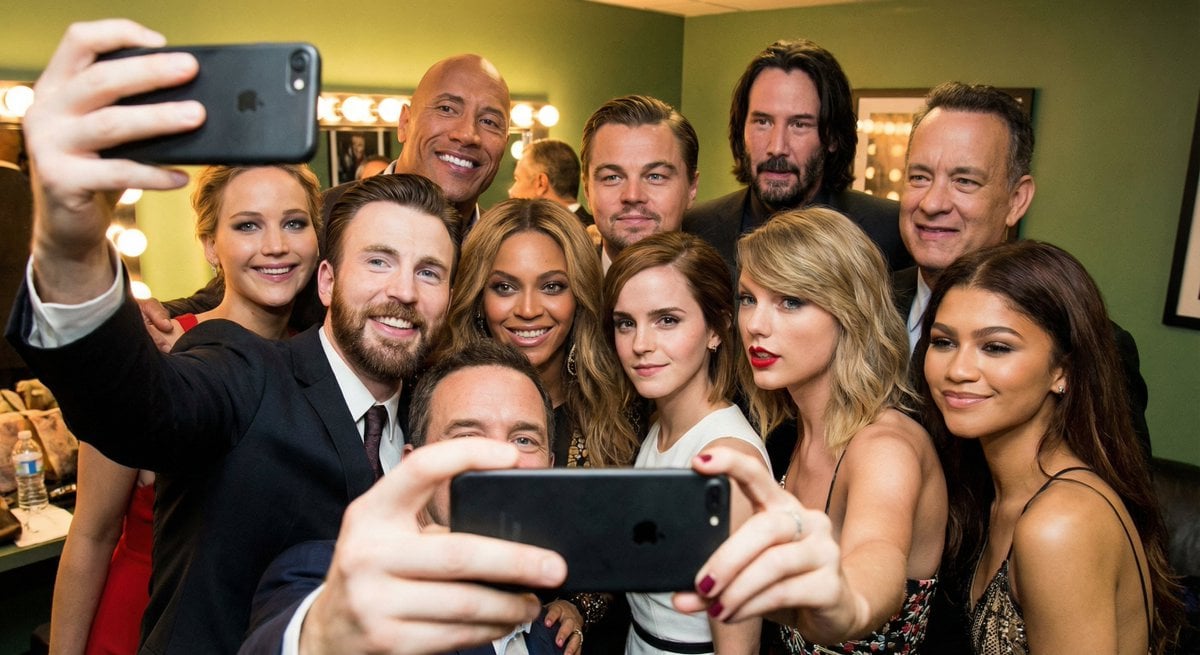
Selfie of multiple random female celebrities
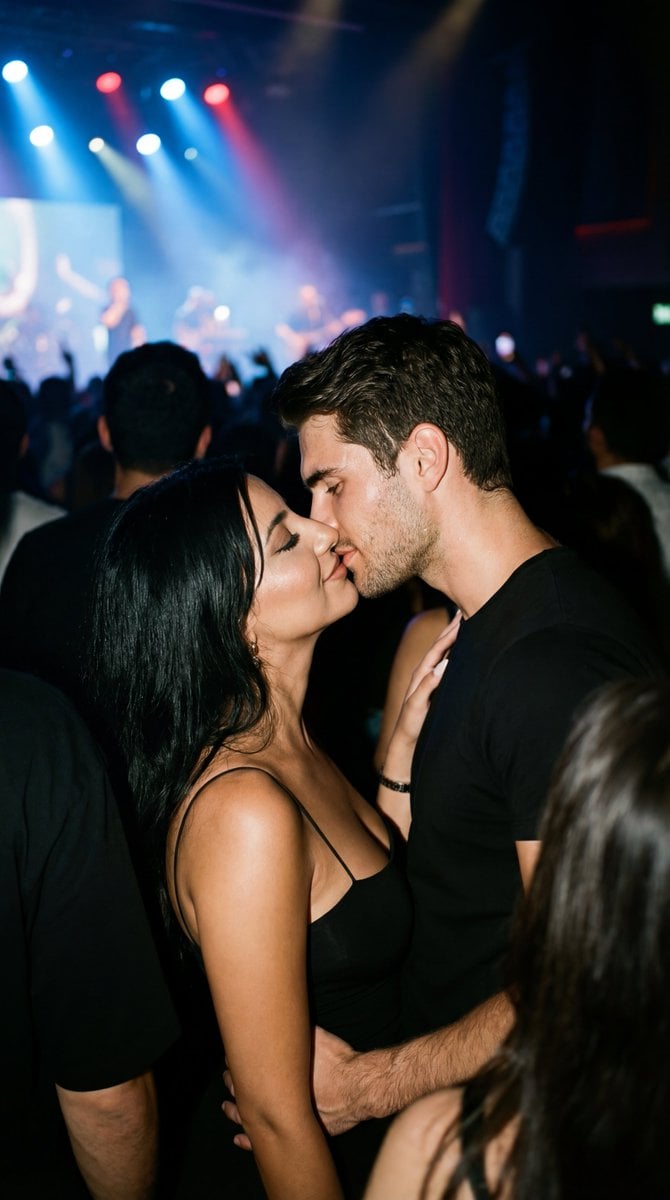
Candid 35mm Concert Romance Film Still
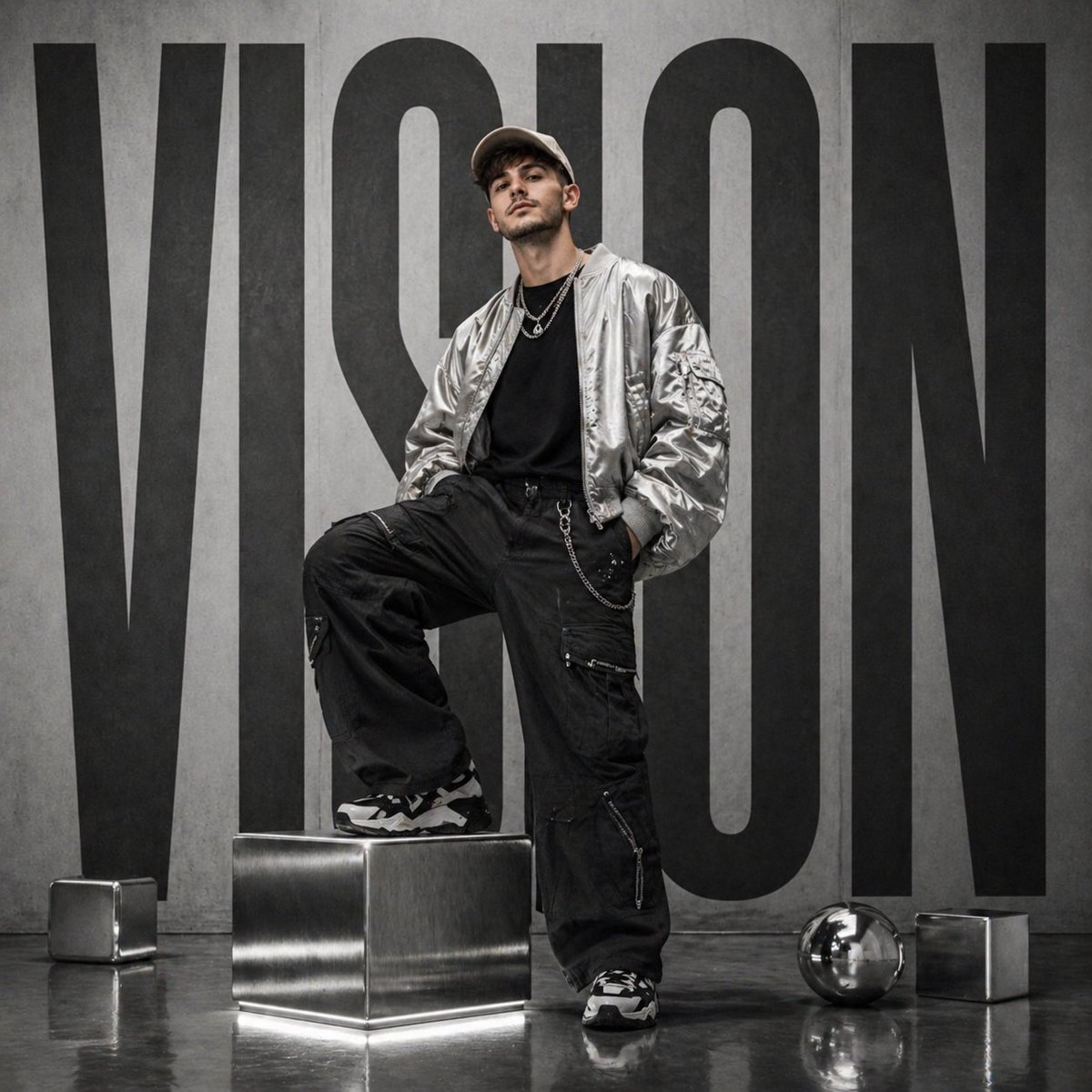
Futuristic streetwear campaign poster

Refining Image Generation for Natural Expression

Hyper-realistic Cyborg Side Profile

Romantic Fashion Editorial Portrait Prompt
Browse template categories
Cinematic Alpine Lake Sunrise questions
How do I use the Cinematic Alpine Lake Sunrise template?
Add your photo if the template asks for one, edit the prompt if you like — the template's model and format are already selected — and press Generate. Your version opens in PicX Studio.
Can I customize the Cinematic Alpine Lake Sunrise template?
Yes. You can change the subject, setting, lighting, mood, format, and available model controls before creating your image.
Is the Cinematic Alpine Lake Sunrise template free?
Opening and editing this template is free. Generating uses credits, shown on the Generate button when you are signed in.
Which AI model should I use?
Start with GPT Image 2, which is the model associated with this template. You can compare another compatible model for a different finish.
Looking for something else? Browse all templates.

Your photo, any look
Thousands of ready templates for every top image and video model, from one credit balance.