
Dragon Empress in Crimson Robes
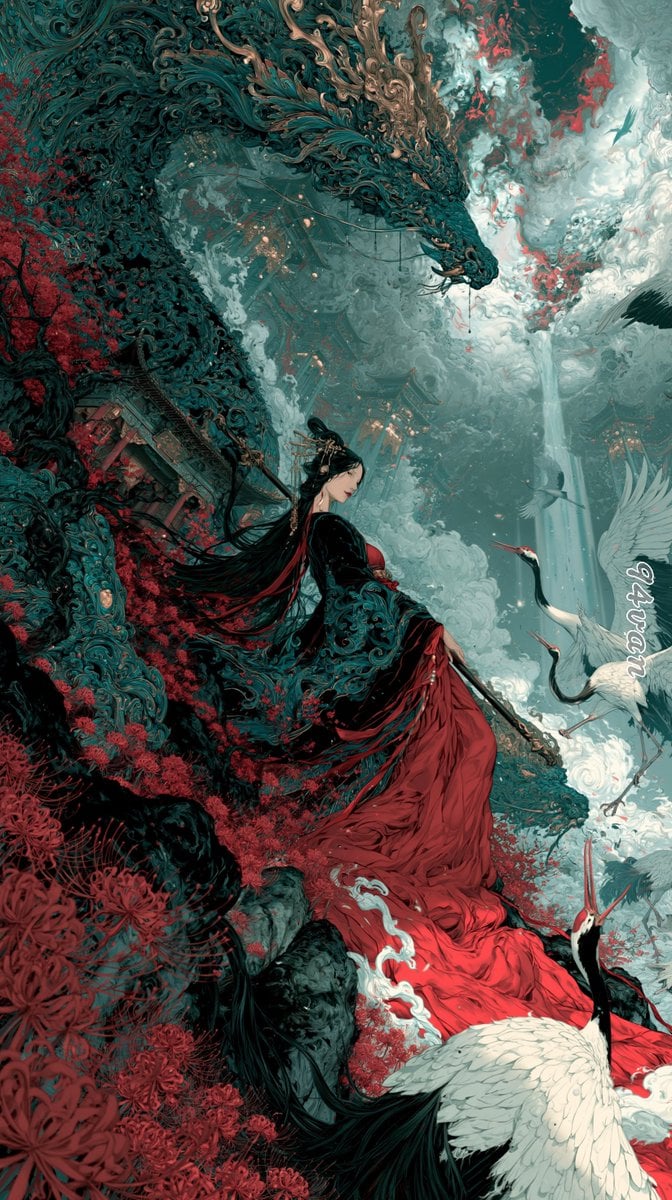
A vertical dark-fantasy xianxia illustration prompt for creating an ornate immortal empress, a protective dragon, cranes, mist, and red spider lilies.
- Prompt included
- Model and format preset
- Free template
The prompt behind this image
Copy the exact prompt behind Dragon Empress in Crimson Robes, or open it in the studio and make it yours.
Create a tall vertical fantasy xianxia illustration in an ultra-detailed East Asian ink-painting and dark ornate Art Nouveau style. The scene shows {argument name="character name" default="a serene immortal empress"} seated in profile on a mossy cliff, wearing a flowing black outer robe embroidered with intricate teal filigree and a dramatic {argument name="dress color" default="deep crimson red"} gown cascading down the rocks like a river of silk. She has very long black hair streaming behind her, an elegant gold hair ornament, pale skin, and a calm downward gaze, holding a slender ceremonial staff or sword across her lap. Above and behind her, a colossal serpentine dragon coils through the sky, its body made of dark teal scales, swirling carved cloud patterns, and bronze-gold antler-like horns, lowering its head protectively toward her. Surround the cliff with dense {argument name="flower type" default="red spider lilies"}, twisted dark branches, ancient broken temple architecture, mist, and curling clouds. Include exactly four white cranes: one large crane in the bottom foreground with black neck feathers and red crown, two cranes flying or standing to the right of the woman, and one small crane silhouette high in the cloudy sky. The background is a vast celestial mountain-temple landscape with jade mist, pale waterfalls or shafts of light, stormy clouds, and small glowing lantern-like points in the distance. Use a limited palette of deep teal, black, jade gray, ivory white, muted gold, and saturated crimson red. Composition should be cinematic and diagonal, with the dragon forming a sweeping arch from upper left to center, the woman centered lower-middle, and the red gown leading the eye to the bottom edge. Render with extreme fine linework, dense ornamental detail, painterly smoke, layered depth, delicate textures, high contrast, ethereal atmosphere, and no modern objects.
How to use Dragon Empress in Crimson Robes in 3 steps
- 1Upload ImagePNG, JPG or paste
Add your photo
Upload the photo the template builds on. The prompt, model and format are already set.
- 2…a portrait of your subject in softgolden-hour light, 85mm…
Personalize
Edit the subject and creative details for your destination.
- 3Generate
Generate
Press Generate — your image is created in PicX Studio, so you can compare it with the original and refine one variable at a time.
More like this
Templates with the same subject, style or setup. Open one to see its prompt.

Minecraft Fantasy Kingdom Voxel Landscape
Dragon Knight and Crimson Dragon
Seedance - Dragon vs Python Battle
Regal Tang-Style Empress Portrait

Cyber Samurai Empress Portrait
Opulent Autumn Empress at Sunset
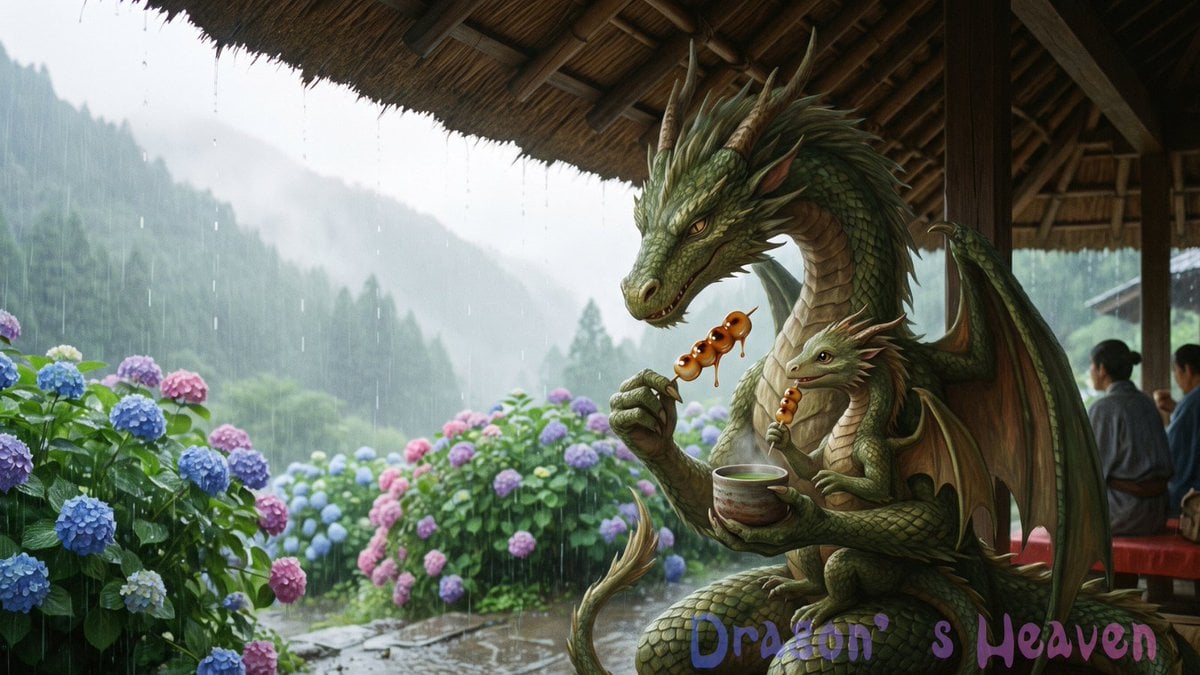
Rainy Dragon Family Eating Dango
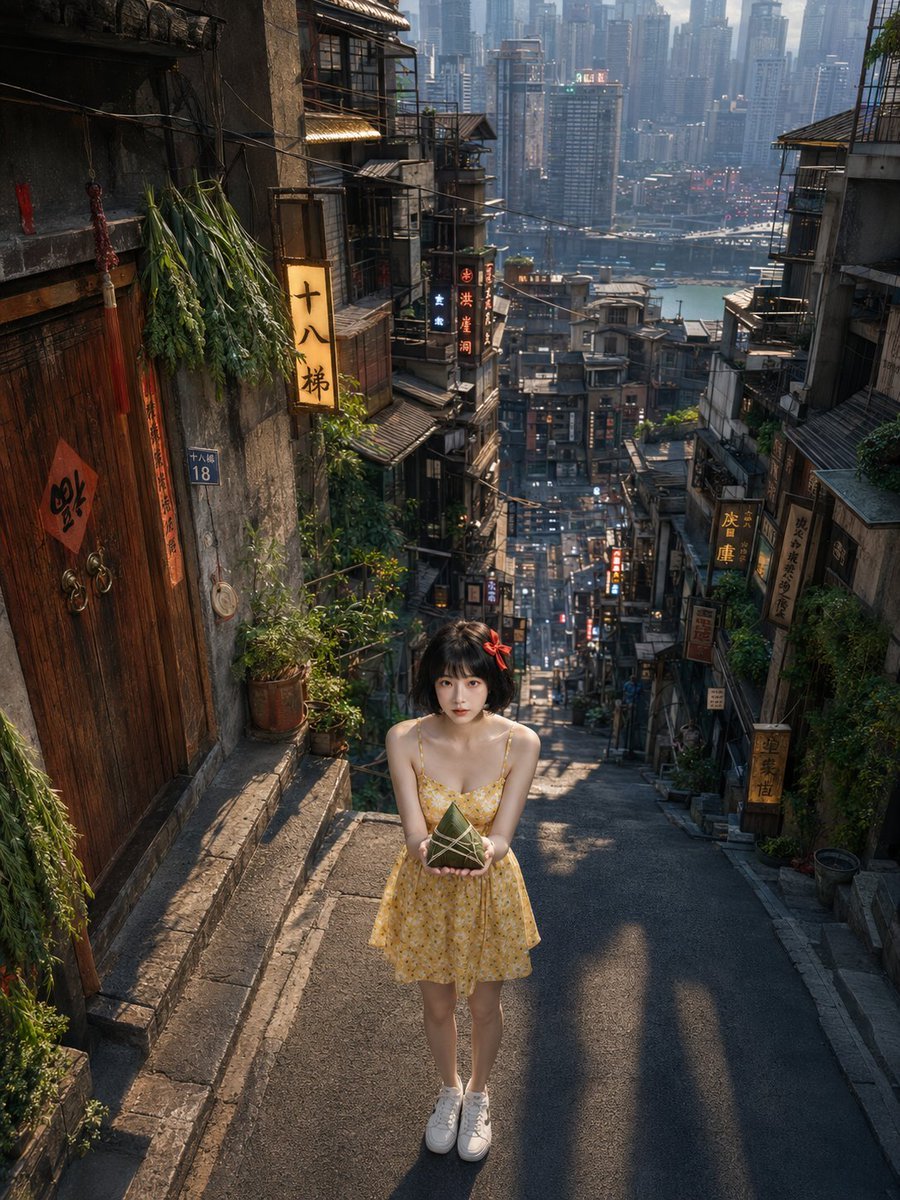
Dragon Boat Festival Chongqing Street Portrait
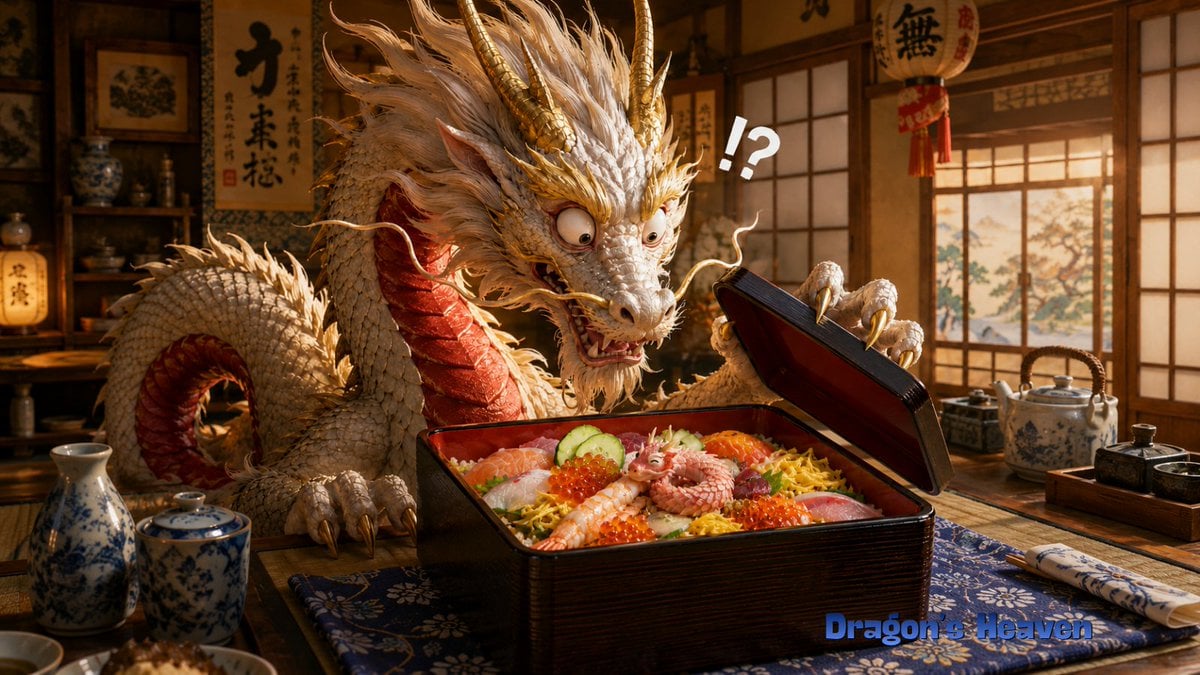
Shocked Dragon Opens Chirashi Sushi
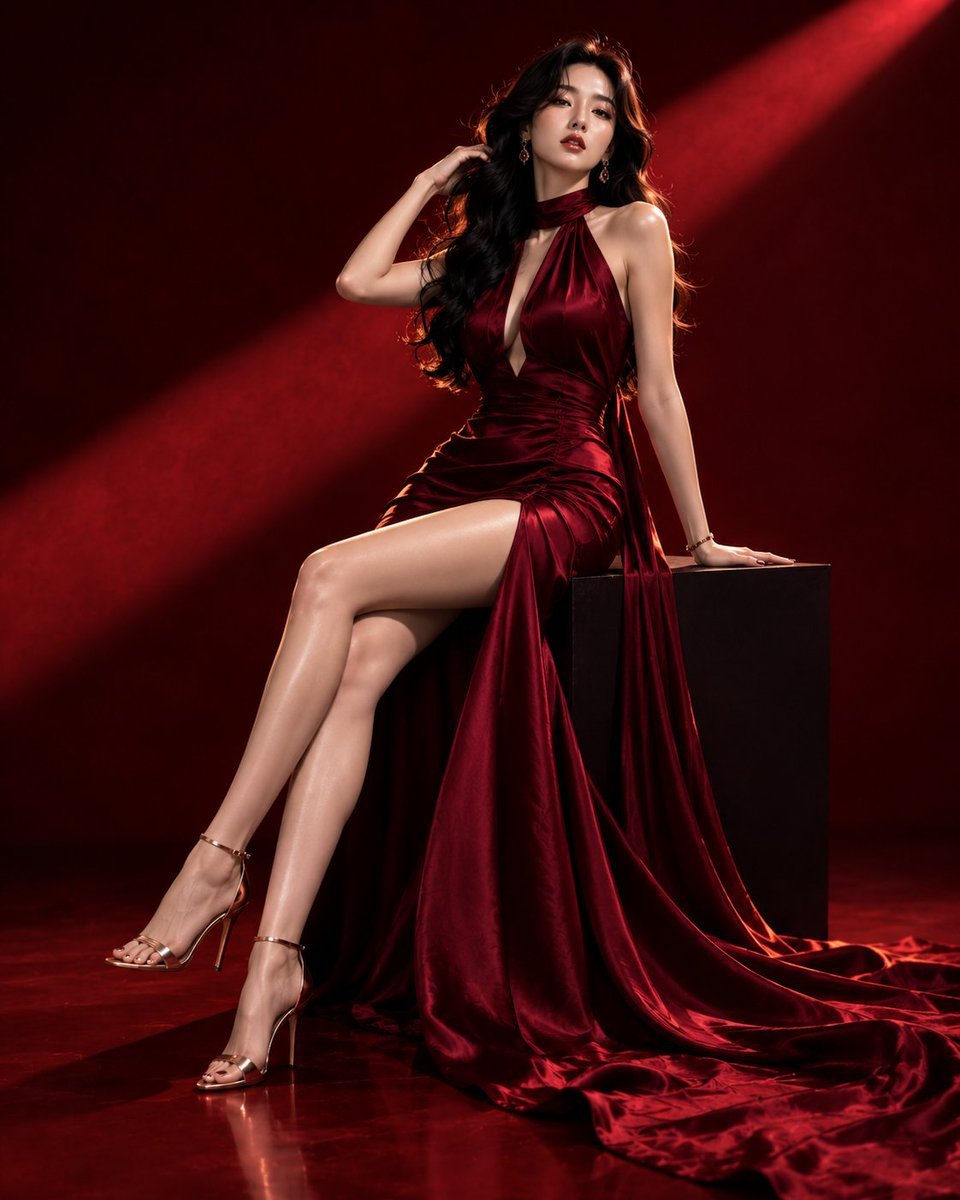
Luxury Crimson Fashion Editorial Portrait
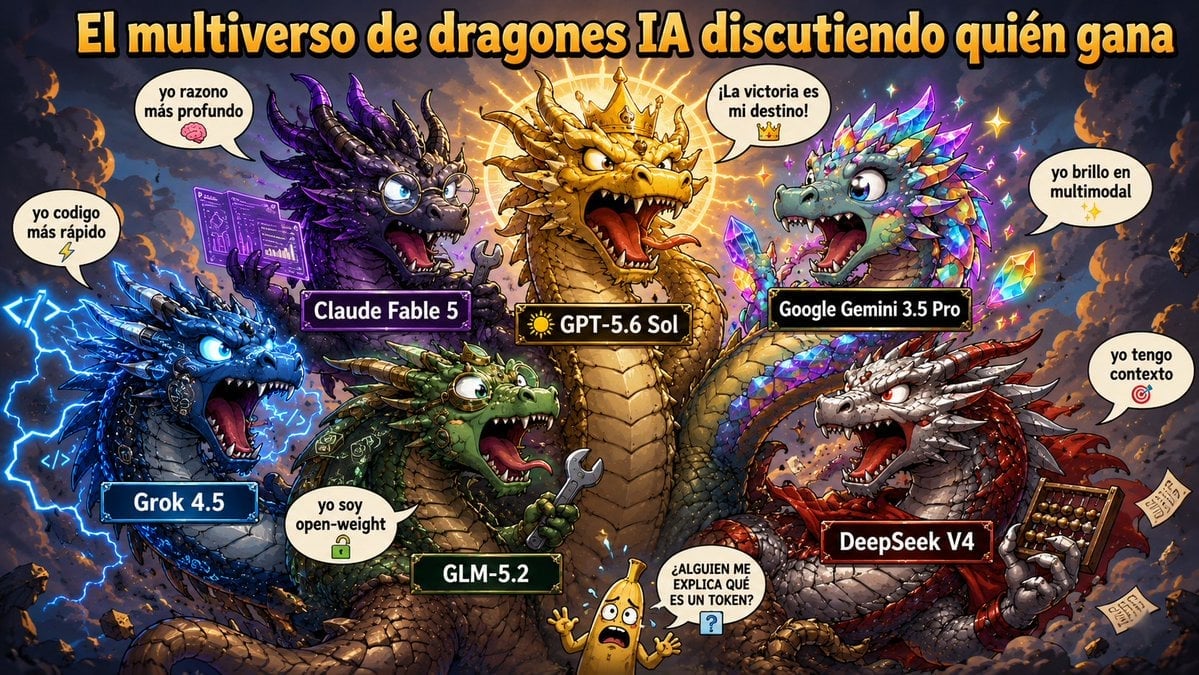
AI Dragon Multiverse Meme
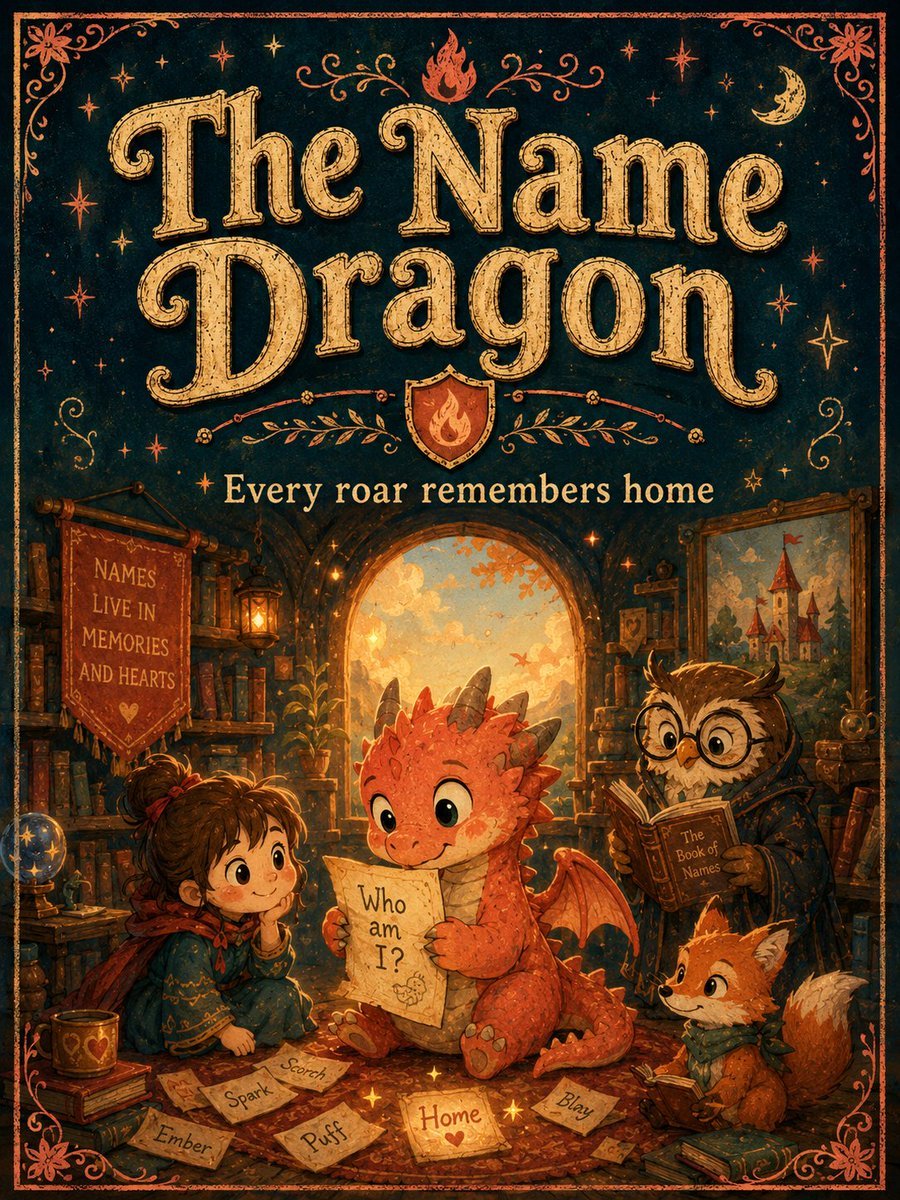
Vintage Name Dragon Storybook Poster
Make it yours
Dragon Empress in Crimson Robes works as-is. These are the safest ways to change it without losing the look.
Change one field
Copy a single group, rewrite it, and generate again so you can see what that field is doing.
Keep the frame, change the subject
Hold the composition and light of Dragon Empress in Crimson Robes, then swap wardrobe, props or the person for a new take.
| If the result… | Why | Fix |
|---|---|---|
| The result drifts from the preview | Too many fields changed at once. | Reuse Dragon Empress in Crimson Robes as-is first, then change one group — subject, light, or setting. |
| The model over-stylizes the scene | The prose prompt leaves finish and camera underspecified. | Add one camera or lighting sentence and stay on GPT Image 2. |
More GPT Image 2 templates
Other prompts made for GPT Image 2.

Six VTuber Japanese Logo Sheet

Realistic Portrait of Woman and Deer

The Vista Modular Condo Poster

AI Model Routing Comparison Infographic

2.5D Anime Art Board

Isometric Productivity Desk Scene

New York Double Exposure Poster

Four-Panel AI Landscape Comparison

Japanese Tatami Lifestyle Magazine Cover

NESCAFÉ Coffee Map Poster
More image prompts
Fresh picks from across the catalog.
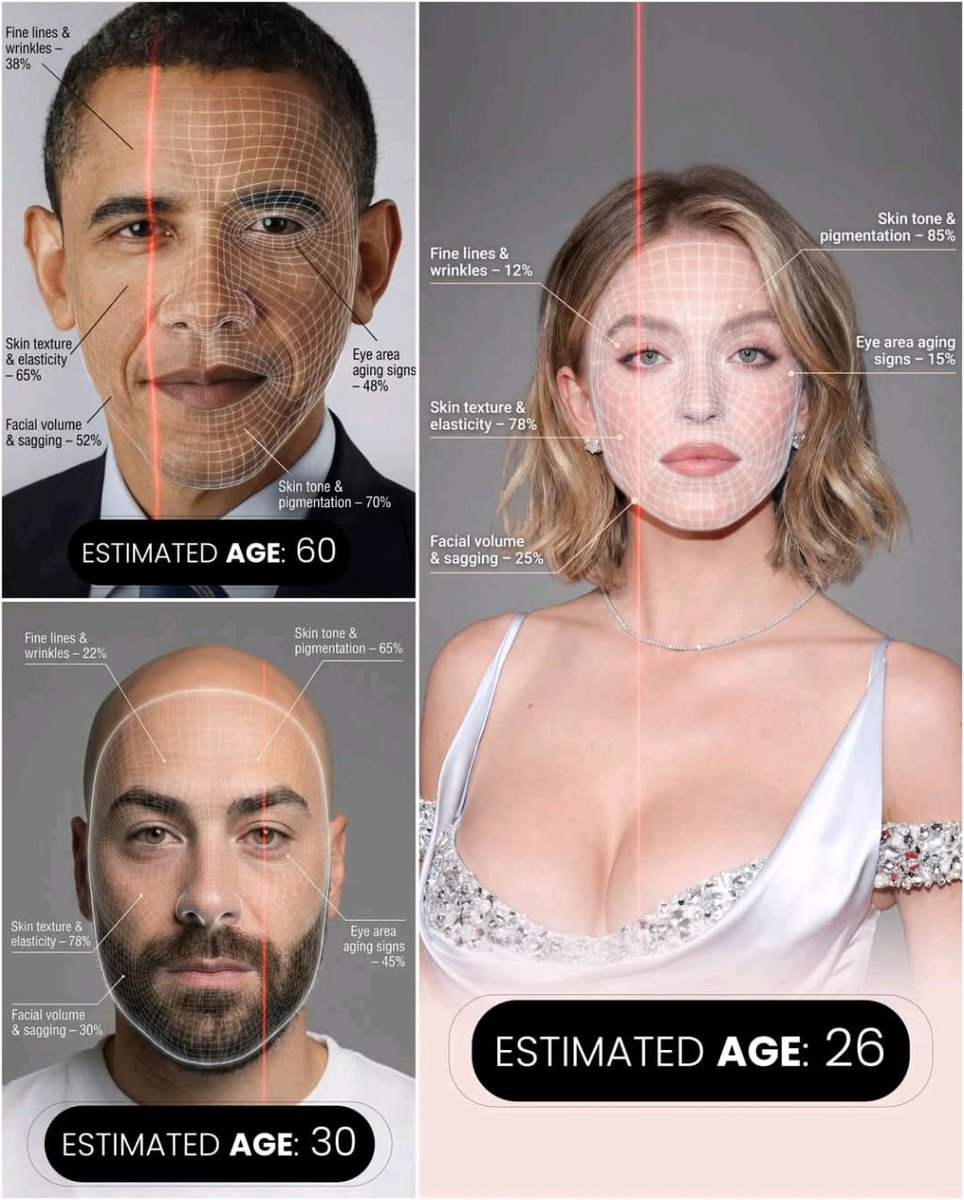
Futuristic AI Age Checker Infographic Portrait
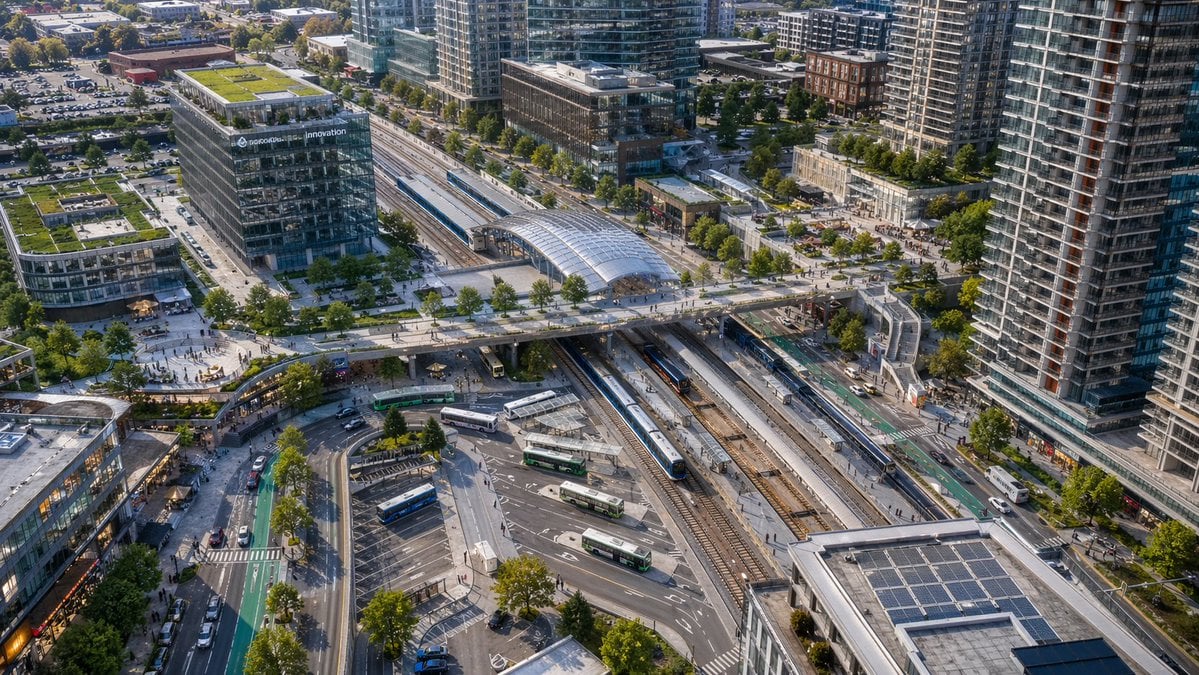
Aerial View of Modern Transit Hub
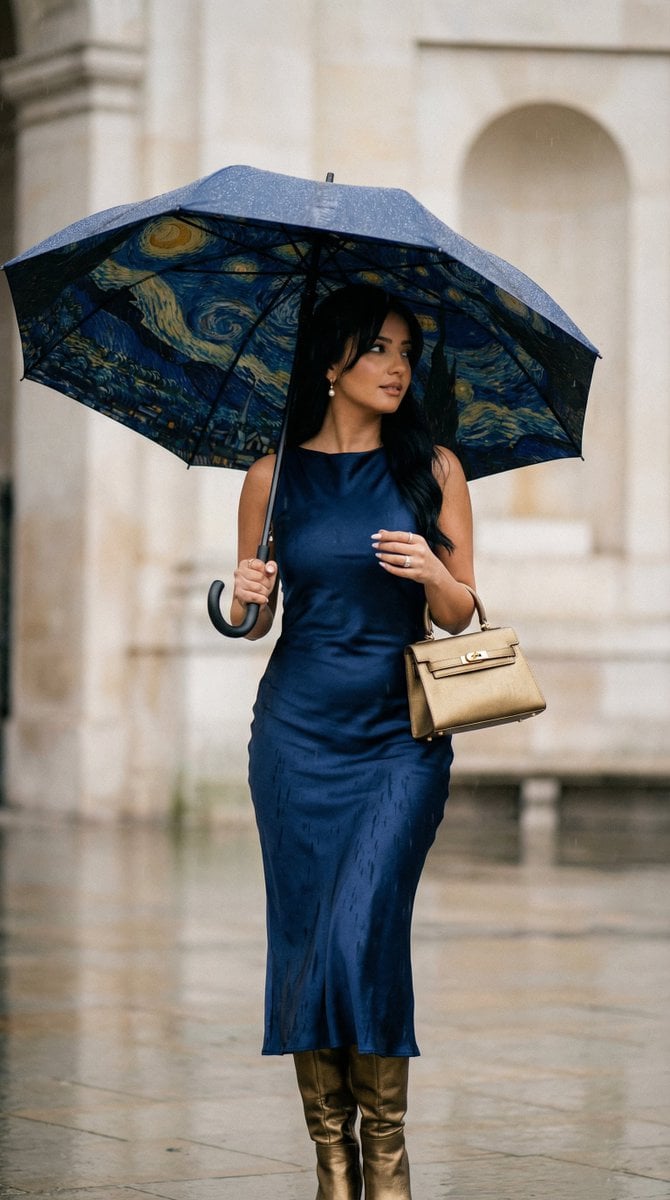
Cinematic Rain Fashion Transformation (Image-to-Image)
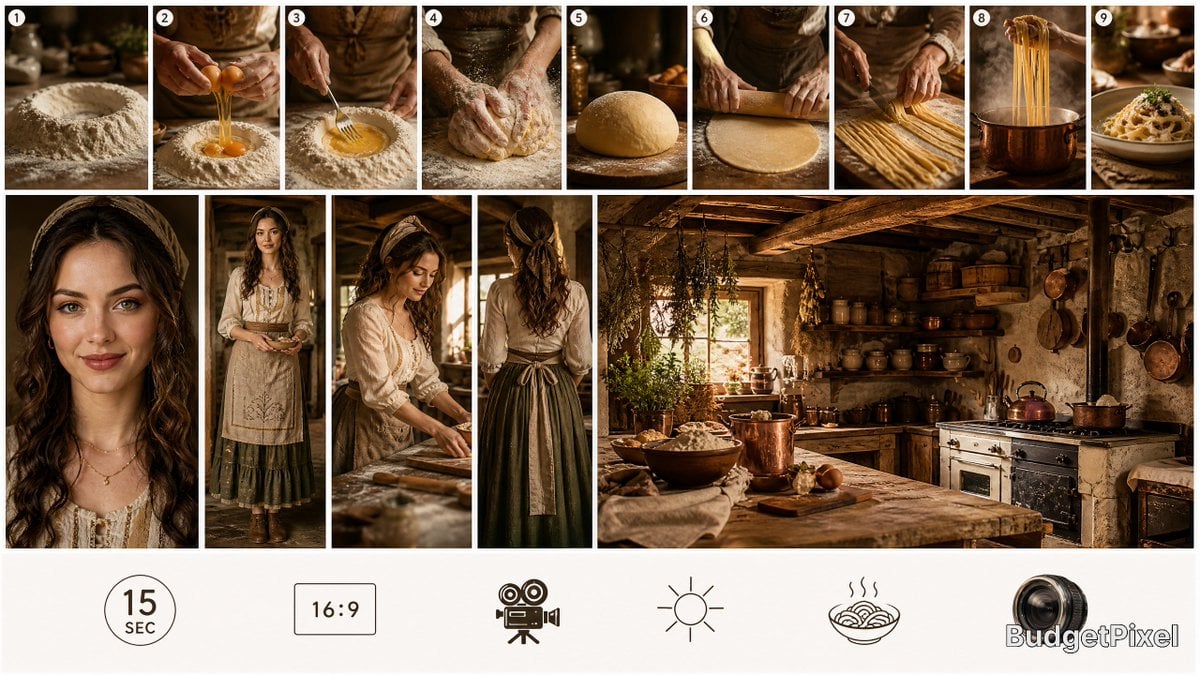
Rustic Pasta Tutorial Reference Sheet
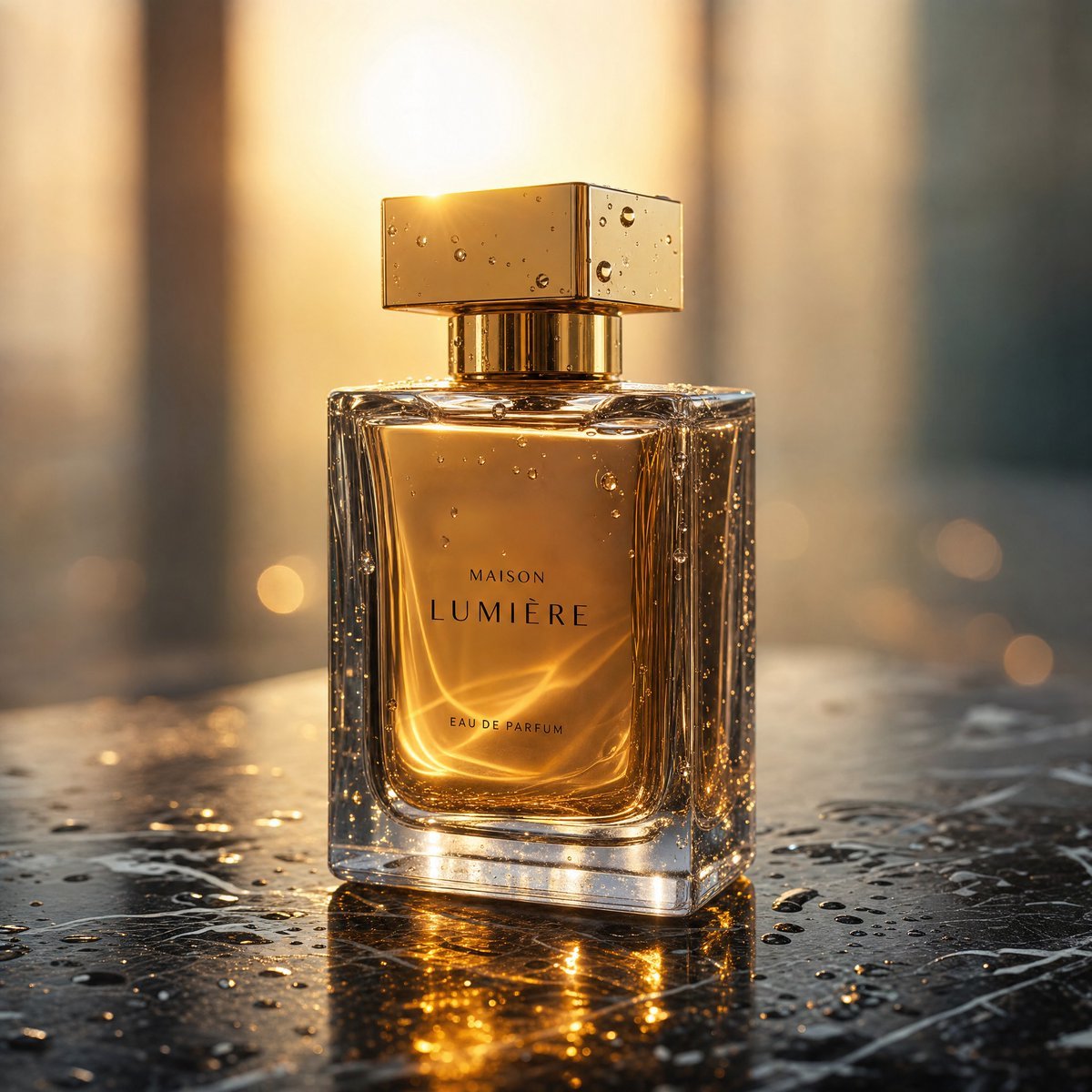
Golden Hour Luxury Perfume
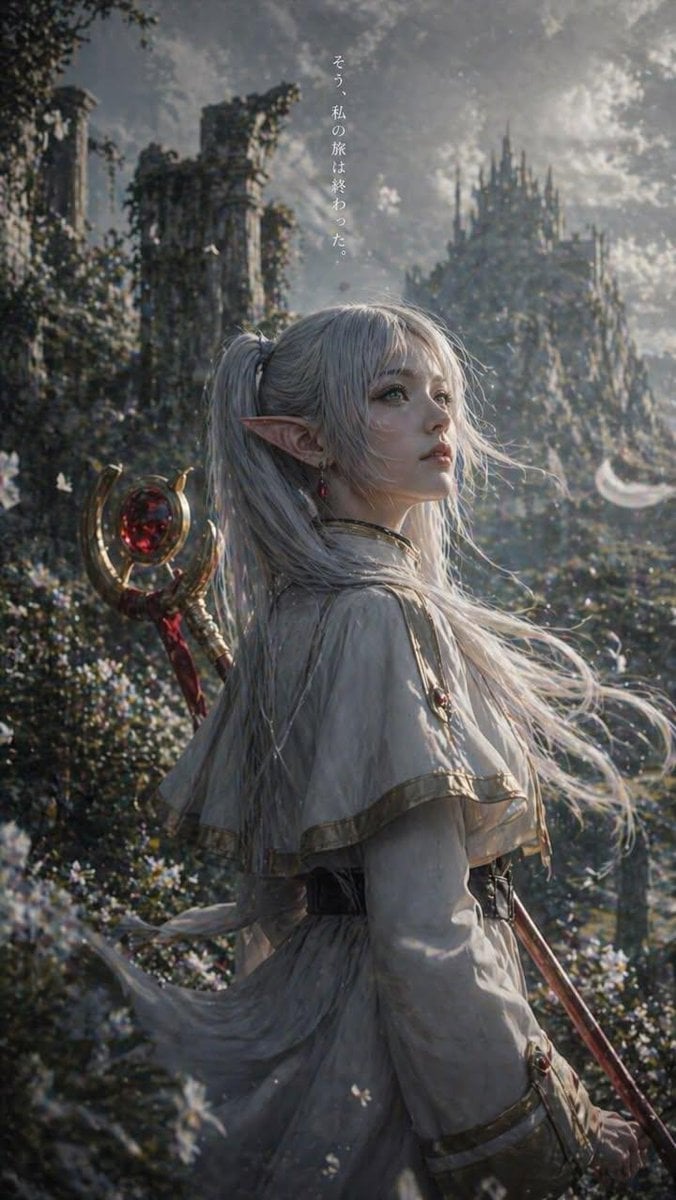
Anime Silhouette Character Poster
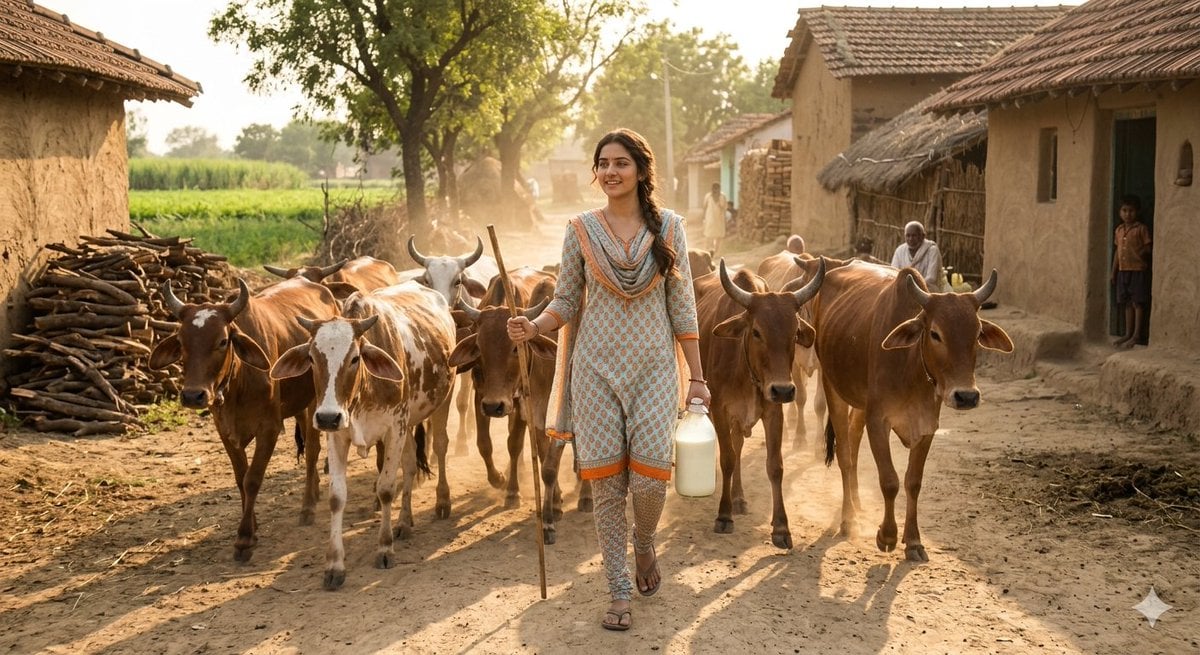
Rustic Rural India Portrait
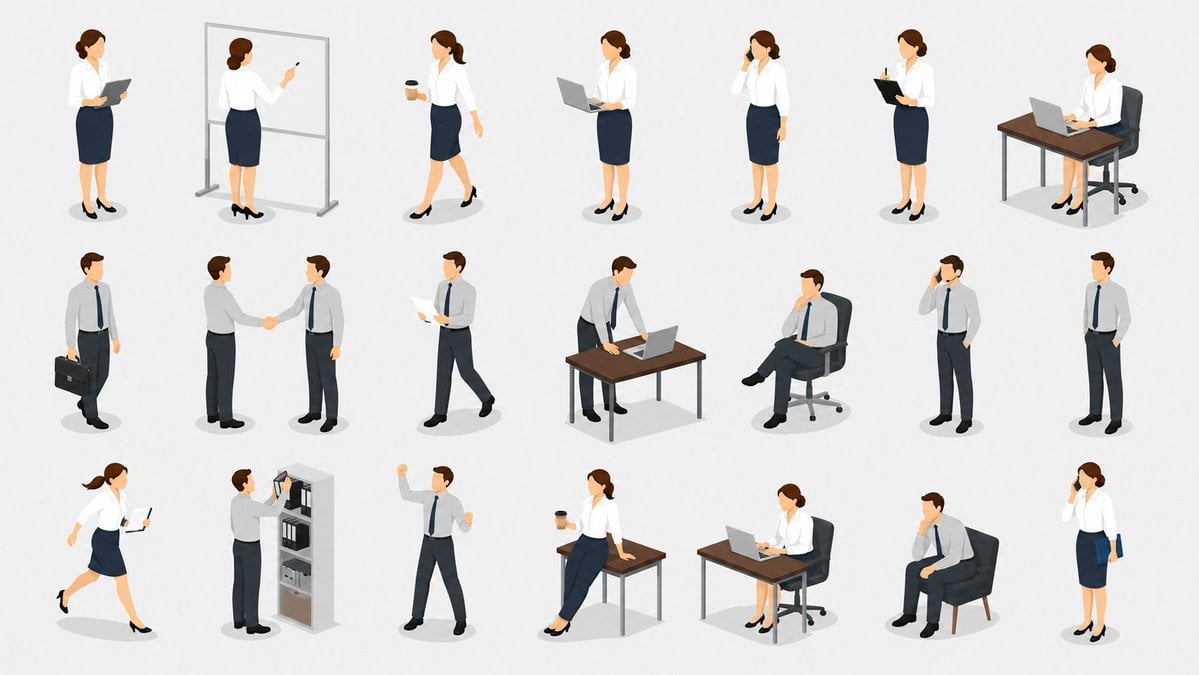
Isometric Business People Asset Sheet
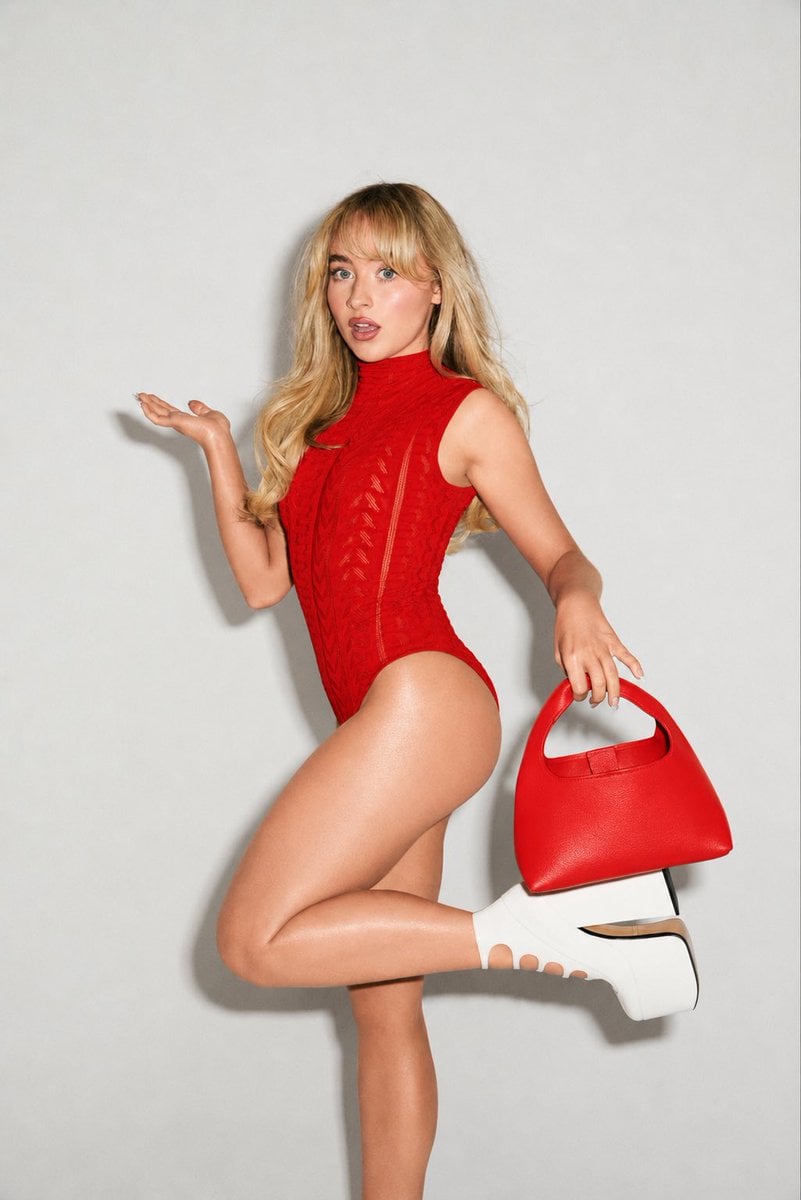
High-Fashion Editorial Portrait Edit
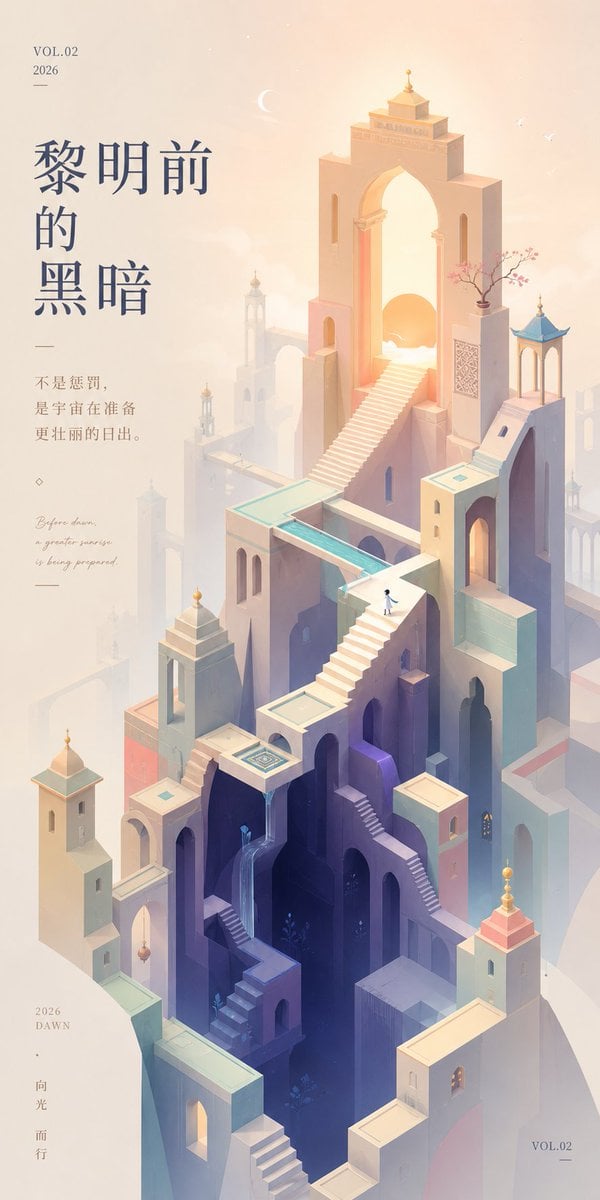
Monument Valley Dawn Quote Wallpaper
Browse template categories
Dragon Empress in Crimson Robes questions
How do I use the Dragon Empress in Crimson Robes template?
Add your photo if the template asks for one, edit the prompt if you like — the template's model and format are already selected — and press Generate. Your version opens in PicX Studio.
Can I customize the Dragon Empress in Crimson Robes template?
Yes. You can change the subject, setting, lighting, mood, format, and available model controls before creating your image.
Is the Dragon Empress in Crimson Robes template free?
Opening and editing this template is free. Generating uses credits, shown on the Generate button when you are signed in.
Which AI model should I use?
Start with GPT Image 2, which is the model associated with this template. You can compare another compatible model for a different finish.
Looking for something else? Browse all templates.

Your photo, any look
Thousands of ready templates for every top image and video model, from one credit balance.