
Regal Tang-Style Empress Portrait
A high-precision prompt for GPT Image 2 to generate a majestic and authoritative Tang Dynasty-inspired female lead portrait with ornate details.
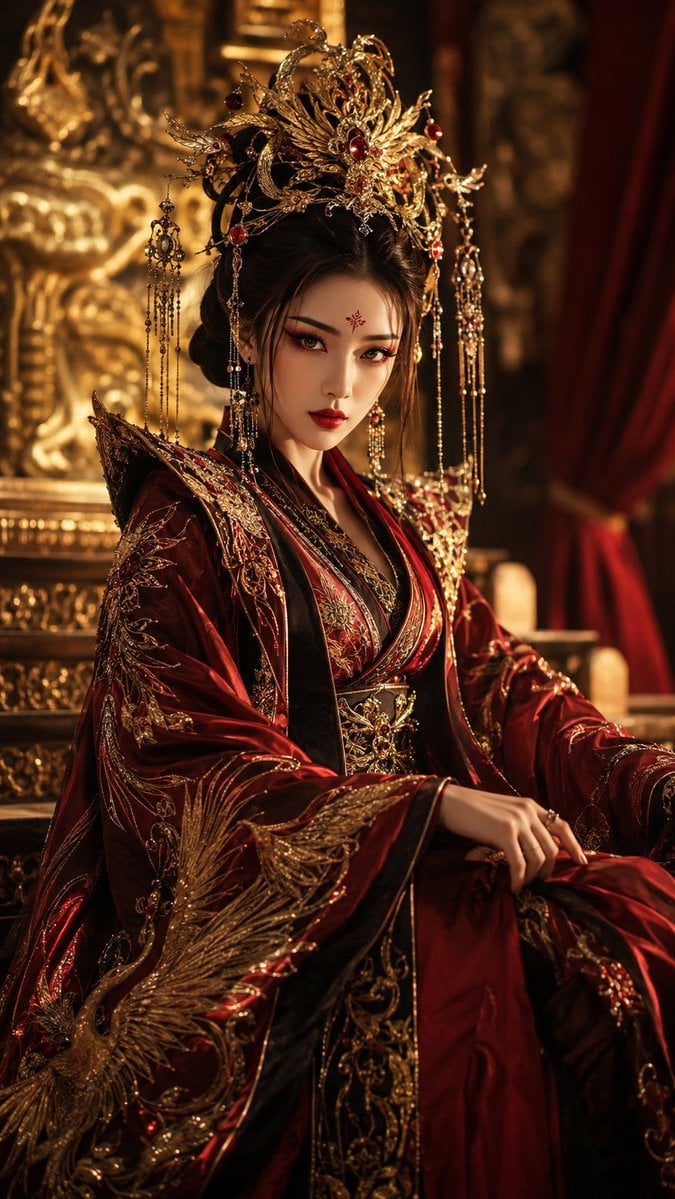
- Prompt included
- Model and format preset
- Free template
The prompt behind this image
Copy the exact prompt behind Regal Tang-Style Empress Portrait, or open it in the studio and make it yours.
9:16 竖版,高精度古风仙侠大女主角色写真,{argument name="风格" default="唐风幻想"}审美,整体画面明艳、威仪、冷艳、高贵、强势,具有强烈压迫感与权势感。画面主体是一位年轻成年东方女性,视觉年龄约 {argument name="年龄段" default="20–28 岁"}。妆容为{argument name="妆容风格" default="绛红明艳妆"},重点强化眼妆、唇妆与花钿。发型为高髻盘发,发顶饱满,佩戴大型金饰发冠、凤凰纹头饰。人物坐在凤凰金殿的高阶边缘,身体微侧,单手扶膝,眼神直视镜头。镜头采用大半身低角度构图,背景为虚化金殿浮雕。
How to use Regal Tang-Style Empress Portrait in 3 steps
- 1
Open
The prompt is already in the box next to the preview, with the template's model and format selected.
- 2…a portrait of your subject in softgolden-hour light, 85mm…
Personalize
Edit the subject and creative details for your destination.
- 3Generate
Generate
Press Generate — your image is created in PicX Studio, so you can compare it with the original and refine one variable at a time.
More like this
Templates with the same subject, style or setup. Open one to see its prompt.
Regal Lion Creative Challenge Portrait

Found Photograph: Us, 1970

80s Couple Studio Portrait

80s Bollywood Star

80s Golden Hour Cinema

Me in 1985

1985 Studio Portrait

Hyper-Realistic Minecraft POV Portrait

Rooftop Fisheye — Cat-Ear Balaclava at Golden Hour

Rainy Café Window Moody Portrait
Tang Dynasty Empress in Paris Fashion Magazine Cover Prompt

untitled
Make it yours
Regal Tang-Style Empress Portrait works as-is. These are the safest ways to change it without losing the look.
Change one field
Copy a single group, rewrite it, and generate again so you can see what that field is doing.
Keep the frame, change the subject
Hold the composition and light of Regal Tang-Style Empress Portrait, then swap wardrobe, props or the person for a new take.
| If the result… | Why | Fix |
|---|---|---|
| The result drifts from the preview | Too many fields changed at once. | Reuse Regal Tang-Style Empress Portrait as-is first, then change one group — subject, light, or setting. |
| The model over-stylizes the scene | The prose prompt leaves finish and camera underspecified. | Add one camera or lighting sentence and stay on GPT Image 2. |
More GPT Image 2 templates
Other prompts made for GPT Image 2.

Six VTuber Japanese Logo Sheet

Realistic Portrait of Woman and Deer

The Vista Modular Condo Poster

AI Model Routing Comparison Infographic

2.5D Anime Art Board

Isometric Productivity Desk Scene

New York Double Exposure Poster

Four-Panel AI Landscape Comparison

Japanese Tatami Lifestyle Magazine Cover

NESCAFÉ Coffee Map Poster
More image prompts
Fresh picks from across the catalog.

Nano Banana Pro Cinematic Night Romcom Ride Prompt
Printable Paint by Numbers Generator
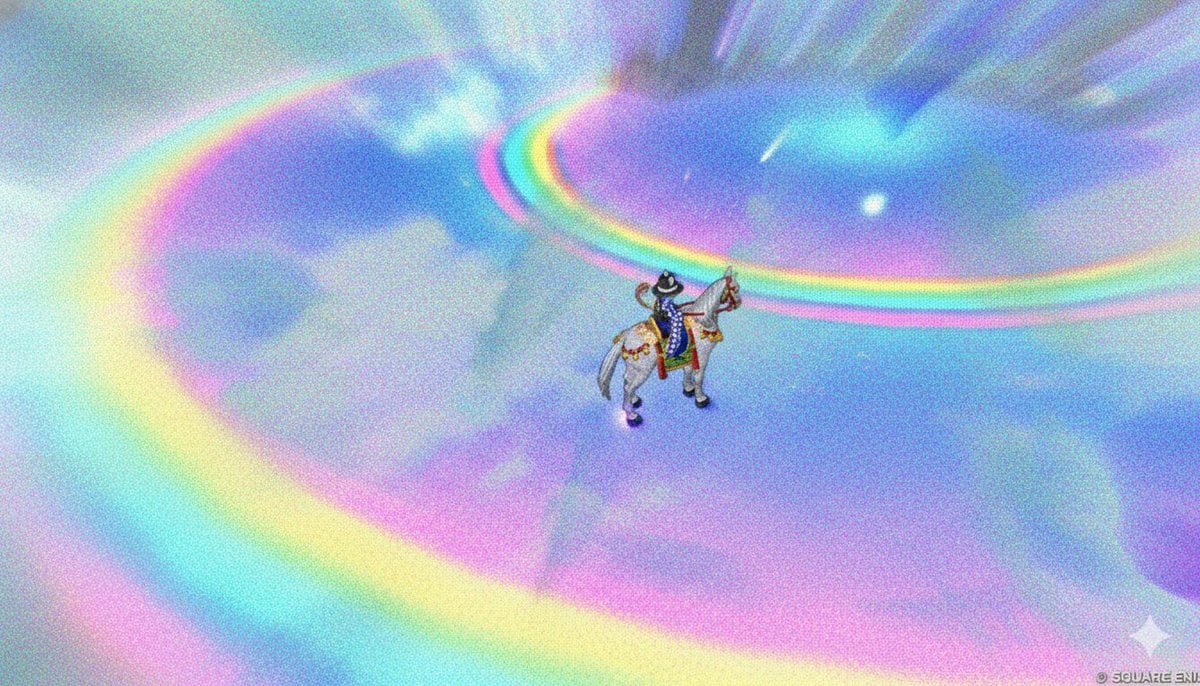
Image Style Transfer: Converting Photo to Seurat's Pointillism

Nano Banana Prompt for Consistent Character Jumpshots

Dramatic Cinematic Kashmir Mountain Flood Rescue Scene
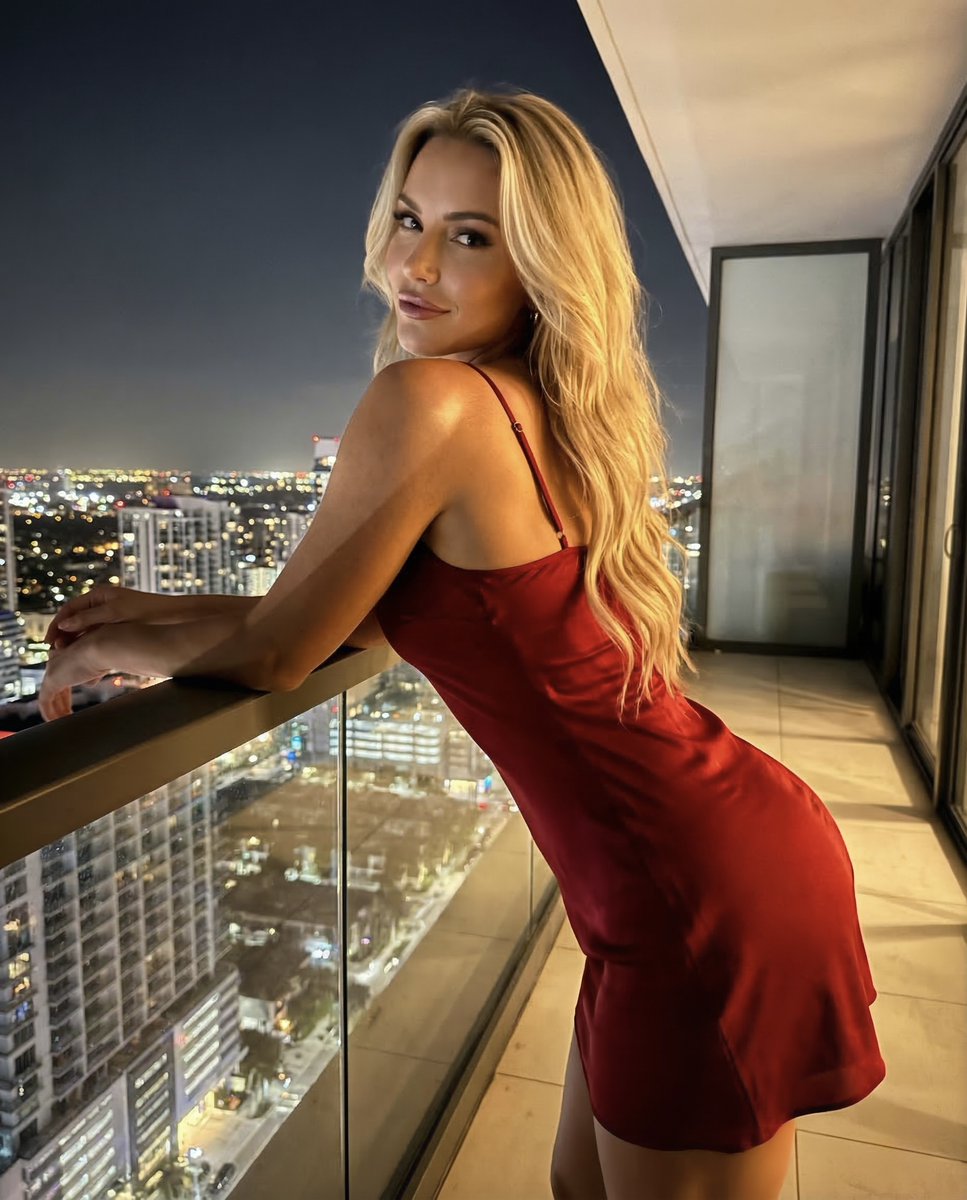
Luxury Penthouse Night Realism Portrait
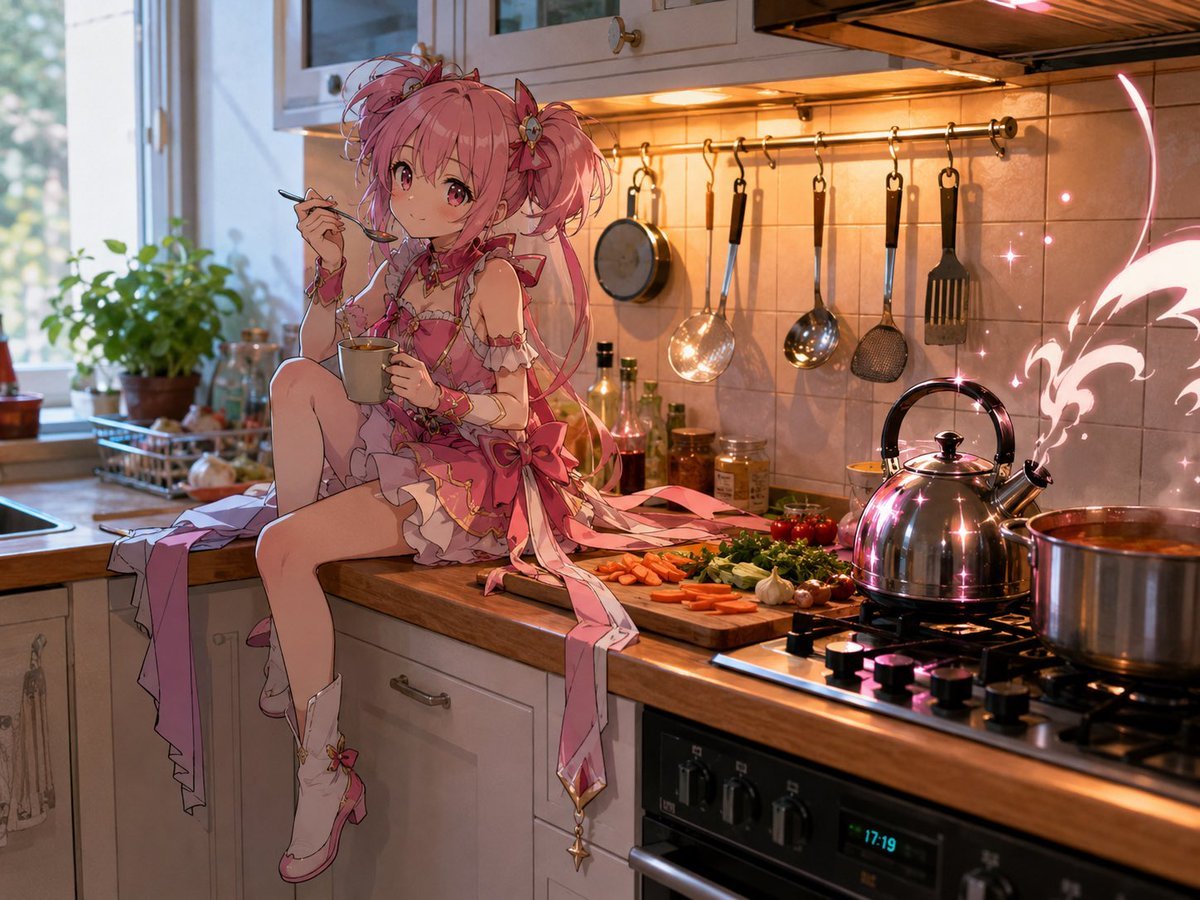
Magical Girl in Cozy Kitchen
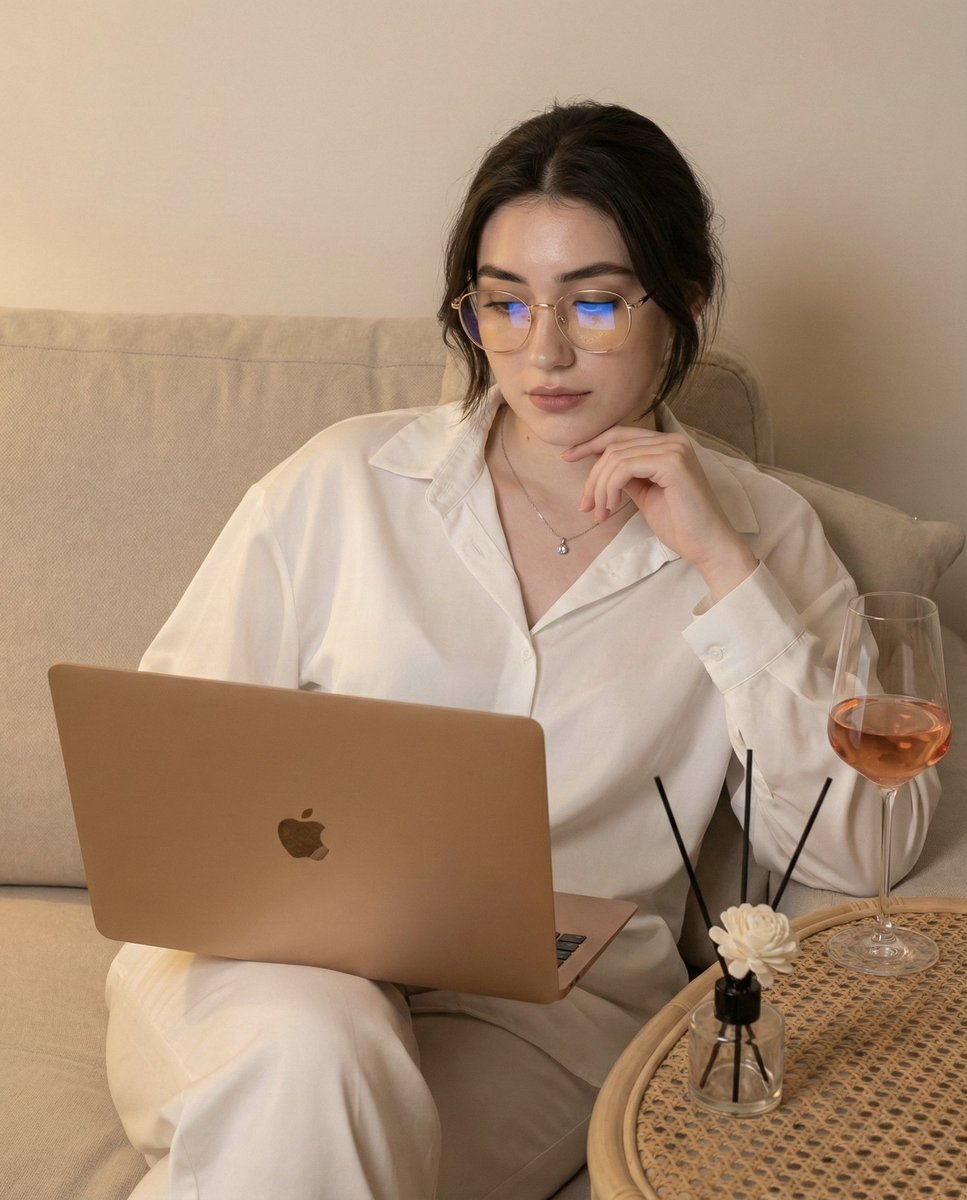
Candid Photo of Woman Working on Laptop Prompt

Stylized Pop Art Vector Portrait

Nano Banana Pro Thumbnail Generation Example
Browse template categories
Regal Tang-Style Empress Portrait questions
How do I use the Regal Tang-Style Empress Portrait template?
Add your photo if the template asks for one, edit the prompt if you like — the template's model and format are already selected — and press Generate. Your version opens in PicX Studio.
Can I customize the Regal Tang-Style Empress Portrait template?
Yes. You can change the subject, setting, lighting, mood, format, and available model controls before creating your image.
Is the Regal Tang-Style Empress Portrait template free?
Opening and editing this template is free. Generating uses credits, shown on the Generate button when you are signed in.
Which AI model should I use?
Start with GPT Image 2, which is the model associated with this template. You can compare another compatible model for a different finish.
Looking for something else? Browse all templates.

Your photo, any look
Thousands of ready templates for every top image and video model, from one credit balance.