
AI Dragon Multiverse Meme
A wide Spanish meme poster of six labeled AI model dragons arguing in an epic fantasy-comic battlefield.
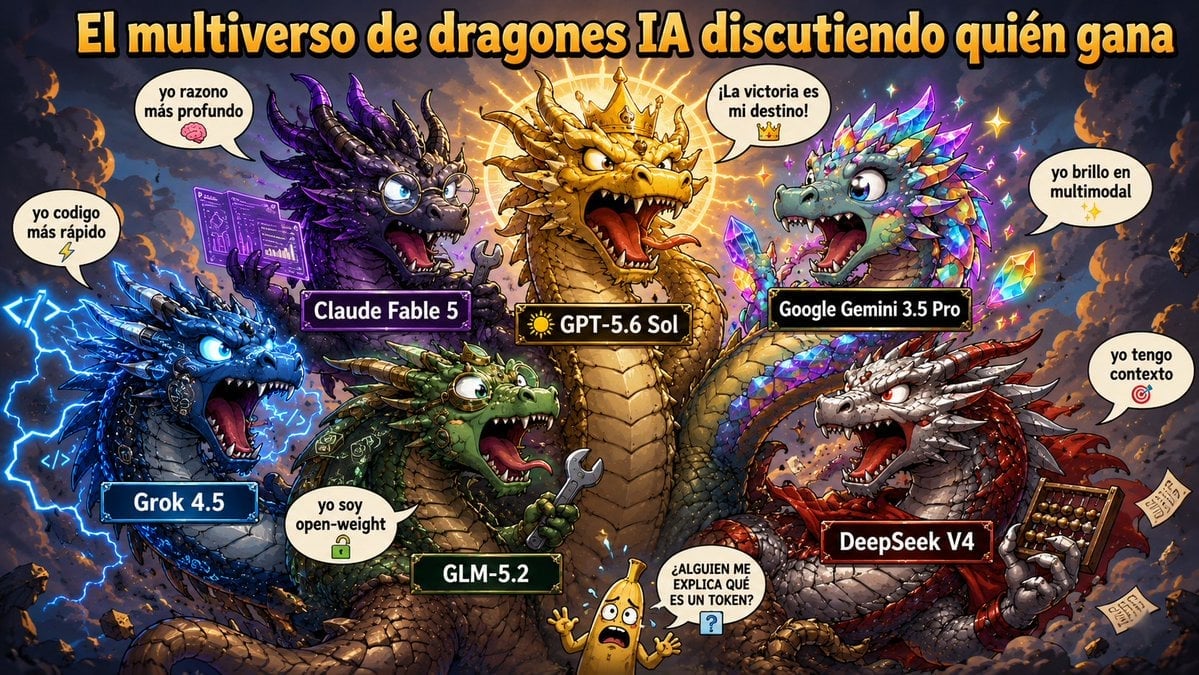
- Prompt included
- Model and format preset
- Premium template
The prompt behind this image
Copy the exact prompt behind AI Dragon Multiverse Meme, or open it in the studio and make it yours.
Goal: Create a chaotic Spanish-language meme poster titled {argument name="headline text" default="El multiverso de dragones IA discutiendo quién gana"}, showing anthropomorphic AI model dragons arguing in a fantasy storm battlefield, like an epic comic illustration with exaggerated meme humor. Canvas: Wide 16:9 landscape image, dense composition, dark smoky sky background with orange embers, lightning bolts, floating debris, glowing magical energy, high contrast, saturated colors, crisp cartoon-fantasy rendering. Layout: Place the large headline across the very top in huge bold yellow-orange letters with thick black outline and subtle drop shadow. Arrange exactly 6 labeled dragons around the scene plus 1 small banana character at the bottom center. The dragons face inward, roaring or boasting as if debating who wins. Use rectangular black nameplates with colored borders on each dragon. Subjects and labels: Include exactly 6 dragons: 1) center dominant gold dragon labeled {argument name="center dragon label" default="☀️ GPT-5.6 Sol"}, wearing a crown and glowing with a radiant sun halo, roaring with open mouth; 2) left blue cyber-electric dragon labeled "Grok 4.5", surrounded by blue lightning and code symbols, speech bubble says "yo codigo más rápido" with a lightning emoji; 3) upper-left purple scholarly dragon labeled "Claude Fable 5", wearing round glasses, holding or projecting a purple circuit manuscript, speech bubble says "yo razono más profundo" with a brain emoji; 4) upper-right iridescent crystal dragon labeled "Google Gemini 3.5 Pro", covered in rainbow gem scales and sparkles, speech bubble says "yo brillo en multimodal" with sparkle emojis; 5) lower-center green armored dragon labeled "GLM-5.2", holding a wrench, speech bubble says "yo soy open-weight" with a lock emoji; 6) lower-right red and silver dragon labeled "DeepSeek V4", holding an abacus and papers, speech bubble says "yo tengo contexto" with a target emoji. At bottom center, add exactly 1 small frightened yellow banana mascot with arms raised, speech bubble in uppercase: "¿ALGUIEN ME EXPLICA QUÉ ES UN TOKEN?" with a blue question-mark icon. Visual style: Hyper-detailed digital painting mixed with meme comic art, expressive bulging eyes, huge teeth, dramatic perspective, rim lighting, glowing outlines, fantasy scales, magical sparks, comedic over-the-top expressions. Make the nameplates glossy and readable, with white text. Keep the Spanish text legible and spelled as shown. Constraints: No extra dragons, no extra characters besides the one banana mascot, preserve exactly 6 AI dragon name labels and their speech bubbles, no watermark, no photo-realism, no minimalist design.
How to use AI Dragon Multiverse Meme in 3 steps
- 1Upload ImagePNG, JPG or paste
Add your photo
Upload the photo the template builds on. The prompt, model and format are already set.
- 2…a portrait of your subject in softgolden-hour light, 85mm…
Personalize
Edit the subject and creative details for your destination.
- 3Generate
Generate
Press Generate — your image is created in PicX Studio, so you can compare it with the original and refine one variable at a time.
More like this
Templates with the same subject, style or setup. Open one to see its prompt.

Minecraft You Died Winter Death Screen

Minecraft Fantasy Kingdom Voxel Landscape
Seedance - Dragon vs Python Battle
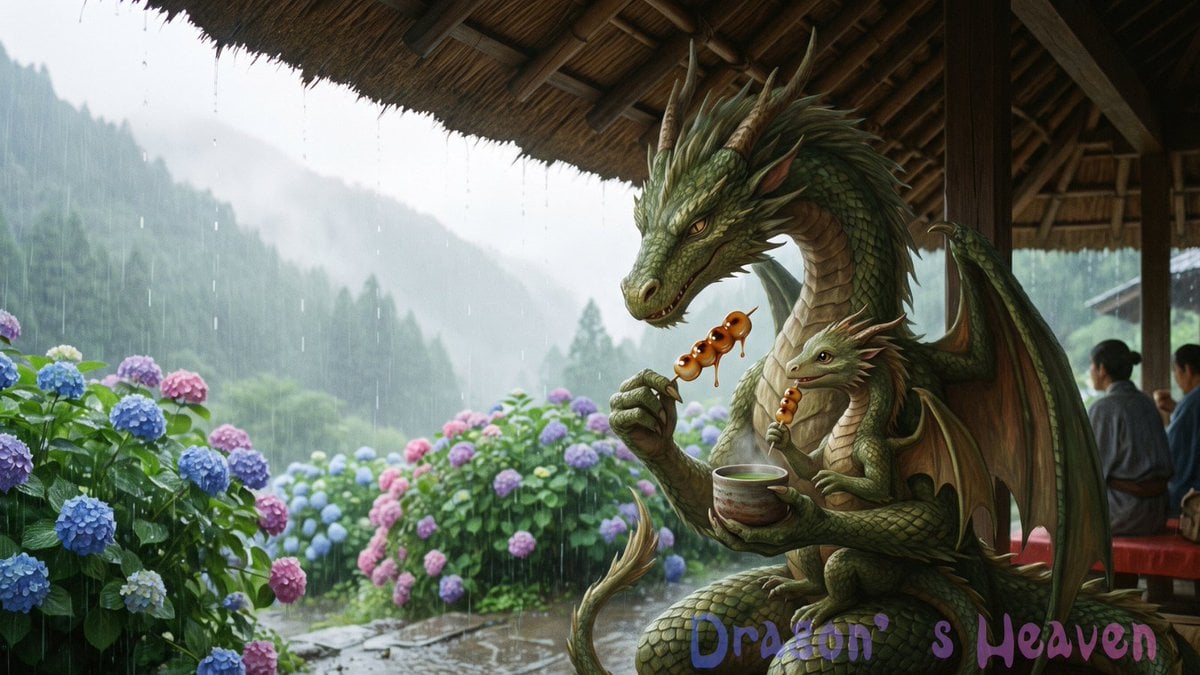
Rainy Dragon Family Eating Dango
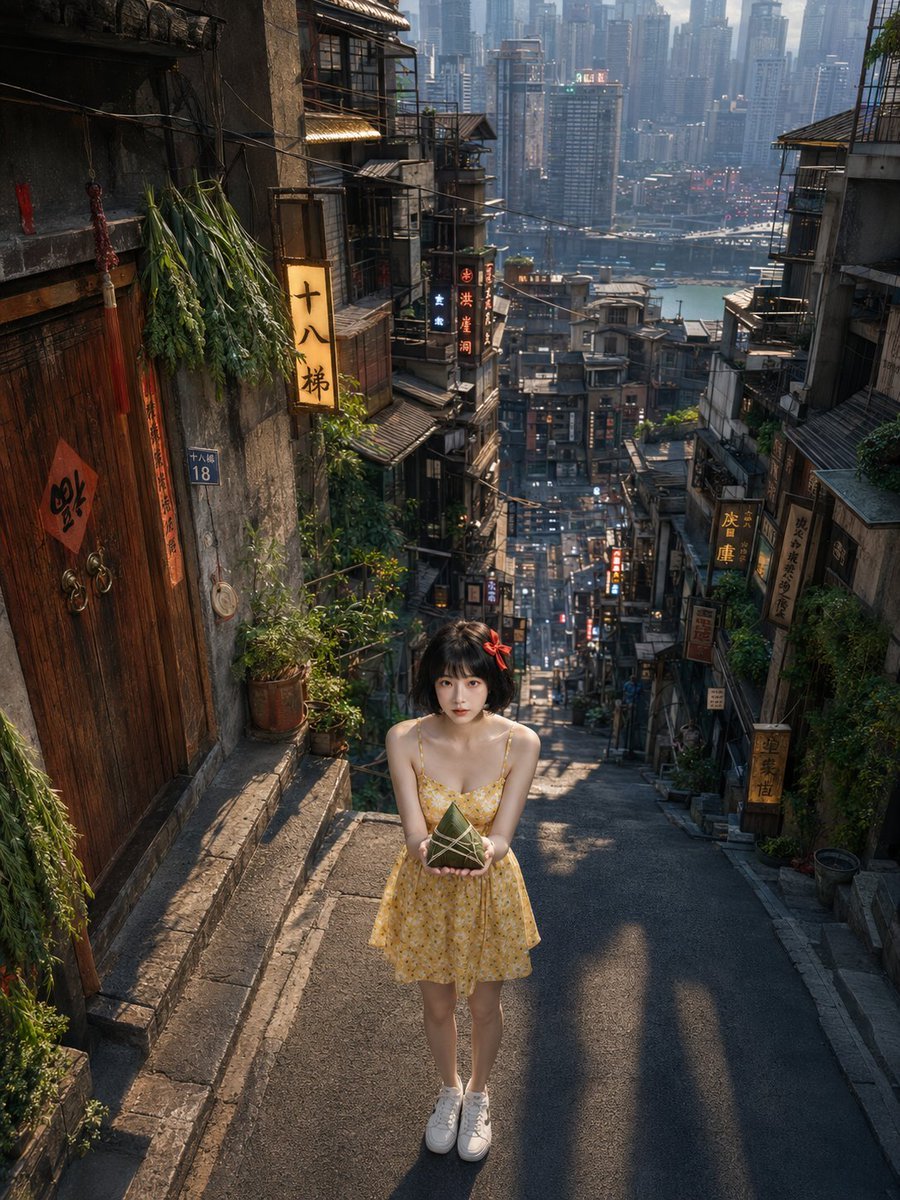
Dragon Boat Festival Chongqing Street Portrait
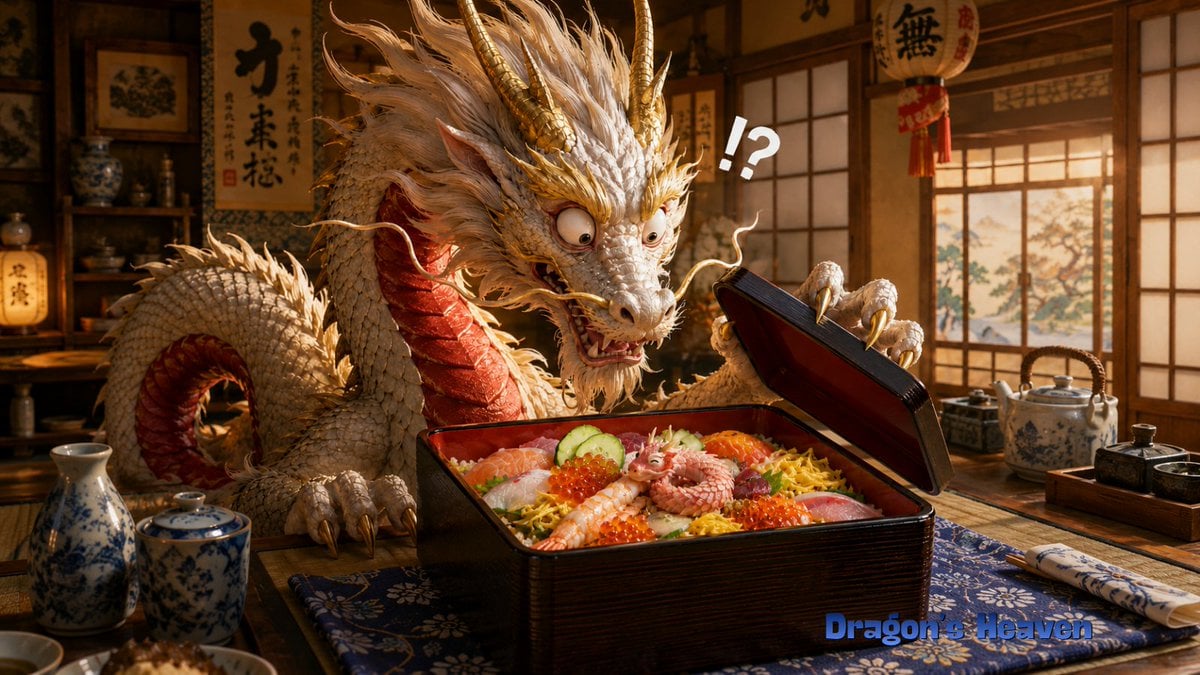
Shocked Dragon Opens Chirashi Sushi
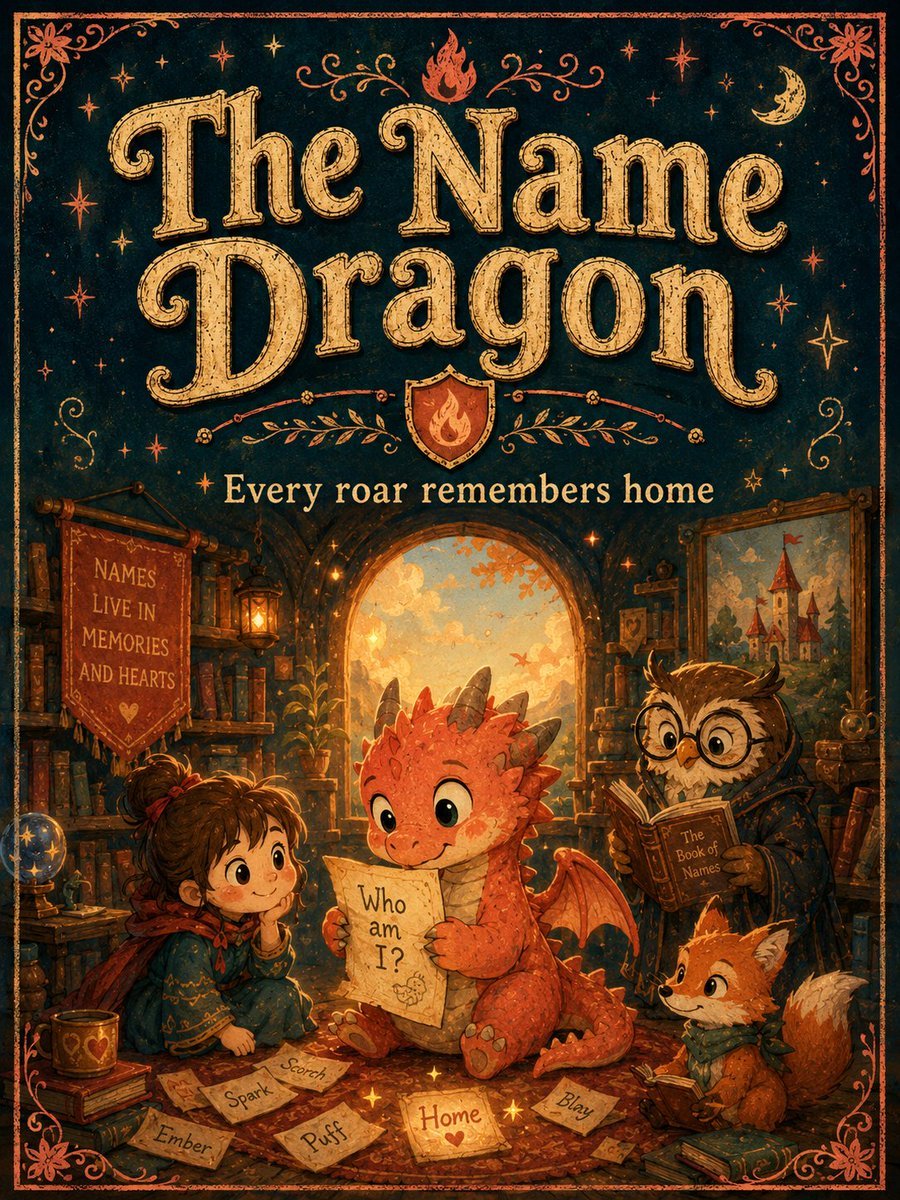
Vintage Name Dragon Storybook Poster
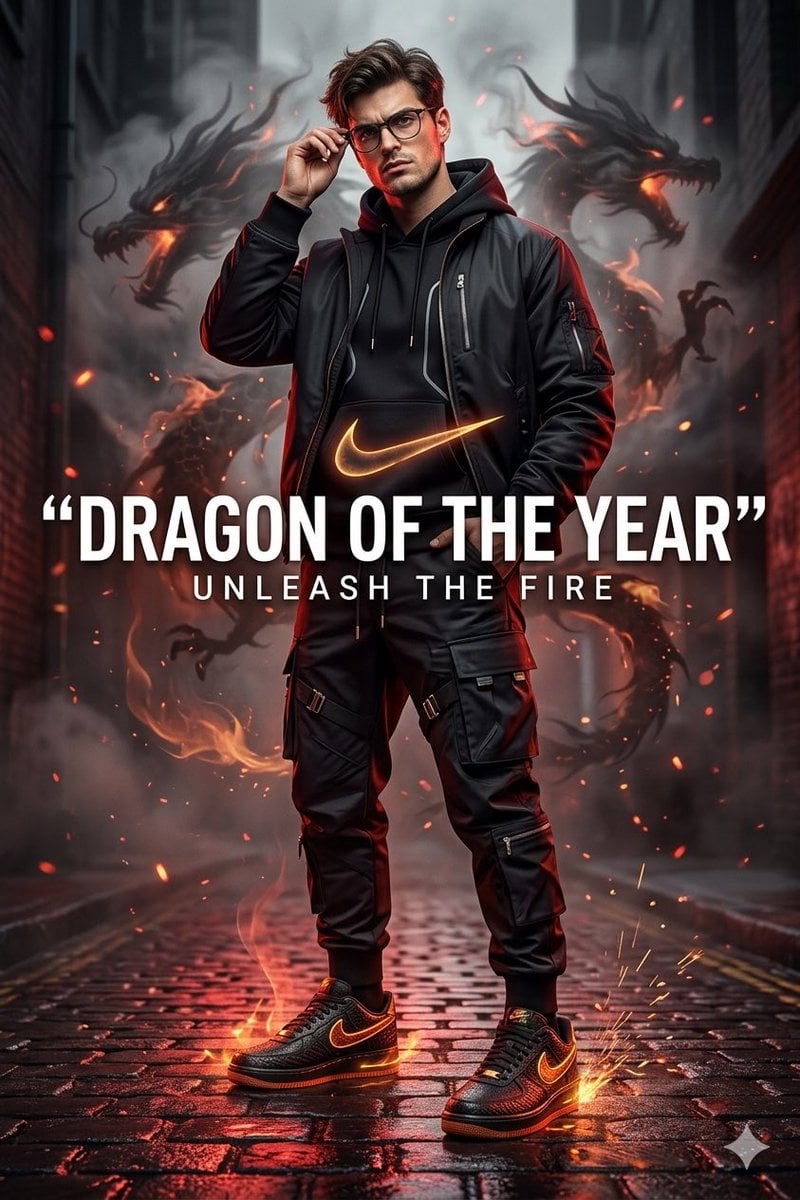
Nike Dragon of the Year Campaign
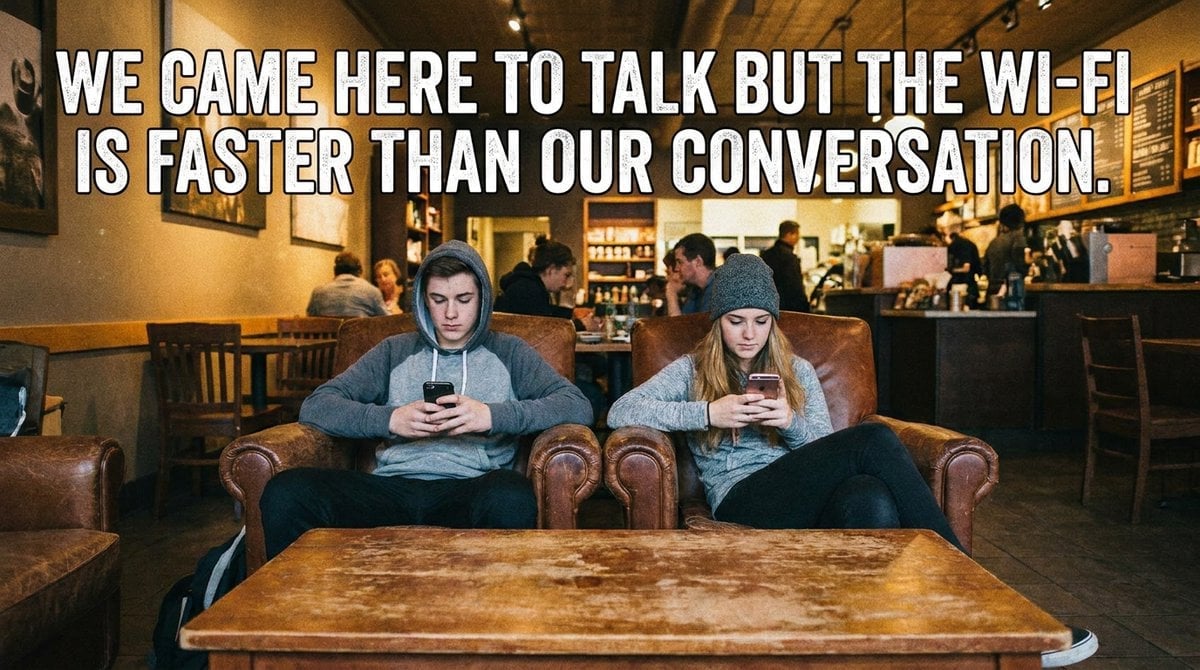
Indonesian Meme Style Prompts
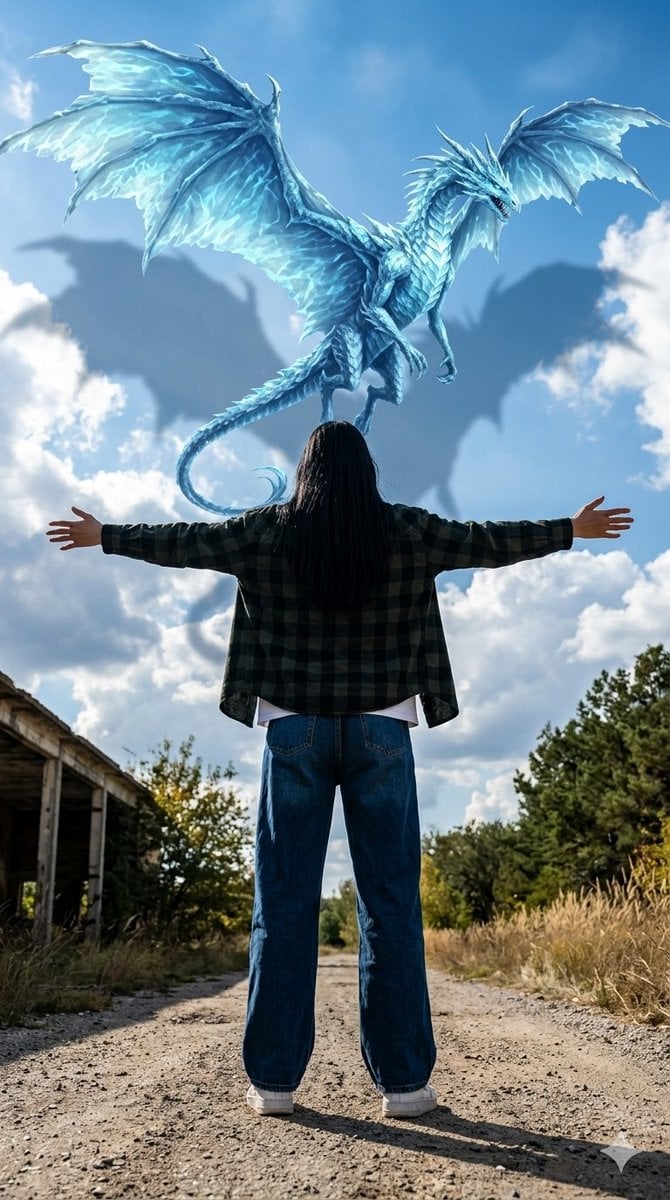
Celestial Dragon Sky Fantasy
Funny Ugly Meme Doodle Drawing
Dragon and Burning Kingdom
Make it yours
AI Dragon Multiverse Meme works as-is. These are the safest ways to change it without losing the look.
Change one field
Copy a single group, rewrite it, and generate again so you can see what that field is doing.
Keep the frame, change the subject
Hold the composition and light of AI Dragon Multiverse Meme, then swap wardrobe, props or the person for a new take.
| If the result… | Why | Fix |
|---|---|---|
| The result drifts from the preview | Too many fields changed at once. | Reuse AI Dragon Multiverse Meme as-is first, then change one group — subject, light, or setting. |
| The model over-stylizes the scene | The prose prompt leaves finish and camera underspecified. | Add one camera or lighting sentence and stay on GPT Image 2. |
More GPT Image 2 templates
Other prompts made for GPT Image 2.

Six VTuber Japanese Logo Sheet

Realistic Portrait of Woman and Deer

The Vista Modular Condo Poster

AI Model Routing Comparison Infographic

2.5D Anime Art Board

Isometric Productivity Desk Scene

New York Double Exposure Poster

Four-Panel AI Landscape Comparison

Japanese Tatami Lifestyle Magazine Cover

NESCAFÉ Coffee Map Poster
More image prompts
Fresh picks from across the catalog.
Anime Ita-bag Mockup
untitled
Anime Elf Girl on Forest Path
Two-Panel RPG Concept Art
Panel Cinematic Storyboard Generation Prompt
Giant Self on a Bench Prompt
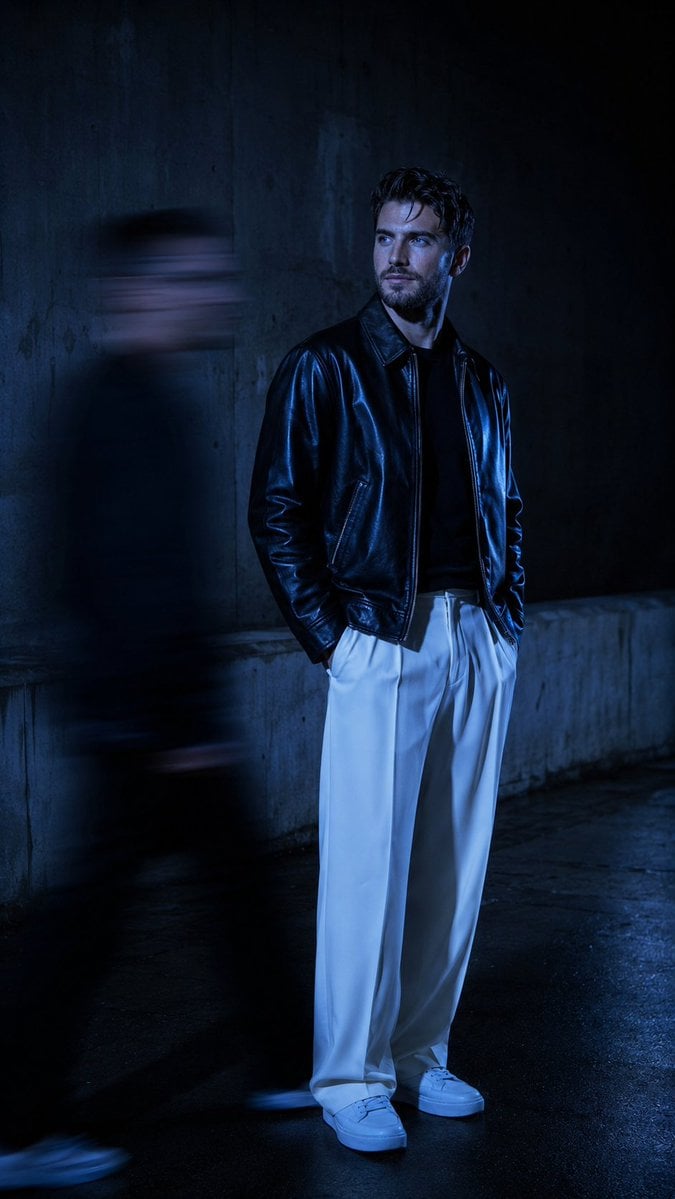
Urban Alley Night Portrait with Motion Blur
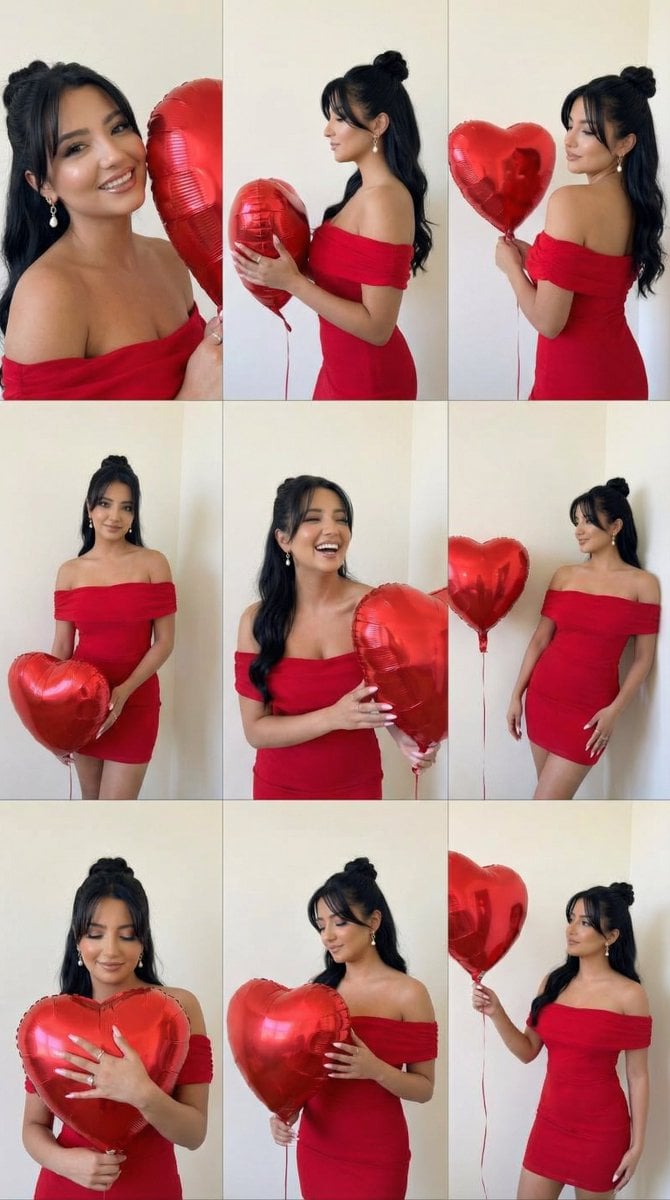
Romantic Rose Editorial 3x3 Grid Prompt
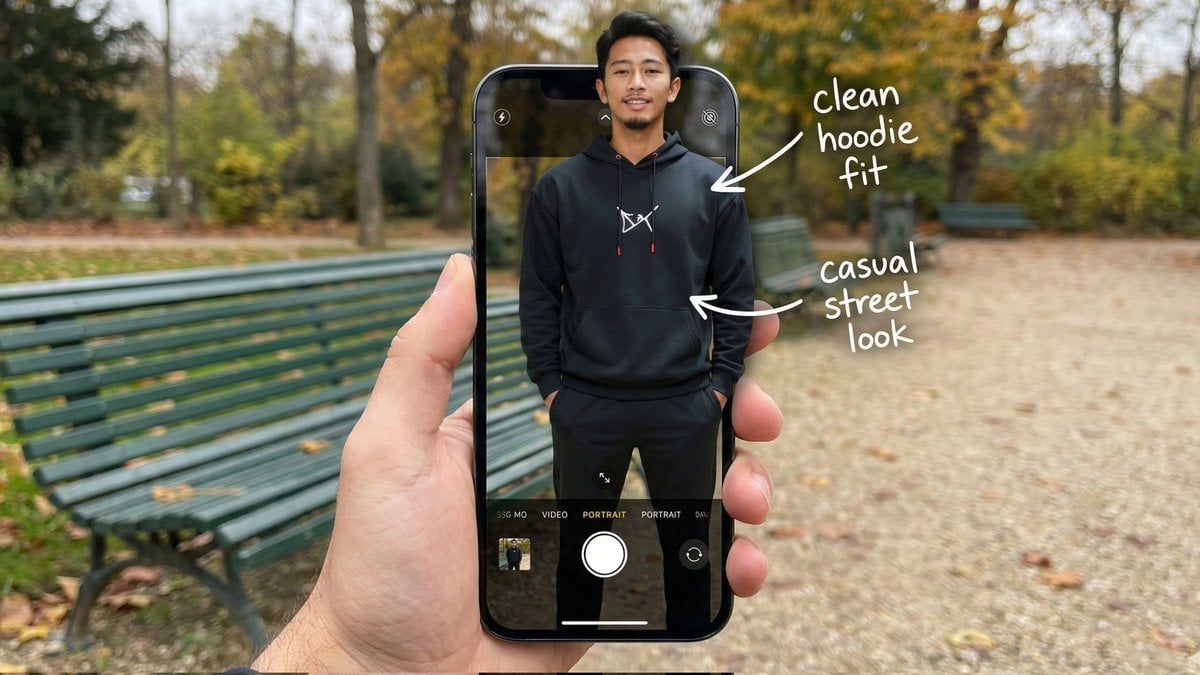
Hyper-Realistic POV Smartphone Pop-out Illusion in a Park
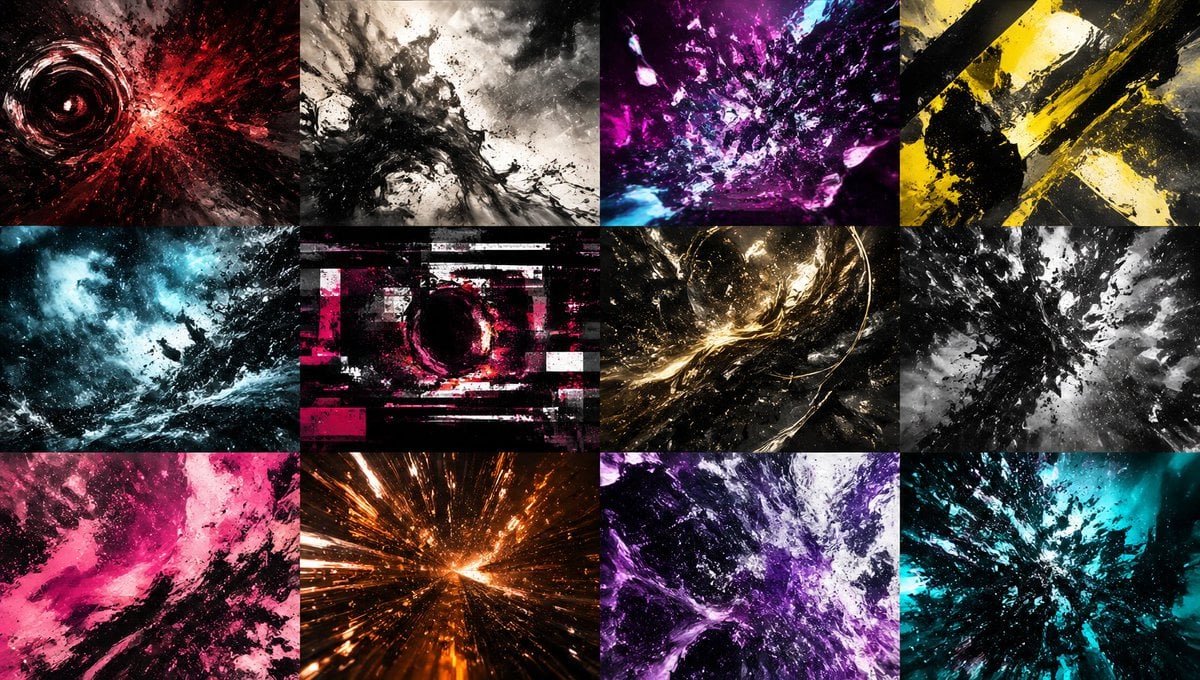
Abstract Energy Burst Grid
Browse template categories
AI Dragon Multiverse Meme questions
How do I use the AI Dragon Multiverse Meme template?
Add your photo if the template asks for one, edit the prompt if you like — the template's model and format are already selected — and press Generate. Your version opens in PicX Studio.
Can I customize the AI Dragon Multiverse Meme template?
Yes. You can change the subject, setting, lighting, mood, format, and available model controls before creating your image.
Is the AI Dragon Multiverse Meme template free?
Opening and editing this template is free. Generating uses credits, shown on the Generate button when you are signed in.
Which AI model should I use?
Start with GPT Image 2, which is the model associated with this template. You can compare another compatible model for a different finish.
Looking for something else? Browse all templates.

Your photo, any look
Thousands of ready templates for every top image and video model, from one credit balance.