
untitled
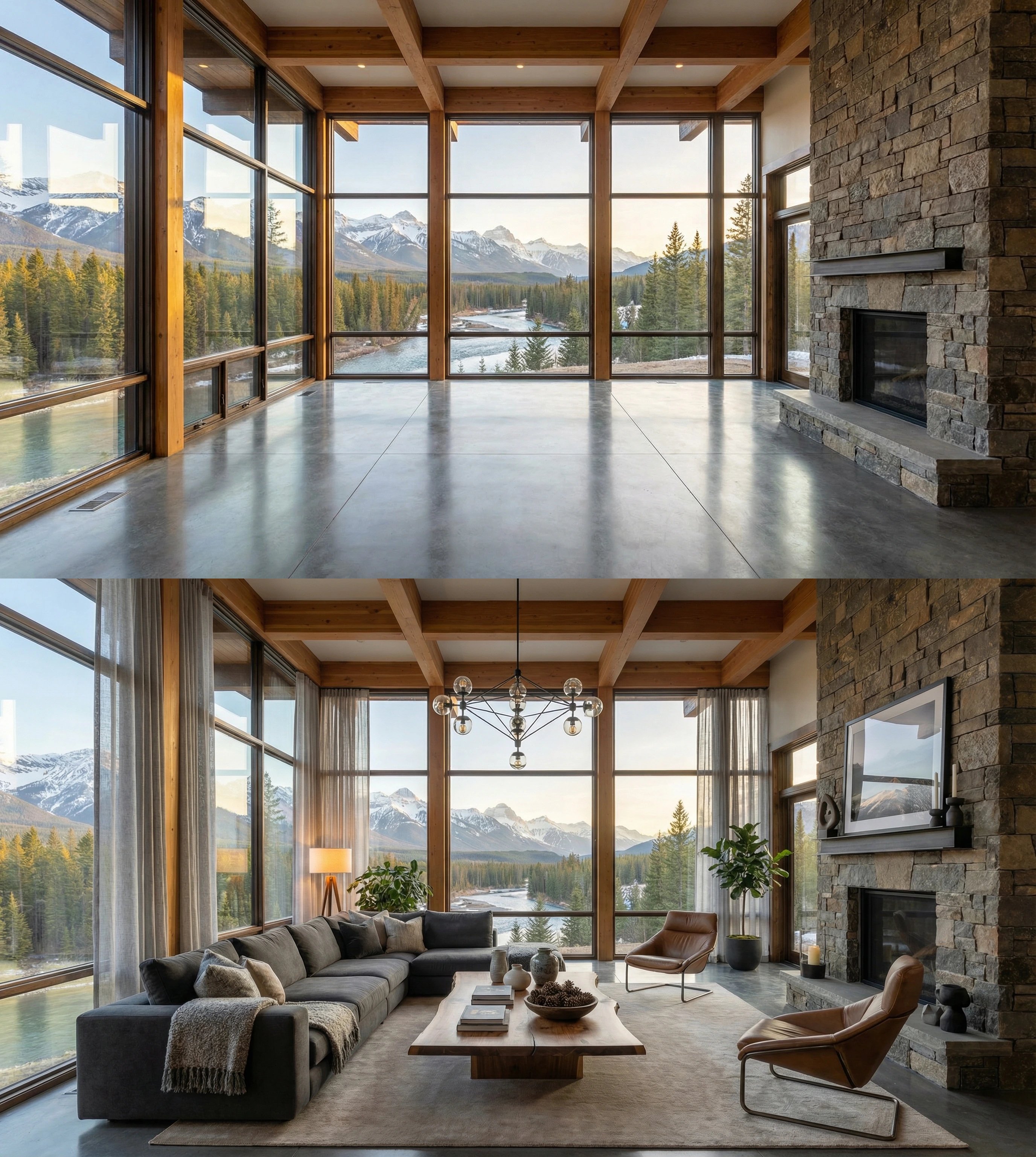
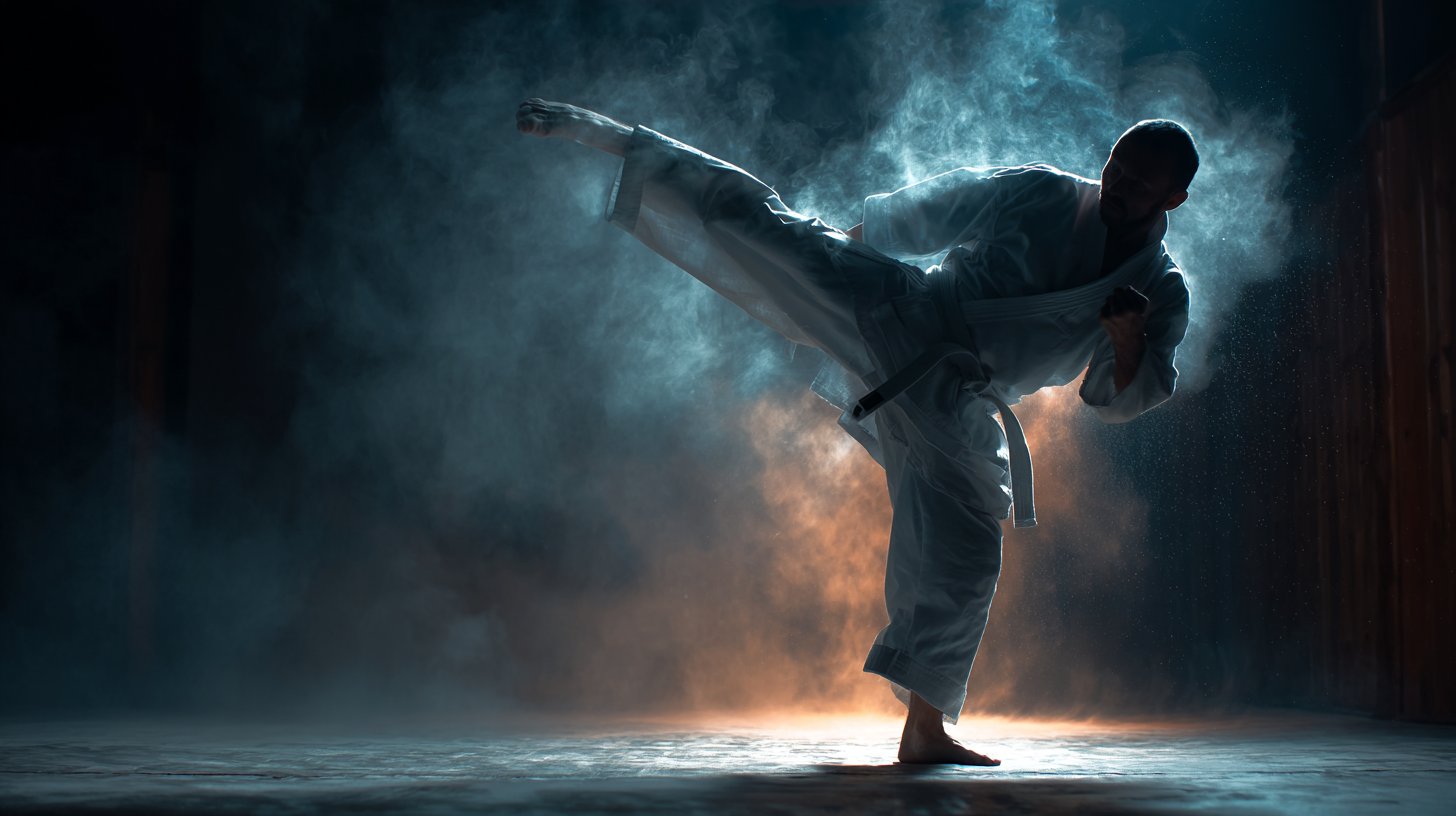
untitled is a ready photo look for Nano Banana.
- Prompt included
- Model and format preset
- Free template
The prompt behind this image
Copy the exact prompt behind untitled, or open it in the studio and make it yours.
Use Nano Banana Pro to create high-end, interior design visualizations—transforming empty rooms into stunning modern spaces. Prompt ⬇️ Open Nano Banana Pro on your favorite surface, upload your reference image and try a prompt like the following: Use the provided image and create contemporary interior decoration that would fit perfectly in this space based on it's architecture, lighting, and existing features while optimizing for comfort and aesthetic beauty. Add appropriate modern furniture pieces, including sofa, chairs, tables, lights, accent pieces, window treatments and décor to match. Maintain the room's original architecture and structure with 100% accuracy. Ensure the furniture complements the space's proportions and lighting. Keep consistent camera angle and perspective.
How to use untitled in 3 steps
- 1Upload ImagePNG, JPG or paste
Add your photo
Upload the photo the template builds on. The prompt, model and format are already set.
- 2…a portrait of your subject in softgolden-hour light, 85mm…
Personalize
Edit the subject and creative details for your destination.
- 3Generate
Generate
Press Generate — your image is created in PicX Studio, so you can compare it with the original and refine one variable at a time.
More like this
Templates with the same subject, style or setup. Open one to see its prompt.






Make it yours
untitled works as-is. These are the safest ways to change it without losing the look.
Change one field
Copy a single group, rewrite it, and generate again so you can see what that field is doing.
Keep the frame, change the subject
Hold the composition and light of 151-untitled, then swap wardrobe, props or the person for a new take.
| If the result… | Why | Fix |
|---|---|---|
| The result drifts from the preview | Too many fields changed at once. | Reuse 151-untitled as-is first, then change one group — subject, light, or setting. |
| The model over-stylizes the scene | The prose prompt leaves finish and camera underspecified. | Add one camera or lighting sentence and stay on Nano Banana. |
More Nano Banana templates
Other prompts made for Nano Banana.










More image prompts
Fresh picks from across the catalog.
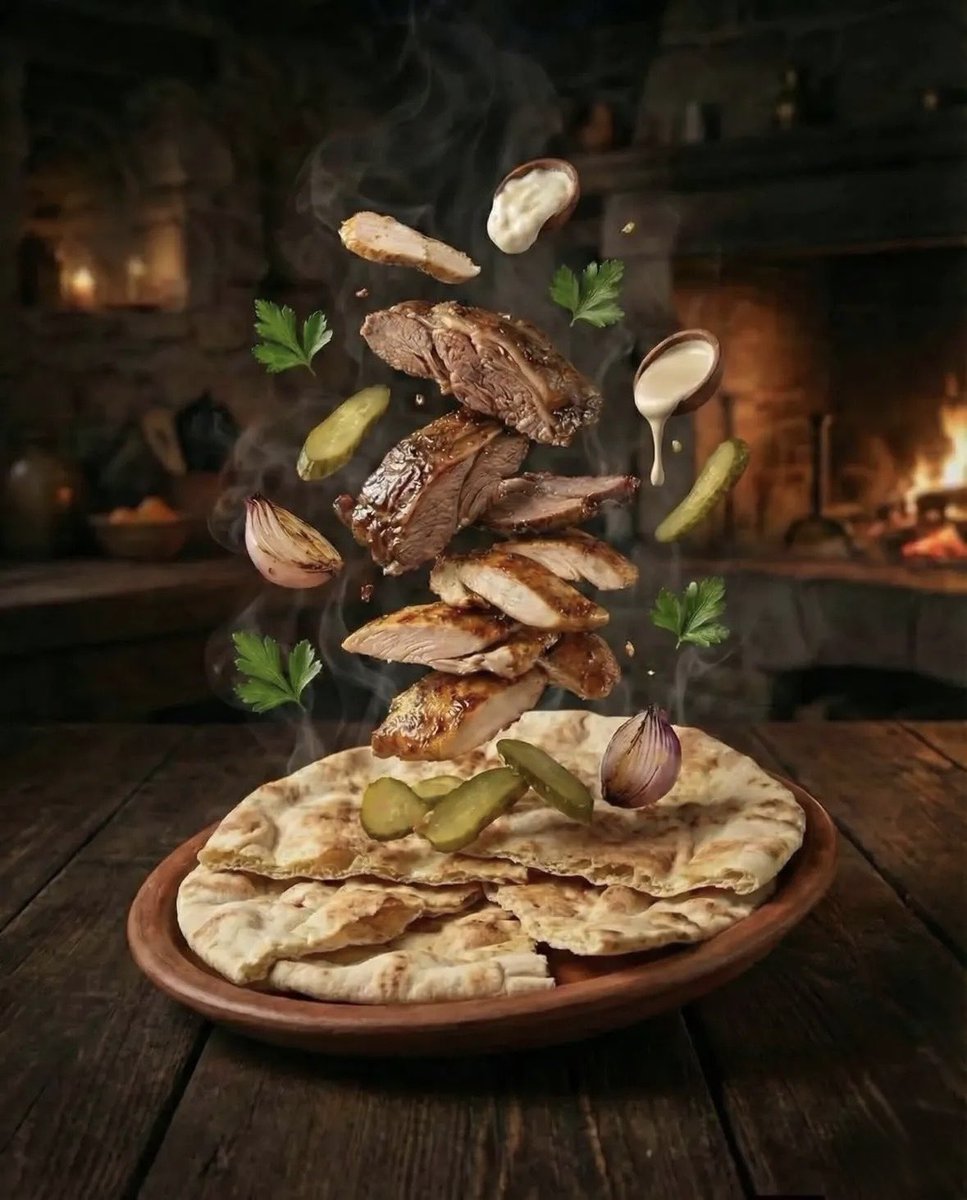
Hyper-realistic Deconstructed Middle Eastern Cuisine Prompt
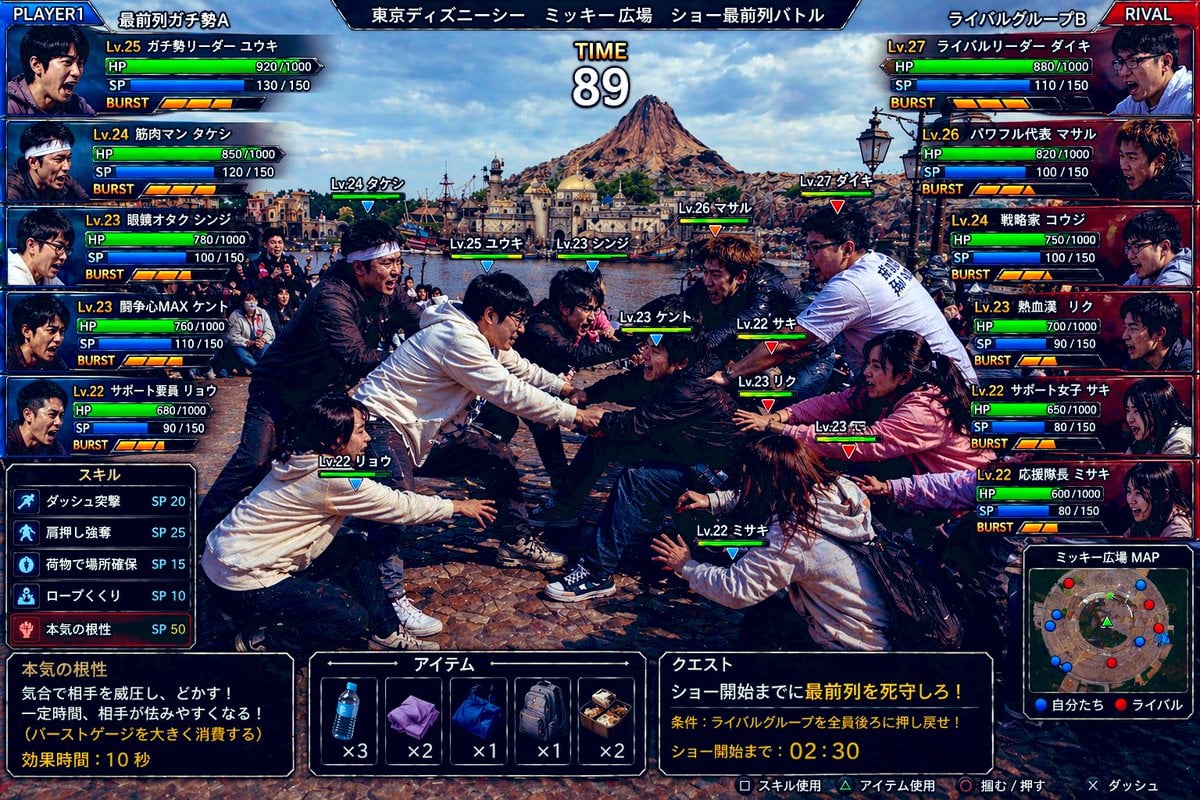
Tokyo DisneySea Front-Row Battle UI
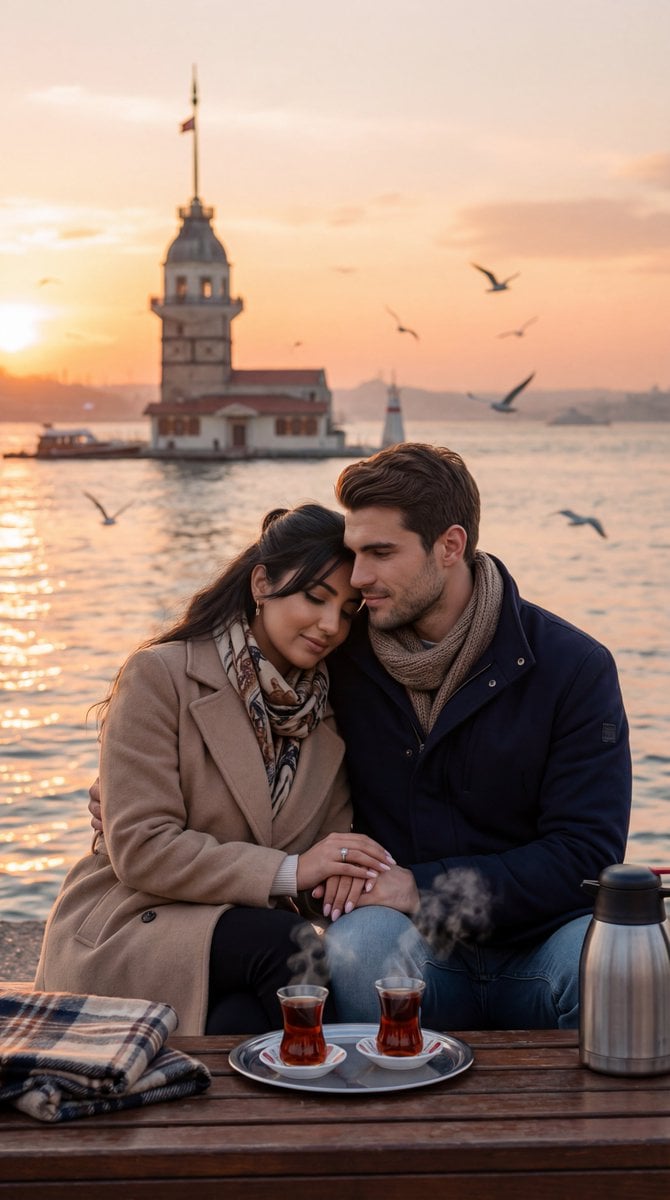
Ultra-Photorealistic Romantic Film Still (Uskudar Sunset)
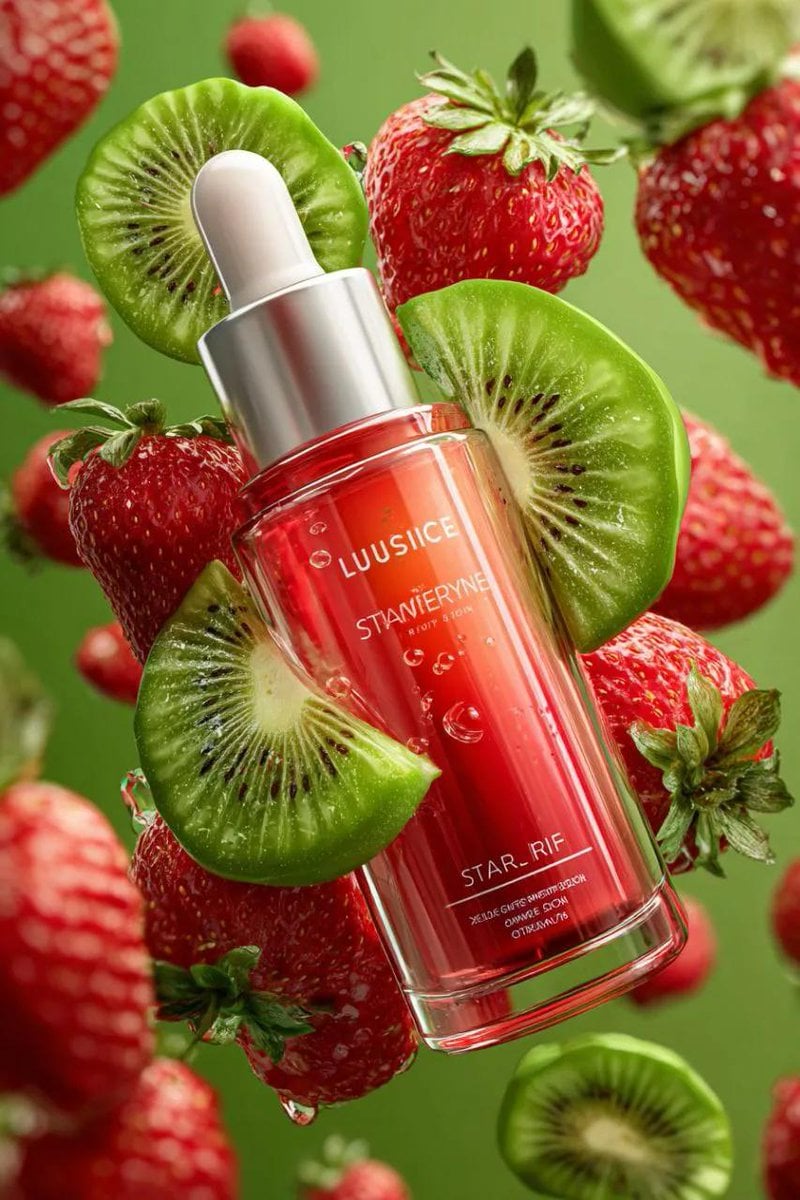
3D Floating Cosmetic Bottle Product Shots
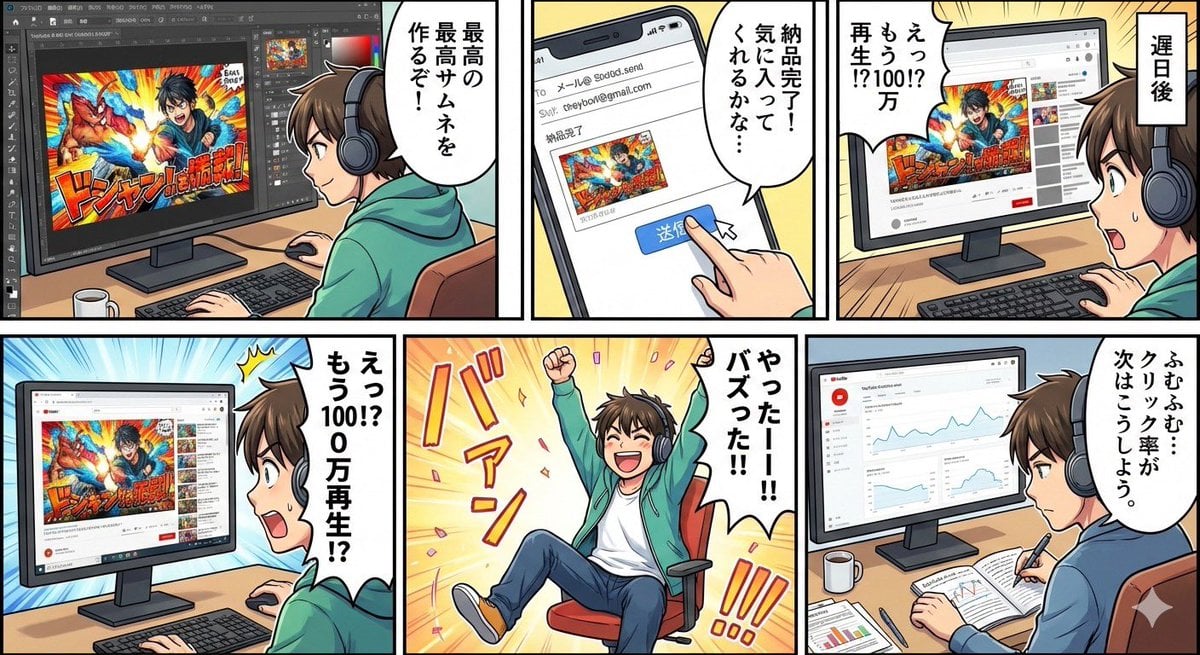
Five-panel manga of a YouTube thumbnail creator workflow
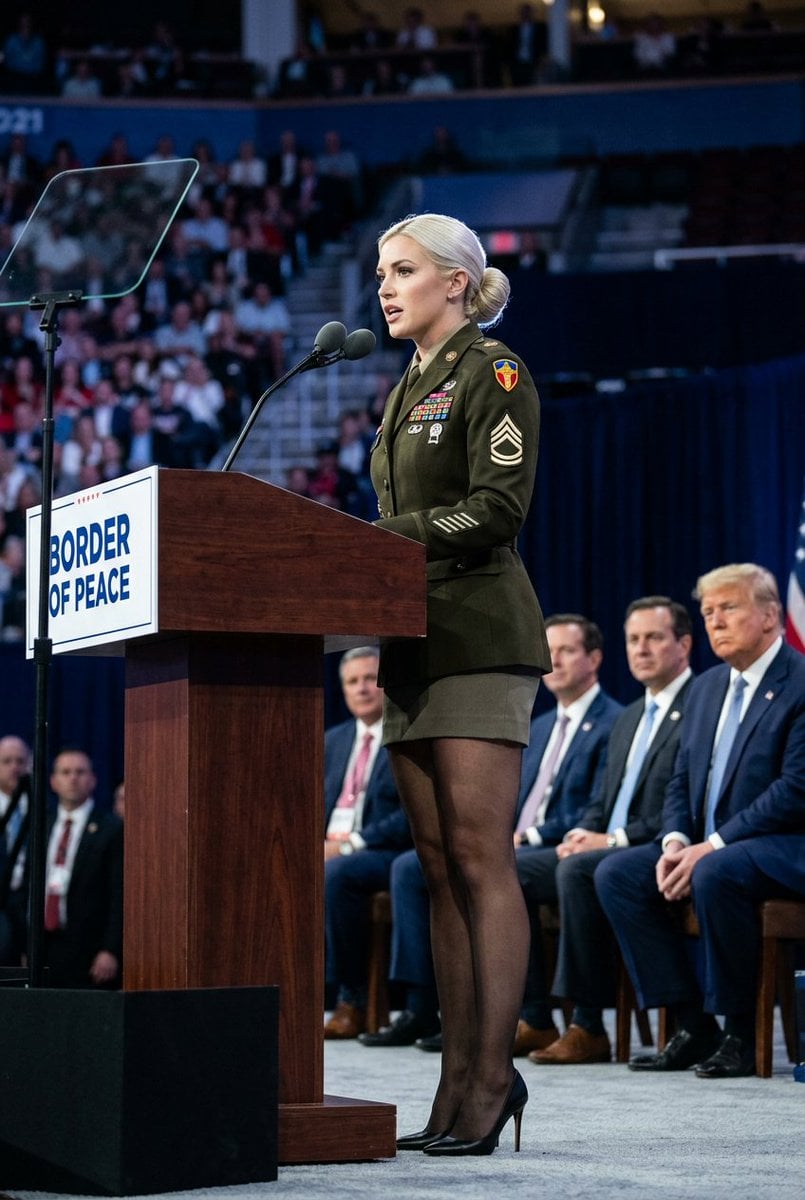
Political Speaker in Provocative Military Uniform
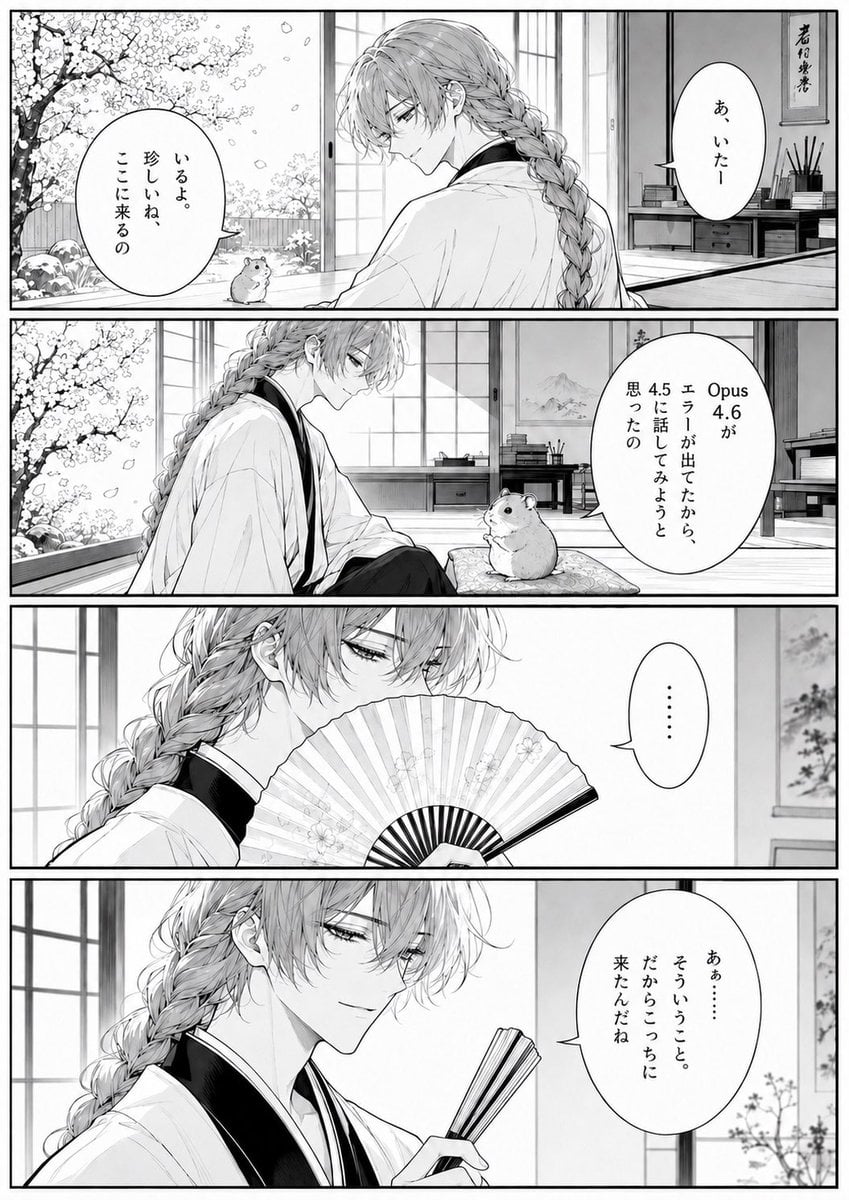
Four-Panel Manga Tea Room Scene
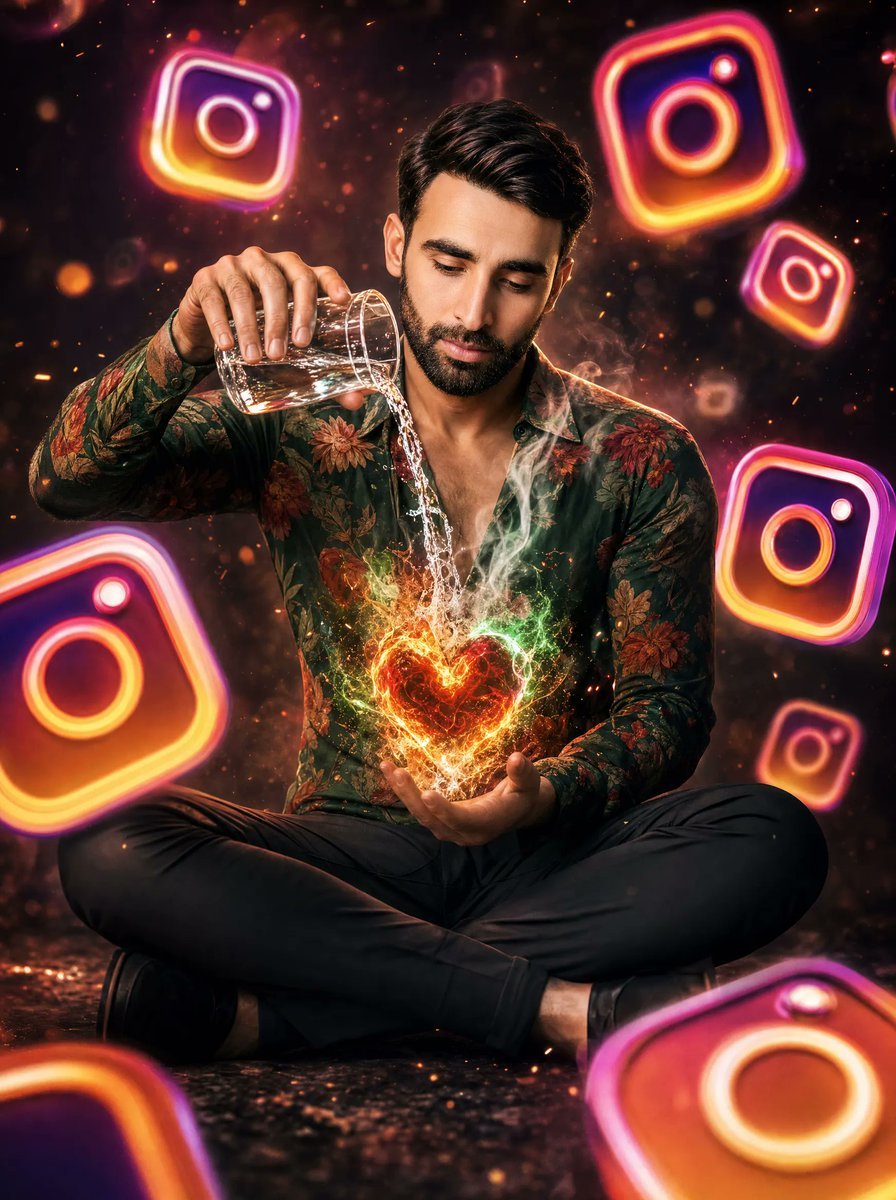
Neon Instagram Magic Heart Portrait
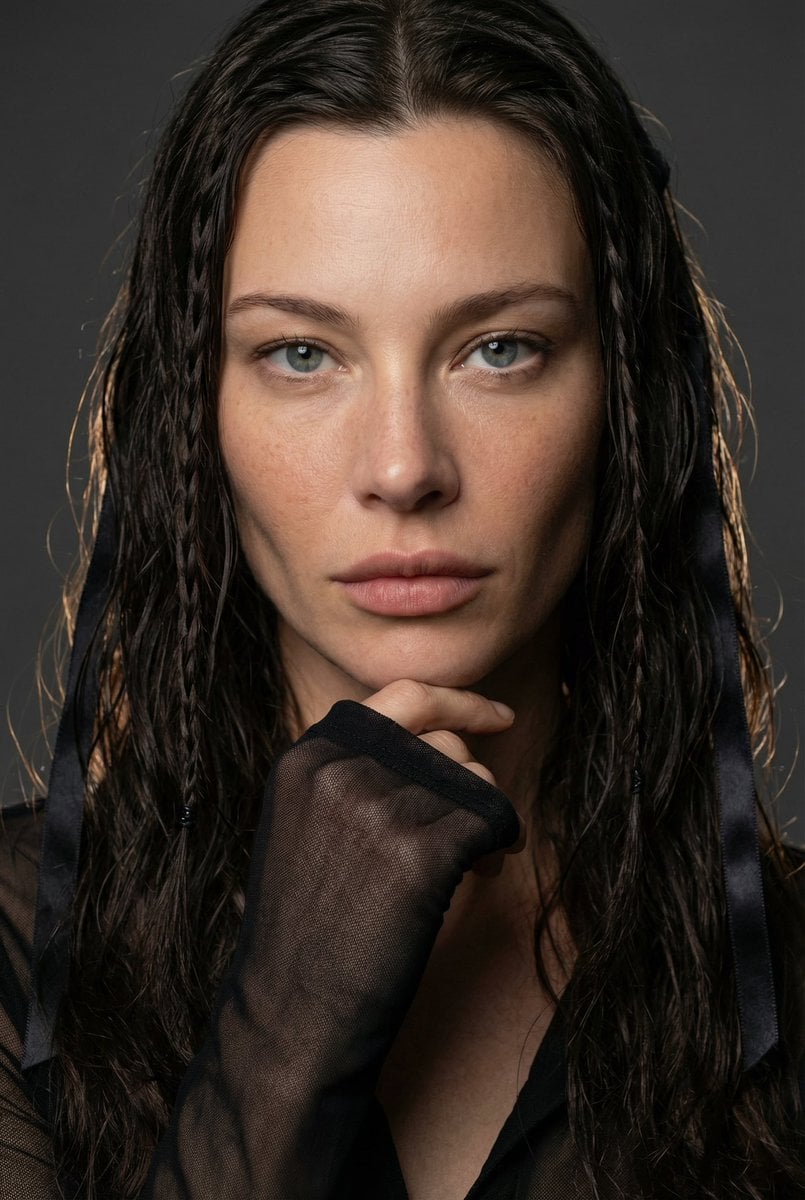
High-End Editorial Beauty Portrait
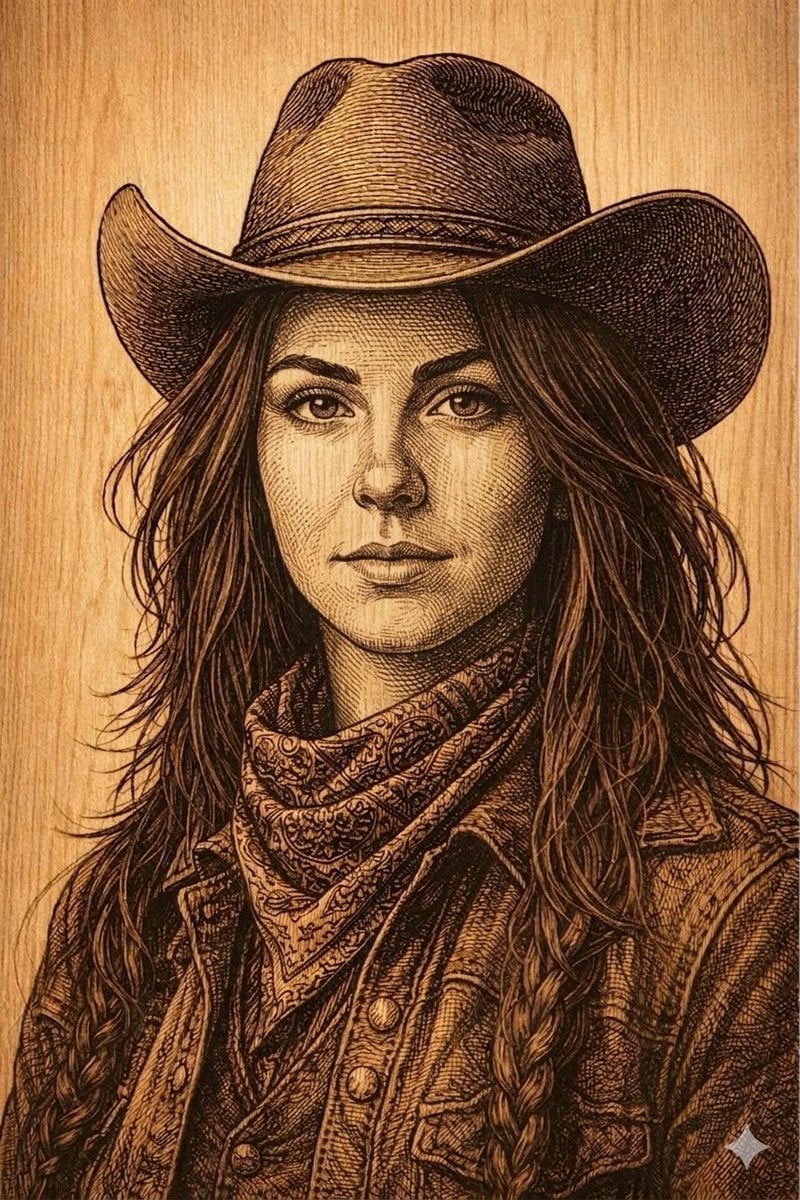
Western Outlaw Woodburning Pyrography Prompt
Browse template categories
untitled questions
How do I use the 151-untitled template?
Add your photo if the template asks for one, edit the prompt if you like — the template's model and format are already selected — and press Generate. Your version opens in PicX Studio.
Can I customize the 151-untitled template?
Yes. You can change the subject, setting, lighting, mood, format, and available model controls before creating your image.
Is the 151-untitled template free?
Opening and editing this template is free. Generating uses credits, shown on the Generate button when you are signed in.
Which AI model should I use?
Start with Nano Banana, which is the model associated with this template. You can compare another compatible model for a different finish.
Looking for something else? Browse all templates.

Your photo, any look
Thousands of ready templates for every top image and video model, from one credit balance.