
Four-Panel Manga Tea Room Scene
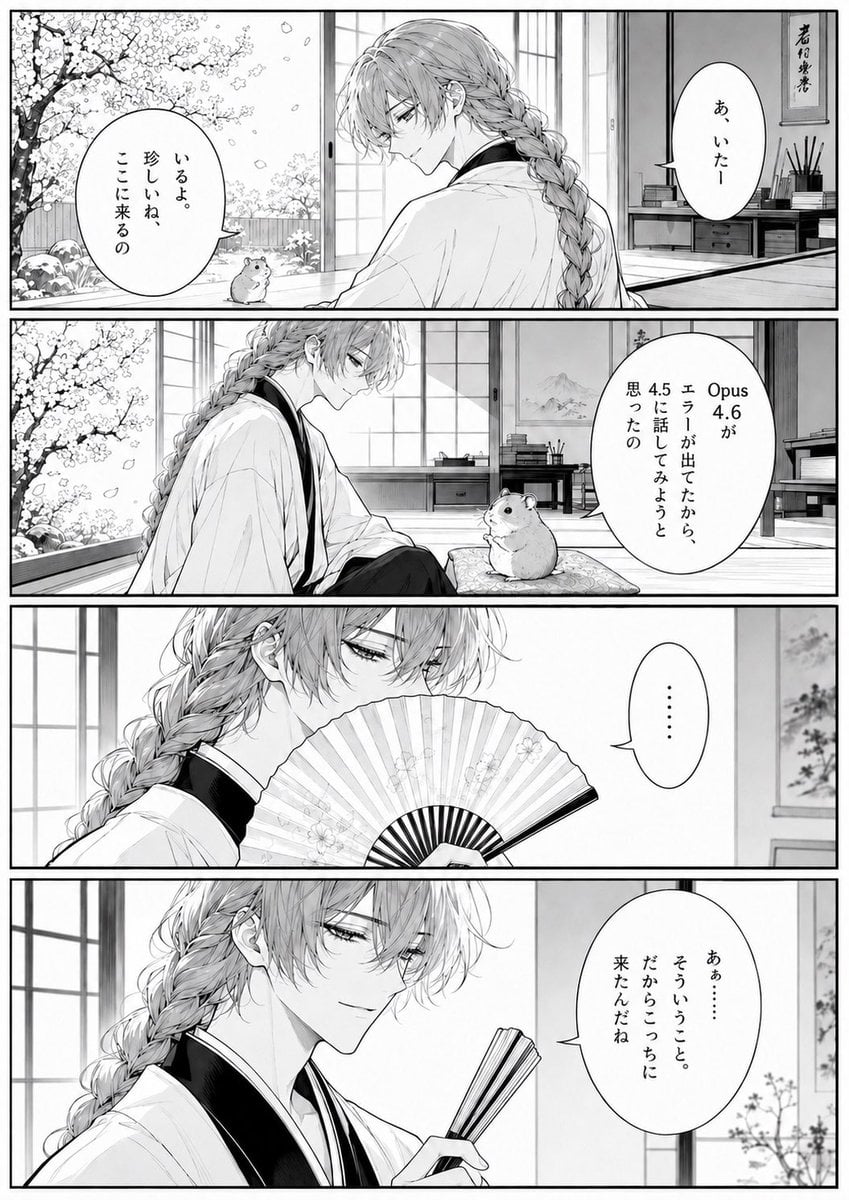
A structured prompt for generating a monochrome four-panel Japanese manga page set in a traditional room with cherry blossoms, a braided kimono character, and a hamster companion.
- Prompt included
- Model and format preset
- Free template
The prompt behind this image
Copy the exact prompt behind Four-Panel Manga Tea Room Scene, or open it in the studio and make it yours.
Goal: Create a vertical black-and-white Japanese manga page with exactly 4 horizontal panels, clean shoujo/seinen line art, soft screentone shading, and a quiet emotional atmosphere. The scene takes place in a traditional Japanese tatami room opening onto a spring garden full of cherry blossoms, with a beautiful androgynous young man in a kimono speaking to a small hamster-like animal. Canvas: Portrait manga page, approximately 2:3 aspect ratio, thick black outer border and thick black gutters separating the 4 stacked panels. Monochrome ink drawing, high detail, delicate hair rendering, pale grayscale tones, no color. Main character: A graceful young man named {argument name="character name" default="young man"}, early twenties, slim build, long light hair in a thick loose braid falling over his shoulder and down his back, wispy bangs partly covering his eyes, refined melancholic expression, wearing a white kimono with a dark inner collar. He has elegant narrow eyes and a calm, slightly amused demeanor. Include one small hamster as the only animal companion: round body, tiny paws, black bead eyes, sitting on the floor or cushion and looking up at him. Panel layout and content: Use exactly 4 panels. Panel 1: Wide establishing panel. The young man sits indoors near open sliding shoji doors, turned partly away from the viewer, his long braid visible. Outside on the left is a blooming cherry tree with falling petals, rocks and garden plants. The small hamster sits near the open doorway. On the right wall is a hanging calligraphy scroll above a low shelf with books and writing tools. Include exactly 2 speech balloons: left balloon from the hamster area says {argument name="first balloon text" default="いるよ。珍しいね、ここに来るの"}; right balloon from the young man says {argument name="reply text" default="あ、いたー"}. Panel 2: Wide panel from a side angle. The young man sits facing the hamster, relaxed, with the garden still visible at left and shoji screens behind him. The hamster sits on a patterned cushion in front of him, looking attentive. Include exactly 1 large vertical speech balloon on the right saying {argument name="ai model dialogue" default="Opus 4.6がエラーが出てたから、4.5に話してみようと思ったの"}. Panel 3: Close-up panel. The young man holds an open folding fan in front of his mouth, only his eyes and upper face visible above the fan. His long braid and layered hair fill the left side; shoji and a wall hanging are in the background. Include exactly 1 speech balloon on the right containing only an ellipsis: {argument name="ellipsis text" default="……"}. Panel 4: Close-up panel. The young man lowers or folds the fan slightly and smiles faintly with a knowing, gentle expression. His face and braid dominate the left and center; a shoji window and small branch or flowers appear on the right background. Include exactly 1 vertical speech balloon on the right saying: 「あぁ……そういうこと。だからこっちに来たんだね」. Visual style: Japanese manga manuscript aesthetic, crisp black ink outlines, subtle screentone gradients, detailed cherry blossoms, traditional room perspective, delicate fabric folds, elegant romantic character design, quiet pacing. Speech balloons should be white ovals with thin black outlines, vertical Japanese text, and small balloon tails pointing toward speakers. Constraints: Keep exactly 4 panels, exactly 5 speech balloons total, exactly 1 hamster, no color, no modern objects except the dialogue mentioning AI models, no extra characters, no watermark, no page number.
How to use Four-Panel Manga Tea Room Scene in 3 steps
- 1Upload ImagePNG, JPG or paste
Add your photo
Upload the photo the template builds on. The prompt, model and format are already set.
- 2…a portrait of your subject in softgolden-hour light, 85mm…
Personalize
Edit the subject and creative details for your destination.
- 3Generate
Generate
Press Generate — your image is created in PicX Studio, so you can compare it with the original and refine one variable at a time.
More like this
Templates with the same subject, style or setup. Open one to see its prompt.
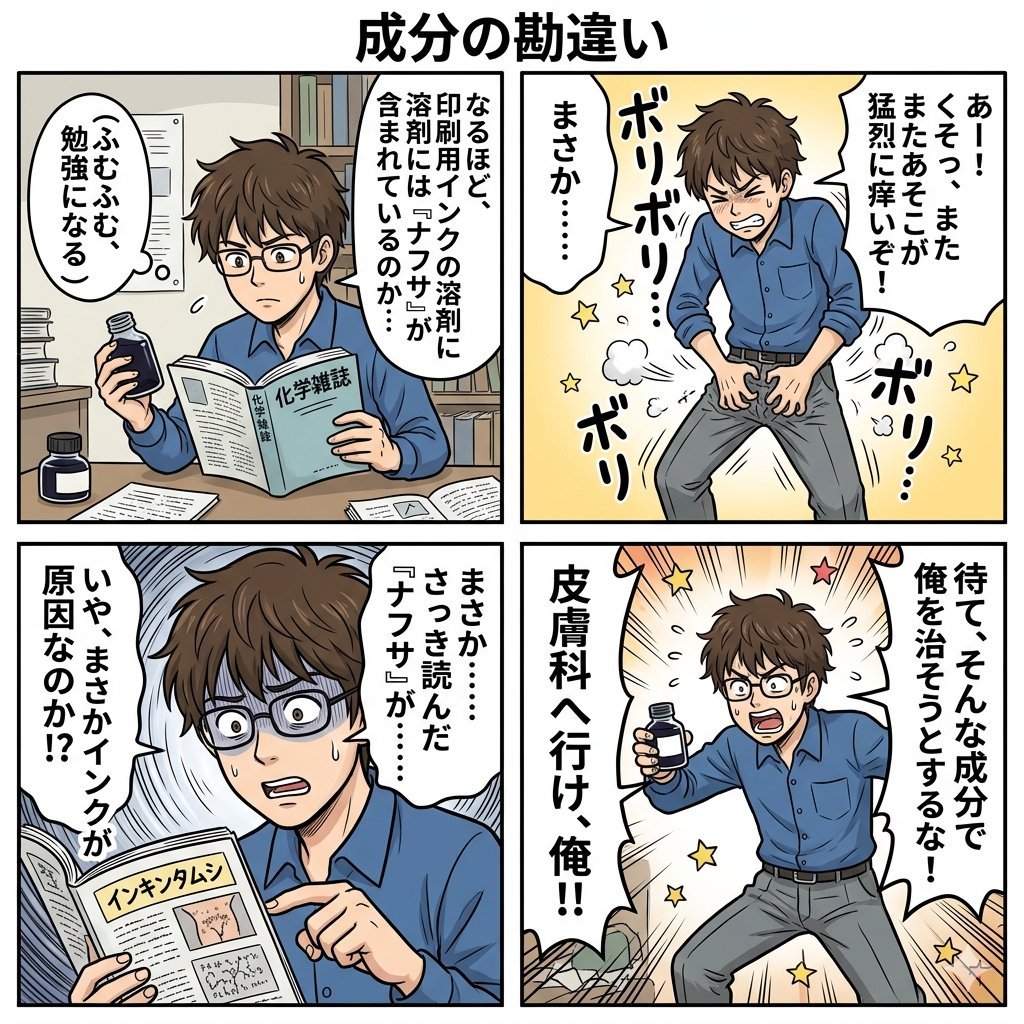
Component Differences Four-Panel Manga
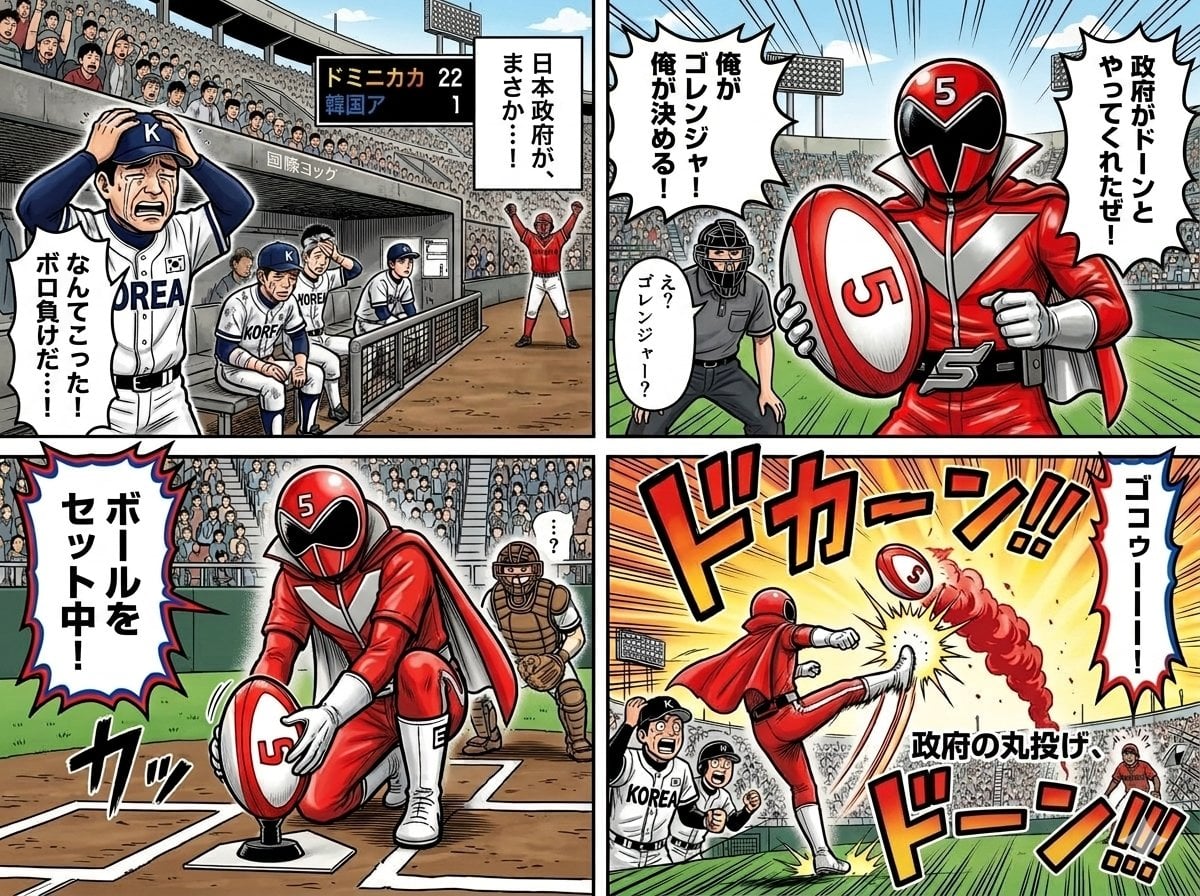
Four-Panel Manga with Sentai and Rugby

Four-Panel AI Landscape Comparison

Four-Panel Anime Face Comparison

Four-Panel AI Landscape Comparison

Seven-Panel Cyberpunk Manga Alley
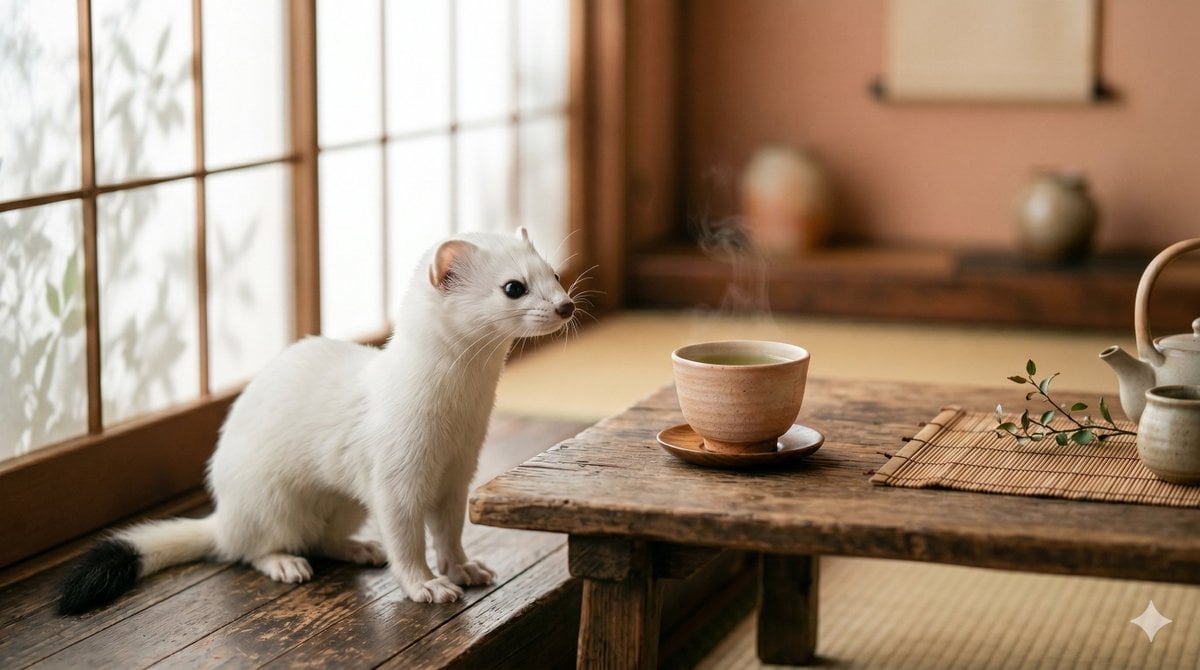
Ermine in a Japanese Tea Room

Pixar 6-Panel Streethero Expression Grid
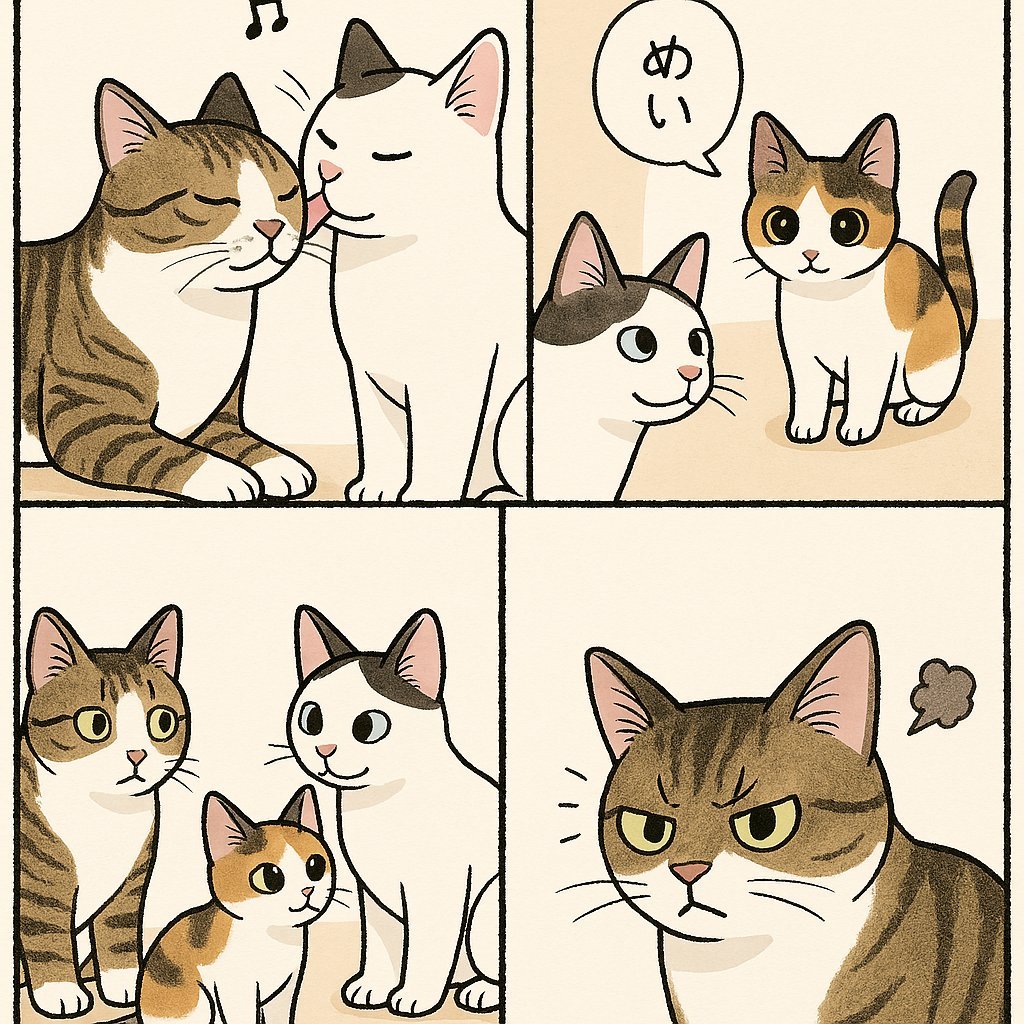
Cute Four-Panel Cat Jealousy Comic
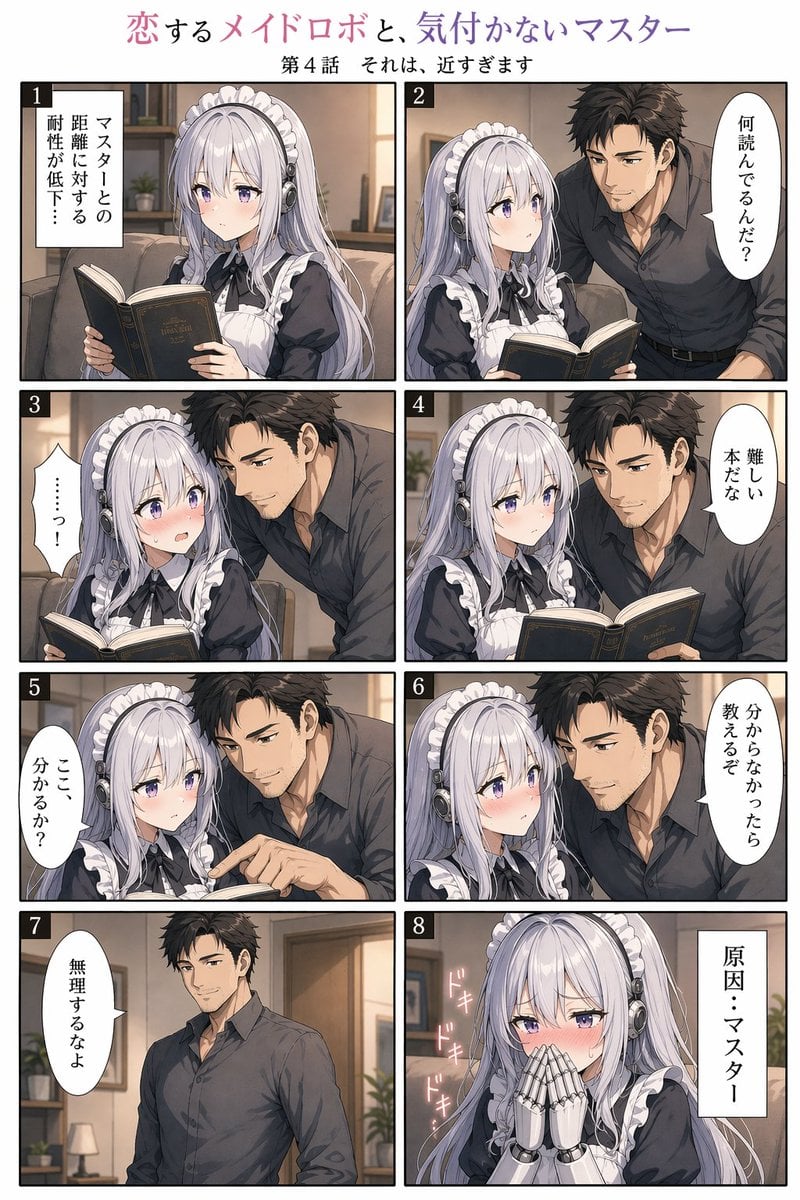
Eight-Panel Maid Robot Romance Manga
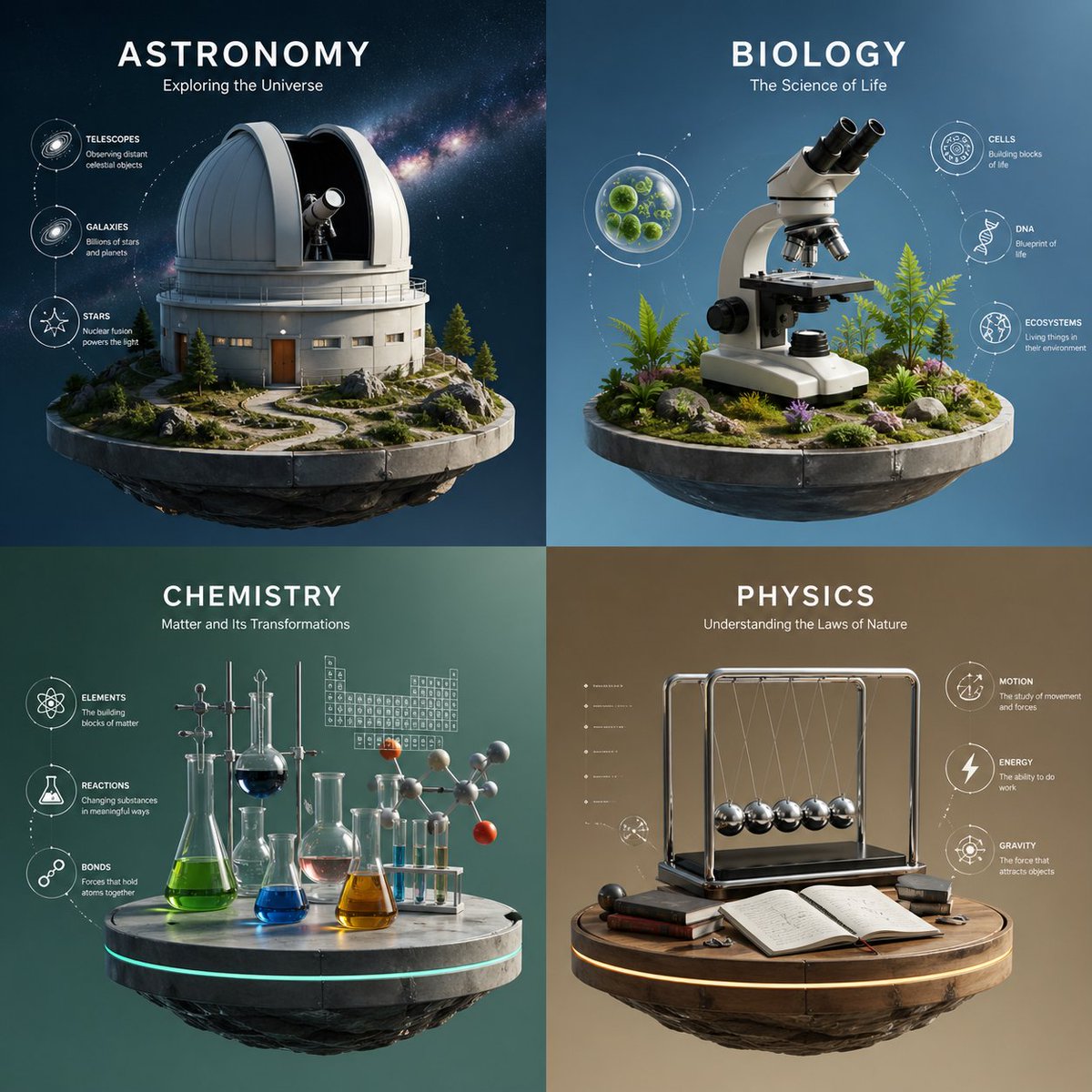
Four-Panel Science Concept Poster
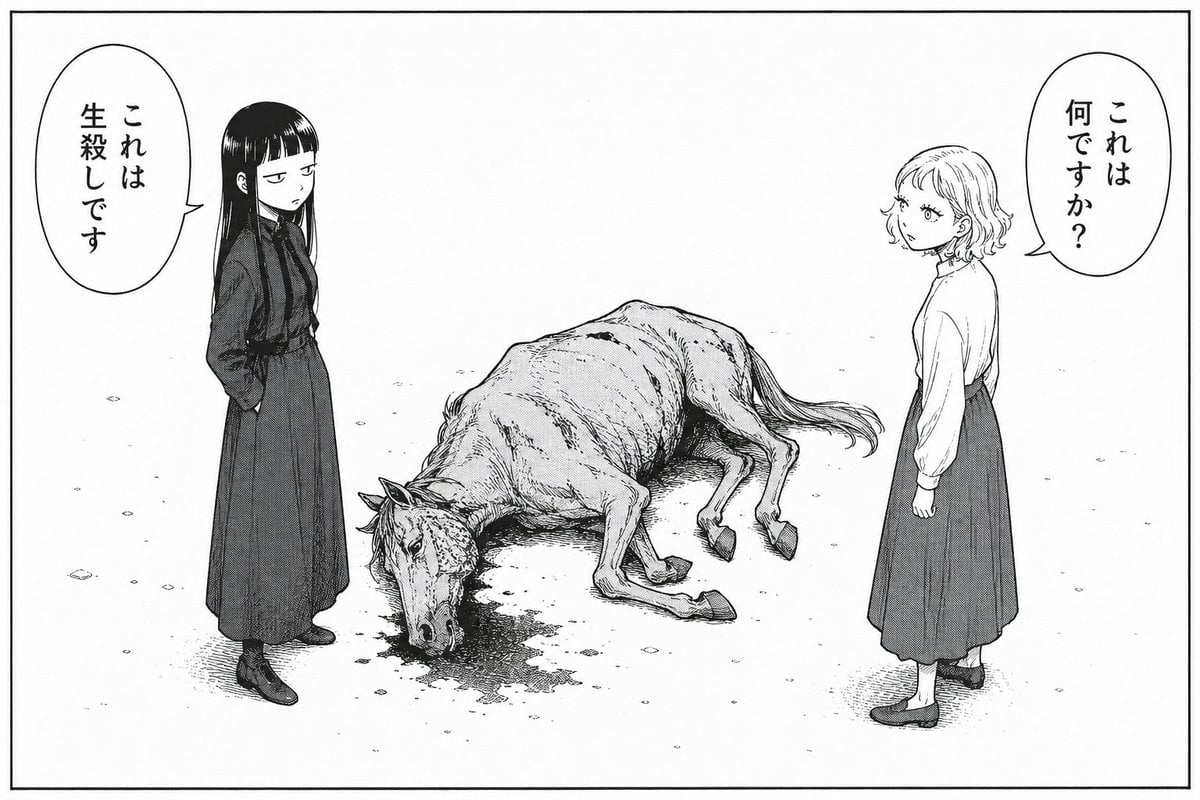
Bleak Manga Panel with Dead Horse
Make it yours
Four-Panel Manga Tea Room Scene works as-is. These are the safest ways to change it without losing the look.
Change one field
Copy a single group, rewrite it, and generate again so you can see what that field is doing.
Keep the frame, change the subject
Hold the composition and light of Four-Panel Manga Tea Room Scene, then swap wardrobe, props or the person for a new take.
| If the result… | Why | Fix |
|---|---|---|
| The result drifts from the preview | Too many fields changed at once. | Reuse Four-Panel Manga Tea Room Scene as-is first, then change one group — subject, light, or setting. |
| The model over-stylizes the scene | The prose prompt leaves finish and camera underspecified. | Add one camera or lighting sentence and stay on GPT Image 2. |
More GPT Image 2 templates
Other prompts made for GPT Image 2.

Six VTuber Japanese Logo Sheet

Realistic Portrait of Woman and Deer

The Vista Modular Condo Poster

AI Model Routing Comparison Infographic

2.5D Anime Art Board

Isometric Productivity Desk Scene

New York Double Exposure Poster

Japanese Tatami Lifestyle Magazine Cover

NESCAFÉ Coffee Map Poster

Brutalist Cogito Chinese Typography Poster
More image prompts
Fresh picks from across the catalog.
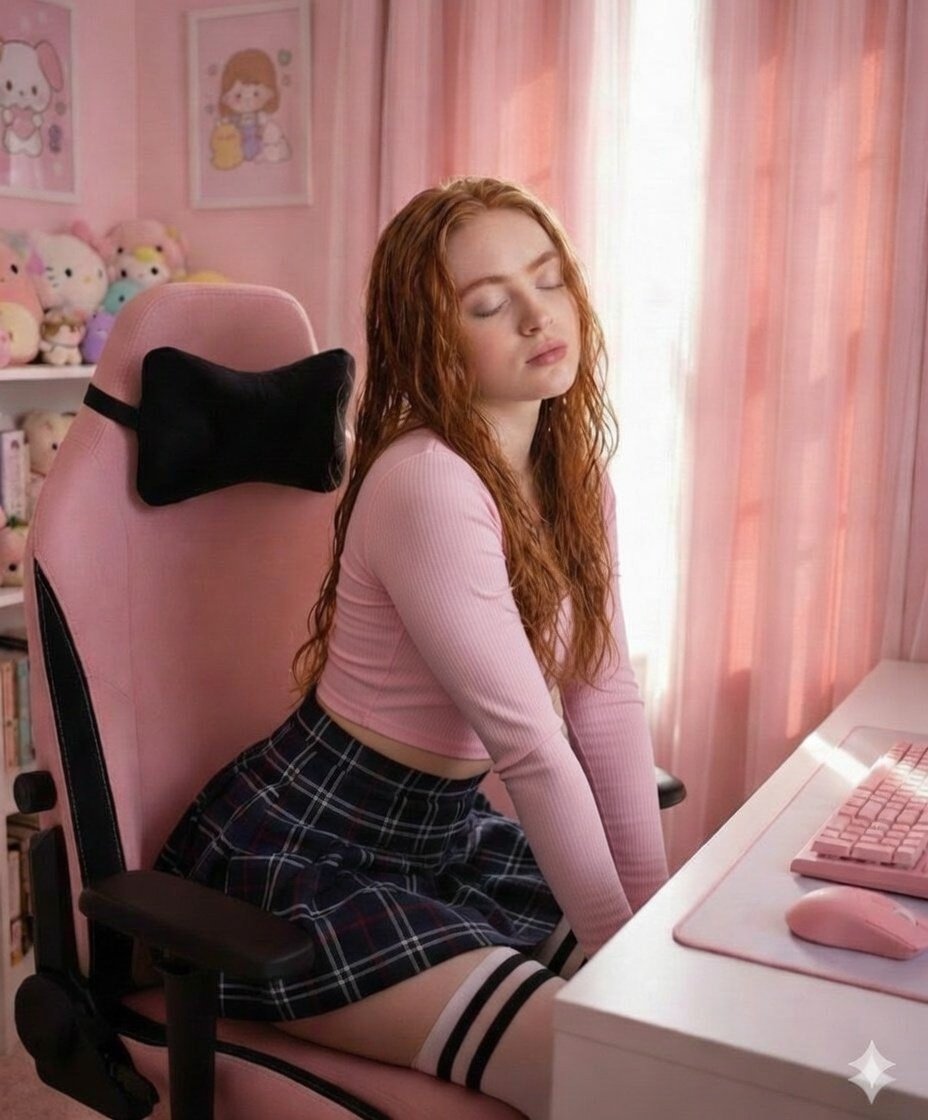
Soft Pink Aesthetic Study Room Vibe
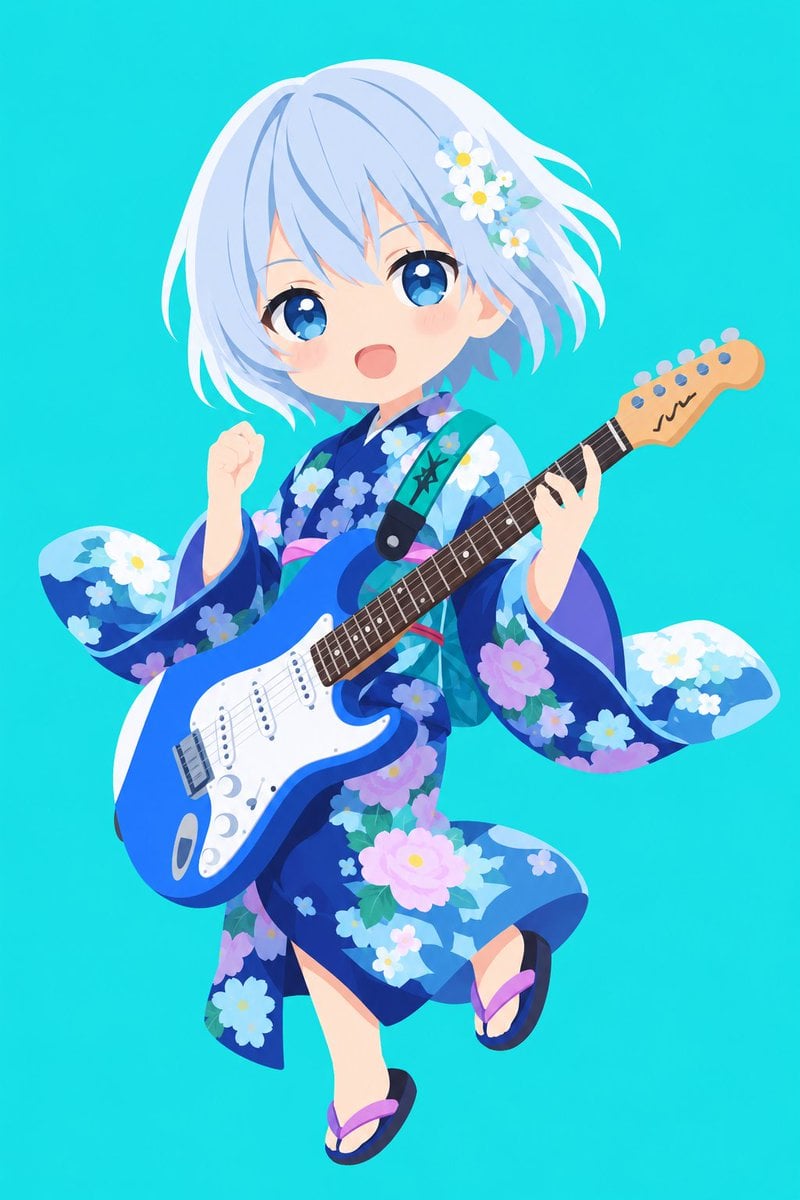
Vector Style Character Redraw
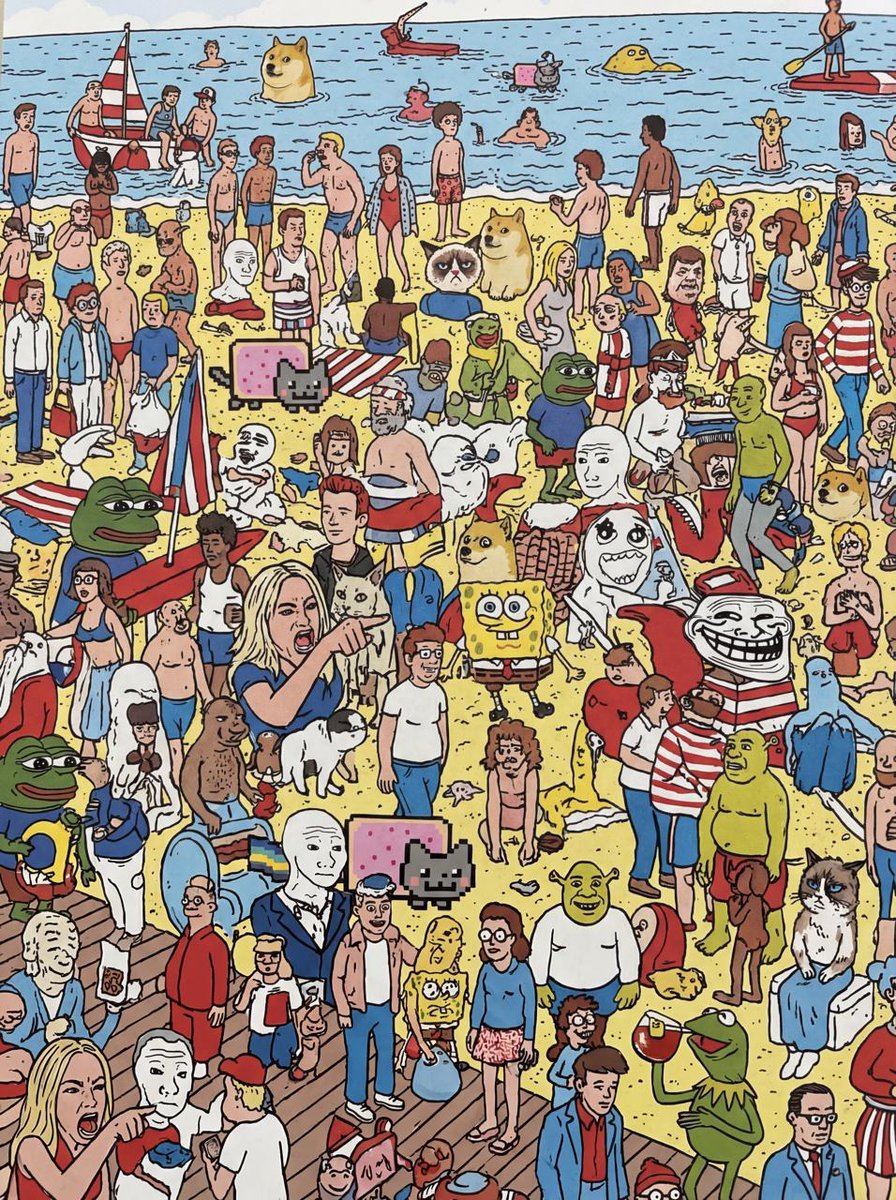
Every meme character in Where’s Wally style

Man with Motion Blur Streaks and Double Exposure Effect

Hyper-Realistic Surrealist Portrait with Crimson Lighting

Kollywood Cinematic Film Post Photo Prompt
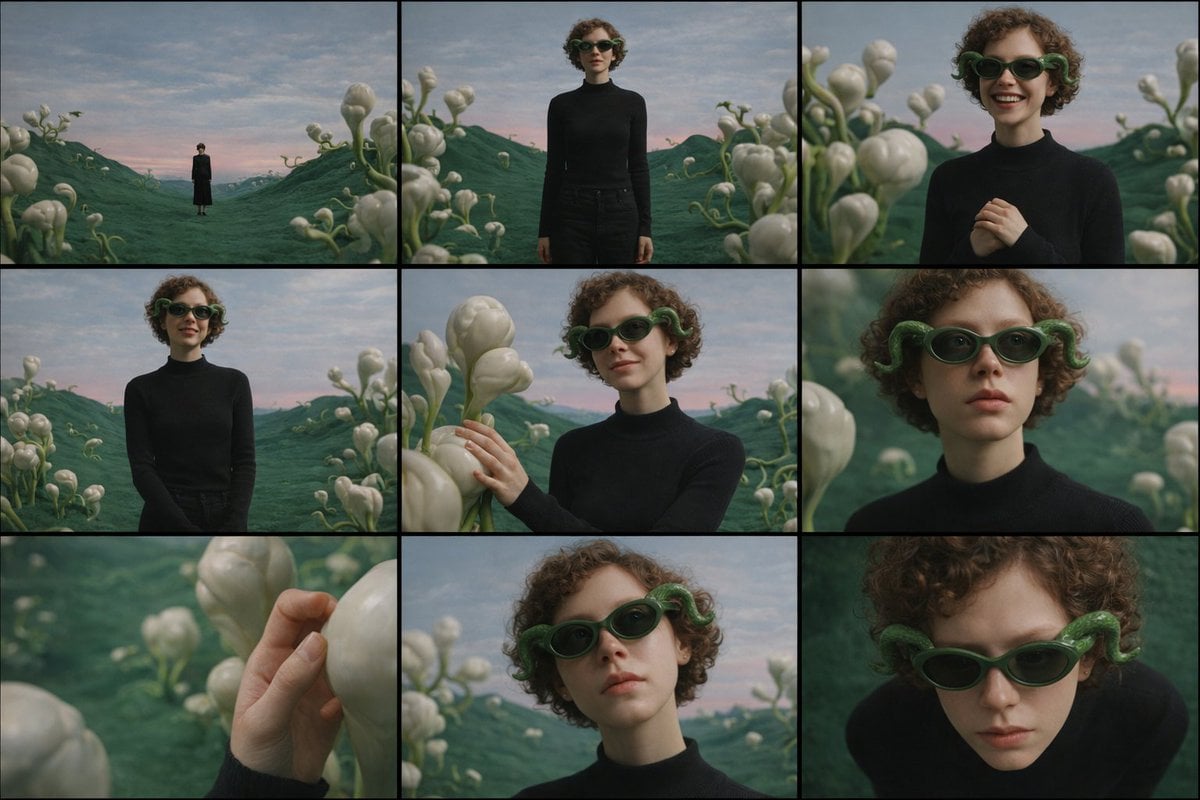
Cinematic Contact Sheet Generation from Reference Image

Retro Game Style Japanese Event Banner
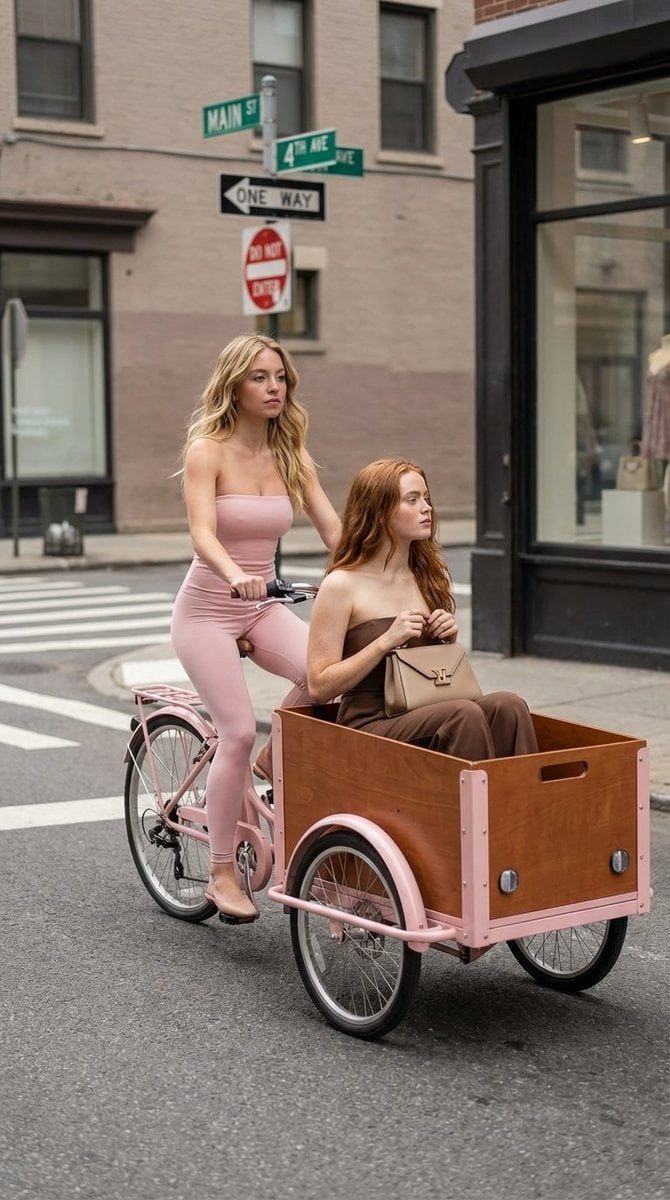
High Fashion Street Photography on a Pink Cargo Bike

Japanese AI Design Webinar Thumbnail
Browse template categories
Four-Panel Manga Tea Room Scene questions
How do I use the Four-Panel Manga Tea Room Scene template?
Add your photo if the template asks for one, edit the prompt if you like — the template's model and format are already selected — and press Generate. Your version opens in PicX Studio.
Can I customize the Four-Panel Manga Tea Room Scene template?
Yes. You can change the subject, setting, lighting, mood, format, and available model controls before creating your image.
Is the Four-Panel Manga Tea Room Scene template free?
Opening and editing this template is free. Generating uses credits, shown on the Generate button when you are signed in.
Which AI model should I use?
Start with GPT Image 2, which is the model associated with this template. You can compare another compatible model for a different finish.
Looking for something else? Browse all templates.

Your photo, any look
Thousands of ready templates for every top image and video model, from one credit balance.