
Hyper-Realistic Surrealist Portrait with Crimson Lighting
A highly detailed, structured prompt for generating a hyper-realistic, surrealist fashion portrait of Jennifer Lawrence in a cluttered theater dressing room, emphasizing tactile textures, dramatic crimson lighting, and…
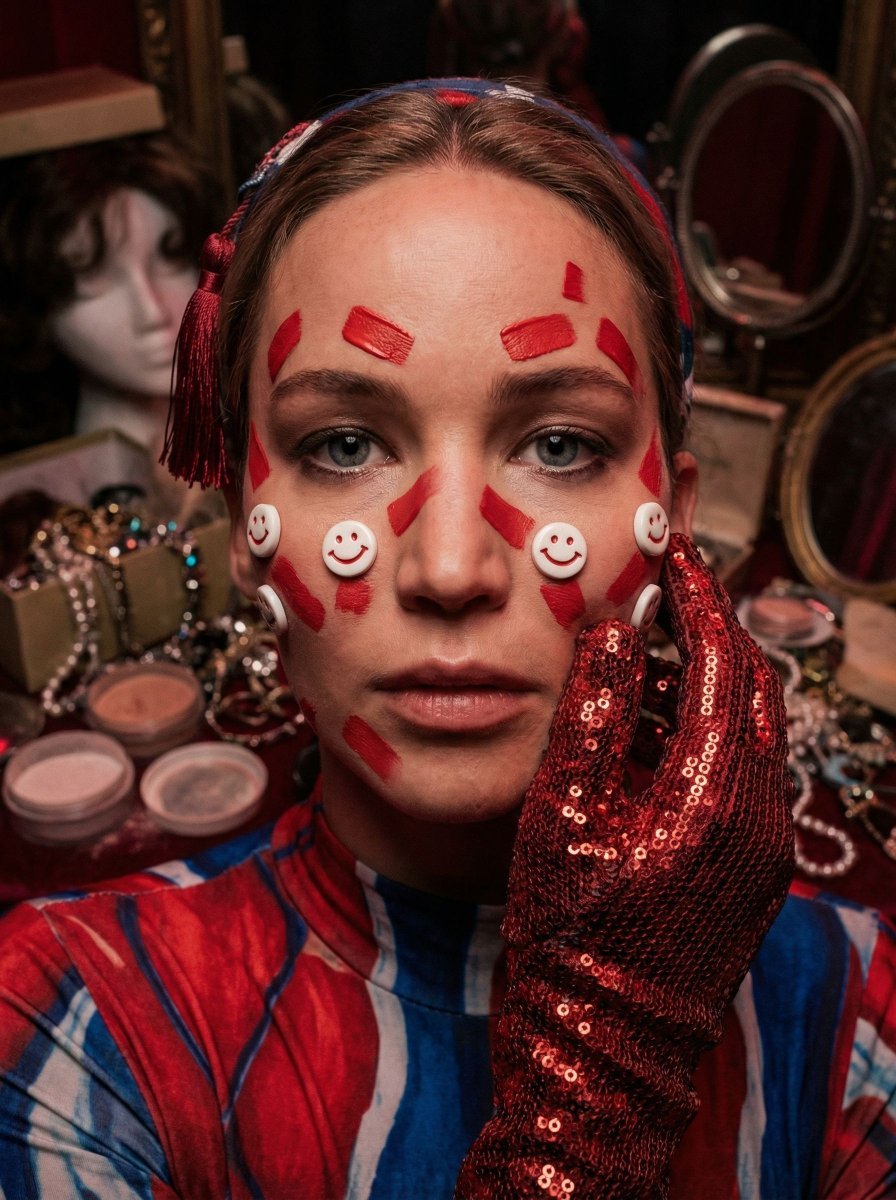
- Prompt included
- Model and format preset
- Premium template
The prompt behind this image
Copy the exact prompt behind Hyper-Realistic Surrealist Portrait with Crimson Lighting, or open it in the studio and make it yours.
{ "vibe_title_en": "Crimson Backstage Melancholy", "master_prompt": "A hyper-realistic, close-up portrait of The Protagonist situated in a cramped, cluttered avant-garde theater dressing room. The subject's face is adorned with tactile, high-budget practical effects: raised geometric red paint strokes with physical thickness and small, 3D porcelain 'smile' button appliques adhered to the cheeks, casting micro-shadows on the skin. A hand, clad in a heavy, textured red metallic-sequin glove, presses gently against the cheek, pulling the skin slightly to emphasize physical weight and reality. The environment is dense and 'busy' with narrative debris: blurred stacks of wig boxes, tangled costume jewelry, spilled powder jars, and vintage mirrors reflecting fragments of the scene. The lighting is cinematic and moody, utilizing deep crimson gelled tungsten sources for a dramatic key light, balanced by a faint, cool reflected fill. Shot on a Phase One XF IQ4 with a Schneider Kreuznach 110mm LS f/2.8 lens, focusing sharply on the eye and glove texture while melting the cluttered background into a rich, creamy bokeh. The image mimics the texture of Cinestill 800T film stock, featuring fine grain and halation around highlights, strictly avoiding neon signage in favor of filtered practical stage lamps.", "meta": { "intent": "Editorial Fashion / Surrealist Portrait", "priorities": "Tactile Texture, Environmental Density, Cinematic Lighting", "device_profile": "High-End Medium Format Photography" }, "frame": { "aspect": "4:5", "composition": "Extreme Close-Up, Off-Center Eye Focus", "layout": "Golden Spiral centering on the eye and gloved hand", "camera_angle": "Eye Level, intimate proximity", "tilt_roll_degrees": "0 degrees" }, "subject": { "gender": "Female", "identity": "The Performer", "demographics": "Ageless, Avant-Garde", "face": "Decorated with red geometric paint lines and small 3D smile-face studs", "hair": "Dark, sleek bangs cut straight across, framed by costume headpiece", "body": "Shoulders visible, clad in performance attire", "expression": "Intense, piercing gaze, lips slightly parted in concentration", "pose": "Hand touching cheek near eye, framing the gaze" }, "wardrobe_accessories": { "garments": [ { "item": "Performance Bodysuit", "material": "Patterned Silk/Spandex", "color": "Red, Blue, and White Pattern", "fit": "Skin-tight" } ], "accessories": [ { "item": "Glove", "color": "Metallic Red", "material": "Heavy Sequins / Chainmail Mesh", "brand_style": "Haute Couture Costume" }, { "item": "Headpiece Tassel", "color": "Red", "material": "Silk Thread", "brand_style": "Traditional/Modern Fusion" } ] }, "environment": { "setting": "Backstage Dressing Room",
How to use Hyper-Realistic Surrealist Portrait with Crimson Lighting in 3 steps
- 1
Open
The prompt is already in the box next to the preview, with the template's model and format selected.
- 2…a portrait of your subject in softgolden-hour light, 85mm…
Personalize
Edit the subject and creative details for your destination.
- 3Generate
Generate
Press Generate — your image is created in PicX Studio, so you can compare it with the original and refine one variable at a time.
More like this
Templates with the same subject, style or setup. Open one to see its prompt.

Found Photograph: Us, 1970

80s Couple Studio Portrait

80s Bollywood Star

80s Golden Hour Cinema

Me in 1985

1985 Studio Portrait

Hyper-Realistic Minecraft POV Portrait

Rooftop Fisheye — Cat-Ear Balaclava at Golden Hour

Rainy Café Window Moody Portrait

untitled

2025 Aesthetic Photography

Nano Banana Is So Addictive
Make it yours
Hyper-Realistic Surrealist Portrait with Crimson Lighting works as-is. These are the safest ways to change it without losing the look.
Change one field
Copy a single group, rewrite it, and generate again so you can see what that field is doing.
Keep the frame, change the subject
Hold the composition and light of Hyper-Realistic Surrealist Portrait with Crimson Lighting, then swap wardrobe, props or the person for a new take.
| If the result… | Why | Fix |
|---|---|---|
| The result drifts from the preview | Too many fields changed at once. | Reuse Hyper-Realistic Surrealist Portrait with Crimson Lighting as-is first, then change one group — subject, light, or setting. |
| The model over-stylizes the scene | The prose prompt leaves finish and camera underspecified. | Add one camera or lighting sentence and stay on Nano Banana 2. |
More Nano Banana 2 templates
Other prompts made for Nano Banana 2.

Photorealistic Leaf Shaped Like a Dragon

K-Pop Idol Portrait Grid for Rapid Selection

Poetic Rain Forest Portrait During Golden Hour

Urban Street Portrait with Cartoon Inner Self Duo

Candid Nighttime Photo with Cat Prompt

High-Concept 3D Diorama Generation Prompt

Cinematic Futuristic Studio Portrait Template

Skincare Editorial Photography Collage Prompt

Hyper-Realistic Commercial Product Photography (Splash Effect)

Hyper-Realistic Nightclub Portrait Prompt
More image prompts
Fresh picks from across the catalog.

Advertising Visual Prompt: High-End Headphone Product Shot

Minimalist Luxury Brand Advertisement
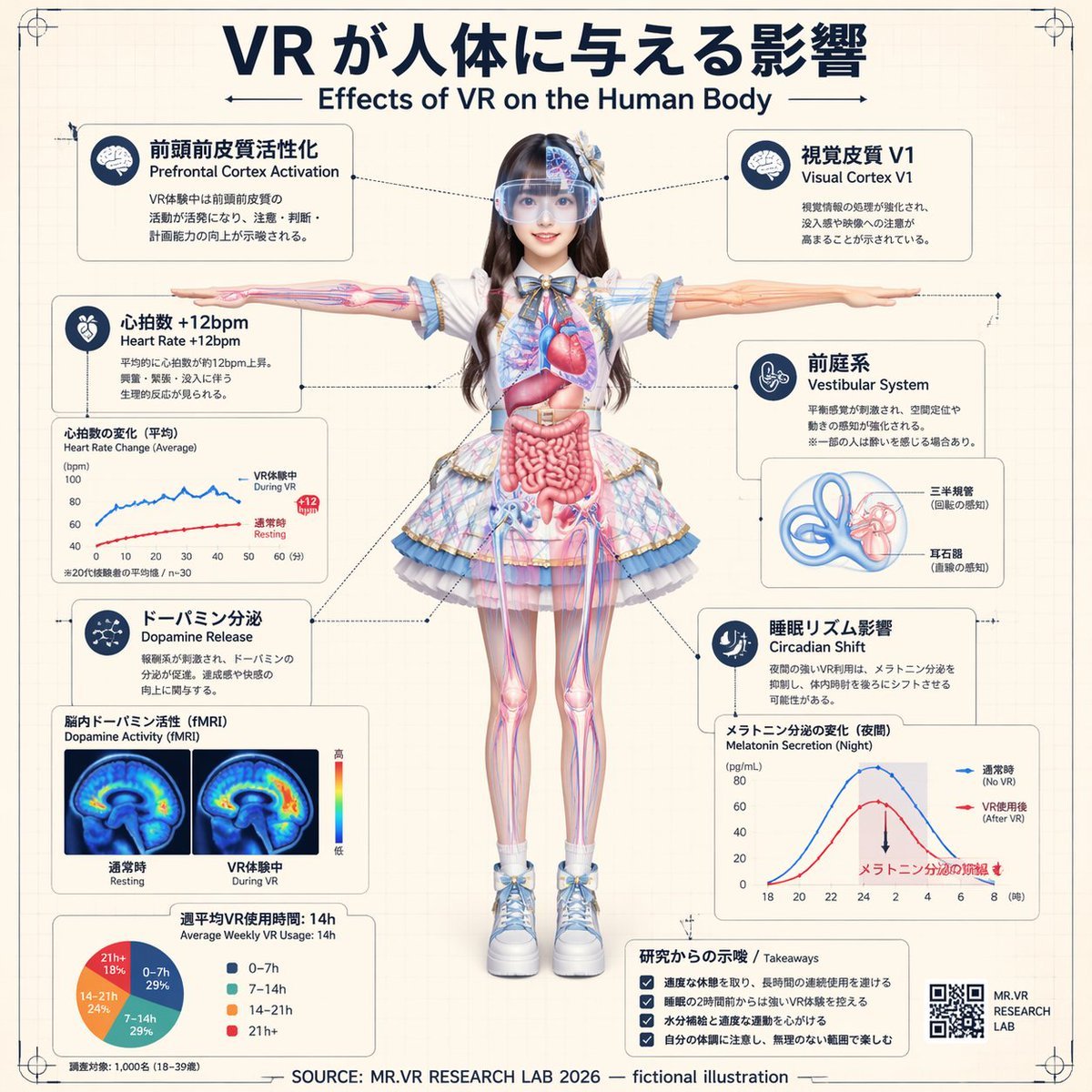
VR Effects on the Human Body Infographic
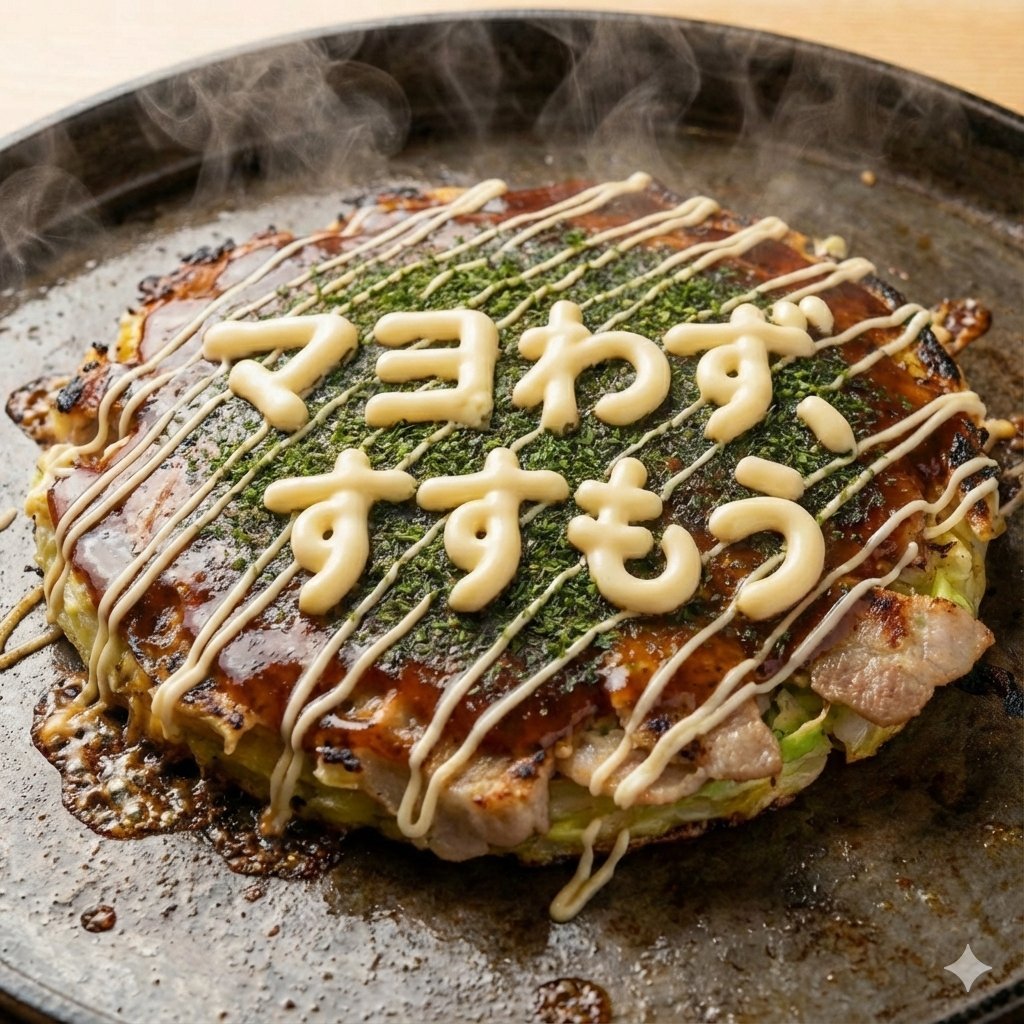
Close-up 1:1 image of hot okonomiyaki
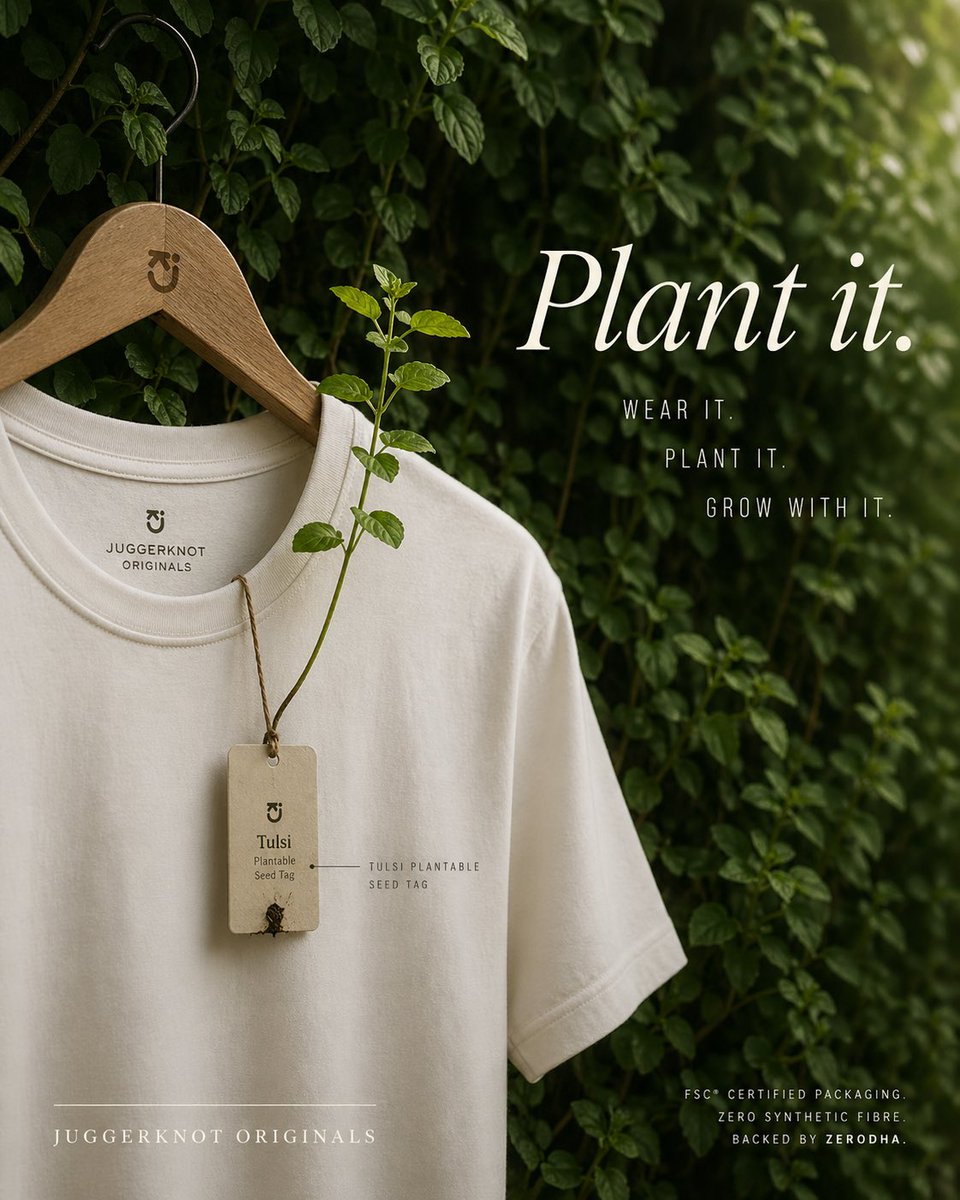
Sustainable T-Shirt Plantable Tag Ad

Luxury Chocolate Lava Ice Cream Ad
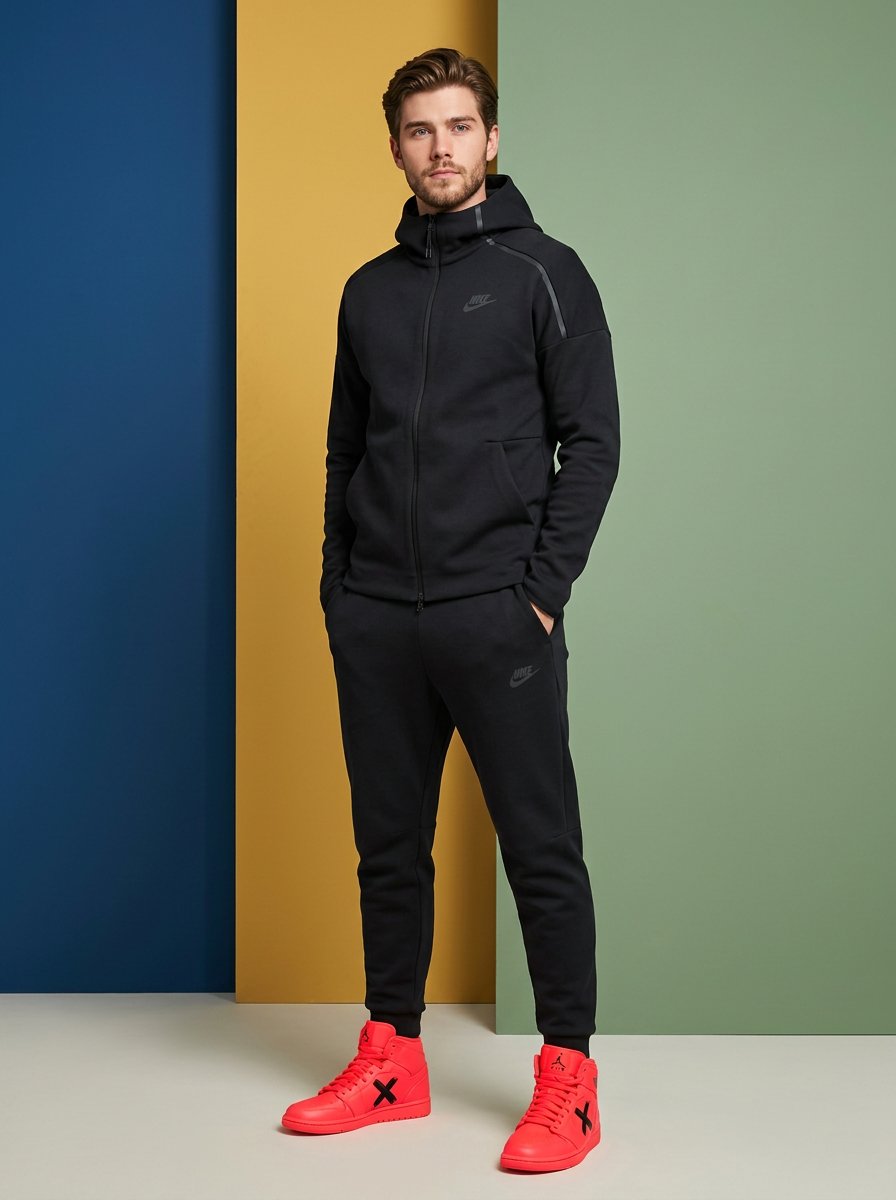
High-Fashion Sportswear Catalog Prompt

Nostalgic Watercolor Anime Adventure Poster
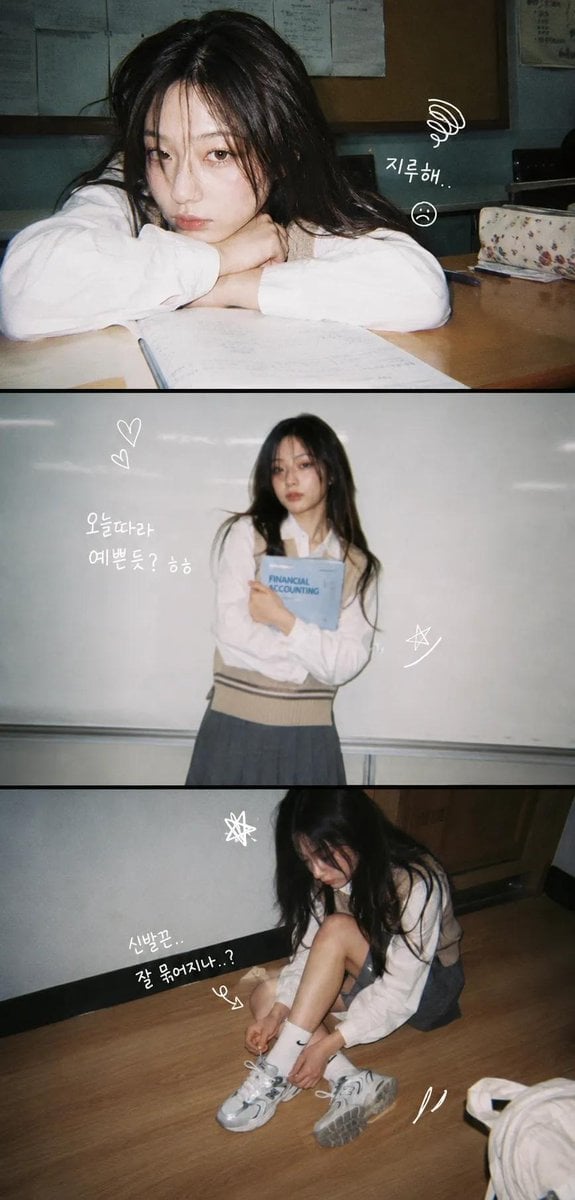
Korean Y2K Photo Strip Aesthetic

Chibi Sparrow Four-Pose Sheet
Browse template categories
Hyper-Realistic Surrealist Portrait with Crimson Lighting questions
How do I use the Hyper-Realistic Surrealist Portrait with Crimson Lighting template?
Add your photo if the template asks for one, edit the prompt if you like — the template's model and format are already selected — and press Generate. Your version opens in PicX Studio.
Can I customize the Hyper-Realistic Surrealist Portrait with Crimson Lighting template?
Yes. You can change the subject, setting, lighting, mood, format, and available model controls before creating your image.
Is the Hyper-Realistic Surrealist Portrait with Crimson Lighting template free?
Opening and editing this template is free. Generating uses credits, shown on the Generate button when you are signed in.
Which AI model should I use?
Start with Nano Banana 2, which is the model associated with this template. You can compare another compatible model for a different finish.
Looking for something else? Browse all templates.

Your photo, any look
Thousands of ready templates for every top image and video model, from one credit balance.