
Chibi Sparrow Four-Pose Sheet
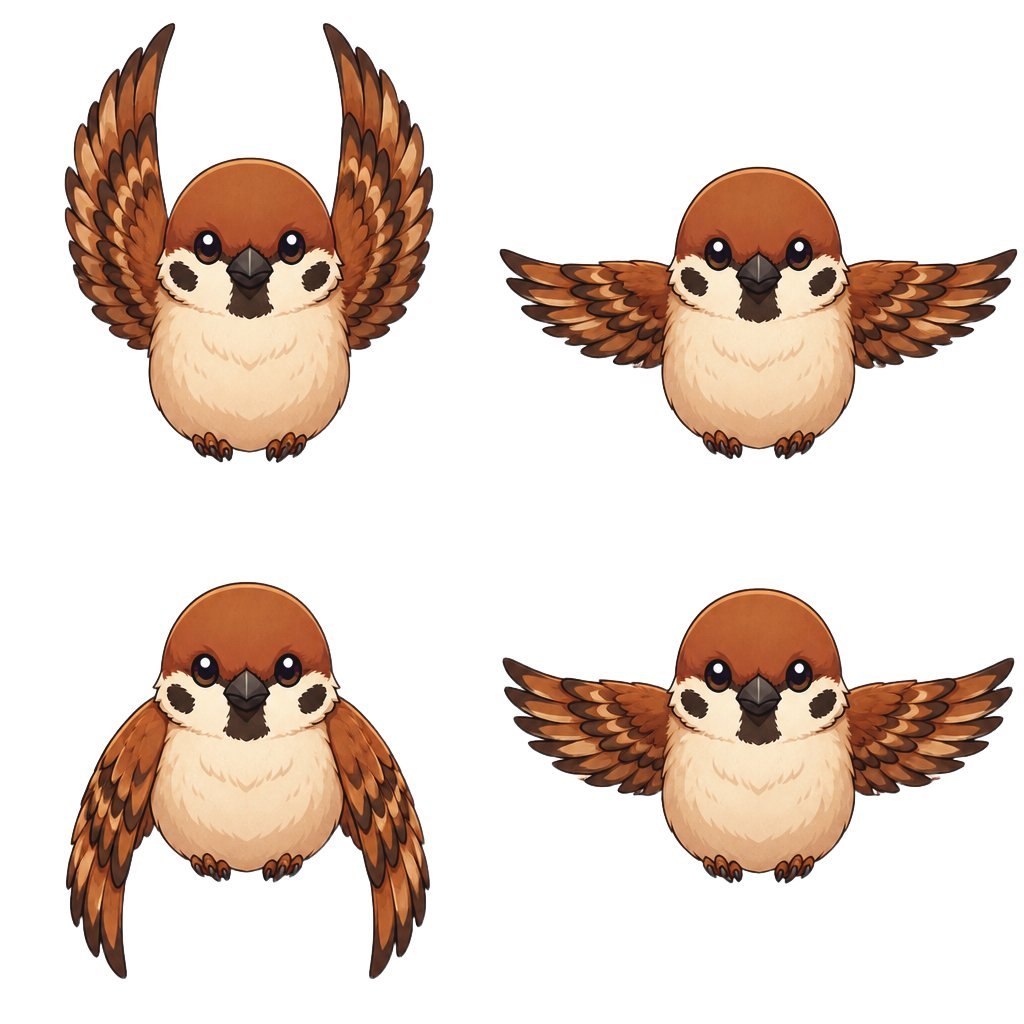
A cute front-facing chibi sparrow mascot pose sheet with four wing positions for stickers, animation references, or character design.
- Prompt included
- Model and format preset
- Free template
The prompt behind this image
Copy the exact prompt behind Chibi Sparrow Four-Pose Sheet, or open it in the studio and make it yours.
Goal: Create a clean character pose sheet of a cute chibi sparrow mascot, showing exactly 4 discrete poses on a plain white background. Canvas: Square 1:1 canvas, high resolution, no border, no text, no shadows or scenery. Arrange the bird poses in a balanced 2-by-2 grid with generous white space between them. Subject details: The character is a round, front-facing chibi {argument name="bird species" default="sparrow"} with an oversized head and tiny body. It has a warm chestnut-brown head, glossy black bead eyes with small white highlights, a short dark charcoal beak, cream-colored cheeks and fluffy cream belly, dark cheek patches, tiny brown feet with little claws, and layered orange-brown wings with darker feather tips. Use a cute sticker-like anime illustration style with clean dark outlines, soft cel shading, painterly feather details, and a polished mascot design. Pose count and layout: Include exactly 4 separate full-body bird drawings: 1) top left, wings raised high vertically in an excited upward flap; 2) top right, wings spread straight outward horizontally; 3) bottom left, wings hanging downward along the sides in a resting/downstroke pose; 4) bottom right, wings spread outward again in a symmetrical mid-flap pose. All 4 birds should face forward and keep the same facial expression and proportions. Visual style: Adorable Japanese game mascot / sticker art, crisp linework, warm natural browns and creams, detailed layered feathers, soft highlights, clean white background, centered composition. Constraints: Show exactly four poses, no extra birds, no labels, no accessories, no environment, no watermark, no cropped wings or feet.
How to use Chibi Sparrow Four-Pose Sheet in 3 steps
- 1Upload ImagePNG, JPG or paste
Add your photo
Upload the photo the template builds on. The prompt, model and format are already set.
- 2…a portrait of your subject in softgolden-hour light, 85mm…
Personalize
Edit the subject and creative details for your destination.
- 3Generate
Generate
Press Generate — your image is created in PicX Studio, so you can compare it with the original and refine one variable at a time.
More like this
Templates with the same subject, style or setup. Open one to see its prompt.

Dancer Character - Four View Reference Sheet

Chibi Anime Ninja Sticker Sheet

Halloween Nun Chibi Character Sheet

Cute Layered Paper Cut Chibi Girl
Puffy Chibi Sticker Sheet
Kawaii Chibi Sticker Sheet

Pixar-Style Chibi Café Morning Scene
Avatar Character Pose Sheet
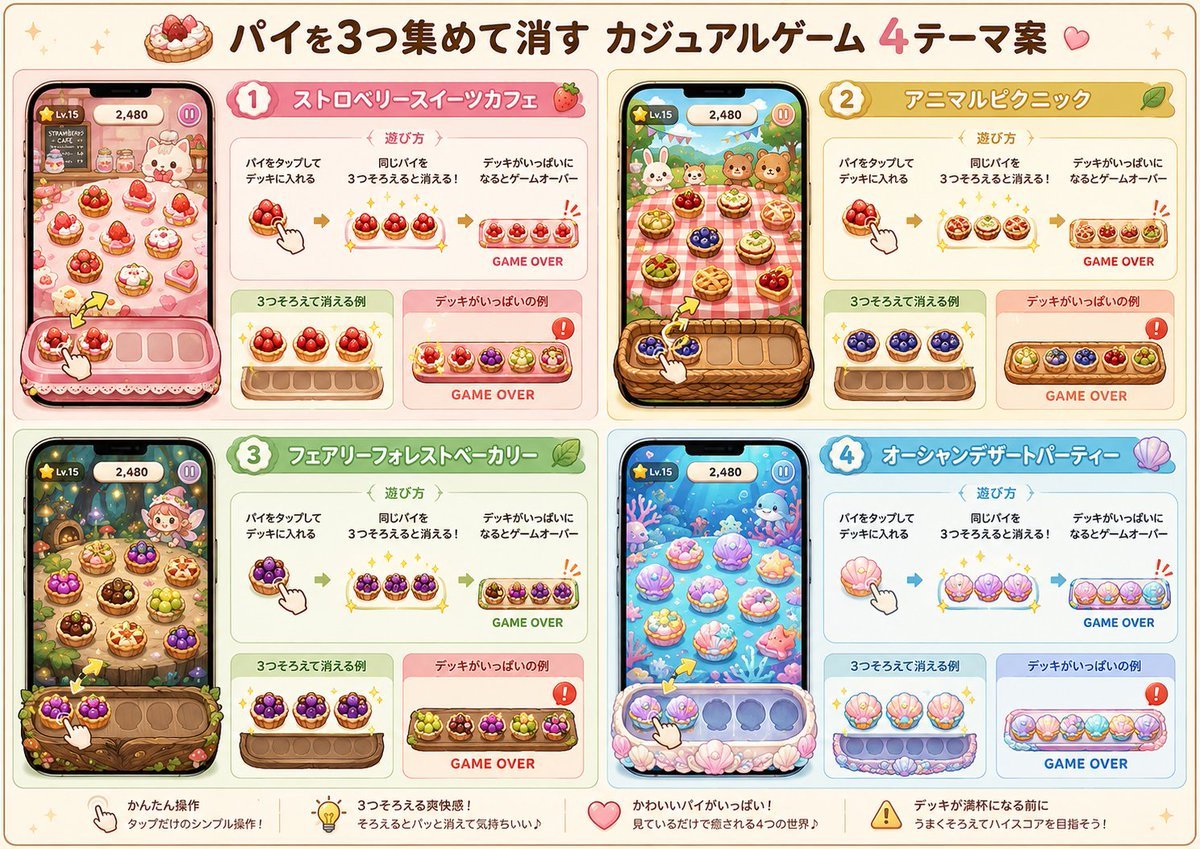
Four Theme Pie Puzzle Game Sheet
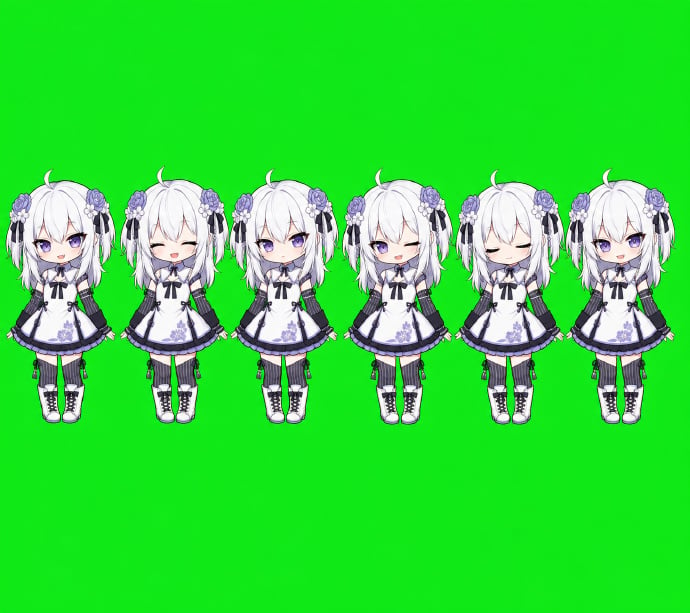
Chibi Desktop Pet Sprite Sheet
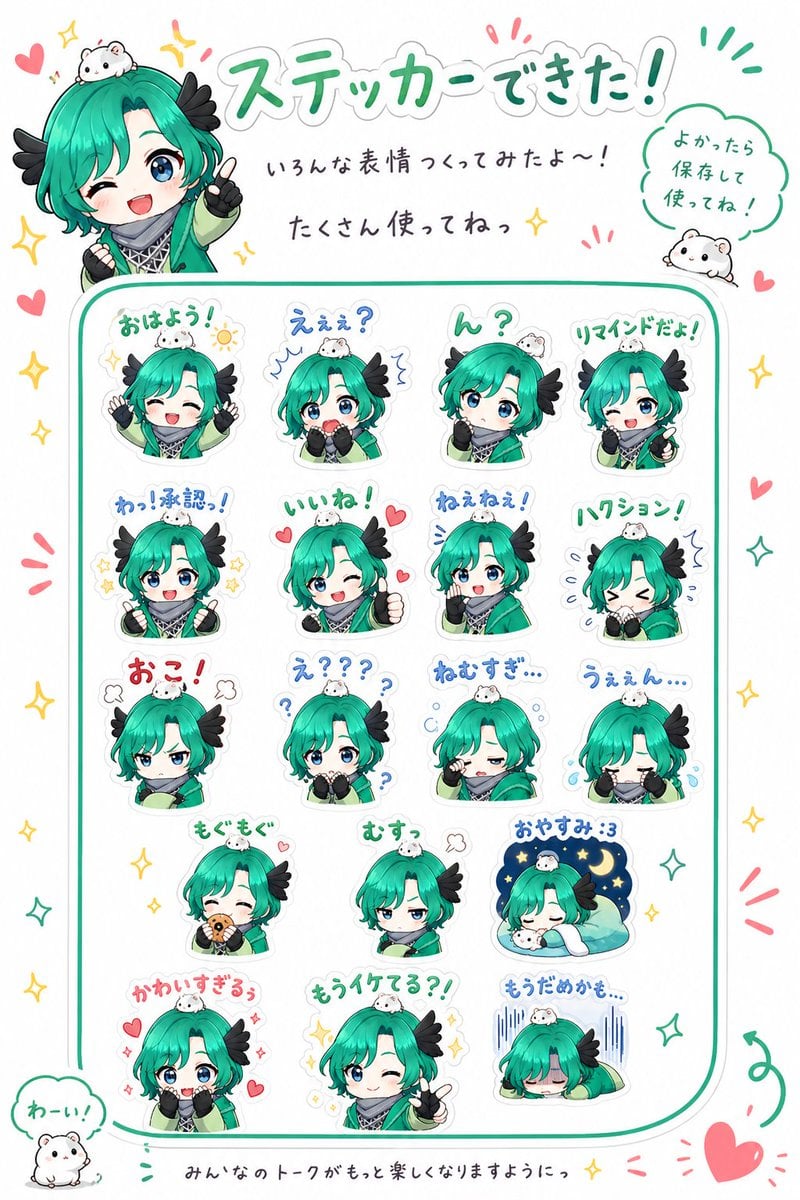
Chibi Character Sticker Sheet Ad
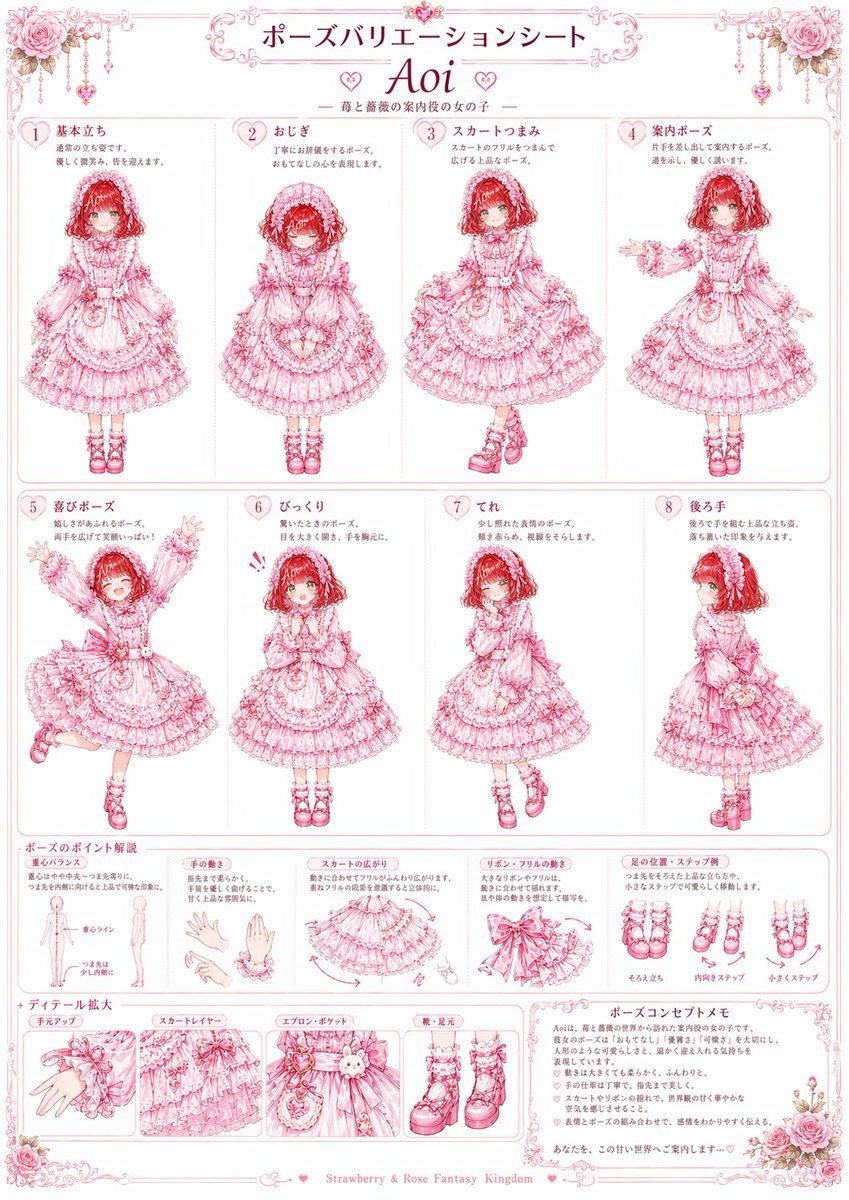
Pink Lolita Pose Variation Sheet
Make it yours
Chibi Sparrow Four-Pose Sheet works as-is. These are the safest ways to change it without losing the look.
Change one field
Copy a single group, rewrite it, and generate again so you can see what that field is doing.
Keep the frame, change the subject
Hold the composition and light of Chibi Sparrow Four-Pose Sheet, then swap wardrobe, props or the person for a new take.
| If the result… | Why | Fix |
|---|---|---|
| The result drifts from the preview | Too many fields changed at once. | Reuse Chibi Sparrow Four-Pose Sheet as-is first, then change one group — subject, light, or setting. |
| The model over-stylizes the scene | The prose prompt leaves finish and camera underspecified. | Add one camera or lighting sentence and stay on GPT Image 2. |
More GPT Image 2 templates
Other prompts made for GPT Image 2.

Realistic Portrait of Woman and Deer

The Vista Modular Condo Poster

AI Model Routing Comparison Infographic

2.5D Anime Art Board

Isometric Productivity Desk Scene

New York Double Exposure Poster

Japanese Tatami Lifestyle Magazine Cover

NESCAFÉ Coffee Map Poster

Brutalist Cogito Chinese Typography Poster

Cinematic Luxury Terrace Portrait
More image prompts
Fresh picks from across the catalog.
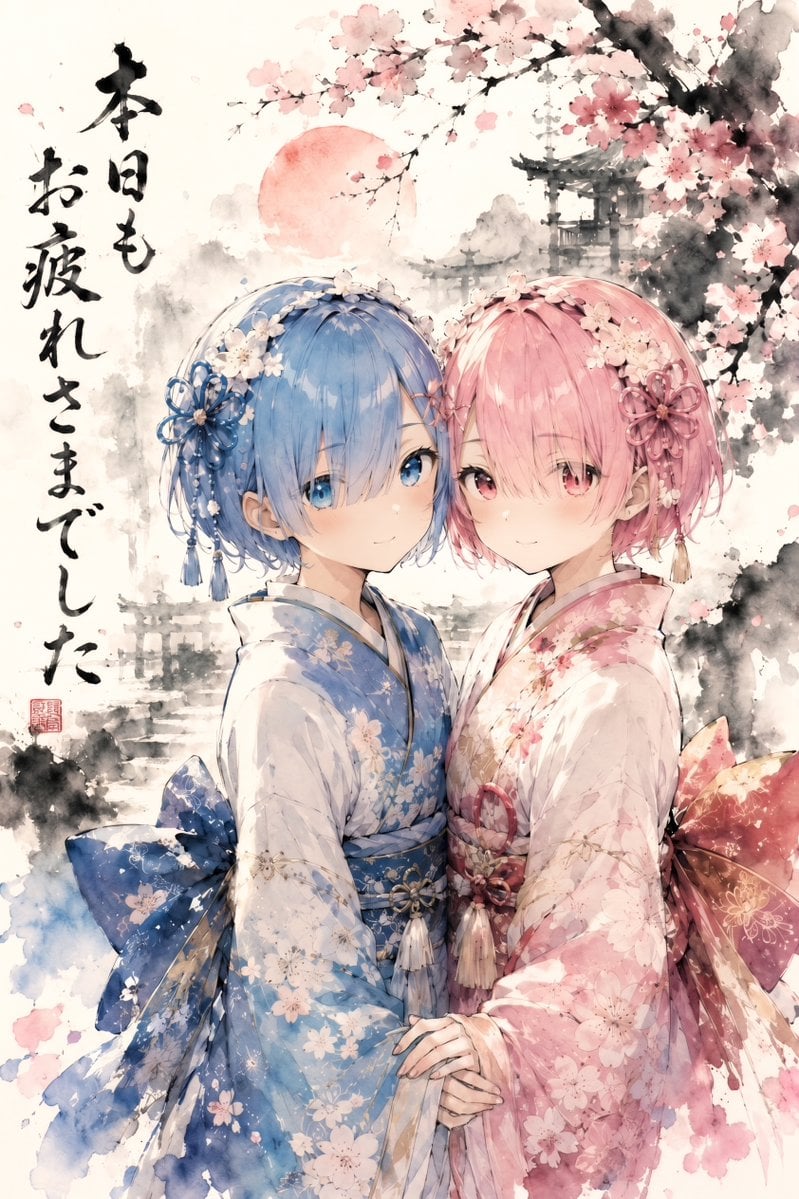
Twin Kimono Sakura Watercolor
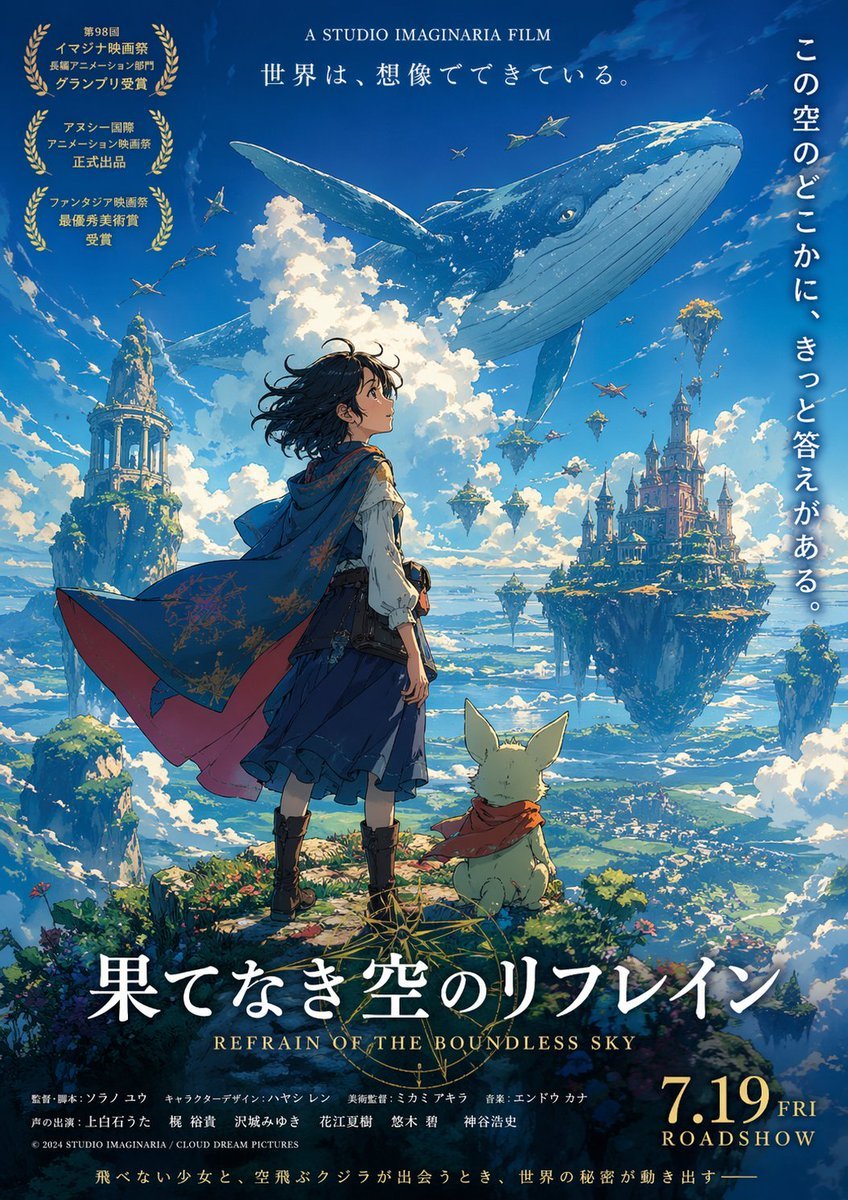
Anime Film Poster Generator
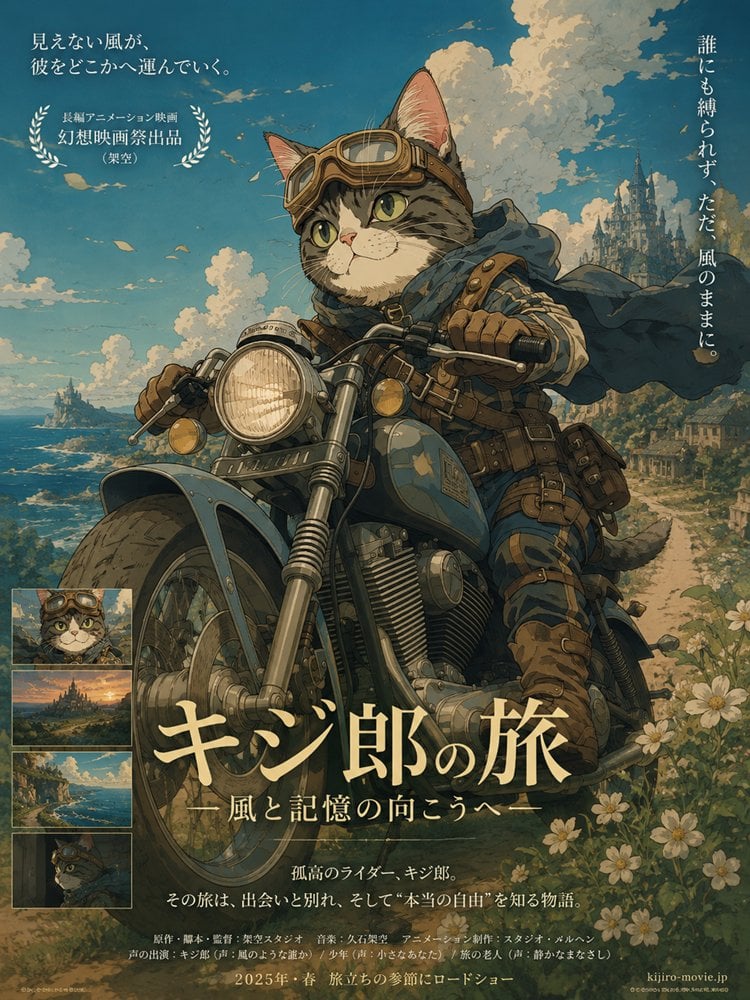
Kijiro Cat Rider Movie Poster
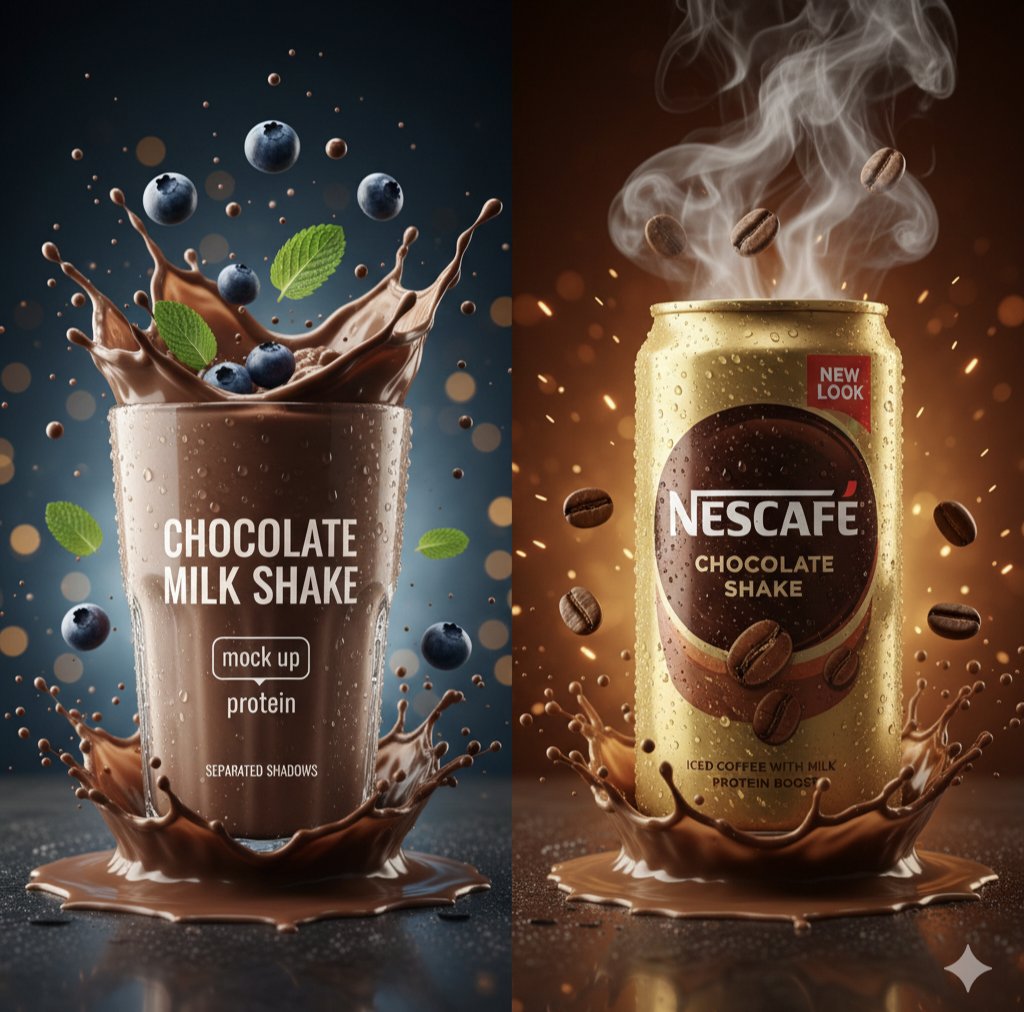
Hyper-Realistic Commercial Product Photography Prompt (Gemini Nano Banana)
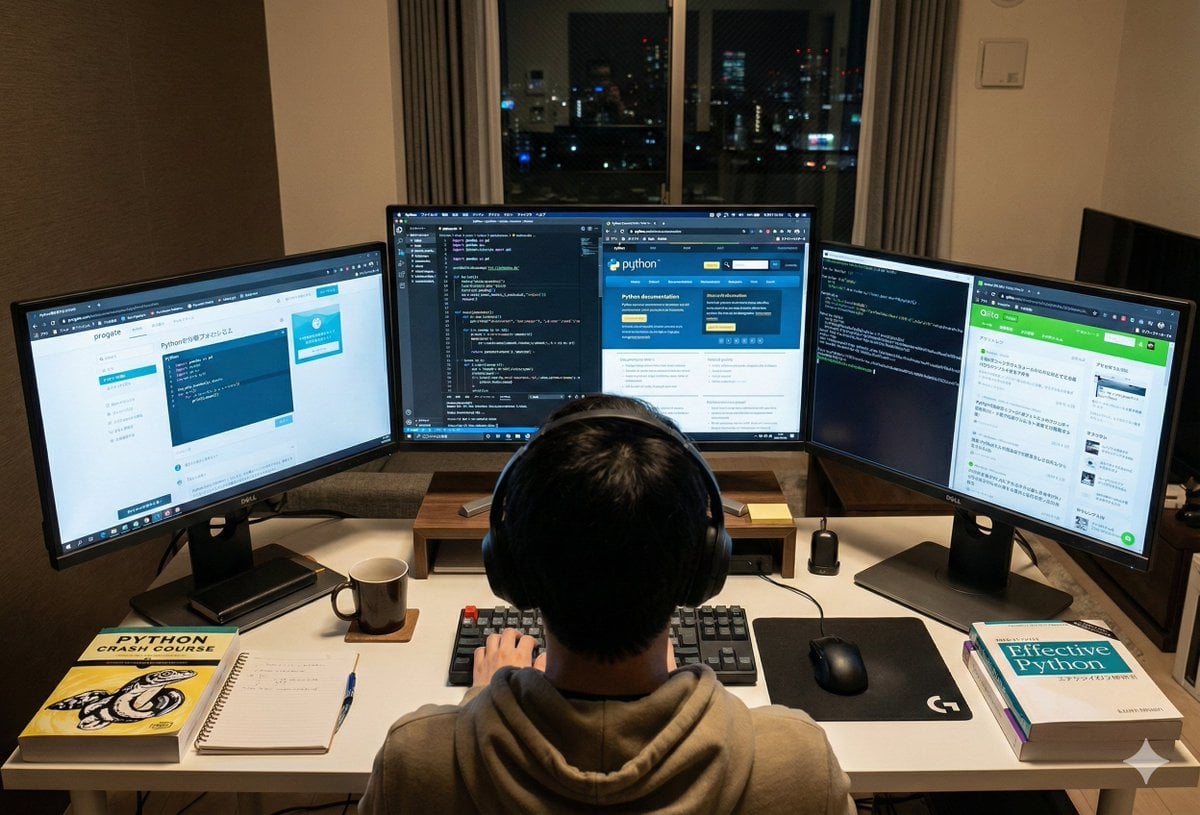
Japanese Web Engineer Studying Python Image Prompt
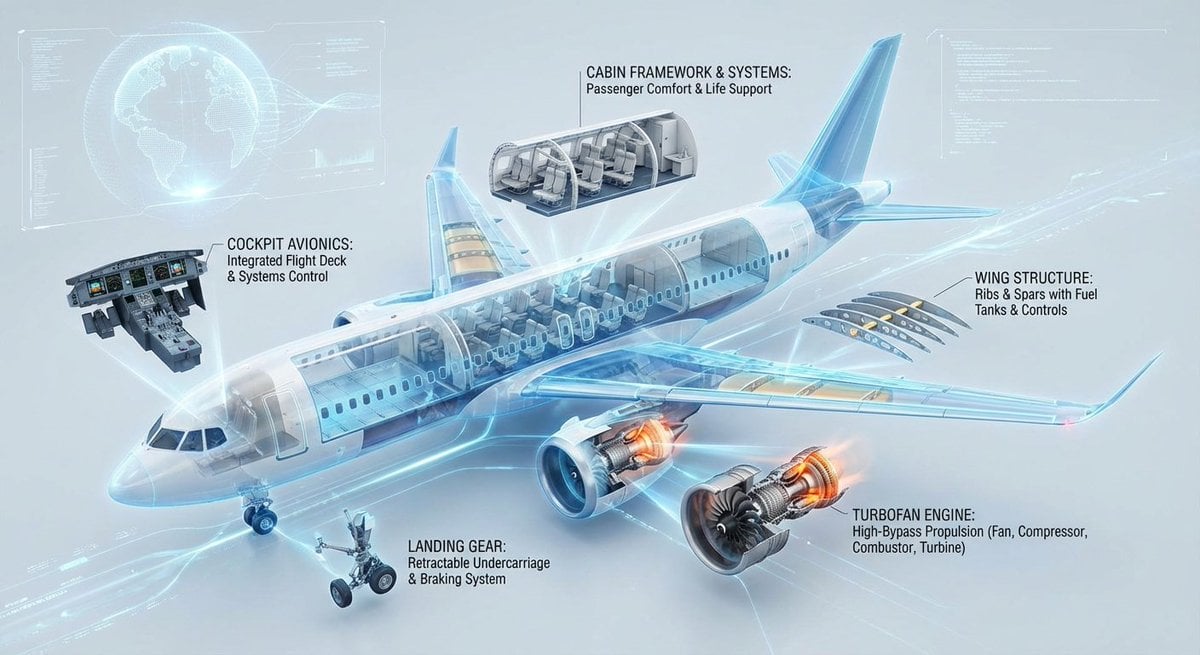
Cutaway infographic of a modern jet airliner

Dark Silhouette & Fog Style Transfer
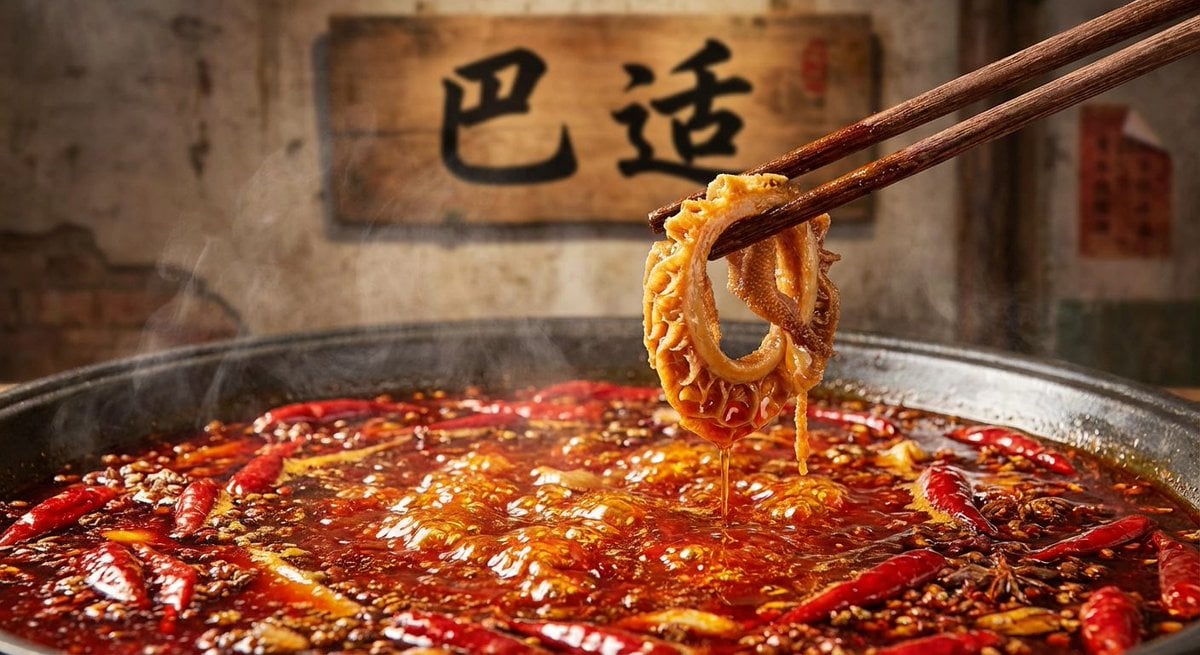
Nano Banana Pro brand hero image (with later edit request)

Classic Car in Scenic Location
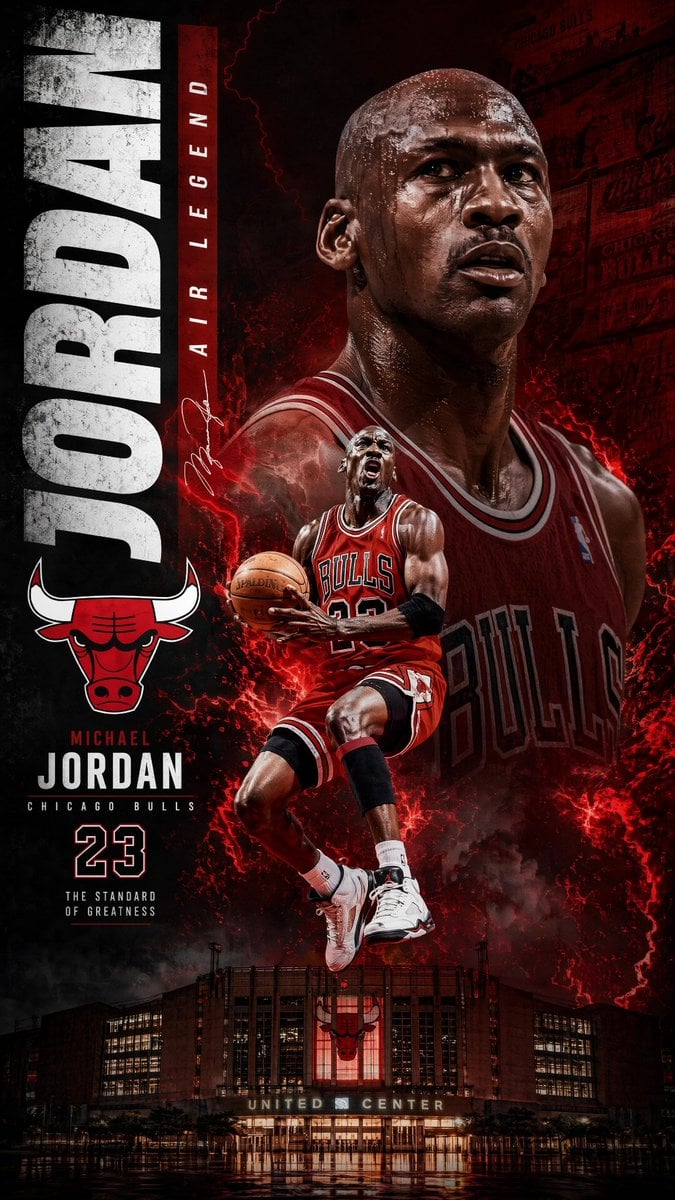
Michael Jordan Sports Graphic Wallpaper
Browse template categories
Chibi Sparrow Four-Pose Sheet questions
How do I use the Chibi Sparrow Four-Pose Sheet template?
Add your photo if the template asks for one, edit the prompt if you like — the template's model and format are already selected — and press Generate. Your version opens in PicX Studio.
Can I customize the Chibi Sparrow Four-Pose Sheet template?
Yes. You can change the subject, setting, lighting, mood, format, and available model controls before creating your image.
Is the Chibi Sparrow Four-Pose Sheet template free?
Opening and editing this template is free. Generating uses credits, shown on the Generate button when you are signed in.
Which AI model should I use?
Start with GPT Image 2, which is the model associated with this template. You can compare another compatible model for a different finish.
Looking for something else? Browse all templates.

Your photo, any look
Thousands of ready templates for every top image and video model, from one credit balance.