How do I use the Bleak Manga Panel with Dead Horse template?
Edit the prompt in the box under the preview — the template's model and format are already selected — and press Generate. Your version appears right on this page.
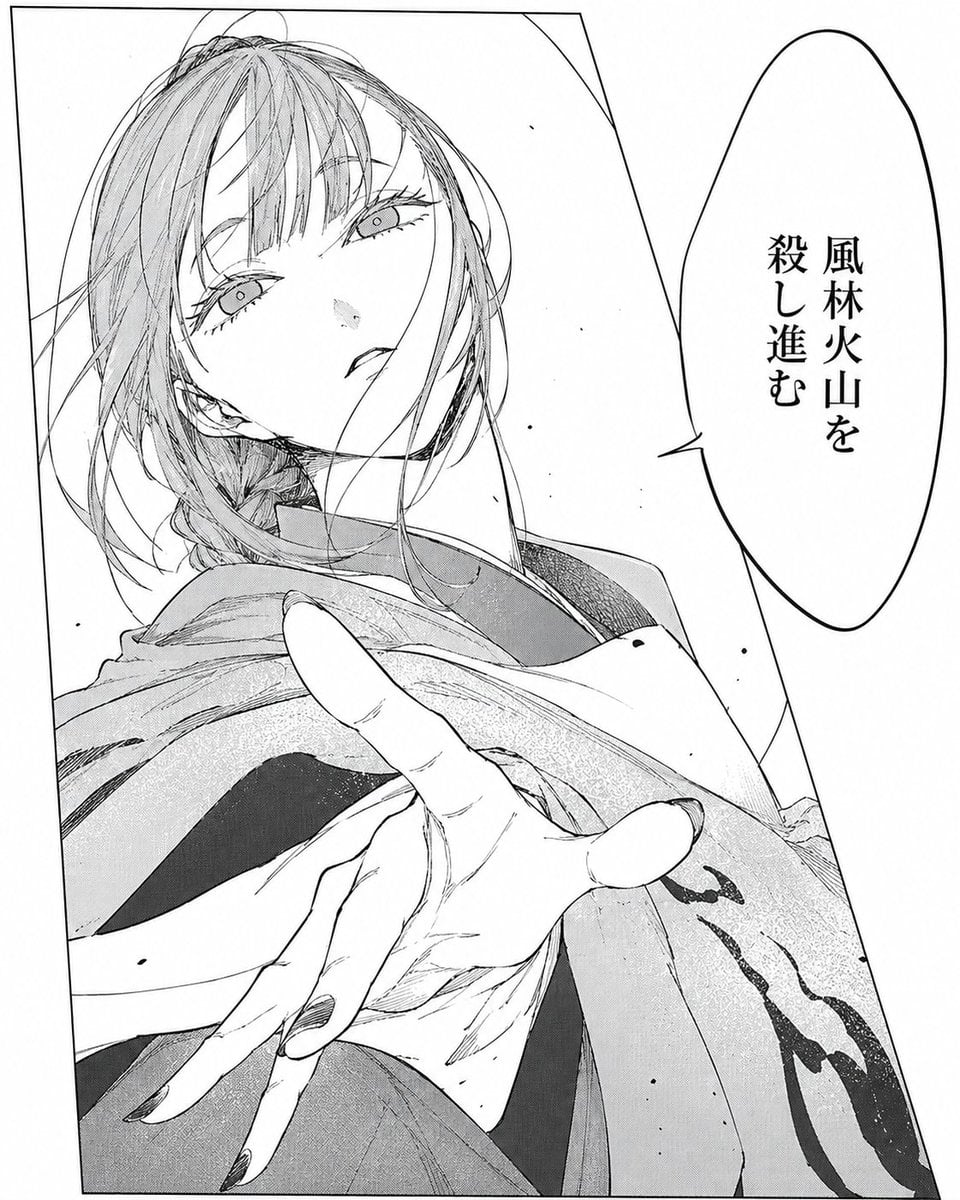
Generates a minimalist black-and-white seinen manga panel featuring two women observing a dead horse with Japanese speech bubbles.

This template uses your photo — add one with the + button.
Create a stark black-and-white manga panel in fine pen-and-ink line art with screentone shading, framed by a thin rectangular border on a mostly empty white background. In the center foreground lies a dead, emaciated horse or donkey collapsed on its side, ribs and bones visible, legs bent awkwardly, head down in a dark pool of blood or shadow with scattered dirt and small stones around it; render the animal with gritty crosshatching and realistic anatomical detail. On the left stands a young woman in profile facing right, wearing a dark long-sleeved blouse, long dark skirt, and black ankle boots, with straight long black hair and hands in her pockets; place an opaque soft gray rectangular blur over her face. On the right stands a second young woman in profile facing left, wearing a light blouse with billowy sleeves, a high-waisted long dark skirt, socks, and flat shoes, with short wavy light hair; place an opaque soft gray rectangular blur over her face. Add exactly 2 vertical Japanese speech bubbles: the left bubble beside the dark-haired woman says {argument name="left speech bubble text" default="これは生殺しです"}, and the right bubble beside the short-haired woman says {argument name="right speech bubble text" default="これは何ですか?"}. Keep the composition quiet, clinical, and unsettling, like a seinen manga scene, with high contrast, minimal background detail, crisp ink outlines, and subtle halftone textures.
Create a stark black-and-white manga panel in fine pen-and-ink line art with screentone shading, framed by a thin rectangular border on a mostly empty white background. In the center foreground lies a dead, emaciated horse or donkey collapsed on its side, ribs and bones visible, legs bent awkwardly, head down in a dark pool of blood or shadow with scattered dirt and small stones around it; render the animal with gritty crosshatching and realistic anatomical detail. On the left stands a young woman in profile facing right, wearing a dark long-sleeved blouse, long dark skirt, and black ankle boots, with straight long black hair and hands in her pockets; place an opaque soft gray rectangular blur over her face. On the right stands a second young woman in profile facing left, wearing a light blouse with billowy sleeves, a high-waisted long dark skirt, socks, and flat shoes, with short wavy light hair; place an opaque soft gray rectangular blur over her face. Add exactly 2 vertical Japanese speech bubbles: the left bubble beside the dark-haired woman says {argument name="left speech bubble text" default="これは生殺しです"}, and the right bubble beside the short-haired woman says {argument name="right speech bubble text" default="これは何ですか?"}. Keep the composition quiet, clinical, and unsettling, like a seinen manga scene, with high contrast, minimal background detail, crisp ink outlines, and subtle halftone textures.
Edit the prompt in the box under the preview — the template's model and format are already selected — and press Generate. Your version appears right on this page.
Yes. You can change the subject, setting, lighting, mood, format, and available model controls before creating your image.
Opening and editing this template is free. Generating uses credits, shown on the Generate button when you are signed in.
Start with GPT Image 2, which is the model associated with this template. You can compare another compatible model for a different finish.
Follow a topic to a crawlable collection of related PicX Studio templates.