
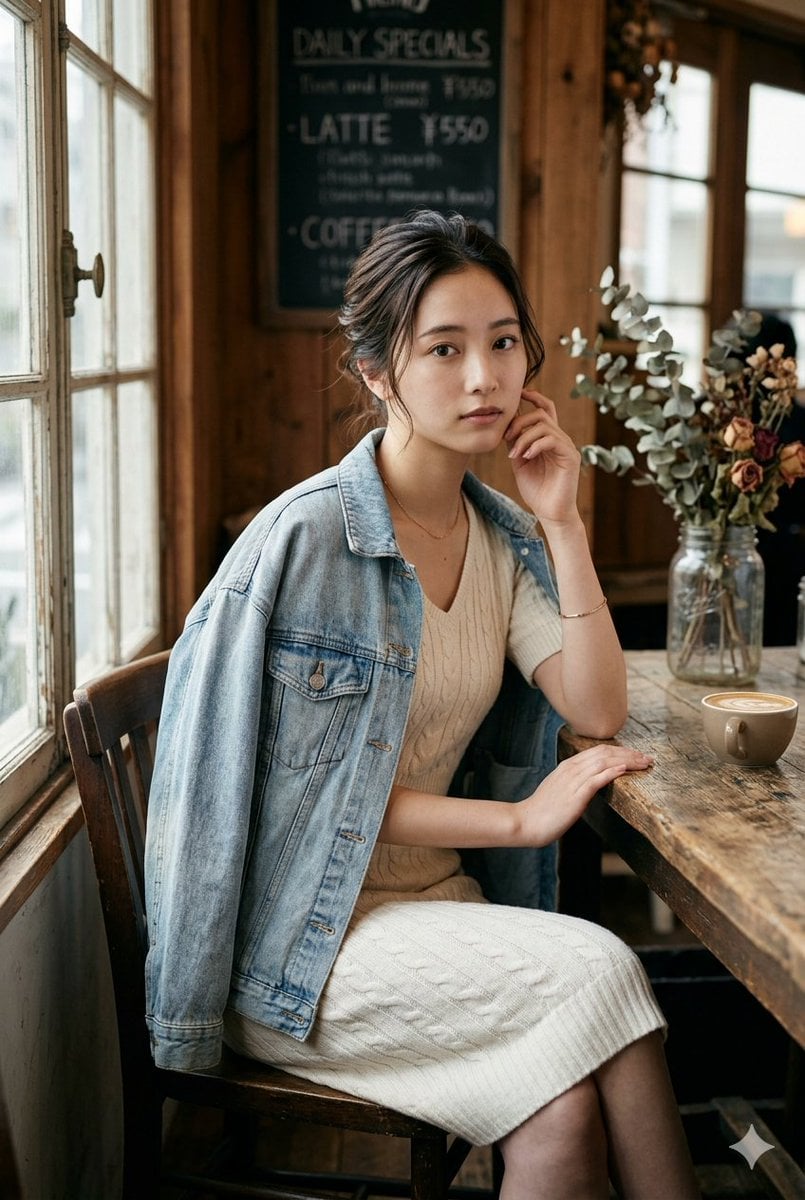
Realistic Vintage Cafe Portrait
Generates a warm documentary-style cafe portrait with realistic lighting, styling, and anonymized facial privacy for lifestyle photography concepts.
- Prompt included
- Model and format preset
- Premium template
The prompt behind this image
Copy the exact prompt behind Realistic Vintage Cafe Portrait, or open it in the studio and make it yours.
Create a realistic editorial lifestyle photograph of {argument name="subject" default="a young woman"} sitting at a rustic wooden table in a cozy vintage cafe, positioned beside tall old-fashioned window panes with soft daylight streaming in from the left. She wears {argument name="outfit" default="a cream cable-knit midi dress with a light blue oversized denim jacket draped over her shoulders"}, a delicate necklace and bracelet, seated on a dark wooden chair with legs crossed, one hand resting on the table and the other lightly touching her cheek. Her dark hair is loosely tied up with natural wisps, but her face is intentionally anonymized by a centered solid tan square covering the entire facial area. On the table are exactly 2 visible tabletop props: a small cup of latte with foam near the right edge and a clear glass vase holding dried flowers and eucalyptus stems. The background contains exactly 2 prominent cafe decor elements: a dark chalkboard menu reading “DAILY SPECIALS” with blurred handwritten prices and warm vertical wooden wall paneling. Use a natural documentary photography style with shallow depth of field, warm wood tones, creamy highlights, realistic fabric texture, soft window light, subtle film grain, 50mm lens look, f/2.8 aperture, vertical portrait composition, intimate cafe atmosphere, high realism, no illustration or CGI.
How to use Realistic Vintage Cafe Portrait in 3 steps
- 1Upload ImagePNG, JPG or paste
Add your photo
Upload the photo the template builds on. The prompt, model and format are already set.
- 2…a portrait of your subject in softgolden-hour light, 85mm…
Personalize
Edit the subject and creative details for your destination.
- 3Generate
Generate
Press Generate — your image is created in PicX Studio, so you can compare it with the original and refine one variable at a time.
More like this
Templates with the same subject, style or setup. Open one to see its prompt.












Make it yours
Realistic Vintage Cafe Portrait works as-is. These are the safest ways to change it without losing the look.
Change one field
Copy a single group, rewrite it, and generate again so you can see what that field is doing.
Keep the frame, change the subject
Hold the composition and light of Realistic Vintage Cafe Portrait, then swap wardrobe, props or the person for a new take.
| If the result… | Why | Fix |
|---|---|---|
| The result drifts from the preview | Too many fields changed at once. | Reuse Realistic Vintage Cafe Portrait as-is first, then change one group — subject, light, or setting. |
| The model over-stylizes the scene | The prose prompt leaves finish and camera underspecified. | Add one camera or lighting sentence and stay on GPT Image 2. |
More GPT Image 2 templates
Other prompts made for GPT Image 2.

Six VTuber Japanese Logo Sheet

Realistic Portrait of Woman and Deer

The Vista Modular Condo Poster

AI Model Routing Comparison Infographic

2.5D Anime Art Board

Isometric Productivity Desk Scene

New York Double Exposure Poster

Four-Panel AI Landscape Comparison

Japanese Tatami Lifestyle Magazine Cover

NESCAFÉ Coffee Map Poster
More image prompts
Fresh picks from across the catalog.
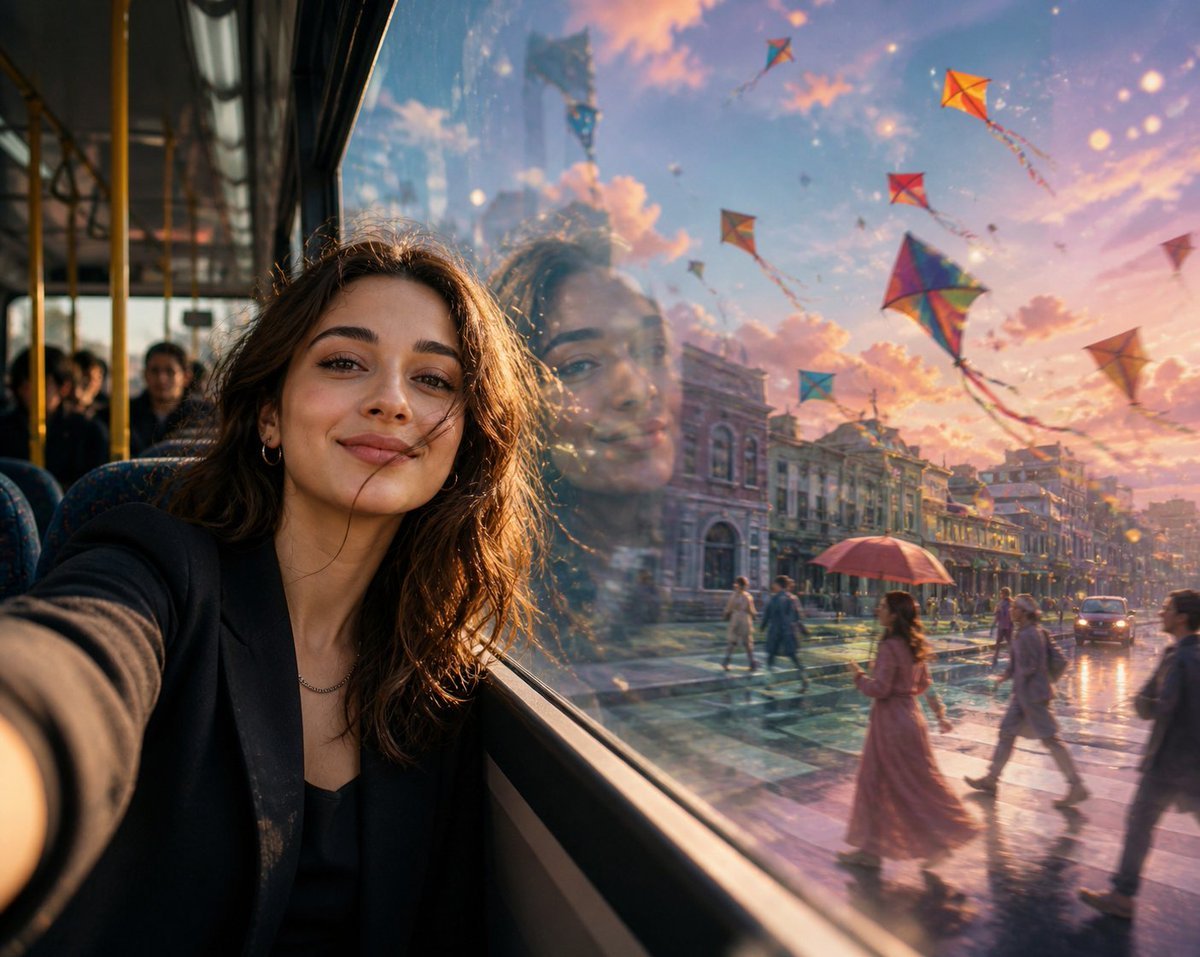
Surreal Bus Window Selfie

Consistent Product Photography for Dog Chews (3 Scenes)

Sparkling Beverage Ad Banner
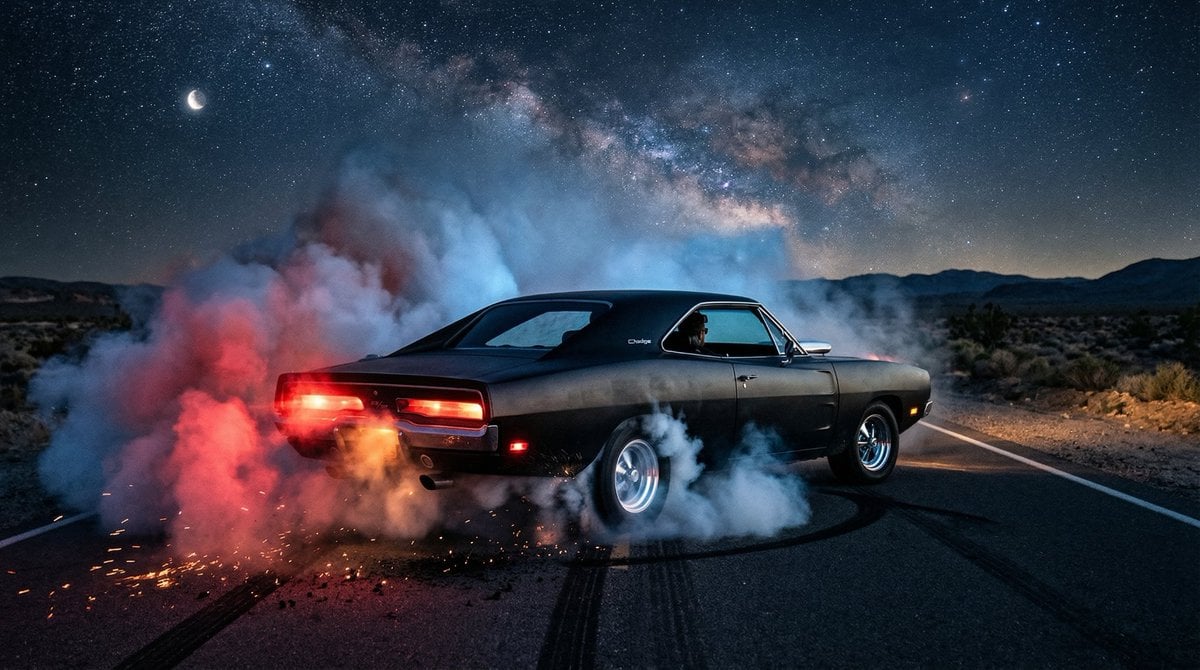
1970 Dodge Charger Burnout Prompt for Nano Banana 2
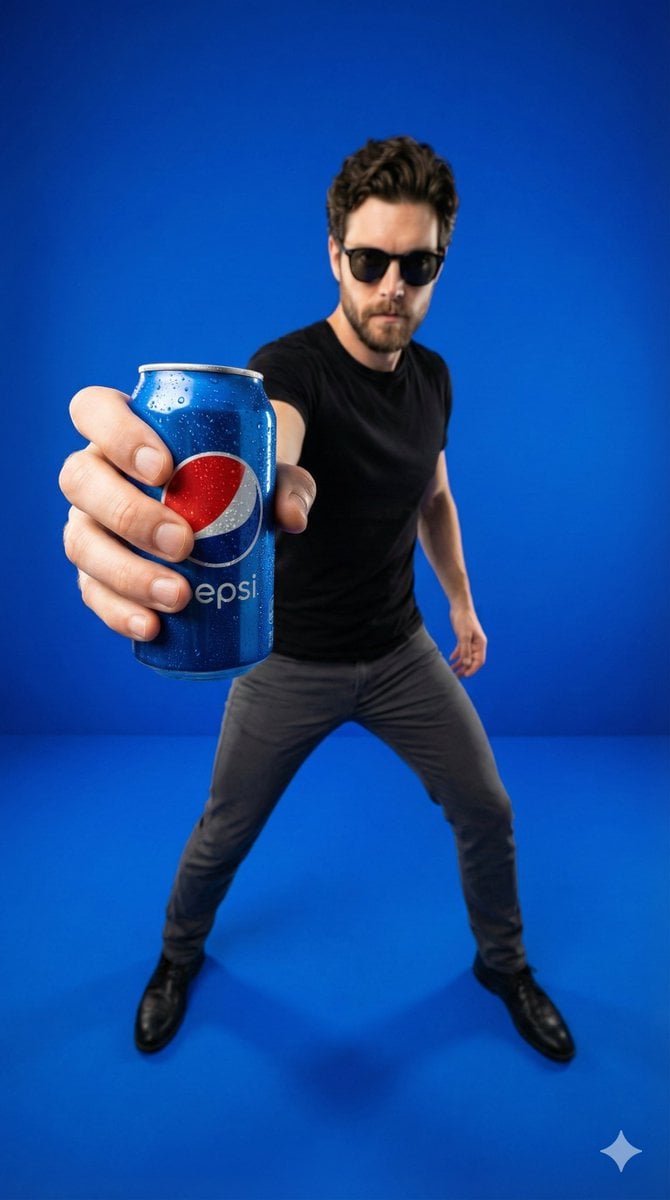
Wide-Angle Product Poster (Pepsi Can)

Cinematic Portrait of a Mysterious Hooded Warrior
Conceptual Visual Metaphor Template
1970s Aesthetic Fashion Portrait with Coffee Cup
Man Texting on City Overlook
Vertical Exploded Food Infographic
Browse template categories
Realistic Vintage Cafe Portrait questions
How do I use the Realistic Vintage Cafe Portrait template?
Add your photo if the template asks for one, edit the prompt if you like — the template's model and format are already selected — and press Generate. Your version opens in PicX Studio.
Can I customize the Realistic Vintage Cafe Portrait template?
Yes. You can change the subject, setting, lighting, mood, format, and available model controls before creating your image.
Is the Realistic Vintage Cafe Portrait template free?
Opening and editing this template is free. Generating uses credits, shown on the Generate button when you are signed in.
Which AI model should I use?
Start with GPT Image 2, which is the model associated with this template. You can compare another compatible model for a different finish.
Looking for something else? Browse all templates.

Your photo, any look
Thousands of ready templates for every top image and video model, from one credit balance.