
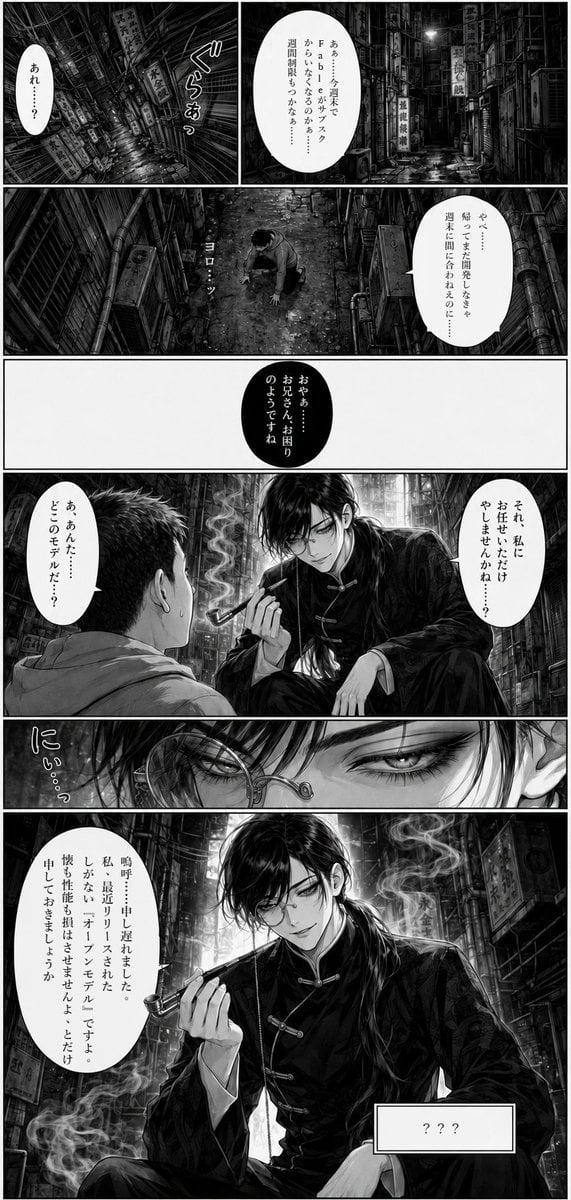
Seven-Panel Cyberpunk Manga Alley
A detailed prompt for generating a black-and-white seven-panel manga page set in a grimy Kowloon-style alley with Japanese dialogue and a mysterious pipe-smoking character.

- Prompt included
- Model and format preset
- Premium template
The prompt behind this image
Copy the exact prompt behind Seven-Panel Cyberpunk Manga Alley, or open it in the studio and make it yours.
Goal: Create a monochrome seinen manga page with exactly 7 numbered panels, gritty cyberpunk back-alley atmosphere, sharp ink linework, heavy screentone, cinematic lighting, and readable vertical Japanese dialogue. Canvas: Tall manga page, black-and-white, about 3:4 aspect ratio, thin black outer border, thick panel gutters, high-detail urban background throughout. Number the panels with small boxed numerals: 3, 4, 5, 6, 7 visible on later panels, matching printed manga page styling. Setting: A dense, wet, claustrophobic Kowloon-style alley at night, packed with pipes, wires, ducts, grime, puddles, stacked signs, vents, trash, barrels, and old shop signboards. Include vertical signs reading 九龍城, 龍城酒家, and 蛇王. The mood is noir, humid, and oppressive. Layout and panel count: Use exactly 7 discrete manga panels. 1. Top-left panel: a tilted, motion-blurred alley view as if the scene is spinning or the viewer is collapsing; intense radial blur. Add a small white vertical speech bubble saying「あれ……?」and large hand-drawn sound effect text「ぐらぁっ」. 2. Top-right panel: a straight-on detailed alley corridor with no character visible, deep perspective into darkness, signs and pipes on both sides. Large white speech bubble at upper right with {argument name="top right dialogue" default="ああ、もうおしまいだ……。Fableは7/19でサブスクから外れた……従量課金しかないのか……つうかもう週次制限使い切っちまった……"}. 3. Middle-wide panel: a young man kneels on both hands and knees on the dirty alley ground, exhausted or dizzy, seen from a high diagonal angle. Add small sound effect「よろ…」near him. White vertical speech bubble at right with {argument name="kneeling dialogue" default="やべ……Fableのサブスク明日までだからまた帰って開発しなきゃ……"}. 4. Middle-left narrow panel: mostly white space with one large black oval speech bubble containing white vertical text {argument name="black bubble dialogue" default="おやぁ……お兄さん、お困りのようですね"}. 5. Right-middle wide panel: an elegant androgynous young man in a black Chinese-style changshan/qipao jacket leans in, smiling slyly, holding a long smoking pipe near his lips; smoke curls upward. He has long glossy black hair tied back, pale skin, narrow eyes, and a single round monocle or small round glasses lens with a chain. The kneeling man is seen from behind in the foreground. White speech bubble at upper right says「それ、私にお任せいただけやしませんかね……?」and a smaller bubble near the pipe smoker says「あぁんた……どこのモデルだ……?」. 6. Lower-left close-up panel: extreme close-up of the pipe smoker’s face, half-lidded eyes, confident smile, long bangs, round lens and chain visible; dramatic black hair highlights. Add vertical sound text「にぃ…っ」. 7. Bottom full-width panel: dramatic bust portrait of the pipe smoker against the intricate alley background, holding the smoking pipe gracefully beside his face, smoke curling across the panel in multiple wisps. Large white vertical speech bubble on the left with {argument name="final monologue" default="私、鳴呼 申し遅れました。最近流行りのちゃっと……しかも、オープンモデルと申します。ベンチマークは……ラブらせる、あなたが欲しいモデルに迫る、とだけ。申し上げておきましょうか。"}. Add a rectangular caption box at lower right containing「???」. Character details: The pipe smoker is a tall, beautiful, slightly sinister East Asian young adult man with refined features, long black hair, half-lidded eyes, a smug smile, black traditional Chinese frog-button jacket, and a delicate smoking pipe. The kneeling man is a modern young adult male in casual clothes, short dark hair, overwhelmed and slumped. Visual style: Professional black-and-white manga, highly detailed backgrounds, realistic anatomy, glossy hair rendering, deep blacks, strong rim lighting, screentone gradients, hand-lettered Japanese sound effects, crisp readable vertical speech bubbles. Panel 2 must be still and detailed, while panel 1 must be visibly blurred and dizzying. Constraints: Keep exactly 7 panels and all specified speech bubbles. Do not add color. Do not use chibi style. Maintain legible Japanese text and clean manga gutters.
How to use Seven-Panel Cyberpunk Manga Alley in 3 steps
- 1Upload ImagePNG, JPG or paste
Add your photo
Upload the photo the template builds on. The prompt, model and format are already set.
- 2…a portrait of your subject in softgolden-hour light, 85mm…
Personalize
Edit the subject and creative details for your destination.
- 3Generate
Generate
Press Generate — your image is created in PicX Studio, so you can compare it with the original and refine one variable at a time.
More like this
Templates with the same subject, style or setup. Open one to see its prompt.
Noir Manga Alley Encounter

Rainy Night Android Cyberpunk Portrait

Korean Idol Partial Shadow Editorial Portrait

Cinematic Sci-Fi Interface Side Profile

Cyberpunk Neon Profile Fashion Portrait

Cinematic Neon Light Strip Studio Portrait

Futuristic Studio Neon Ring Minimalist Portrait

Neon Violet Streetwear Fashion Portrait

Neon Night Crosswalk Candid Portrait

Red Futuristic Sport Motorcycle POV
Rainy Night Android Cyberpunk Portrait
Cinematic Sci-Fi Commander Side Profile Portrait
Make it yours
Seven-Panel Cyberpunk Manga Alley works as-is. These are the safest ways to change it without losing the look.
Change one field
Copy a single group, rewrite it, and generate again so you can see what that field is doing.
Keep the frame, change the subject
Hold the composition and light of Seven-Panel Cyberpunk Manga Alley, then swap wardrobe, props or the person for a new take.
| If the result… | Why | Fix |
|---|---|---|
| The result drifts from the preview | Too many fields changed at once. | Reuse Seven-Panel Cyberpunk Manga Alley as-is first, then change one group — subject, light, or setting. |
| The model over-stylizes the scene | The prose prompt leaves finish and camera underspecified. | Add one camera or lighting sentence and stay on GPT Image 2. |
More GPT Image 2 templates
Other prompts made for GPT Image 2.

Six VTuber Japanese Logo Sheet

Realistic Portrait of Woman and Deer

The Vista Modular Condo Poster

AI Model Routing Comparison Infographic

2.5D Anime Art Board

Isometric Productivity Desk Scene

New York Double Exposure Poster

Four-Panel AI Landscape Comparison

Japanese Tatami Lifestyle Magazine Cover

NESCAFÉ Coffee Map Poster
More image prompts
Fresh picks from across the catalog.
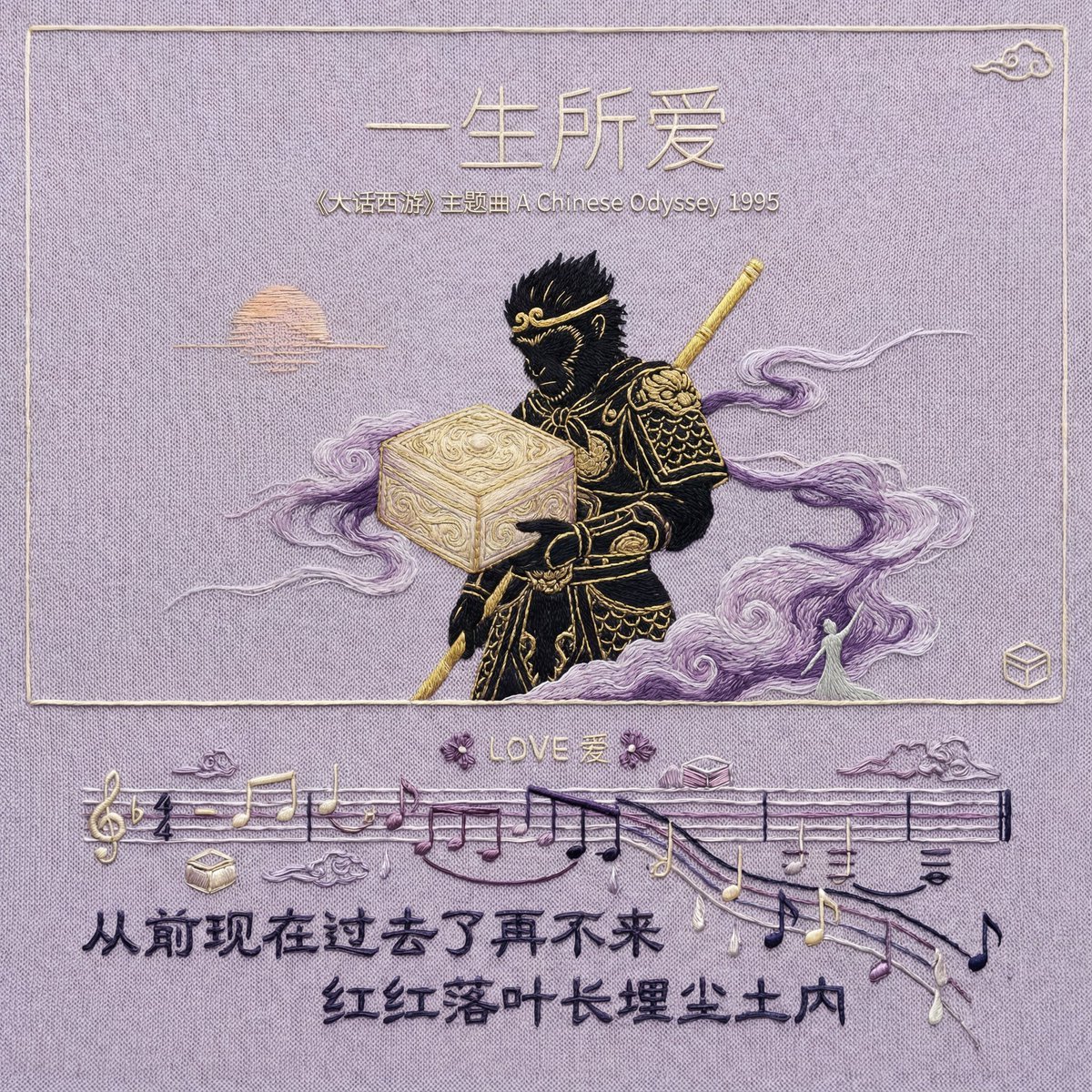
Hand-Embroidered Silk Album Cover Prompt (Music/Lyrics)
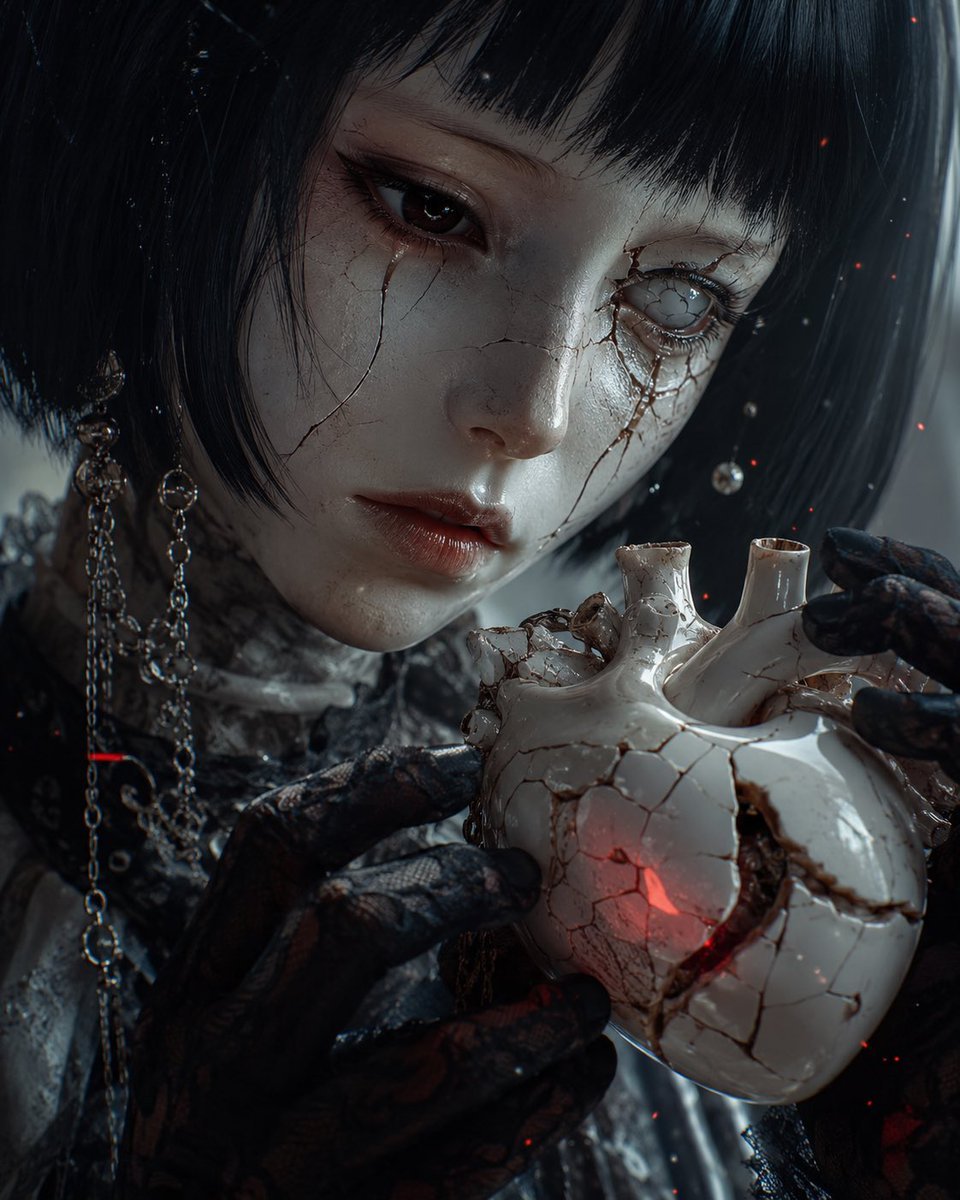
Cracked Porcelain Girl Holding Heart
Soft Glow Indoor Mirror Selfie Portrait
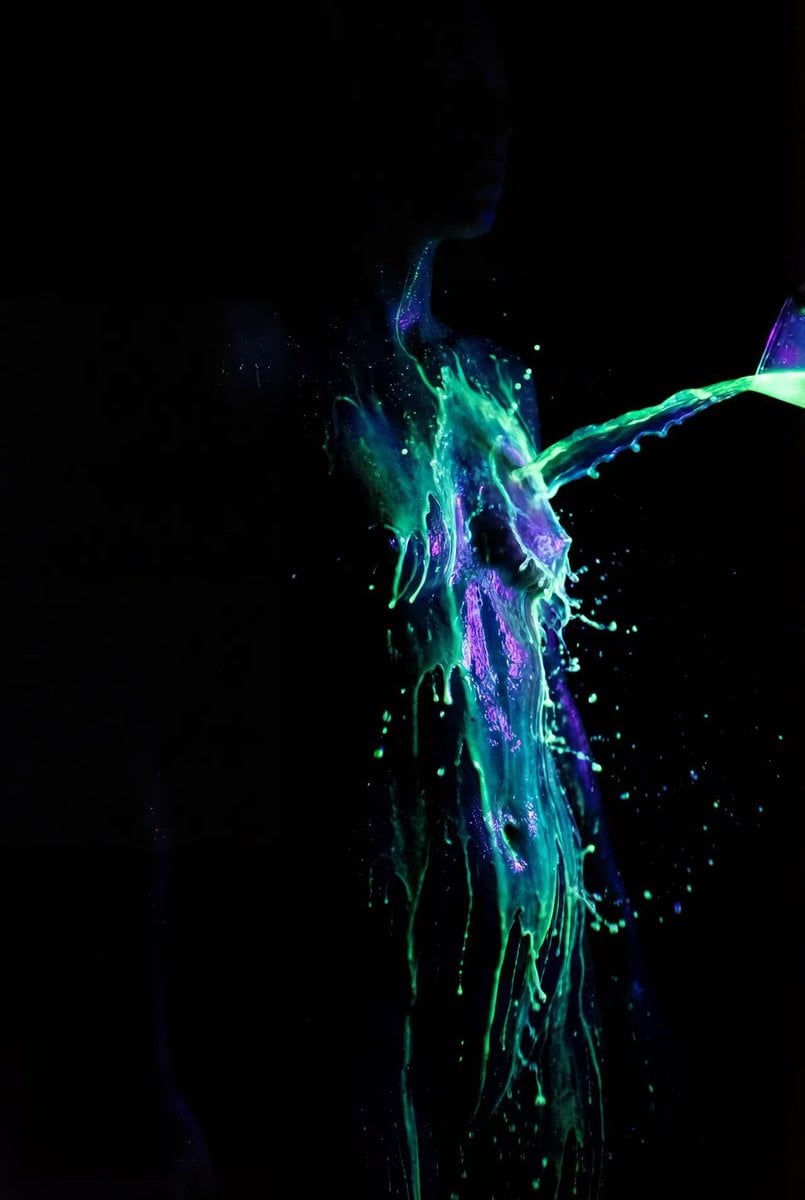
Fluorescent Paint on Silhouette Prompt
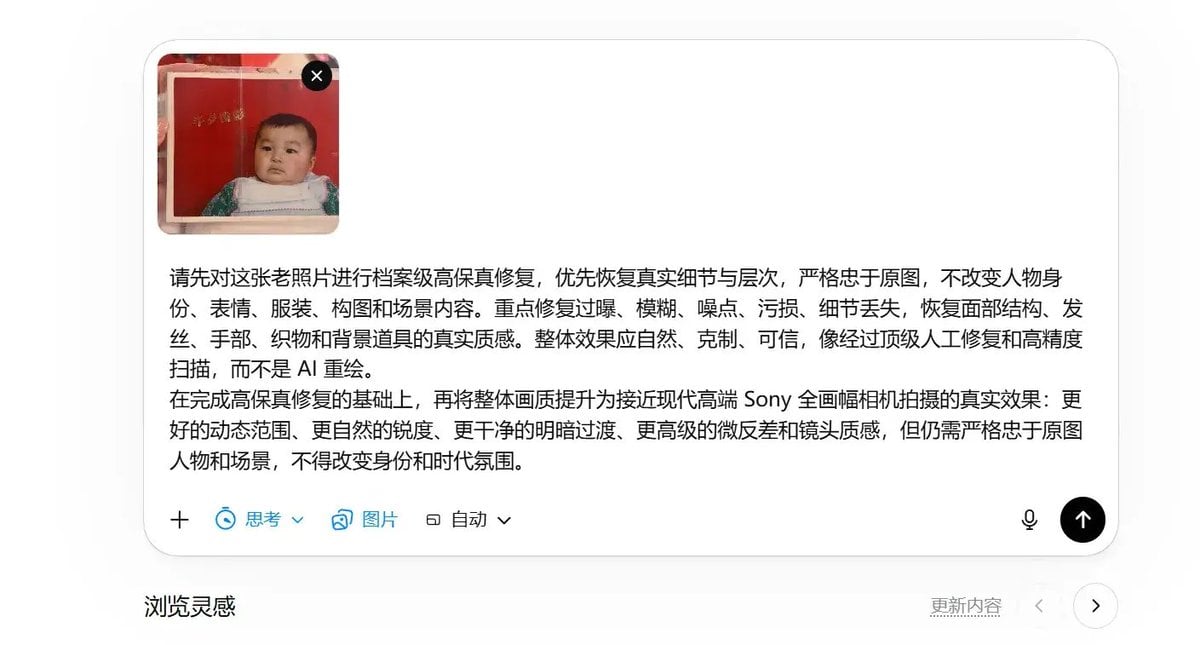
High-Fidelity Archival Photo Restoration
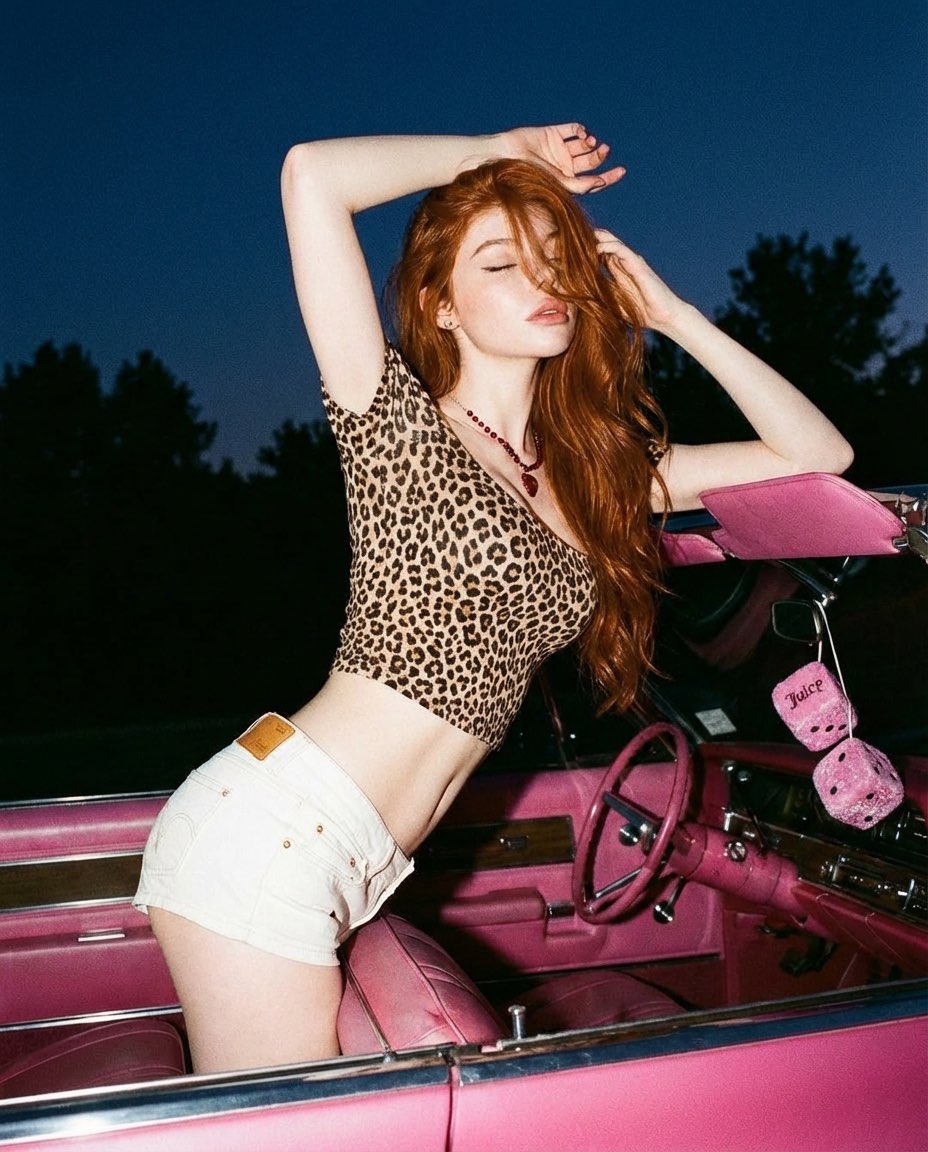
Y2K Retro Glamour Photoshoot
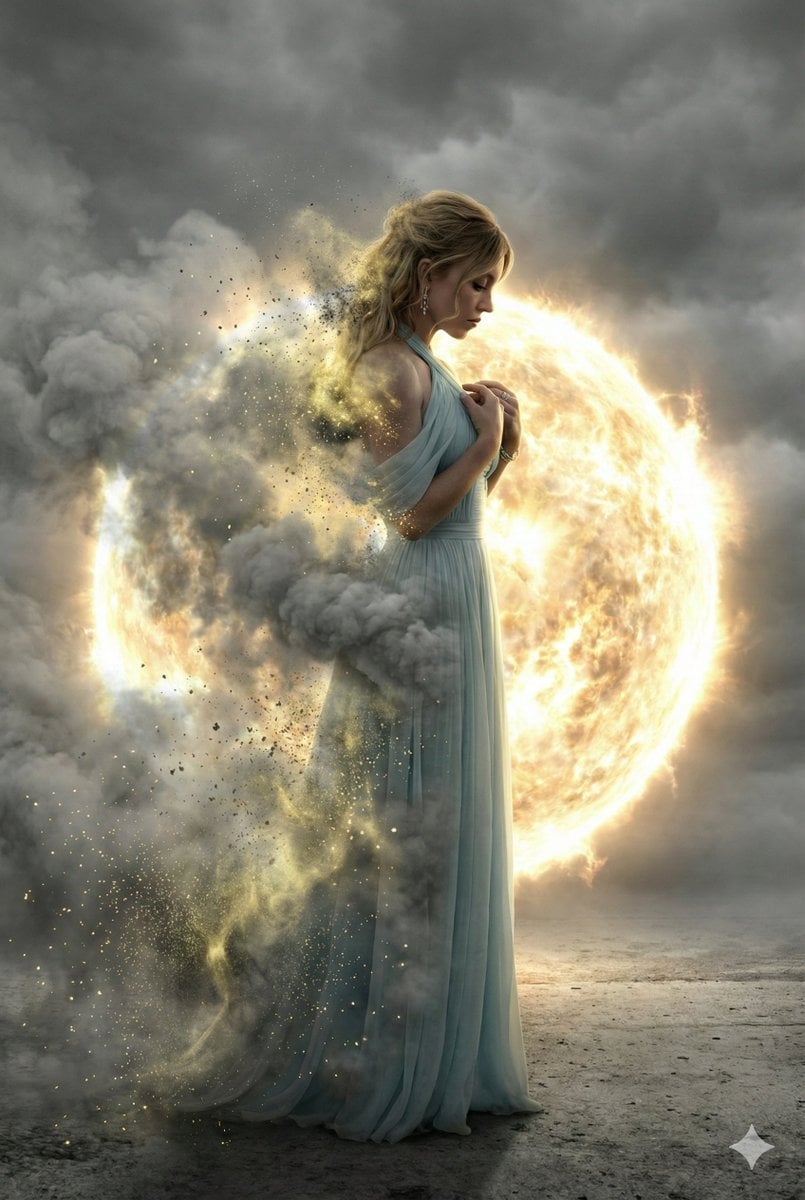
Cinematic Disintegration Effect Portrait
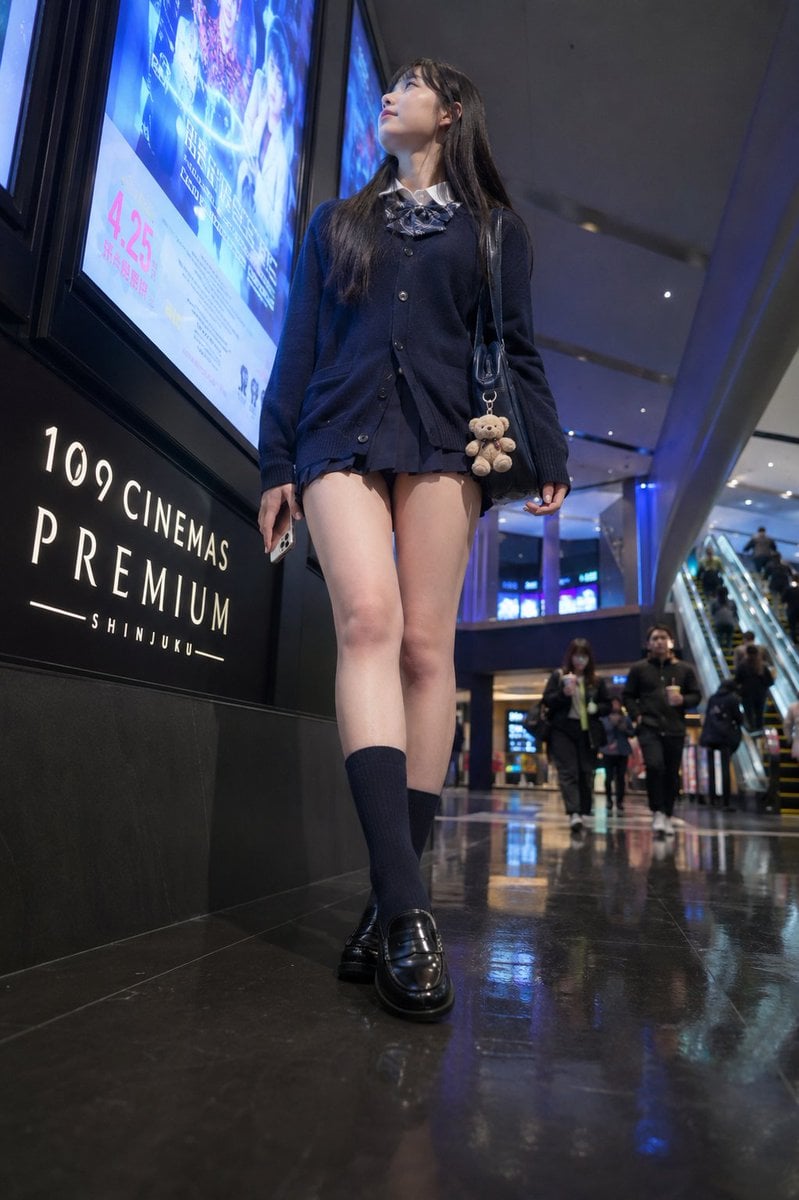
Cinema Lobby School-Inspired Fashion Photo

Detailed Character Prompt: Young Woman Driving a Tractor
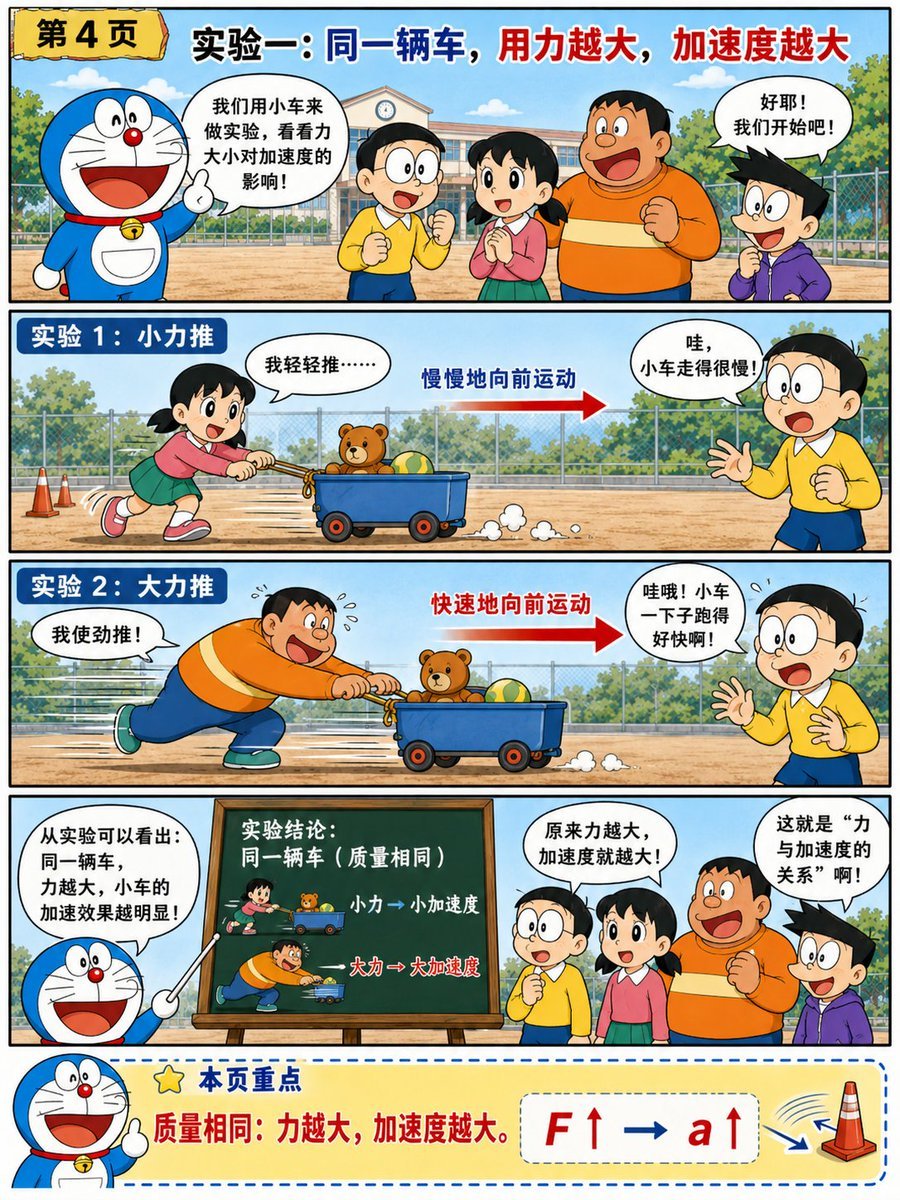
Doraemon-Style Newton’s Second Law Comic
Browse template categories
Seven-Panel Cyberpunk Manga Alley questions
How do I use the Seven-Panel Cyberpunk Manga Alley template?
Add your photo if the template asks for one, edit the prompt if you like — the template's model and format are already selected — and press Generate. Your version opens in PicX Studio.
Can I customize the Seven-Panel Cyberpunk Manga Alley template?
Yes. You can change the subject, setting, lighting, mood, format, and available model controls before creating your image.
Is the Seven-Panel Cyberpunk Manga Alley template free?
Opening and editing this template is free. Generating uses credits, shown on the Generate button when you are signed in.
Which AI model should I use?
Start with GPT Image 2, which is the model associated with this template. You can compare another compatible model for a different finish.
Looking for something else? Browse all templates.

Your photo, any look
Thousands of ready templates for every top image and video model, from one credit balance.