
Cinema Lobby School-Inspired Fashion Photo
A photorealistic low-angle fashion scene of an adult woman in a school-uniform-inspired outfit walking through a modern Shinjuku cinema lobby.
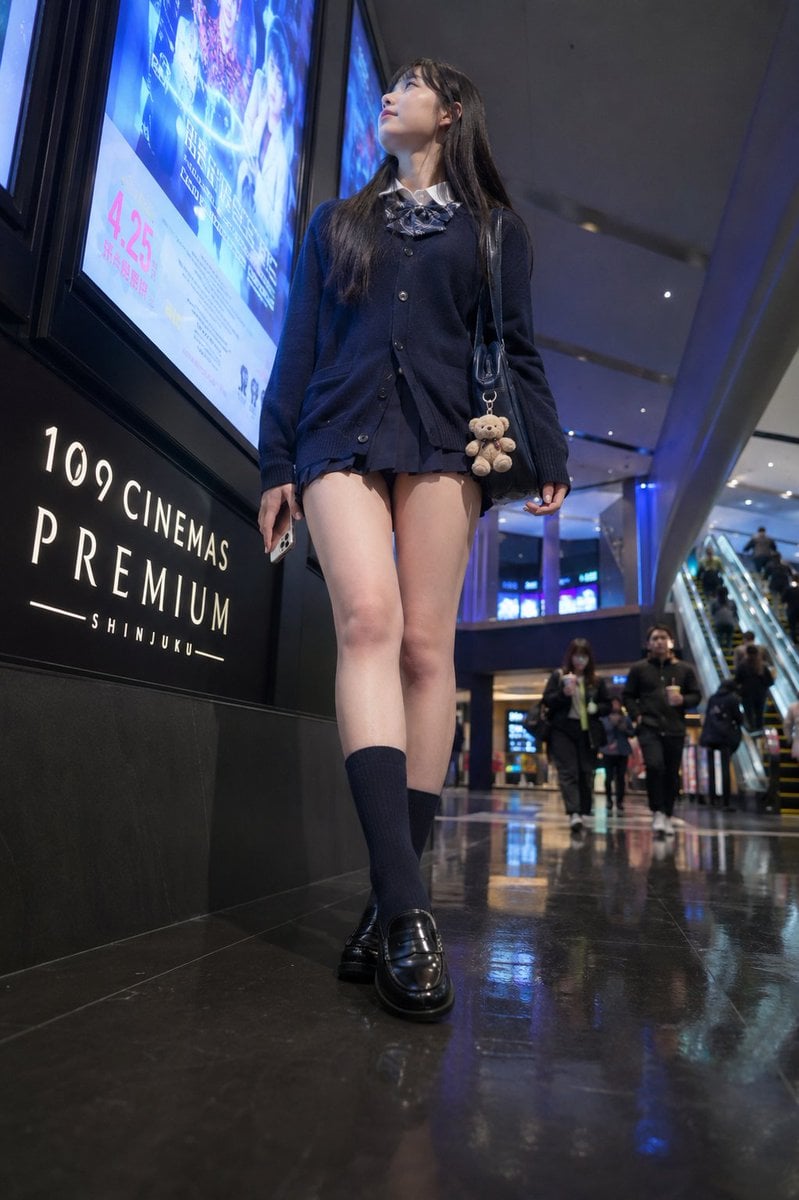
- Prompt included
- Model and format preset
- Free template
The prompt behind this image
Copy the exact prompt behind Cinema Lobby School-Inspired Fashion Photo, or open it in the studio and make it yours.
Create a photorealistic vertical street-fashion photo of an {argument name="model age" default="adult young woman in her early 20s"} walking through the interior lobby of a modern cinema complex in Shinjuku at night. Use a low-angle, full-body perspective from near the glossy black floor, with the subject centered and slightly towering in the frame, one foot stepping forward naturally. She wears a Japanese school-uniform-inspired outfit: navy button cardigan over a white shirt, striped bow tie, very short dark pleated skirt, navy knee-high socks, and black glossy loafers. She carries a black shoulder bag on her right shoulder with a small beige teddy bear charm hanging from it, and holds a smartphone loosely in her left hand. Her long straight dark hair falls over her shoulders; her face is softly anonymized/blurred with no distinct facial features. The setting is a sleek movie theater corridor with reflective polished flooring, cool blue ambient lighting, escalators and a few distant pedestrians in the background. On the left wall, include large illuminated movie posters and a black cinema sign reading “109 CINEMAS PREMIUM SHINJUKU”; one poster prominently shows the date “4.25” in pink. Use realistic lens distortion and depth of field, crisp clothing and accessory details, natural walking posture, cinematic indoor lighting, reflections on the floor, and no watermark.
How to use Cinema Lobby School-Inspired Fashion Photo in 3 steps
- 1Upload ImagePNG, JPG or paste
Add your photo
Upload the photo the template builds on. The prompt, model and format are already set.
- 2…a portrait of your subject in softgolden-hour light, 85mm…
Personalize
Edit the subject and creative details for your destination.
- 3Generate
Generate
Press Generate — your image is created in PicX Studio, so you can compare it with the original and refine one variable at a time.
More like this
Templates with the same subject, style or setup. Open one to see its prompt.

Cinematic Street Fashion Photographer Portrait

Cinematic Korean Streetwear Street Portrait

Two Tickets, One Night

80s College Gate

1988 Mall Style

80s Polka Dot Saree
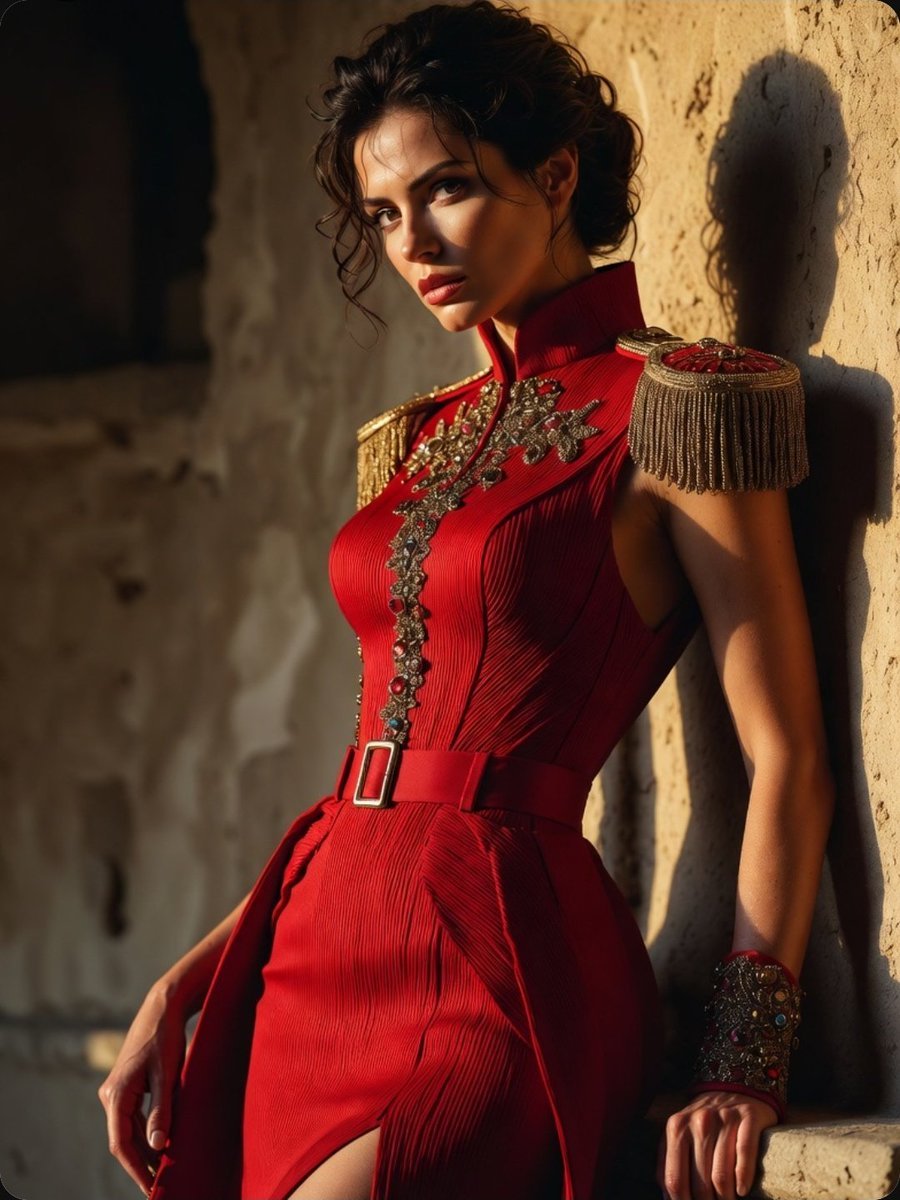
Regal Military-Inspired Fashion Model
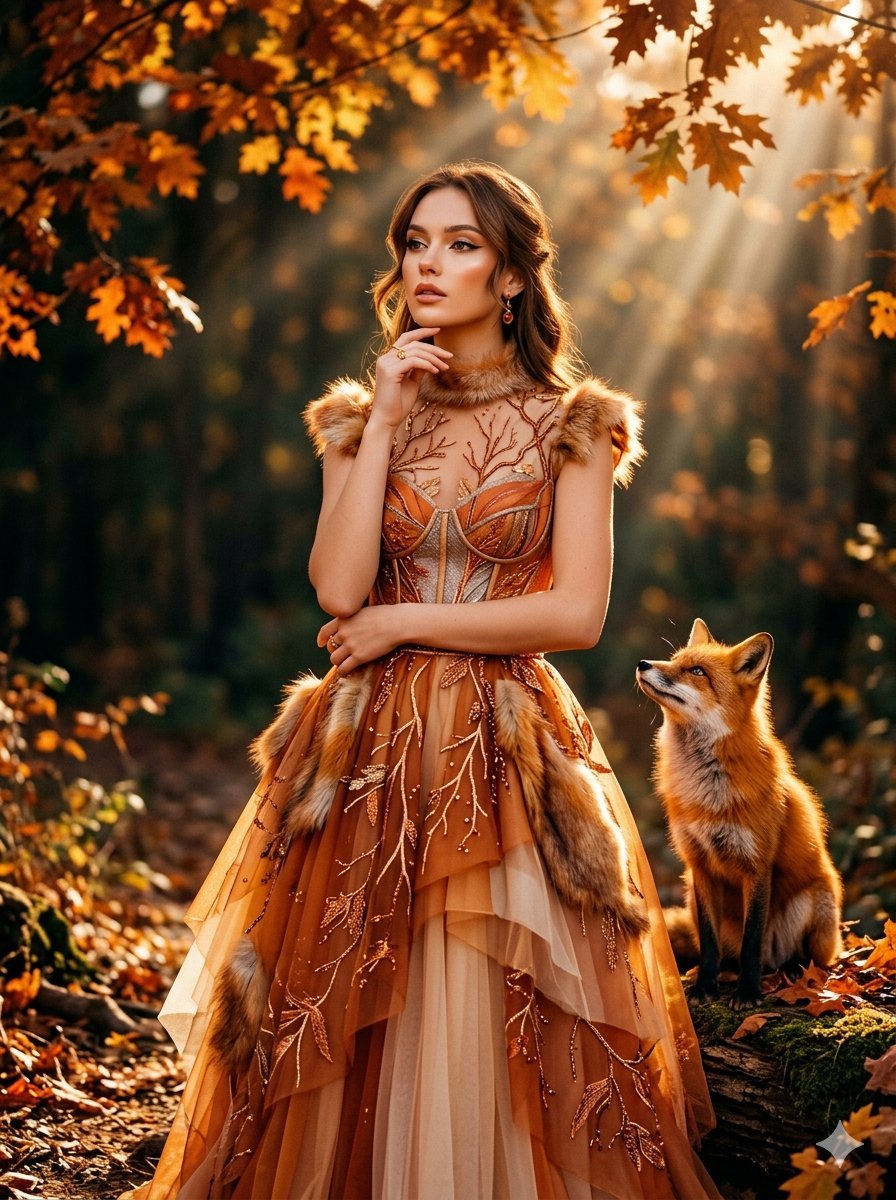
Fox Inspired Couture Fashion Portrait

Urban Fashion Editorial Collage Streetwear Poster

Polo Ralph Lauren Luxury American Heritage Fashion Campaign

High-Fashion Editorial Magazine Cover ICON

Fine Art Monochrome Fashion Portrait
Make it yours
Cinema Lobby School-Inspired Fashion Photo works as-is. These are the safest ways to change it without losing the look.
Change one field
Copy a single group, rewrite it, and generate again so you can see what that field is doing.
Keep the frame, change the subject
Hold the composition and light of Cinema Lobby School-Inspired Fashion Photo, then swap wardrobe, props or the person for a new take.
| If the result… | Why | Fix |
|---|---|---|
| The result drifts from the preview | Too many fields changed at once. | Reuse Cinema Lobby School-Inspired Fashion Photo as-is first, then change one group — subject, light, or setting. |
| The model over-stylizes the scene | The prose prompt leaves finish and camera underspecified. | Add one camera or lighting sentence and stay on GPT Image 2. |
More GPT Image 2 templates
Other prompts made for GPT Image 2.

Six VTuber Japanese Logo Sheet

Realistic Portrait of Woman and Deer

The Vista Modular Condo Poster

AI Model Routing Comparison Infographic

2.5D Anime Art Board

Isometric Productivity Desk Scene

New York Double Exposure Poster

Four-Panel AI Landscape Comparison

Japanese Tatami Lifestyle Magazine Cover

NESCAFÉ Coffee Map Poster
More image prompts
Fresh picks from across the catalog.

Hyper-Real Studio Portrait Poster Art Generator Prompt
Image-to-Image Action Generation Template
Split-Screen Dinner Date Composition

Japanese Romance Short Film Seedance 2 0
Monochromatic Editorial Portrait of a Stylish Man

Image-to-Image: Changing Background to Anti-AI Protest
Wholesome Giant Animal in Cityscape
Cinematic Studio Suit Portrait
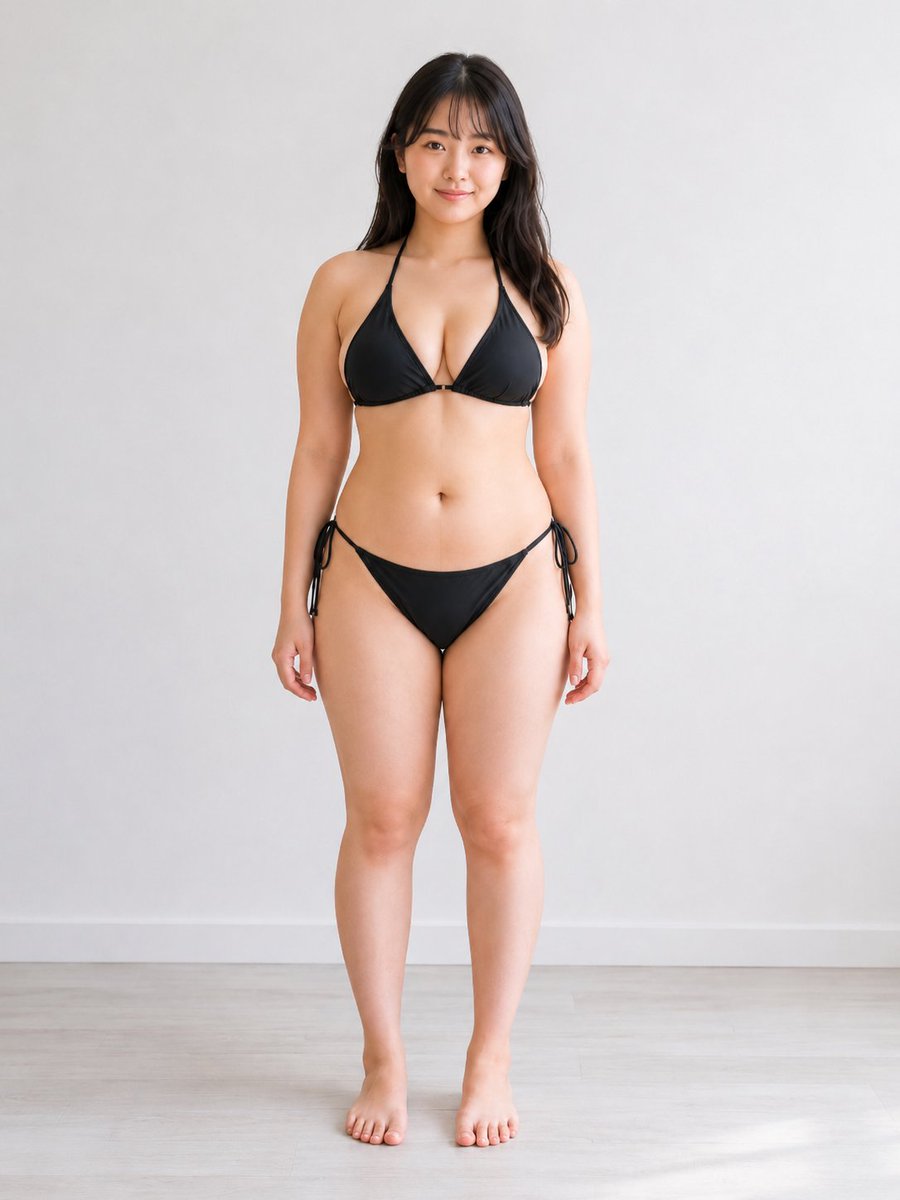
Consistent Character Multi-Angle Studio Shot
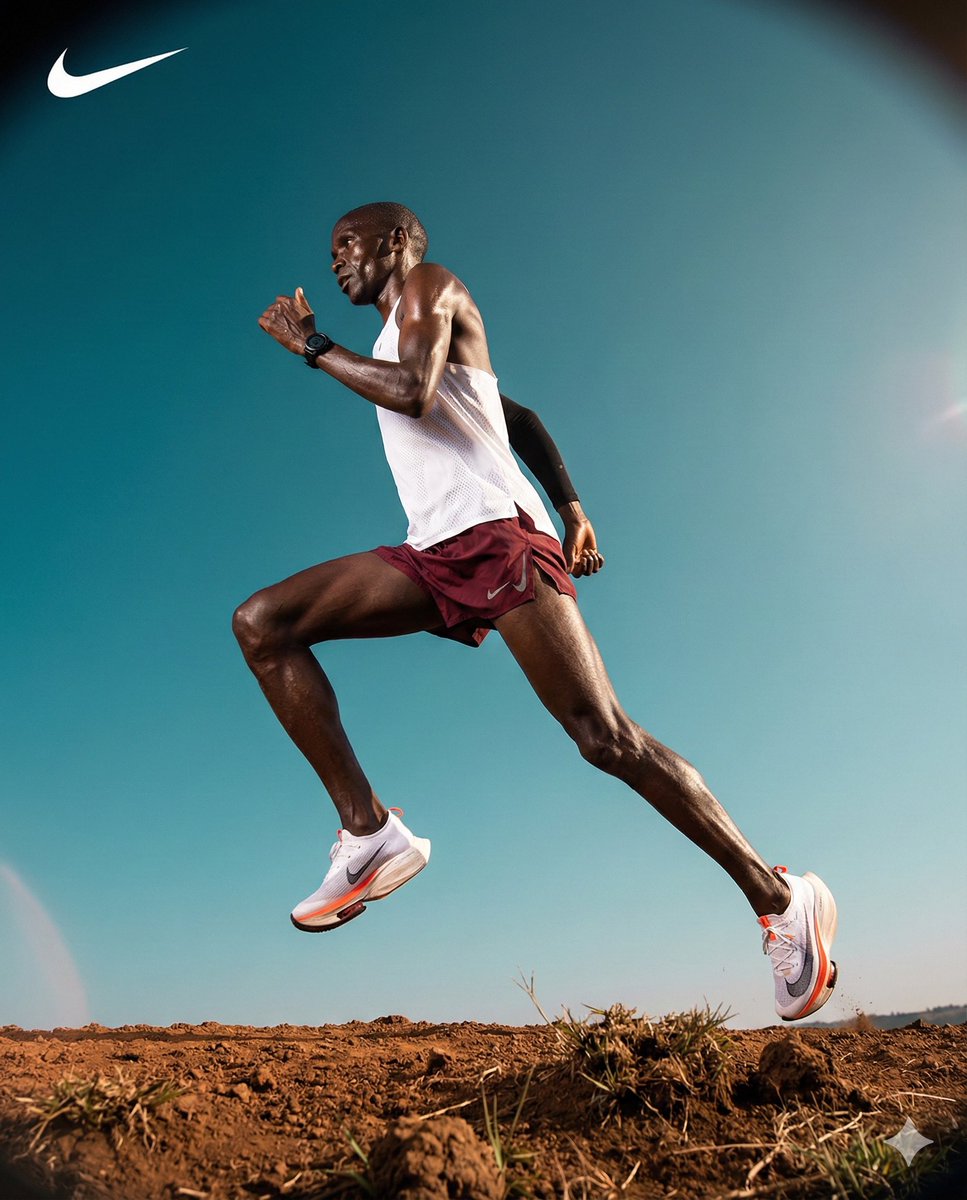
High-Contrast Commercial Sports Photography of Runner
Browse template categories
Cinema Lobby School-Inspired Fashion Photo questions
How do I use the Cinema Lobby School-Inspired Fashion Photo template?
Add your photo if the template asks for one, edit the prompt if you like — the template's model and format are already selected — and press Generate. Your version opens in PicX Studio.
Can I customize the Cinema Lobby School-Inspired Fashion Photo template?
Yes. You can change the subject, setting, lighting, mood, format, and available model controls before creating your image.
Is the Cinema Lobby School-Inspired Fashion Photo template free?
Opening and editing this template is free. Generating uses credits, shown on the Generate button when you are signed in.
Which AI model should I use?
Start with GPT Image 2, which is the model associated with this template. You can compare another compatible model for a different finish.
Looking for something else? Browse all templates.

Your photo, any look
Thousands of ready templates for every top image and video model, from one credit balance.