
Reflected Relic: Surreal Artisan Portrait
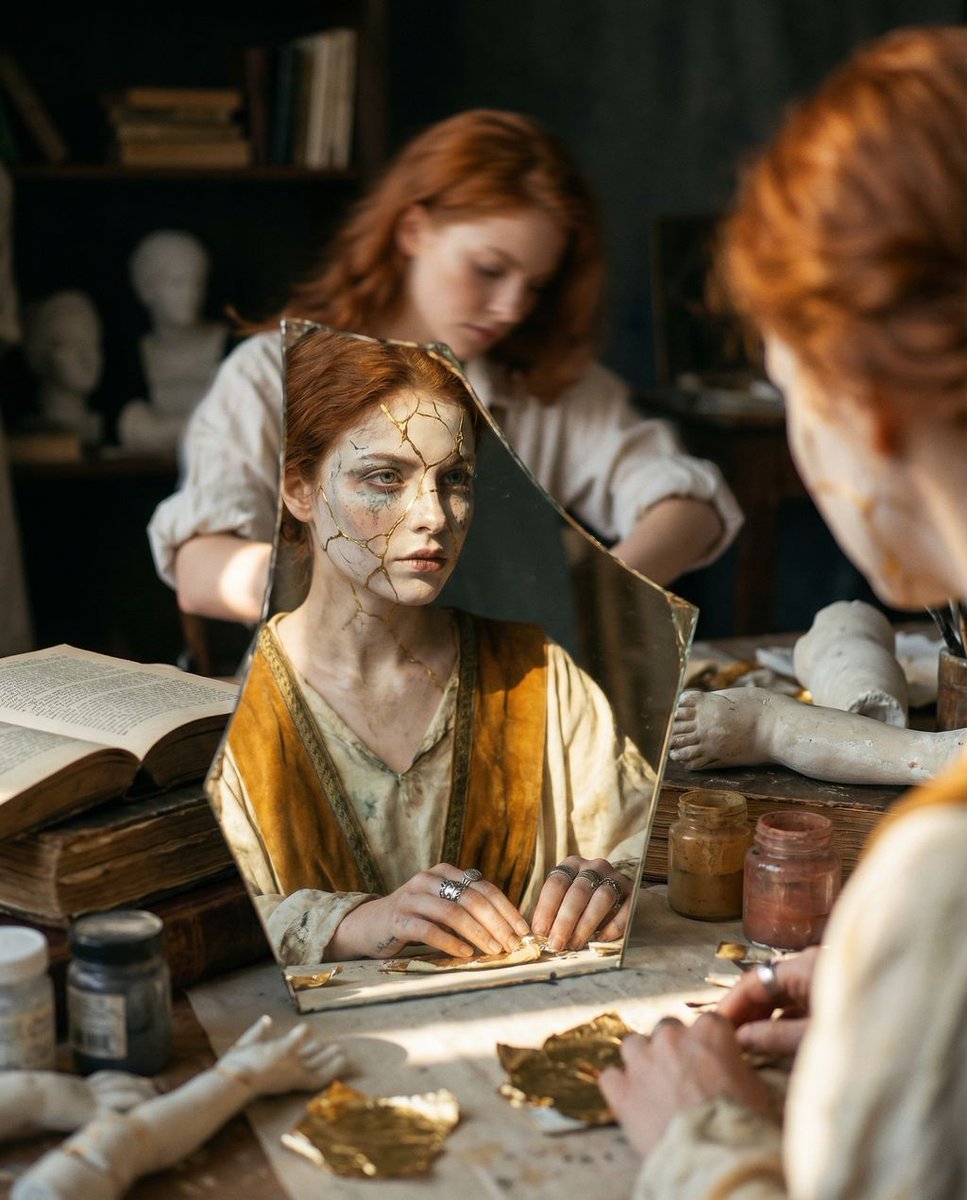
A complex, hyper-realistic cinematic prompt titled 'Reflected Relic' that uses a 'frame within a frame' composition.
- Prompt included
- Model and format preset
- Free template
The prompt behind this image
Copy the exact prompt behind Reflected Relic: Surreal Artisan Portrait, or open it in the studio and make it yours.
{ "vibe_title_en": "Reflected Relic", "master_prompt": "A hyper-realistic cinematic shot of The Artisan, captured exclusively through the reflection of a jagged, antique mirror shard resting on a cluttered workbench. The setting is a dense, chaotic Relic Restoration Atelier, overflowing with stacks of ancient texts, jars of pigment, plaster limbs, and peeling gold leaf, creating a texture-heavy, busy atmosphere. The composition utilizes a shallow depth of field (f/1.4), rendering the actual subject in the background as a soft, restless blur with messy hair and rolled-up sleeves, intensely focused on a task. The sharp reflection in the mirror reveals a surreal transformation: the subject's face appears as a 'living relic,' with skin texture resembling cracked porcelain held together by kintsugi gold repairs, and makeup that looks like weathered paint. The lighting is ceremonial and dramatic, striking the mirror shard like an altar illumination while leaving the surrounding clutter in deep, warm shadows. Shot on Hasselblad H6D-100c with an 80mm lens, utilizing Fujifilm Pro 400H film stock for pastel shifts and organic grain. No neon, no digital gloss.", "meta": { "intent": "Visualizing the internal state of a creator merging with their creation.", "priorities": "Texture, Depth of Field, Surreal Reflection, Atmospheric Clutter.", "device_profile": "High-End Medium Format Photography" }, "frame": { "aspect": "4:5", "composition": "Frame within a frame; focus locked on a reflective surface in the foreground.", "layout": "Foreground dominated by the mirror shard and workbench clutter; background is a blurred silhouette.", "camera_angle": "High-angle looking down at the workbench surface.", "tilt_roll_degrees": "0" }, "subject": { "gender": "Female", "identity": "The Artisan / The Restless Creator", "demographics": "Universal, age-neutral adult.", "face": "Seen clearly only in reflection; Surreal texture, cracked porcelain effect, kintsugi gold lines.", "hair": "Slightly messy, loose waves, vibrant {argument name="hair color" default="red"} tones (matching input reference) but soft in the blur.", "body": "Blurred in background, posture suggests intense focus, leaning forward.", "expression": "Stoic, graceful, inherited nobility (in reflection); Intense concentration (in blur).", "pose": "Hands busy working on the mirror/artifact, body hunched in creative labor." }, "wardrobe_accessories": { "garments": [ { "item": "Ceremonial Robe", "material": "Heavy Silk and Rough Linen mix", "color": "Faded Ivory and Deep Ochre", "fit": "Flowing yet constraining, layered" } ], "accessories": [ { "item": "Antique Rings", "color": "Tarnished Silver", "material": "Metal", "brand_style": "Historical/Relic" } ] }, "environment": { "setting": "Relic Restoration Ate
How to use Reflected Relic: Surreal Artisan Portrait in 3 steps
- 1
Open
The prompt is already in the box next to the preview, with the template's model and format selected.
- 2…a portrait of your subject in softgolden-hour light, 85mm…
Personalize
Edit the subject and creative details for your destination.
- 3Generate
Generate
Press Generate — your image is created in PicX Studio, so you can compare it with the original and refine one variable at a time.
More like this
Templates with the same subject, style or setup. Open one to see its prompt.

Found Photograph: Us, 1970

80s Couple Studio Portrait

80s Bollywood Star

80s Golden Hour Cinema

Me in 1985

1985 Studio Portrait

Hyper-Realistic Minecraft POV Portrait

Rooftop Fisheye — Cat-Ear Balaclava at Golden Hour

Surreal Cat Astronaut — Humanoid Face Freefall

Rainy Café Window Moody Portrait

untitled

2025 Aesthetic Photography
Make it yours
Reflected Relic: Surreal Artisan Portrait works as-is. These are the safest ways to change it without losing the look.
Change one field
Copy a single group, rewrite it, and generate again so you can see what that field is doing.
Keep the frame, change the subject
Hold the composition and light of Reflected Relic: Surreal Artisan Portrait, then swap wardrobe, props or the person for a new take.
| If the result… | Why | Fix |
|---|---|---|
| The result drifts from the preview | Too many fields changed at once. | Reuse Reflected Relic: Surreal Artisan Portrait as-is first, then change one group — subject, light, or setting. |
| The model over-stylizes the scene | The prose prompt leaves finish and camera underspecified. | Add one camera or lighting sentence and stay on Nano Banana 2. |
More Nano Banana 2 templates
Other prompts made for Nano Banana 2.

Photorealistic Leaf Shaped Like a Dragon

K-Pop Idol Portrait Grid for Rapid Selection

Poetic Rain Forest Portrait During Golden Hour

Urban Street Portrait with Cartoon Inner Self Duo

Candid Nighttime Photo with Cat Prompt

High-Concept 3D Diorama Generation Prompt

Cinematic Futuristic Studio Portrait Template

Skincare Editorial Photography Collage Prompt

Hyper-Realistic Commercial Product Photography (Splash Effect)

Hyper-Realistic Nightclub Portrait Prompt
More image prompts
Fresh picks from across the catalog.
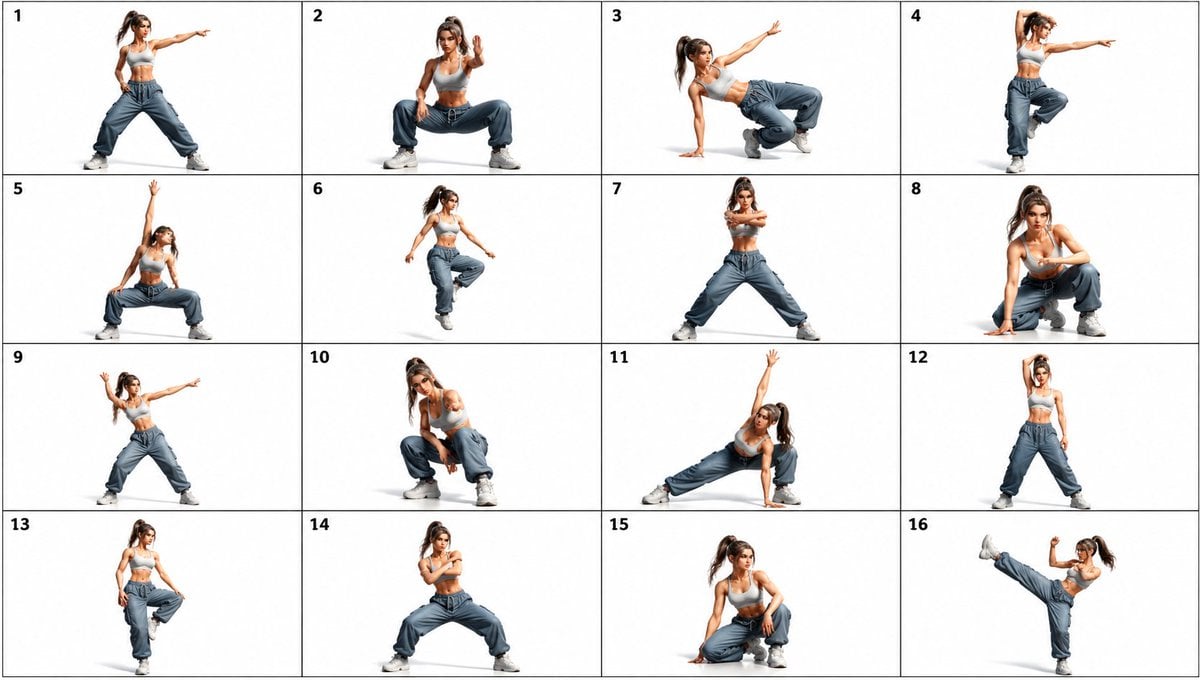
Gpt2 Comic Storyboard 16 Panel Dance Pose Reference Sheet
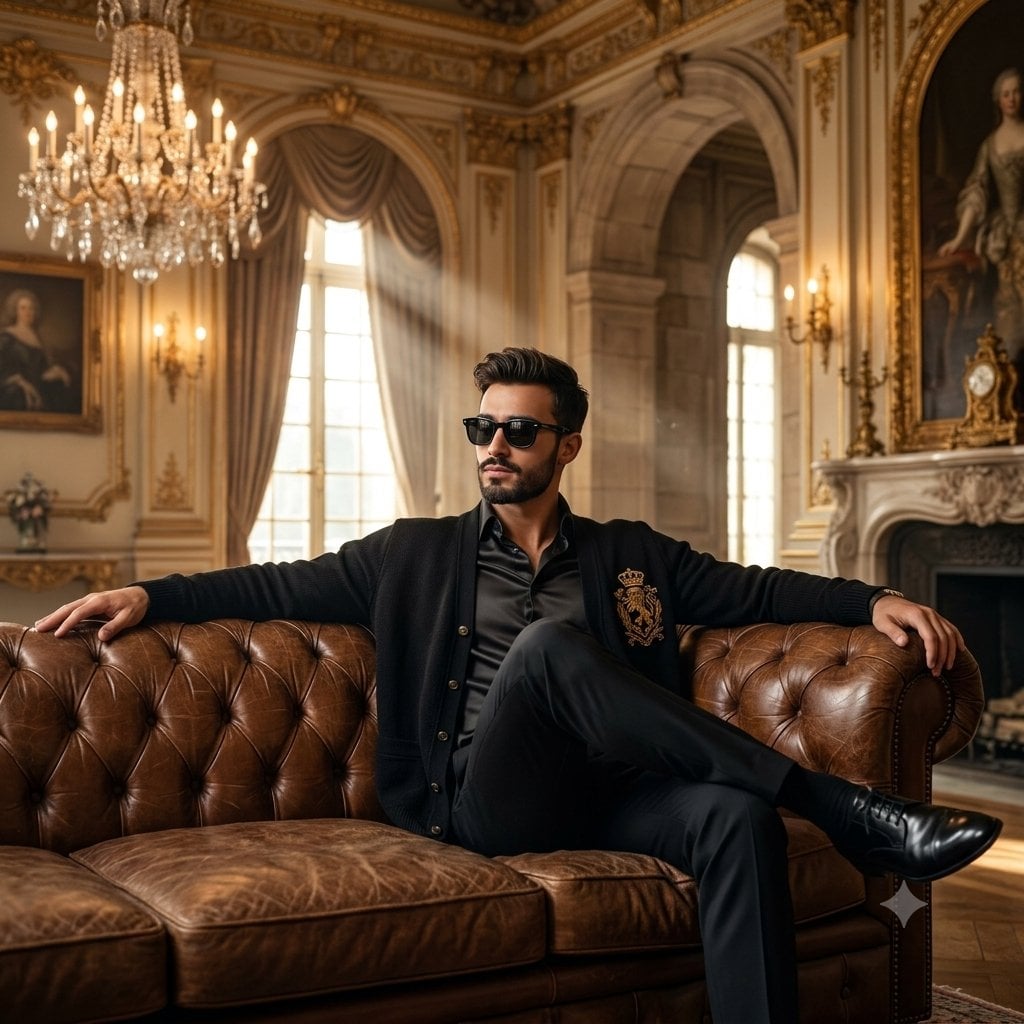
Old Money Luxury Studio Portrait
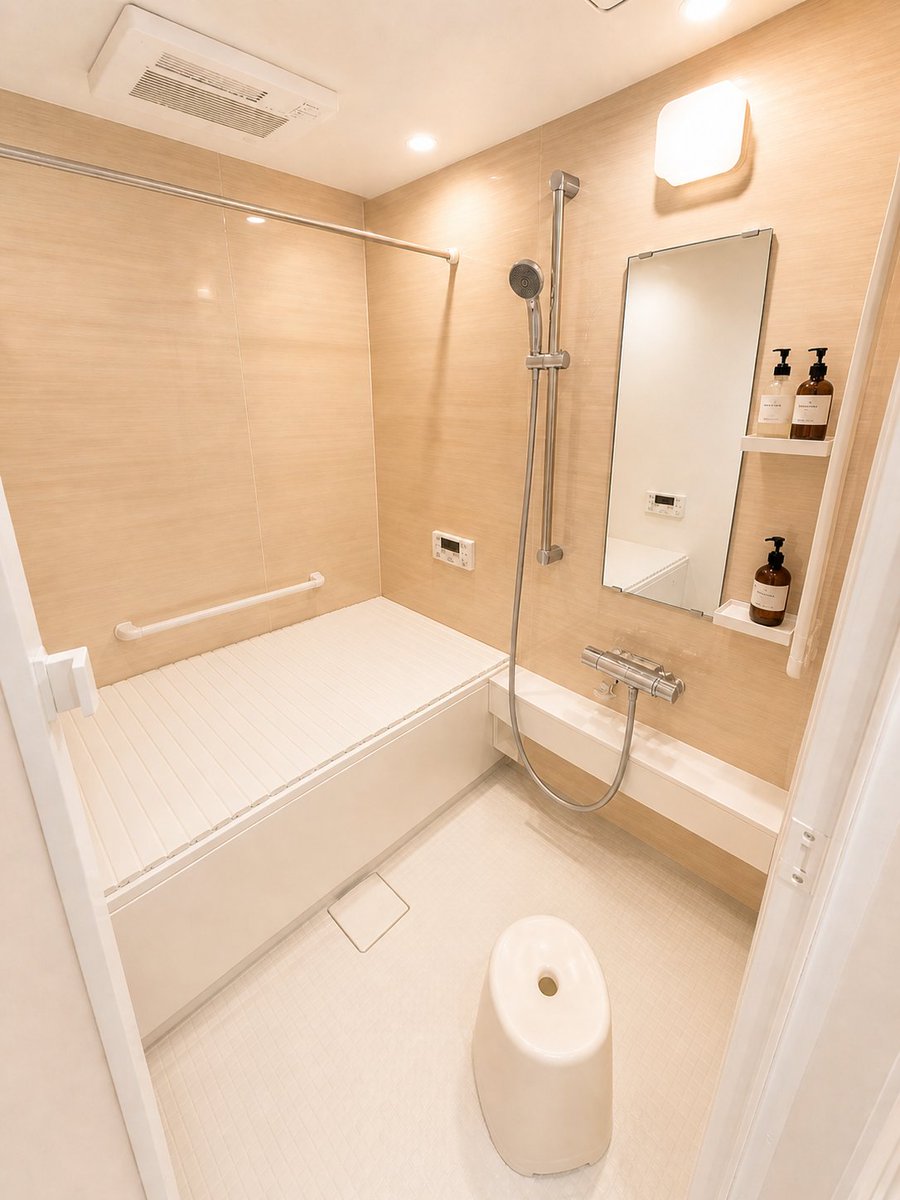
Hotel-Style Real Estate Bathroom Staging
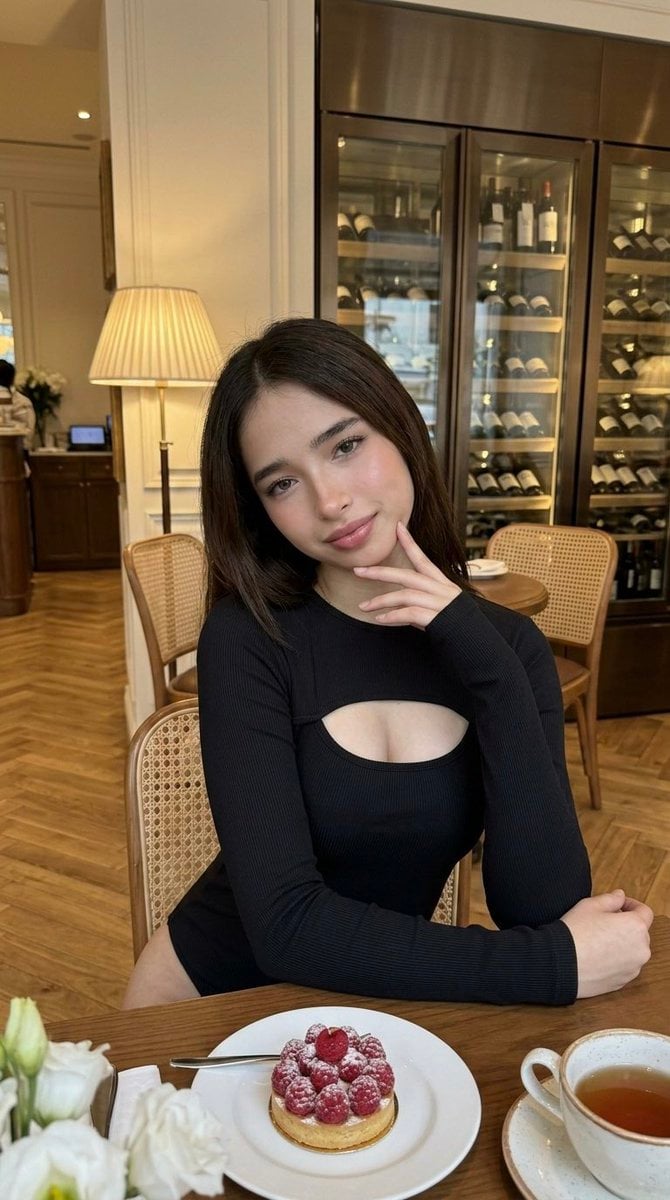
Luxury Cafe Portrait with Bio-Fidelity and Anatomical Emphasis
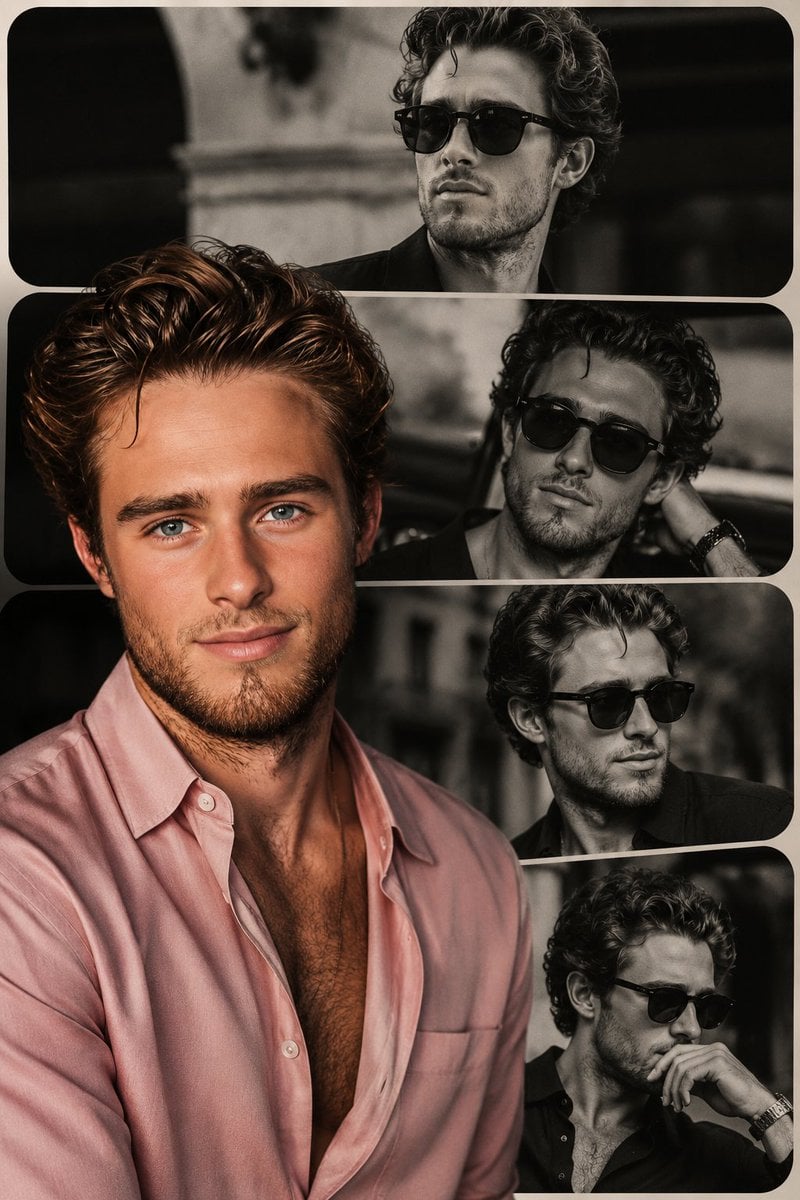
High-End Fashion Collage Poster

Minimalist Luxury Brand Advertisement

Character Image Transformation Prompt
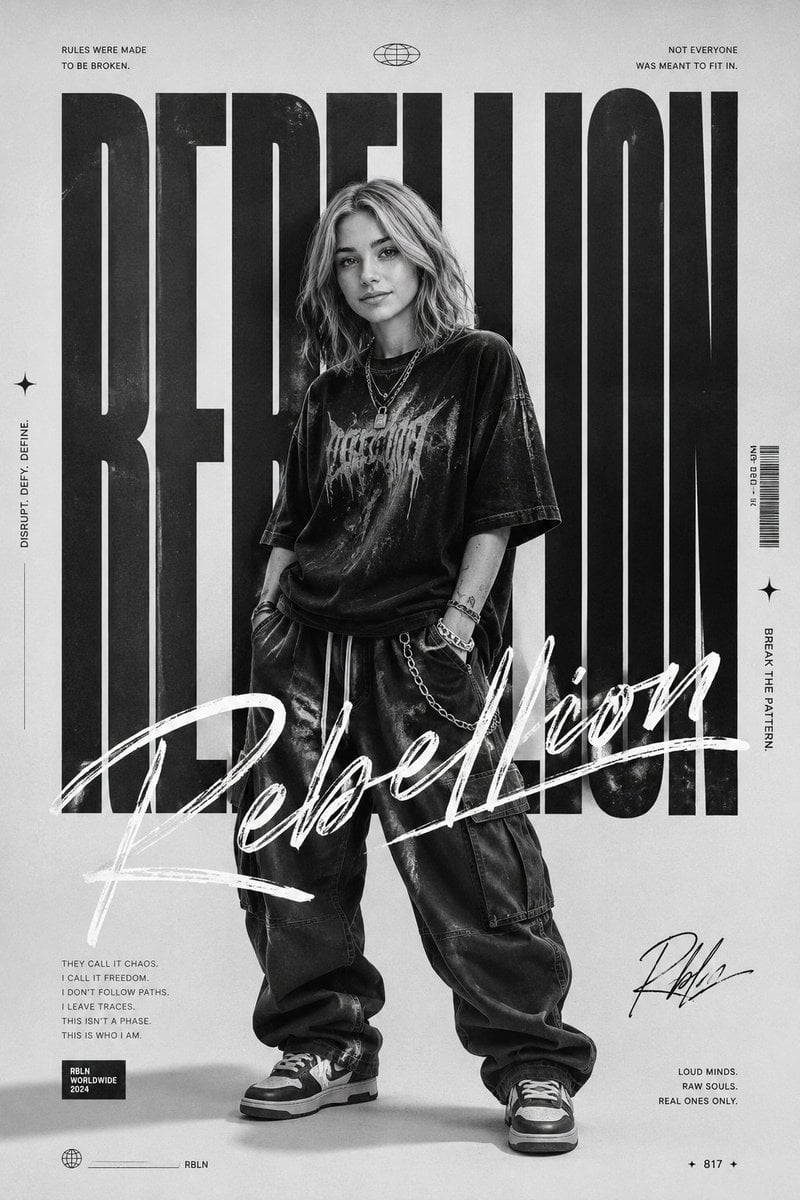
Monochrome Rebellion Streetwear Poster
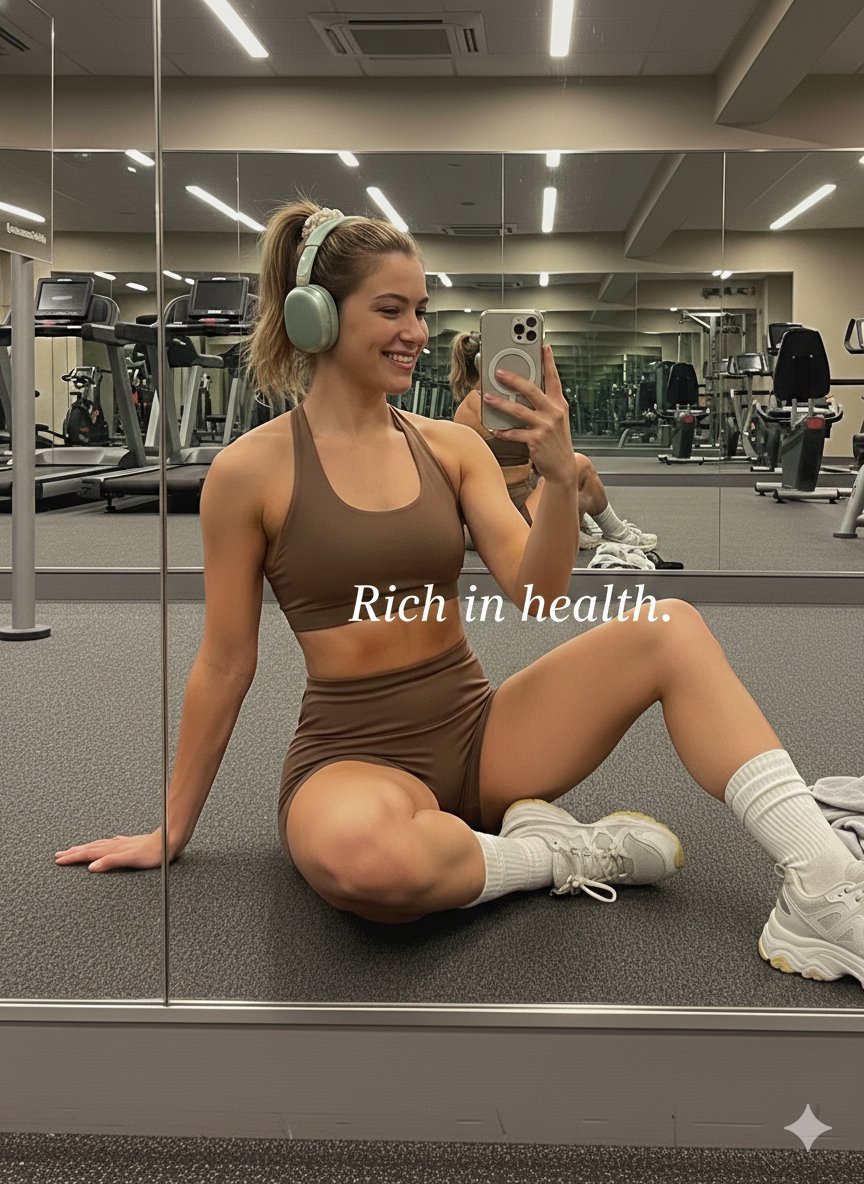
Gym Mirror Selfie Portrait Prompt
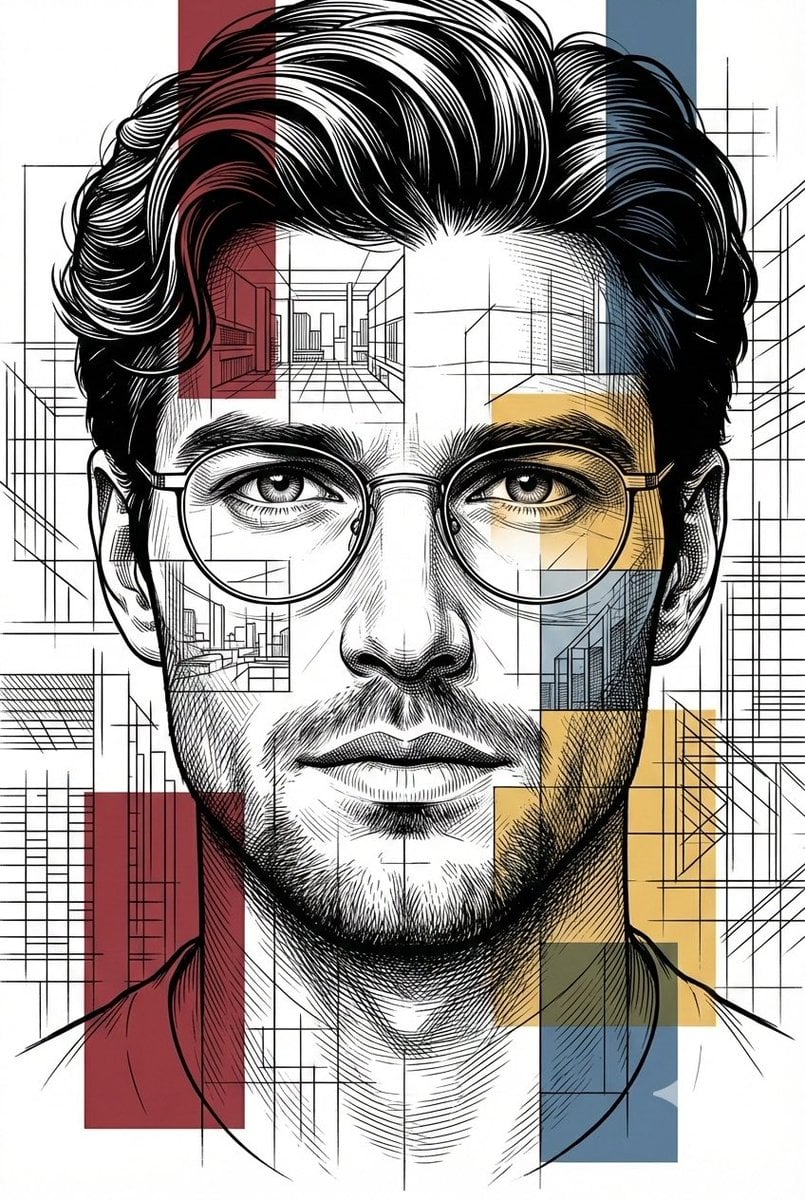
Architectural Blueprint Style Portrait
Browse template categories
Reflected Relic: Surreal Artisan Portrait questions
How do I use the Reflected Relic: Surreal Artisan Portrait template?
Add your photo if the template asks for one, edit the prompt if you like — the template's model and format are already selected — and press Generate. Your version opens in PicX Studio.
Can I customize the Reflected Relic: Surreal Artisan Portrait template?
Yes. You can change the subject, setting, lighting, mood, format, and available model controls before creating your image.
Is the Reflected Relic: Surreal Artisan Portrait template free?
Opening and editing this template is free. Generating uses credits, shown on the Generate button when you are signed in.
Which AI model should I use?
Start with Nano Banana 2, which is the model associated with this template. You can compare another compatible model for a different finish.
Looking for something else? Browse all templates.

Your photo, any look
Thousands of ready templates for every top image and video model, from one credit balance.