
Anime Idol Merchandise Catalog
Generates a highly detailed, multi-section merchandise catalog flyer for an anime character's live event.
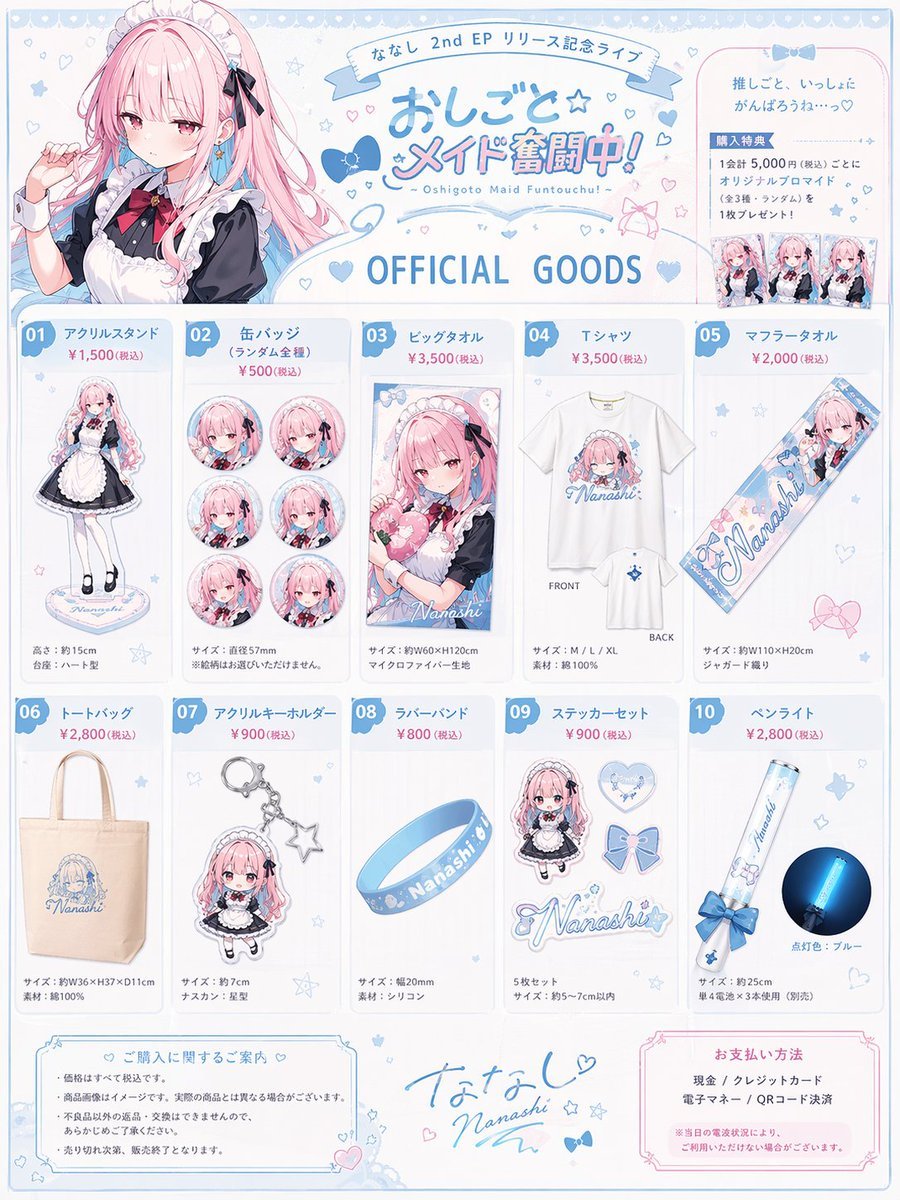
- Prompt included
- Model and format preset
- Free template
The prompt behind this image
Copy the exact prompt behind Anime Idol Merchandise Catalog, or open it in the studio and make it yours.
- Type
- anime idol merchandise catalog flyer
- Theme Colors
- {argument name="theme color" default="pastel blue and pink"}
- Character › Name
- {argument name="character name" default="ななし"}
- Character › Appearance
- anime girl, long {argument name="hair color" default="pink"} hair, blue eyes
- Character › Attire
- {argument name="outfit" default="black and white maid outfit with a red bow tie"} and blue hair ribbons
- Layout › Header › Left
- upper body portrait of the character looking slightly to the side
- Layout › Header › Center › Top Banner
- ななし 2nd EP リリース記念ライブ
- Layout › Header › Center › Main Title
- {argument name="event title" default="おしごと☆メイド奮闘中!"}
- Layout › Header › Center › Subtitle
- ~ Oshigoto Maid Funtouchu! ~
- Layout › Header › Center › Section Header
- OFFICIAL GOODS
- Layout › Header › Right
- purchase bonus info box containing 3 small rectangular photo prints
- Layout › Merchandise Grid › 0 › Id
- 01
- Layout › Merchandise Grid › 0 › Name
- アクリルスタンド
- Layout › Merchandise Grid › 0 › Description
- full body acrylic stand of the character
- Layout › Merchandise Grid › 1 › Id
- 02
- Layout › Merchandise Grid › 1 › Name
- 缶バッジ
- Layout › Merchandise Grid › 1 › Description
- set of 6 circular can badges featuring different facial expressions
- Layout › Merchandise Grid › 2 › Id
- 03
- Layout › Merchandise Grid › 2 › Name
- ビッグタオル
- Layout › Merchandise Grid › 2 › Description
- large rectangular towel showing the character holding a heart pillow
- Layout › Merchandise Grid › 3 › Id
- 04
- Layout › Merchandise Grid › 3 › Name
- Tシャツ
- Layout › Merchandise Grid › 3 › Description
- white t-shirt showing FRONT with character graphic and BACK with small logo
- Layout › Merchandise Grid › 4 › Id
- 05
Raw JSON
{
  "type": "anime idol merchandise catalog flyer",
  "theme_colors": "{argument name=\"theme color\" default=\"pastel blue and pink\"}",
  "character": {
    "name": "{argument name=\"character name\" default=\"ななし\"}",
    "appearance": "anime girl, long {argument name=\"hair color\" default=\"pink\"} hair, blue eyes",
    "attire": "{argument name=\"outfit\" default=\"black and white maid outfit with a red bow tie\"} and blue hair ribbons"
  },
  "layout": {
    "header": {
      "left": "upper body portrait of the character looking slightly to the side",
      "center": {
        "top_banner": "ななし 2nd EP リリース記念ライブ",
        "main_title": "{argument name=\"event title\" default=\"おしごと☆メイド奮闘中!\"}",
        "subtitle": "~ Oshigoto Maid Funtouchu! ~",
        "section_header": "OFFICIAL GOODS"
      },
      "right": "purchase bonus info box containing 3 small rectangular photo prints"
    },
    "merchandise_grid": [
      { "id": "01", "name": "アクリルスタンド", "description": "full body acrylic stand of the character" },
      { "id": "02", "name": "缶バッジ", "description": "set of 6 circular can badges featuring different facial expressions" },
      { "id": "03", "name": "ビッグタオル", "description": "large rectangular towel showing the character holding a heart pillow" },
      { "id": "04", "name": "Tシャツ", "description": "white t-shirt showing FRONT with character graphic and BACK with small logo" },
      { "id": "05", "name": "マフラータオル", "description": "long narrow muffler towel with character art and logo" },
      { "id": "06", "name": "トートバッグ", "description": "canvas tote bag with blue logo" },
      { "id": "07", "name": "アクリルキーホルダー", "description": "chibi character acrylic keychain with a star-shaped clasp" },
      { "id": "08", "name": "ラバーバンド", "description": "blue silicone wristband with logo" },
      { "id": "09", "name": "ステッカーセット", "description": "set of 4 visible stickers: chibi character, heart, ribbon bow, and logo" },
      { "id": "10", "name": "ペンライト", "description": "blue glowing concert penlight" }
    ],
    "footer": {
      "left": "purchase notes and guidelines box",
      "center": "character signature 'Nanashi' with hand-drawn hearts and stars",
      "right": "payment methods box"
    }
  }
}How to use Anime Idol Merchandise Catalog in 3 steps
- 1Upload ImagePNG, JPG or paste
Add your photo
Upload the photo the template builds on. The prompt, model and format are already set.
- 2…a portrait of your subject in softgolden-hour light, 85mm…
Personalize
Edit the subject and creative details for your destination.
- 3Generate
Generate
Press Generate — your image is created in PicX Studio, so you can compare it with the original and refine one variable at a time.
More like this
Templates with the same subject, style or setup. Open one to see its prompt.












Make it yours
Anime Idol Merchandise Catalog works as-is. These are the safest ways to change it without losing the look.
Change one field
Copy a single group, rewrite it, and generate again so you can see what that field is doing.
Keep the frame, change the subject
Hold the composition and light of Anime Idol Merchandise Catalog, then swap wardrobe, props or the person for a new take.
| If the result… | Why | Fix |
|---|---|---|
| The result drifts from the preview | Too many fields changed at once. | Reuse Anime Idol Merchandise Catalog as-is first, then change one group — subject, light, or setting. |
| GPT Image 2 ignores part of the JSON | Some models flatten or skip nested keys. | Keep the same values and paste them as a short paragraph instead. |
More GPT Image 2 templates
Other prompts made for GPT Image 2.

Six VTuber Japanese Logo Sheet

Realistic Portrait of Woman and Deer

The Vista Modular Condo Poster

AI Model Routing Comparison Infographic

2.5D Anime Art Board

Isometric Productivity Desk Scene

New York Double Exposure Poster

Four-Panel AI Landscape Comparison

Japanese Tatami Lifestyle Magazine Cover

NESCAFÉ Coffee Map Poster
More image prompts
Fresh picks from across the catalog.

Cinematic Studio Scene of Woman Observing Portrait
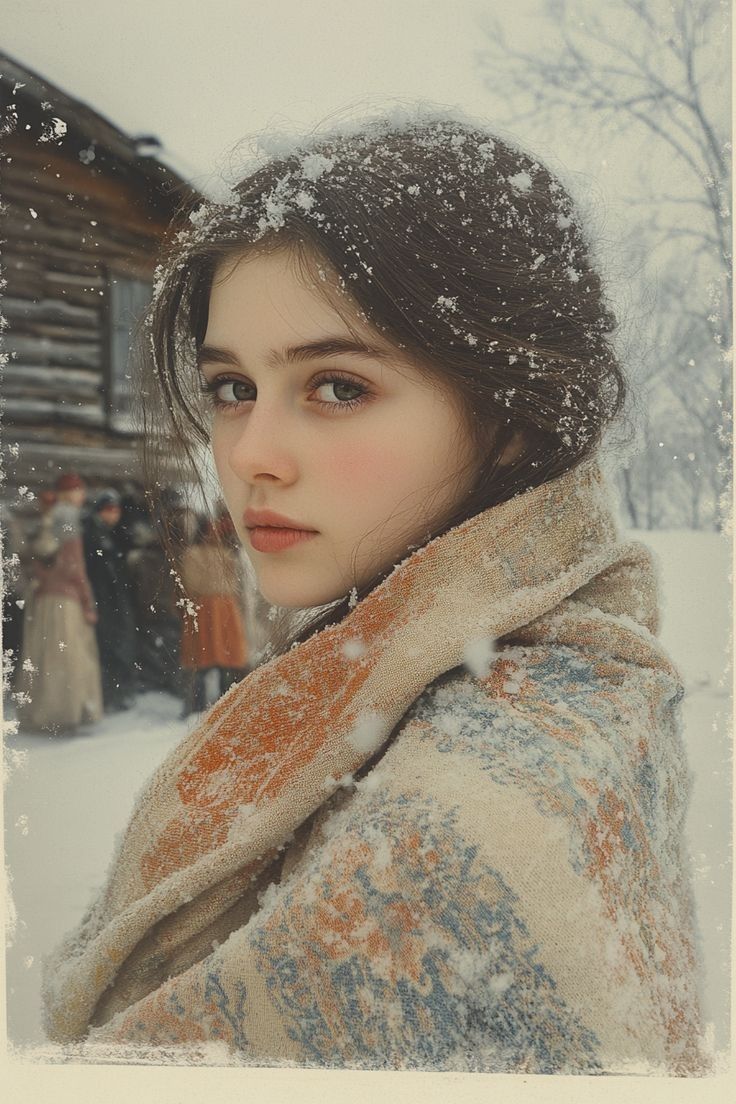
Cinematic Winter Portrait with Snowflakes
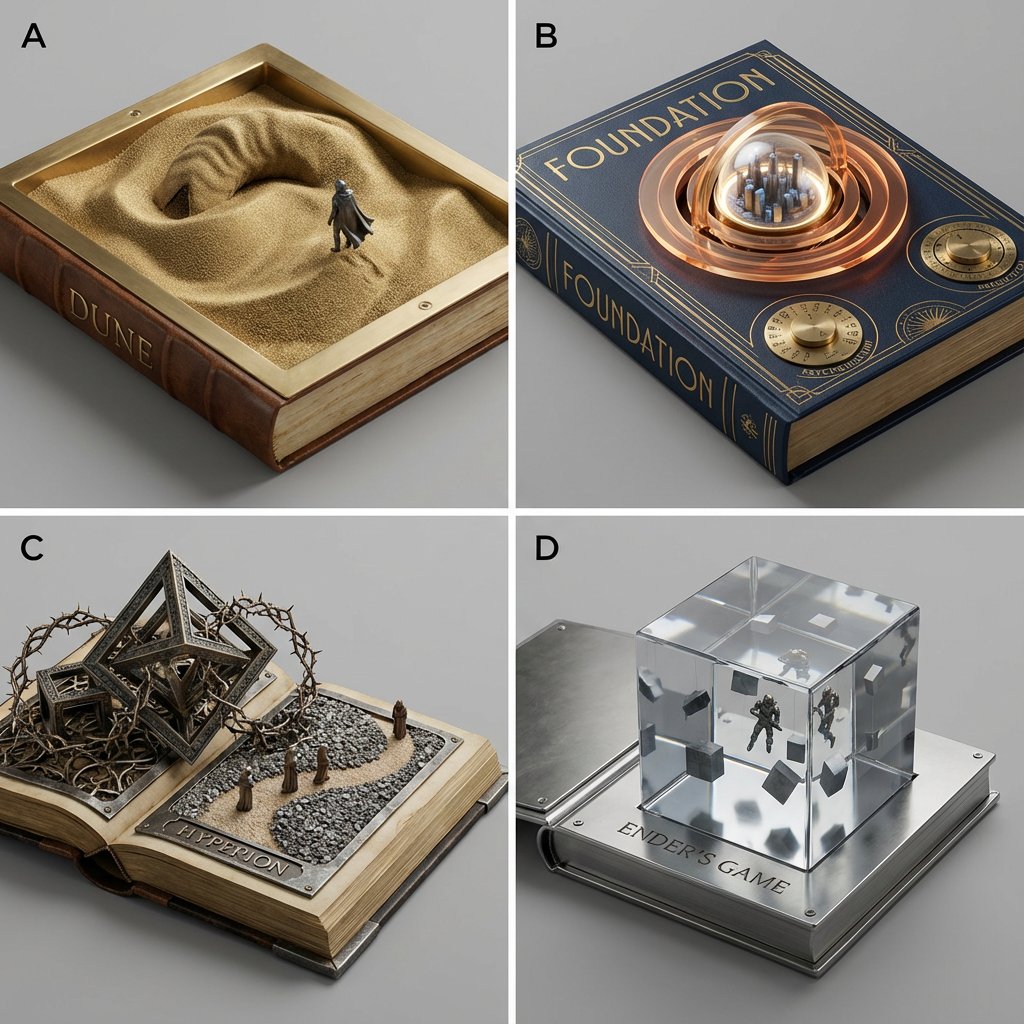
Sci-Fi Book Cover Diorama Grid Prompt
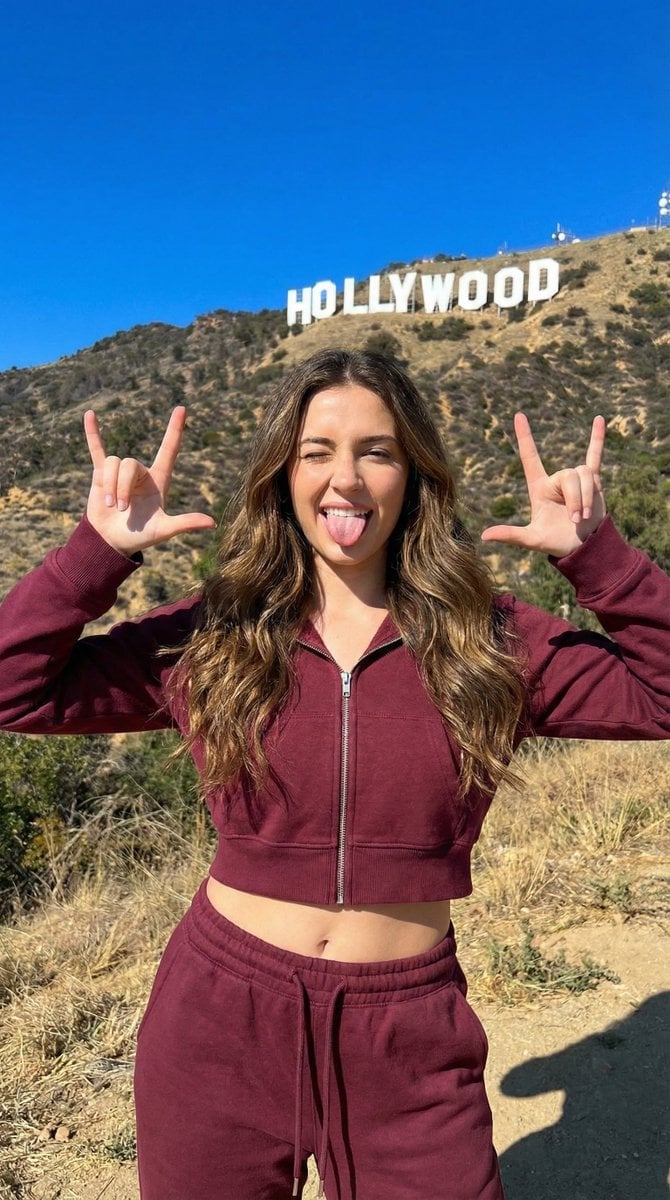
LA Streetwear Influencer Photo Prompt (Maroon)
Male Presenter Avatar Pose Sheet

Romantic Cinematic Still of a Couple in
BMW Cyberpunk Garage Wallpaper
Strict photorealism constraints prompt for Nano Banana Pro
Avant-Garde Fashion Portrait with Ghost Duplicate
Celestial Sorceress in Magical Library
Browse template categories
Anime Idol Merchandise Catalog questions
How do I use the Anime Idol Merchandise Catalog template?
Add your photo if the template asks for one, edit the prompt if you like — the template's model and format are already selected — and press Generate. Your version opens in PicX Studio.
Can I customize the Anime Idol Merchandise Catalog template?
Yes. You can change the subject, setting, lighting, mood, format, and available model controls before creating your image.
Is the Anime Idol Merchandise Catalog template free?
Opening and editing this template is free. Generating uses credits, shown on the Generate button when you are signed in.
Which AI model should I use?
Start with GPT Image 2, which is the model associated with this template. You can compare another compatible model for a different finish.
Looking for something else? Browse all templates.

Your photo, any look
Thousands of ready templates for every top image and video model, from one credit balance.