
Premium Anime Realism Illustration
An elegant anime-inspired illustration style with silky hair textures and a soft pastel color palette, designed for high-end character art.
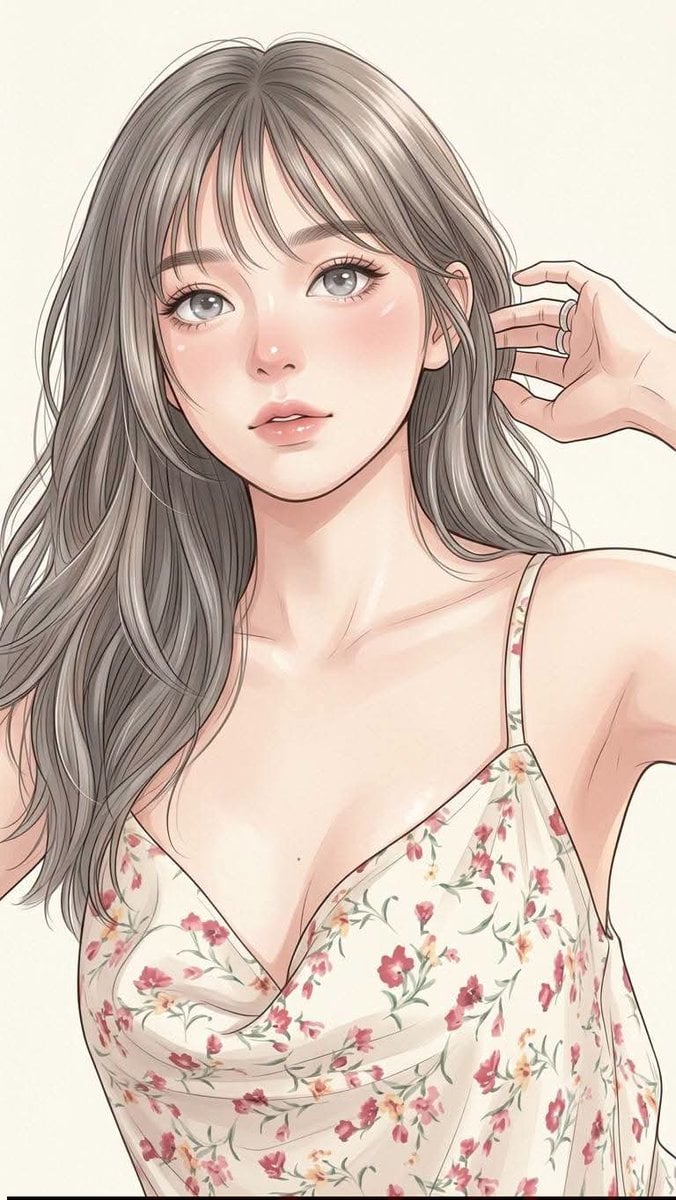
- Prompt included
- Model and format preset
- Free template
The prompt behind this image
Copy the exact prompt behind Premium Anime Realism Illustration, or open it in the studio and make it yours.
Make a same 100% with object! Ultra-premium {argument name="style" default="anime-inspired"} semi-realistic illustration with refined manga aesthetics, combining clean line art, soft painterly rendering, and elegant editorial character design. A bright pastel color palette dominated by warm ivory, creamy beige, soft blush pink, dusty rose, muted cherry pink, cool silver-gray, pearl white, and subtle taupe, maintaining soft contrast and harmonious color balance. Extremely detailed hair rendering with thousands of ultra-fine individually drawn strands, silky straight texture, smooth layered bangs, precise strand separation, soft natural volume, feathered wispy flyaway hairs, clean tapered ends, cool ash-brown and smoky gray tones, delicate silver highlights, subtle neutral shadows, and glossy reflections that preserve a lightweight, silky appearance. Hair is rendered with crisp directional flow and immaculate strand definition. Face rendered in premium anime realism with {argument name="eyes" default="oversized crystal-clear eyes"}, soft glossy irises, delicate eyelashes, finely sculpted eyebrows, translucent skin shading, gentle rosy blush across cheeks and nose, smooth gradient transitions, tiny specular highlights, and naturally soft lips. The skin has a porcelain-like finish with subtle warm undertones and refined painterly blending. Ultra-clean linework using thin, confident strokes with precise contours and minimal visual noise. Soft cel-shading blended with painterly gradients, producing smooth transitions while preserving illustration clarity. Fabric folds are rendered with elegant linear shading and subtle texture, emphasizing volume without harsh contrast. Lighting is soft, diffused, and high-key, featuring gentle ambient illumination with delicate warm highlights and cool neutral shadows. The overall atmosphere is bright, airy, clean, and polished without dramatic lighting. Background kept minimal with a {argument name="background" default="warm ivory or cream tone"}, subtle paper-like softness, generous negative space, and no complex environmental elements, allowing the subject to remain the visual focus. Luxury anime illustration, premium character-art aesthetic, ultra-clean rendering, silky detailed hair, elegant pastel harmony, refined manga-inspired realism, soft editorial finish, crisp line quality, masterpiece, highly detailed, 8K quality.
How to use Premium Anime Realism Illustration in 3 steps
- 1
Open
The prompt is already in the box next to the preview, with the template's model and format selected.
- 2…a portrait of your subject in softgolden-hour light, 85mm…
Personalize
Edit the subject and creative details for your destination.
- 3Generate
Generate
Press Generate — your image is created in PicX Studio, so you can compare it with the original and refine one variable at a time.
More like this
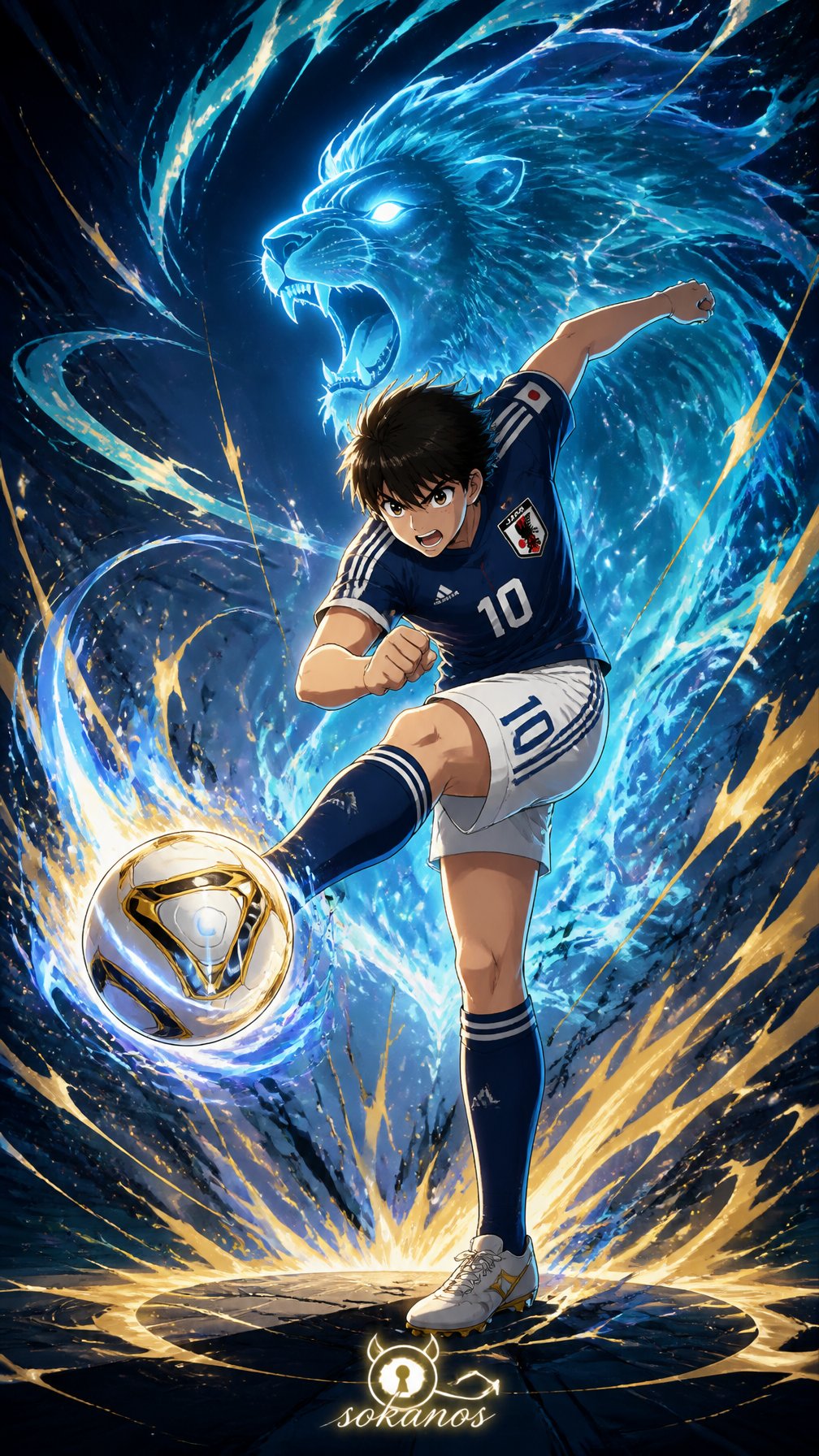
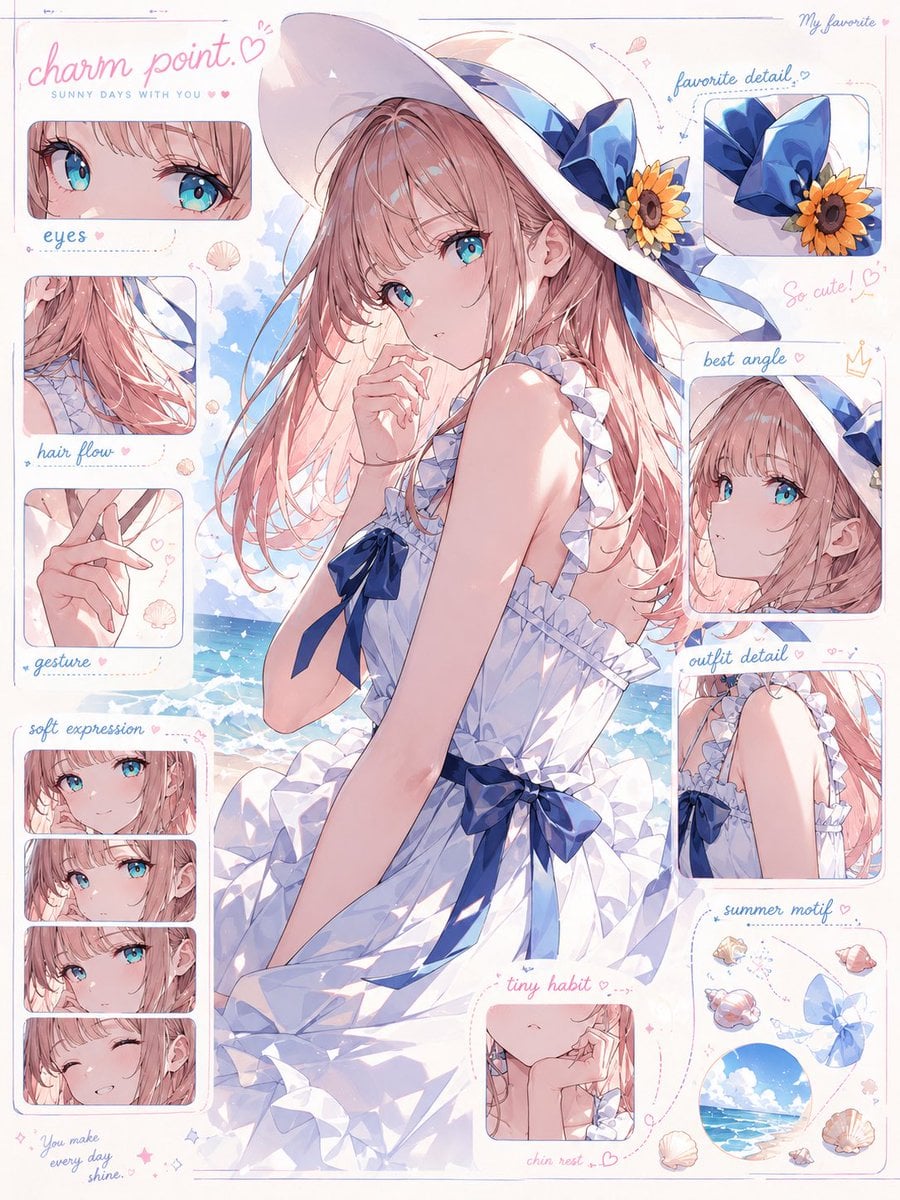
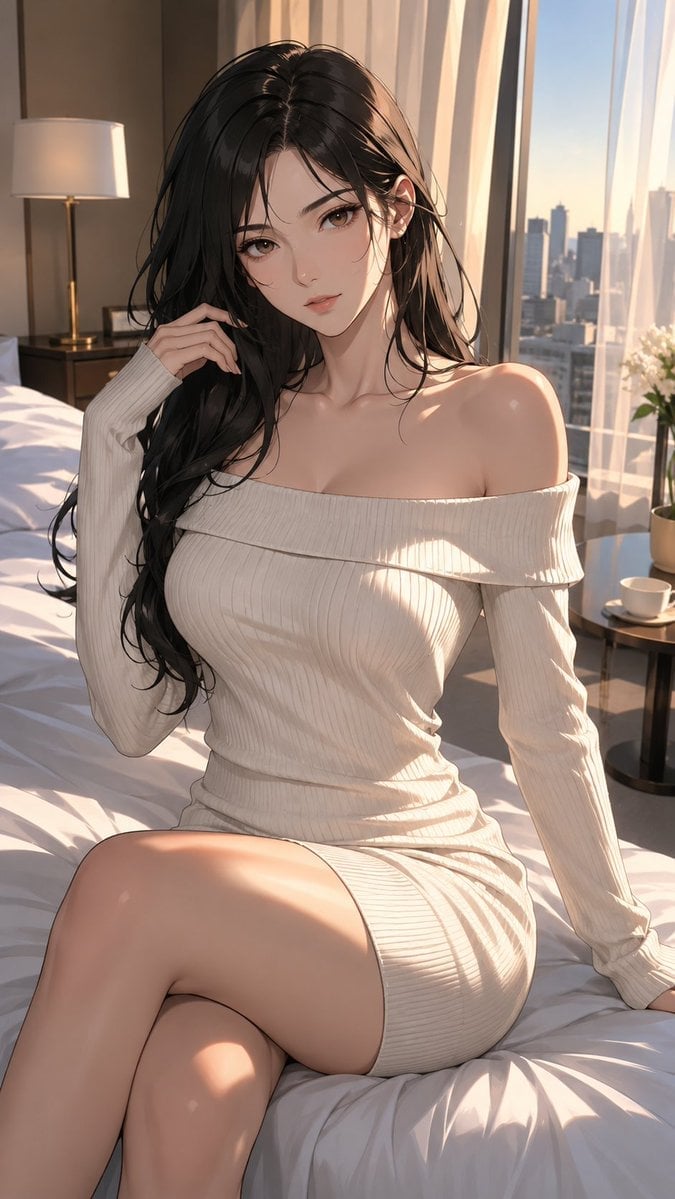
Templates with the same subject, style or setup. Open one to see its prompt.




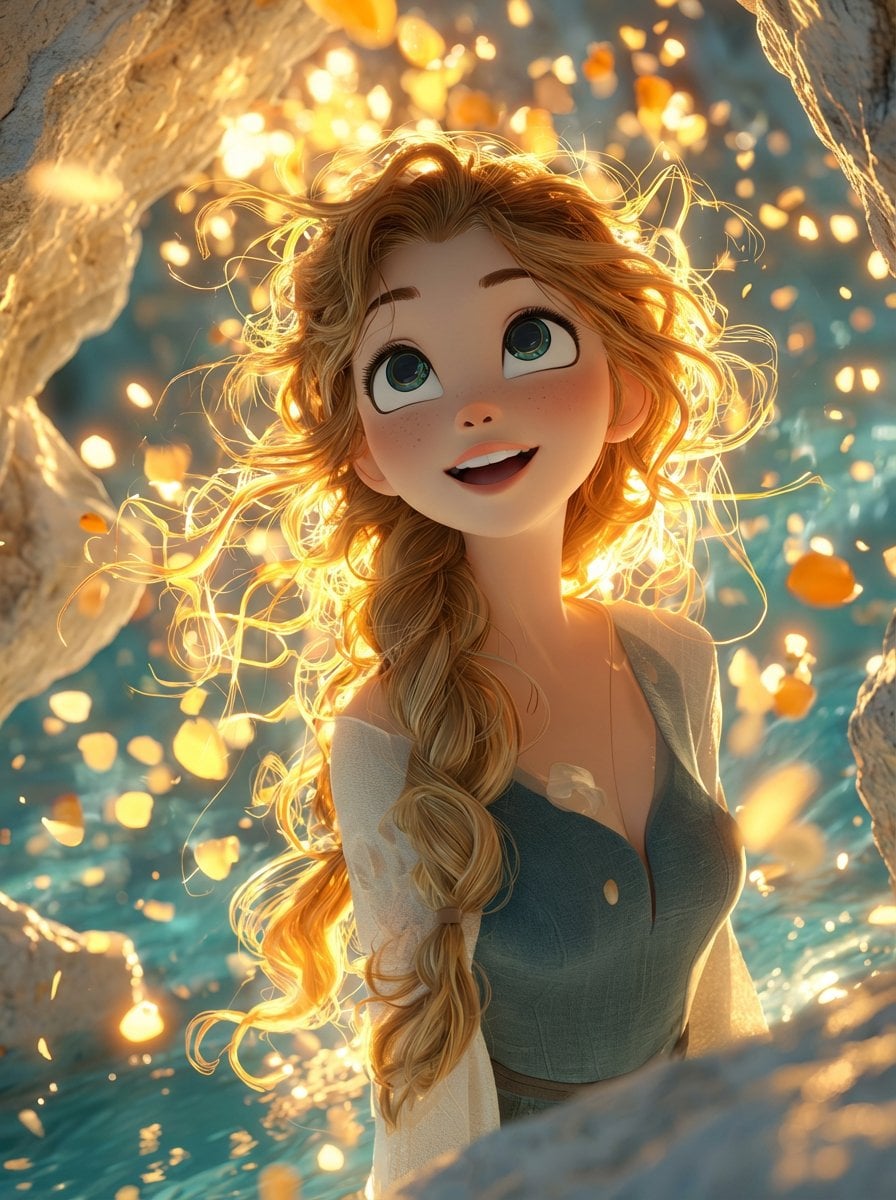
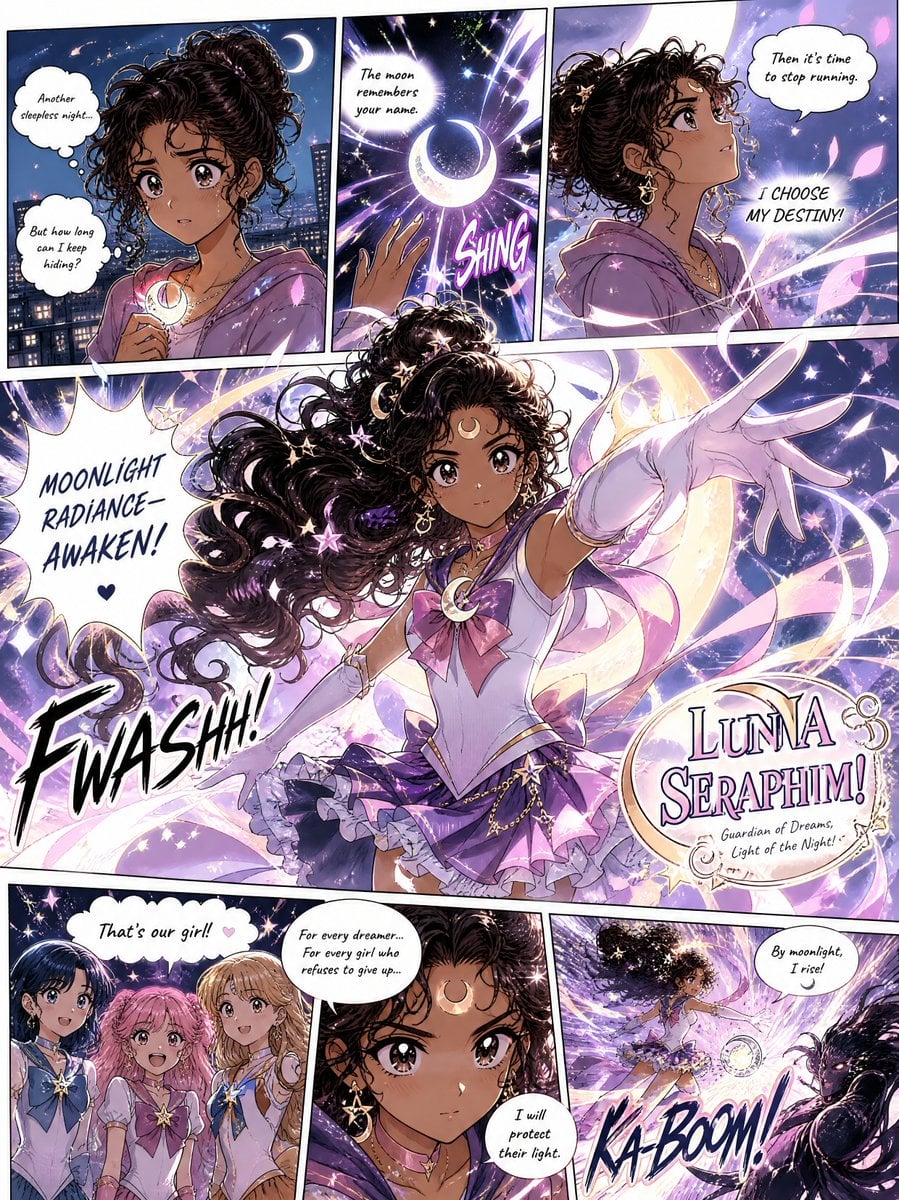
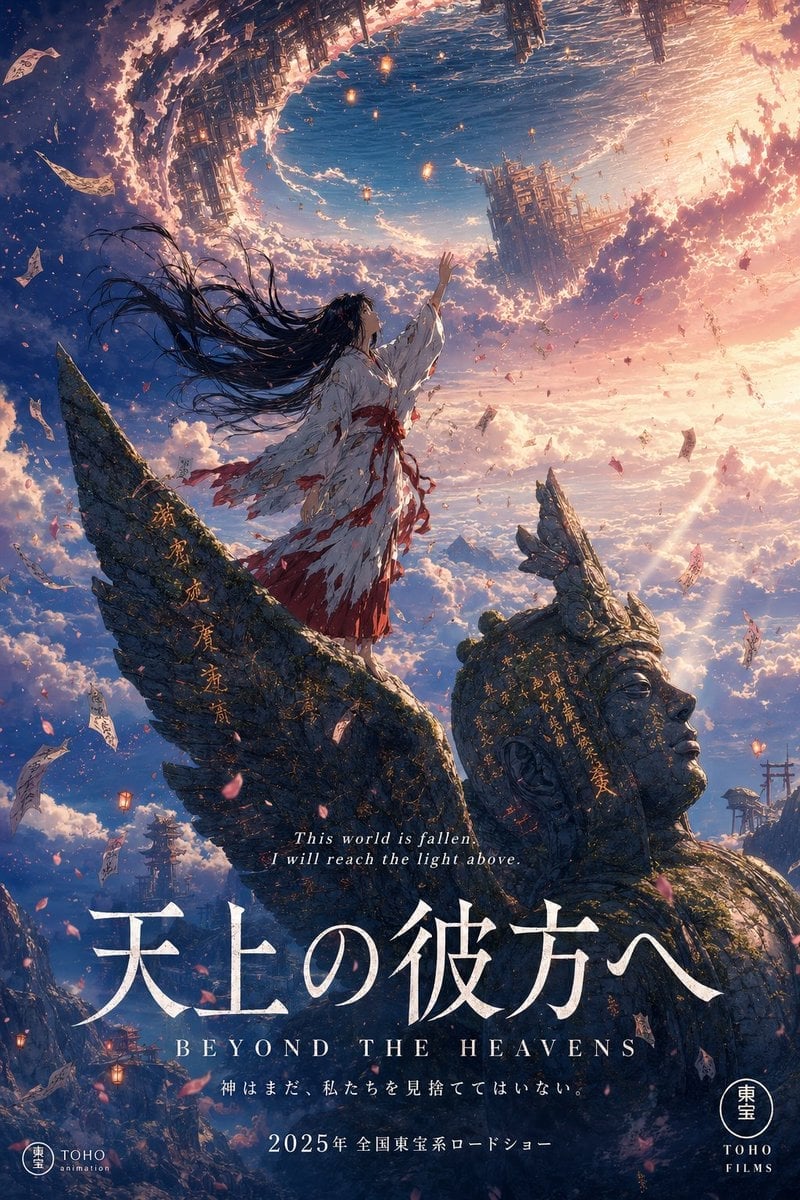
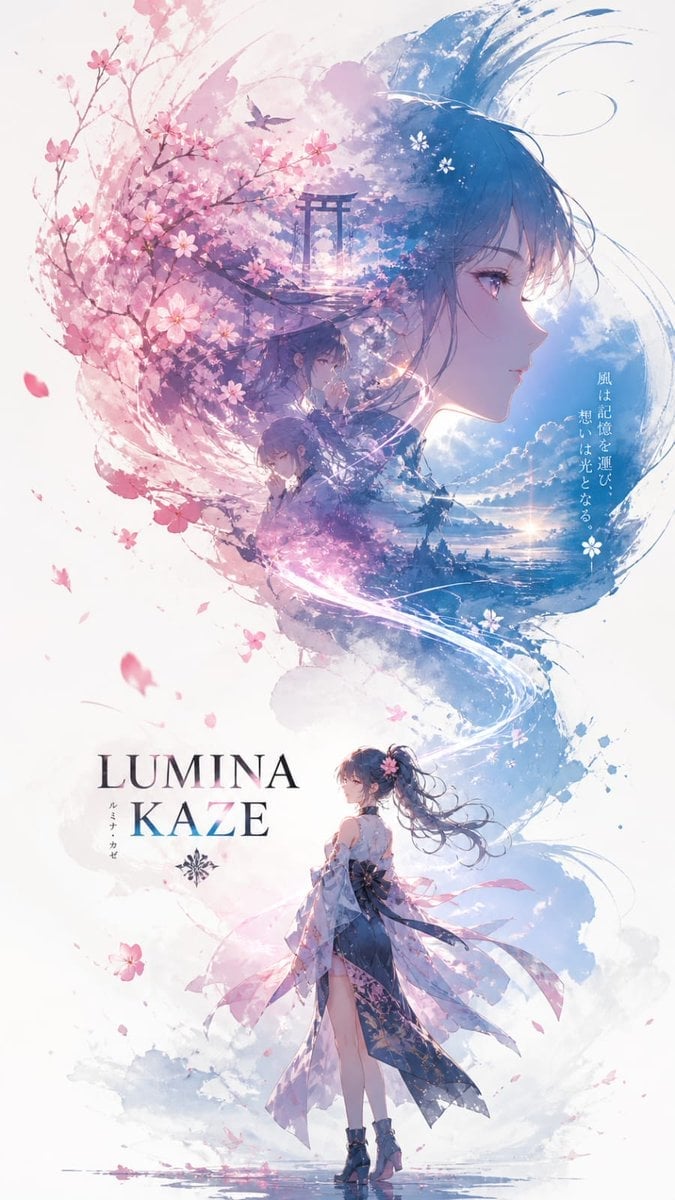
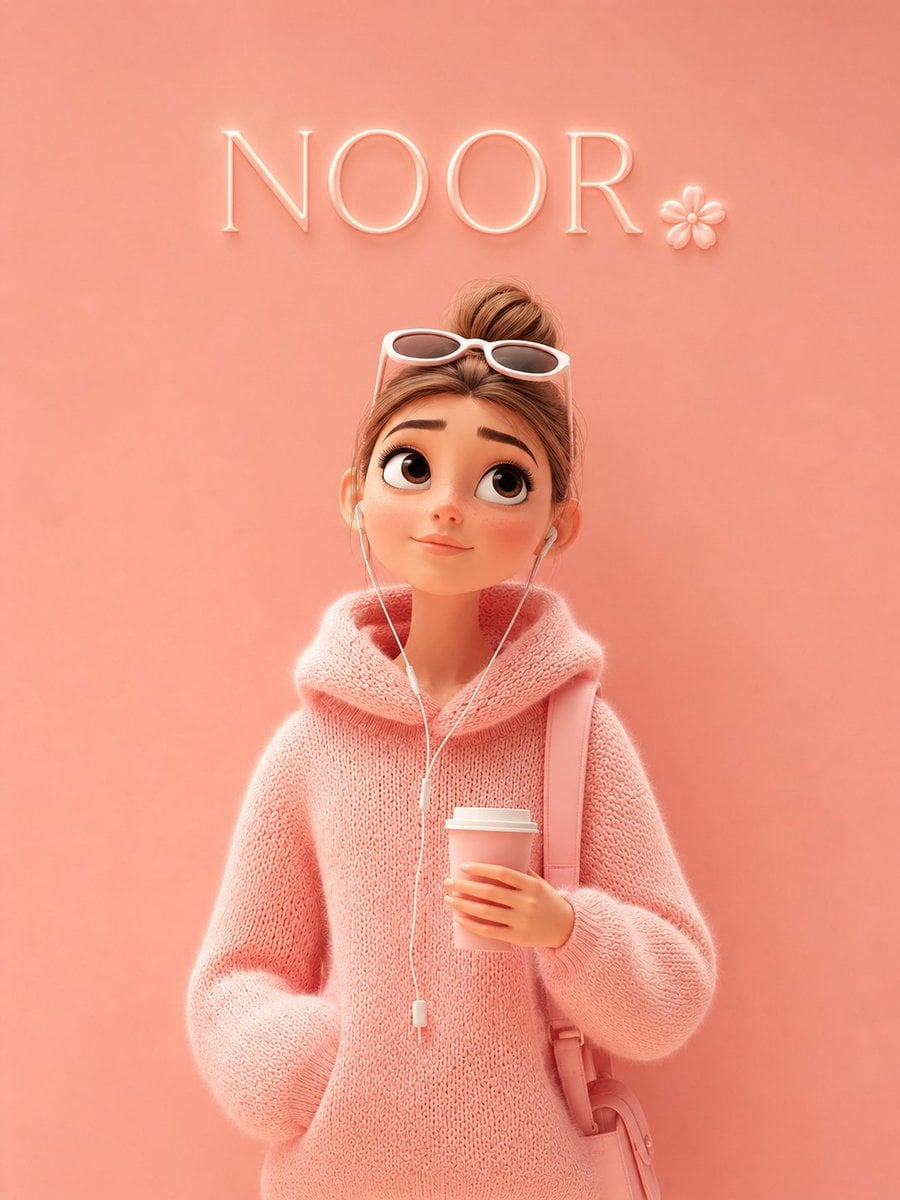
Make it yours
Premium Anime Realism Illustration works as-is. These are the safest ways to change it without losing the look.
Change one field
Copy a single group, rewrite it, and generate again so you can see what that field is doing.
Keep the frame, change the subject
Hold the composition and light of Premium Anime Realism Illustration, then swap wardrobe, props or the person for a new take.
| If the result… | Why | Fix |
|---|---|---|
| The result drifts from the preview | Too many fields changed at once. | Reuse Premium Anime Realism Illustration as-is first, then change one group — subject, light, or setting. |
| The model over-stylizes the scene | The prose prompt leaves finish and camera underspecified. | Add one camera or lighting sentence and stay on Nano Banana 2. |
More Nano Banana 2 templates
Other prompts made for Nano Banana 2.

Photorealistic Leaf Shaped Like a Dragon

K-Pop Idol Portrait Grid for Rapid Selection

Poetic Rain Forest Portrait During Golden Hour

Urban Street Portrait with Cartoon Inner Self Duo

Candid Nighttime Photo with Cat Prompt

High-Concept 3D Diorama Generation Prompt

Cinematic Futuristic Studio Portrait Template

Skincare Editorial Photography Collage Prompt

Hyper-Realistic Commercial Product Photography (Splash Effect)

Hyper-Realistic Nightclub Portrait Prompt
More image prompts
Fresh picks from across the catalog.
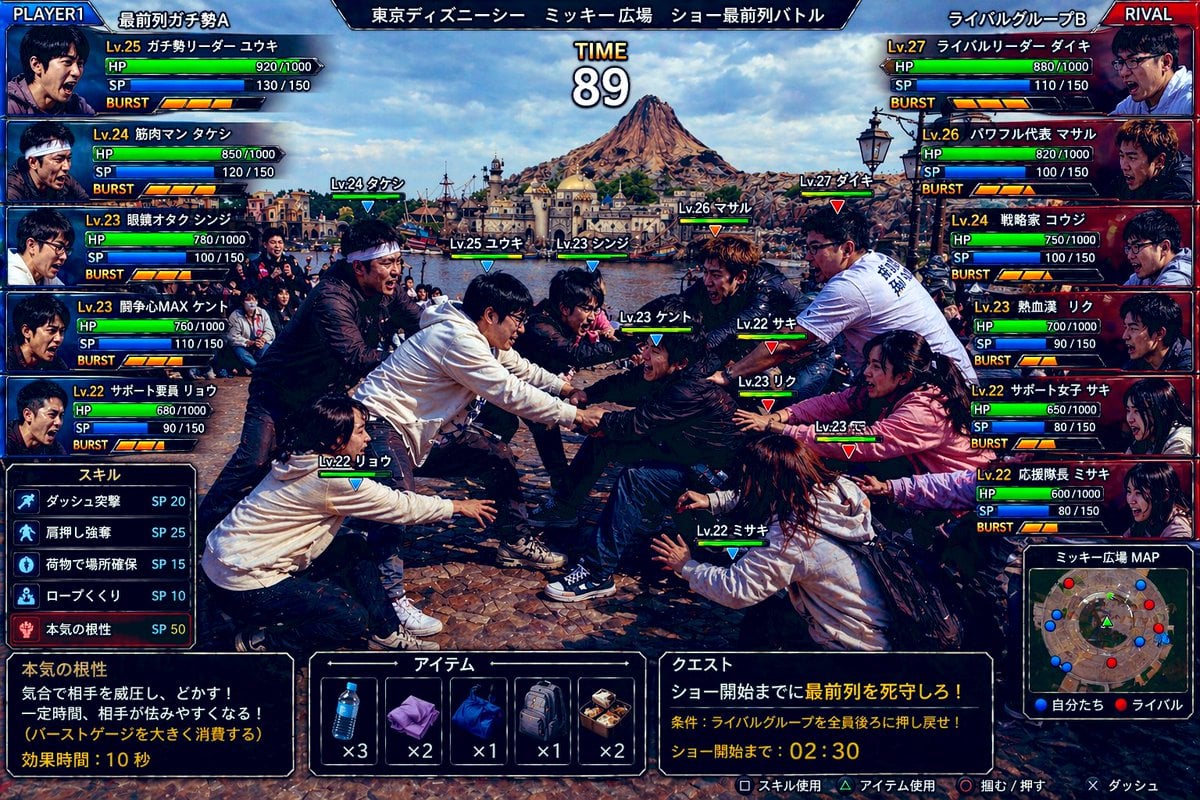
Tokyo DisneySea Front-Row Battle UI
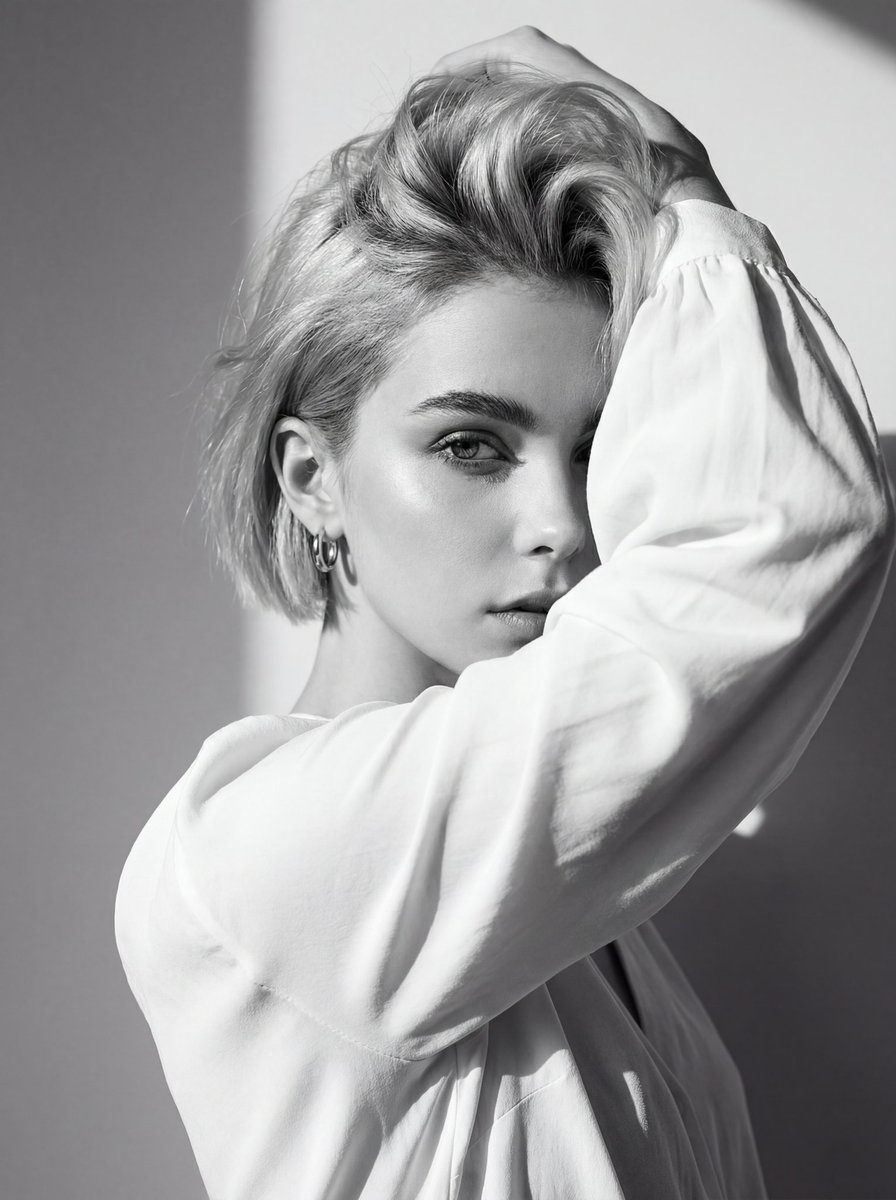
High-Contrast Black and White Editorial Portrait with Face Reference
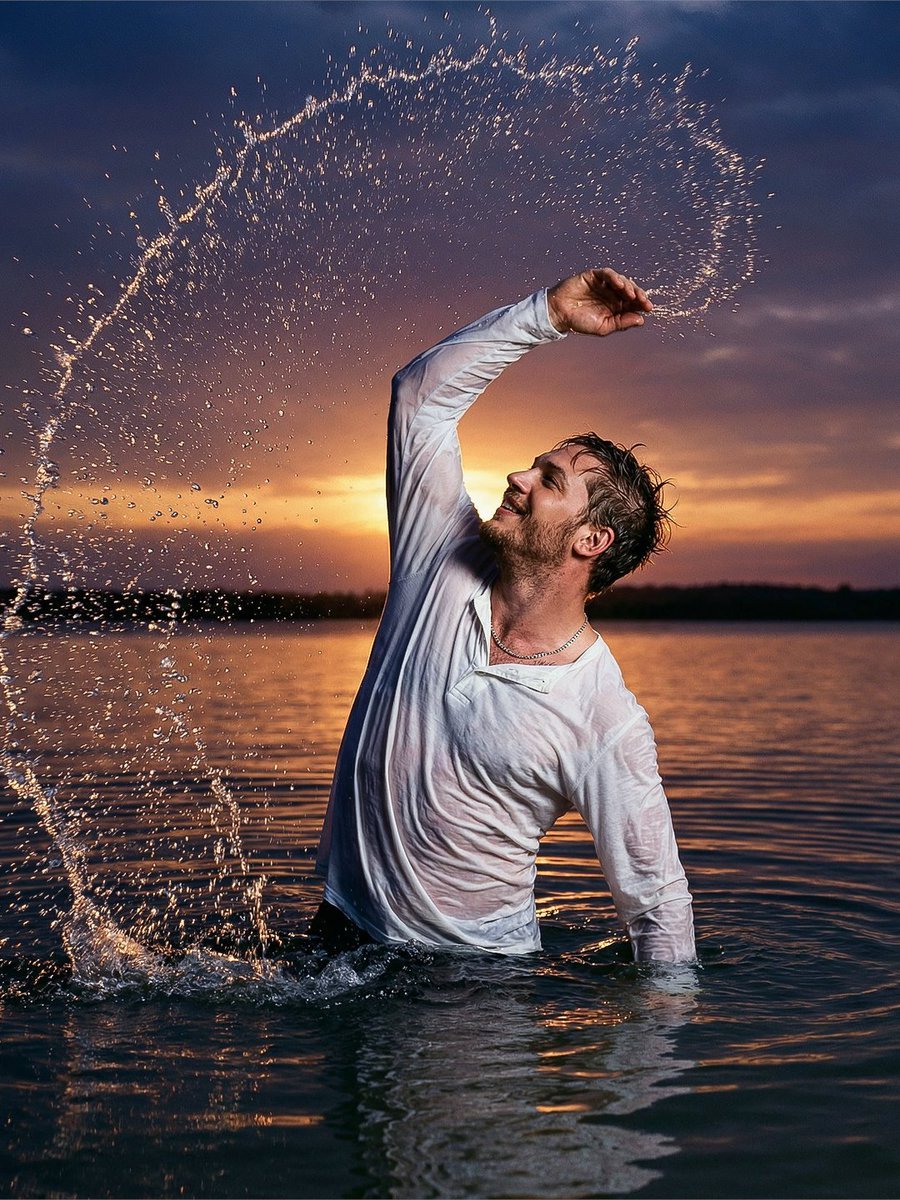
Cinematic Sunset Water Splash Portrait
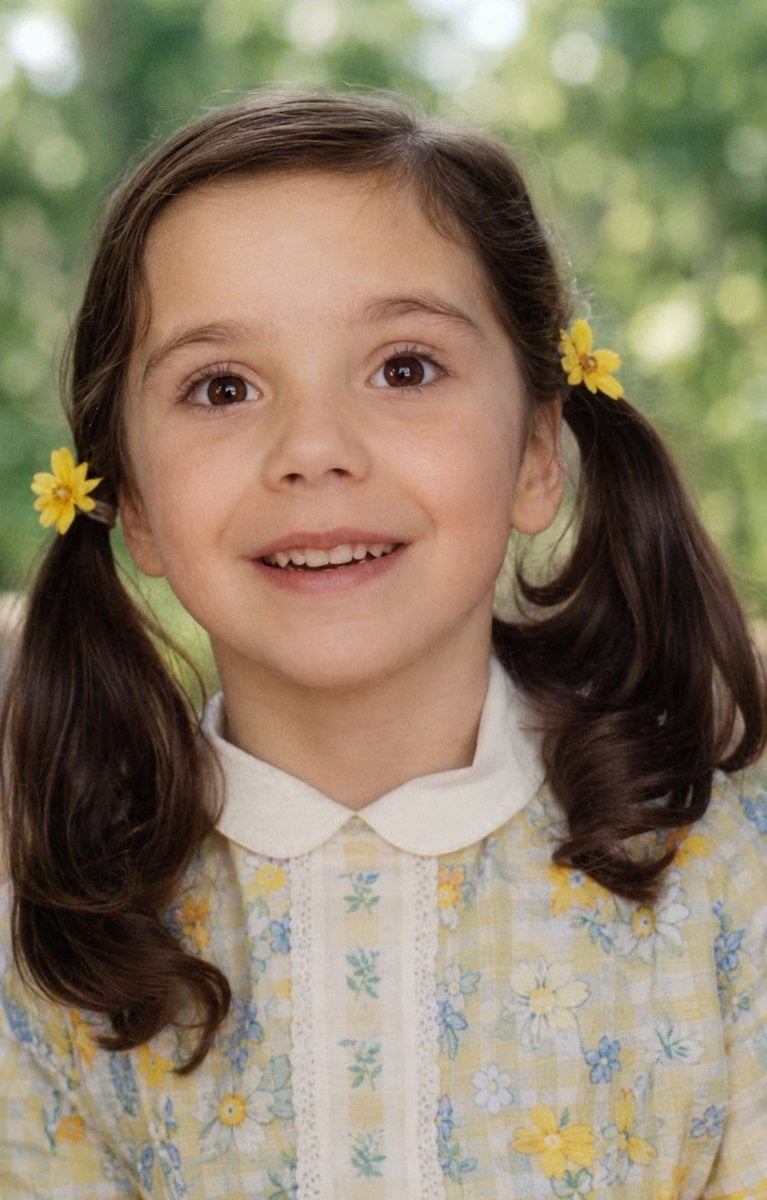
Old Photo Restoration
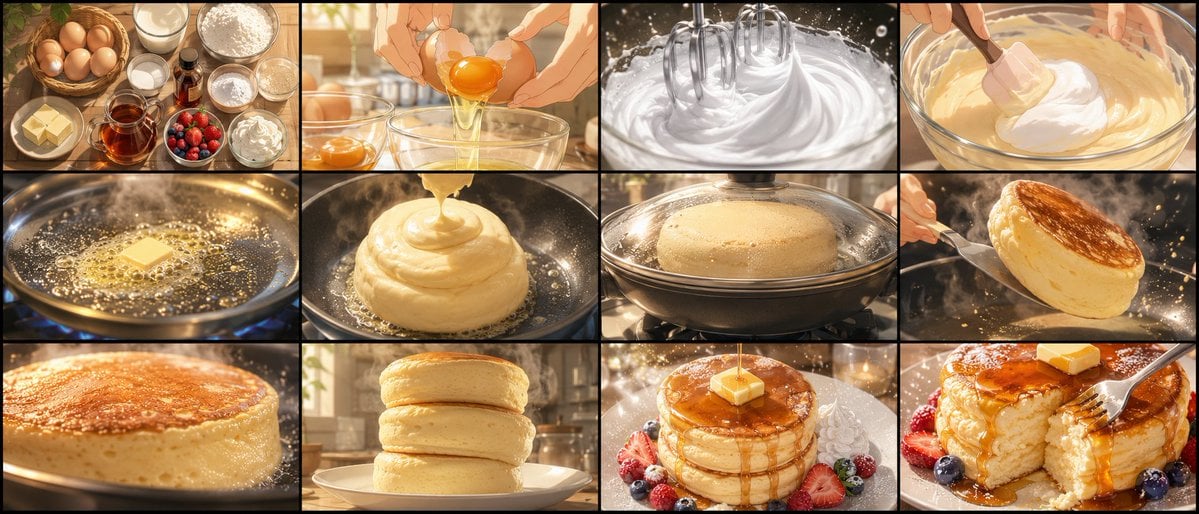
Soufflé Pancake Anime Storyboard
Lego-style self portrait
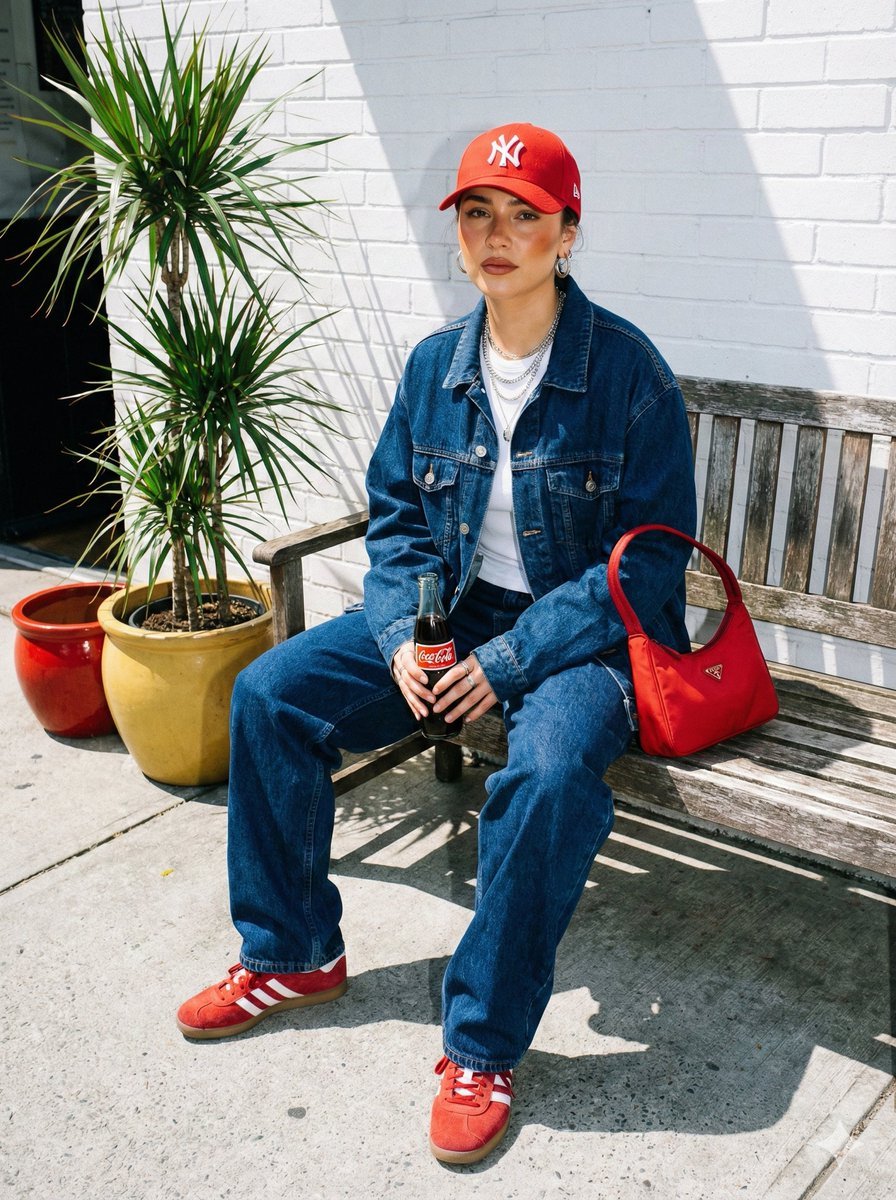
Urban Street Fashion Portrait with Vintage Accents
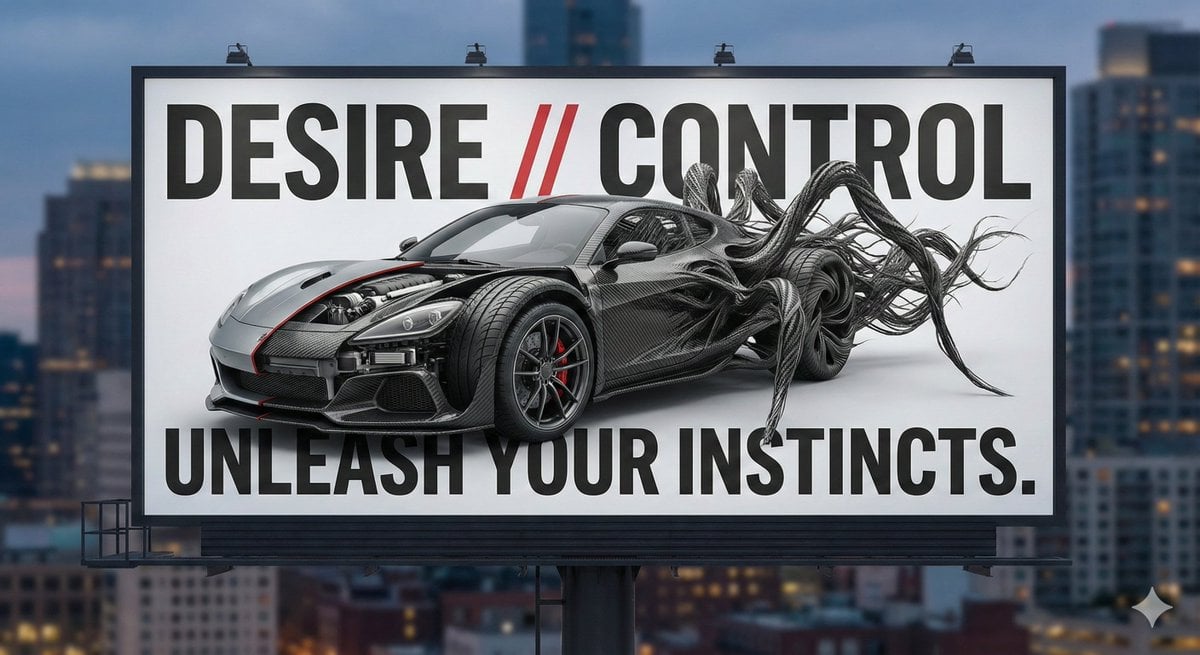
Advertising Visual Prompt: Sports Car Model Exploration
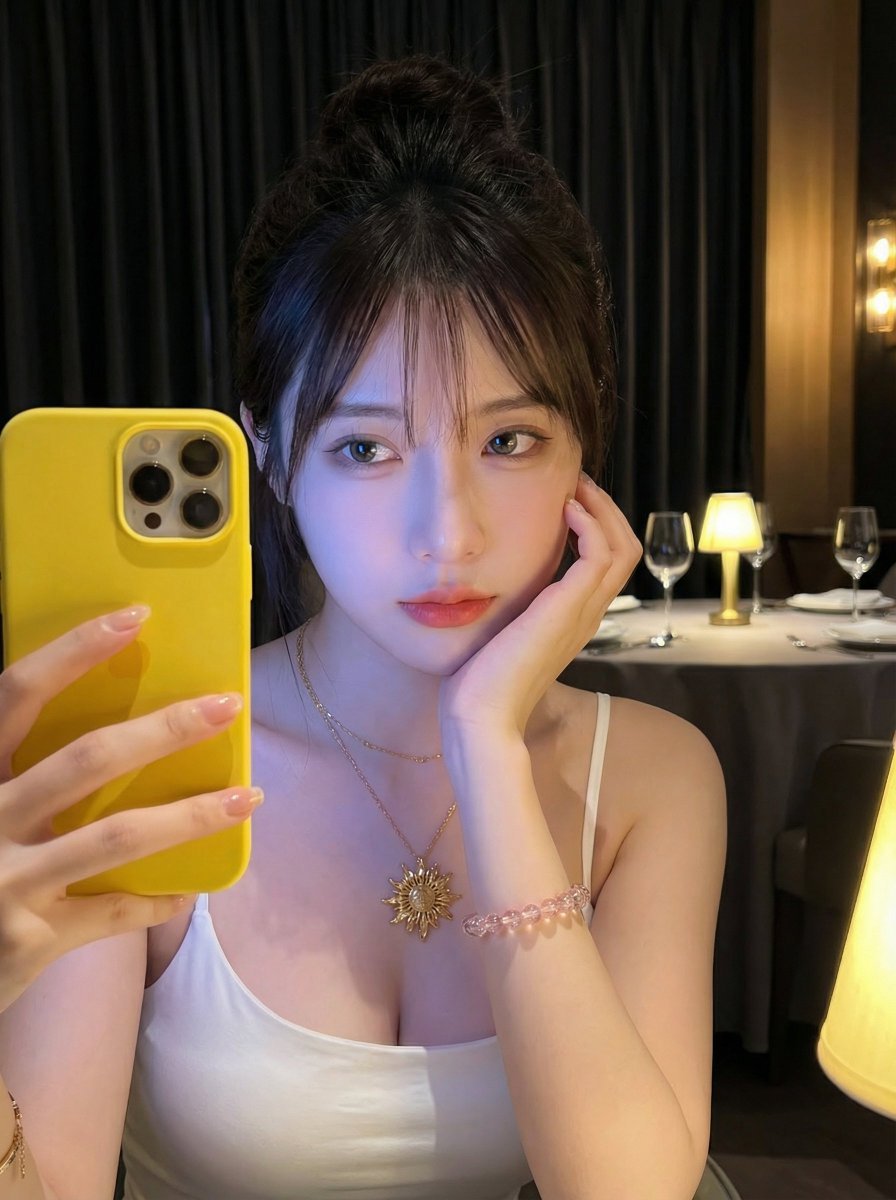
Selfie Portrait with Cold/Warm Lighting Contrast
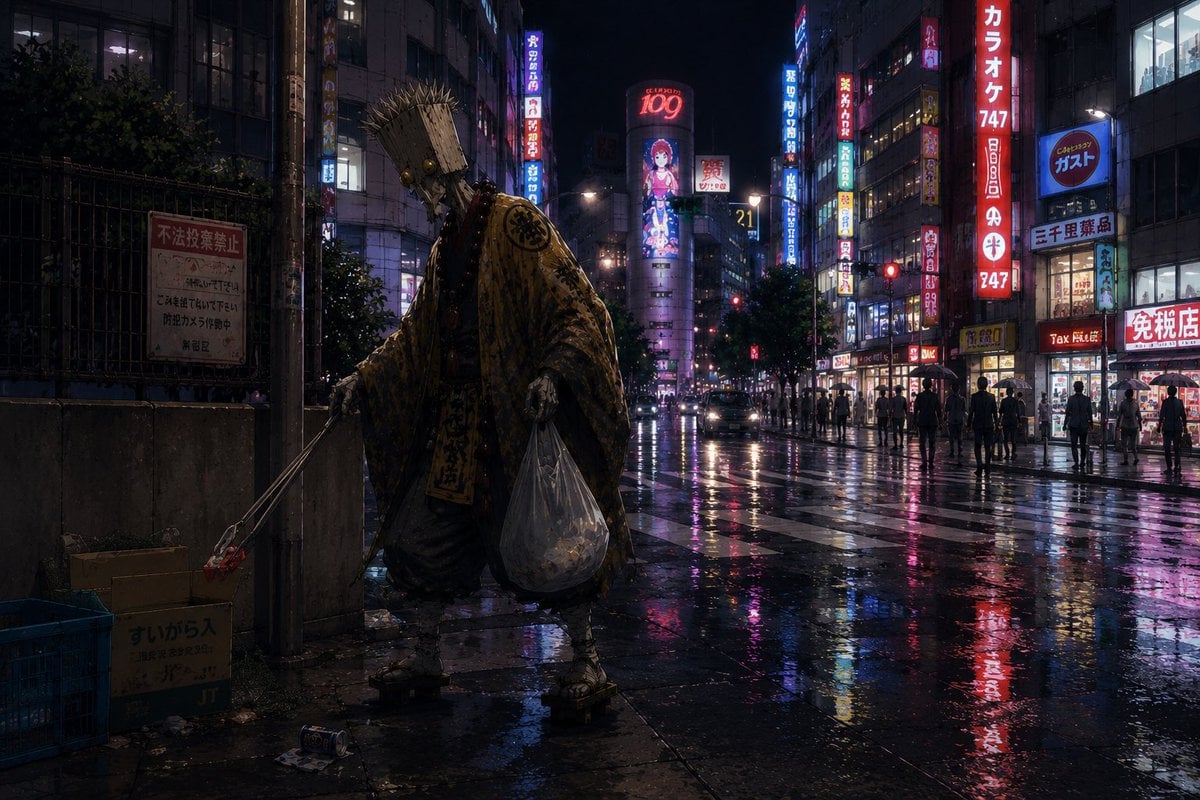
Ascetic Monk Cleaning Neon Tokyo
Browse template categories
Premium Anime Realism Illustration questions
How do I use the Premium Anime Realism Illustration template?
Add your photo if the template asks for one, edit the prompt if you like — the template's model and format are already selected — and press Generate. Your version opens in PicX Studio.
Can I customize the Premium Anime Realism Illustration template?
Yes. You can change the subject, setting, lighting, mood, format, and available model controls before creating your image.
Is the Premium Anime Realism Illustration template free?
Opening and editing this template is free. Generating uses credits, shown on the Generate button when you are signed in.
Which AI model should I use?
Start with Nano Banana 2, which is the model associated with this template. You can compare another compatible model for a different finish.
Looking for something else? Browse all templates.

Your photo, any look
Thousands of ready templates for every top image and video model, from one credit balance.