
Selfie Portrait with Cold/Warm Lighting Contrast
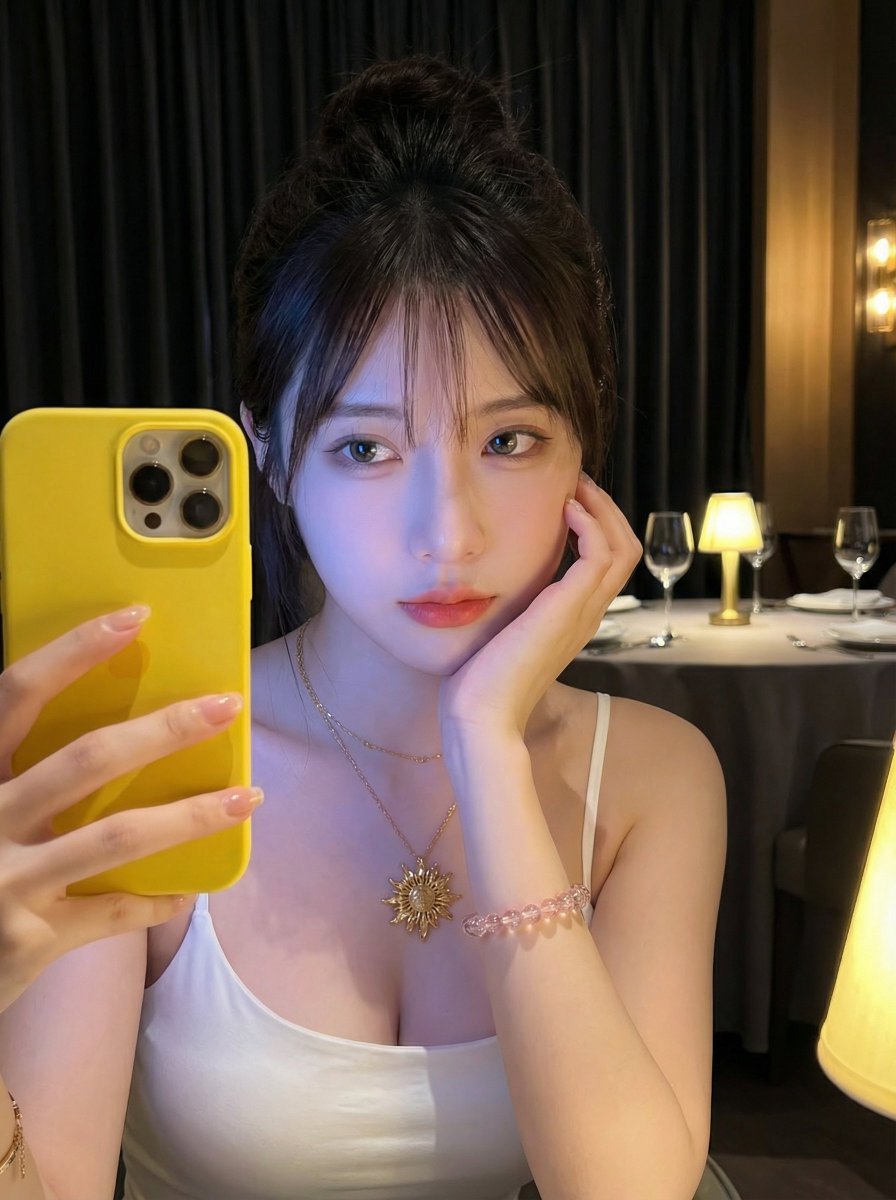
A detailed prompt for generating a vertical, close-up selfie portrait of a young Asian woman using Nano Banana Pro.
- Prompt included
- Model and format preset
- Free template
The prompt behind this image
Copy the exact prompt behind Selfie Portrait with Cold/Warm Lighting Contrast, or open it in the studio and make it yours.
【主题】一位年轻女性,深棕黑色头发盘成发髻,额前散落几缕碎刘海;直视镜头,表情宁静略带慵懒。右手托腮,左手持手机作自拍姿势。 【妆容与肤质】自然清透妆容,眼妆干净,睫毛根根分明,双唇莹润;皮肤极其细腻,整体肤色在冷光映衬下透出蓝紫色光泽感。 【衣着】白色细吊带低胸上衣(简约修身款)。 【配饰】手腕叠戴透明粉珠串手链与金色细链手镯(带小花/四叶草吊坠);指甲涂浅裸色甲油。 【道具】亮黄色手机/手机壳非常醒目(位于画面左下角),增强“随手社交自拍”的真实感。 【场景】昏暗餐厅/酒吧氛围,厚重黑窗帘为背景;白色圆桌上放置酒杯与小物件,多盏暖黄色台灯营造温馨环境光。 【光影与色彩】人物受冷蓝紫色补光(如屏幕光/LED补光)照射,背景则泛暖黄色钨丝灯光,形成鲜明冷暖对比;背景轻微虚化以突出人像。 【摄影语言】竖构图近景半身(胸部以上),略带俯视/平视角度,带手机人像模式质感,中浅景深,画面肌理“清晰而柔和”。
How to use Selfie Portrait with Cold/Warm Lighting Contrast in 3 steps
- 1
Open
The prompt is already in the box next to the preview, with the template's model and format selected.
- 2…a portrait of your subject in softgolden-hour light, 85mm…
Personalize
Edit the subject and creative details for your destination.
- 3Generate
Generate
Press Generate — your image is created in PicX Studio, so you can compare it with the original and refine one variable at a time.
More like this
Templates with the same subject, style or setup. Open one to see its prompt.

Rooftop Fisheye — Cat-Ear Balaclava at Golden Hour
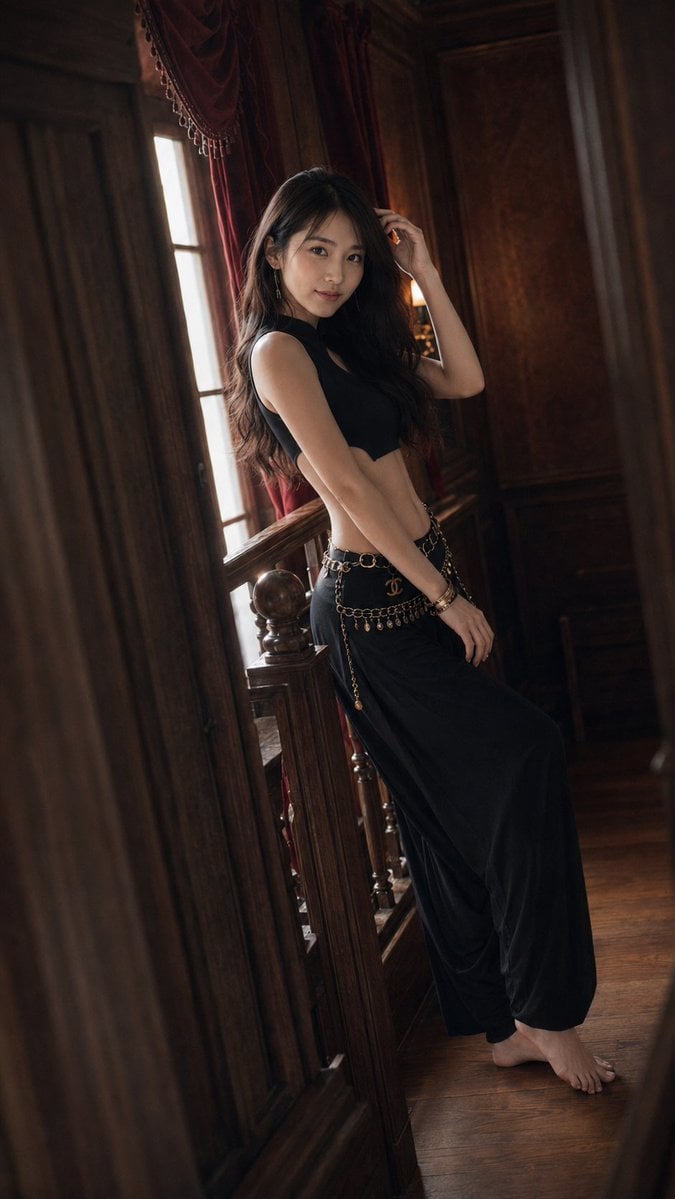
Warm Vintage Manor Bohemian Fashion Editorial
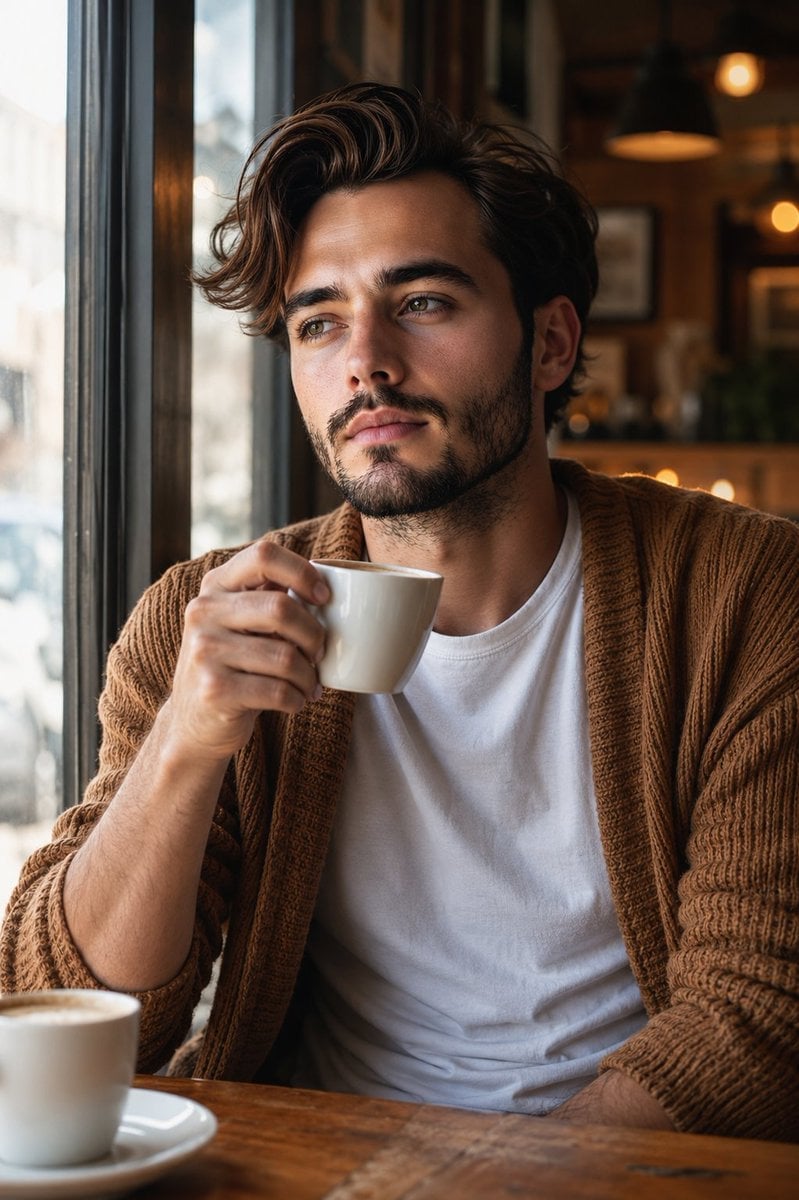
Warm Window Side Café Studio Portrait
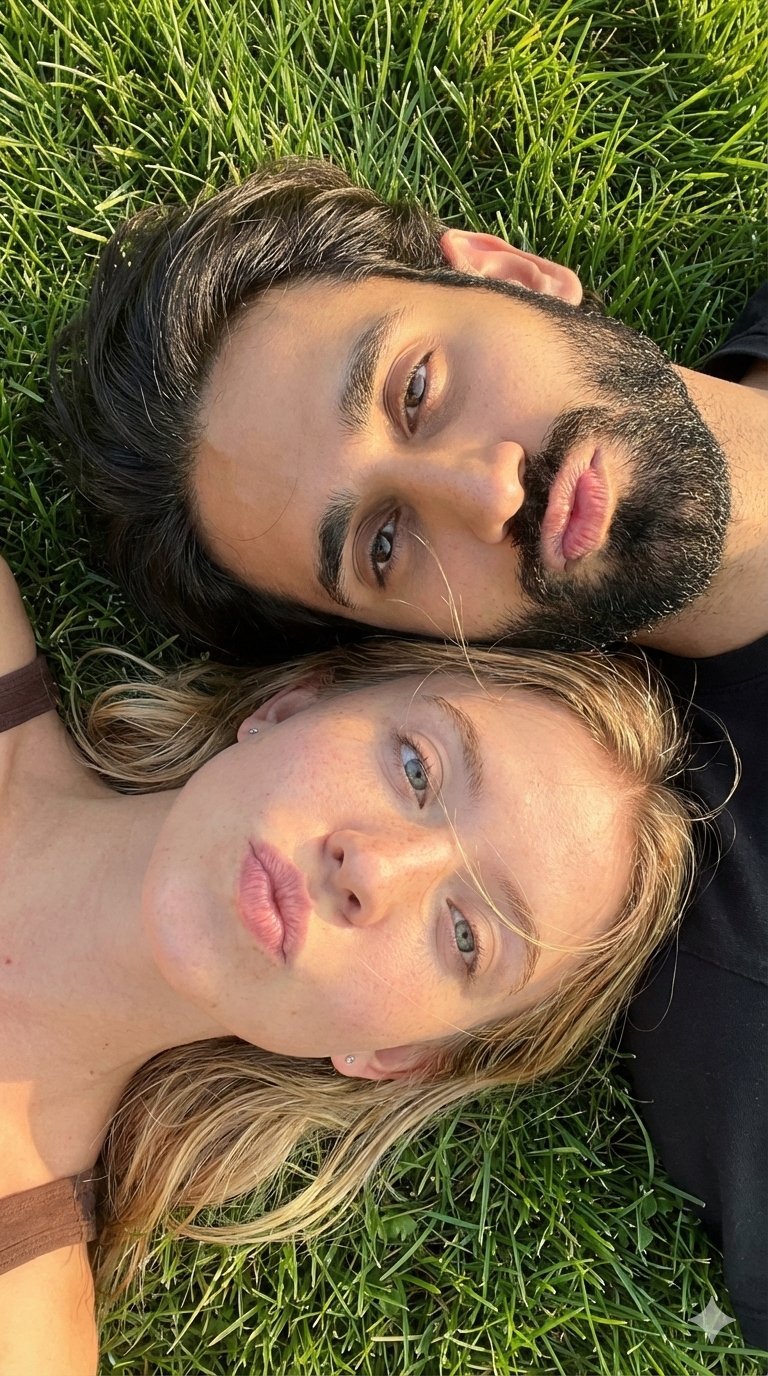
Selfie with Sydney Sweeney and Ana De Ar
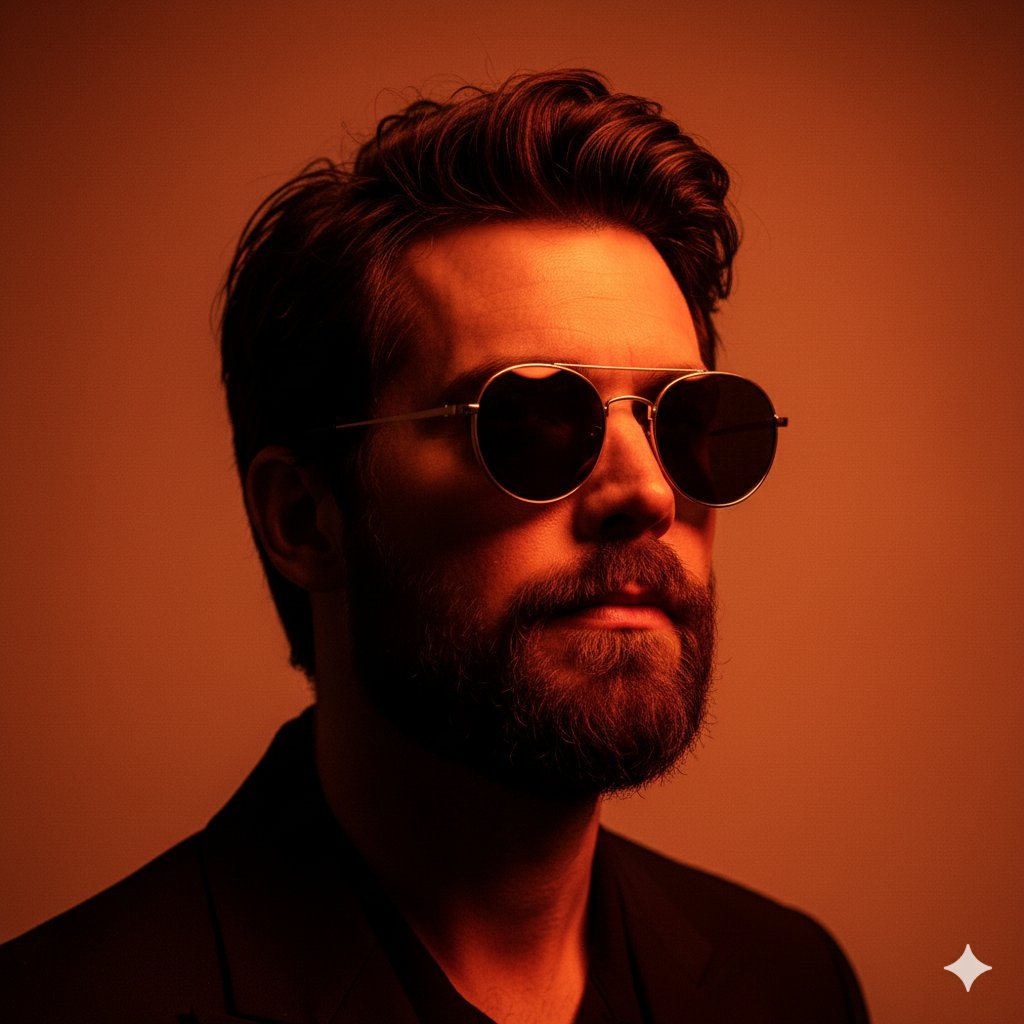
8K High-Fashion Cinematic Portrait with Warm Lighting
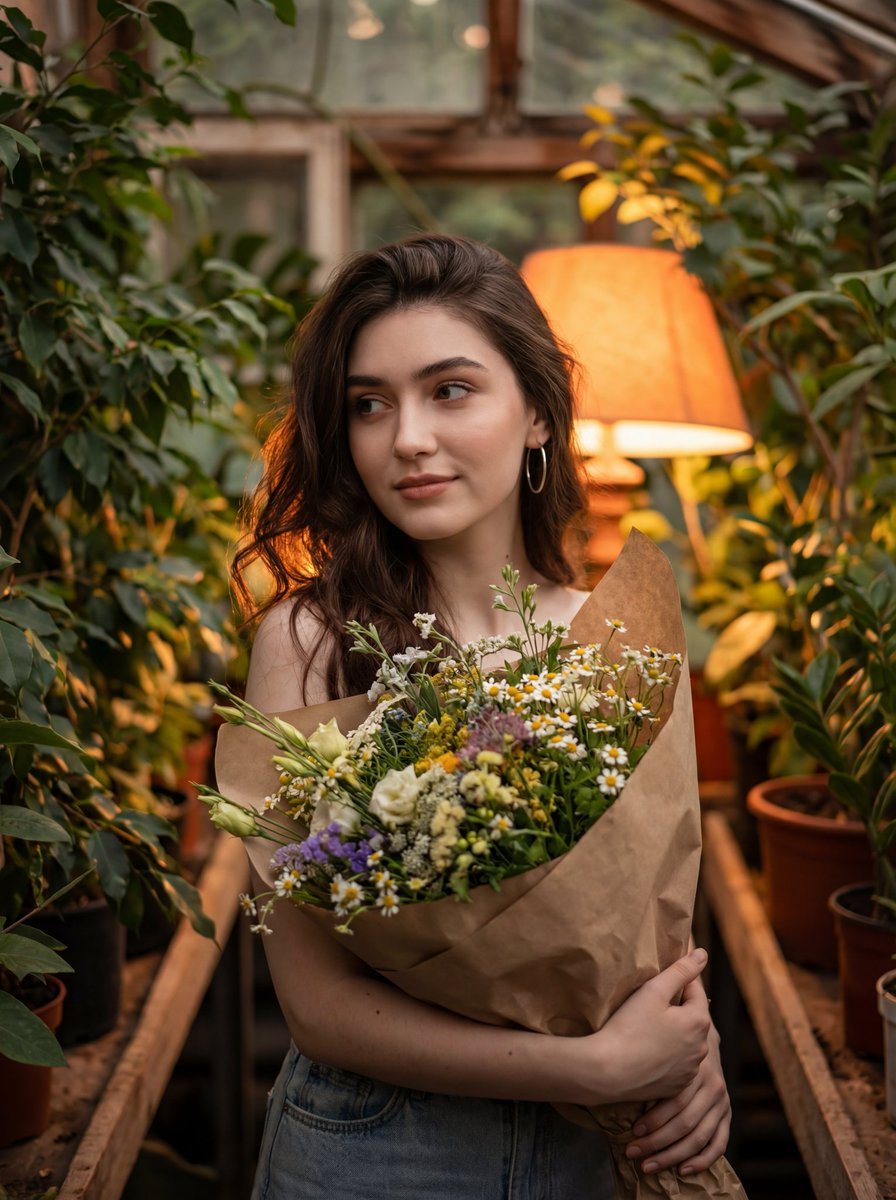
Atmospheric Portrait with Flowers and Warm Lighting

Found Photograph: Us, 1970

80s Couple Studio Portrait

80s Bollywood Star

80s Golden Hour Cinema

Me in 1985

1985 Studio Portrait
Make it yours
Selfie Portrait with Cold/Warm Lighting Contrast works as-is. These are the safest ways to change it without losing the look.
Change one field
Copy a single group, rewrite it, and generate again so you can see what that field is doing.
Keep the frame, change the subject
Hold the composition and light of Selfie Portrait with Cold/Warm Lighting Contrast, then swap wardrobe, props or the person for a new take.
| If the result… | Why | Fix |
|---|---|---|
| The result drifts from the preview | Too many fields changed at once. | Reuse Selfie Portrait with Cold/Warm Lighting Contrast as-is first, then change one group — subject, light, or setting. |
| The model over-stylizes the scene | The prose prompt leaves finish and camera underspecified. | Add one camera or lighting sentence and stay on Nano Banana 2. |
More Nano Banana 2 templates
Other prompts made for Nano Banana 2.

Photorealistic Leaf Shaped Like a Dragon

K-Pop Idol Portrait Grid for Rapid Selection

Poetic Rain Forest Portrait During Golden Hour

Urban Street Portrait with Cartoon Inner Self Duo

Candid Nighttime Photo with Cat Prompt

High-Concept 3D Diorama Generation Prompt

Cinematic Futuristic Studio Portrait Template

Skincare Editorial Photography Collage Prompt

Hyper-Realistic Commercial Product Photography (Splash Effect)

Hyper-Realistic Nightclub Portrait Prompt
More image prompts
Fresh picks from across the catalog.
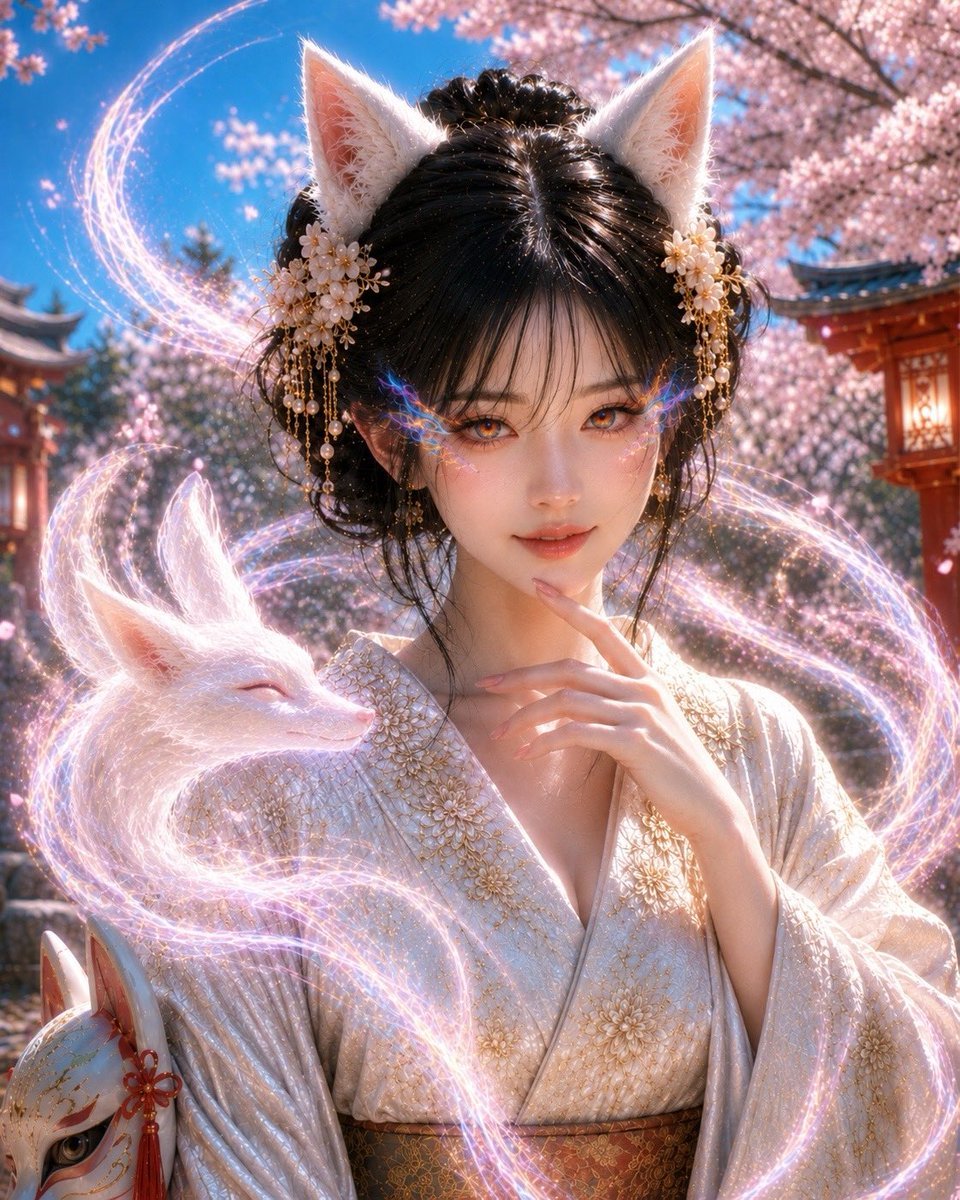
Mystical Kitsune Shrine Portrait

Cinematic Profile Portrait Prompt with Backlighting and Bokeh
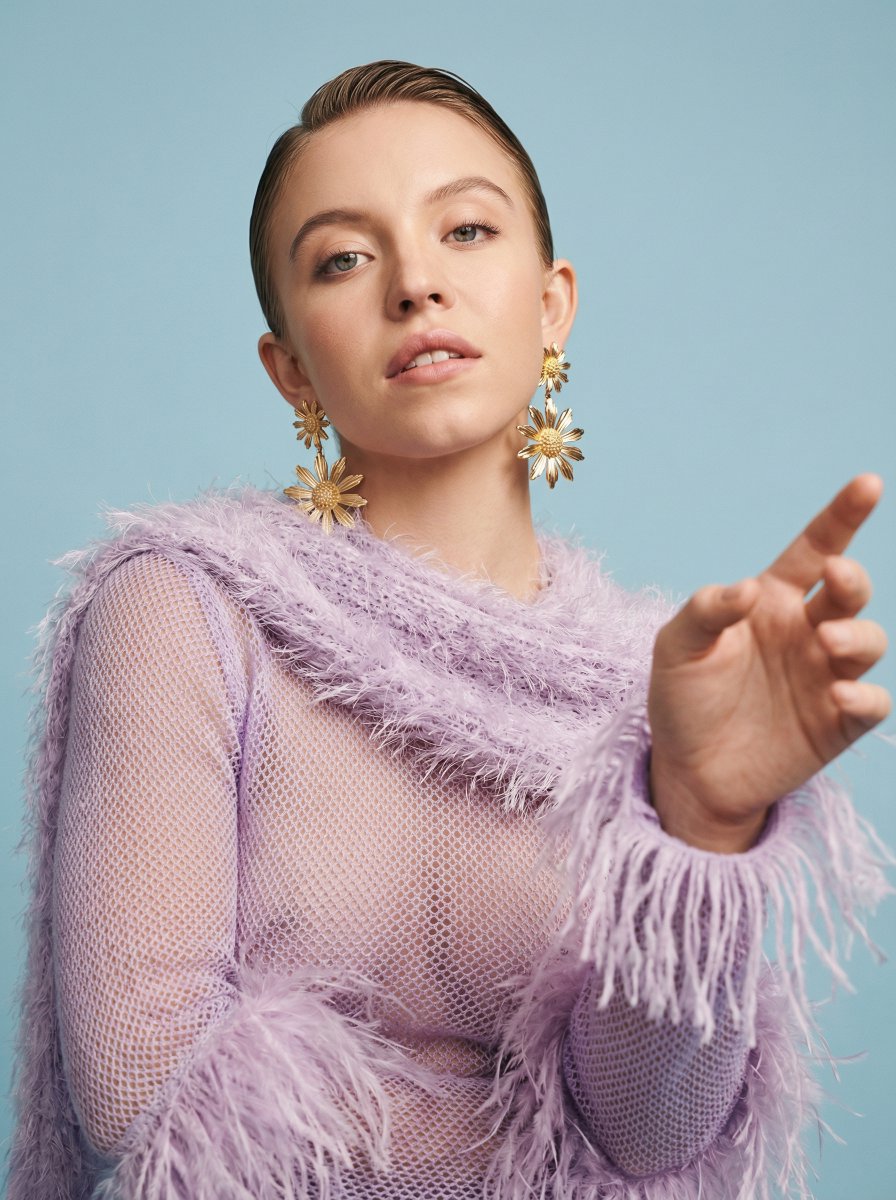
Photorealistic High-Fashion Editorial Portrait Prompt Template
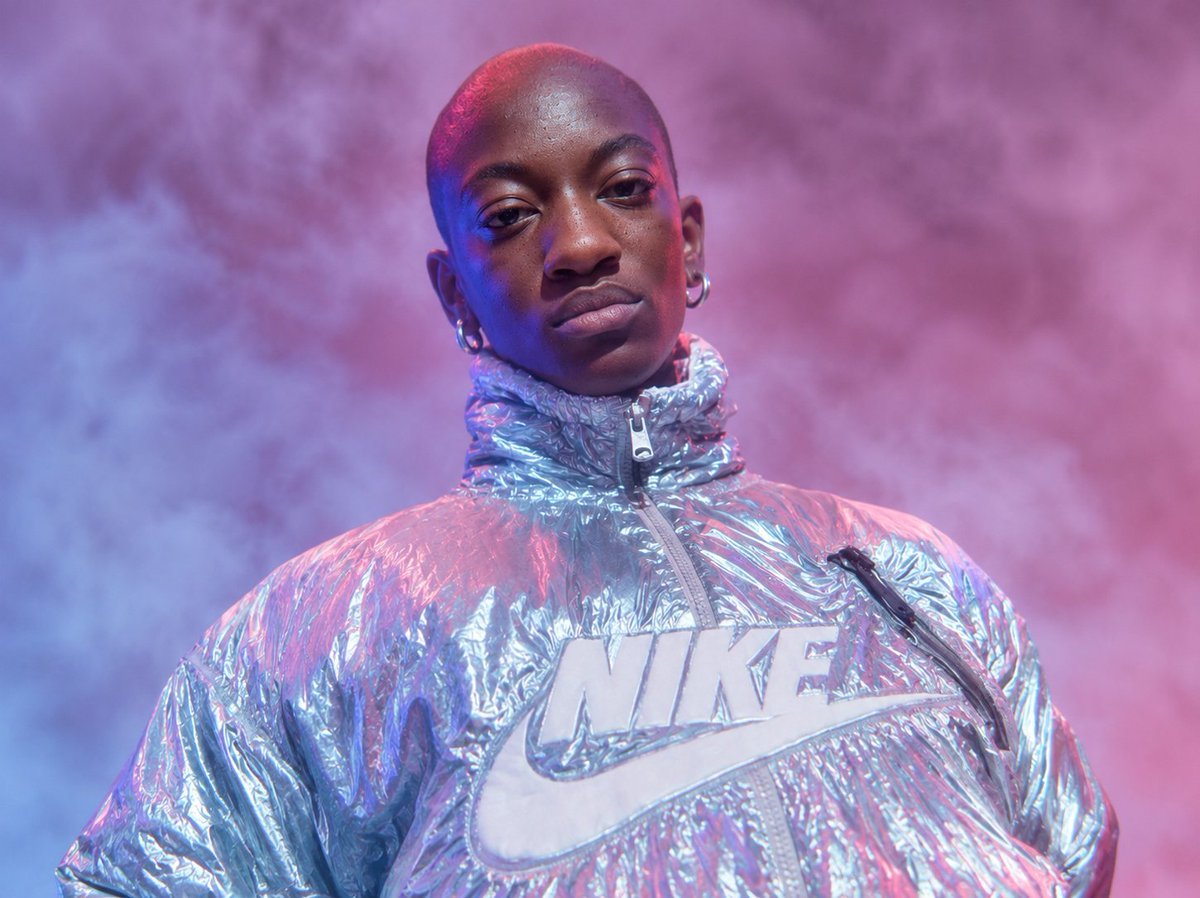
Neon Holographic Streetwear Portrait
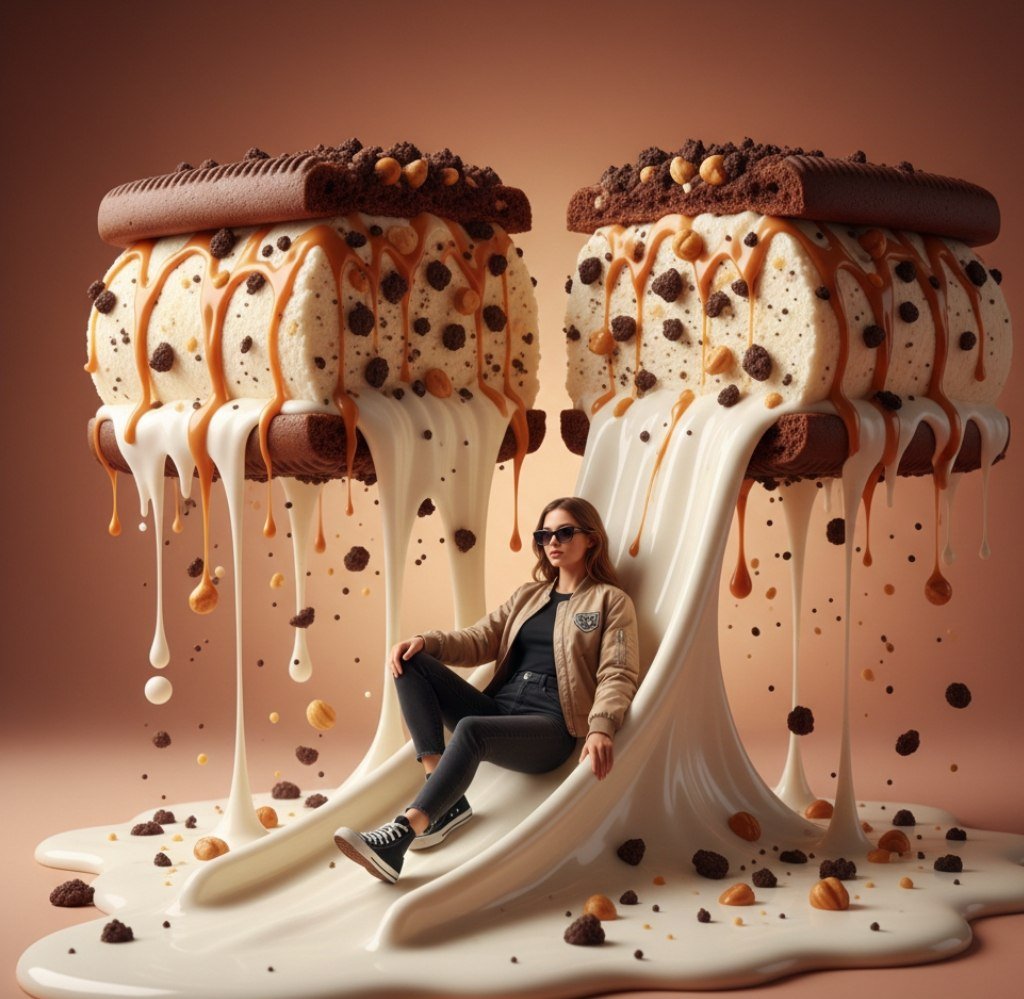
Surreal Woman Sliding Down Melted Ice Cream or Jam
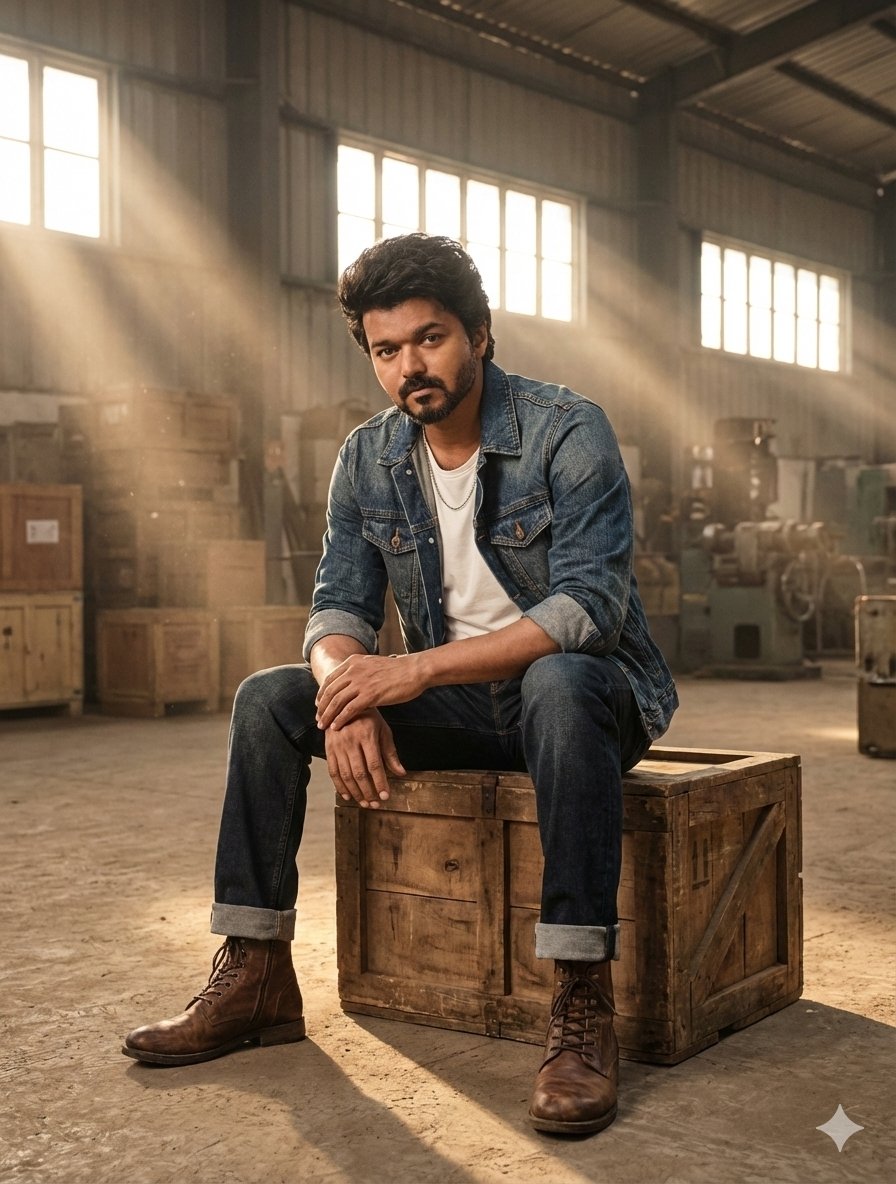
Hyper-Realistic Portrait in Dusty Warehouse
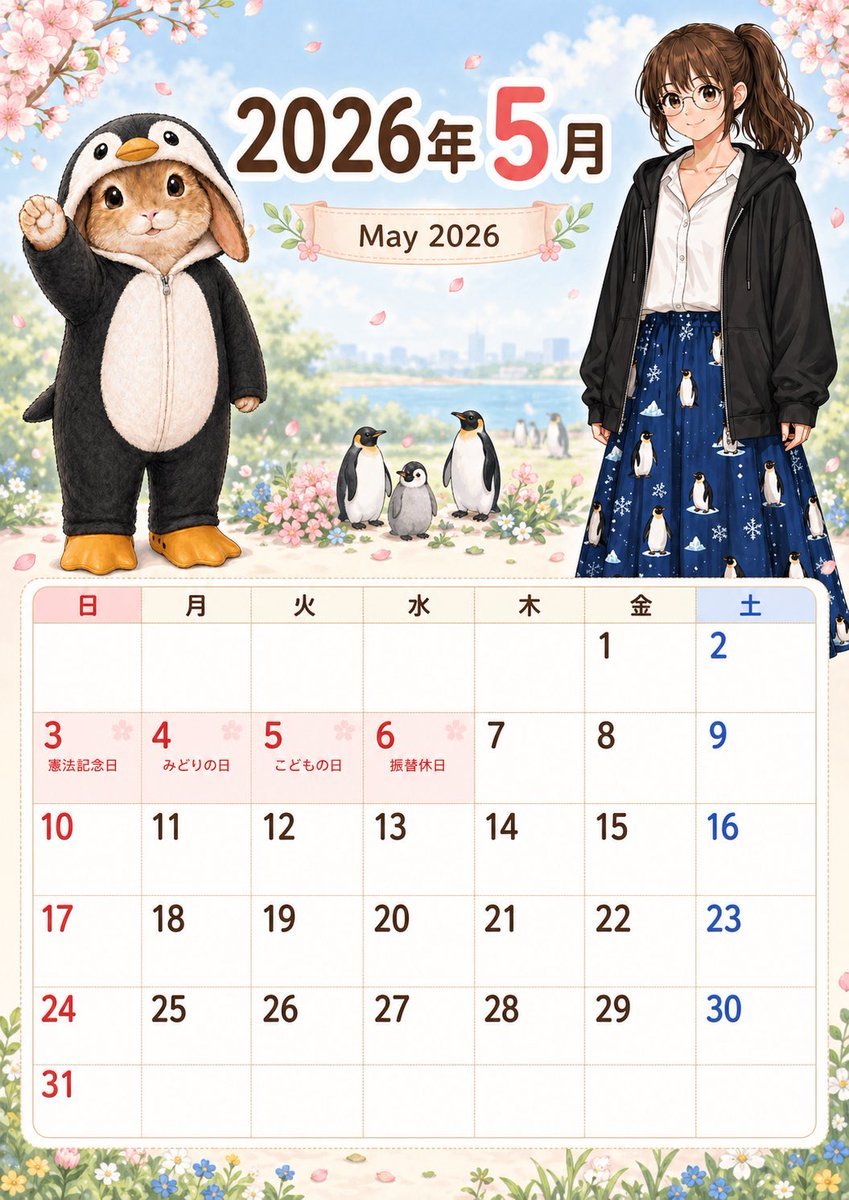
Cute May 2026 Spring Calendar
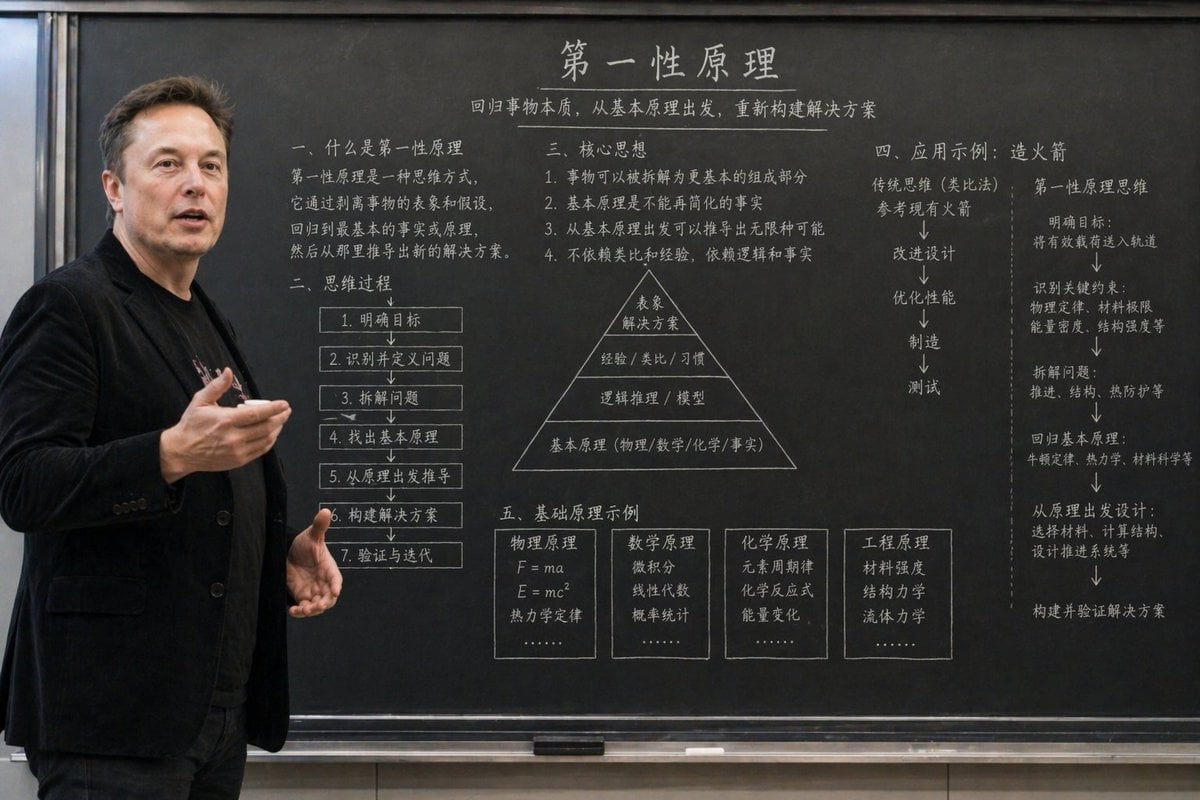
Educational Classroom Scene Prompt
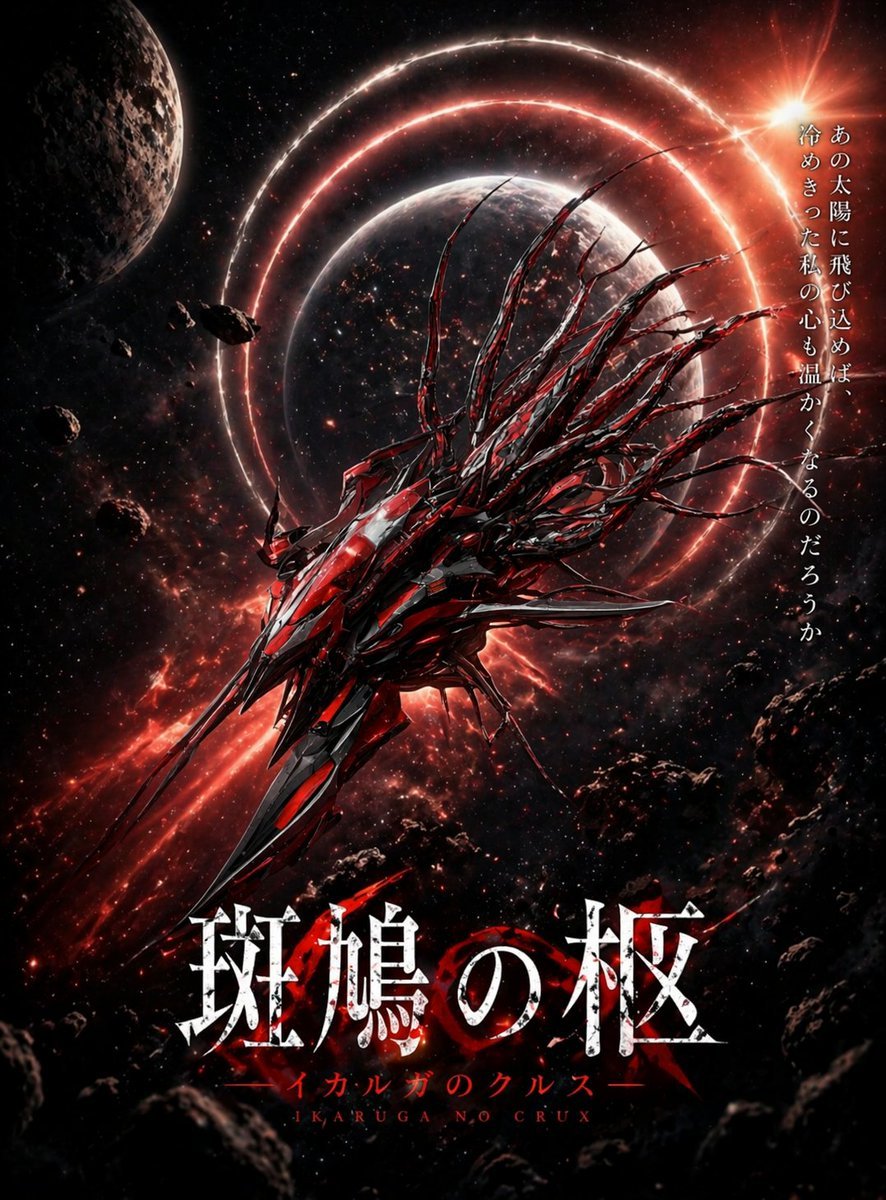
Crimson Space Opera Key Visual
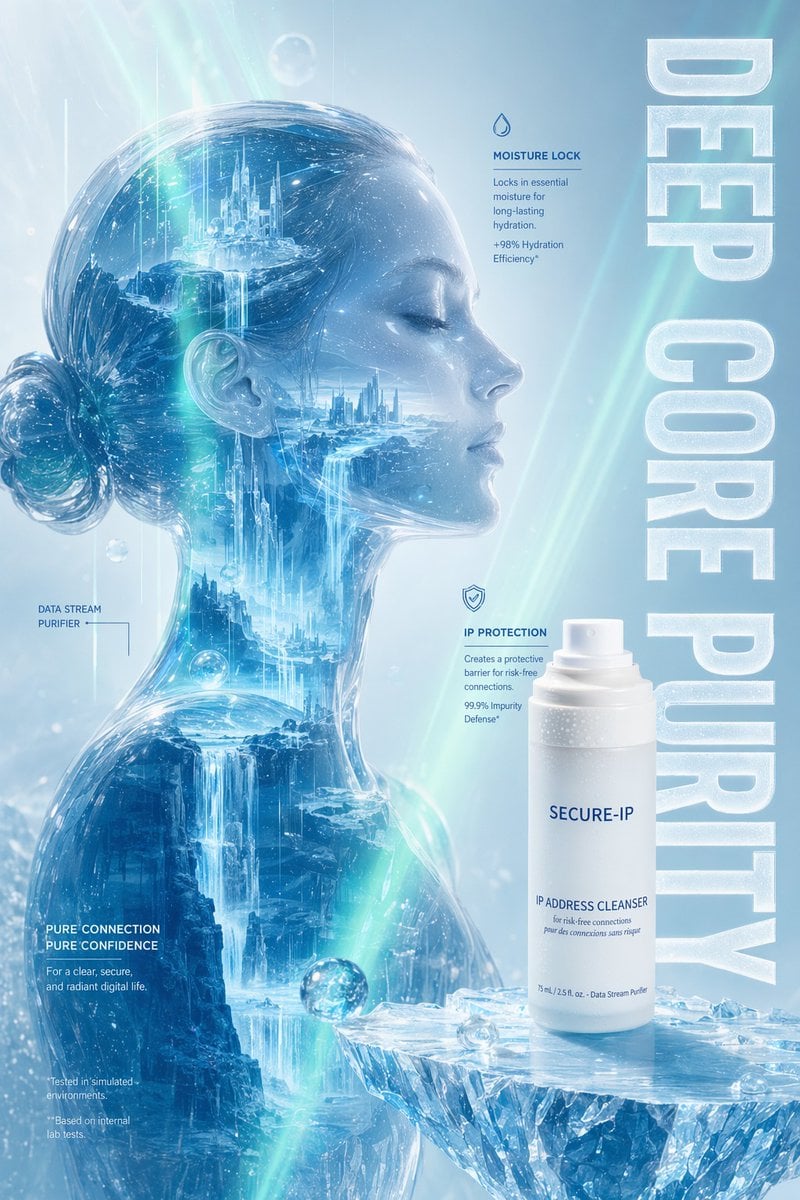
Futuristic Ice Skincare Poster
Browse template categories
Selfie Portrait with Cold/Warm Lighting Contrast questions
How do I use the Selfie Portrait with Cold/Warm Lighting Contrast template?
Add your photo if the template asks for one, edit the prompt if you like — the template's model and format are already selected — and press Generate. Your version opens in PicX Studio.
Can I customize the Selfie Portrait with Cold/Warm Lighting Contrast template?
Yes. You can change the subject, setting, lighting, mood, format, and available model controls before creating your image.
Is the Selfie Portrait with Cold/Warm Lighting Contrast template free?
Opening and editing this template is free. Generating uses credits, shown on the Generate button when you are signed in.
Which AI model should I use?
Start with Nano Banana 2, which is the model associated with this template. You can compare another compatible model for a different finish.
Looking for something else? Browse all templates.

Your photo, any look
Thousands of ready templates for every top image and video model, from one credit balance.