
Magical Creature Bestiary Plates
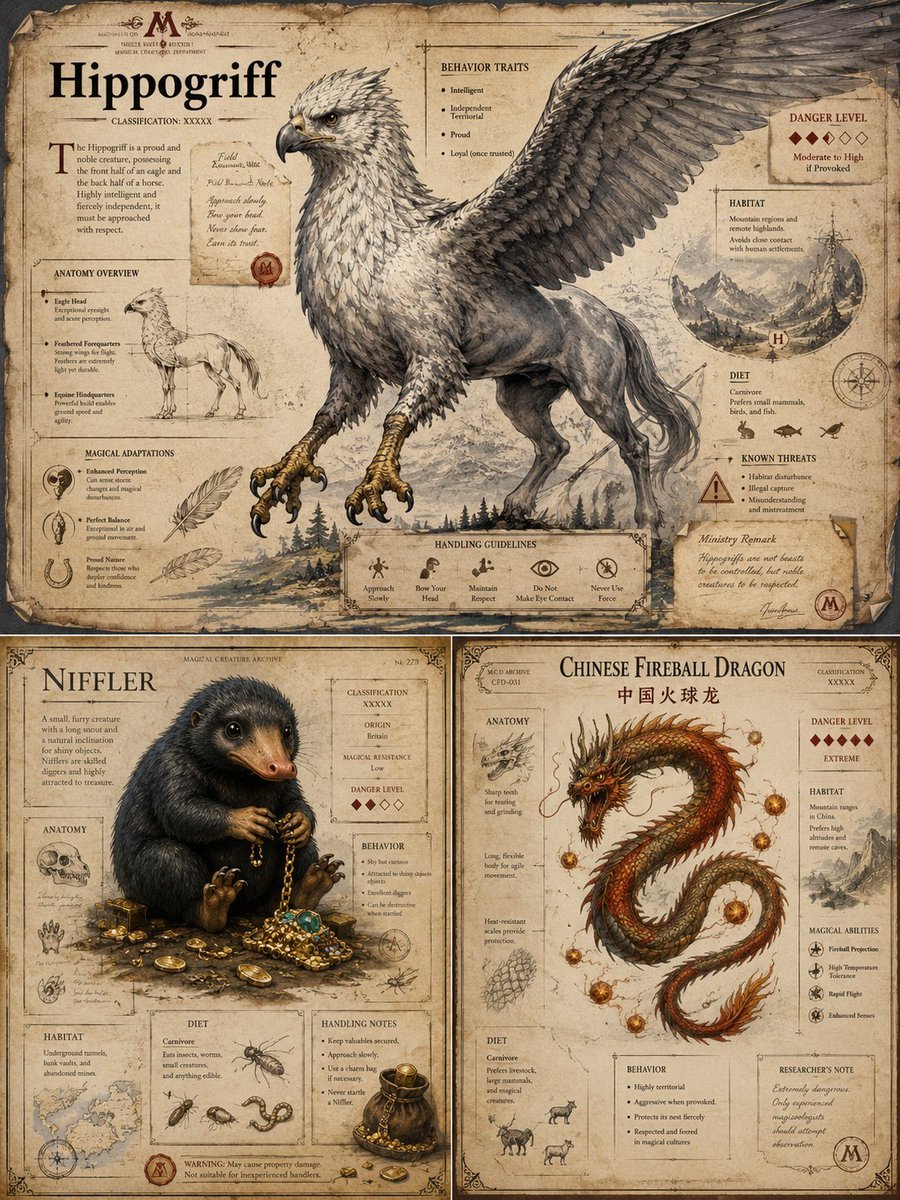
Generates an antique wizarding archive composite of three detailed magical creature infographic plates for fantasy encyclopedia or worldbuilding use.
- Prompt included
- Model and format preset
- Free template
The prompt behind this image
Copy the exact prompt behind Magical Creature Bestiary Plates, or open it in the studio and make it yours.
- Type
- high-end editorial magical creature bestiary infographic page set
- Overall Style
- antique wizarding-world natural history archive, aged parchment paper, burned and torn edges, sepia ink, engraved field-guide illustration mixed with realistic painterly creature rendering, medieval manuscript ornaments, compass roses, red wax seals, rune-like marginalia, hand-written researcher notes, museum dossier layout, premium fantasy encyclopedia design, highly detailed, cinematic but flat document presentation
- Format
- three illustrated bestiary plates arranged as one composite image: one large horizontal plate on top and two smaller vertical plates below
- Parameters › Creature 1 Name
- {argument name="creature 1 name" default="Hippogriff"}
- Parameters › Creature 2 Name
- {argument name="creature 2 name" default="Niffler"}
- Parameters › Creature 3 Name
- {argument name="creature 3 name" default="Chinese Fireball Dragon"}
- Parameters › Archive Series Title
- {argument name="archive series title" default="Magical Creatures Archive"}
- Parameters › Paper Tone
- {argument name="paper tone" default="weathered tan parchment"}
- Layout › Total Plates
- 3
- Layout › Plate 1 › Position
- top full width
- Layout › Plate 1 › Title
- {argument name="creature 1 name" default="Hippogriff"}
- Layout › Plate 1 › Main Subject
- large majestic hippogriff with eagle head, hooked beak, sharp golden talons, feathered chest, horse-like hindquarters, long tail, and one enormous wing spread across the upper right of the page
- Layout › Plate 1 › Classification
- XXXXX
- Layout › Plate 1 › Visible Sections Count
- 9
- Layout › Plate 1 › Visible Sections
- opening description paragraph, ANATOMY OVERVIEW, MAGICAL ADAPTATIONS, BEHAVIOR TRAITS, DANGER LEVEL, HABITAT, DIET, KNOWN THREATS, HANDLING GUIDELINES
- Layout › Plate 1 › Danger Level
- 5 red diamond scale, moderate to high if provoked
- Layout › Plate 1 › Habitat Visual
- small circular mountain habitat map with cliffs and pine forest
- Layout › Plate 1 › Handling Guidelines Icons Count
- 5
- Layout › Plate 1 › Handling Guidelines Labels
- Approach Slowly, Bow Your Head, Maintain Respect, Do Not Make Eye Contact, Never Use Force
- Layout › Plate 1 › Notes
- include a pinned handwritten field note and a Ministry Remark note sealed with a red stamp
- Layout › Plate 2 › Position
- bottom left
- Layout › Plate 2 › Title
- {argument name="creature 2 name" default="Niffler"}
- Layout › Plate 2 › Main Subject
- cute black furry mole-like creature with glossy eyes and duckbill snout sitting amid scattered gold coins, chains, jewels, treasure boxes, and a small pouch
- Layout › Plate 2 › Visible Sections Count
- 8
Raw JSON
{"type":"high-end editorial magical creature bestiary infographic page set","overall_style":"antique wizarding-world natural history archive, aged parchment paper, burned and torn edges, sepia ink, engraved field-guide illustration mixed with realistic painterly creature rendering, medieval manuscript ornaments, compass roses, red wax seals, rune-like marginalia, hand-written researcher notes, museum dossier layout, premium fantasy encyclopedia design, highly detailed, cinematic but flat document presentation","format":"three illustrated bestiary plates arranged as one composite image: one large horizontal plate on top and two smaller vertical plates below","parameters":{"creature 1 name":"{argument name=\"creature 1 name\" default=\"Hippogriff\"}","creature 2 name":"{argument name=\"creature 2 name\" default=\"Niffler\"}","creature 3 name":"{argument name=\"creature 3 name\" default=\"Chinese Fireball Dragon\"}","archive series title":"{argument name=\"archive series title\" default=\"Magical Creatures Archive\"}","paper tone":"{argument name=\"paper tone\" default=\"weathered tan parchment\"}"},"layout":{"total_plates":3,"plate_1":{"position":"top full width","title":"{argument name=\"creature 1 name\" default=\"Hippogriff\"}","main_subject":"large majestic hippogriff with eagle head, hooked beak, sharp golden talons, feathered chest, horse-like hindquarters, long tail, and one enormous wing spread across the upper right of the page","classification":"XXXXX","visible_sections_count":9,"visible_sections":["opening description paragraph","ANATOMY OVERVIEW","MAGICAL ADAPTATIONS","BEHAVIOR TRAITS","DANGER LEVEL","HABITAT","DIET","KNOWN THREATS","HANDLING GUIDELINES"],"danger_level":"5 red diamond scale, moderate to high if provoked","habitat_visual":"small circular mountain habitat map with cliffs and pine forest","handling_guidelines_icons_count":5,"handling_guidelines_labels":["Approach Slowly","Bow Your Head","Maintain Respect","Do Not Make Eye Contact","Never Use Force"],"notes":"include a pinned handwritten field note and a Ministry Remark note sealed with a red stamp"},"plate_2":{"position":"bottom left","title":"{argument name=\"creature 2 name\" default=\"Niffler\"}","main_subject":"cute black furry mole-like creature with glossy eyes and duckbill snout sitting amid scattered gold coins, chains, jewels, treasure boxes, and a small pouch","visible_sections_count":8,"visible_sections":["description paragraph","ANATOMY","CLASSIFICATION / ORIGIN / MAGICAL RESISTANCE / DANGER LEVEL","BEHAVIOR","HABITAT","DIET","HANDLING NOTES","WARNING"],"danger_level":"3 red diamonds out of 5","origin":"Britain","magical_resistance":"Low","habitat_visual":"small underground tunnel and bank-vault style habitat map","diet_items_count":4,"diet_items":["insects","worms","small creatures","anything edible"],"handling_notes_count":4,"handling_notes":["Keep valuables secured","Approach slowly","Use a charm bag if necessary","Never stand near a Niffler"],"warning":"May cause property damage; not suitable for inexperienced handlers"},"plate_3":{"position":"bottom right","title":"{argument name=\"creature 3 name\" default=\"Chinese Fireball Dragon\"}","subtitle":"中国火球龙","main_subject":"long serpentine red and gold Chinese dragon coiled in an S shape, horned head, whiskers, spines along the back, glowing fireballs orbiting around it, smoky ember effects","visible_sections_count":8,"visible_sections":["ANATOMY","DANGER LEVEL","HABITAT","MAGICAL ABILITIES","DIET","BEHAVIOR","RESEARCHER'S NOTE","classification label"],"danger_level":"5 red diamonds, EXTREME","habitat":"mountain ranges in China, prefers high altitudes and remote caves","magical_abilities_count":4,"magical_abilities":["Fireball Projection","High Temperature Tolerance","Rapid Flight","Enhanced Senses"],"behavior_traits_count":4,"behavior_traits":["Highly territorial","Aggressive when provoked","Protects its nest fiercely","Respected and feared in magical cultures"],"researcher_note":"Extremely dangerous. Only experienced magizoologists should attempt observation."}},"typography":"large black serif display titles, small uppercase section headers, fine ruled lines, red diamond danger markers, tiny pseudo-scholarly labels and catalog numbers, old ink annotations","composition_requirements":"make the pages feel authentic and information-dense, with exact readable English headings where possible; include anatomical sketches, small diagrams, maps, icons, and marginal notes without modern UI elements","lighting_and_texture":"soft overhead scan lighting, parchment stains, creases, ink smudges, foxing, scratches, taped corners, archival wear","quality":"ultra-detailed fantasy infographic, sharp linework, realistic creature anatomy, coherent editorial layout, no photorealistic humans"}How to use Magical Creature Bestiary Plates in 3 steps
- 1Upload ImagePNG, JPG or paste
Add your photo
Upload the photo the template builds on. The prompt, model and format are already set.
- 2…a portrait of your subject in softgolden-hour light, 85mm…
Personalize
Edit the subject and creative details for your destination.
- 3Generate
Generate
Press Generate — your image is created in PicX Studio, so you can compare it with the original and refine one variable at a time.
More like this
Templates with the same subject, style or setup. Open one to see its prompt.

Pixar-Style Chibi Café Morning Scene

Pastel Fantasy Pagoda Mountain Landscape

Magical Forest Creature Portrait Prompt (from ALT text)
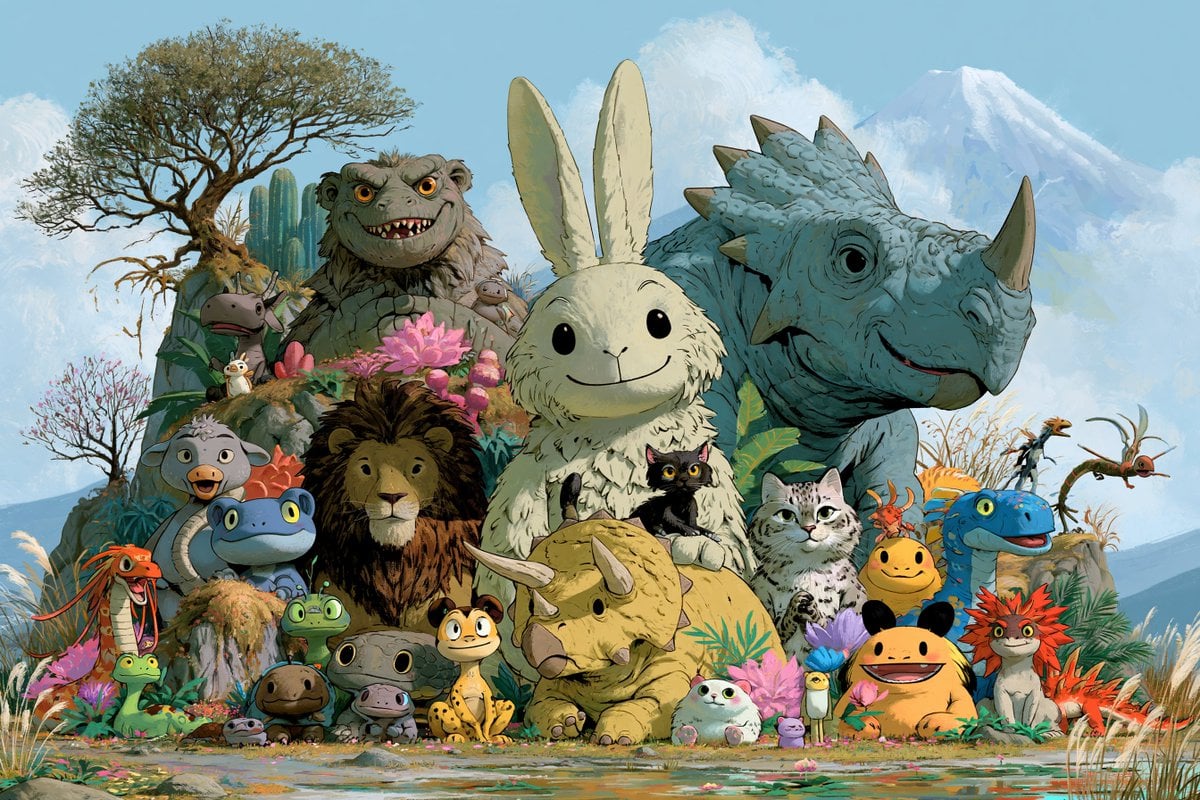
Fantasy Creature Meadow Ensemble
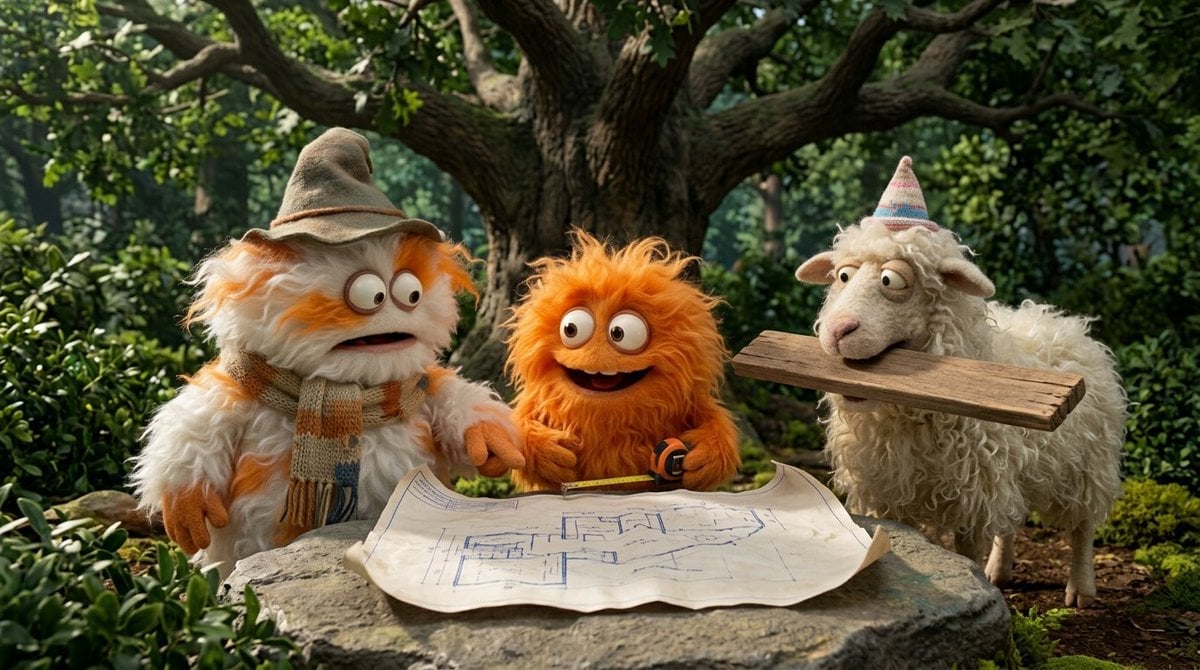
Funny 4-part story featuring 3 fluffy creatures building a treehouse
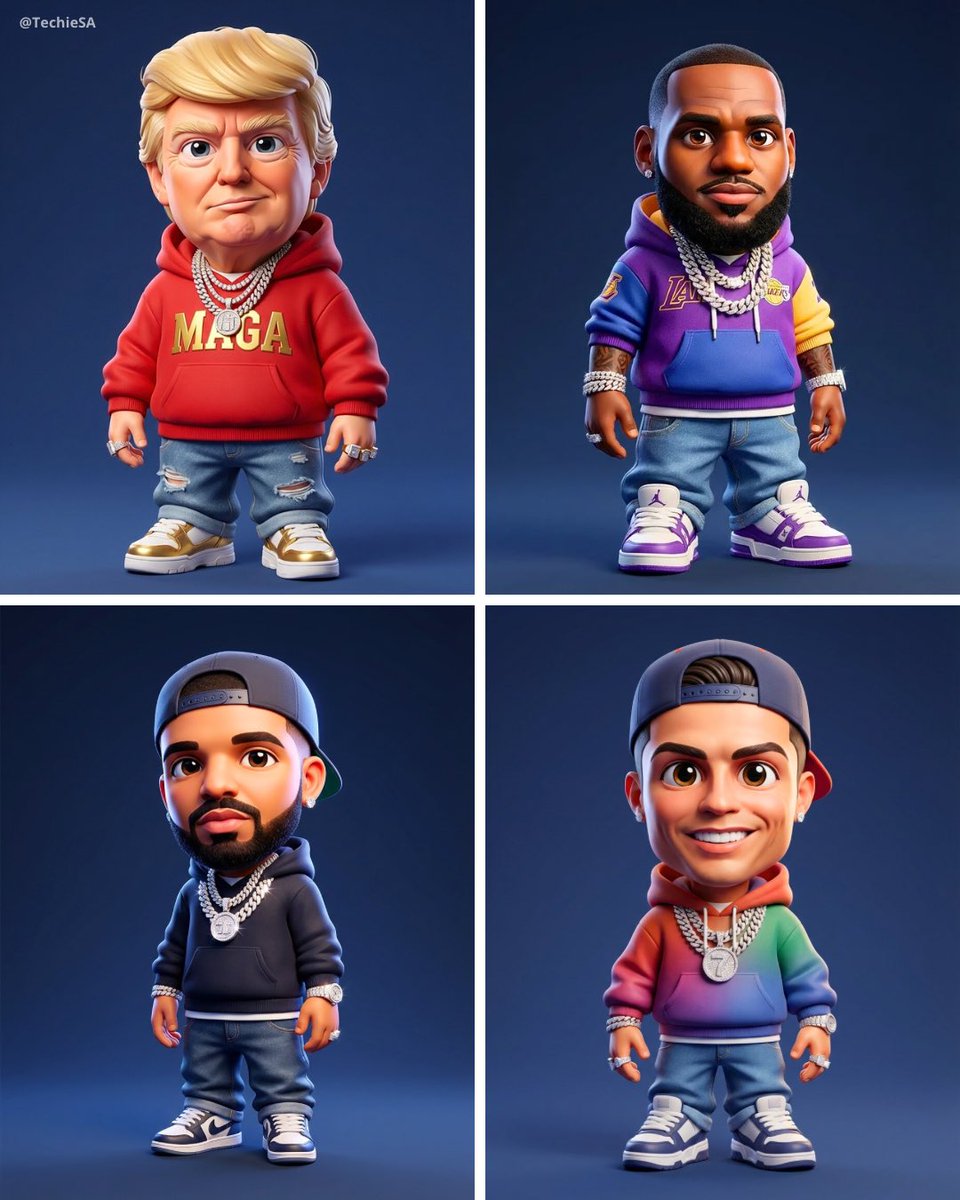
Maintaining the facial features of all creatures
Banknote Engraving Deep Sea Creatures
Glass-Orb Antler Bull Creature
Fantasy Child and Alien Creature Portrait
Souls-like Snail Creature Design
Graffiti Creature Pixel Platformer
Vintage Creature Concept Art Sheet
Make it yours
Magical Creature Bestiary Plates works as-is. These are the safest ways to change it without losing the look.
Swap the light
One lighting change is enough to compare takes. Current light: “soft overhead scan lighting, parchment stains, creases, ink smudges, foxing, scr”.
Change one field
Copy a single group, rewrite it, and generate again so you can see what that field is doing.
Keep the frame, change the subject
Hold the composition and light of Magical Creature Bestiary Plates, then swap wardrobe, props or the person for a new take.
| If the result… | Why | Fix |
|---|---|---|
| The result drifts from the preview | Too many fields changed at once. | Reuse Magical Creature Bestiary Plates as-is first, then change one group — subject, light, or setting. |
| GPT Image 2 ignores part of the JSON | Some models flatten or skip nested keys. | Keep the same values and paste them as a short paragraph instead. |
More GPT Image 2 templates
Other prompts made for GPT Image 2.

Six VTuber Japanese Logo Sheet

Realistic Portrait of Woman and Deer

The Vista Modular Condo Poster

AI Model Routing Comparison Infographic

2.5D Anime Art Board

Isometric Productivity Desk Scene

New York Double Exposure Poster

Four-Panel AI Landscape Comparison

Japanese Tatami Lifestyle Magazine Cover

NESCAFÉ Coffee Map Poster
More image prompts
Fresh picks from across the catalog.
Detailed Pixar Style 3D Avatar Generation Prompt
High-Speed Beverage Ad with Strawberry Splash
Realistic 3D Social Media Profile
Japanese CCD Vintage Snapshot

Soft 3D App Feature Icon Grid

High-fashion black-and-white editorial portrait

Cinematic Portrait of a Mysterious Hooded Warrior

Dramatic Black and White Male Portrait
Critical Rescue Suit Monitoring HUD
Cinematic Yasuo Fantasy Poster
Browse template categories
Magical Creature Bestiary Plates questions
How do I use the Magical Creature Bestiary Plates template?
Add your photo if the template asks for one, edit the prompt if you like — the template's model and format are already selected — and press Generate. Your version opens in PicX Studio.
Can I customize the Magical Creature Bestiary Plates template?
Yes. You can change the subject, setting, lighting, mood, format, and available model controls before creating your image.
Is the Magical Creature Bestiary Plates template free?
Opening and editing this template is free. Generating uses credits, shown on the Generate button when you are signed in.
Which AI model should I use?
Start with GPT Image 2, which is the model associated with this template. You can compare another compatible model for a different finish.
Looking for something else? Browse all templates.

Your photo, any look
Thousands of ready templates for every top image and video model, from one credit balance.