
Character Relationship Chart Infographic
A detailed prompt template for Nano Banana Pro to generate a character relationship chart (相関図) infographic.
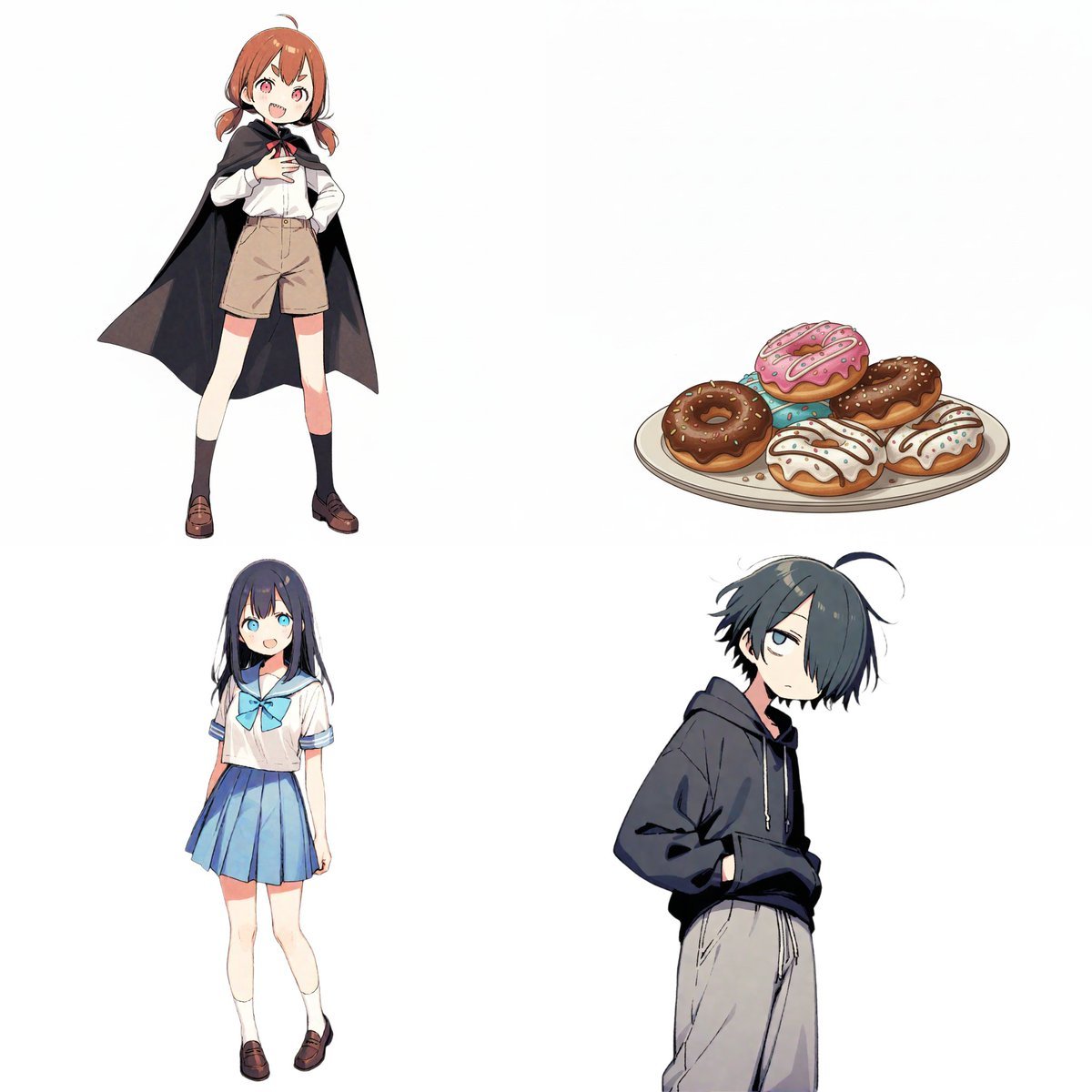
- Prompt included
- Model and format preset
- Free template
The prompt behind this image
Copy the exact prompt behind Character Relationship Chart Infographic, or open it in the studio and make it yours.
# Instructions Referring to the attached image, please create an illustration of a "character relationship chart" based on the following requirements. # Production style - A warm, hand-drawn-style BD (bande dessinée) anime-illustration style, like the image. - White background. - Draw and place each character inside a circular icon. # Character settings ※List the order and features corresponding to the uploaded images. [Character A] - Name: {argument name="character A name" default="ツノちゃん"} - Role: {argument name="character A role" default="吸血鬼とのハーフ"} [Character B] - Name: {argument name="character B name" default="しおりちゃん"} - Role: {argument name="character B role" default="新しいもの好き"} [Character C] - Name: {argument name="character C name" default="くまお君"} - Role: {argument name="character C role" default="いつも眠そう"} [Character D] - Name: {argument name="character D name" default="ドーナツ"} - Role: {argument name="character D role" default="ドーナツ"} (※Add more here if there are additional characters) # Specific relationship list from [A] to [B]: {argument name="relationship from A to B" default="おやつ係"} from [A] to [C]: {argument name="relationship from A to C" default="下僕1号"} from [A] to [D]: {argument name="relationship from A to D" default="至高の1品"} from [B] to [A]: {argument name="relationship from B to A" default="大好き!"} from [B] to [D]: {argument name="relationship from B to D" default="ライバル?"} from [C] to [A]: {argument name="relationship from C to A" default="関わりたくない"} from [C] to [B]: {argument name="relationship from C to B" default="不憫"} from [C] to [D]: {argument name="relationship from C to D" default="ドーナツだな…"} (※Add more here if there are additional relationships) # Rules for relationships and arrows (important) Connect the characters with arrows, and strictly follow the color-coding rules below. - Positive relationships (liking, admiration, cooperation, etc.) - Color: Red - Mood: Warm colors; may include hearts or sparkle effects. - Negative relationships (dislike, hostility, annoyance, etc.) - Color: Blue - Mood: Cold colors; may include jagged lines or cold-sweat drops. # Notes for output - Even as the number of characters increases, arrange the layout in a balanced circular or hierarchical fashion. - Write the name and role beneath each character's icon. - Place the relationship description text near the arrows. - If a relationship is not set, omit the arrow and its text. - Aspect ratio: 16:9
How to use Character Relationship Chart Infographic in 3 steps
- 1Upload ImagePNG, JPG or paste
Add your photo
Upload the photo the template builds on. The prompt, model and format are already set.
- 2…a portrait of your subject in softgolden-hour light, 85mm…
Personalize
Edit the subject and creative details for your destination.
- 3Generate
Generate
Press Generate — your image is created in PicX Studio, so you can compare it with the original and refine one variable at a time.
More like this
Templates with the same subject, style or setup. Open one to see its prompt.

Japan Travel Brochure Poster

Isometric Process Educational Diorama

Isometric Vehicle Teardown Infographic Template
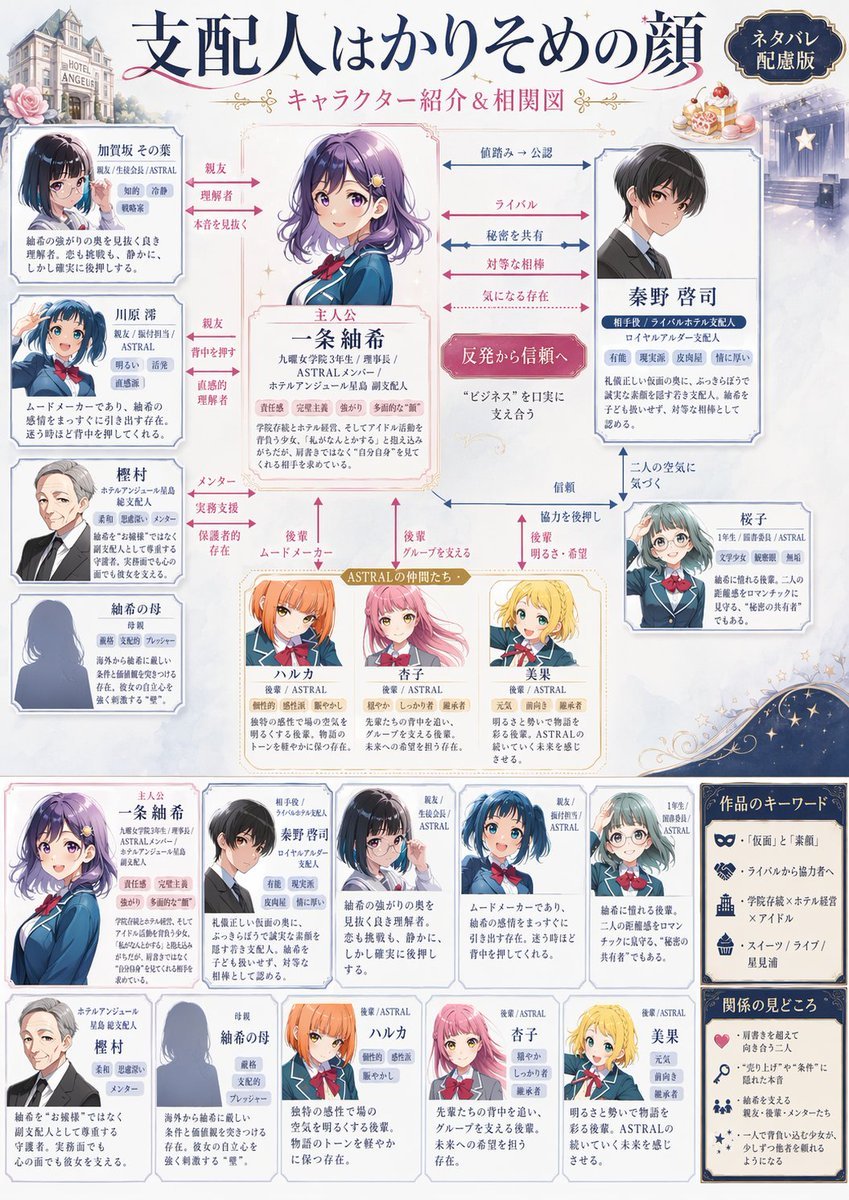
Japanese Character Relationship Chart Poster
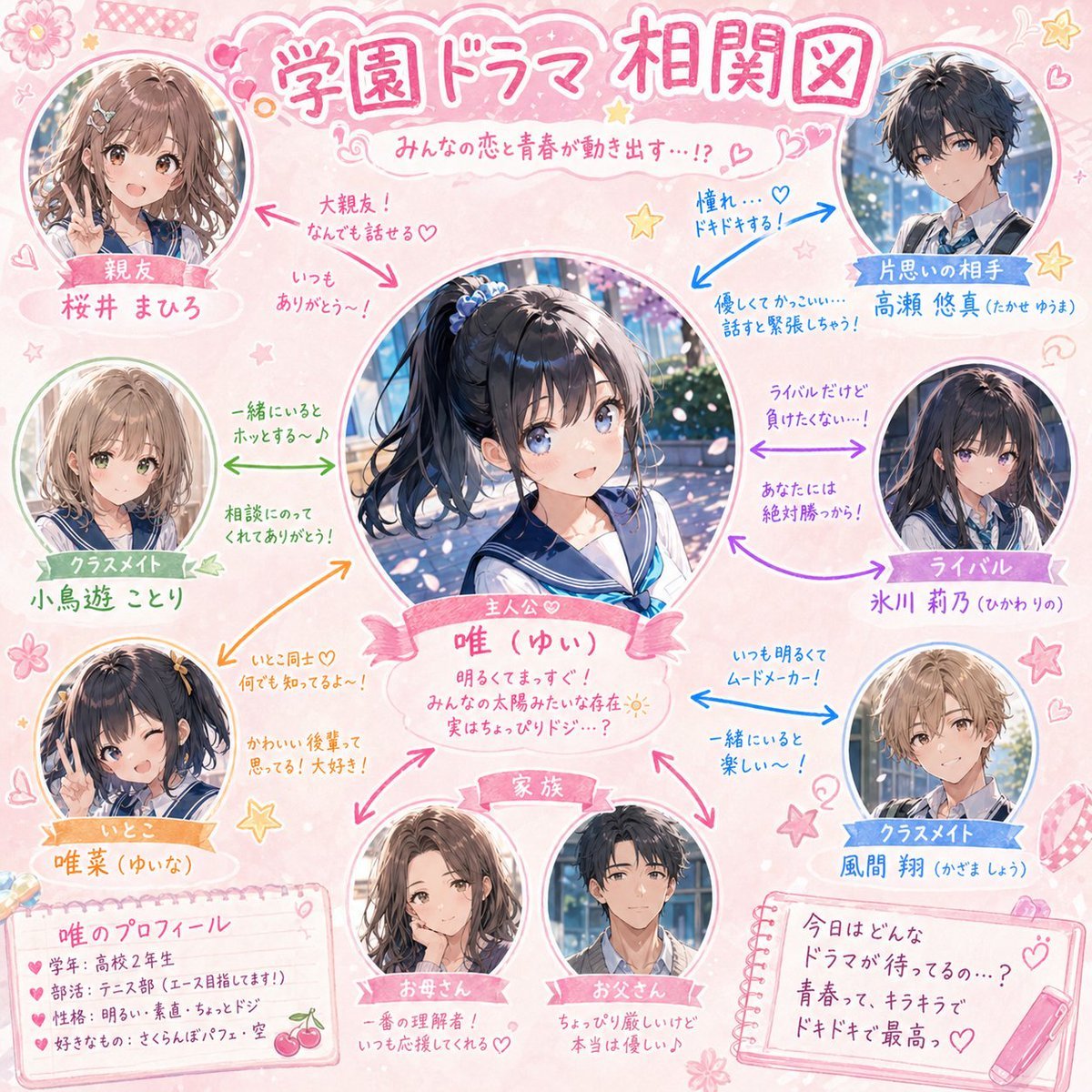
School Drama Relationship Chart Generator

Gpt2 E Commerce Main Image Earbuds E Commerce Infographic

Gpt2 Infographic Edu Visual Alishan One Day Travel Poster

Gpt2 Infographic Edu Visual Ethnographic Plate for Tibetan Ceremonial Hat

Gpt2 Infographic Edu Visual Earth Signs Zodiac Character Poster

Gpt2 Infographic Edu Visual Water Signs Zodiac Character Poster

Gpt2 Infographic Edu Visual Ink Wash Tribute Poster for Chen Uen

Gpt2 Infographic Edu Visual Vintage Claude Shannon Infographic Poster
Make it yours
Character Relationship Chart Infographic works as-is. These are the safest ways to change it without losing the look.
Change one field
Copy a single group, rewrite it, and generate again so you can see what that field is doing.
Keep the frame, change the subject
Hold the composition and light of Character Relationship Chart Infographic, then swap wardrobe, props or the person for a new take.
| If the result… | Why | Fix |
|---|---|---|
| The result drifts from the preview | Too many fields changed at once. | Reuse Character Relationship Chart Infographic as-is first, then change one group — subject, light, or setting. |
| The model over-stylizes the scene | The prose prompt leaves finish and camera underspecified. | Add one camera or lighting sentence and stay on Nano Banana 2. |
More Nano Banana 2 templates
Other prompts made for Nano Banana 2.

Photorealistic Leaf Shaped Like a Dragon

K-Pop Idol Portrait Grid for Rapid Selection

Poetic Rain Forest Portrait During Golden Hour

Urban Street Portrait with Cartoon Inner Self Duo

Candid Nighttime Photo with Cat Prompt

High-Concept 3D Diorama Generation Prompt

Cinematic Futuristic Studio Portrait Template

Skincare Editorial Photography Collage Prompt

Hyper-Realistic Commercial Product Photography (Splash Effect)

Hyper-Realistic Nightclub Portrait Prompt
More image prompts
Fresh picks from across the catalog.
Floating Product Photography Ad
Anime Character Pharmacist Reimagining

Transform Photo into 4 Dynamic Character Styles

South Asian Village Woman Portrait
Surrealist Koi Fish Illustration

Editorial Portrait of Woman Reading on White Bed

Detailed Bathroom Selfie Image Generation Prompt
Retro Fast-Food Brand Board
Kawaii Animal Sticker Sheet Generator
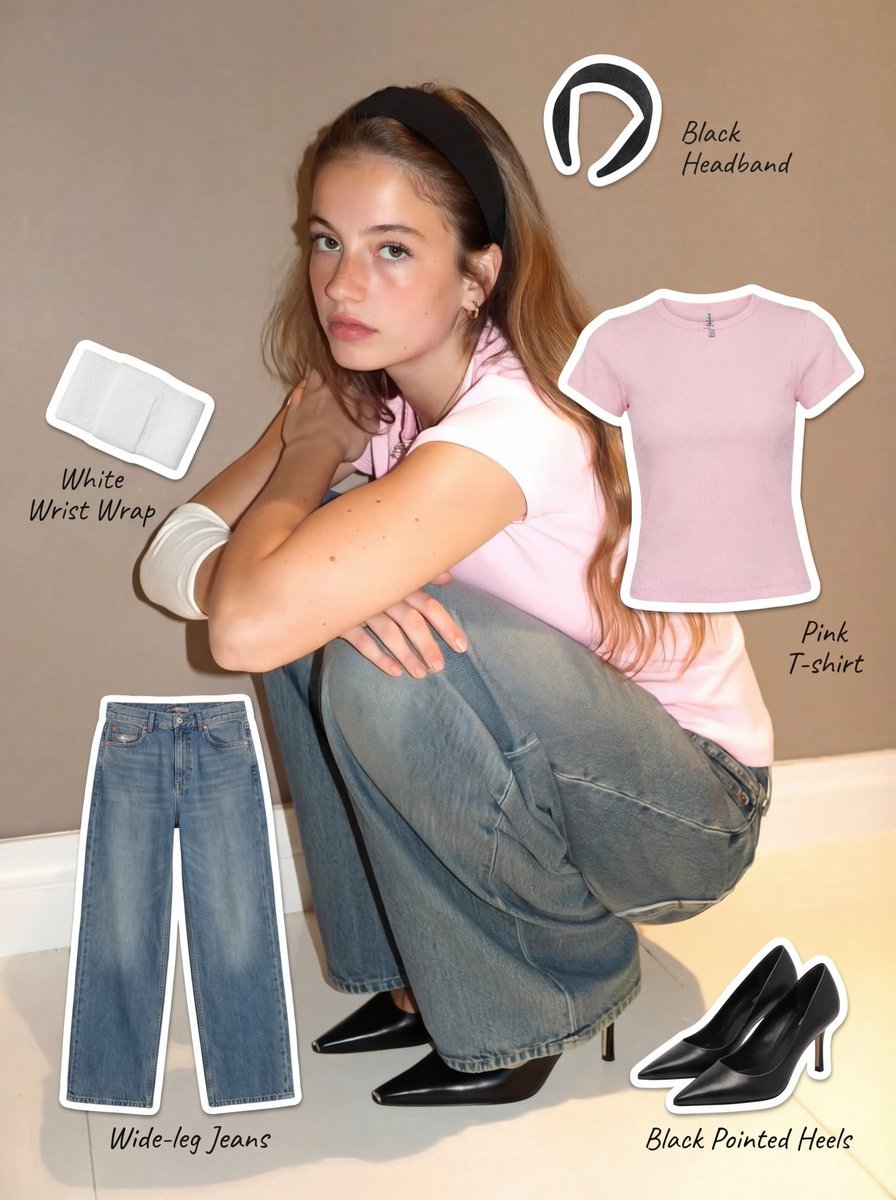
Clothing Item Cut-Out Sticker Prompt
Browse template categories
Character Relationship Chart Infographic questions
How do I use the Character Relationship Chart Infographic template?
Add your photo if the template asks for one, edit the prompt if you like — the template's model and format are already selected — and press Generate. Your version opens in PicX Studio.
Can I customize the Character Relationship Chart Infographic template?
Yes. You can change the subject, setting, lighting, mood, format, and available model controls before creating your image.
Is the Character Relationship Chart Infographic template free?
Opening and editing this template is free. Generating uses credits, shown on the Generate button when you are signed in.
Which AI model should I use?
Start with Nano Banana 2, which is the model associated with this template. You can compare another compatible model for a different finish.
Looking for something else? Browse all templates.

Your photo, any look
Thousands of ready templates for every top image and video model, from one credit balance.