
Retro Fast-Food Brand Board
This prompt turns a reference food photo into a complete restaurant branding presentation board for showcasing logo, palette, typography, photography style, and brand applications.
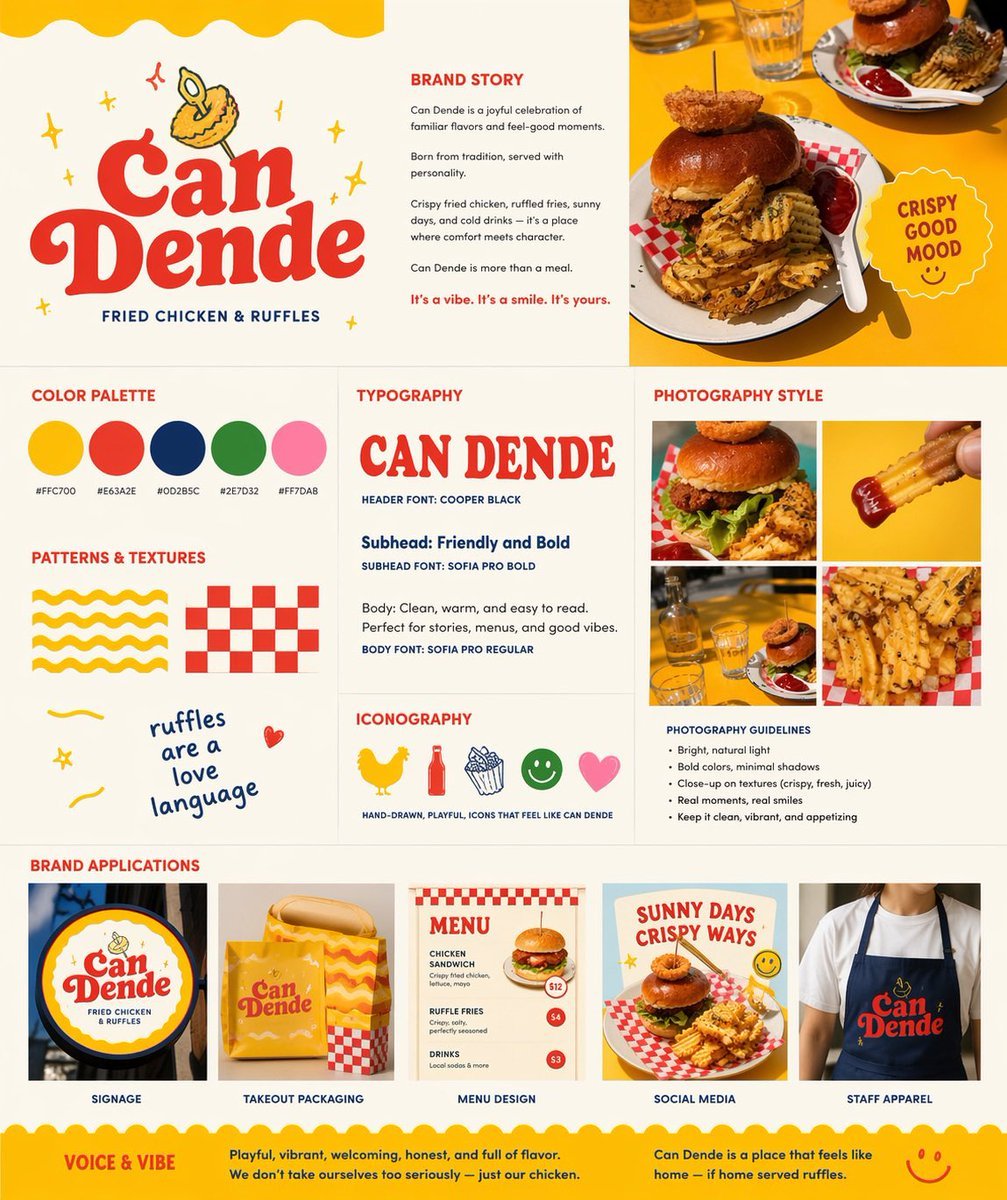
- Prompt included
- Model and format preset
- Free template
The prompt behind this image
Copy the exact prompt behind Retro Fast-Food Brand Board, or open it in the studio and make it yours.
Using REFERENCE_0 as the hero food photo, transform it into a polished one-page restaurant branding board for a fried chicken and waffle-fries concept named {argument name="brand name" default="Can Dende"}. Keep the yellow-table food photography as the visual anchor, but redesign the output as a clean square brand guideline sheet on a warm off-white background with a cheerful, retro, hand-drawn fast-casual identity. Add a large logo area in the upper left with bold vintage red lettering, a small illustrated fried-food mascot above it, and the tagline “FRIED CHICKEN & RUFFLES”. Build the page as a structured multi-panel layout with 9 sections: 1) logo/hero area, 2) brand story text block, 3) top-right hero photo crop from the reference, 4) color palette showing exactly 5 swatches with hex labels, 5) typography section with a large display sample of the brand name plus 3 text styles labeled header, subhead, and body, 6) patterns and textures section with exactly 4 playful assets: a yellow wavy stripe pattern, a red checker pattern, a handwritten phrase, and a small doodle heart, 7) iconography section with exactly 5 simple icons: chicken, bottle, fries, smiley face, and heart, 8) photography style section with a 2x2 grid of exactly 4 food-photo crops derived from the reference and matching close-up shots, plus a short bullet list of photography guidelines, and 9) brand applications section with exactly 5 mockups labeled signage, takeout packaging, menu design, social media, and staff apparel. Include a circular badge near the hero photo that says {argument name="badge text" default="CRISPY GOOD MOOD"}. Use the palette {argument name="primary palette" default="yellow, tomato red, deep navy, leaf green, soft pink"}. Add a bottom banner with 2 sections titled “VOICE & VIBE” and a short brand summary paragraph. Overall feel: modern branding presentation, vibrant, appetizing, playful, sunny, editorial, highly legible, premium-but-fun.
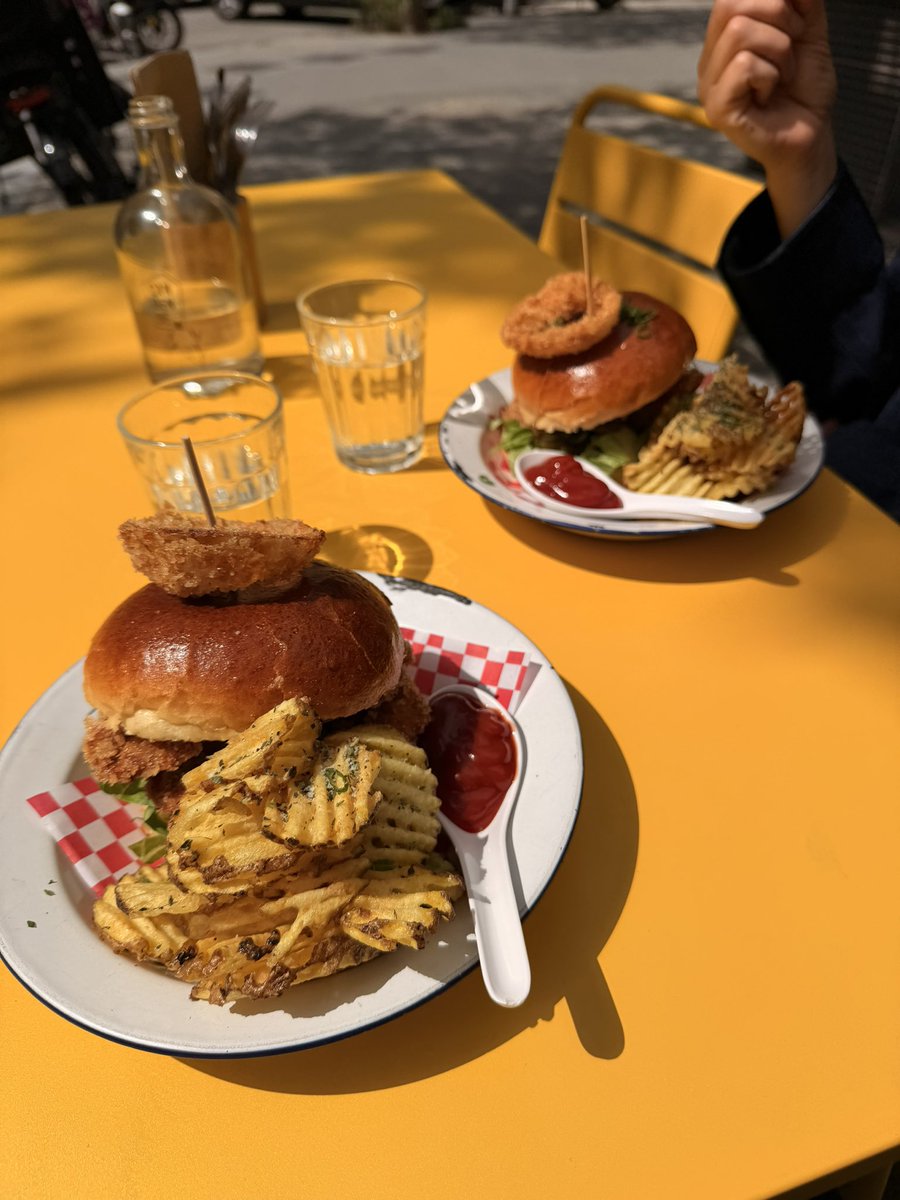
Reference images included
Retro Fast-Food Brand Board needs input media to work. They load alongside the prompt when you open it in the studio.
How to use Retro Fast-Food Brand Board in 3 steps
- 1Upload ImagePNG, JPG or paste
Add your photo
Upload the photo the template builds on. The prompt, model and format are already set.
- 2…a portrait of your subject in softgolden-hour light, 85mm…
Personalize
Edit the subject and creative details for your destination.
- 3Generate
Generate
Press Generate — your image is created in PicX Studio, so you can compare it with the original and refine one variable at a time.
More like this
Templates with the same subject, style or setup. Open one to see its prompt.
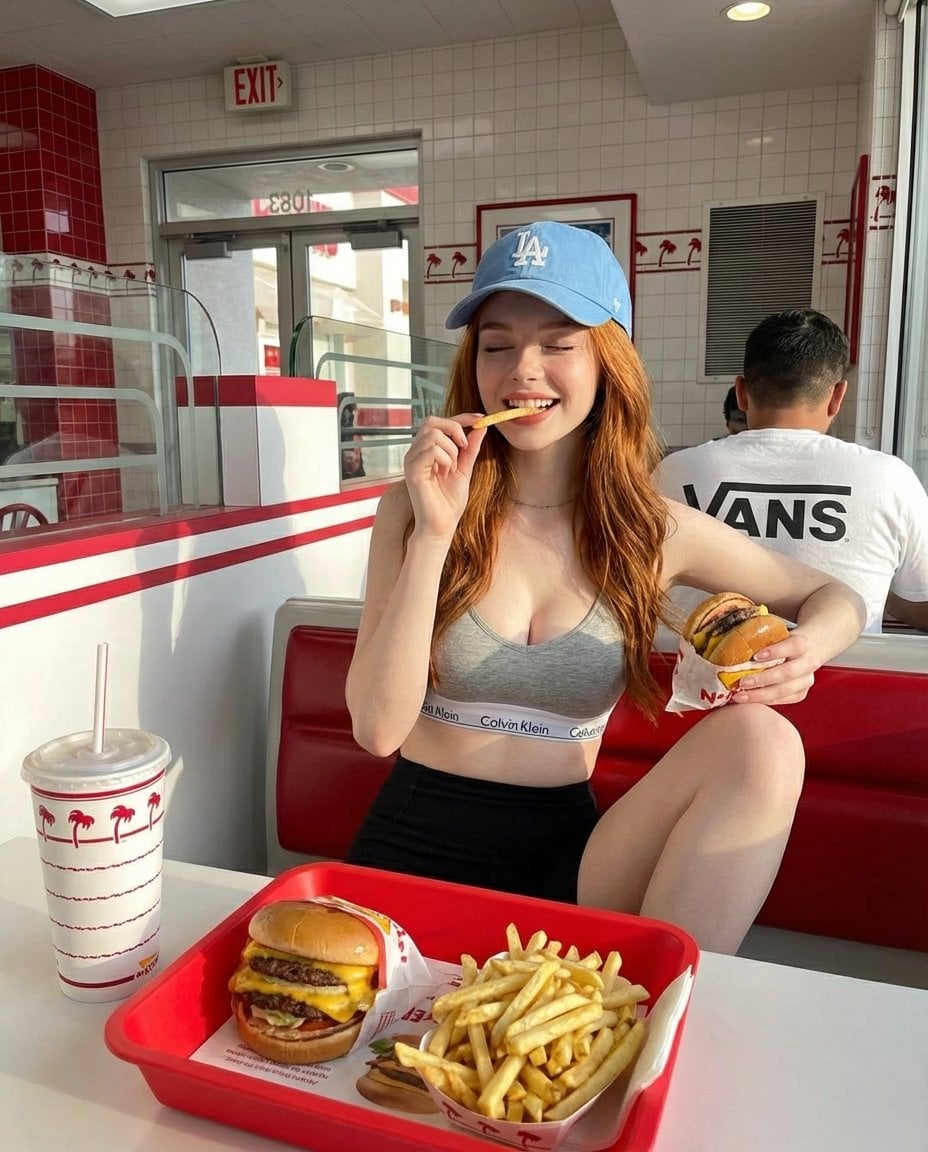
A young red-haired woman sitting inside a bright retro-style fast food
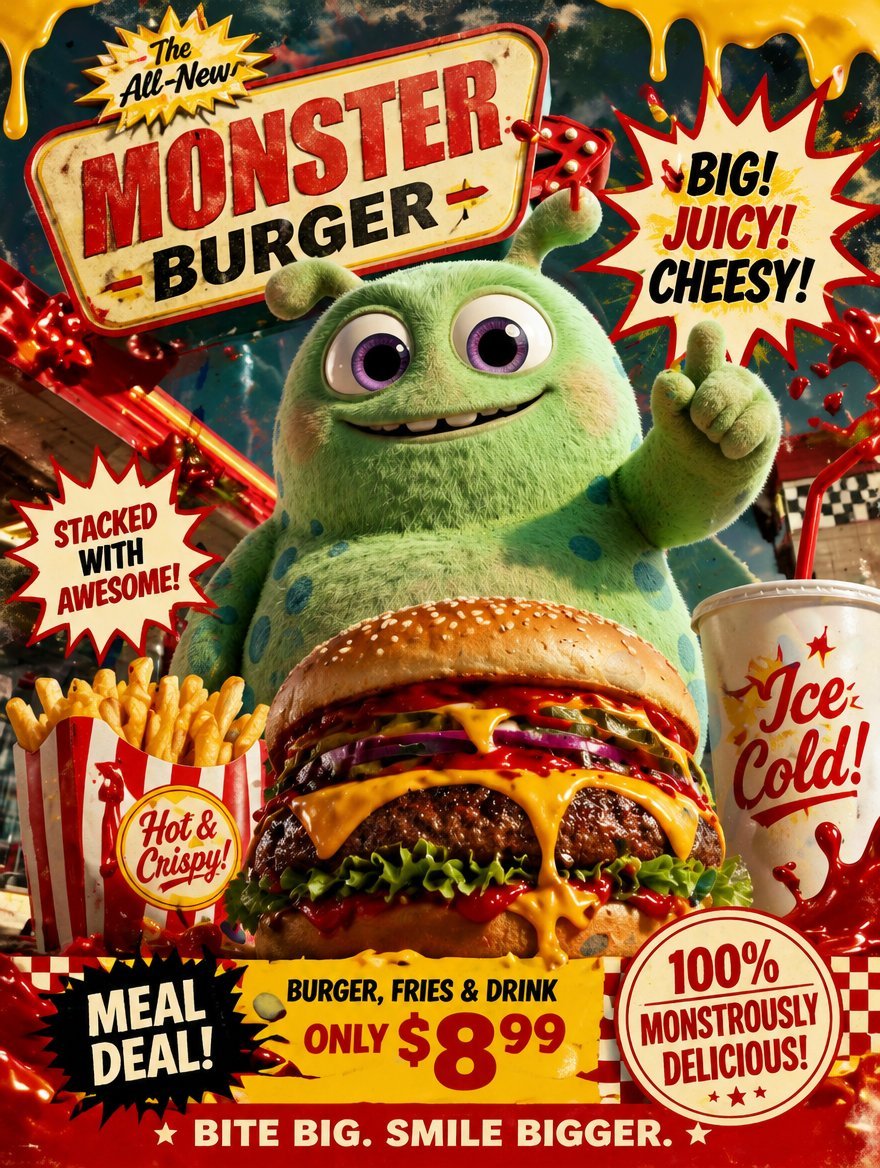
Retro Fast Food Poster Ad
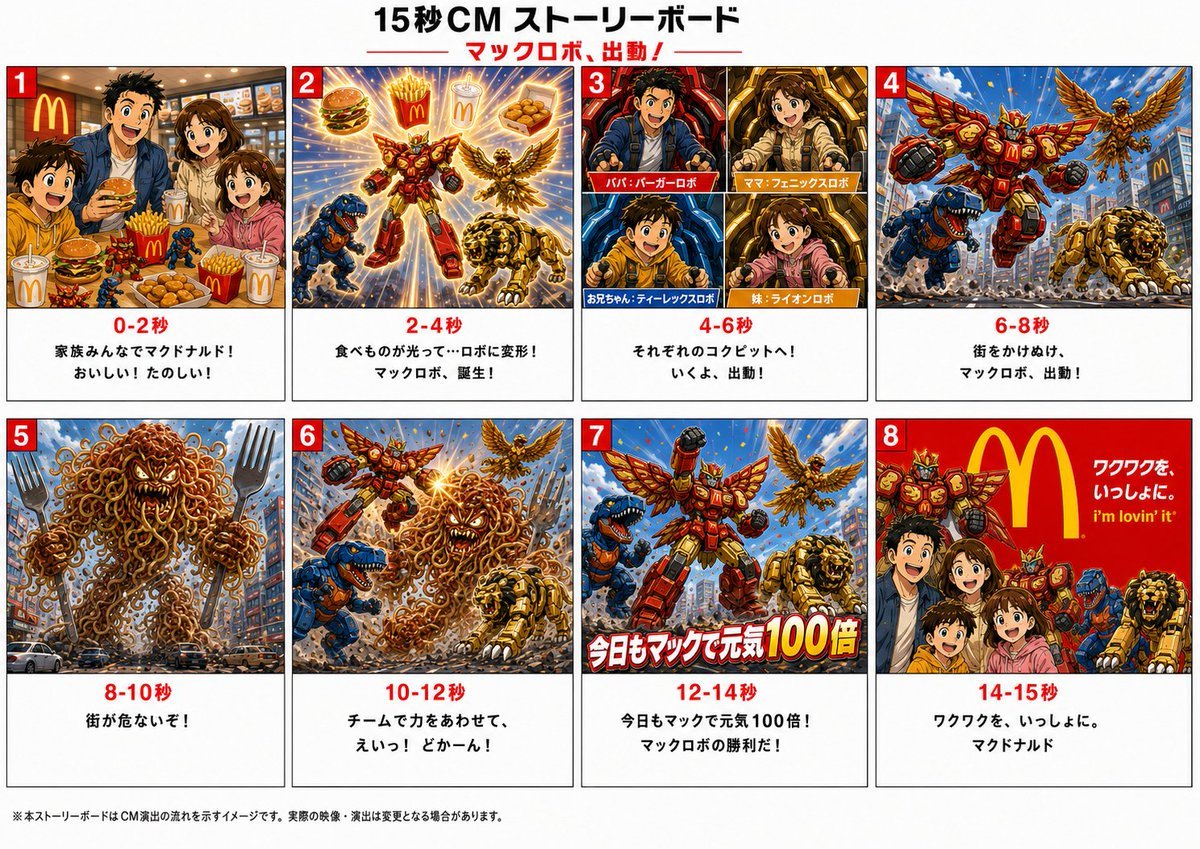
Japanese Mecha Fast Food Storyboard
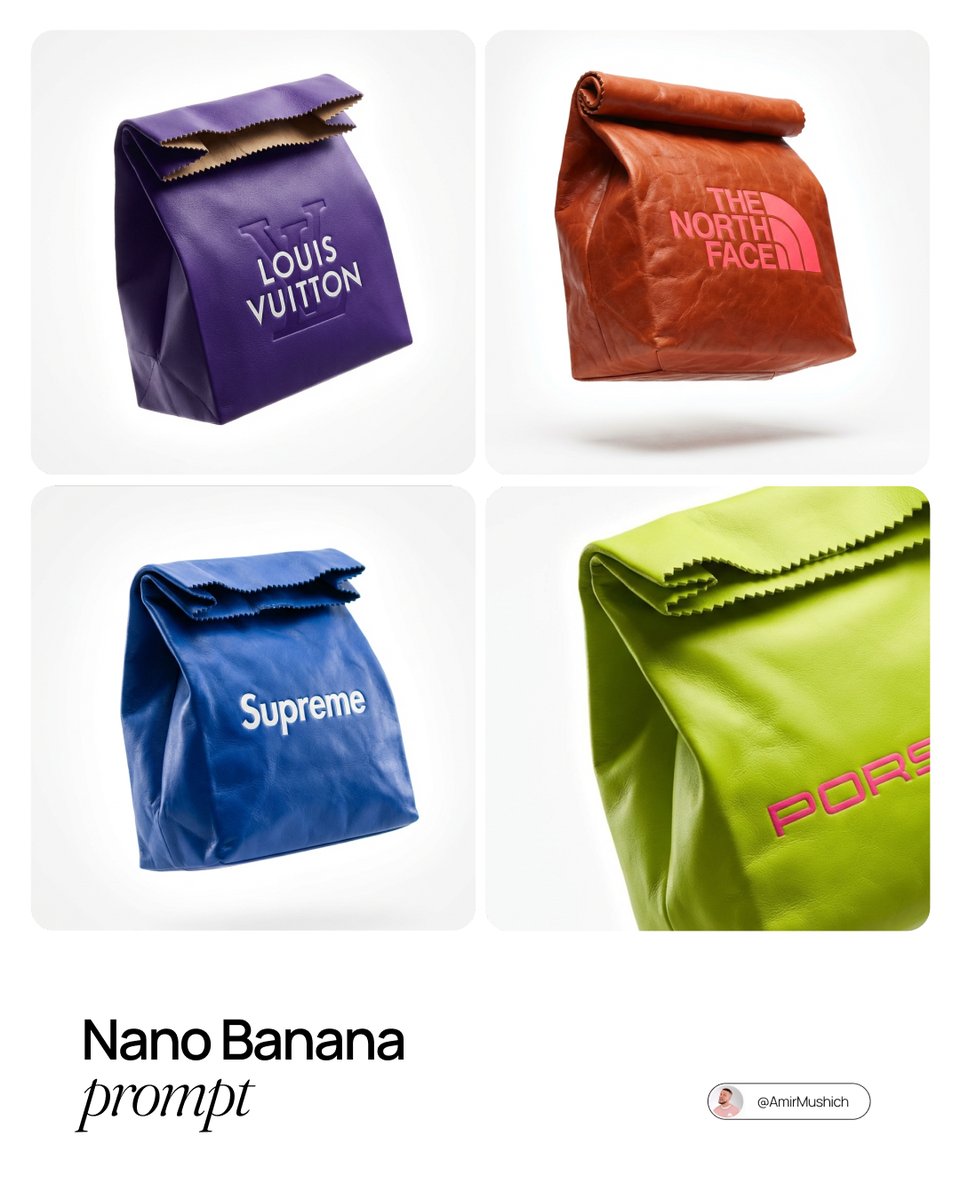
Branded Fast Food Leather Bag
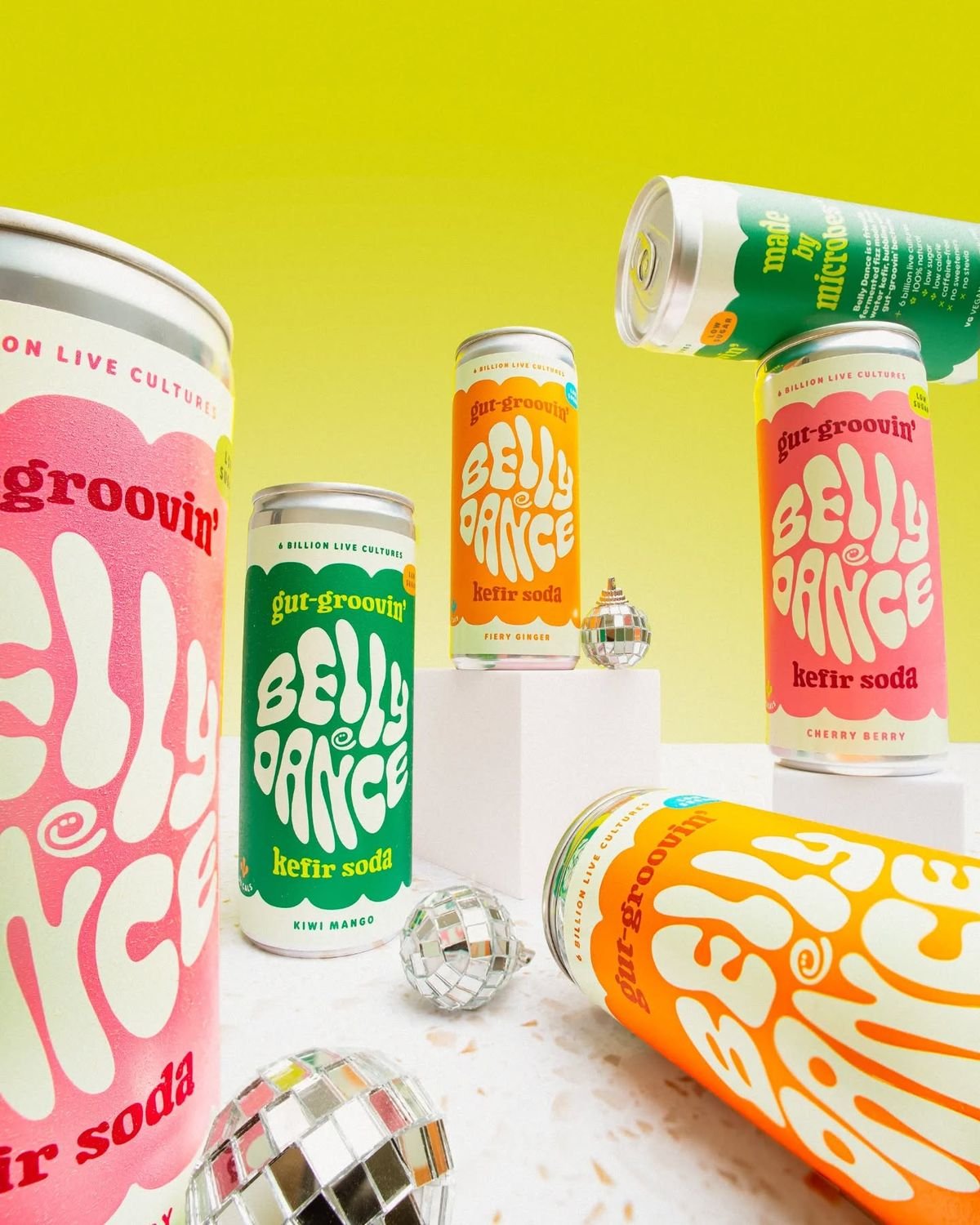
Retro Disco Beverage Showcase

Sunday Afternoon, 1988

Two Tickets, One Night

If We Met in 1985

Found Photograph: Us, 1970

One Dance Before Midnight

Before We said Goodbye

Our Song was on a Cassette
Make it yours
Retro Fast-Food Brand Board works as-is. These are the safest ways to change it without losing the look.
Change one field
Copy a single group, rewrite it, and generate again so you can see what that field is doing.
Keep the frame, change the subject
Hold the composition and light of Retro Fast-Food Brand Board, then swap wardrobe, props or the person for a new take.
| If the result… | Why | Fix |
|---|---|---|
| The result drifts from the preview | Too many fields changed at once. | Reuse Retro Fast-Food Brand Board as-is first, then change one group — subject, light, or setting. |
| The model over-stylizes the scene | The prose prompt leaves finish and camera underspecified. | Add one camera or lighting sentence and stay on GPT Image 2. |
More GPT Image 2 templates
Other prompts made for GPT Image 2.

Six VTuber Japanese Logo Sheet

Realistic Portrait of Woman and Deer

The Vista Modular Condo Poster

AI Model Routing Comparison Infographic

2.5D Anime Art Board

Isometric Productivity Desk Scene

New York Double Exposure Poster

Four-Panel AI Landscape Comparison

Japanese Tatami Lifestyle Magazine Cover

NESCAFÉ Coffee Map Poster
More image prompts
Fresh picks from across the catalog.
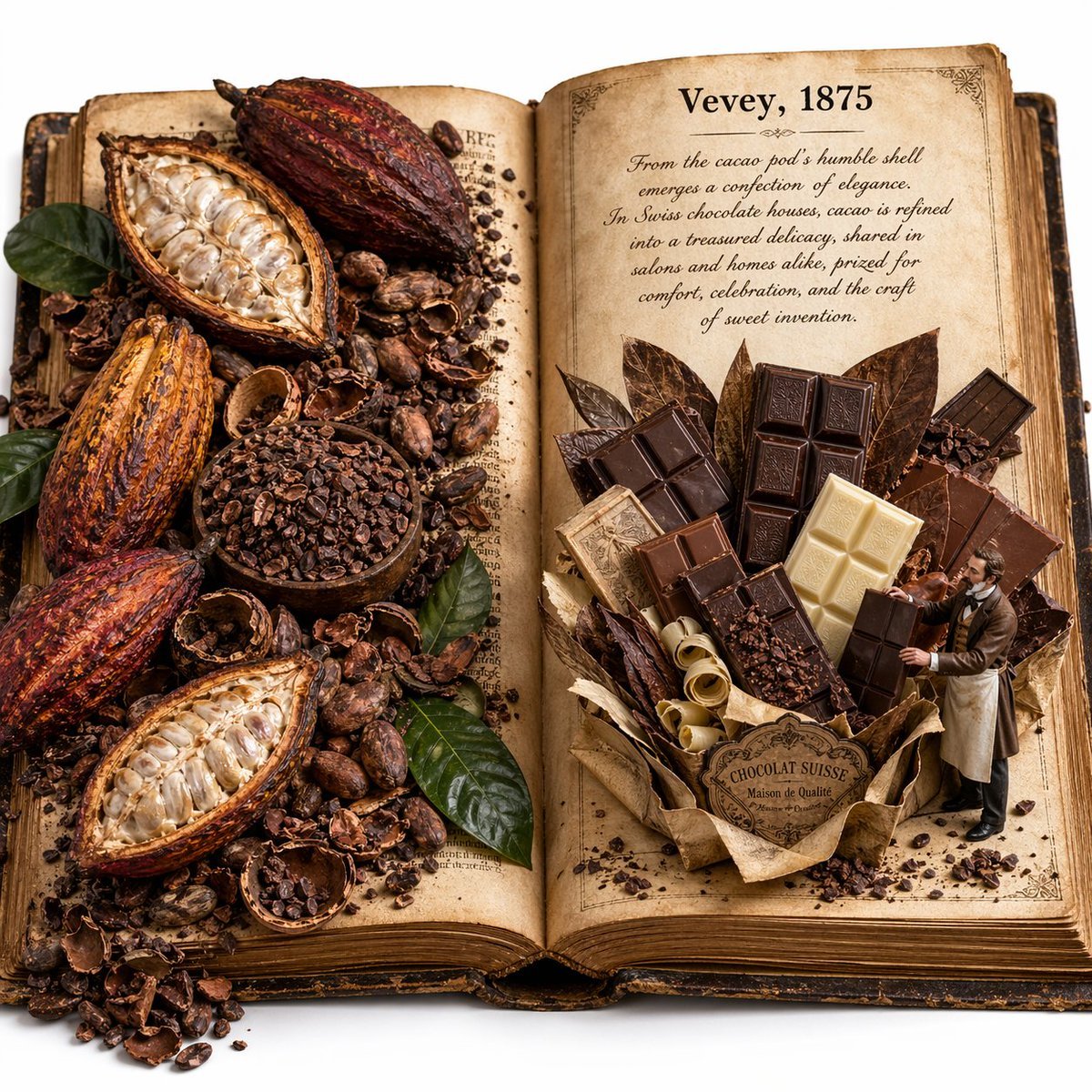
Edible History Pop-Up Chocolate Book
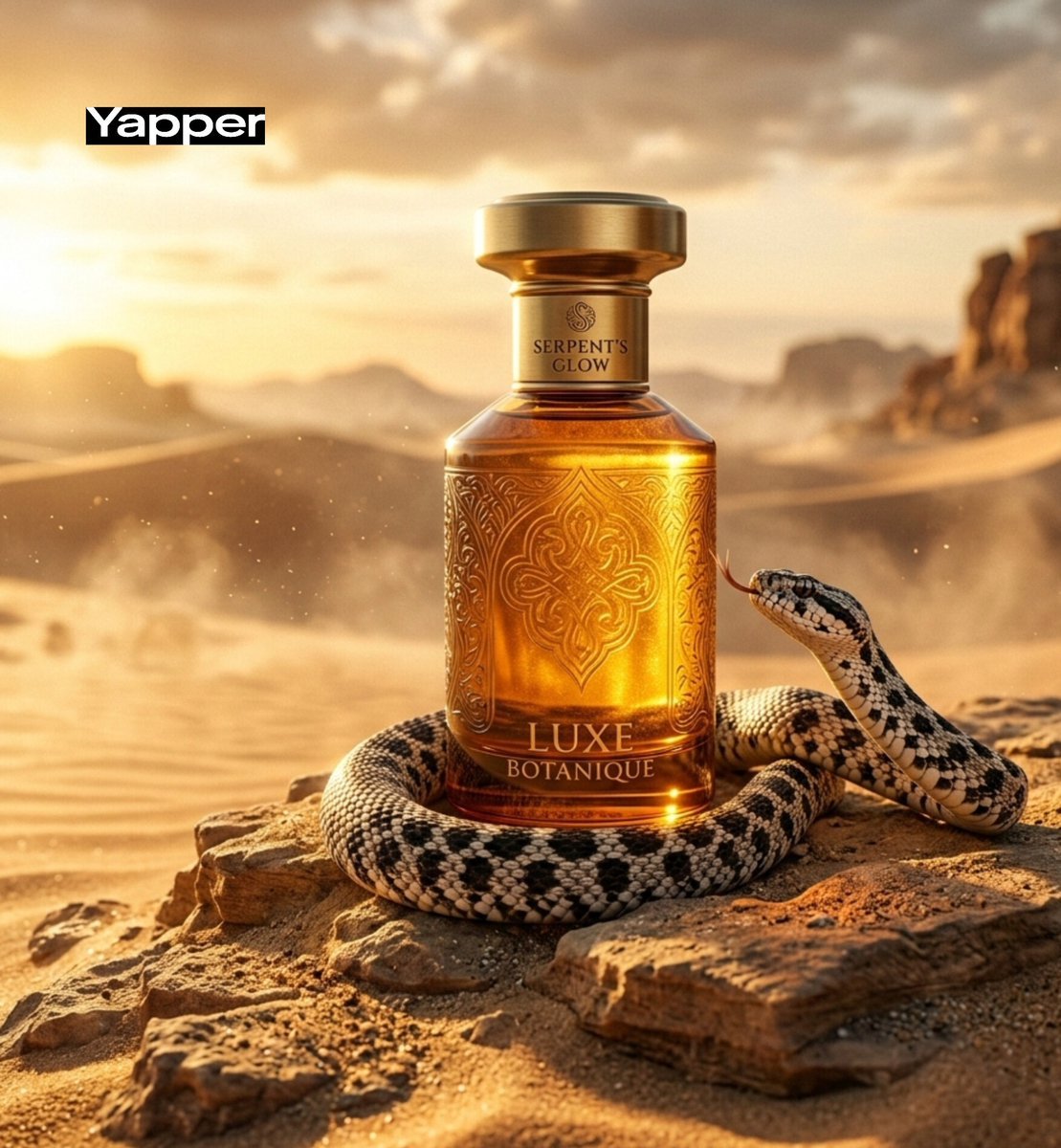
Luxury Perfume Advertisement in Desert Setting

Extreme Close-Up Winter Portrait with Snow
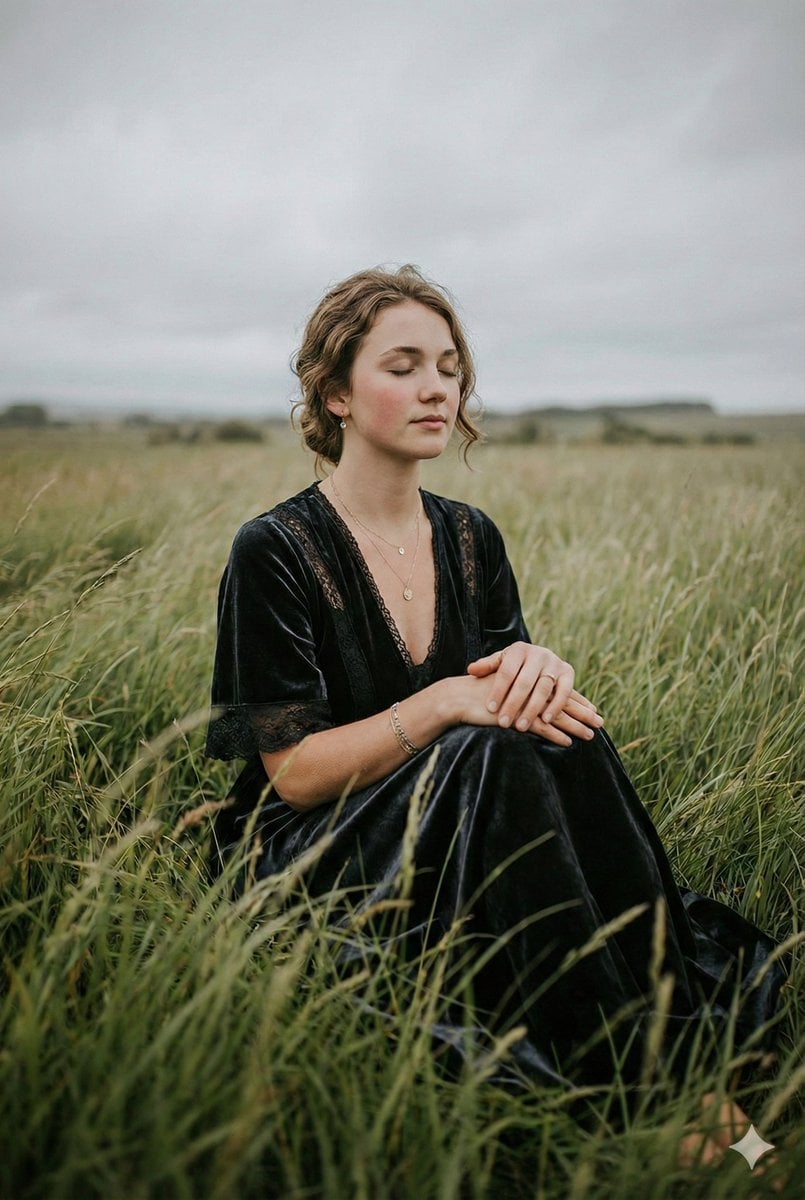
Serene Western Girl in Tall Grass Portrait
Generating Realistic Japanese Currency on a Floor
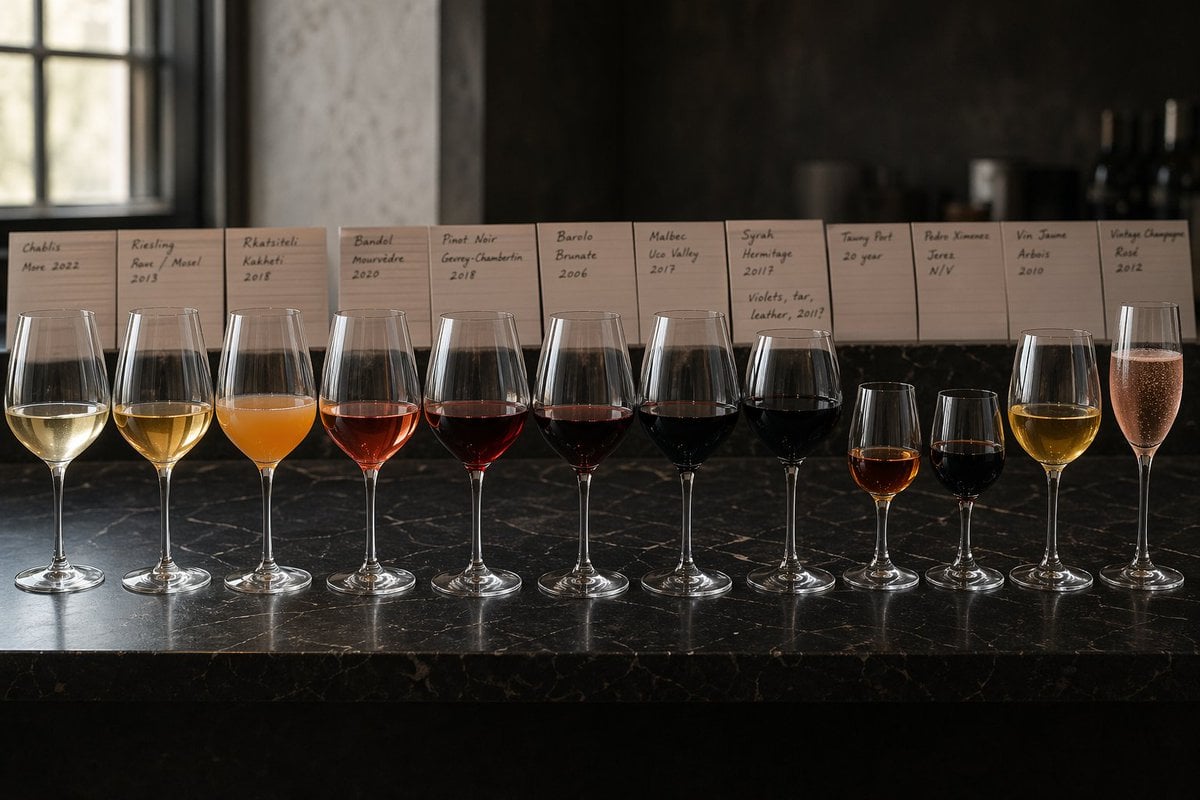
Twelve-Wine Sommelier Lineup
Industrial Fashion Portrait of South Asian Boy
Gemini Nano Banana 2
Mrs Mermaid Magazine Collage
Hyperrealistic Streetwear Studio Portrait
Browse template categories
Retro Fast-Food Brand Board questions
How do I use the Retro Fast-Food Brand Board template?
Add your photo if the template asks for one, edit the prompt if you like — the template's model and format are already selected — and press Generate. Your version opens in PicX Studio.
Can I customize the Retro Fast-Food Brand Board template?
Yes. You can change the subject, setting, lighting, mood, format, and available model controls before creating your image.
Is the Retro Fast-Food Brand Board template free?
Opening and editing this template is free. Generating uses credits, shown on the Generate button when you are signed in.
Which AI model should I use?
Start with GPT Image 2, which is the model associated with this template. You can compare another compatible model for a different finish.
Looking for something else? Browse all templates.

Your photo, any look
Thousands of ready templates for every top image and video model, from one credit balance.