
Crimson Battlefield Warrior
Generates a cinematic dark fantasy portrait of an armored ancient female warrior amid fire, smoke, torn banners, and storm clouds.
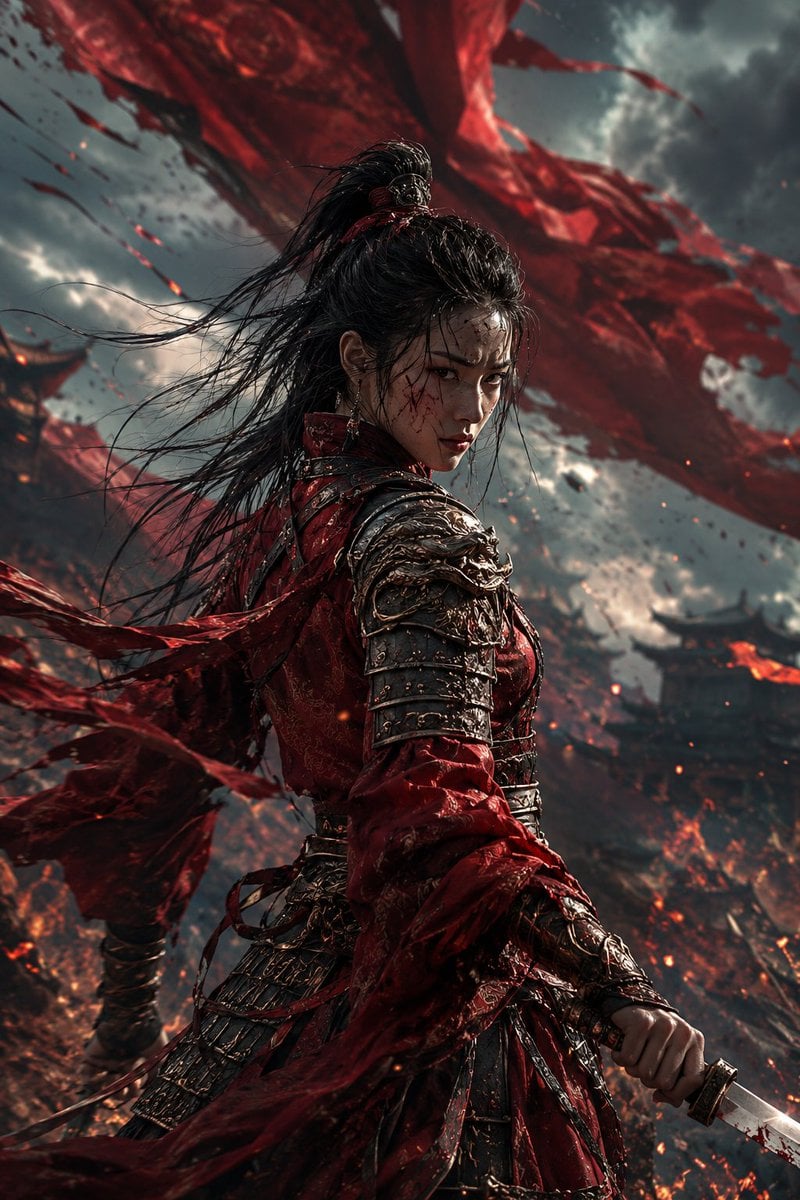
- Prompt included
- Model and format preset
- Free template
The prompt behind this image
Copy the exact prompt behind Crimson Battlefield Warrior, or open it in the studio and make it yours.
Create a cinematic dark fantasy portrait of a fierce {argument name="character type" default="ancient Chinese female warrior"} standing in a burning battlefield, shown from mid-thigh upward in a vertical 2:3 composition. She is turned three-quarters away from the viewer but looks back over her shoulder with an intense, cold expression. Her face has visible pores, sweat shine, streaks of soot, small cuts, and blood spatters; loose wet strands of black hair cling to her forehead while the rest is tied in a high warrior ponytail, whipping violently in the wind. Dress her in layered {argument name="armor color" default="deep crimson and dark bronze"} lamellar armor with ornate dragon-like metal shoulder guards, scratched plates, reflective worn edges, oxidized grime, leather straps, rivets, and torn embroidered red fabric with clear woven fibers, wrinkles, frayed hems, and fabric thickness. She grips a short blood-stained dagger or sword at the lower right edge, blade catching a hard highlight. Behind her, enormous shredded red war banners sweep diagonally across the stormy sky like torn silk, with exactly three major visible banner ribbons: one huge ribbon across the upper background, one sweeping from the left behind her waist, and one trailing near the lower foreground. The background is a ruined ancient battlefield with burning structures, distant dark roof silhouettes, smoke columns, flying ash, embers, sparks, debris, and orange fire glow under heavy gray clouds. Use dramatic low-angle heroic framing, shallow depth of field, strong rim light from flames, cold storm light from above, high contrast, motion blur on hair and cloth, sharp detail on face and armor, no text, no watermark, no modern objects.
How to use Crimson Battlefield Warrior in 3 steps
- 1Upload ImagePNG, JPG or paste
Add your photo
Upload the photo the template builds on. The prompt, model and format are already set.
- 2…a portrait of your subject in softgolden-hour light, 85mm…
Personalize
Edit the subject and creative details for your destination.
- 3Generate
Generate
Press Generate — your image is created in PicX Studio, so you can compare it with the original and refine one variable at a time.
More like this
Templates with the same subject, style or setup. Open one to see its prompt.
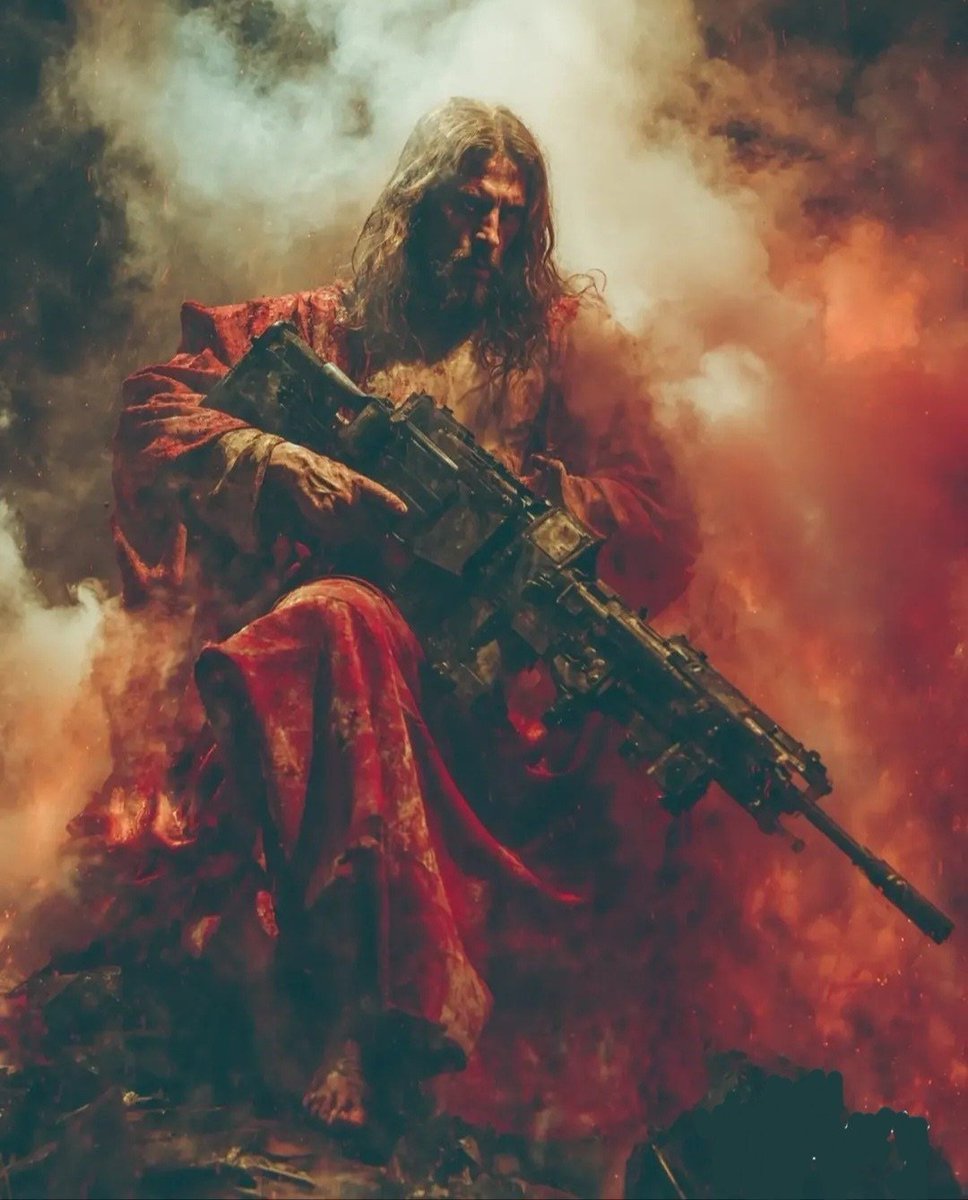
Dark Fantasy Battlefield Warrior
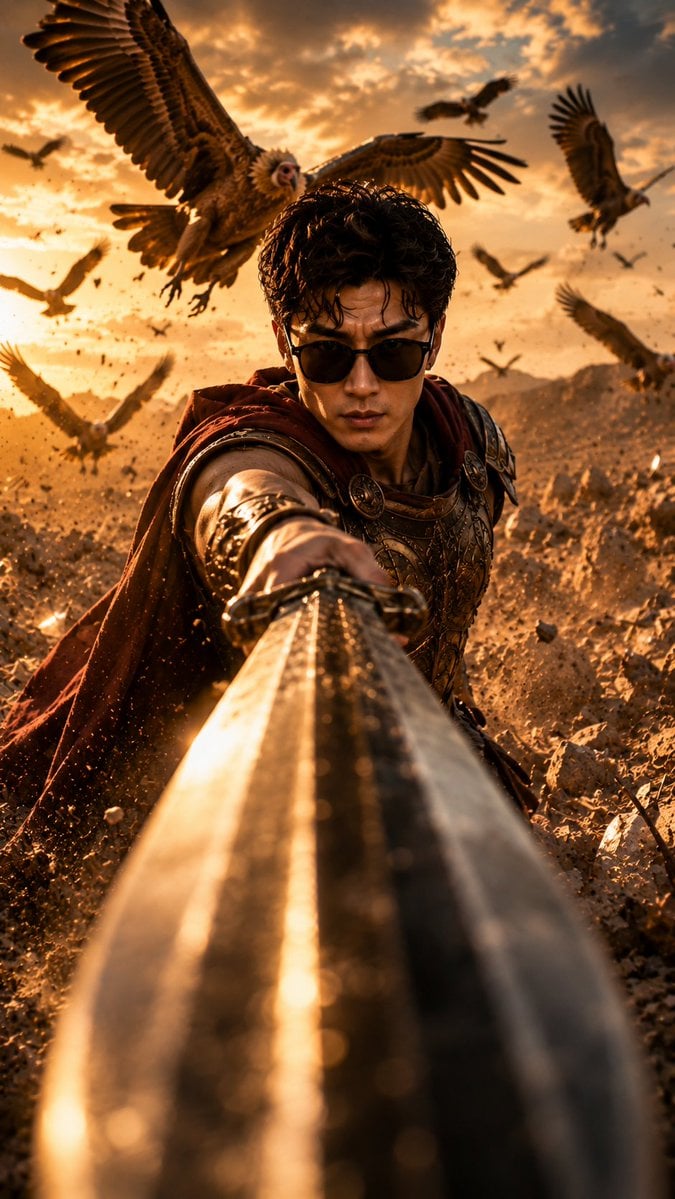
Roman Warrior Eagle Battlefield Portrait
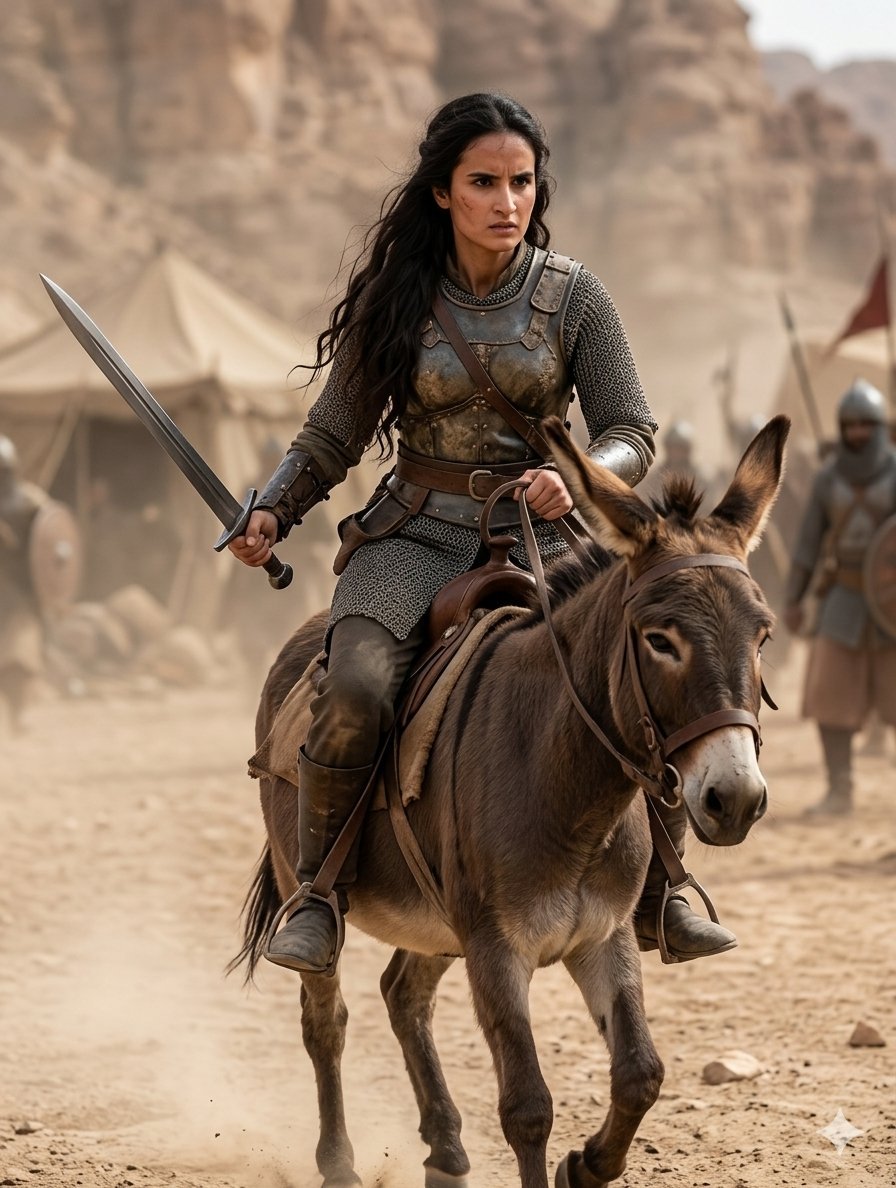
Medieval Desert Battlefield Warrior
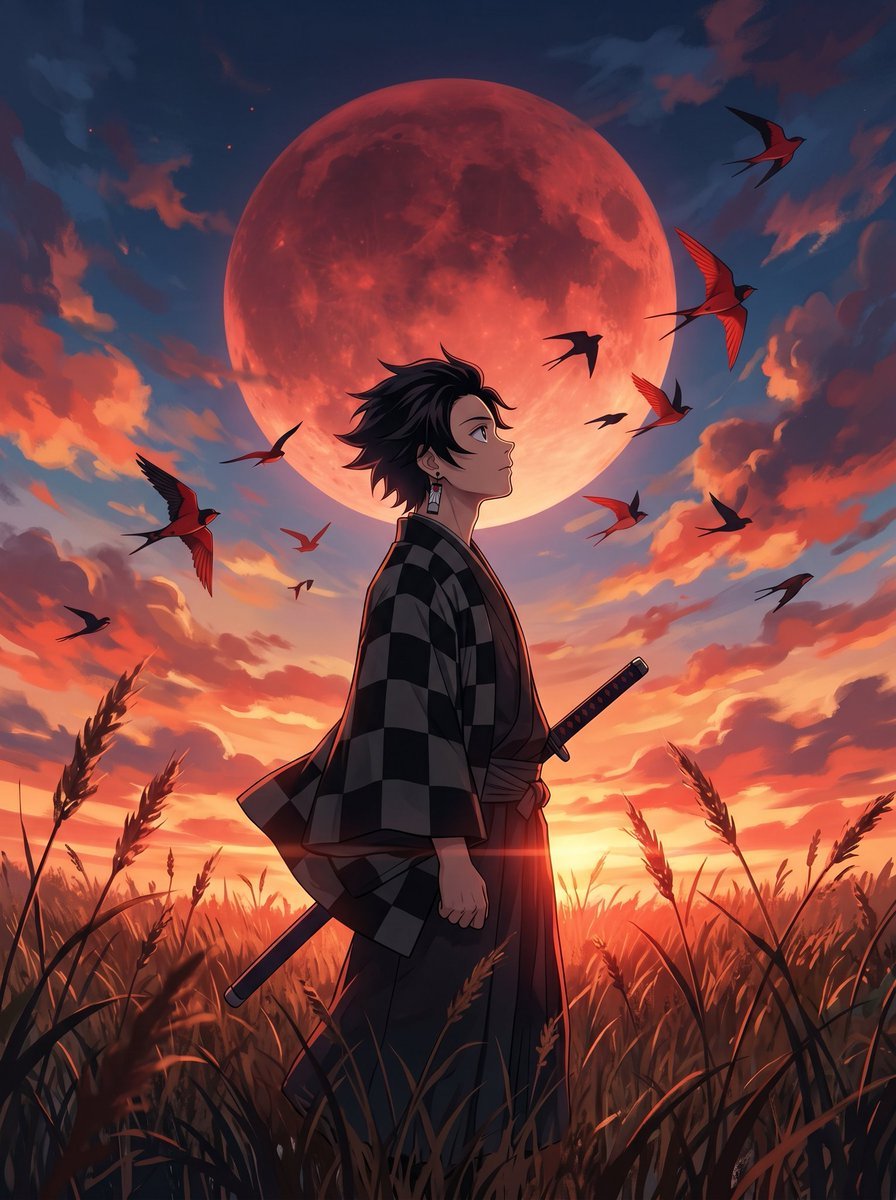
Cinematic Crimson Moon Anime Warrior
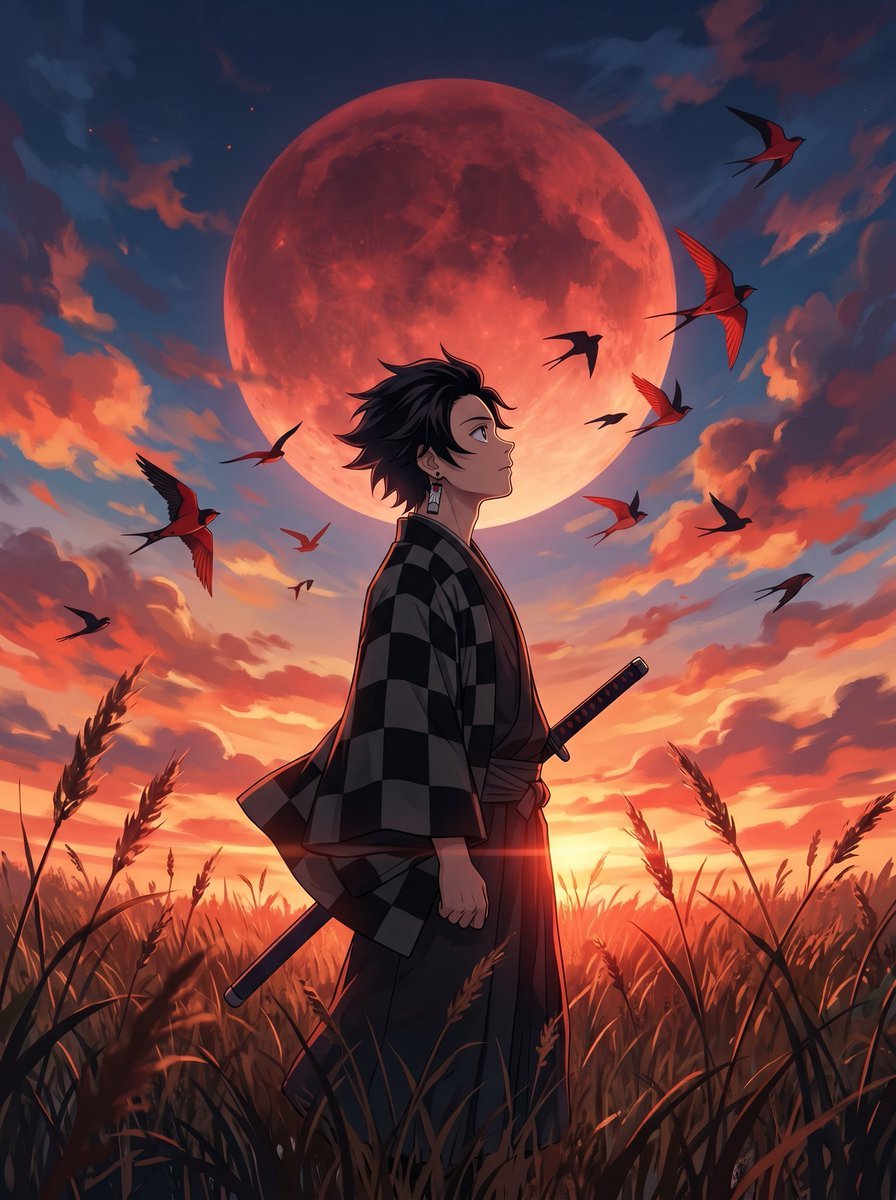
Cinematic Anime Warrior Under Crimson Moon
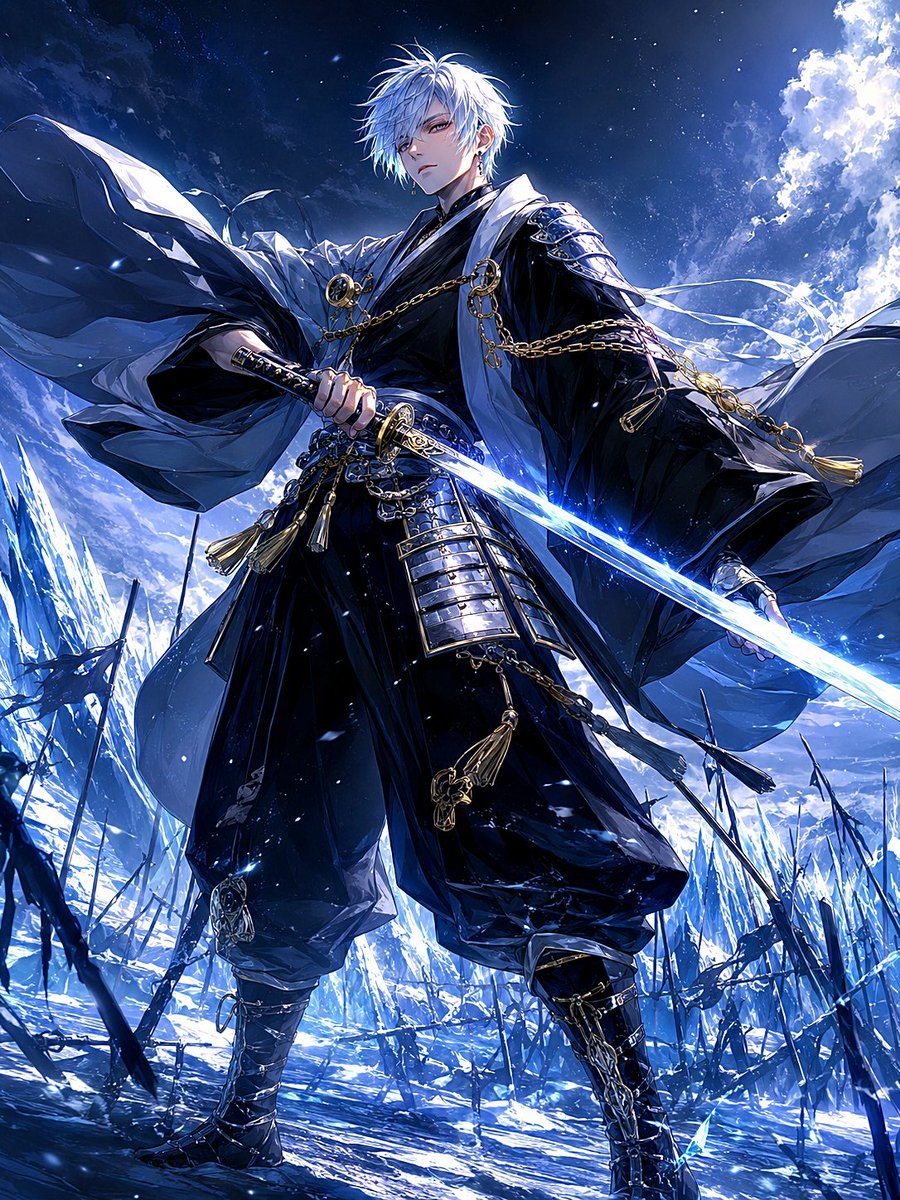
Frost Samurai Battlefield
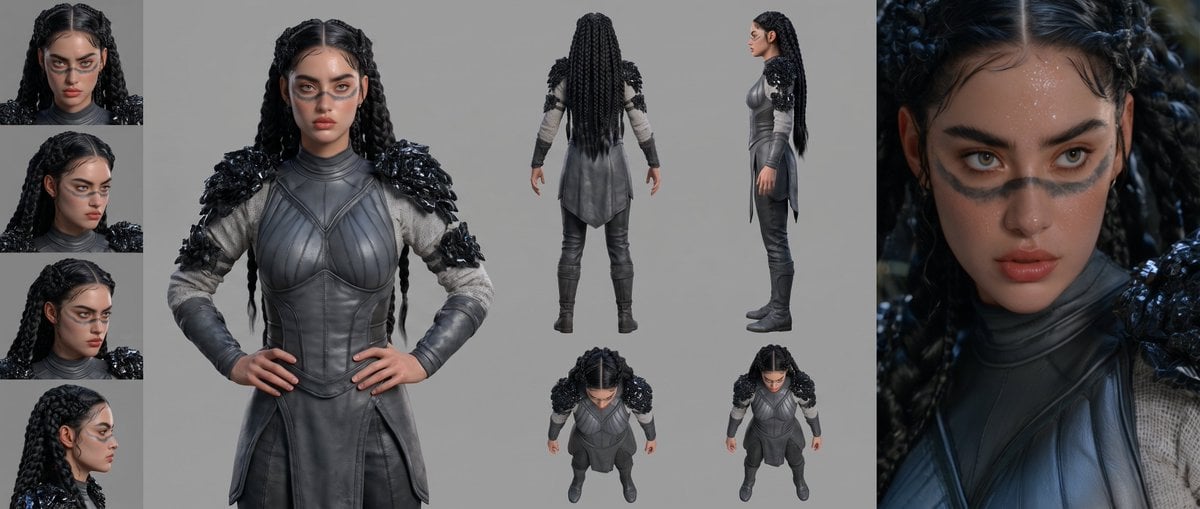
Mesoamerican Warrior Character Sheet
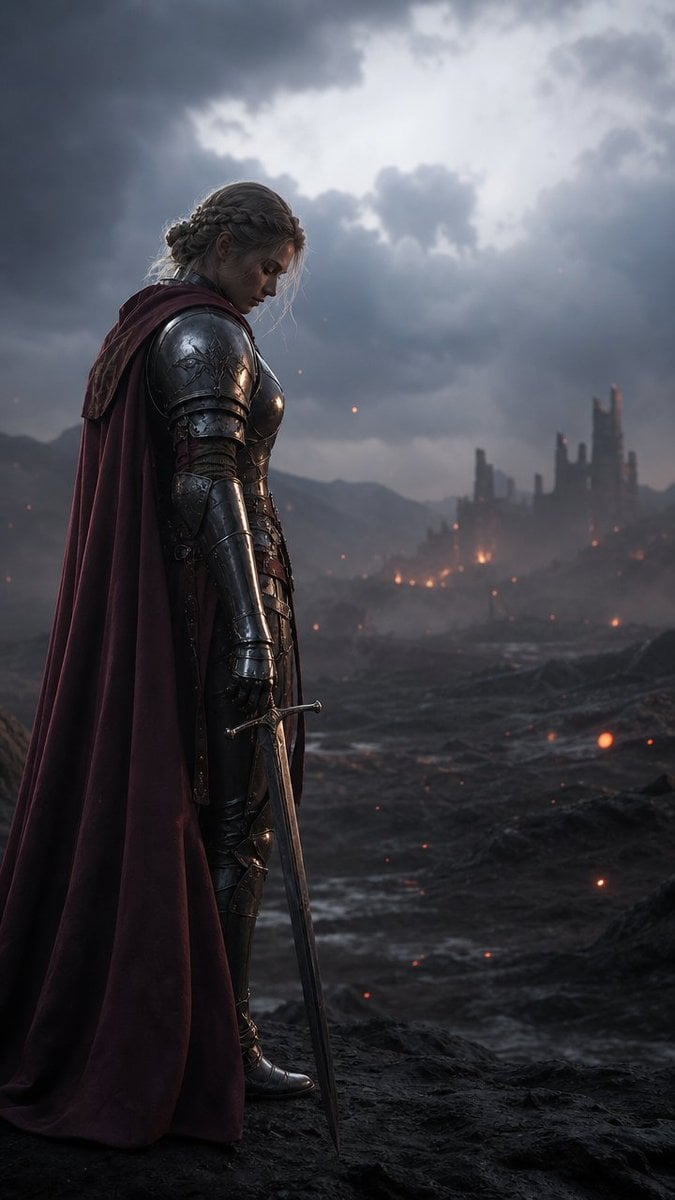
Solemn Knight on Ashen Battlefield

Tribal Fantasy Warrior with Guardian Owl

Gothic Mecha Sword Warrior
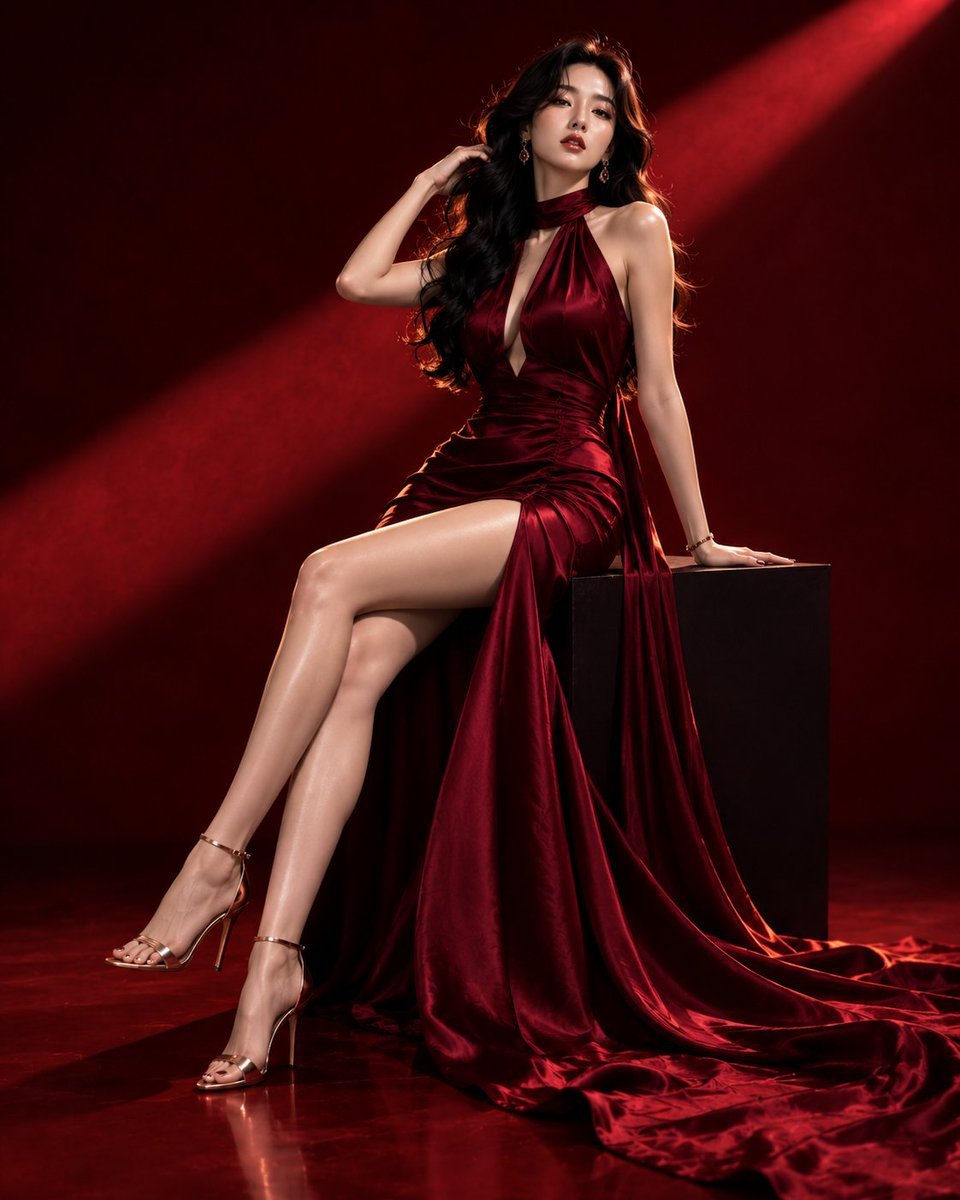
Luxury Crimson Fashion Editorial Portrait
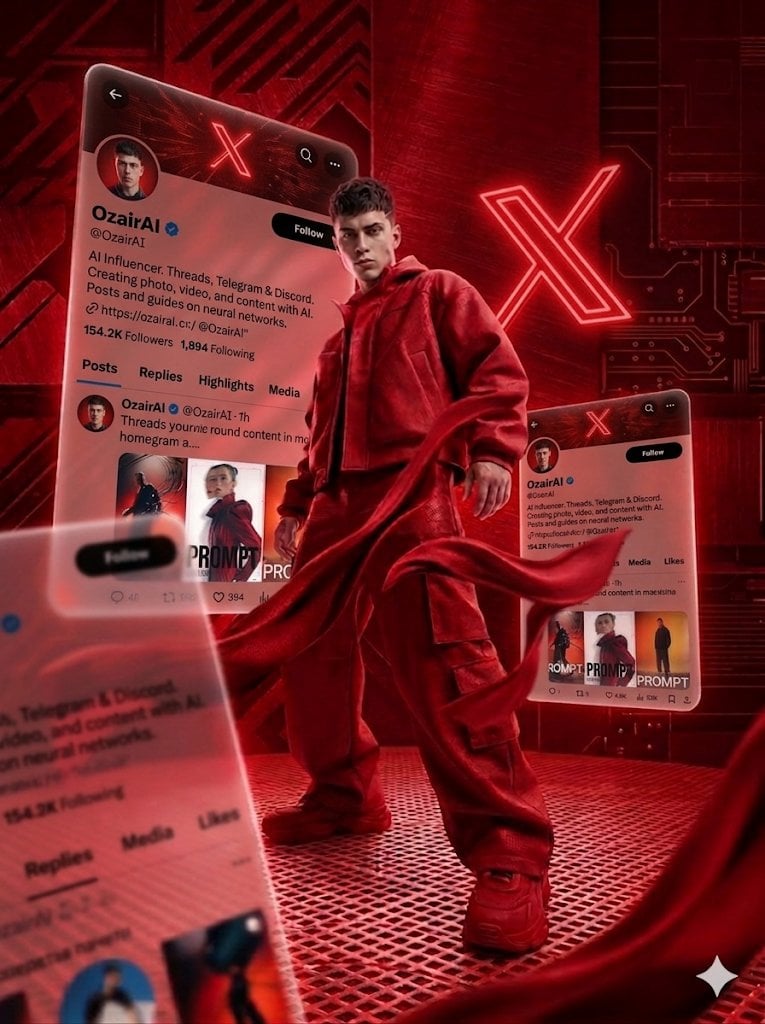
Crimson Tech-wear Aesthetic Portrait
Make it yours
Crimson Battlefield Warrior works as-is. These are the safest ways to change it without losing the look.
Change one field
Copy a single group, rewrite it, and generate again so you can see what that field is doing.
Keep the frame, change the subject
Hold the composition and light of Crimson Battlefield Warrior, then swap wardrobe, props or the person for a new take.
| If the result… | Why | Fix |
|---|---|---|
| The result drifts from the preview | Too many fields changed at once. | Reuse Crimson Battlefield Warrior as-is first, then change one group — subject, light, or setting. |
| The model over-stylizes the scene | The prose prompt leaves finish and camera underspecified. | Add one camera or lighting sentence and stay on GPT Image 2. |
More GPT Image 2 templates
Other prompts made for GPT Image 2.

Six VTuber Japanese Logo Sheet

Realistic Portrait of Woman and Deer

The Vista Modular Condo Poster

AI Model Routing Comparison Infographic

2.5D Anime Art Board

Isometric Productivity Desk Scene

New York Double Exposure Poster

Four-Panel AI Landscape Comparison

Japanese Tatami Lifestyle Magazine Cover

NESCAFÉ Coffee Map Poster
More image prompts
Fresh picks from across the catalog.
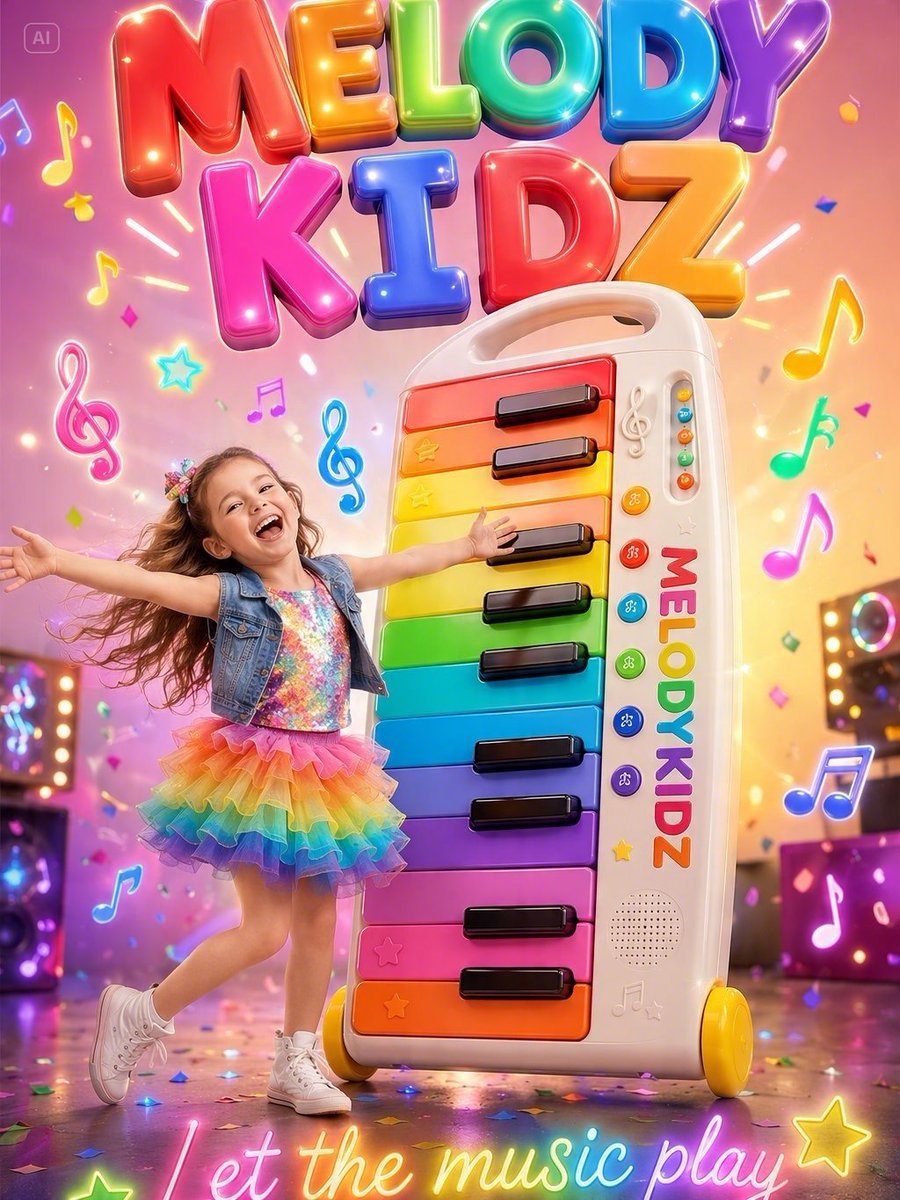
Musical Kids Toy Ad Poster
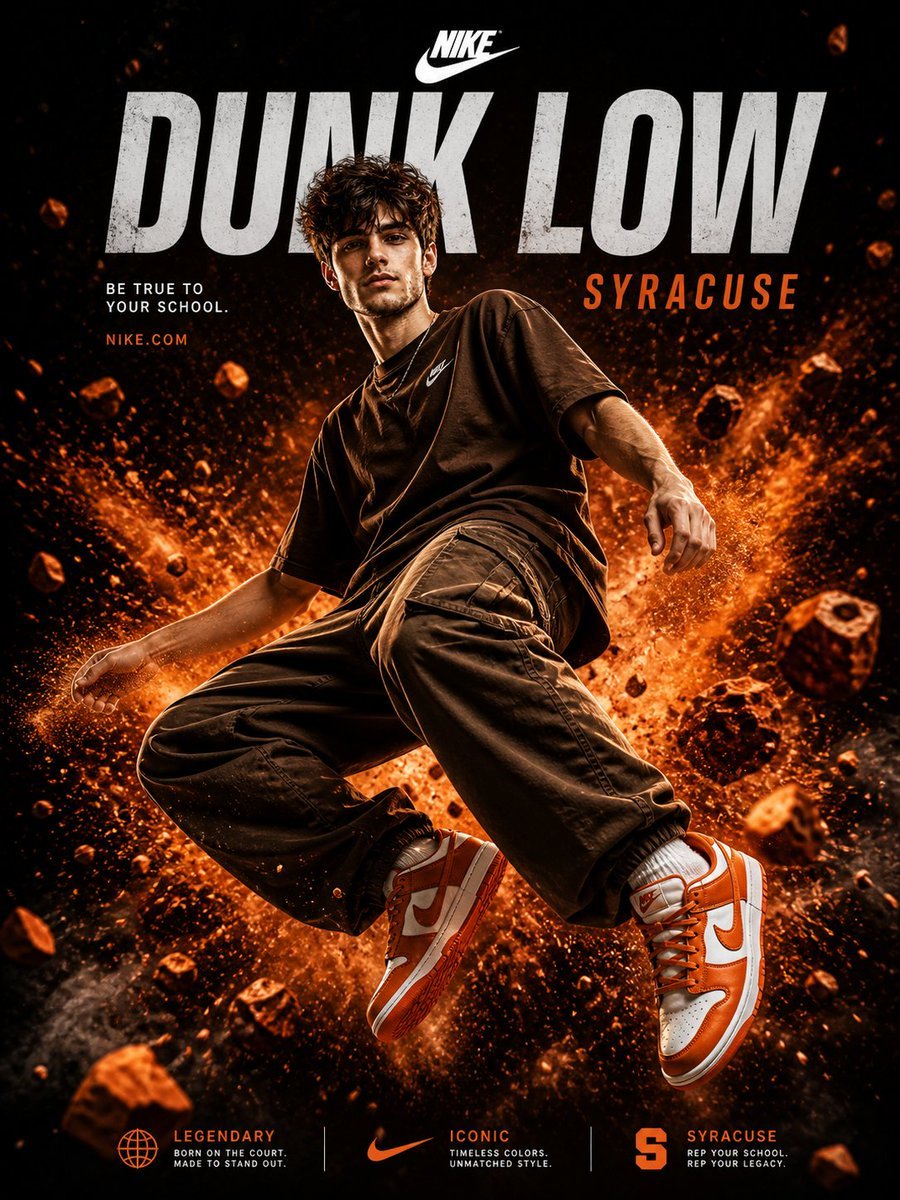
Nike Dunk Low Commercial Poster
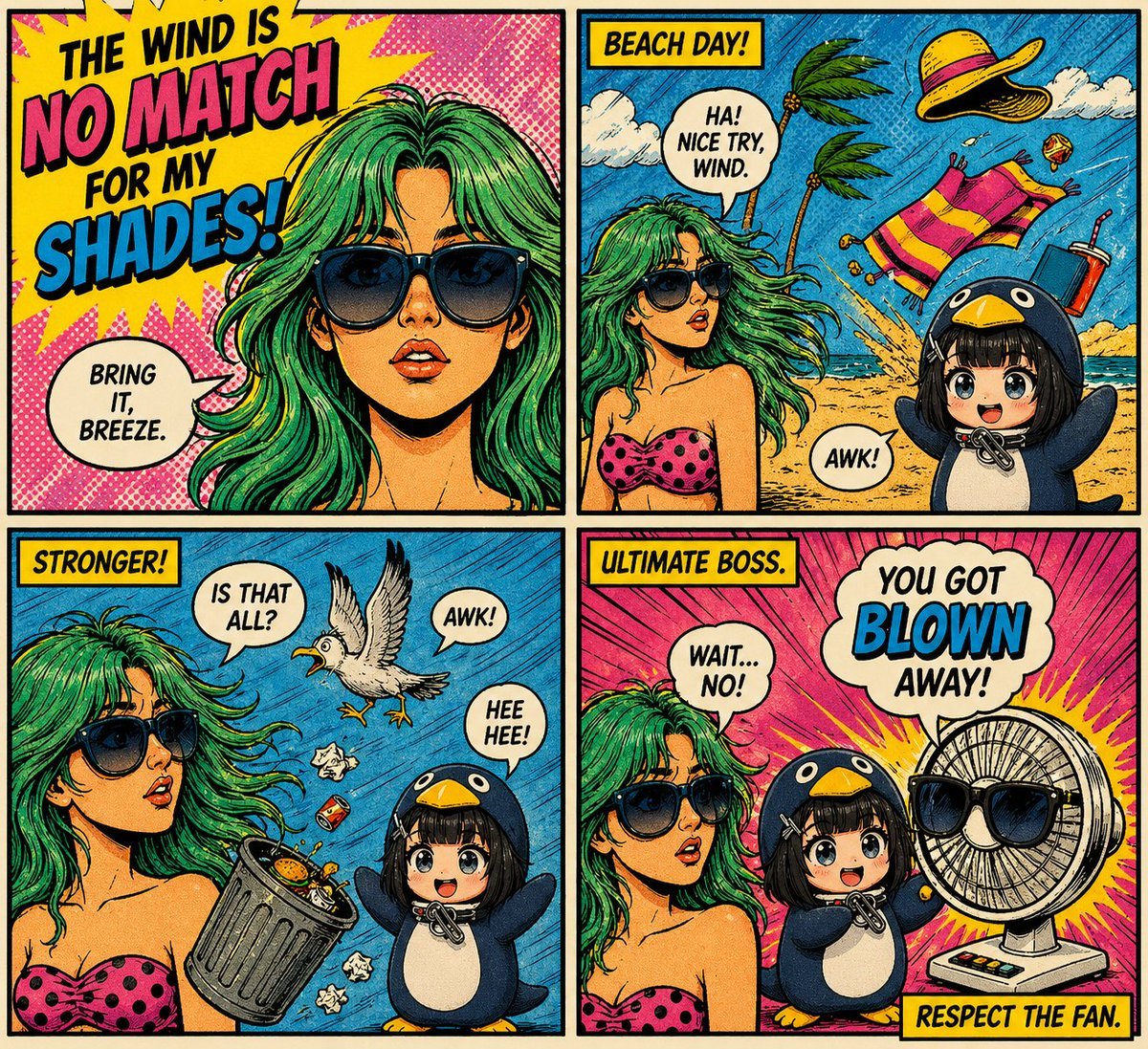
Retro Pop-Art Comic Strip
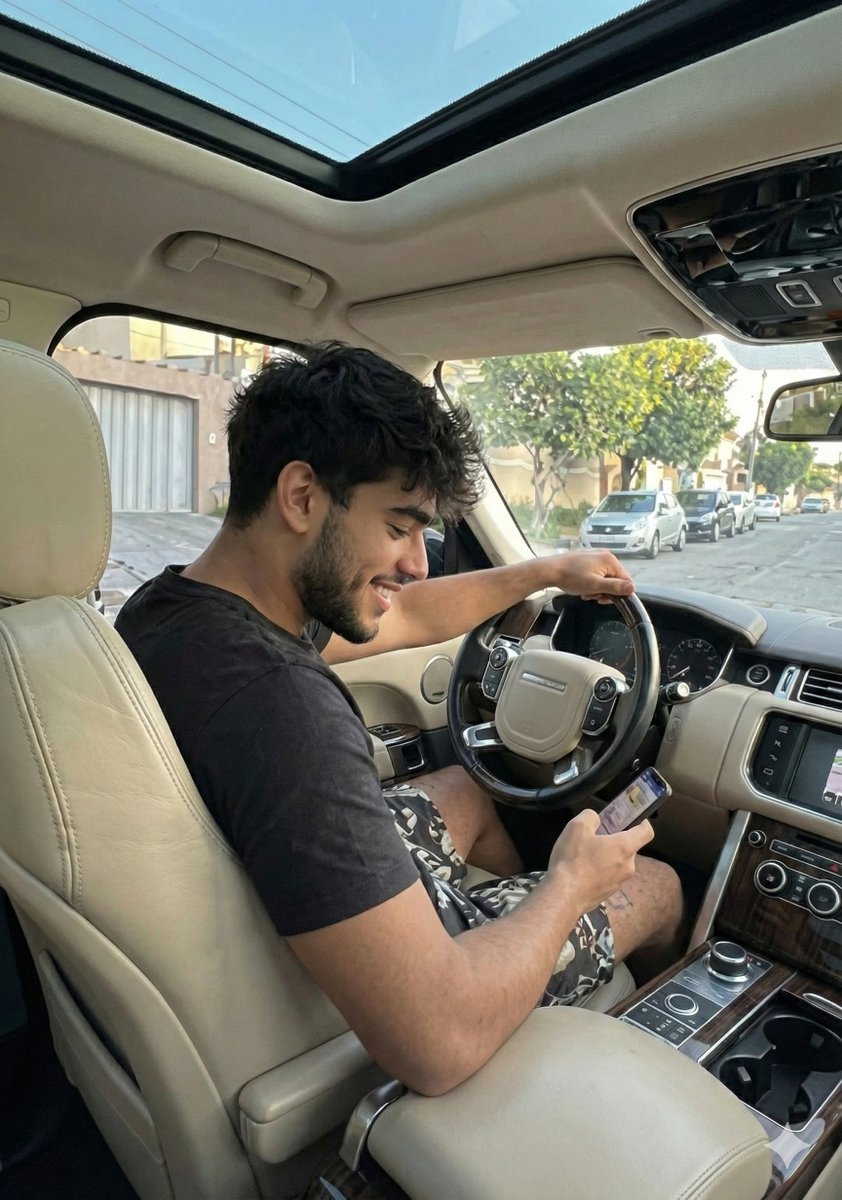
Casual Young Man in Luxury Car Interior

Skincare Product Studio Shot
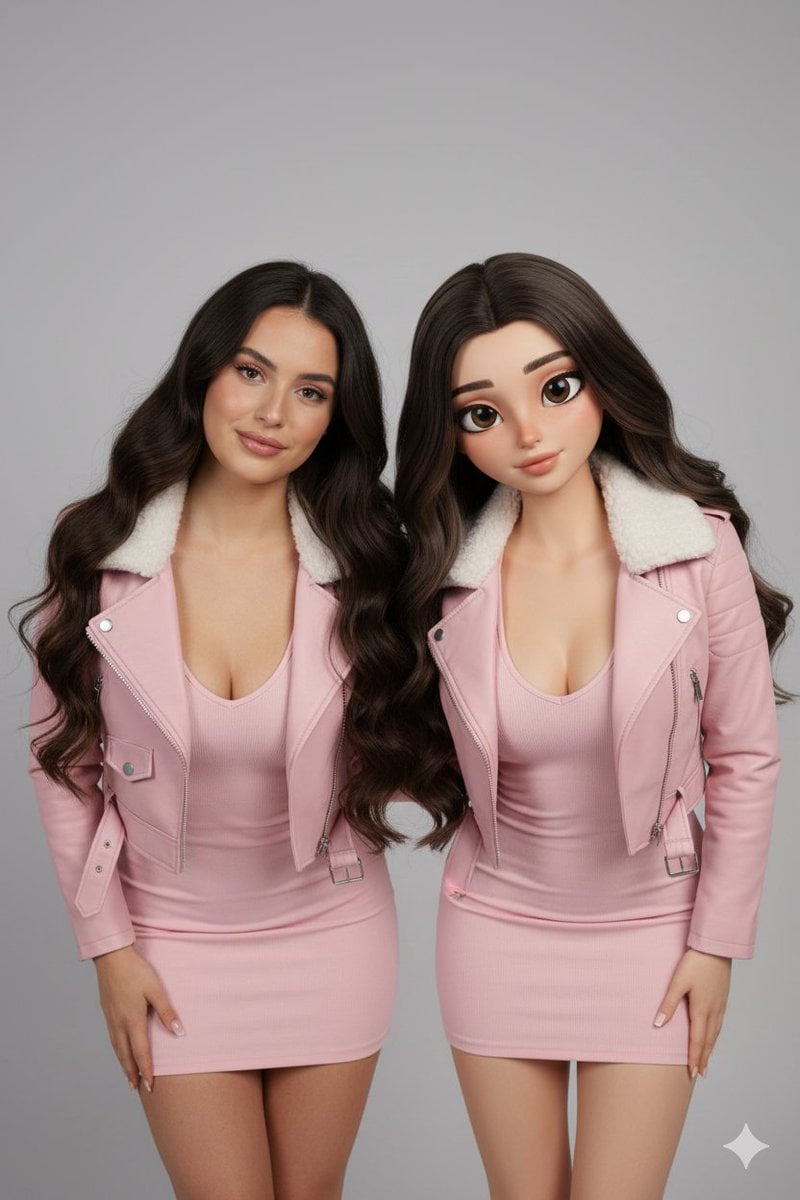
Realistic Human vs. 3D Character Side-by-Side Prompt
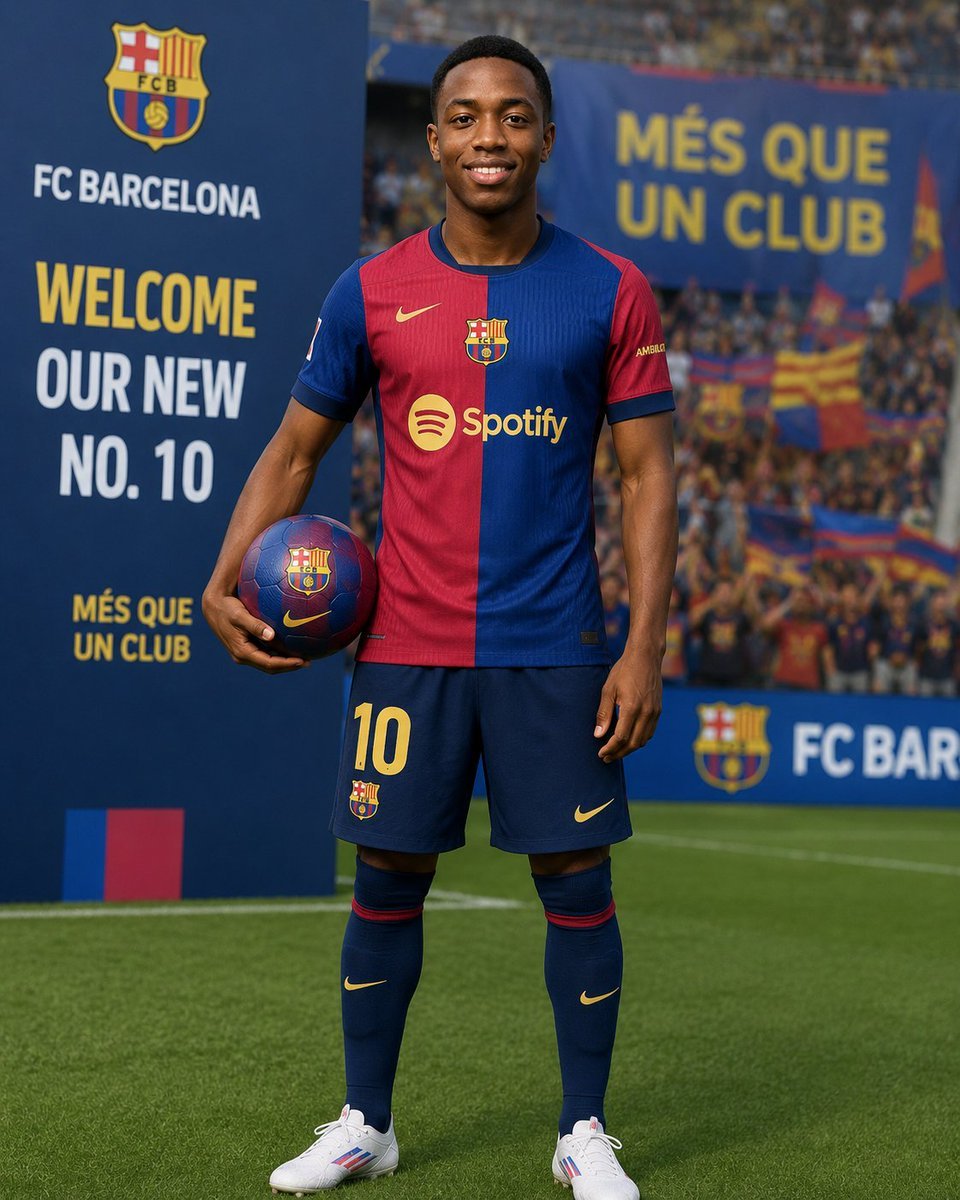
Football Player Signing Presentation
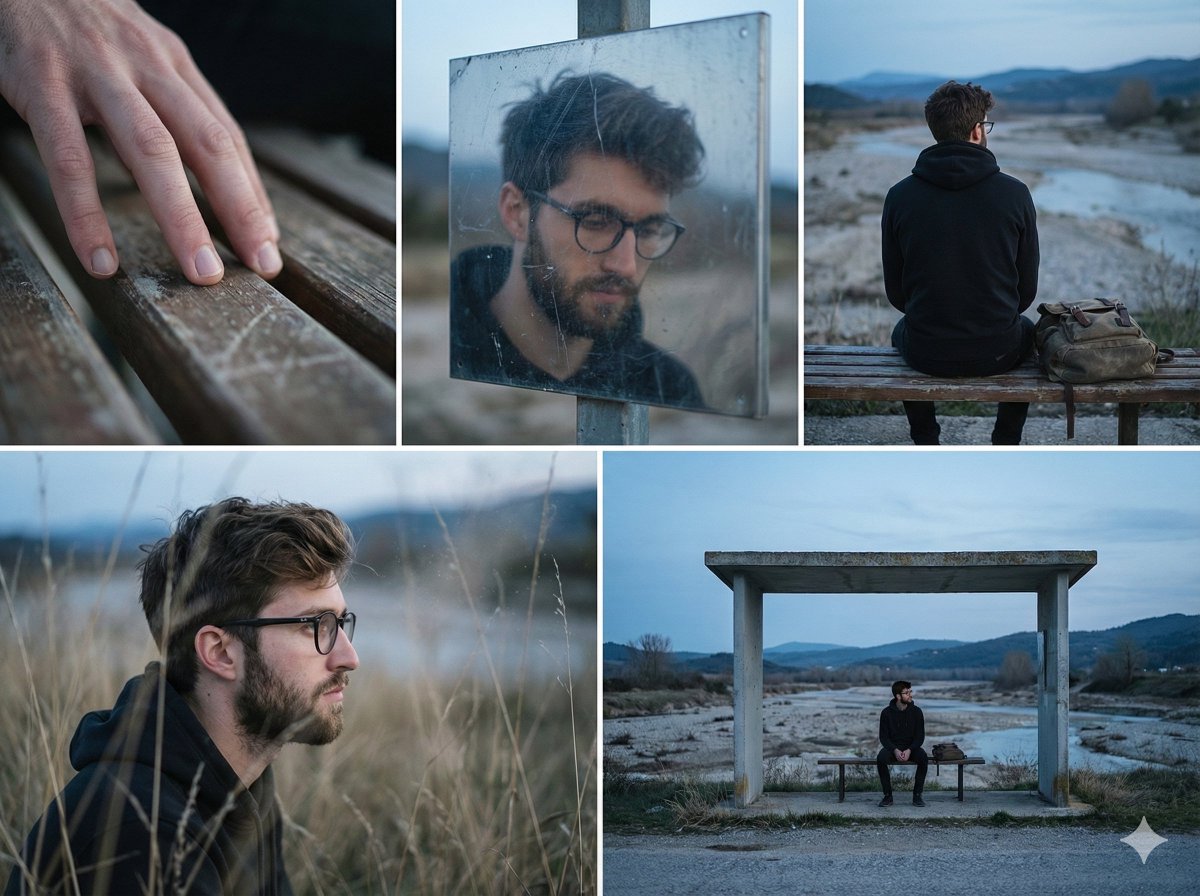
Nostalgic Memory Narrative Grid Prompt
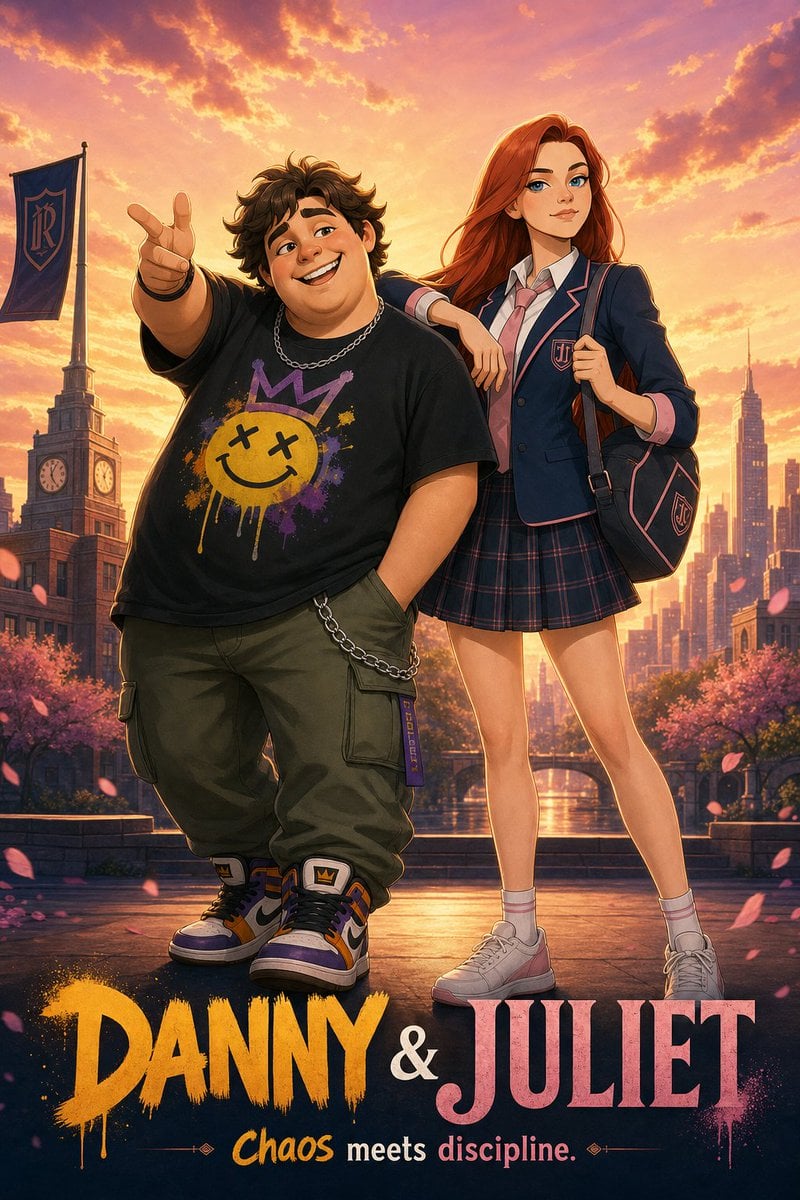
Anime Duo School Poster
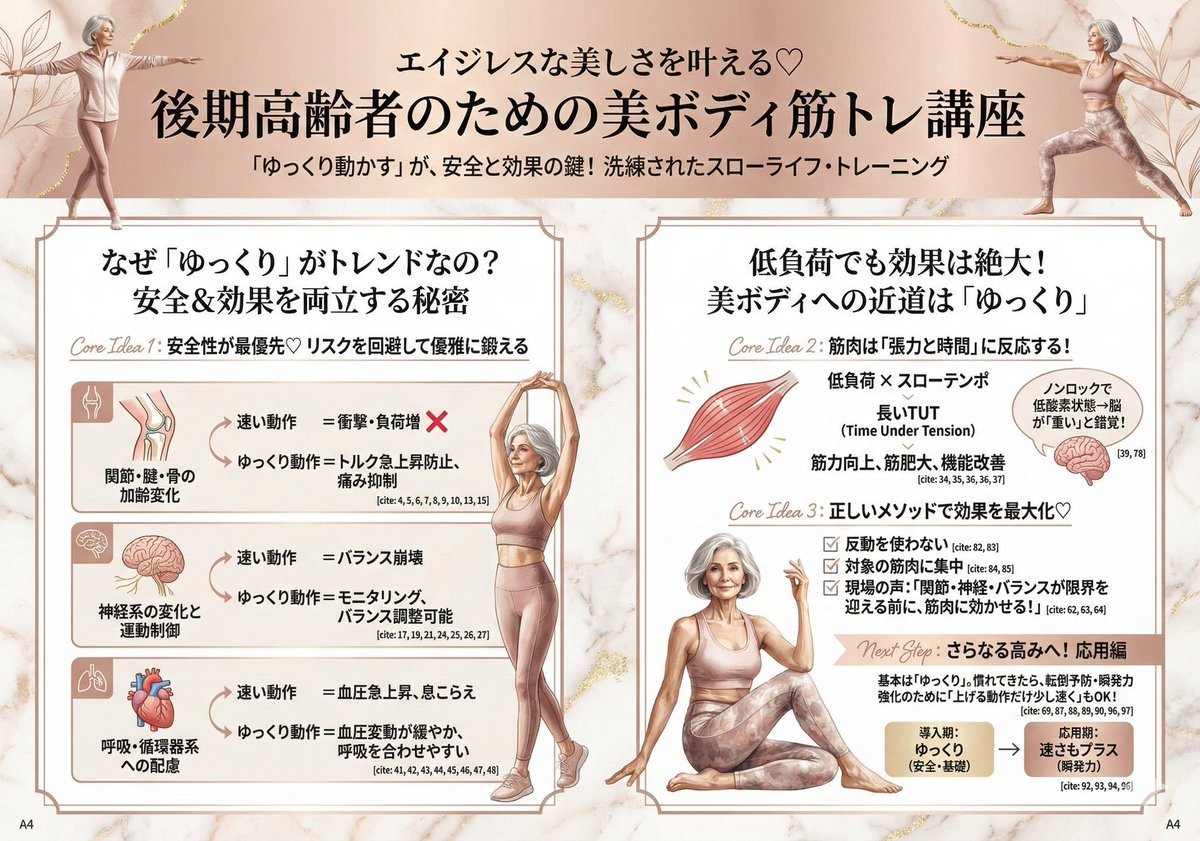
Infographic for Minato-ku Women's Fashion Magazine
Browse template categories
Crimson Battlefield Warrior questions
How do I use the Crimson Battlefield Warrior template?
Add your photo if the template asks for one, edit the prompt if you like — the template's model and format are already selected — and press Generate. Your version opens in PicX Studio.
Can I customize the Crimson Battlefield Warrior template?
Yes. You can change the subject, setting, lighting, mood, format, and available model controls before creating your image.
Is the Crimson Battlefield Warrior template free?
Opening and editing this template is free. Generating uses credits, shown on the Generate button when you are signed in.
Which AI model should I use?
Start with GPT Image 2, which is the model associated with this template. You can compare another compatible model for a different finish.
Looking for something else? Browse all templates.

Your photo, any look
Thousands of ready templates for every top image and video model, from one credit balance.