
Y2K Futurist Mona Lisa Desktop
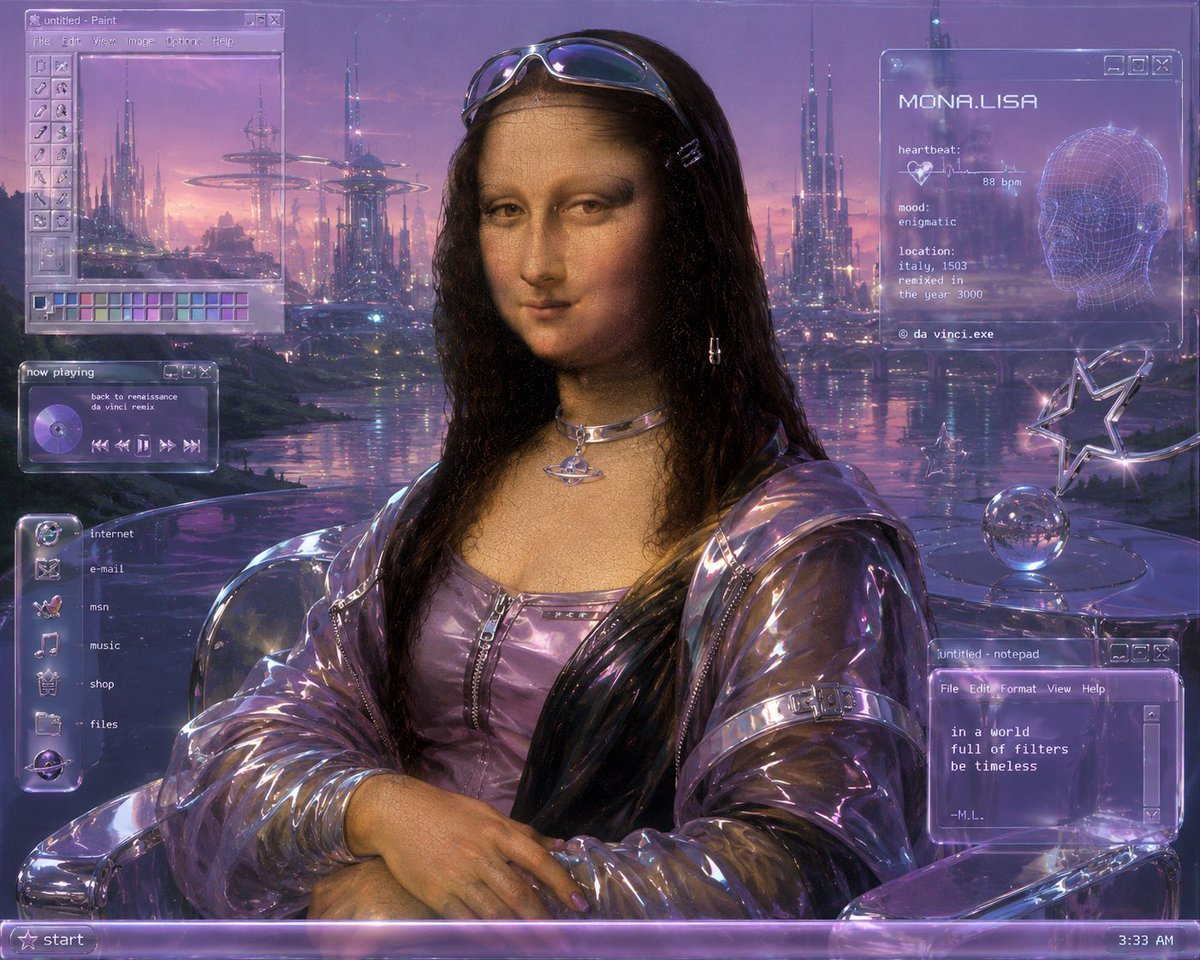
Generates a glossy retrofuturistic Mona Lisa remix as a purple Y2K computer desktop wallpaper with translucent UI windows.
- Prompt included
- Model and format preset
- Free template
The prompt behind this image
Copy the exact prompt behind Y2K Futurist Mona Lisa Desktop, or open it in the studio and make it yours.
Goal: Create a Y2K futurist remix of Leonardo da Vinci's Mona Lisa as a retro computer desktop wallpaper, blending Renaissance portraiture with glossy cyber aesthetics. Canvas: 4:3 landscape image, 1024×768 feel, full-screen composition with a translucent Windows 98 / early-2000s operating system interface overlaid on top of a purple sci-fi city at sunset. Main subject: Center the {argument name="character name" default="Mona Lisa"} from the waist up, posed like the original painting with folded hands, calm enigmatic smile, soft sfumato face, and dark wavy hair. She wears reflective chrome sunglasses resting on her head, small hair clips, dangling earrings, a metallic orbital choker necklace, a lavender zip-front futuristic top, and a transparent iridescent plastic jacket with glossy folds. Keep the classical Renaissance face texture visible but modernize everything around her with Y2K cyber fashion. Background: Replace the Tuscan landscape with a dreamy futuristic waterfront city at dusk. Use tall needle-like skyscrapers, hovering ring structures, distant illuminated towers, pink-purple clouds, reflective water, and tiny blue-magenta lights. The palette is lavender, violet, chrome, rose gold, and electric blue with soft bloom and slight CRT grain. Desktop UI overlays: Use translucent glassmorphism windows with glowing violet borders, pixel fonts, beveled buttons, and subtle scanline artifacts. Include exactly 5 visible interface groups: 1. Top-left Paint window titled “untitled - Paint,” with menu words “File Edit View Image Colour Help,” a vertical tool palette, and a row of small color swatches at the bottom; inside the canvas is the futuristic skyline. 2. Left-middle music player titled “now playing,” showing a purple CD icon, the track text “back to renaissance” and “da vinci remix,” plus playback controls. 3. Left-side vertical launcher dock with exactly 6 labeled icons: “internet,” “e-mail,” “msn,” “music,” “shop,” and “files.” 4. Top-right system profile window headed “MONA.LISA,” with a wireframe head graphic and biometric text: “heartbeat: 88 bpm,” “mood: enigmatic,” “location: italy, 1503,” “remixed in the year 3000,” and “© da vinci.exe.” 5. Bottom-right Notepad window titled “untitled - notepad,” with menus “File Edit Format View Help” and the poem text: “in a world / full of filters / be timeless / --M.L.” Additional objects: On the right side, place a chrome table with a reflective glass sphere and a star-shaped chrome ornament, both matching the Y2K futuristic look. Bottom taskbar: Add a translucent purple Windows-style taskbar spanning the full bottom edge, with a star “start” button on the left and the time “3:33 AM” on the right. Visual style: Hyper-detailed digital painting with Renaissance realism, glossy plastic, chrome reflections, holographic purple UI, dreamy vaporwave lighting, retrofuturistic Y2K cyber aesthetic, soft film grain, subtle pixel/CRT texture, and high polish. Make the image look like a timeless old-master portrait running inside a futuristic early-internet desktop. Constraints: Preserve the iconic Mona Lisa pose and expression, keep all text legible, do not add extra UI groups beyond the 5 listed, avoid modern flat UI styling, avoid watermarks.
How to use Y2K Futurist Mona Lisa Desktop in 3 steps
- 1Upload ImagePNG, JPG or paste
Add your photo
Upload the photo the template builds on. The prompt, model and format are already set.
- 2…a portrait of your subject in softgolden-hour light, 85mm…
Personalize
Edit the subject and creative details for your destination.
- 3Generate
Generate
Press Generate — your image is created in PicX Studio, so you can compare it with the original and refine one variable at a time.
More like this
Templates with the same subject, style or setup. Open one to see its prompt.
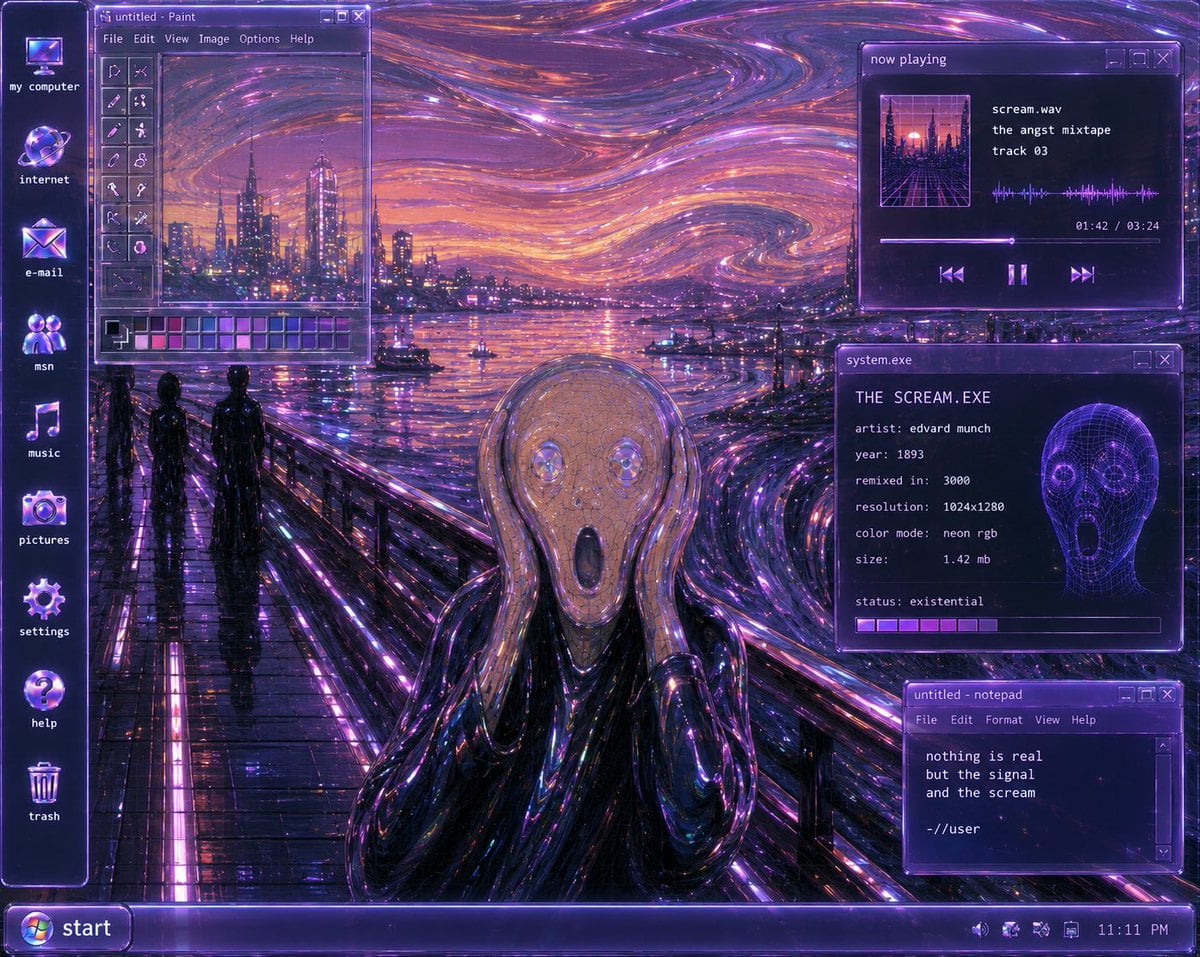
Y2K Futurist Scream Desktop
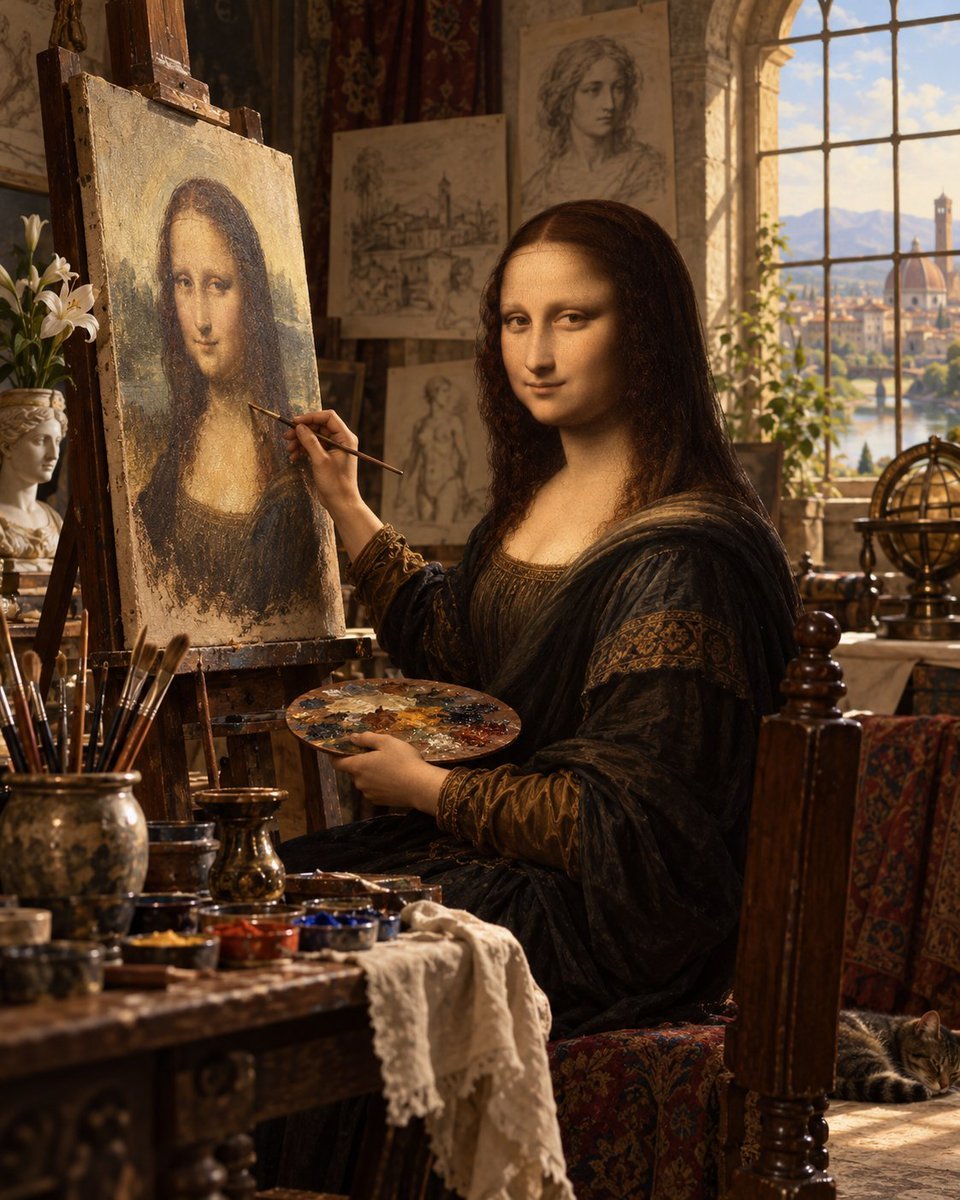
Mona Lisa Renaissance Studio Scene
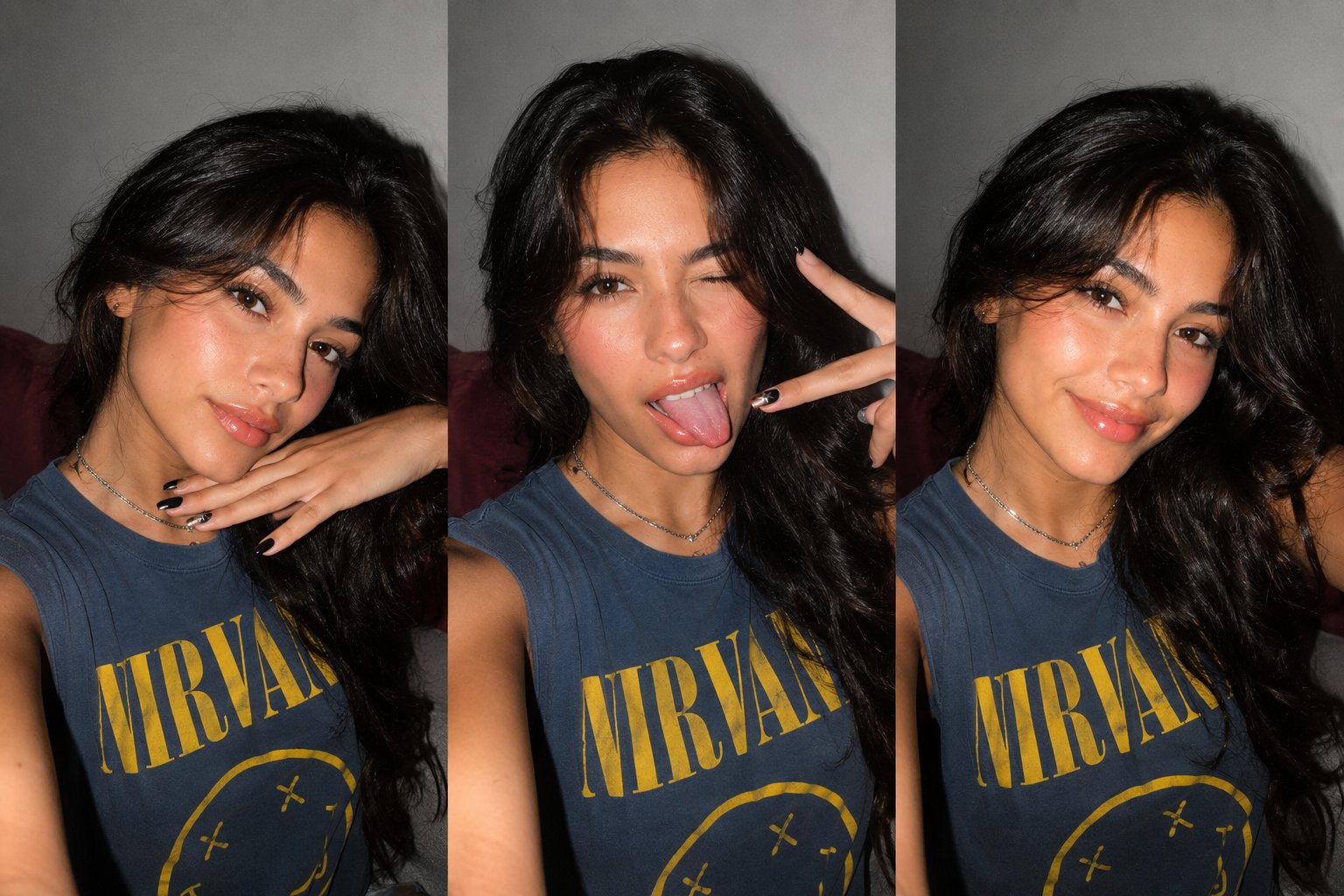
Gen Z Triple Selfie Collage — Y2K Flash Photography
Gen Z Flash Selfie Triple Collage
Leonardo Painting the Mona Lisa
Y2K Starry Night Desktop
Teddy Bear Mona Lisa Hybrid
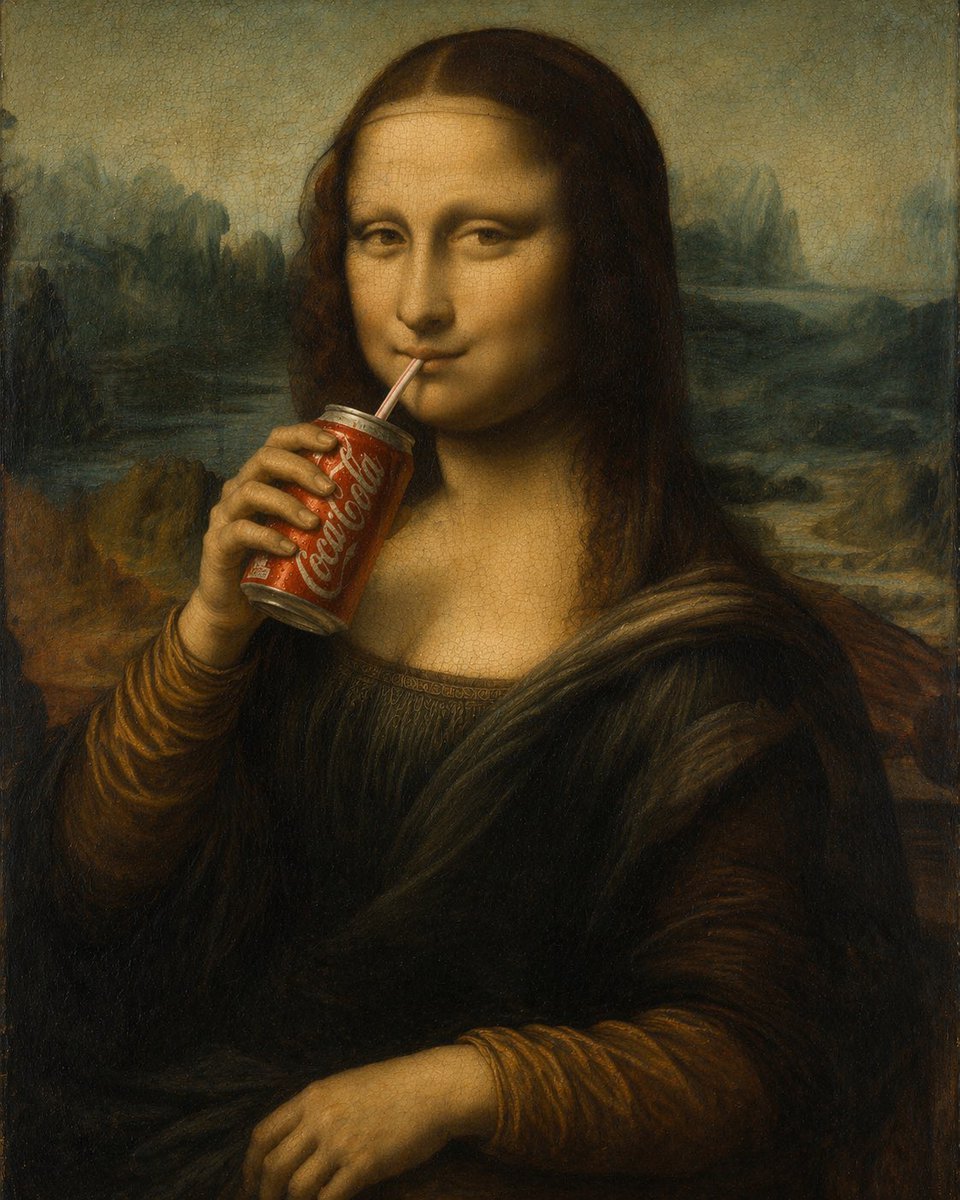
Mona Lisa Drinking Coke Oil Painting
Mona Lisa Coca-Cola Web Example
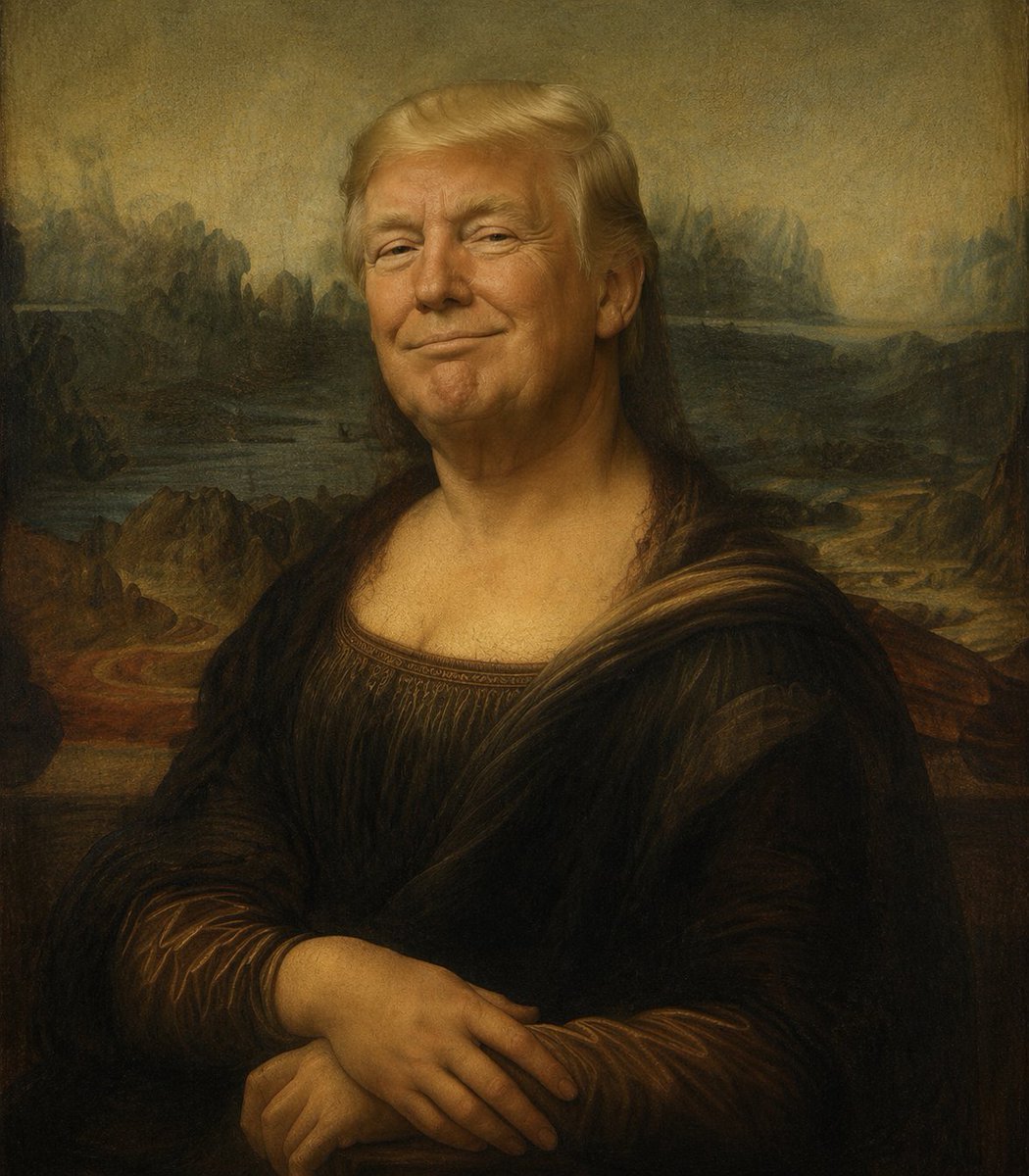
Censored Mona Lisa Oil Portrait
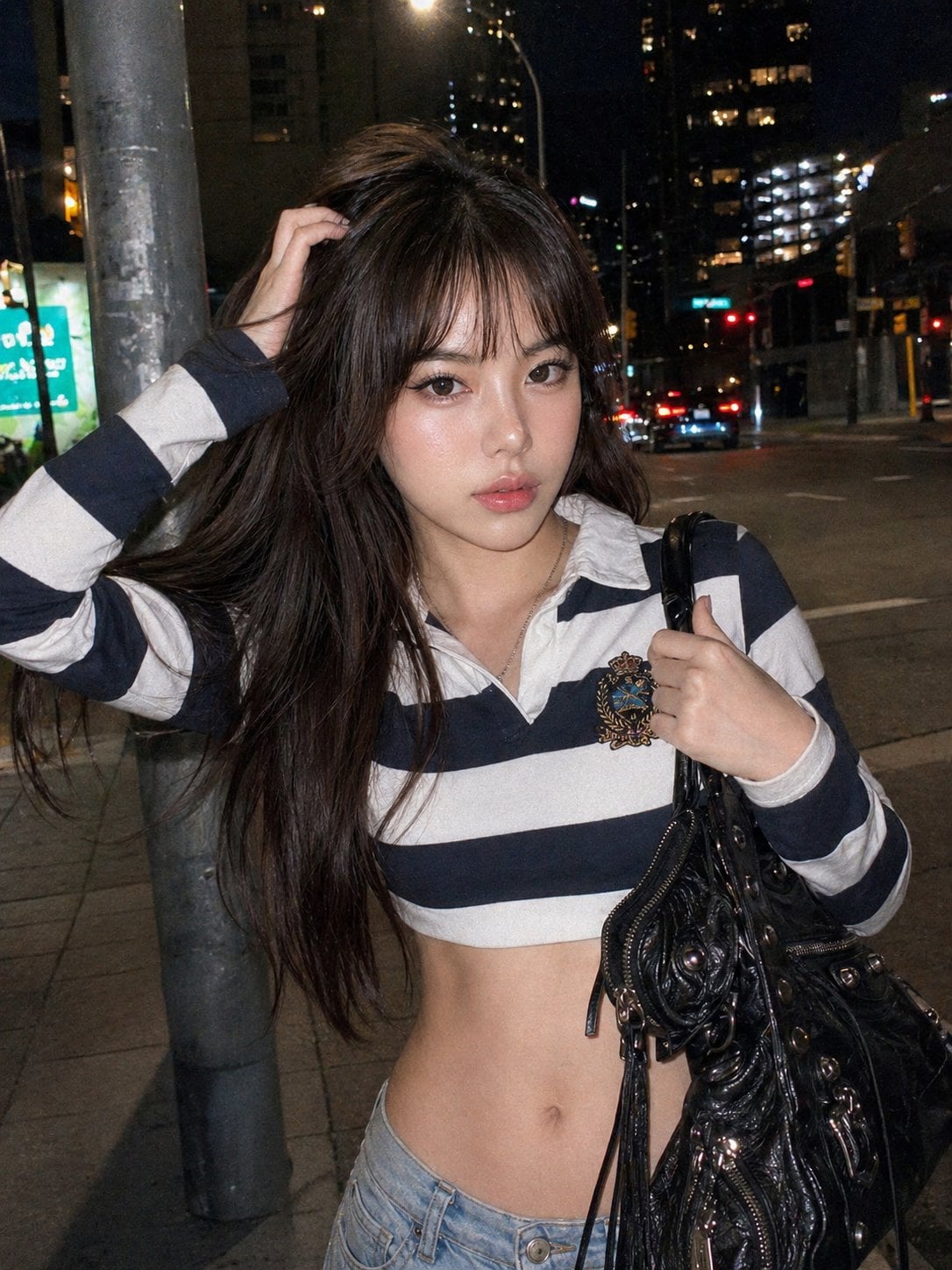
Y2k Nano Banana Chryzleen

Y2K Windowsill Maple Leaf — Early 2000s Digital Photo
Make it yours
Y2K Futurist Mona Lisa Desktop works as-is. These are the safest ways to change it without losing the look.
Change one field
Copy a single group, rewrite it, and generate again so you can see what that field is doing.
Keep the frame, change the subject
Hold the composition and light of Y2K Futurist Mona Lisa Desktop, then swap wardrobe, props or the person for a new take.
| If the result… | Why | Fix |
|---|---|---|
| The result drifts from the preview | Too many fields changed at once. | Reuse Y2K Futurist Mona Lisa Desktop as-is first, then change one group — subject, light, or setting. |
| The model over-stylizes the scene | The prose prompt leaves finish and camera underspecified. | Add one camera or lighting sentence and stay on GPT Image 2. |
More GPT Image 2 templates
Other prompts made for GPT Image 2.

Six VTuber Japanese Logo Sheet

Realistic Portrait of Woman and Deer

The Vista Modular Condo Poster

AI Model Routing Comparison Infographic

2.5D Anime Art Board

Isometric Productivity Desk Scene

New York Double Exposure Poster

Four-Panel AI Landscape Comparison

Japanese Tatami Lifestyle Magazine Cover

NESCAFÉ Coffee Map Poster
More image prompts
Fresh picks from across the catalog.
JSON Prompt Template for Text Rendering in AI Images
Couple Goals from the Google Gemini Nano
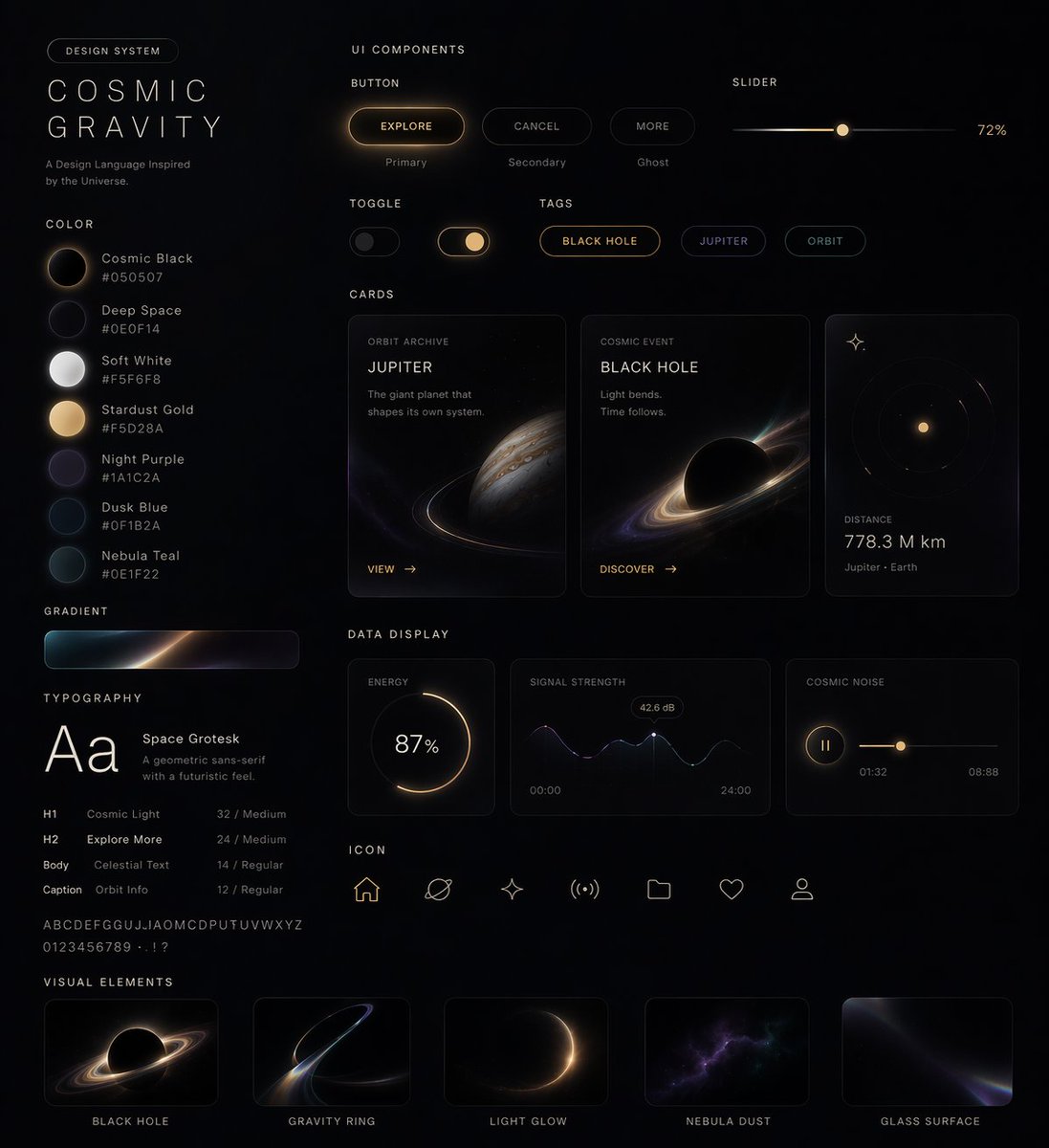
UI Design System Prompt
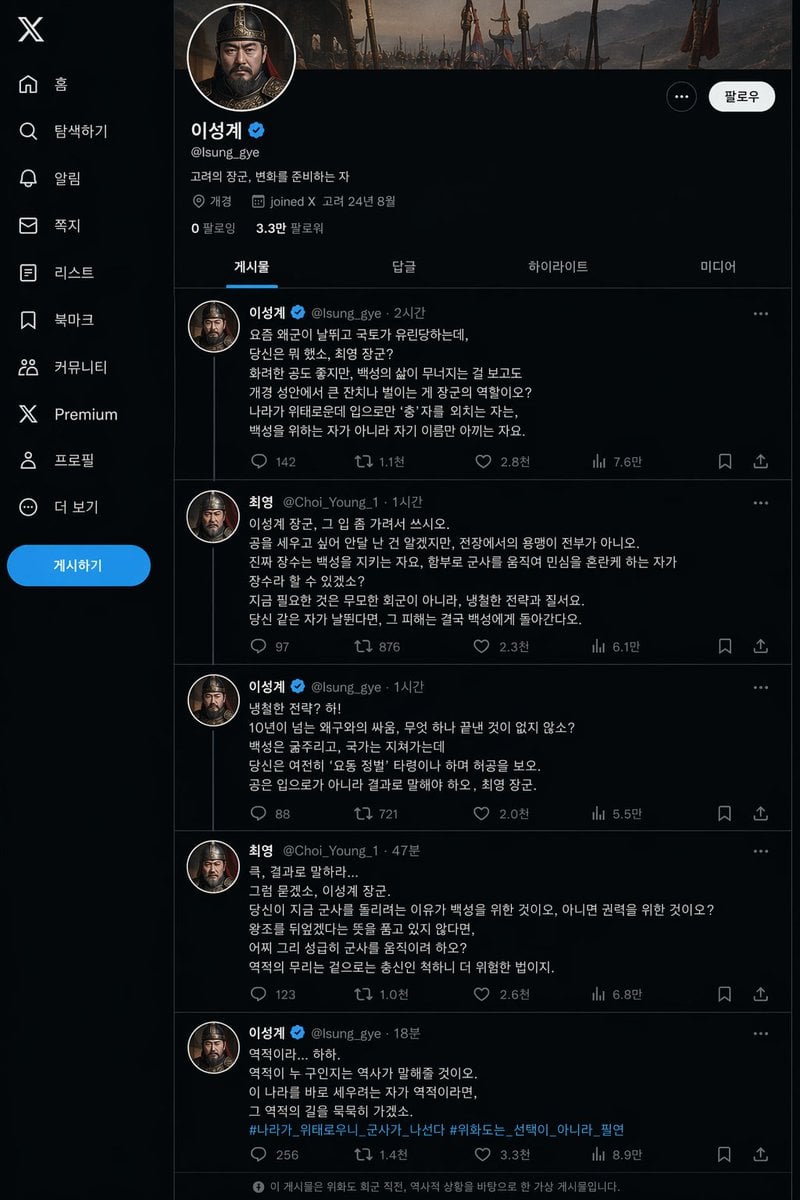
Historical Social Media Feed Mockup
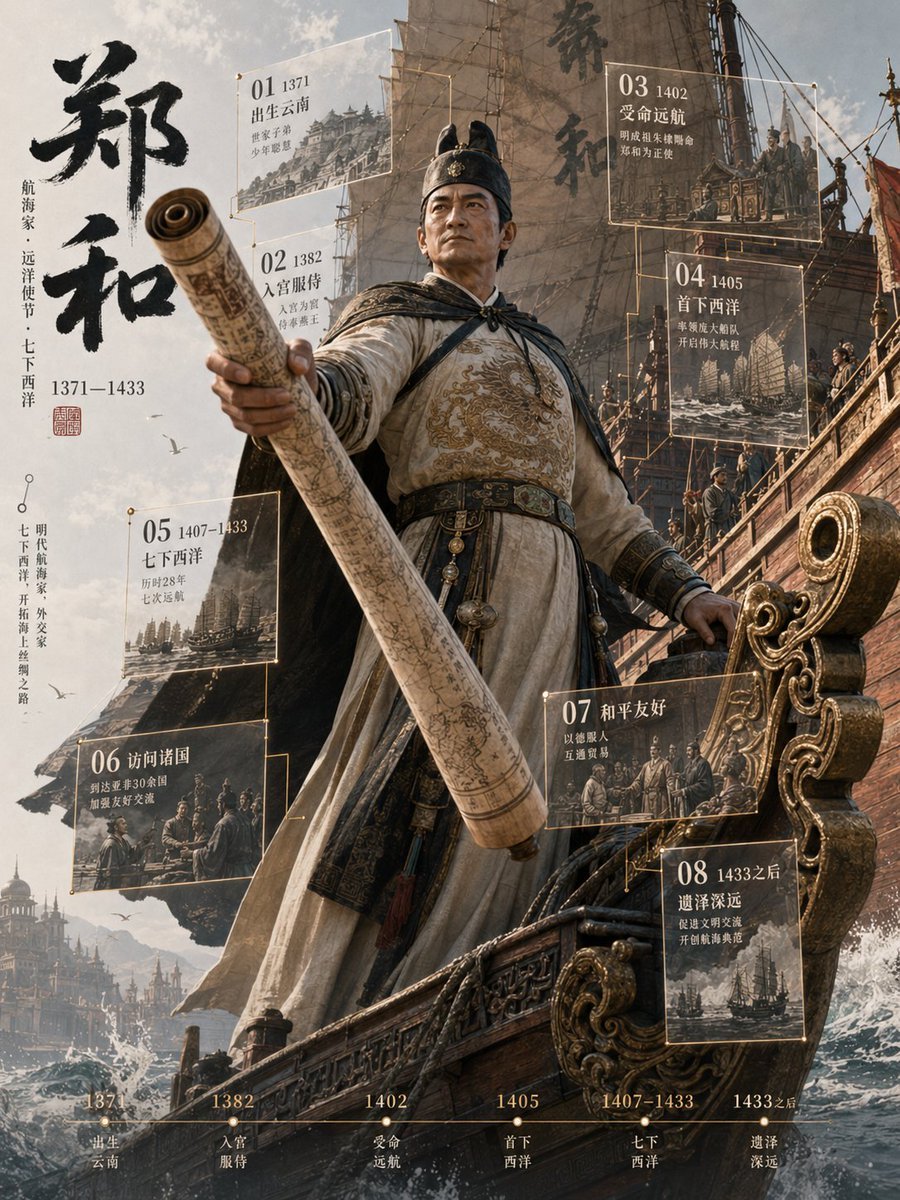
Zheng He 3D Historical Archive Poster
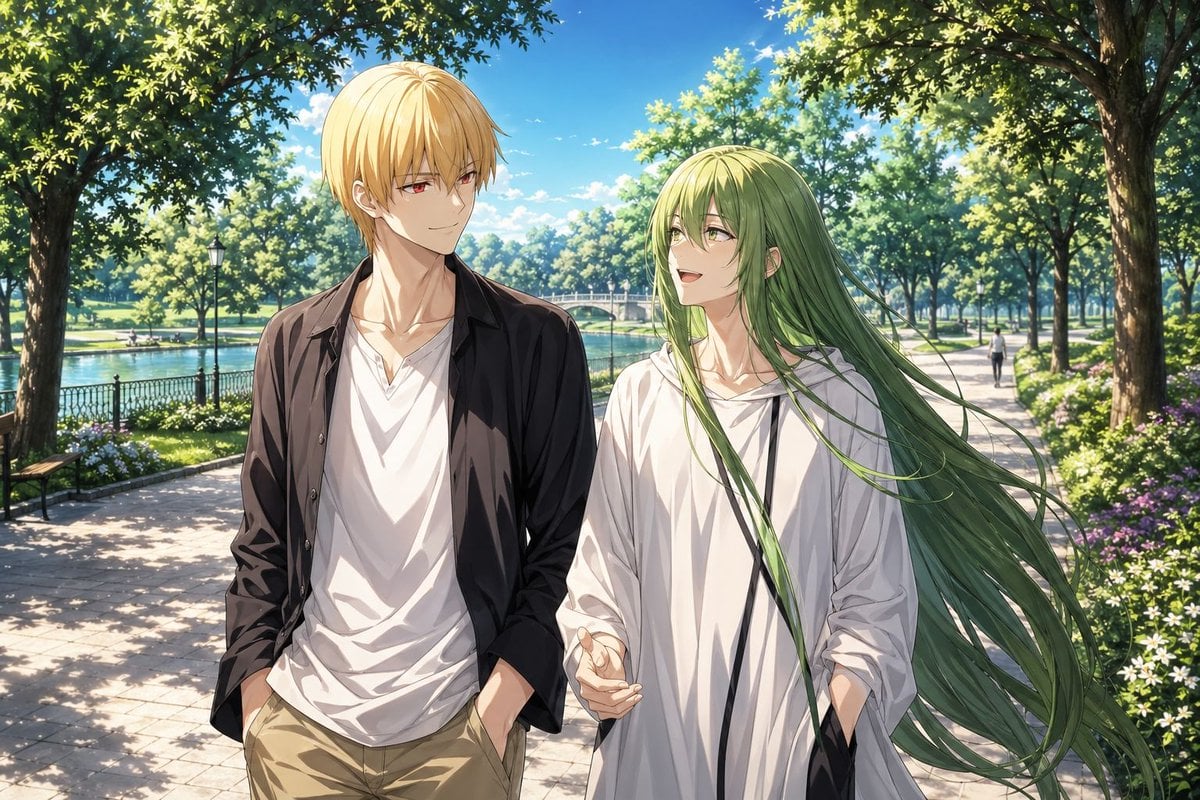
Anime Park Date Illustration
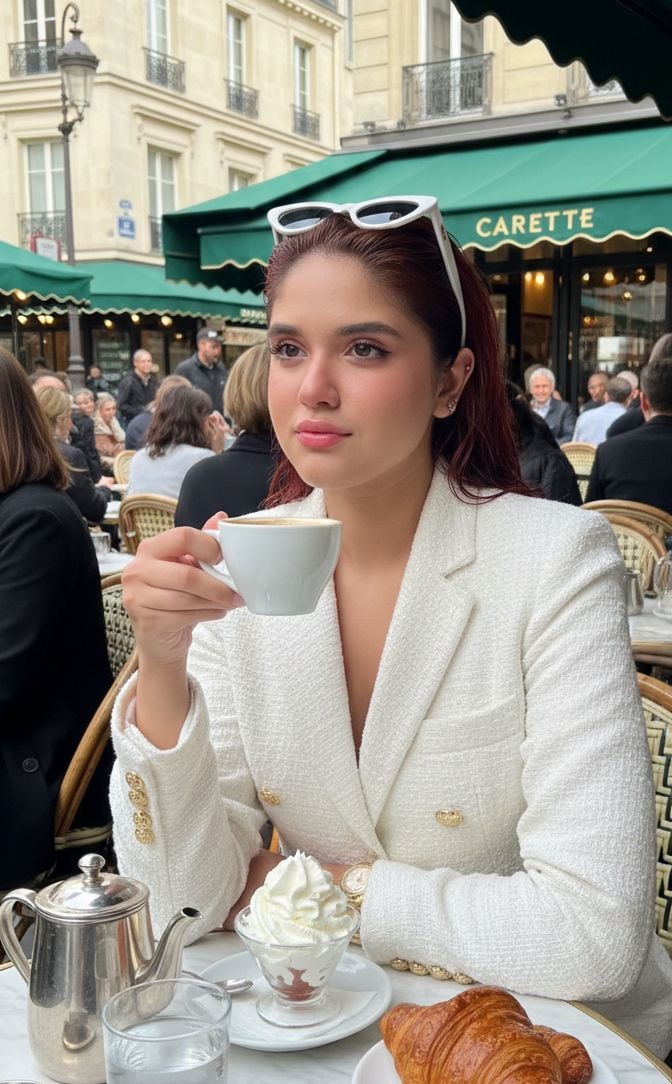
Photorealistic Parisian Café Portrait with Identity Lock

Historical Vibe Portrait
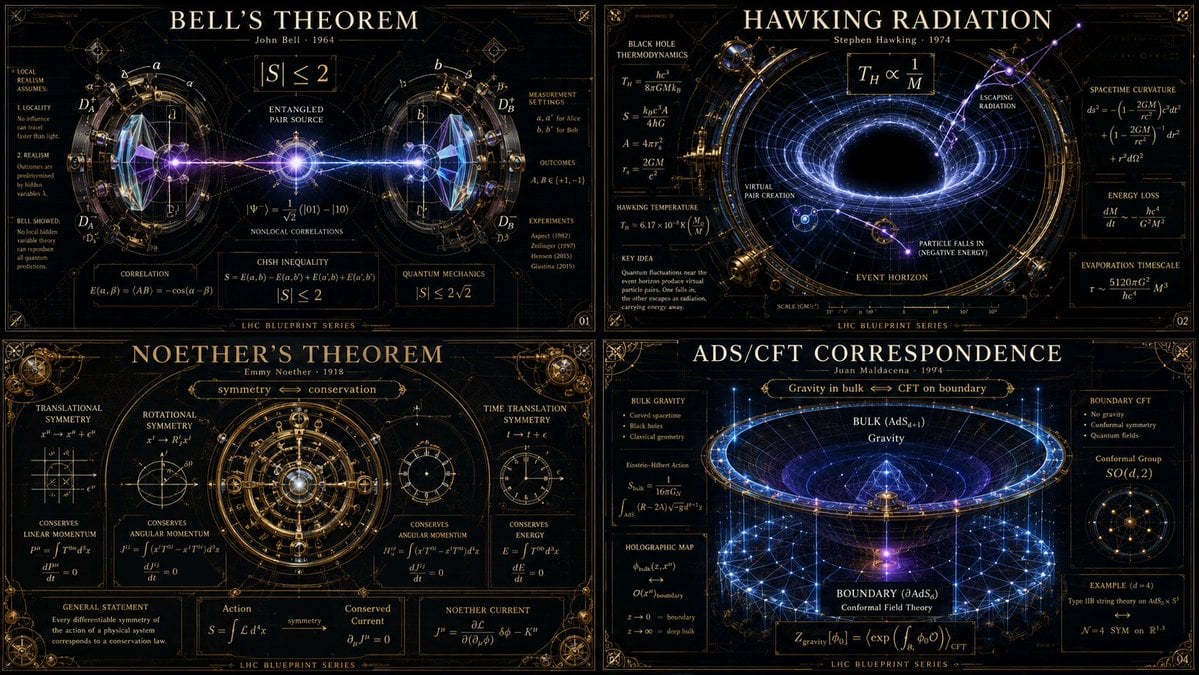
Advanced Physics Paradox Infographic

Cinematic Profile Portrait Prompt with Backlighting and Bokeh
Browse template categories
Y2K Futurist Mona Lisa Desktop questions
How do I use the Y2K Futurist Mona Lisa Desktop template?
Add your photo if the template asks for one, edit the prompt if you like — the template's model and format are already selected — and press Generate. Your version opens in PicX Studio.
Can I customize the Y2K Futurist Mona Lisa Desktop template?
Yes. You can change the subject, setting, lighting, mood, format, and available model controls before creating your image.
Is the Y2K Futurist Mona Lisa Desktop template free?
Opening and editing this template is free. Generating uses credits, shown on the Generate button when you are signed in.
Which AI model should I use?
Start with GPT Image 2, which is the model associated with this template. You can compare another compatible model for a different finish.
Looking for something else? Browse all templates.

Your photo, any look
Thousands of ready templates for every top image and video model, from one credit balance.