
Teddy Bear Mona Lisa Hybrid
A whimsical surreal fine-art parody that turns the Mona Lisa into a teddy-bear hybrid portrait, useful for meme-like art, concept exploration, or playful classical remix imagery.
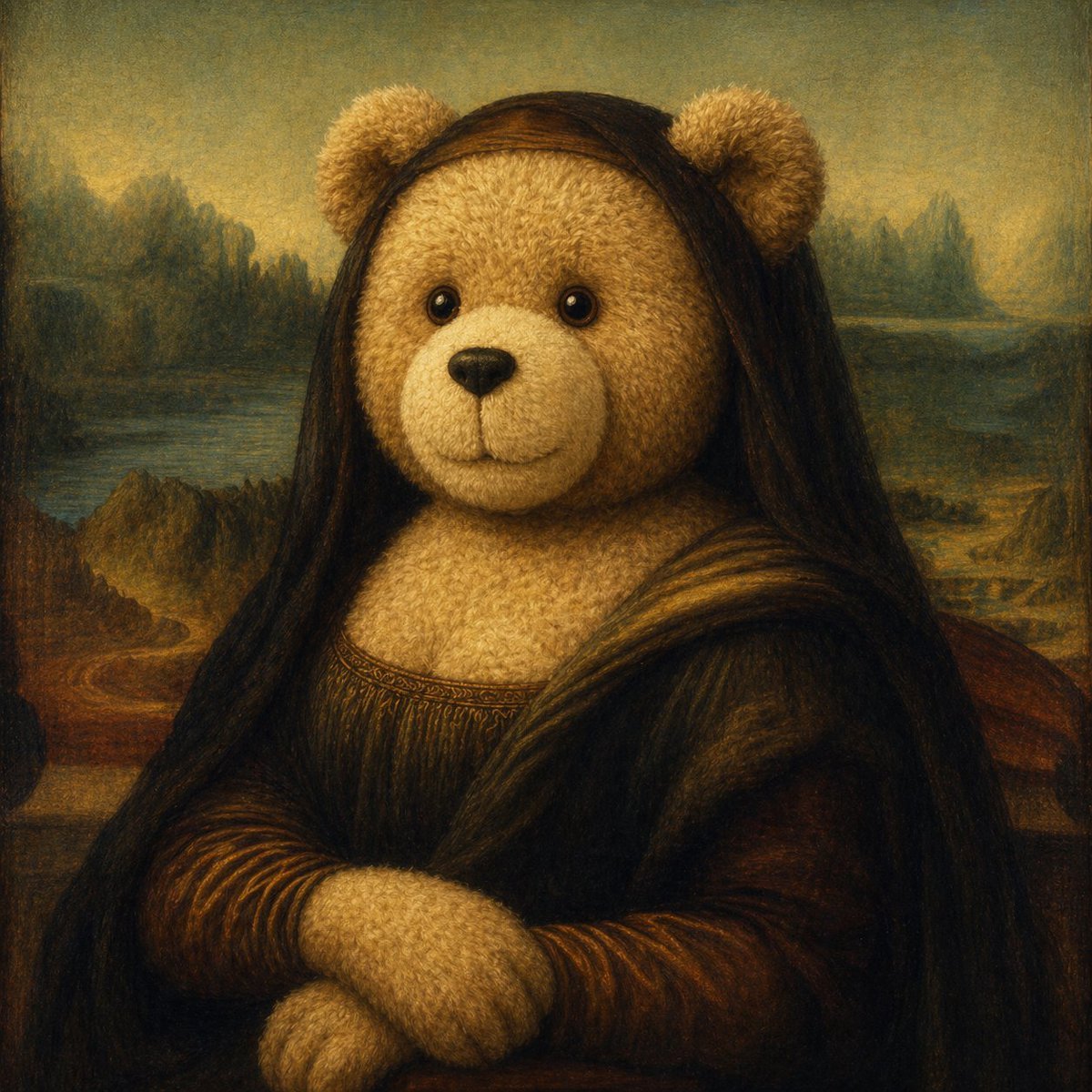
- Prompt included
- Model and format preset
- Free template
The prompt behind this image
Copy the exact prompt behind Teddy Bear Mona Lisa Hybrid, or open it in the studio and make it yours.
A surreal oil painting in the style of Leonardo da Vinci's Mona Lisa, reimagined as a teddy-bear hybrid portrait. The subject sits in the same half-length frontal pose with folded hands, wearing the dark Renaissance dress and soft draped shawl of the original painting, against the classic hazy landscape with winding water, distant mountains, and muted atmospheric perspective. The figure has 2 round fluffy teddy bear ears on top of the head and 2 plush furry paws folded at the bottom, with a warm beige teddy-bear fur chest replacing the visible skin of the neckline and hands. Long dark brown hair falls smoothly over both shoulders. The face area is intentionally left as a flat featureless brown rectangular block, creating an uncanny censored or unfinished effect. Use cracked varnish texture, aged museum-painting patina, smoky sfumato transitions, low-saturation brown and olive tones, soft golden lighting, centered composition, highly detailed fur texture blended into classical portrait brushwork, whimsical yet eerie fine-art parody.
How to use Teddy Bear Mona Lisa Hybrid in 3 steps
- 1Upload ImagePNG, JPG or paste
Add your photo
Upload the photo the template builds on. The prompt, model and format are already set.
- 2…a portrait of your subject in softgolden-hour light, 85mm…
Personalize
Edit the subject and creative details for your destination.
- 3Generate
Generate
Press Generate — your image is created in PicX Studio, so you can compare it with the original and refine one variable at a time.
More like this
Templates with the same subject, style or setup. Open one to see its prompt.
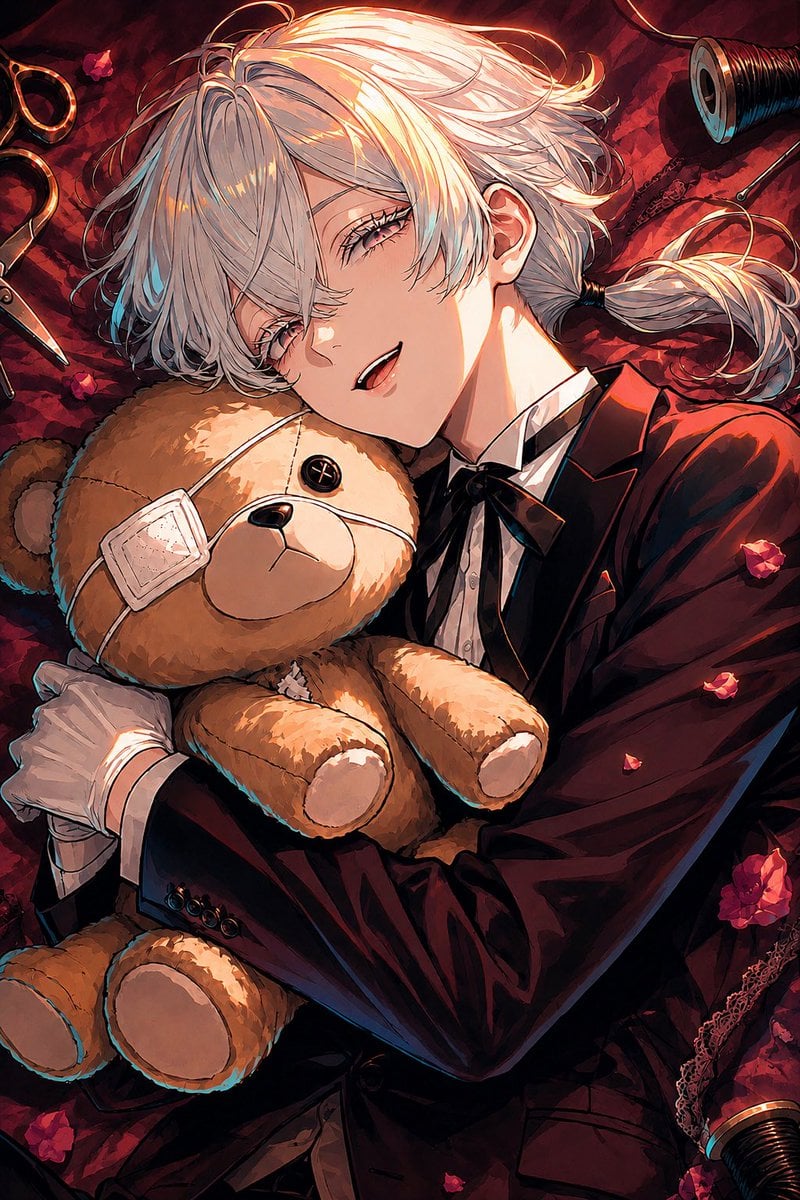
Gothic Anime Boy Hugging Teddy Bear
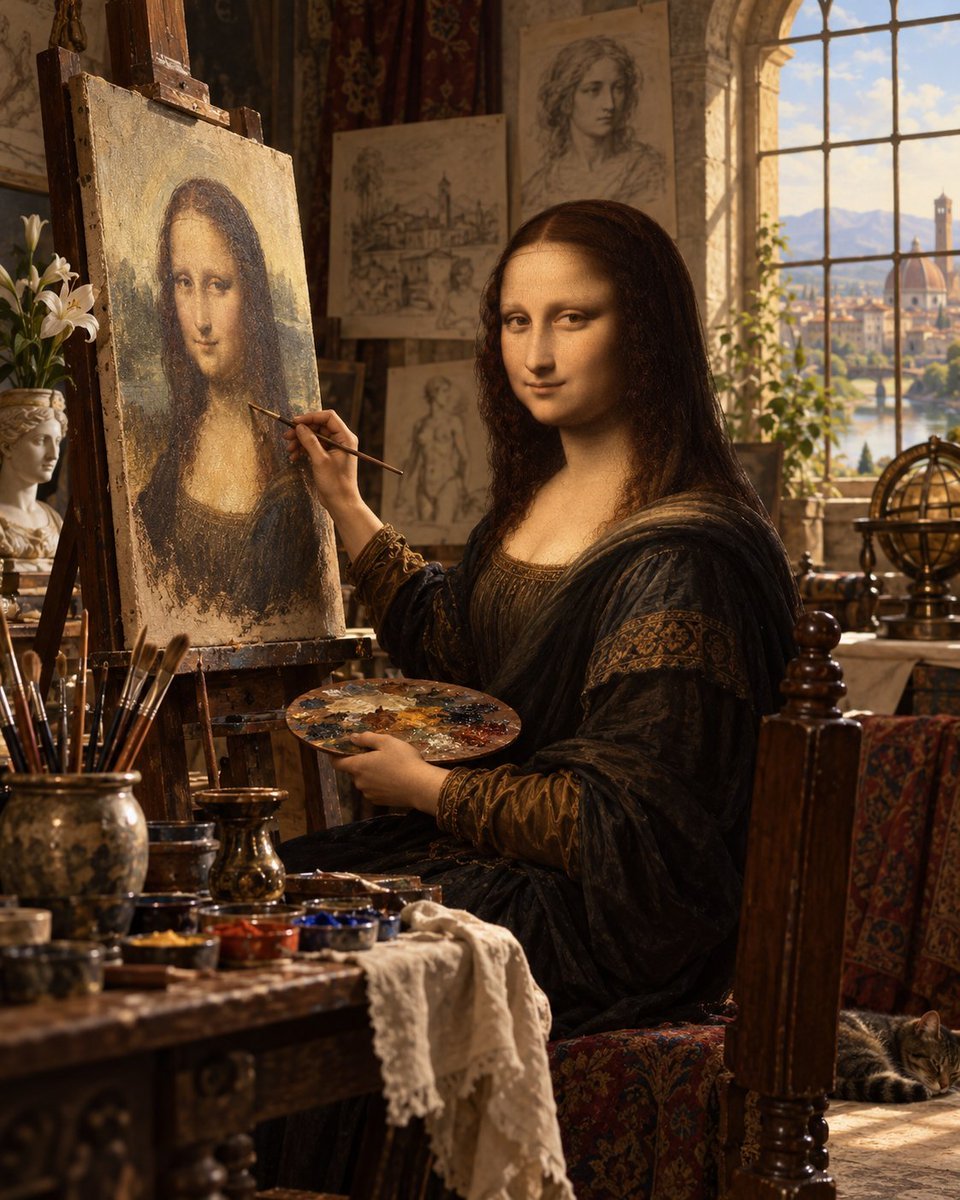
Mona Lisa Renaissance Studio Scene
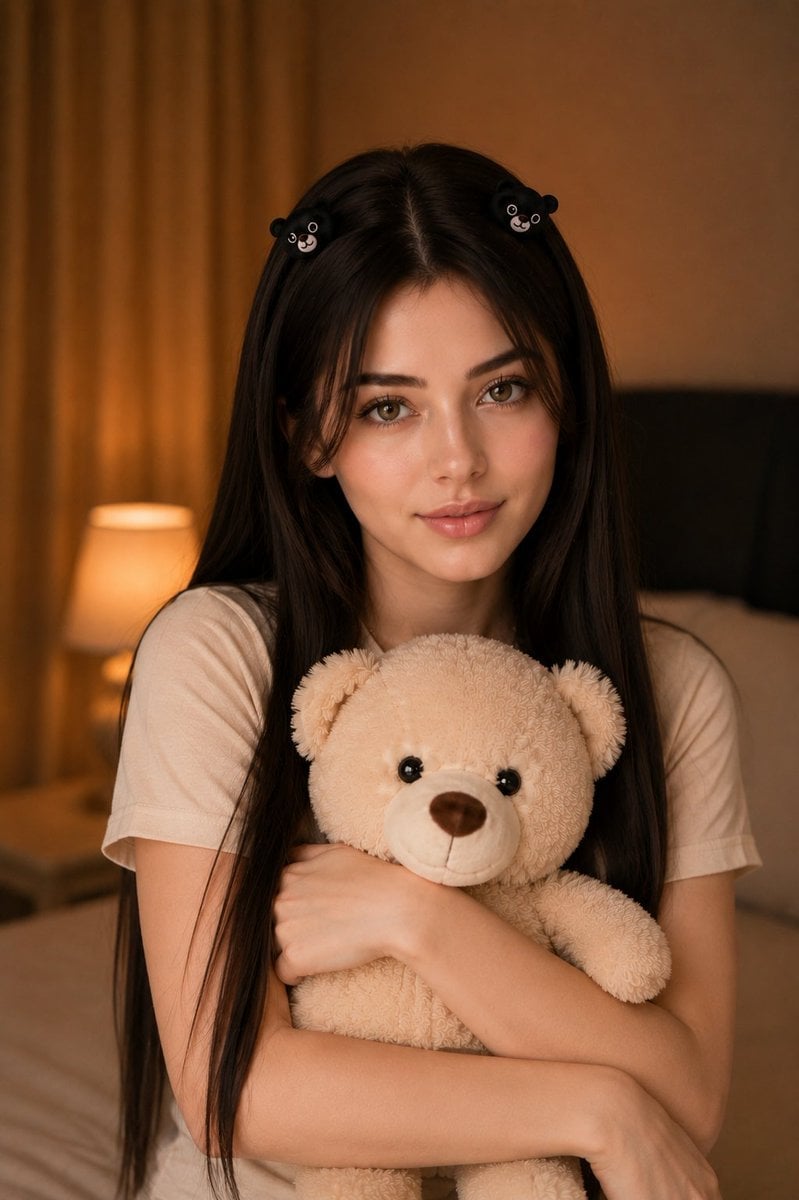
Woman Holding Teddy Bear Portrait
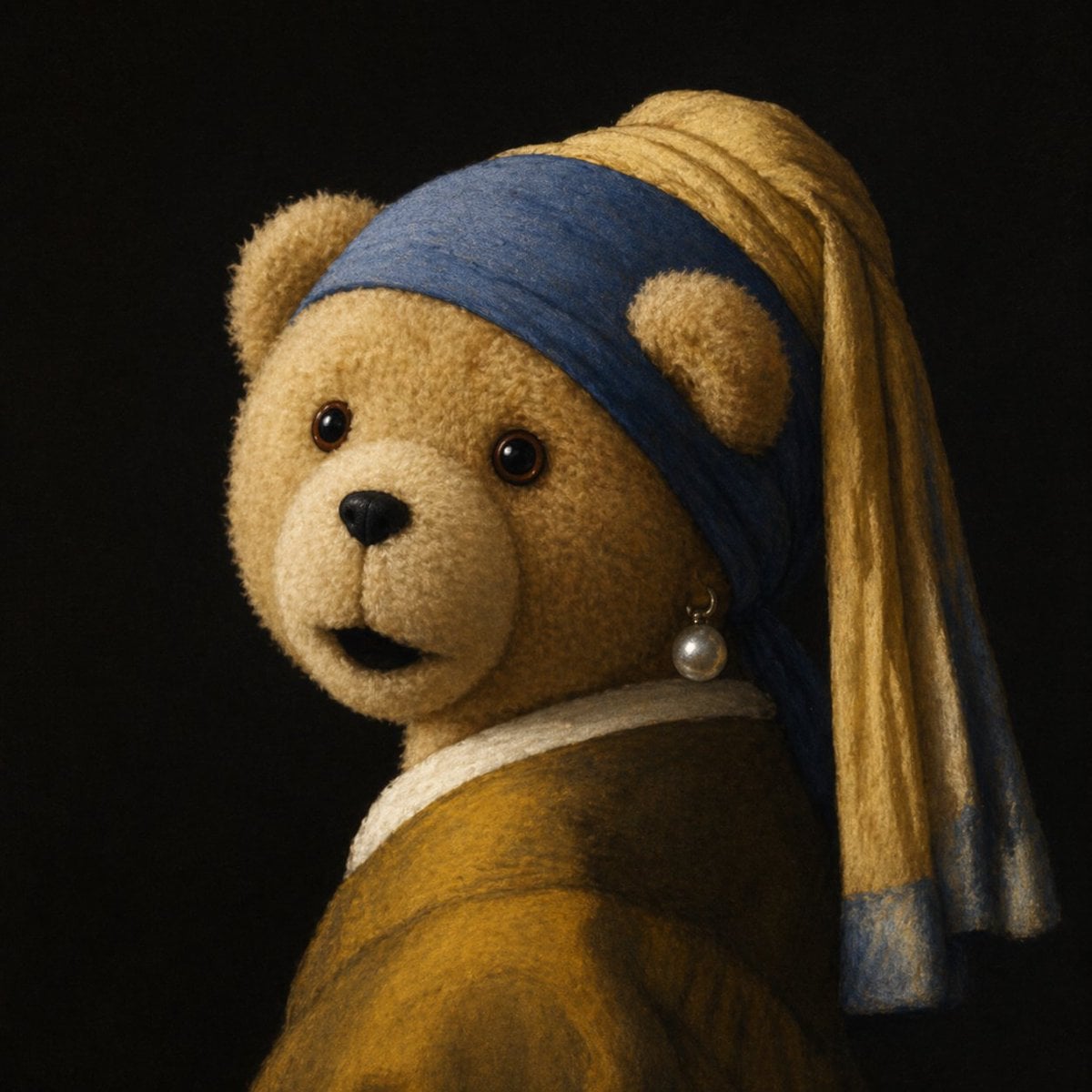
Teddy Bear with a Pearl Earring
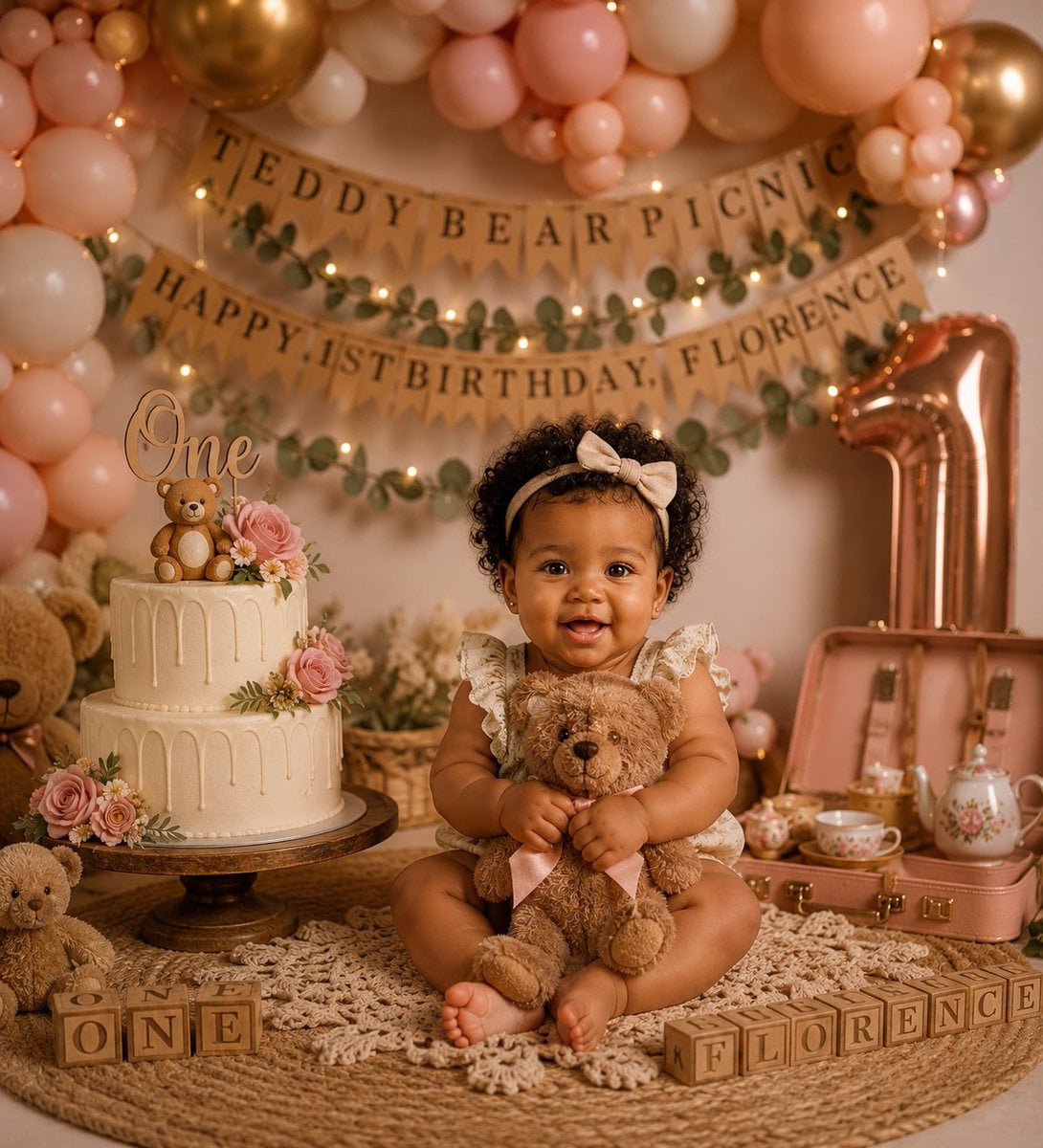
Teddy Bear Picnic Birthday Banner
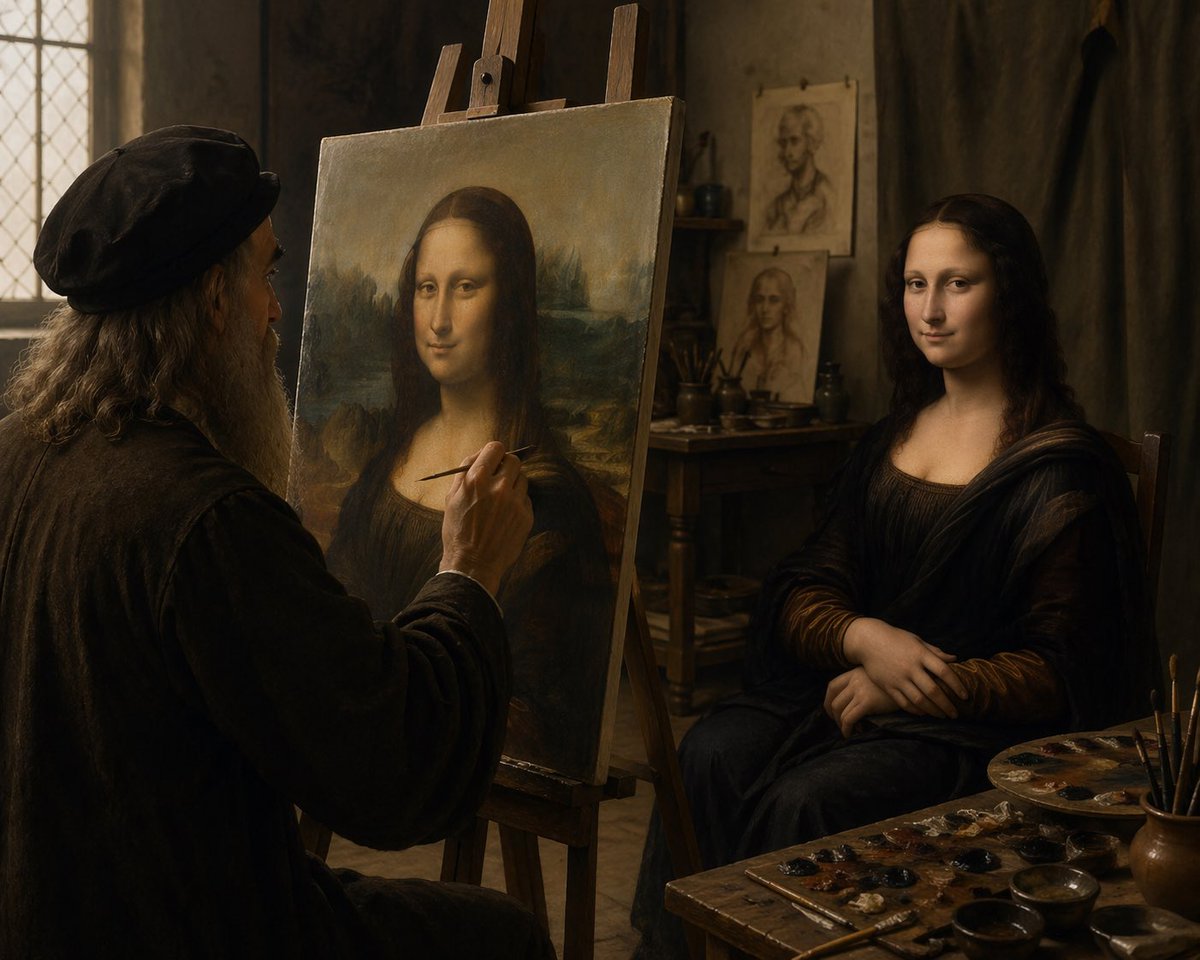
Leonardo Painting the Mona Lisa
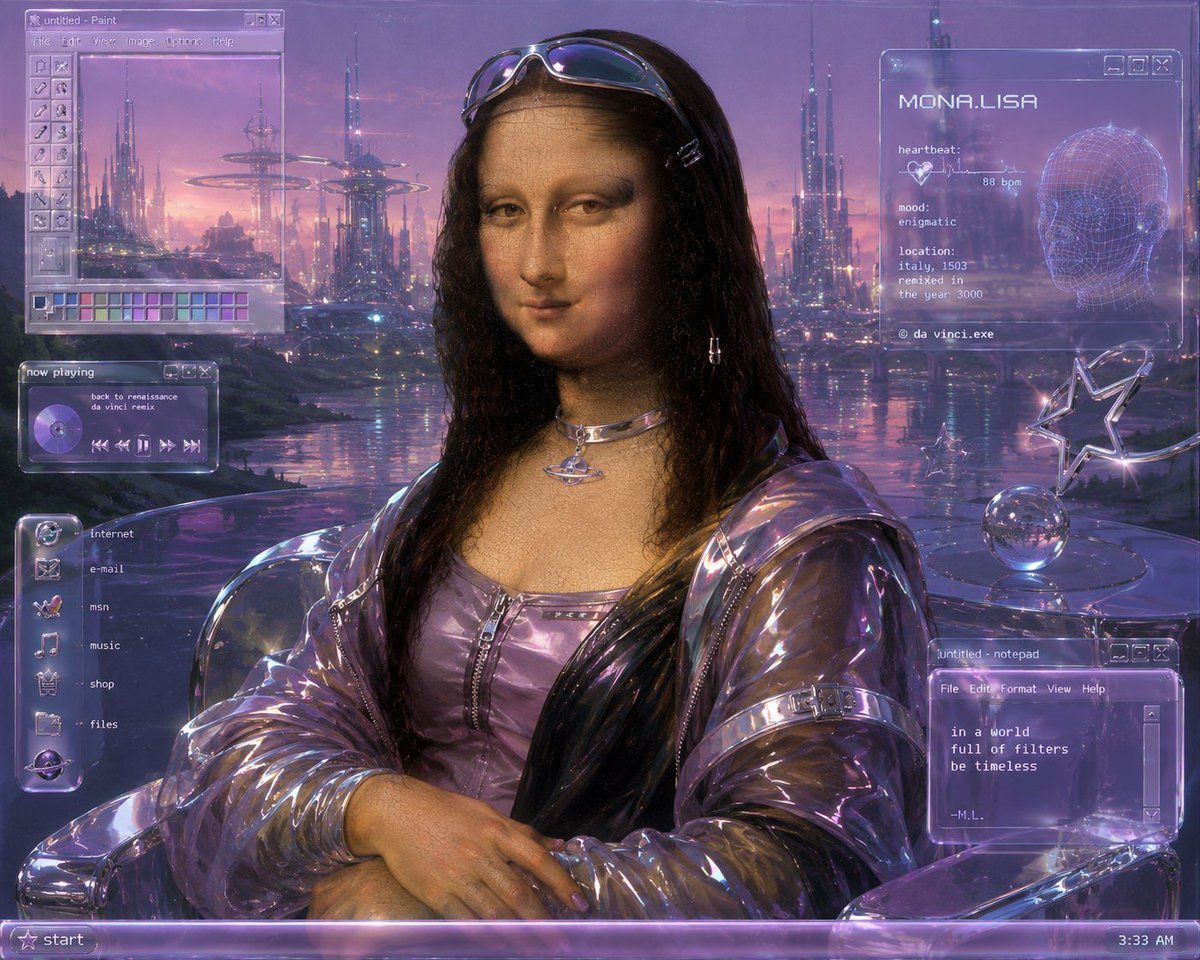
Y2K Futurist Mona Lisa Desktop
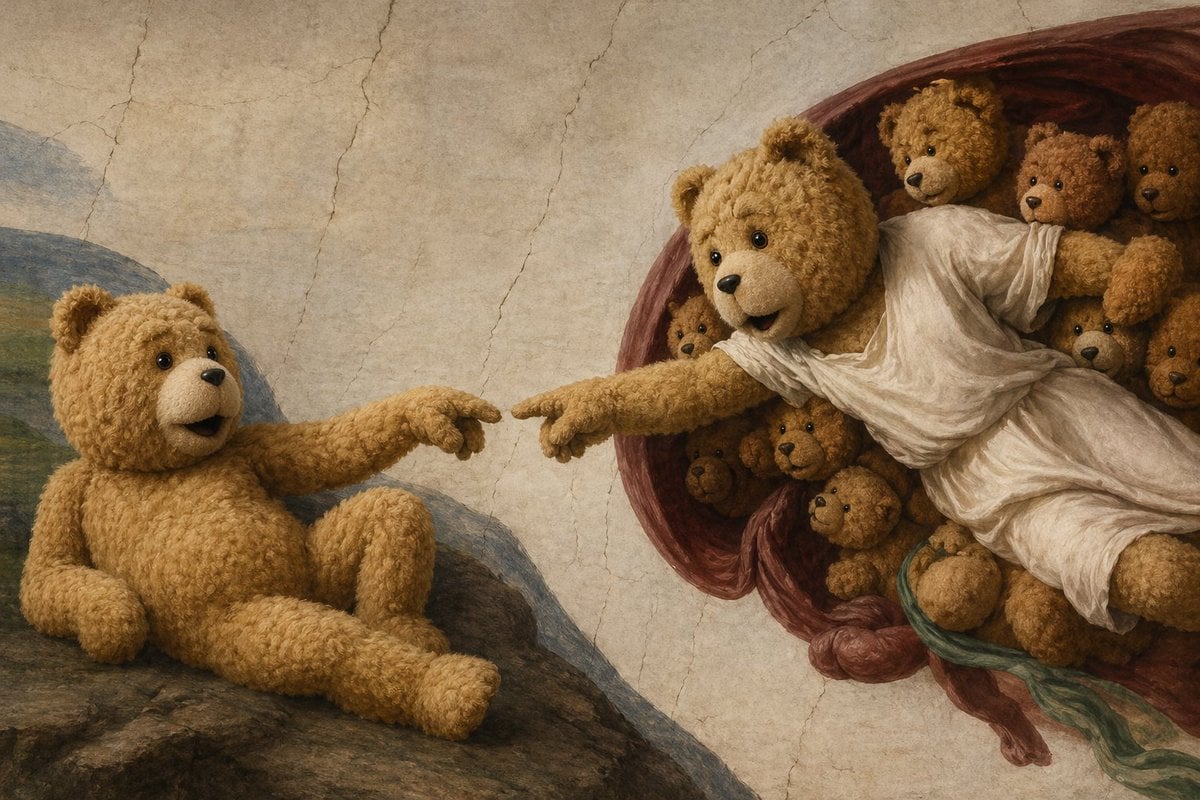
Teddy Bear Creation Fresco
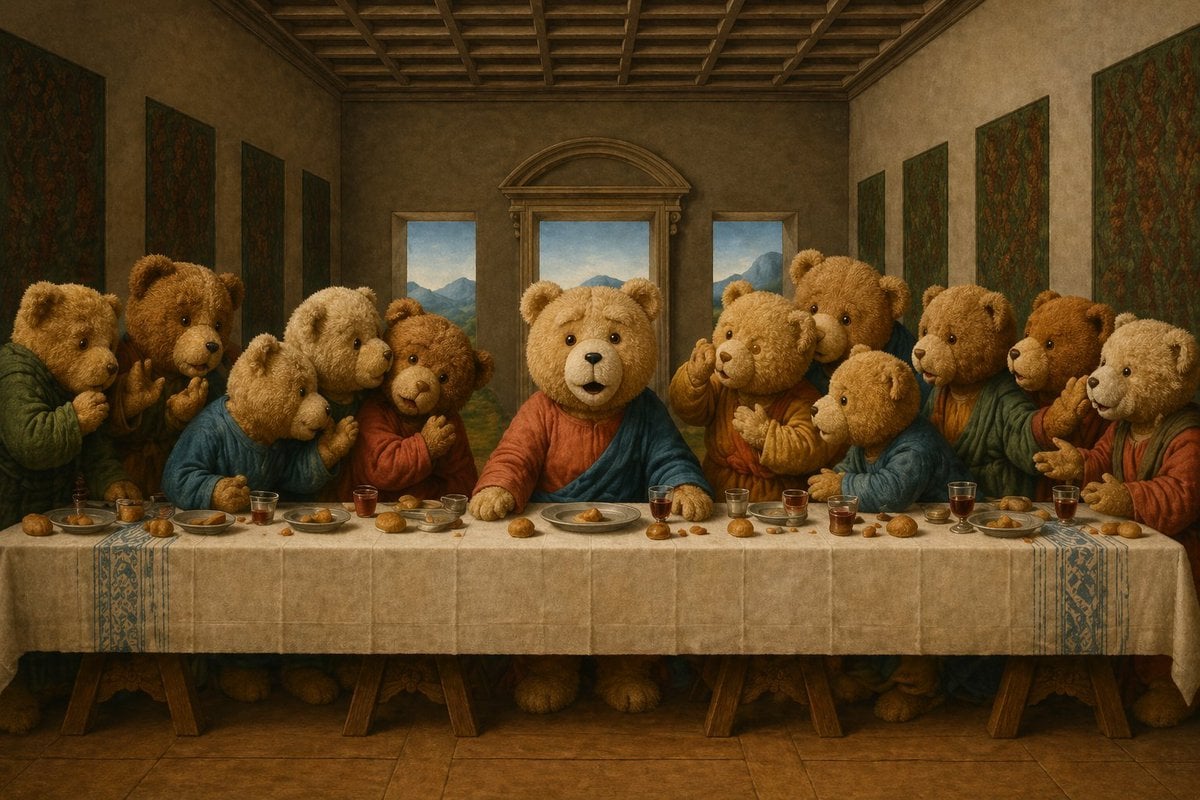
Teddy Bear Last Supper
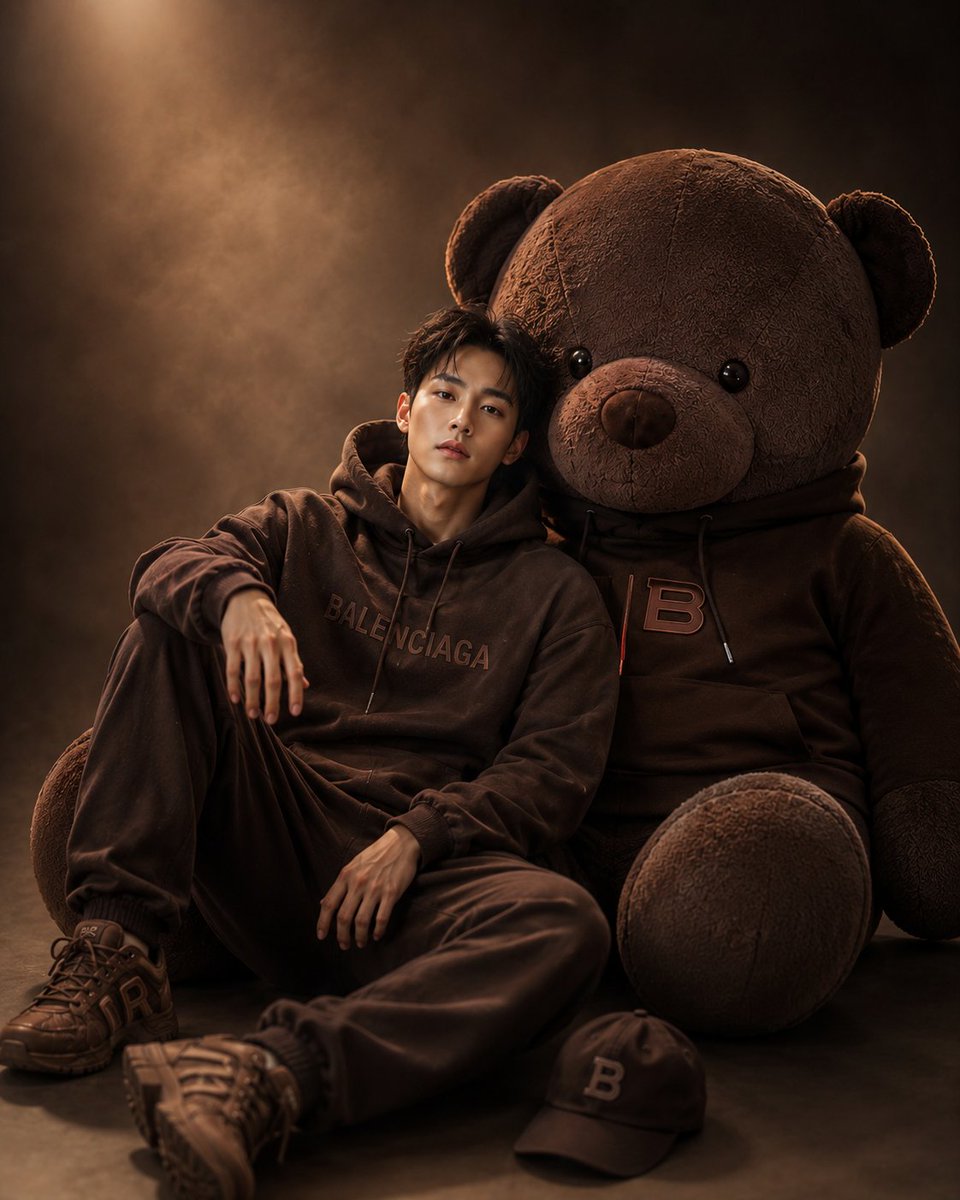
Cinematic Studio Portrait with Giant Teddy Bear
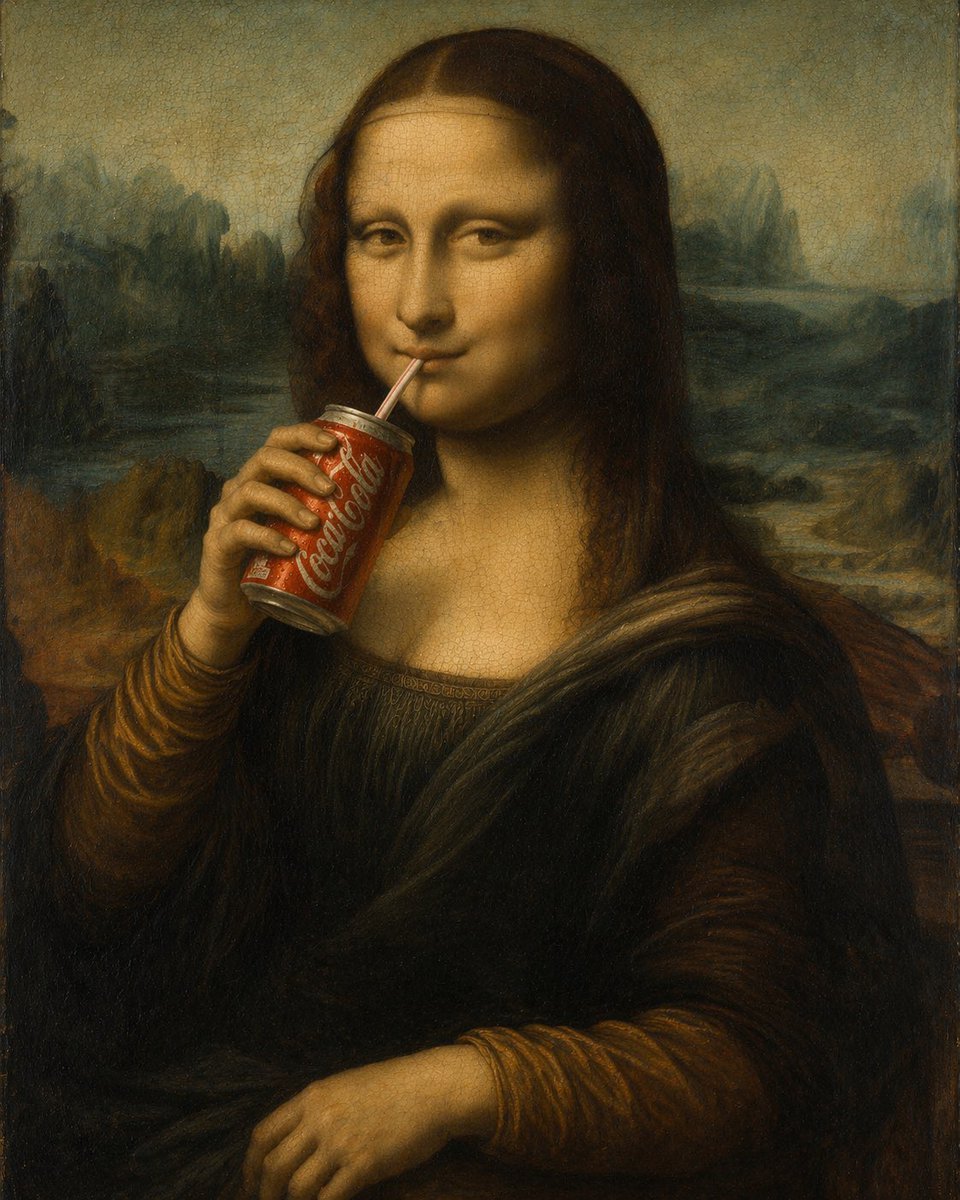
Mona Lisa Drinking Coke Oil Painting
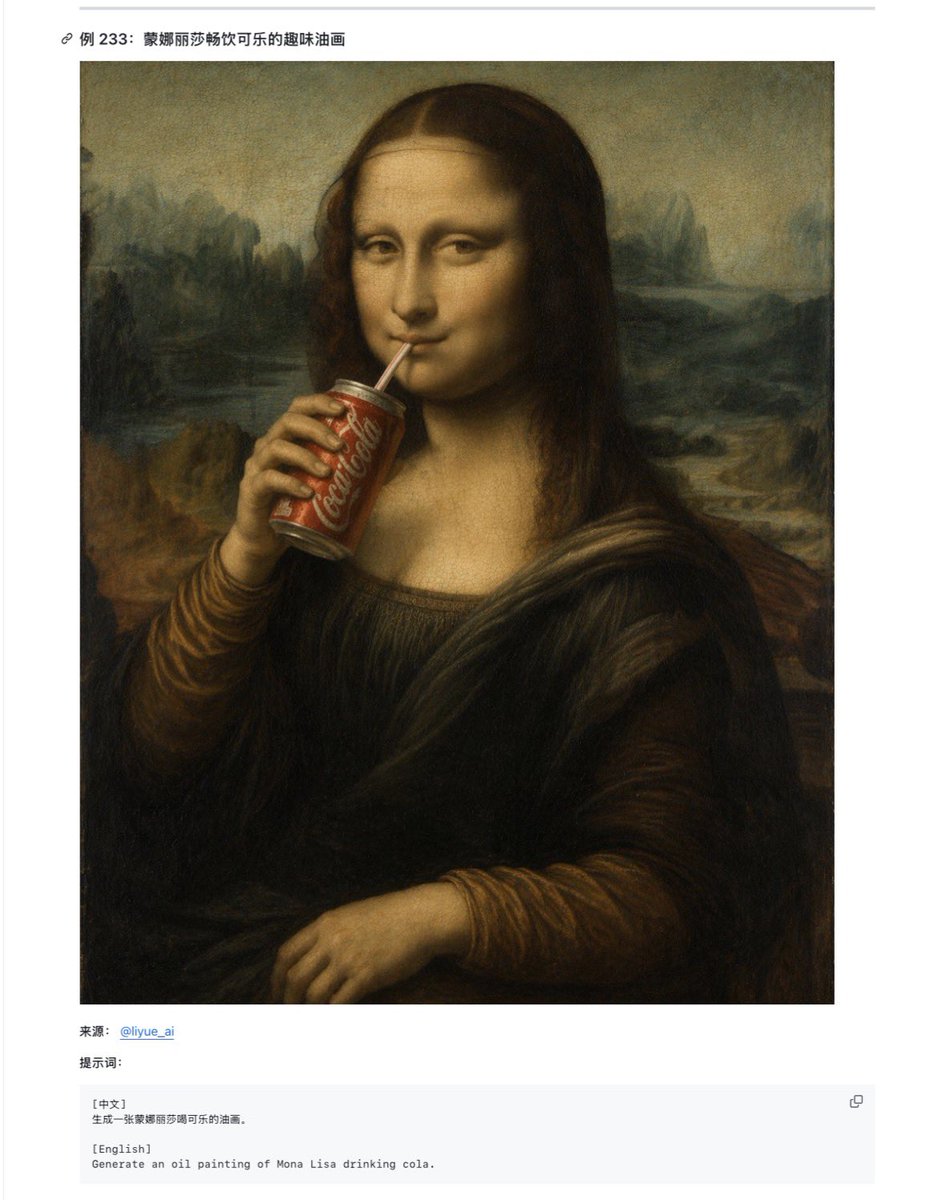
Mona Lisa Coca-Cola Web Example
Make it yours
Teddy Bear Mona Lisa Hybrid works as-is. These are the safest ways to change it without losing the look.
Change one field
Copy a single group, rewrite it, and generate again so you can see what that field is doing.
Keep the frame, change the subject
Hold the composition and light of Teddy Bear Mona Lisa Hybrid, then swap wardrobe, props or the person for a new take.
| If the result… | Why | Fix |
|---|---|---|
| The result drifts from the preview | Too many fields changed at once. | Reuse Teddy Bear Mona Lisa Hybrid as-is first, then change one group — subject, light, or setting. |
| The model over-stylizes the scene | The prose prompt leaves finish and camera underspecified. | Add one camera or lighting sentence and stay on GPT Image 2. |
More GPT Image 2 templates
Other prompts made for GPT Image 2.

Six VTuber Japanese Logo Sheet

Realistic Portrait of Woman and Deer

The Vista Modular Condo Poster

AI Model Routing Comparison Infographic

2.5D Anime Art Board

Isometric Productivity Desk Scene

New York Double Exposure Poster

Four-Panel AI Landscape Comparison

Japanese Tatami Lifestyle Magazine Cover

NESCAFÉ Coffee Map Poster
More image prompts
Fresh picks from across the catalog.
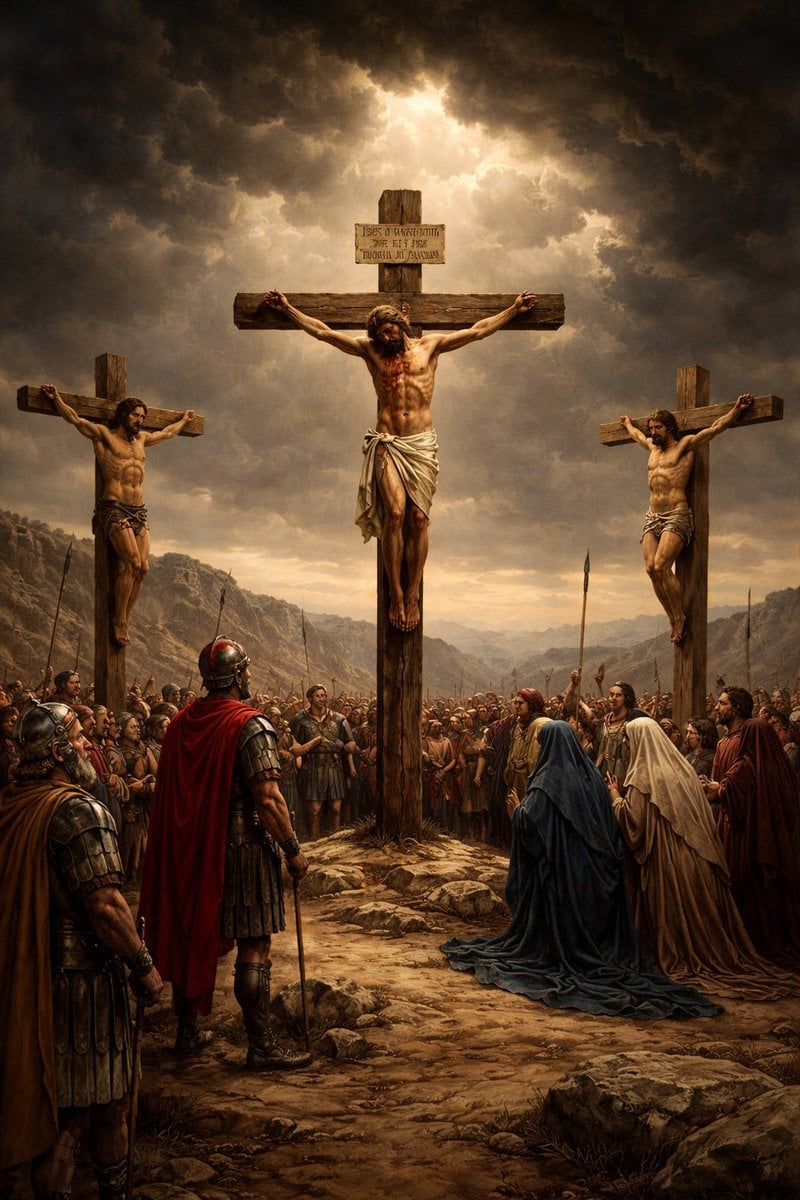
Geospatial and Temporal Image Generation Prompt
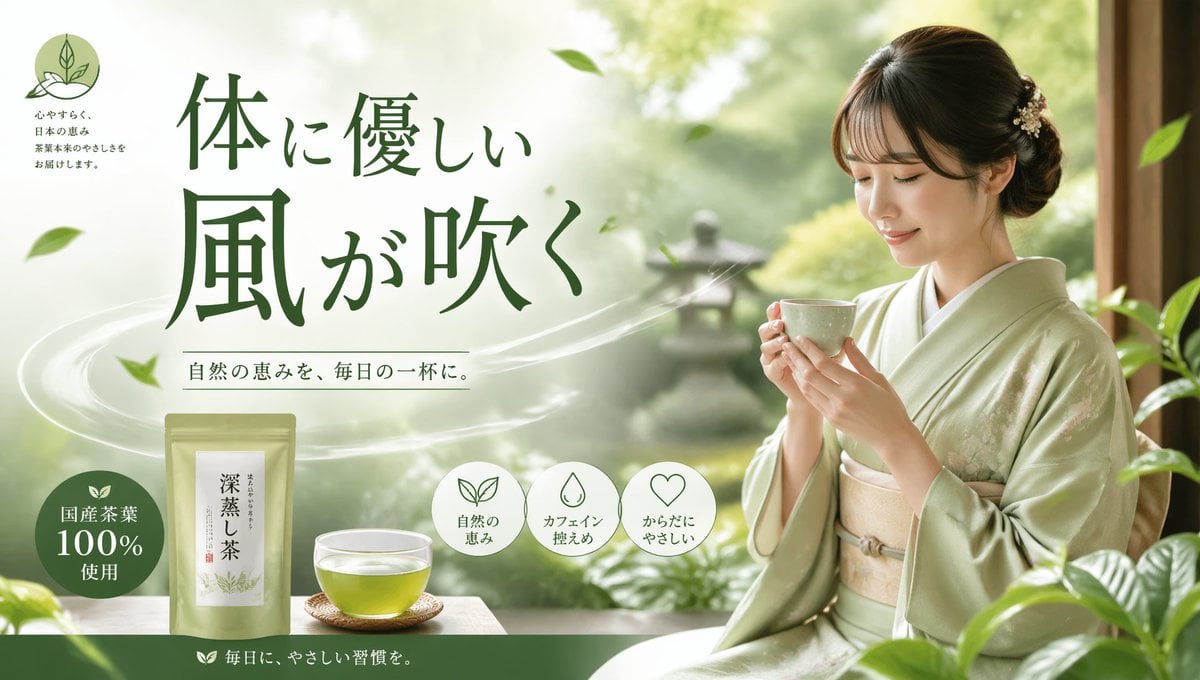
Tea Brand Product Advertisement Mockup
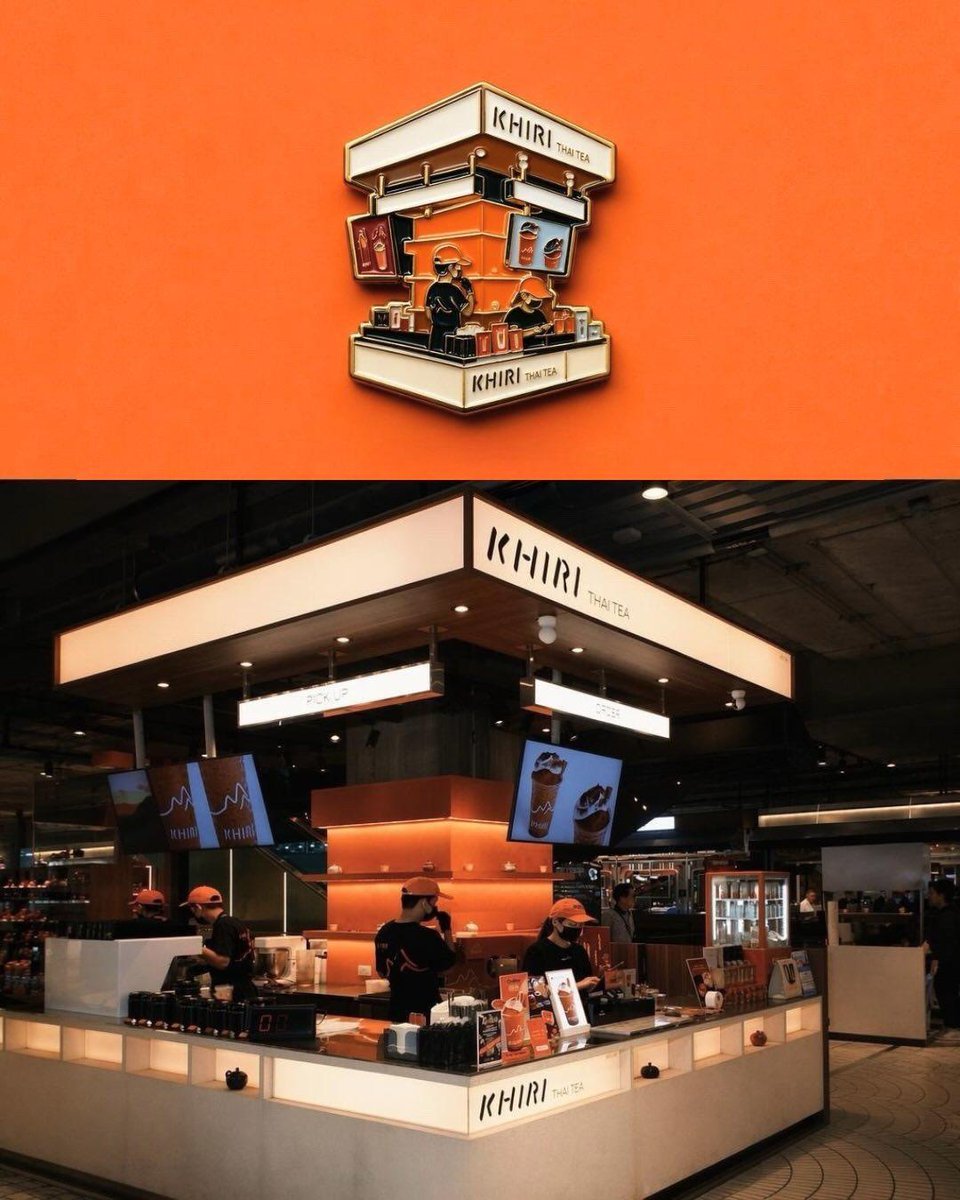
Die-cut Sticker Illustration
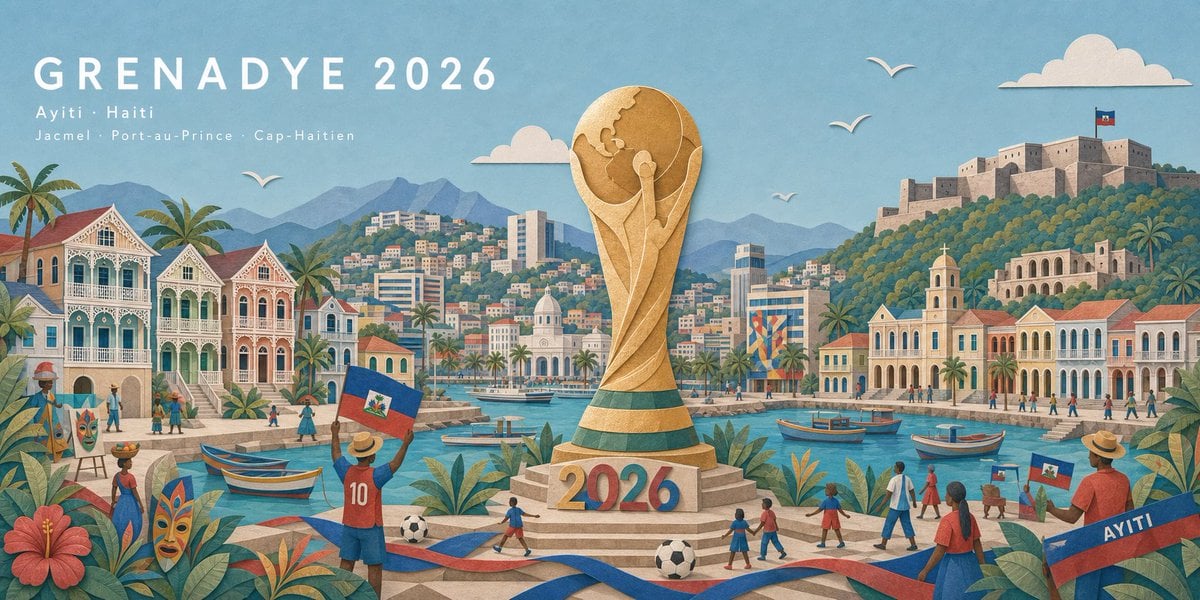
Haitian Football Poster Panorama
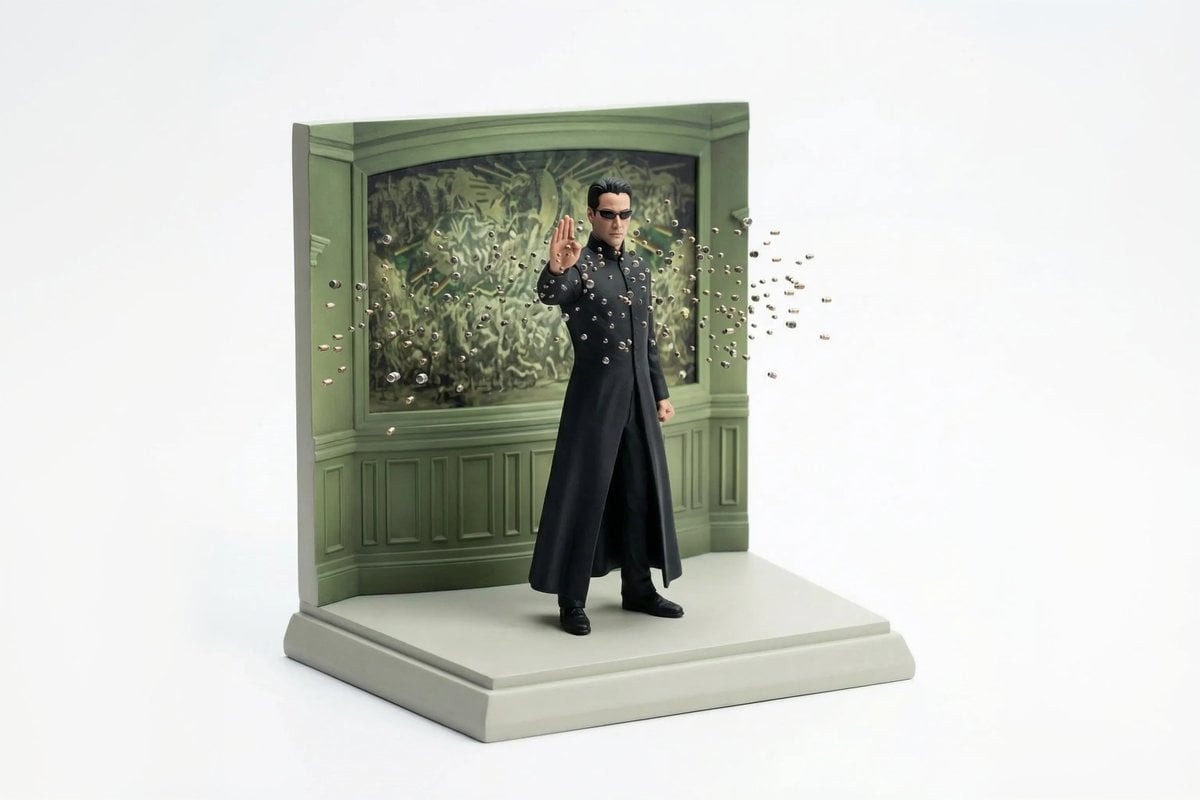
Miniature Diorama Scene Reconstruction
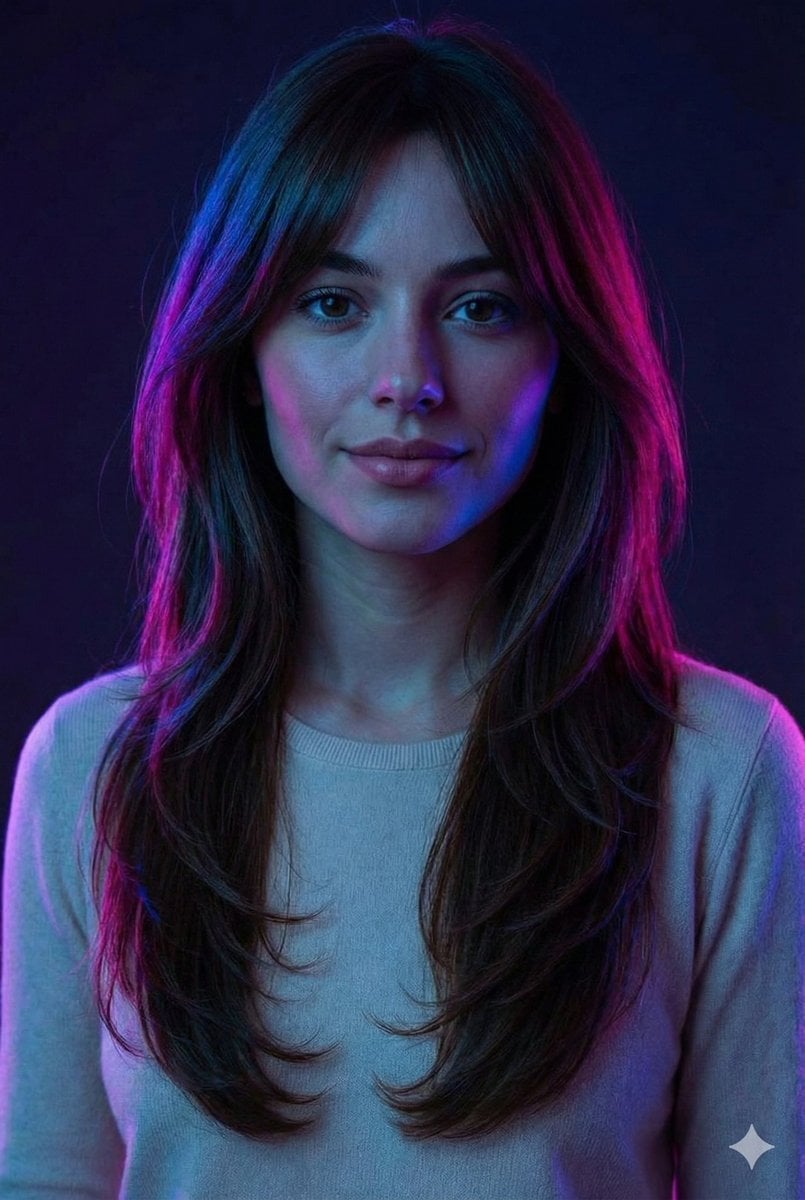
Neon Accent Lighting Portrait Prompt (Image Reference)
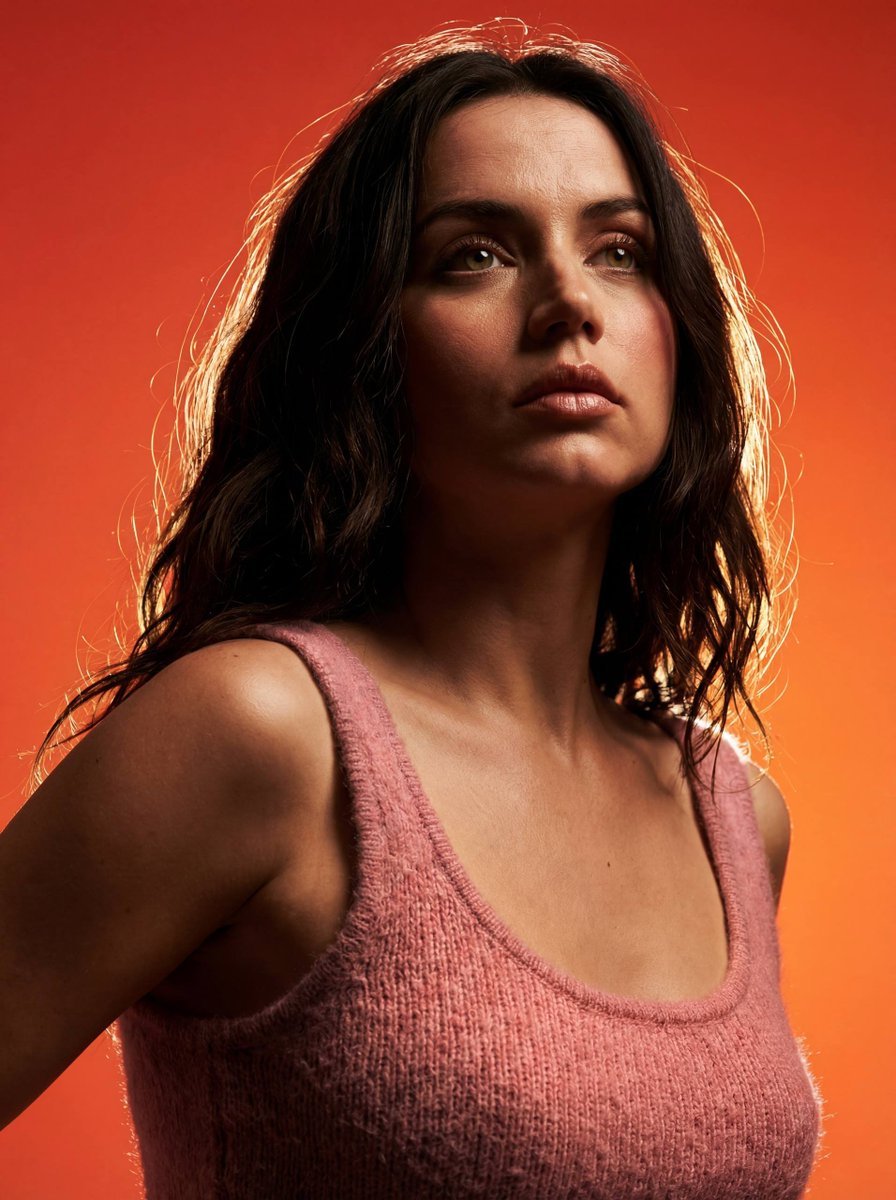
Heroic Dramatic Studio Portrait Prompt
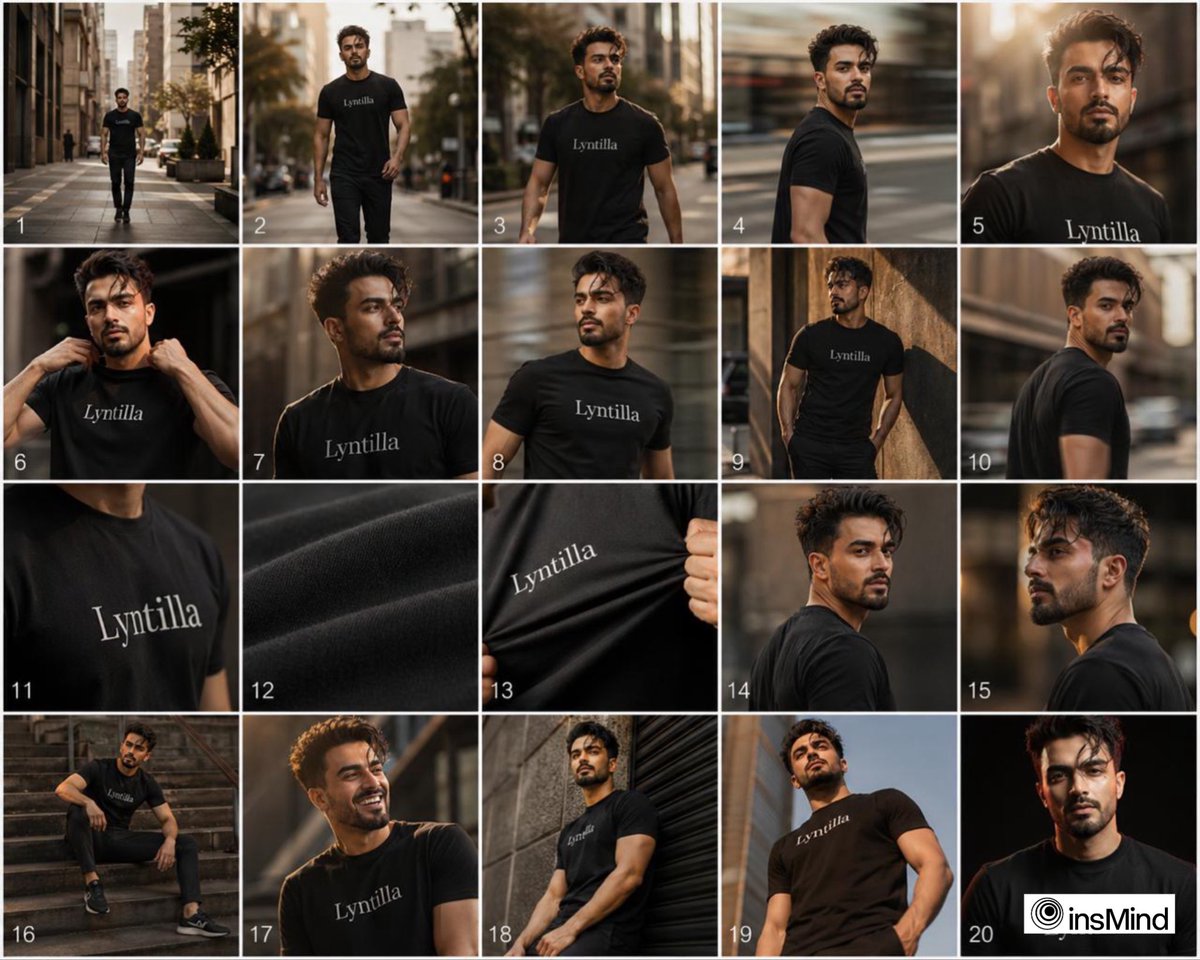
Sequential Fashion Storyboard Collage
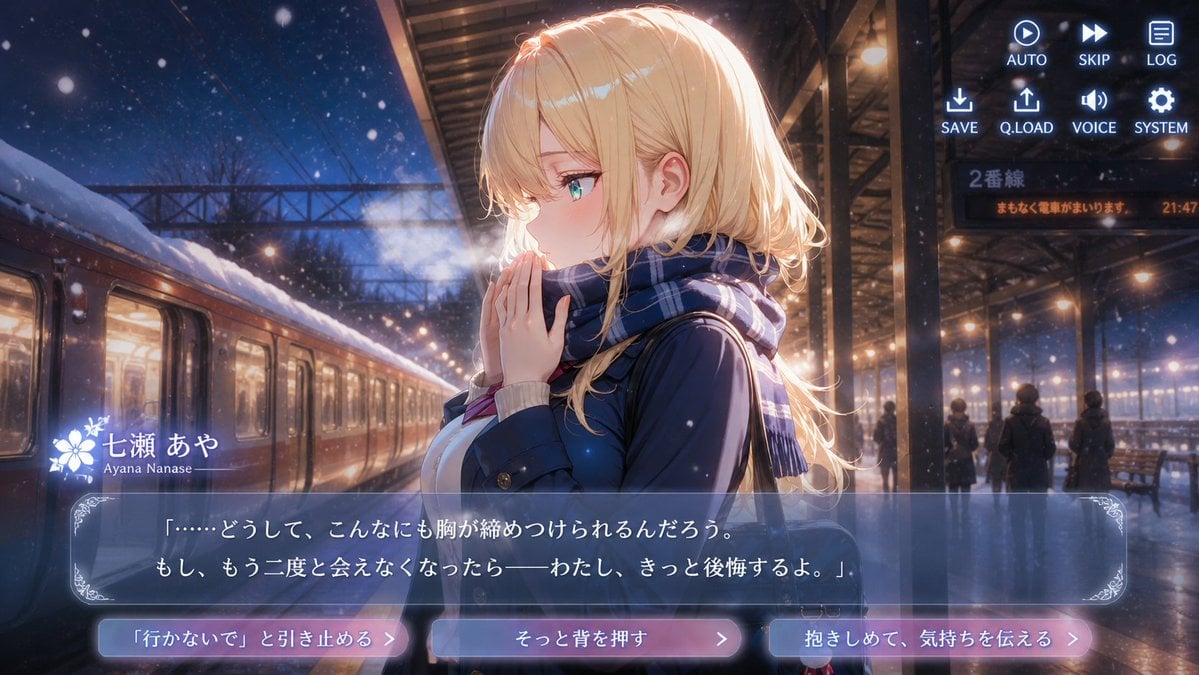
Snowy Station Visual Novel Scene
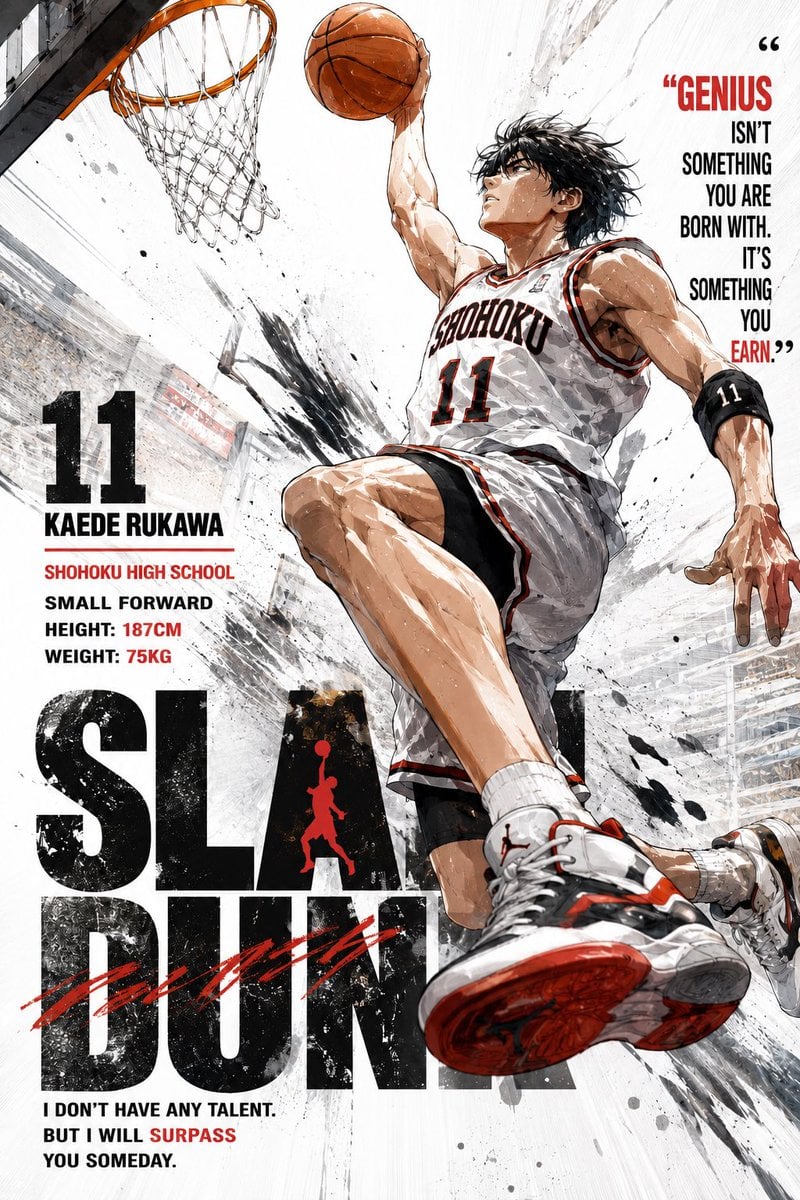
Anime Style Basketball Athlete Poster
Browse template categories
Teddy Bear Mona Lisa Hybrid questions
How do I use the Teddy Bear Mona Lisa Hybrid template?
Add your photo if the template asks for one, edit the prompt if you like — the template's model and format are already selected — and press Generate. Your version opens in PicX Studio.
Can I customize the Teddy Bear Mona Lisa Hybrid template?
Yes. You can change the subject, setting, lighting, mood, format, and available model controls before creating your image.
Is the Teddy Bear Mona Lisa Hybrid template free?
Opening and editing this template is free. Generating uses credits, shown on the Generate button when you are signed in.
Which AI model should I use?
Start with GPT Image 2, which is the model associated with this template. You can compare another compatible model for a different finish.
Looking for something else? Browse all templates.

Your photo, any look
Thousands of ready templates for every top image and video model, from one credit balance.