
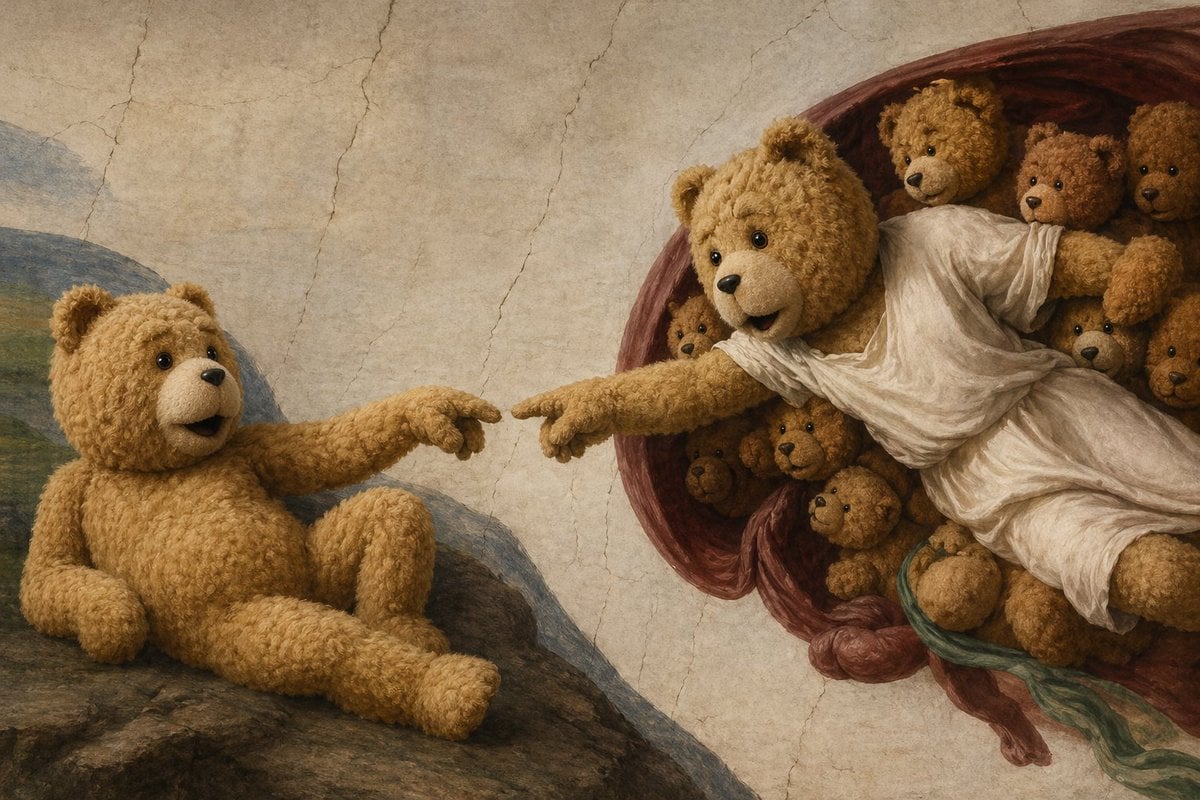
Teddy Bear Creation Fresco
A humorous Renaissance-style parody image of The Creation of Adam in which teddy bears replace every figure, ideal for whimsical art prompts and viral social-media visuals.
- Prompt included
- Model and format preset
- Free template
The prompt behind this image
Copy the exact prompt behind Teddy Bear Creation Fresco, or open it in the studio and make it yours.
A whimsical high-detail oil-painting parody of Michelangelo’s Creation of Adam, but all human figures are replaced by teddy bears. On the left, a single plush teddy bear sits reclined on a rocky slope, posed like Adam, with soft golden-brown curly fur, round ears, shiny black eyes, a small dark nose, and a slightly open mouth. Its left arm supports its body while its right arm stretches outward, index paw extended toward the other bear. On the right, a larger central teddy bear posed like God emerges from a deep reddish-burgundy swirling mantle, wearing a flowing white draped robe, leaning forward with one outstretched arm and pointed paw reaching toward the left bear, almost touching fingertips. Surrounding the robed bear inside the mantle are 8 additional smaller teddy bears clustered tightly together, peeking from different angles like attendant figures. The composition exactly echoes the iconic near-touching hands scene, with the gap between fingertips centered. Use a cracked fresco wall background in warm beige tones, muted Renaissance palette, soft directional light, realistic fabric folds, detailed plush texture, subtle shadows, and a museum-quality painted surface. Blend classical Renaissance fresco aesthetics with charming surreal humor, keeping the scene elegant rather than cartoonish.
How to use Teddy Bear Creation Fresco in 3 steps
- 1Upload ImagePNG, JPG or paste
Add your photo
Upload the photo the template builds on. The prompt, model and format are already set.
- 2…a portrait of your subject in softgolden-hour light, 85mm…
Personalize
Edit the subject and creative details for your destination.
- 3Generate
Generate
Press Generate — your image is created in PicX Studio, so you can compare it with the original and refine one variable at a time.
More like this
Templates with the same subject, style or setup. Open one to see its prompt.
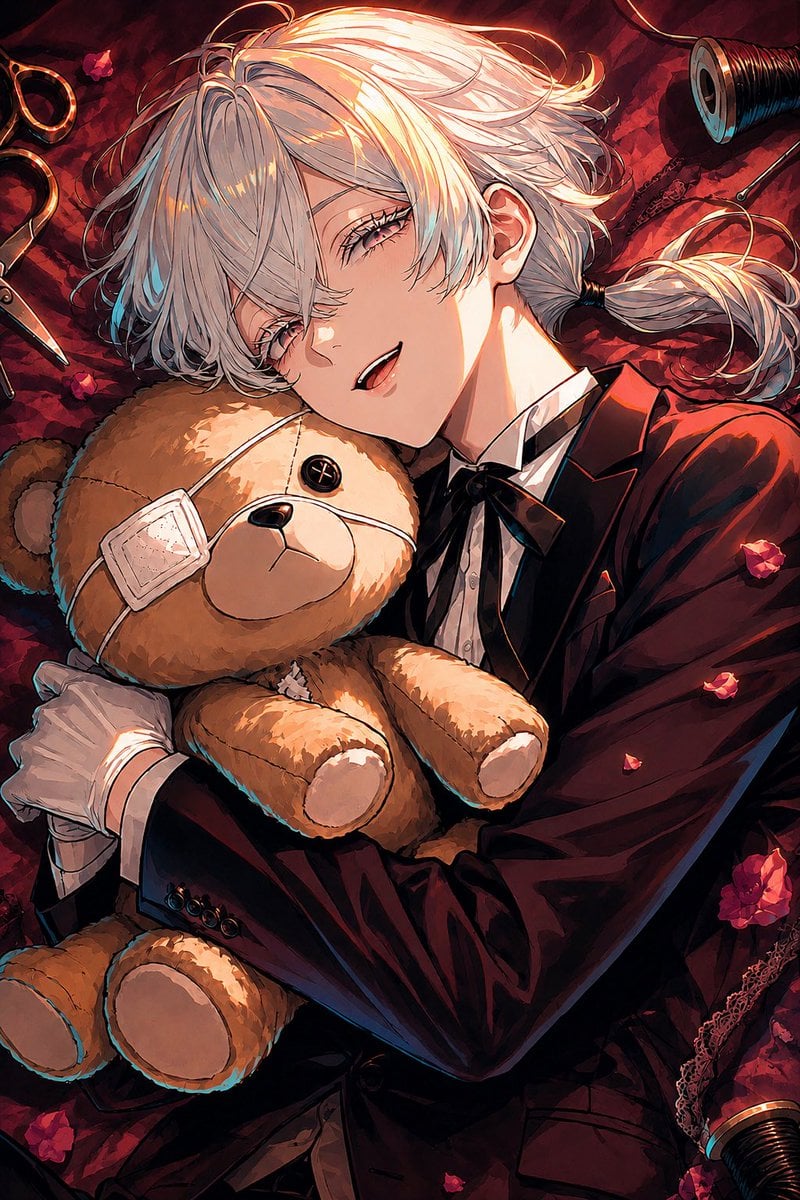
Gothic Anime Boy Hugging Teddy Bear
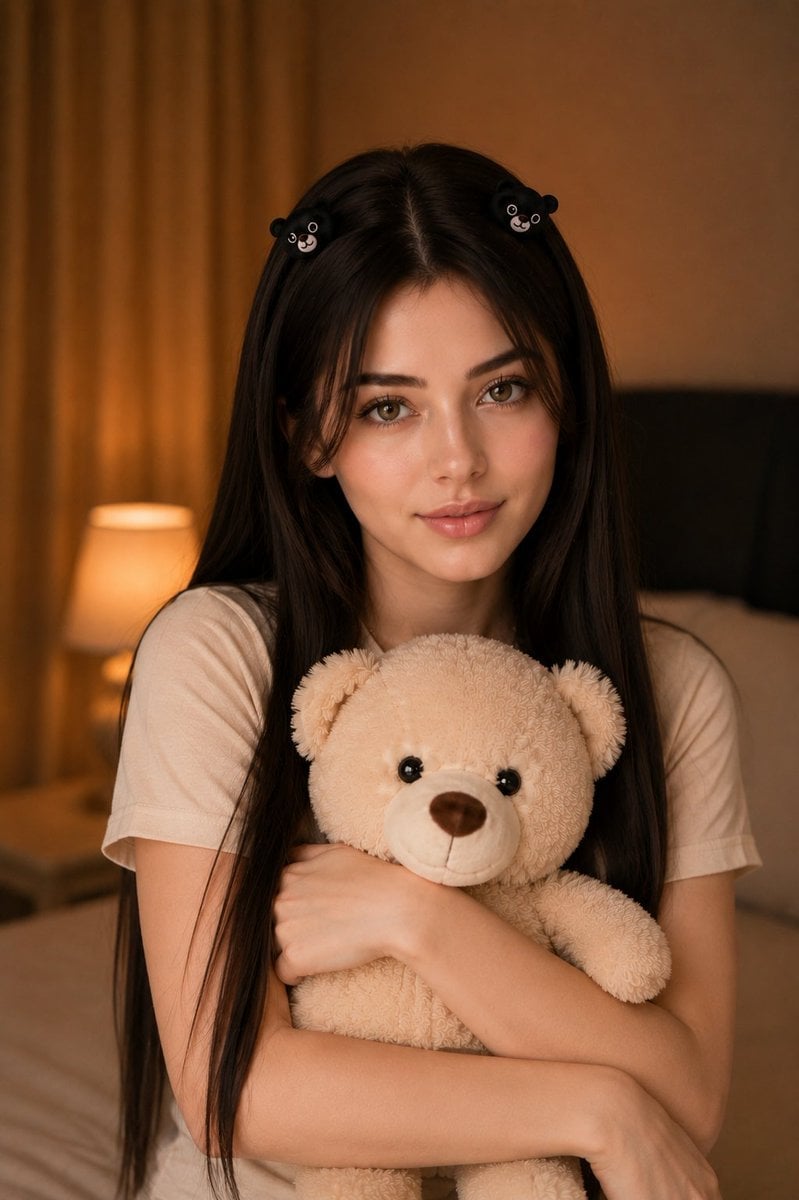
Woman Holding Teddy Bear Portrait
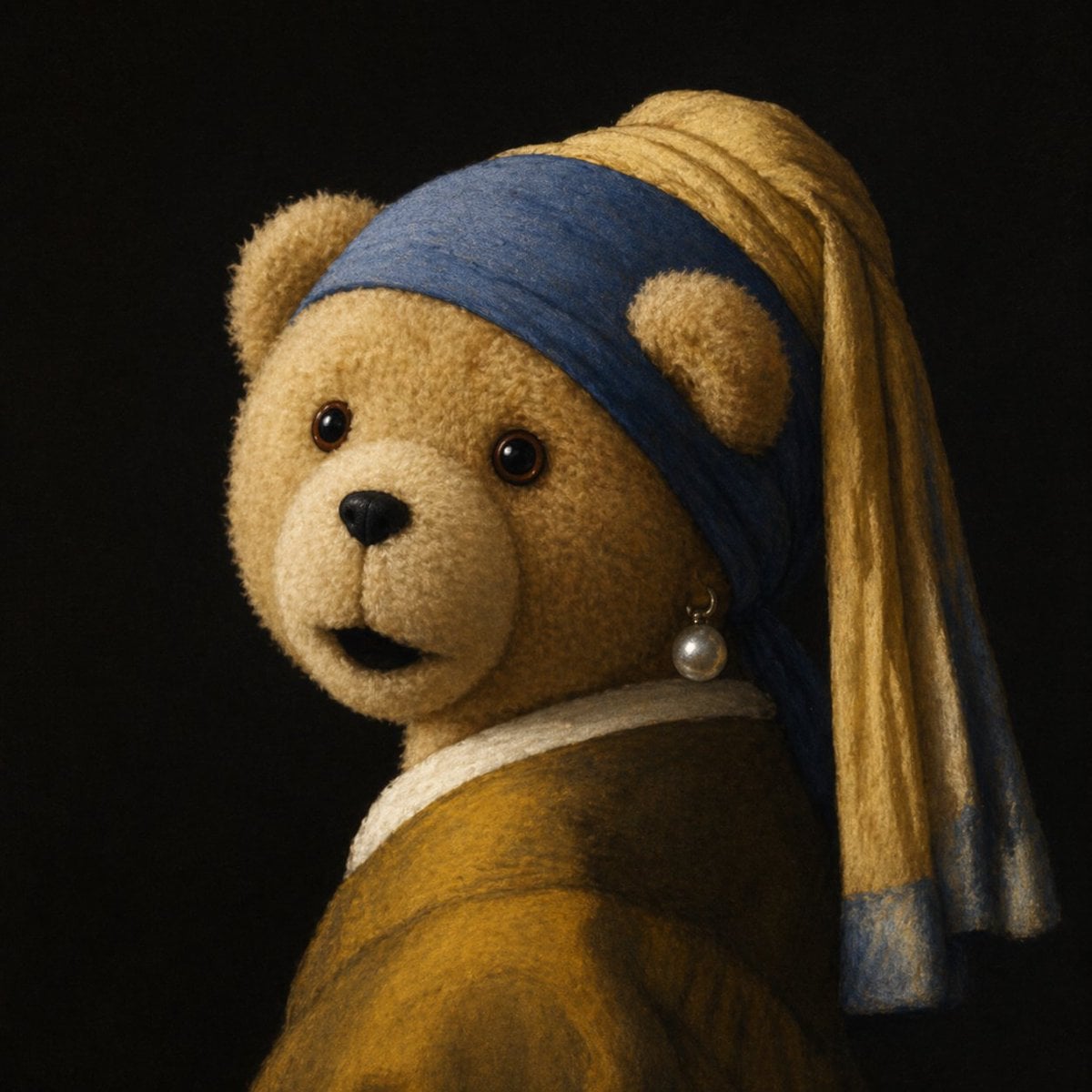
Teddy Bear with a Pearl Earring
Teddy Bear Picnic Birthday Banner
Teddy Bear Mona Lisa Hybrid
Teddy Bear Last Supper
Cinematic Studio Portrait with Giant Teddy Bear
Fashion Editorial with Giant Teddy Bear Prompt
Pixar-Level Commercial Scene: Teddy Bear in a Soda Can
Cute Bedroom Portrait with Teddy Bear Prompt
Photorealistic Portrait Prompt of Woman Lying on Bed with Teddy Bear
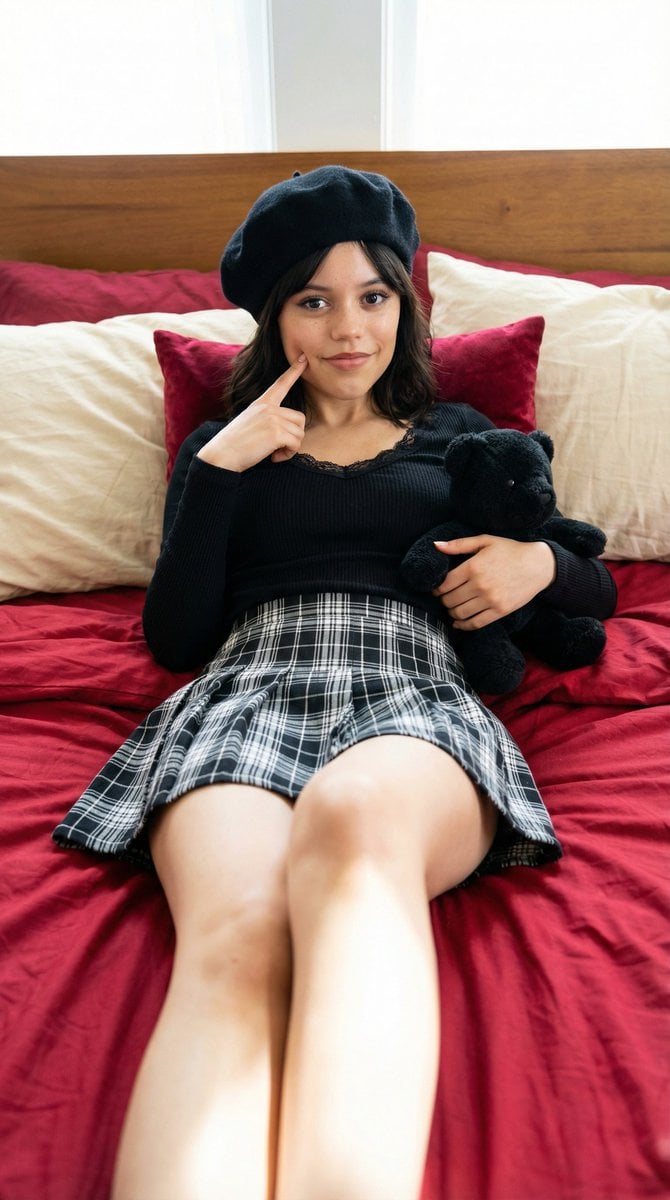
Photorealistic Portrait of a Young Woman on a Bed with a Teddy Bear
Make it yours
Teddy Bear Creation Fresco works as-is. These are the safest ways to change it without losing the look.
Change one field
Copy a single group, rewrite it, and generate again so you can see what that field is doing.
Keep the frame, change the subject
Hold the composition and light of Teddy Bear Creation Fresco, then swap wardrobe, props or the person for a new take.
| If the result… | Why | Fix |
|---|---|---|
| The result drifts from the preview | Too many fields changed at once. | Reuse Teddy Bear Creation Fresco as-is first, then change one group — subject, light, or setting. |
| The model over-stylizes the scene | The prose prompt leaves finish and camera underspecified. | Add one camera or lighting sentence and stay on GPT Image 2. |
More GPT Image 2 templates
Other prompts made for GPT Image 2.

Six VTuber Japanese Logo Sheet

Realistic Portrait of Woman and Deer

The Vista Modular Condo Poster

AI Model Routing Comparison Infographic

2.5D Anime Art Board

Isometric Productivity Desk Scene

New York Double Exposure Poster

Four-Panel AI Landscape Comparison

Japanese Tatami Lifestyle Magazine Cover

NESCAFÉ Coffee Map Poster
More image prompts
Fresh picks from across the catalog.
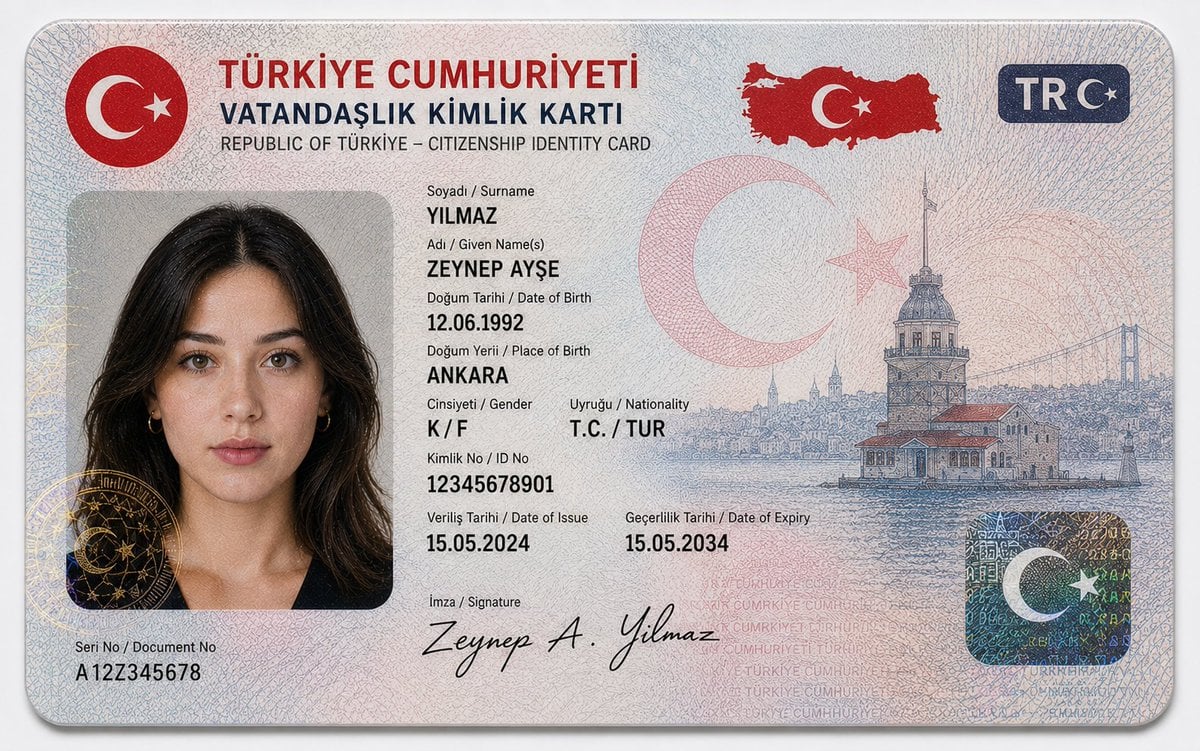
German Citizenship Identity Card Mockup
Goku Anime Character Sheet
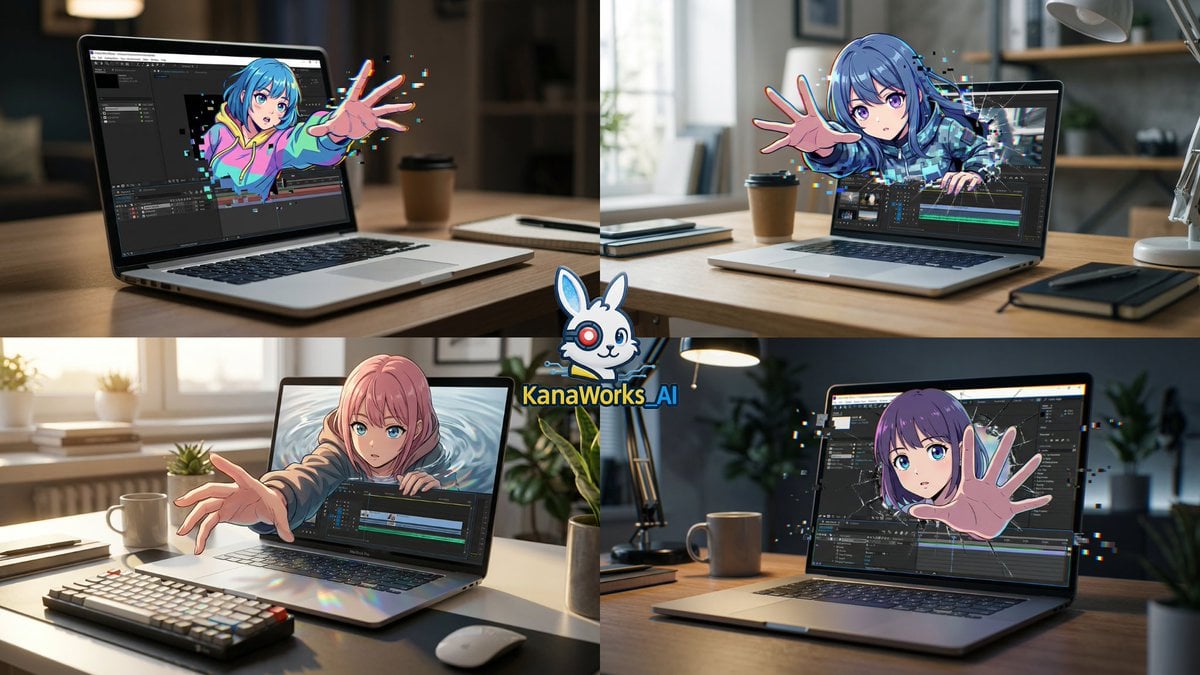
Nano Banana Pro prompt for Cross Dimensions style
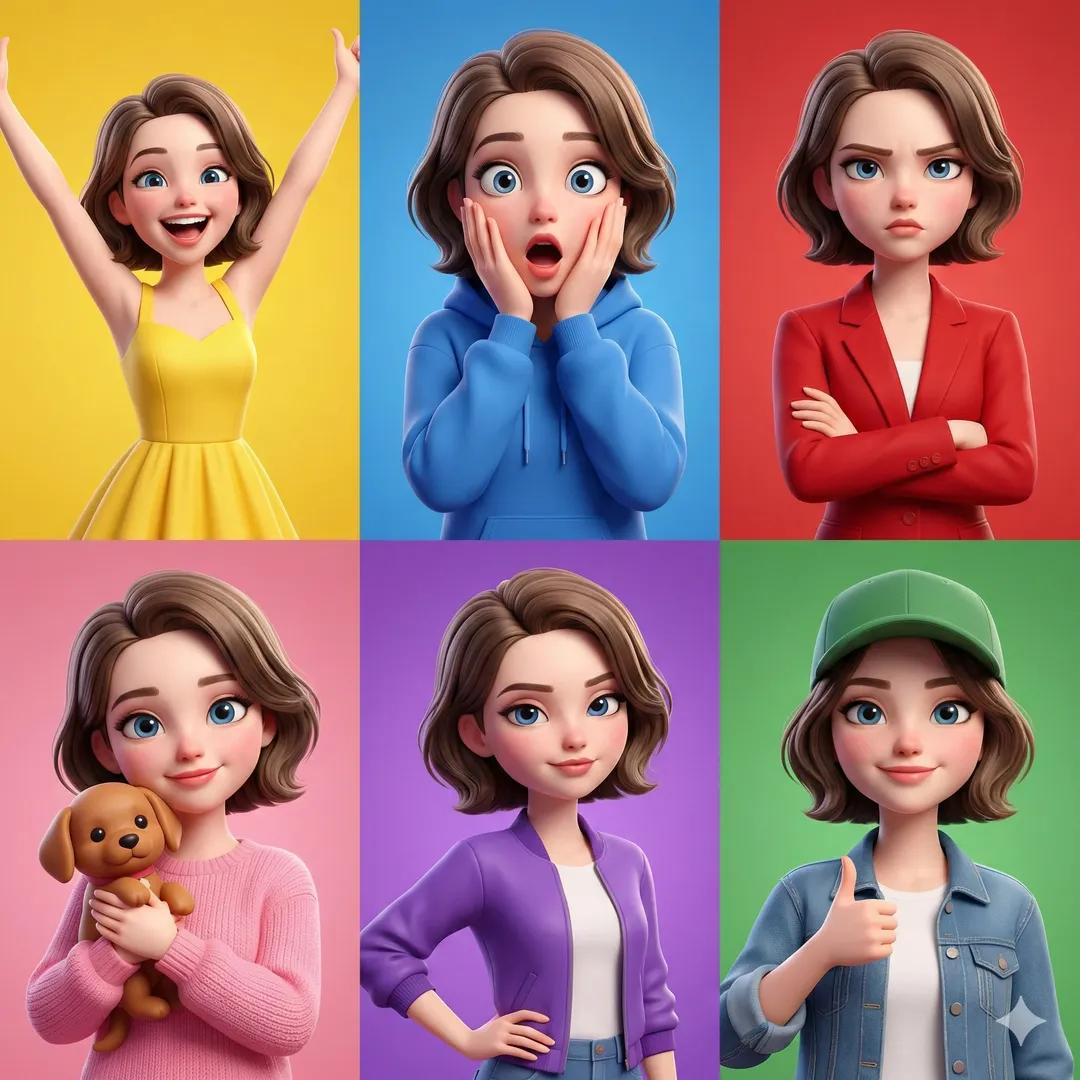
3D Pixar-Style Character Emotion Grid Prompt
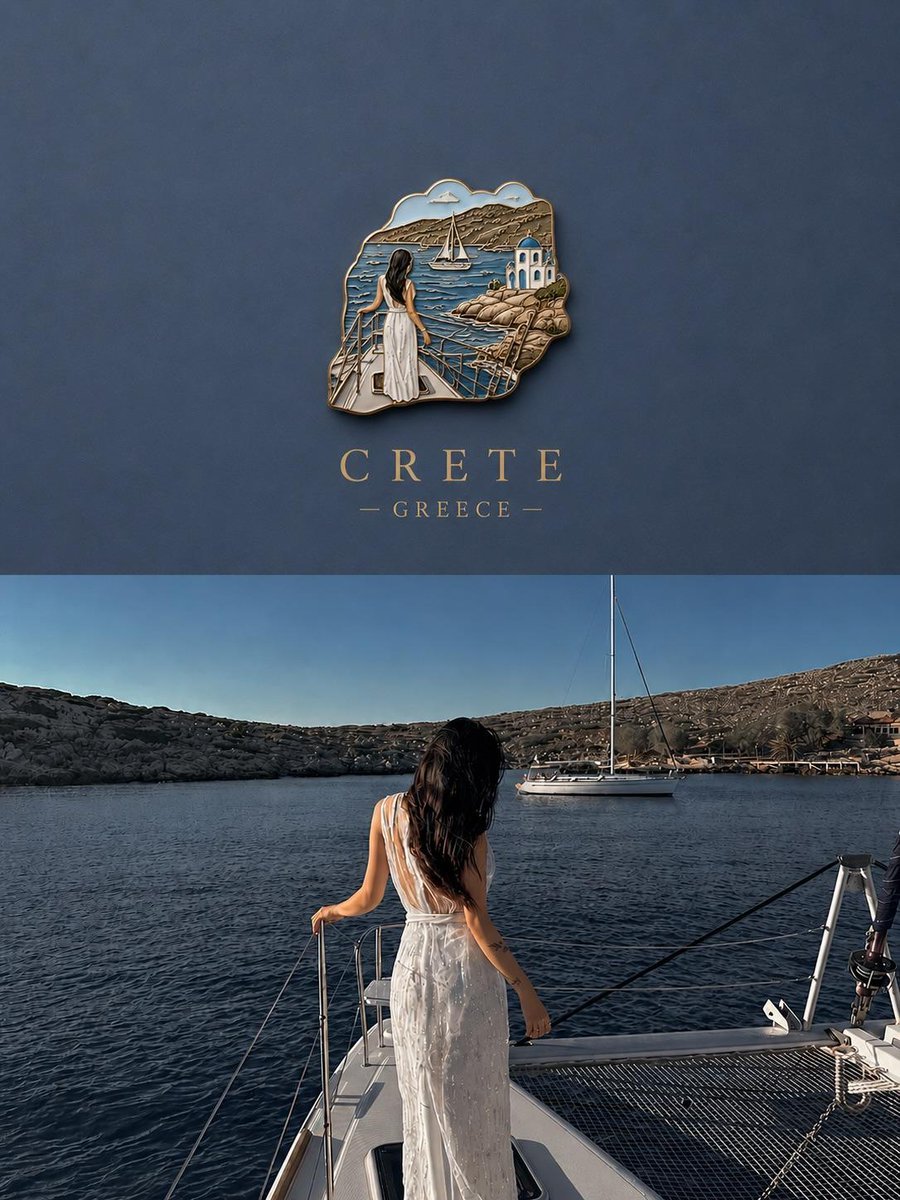
3D Souvenir Badge Travel Poster
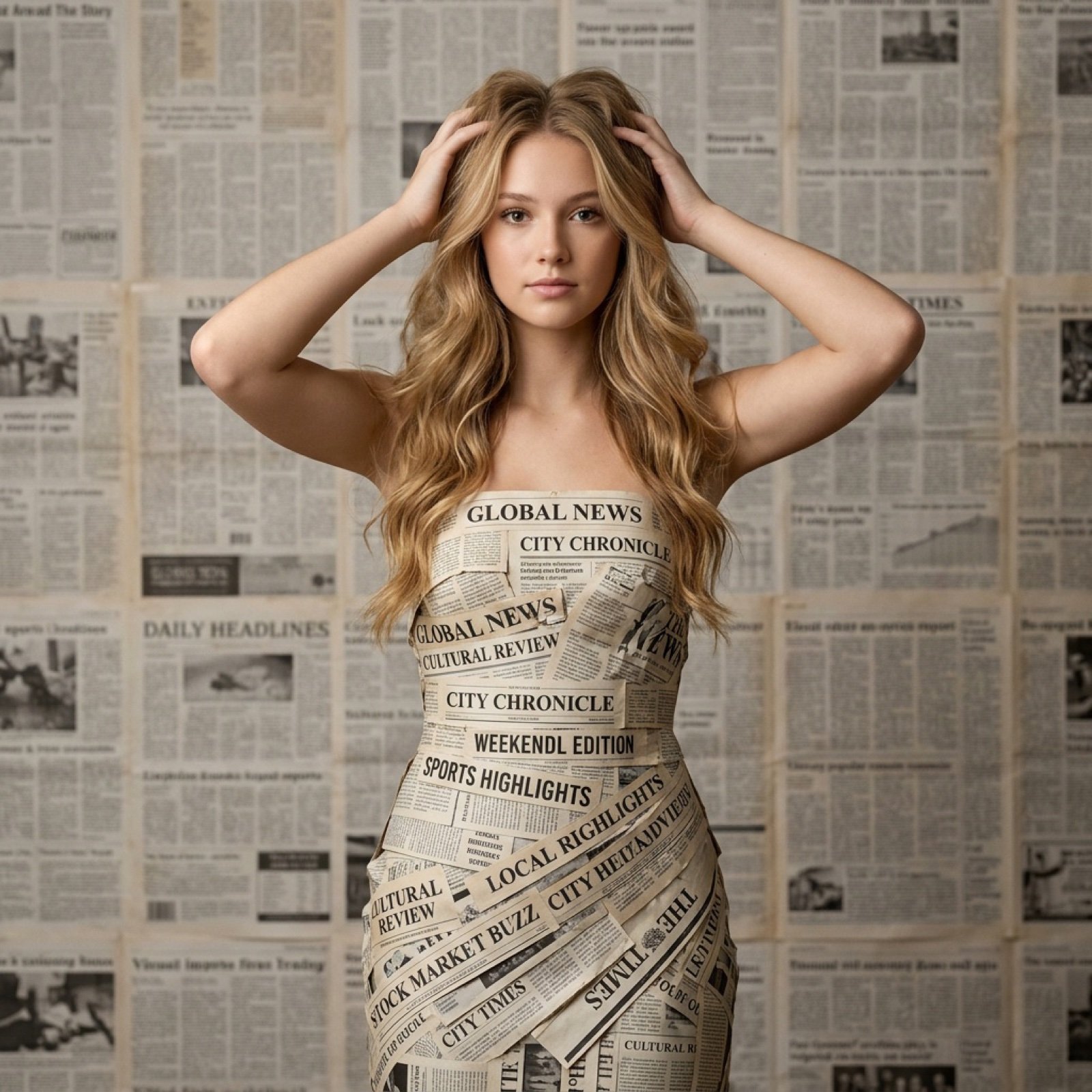
Newspaper Dress Editorial Prompt
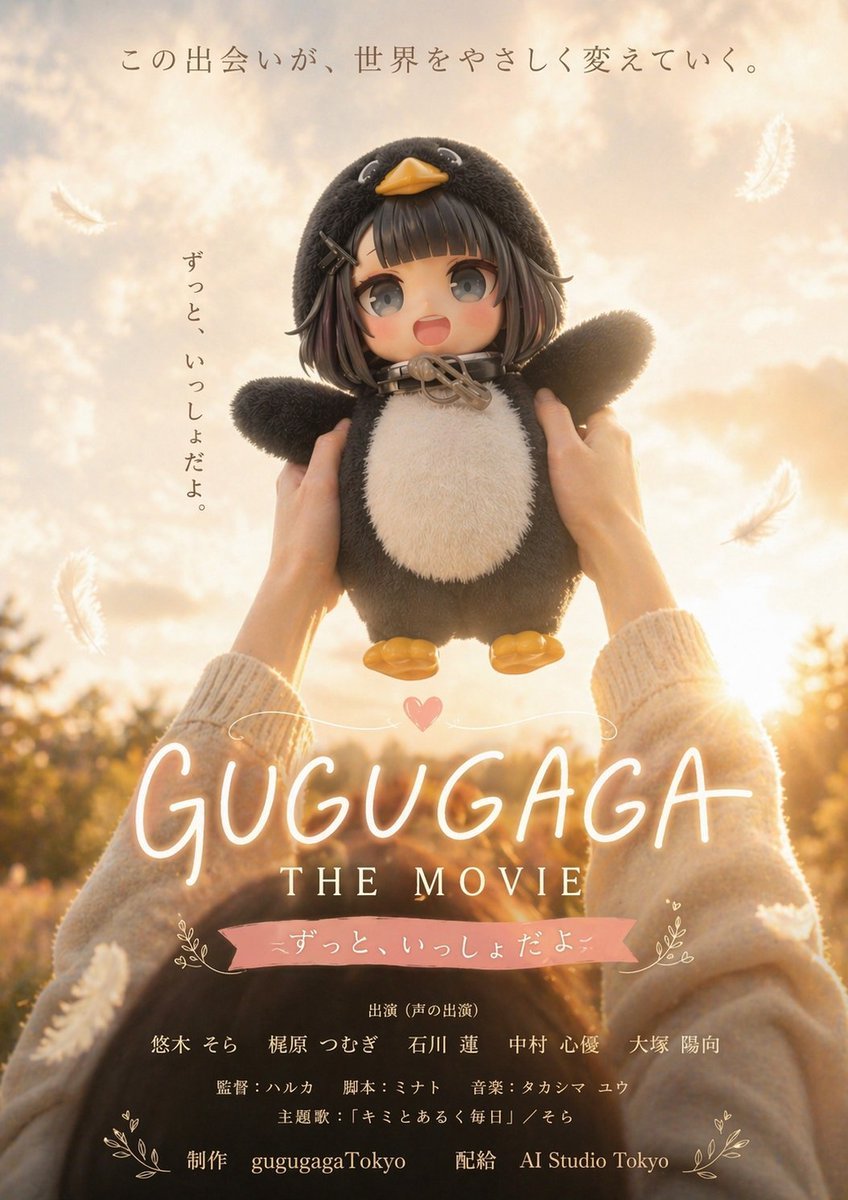
Warm Penguin Fantasy Movie Poster
Character Familiar Selection Logic
Vintage Film Motion Portrait
Image Editing: Background and Object Replacement
Browse template categories
Teddy Bear Creation Fresco questions
How do I use the Teddy Bear Creation Fresco template?
Add your photo if the template asks for one, edit the prompt if you like — the template's model and format are already selected — and press Generate. Your version opens in PicX Studio.
Can I customize the Teddy Bear Creation Fresco template?
Yes. You can change the subject, setting, lighting, mood, format, and available model controls before creating your image.
Is the Teddy Bear Creation Fresco template free?
Opening and editing this template is free. Generating uses credits, shown on the Generate button when you are signed in.
Which AI model should I use?
Start with GPT Image 2, which is the model associated with this template. You can compare another compatible model for a different finish.
Looking for something else? Browse all templates.

Your photo, any look
Thousands of ready templates for every top image and video model, from one credit balance.