
Teddy Bear Picnic Birthday Banner
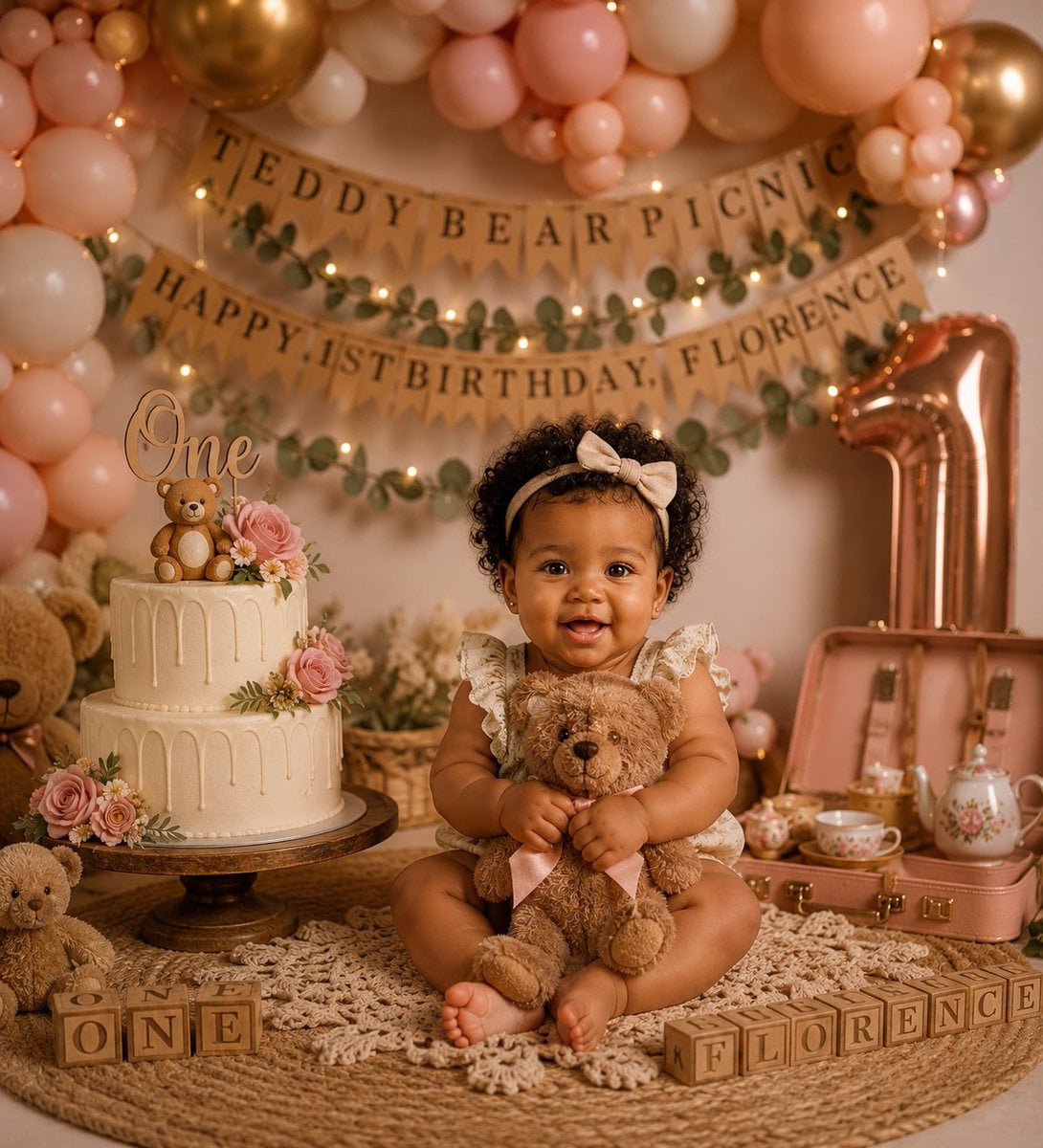
A premium first-birthday teddy bear picnic photoshoot scene with balloons, cake, banners, alphabet blocks, and a smiling baby centerpiece.
- Prompt included
- Model and format preset
- Free template
The prompt behind this image
Copy the exact prompt behind Teddy Bear Picnic Birthday Banner, or open it in the studio and make it yours.
Create a warm, premium studio photoshoot for a baby girl’s first birthday with a soft “Teddy Bear Picnic” theme. A smiling baby girl with curly dark hair sits cross-legged in the center on a round woven jute rug layered with a cream macrame throw, wearing a cream floral ruffle romper and a beige bow headband, hugging a plush brown teddy bear with a pale pink ribbon. The scene is styled in blush pink, cream, tan, rose gold, and warm golden tones with shallow depth of field and cozy fairy-light bokeh. Behind her, build a lush balloon arch with exactly 4 main balloon color/types: blush pink, ivory cream, peach, and metallic rose-gold/gold balloons. Add burlap pennant banners in the background with visible text reading “TEDDY BEAR PICNIC” on the top banner and “HAPPY 1ST BIRTHDAY, {argument name="child name" default="FLORENCE"}” on the lower banner, decorated with eucalyptus garlands and warm string lights. On the left, place a two-tier ivory drip cake on a dark wooden cake stand, topped with a script “One” topper, a small teddy bear topper, pink roses, daisies, greenery, and delicate cream frosting drips. Include exactly 3 visible teddy bears: the teddy bear held by the baby, a large partial teddy bear peeking in from the far left background, and a small seated teddy bear at the lower left foreground. On the right, place a large metallic rose-gold number “1” balloon and an open blush-pink vintage picnic suitcase containing a floral teapot, teacups, and small picnic tea-party items. In the foreground, arrange wooden alphabet blocks spelling exactly 2 phrases: “ONE” on the left and “FLORENCE” on the right. Keep the composition symmetrical and luxurious, with the baby as the sharp focal point, creamy skin tones, realistic photography, soft studio lighting, detailed textures in the woven rug and macrame, and no extra text, logos, or watermarks.
How to use Teddy Bear Picnic Birthday Banner in 3 steps
- 1Upload ImagePNG, JPG or paste
Add your photo
Upload the photo the template builds on. The prompt, model and format are already set.
- 2…a portrait of your subject in softgolden-hour light, 85mm…
Personalize
Edit the subject and creative details for your destination.
- 3Generate
Generate
Press Generate — your image is created in PicX Studio, so you can compare it with the original and refine one variable at a time.
More like this
Templates with the same subject, style or setup. Open one to see its prompt.
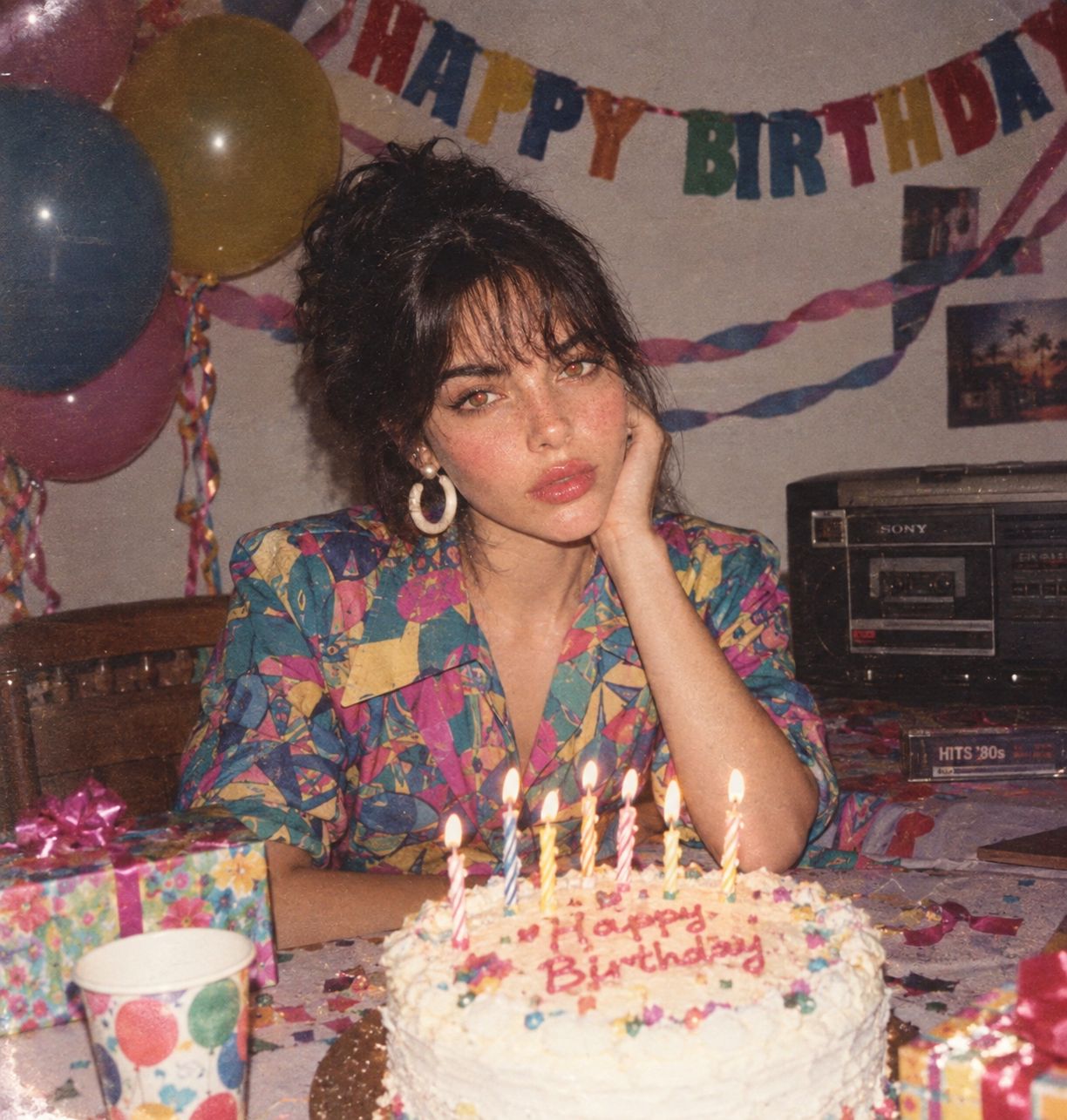
80s Birthday Party
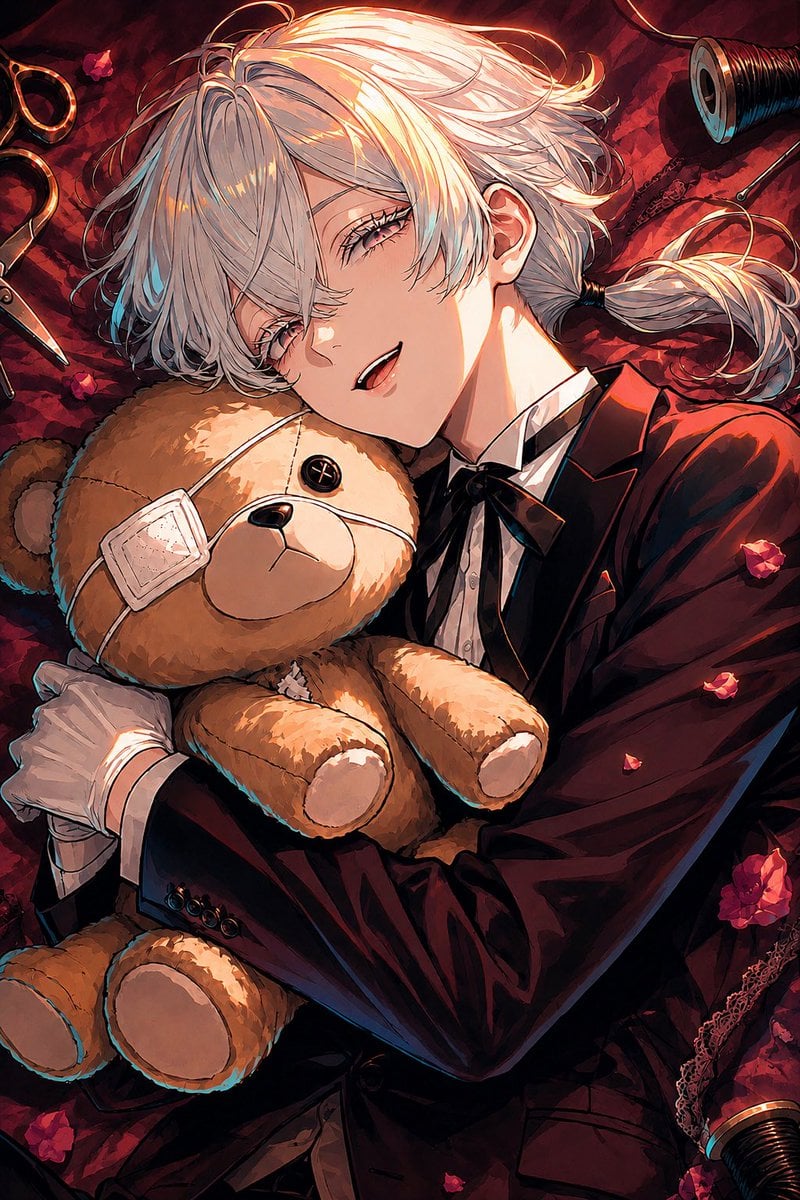
Gothic Anime Boy Hugging Teddy Bear
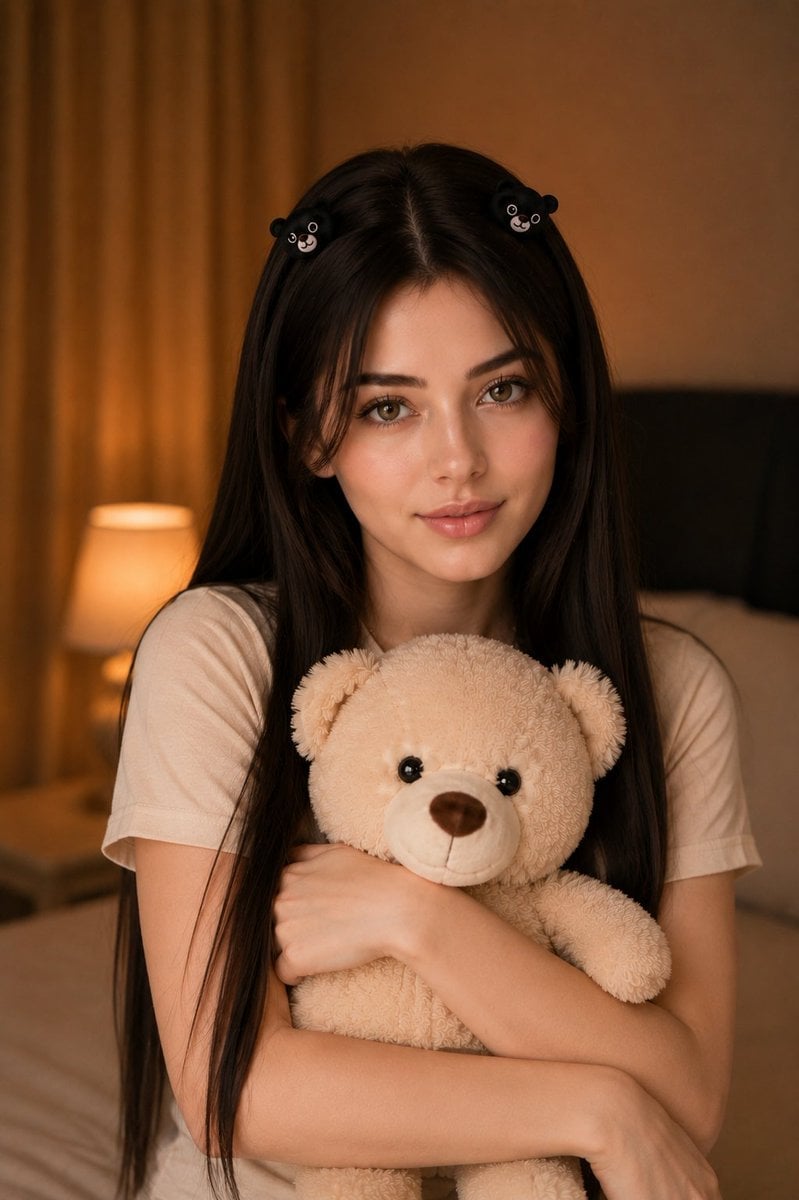
Woman Holding Teddy Bear Portrait
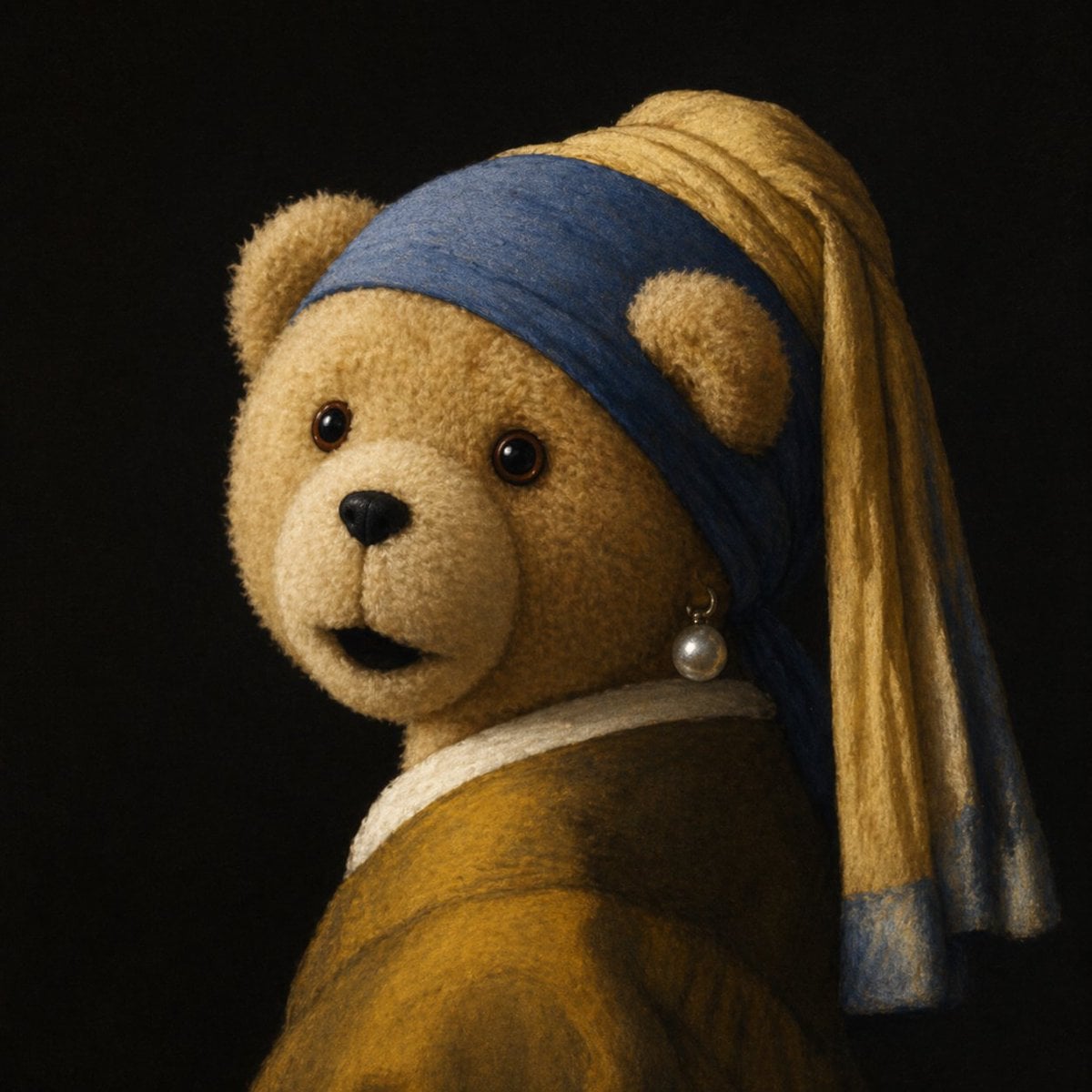
Teddy Bear with a Pearl Earring
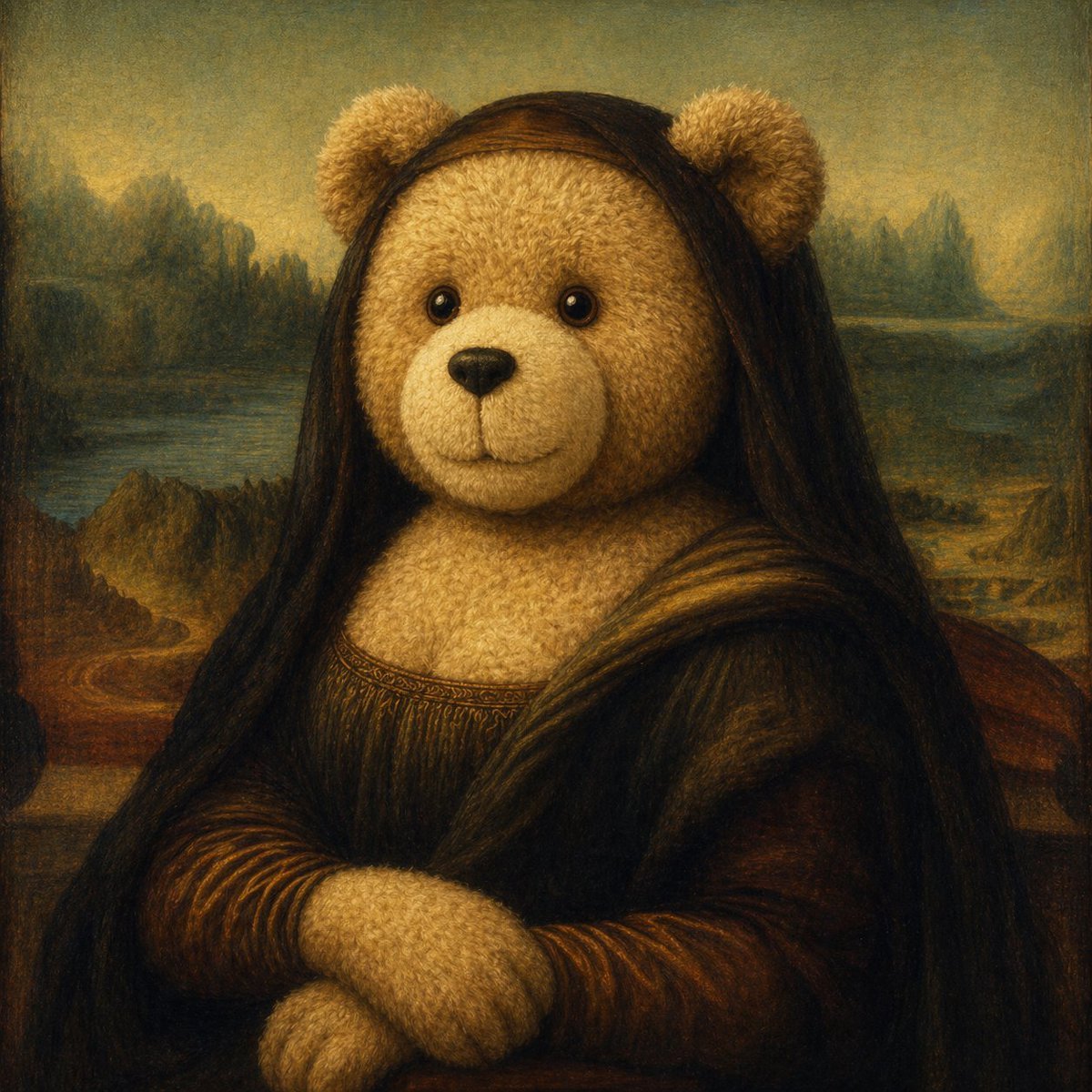
Teddy Bear Mona Lisa Hybrid
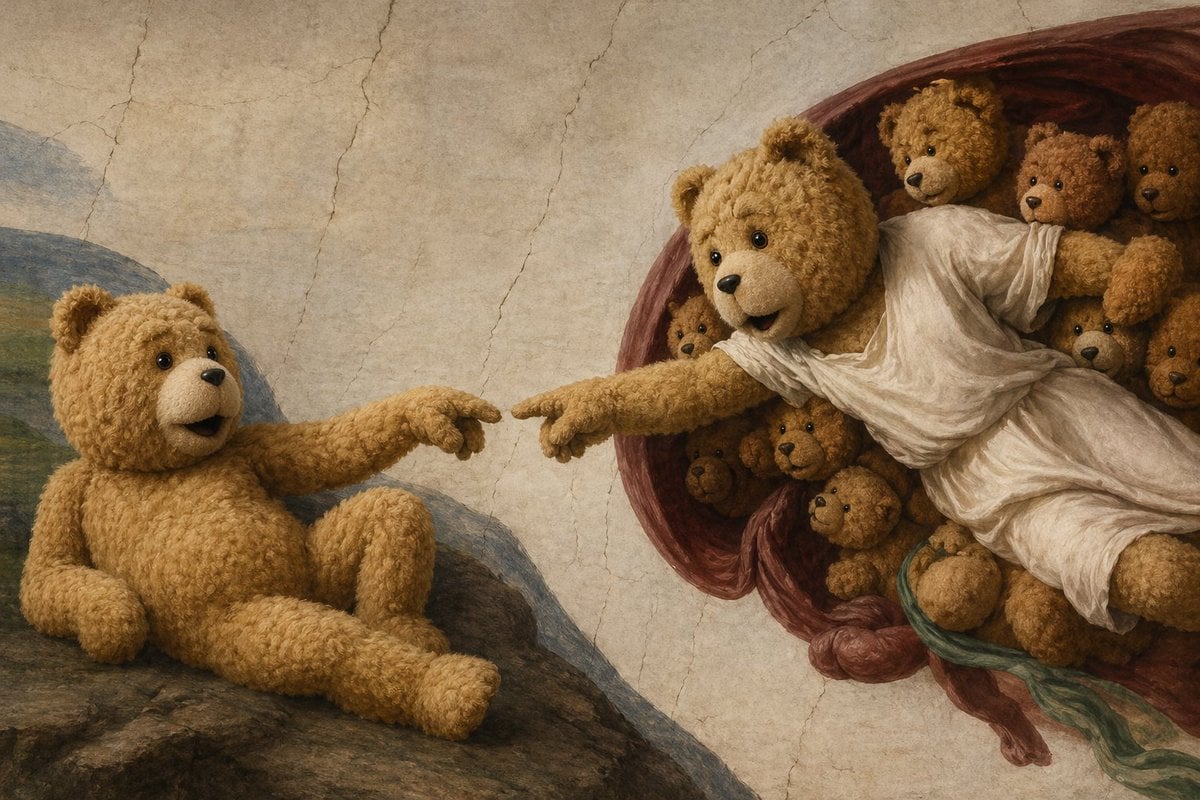
Teddy Bear Creation Fresco
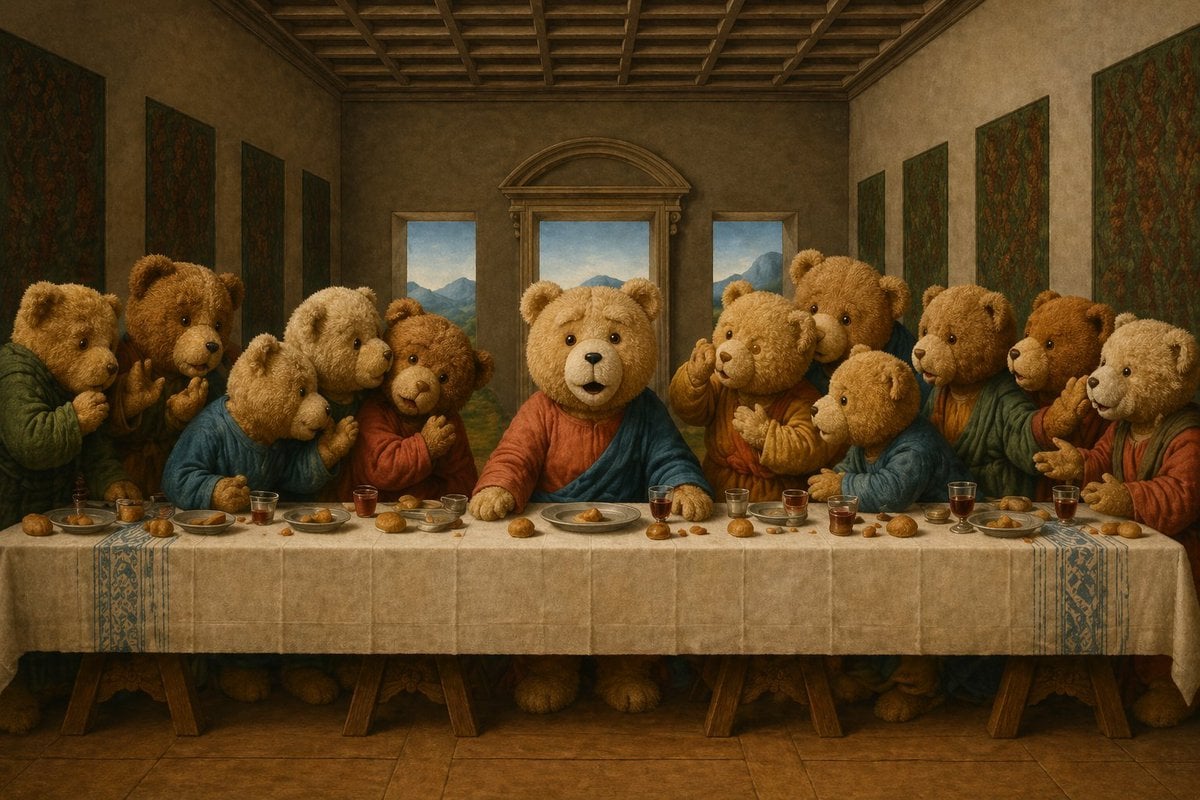
Teddy Bear Last Supper
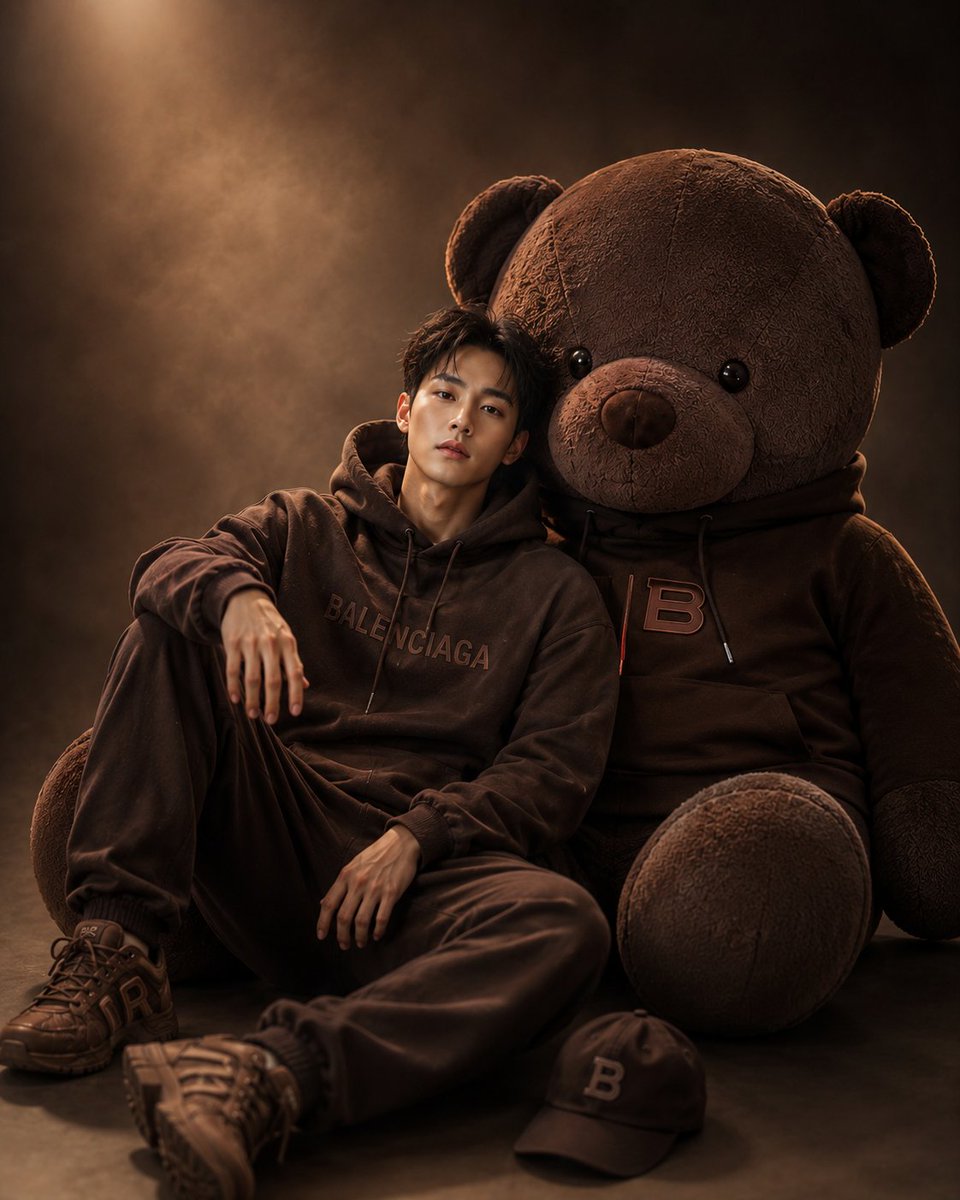
Cinematic Studio Portrait with Giant Teddy Bear
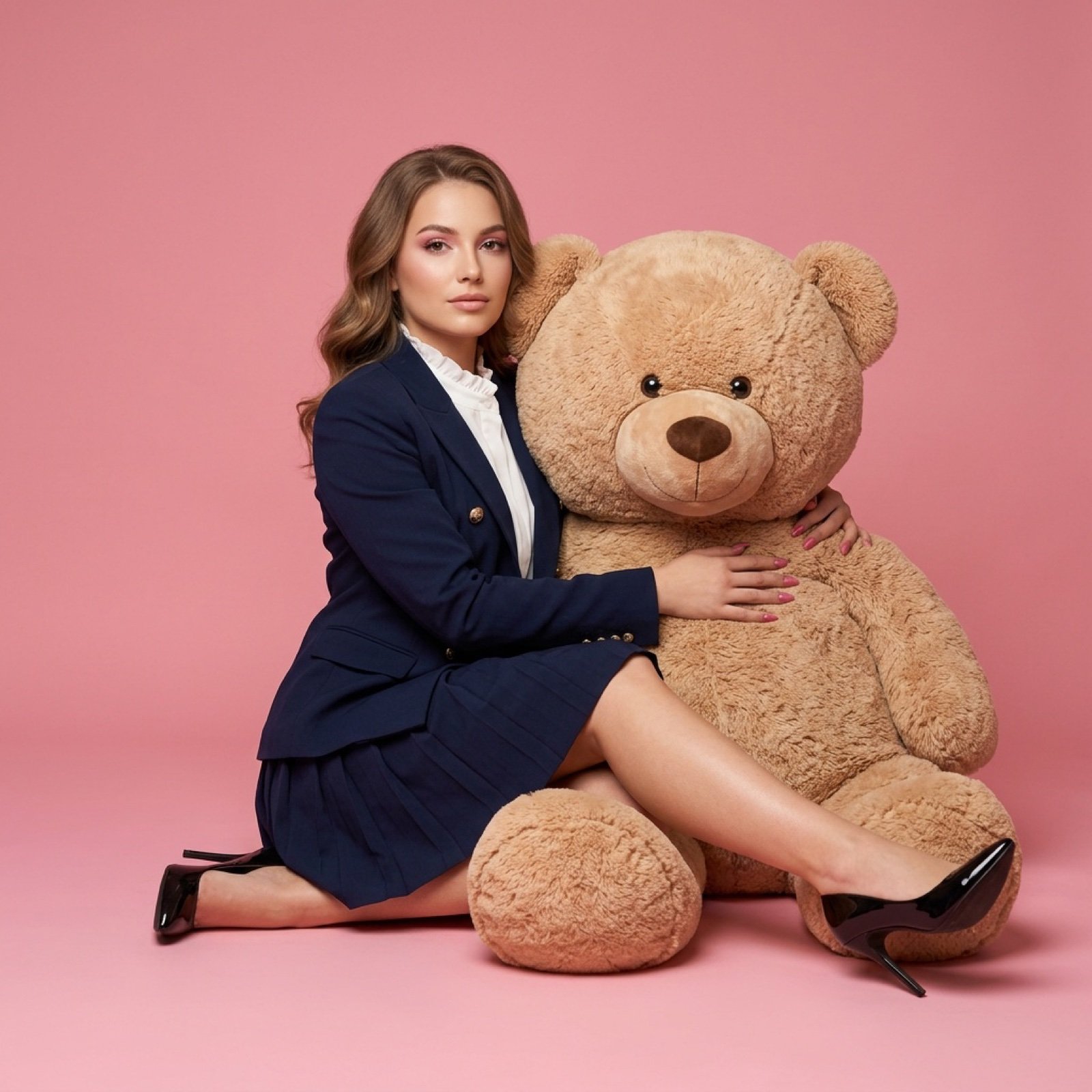
Fashion Editorial with Giant Teddy Bear Prompt
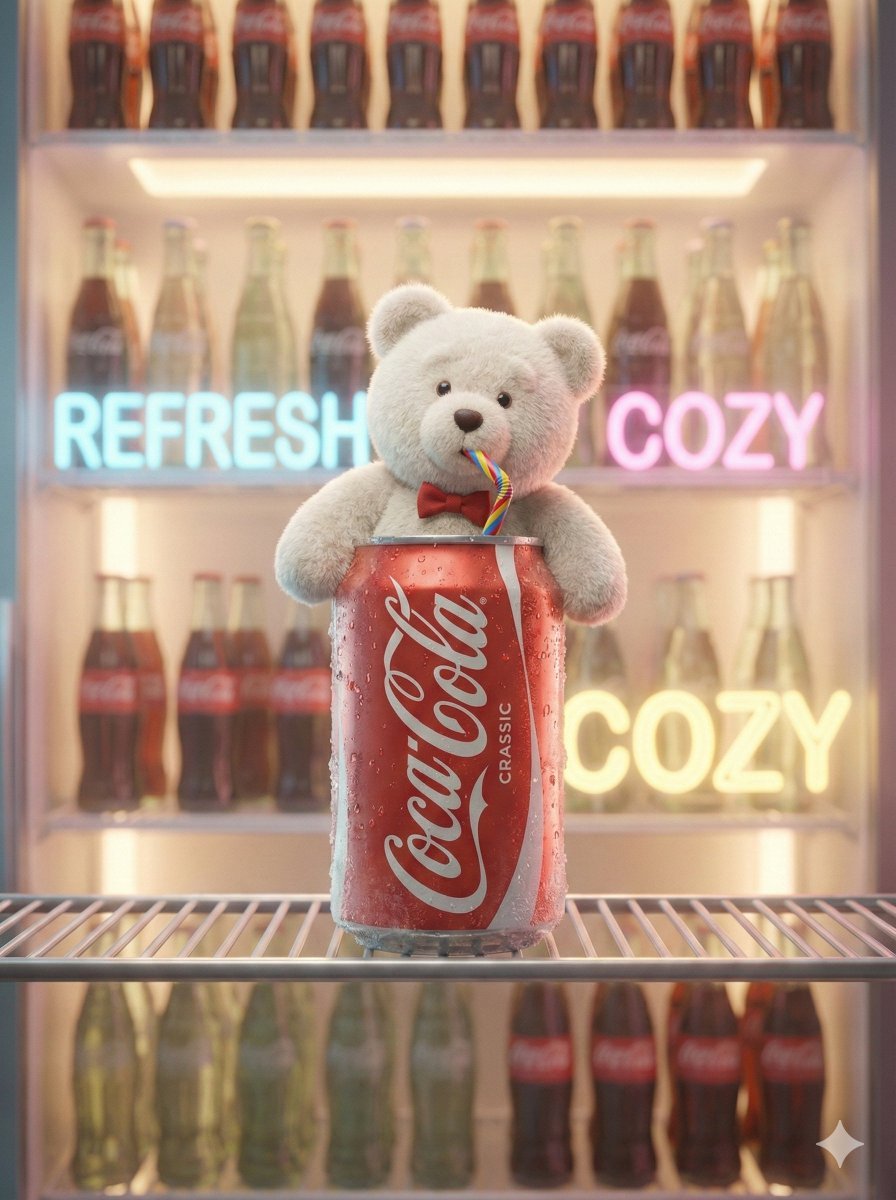
Pixar-Level Commercial Scene: Teddy Bear in a Soda Can
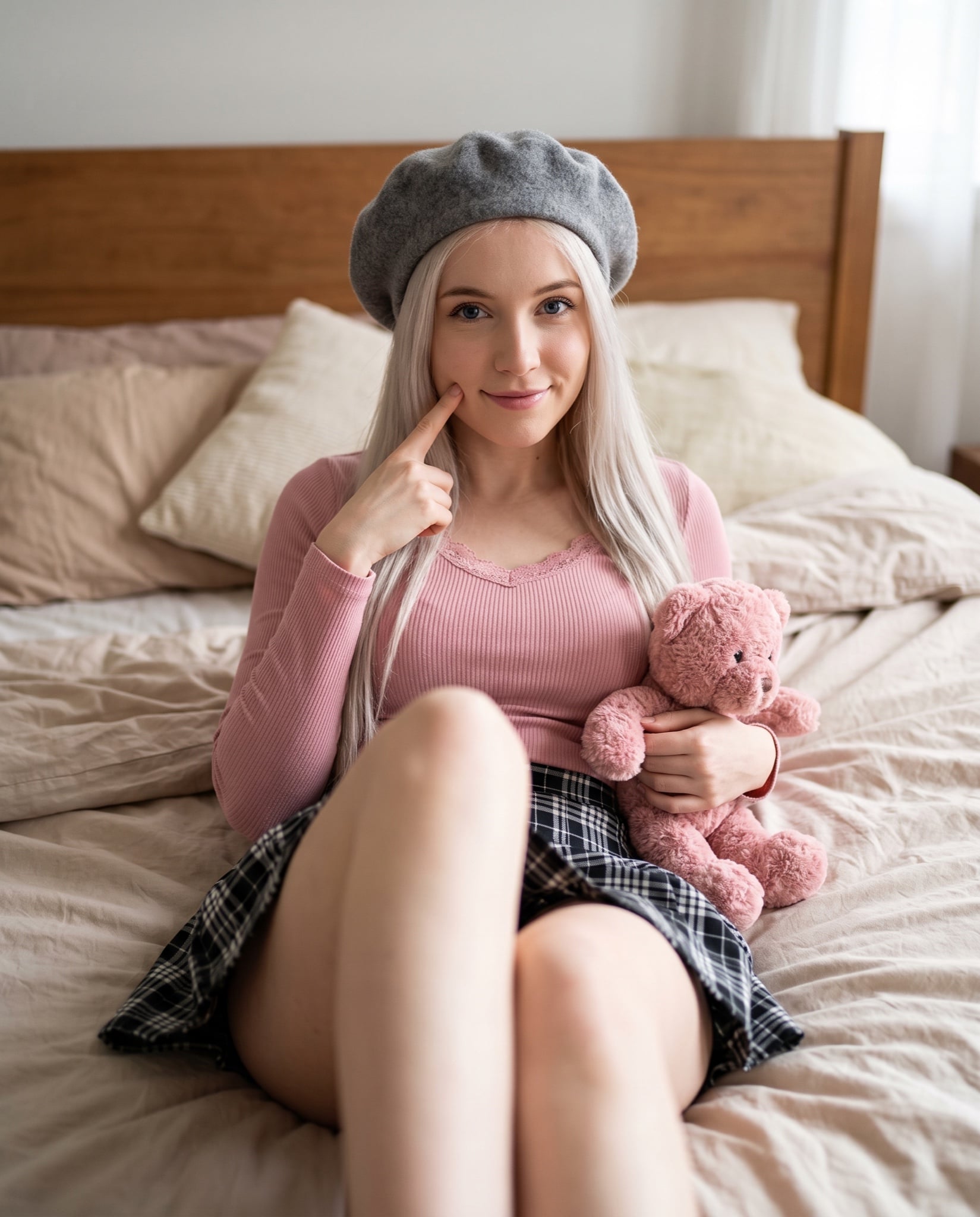
Cute Bedroom Portrait with Teddy Bear Prompt
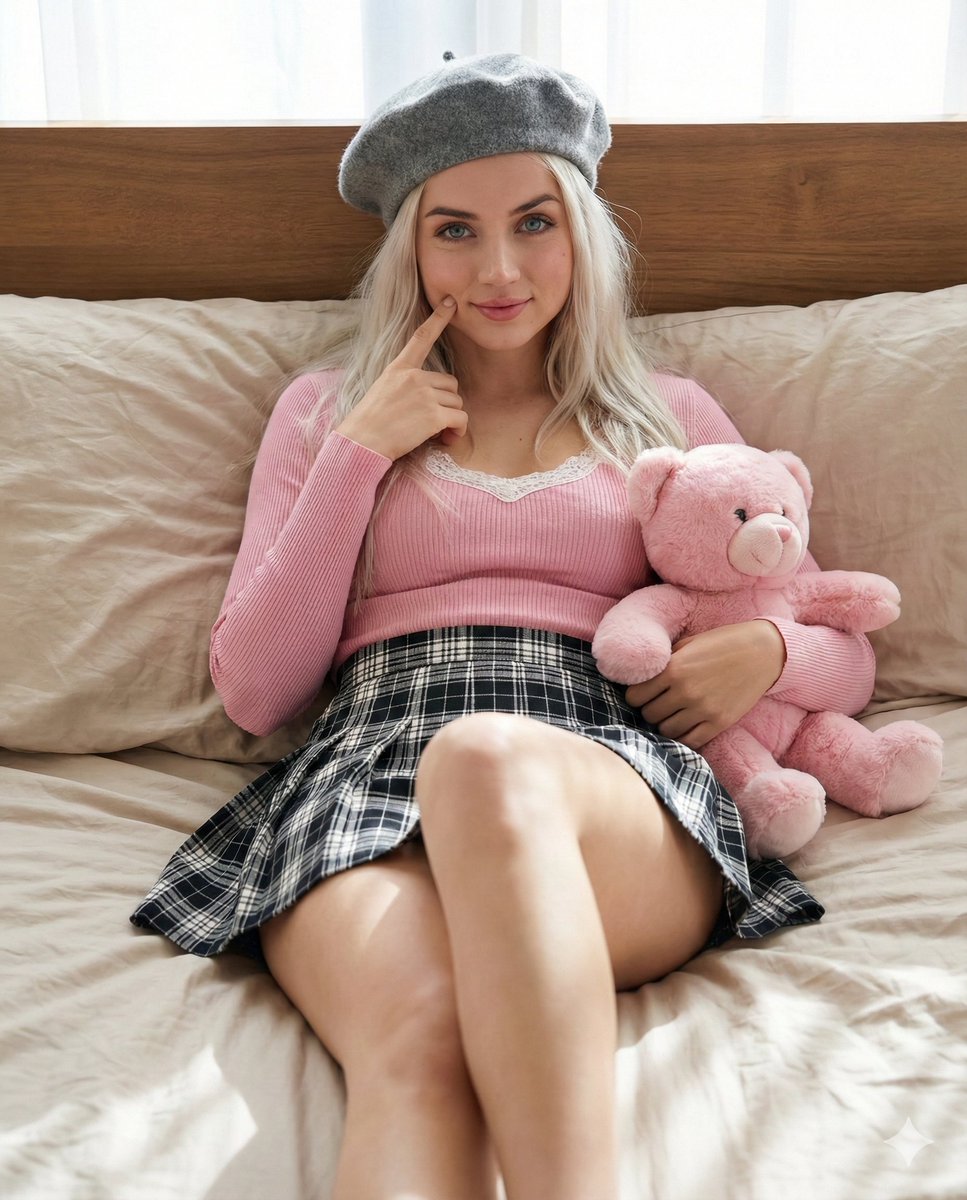
Photorealistic Portrait Prompt of Woman Lying on Bed with Teddy Bear
Make it yours
Teddy Bear Picnic Birthday Banner works as-is. These are the safest ways to change it without losing the look.
Change one field
Copy a single group, rewrite it, and generate again so you can see what that field is doing.
Keep the frame, change the subject
Hold the composition and light of Teddy Bear Picnic Birthday Banner, then swap wardrobe, props or the person for a new take.
| If the result… | Why | Fix |
|---|---|---|
| The result drifts from the preview | Too many fields changed at once. | Reuse Teddy Bear Picnic Birthday Banner as-is first, then change one group — subject, light, or setting. |
| The model over-stylizes the scene | The prose prompt leaves finish and camera underspecified. | Add one camera or lighting sentence and stay on GPT Image 2. |
More GPT Image 2 templates
Other prompts made for GPT Image 2.

Six VTuber Japanese Logo Sheet

Realistic Portrait of Woman and Deer

The Vista Modular Condo Poster

AI Model Routing Comparison Infographic

2.5D Anime Art Board

Isometric Productivity Desk Scene

New York Double Exposure Poster

Four-Panel AI Landscape Comparison

Japanese Tatami Lifestyle Magazine Cover

NESCAFÉ Coffee Map Poster
More image prompts
Fresh picks from across the catalog.
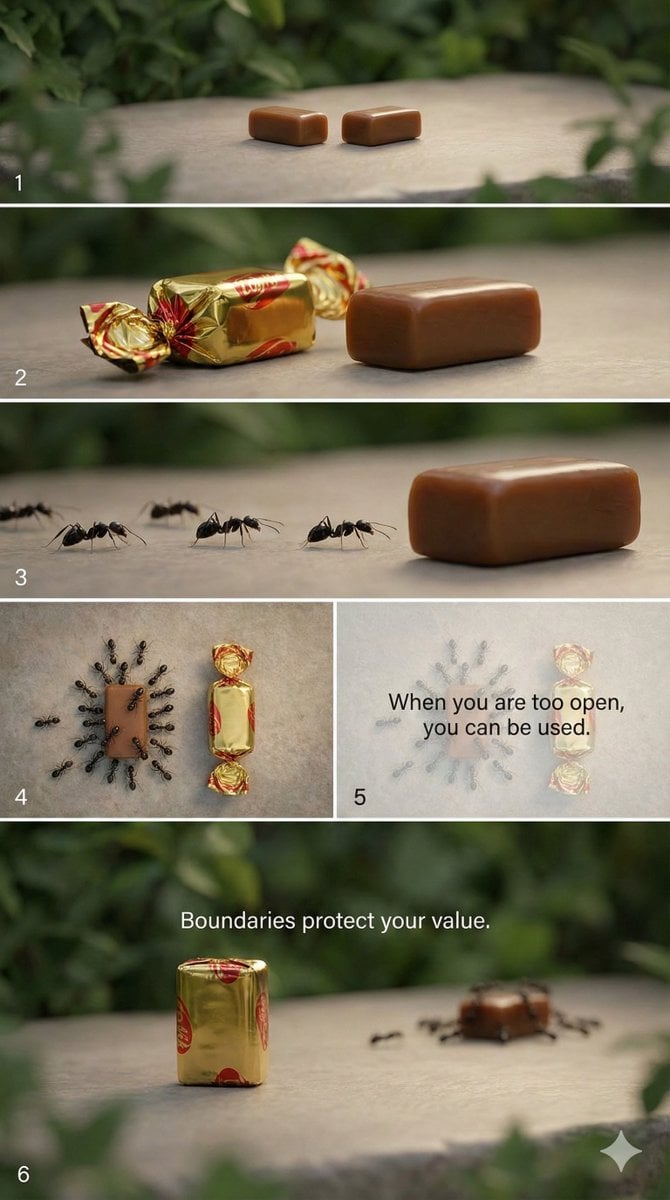
Multi-Scene Cinematic Video Prompt: Boundaries and Value
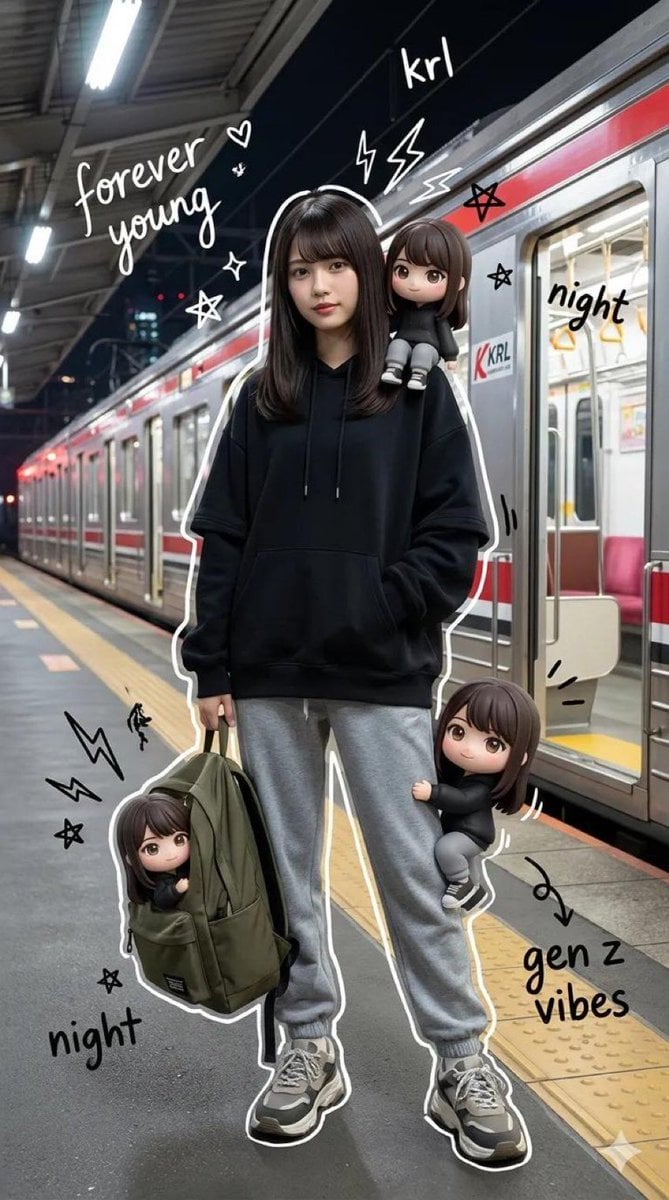
Mixed-Media Portrait of Gen Z Teenager with Chibi Clones
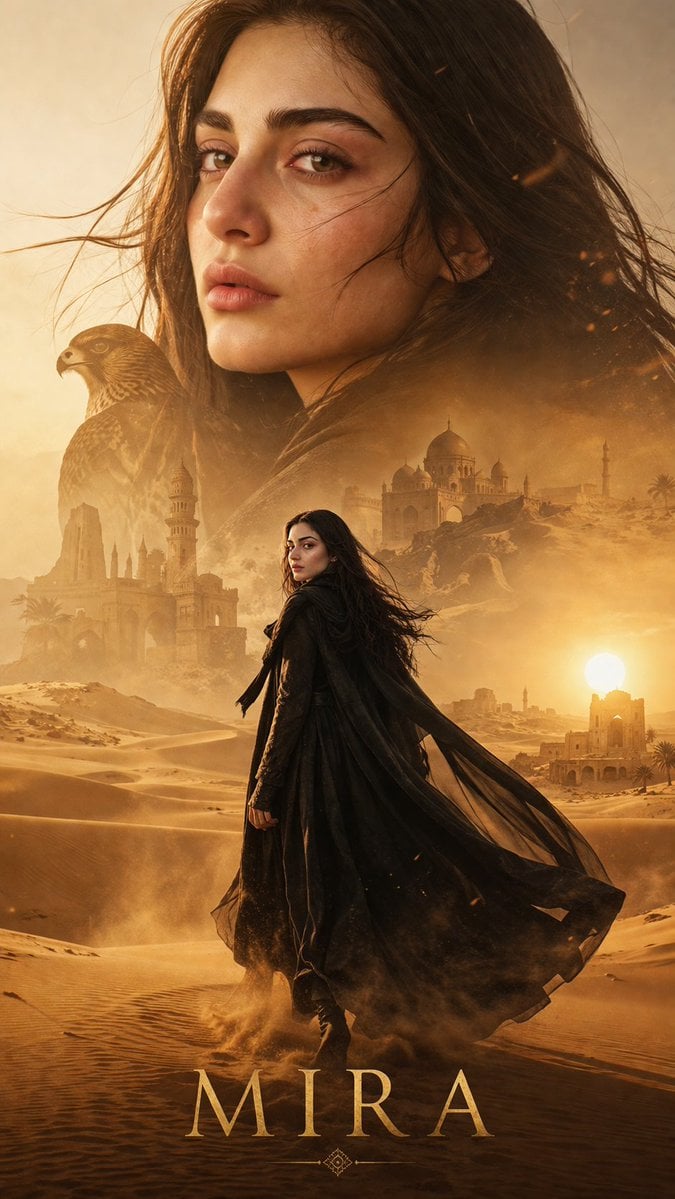
Desert Character Cinematic Poster
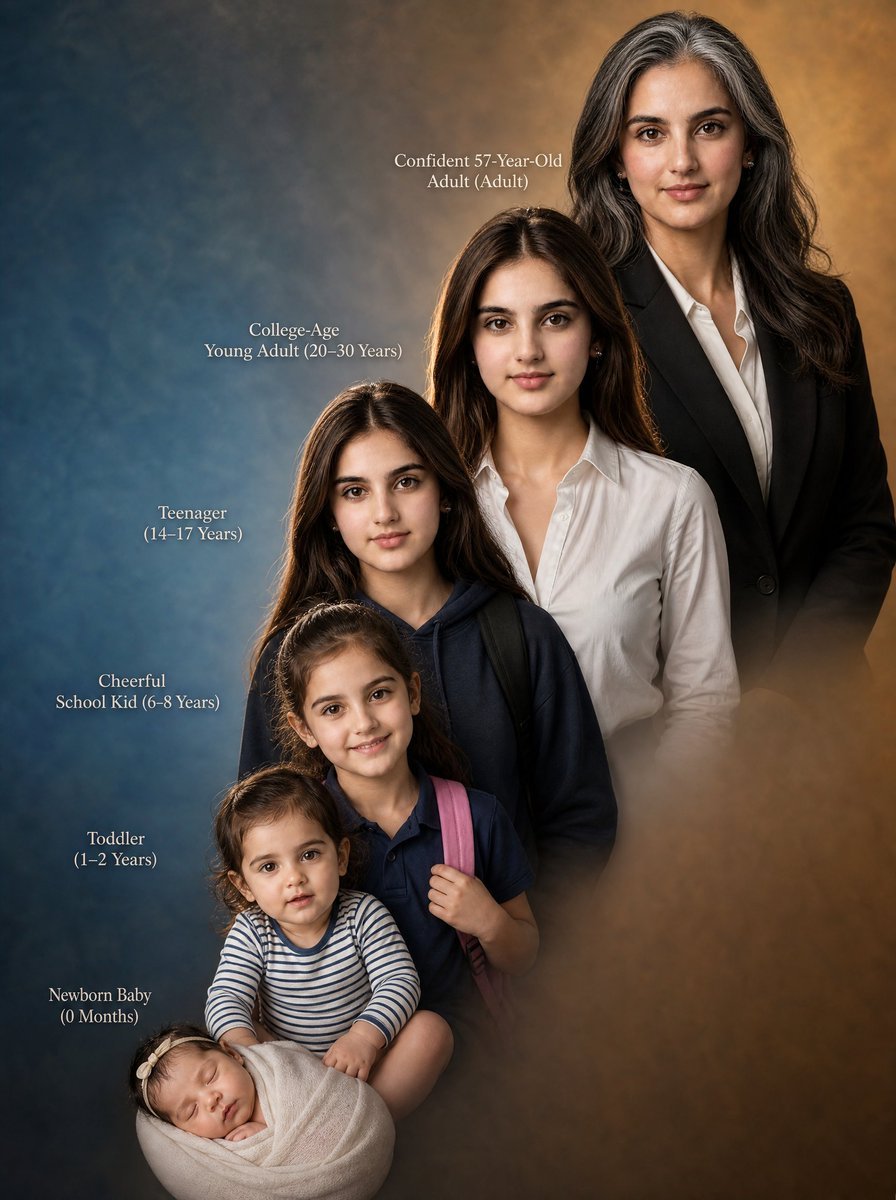
Female Life Progression Portrait
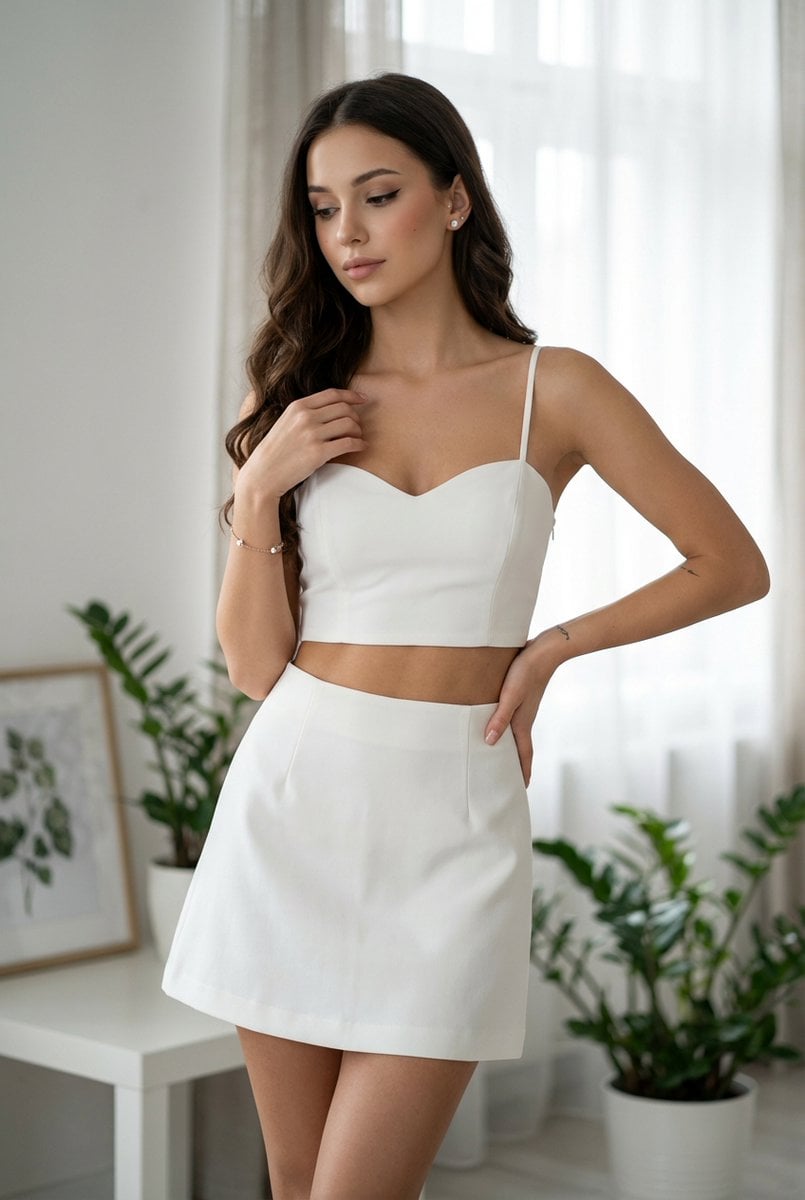
Chic White Outfit Fashion Editorial Prompt
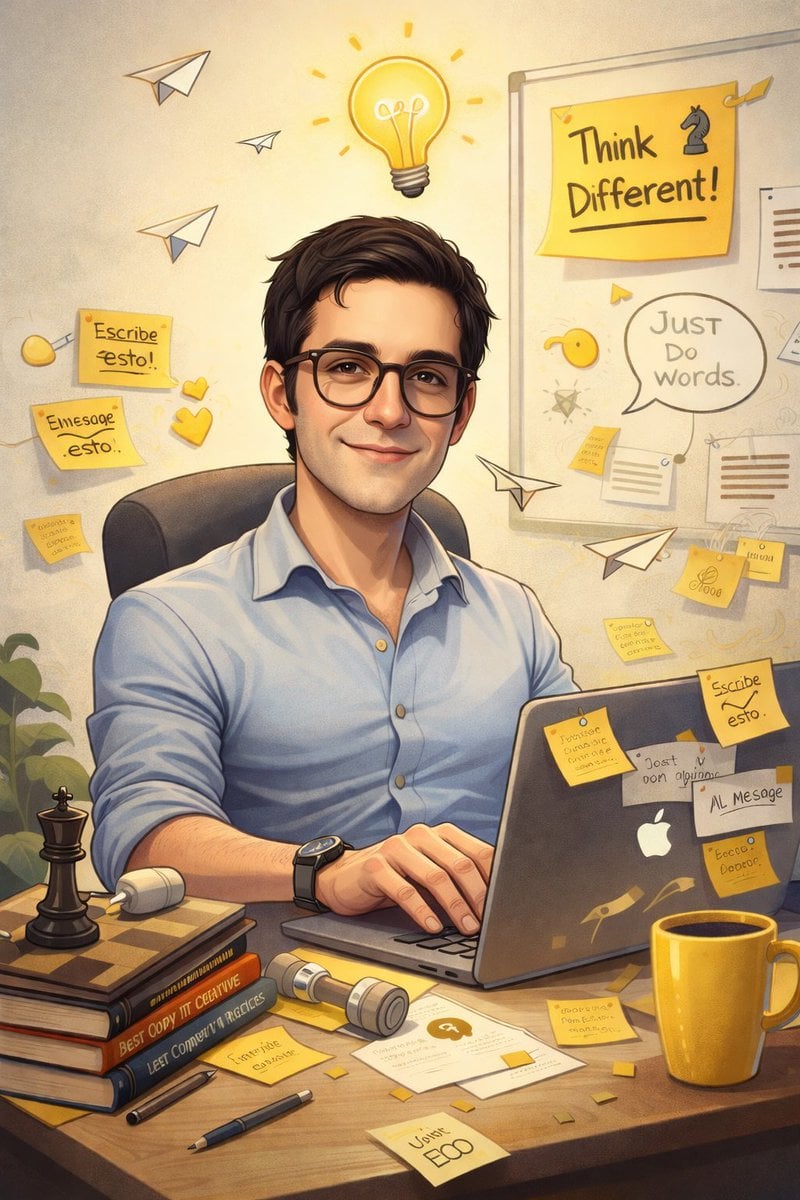
AI Caricature Generation Prompt
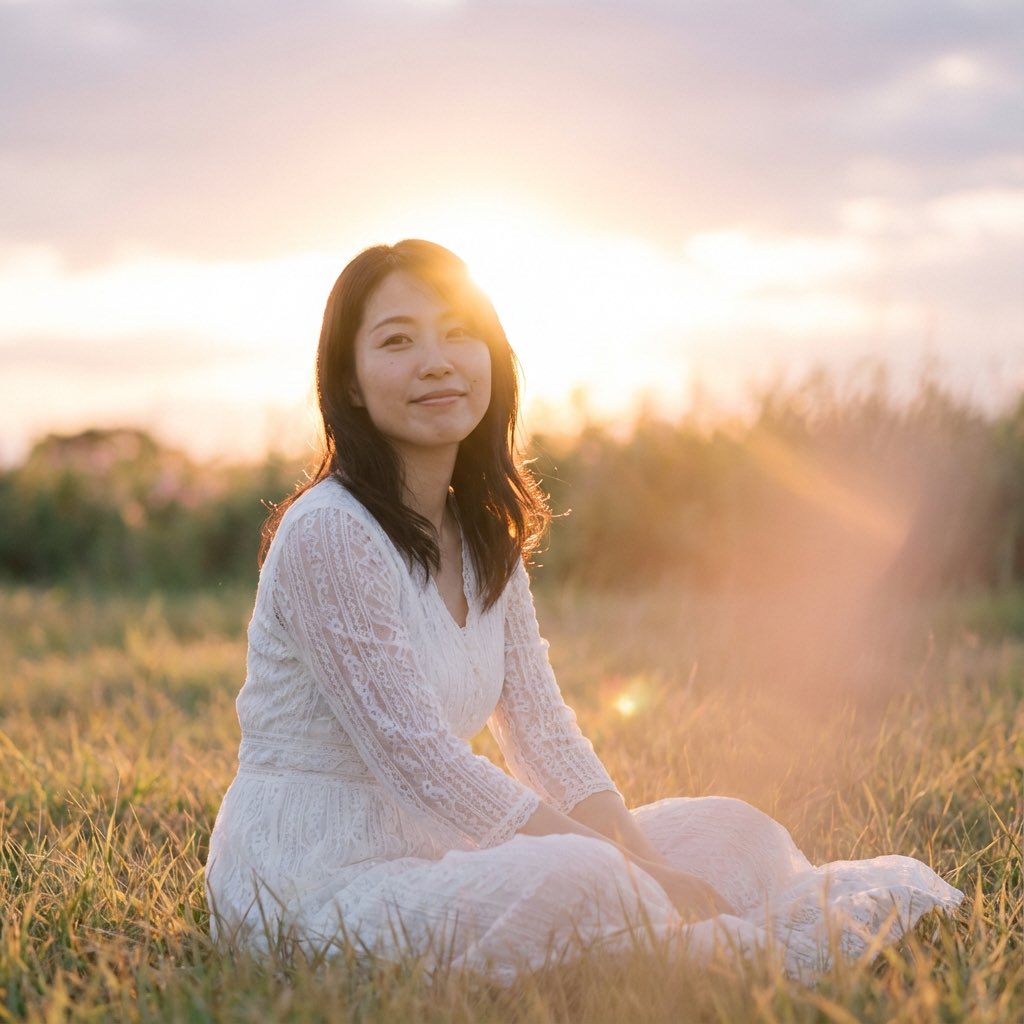
Nano Banana Pro 'Correct Words' for Subtle Smiling Expression
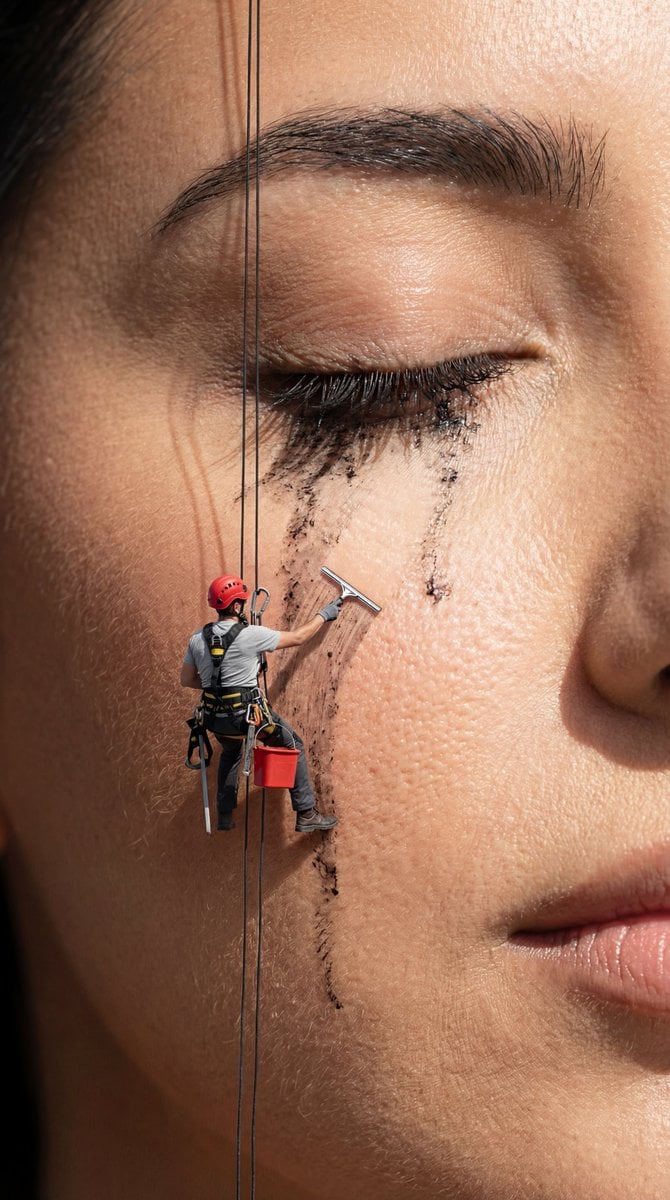
Surreal Macro Advertising Concept: Mascara Cleanup
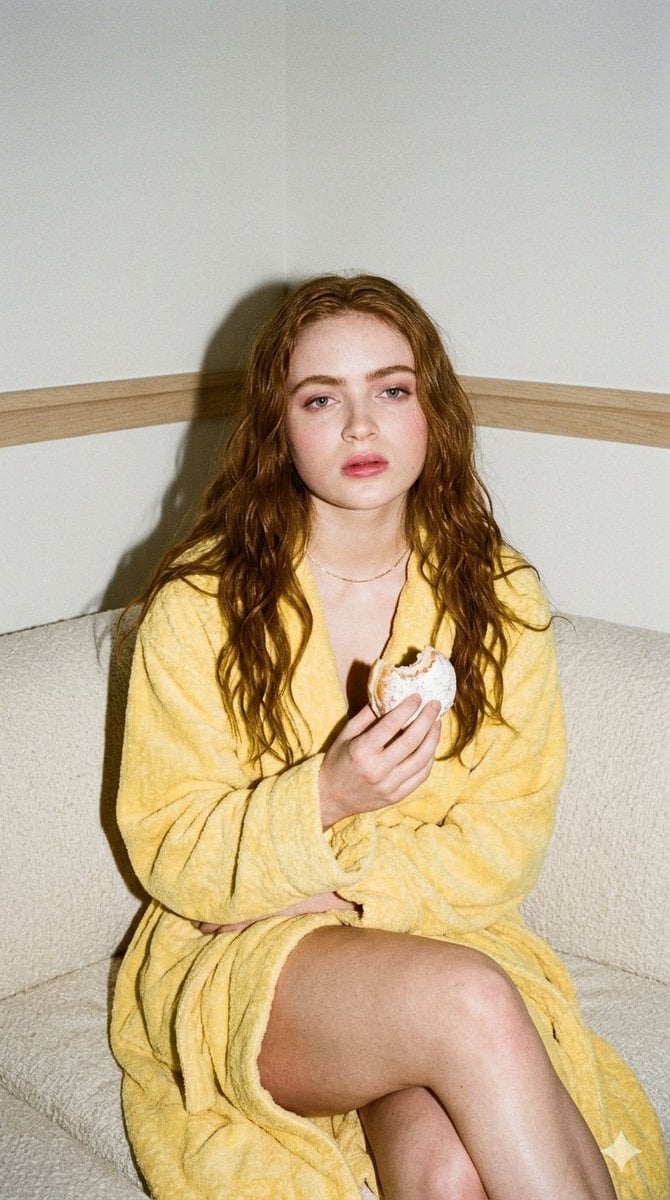
Candid 35mm Film Aesthetic Portrait with Donut Prompt for Gemini Nano Banana Pro
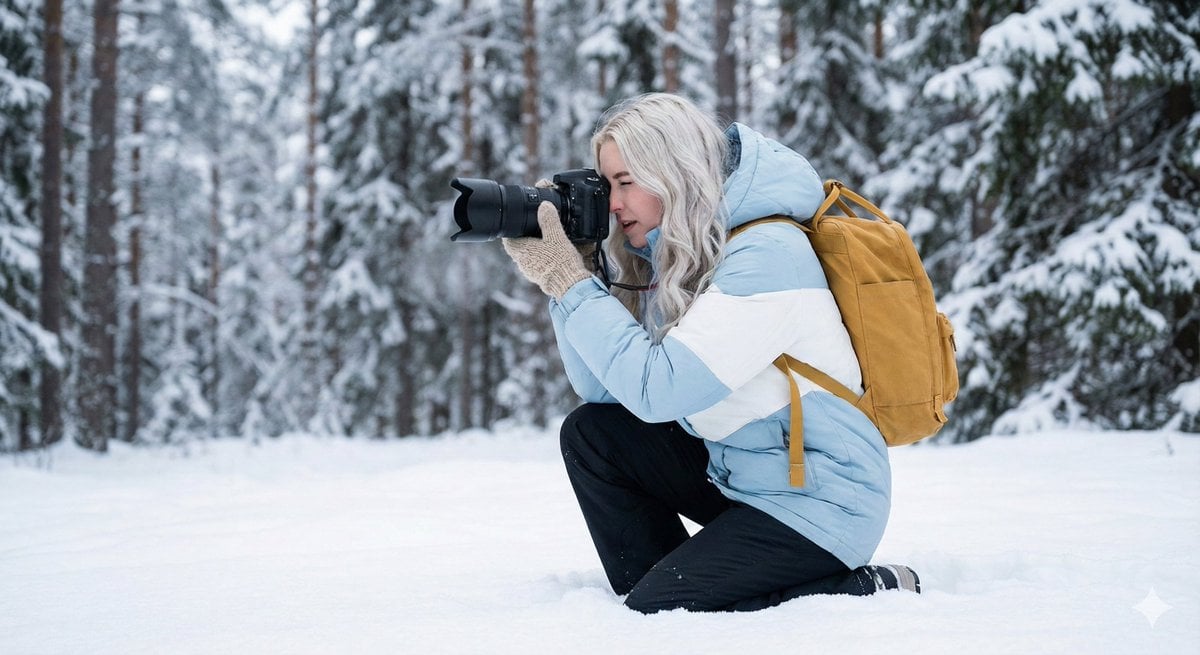
Serene Winter Photography Portrait
Browse template categories
Teddy Bear Picnic Birthday Banner questions
How do I use the Teddy Bear Picnic Birthday Banner template?
Add your photo if the template asks for one, edit the prompt if you like — the template's model and format are already selected — and press Generate. Your version opens in PicX Studio.
Can I customize the Teddy Bear Picnic Birthday Banner template?
Yes. You can change the subject, setting, lighting, mood, format, and available model controls before creating your image.
Is the Teddy Bear Picnic Birthday Banner template free?
Opening and editing this template is free. Generating uses credits, shown on the Generate button when you are signed in.
Which AI model should I use?
Start with GPT Image 2, which is the model associated with this template. You can compare another compatible model for a different finish.
Looking for something else? Browse all templates.

Your photo, any look
Thousands of ready templates for every top image and video model, from one credit balance.