
Chic White Outfit Fashion Editorial Prompt
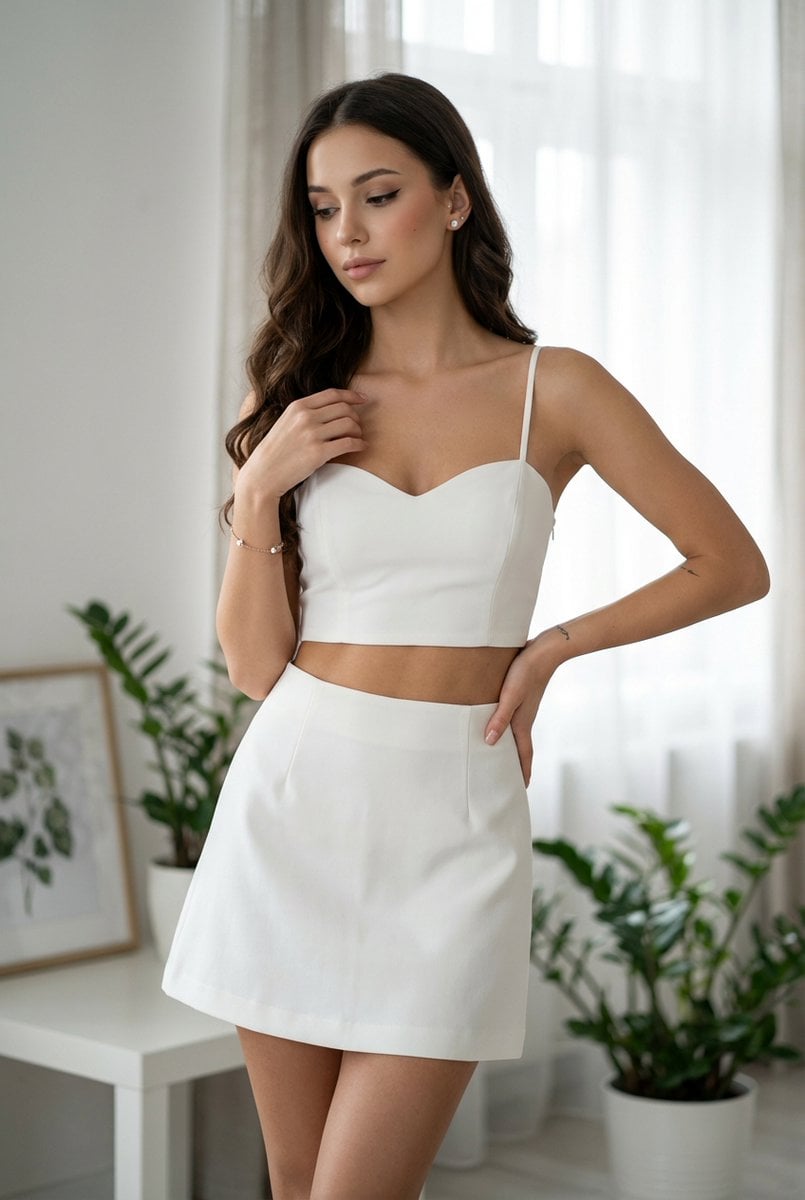
A detailed image generation prompt for Google Gemini Nano Banana Pro 3.0, creating an ultra-realistic fashion photograph of a young woman in a white cropped tank top and a-line mini skirt, set in a bright, modern studio…
- Prompt included
- Model and format preset
- Free template
The prompt behind this image
Copy the exact prompt behind Chic White Outfit Fashion Editorial Prompt, or open it in the studio and make it yours.
- Prompt Description › Subject
- A young woman, appearing to be in her late teens or early twenties, with a slender and athletic build.
- Prompt Description › Face
- A soft, slightly downturned gaze, with parted lips that create a subtle pout. Her eyebrows are perfectly sculpted, and her eyeliner is sharp and winged. Her skin appears smooth and flawless, with minimal visible texture. Subtle blush on her cheeks.
- Prompt Description › Hair
- Long, dark brown hair that falls in loose, soft waves past her shoulders. The hair has a natural shine and appears to be styled smoothly, with no flyaways. A few strands gently frame her face.
- Prompt Description › Clothing
- A two-piece outfit. The top is a white, form-fitting cropped tank top with thin spaghetti straps. The neckline is a flattering sweetheart shape. The fabric appears to have a slight stretch, with subtle tension around the bust. The skirt is a high-waisted, a-line mini skirt, also in white. It flares out from the waist in a structured yet fluid manner, with a clean hemline. The fabric of the skirt appears to be a heavier, slightly stiff material that holds its shape well, creating a smooth, almost sculptural silhouette. There is no visible tension or stretching at the waistband.
- Prompt Description › Accessories
- A delicate, thin bracelet on her left wrist, possibly silver or rose gold, with a small charm. Small, subtle stud earrings in her earlobes. A very faint, almost unnoticeable tattoo on her left forearm.
- Prompt Description › Environment
- An indoor setting that resembles a bright, modern studio or a minimalist living space. A large window with black mullions is visible in the background, draped with sheer, light-colored curtains. A sleek, white table is positioned in front of the window, with its legs slightly visible. On the table are two small potted green plants. Another framed artwork with a botanical illustration is on a shelf or surface behind the plants. The floor is light-colored wood.
- Prompt Description › Lighting
- Soft, diffused natural light streaming in from the window, creating gentle highlights on her skin and the fabric of her outfit. There are subtle specular highlights on her cheekbones and shoulders. The shadows are soft and have a slightly diffused quality, suggesting a large light source or an overcast day. The overall lighting is bright and airy.
- Prompt Description › Atmosphere
- Serene, chic, fashionable, and slightly alluring. The mood is clean and sophisticated, with a sense of youthful elegance.
- Style › Art Style
- Ultra-realistic commercial fashion photography, high-end editorial.
- Style › Color Grade
- Clean, bright, and slightly desaturated. Dominant tones are white, natural skin tones, and soft, muted greens and grays in the background. A very subtle coolness to the overall image.
- Style › Texture Quality
- Extremely sharp and detailed, with high micro-contrast. Every pore and fabric weave should be discernible. Photorealistic.
- Camera Settings › Camera
- Medium Format
Raw JSON
{
  "prompt_description": {
    "subject": "A young woman, appearing to be in her late teens or early twenties, with a slender and athletic build.",
    "face": "A soft, slightly downturned gaze, with parted lips that create a subtle pout. Her eyebrows are perfectly sculpted, and her eyeliner is sharp and winged. Her skin appears smooth and flawless, with minimal visible texture. Subtle blush on her cheeks.",
    "hair": "Long, dark brown hair that falls in loose, soft waves past her shoulders. The hair has a natural shine and appears to be styled smoothly, with no flyaways. A few strands gently frame her face.",
    "clothing": "A two-piece outfit. The top is a white, form-fitting cropped tank top with thin spaghetti straps. The neckline is a flattering sweetheart shape. The fabric appears to have a slight stretch, with subtle tension around the bust. The skirt is a high-waisted, a-line mini skirt, also in white. It flares out from the waist in a structured yet fluid manner, with a clean hemline. The fabric of the skirt appears to be a heavier, slightly stiff material that holds its shape well, creating a smooth, almost sculptural silhouette. There is no visible tension or stretching at the waistband.",
    "accessories": "A delicate, thin bracelet on her left wrist, possibly silver or rose gold, with a small charm. Small, subtle stud earrings in her earlobes. A very faint, almost unnoticeable tattoo on her left forearm.",
    "environment": "An indoor setting that resembles a bright, modern studio or a minimalist living space. A large window with black mullions is visible in the background, draped with sheer, light-colored curtains. A sleek, white table is positioned in front of the window, with its legs slightly visible. On the table are two small potted green plants. Another framed artwork with a botanical illustration is on a shelf or surface behind the plants. The floor is light-colored wood.",
    "lighting": "Soft, diffused natural light streaming in from the window, creating gentle highlights on her skin and the fabric of her outfit. There are subtle specular highlights on her cheekbones and shoulders. The shadows are soft and have a slightly diffused quality, suggesting a large light source or an overcast day. The overall lighting is bright and airy.",
    "atmosphere": "Serene, chic, fashionable, and slightly alluring. The mood is clean and sophisticated, with a sense of youthful elegance."
  },
  "style": {
    "art_style": "Ultra-realistic commercial fashion photography, high-end editorial.",
    "color_grade": "Clean, bright, and slightly desaturated. Dominant tones are white, natural skin tones, and soft, muted greens and grays in the background. A very subtle coolness to the overall image.",
    "texture_quality": "Extremely sharp and detailed, with high micro-contrast. Every pore and fabric weave should be discernible. Photorealistic."
  },
  "camera_settings": {
    "camera": "Medium Format"
  }
}How to use Chic White Outfit Fashion Editorial Prompt in 3 steps
- 1
Open
The prompt is already in the box next to the preview, with the template's model and format selected.
- 2…a portrait of your subject in softgolden-hour light, 85mm…
Personalize
Edit the subject and creative details for your destination.
- 3Generate
Generate
Press Generate — your image is created in PicX Studio, so you can compare it with the original and refine one variable at a time.
More like this
Templates with the same subject, style or setup. Open one to see its prompt.

Luxury Black-and-White Fashion Contact Sheet

Blue Backdrop Luxury Fashion Portrait Campaign

untitled

Google Gemini Nano Banana Pro

Conceptual Fashion Portrait in Spider We

01 Skincare Split Portrait — Nano Banana 2

24 The Getty Center — California Series

21 Glass Floor Skyscraper — California Series

19 Luxury Helicopter Travel — California Series

08 Rodeo Drive Luxury Exit — California Series

03 Beverly Hills Convertible — California Series

Gpt Image 2 Fashion Portrait
Make it yours
Chic White Outfit Fashion Editorial Prompt works as-is. These are the safest ways to change it without losing the look.
Swap the setting
Keep the rest of the prompt and replace the location block. The current setting is “An indoor setting that resembles a bright, modern studio or a minimalist living ”.
Swap the light
One lighting change is enough to compare takes. Current light: “Soft, diffused natural light streaming in from the window, creating gentle highl”.
Change one field
Copy a single group, rewrite it, and generate again so you can see what that field is doing.
| If the result… | Why | Fix |
|---|---|---|
| The result drifts from the preview | Too many fields changed at once. | Reuse Chic White Outfit Fashion Editorial Prompt as-is first, then change one group — subject, light, or setting. |
| Nano Banana 2 ignores part of the JSON | Some models flatten or skip nested keys. | Keep the same values and paste them as a short paragraph instead. |
More Nano Banana 2 templates
Other prompts made for Nano Banana 2.

Photorealistic Leaf Shaped Like a Dragon

K-Pop Idol Portrait Grid for Rapid Selection

Poetic Rain Forest Portrait During Golden Hour

Urban Street Portrait with Cartoon Inner Self Duo

Candid Nighttime Photo with Cat Prompt

High-Concept 3D Diorama Generation Prompt

Cinematic Futuristic Studio Portrait Template

Skincare Editorial Photography Collage Prompt

Hyper-Realistic Commercial Product Photography (Splash Effect)

Hyper-Realistic Nightclub Portrait Prompt
More image prompts
Fresh picks from across the catalog.
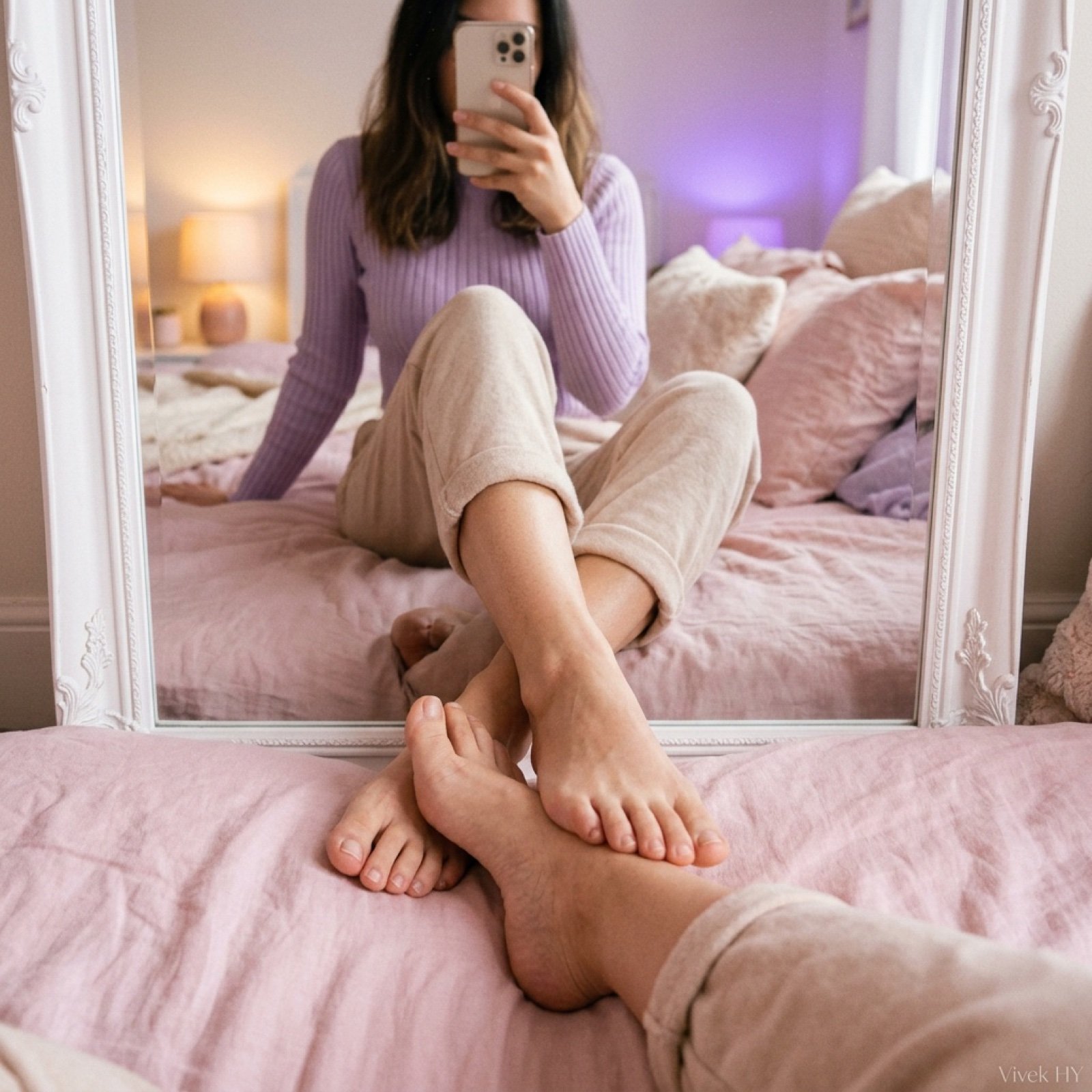
Mirror Pose Selfie Aesthetic Prompt
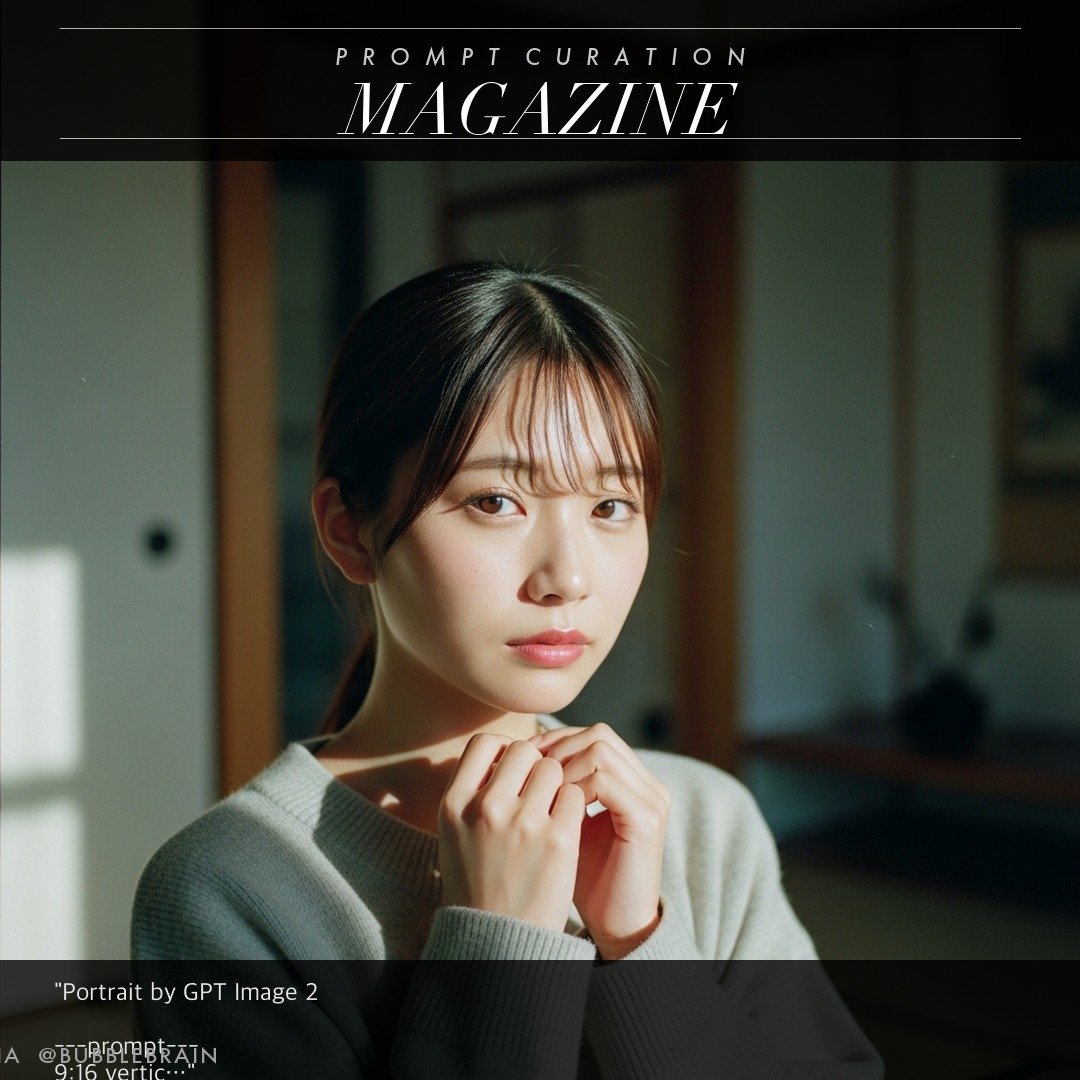
Japanese Fuji film style portrait
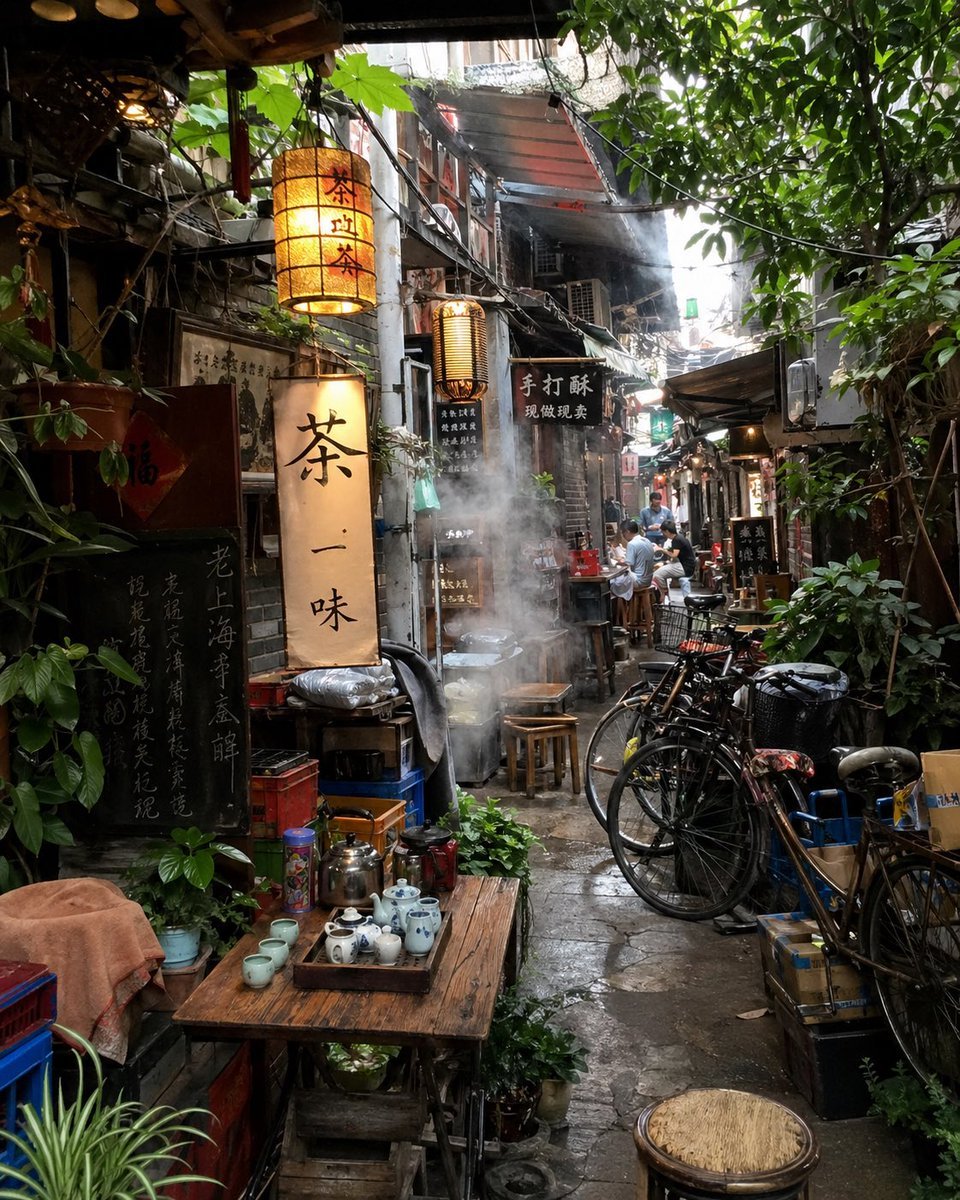
Atmospheric Tea Alley Street Scene
Fluorescent Paint on Silhouette Prompt
High-Contrast Cinematic Neon Portrait
Action Figure Transformation Prompt for Nano Banana Pro
Generating Multiple Runnable Modes/States
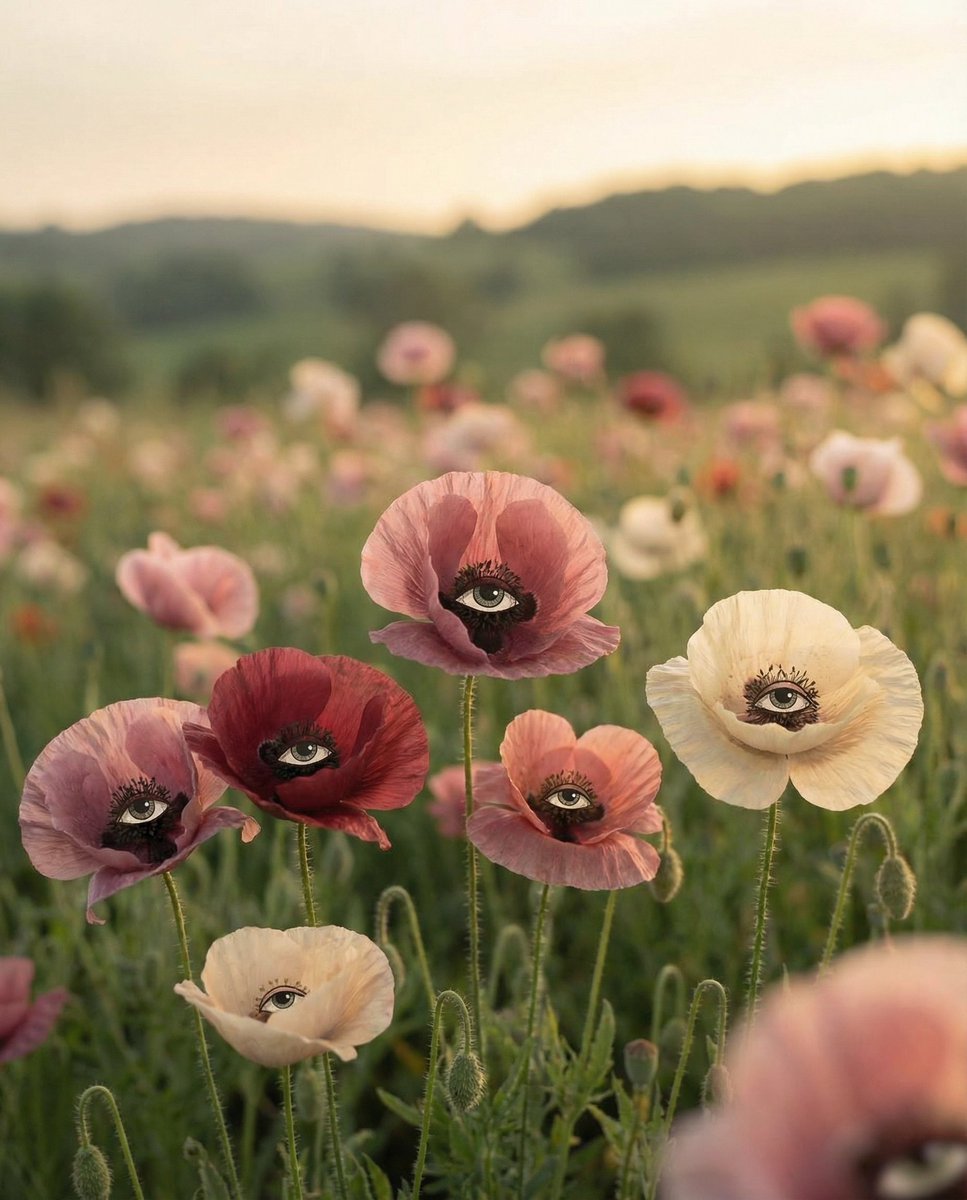
Surreal Poppies with Eyes
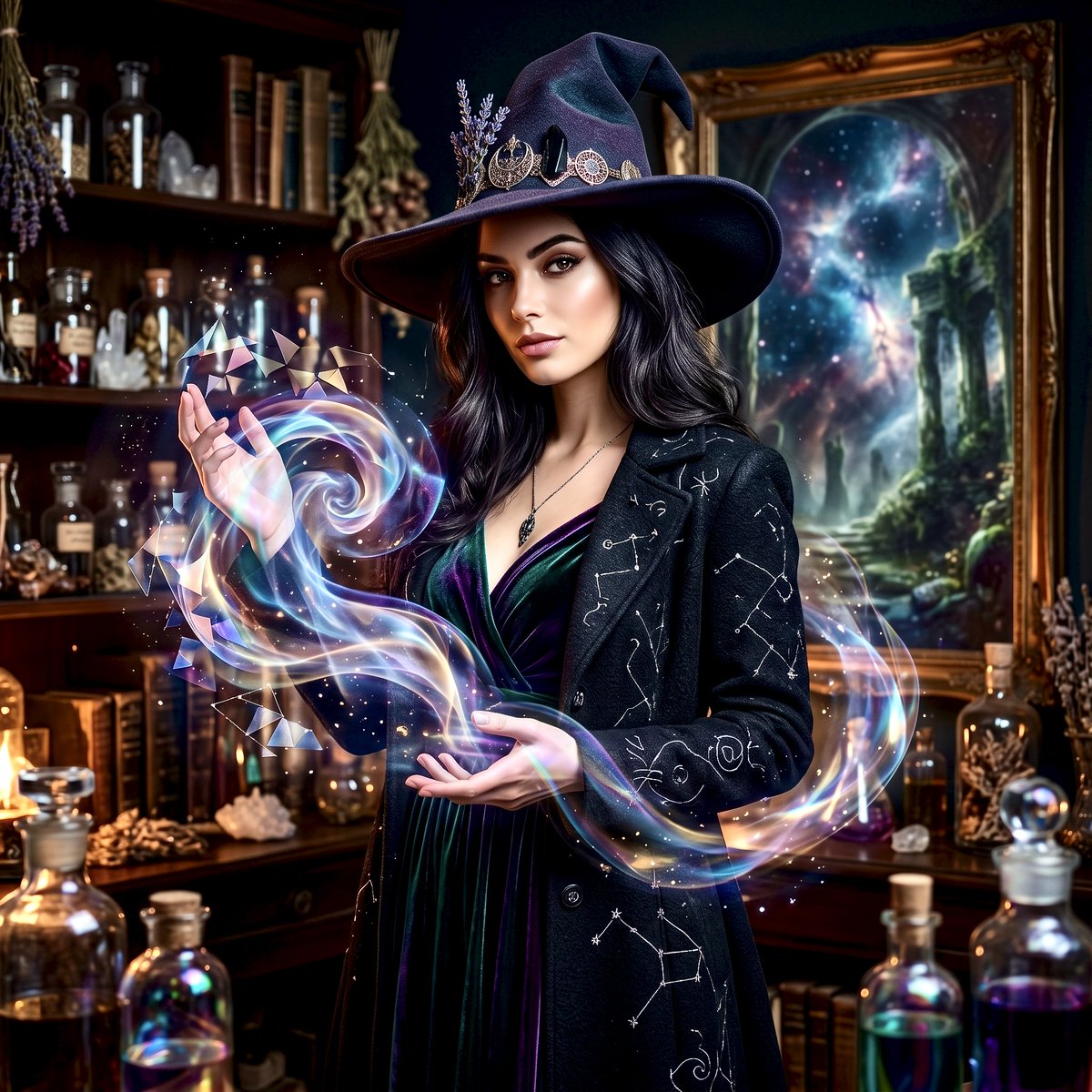
Mystical Witch Apothecary Portrait
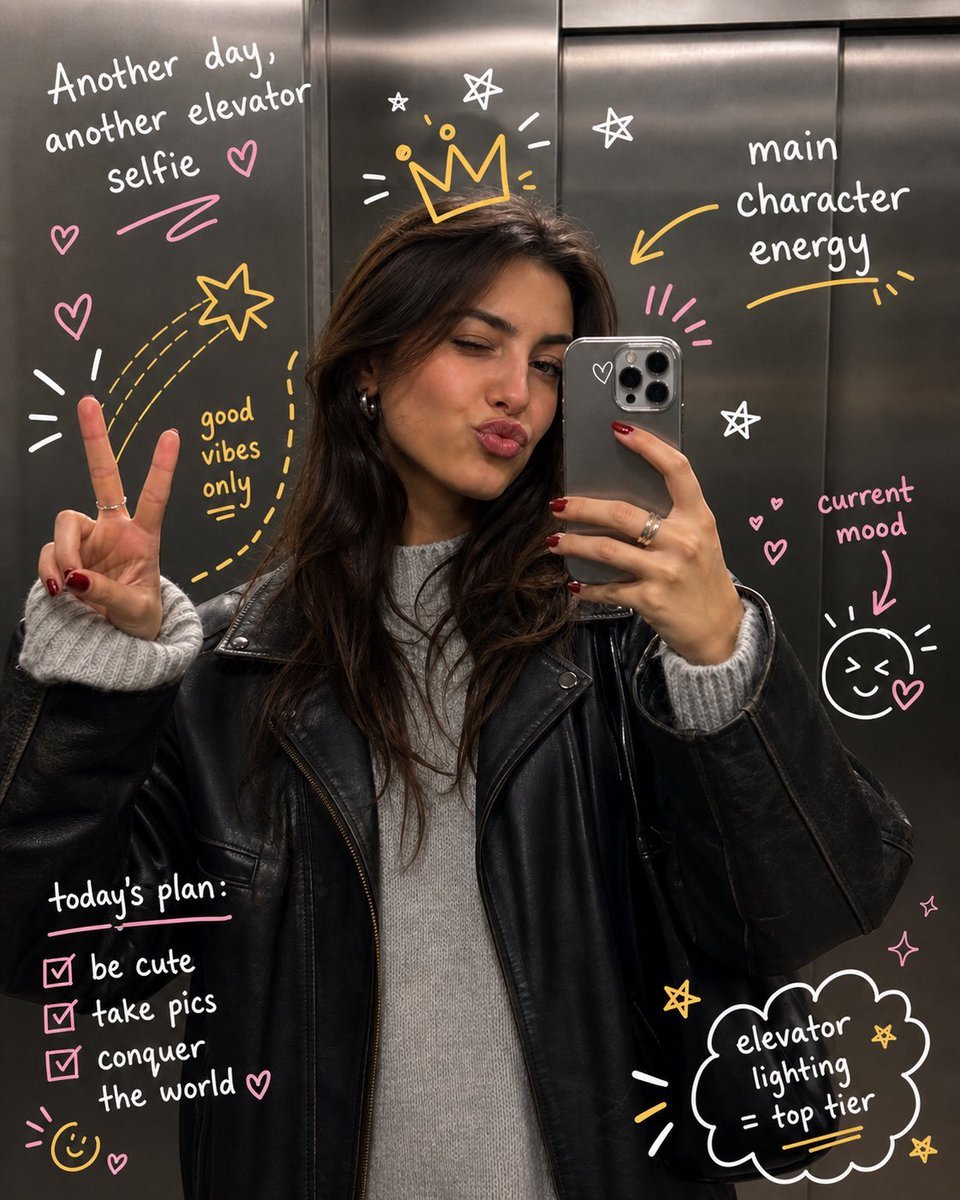
Hand-Drawn Doodles Overlay
Browse template categories
Chic White Outfit Fashion Editorial Prompt questions
How do I use the Chic White Outfit Fashion Editorial Prompt template?
Add your photo if the template asks for one, edit the prompt if you like — the template's model and format are already selected — and press Generate. Your version opens in PicX Studio.
Can I customize the Chic White Outfit Fashion Editorial Prompt template?
Yes. You can change the subject, setting, lighting, mood, format, and available model controls before creating your image.
Is the Chic White Outfit Fashion Editorial Prompt template free?
Opening and editing this template is free. Generating uses credits, shown on the Generate button when you are signed in.
Which AI model should I use?
Start with Nano Banana 2, which is the model associated with this template. You can compare another compatible model for a different finish.
Looking for something else? Browse all templates.

Your photo, any look
Thousands of ready templates for every top image and video model, from one credit balance.