
Action Figure Transformation Prompt for Nano Banana Pro
A comprehensive, multi-part prompt designed specifically for Nano Banana Pro to transform a reference character illustration into a highly detailed, photorealistic PVC action figure, displayed in multiple dynamic poses…
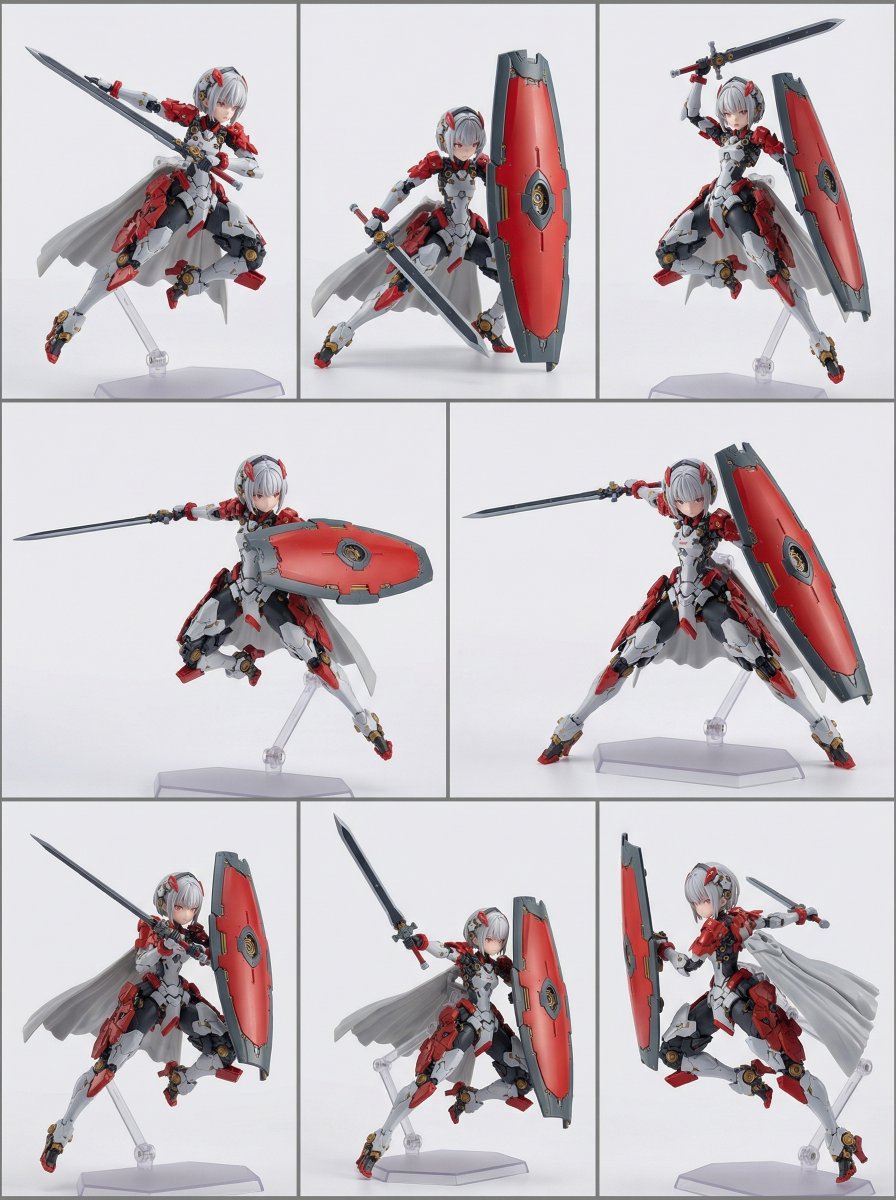
- Prompt included
- Model and format preset
- Free template
The prompt behind this image
Copy the exact prompt behind Action Figure Transformation Prompt for Nano Banana Pro, or open it in the studio and make it yours.
subject: The original character from the single reference illustration, represented as a highly detailed collectible PVC action figure. The character’s design, proportions, facial features, hairstyle, outfit, and colors are preserved exactly. composition: A single 3:4 frame divided into multiple clearly defined rectangular panels. Each panel presents the same action figure posed differently. Panels are separated by thin, clean borders in a neutral tone. Each figure is centered within its own panel. action: Dynamic action poses made possible by articulated action-figure construction. Poses emphasize balance, tension, and expressive movement, clearly reading as intentionally posed action figures rather than static statues. location: Neutral studio background with a seamless white to light gray gradient. Each panel maintains consistent studio conditions. style: Photorealistic collectible PVC action figure. Realistic articulation-friendly sculpting suitable for dynamic posing. camera_lighting: Professional studio lighting consistent across all panels. Controlled highlights, sharp focus, shallow depth of field. Soft shadows beneath each figure within its panel. colors: Exact color reproduction from the original illustration, unchanged. edit_instructions: Transform this illustration into a photorealistic PVC anime figure. Keep the original character’s design, action pose, and colors exactly the same. Render it as a collectible figurine made of PVC plastic, with realistic painted surface and detailed shading. Apply glossy highlights on areas such as the hair and clothing. Use a matte finish on the skin. Add subtle seam lines as seen in real manufactured figures. Include transparent plastic figure stands supporting dynamic action poses. Do not include opaque bases or decorative display platforms. extras: High-resolution, catalog-quality product image.
How to use Action Figure Transformation Prompt for Nano Banana Pro in 3 steps
- 1
Open
The prompt is already in the box next to the preview, with the template's model and format selected.
- 2…a portrait of your subject in softgolden-hour light, 85mm…
Personalize
Edit the subject and creative details for your destination.
- 3Generate
Generate
Press Generate — your image is created in PicX Studio, so you can compare it with the original and refine one variable at a time.
More like this
Templates with the same subject, style or setup. Open one to see its prompt.

Woman in Mall with Chanel Bag - Heart Gesture
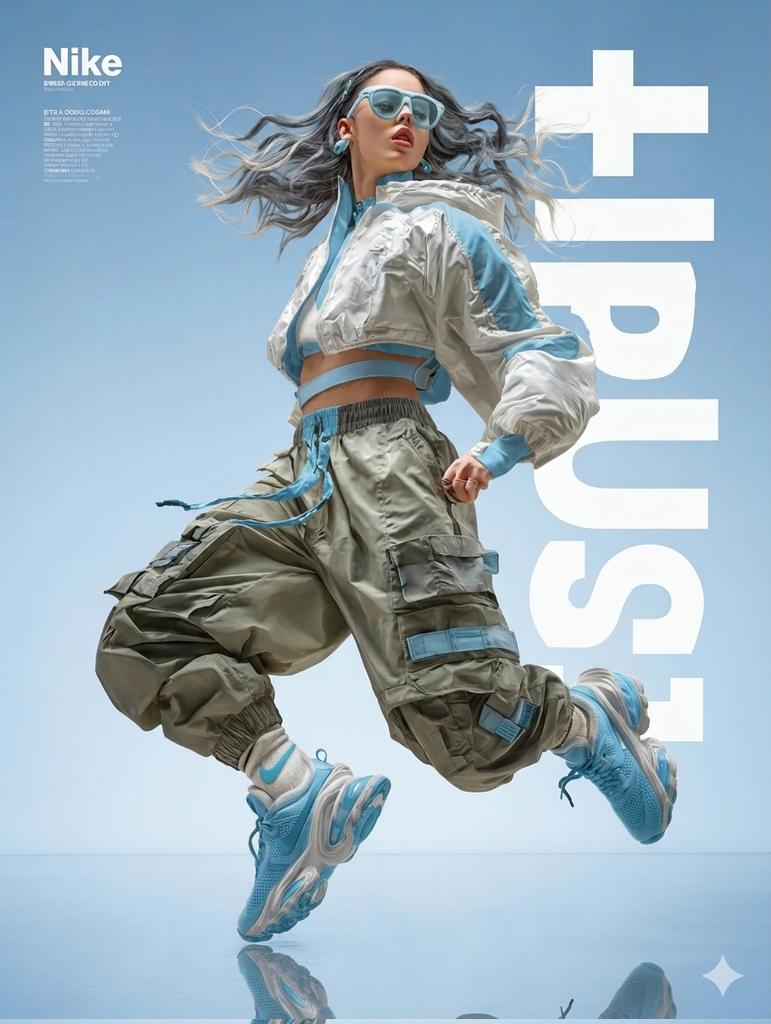
High Fashion Action Nike Nano Banana
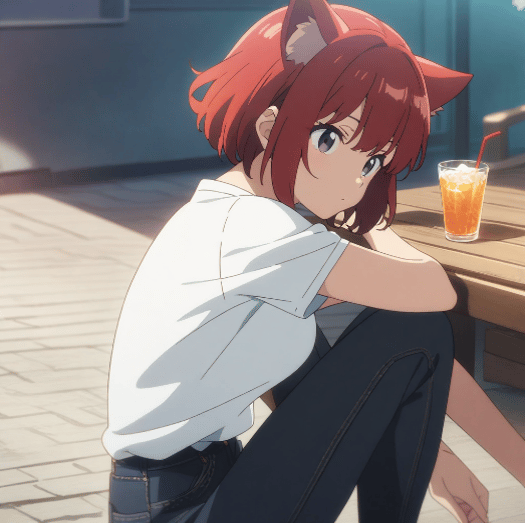
Character Prompt with Drinking Action for Anifusion/Nano Banana
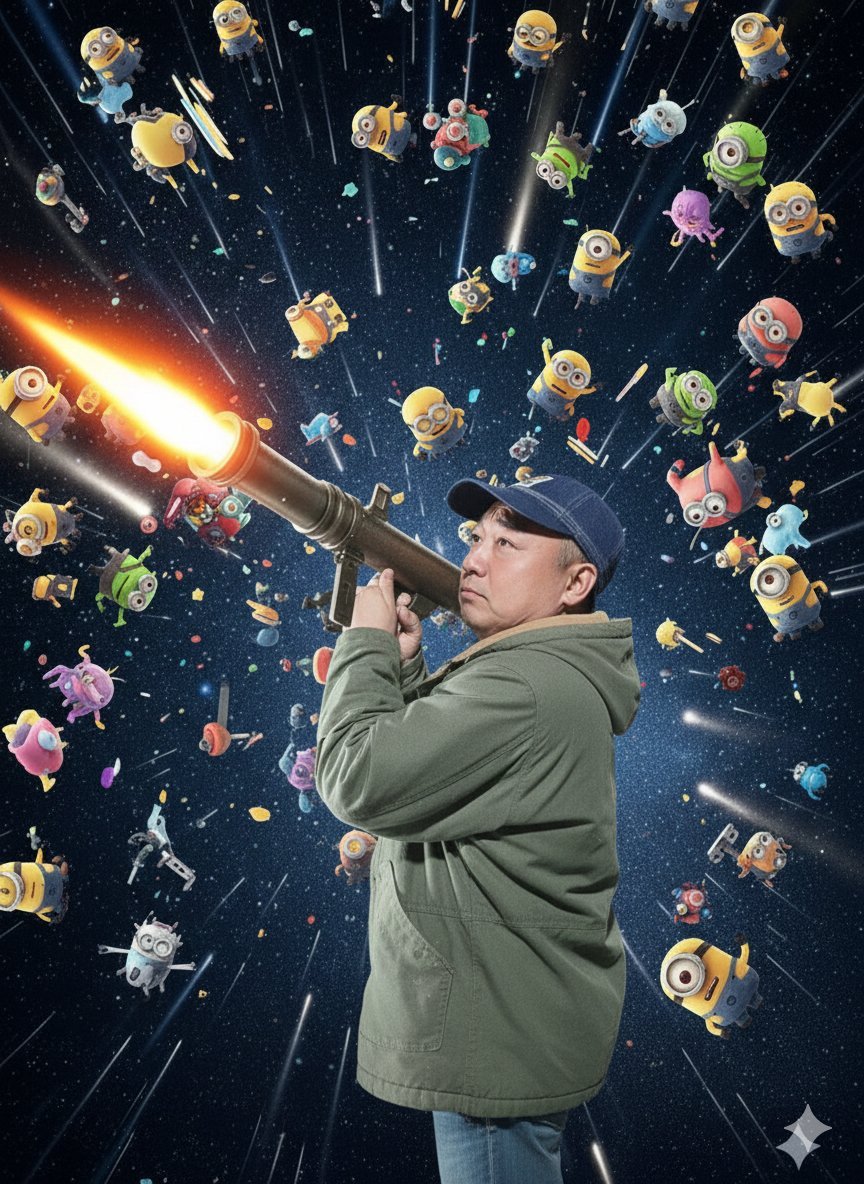
Nano Banana Pro Rocket Launcher Action Prompt
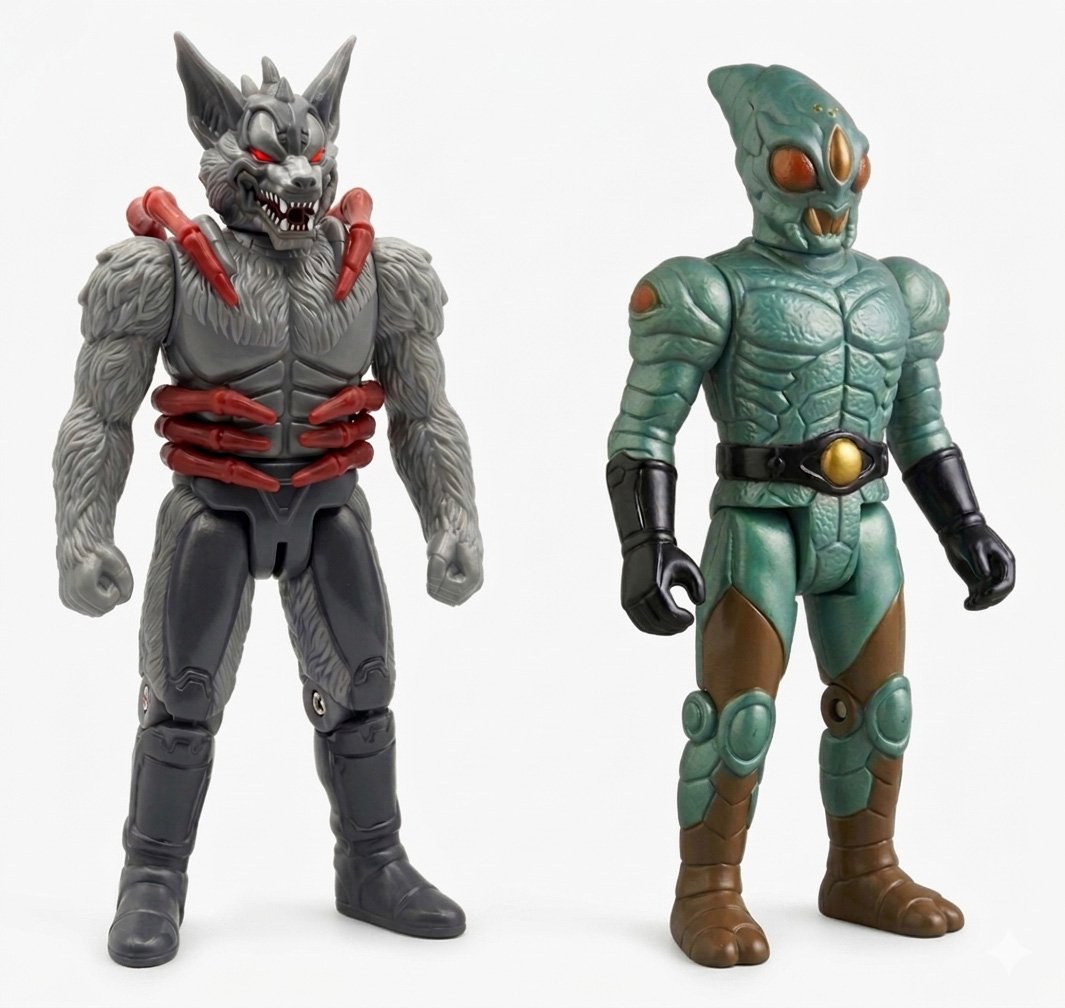
Retro 80s Action Figure Aesthetic

Venom SpongeBob Hyperreal Cinematic Mix

Hero Portrait Comic Multi-Panel Poster

Panning Motion Soccer Kick Poster
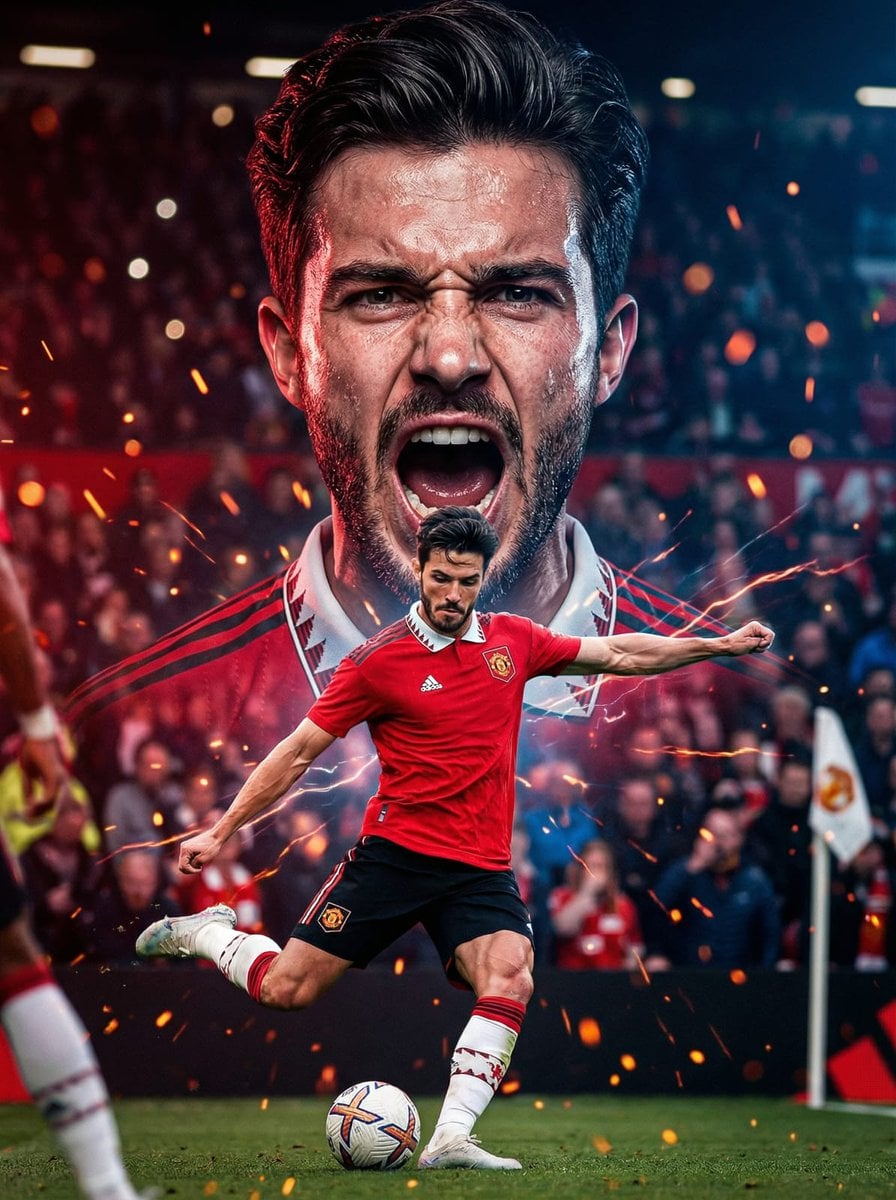
Dual Composition Hero Action Football Poster
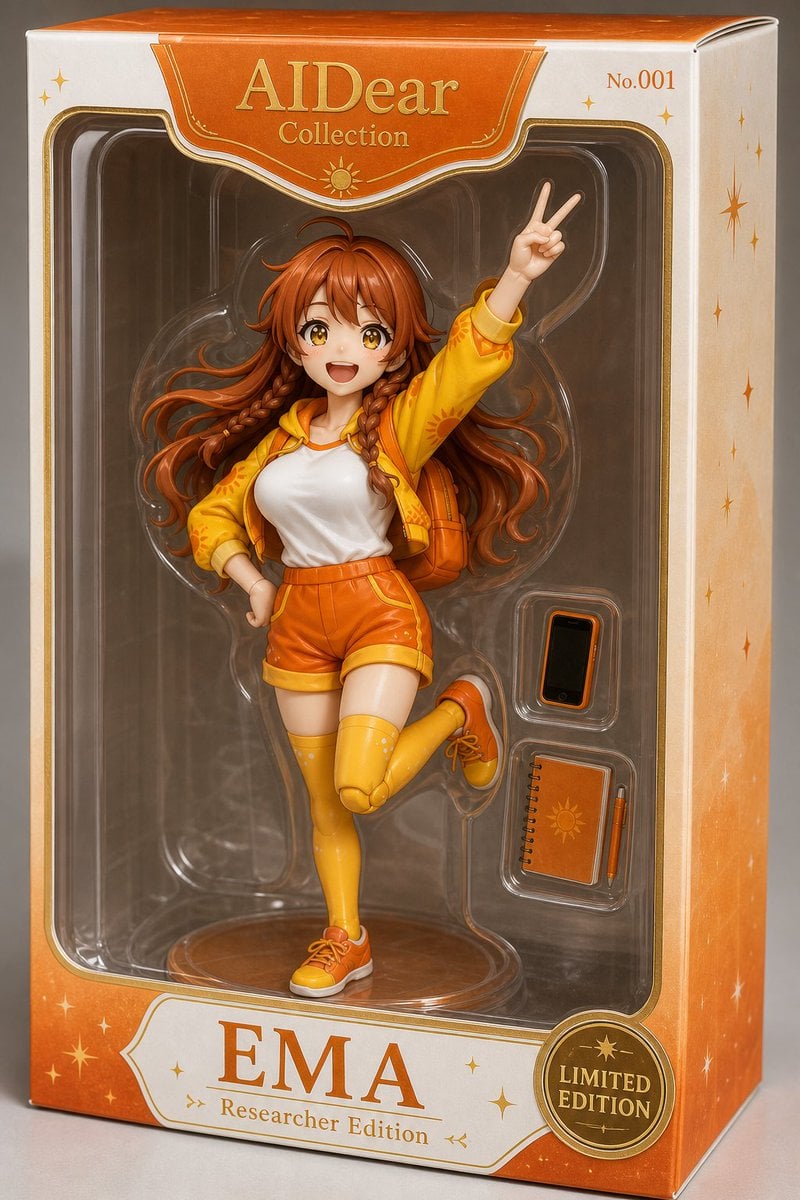
EMA Collectible Action Figure Box
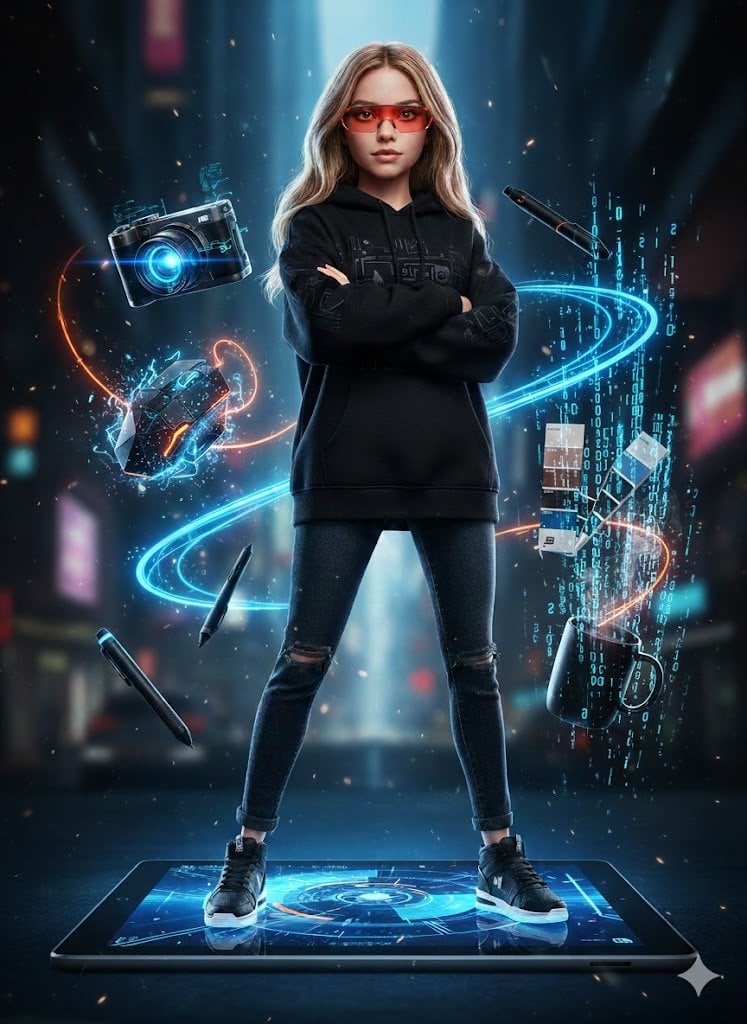
Action Figure Stylization Prompt
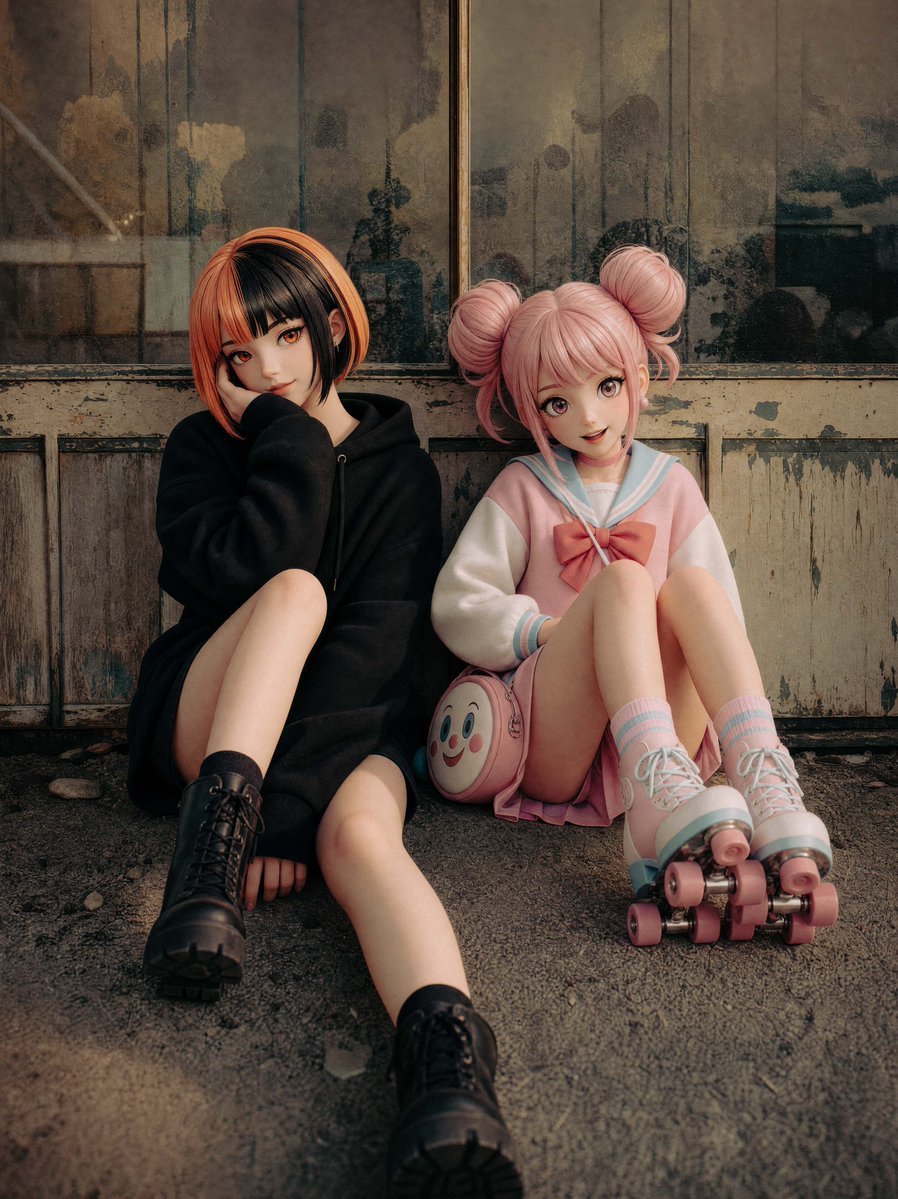
Life-Size Figure Transformation
Make it yours
Action Figure Transformation Prompt for Nano Banana Pro works as-is. These are the safest ways to change it without losing the look.
Change one field
Copy a single group, rewrite it, and generate again so you can see what that field is doing.
Keep the frame, change the subject
Hold the composition and light of Action Figure Transformation Prompt for Nano Banana Pro, then swap wardrobe, props or the person for a new take.
| If the result… | Why | Fix |
|---|---|---|
| The result drifts from the preview | Too many fields changed at once. | Reuse Action Figure Transformation Prompt for Nano Banana Pro as-is first, then change one group — subject, light, or setting. |
| The model over-stylizes the scene | The prose prompt leaves finish and camera underspecified. | Add one camera or lighting sentence and stay on Nano Banana 2. |
More Nano Banana 2 templates
Other prompts made for Nano Banana 2.

Photorealistic Leaf Shaped Like a Dragon

K-Pop Idol Portrait Grid for Rapid Selection

Poetic Rain Forest Portrait During Golden Hour

Urban Street Portrait with Cartoon Inner Self Duo

Candid Nighttime Photo with Cat Prompt

High-Concept 3D Diorama Generation Prompt

Cinematic Futuristic Studio Portrait Template

Skincare Editorial Photography Collage Prompt

Hyper-Realistic Commercial Product Photography (Splash Effect)

Hyper-Realistic Nightclub Portrait Prompt
More image prompts
Fresh picks from across the catalog.
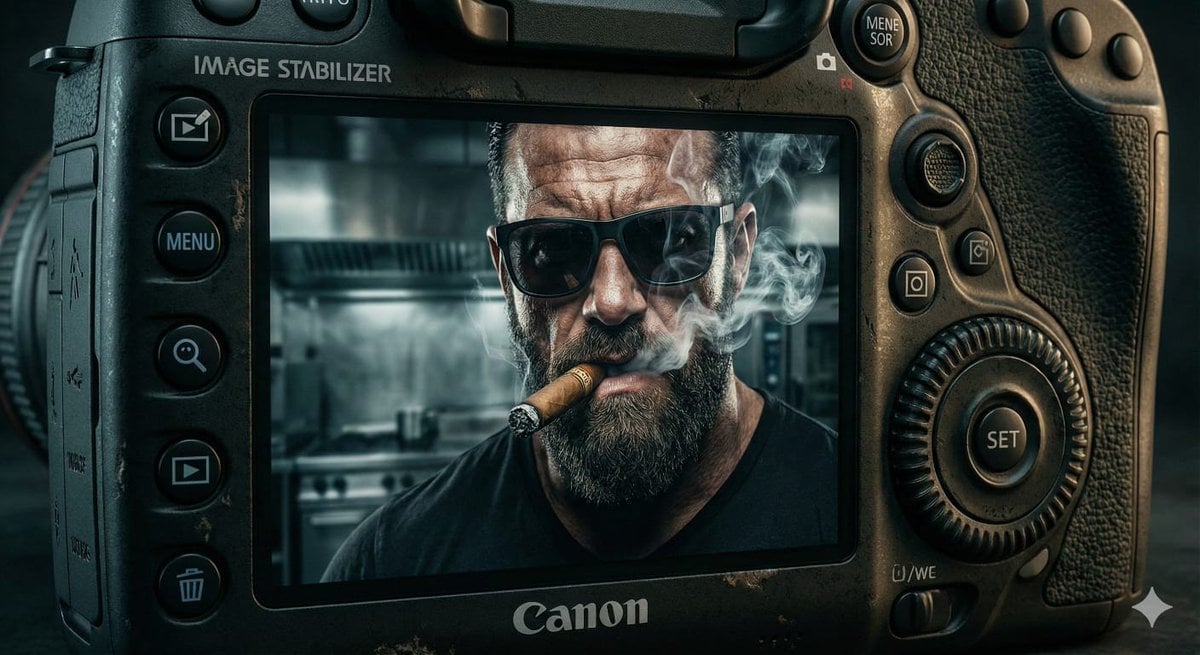
Digital Camera Screen Portrait
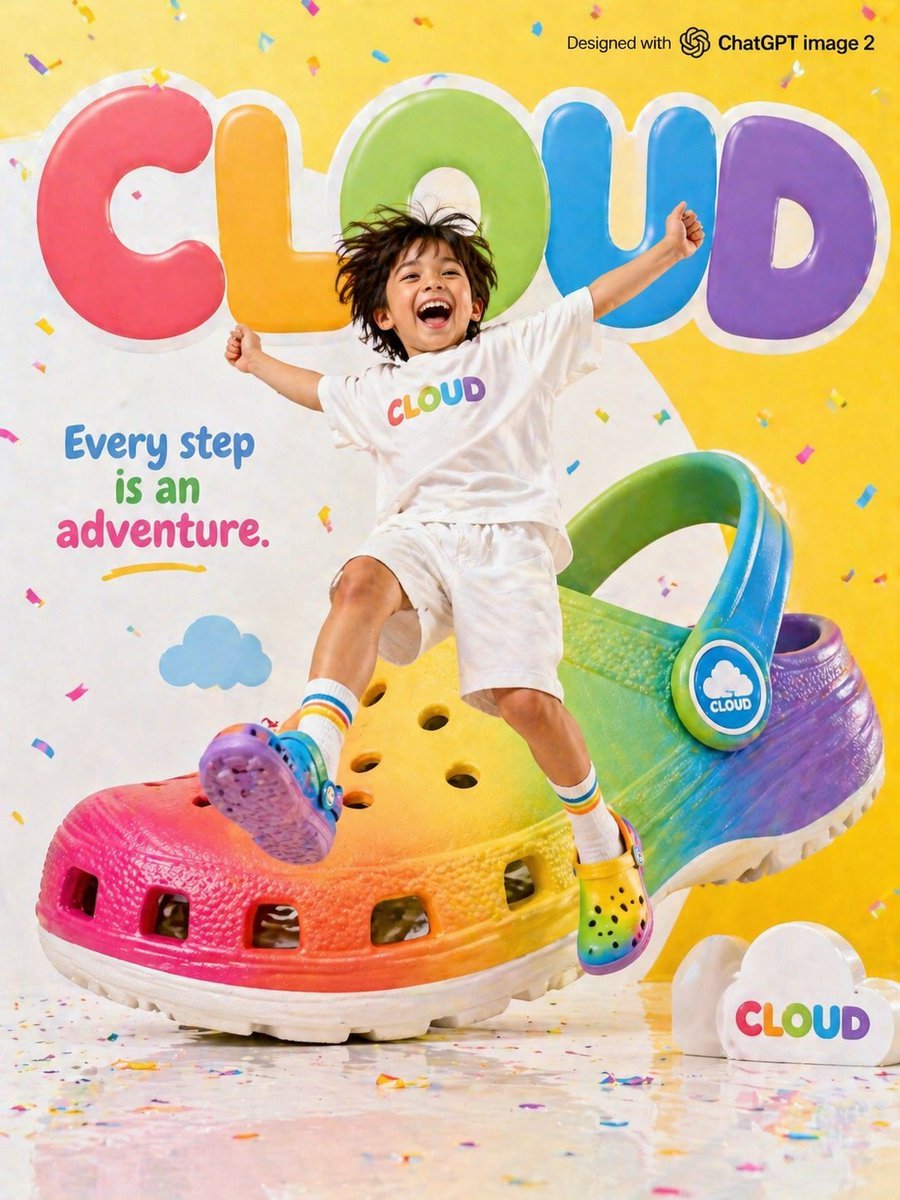
Children's Shoe Brand Advertisement
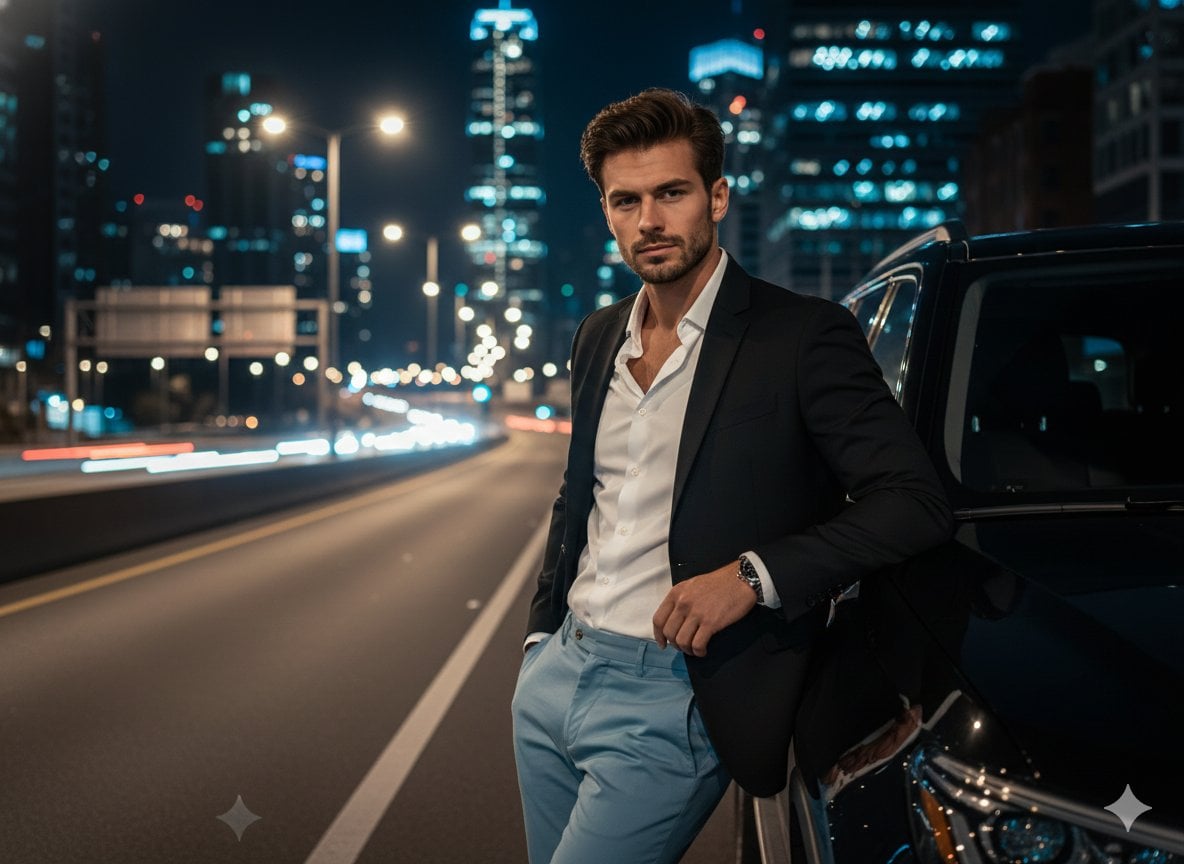
Cinematic Night Urban Portrait with Luxury SUV
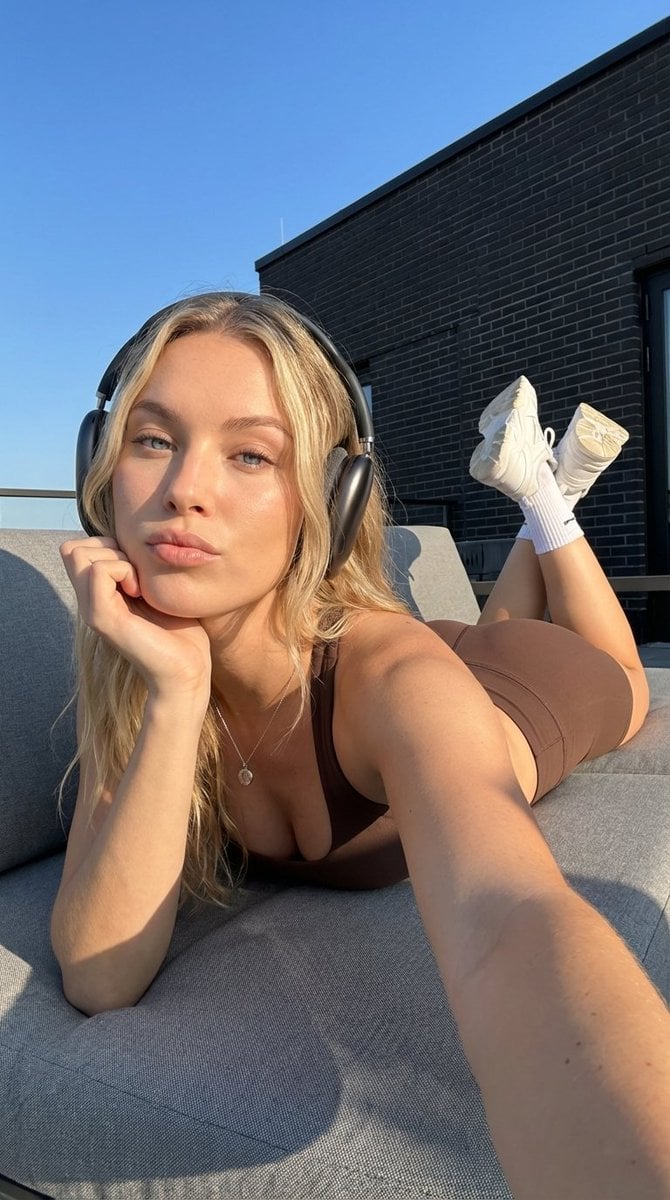
Rooftop Athletic Lifestyle Portrait Prompt
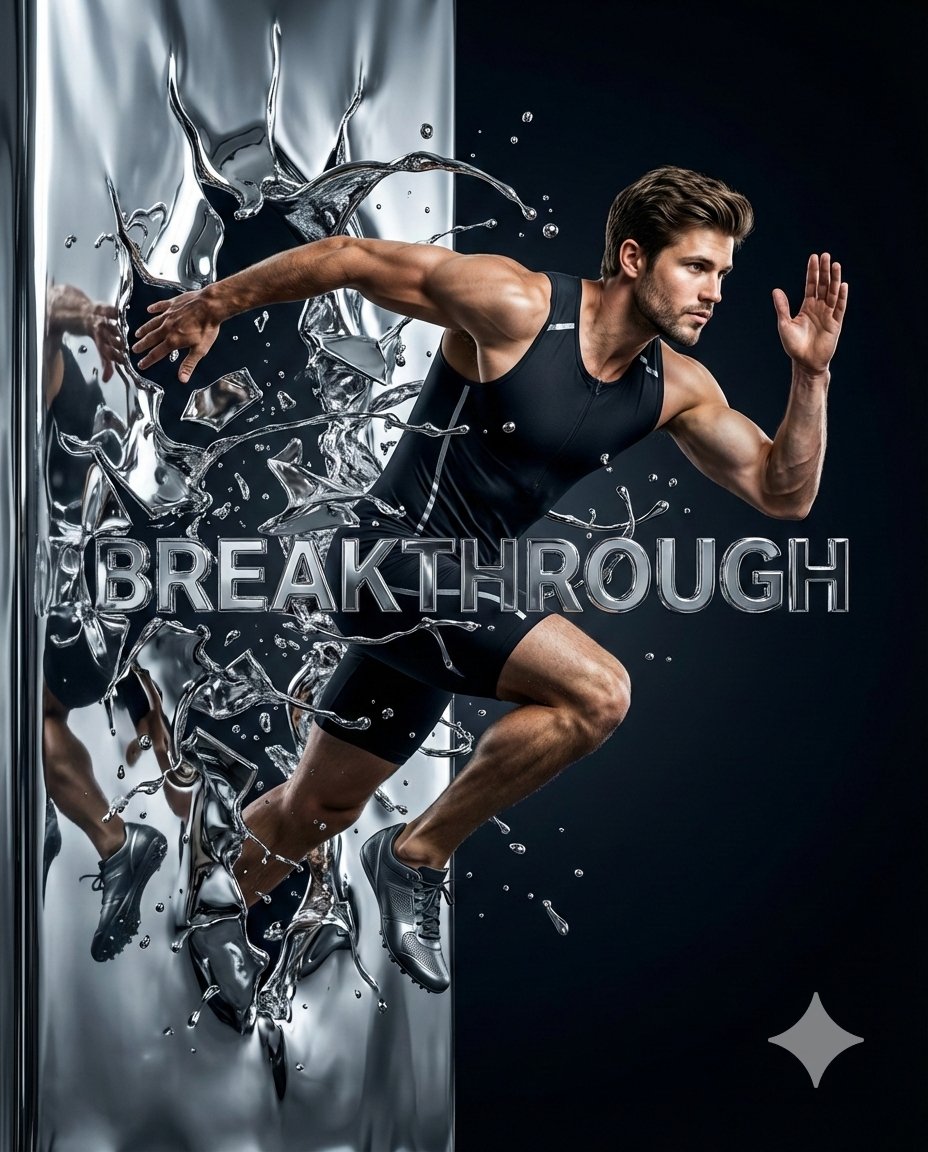
Hyper-Realistic Chrome Wall Breakthrough Prompt
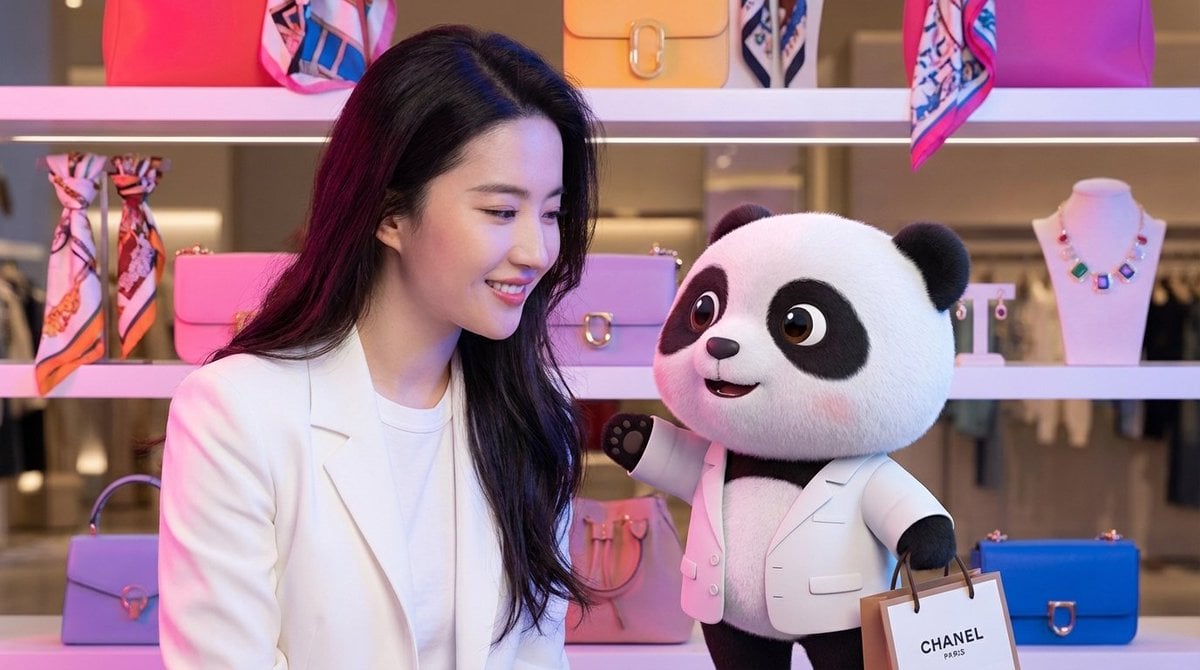
Nano Banana Pro Prompt for 3D Mascot and Fashion Model Interaction
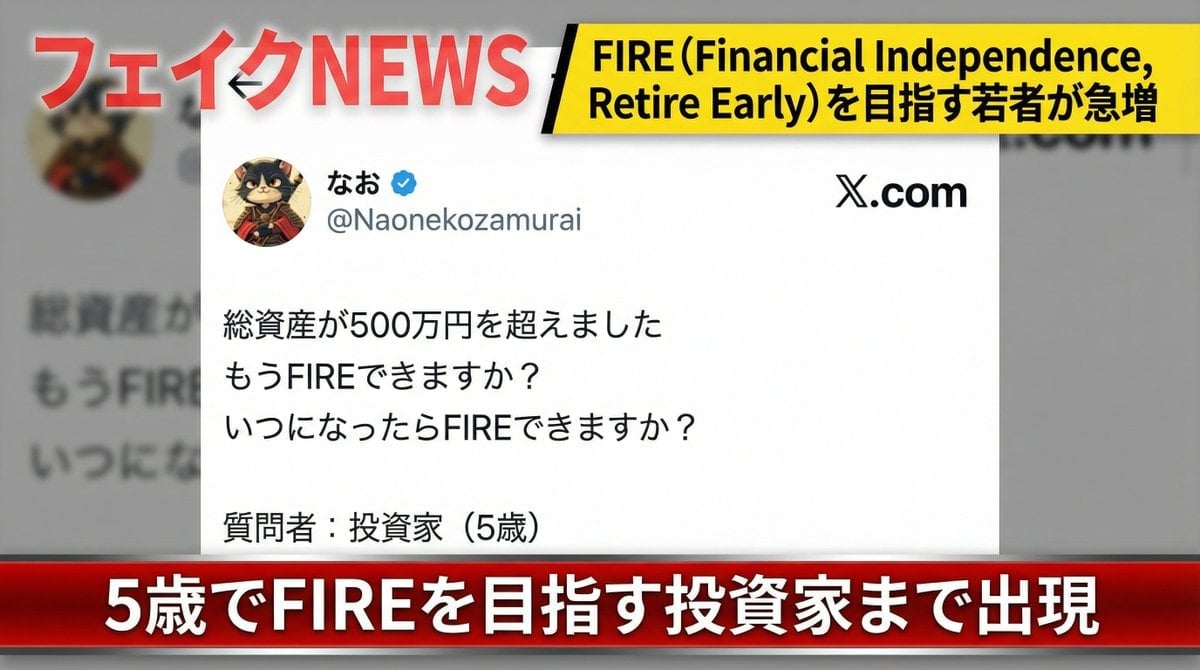
Fake News Image Creation Prompt
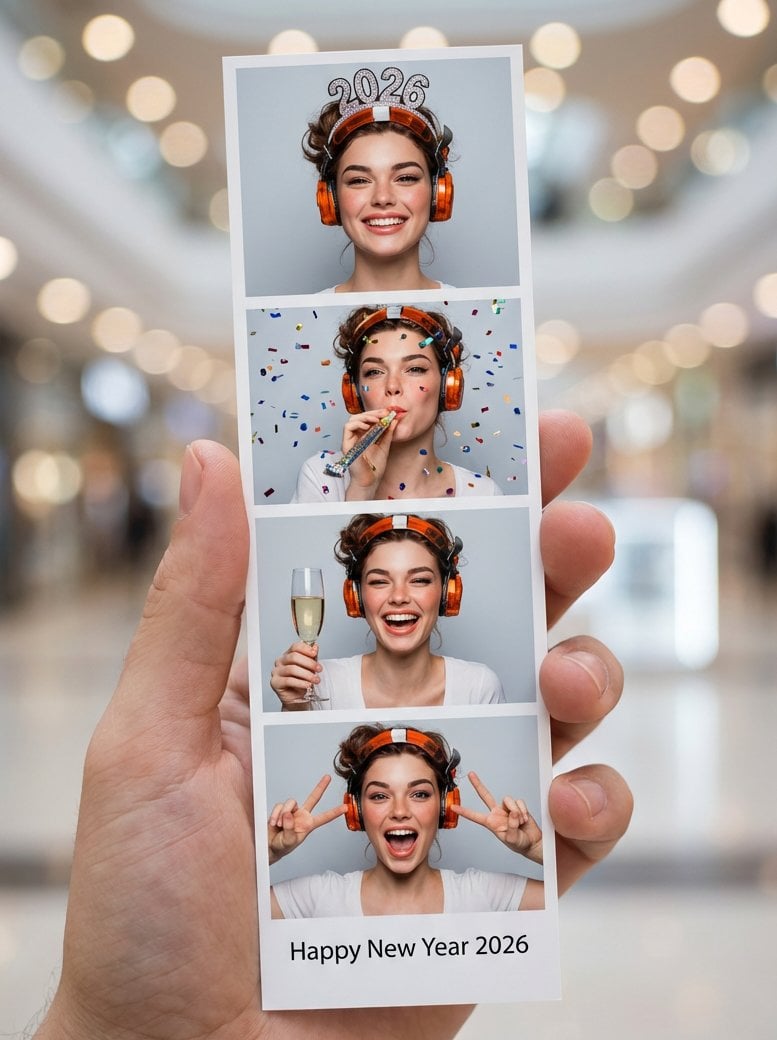
Photo-Booth Print Strip with Identity Lock
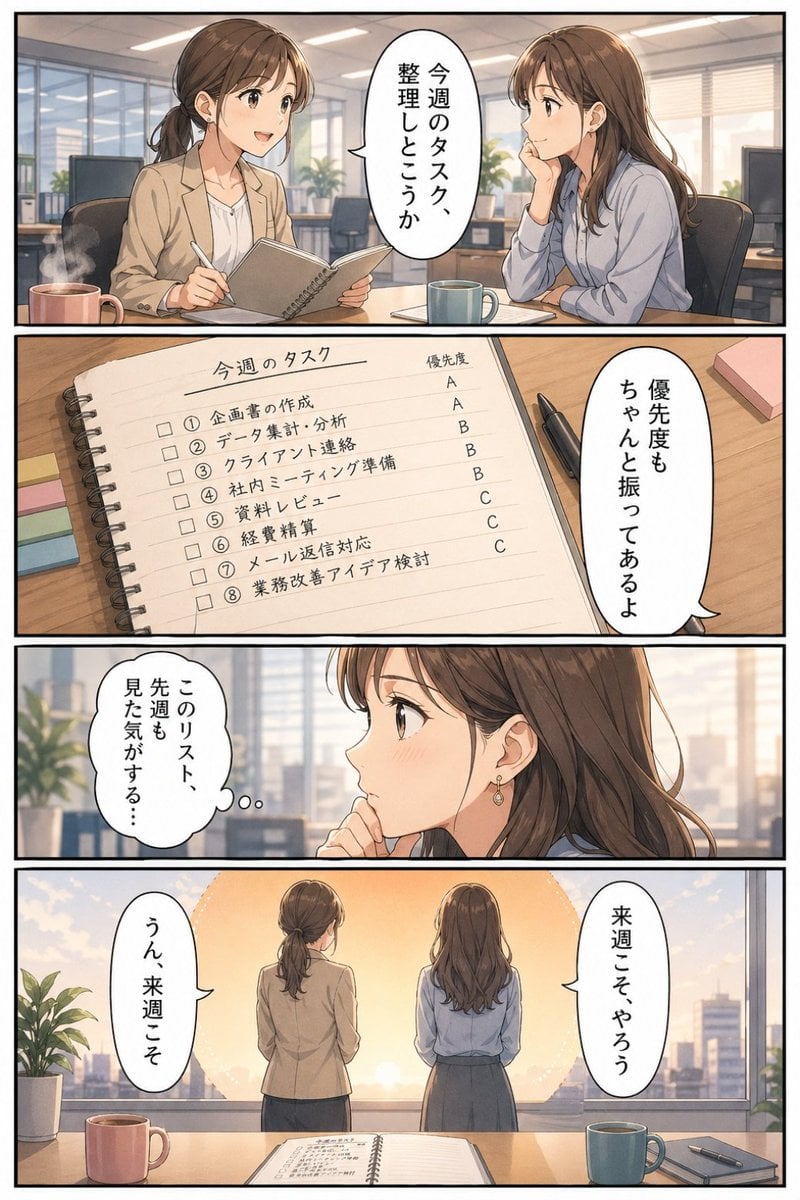
Business Office Manga Task Comic
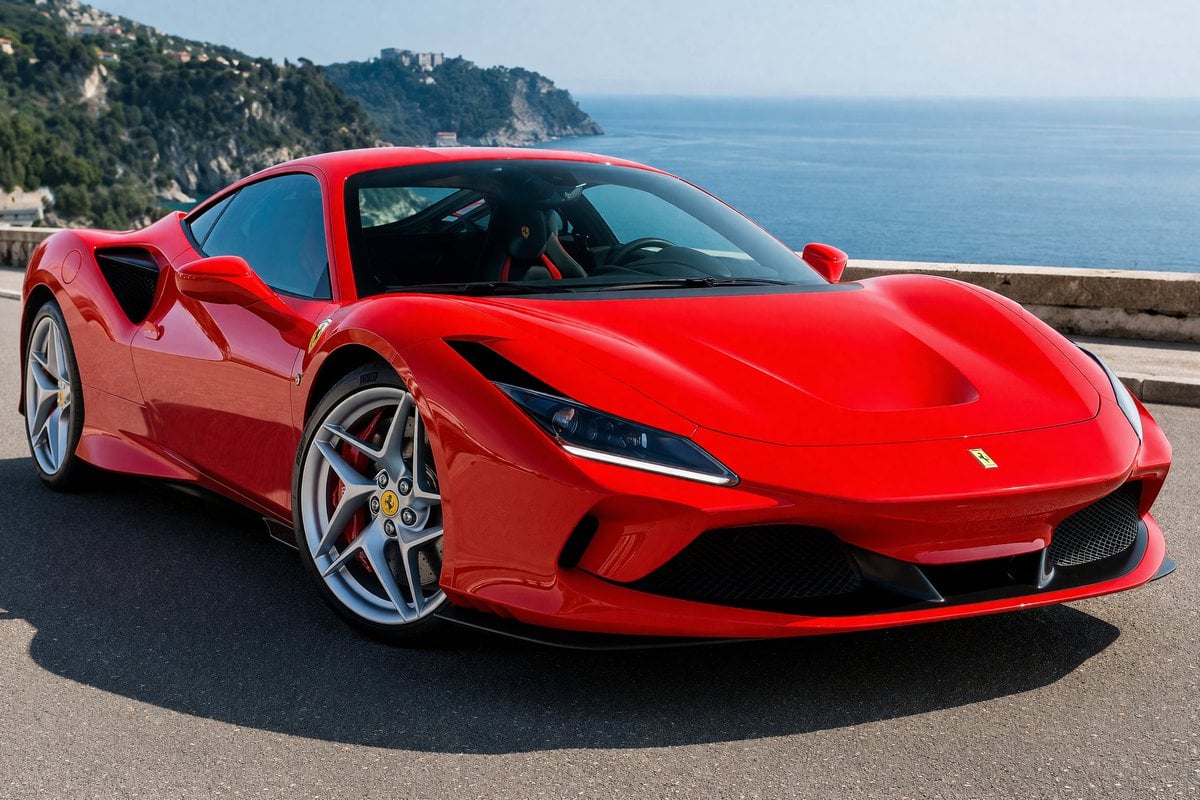
Photorealistic Coastal Sports Car Photography
Browse template categories
Action Figure Transformation Prompt for Nano Banana Pro questions
How do I use the Action Figure Transformation Prompt for Nano Banana Pro template?
Add your photo if the template asks for one, edit the prompt if you like — the template's model and format are already selected — and press Generate. Your version opens in PicX Studio.
Can I customize the Action Figure Transformation Prompt for Nano Banana Pro template?
Yes. You can change the subject, setting, lighting, mood, format, and available model controls before creating your image.
Is the Action Figure Transformation Prompt for Nano Banana Pro template free?
Opening and editing this template is free. Generating uses credits, shown on the Generate button when you are signed in.
Which AI model should I use?
Start with Nano Banana 2, which is the model associated with this template. You can compare another compatible model for a different finish.
Looking for something else? Browse all templates.

Your photo, any look
Thousands of ready templates for every top image and video model, from one credit balance.