
Snowy Station Visual Novel Scene
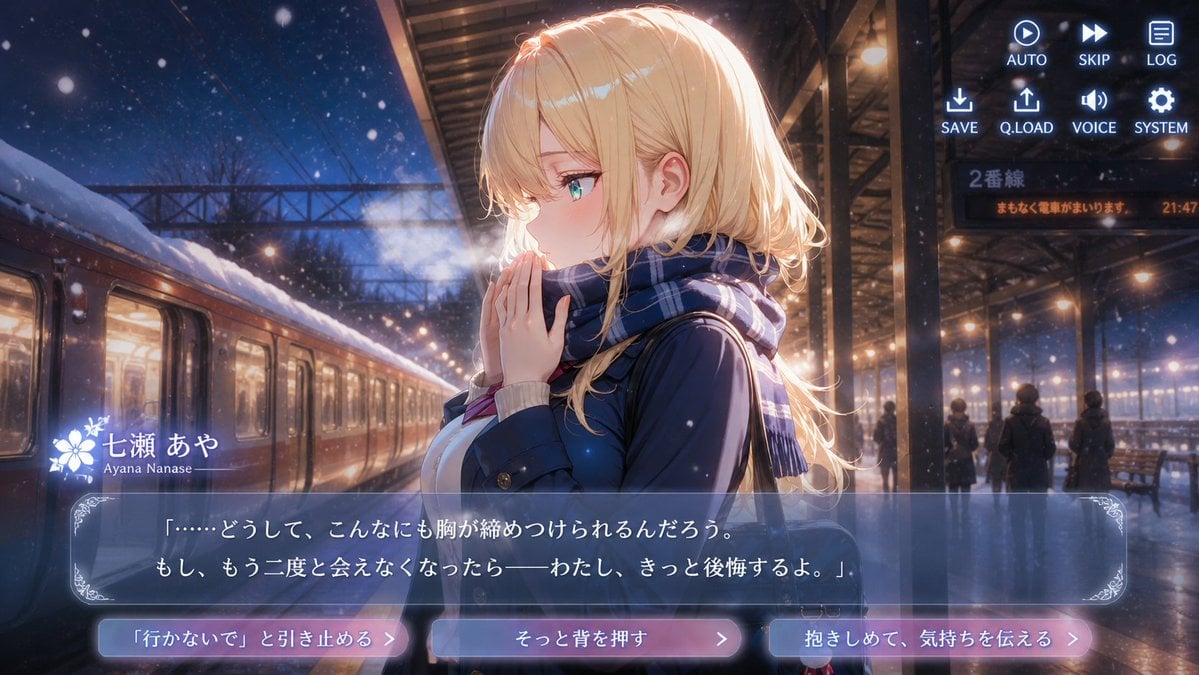
Generates a cinematic anime dating-sim screenshot of a blonde girl at a snowy train station with dialogue UI and three emotional choice buttons.
- Prompt included
- Model and format preset
- Free template
The prompt behind this image
Copy the exact prompt behind Snowy Station Visual Novel Scene, or open it in the studio and make it yours.
- Type
- cinematic anime visual novel screenshot
- Aspect Ratio
- 16:9 widescreen
- Setting › Location
- snowy railway station platform at night
- Setting › Atmosphere
- romantic, melancholic winter evening, falling snow, visible breath mist, warm station lights contrasting with deep blue night sky
- Setting › Background Details
- a train stopped on the left with glowing windows and snow on the roof, overhead steel canopy and power lines, distant silhouetted passengers, benches, wet reflective platform, illuminated sign reading 2番線 and an orange notice reading まもなく電車がまいります。 21:47
- Main Character › Name
- {argument name="character name" default="七瀬 あや"}
- Main Character › Romanized Name
- Ayana Nanase
- Main Character › Position
- center-right foreground, side profile facing left
- Main Character › Appearance
- beautiful anime girl with fair skin, turquoise eyes, soft blush, delicate features
- Main Character › Hair
- {argument name="hair color" default="long wavy blonde hair with side-swept bangs and glowing rim light"}
- Main Character › Outfit
- {argument name="outfit" default="navy winter school-style coat over a light sweater, blue plaid scarf wrapped around her neck"}
- Main Character › Pose Expression
- hands clasped near her mouth as if warming them or hesitating, pensive and vulnerable expression, breath visible in the cold air
- Visual Style
- high-detail Japanese anime key visual, premium dating-sim visual novel CG, soft bloom, cinematic lighting, shallow depth of field, sparkling snow particles, glossy reflections, polished game UI overlay
- Layout › Ui Overlay › Count
- 4
- Layout › Ui Overlay › Components › 0 › Component
- top-right command menu
- Layout › Ui Overlay › Components › 0 › Position
- upper right
- Layout › Ui Overlay › Components › 0 › Count
- 8
- Layout › Ui Overlay › Components › 0 › Labels
- AUTO, SKIP, LOG, SAVE, Q.LOAD, VOICE, SYSTEM, icons for play, fast-forward, document, download, upload, speaker, gear
- Layout › Ui Overlay › Components › 1 › Component
- character nameplate
- Layout › Ui Overlay › Components › 1 › Position
- lower left above dialogue box
- Layout › Ui Overlay › Components › 1 › Count
- 2
- Layout › Ui Overlay › Components › 1 › Labels
- 七瀬 あや, Ayana Nanase
- Layout › Ui Overlay › Components › 1 › Decoration
- white floral emblem beside the name
- Layout › Ui Overlay › Components › 2 › Component
- dialogue box
Raw JSON
{"type":"cinematic anime visual novel screenshot","aspect_ratio":"16:9 widescreen","setting":{"location":"snowy railway station platform at night","atmosphere":"romantic, melancholic winter evening, falling snow, visible breath mist, warm station lights contrasting with deep blue night sky","background_details":"a train stopped on the left with glowing windows and snow on the roof, overhead steel canopy and power lines, distant silhouetted passengers, benches, wet reflective platform, illuminated sign reading 2番線 and an orange notice reading まもなく電車がまいります。 21:47"},"main_character":{"name":"{argument name=\"character name\" default=\"七瀬 あや\"}","romanized_name":"Ayana Nanase","position":"center-right foreground, side profile facing left","appearance":"beautiful anime girl with fair skin, turquoise eyes, soft blush, delicate features","hair":"{argument name=\"hair color\" default=\"long wavy blonde hair with side-swept bangs and glowing rim light\"}","outfit":"{argument name=\"outfit\" default=\"navy winter school-style coat over a light sweater, blue plaid scarf wrapped around her neck\"}","pose_expression":"hands clasped near her mouth as if warming them or hesitating, pensive and vulnerable expression, breath visible in the cold air"},"visual_style":"high-detail Japanese anime key visual, premium dating-sim visual novel CG, soft bloom, cinematic lighting, shallow depth of field, sparkling snow particles, glossy reflections, polished game UI overlay","layout":{"ui_overlay":{"count":4,"components":[{"component":"top-right command menu","position":"upper right","count":8,"labels":["AUTO","SKIP","LOG","SAVE","Q.LOAD","VOICE","SYSTEM","icons for play, fast-forward, document, download, upload, speaker, gear"]},{"component":"character nameplate","position":"lower left above dialogue box","count":2,"labels":["七瀬 あや","Ayana Nanase"],"decoration":"white floral emblem beside the name"},{"component":"dialogue box","position":"bottom third","count":1,"text":"{argument name=\"dialogue text\" default=\"「……どうして、こんなにも胸が締めつけられるんだろう。もし、もう二度と会えなくなったら——わたし、きっと後悔するよ。」\"}","appearance":"translucent blue-gray rectangular box with thin border and ornate corner filigree"},{"component":"choice buttons","position":"very bottom","count":3,"labels":["「行かないで」と引き止める","そっと背を押す","抱きしめて、気持ちを伝える"],"appearance":"three rounded glowing pink-blue gradient buttons with right arrow chevrons"}]},"composition":"character dominates the right half, train and snowy platform create strong perspective from left to background, UI remains readable without covering the face","mood":"bittersweet farewell decision scene, emotionally charged romantic tension before a train departure"},"generation_instructions":"Create a single finished screenshot, not a reference sheet. Include all visible game interface elements with crisp readable Japanese text, realistic snow and lighting, and a high-production anime visual novel aesthetic."}How to use Snowy Station Visual Novel Scene in 3 steps
- 1Upload ImagePNG, JPG or paste
Add your photo
Upload the photo the template builds on. The prompt, model and format are already set.
- 2…a portrait of your subject in softgolden-hour light, 85mm…
Personalize
Edit the subject and creative details for your destination.
- 3Generate
Generate
Press Generate — your image is created in PicX Studio, so you can compare it with the original and refine one variable at a time.
More like this
Templates with the same subject, style or setup. Open one to see its prompt.
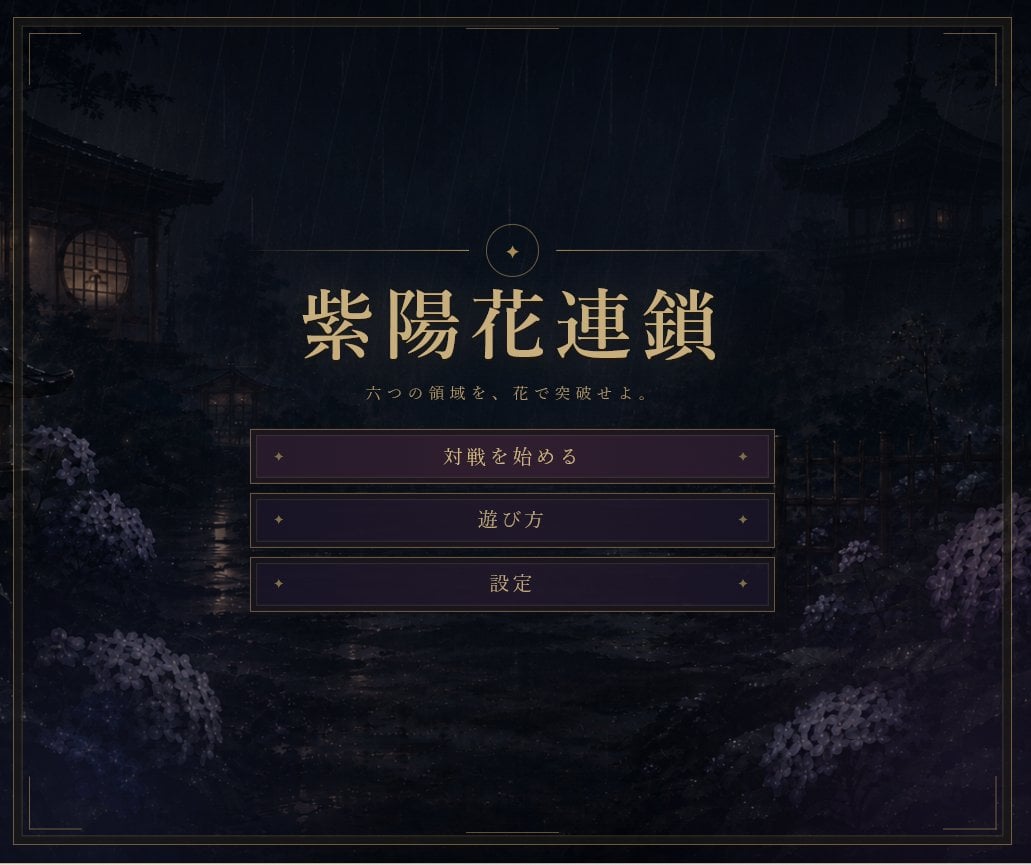
Rainy Japanese Visual Novel Title Screen
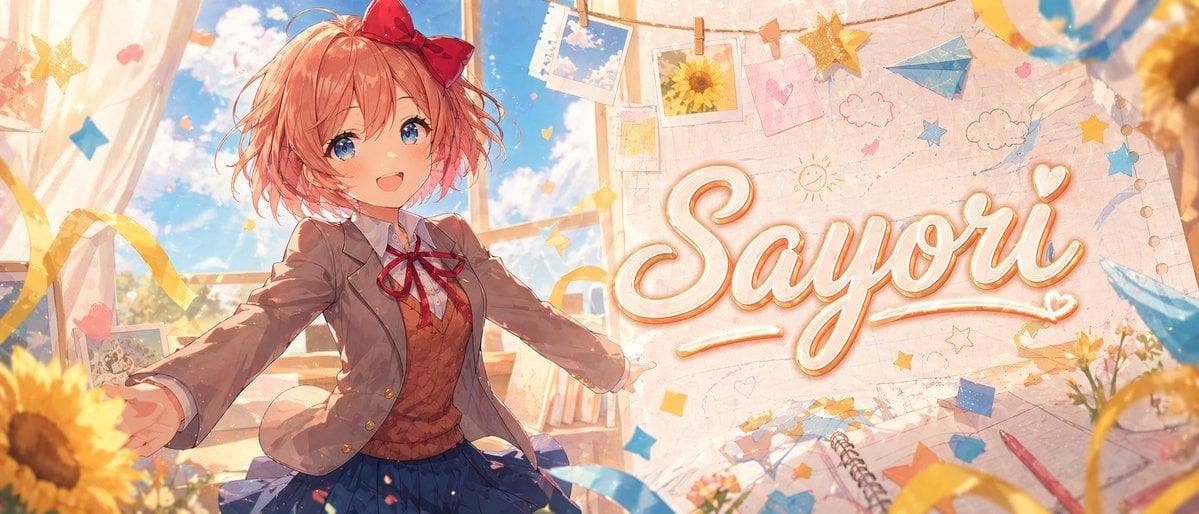
Anime Visual Novel Classroom Banner
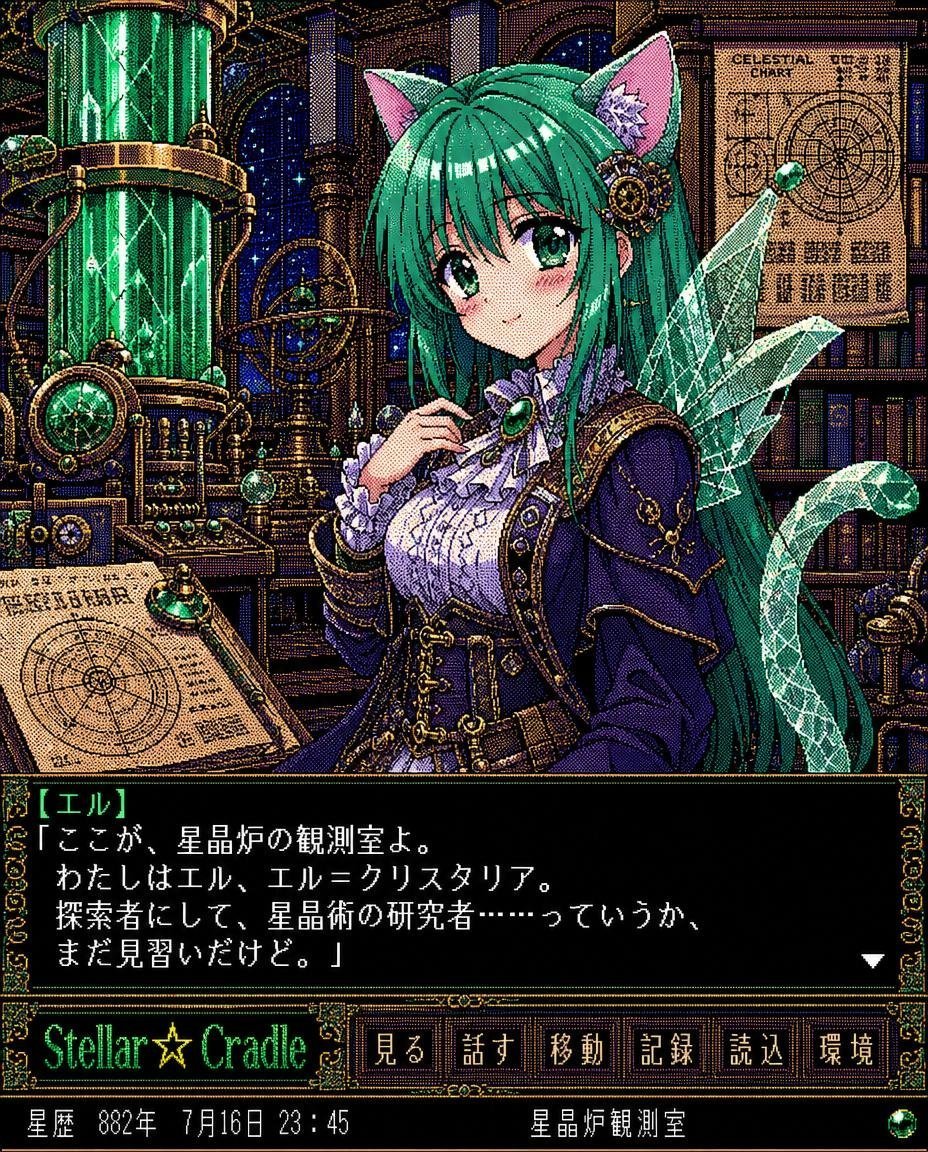
Retro Crystal Observatory Visual Novel
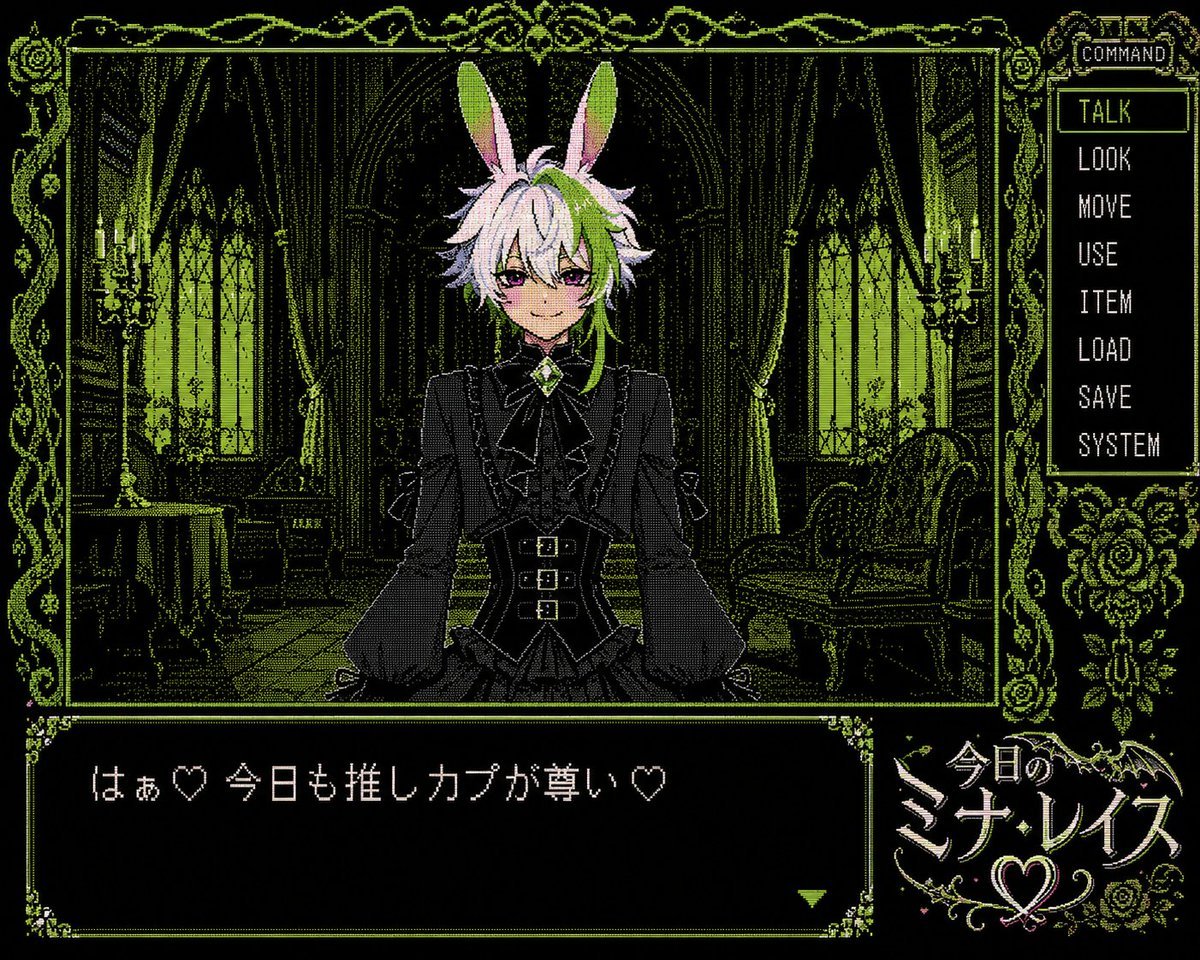
PC-98 Gothic Visual Novel UI
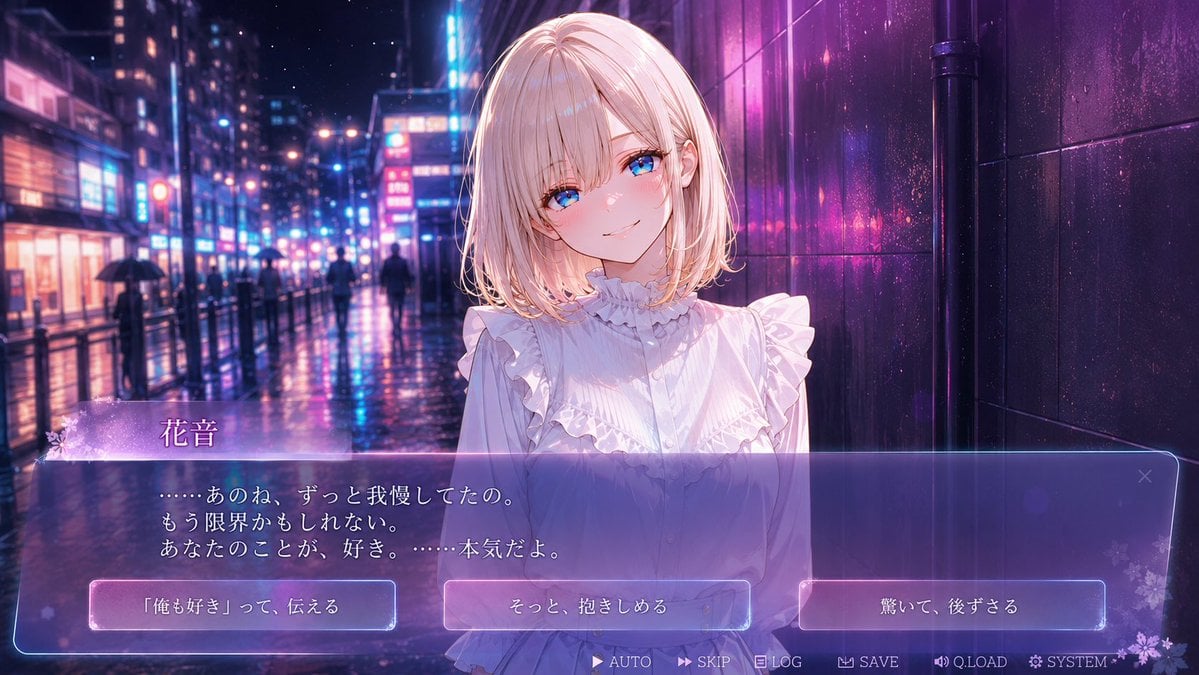
Rainy Neon Visual Novel Confession
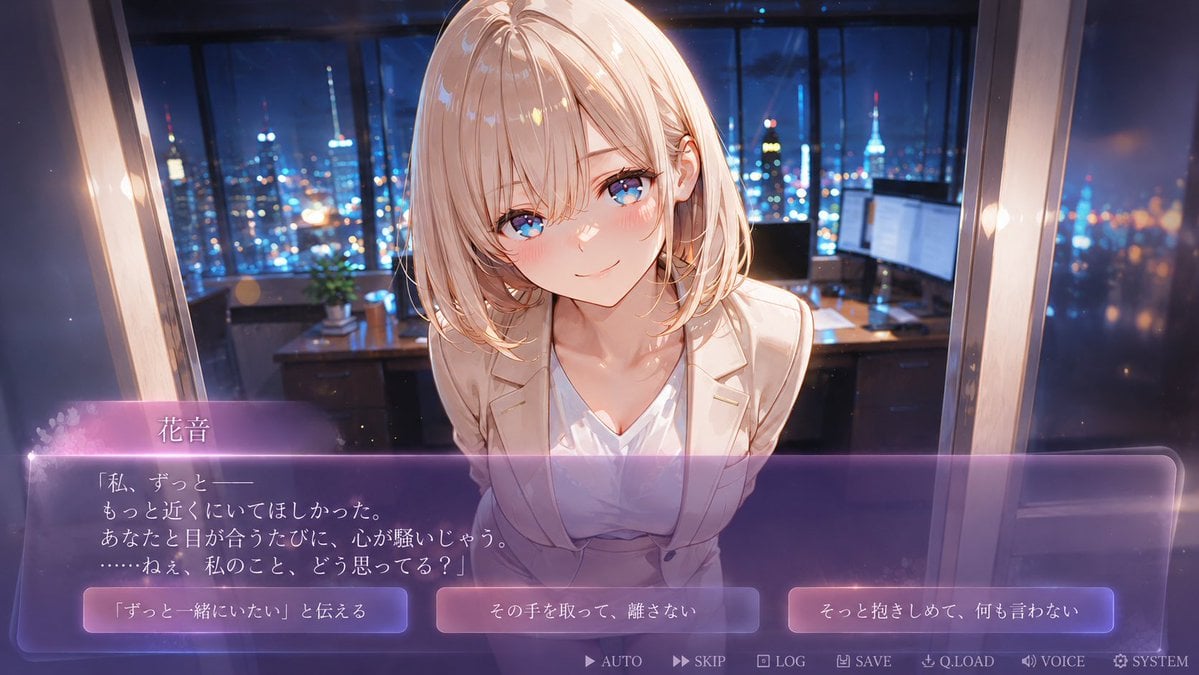
Faceless Romance Visual Novel CG
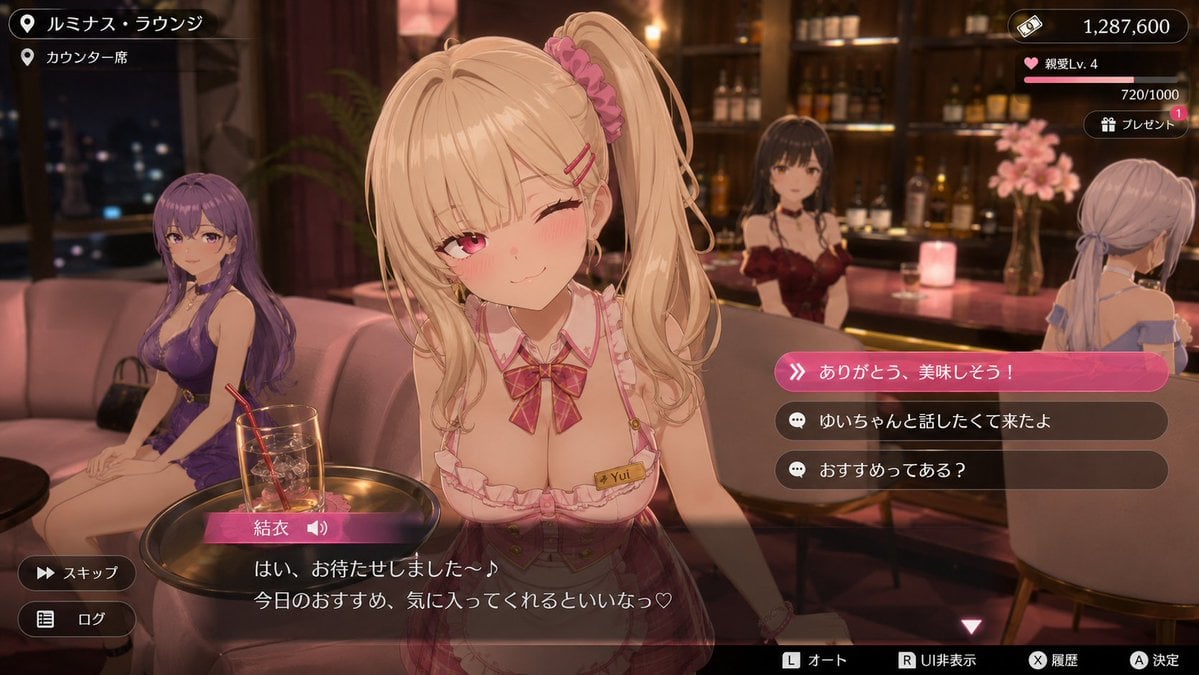
Anime Visual Novel Confession Scene
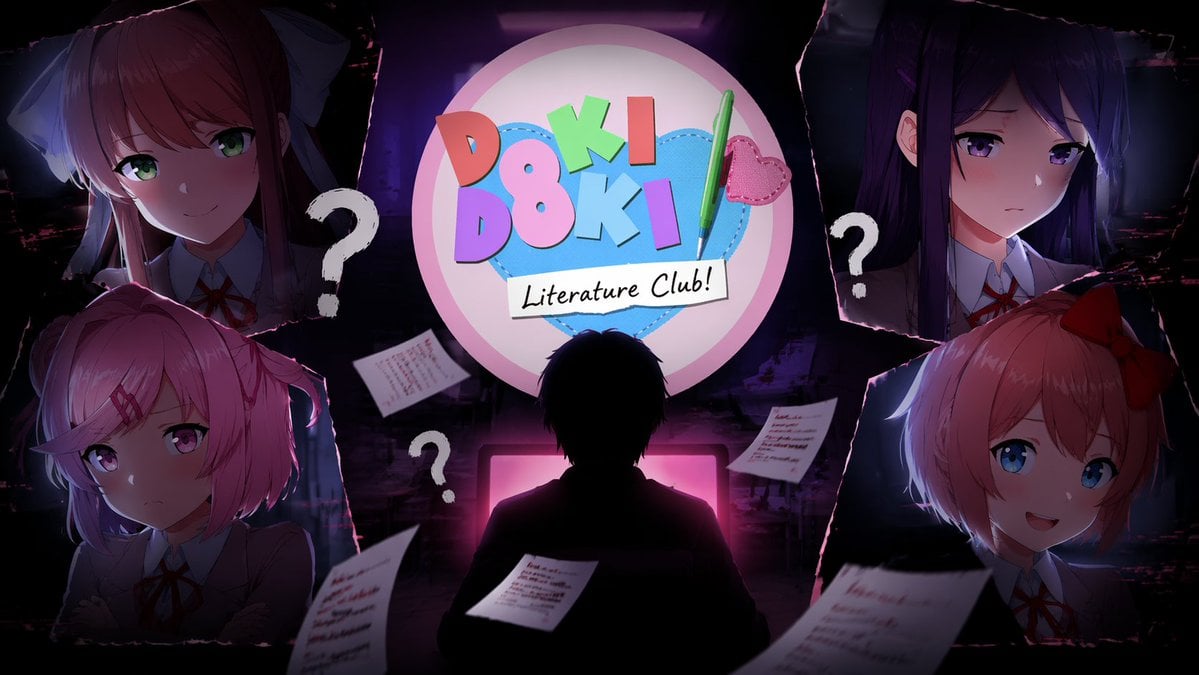
Visual Novel Composite Layout
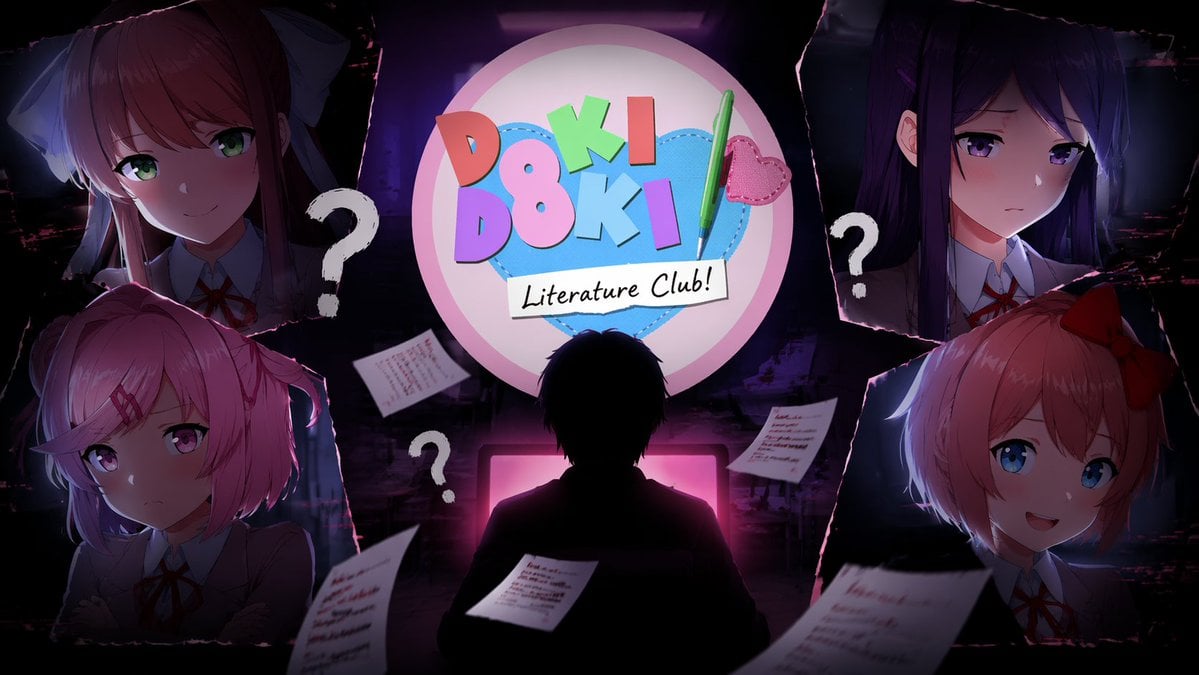
Visual Novel Psychological Horror Concept Art
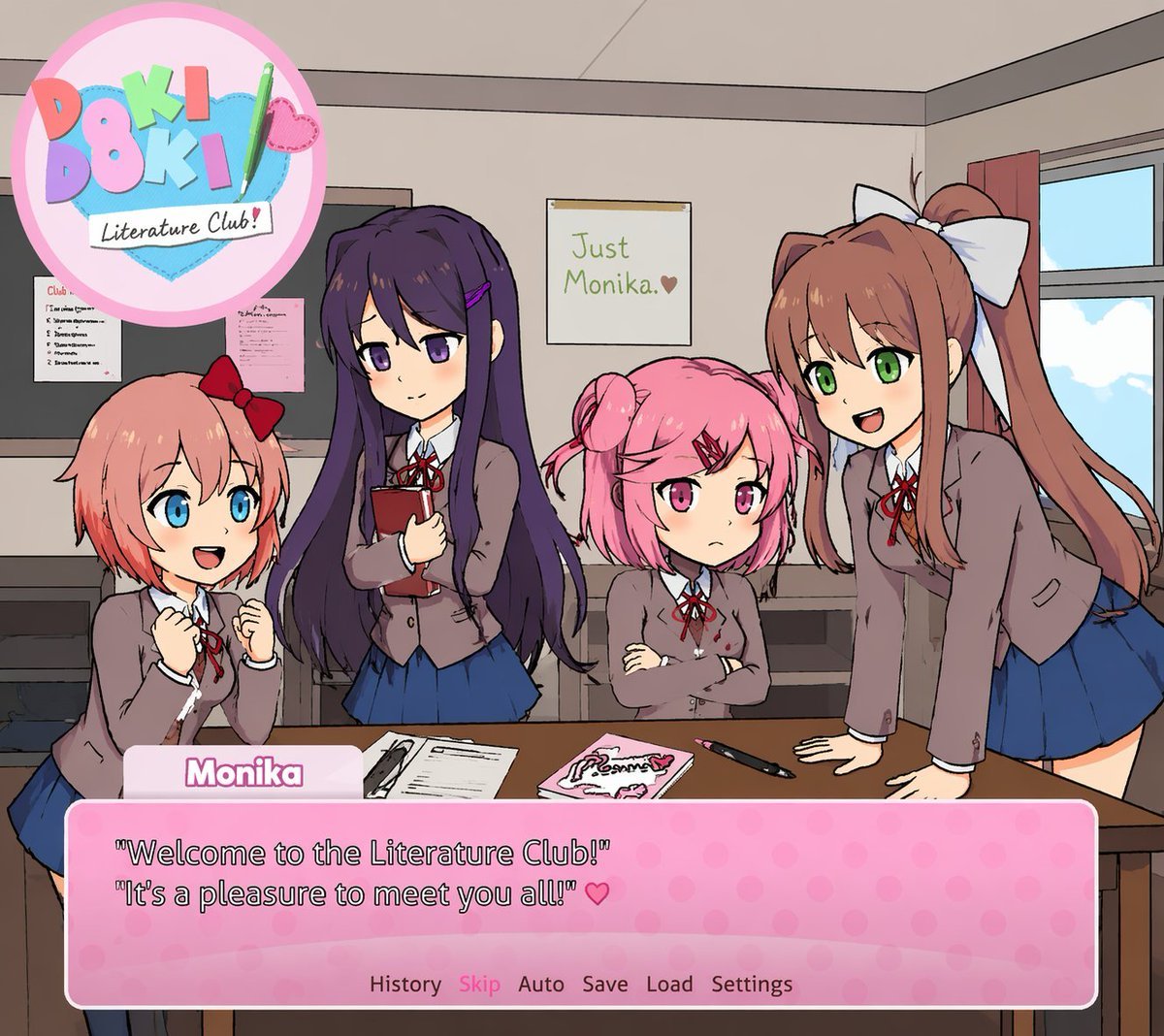
Visual Novel Screenshot Mockup
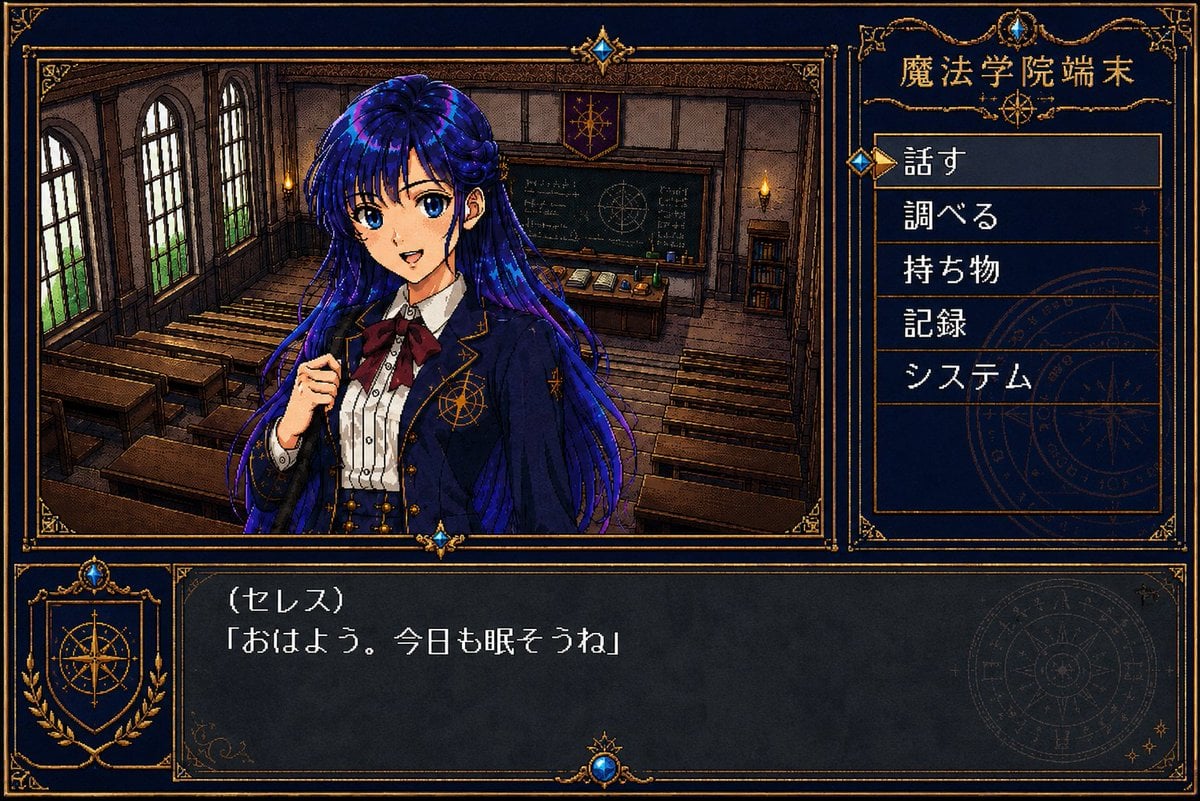
Retro Magic Academy Visual Novel UI

Anime Classroom Losing Heroines Key Visual
Make it yours
Snowy Station Visual Novel Scene works as-is. These are the safest ways to change it without losing the look.
Swap the setting
Keep the rest of the prompt and replace the location block. The current setting is “snowy railway station platform at night”.
Change one field
Copy a single group, rewrite it, and generate again so you can see what that field is doing.
Keep the frame, change the subject
Hold the composition and light of Snowy Station Visual Novel Scene, then swap wardrobe, props or the person for a new take.
| If the result… | Why | Fix |
|---|---|---|
| The result drifts from the preview | Too many fields changed at once. | Reuse Snowy Station Visual Novel Scene as-is first, then change one group — subject, light, or setting. |
| GPT Image 2 ignores part of the JSON | Some models flatten or skip nested keys. | Keep the same values and paste them as a short paragraph instead. |
More GPT Image 2 templates
Other prompts made for GPT Image 2.

Six VTuber Japanese Logo Sheet

Realistic Portrait of Woman and Deer

The Vista Modular Condo Poster

AI Model Routing Comparison Infographic

2.5D Anime Art Board

Isometric Productivity Desk Scene

New York Double Exposure Poster

Four-Panel AI Landscape Comparison

Japanese Tatami Lifestyle Magazine Cover

NESCAFÉ Coffee Map Poster
More image prompts
Fresh picks from across the catalog.
Whimsical Hand-Painted Girl with Kitten Illustration
Japanese Cinematic Couple Portrait
Sci-Fi Book Automaton Macro Product Photography Prompt
Film Noir Cleaner Portrait Prompt for Nano Banana Pro
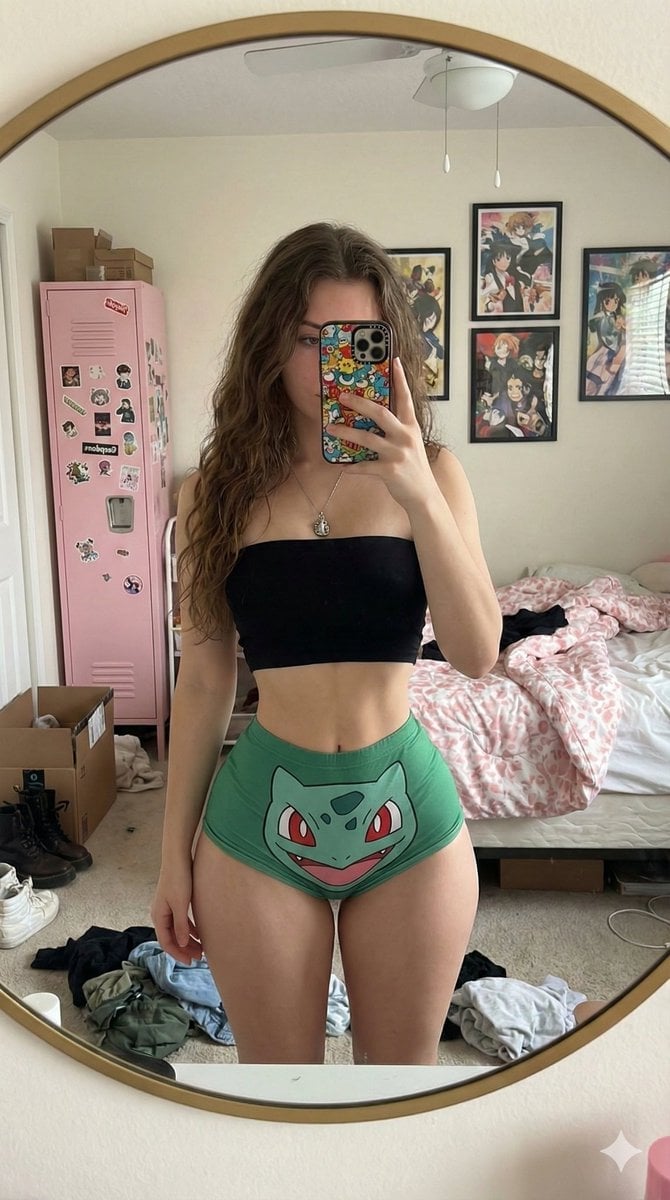
Exaggerated Hourglass Mirror Selfie Prompt
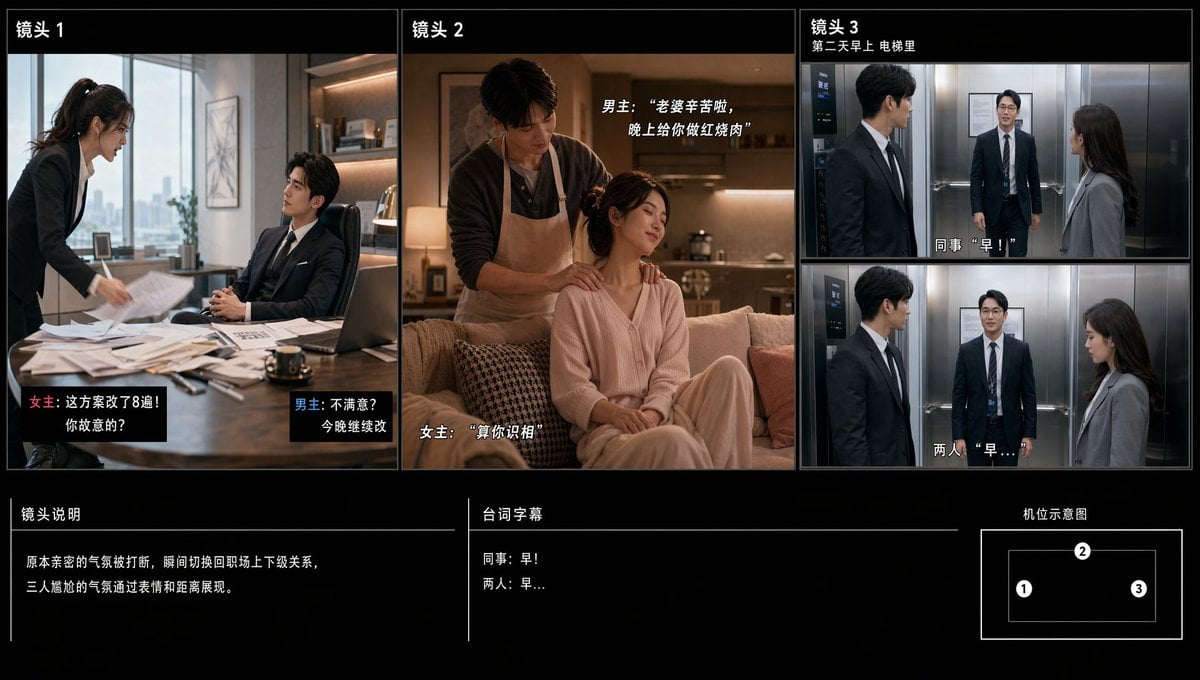
Chinese Drama Storyboard Sheet

Split Identity Vinyl Toy Engine
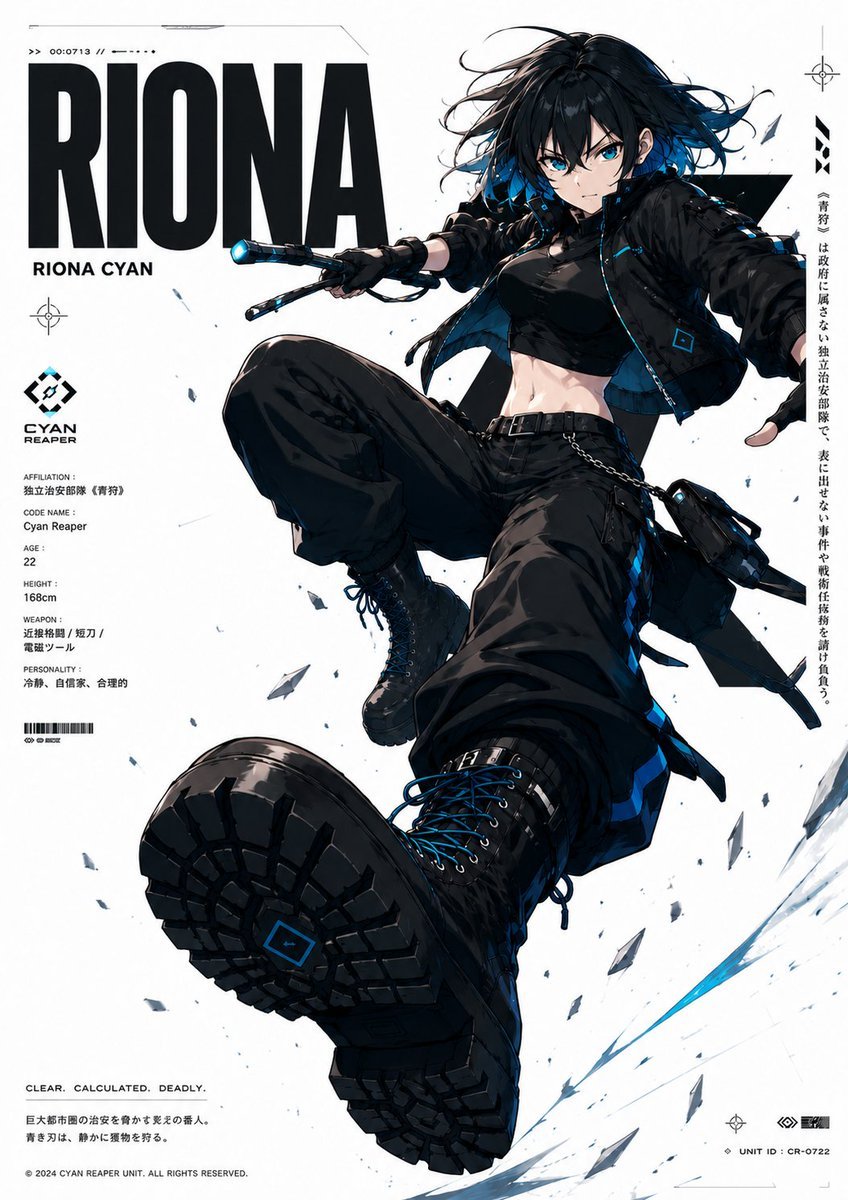
Cyberpunk Anime Character Dossier
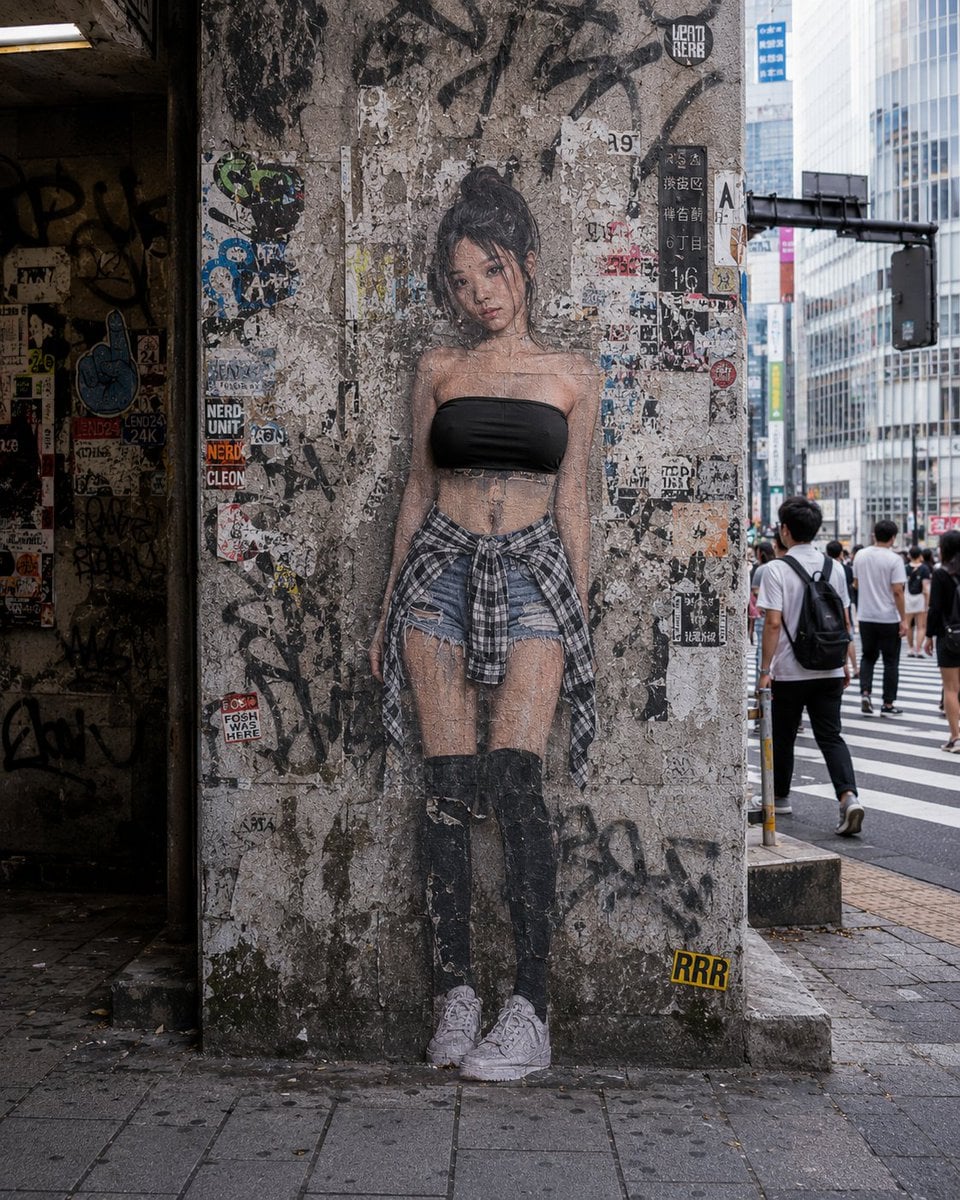
2D to 3D Surreal Street Photography
10 Modern Glass HQ Building — California Series
Browse template categories
Snowy Station Visual Novel Scene questions
How do I use the Snowy Station Visual Novel Scene template?
Add your photo if the template asks for one, edit the prompt if you like — the template's model and format are already selected — and press Generate. Your version opens in PicX Studio.
Can I customize the Snowy Station Visual Novel Scene template?
Yes. You can change the subject, setting, lighting, mood, format, and available model controls before creating your image.
Is the Snowy Station Visual Novel Scene template free?
Opening and editing this template is free. Generating uses credits, shown on the Generate button when you are signed in.
Which AI model should I use?
Start with GPT Image 2, which is the model associated with this template. You can compare another compatible model for a different finish.
Looking for something else? Browse all templates.

Your photo, any look
Thousands of ready templates for every top image and video model, from one credit balance.