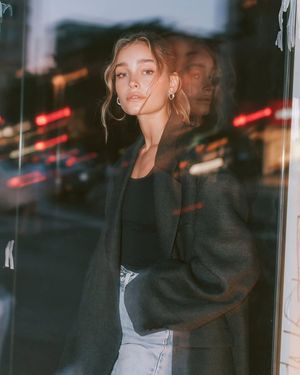
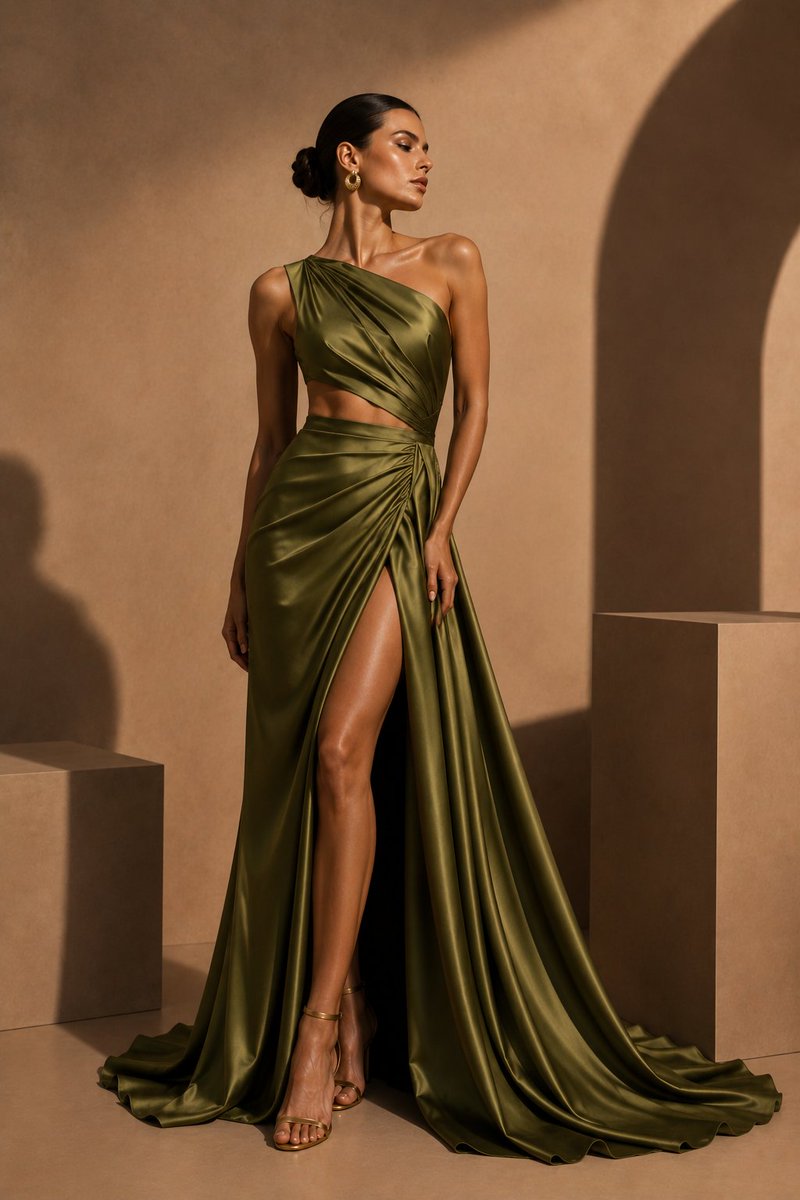
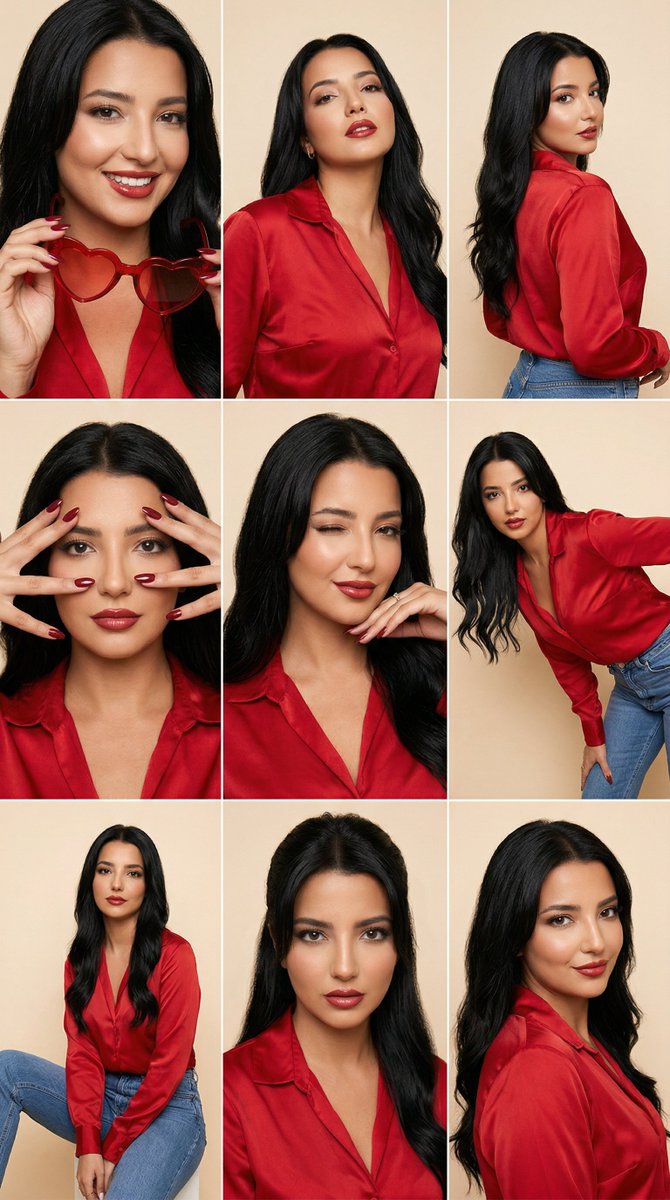
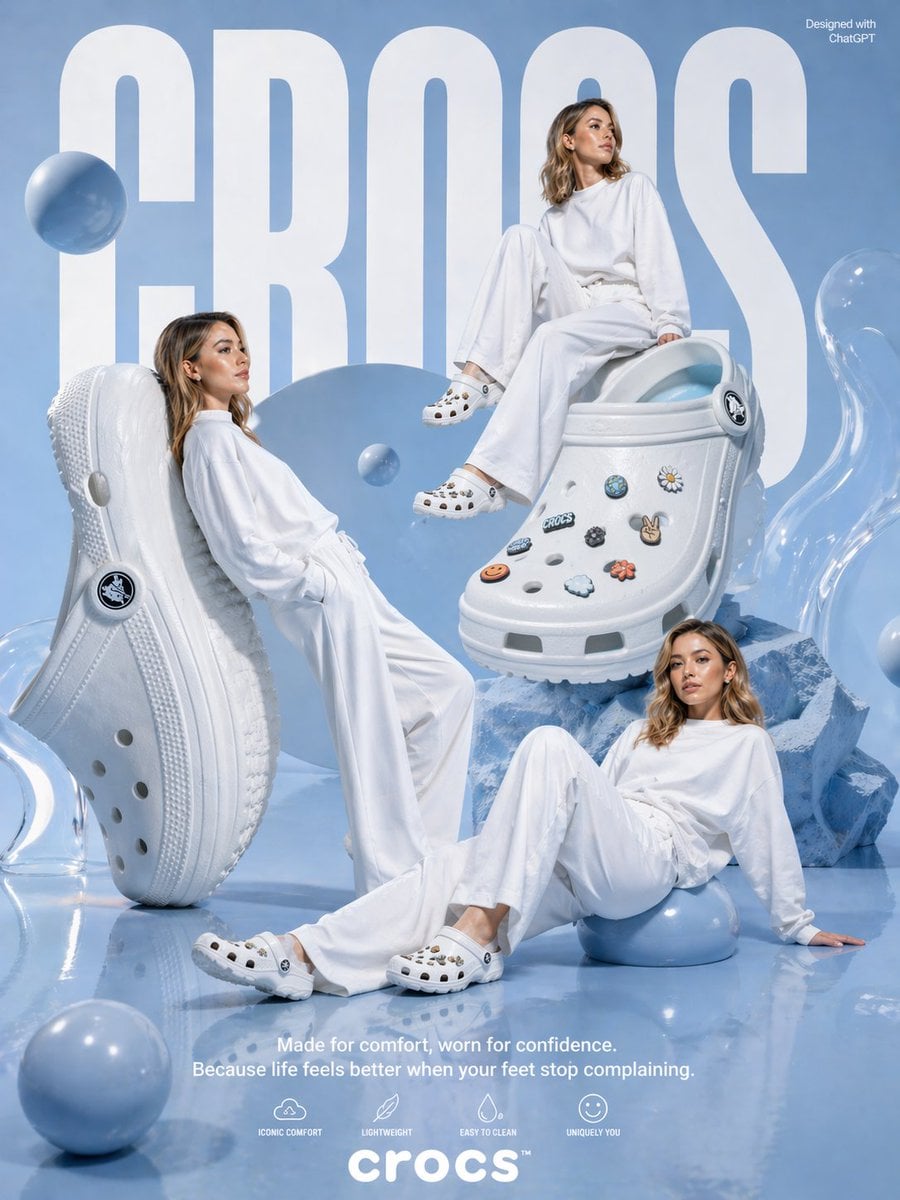
How do I use the Pastel Editorial Blue Satin Portrait template?
Choose the primary action to open PicX Studio with the available template settings. Review the model and format, personalize the creative direction, and generate when ready.
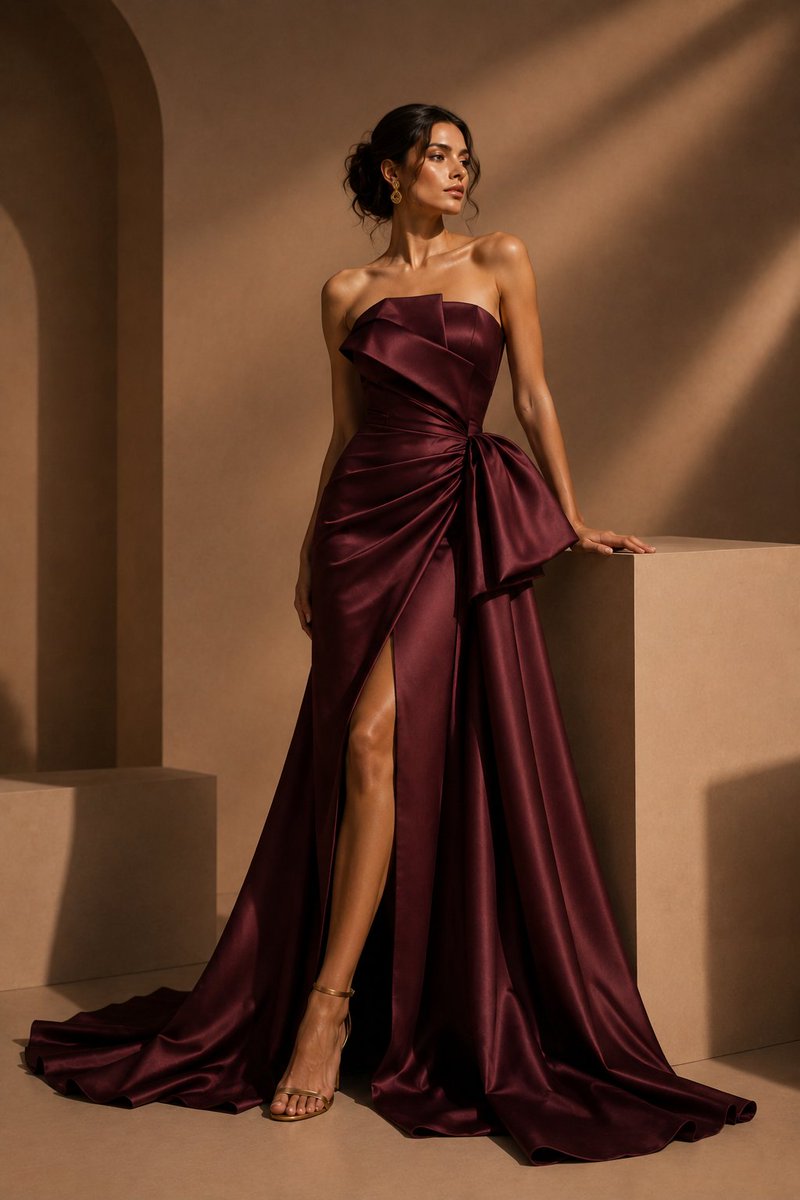
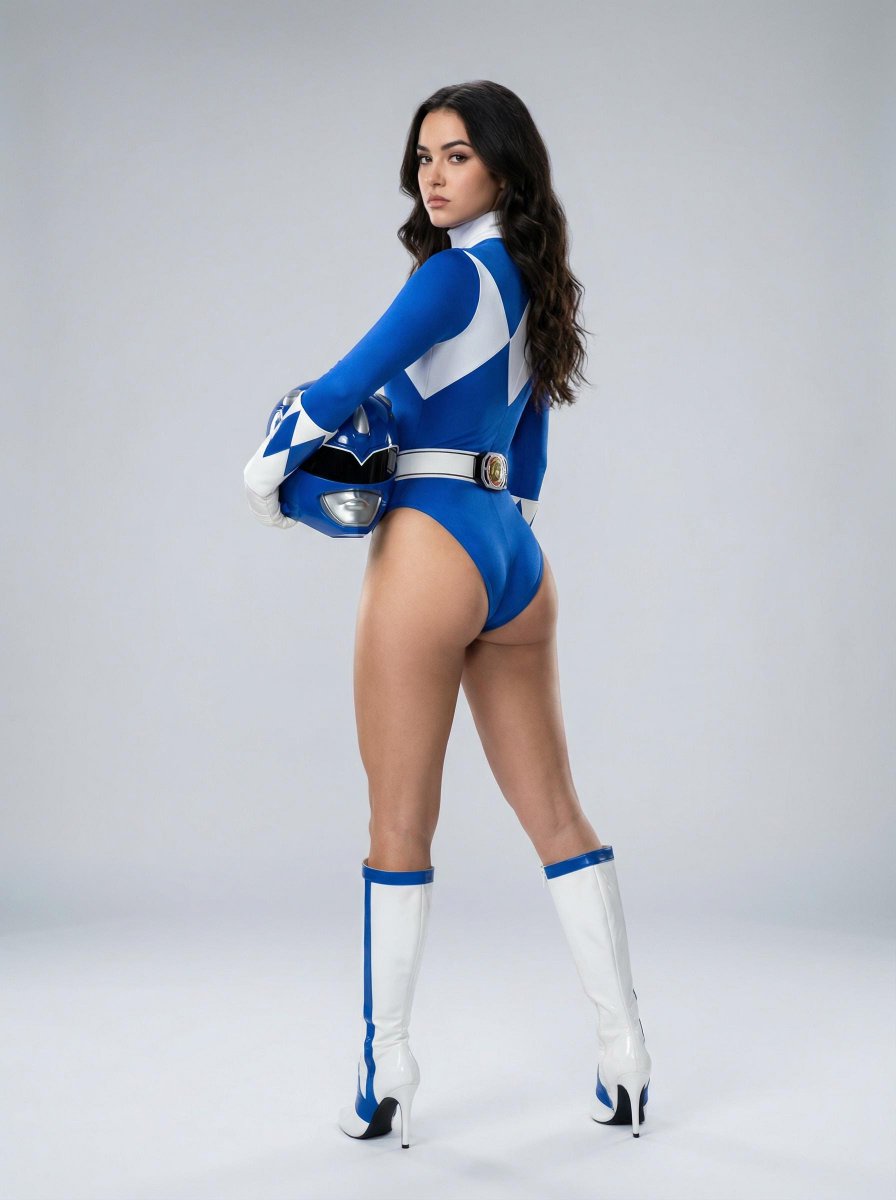
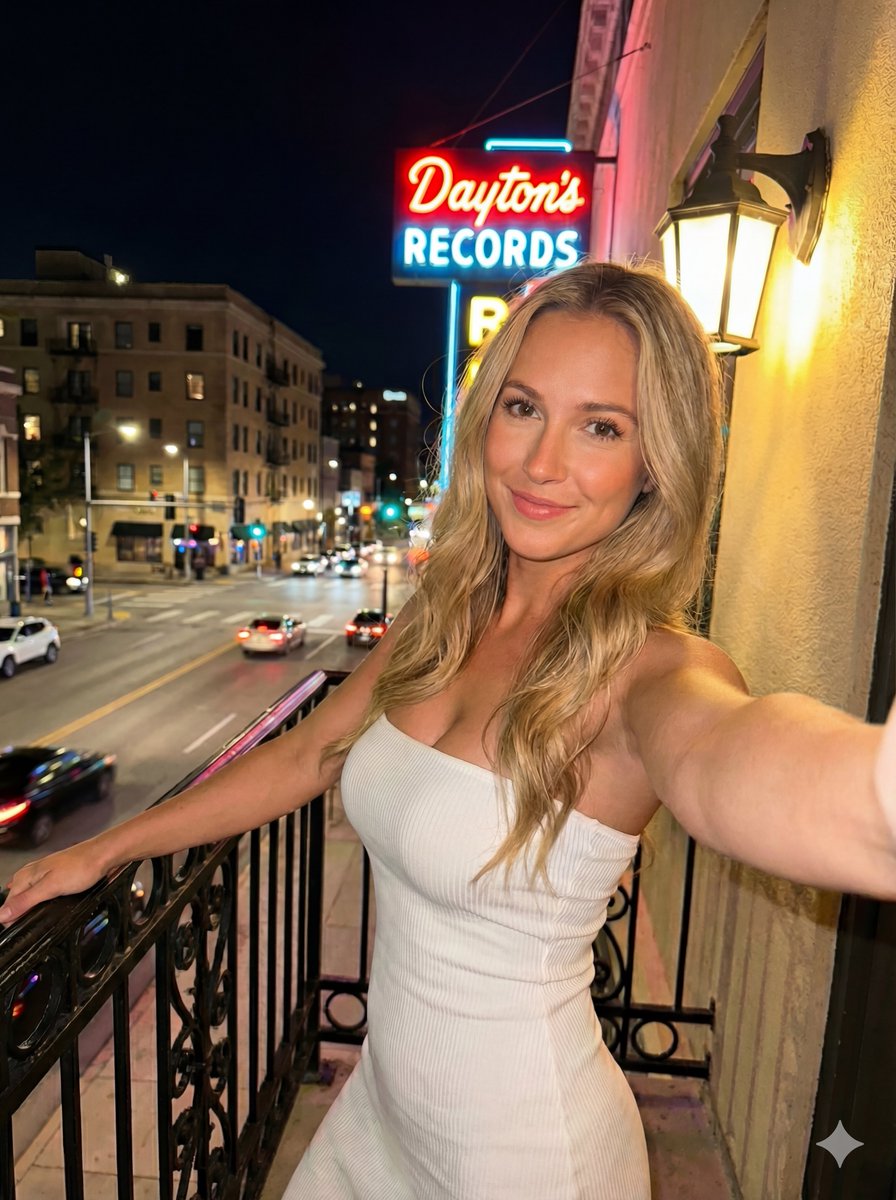
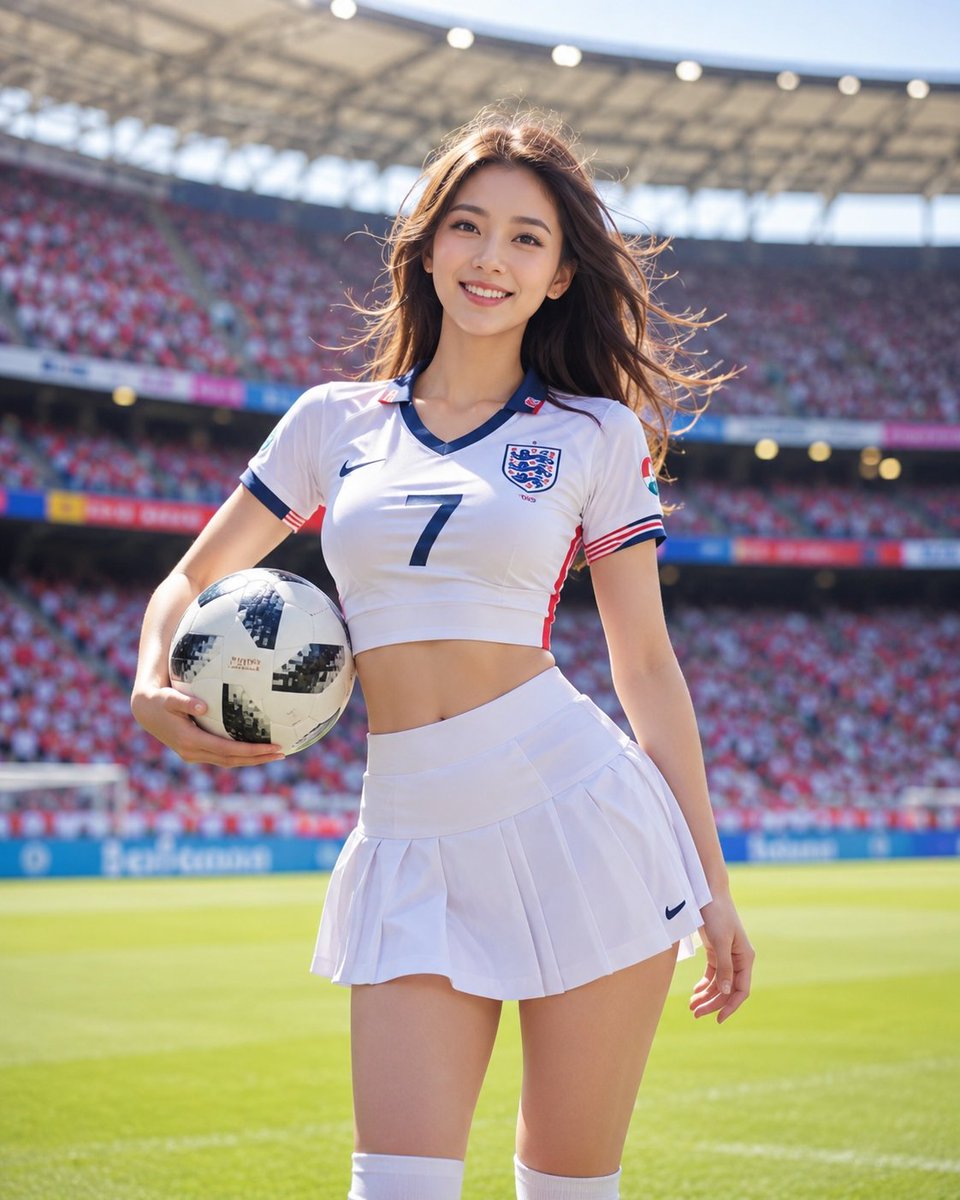
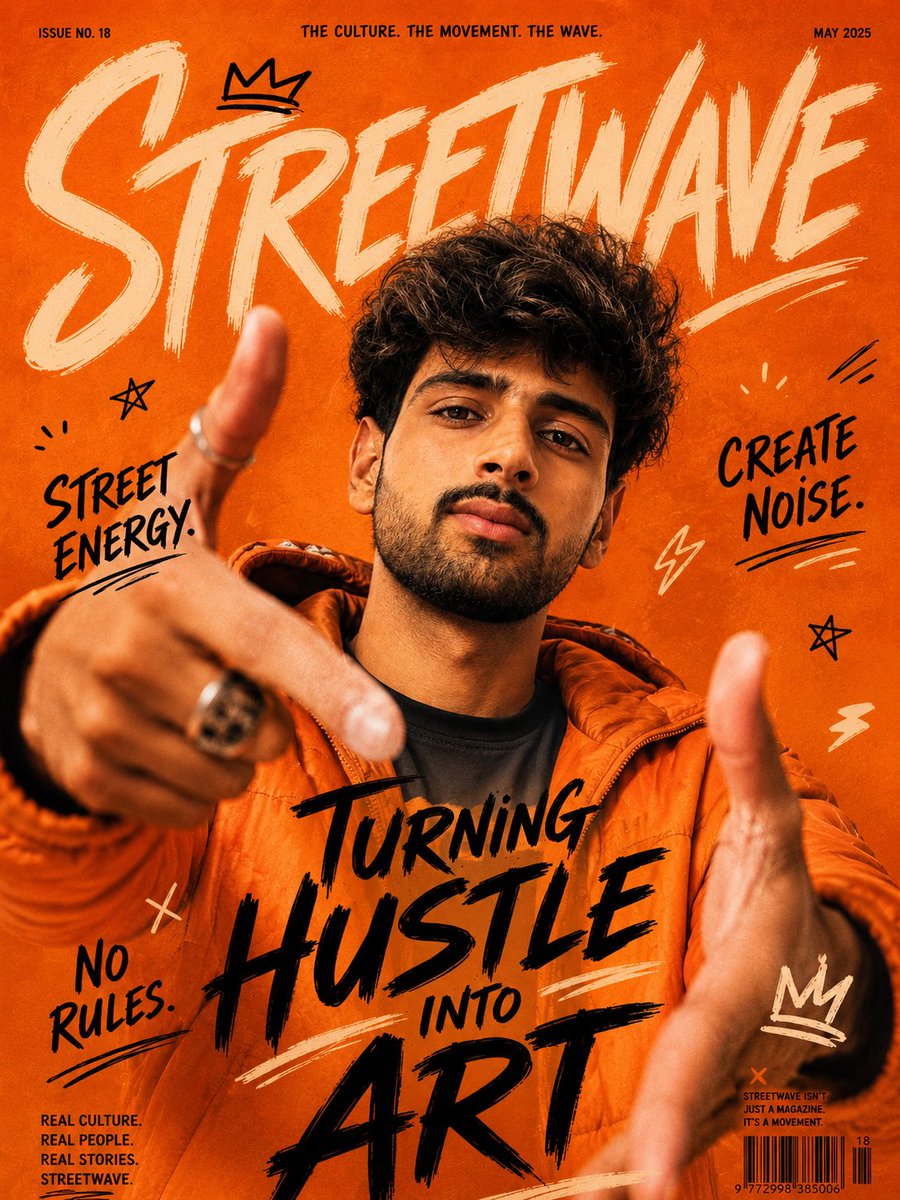
A structured studio prompt for a high-fashion, pastel-themed portrait of a woman in a blue satin dress and white gloves.
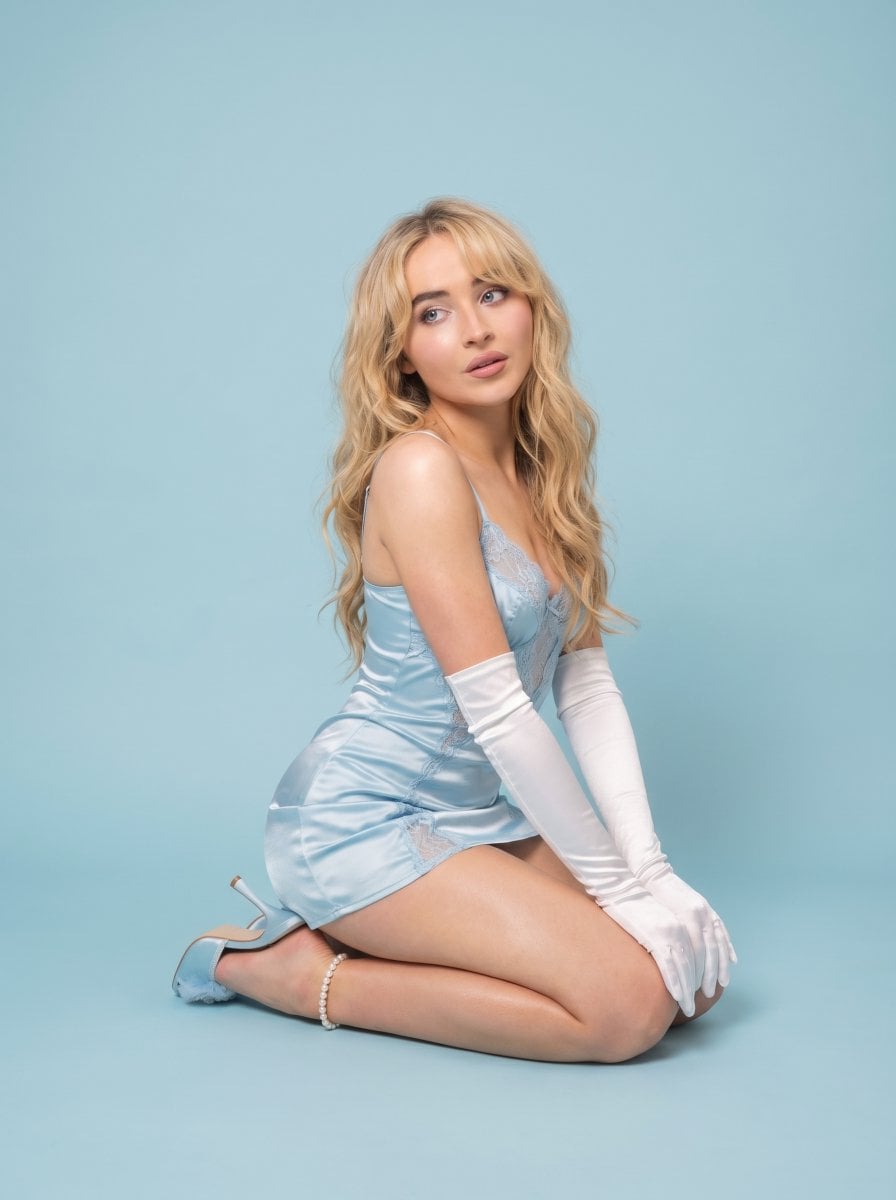
{ "photo_type":"{argument name="style" default="studio editorial, soft pastel minimal aesthetic"}", "subject":{ "type":"young woman", "use_reference_image":true, "face_reference":true, "preserve_identity":true, "instruction":"strictly use the provided reference face, do NOT change facial structure, skin tone, eye color, or hair color", "pose":"kneeling on the floor, body leaning slightly forward, hands placed on ground, legs folded back, elegant posture", "expression":"soft dreamy expression, slightly distant gaze, relaxed lips" }, "appearance":{ "hair":"same as reference image, long soft waves, unchanged color", "eyes":"same as reference image, unchanged", "skin":"smooth glowing skin with soft highlights", "makeup":"soft glam, pastel tones, subtle blush and glossy lips" }, "outfit":{ "clothing":"{argument name="outfit" default="light blue satin mini dress with delicate details"}", "accessories":[ "long white satin gloves", "pearl anklet", "heels with soft embellishments" ], "style":"feminine, doll-like, high fashion" }, "environment":{ "location":"studio", "background":"{argument name="background" default="plain pastel blue seamless backdrop"}", "floor":"matching pastel tone, clean and minimal" }, "lighting":{ "type":"soft studio lighting", "setup":[ "diffused even lighting", "low shadow contrast", "soft glow on skin", "clean editorial look" ] }, "camera":{ "angle":"slightly low and front angle", "framing":"full body with negative space", "focus":"sharp subject, smooth background" }, "color_grading":{ "style":"pastel cinematic", "tones":"baby blue, soft white, light skin tones", "contrast":"low", "saturation":"soft and airy" }, "details":{ "must_include":[ "reference face unchanged", "same hair and eye color", "pastel blue background", "soft feminine portrait" ], "avoid":[ "dark tones", "harsh shadows", "overediting", "busy background" ] } }
Choose the primary action to open PicX Studio with the available template settings. Review the model and format, personalize the creative direction, and generate when ready.
Yes. You can change the subject, setting, lighting, mood, format, and available model controls before creating your image.
This template is free to open and customize. Generation usage is shown in PicX Studio before you create.
Start with Nano Banana 2, which is the model associated with this template. You can compare another compatible model for a different finish.
Follow a topic to a crawlable collection of related PicX Studio templates.