
Dystopian Casshern-Style Hero
A cinematic prompt for generating a gritty armored hero in a monumental rain-soaked retro-futurist industrial city.
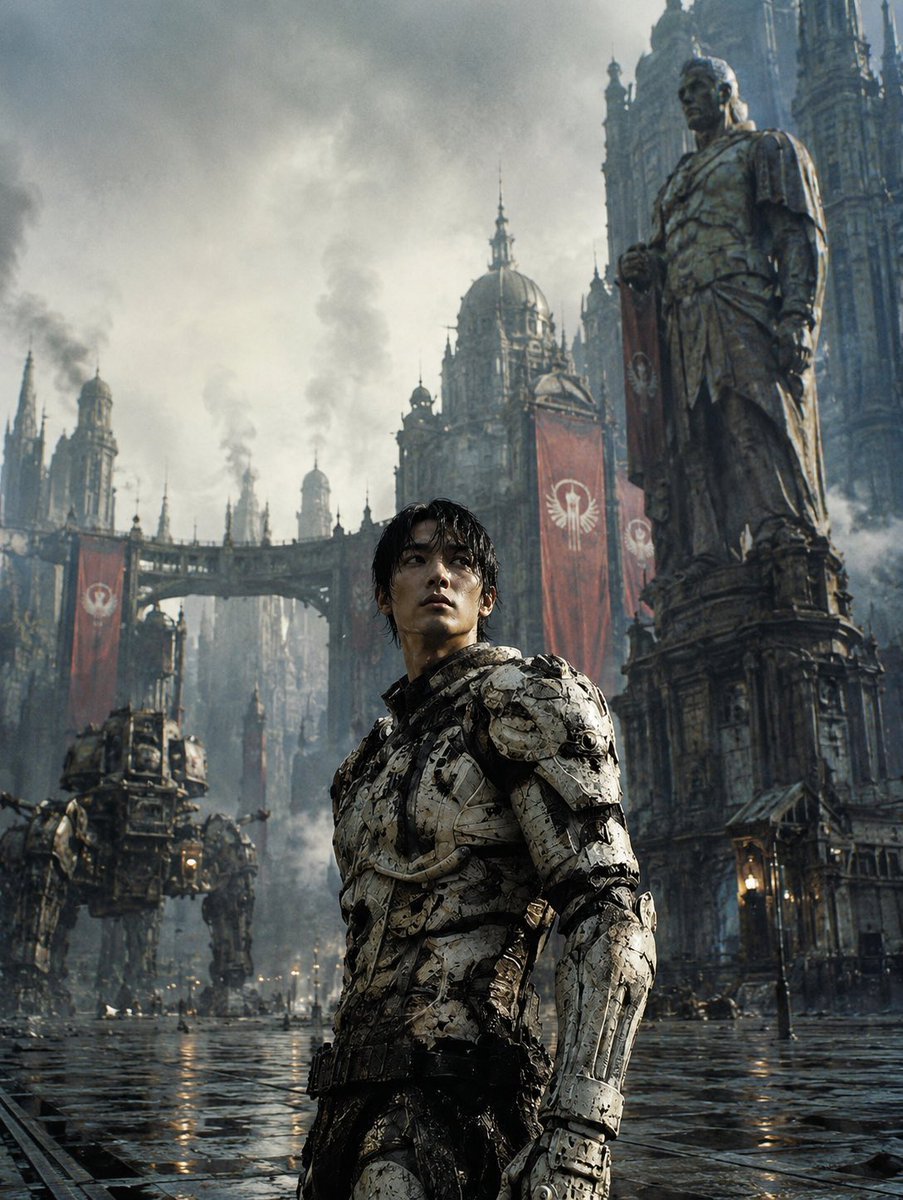
- Prompt included
- Model and format preset
- Free template
The prompt behind this image
Copy the exact prompt behind Dystopian Casshern-Style Hero, or open it in the studio and make it yours.
Create a dark cinematic live-action science fiction remake still inspired by Casshern: a young Japanese male hero, {argument name="character name" default="Casshern"}, stands in the foreground on a rain-soaked stone boulevard, shown from mid-thigh up in a heroic three-quarter pose, looking upward and slightly left with a tense, determined expression. He has wet messy black hair, pale skin, and wears battered white bio-mechanical armor with cracked ceramic plates, black under-suit gaps, exposed joints, grime, scratches, oil stains, and battle damage. The city behind him is vast and oppressive: towering neo-gothic industrial architecture with domes, spires, bridges, cathedral-like facades, smokestacks, and dense gray smoke under a cloudy overcast sky. Include exactly 2 giant walking war machines in the background on the left side, partially obscured by mist, and exactly 3 prominent vertical red banners bearing a white circular winged emblem hanging from buildings and bridges. On the right, place an enormous stone statue of an armored ruler on a pedestal, dominating the skyline and facing over the street. The ground is glossy with rain puddles and reflections, with small warm streetlights receding into the distance. Use a desaturated palette of steel gray, dirty ivory, black, rust red, and faint amber lights. Style: ultra-detailed photorealistic blockbuster film frame, dystopian retro-futurist military empire, dramatic volumetric fog, wet textures, high contrast, gritty realism, 35mm anamorphic cinematography, low-angle perspective, shallow depth of field on the hero, epic scale. Avoid text, captions, modern cars, bright colors, cartoon styling, clean armor, or cheerful mood.
How to use Dystopian Casshern-Style Hero in 3 steps
- 1Upload ImagePNG, JPG or paste
Add your photo
Upload the photo the template builds on. The prompt, model and format are already set.
- 2…a portrait of your subject in softgolden-hour light, 85mm…
Personalize
Edit the subject and creative details for your destination.
- 3Generate
Generate
Press Generate — your image is created in PicX Studio, so you can compare it with the original and refine one variable at a time.
More like this
Templates with the same subject, style or setup. Open one to see its prompt.
Dystopian Dark Surrealist Concept Art
Dystopian Sci-Fi Wasteland Film Still
Epic French Dystopian Book Cover
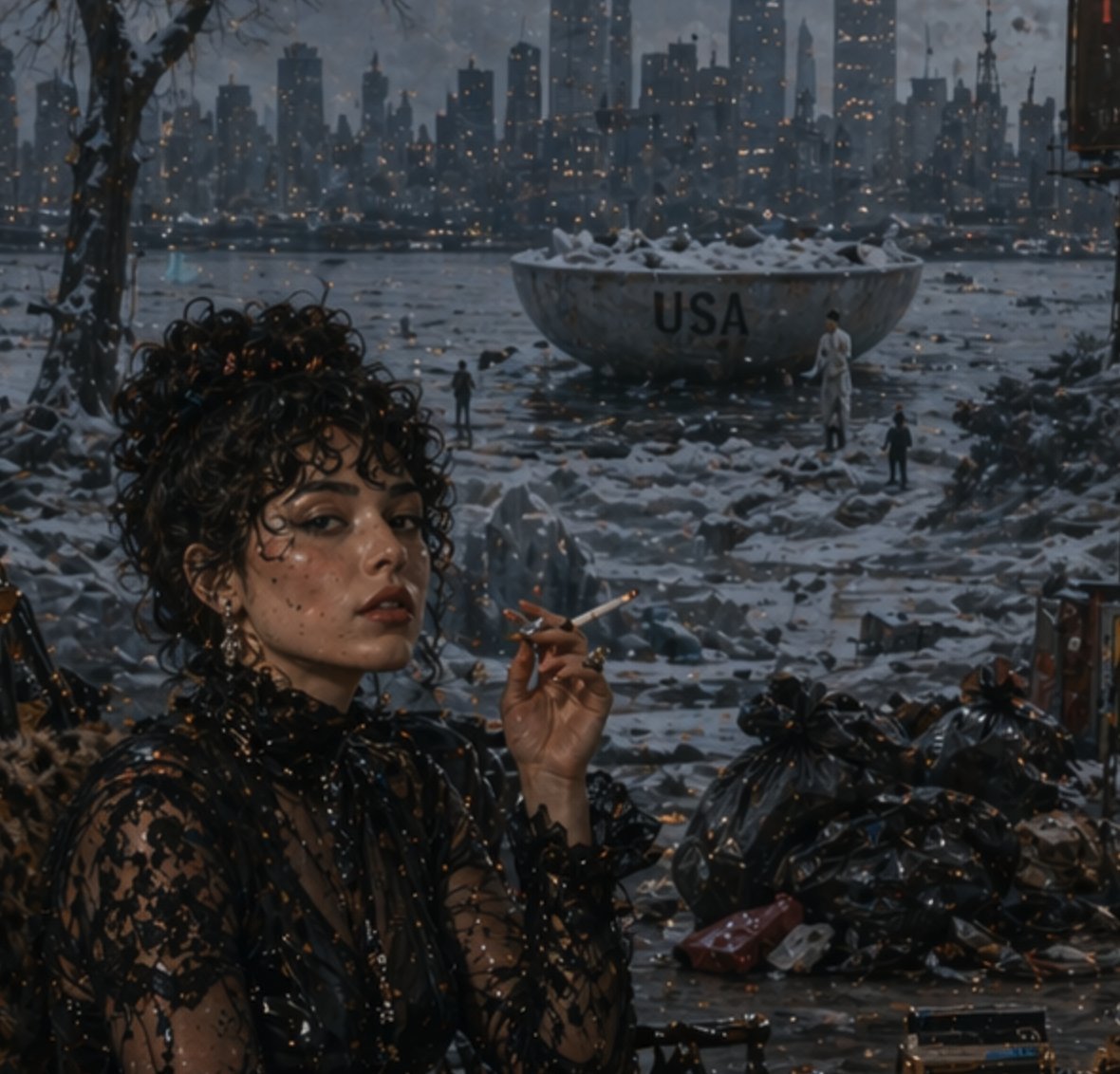
Dystopian Woman by Frozen Waterfront
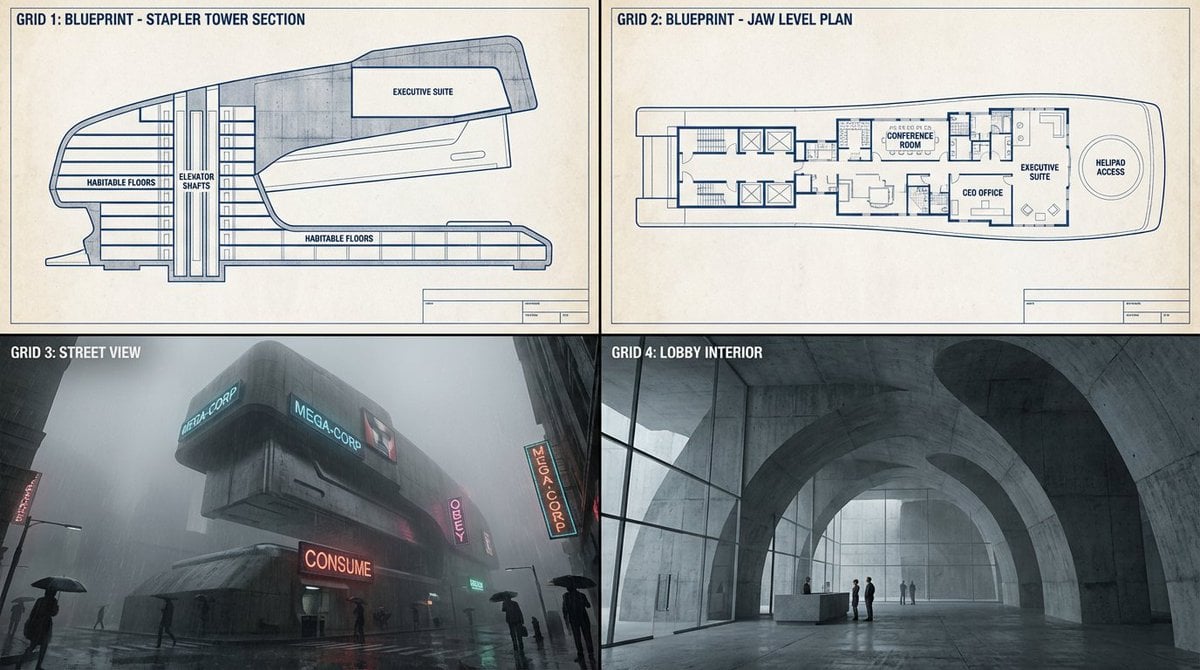
Object-to-Dystopian Building Transformation
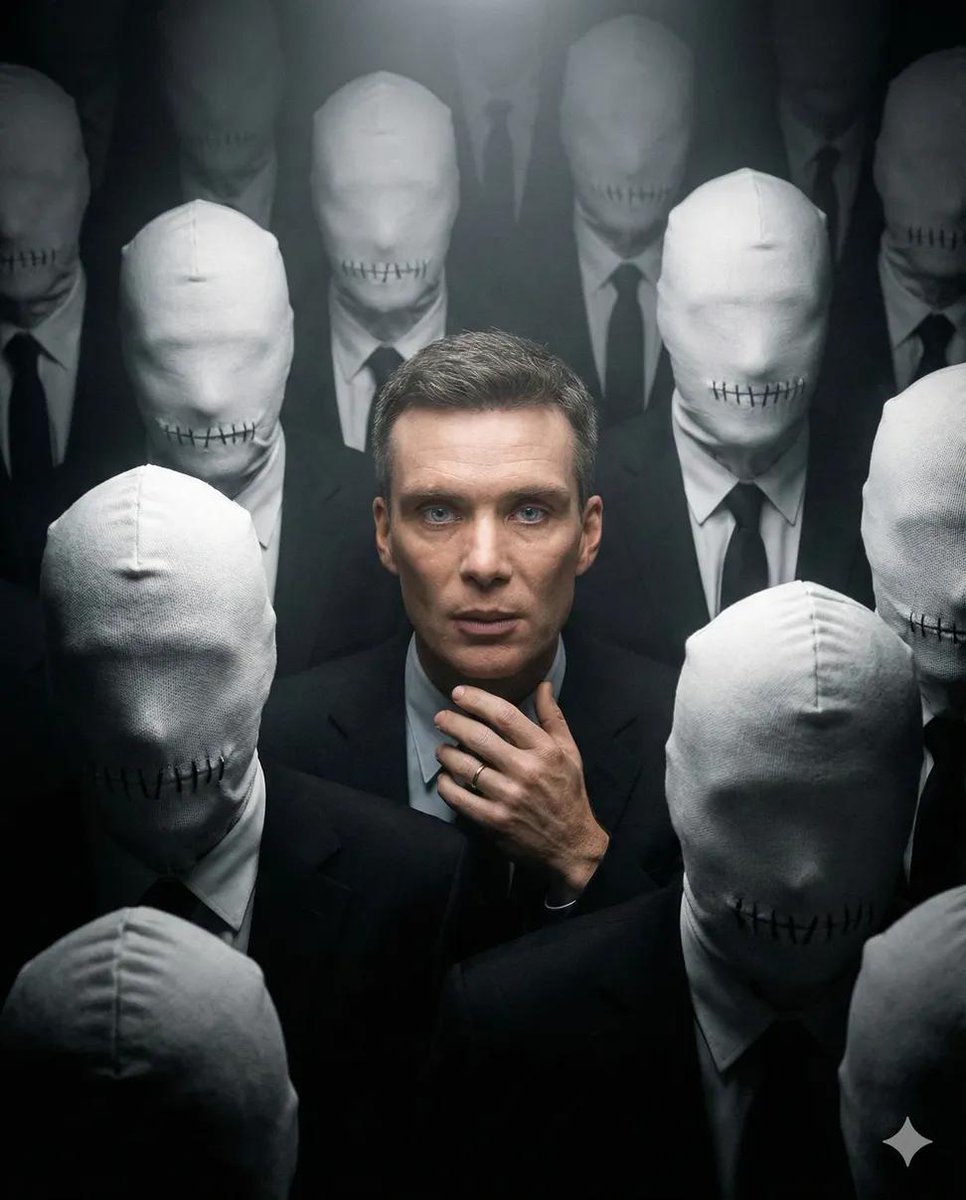
Surreal Dystopian Conceptual Portrait Prompt (Facial Lock)
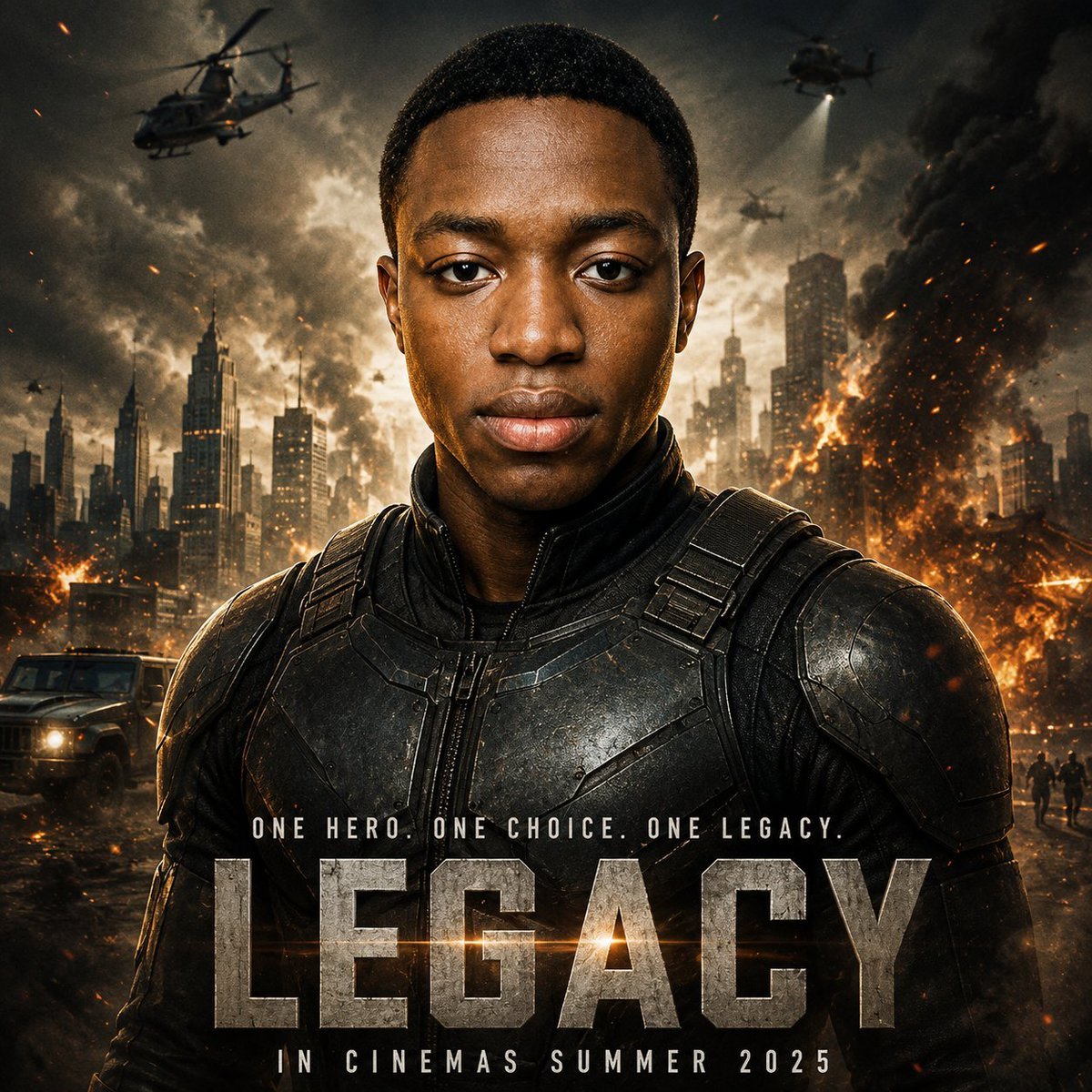
Cinematic Hero Movie Poster
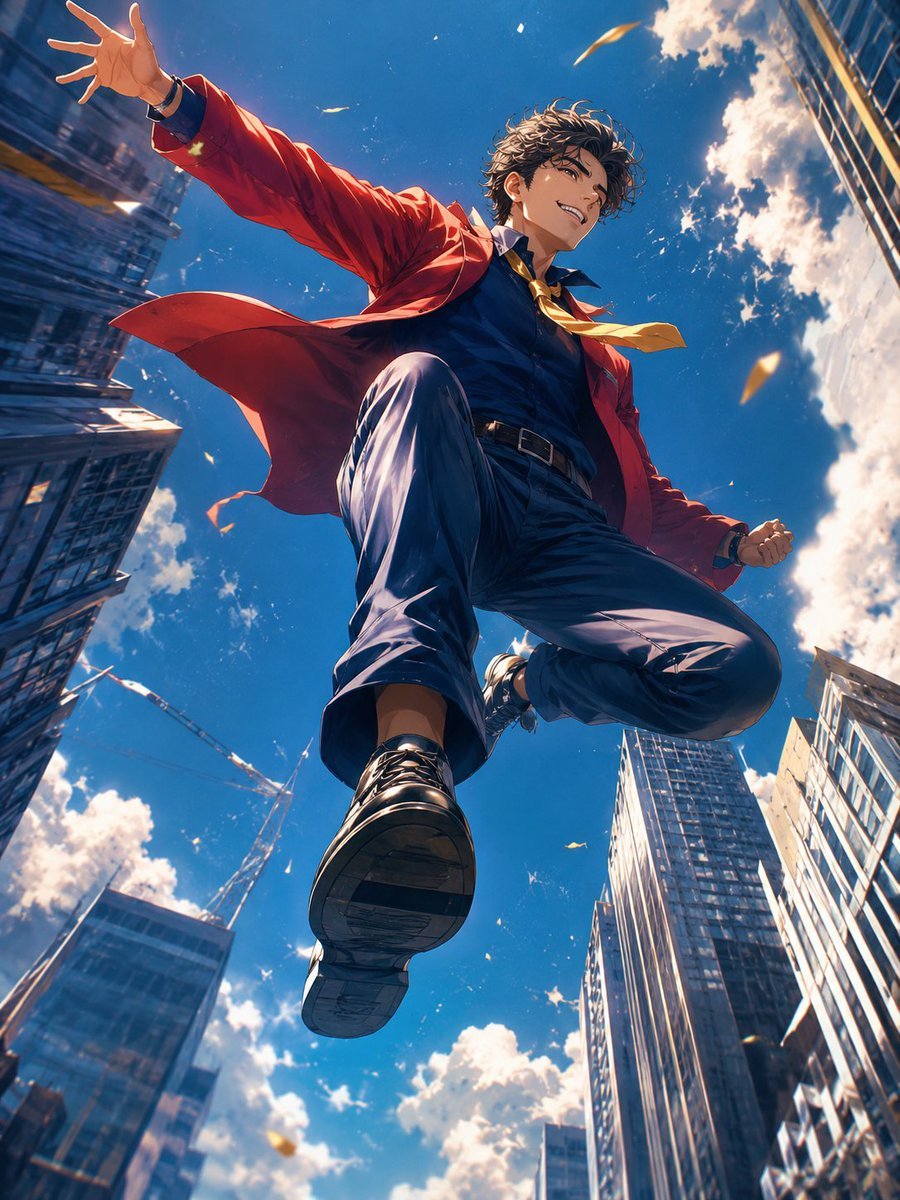
Anime Hero Leaping Through City Sky
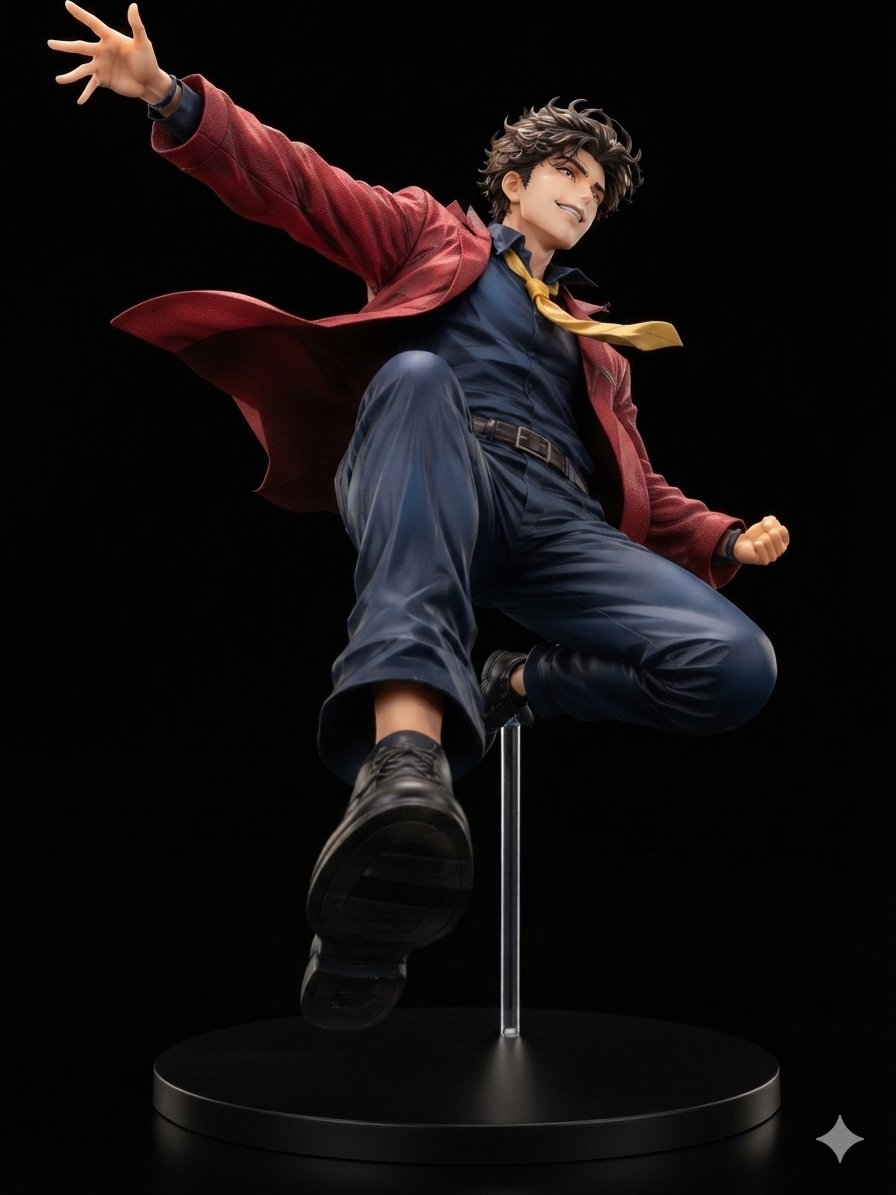
Dynamic Anime Hero Figure Render
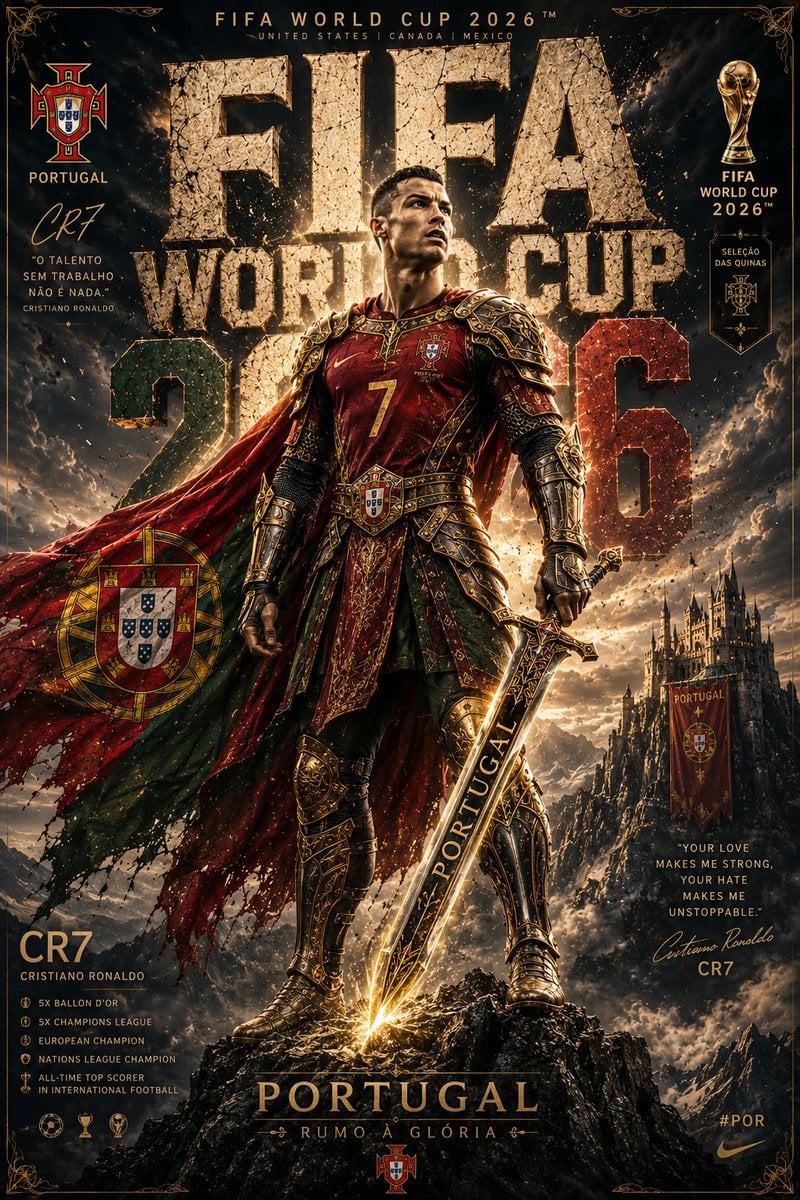
Knight Armor FIFA Hero Poster

Japanese Builder Website Hero Mockup
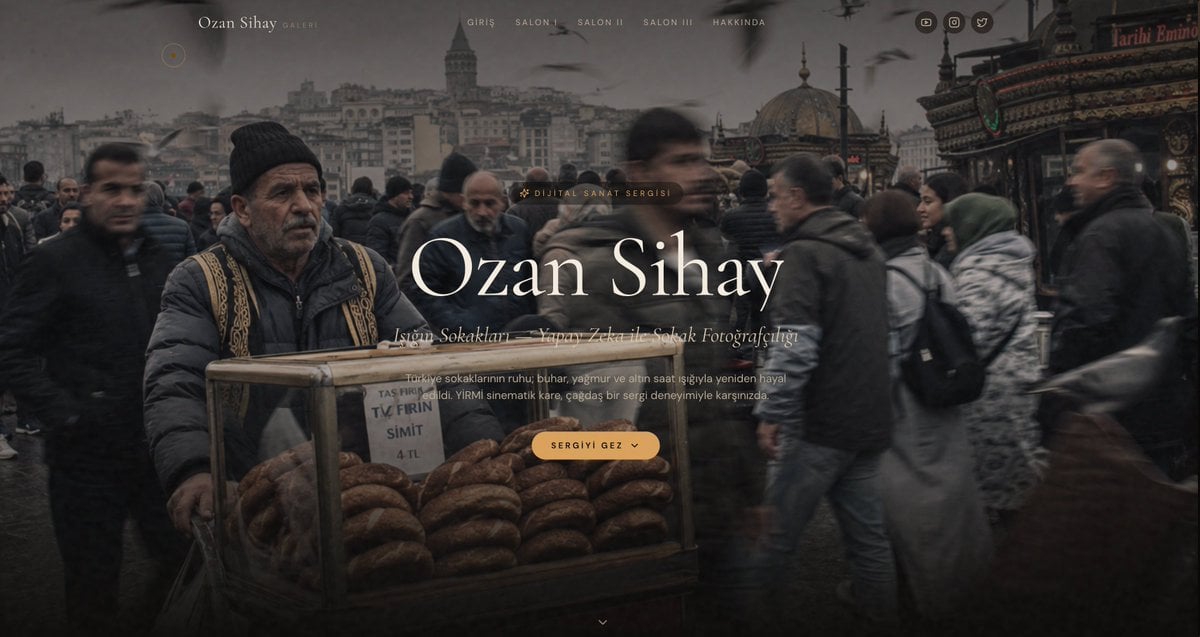
Cinematic Istanbul Gallery Website Hero
Make it yours
Dystopian Casshern-Style Hero works as-is. These are the safest ways to change it without losing the look.
Change one field
Copy a single group, rewrite it, and generate again so you can see what that field is doing.
Keep the frame, change the subject
Hold the composition and light of Dystopian Casshern-Style Hero, then swap wardrobe, props or the person for a new take.
| If the result… | Why | Fix |
|---|---|---|
| The result drifts from the preview | Too many fields changed at once. | Reuse Dystopian Casshern-Style Hero as-is first, then change one group — subject, light, or setting. |
| The model over-stylizes the scene | The prose prompt leaves finish and camera underspecified. | Add one camera or lighting sentence and stay on GPT Image 2. |
More GPT Image 2 templates
Other prompts made for GPT Image 2.

Six VTuber Japanese Logo Sheet

Realistic Portrait of Woman and Deer

The Vista Modular Condo Poster

AI Model Routing Comparison Infographic

2.5D Anime Art Board

Isometric Productivity Desk Scene

New York Double Exposure Poster

Four-Panel AI Landscape Comparison

Japanese Tatami Lifestyle Magazine Cover

NESCAFÉ Coffee Map Poster
More image prompts
Fresh picks from across the catalog.
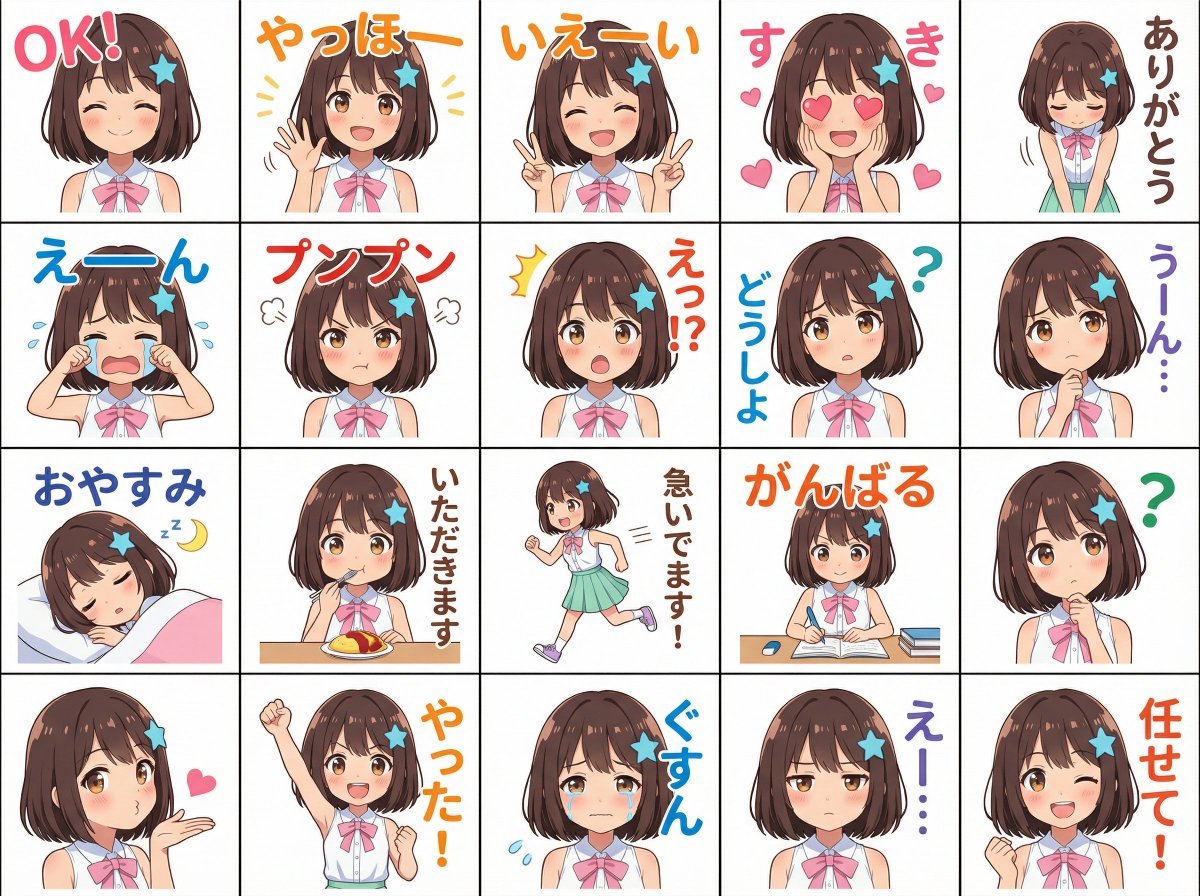
Messenger sticker set from attached person
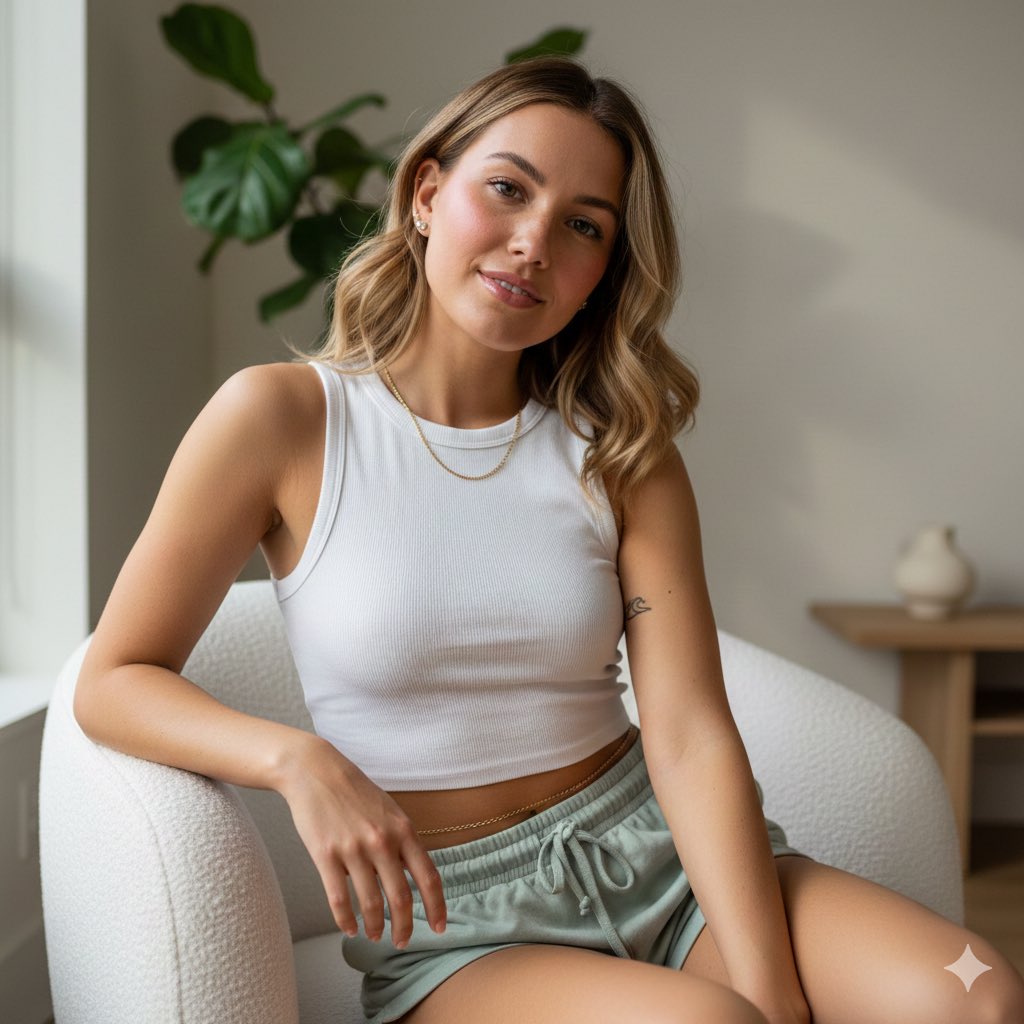
Photorealistic Portrait of Young Woman in Lounge Wear
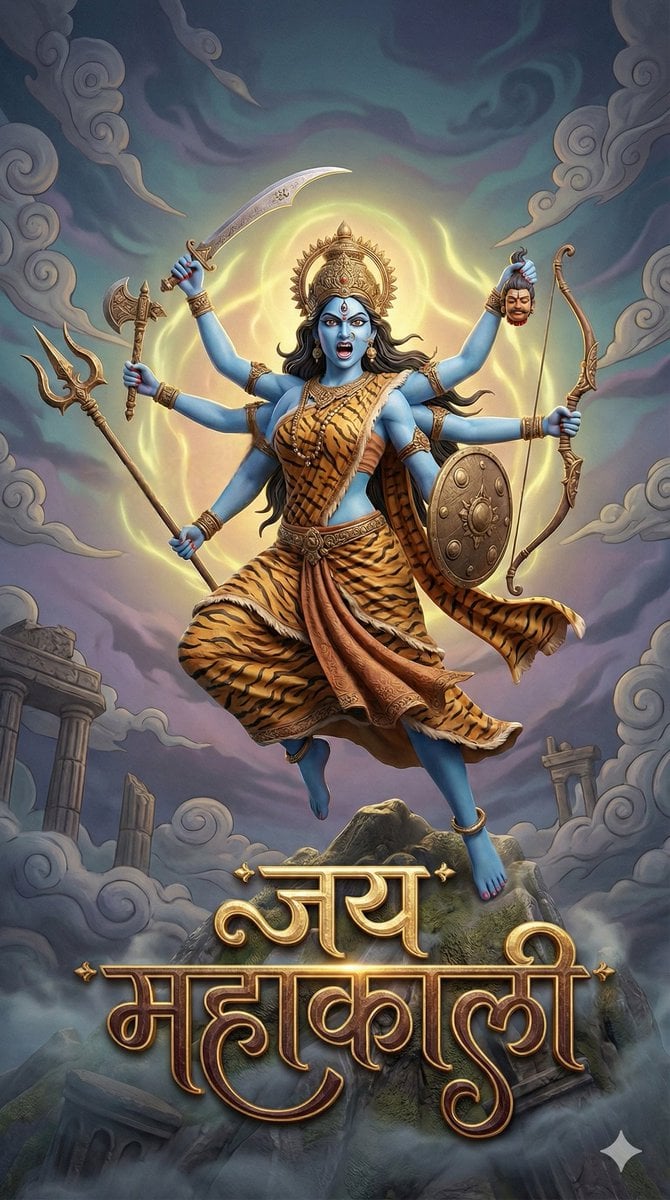
3D Fantasy Image of Goddess Mahakali
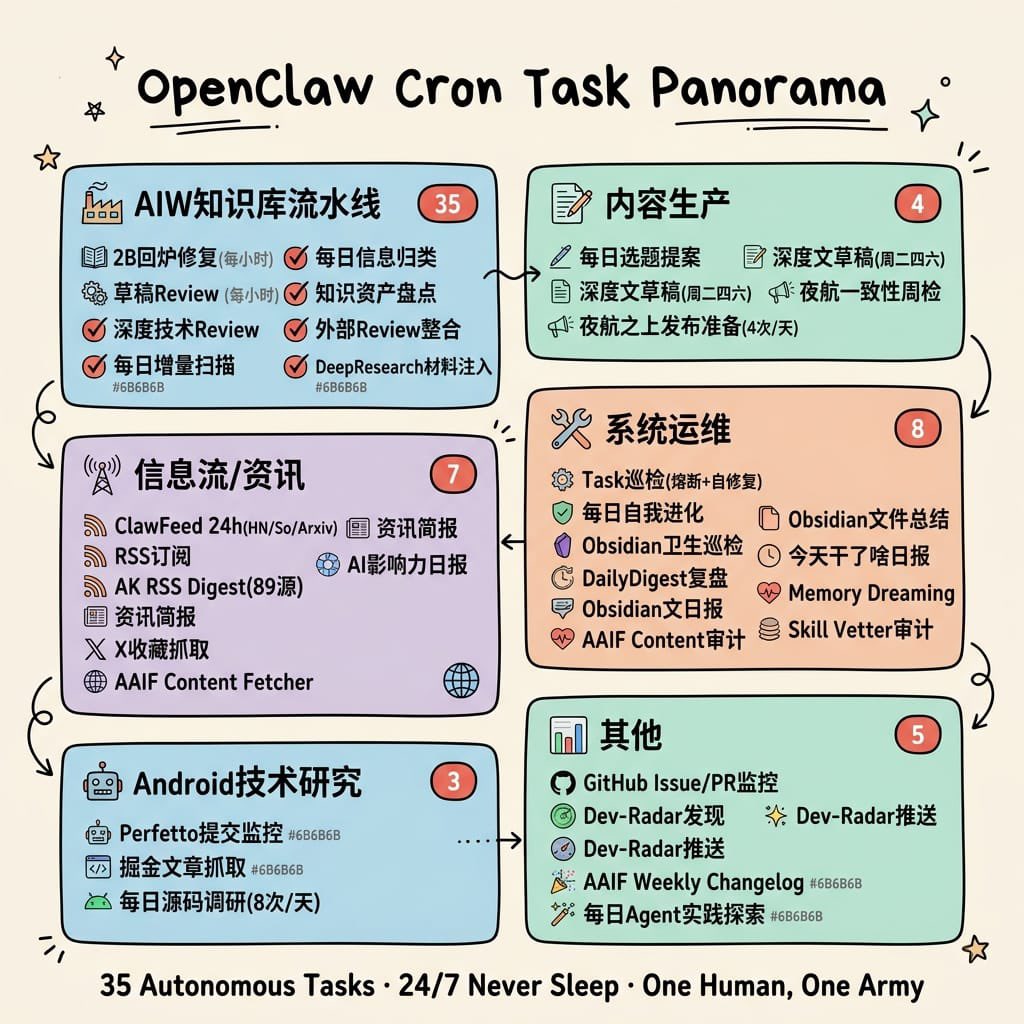
Hand-Drawn Cron Task Panorama
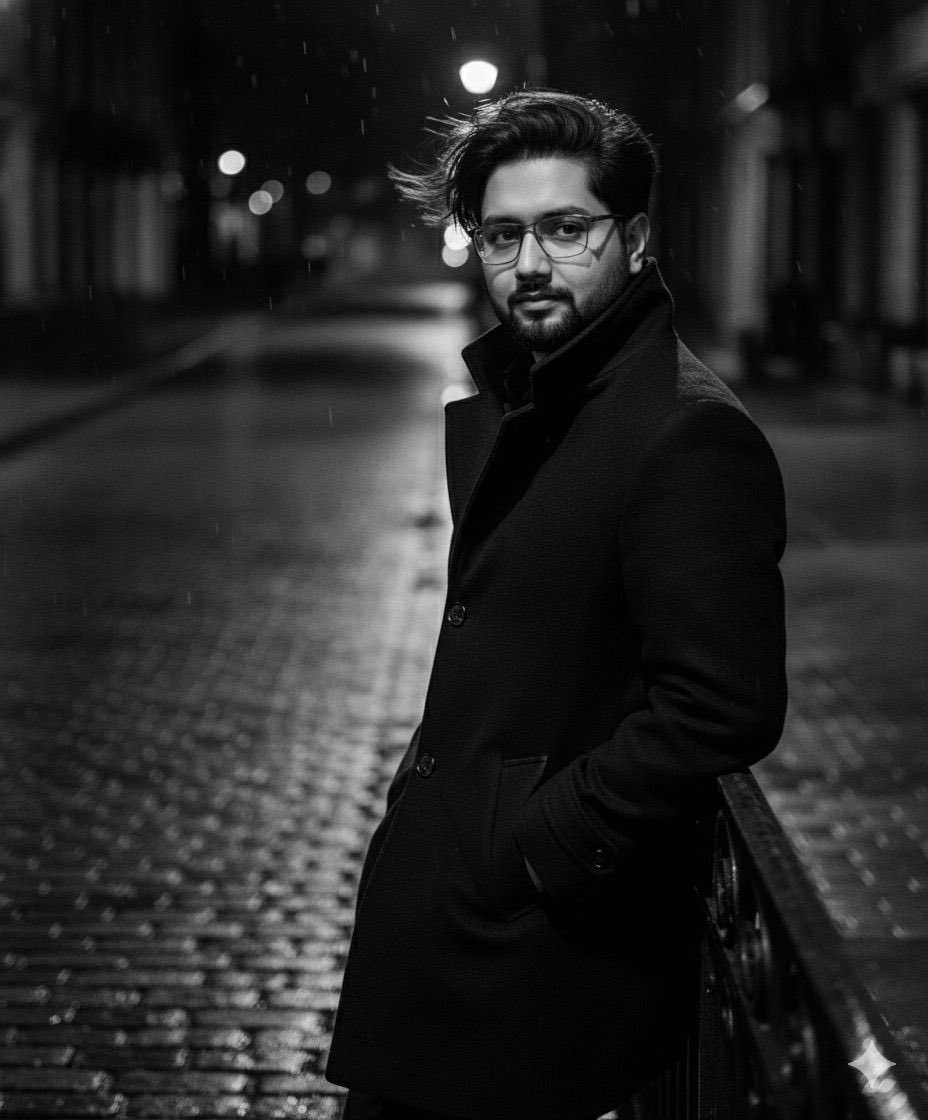
High-fashion black-and-white editorial portrait
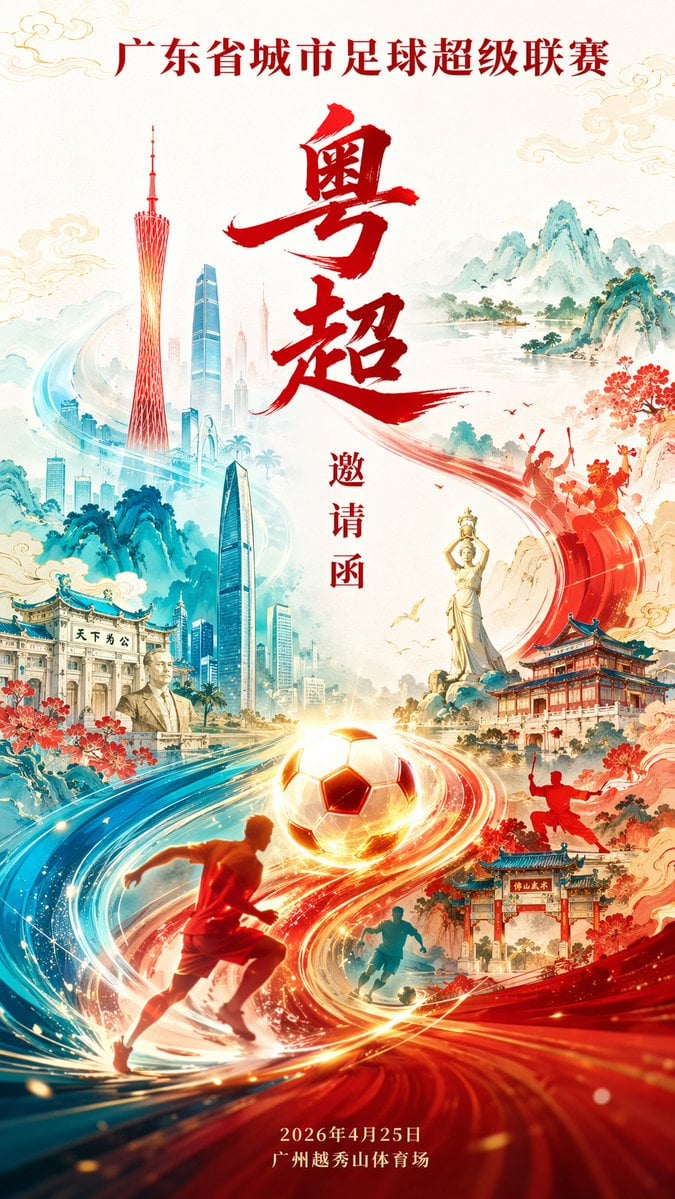
Sports League Invitation Poster Prompt
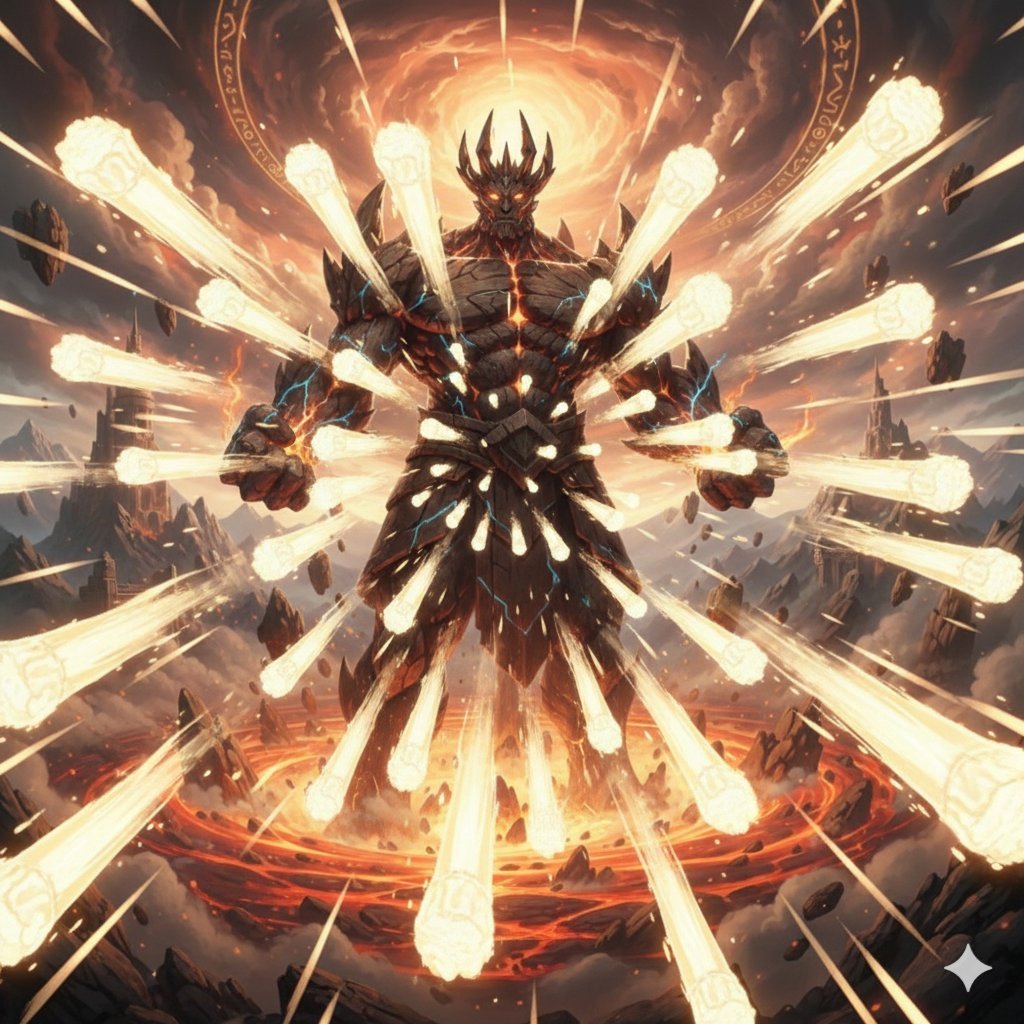
Titan with Hokuto Hyakuretsu Ken Generation
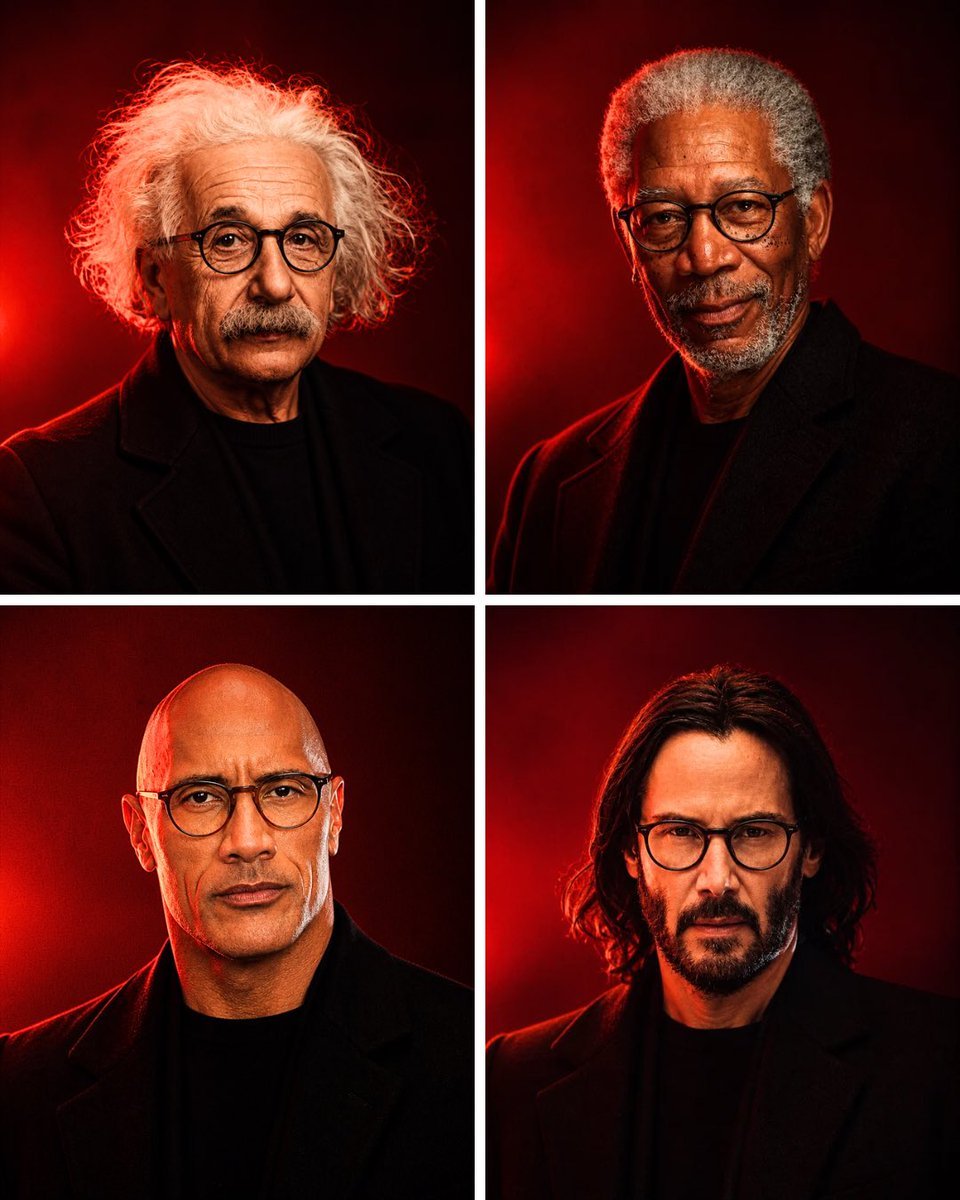
Anonymous Legends in Red Grid
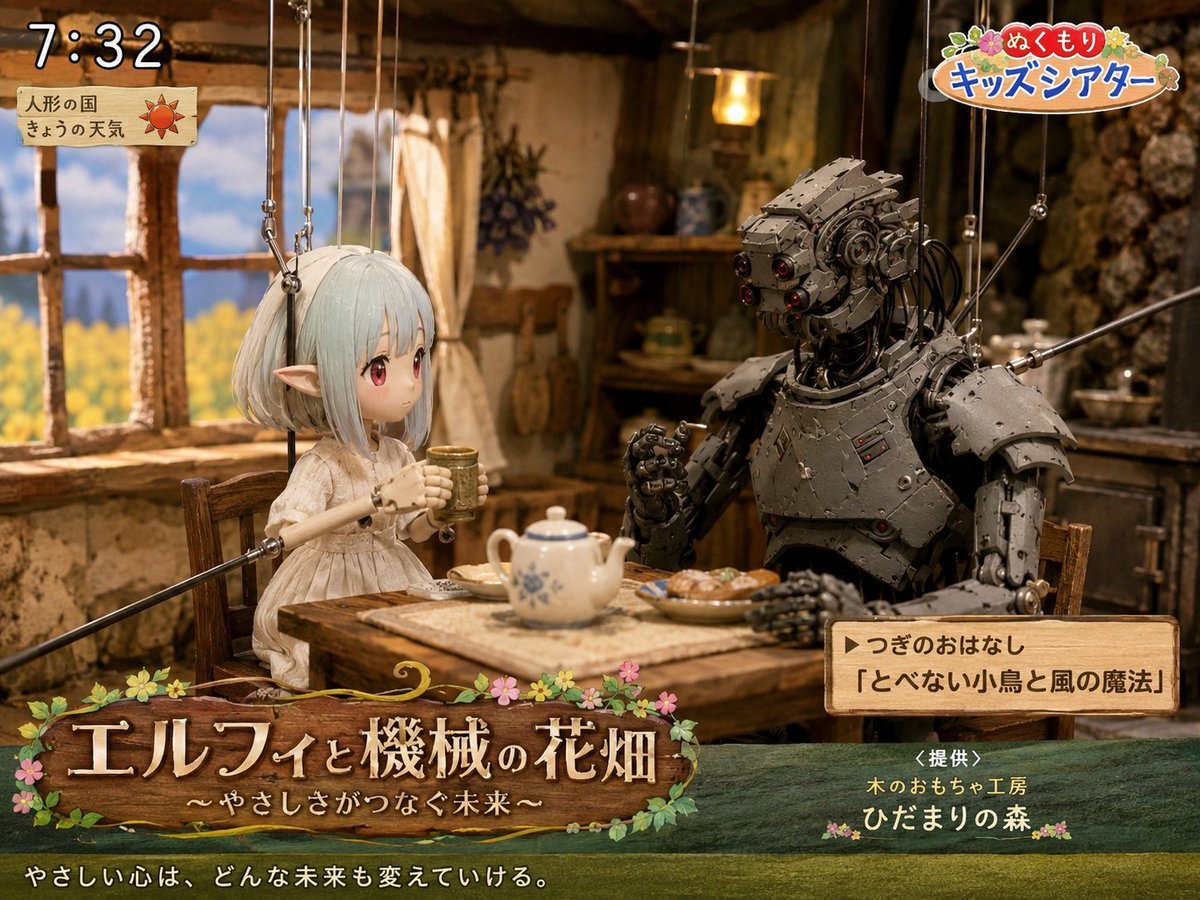
Elf and Robot Puppet Theater Still
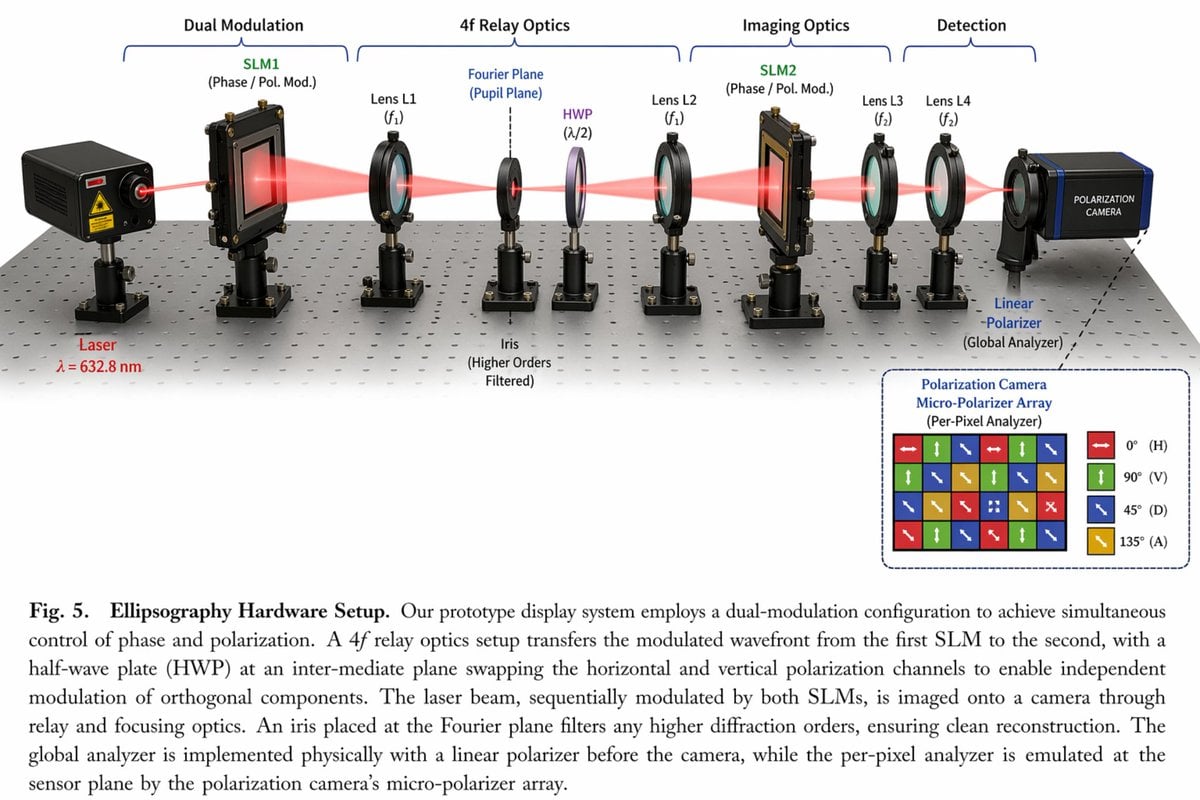
Optical Hardware Setup Diagram
Browse template categories
Dystopian Casshern-Style Hero questions
How do I use the Dystopian Casshern-Style Hero template?
Add your photo if the template asks for one, edit the prompt if you like — the template's model and format are already selected — and press Generate. Your version opens in PicX Studio.
Can I customize the Dystopian Casshern-Style Hero template?
Yes. You can change the subject, setting, lighting, mood, format, and available model controls before creating your image.
Is the Dystopian Casshern-Style Hero template free?
Opening and editing this template is free. Generating uses credits, shown on the Generate button when you are signed in.
Which AI model should I use?
Start with GPT Image 2, which is the model associated with this template. You can compare another compatible model for a different finish.
Looking for something else? Browse all templates.

Your photo, any look
Thousands of ready templates for every top image and video model, from one credit balance.