
Dystopian Woman by Frozen Waterfront
A dark editorial-style dystopian city image suited for illustrating AI image artifacts, urban decay, or cinematic near-future collapse.
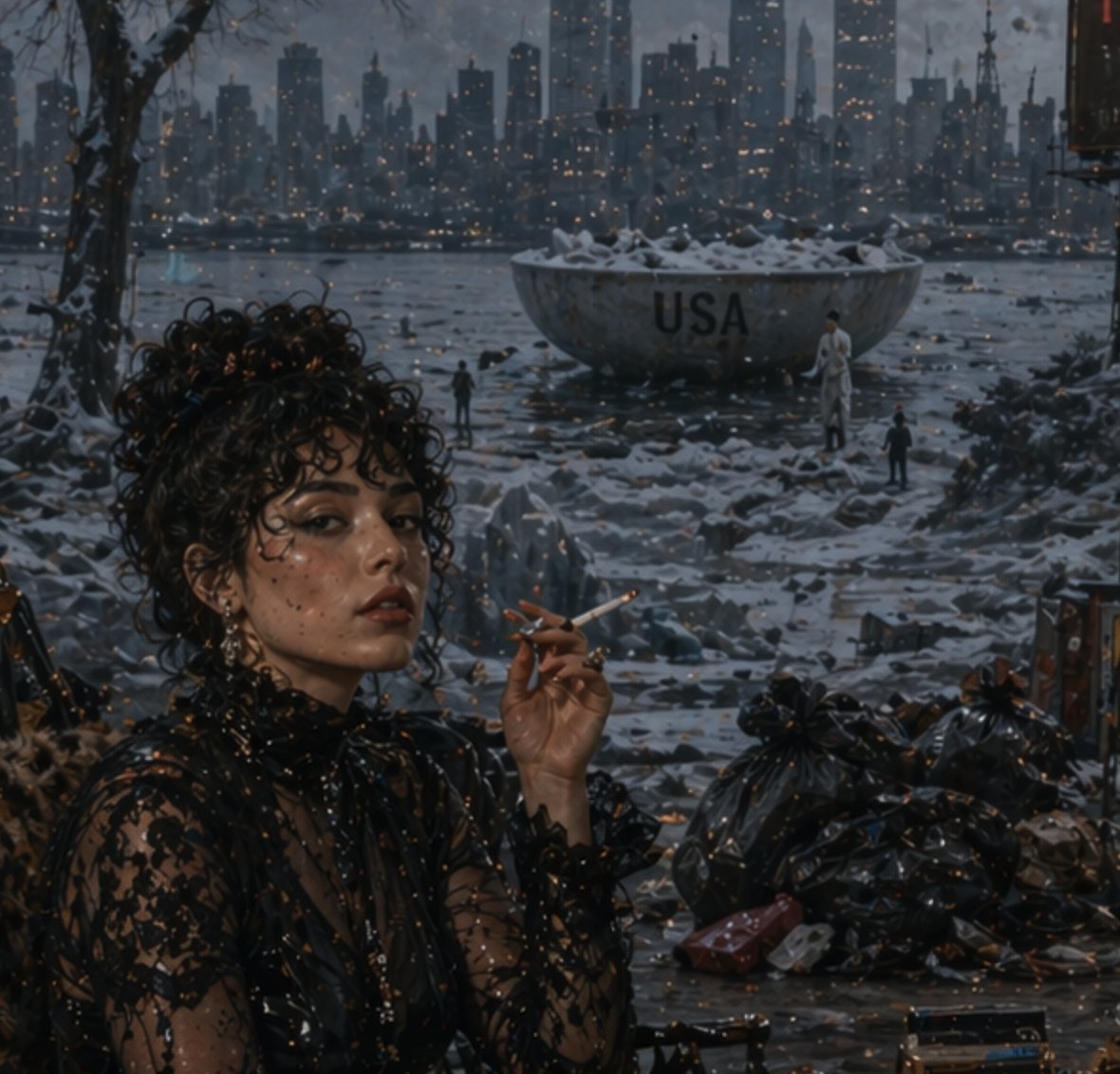
- Prompt included
- Model and format preset
- Free template
The prompt behind this image
Copy the exact prompt behind Dystopian Woman by Frozen Waterfront, or open it in the studio and make it yours.
A moody cinematic dystopian winter scene at dusk, viewed from a sheltered riverside foreground toward a dark modern city skyline glowing with hundreds of tiny warm window lights. In the left foreground, a stylish woman with dark curly hair sits in three-quarter view, her face intentionally obscured by a soft rectangular blur, holding a lit cigarette near her lips. She wears a sheer black lace high-neck dress with intricate floral embroidery, dangling earrings, and a glamorous noir aesthetic. The ground around her is wet, icy, and littered with trash, with glossy black garbage bags piled on the right foreground and scattered debris across the frozen shoreline. Across the icy water in the midground sits a huge weathered metal bowl or basin filled with snow, prominently marked with the text {argument name="headline text" default="USA"}. Three tiny human figures stand near it for scale. Bare tree branches frame the upper left. The overall palette is cold blue-gray with amber pinpricks of city light, and the whole image should have a gritty, painterly-photoreal look with a distinct artificial image artifact pattern: a visible grid of tiny glowing specks and dot noise scattered across the entire scene, especially in dark areas, as if from a flawed generative model output.
How to use Dystopian Woman by Frozen Waterfront in 3 steps
- 1Upload ImagePNG, JPG or paste
Add your photo
Upload the photo the template builds on. The prompt, model and format are already set.
- 2…a portrait of your subject in softgolden-hour light, 85mm…
Personalize
Edit the subject and creative details for your destination.
- 3Generate
Generate
Press Generate — your image is created in PicX Studio, so you can compare it with the original and refine one variable at a time.
More like this
Templates with the same subject, style or setup. Open one to see its prompt.

Woman in Mall with Chanel Bag - Heart Gesture

Floating Woman Above Cityscape with Notifications
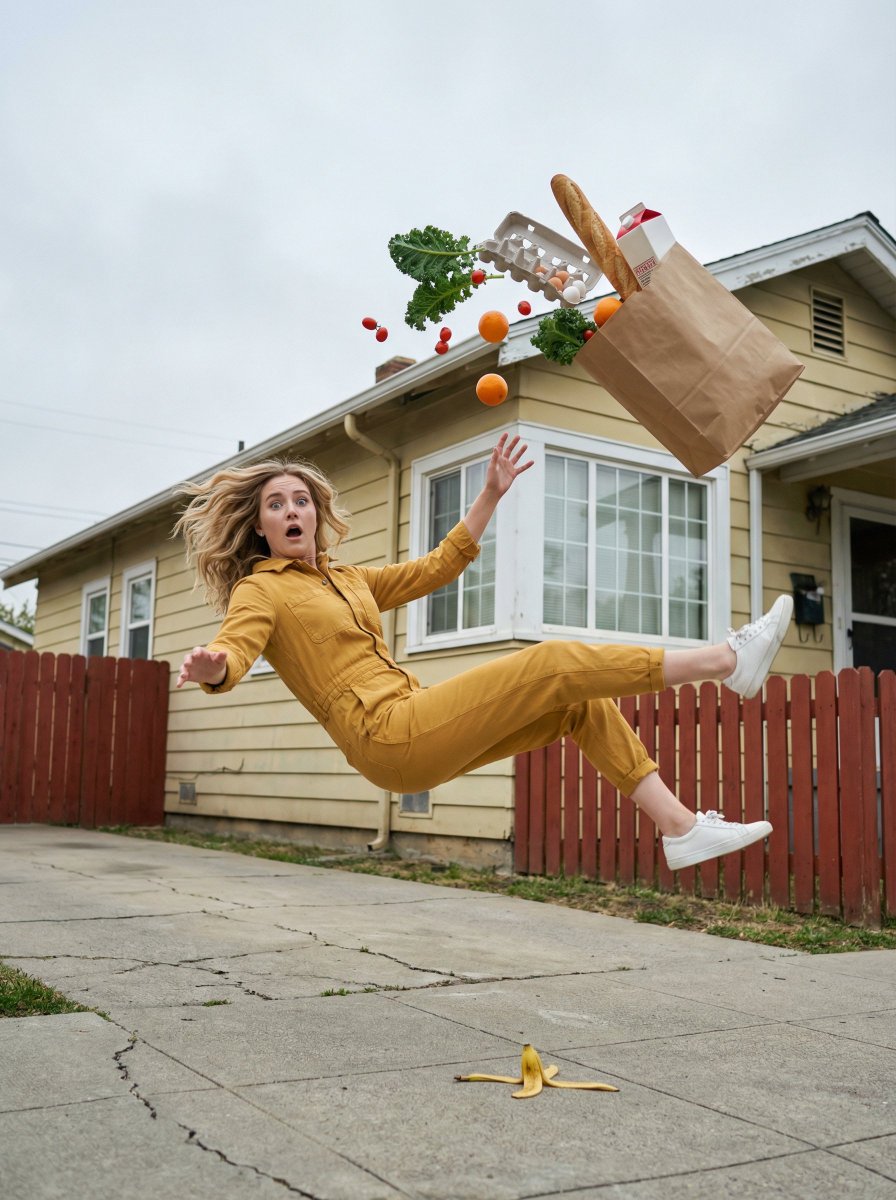
Surreal Frozen Action Falling Woman Prompt
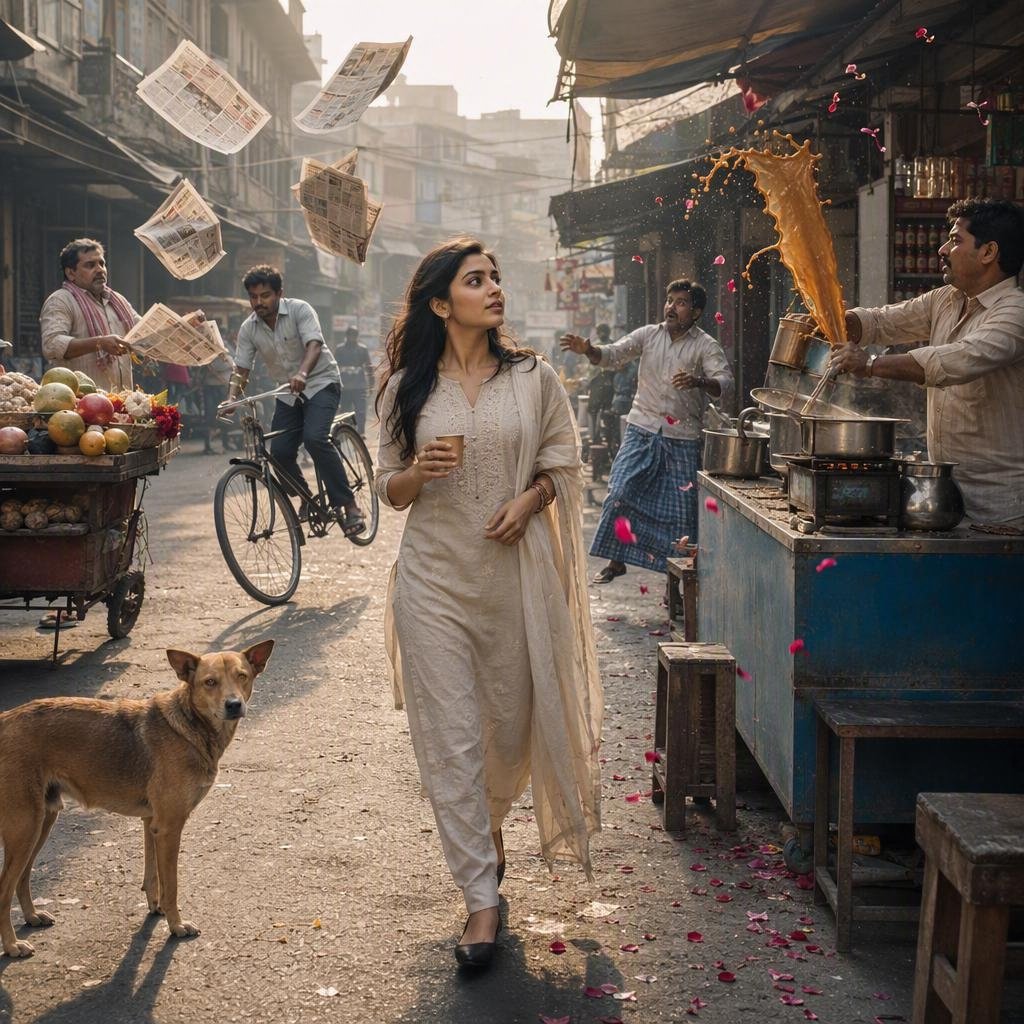
Indian Street Market Frozen in Time
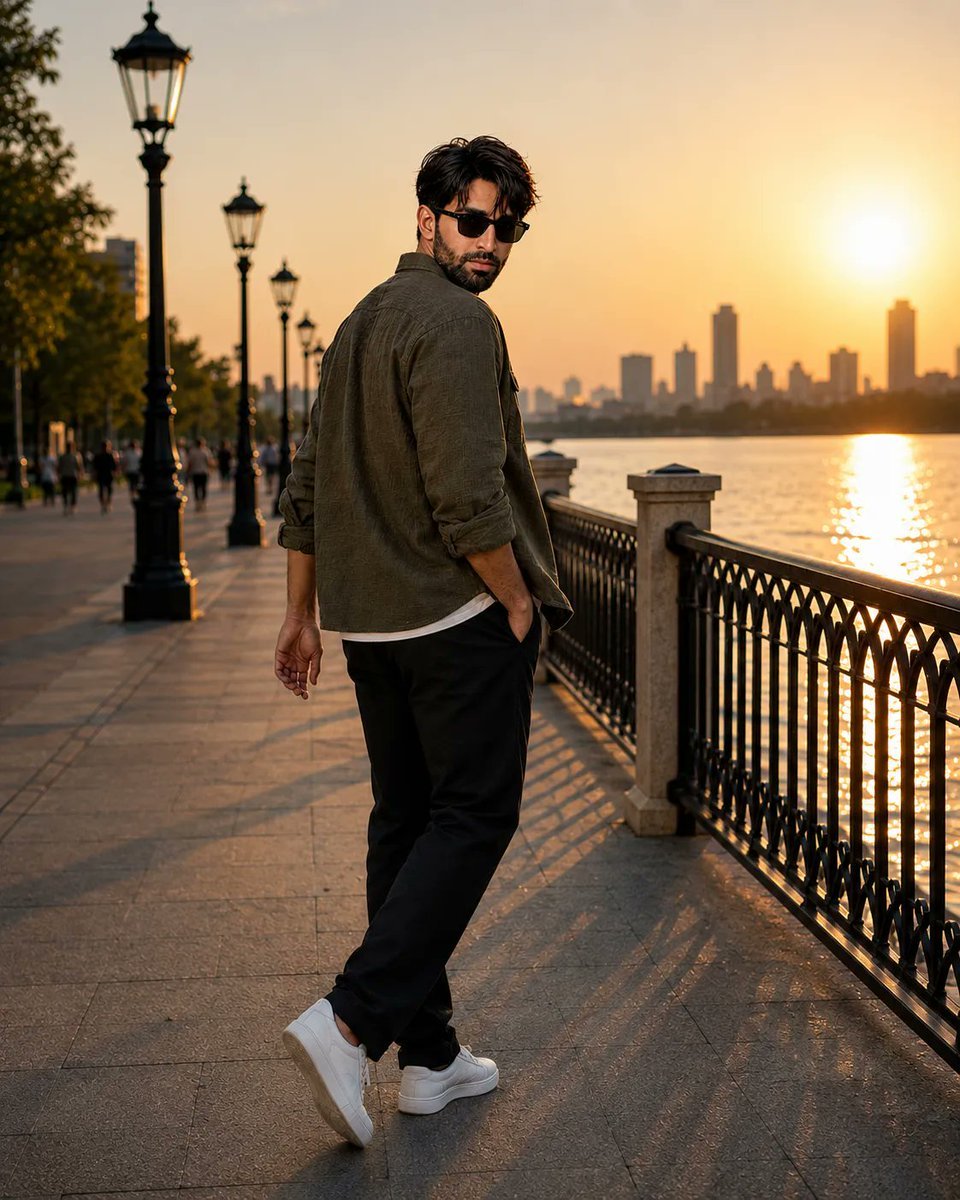
Ultra-realistic Waterfront Fashion Portrait
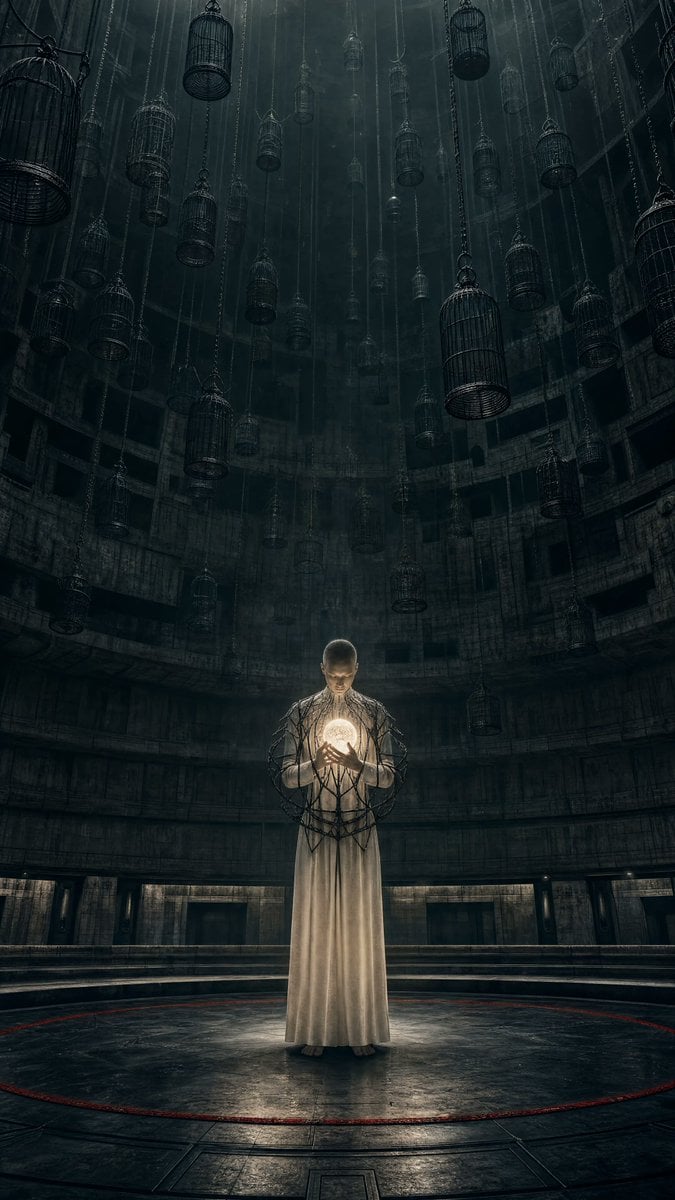
Dystopian Dark Surrealist Concept Art
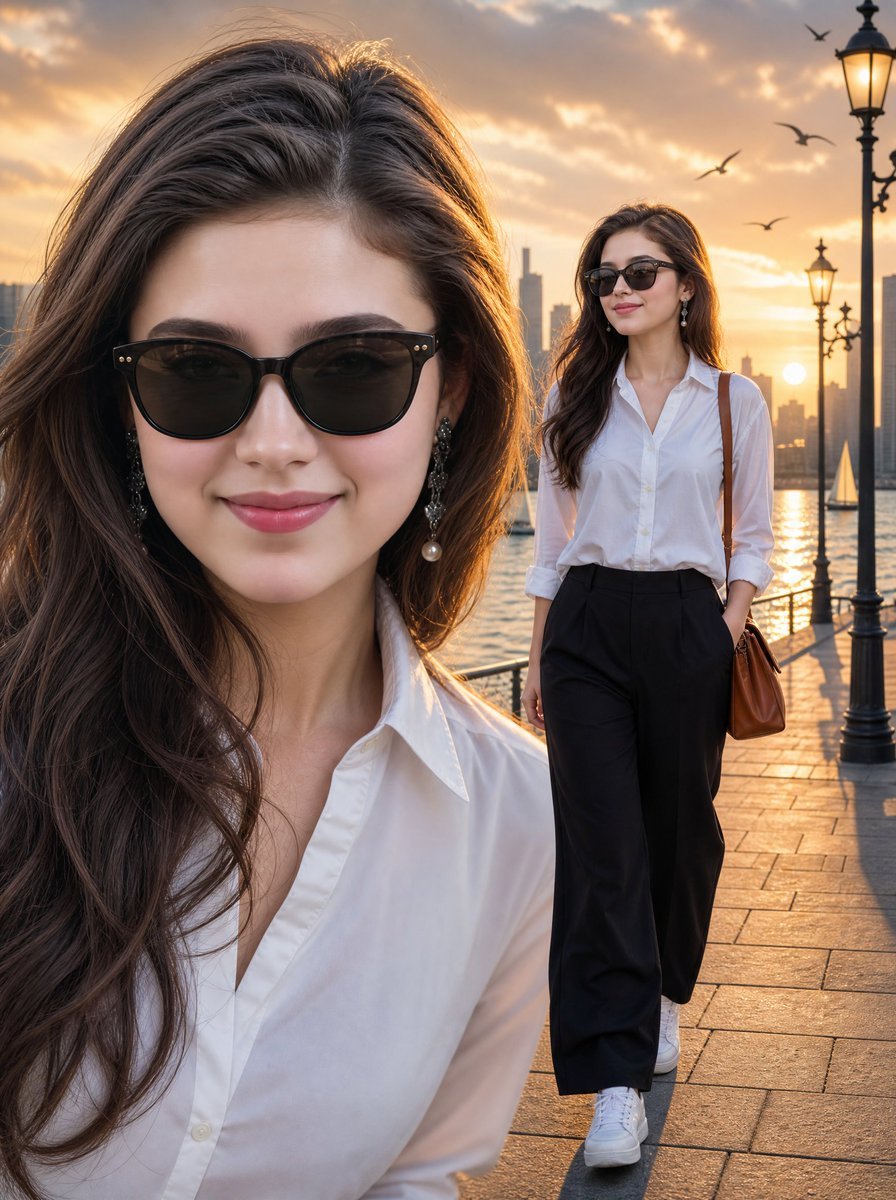
Sunset Waterfront Fashion Composite
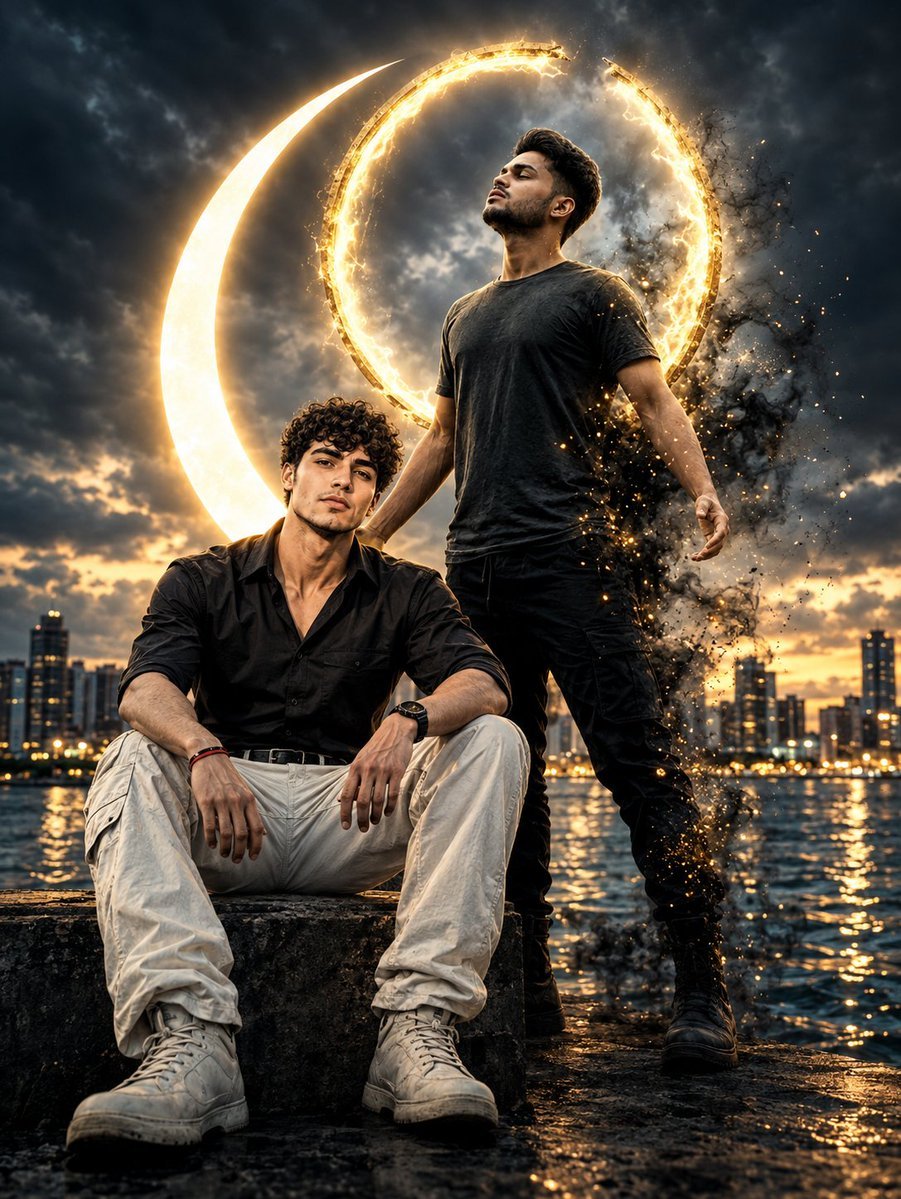
Celestial Waterfront Fantasy Portrait

Nighttime Waterfront Smartphone Aesthetic

Frozen Pizza Commercial Storyboard
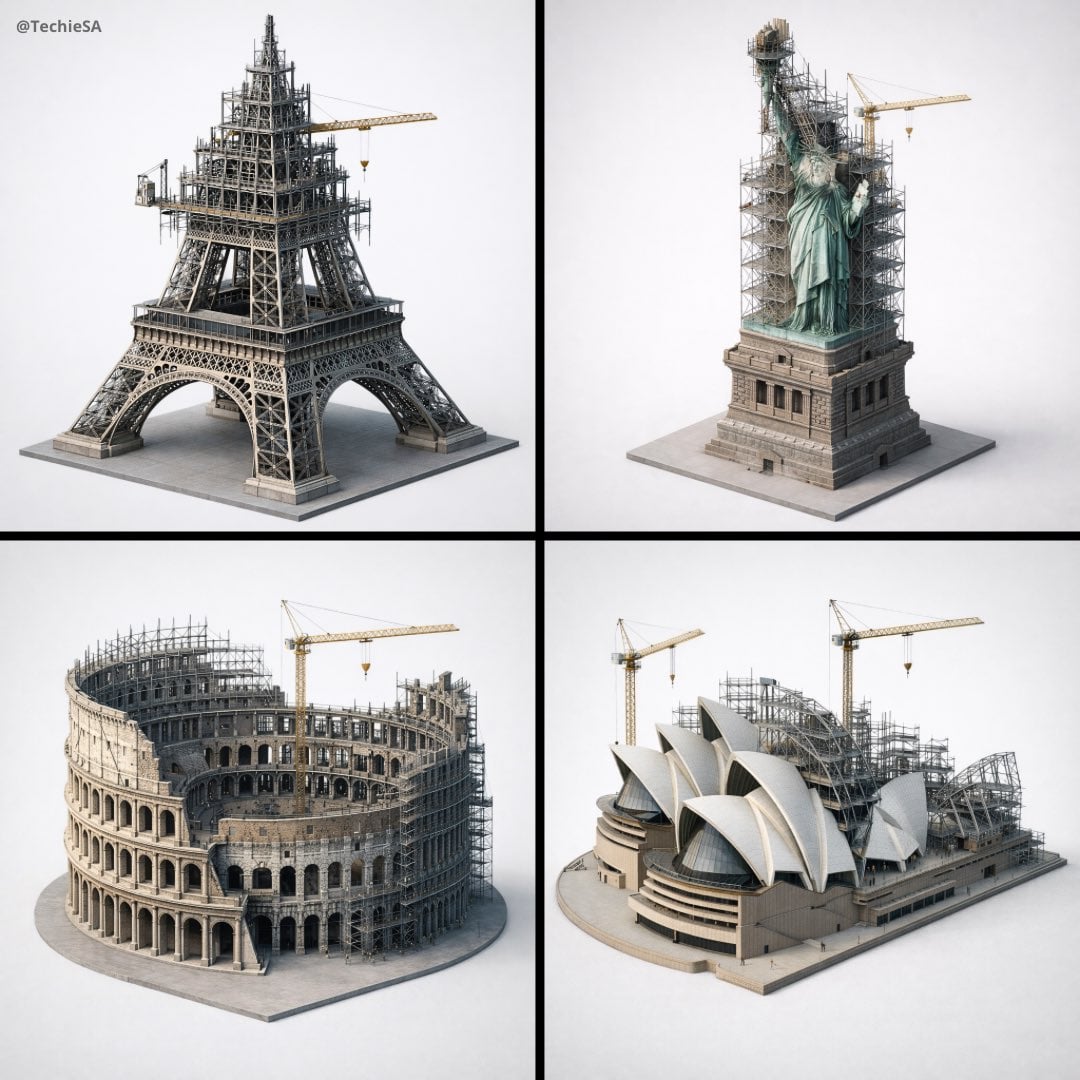
Depict frozen in an eternal state of construction

Doha Waterfront Portrait
Make it yours
Dystopian Woman by Frozen Waterfront works as-is. These are the safest ways to change it without losing the look.
Change one field
Copy a single group, rewrite it, and generate again so you can see what that field is doing.
Keep the frame, change the subject
Hold the composition and light of Dystopian Woman by Frozen Waterfront, then swap wardrobe, props or the person for a new take.
| If the result… | Why | Fix |
|---|---|---|
| The result drifts from the preview | Too many fields changed at once. | Reuse Dystopian Woman by Frozen Waterfront as-is first, then change one group — subject, light, or setting. |
| The model over-stylizes the scene | The prose prompt leaves finish and camera underspecified. | Add one camera or lighting sentence and stay on GPT Image 2. |
More GPT Image 2 templates
Other prompts made for GPT Image 2.

Six VTuber Japanese Logo Sheet

The Vista Modular Condo Poster

AI Model Routing Comparison Infographic

2.5D Anime Art Board

Isometric Productivity Desk Scene

New York Double Exposure Poster

Four-Panel AI Landscape Comparison

Japanese Tatami Lifestyle Magazine Cover

NESCAFÉ Coffee Map Poster

Brutalist Cogito Chinese Typography Poster
More image prompts
Fresh picks from across the catalog.
Urban Streetwear Portrait Prompt

Universal Christmas Food Poster Prompt
Photorealistic Soccer Jersey Selfie Portrait
High-Fashion Desert Couture Shoot
Romantic Korean Summer Portrait with Roses

Video Prompt Instruction for Nano Banana
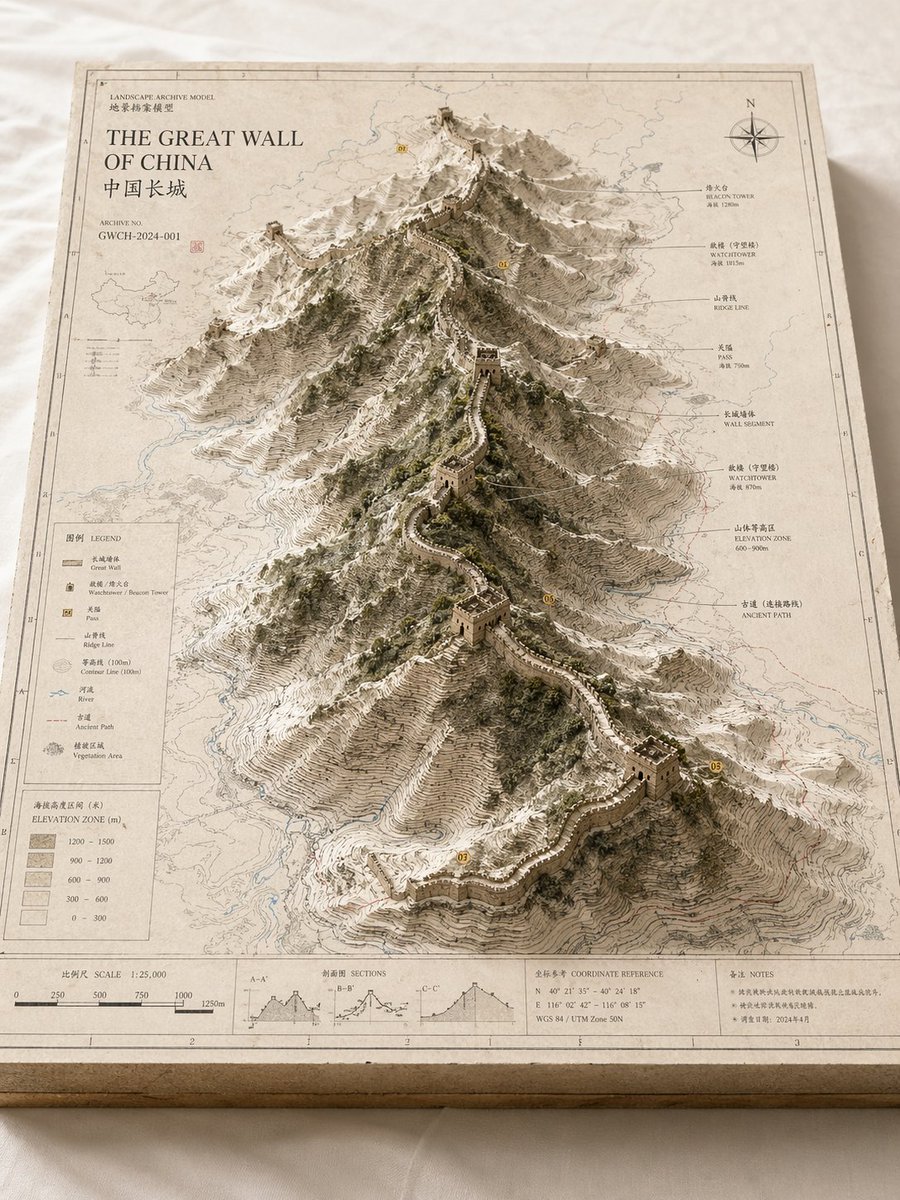
Landscape Archive Model Map

Elegant Cosmetic Poster Prompt
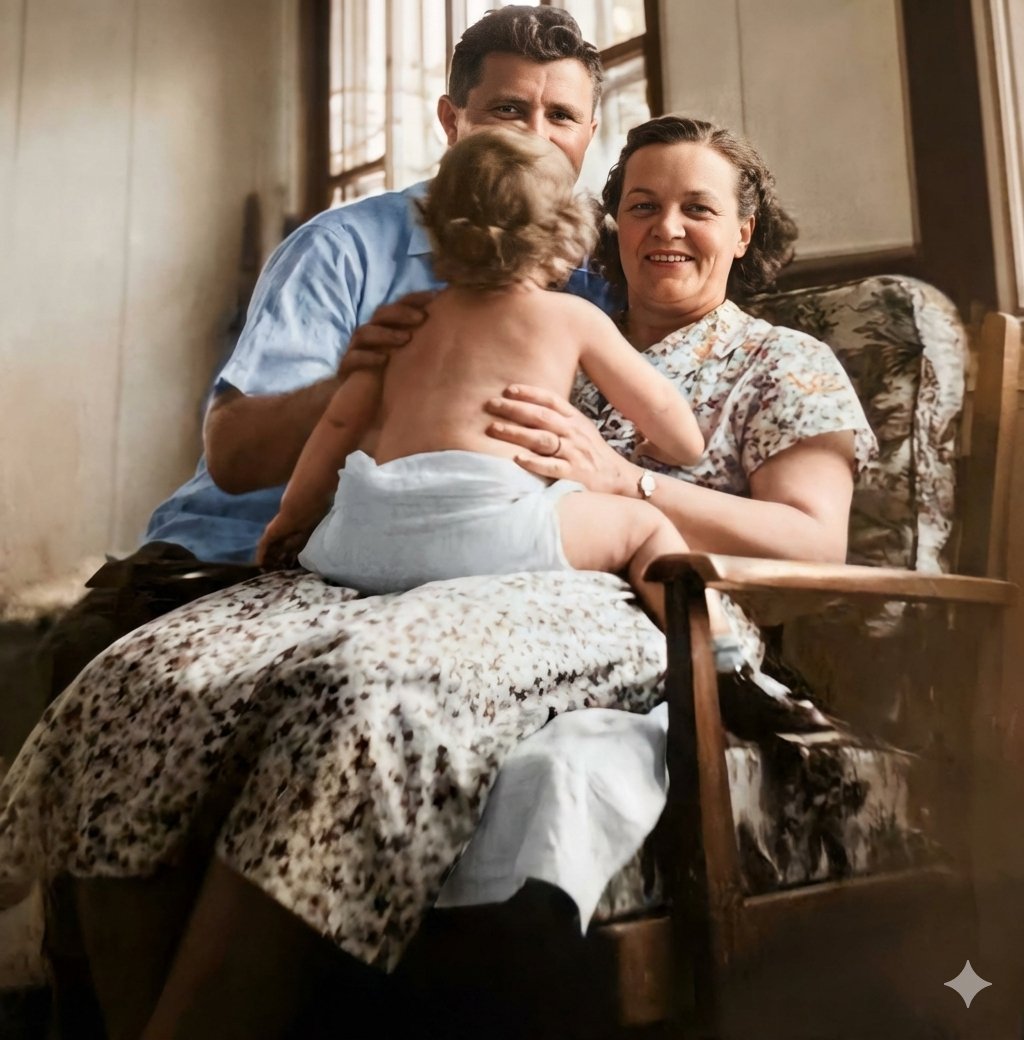
Old Photo Restoration Prompt
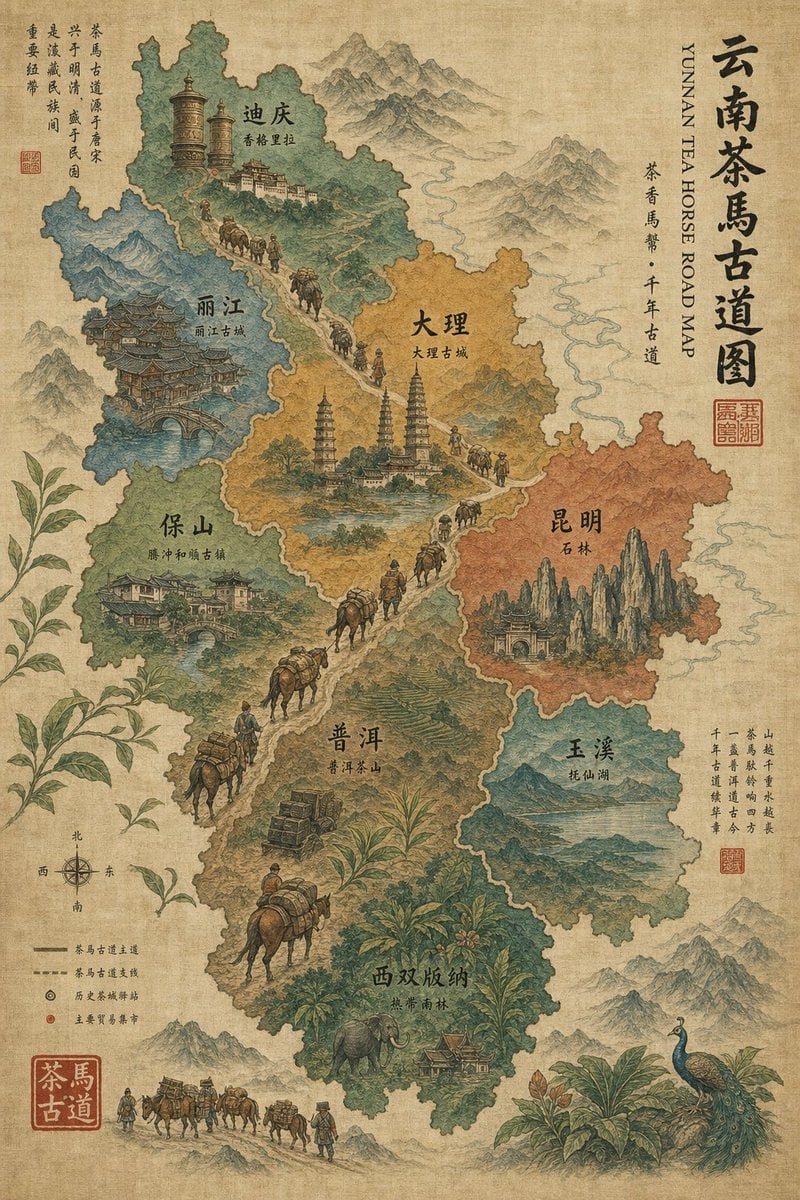
Vintage Yunnan Tea Horse Road Map
Browse template categories
Dystopian Woman by Frozen Waterfront questions
How do I use the Dystopian Woman by Frozen Waterfront template?
Add your photo if the template asks for one, edit the prompt if you like — the template's model and format are already selected — and press Generate. Your version opens in PicX Studio.
Can I customize the Dystopian Woman by Frozen Waterfront template?
Yes. You can change the subject, setting, lighting, mood, format, and available model controls before creating your image.
Is the Dystopian Woman by Frozen Waterfront template free?
Opening and editing this template is free. Generating uses credits, shown on the Generate button when you are signed in.
Which AI model should I use?
Start with GPT Image 2, which is the model associated with this template. You can compare another compatible model for a different finish.
Looking for something else? Browse all templates.

Your photo, any look
Thousands of ready templates for every top image and video model, from one credit balance.