
Nighttime Waterfront Smartphone Aesthetic
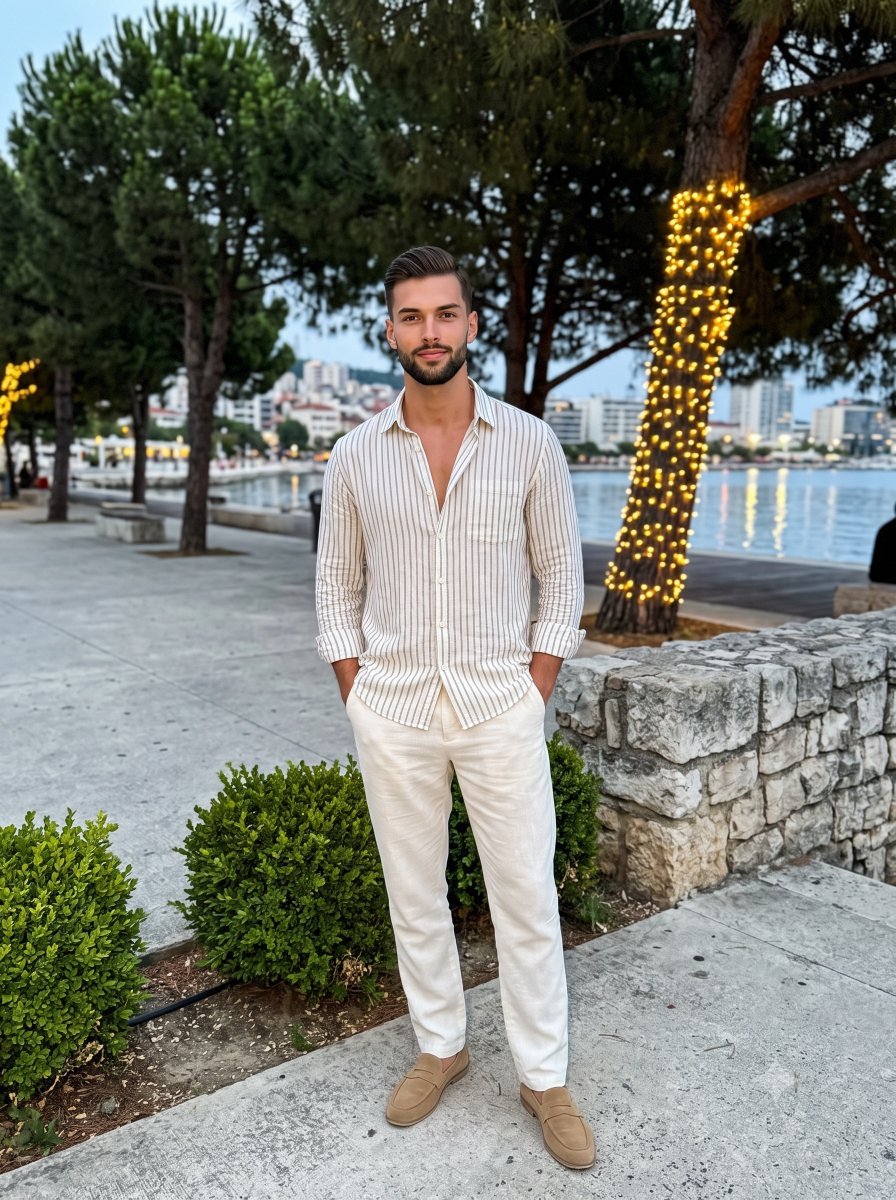
A comprehensive prompt for a realistic nighttime photograph using smartphone aesthetics, featuring a subject in linen clothing against a cityscape backdrop.
- Prompt included
- Model and format preset
- Free template
The prompt behind this image
Copy the exact prompt behind Nighttime Waterfront Smartphone Aesthetic, or open it in the studio and make it yours.
A {argument name="subject" default="young adult male"} stands confidently in the center of the frame, facing the camera with a subtle, posed closed-mouth smile, relaxed eyebrows, and a direct gaze. His shifted weight creates a relaxed leaning posture with level shoulders. He is dressed in {argument name="outfit" default="a loosely buttoned vertical-striped linen shirt and relaxed off-white linen trousers paired with tan suede loafers"}. His hands rest deeply inside his front trouser pockets, causing the linen fabric to bunch slightly on the left and stretch smoothly across his hips on the right while gently pulling the shirt hem open. He is situated on {argument name="setting" default="a light warm gray concrete promenade scattered with subtle natural debris"}, framed in the immediate foreground by dense, small-leaved evergreen boxwood shrubs thriving on the left and a rough, matte split-face stone mosaic wall on the right featuring sharp, horizontally arranged rectangular tiles. The deep spatial layout sweeps back into a layered midground showcasing tall pine trees with rough bark and needle clusters, one trunk elegantly wrapped in warm golden string lights, alongside a faintly visible metal bollard. Beyond the trees lies a pristine, dark expanse of water, whose smooth surface reflects long, vertical streaks of golden light radiating from the distant cityscape, where illuminated structures and streetlights form a softly glowing horizon line. The calm, warm summer evening atmosphere is defined by a high-contrast, split-complementary color palette dominated by off-white, deep forest green, night black, and golden yellow accents. A bright, highly directional hard frontal flash pierces the casual nighttime setting, preserving vivid specular highlights on the subject's face, forehead, the front of his striped shirt, and the folded ridges of his linen trousers. This intense light casts harsh, deep black, short-edged shadows sharply under his chin, directly behind his legs onto the concrete and stone wall, and deep within the surrounding dense foliage. Captured straight on as a realistic digital photograph with a casual smartphone aesthetic, the image features a deep depth of field, slightly soft textures, and visible digital noise, finalized with post-processing that deepens the black tones in the night sky and water while warming the highlights, all naturally framed in a 3:4 aspect ratio.
How to use Nighttime Waterfront Smartphone Aesthetic in 3 steps
- 1
Open
The prompt is already in the box next to the preview, with the template's model and format selected.
- 2…a portrait of your subject in softgolden-hour light, 85mm…
Personalize
Edit the subject and creative details for your destination.
- 3Generate
Generate
Press Generate — your image is created in PicX Studio, so you can compare it with the original and refine one variable at a time.
More like this
Templates with the same subject, style or setup. Open one to see its prompt.
Smartphone Selfie on Motorboat

Nano Banana Pro 2.0 — 3x3 Travel Profile Grid

Creative Character in Pink Office

Avant-Garde Asian Fashion Model

Underwater Macro Face Portrait

Water-level Bridge Modification

Noir Punk Street Portrait

High Contrast Cinematic Face Portrait

Monochrome Studio Portrait with Colored Lens

Ultra-Realistic Yacht Sunset Portrait

Mushroom Still Life Composition

Whimsical Anthropomorphic Friendly Insect
Make it yours
Nighttime Waterfront Smartphone Aesthetic works as-is. These are the safest ways to change it without losing the look.
Change one field
Copy a single group, rewrite it, and generate again so you can see what that field is doing.
Keep the frame, change the subject
Hold the composition and light of Nighttime Waterfront Smartphone Aesthetic, then swap wardrobe, props or the person for a new take.
| If the result… | Why | Fix |
|---|---|---|
| The result drifts from the preview | Too many fields changed at once. | Reuse Nighttime Waterfront Smartphone Aesthetic as-is first, then change one group — subject, light, or setting. |
| The model over-stylizes the scene | The prose prompt leaves finish and camera underspecified. | Add one camera or lighting sentence and stay on Gemini 3 Pro Image Preview. |
More Gemini 3 Pro Image Preview templates
Other prompts made for Gemini 3 Pro Image Preview.

Cinematic Urban Night Billboard Portrait

Ultra-Realistic iPhone Selfie with Motion Blur

Cinematic Mirror Reflection Portrait

Elegant Men's Twilight Editorial

Coastal Freedom Sunset Portrait

Ergonomic Office Chair E-commerce Mobile Detail Page

Macro Guitar Fret Dressing

Cinematic Black and White Studio Portrait

1980s Retro Salon Portrait

Felt Frog Diorama Beach
More image prompts
Fresh picks from across the catalog.

Artemis II Mission Journal Diorama
Convention Cosplay Outfit Prompt
Hyper-realistic cinematic cricket scene prompt for Gemini App
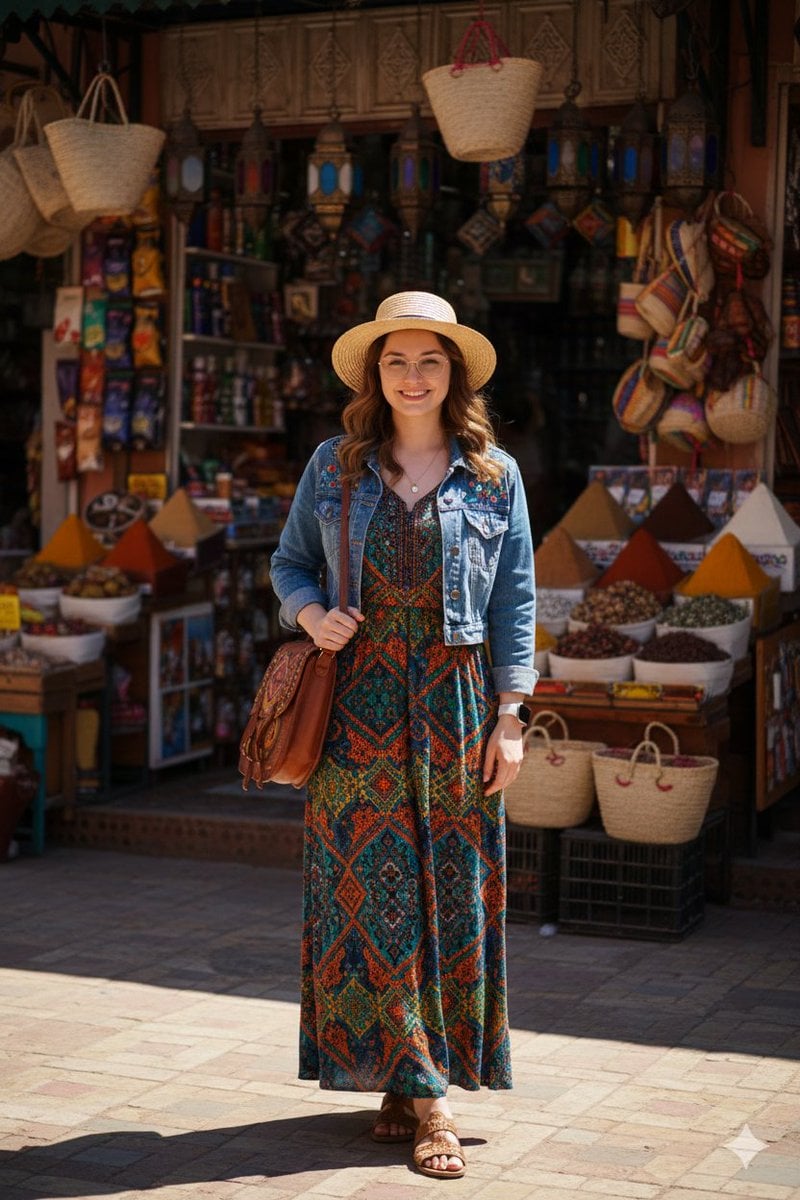
High-Fidelity Moroccan Souk Portrait
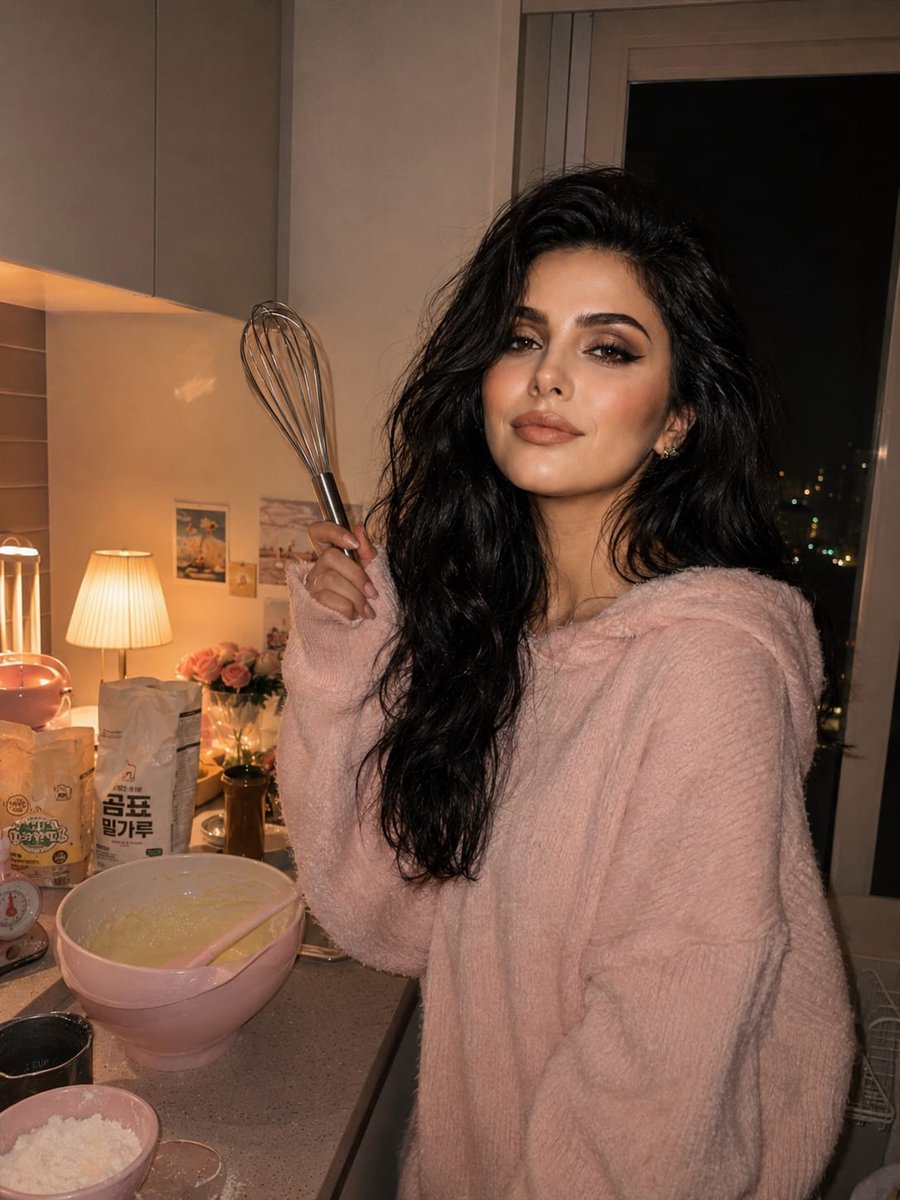
Cozy Kitchen Late Night Baking Portrait

Kids Crayon Travel Journal Illustration

Caricature Style Portrait
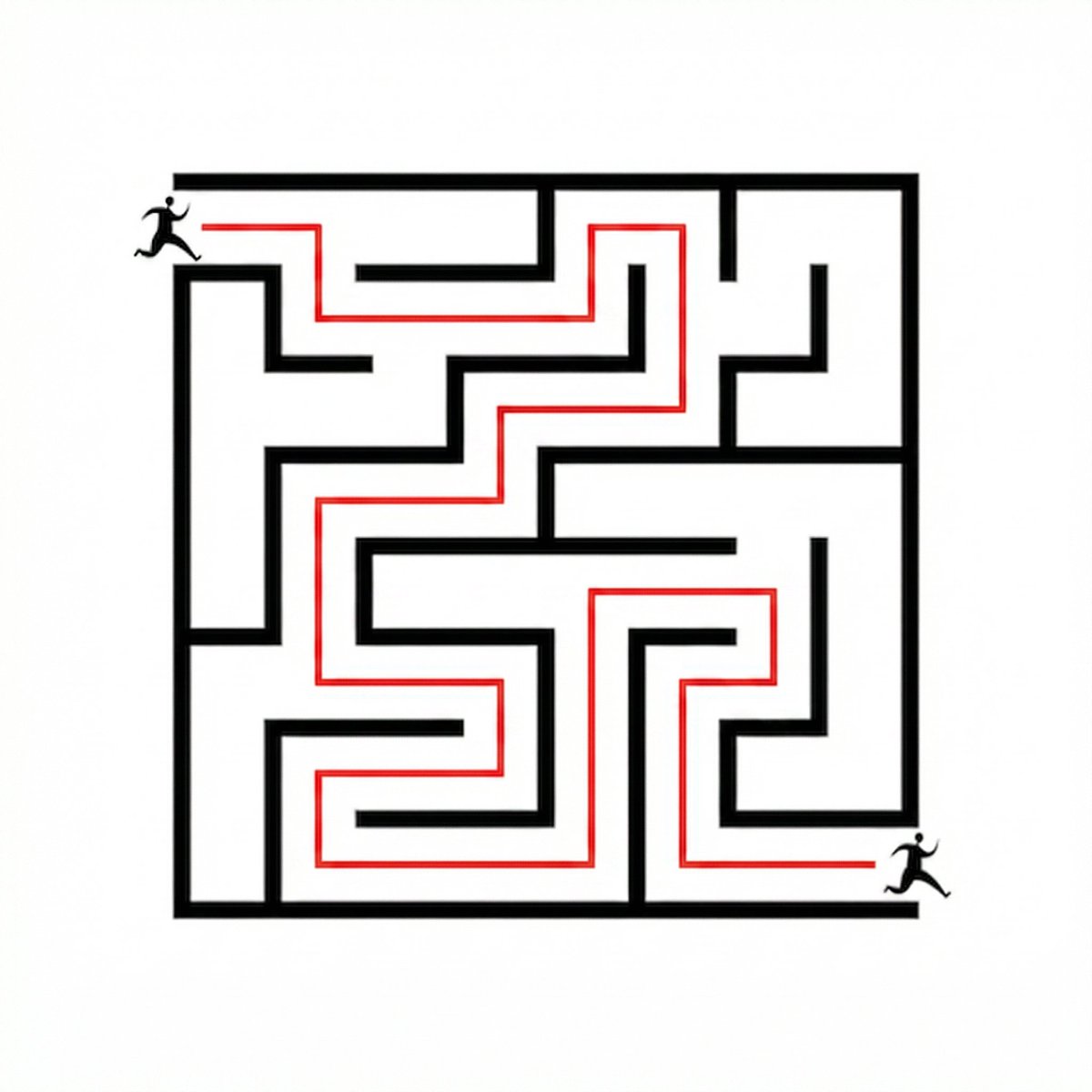
Maze Solver Transformation
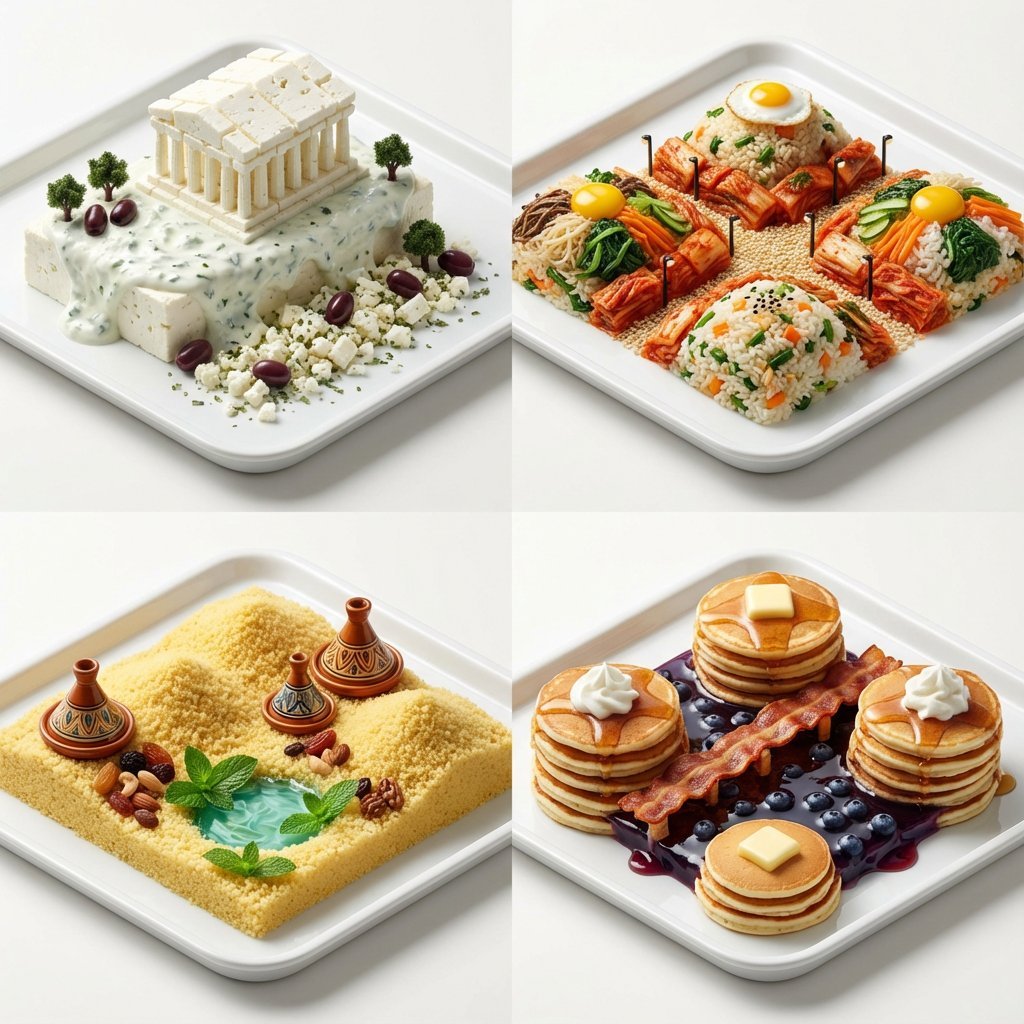
Hyper-Realistic Miniature Food Landscapes Grid
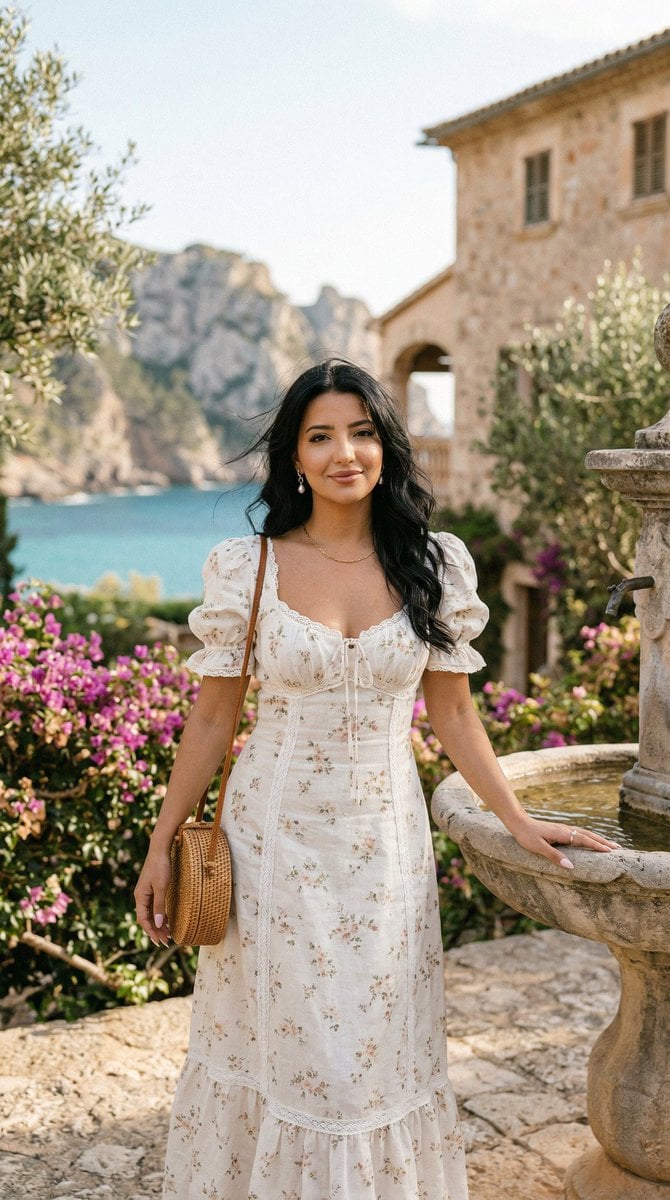
Romantic Mediterranean Coastal Editorial
Browse template categories
Nighttime Waterfront Smartphone Aesthetic questions
How do I use the Nighttime Waterfront Smartphone Aesthetic template?
Add your photo if the template asks for one, edit the prompt if you like — the template's model and format are already selected — and press Generate. Your version opens in PicX Studio.
Can I customize the Nighttime Waterfront Smartphone Aesthetic template?
Yes. You can change the subject, setting, lighting, mood, format, and available model controls before creating your image.
Is the Nighttime Waterfront Smartphone Aesthetic template free?
Opening and editing this template is free. Generating uses credits, shown on the Generate button when you are signed in.
Which AI model should I use?
Start with Gemini 3 Pro Image Preview, which is the model associated with this template. You can compare another compatible model for a different finish.
Looking for something else? Browse all templates.

Your photo, any look
Thousands of ready templates for every top image and video model, from one credit balance.