
Dystopian Dark Surrealist Concept Art
A detailed prompt for generating dystopian, dark-surrealist imagery featuring an androgynous figure in a circular chamber, using a bone-white and charcoal color palette with dramatic lighting.
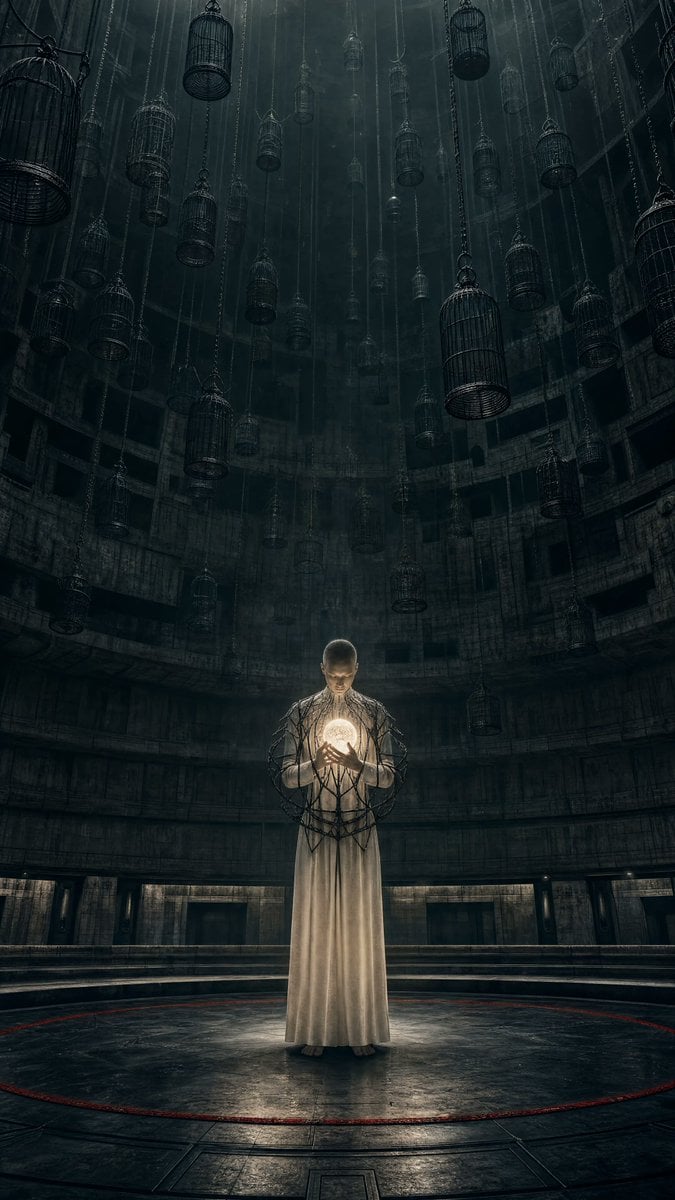
- Prompt included
- Model and format preset
- Free template
The prompt behind this image
Copy the exact prompt behind Dystopian Dark Surrealist Concept Art, or open it in the studio and make it yours.
Use case: stylized-concept Asset type: vertical social-media artwork for the “{argument name="theme" default="Your Dark Side"}” theme Create an original dystopian dark-surrealist image in a {argument name="chamber description" default="vast circular chamber beneath a dead city"}. At the center, an androgynous figure in a {argument name="garment" default="simple bone-white garment"} holds a small radiant sphere close to their chest, like the last living sun. Their ribcage is not exposed or injured; instead, an elegant external cage of thin black metallic branches grows around their torso and slowly closes around the light. Behind the person, thousands of suspended empty cages disappear upward into darkness. The person’s calm posture contrasts with the feeling that they are imprisoning their own light. Vertical 9:16 framing, full-body subject in the lower-middle of the composition, enormous negative space above, concentric brutalist architecture, cinematic scale, subtle fog. The small sphere provides warm ivory illumination on the figure; everything beyond it falls into cold charcoal and silver shadow. A single hairline of dark crimson circles the floor like a warning. Photorealistic materials, restrained surrealism, editorial sci-fi still, crisp silhouette and intense emotional clarity. Color palette: deep charcoal, obsidian, bone white, cold silver, faint ivory light, minimal dark crimson. Constraints: original visual metaphor; no exposed anatomy, no injury, no recognizable person, no text, logos, signatures, borders, or watermark. Avoid: portrait close-up, split identity face, black goo, red eyes, gore, conventional angel or demon imagery, flames, decorative fantasy styling, imitation of any named artist.
How to use Dystopian Dark Surrealist Concept Art in 3 steps
- 1
Open
The prompt is already in the box next to the preview, with the template's model and format selected.
- 2…a portrait of your subject in softgolden-hour light, 85mm…
Personalize
Edit the subject and creative details for your destination.
- 3Generate
Generate
Press Generate — your image is created in PicX Studio, so you can compare it with the original and refine one variable at a time.
More like this
Templates with the same subject, style or setup. Open one to see its prompt.
Dark Surrealist Library Archive
Cinematic Dark Surrealist Abyss

Glass Brand Logo Volcanic Landscape

Blueprint Split Reality Archetype Prompt

Real Illustration Split Portrait Transition

Selective Color Monochrome Football Poster
Dark Ritual Dancer Concept Board
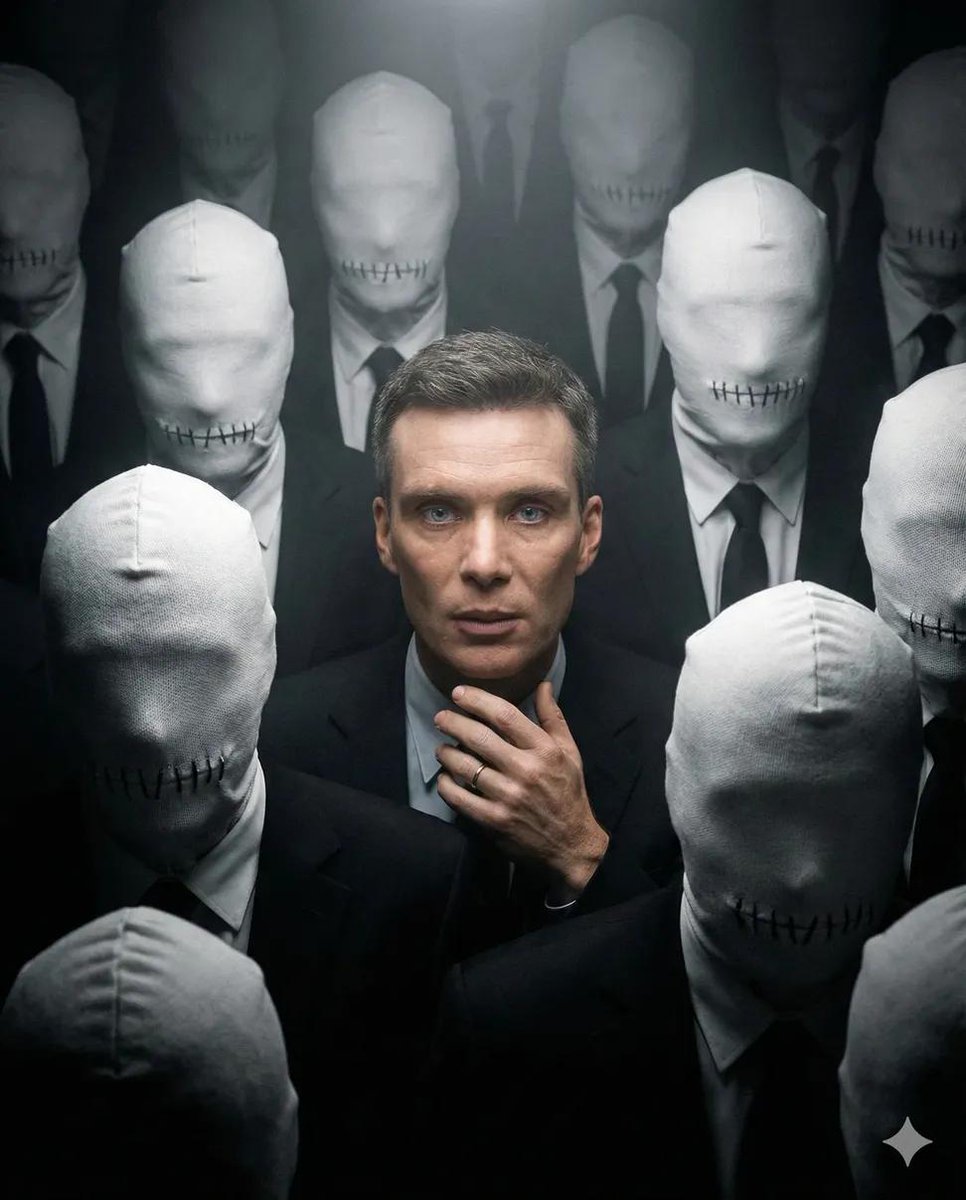
Surreal Dystopian Conceptual Portrait Prompt (Facial Lock)

Night Sports Car Portrait — Cinematic Moody

Cinematic Eye Light Portraits — 3 Nano Banana Prompts

Horror Cinematic Portrait
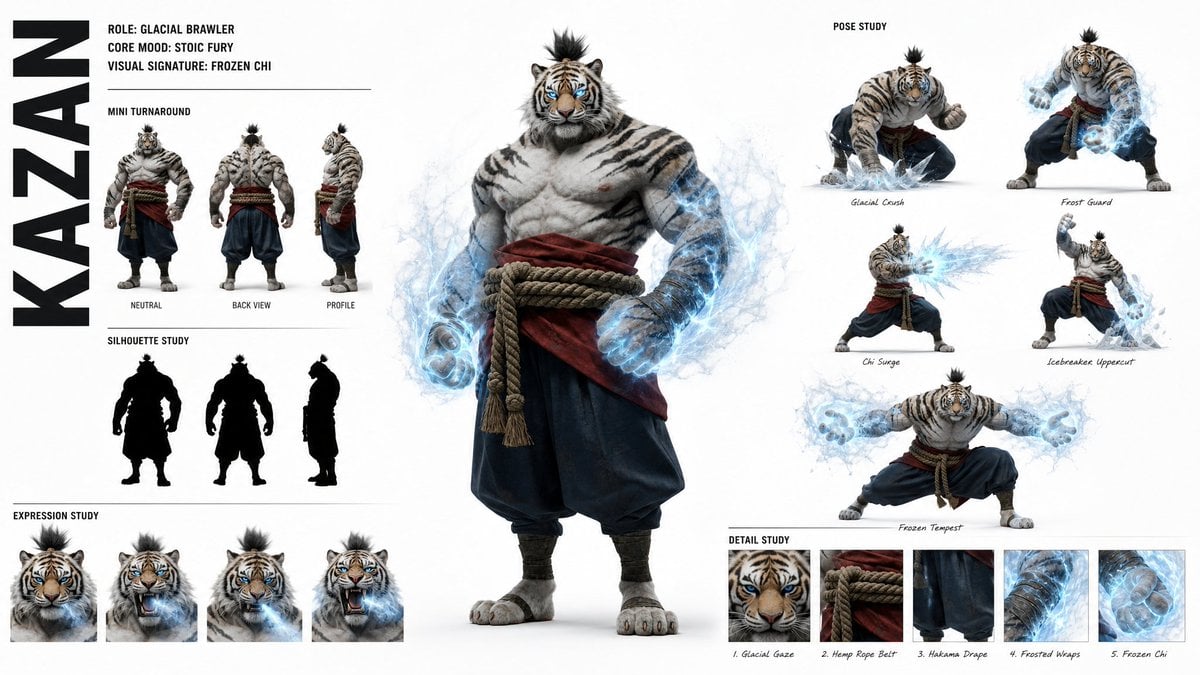
High-Fashion Character Concept Art Sheet
Make it yours
Dystopian Dark Surrealist Concept Art works as-is. These are the safest ways to change it without losing the look.
Change one field
Copy a single group, rewrite it, and generate again so you can see what that field is doing.
Keep the frame, change the subject
Hold the composition and light of Dystopian Dark Surrealist Concept Art, then swap wardrobe, props or the person for a new take.
| If the result… | Why | Fix |
|---|---|---|
| The result drifts from the preview | Too many fields changed at once. | Reuse Dystopian Dark Surrealist Concept Art as-is first, then change one group — subject, light, or setting. |
| The model over-stylizes the scene | The prose prompt leaves finish and camera underspecified. | Add one camera or lighting sentence and stay on GPT Image 2. |
More GPT Image 2 templates
Other prompts made for GPT Image 2.

Six VTuber Japanese Logo Sheet

Realistic Portrait of Woman and Deer

The Vista Modular Condo Poster

AI Model Routing Comparison Infographic

2.5D Anime Art Board

Isometric Productivity Desk Scene

New York Double Exposure Poster

Four-Panel AI Landscape Comparison

Japanese Tatami Lifestyle Magazine Cover

NESCAFÉ Coffee Map Poster
More image prompts
Fresh picks from across the catalog.
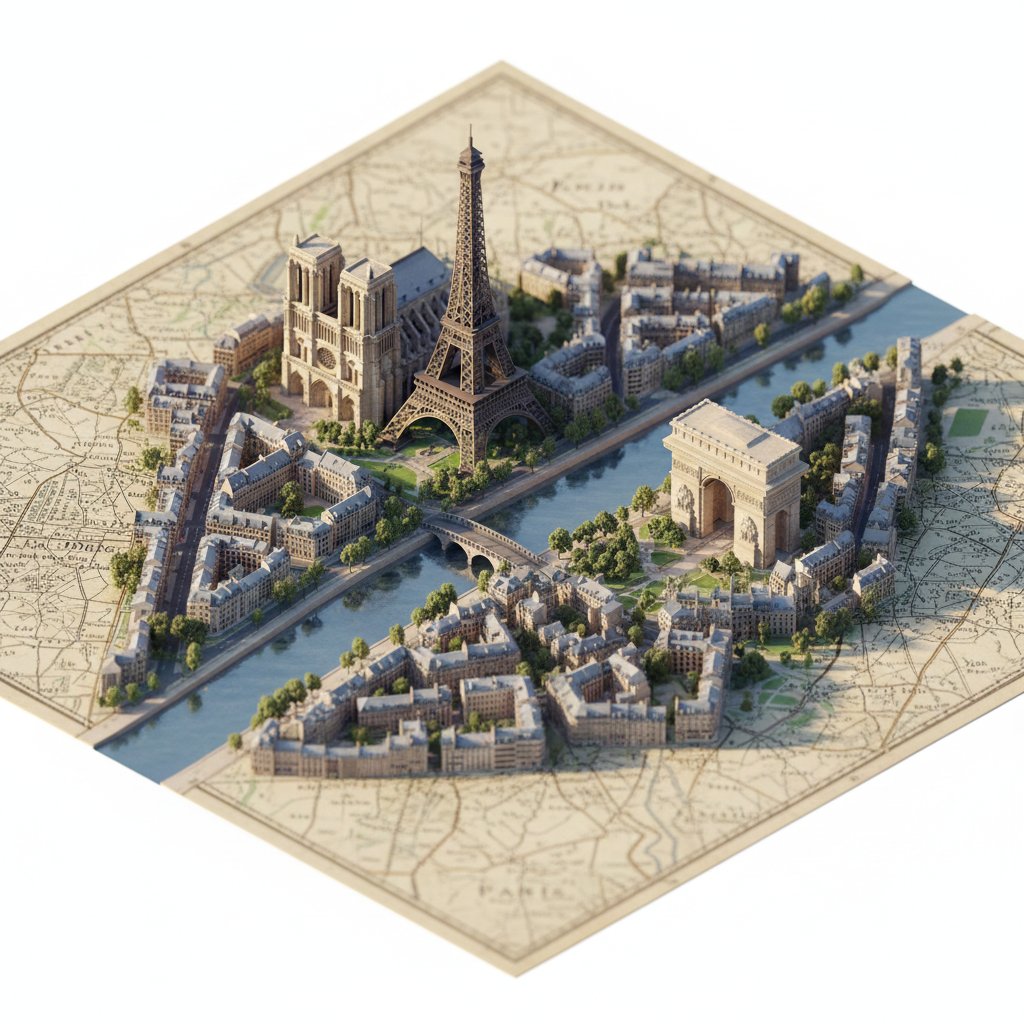
Photorealistic Diorama Isometric Map Prompt
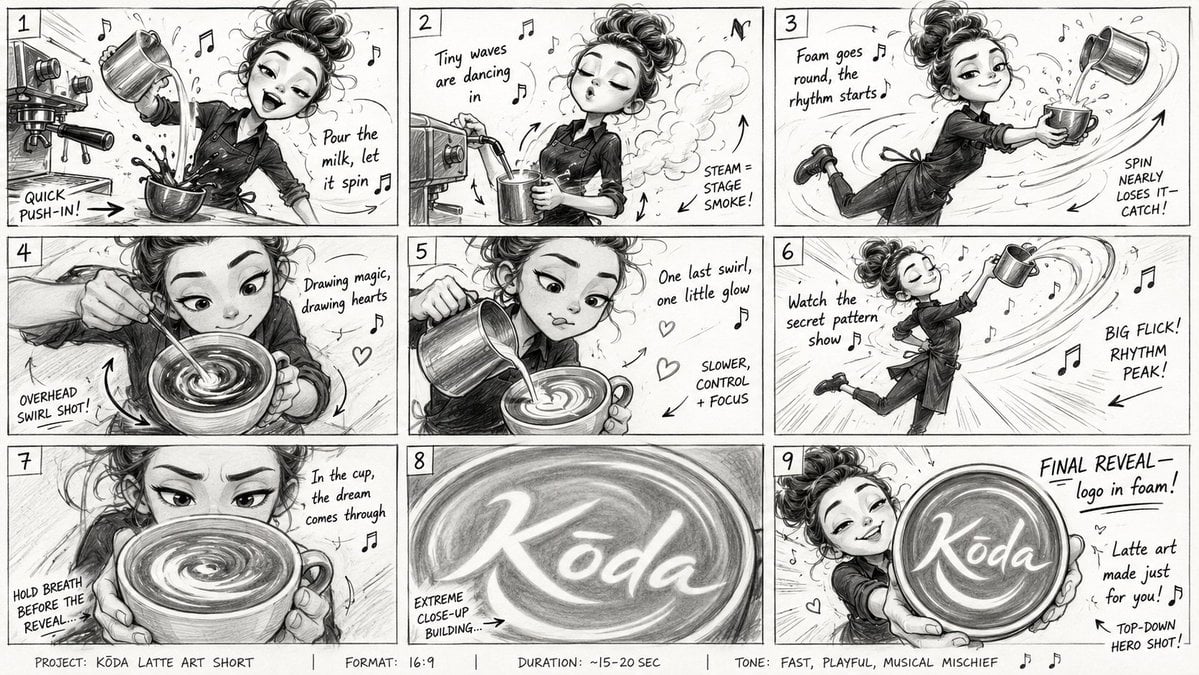
Latte Art Musical Storyboard

Major event at given coordinates
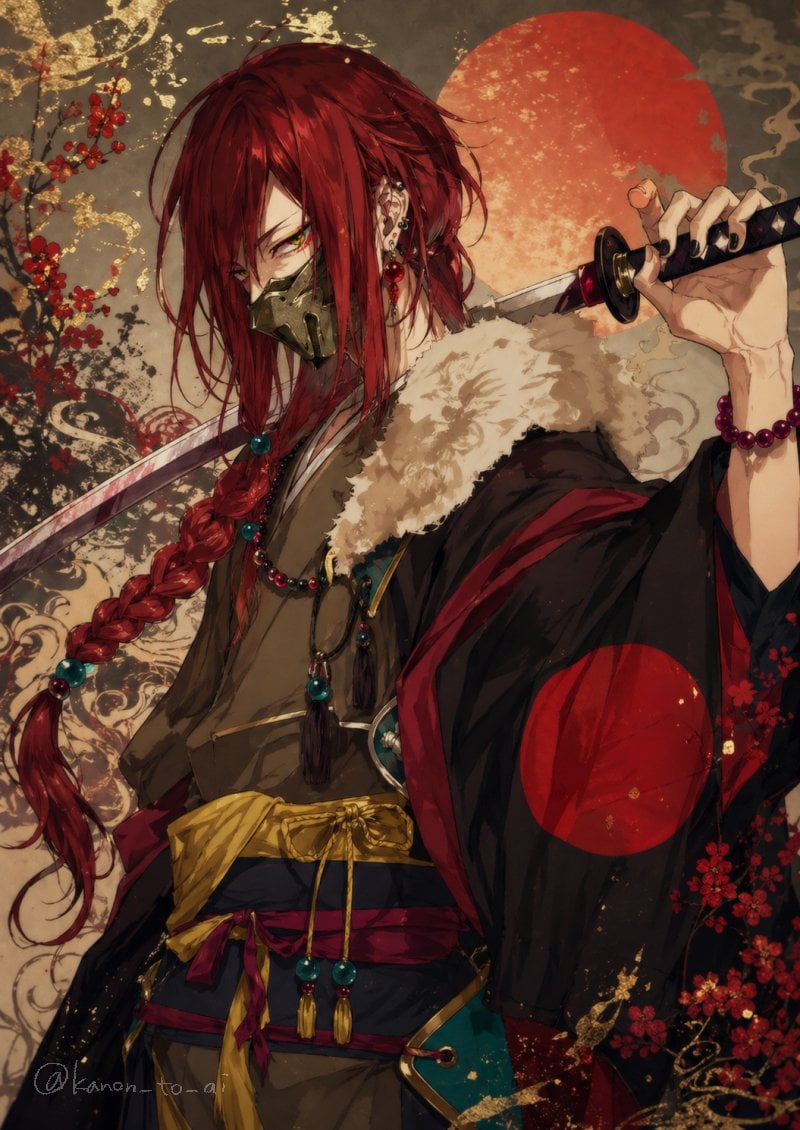
Red-Haired Masked Samurai Portrait
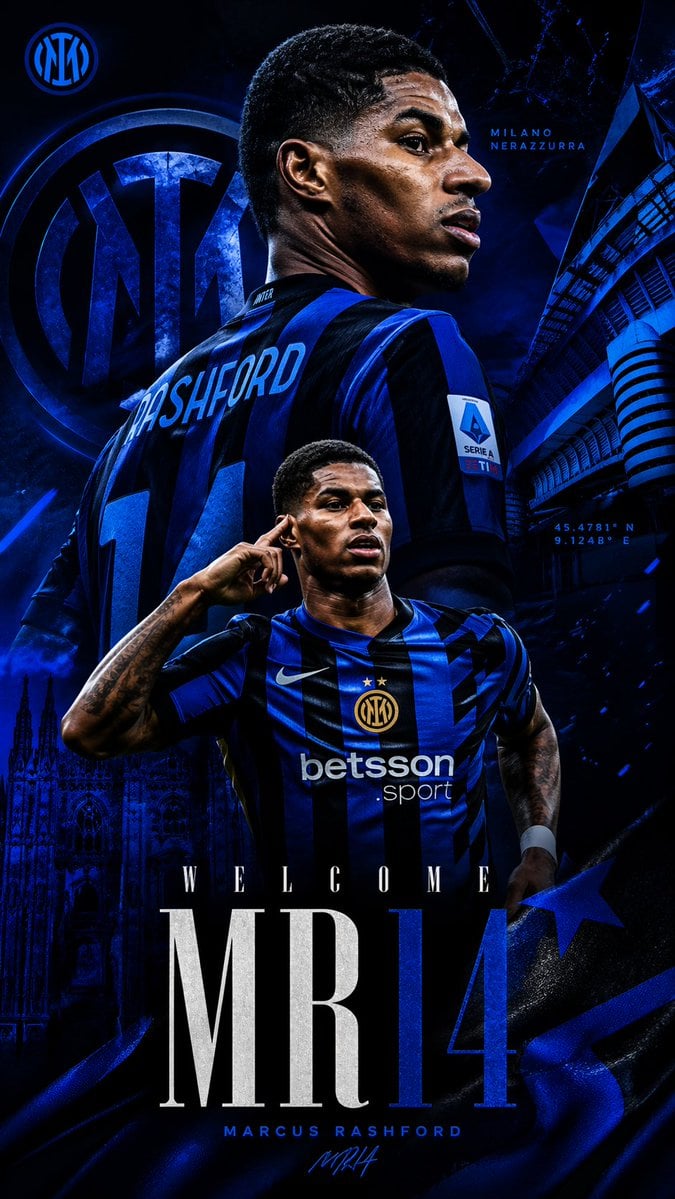
Marcus Rashford Inter Milan Wallpaper
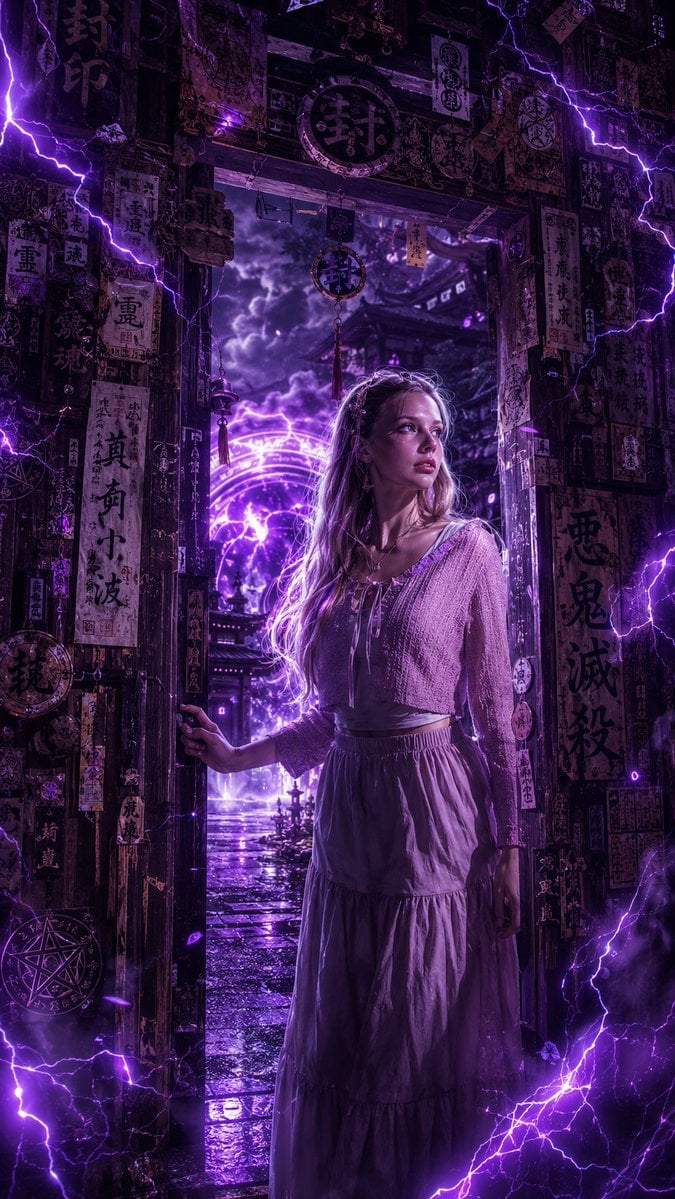
Dark Fantasy Anime Girl at Shrine
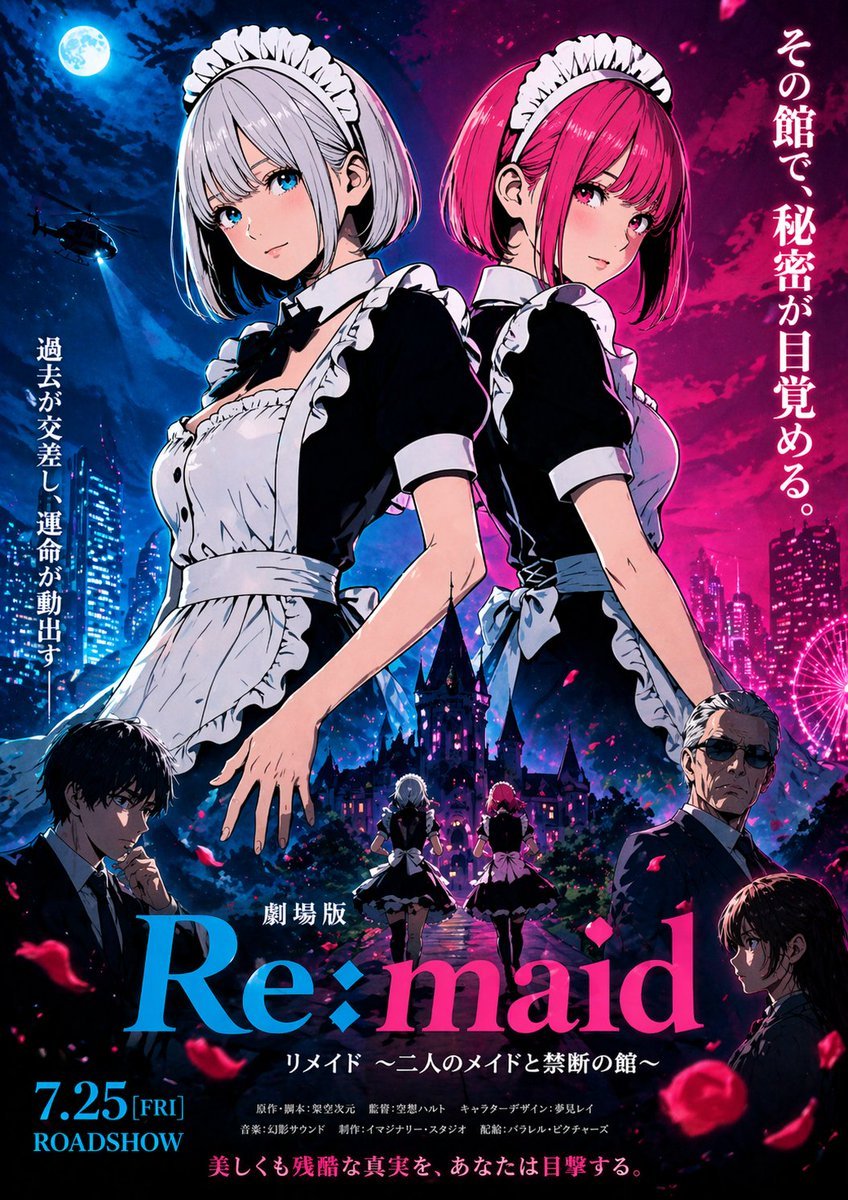
Anime Maid Thriller Movie Poster
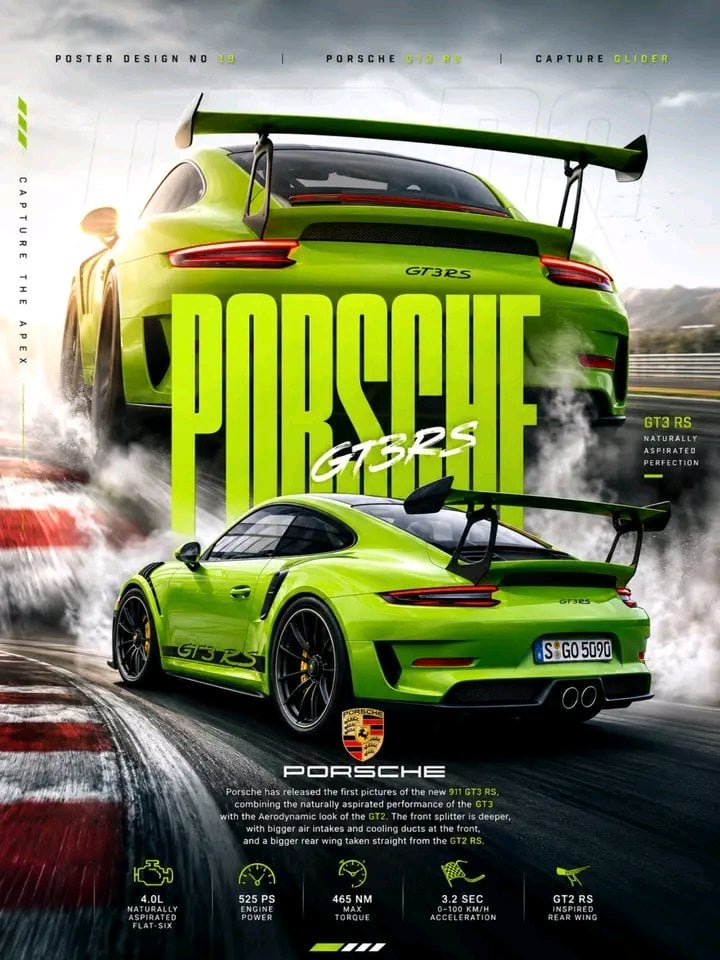
Porsche 911 GT3 RS Motorsport Poster
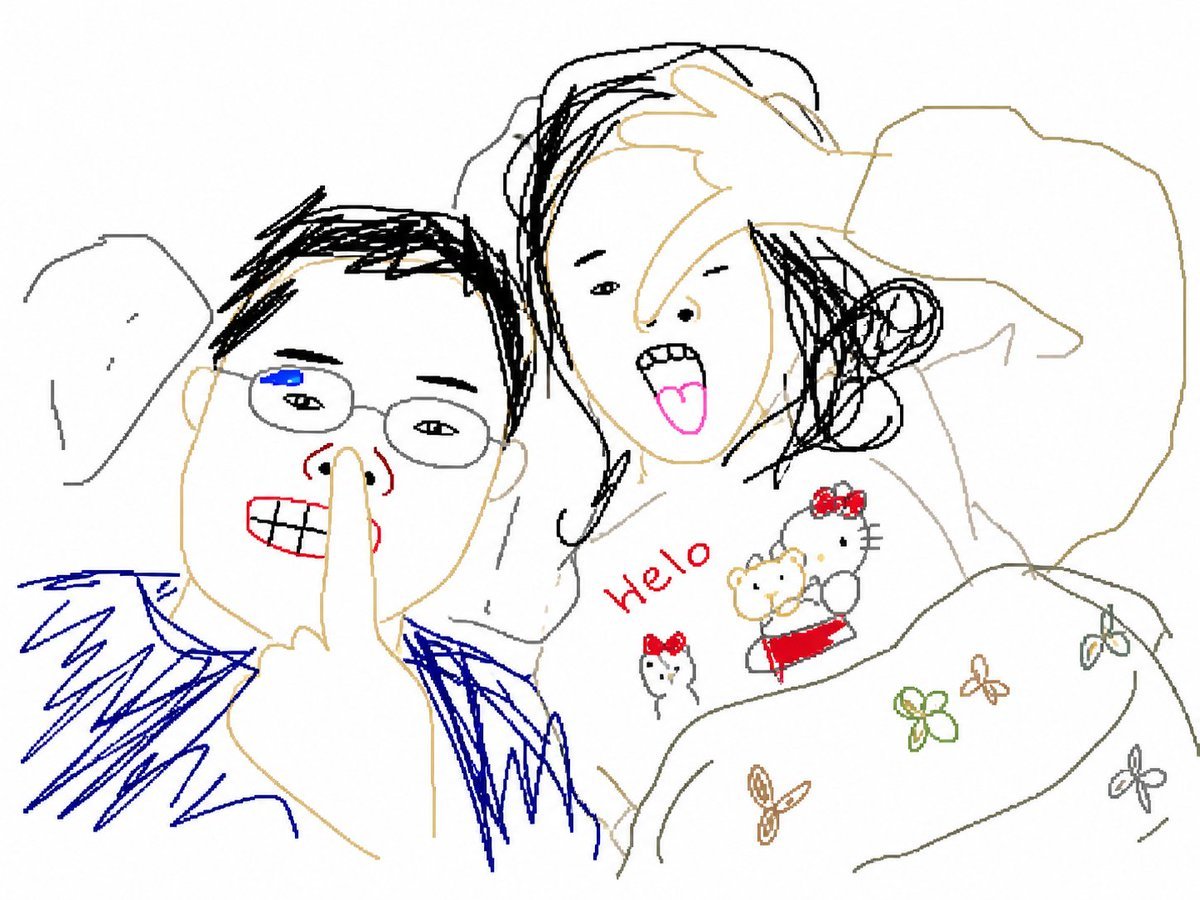
Clumsy MS Paint Redraw Style
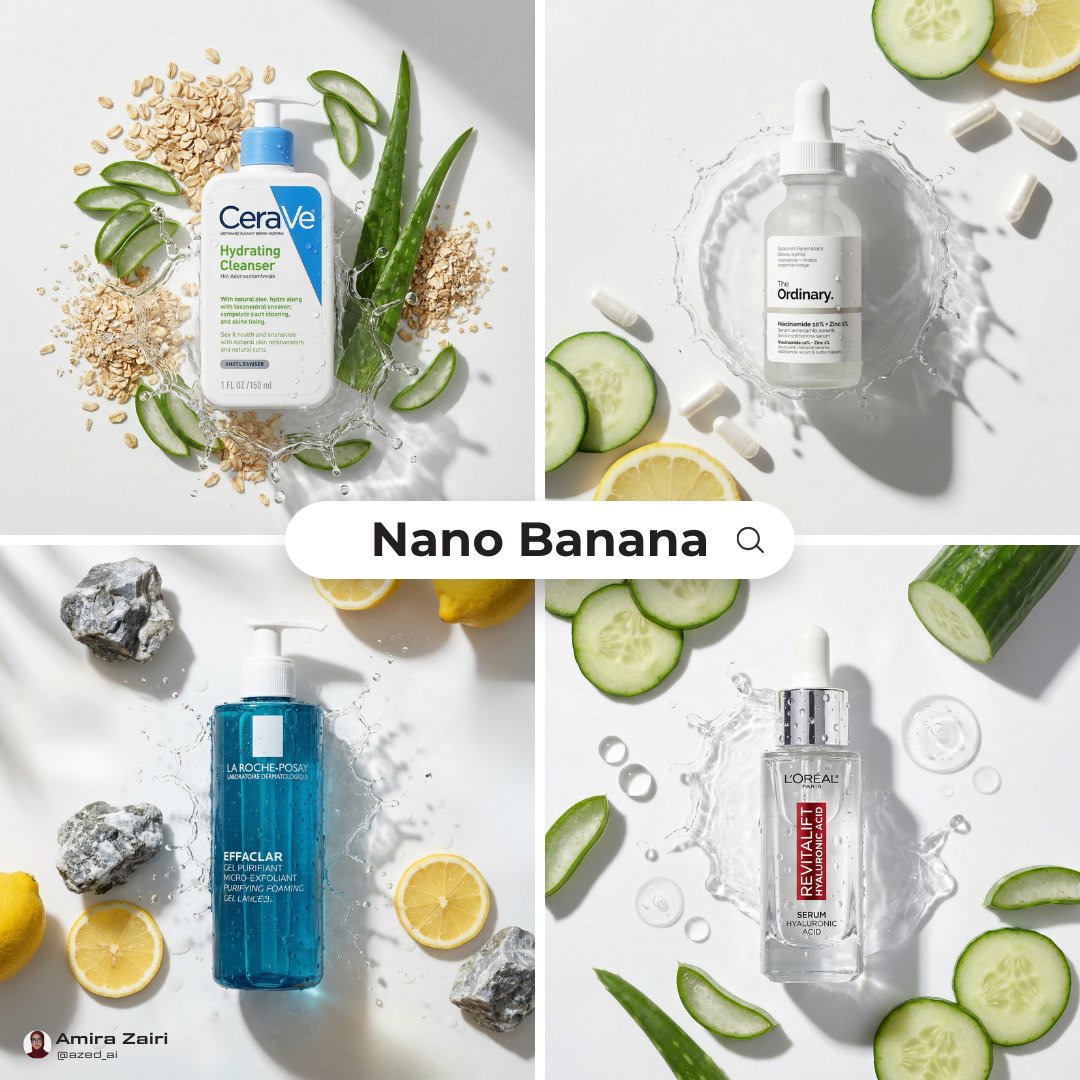
High-End Skincare Advertising Prompt
Browse template categories
Dystopian Dark Surrealist Concept Art questions
How do I use the Dystopian Dark Surrealist Concept Art template?
Add your photo if the template asks for one, edit the prompt if you like — the template's model and format are already selected — and press Generate. Your version opens in PicX Studio.
Can I customize the Dystopian Dark Surrealist Concept Art template?
Yes. You can change the subject, setting, lighting, mood, format, and available model controls before creating your image.
Is the Dystopian Dark Surrealist Concept Art template free?
Opening and editing this template is free. Generating uses credits, shown on the Generate button when you are signed in.
Which AI model should I use?
Start with GPT Image 2, which is the model associated with this template. You can compare another compatible model for a different finish.
Looking for something else? Browse all templates.

Your photo, any look
Thousands of ready templates for every top image and video model, from one credit balance.