How do I use the Old Photo Restoration Prompt template?
Choose the primary action to open PicX Studio with the available template settings. Review the model and format, personalize the creative direction, and generate when ready.
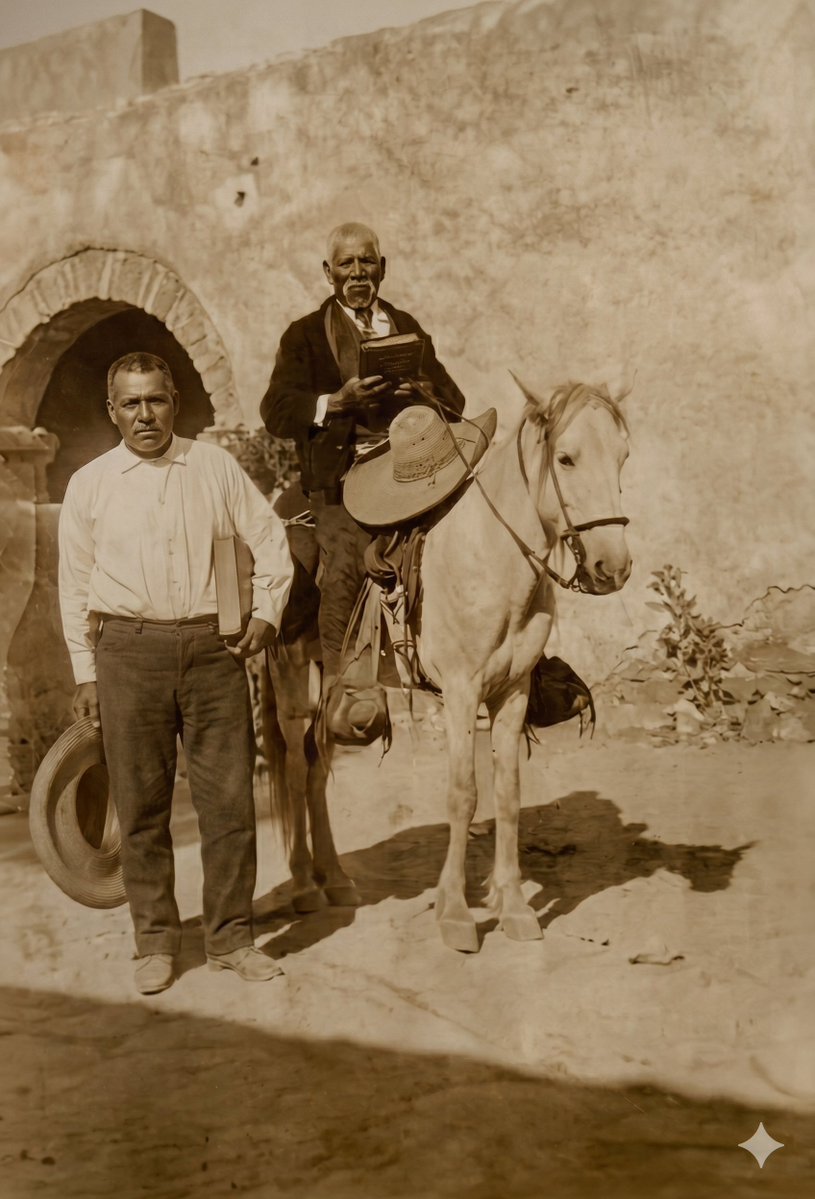
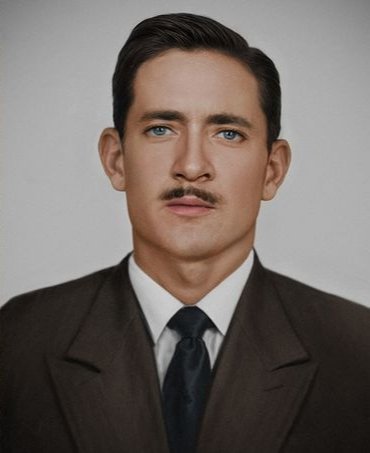
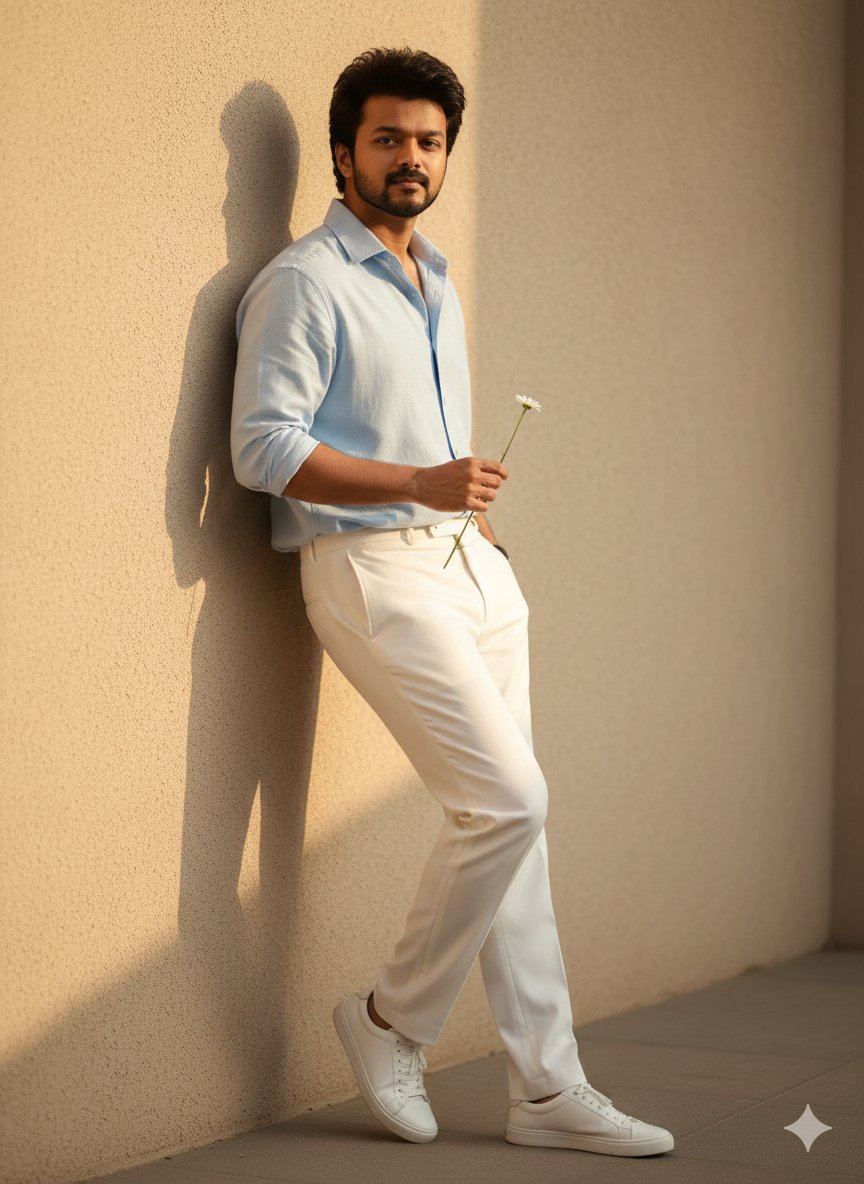
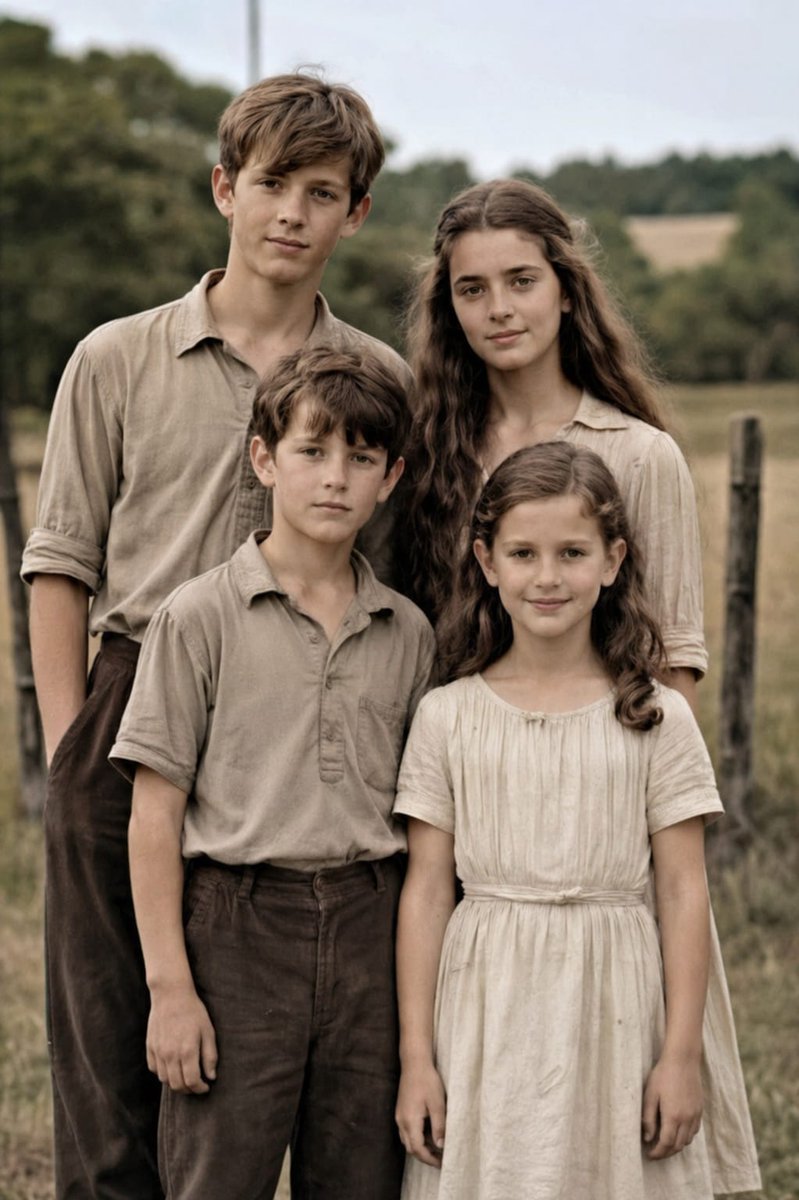
A prompt designed to restore an old, faded vintage photo into a professional, high-definition portrait, specifying DSLR quality, advanced upscaling, and strict
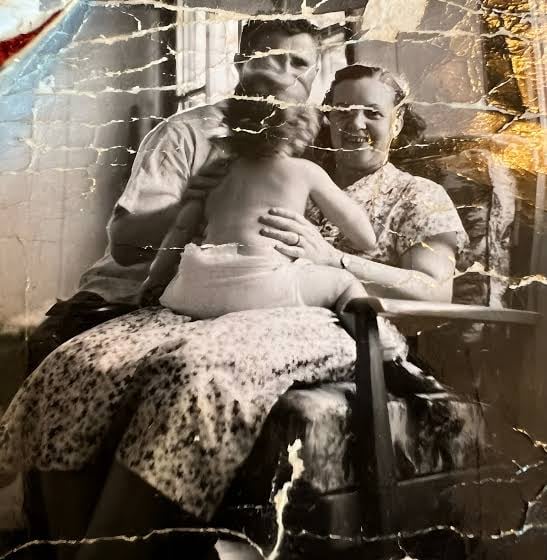
"Restore this old photo into professional portrait of DLSR - quality colour and detail, using an advanced upscaling algorithm comparable to the results from canon EOS R6 II. Ensure the restored the image looks natural, retains exact facial features, has great clarity......."
Choose the primary action to open PicX Studio with the available template settings. Review the model and format, personalize the creative direction, and generate when ready.
Yes. You can change the subject, setting, lighting, mood, format, and available model controls before creating your image.
This template is free to open and customize. Generation usage is shown in PicX Studio before you create.
Start with Nano Banana 2, which is the model associated with this template. You can compare another compatible model for a different finish.
Follow a topic to a crawlable collection of related PicX Studio templates.