
Noir Elderly Man by Window
A moody black-and-white cinematic portrait of an elderly man in a hat sitting beside a mesh window, useful for noir documentary-style visual concepts.

- Prompt included
- Model and format preset
- Free template
The prompt behind this image
Copy the exact prompt behind Noir Elderly Man by Window, or open it in the studio and make it yours.
Create a cinematic black-and-white documentary-style portrait of {argument name="subject" default="an elderly man"} sitting indoors beside a window, wearing a dark wide-brimmed hat, a heavy worn leather jacket, and a plaid shirt. Frame him in a tight horizontal composition, positioned mostly on the left, with his head turned toward the right as if gazing out through a mesh screen window. Show only partial facial details in deep shadow, emphasizing his ear, hat brim, weathered hands clasped near his chin, wrinkles, rough skin texture, and the tactile grain of old film. The right side of the image should feature the bright window frame and visible fine mesh pattern, with blurred outdoor shapes beyond it. Use dramatic low-key lighting, high contrast, moody noir atmosphere, shallow depth of field, realistic film grain, soft natural window light, and a quiet contemplative mood. Add a large opaque dark gray rectangular block over the central upper-middle area of the image, covering much of the man’s face and torso like an intentional censorship or masking artifact. Aspect ratio 16:9, monochrome, gritty cinematic realism, no text, no watermark.
How to use Noir Elderly Man by Window in 3 steps
- 1Upload ImagePNG, JPG or paste
Add your photo
Upload the photo the template builds on. The prompt, model and format are already set.
- 2…a portrait of your subject in softgolden-hour light, 85mm…
Personalize
Edit the subject and creative details for your destination.
- 3Generate
Generate
Press Generate — your image is created in PicX Studio, so you can compare it with the original and refine one variable at a time.
More like this
Templates with the same subject, style or setup. Open one to see its prompt.

Spider-Man Noir Detective Rain Alley
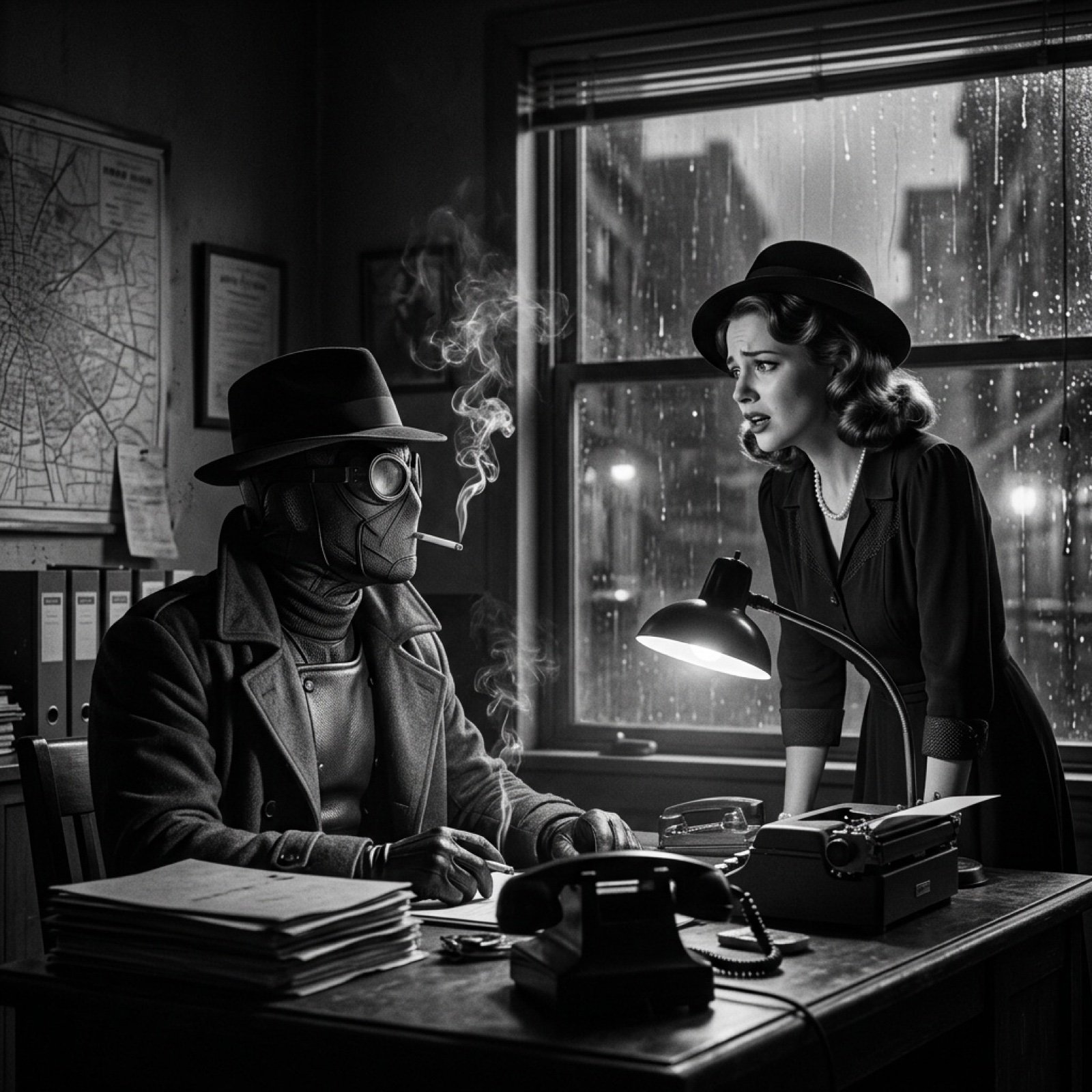
Seedance 2.0 - Spider-Man Noir
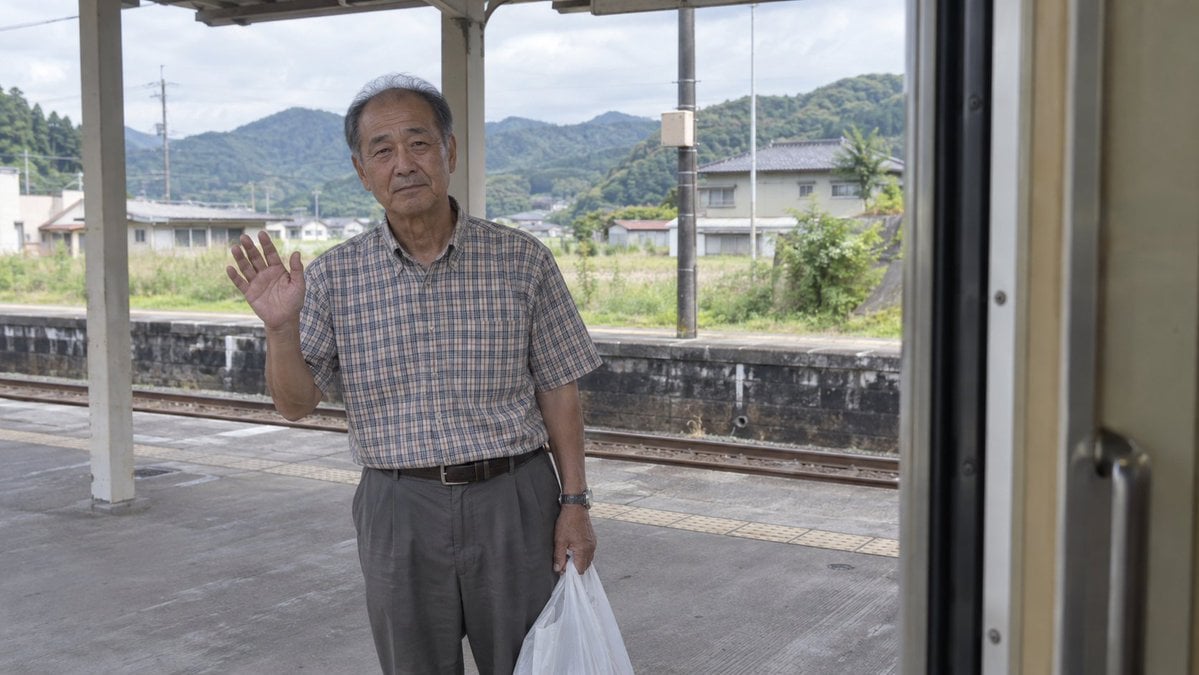
Elderly Man Waving at Rural Station
Elderly Man Waving at Rural Station

Surreal Noir Hamster Manga Page
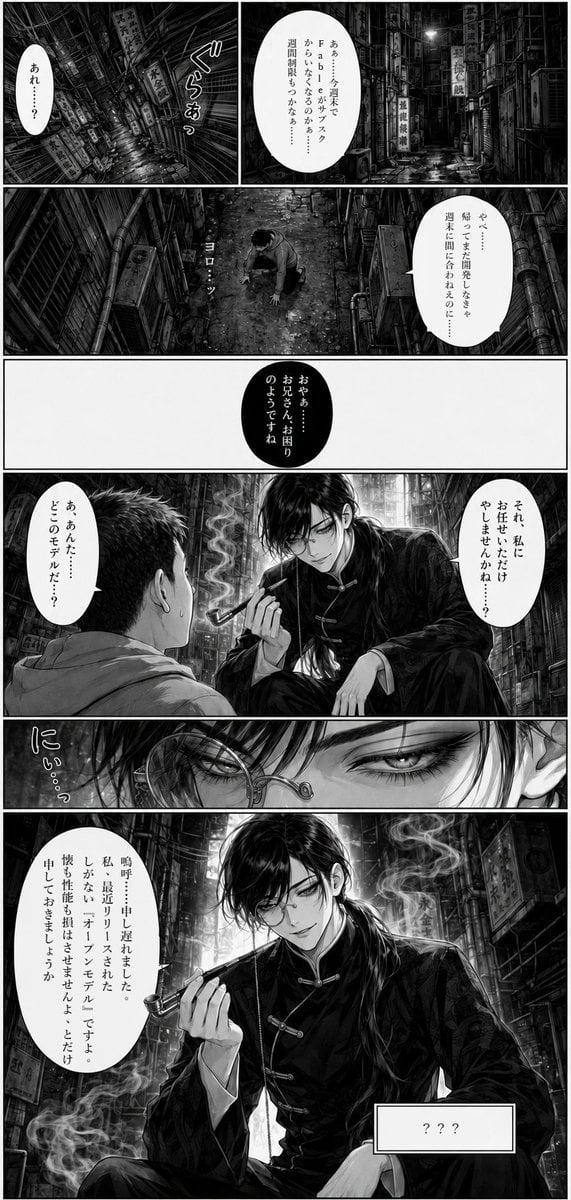
Noir Manga Alley Encounter
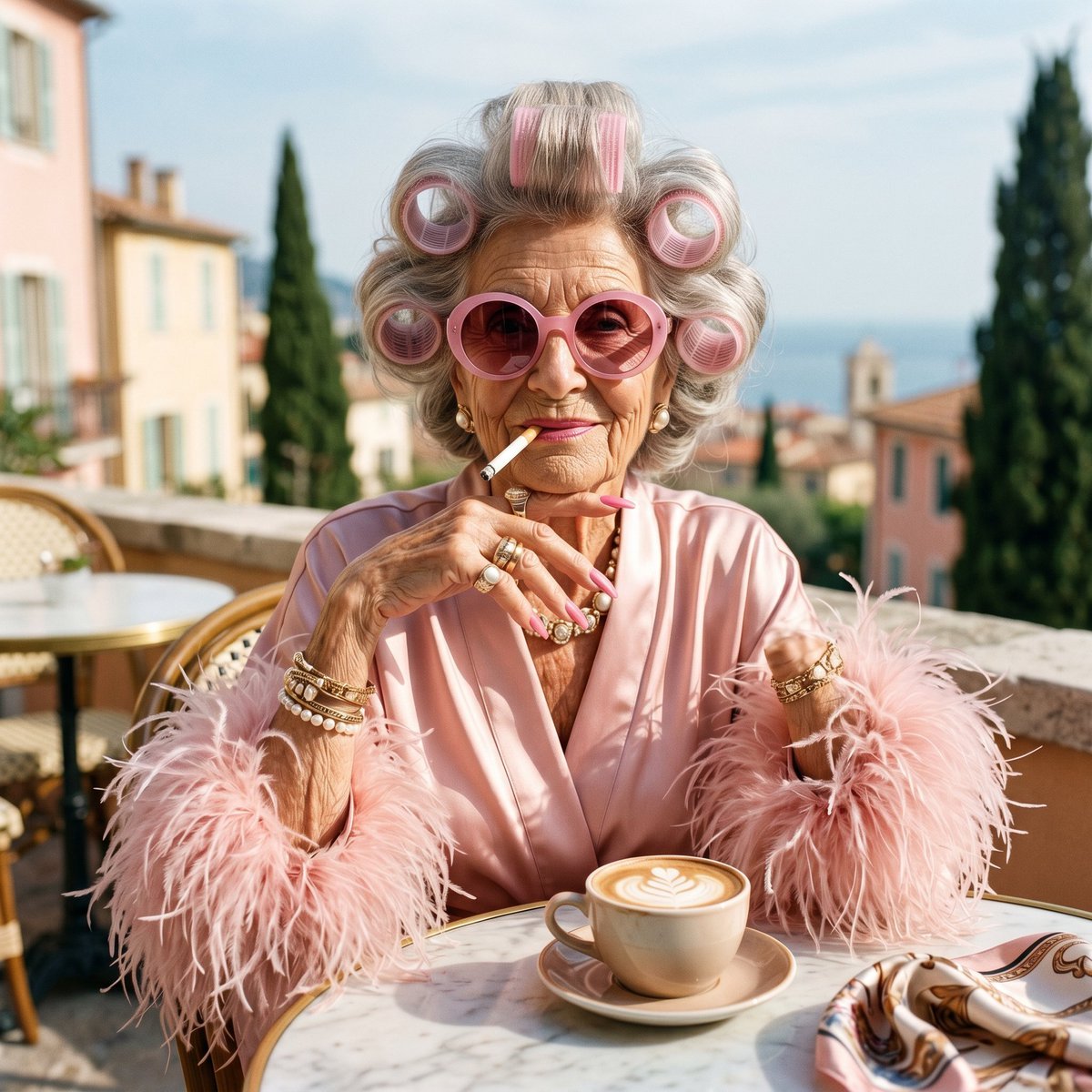
Eccentric Elderly Woman Cafe Portrait
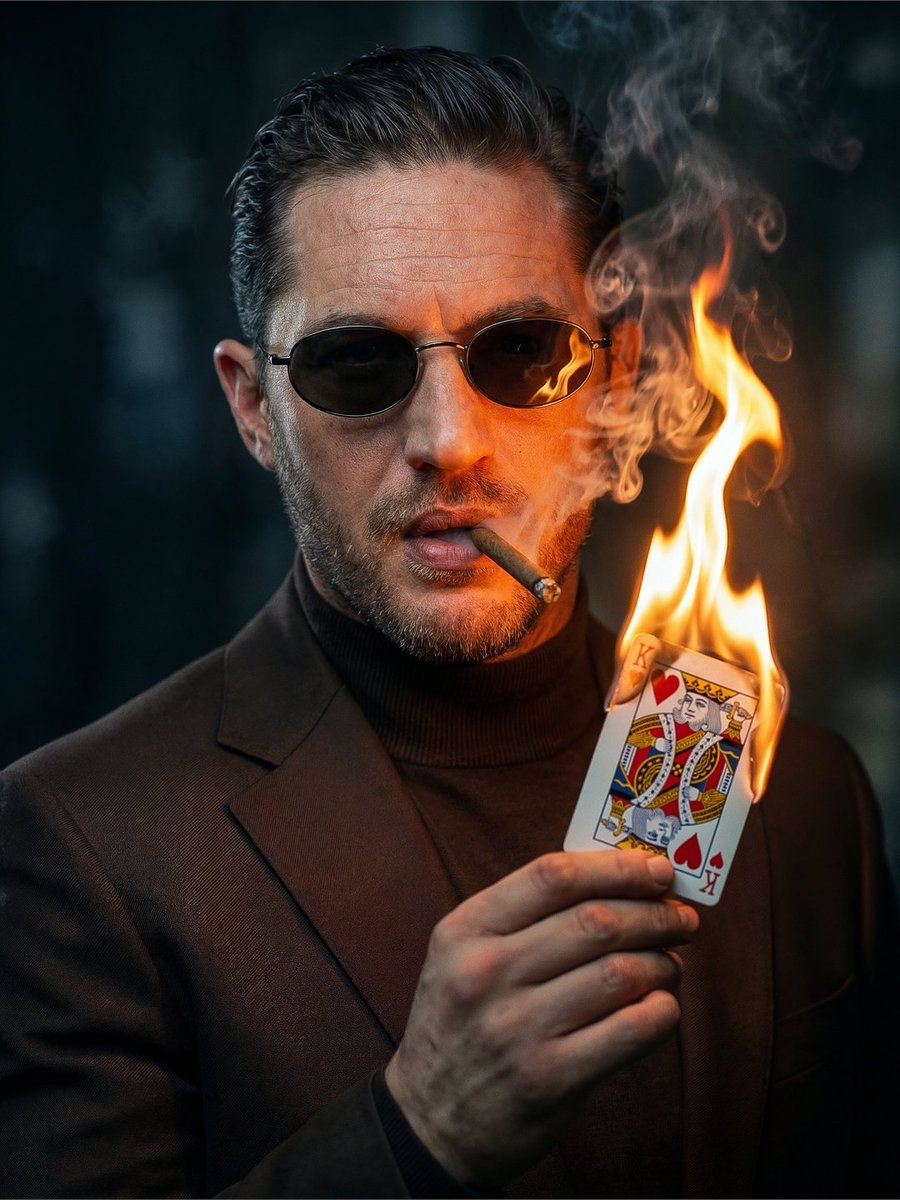
Noir Man with Burning Card
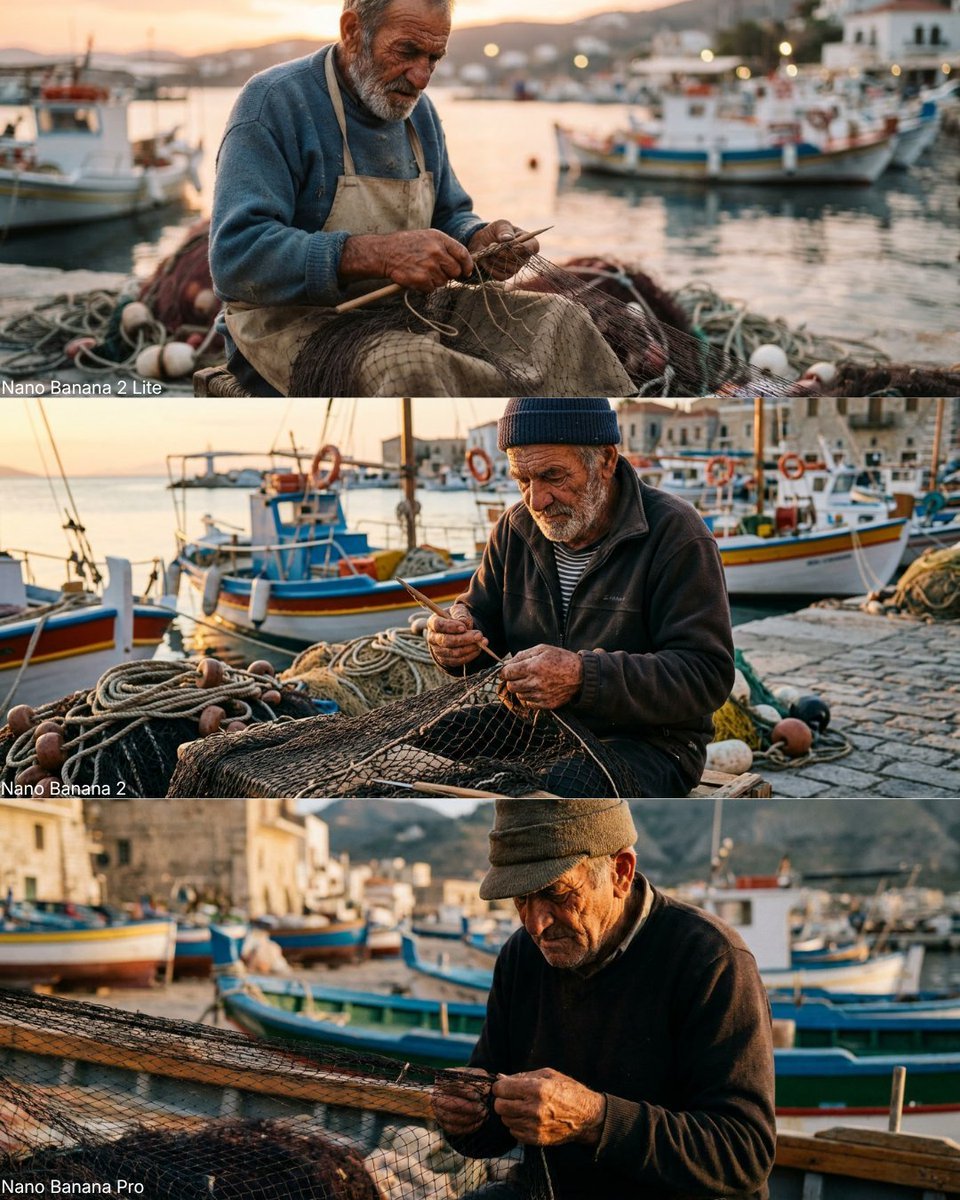
Elderly Fisherman Mediterranean Portrait

Rainy Café Window Moody Portrait
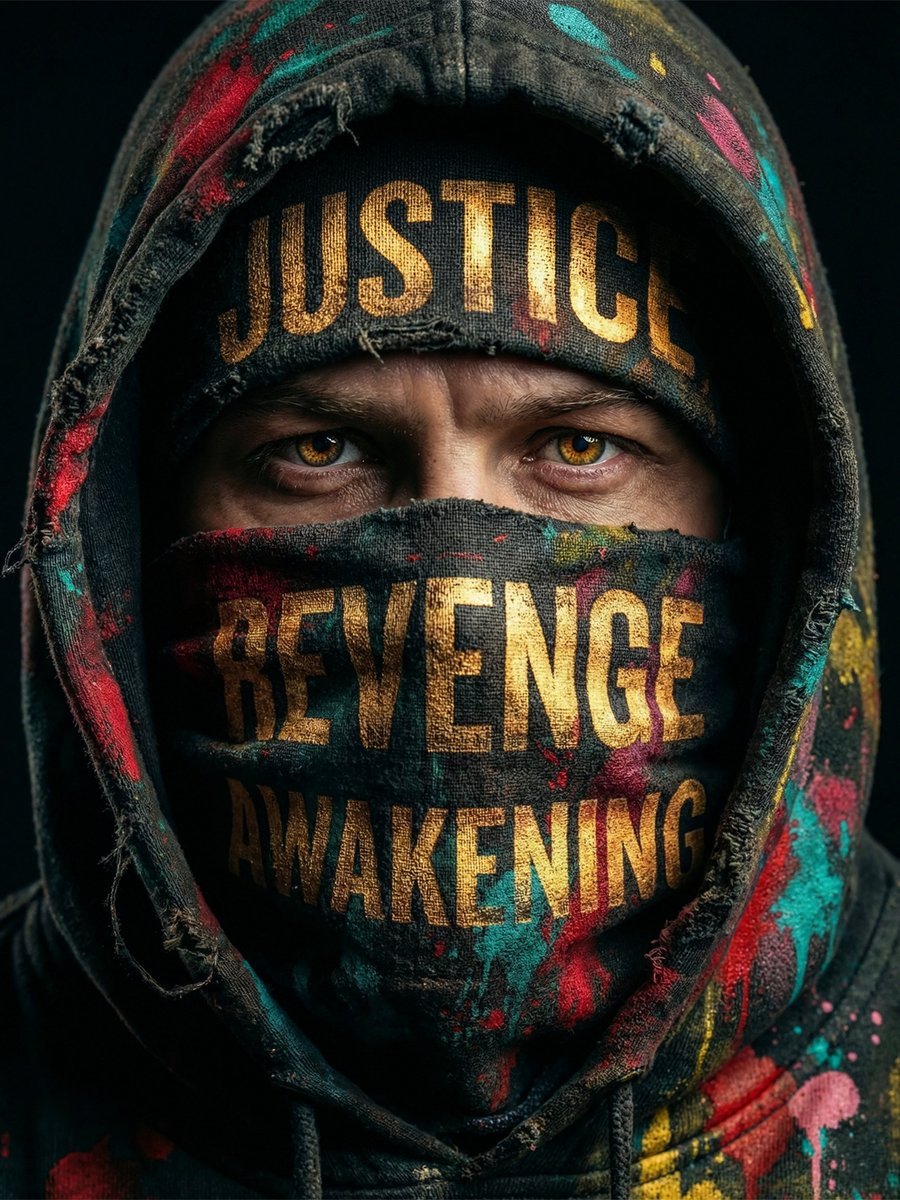
Noir Justice Revenge Awakening Portrait
Masked Vigilante Noir Poster
Make it yours
Noir Elderly Man by Window works as-is. These are the safest ways to change it without losing the look.
Change one field
Copy a single group, rewrite it, and generate again so you can see what that field is doing.
Keep the frame, change the subject
Hold the composition and light of Noir Elderly Man by Window, then swap wardrobe, props or the person for a new take.
| If the result… | Why | Fix |
|---|---|---|
| The result drifts from the preview | Too many fields changed at once. | Reuse Noir Elderly Man by Window as-is first, then change one group — subject, light, or setting. |
| The model over-stylizes the scene | The prose prompt leaves finish and camera underspecified. | Add one camera or lighting sentence and stay on GPT Image 2. |
More GPT Image 2 templates
Other prompts made for GPT Image 2.

Six VTuber Japanese Logo Sheet

Realistic Portrait of Woman and Deer

The Vista Modular Condo Poster

AI Model Routing Comparison Infographic

2.5D Anime Art Board

Isometric Productivity Desk Scene

New York Double Exposure Poster

Four-Panel AI Landscape Comparison

Japanese Tatami Lifestyle Magazine Cover

NESCAFÉ Coffee Map Poster
More image prompts
Fresh picks from across the catalog.
Painted Chibi Snail Macro View
Pop Swan Lake Birthday Poster
Ethereal Portrait with Playful Wink

Editorial Portrait with Asymmetrical Composition
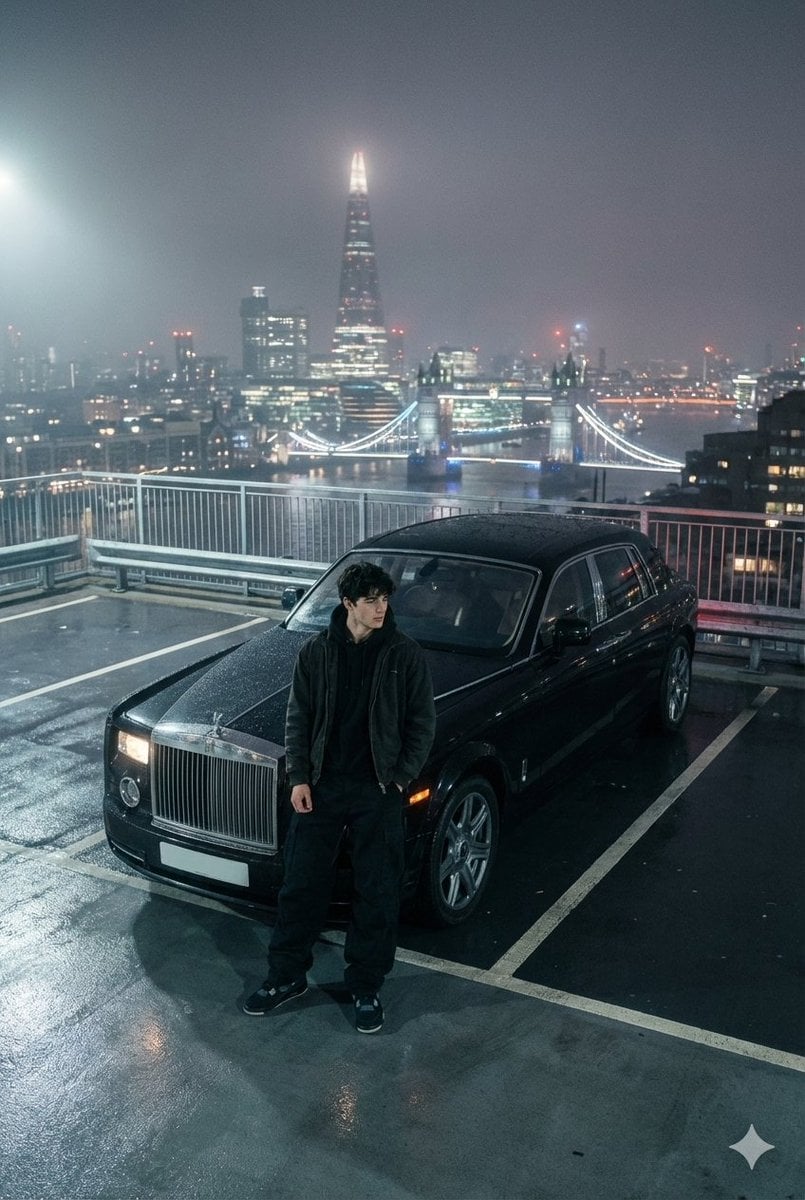
Moody London Rooftop Fashion Editorial
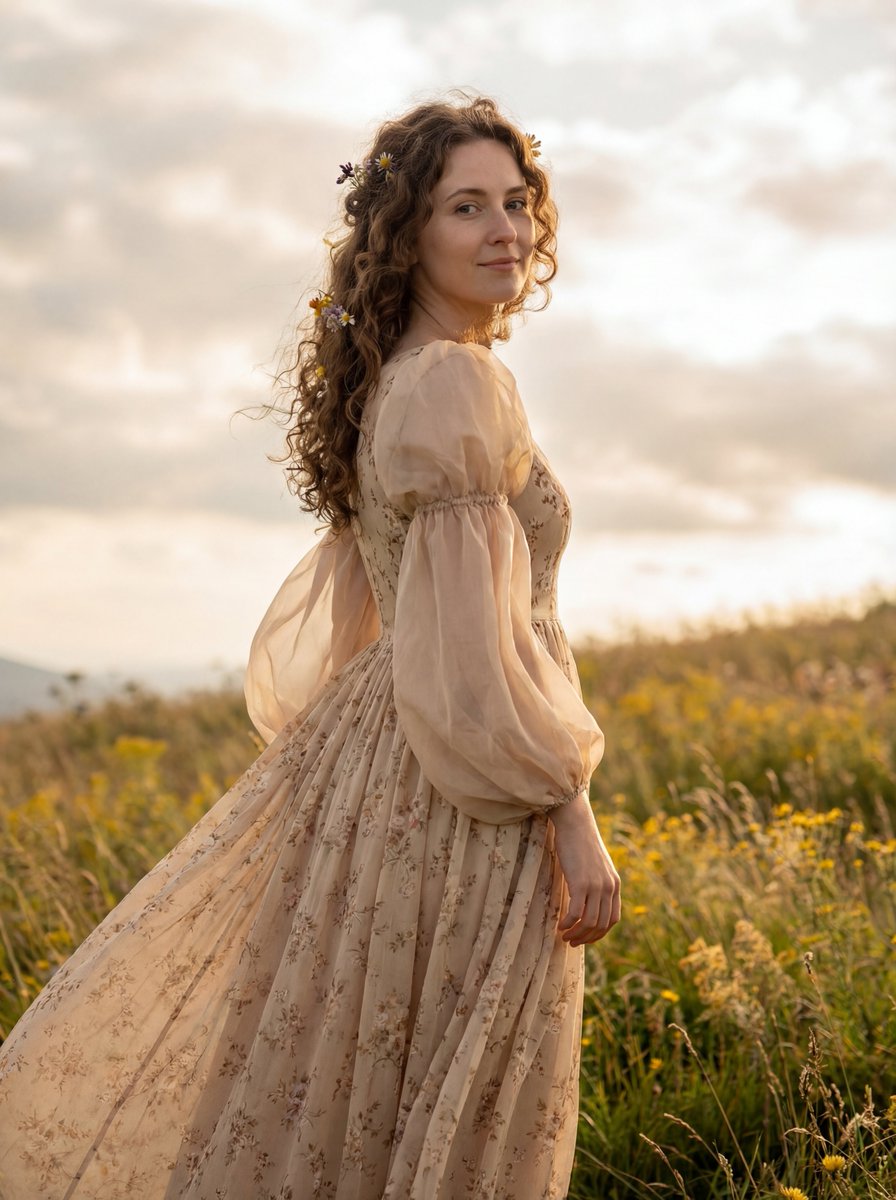
Dreamy Cinematic Highland Portrait Prompt

Cinematic Hotel Lounge Portrait
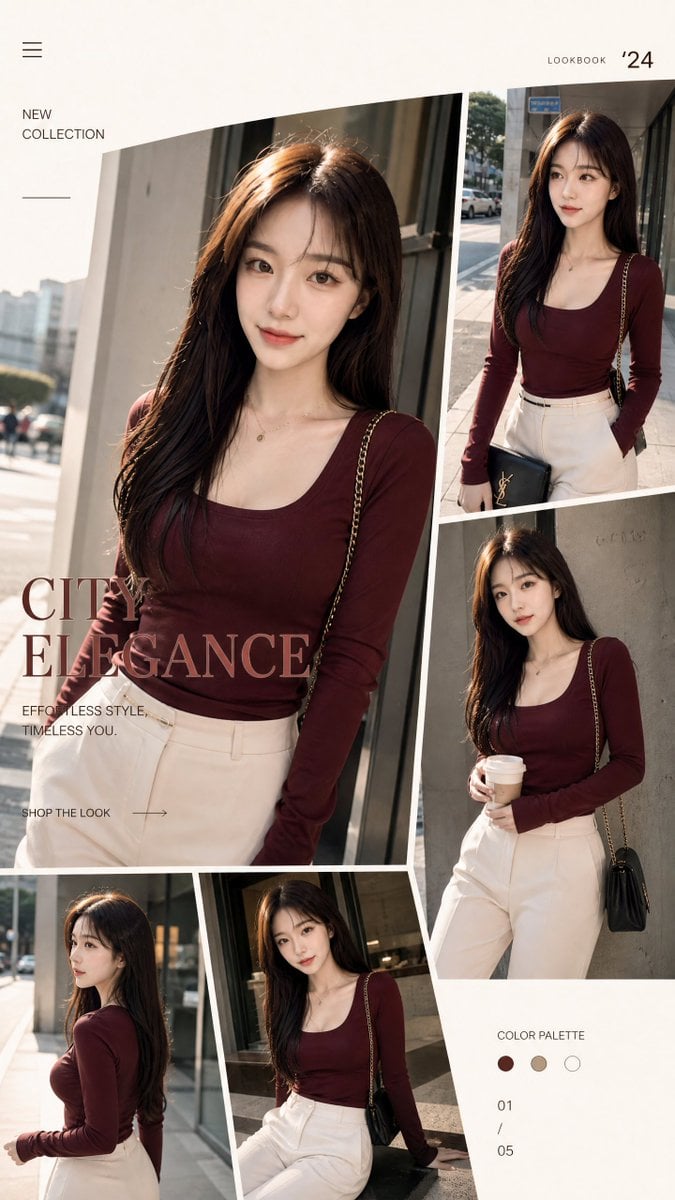
Streetwear Fashion Catalog Shoot
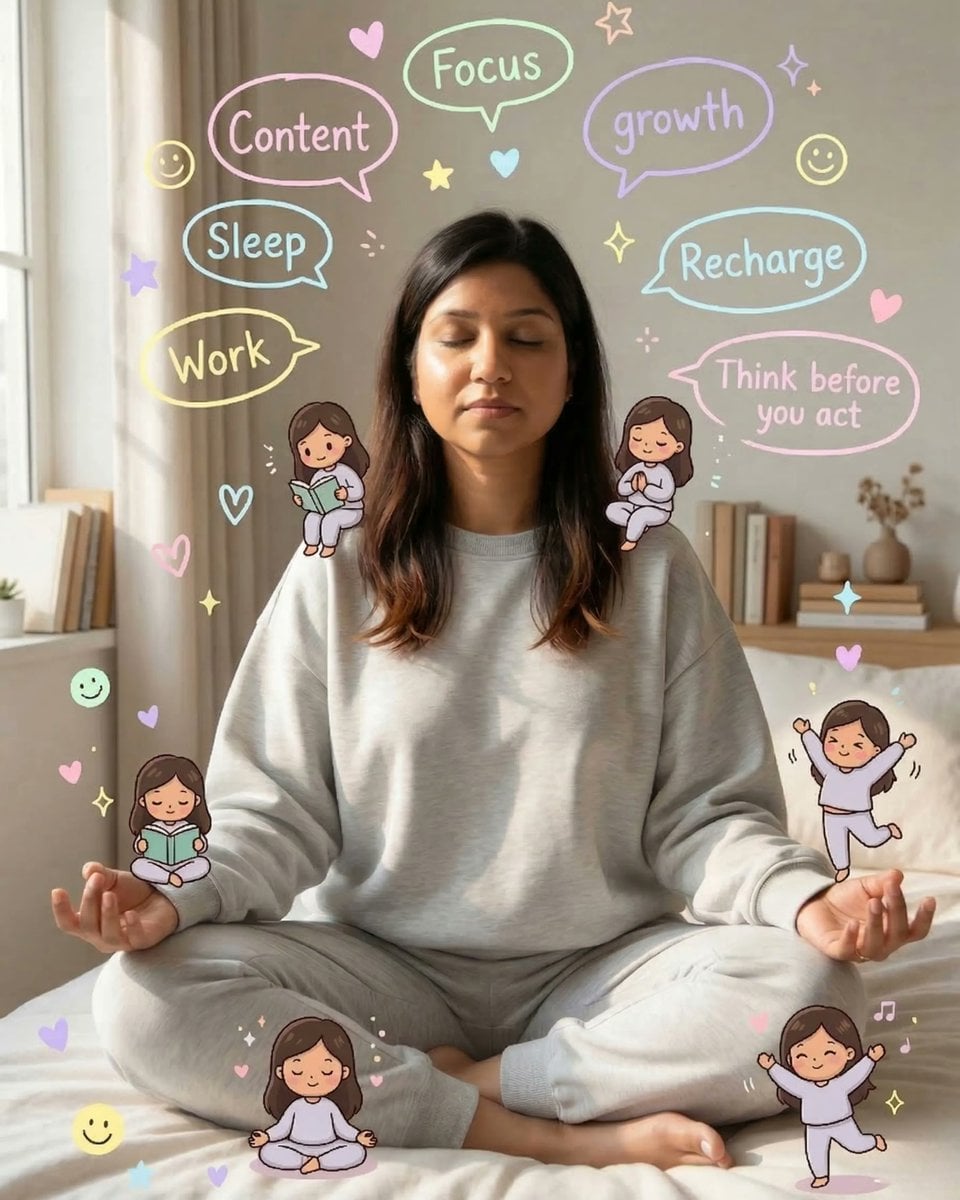
Cozy Meditation Scene with Chibi Doodles

Photorealistic Newspaper Front Page
Browse template categories
Noir Elderly Man by Window questions
How do I use the Noir Elderly Man by Window template?
Add your photo if the template asks for one, edit the prompt if you like — the template's model and format are already selected — and press Generate. Your version opens in PicX Studio.
Can I customize the Noir Elderly Man by Window template?
Yes. You can change the subject, setting, lighting, mood, format, and available model controls before creating your image.
Is the Noir Elderly Man by Window template free?
Opening and editing this template is free. Generating uses credits, shown on the Generate button when you are signed in.
Which AI model should I use?
Start with GPT Image 2, which is the model associated with this template. You can compare another compatible model for a different finish.
Looking for something else? Browse all templates.

Your photo, any look
Thousands of ready templates for every top image and video model, from one credit balance.