
Elderly Man Waving at Rural Station
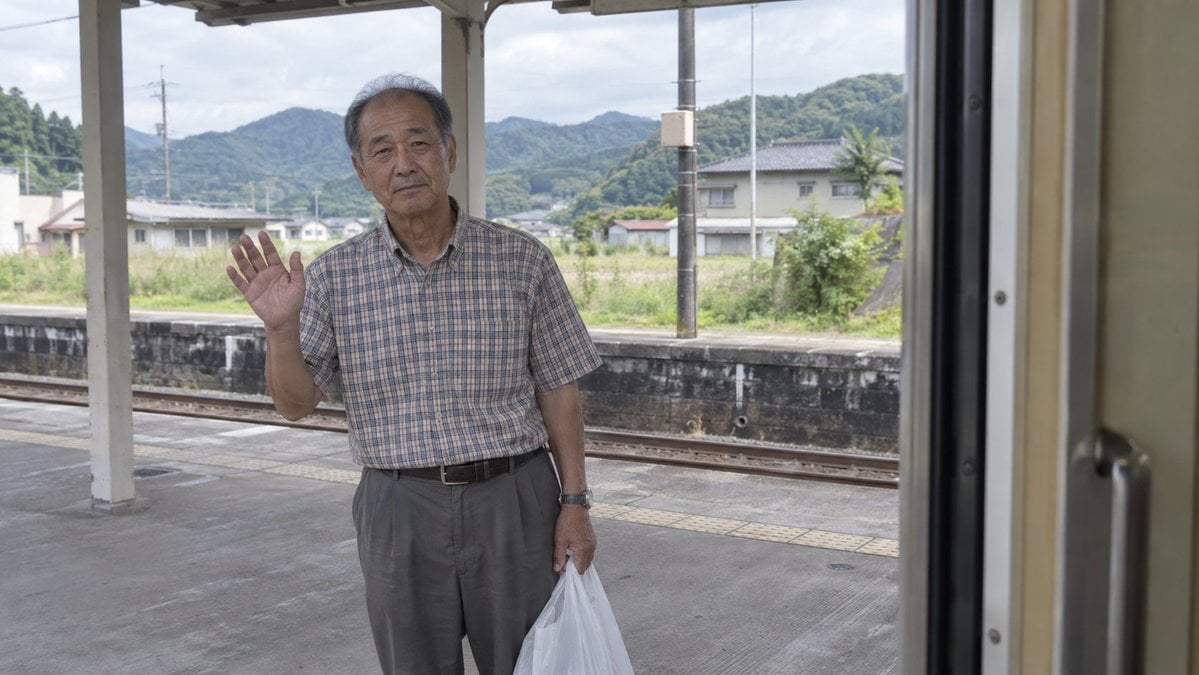
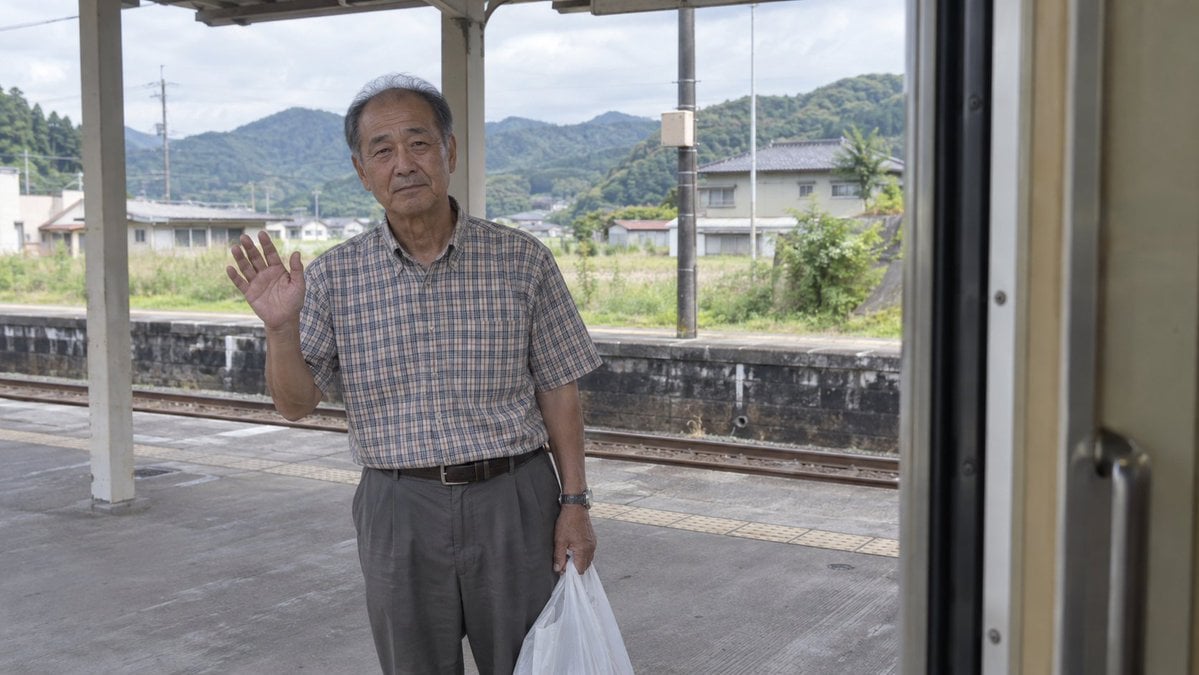
A realistic documentary travel photo of an elderly man waving goodbye from a rural Japanese train platform, seen from inside a train.
- Prompt included
- Model and format preset
- Free template
The prompt behind this image
Copy the exact prompt behind Elderly Man Waving at Rural Station, or open it in the studio and make it yours.
Create an unedited documentary-style photograph shot from inside a stopped train, looking out through the open train doorway at a rural Japanese station platform. The right edge of the frame is dominated by the beige interior train door frame and a dark vertical rubber seal, slightly out of focus, creating a candid passenger point of view. Center-left stands {argument name="subject" default="an elderly Japanese man"}, full body visible from head to below the knees, facing the camera with a calm, slightly tired, unsmiling expression and natural facial asymmetry. He has short thinning gray hair, a weathered face, and wears {argument name="shirt" default="a short-sleeve muted plaid button-up shirt"}, gray pleated trousers, a black belt, and a wristwatch. His left hand is raised in a gentle farewell wave with open palm and five visible fingers, while his right hand holds a semi-transparent white plastic shopping bag hanging at his side. The station platform has gray concrete flooring, tactile yellow paving strips, a low dark retaining wall, train tracks behind him, white support columns, and a simple roof structure overhead. In the background are small countryside houses, utility poles, lush green hills and mountains, and a cloudy bright daytime sky. Use {argument name="camera style" default="professional natural-light travel photography"}: realistic lens perspective, soft daylight, balanced exposure, subtle depth of field, muted colors, no beautification, no retouching, no cinematic color grading, no text, no watermark.
How to use Elderly Man Waving at Rural Station in 3 steps
- 1Upload ImagePNG, JPG or paste
Add your photo
Upload the photo the template builds on. The prompt, model and format are already set.
- 2…a portrait of your subject in softgolden-hour light, 85mm…
Personalize
Edit the subject and creative details for your destination.
- 3Generate
Generate
Press Generate — your image is created in PicX Studio, so you can compare it with the original and refine one variable at a time.
More like this
Templates with the same subject, style or setup. Open one to see its prompt.
Elderly Man Waving at Rural Station
Rural Sunset Portrait of Pakistani Man and Women
South Asian Woman in Rural Punjab

Eccentric Elderly Woman Cafe Portrait
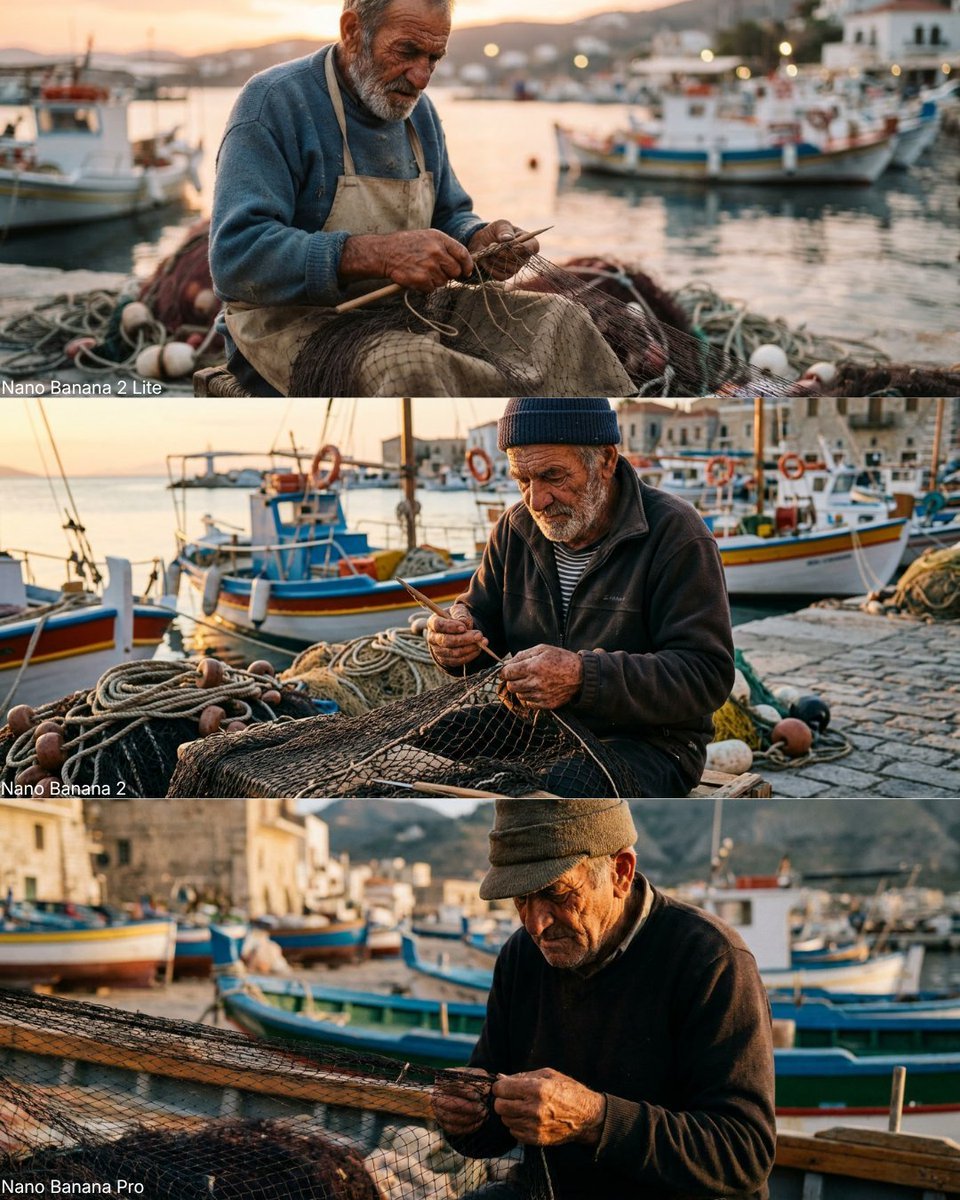
Elderly Fisherman Mediterranean Portrait
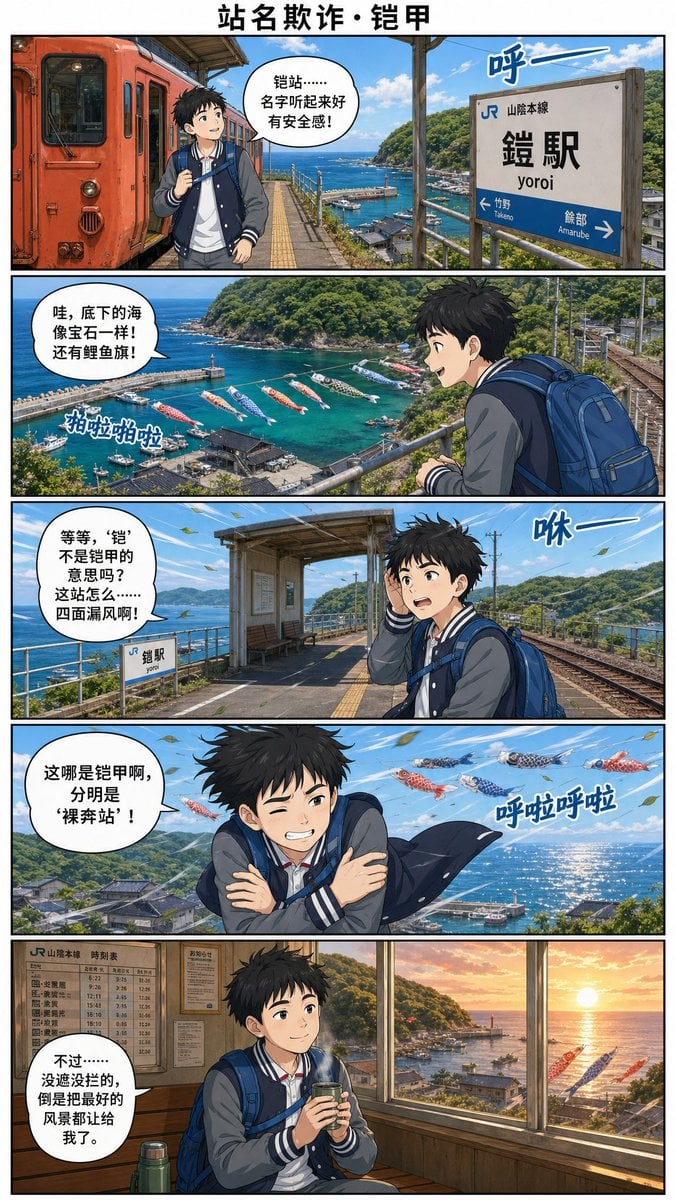
Yoroi Station Seaside Manga Comic

Businesswoman at Shibuya Station
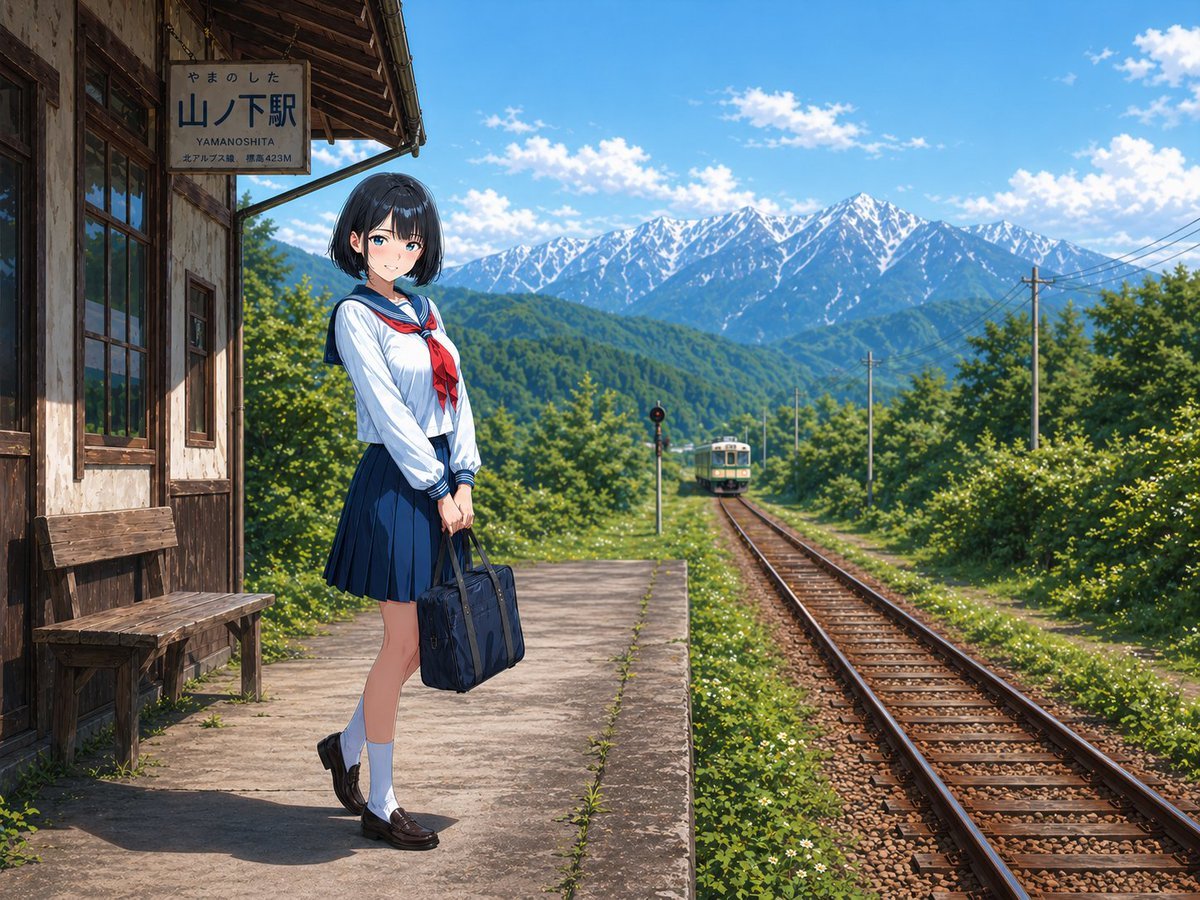
Rural Station Schoolgirl Scene
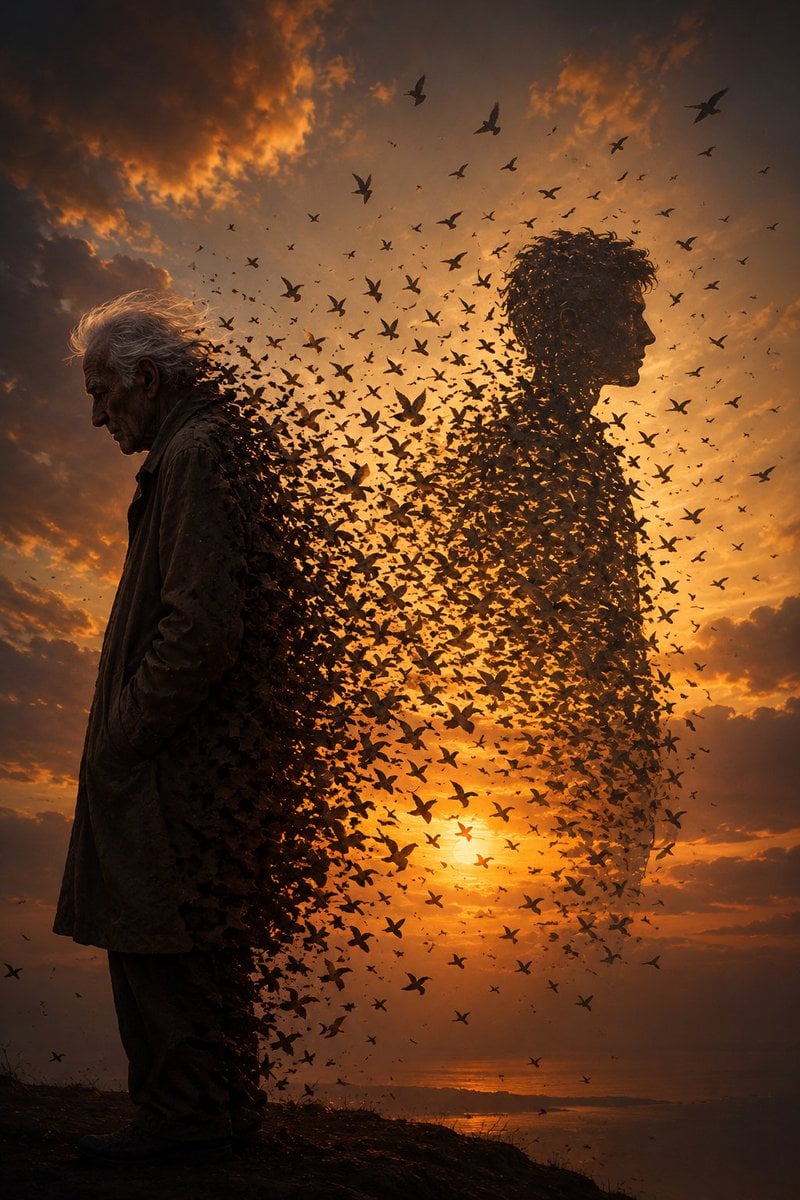
Elderly Man Dissolving Into Birds
Anime Maid at Rural Train Station
Elderly Man and Marmot Portrait

Noir Elderly Man by Window
Make it yours
Elderly Man Waving at Rural Station works as-is. These are the safest ways to change it without losing the look.
Change one field
Copy a single group, rewrite it, and generate again so you can see what that field is doing.
Keep the frame, change the subject
Hold the composition and light of Elderly Man Waving at Rural Station, then swap wardrobe, props or the person for a new take.
| If the result… | Why | Fix |
|---|---|---|
| The result drifts from the preview | Too many fields changed at once. | Reuse Elderly Man Waving at Rural Station as-is first, then change one group — subject, light, or setting. |
| The model over-stylizes the scene | The prose prompt leaves finish and camera underspecified. | Add one camera or lighting sentence and stay on GPT Image 2. |
More GPT Image 2 templates
Other prompts made for GPT Image 2.

Six VTuber Japanese Logo Sheet

Realistic Portrait of Woman and Deer

The Vista Modular Condo Poster

AI Model Routing Comparison Infographic

2.5D Anime Art Board

Isometric Productivity Desk Scene

New York Double Exposure Poster

Four-Panel AI Landscape Comparison

Japanese Tatami Lifestyle Magazine Cover

NESCAFÉ Coffee Map Poster
More image prompts
Fresh picks from across the catalog.

Gpt2 Youtube Thumbnail Anime Vtuber Minecraft Stream Thumbnail

Floral Mirror Selfie
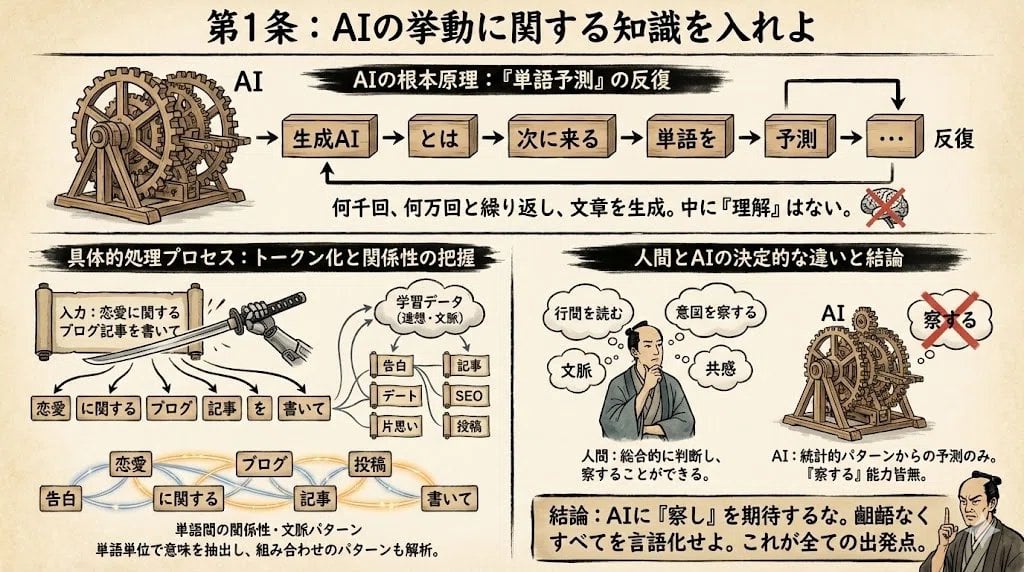
Infographic from reference info with classic Japanese font
Majestic Dragon with Teacup (Nano Banana Pro Image Prompt)
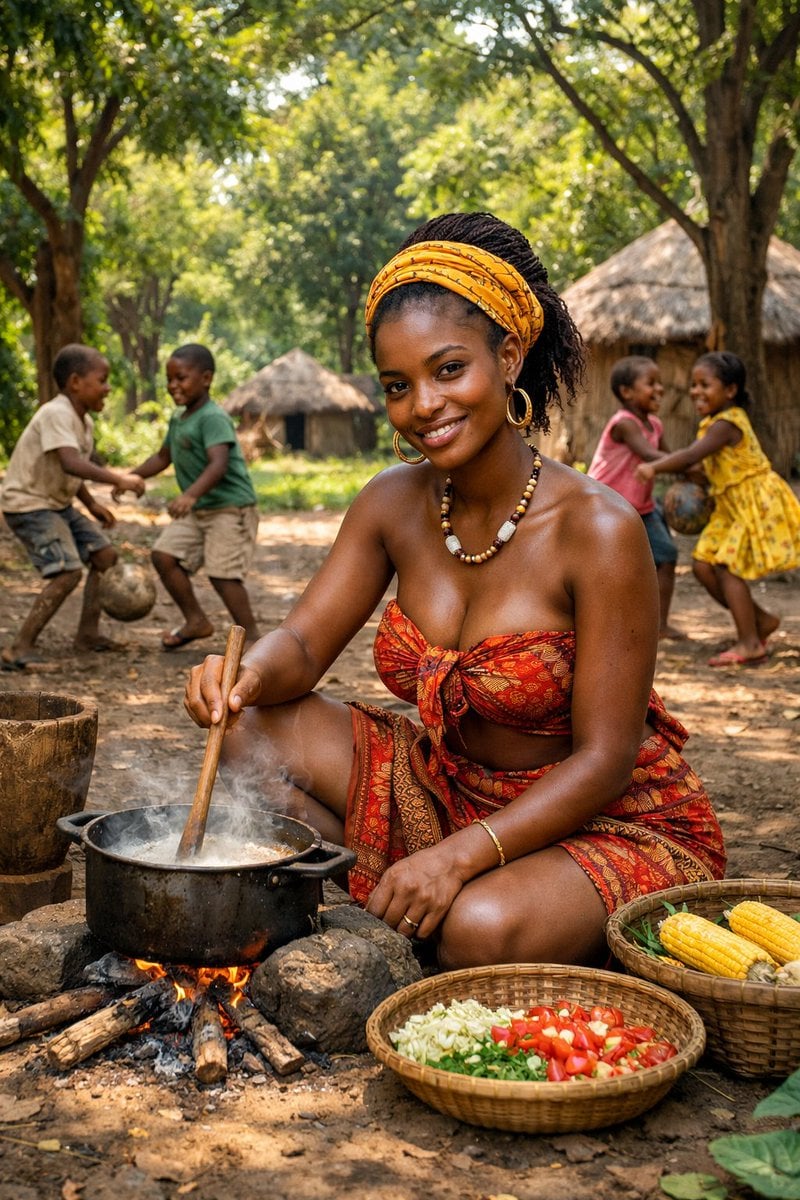
Documentary Photo of African Village Scene
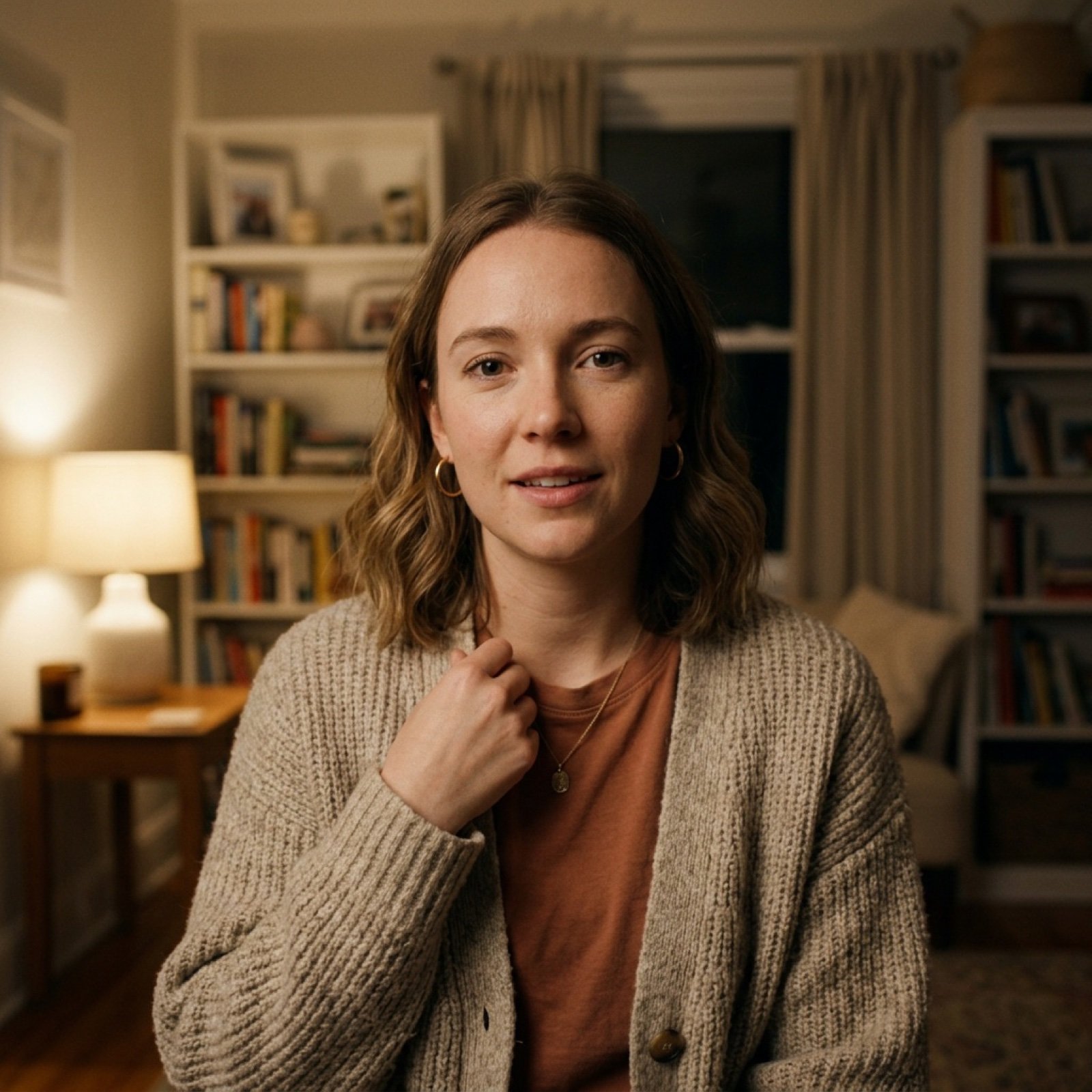
Vlog-Style Fashion Video Prompt

Hyper-realistic High-Speed Strawberry Milk Splash Photography

Golden Anime Tram at Sunset

3D Construction Safety Icon Set
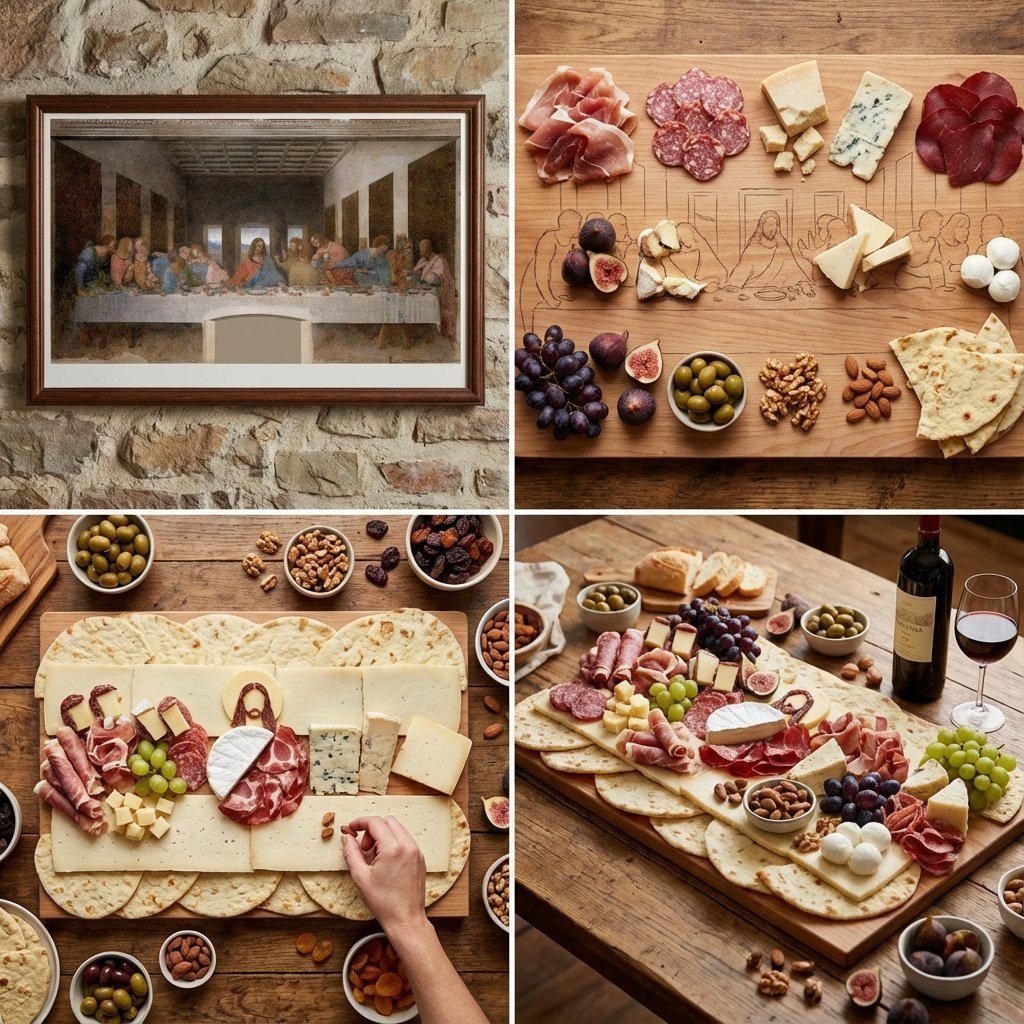
Food Art Prompt: Historical Scenes as Charcuterie Boards
Browse template categories
Elderly Man Waving at Rural Station questions
How do I use the Elderly Man Waving at Rural Station template?
Add your photo if the template asks for one, edit the prompt if you like — the template's model and format are already selected — and press Generate. Your version opens in PicX Studio.
Can I customize the Elderly Man Waving at Rural Station template?
Yes. You can change the subject, setting, lighting, mood, format, and available model controls before creating your image.
Is the Elderly Man Waving at Rural Station template free?
Opening and editing this template is free. Generating uses credits, shown on the Generate button when you are signed in.
Which AI model should I use?
Start with GPT Image 2, which is the model associated with this template. You can compare another compatible model for a different finish.
Looking for something else? Browse all templates.

Your photo, any look
Thousands of ready templates for every top image and video model, from one credit balance.