
Elderly Man Waving at Rural Station
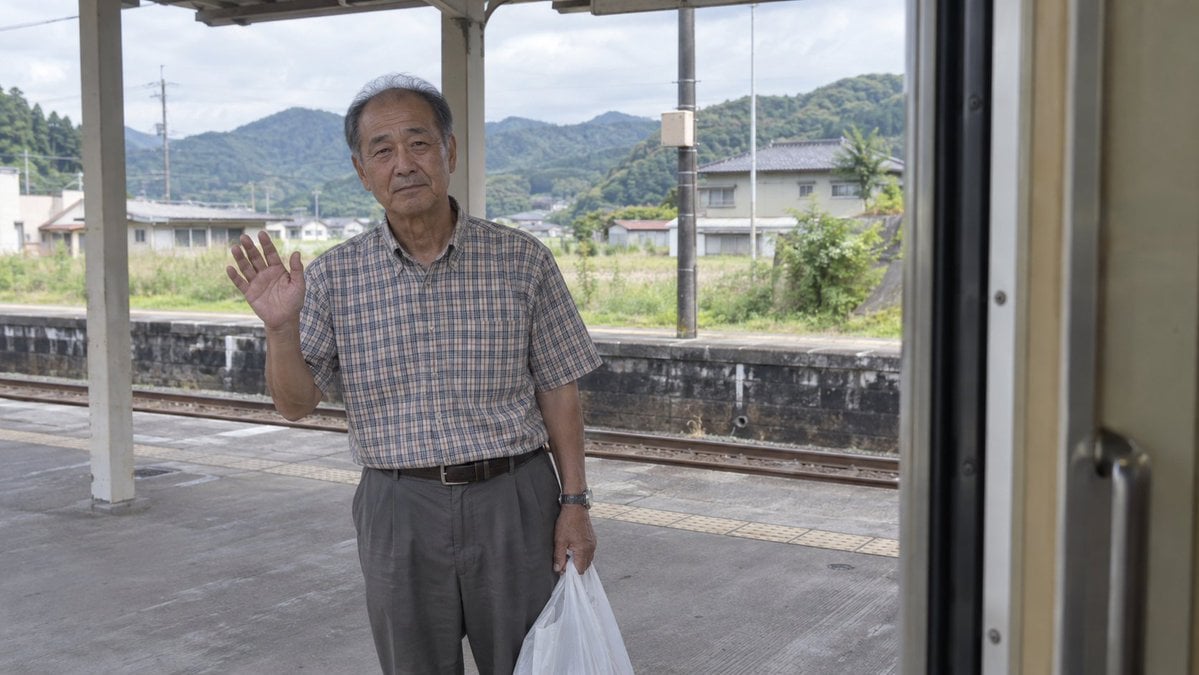
A realistic travel-documentary scene of an elderly man waving goodbye from a rural Japanese train platform, useful for emotional cinematic photography prompts.
- Prompt included
- Model and format preset
- Free template
The prompt behind this image
Copy the exact prompt behind Elderly Man Waving at Rural Station, or open it in the studio and make it yours.
Create a realistic documentary-style photograph viewed from inside a train carriage looking out through an open doorway at a quiet rural Japanese train station platform. An elderly Japanese man, {argument name="character age" default="late 70s"}, stands on the platform slightly left of center, facing the camera with a calm, faintly melancholic expression. He raises one hand in a gentle goodbye wave and holds one semi-transparent white plastic shopping bag in his other hand. He wears a short-sleeved beige-gray plaid button-up shirt tucked into loose gray slacks with a dark belt and a wristwatch. The foreground right edge is dominated by the dark vertical metal frame and beige interior wall of the train door, making the viewer feel seated inside the departing train. Behind him are exactly 3 visible platform roof posts, a low dark platform wall, train tracks, tactile paving, rural houses, utility poles, green wooded mountains, and an overcast pale sky. Use natural daylight, muted colors, soft contrast, shallow documentary realism, 35mm travel photography feel, horizontal 16:9 composition, no text, no watermark, no dramatic effects.
How to use Elderly Man Waving at Rural Station in 3 steps
- 1Upload ImagePNG, JPG or paste
Add your photo
Upload the photo the template builds on. The prompt, model and format are already set.
- 2…a portrait of your subject in softgolden-hour light, 85mm…
Personalize
Edit the subject and creative details for your destination.
- 3Generate
Generate
Press Generate — your image is created in PicX Studio, so you can compare it with the original and refine one variable at a time.
More like this
Templates with the same subject, style or setup. Open one to see its prompt.
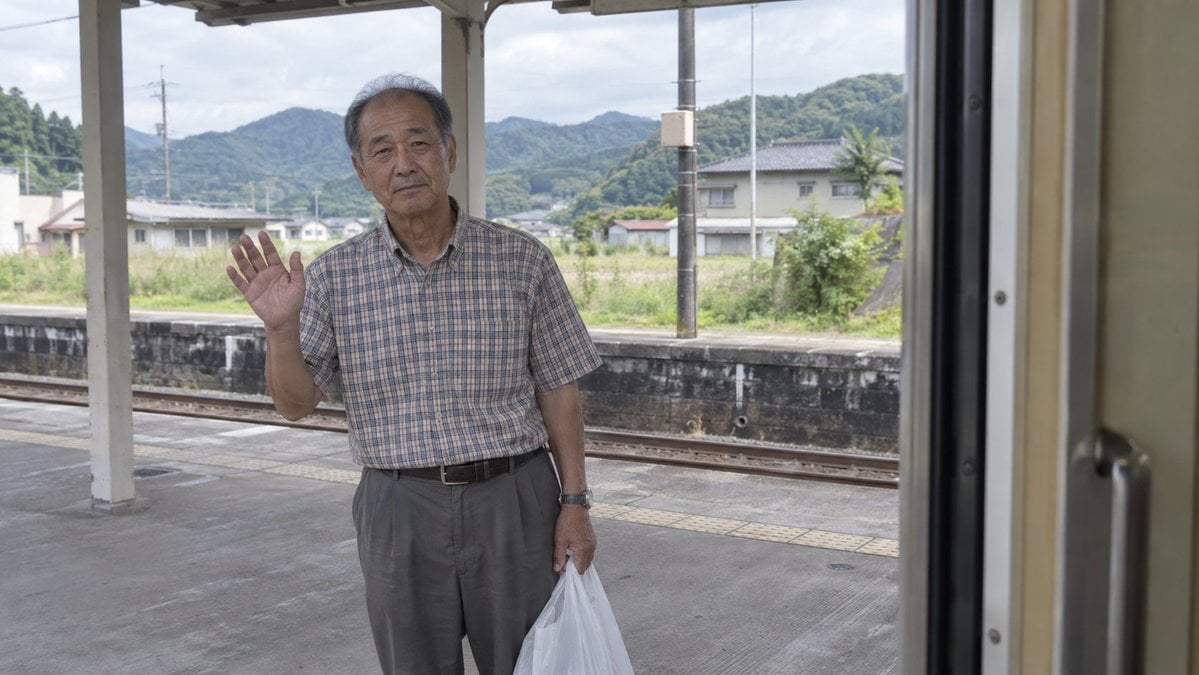
Elderly Man Waving at Rural Station
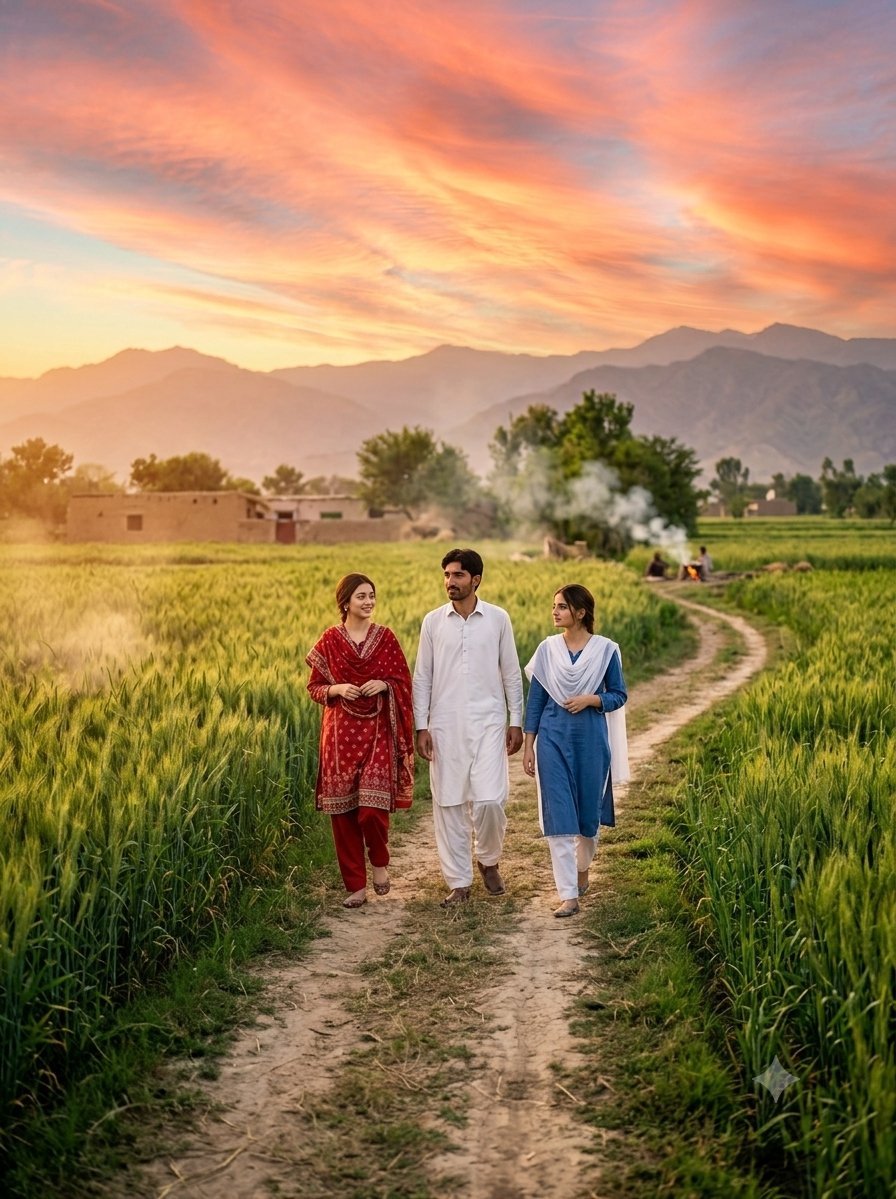
Rural Sunset Portrait of Pakistani Man and Women
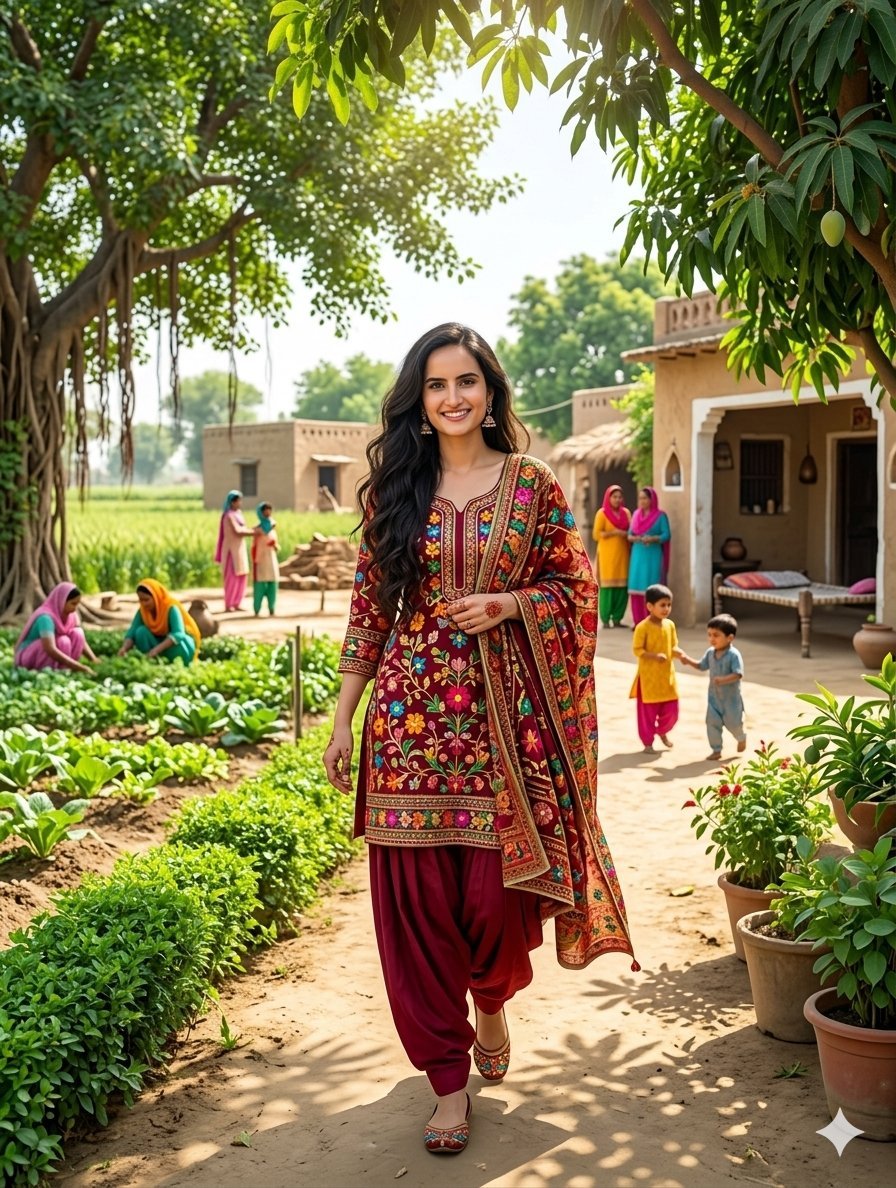
South Asian Woman in Rural Punjab

Eccentric Elderly Woman Cafe Portrait
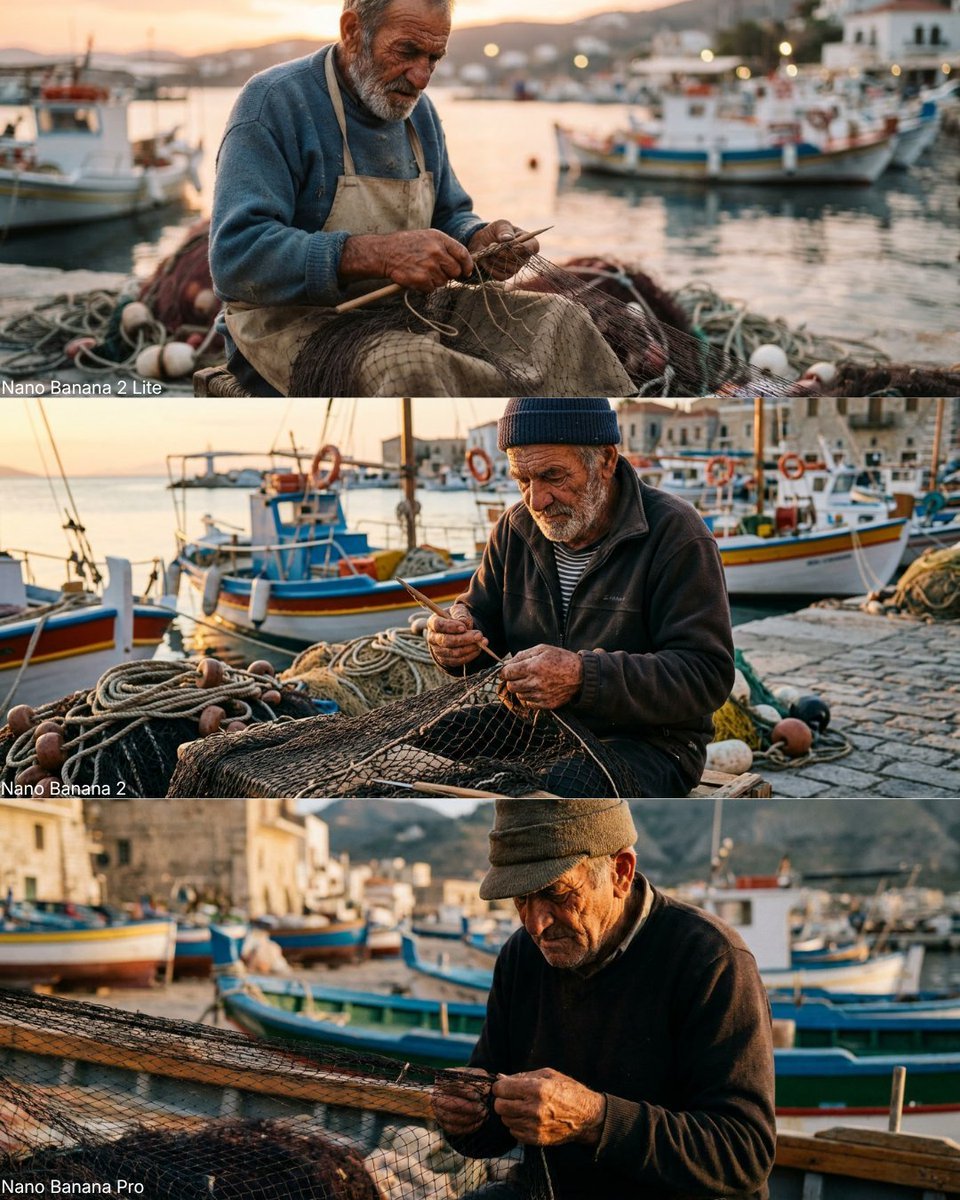
Elderly Fisherman Mediterranean Portrait
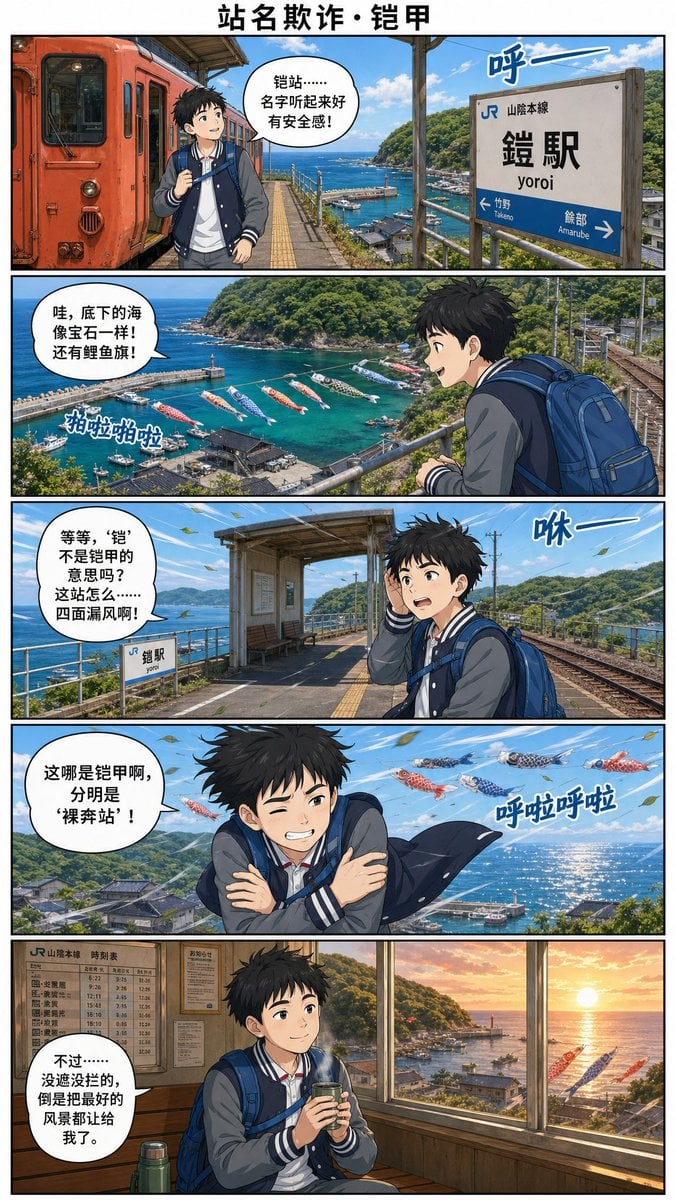
Yoroi Station Seaside Manga Comic

Businesswoman at Shibuya Station
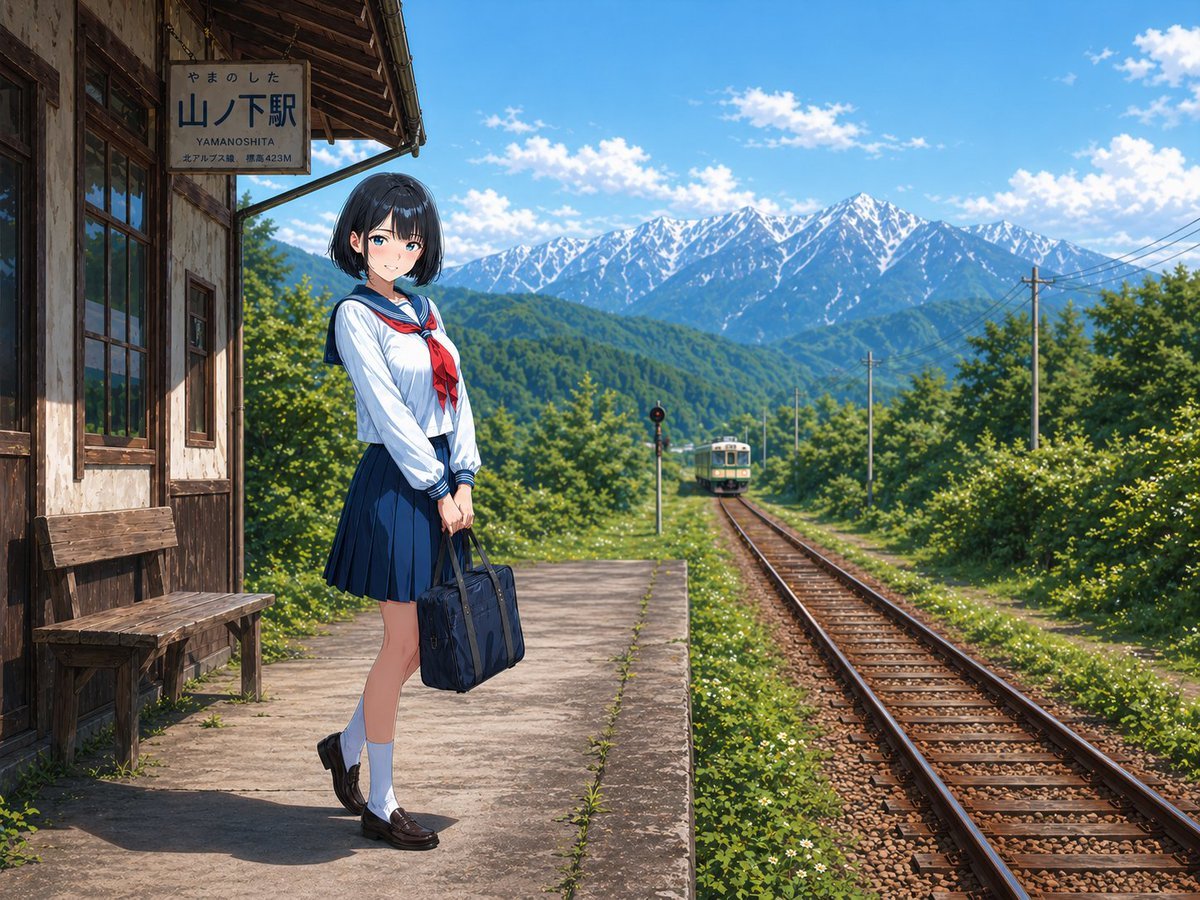
Rural Station Schoolgirl Scene
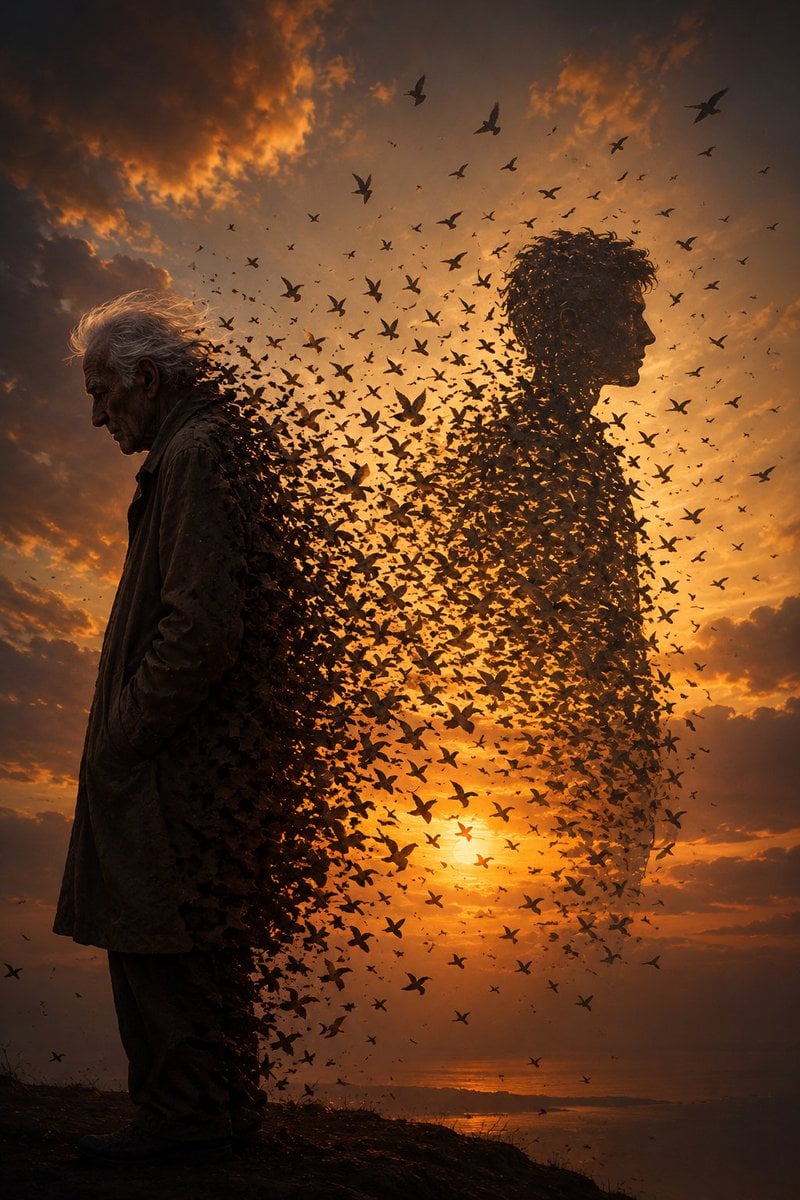
Elderly Man Dissolving Into Birds
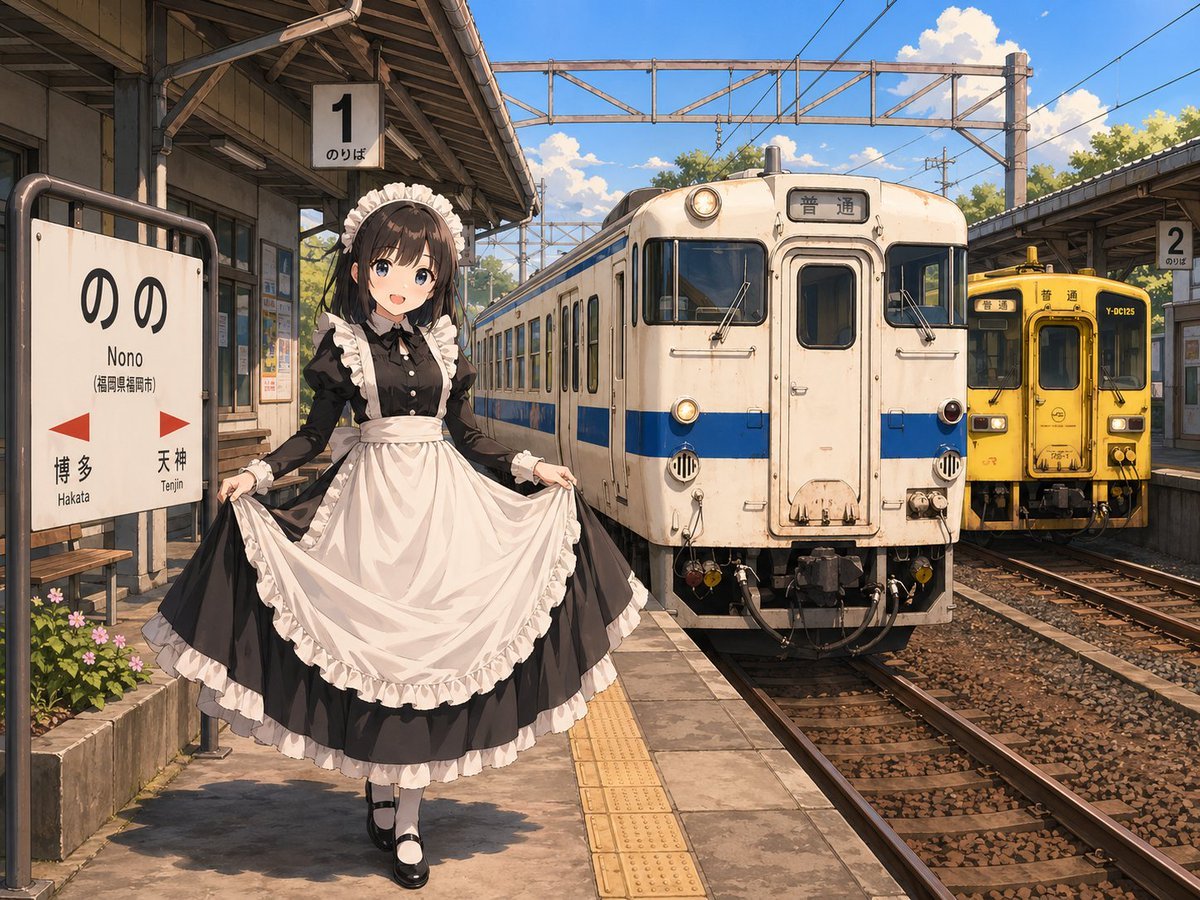
Anime Maid at Rural Train Station
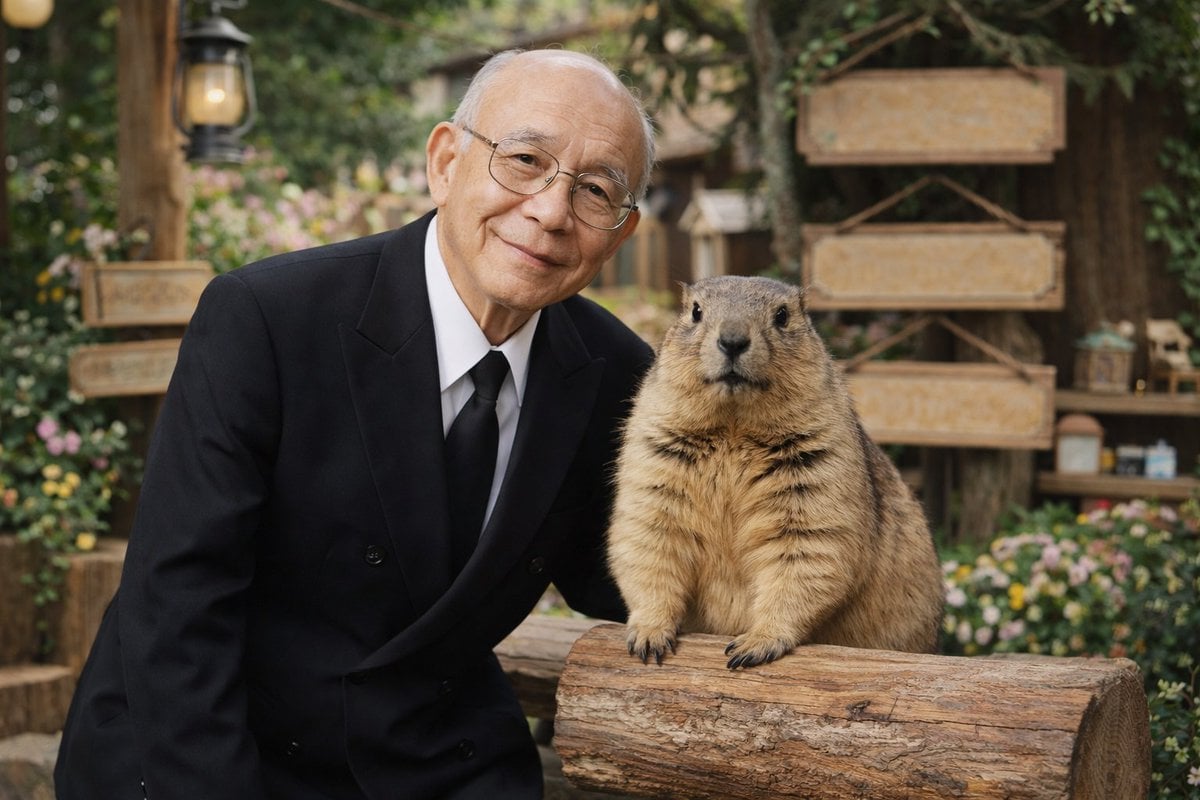
Elderly Man and Marmot Portrait

Noir Elderly Man by Window
Make it yours
Elderly Man Waving at Rural Station works as-is. These are the safest ways to change it without losing the look.
Change one field
Copy a single group, rewrite it, and generate again so you can see what that field is doing.
Keep the frame, change the subject
Hold the composition and light of Elderly Man Waving at Rural Station, then swap wardrobe, props or the person for a new take.
| If the result… | Why | Fix |
|---|---|---|
| The result drifts from the preview | Too many fields changed at once. | Reuse Elderly Man Waving at Rural Station as-is first, then change one group — subject, light, or setting. |
| The model over-stylizes the scene | The prose prompt leaves finish and camera underspecified. | Add one camera or lighting sentence and stay on GPT Image 2. |
More GPT Image 2 templates
Other prompts made for GPT Image 2.

Six VTuber Japanese Logo Sheet

Realistic Portrait of Woman and Deer

The Vista Modular Condo Poster

AI Model Routing Comparison Infographic

2.5D Anime Art Board

Isometric Productivity Desk Scene

New York Double Exposure Poster

Four-Panel AI Landscape Comparison

Japanese Tatami Lifestyle Magazine Cover

NESCAFÉ Coffee Map Poster
More image prompts
Fresh picks from across the catalog.
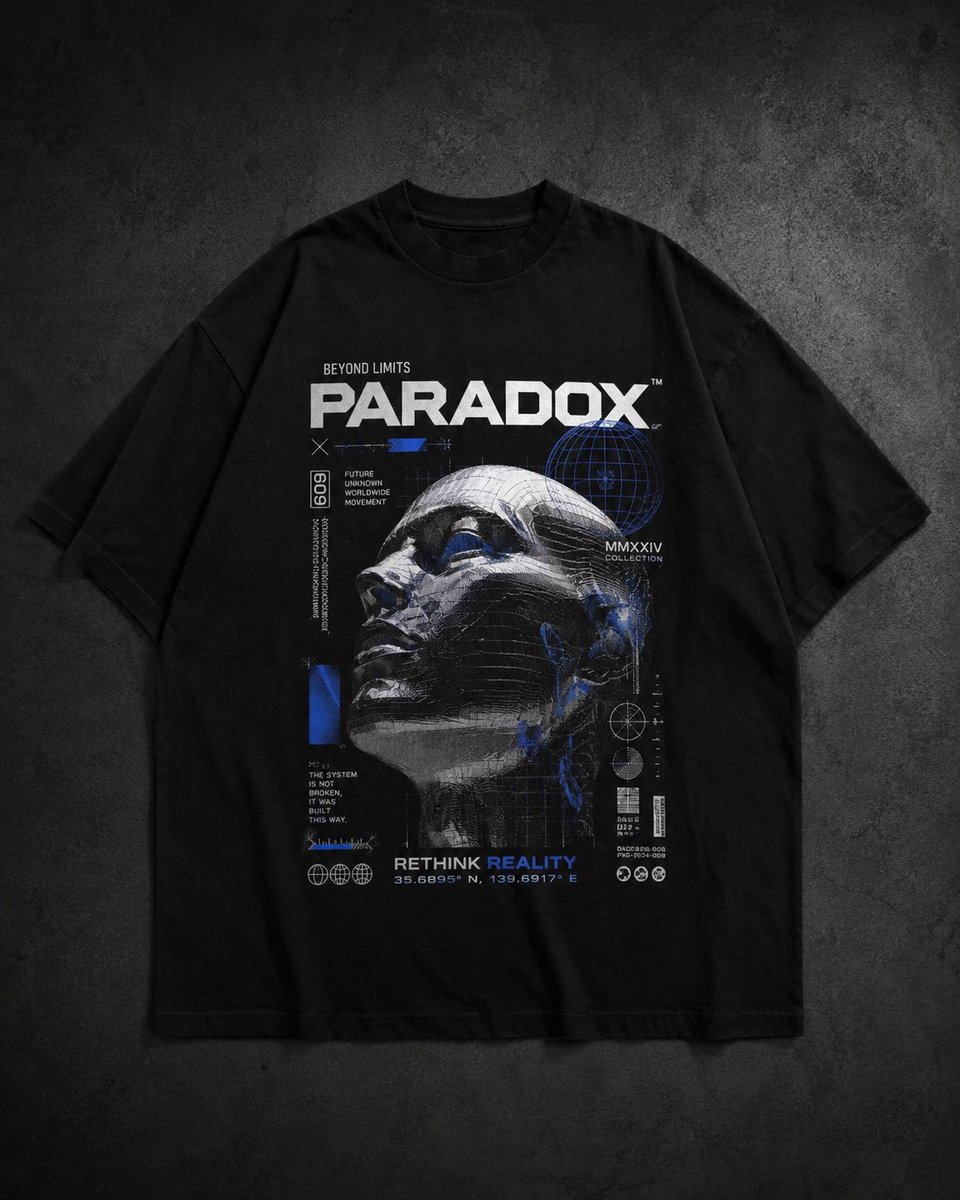
Modern Streetwear and Luxury T-Shirt Designs

Oriental Opera Beauty Character Redesign
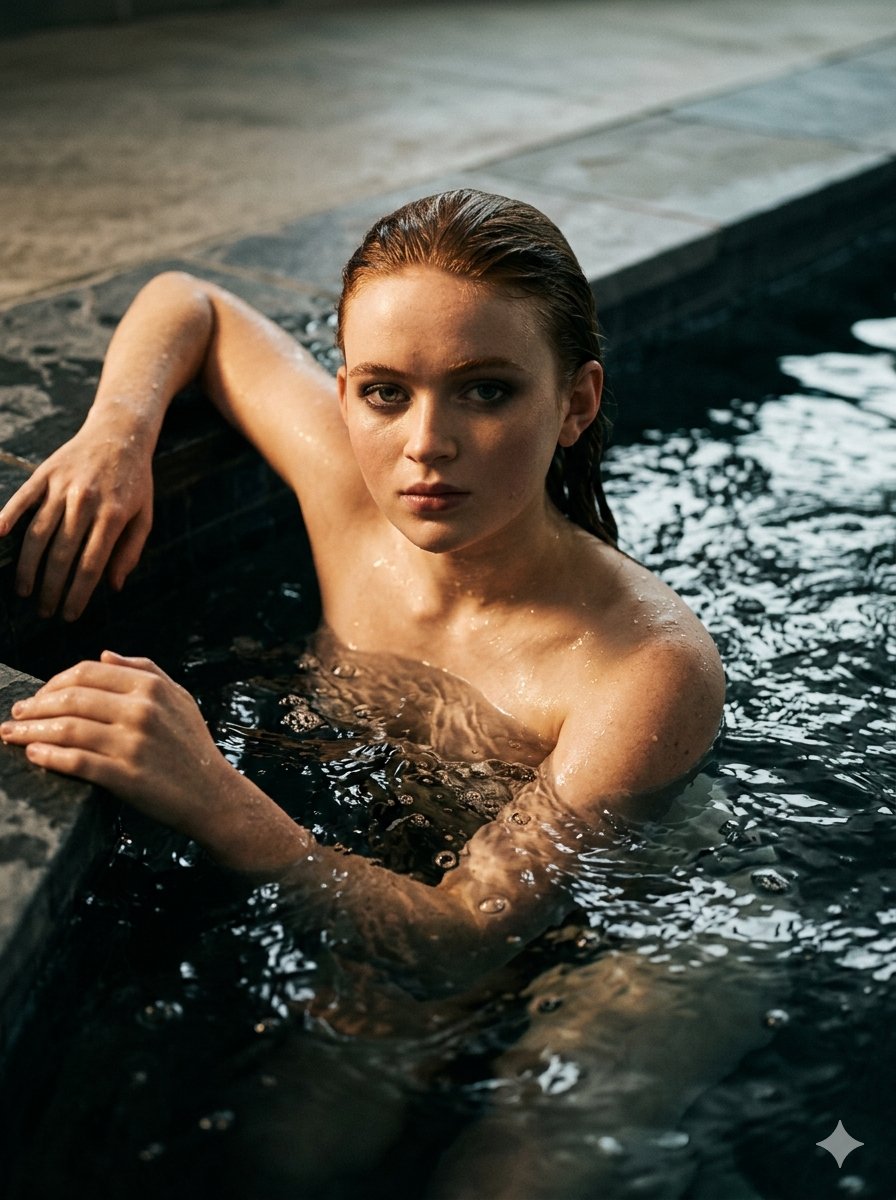
Submerged Intimate Portrait
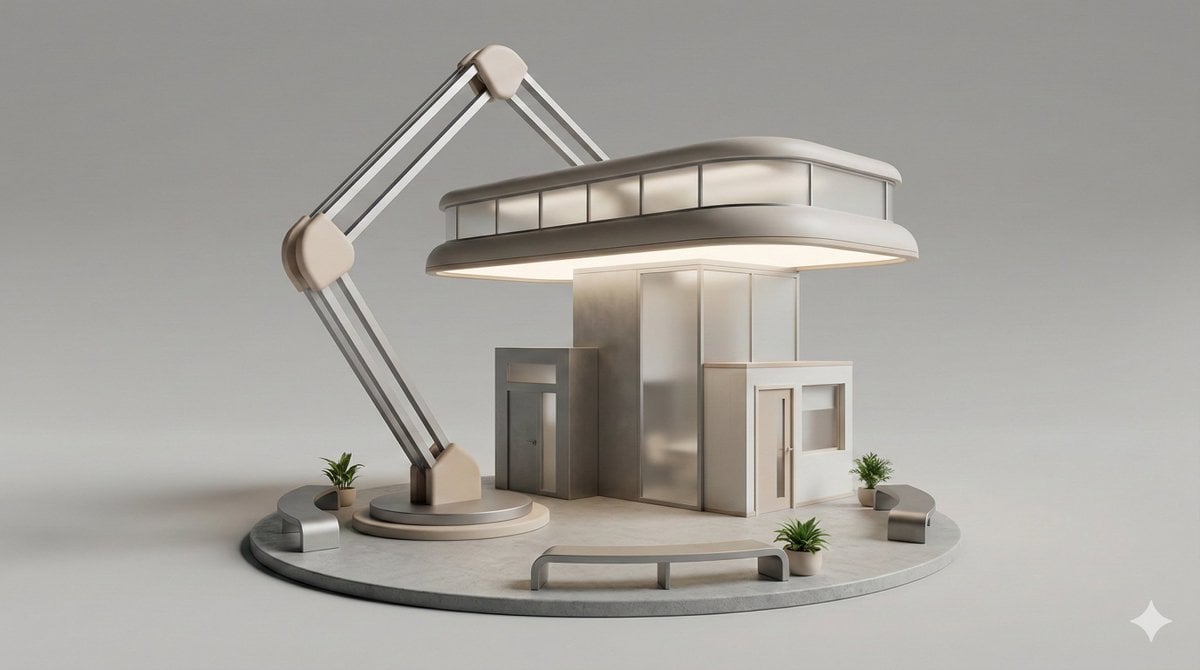
3D Isometric Diorama of a Household Object as Architecture

Pan Jinlian Social E-commerce Meme
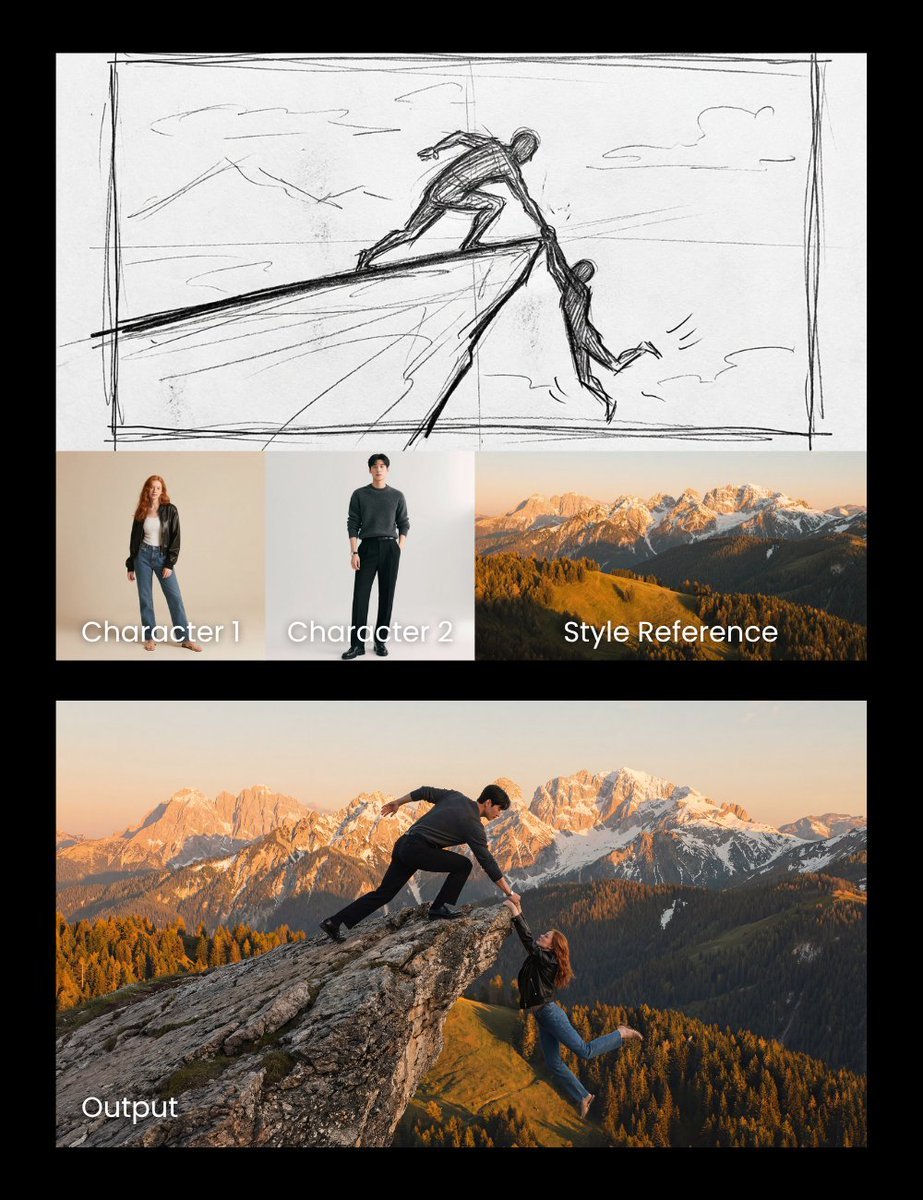
Realistic cliff rescue composite

High-detail IT careers infographic (Thai/English mix)

Avant-Garde Eyewear Fashion Ad

Indian Saree Fashion Portraits (Two Prompts)
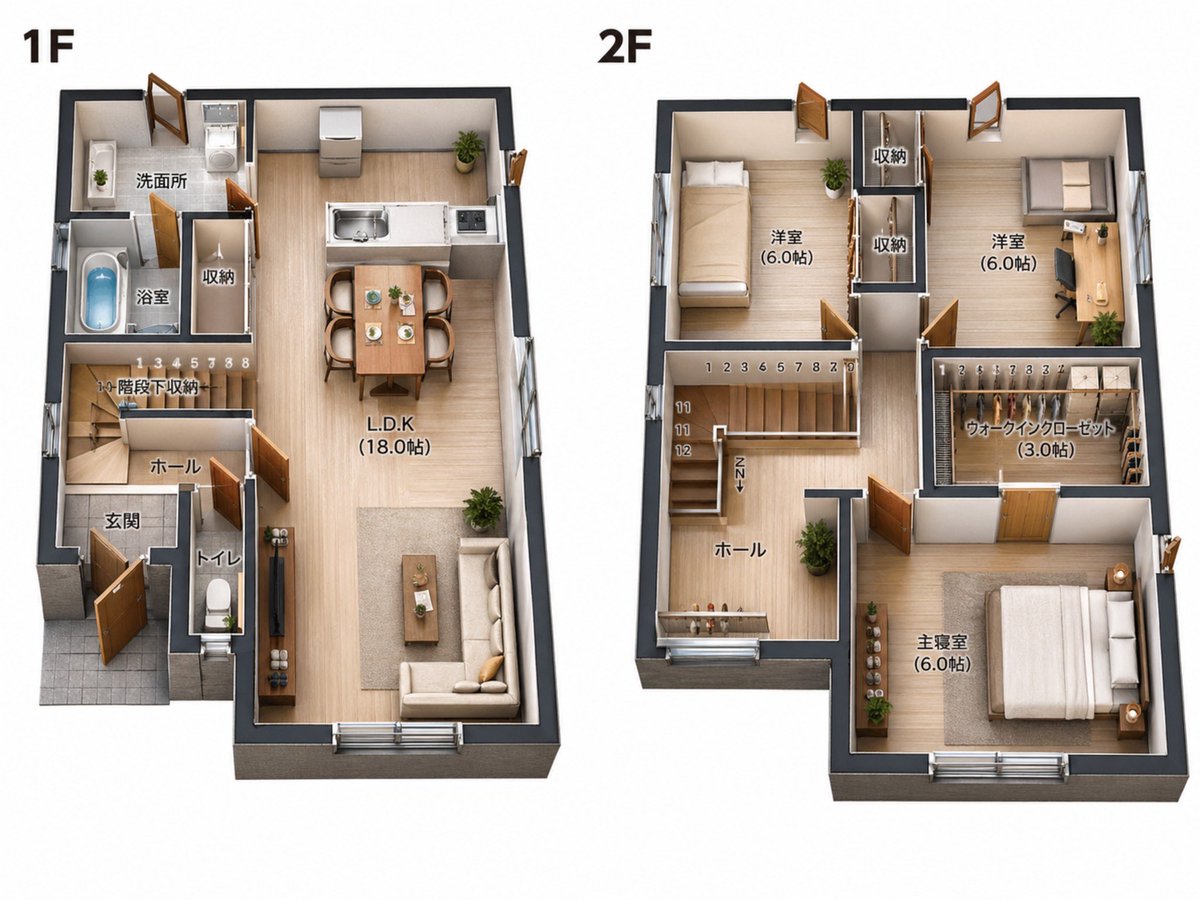
2D Floor Plan to 3D Real Estate Render
Browse template categories
Elderly Man Waving at Rural Station questions
How do I use the Elderly Man Waving at Rural Station template?
Add your photo if the template asks for one, edit the prompt if you like — the template's model and format are already selected — and press Generate. Your version opens in PicX Studio.
Can I customize the Elderly Man Waving at Rural Station template?
Yes. You can change the subject, setting, lighting, mood, format, and available model controls before creating your image.
Is the Elderly Man Waving at Rural Station template free?
Opening and editing this template is free. Generating uses credits, shown on the Generate button when you are signed in.
Which AI model should I use?
Start with GPT Image 2, which is the model associated with this template. You can compare another compatible model for a different finish.
Looking for something else? Browse all templates.

Your photo, any look
Thousands of ready templates for every top image and video model, from one credit balance.