
Indian Saree Fashion Portraits (Two Prompts)
Two distinct image generation prompts for creating photorealistic portraits of young Indian women wearing sarees/lehengas.
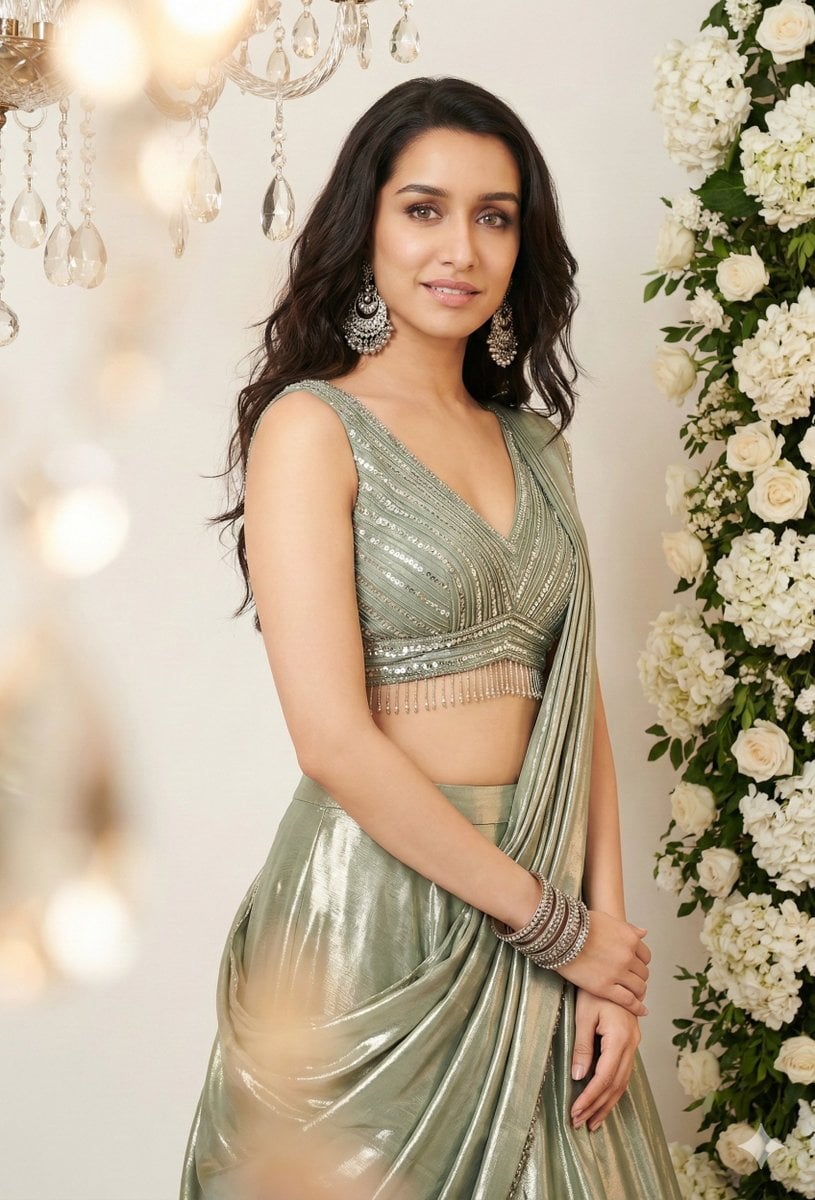
- Prompt included
- Model and format preset
- Premium template
The prompt behind this image
Copy the exact prompt behind Indian Saree Fashion Portraits (Two Prompts), or open it in the studio and make it yours.
Prompt 1: "Create a beautiful young woman with long, wavy dark hair posing gracefully. She has a soft smile and is looking slightly away from the camera. Outfit: She is wearing a modern, elegant sage green lehenga-sari set. The blouse is a sleeveless, V-neck cropped top featuring intricate silver sequins, horizontal pleating, and delicate beaded fringe at the hem. The skirt/drape is made of a shimmering, high-shine metallic silk or satin fabric in a matching light olive or pastel green. Accessories: She is adorned with heavy traditional Indian jewelry, including large silver Chandbali earrings and a stack of matching bangles on one wrist. Setting & Lighting: A minimalist indoor studio setting with a clean off-white background. To the right, there is a lush vertical arrangement of white hydrangeas and roses. Soft, warm lighting creates a gentle glow, complemented by a decorative hanging crystal lamp or "jhumar" in the foreground. Photography Style: A high-resolution fashion portrait with a shallow depth of field, soft shadows, and a clean, airy aesthetic. Use my uploaded image." Prompt 2: "Using my face, Subject: Young Indian/South Asian woman, "soft girl" aesthetic. Skin: Warm undertone, "glass skin" makeup, high-gloss highlighter on cheekbones and nose, soft pink lips. Hair: Dark brown/black, loose waves, voluminous, messy but styled. Attire: Green saree (looks like organza or chiffon tissue fabric), black blouse with red/green embroidery on the hem, silver oxidized choker, silver jhumka earrings. Pose & Expression: Sitting on the floor, relaxed, leaning back, hand resting gently on the knee/saree. Head position: Chin tilted up, face turned slightly away from the camera toward the light source. Expression: Serene, peaceful, "main character energy," eyes half-closed or looking down/away. Environment & Props: Background: White/Cream wall, curtains with vertical floral vine embroidery. Furniture: Wooden cabinet/side table with a warm varnish finish. Props: Antique brass/metal narrow-neck vase, bouquet of orange and yellow roses + (fake/fabric flowers), stack of books (blue, white, grey spines), reading glasses, dark hanging tassel ornament on the drawer knob. Lighting & Atmosphere (Crucial): Type: Direct sunlight, Golden Hour, Sunset light. Effect: Chiaroscuro (strong contrast between light and dark). Shadows: The light is casting a "gobo" effect (shadow of a window grid or blinds) onto the wall and the subject.Vibe: Warm, nostalgic, cozy, aesthetic, vintage. Camera Settings & Tech Angle: Eye-level or slightly low angle. Focal Length: 35mm or 50mm (portrait but including environment). Aperture: f/2.8 or f/4 (Subject is sharp, background is slightly softened but readable).Style: Kodak Portra 400 film emulation (for that warm, grainy look)."
How to use Indian Saree Fashion Portraits (Two Prompts) in 3 steps
- 1Upload ImagePNG, JPG or paste
Add your photo
Upload the photo the template builds on. The prompt, model and format are already set.
- 2…a portrait of your subject in softgolden-hour light, 85mm…
Personalize
Edit the subject and creative details for your destination.
- 3Generate
Generate
Press Generate — your image is created in PicX Studio, so you can compare it with the original and refine one variable at a time.
More like this
Templates with the same subject, style or setup. Open one to see its prompt.

80s Polka Dot Saree

80s College Gate

1988 Mall Style
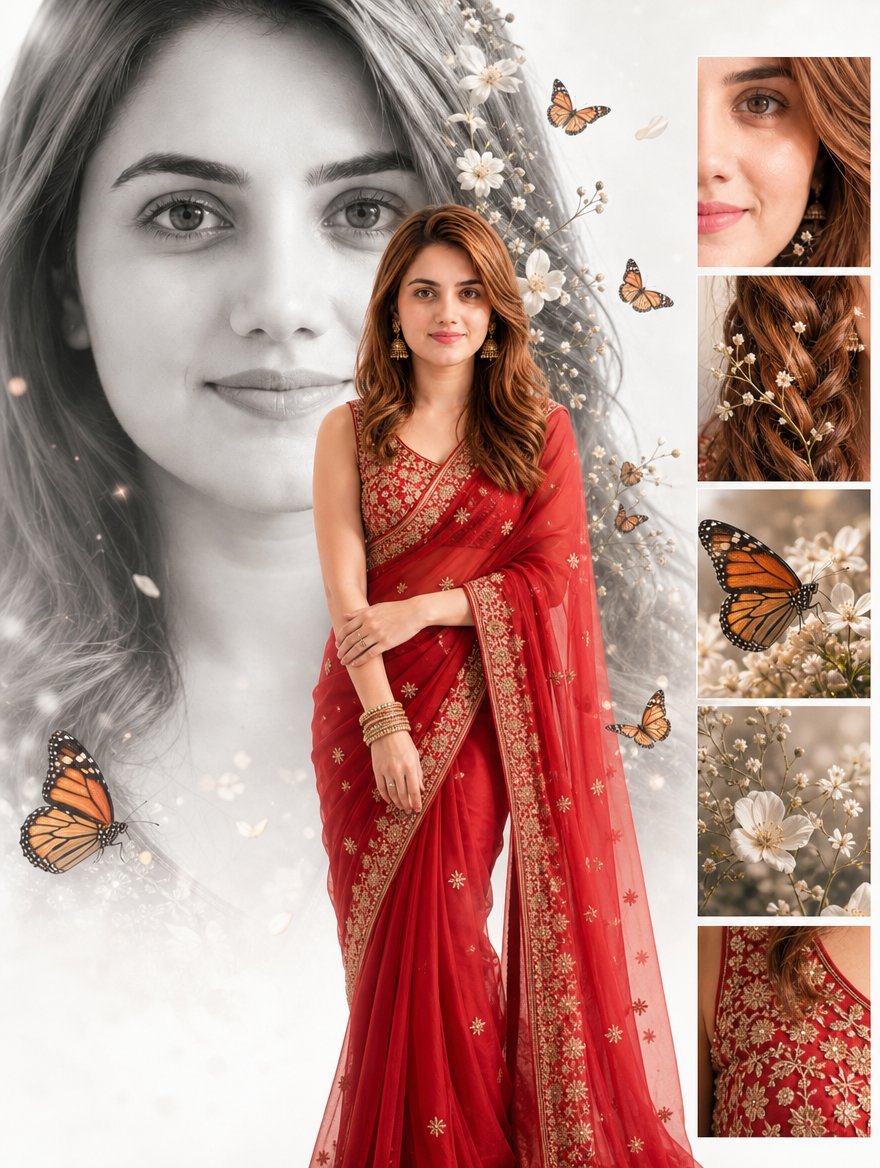
Cinematic Red Saree Fashion Collage
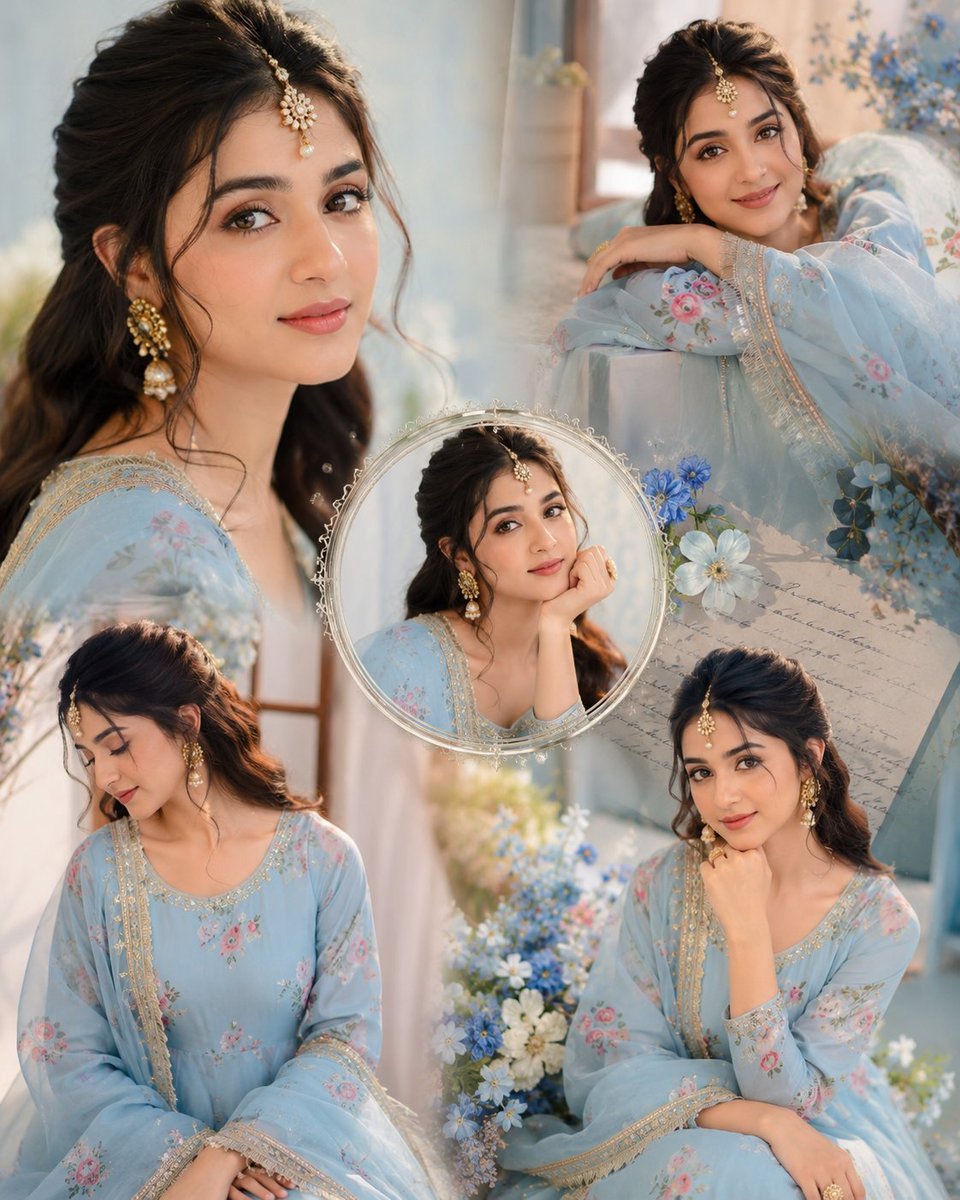
Indian Anarkali Fashion Collage
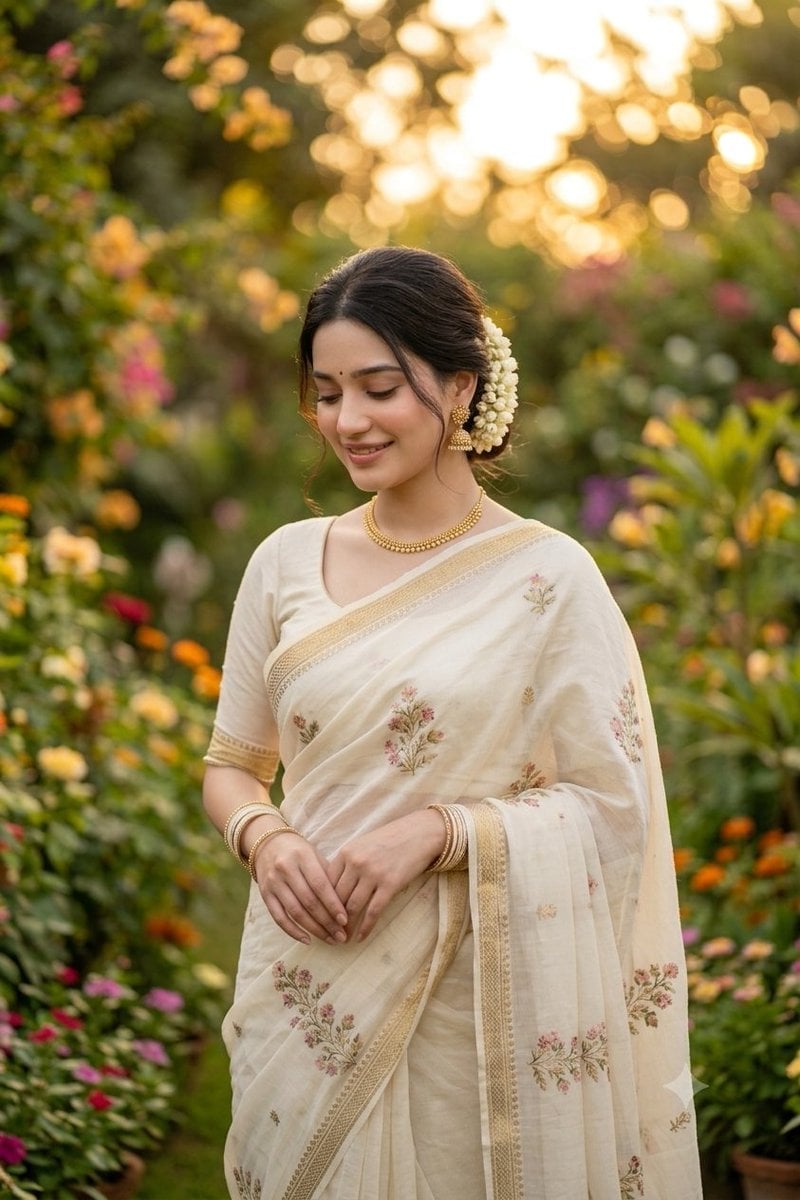
Indian Saree Garden Portrait

Lifestyle and Luxury Fashion Portraits
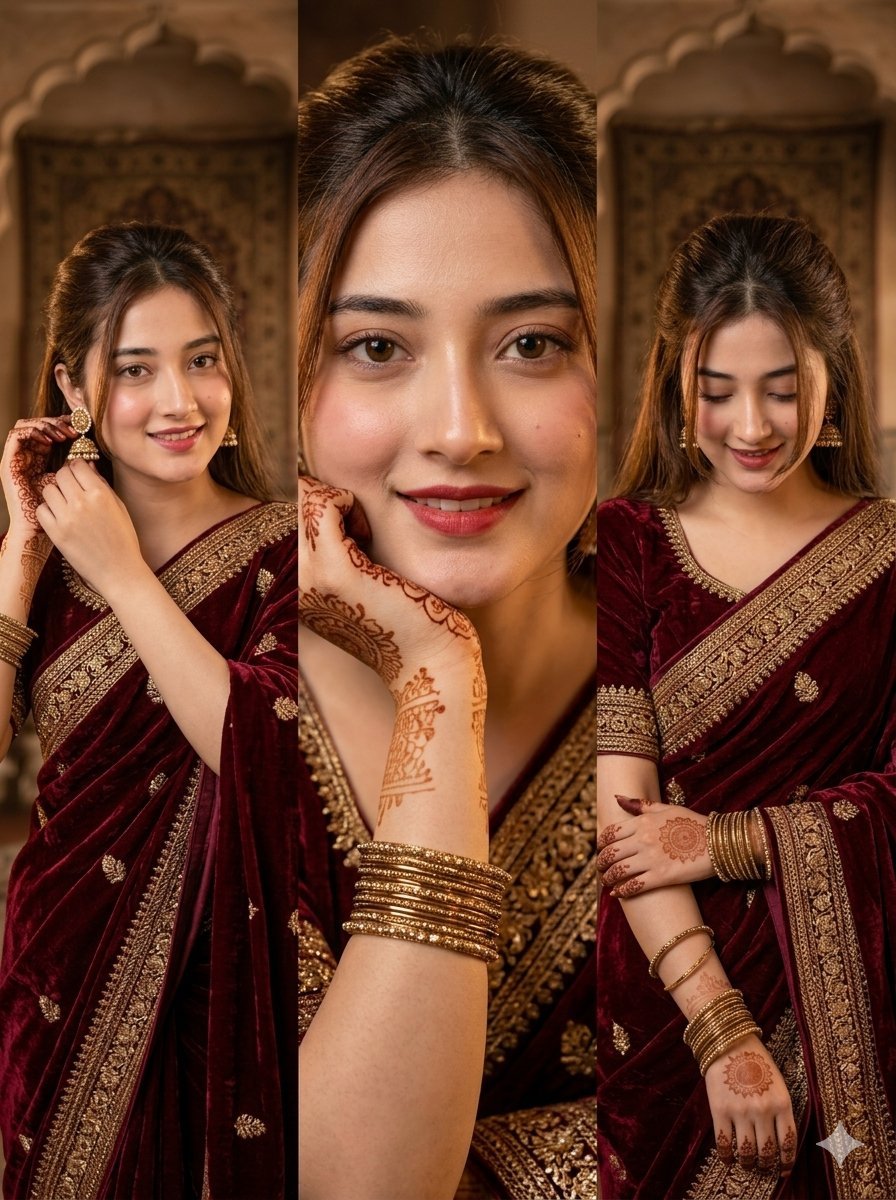
Traditional Indian Girl in Saree Portrait
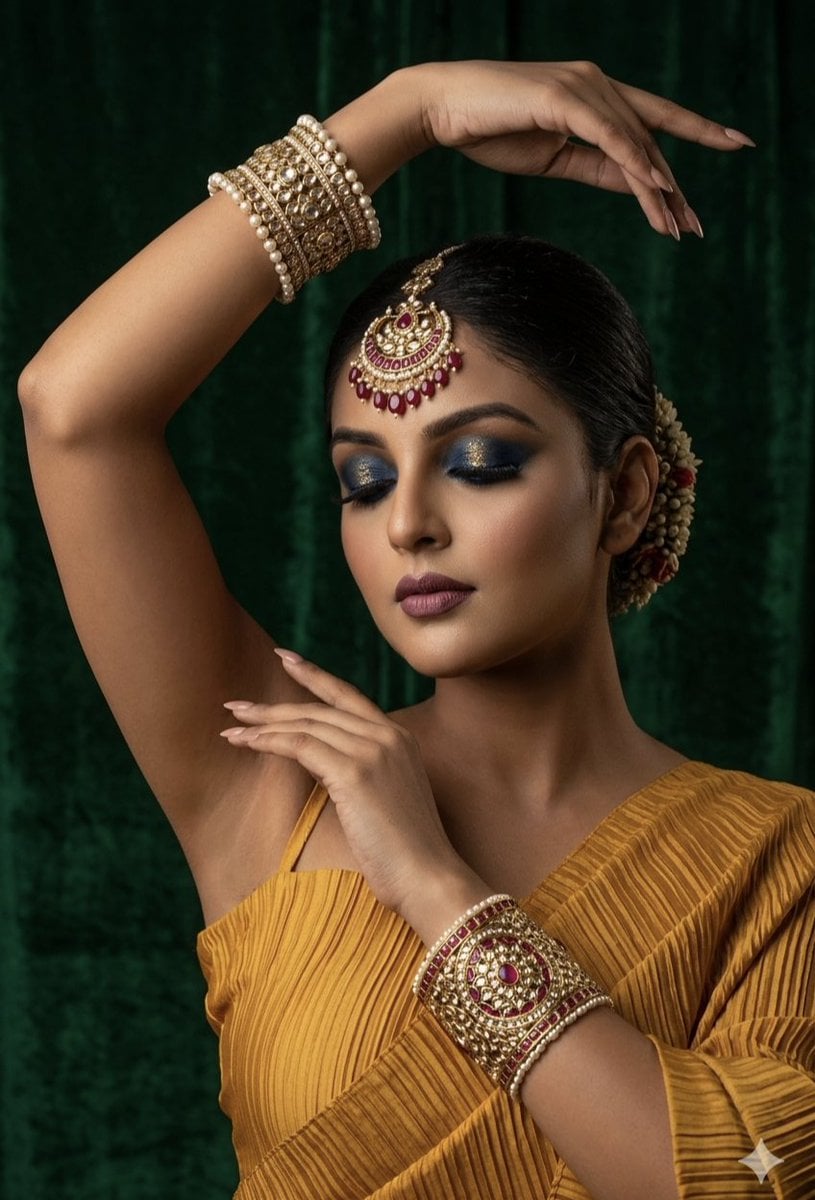
Regal Indian Saree Portrait
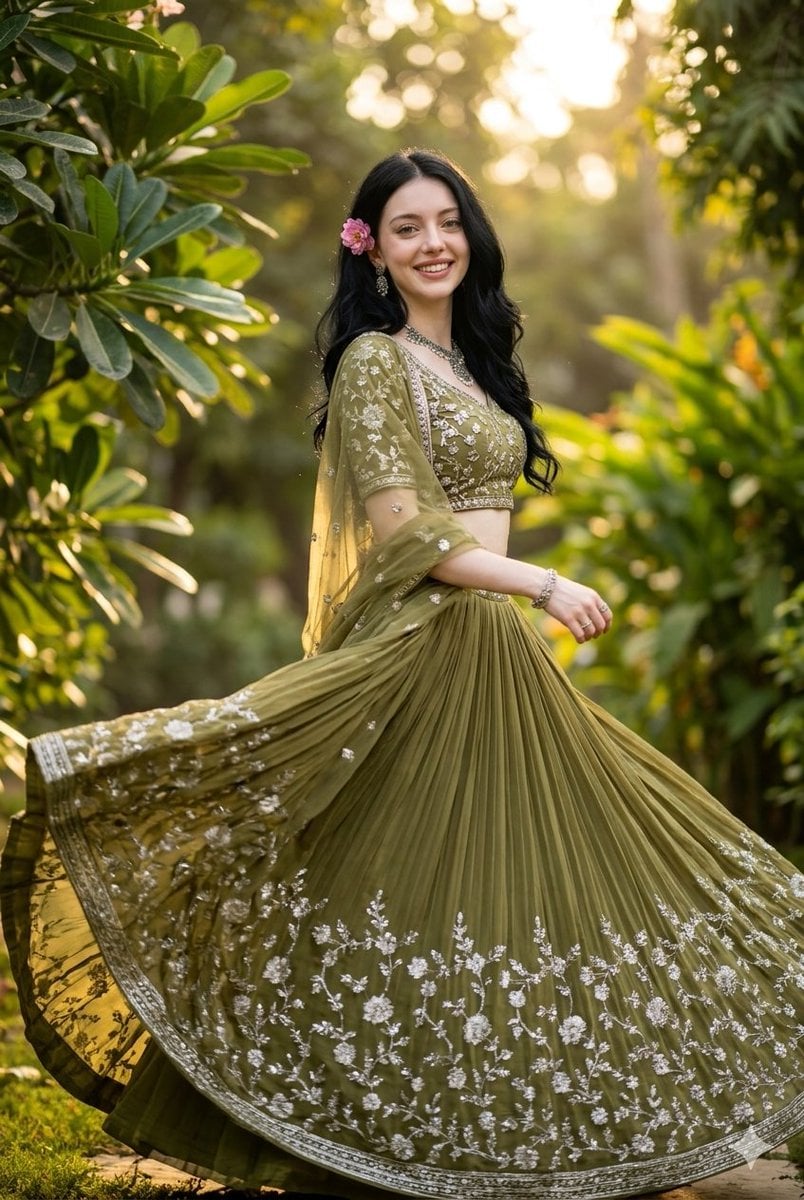
Indian Fashion Portrait in Garden

Urban Fashion Editorial Collage Streetwear Poster

Polo Ralph Lauren Luxury American Heritage Fashion Campaign
Make it yours
Indian Saree Fashion Portraits (Two Prompts) works as-is. These are the safest ways to change it without losing the look.
Change one field
Copy a single group, rewrite it, and generate again so you can see what that field is doing.
Keep the frame, change the subject
Hold the composition and light of Indian Saree Fashion Portraits (Two Prompts), then swap wardrobe, props or the person for a new take.
| If the result… | Why | Fix |
|---|---|---|
| The result drifts from the preview | Too many fields changed at once. | Reuse Indian Saree Fashion Portraits (Two Prompts) as-is first, then change one group — subject, light, or setting. |
| The model over-stylizes the scene | The prose prompt leaves finish and camera underspecified. | Add one camera or lighting sentence and stay on Nano Banana 2. |
More Nano Banana 2 templates
Other prompts made for Nano Banana 2.

Photorealistic Leaf Shaped Like a Dragon

K-Pop Idol Portrait Grid for Rapid Selection

Poetic Rain Forest Portrait During Golden Hour

Urban Street Portrait with Cartoon Inner Self Duo

Candid Nighttime Photo with Cat Prompt

High-Concept 3D Diorama Generation Prompt

Cinematic Futuristic Studio Portrait Template

Skincare Editorial Photography Collage Prompt

Hyper-Realistic Commercial Product Photography (Splash Effect)

Hyper-Realistic Nightclub Portrait Prompt
More image prompts
Fresh picks from across the catalog.
Anime Style AI Image Generation Prompt for Deep Sea Fantasy
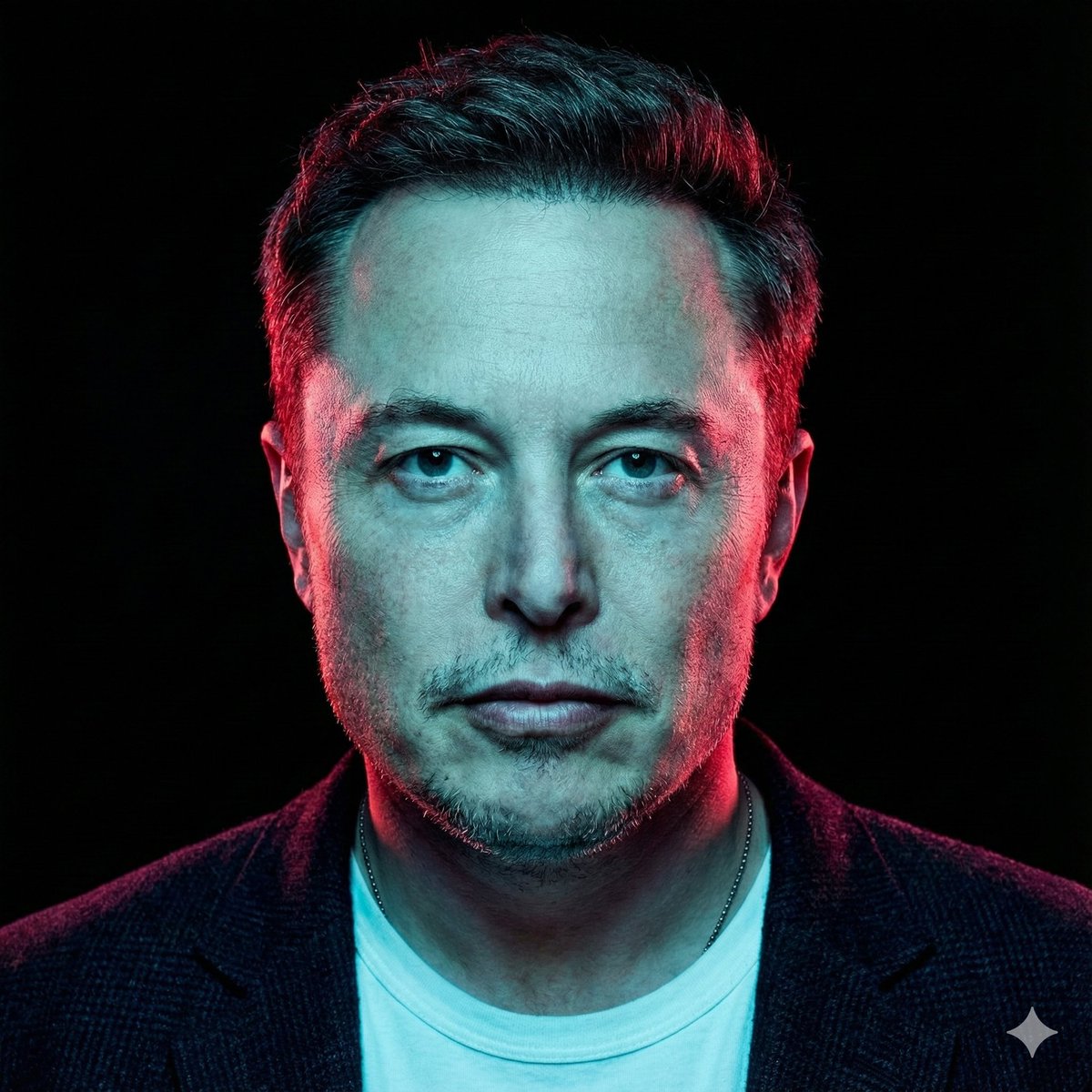
High-Contrast Cinematic Neon Portrait
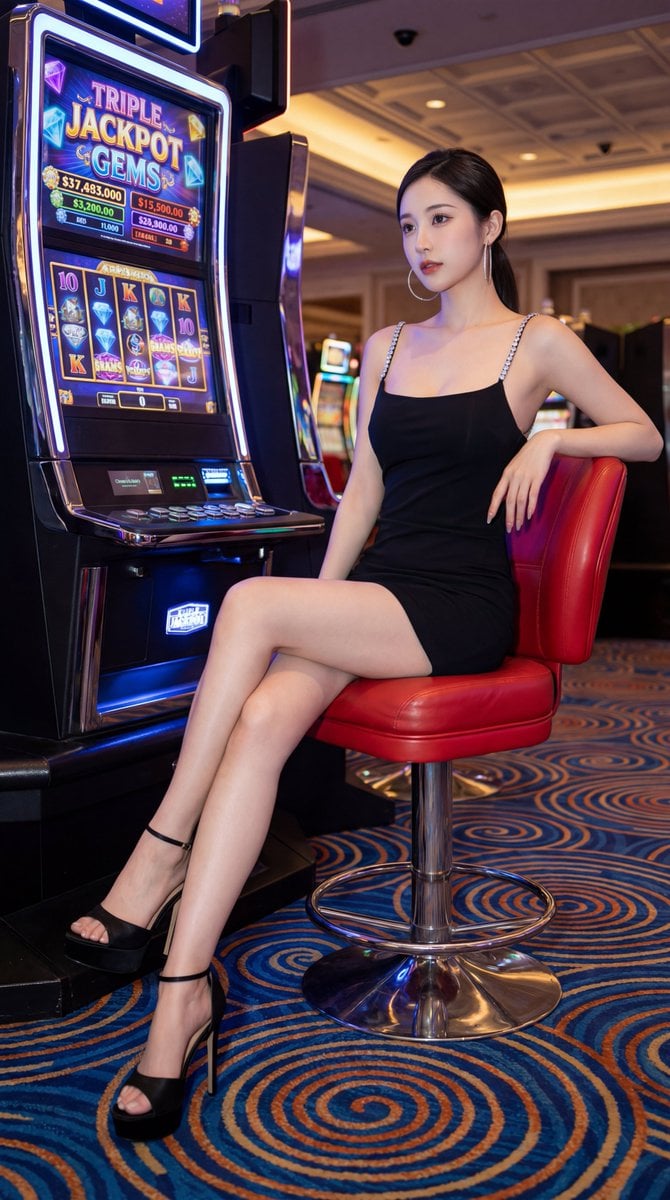
Chinese Casino Glamour Scene Prompt
Mixed Media Fashion Film - Seedance 2.0
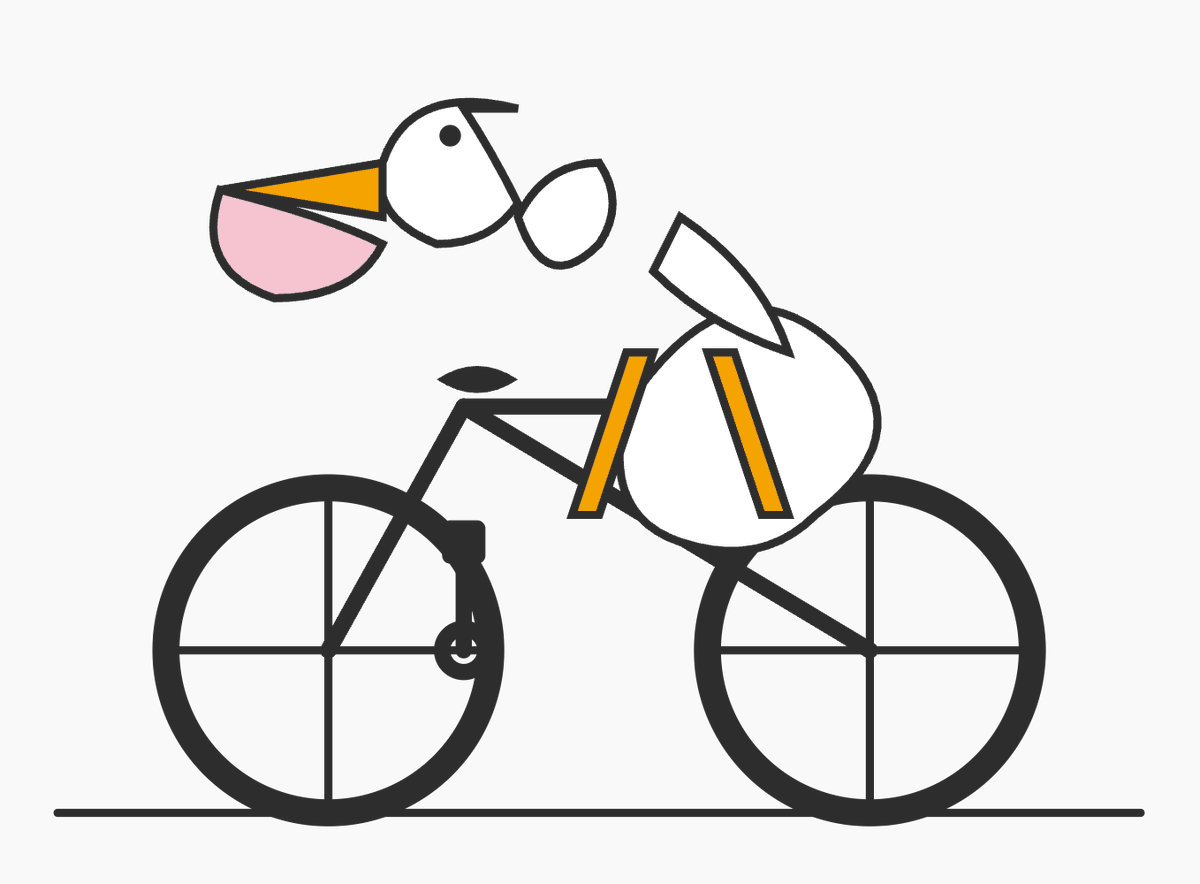
Geometric Bird Riding Bicycle
Onion-Cutting Prompt (Text/LLM)
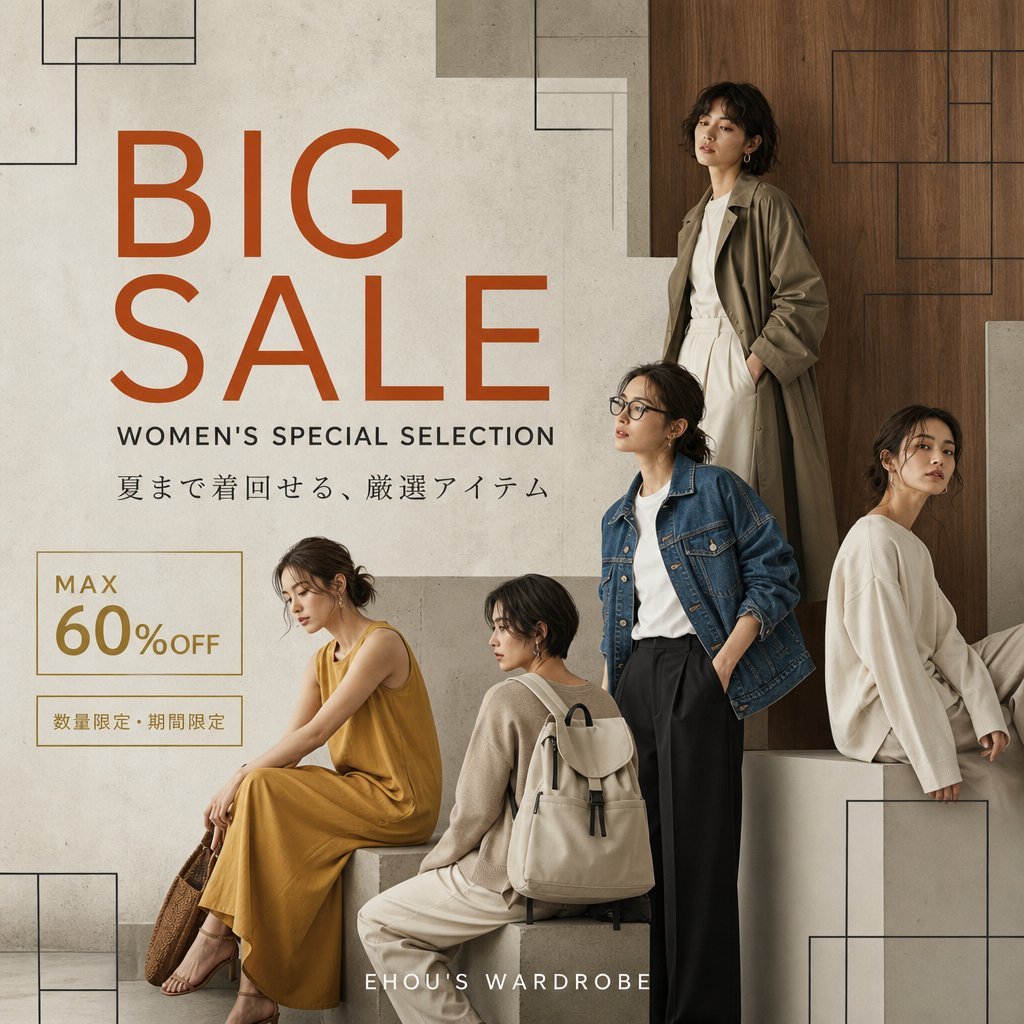
Women's Big Sale Fashion Poster
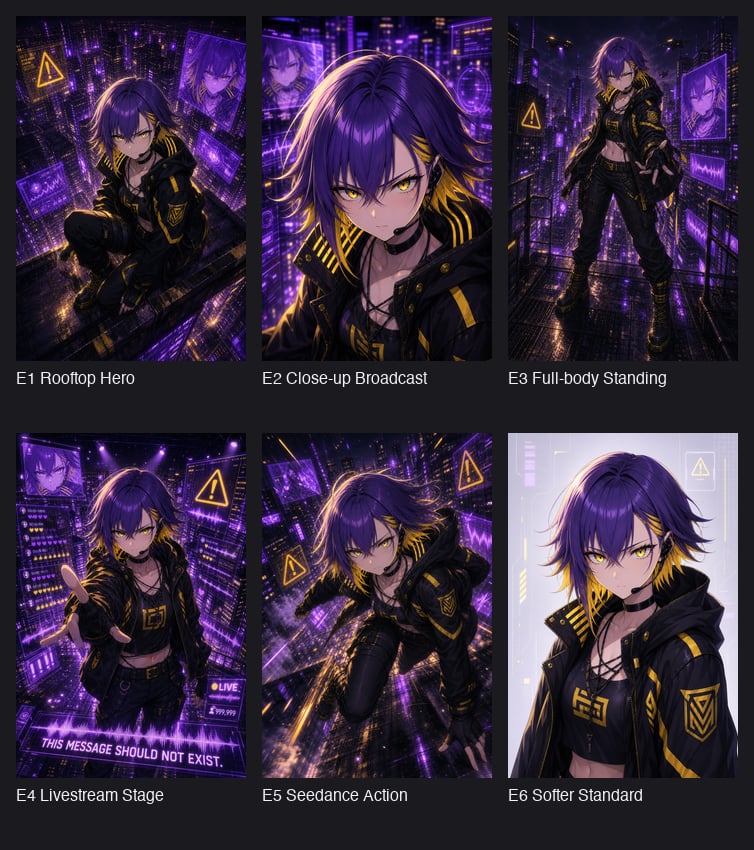
Cyberpunk Anime Hero Contact Sheet
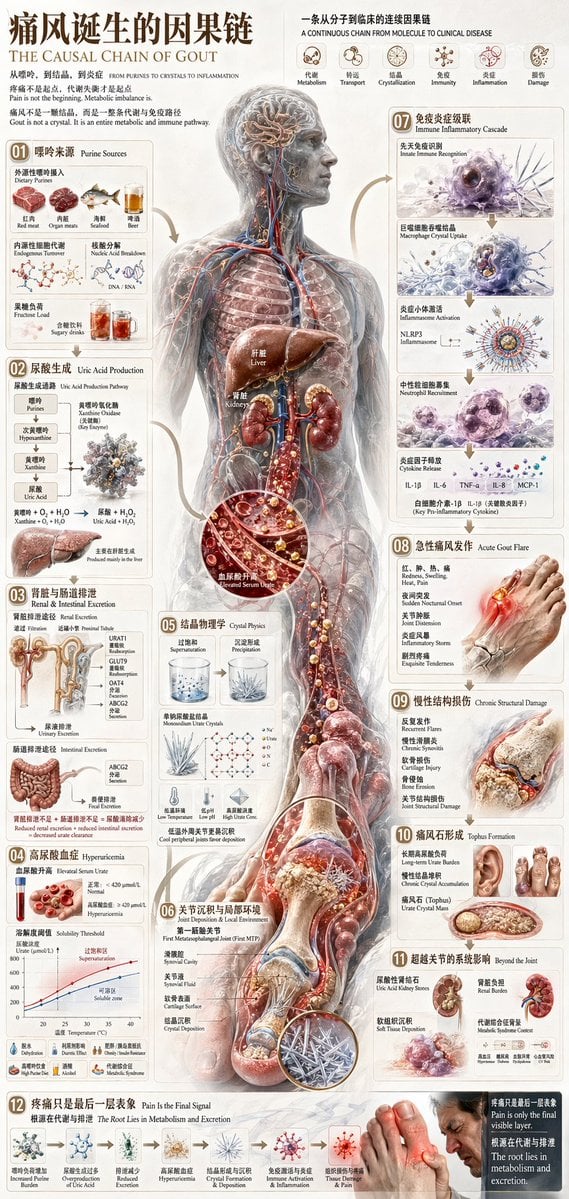
Chinese Medical Gout Infographic Poster
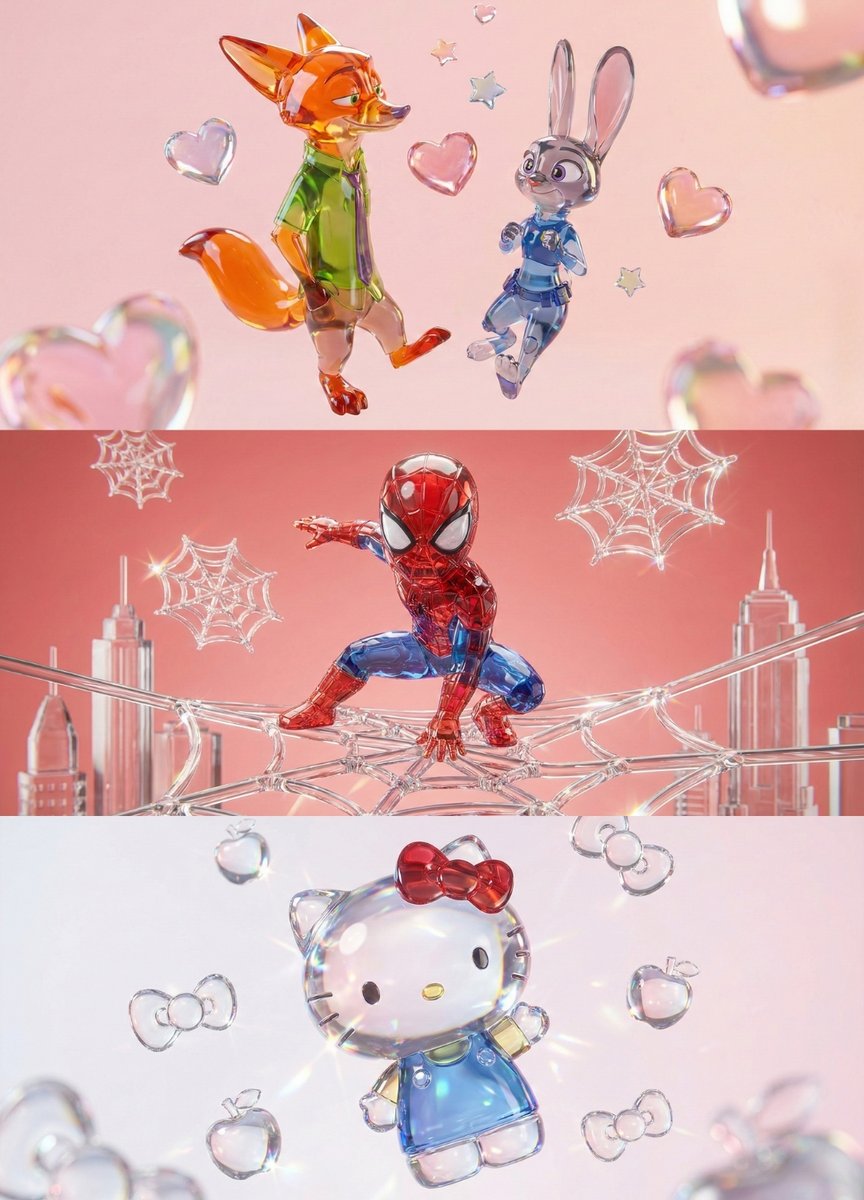
Aesthetic 3D Crystal Figurine Prompt Template
Browse template categories
Indian Saree Fashion Portraits (Two Prompts) questions
How do I use the Indian Saree Fashion Portraits (Two Prompts) template?
Add your photo if the template asks for one, edit the prompt if you like — the template's model and format are already selected — and press Generate. Your version opens in PicX Studio.
Can I customize the Indian Saree Fashion Portraits (Two Prompts) template?
Yes. You can change the subject, setting, lighting, mood, format, and available model controls before creating your image.
Is the Indian Saree Fashion Portraits (Two Prompts) template free?
Opening and editing this template is free. Generating uses credits, shown on the Generate button when you are signed in.
Which AI model should I use?
Start with Nano Banana 2, which is the model associated with this template. You can compare another compatible model for a different finish.
Looking for something else? Browse all templates.

Your photo, any look
Thousands of ready templates for every top image and video model, from one credit balance.