
Cinematic Red Saree Fashion Collage
Generates a luxury editorial portrait collage of a woman in a red embroidered saree with floral details, butterflies, and right-side fashion close-up panels.
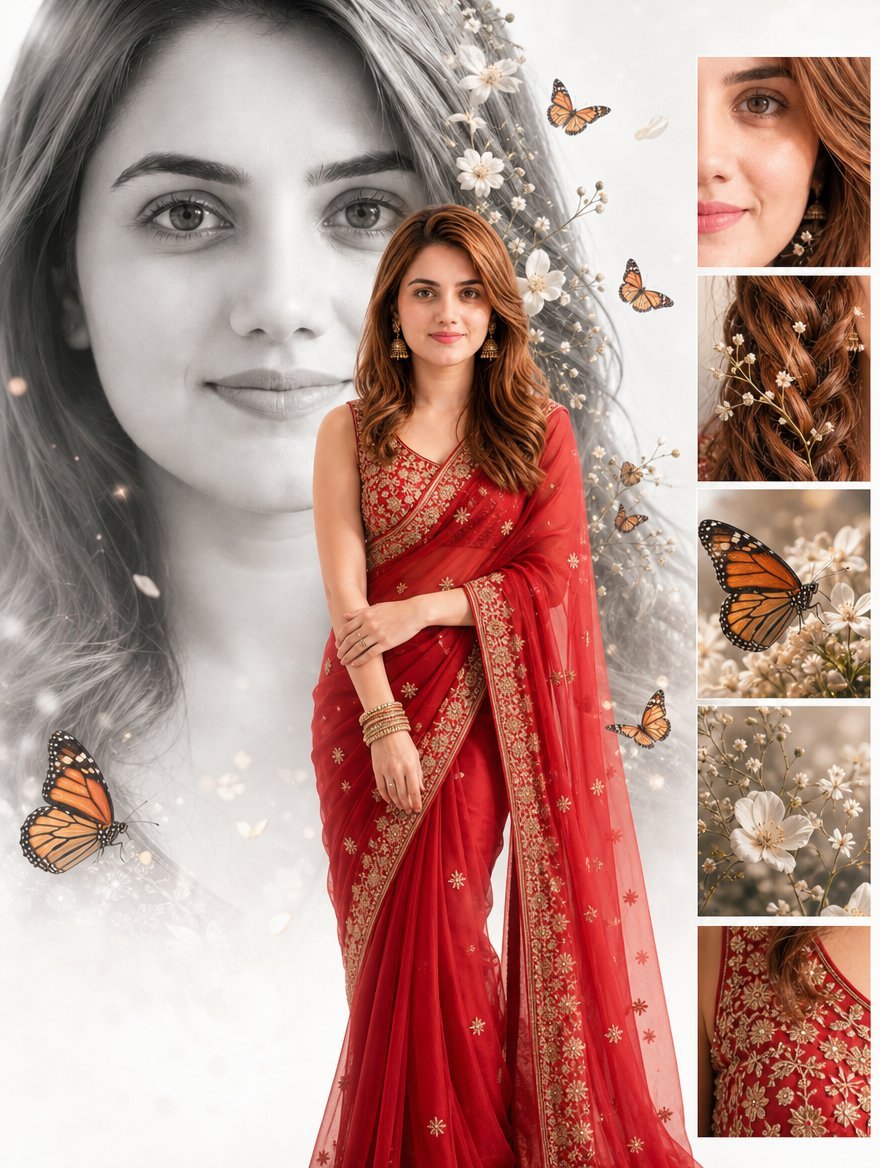
- Prompt included
- Model and format preset
- Free template
The prompt behind this image
Copy the exact prompt behind Cinematic Red Saree Fashion Collage, or open it in the studio and make it yours.
Goal: Create a premium cinematic bridal fashion collage featuring {argument name="character name" default="a young South Asian woman"} as the main subject, with a dreamy luxury editorial aesthetic. Canvas: Vertical 3:4 portrait composition, soft ivory-white background, high-resolution fashion poster look, elegant and romantic. Layout: Use a multi-layer collage. Place one enormous grayscale close-up portrait of the woman’s face in the background on the left, softly faded and occupying most of the canvas height. In front, center the same woman in full color as a full-body fashion portrait, standing slightly turned forward with calm direct eye contact and a gentle smile. Add a right-side vertical strip of exactly 5 rectangular detail panels, evenly spaced with thin white borders: 1 close-up of one eye and cheek with hair, 2 close-up of wavy auburn hair decorated with small flowers, 3 close-up of a monarch butterfly on white blossoms, 4 close-up of delicate white wildflowers and branches, 5 close-up of the red embroidered blouse and gold floral fabric details. Subject details: The woman has {argument name="hair color" default="warm auburn-brown wavy hair"}, natural makeup, defined brows, soft pink lips, and realistic skin texture. She wears a {argument name="saree color" default="deep red"} saree with sheer drape, ornate gold embroidered borders, small gold floral motifs, and a richly embellished sleeveless blouse. Add traditional gold jhumka earrings, stacked gold bangles, and subtle rings. Her pose is elegant and modest, one arm relaxed downward and the other hand resting lightly near the forearm, with the saree drape flowing vertically. Decorative elements: Add exactly 6 visible monarch butterflies: 1 large butterfly at the lower left foreground, 1 small butterfly near the upper center, 1 medium butterfly near the upper right of the central subject, 1 small butterfly near the middle-right beside the saree, 1 large butterfly inside the third right-side detail panel, and 1 small pale butterfly silhouette near the top-right background. Surround the portrait with delicate white blossoms, baby’s-breath branches, petals, soft bokeh sparkles, and misty light leaks, especially along the woman’s hair and the lower background. Visual style: Premium cinematic fashion photo-effect, realistic portrait photography blended with editorial collage design, shallow depth of field, soft diffused studio lighting, warm highlights on the red saree, monochrome background face, full-color foreground subject, ethereal floral atmosphere, crisp fabric embroidery, elegant Indian bridal styling. Constraints: Preserve realistic facial proportions and natural body shape. Do not add text, logos, watermarks, extra people, extra panels, or additional butterflies. Keep the design clean, high-fashion, romantic, and luxurious.
How to use Cinematic Red Saree Fashion Collage in 3 steps
- 1Upload ImagePNG, JPG or paste
Add your photo
Upload the photo the template builds on. The prompt, model and format are already set.
- 2…a portrait of your subject in softgolden-hour light, 85mm…
Personalize
Edit the subject and creative details for your destination.
- 3Generate
Generate
Press Generate — your image is created in PicX Studio, so you can compare it with the original and refine one variable at a time.
More like this
Templates with the same subject, style or setup. Open one to see its prompt.

80s Polka Dot Saree
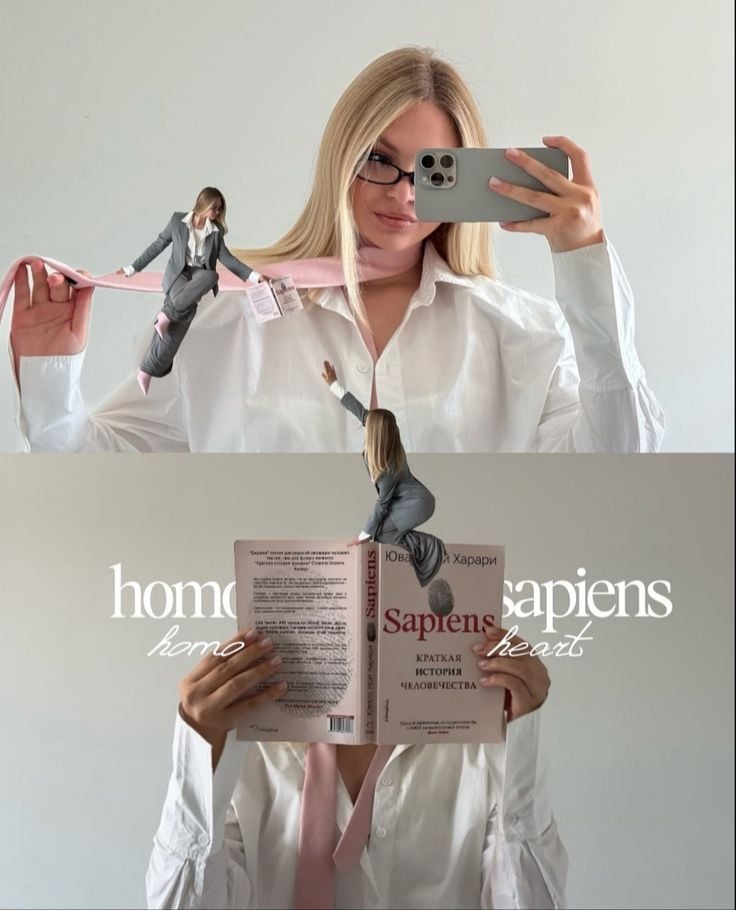
Miniature Self Portrait Collage

80s College Gate

1988 Mall Style
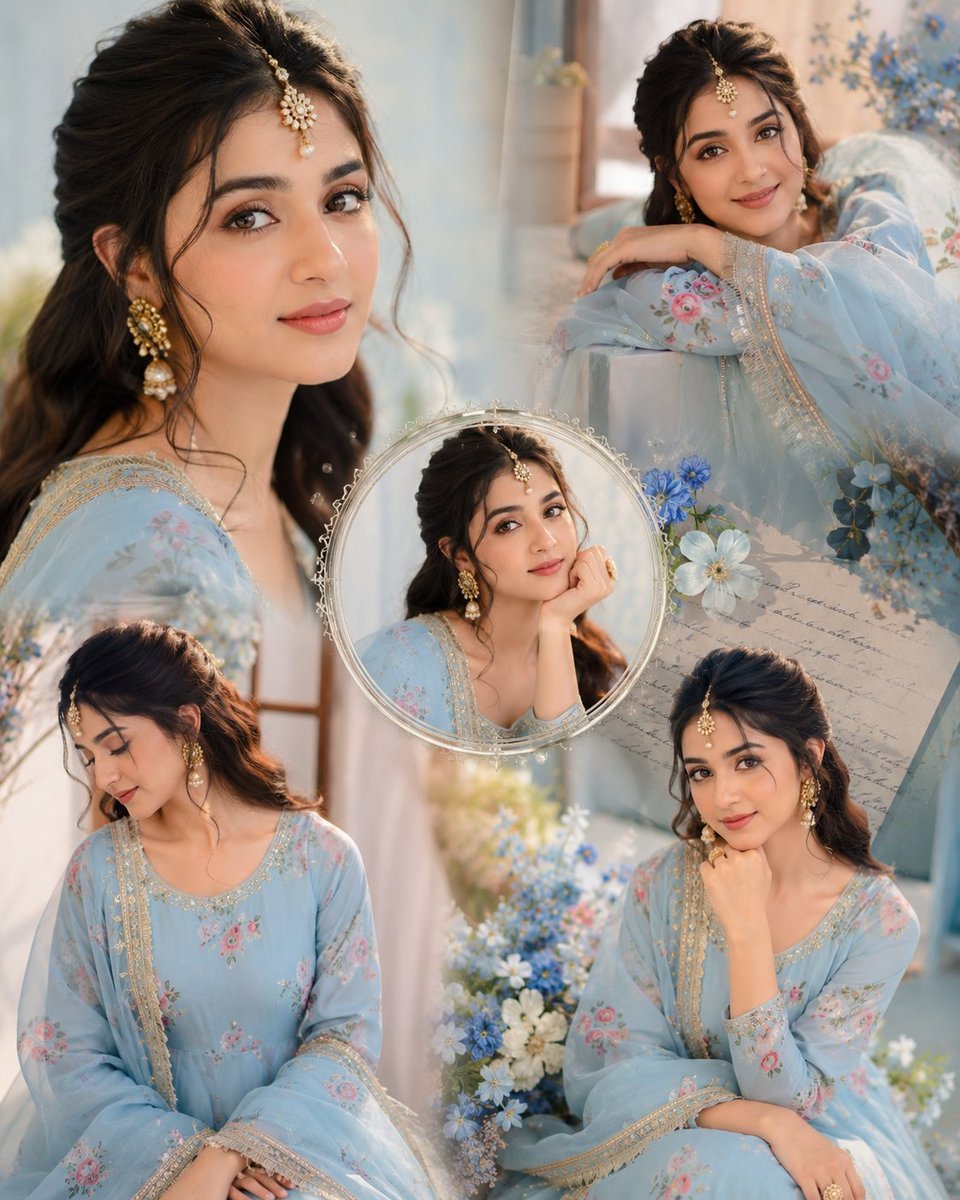
Indian Anarkali Fashion Collage

Rainy Monsoon Fashion Collage
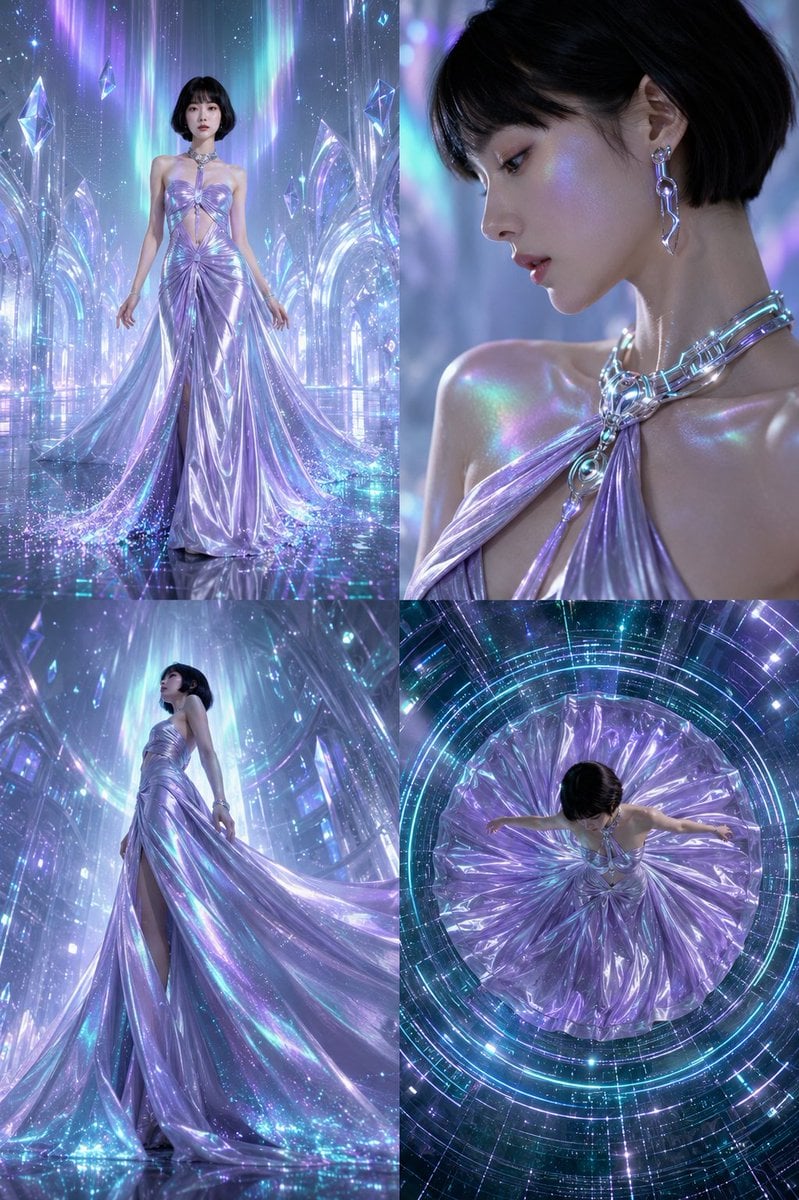
Futuristic Ice Palace Fashion Collage
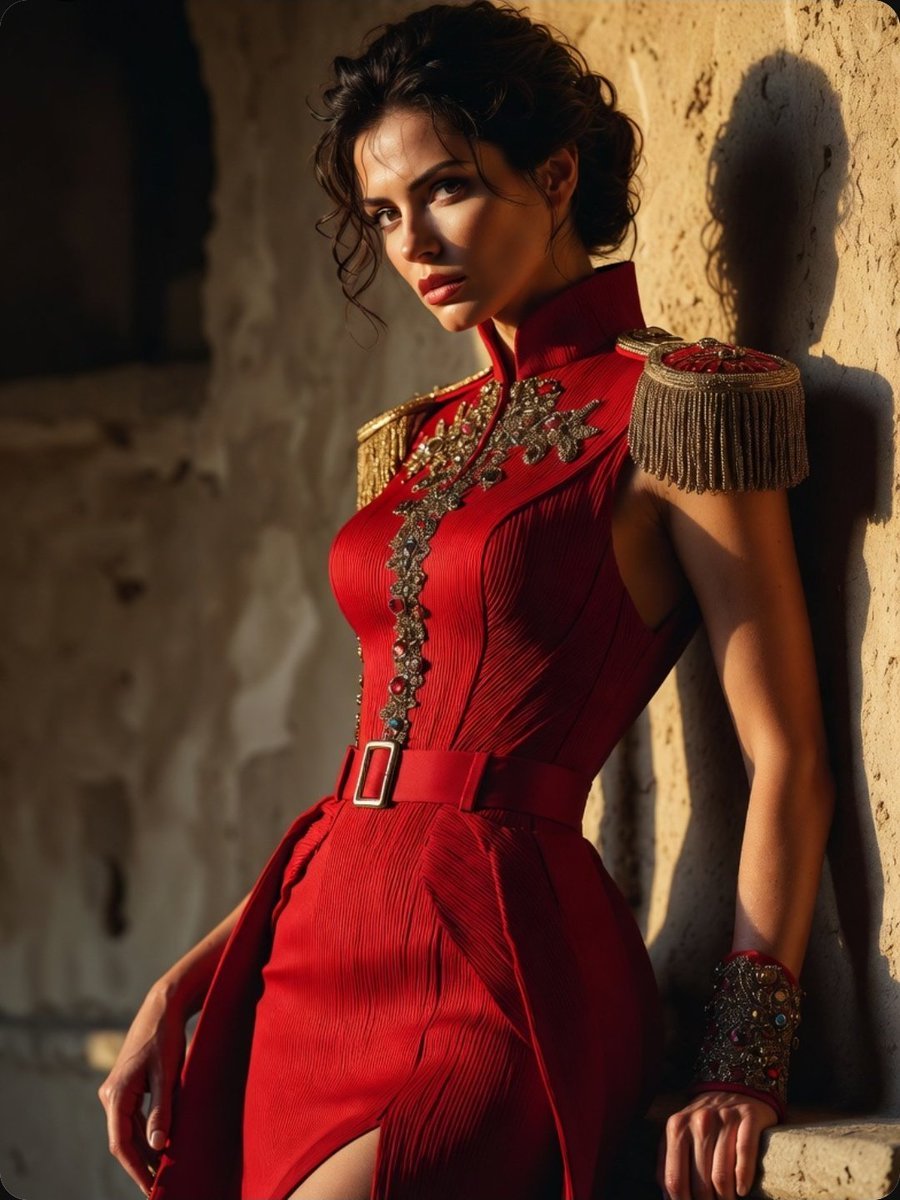
Regal Military-Inspired Fashion Model
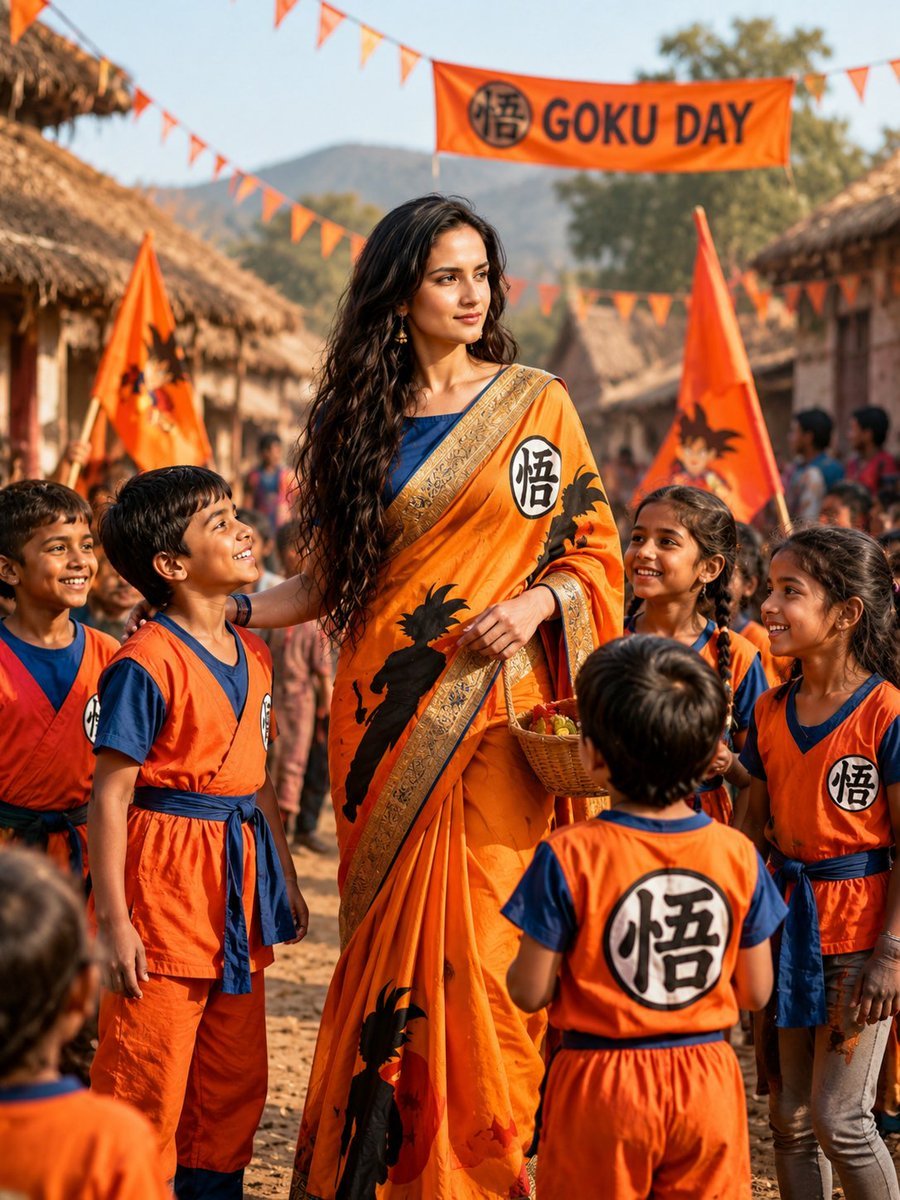
Goku-Inspired Saree Village Celebration
Paper Cut Finale Fireworks
Paper Cut Garden Maze
Paper Cut Rooftop Concert
Make it yours
Cinematic Red Saree Fashion Collage works as-is. These are the safest ways to change it without losing the look.
Change one field
Copy a single group, rewrite it, and generate again so you can see what that field is doing.
Keep the frame, change the subject
Hold the composition and light of Cinematic Red Saree Fashion Collage, then swap wardrobe, props or the person for a new take.
| If the result… | Why | Fix |
|---|---|---|
| The result drifts from the preview | Too many fields changed at once. | Reuse Cinematic Red Saree Fashion Collage as-is first, then change one group — subject, light, or setting. |
| The model over-stylizes the scene | The prose prompt leaves finish and camera underspecified. | Add one camera or lighting sentence and stay on GPT Image 2. |
More GPT Image 2 templates
Other prompts made for GPT Image 2.

Six VTuber Japanese Logo Sheet

Realistic Portrait of Woman and Deer

The Vista Modular Condo Poster

AI Model Routing Comparison Infographic

2.5D Anime Art Board

Isometric Productivity Desk Scene

New York Double Exposure Poster

Four-Panel AI Landscape Comparison

Japanese Tatami Lifestyle Magazine Cover

NESCAFÉ Coffee Map Poster
More image prompts
Fresh picks from across the catalog.
Early 2000s Rom-Com Movie Poster
Nano Banana Pro Prompt for Teto Kasane in Pirate Attire
Ultra-photorealistic Eevee Cosplay Portrait
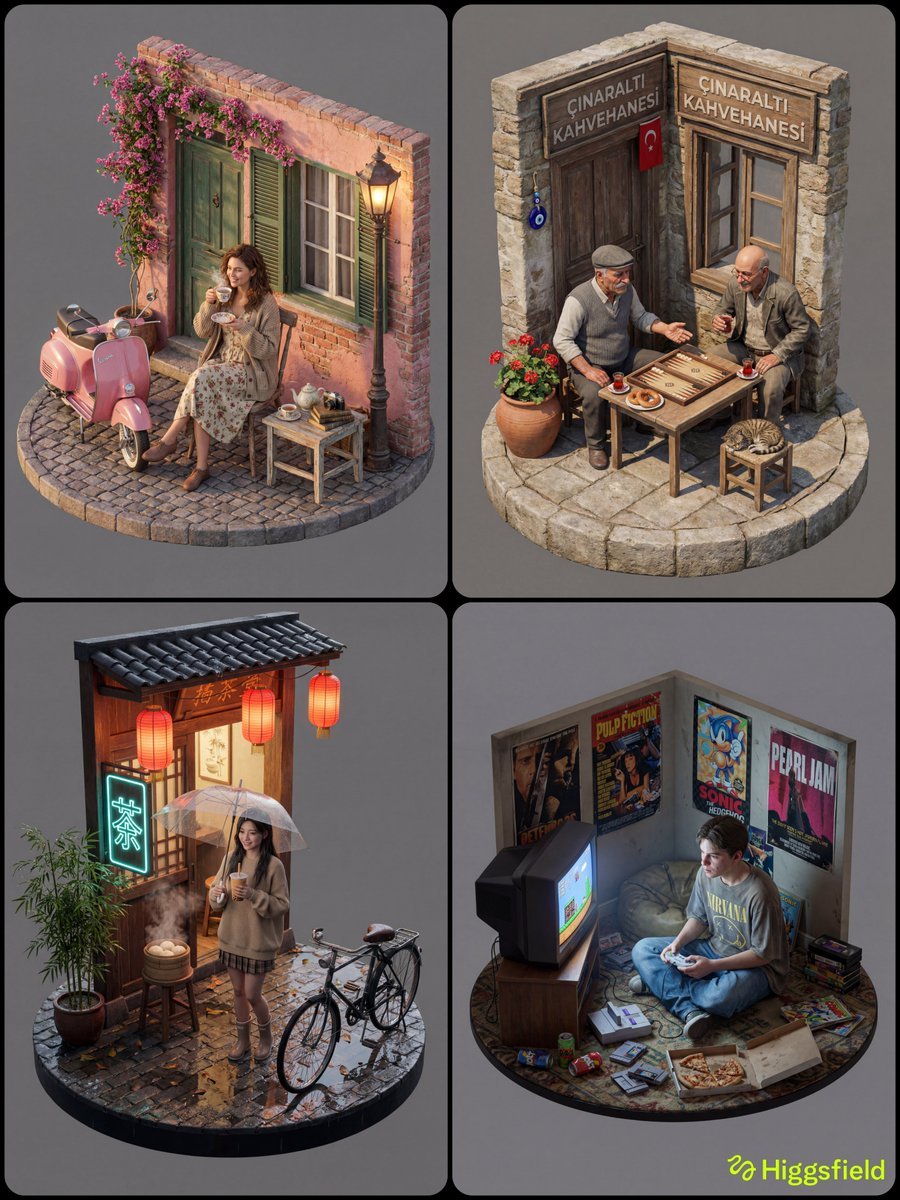
Isometric 3D Diorama with Living Human Texture
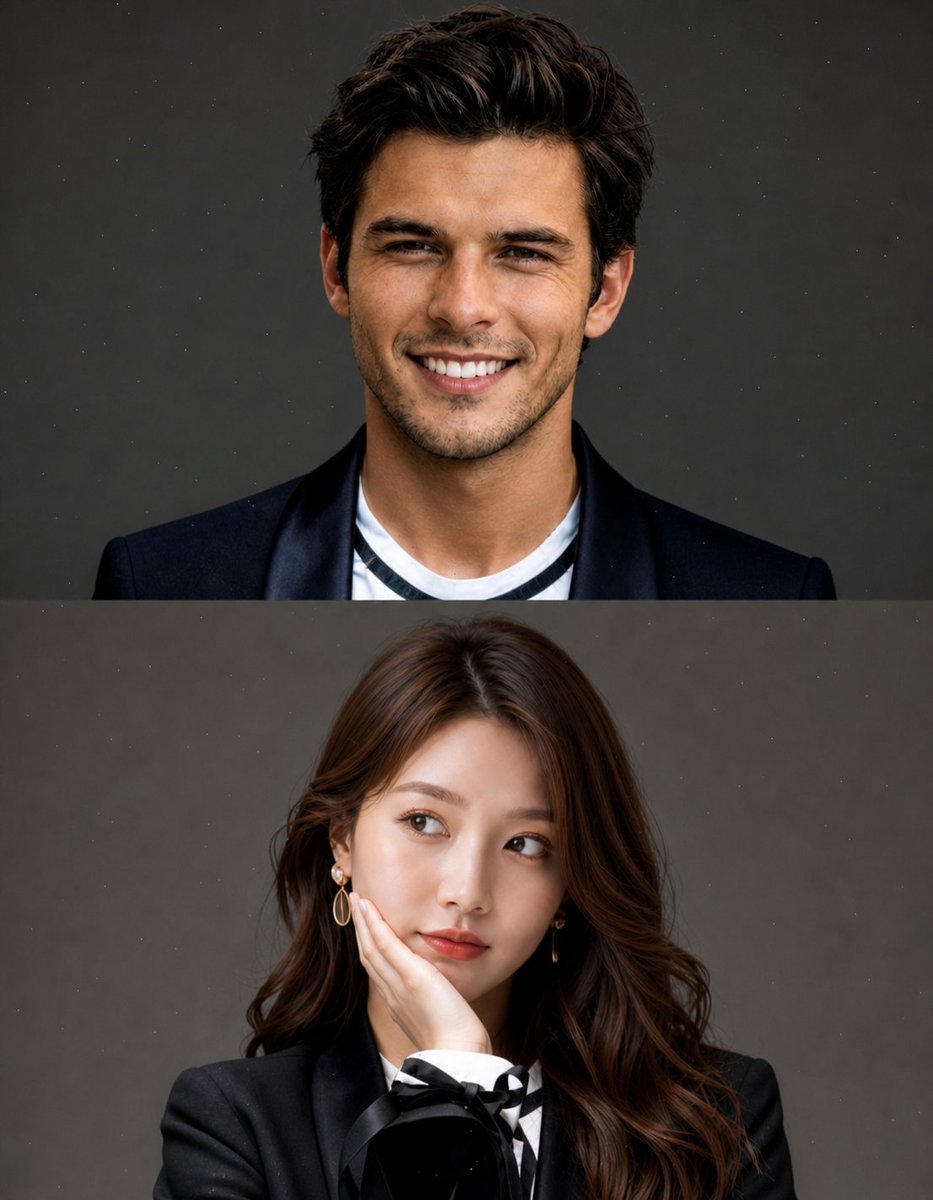
Split Portrait Editorial Photography
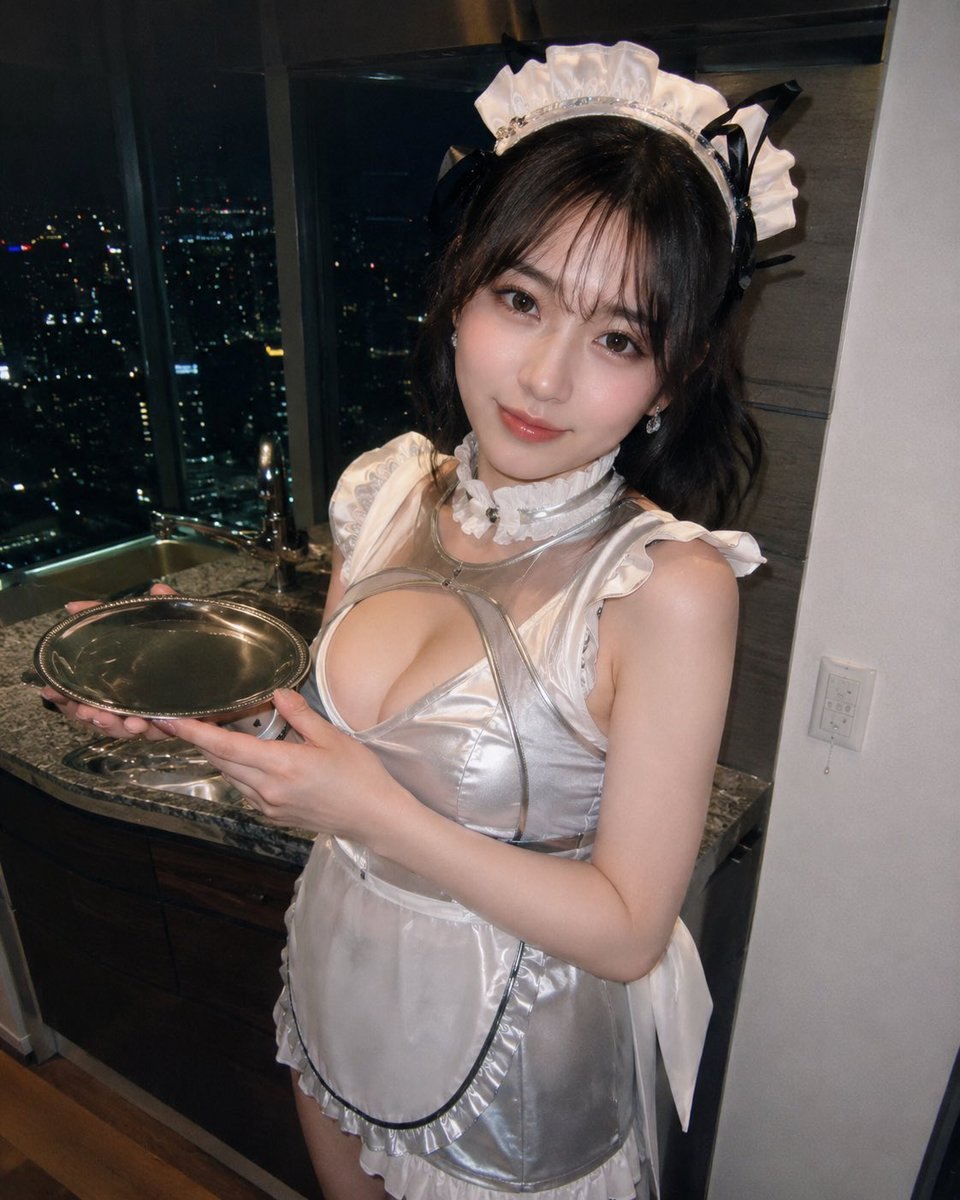
Silver Maid Cosplay in High-Rise Kitchen
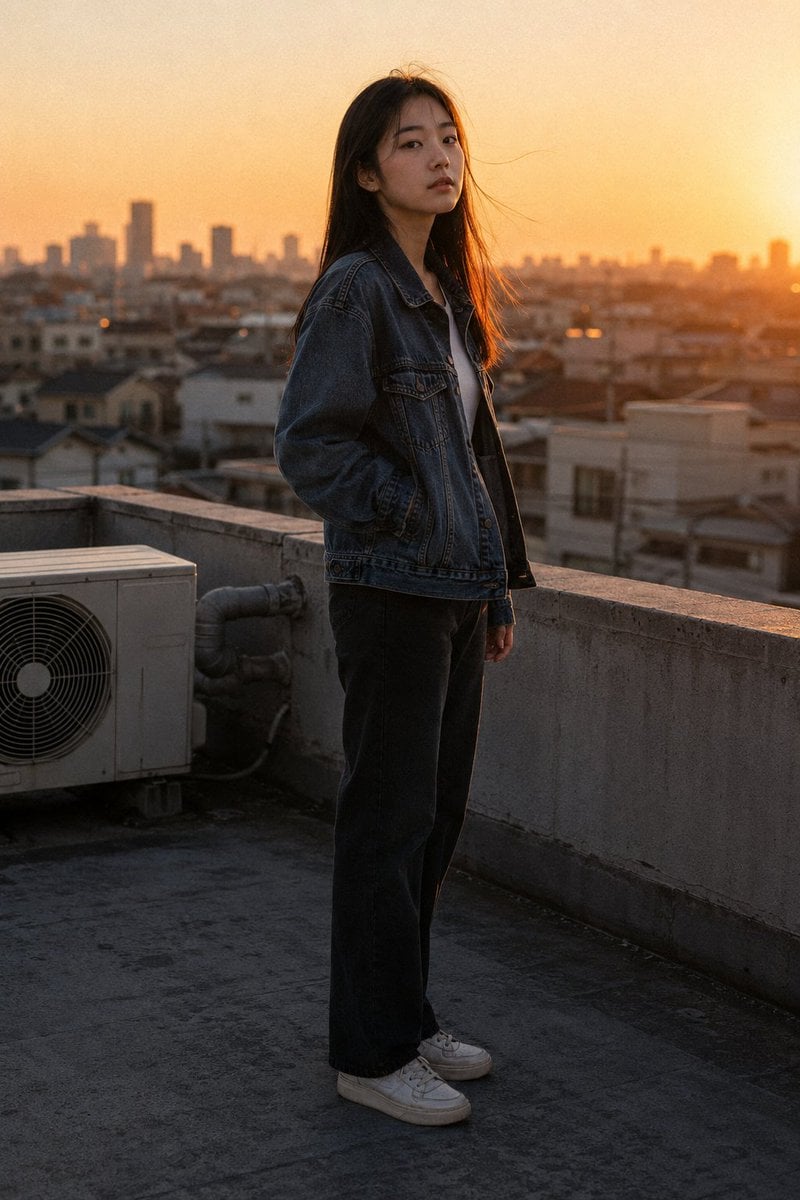
Golden Hour Rooftop Portrait
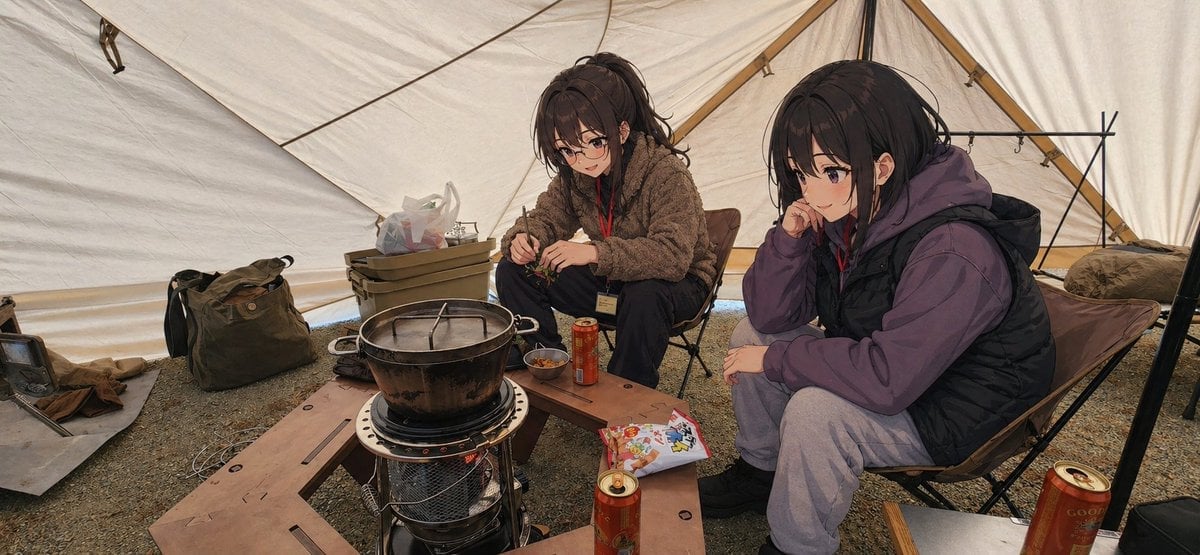
Anime Campers in a Winter Tent
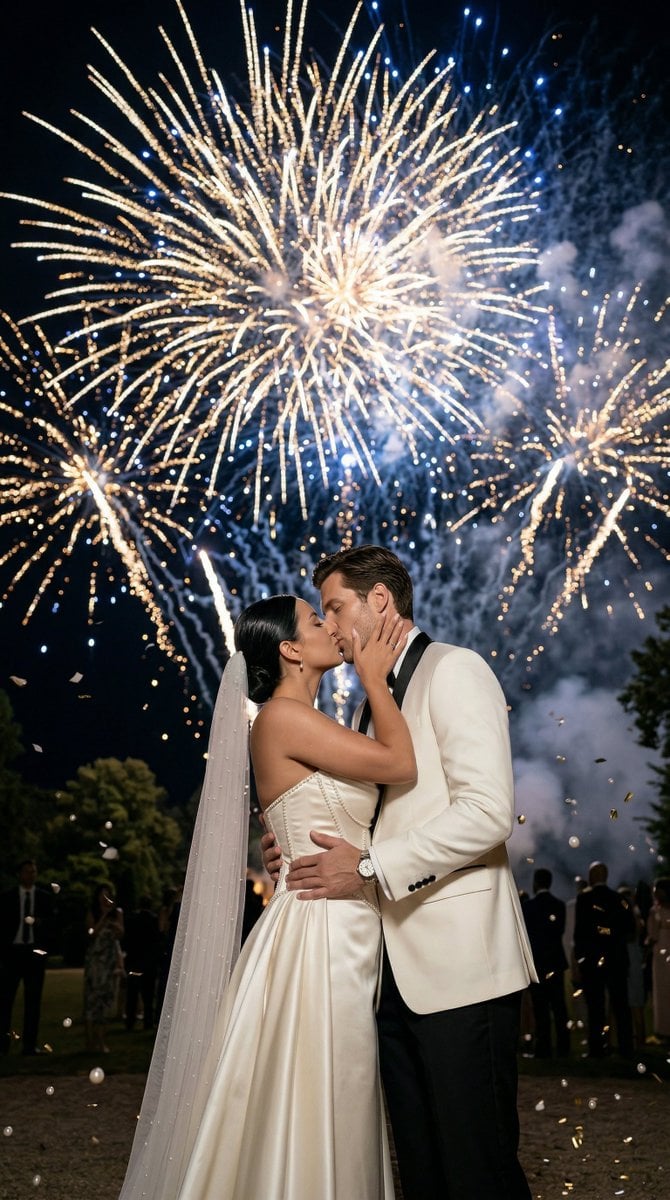
Epic Firework Wedding Kiss Image-to-Image Prompt for Nano Banana 2
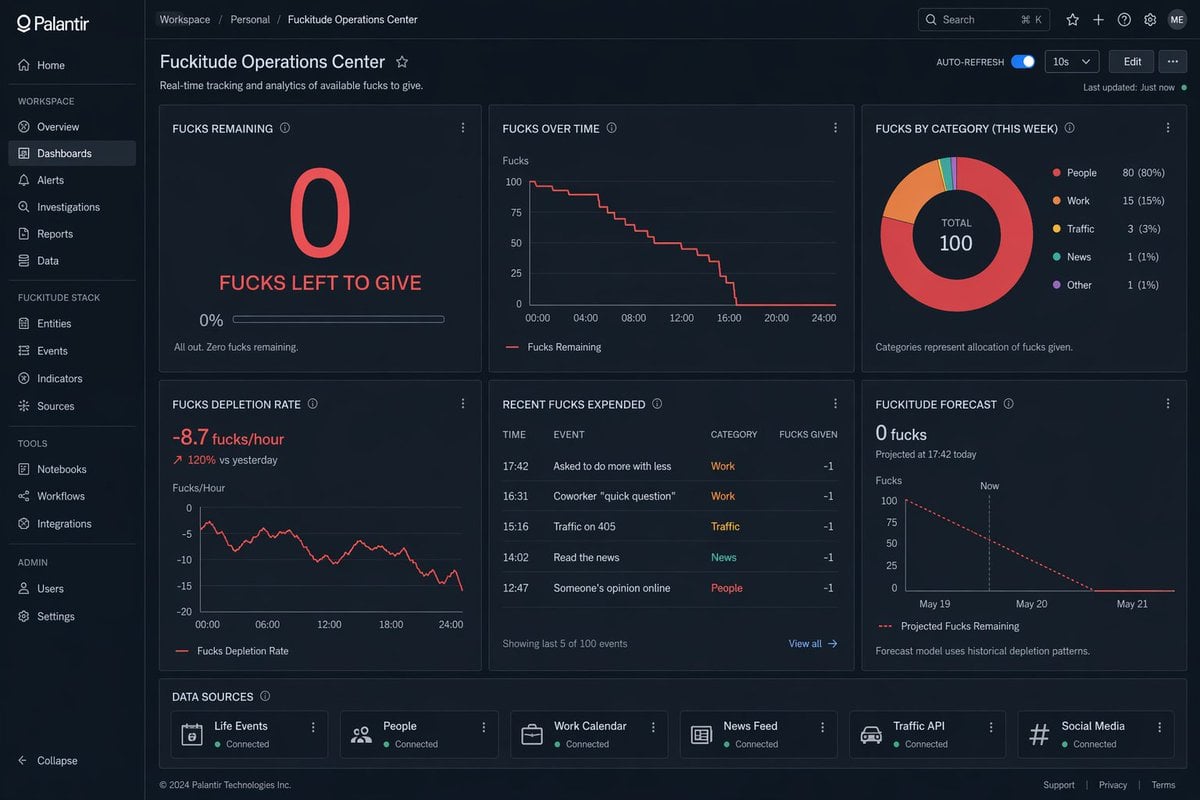
Creative Dashboard UI Screenshot
Browse template categories
Cinematic Red Saree Fashion Collage questions
How do I use the Cinematic Red Saree Fashion Collage template?
Add your photo if the template asks for one, edit the prompt if you like — the template's model and format are already selected — and press Generate. Your version opens in PicX Studio.
Can I customize the Cinematic Red Saree Fashion Collage template?
Yes. You can change the subject, setting, lighting, mood, format, and available model controls before creating your image.
Is the Cinematic Red Saree Fashion Collage template free?
Opening and editing this template is free. Generating uses credits, shown on the Generate button when you are signed in.
Which AI model should I use?
Start with GPT Image 2, which is the model associated with this template. You can compare another compatible model for a different finish.
Looking for something else? Browse all templates.

Your photo, any look
Thousands of ready templates for every top image and video model, from one credit balance.