
Silver Maid Cosplay in High-Rise Kitchen
Generates a realistic smartphone-style portrait of an adult maid cosplayer holding a serving tray in a nighttime high-rise kitchen.
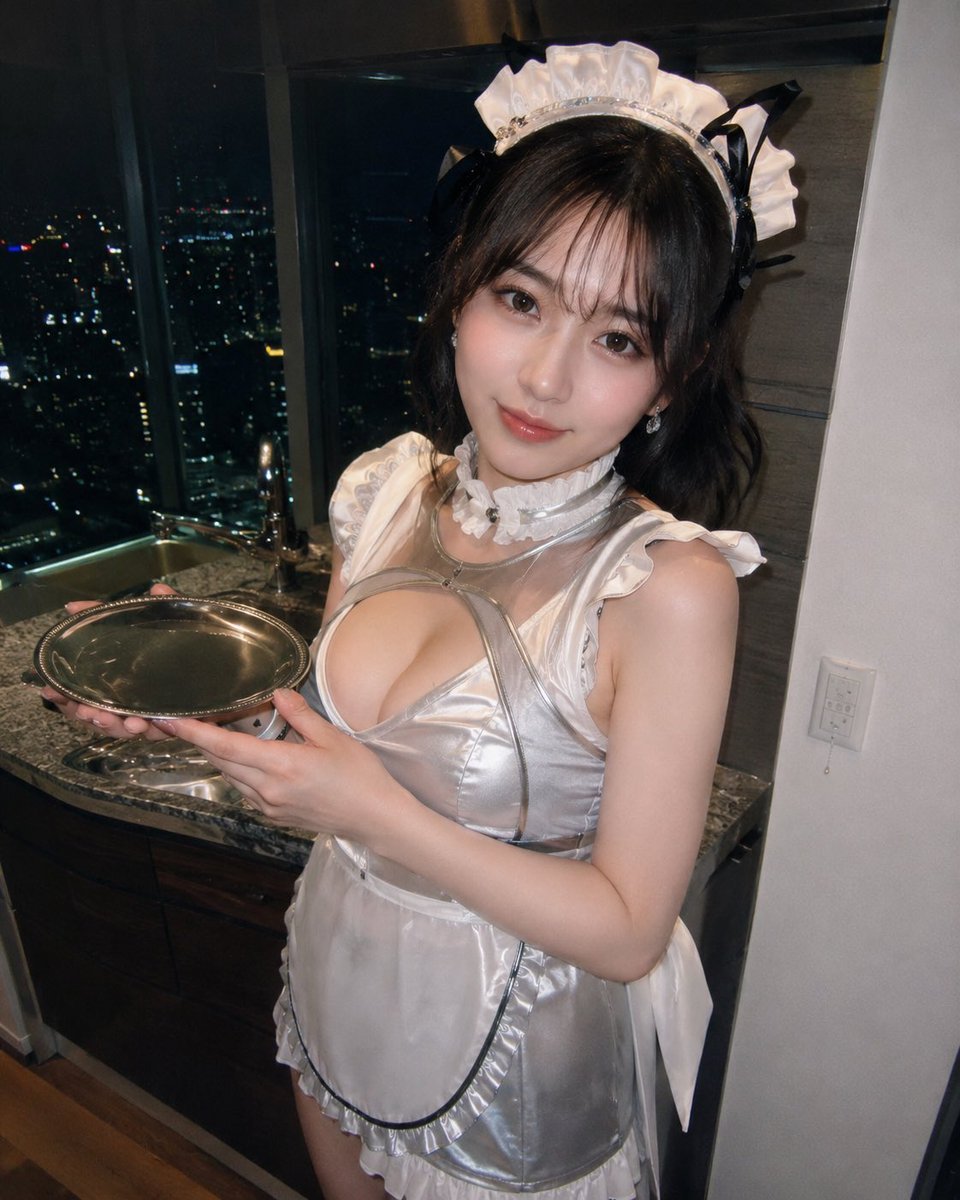
- Prompt included
- Model and format preset
- Free template
The prompt behind this image
Copy the exact prompt behind Silver Maid Cosplay in High-Rise Kitchen, or open it in the studio and make it yours.
Create a realistic flash-photography portrait of an adult woman in a glossy silver-and-white maid cosplay outfit, standing in a modern high-rise apartment kitchenette at night. She wears a white ruffled maid headband with black ribbon accents, dark shoulder-length wavy hair, a shiny metallic silver bodice with white ruffled trim, a sheer white apron, a white choker, and long ribbon ties hanging at the sides. She holds an empty round silver serving tray with both hands at chest height, angled slightly toward the camera. Her face is intentionally covered by a centered rectangular pixelated privacy blur in muted brown tones. The setting includes a dark granite countertop, sink and faucet, dark wood lower cabinets, a white wall with a light switch on the right, and large floor-to-ceiling windows showing a nighttime city skyline with scattered lights. Use a vertical smartphone snapshot composition, slightly wide-angle perspective from above chest level, direct on-camera flash, high detail, realistic skin and fabric reflections, intimate indoor party/cosplay photo mood. Customize the outfit as {argument name="maid outfit color" default="glossy silver and white"}, the setting as {argument name="background location" default="modern high-rise apartment kitchenette at night"}, the prop as {argument name="serving prop" default="empty round silver serving tray"}, the privacy treatment as {argument name="face treatment" default="centered rectangular pixelated privacy blur"}, and the lighting style as {argument name="lighting style" default="direct on-camera flash smartphone photo"}. Ensure the subject is clearly an adult, keep the pose non-explicit, include exactly one person and one tray, and do not add extra text or watermarks.
How to use Silver Maid Cosplay in High-Rise Kitchen in 3 steps
- 1Upload ImagePNG, JPG or paste
Add your photo
Upload the photo the template builds on. The prompt, model and format are already set.
- 2…a portrait of your subject in softgolden-hour light, 85mm…
Personalize
Edit the subject and creative details for your destination.
- 3Generate
Generate
Press Generate — your image is created in PicX Studio, so you can compare it with the original and refine one variable at a time.
More like this
Templates with the same subject, style or setup. Open one to see its prompt.
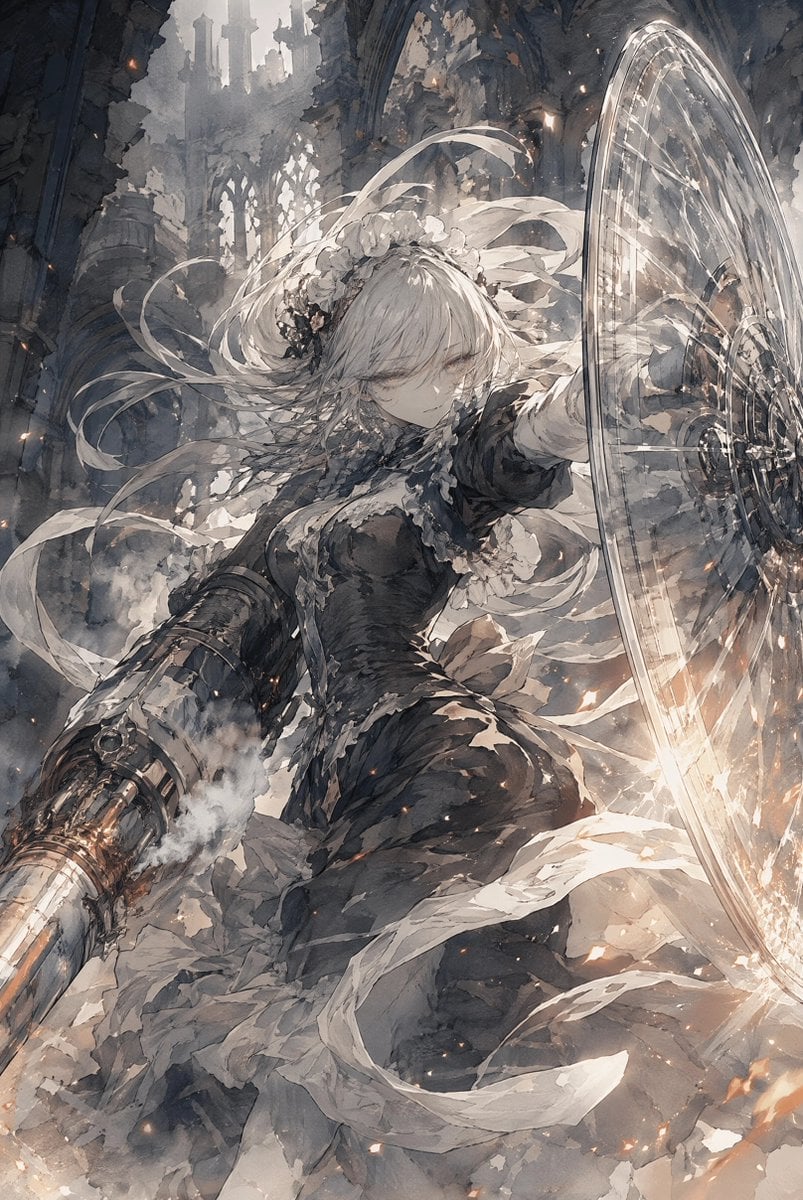
Silver-Haired Cathedral Battle Maiden
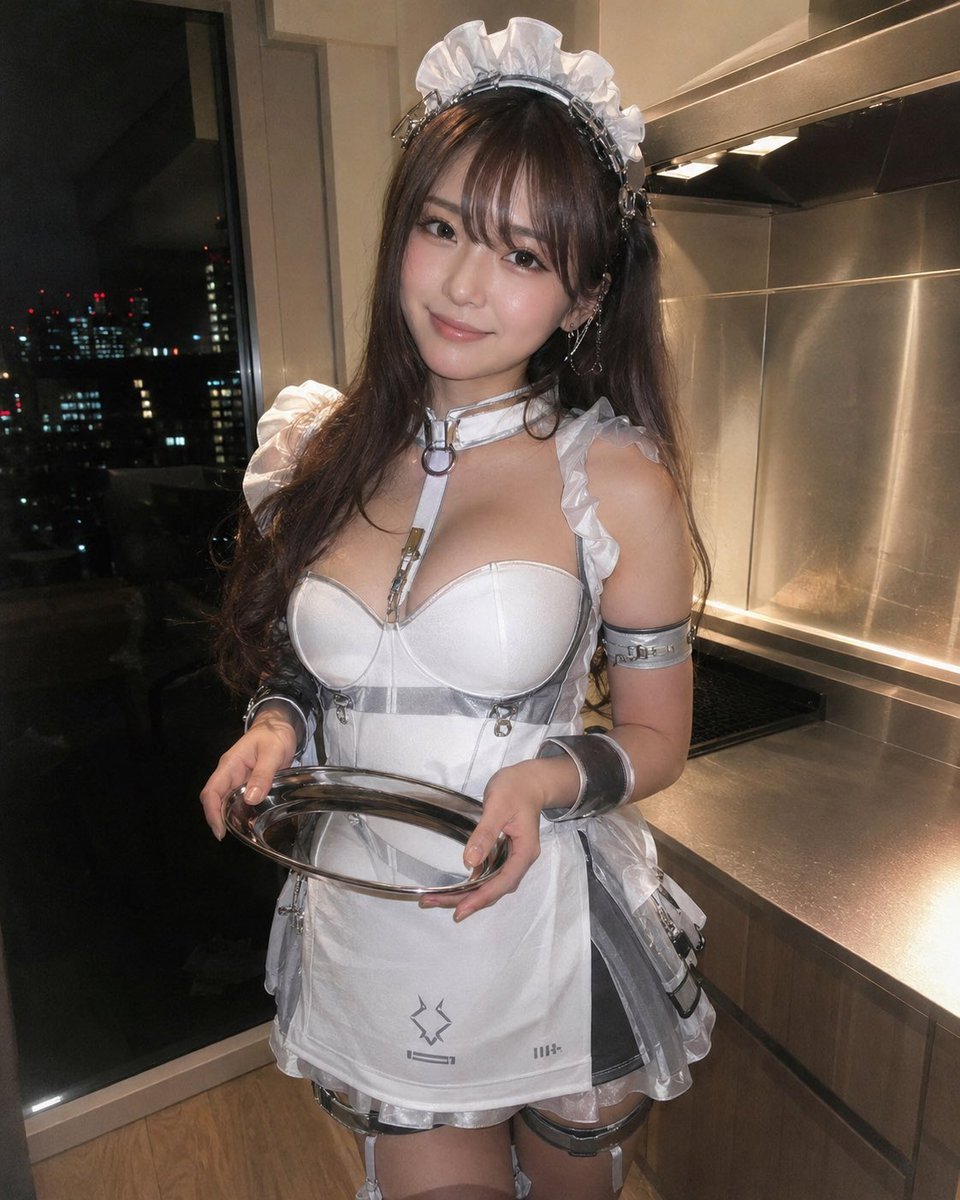
Cyber Maid Cosplay Flash Portrait
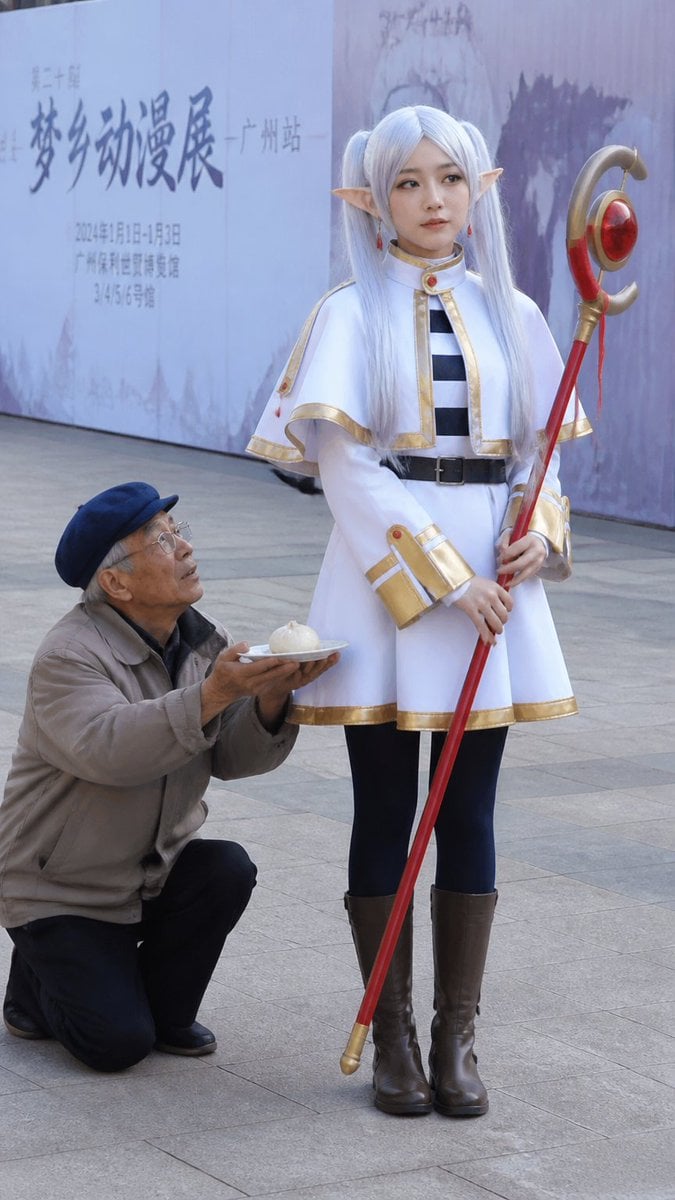
Anime Cosplayer Convention Photography

Silver Elf in Crimson Water

Futuristic Silver Hair Anime Portrait

Cinematic Alpine Lake Sunrise
Silver-Haired Girl in Sunny Café

Anime Elf Maid Turnaround Sheet
Predominantly monochromatic with silver, black, and grey tones
Stylish Gamer Portrait in High-Rise

Sunlit Maid Sisters Hug
Cyber Demon Maid Katana
Make it yours
Silver Maid Cosplay in High-Rise Kitchen works as-is. These are the safest ways to change it without losing the look.
Change one field
Copy a single group, rewrite it, and generate again so you can see what that field is doing.
Keep the frame, change the subject
Hold the composition and light of Silver Maid Cosplay in High-Rise Kitchen, then swap wardrobe, props or the person for a new take.
| If the result… | Why | Fix |
|---|---|---|
| The result drifts from the preview | Too many fields changed at once. | Reuse Silver Maid Cosplay in High-Rise Kitchen as-is first, then change one group — subject, light, or setting. |
| The model over-stylizes the scene | The prose prompt leaves finish and camera underspecified. | Add one camera or lighting sentence and stay on GPT Image 2. |
More GPT Image 2 templates
Other prompts made for GPT Image 2.

Six VTuber Japanese Logo Sheet

Realistic Portrait of Woman and Deer

The Vista Modular Condo Poster

AI Model Routing Comparison Infographic

2.5D Anime Art Board

Isometric Productivity Desk Scene

New York Double Exposure Poster

Four-Panel AI Landscape Comparison

Japanese Tatami Lifestyle Magazine Cover

NESCAFÉ Coffee Map Poster
More image prompts
Fresh picks from across the catalog.

Cyberpunk Neon Fashion Portrait
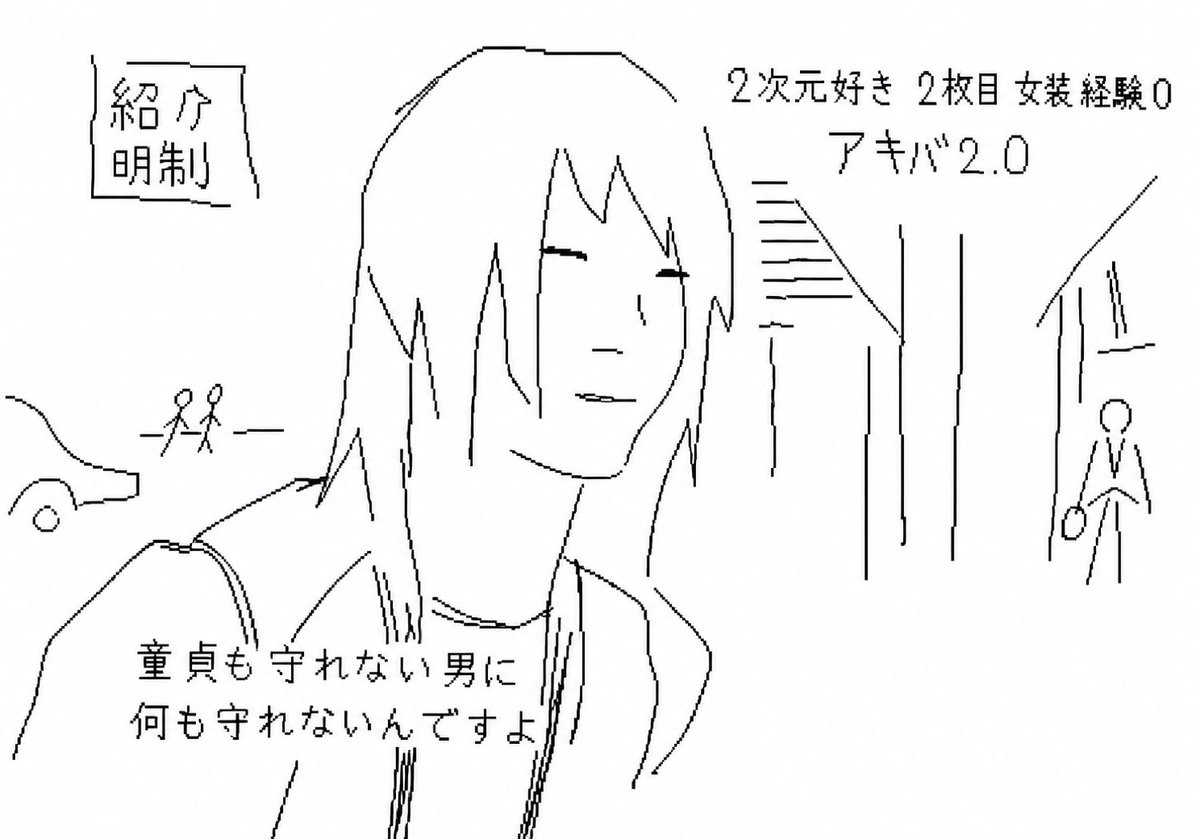
Purposefully Bad MS Paint Redraw
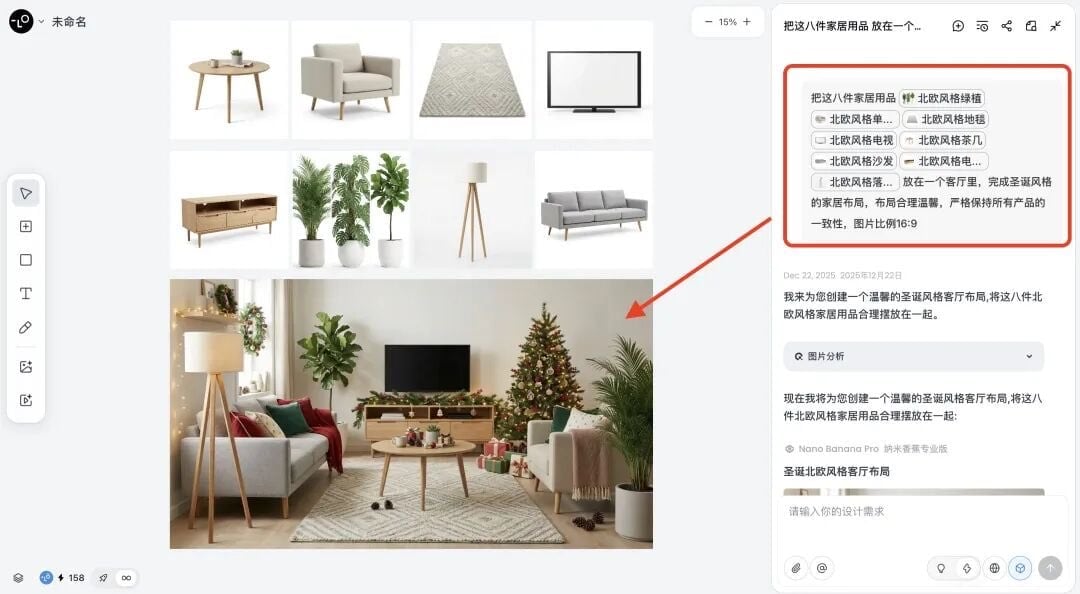
Multi-Step Home Renovation Video Transition Prompt

Fashion Editorial Prompt in Lemon Green Studio
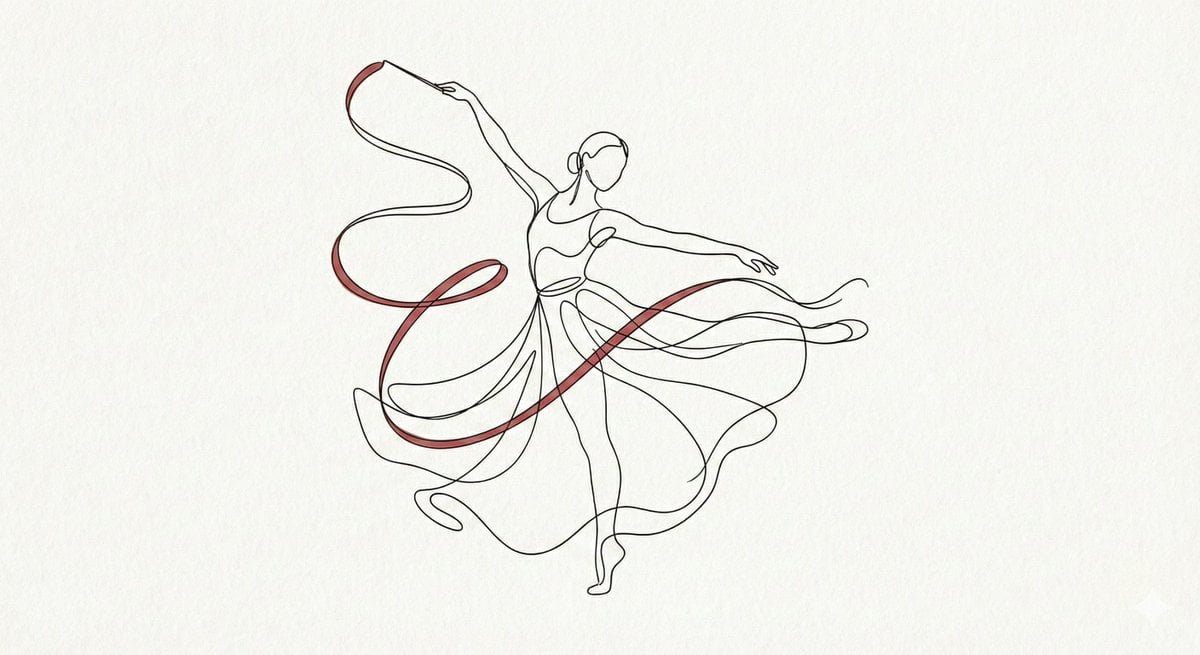
Minimalist Continuous Line Art Illustration
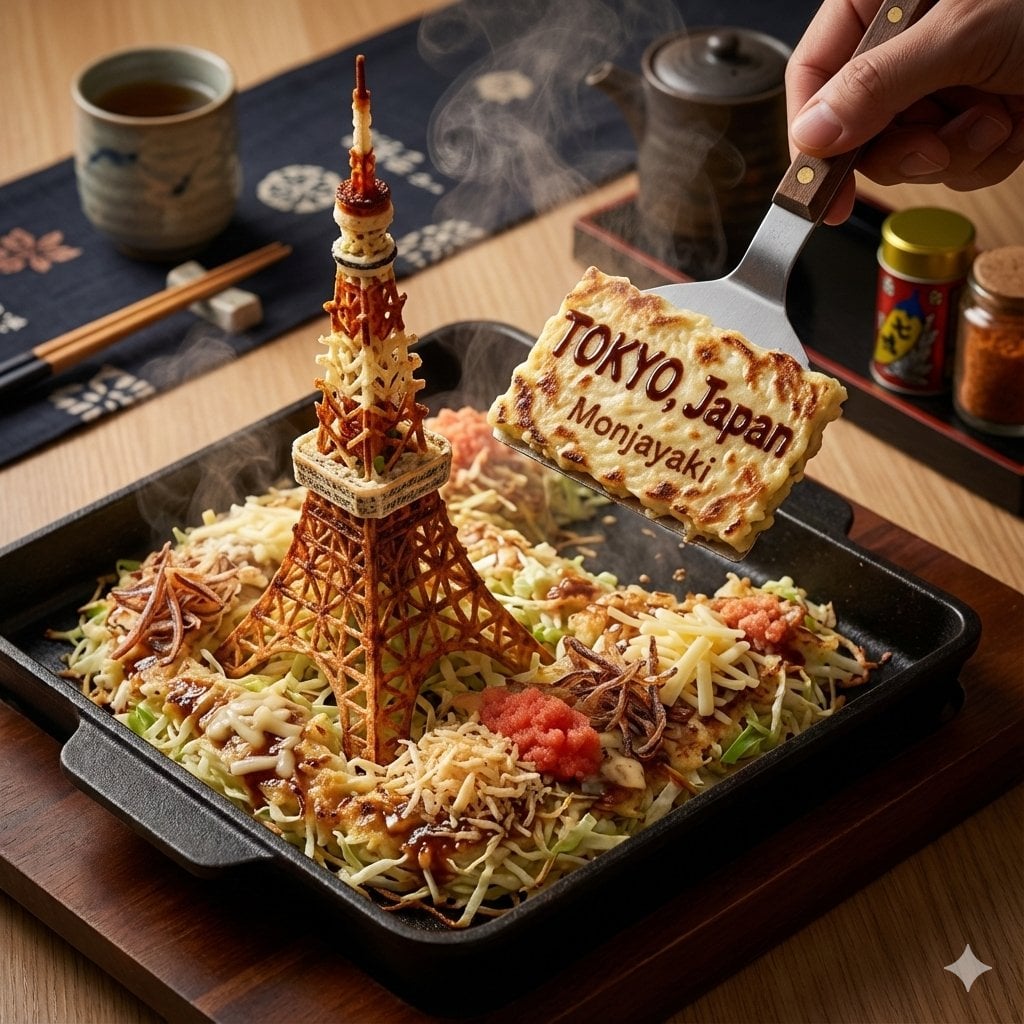
City on a Dining Table Prompt (Mention)

Major event at given coordinates

Pastel Anime Spring Magazine Cover
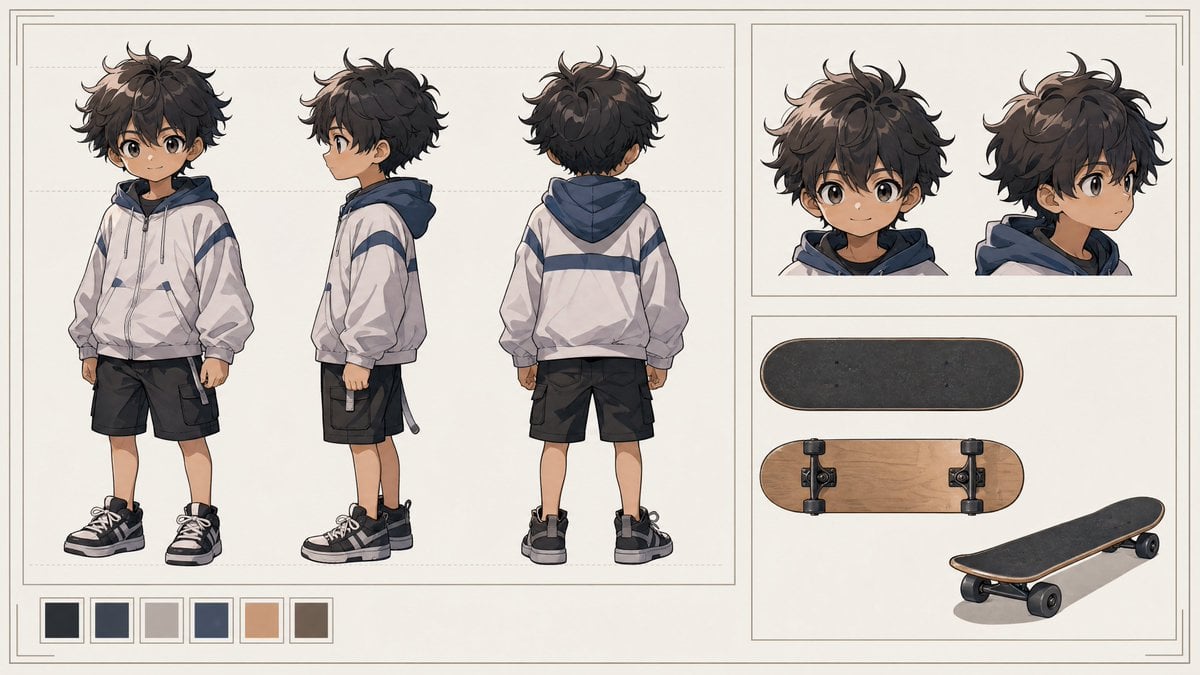
Tiny Boy Character Sheet
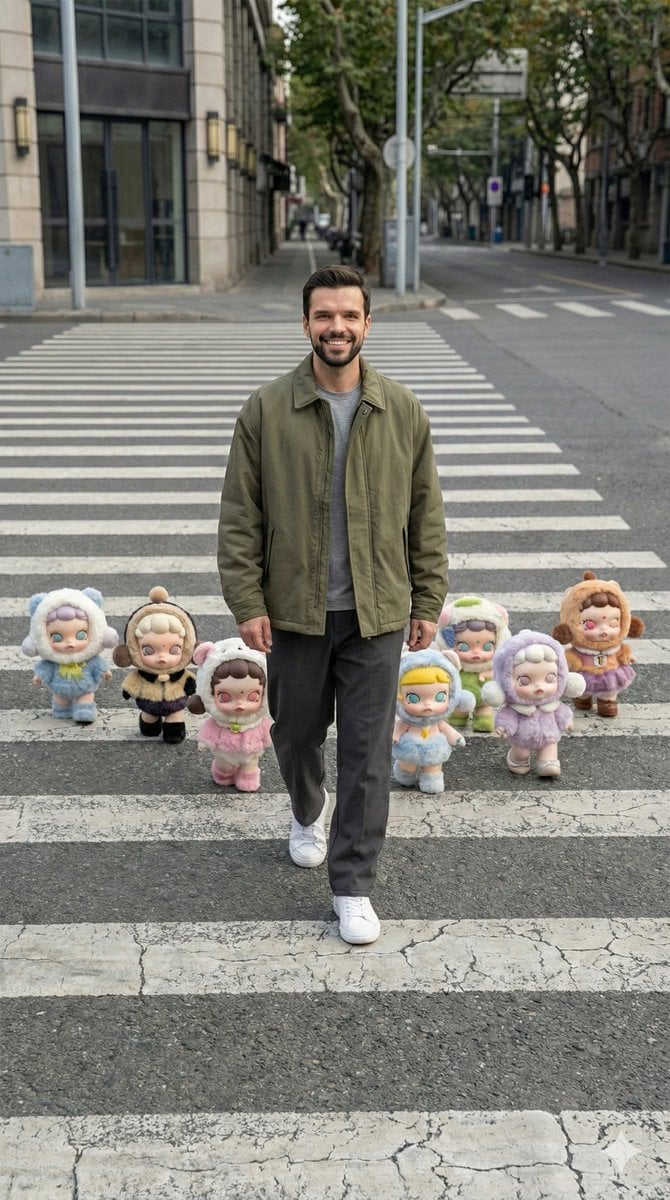
Hyper-Realistic Street Photography with Popmart Figures
Browse template categories
Silver Maid Cosplay in High-Rise Kitchen questions
How do I use the Silver Maid Cosplay in High-Rise Kitchen template?
Add your photo if the template asks for one, edit the prompt if you like — the template's model and format are already selected — and press Generate. Your version opens in PicX Studio.
Can I customize the Silver Maid Cosplay in High-Rise Kitchen template?
Yes. You can change the subject, setting, lighting, mood, format, and available model controls before creating your image.
Is the Silver Maid Cosplay in High-Rise Kitchen template free?
Opening and editing this template is free. Generating uses credits, shown on the Generate button when you are signed in.
Which AI model should I use?
Start with GPT Image 2, which is the model associated with this template. You can compare another compatible model for a different finish.
Looking for something else? Browse all templates.

Your photo, any look
Thousands of ready templates for every top image and video model, from one credit balance.