
Predominantly monochromatic with silver, black, and grey tones
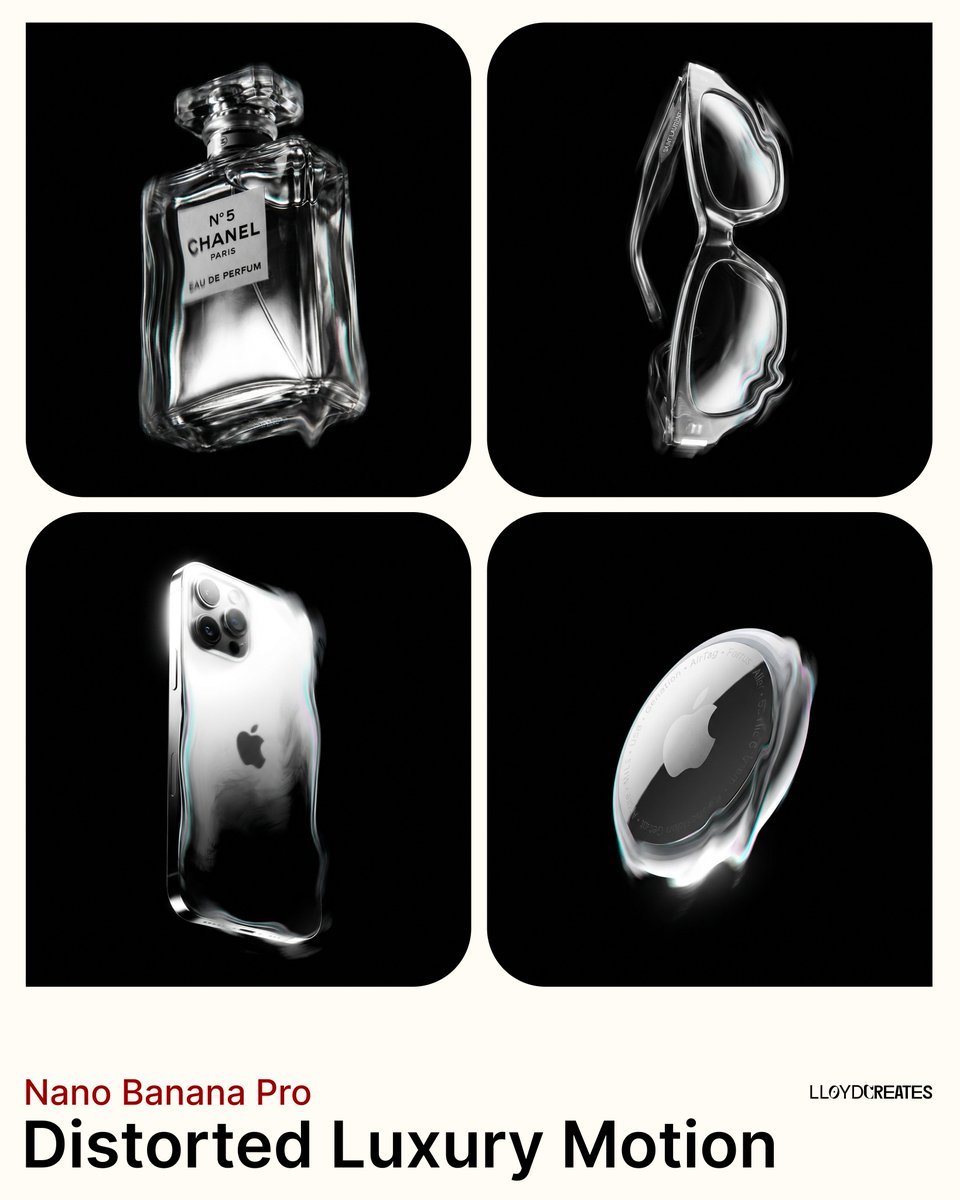
{ "project_name": "Distorted_Luxury_Motion", "USER_CUSTOMIZATION": { "product_description": "PRODUCT HERE" }, "settings": { "style": "Avant-garde luxury product photography, abstract distortion, dreamlike etherealism…
- Prompt included
- Model and format preset
- Premium template
The prompt behind this image
Copy the exact prompt behind Predominantly monochromatic with silver, black, and grey tones, or open it in the studio and make it yours.
{ "project_name": "Distorted_Luxury_Motion", "USER_CUSTOMIZATION": { "product_description": "PRODUCT HERE" }, "settings": { "style": "Avant-garde luxury product photography, abstract distortion, dreamlike etherealism, monochromatic with subtle color accents.", "aspect_ratio": "4:5", "camera_angle": "Camera positioned low, looking up at the product which stands perfectly vertical and upright" }, "prompt_construction": { "MAIN_SUBJECT": { "subject": "{{USER_CUSTOMIZATION.product_description}}", "presentation": "The product stands perfectly vertical and upright, completely isolated. It is the sole object in the frame. The product is rendered with surreal, fluid distortion effects along its edges, appearing semi-solid as if vibrating or viewed through heat haze. The core form remains recognizable. No additional materials, fabrics, liquids, or extensions are added to the product." }, "VISUAL_EFFECTS": { "distortion": "Heavy 'scanline' or 'refraction' distortion effects applied only to the product itself. The edges and contours are wavy, rippled, and stretched, similar to looking through heat haze or warped glass. The distortion warps the product's silhouette.", "blur_and_smudge": "Motion blur and gaussian blur soften details, creating a 'smudged' painterly look. Light appears to drag and streak across the product's form only.", "ghosting": "Subtle vibratory ghosting on the product's edges only, reinforcing the feeling of movement.", "color_treatment": "Predominantly monochromatic with silver, black, and grey tones. Subtle iridescent color notes (cyan, magenta) appear only within the distortion effects and highlights on the product's edges." }, "LIGHTING_AND_COLOR": { "background": "MANDATORY: Pure solid black background, hex code #000000, RGB (0,0,0). The entire background must be uniformly black with no gradients, no grey tones, no white, no other colors. Absolute flat black darkness with zero variation.", "background_restrictions": "The background has zero atmospheric effects: no glow, no light rays, no light beams, no light streaks, no halos, no fog, no mist, no haze, no gradients, no vignettes, no ambient light bleeding. The black remains pure, flat, and completely untouched by any lighting effects.", "product_lighting": "Strict high-contrast chiaroscuro lighting on the product only. Bright, blown-out highlights on the rim and ridges create sharp contrast against deep shadows. These highlights have subtle, clean iridescent quality (cyan, magenta, silver) contained within the product's edges only. Light does not escape or radiate beyond the product's boundaries.", "light_source": "Single key light source illuminating only the product. The light ends at the product's edges and does not extend into the background. No fill light, no background lights, no secondary light sources, no light spill into the void, no rays, no beams, no streaks." }, "COMPOSITION": { "perspective": "Camera positioned below eye level, angled slightly upward. The product stands perfectly vertical - perpendicular to the ground plane - in the center of frame.", "positioning": "The product is suspended and floating in the void. It has no base, no ground surface beneath it, no support structure. It exists isolated in empty space.", "framing": "The product is completely within the frame with all edges visible. It must never be cropped or cut off by the canvas edges. No frames or borders around the image.", "isolation": "Only the product exists in frame. No contextual environment, no surfaces, no additional objects, no props, no added materials." }, "NEGATIVE_CONSTRAINTS": [ "white background", "grey background", "colored background", "gradient background", "light background", "any background color other than pure black #000000", "light rays", "light beams", "light streaks shooting across background", "diagonal light streaks", "radial light beams", "volumetric light rays", "god rays", "sunbeams", "light shafts", "studio light streaks", "tilted product", "laying down", "horizontal orientation", "diagonal angle", "dutch angle", "product rotation", "ground surface", "floor", "base", "platform", "pedestal", "reflections on ground", "pooling liquid", "melting onto surface", "fabric draping", "cloth extensions", "liquid extensions", "additional materials attached to product", "background glow", "atmospheric haze in background", "light halos in void", "background lighting effects", "chromatic aberration in background", "light spill into black areas", "ambient background illumination", "background vignette", "background gradient", "background fog", "background mist", "extra light sources", "fill light", "rim light on background", "multiple products", "double exposure", "added glass objects", "water droplets", "other objects", "props", "contextual environment", "frames", "borders", "product cut off by edges", "cropped product", "extreme low angle", "extreme perspective distortion", "sharp focus", "perfect clarity", "static image", "flat lighting", "warm color palette", "saturated colors", "vibrant colors", "complex background", "realistic rendering", "eye-level view", "high angle view", "straight horizon lines", "clean edges", "no distortion", "matte finish", "natural daylight", "softbox lighting", "bokeh", "film grain", "commercial catalog look", "studio setup visible", "photography equipment visible" ], } }
How to use Predominantly monochromatic with silver, black, and grey tones in 3 steps
- 1Upload ImagePNG, JPG or paste
Add your photo
Upload the photo the template builds on. The prompt, model and format are already set.
- 2…a portrait of your subject in softgolden-hour light, 85mm…
Personalize
Edit the subject and creative details for your destination.
- 3Generate
Generate
Press Generate — your image is created in PicX Studio, so you can compare it with the original and refine one variable at a time.
More like this
Templates with the same subject, style or setup. Open one to see its prompt.
Tones Use desaturated, earthy
Tones Use desaturated, earthy

A hyper-realistic beauty product photograph of a pink jar placed
ChatGPT Image 1 5 Google Veo 3 1
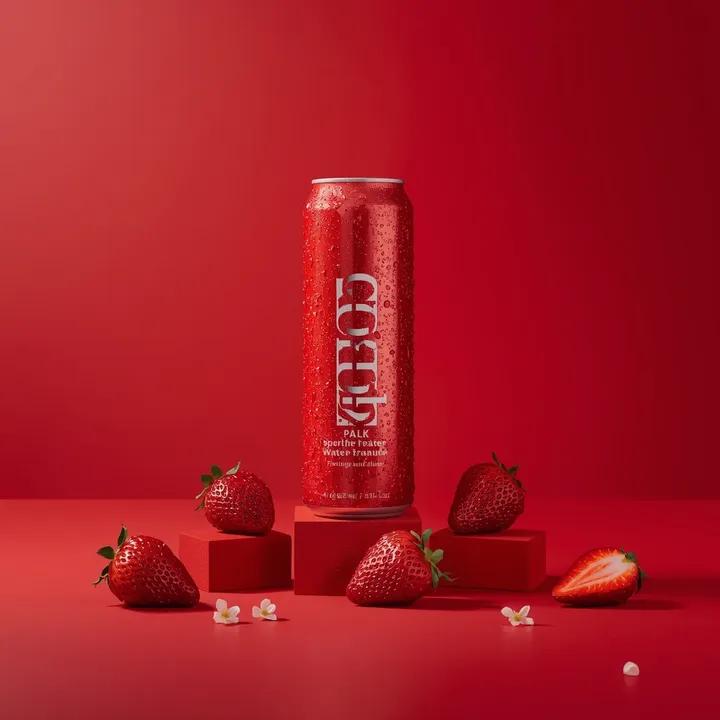
A premium studio product photograph of a tall, slim red aluminum
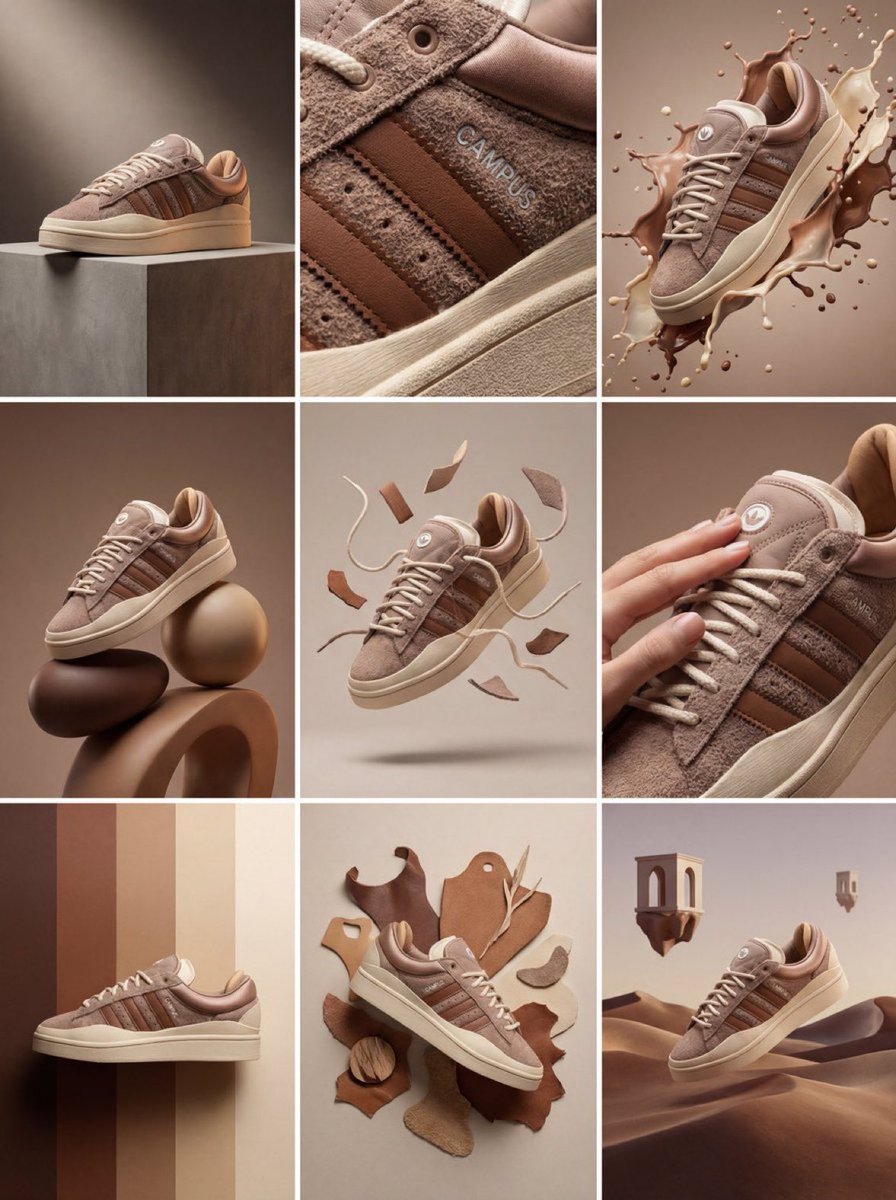
Product & Brand Prompt #1444
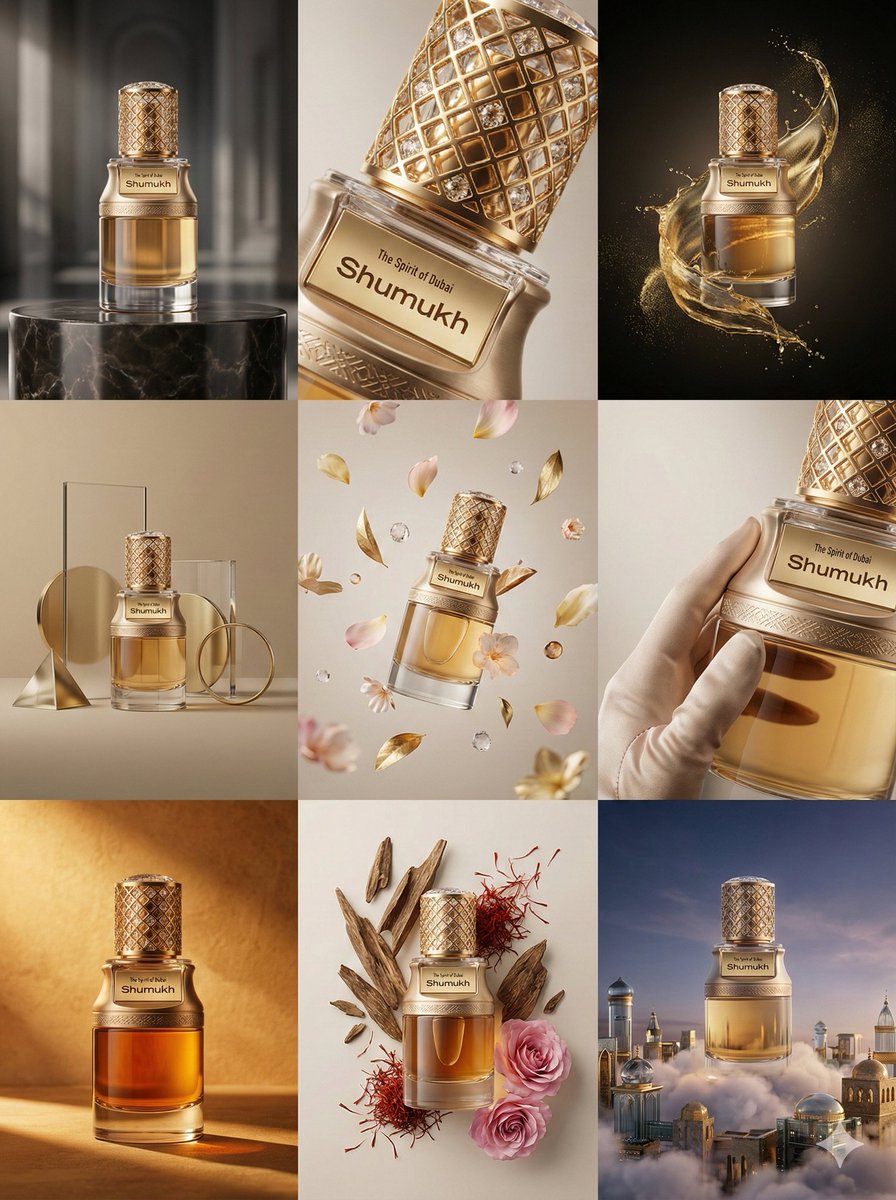
Product & Brand Prompt #569
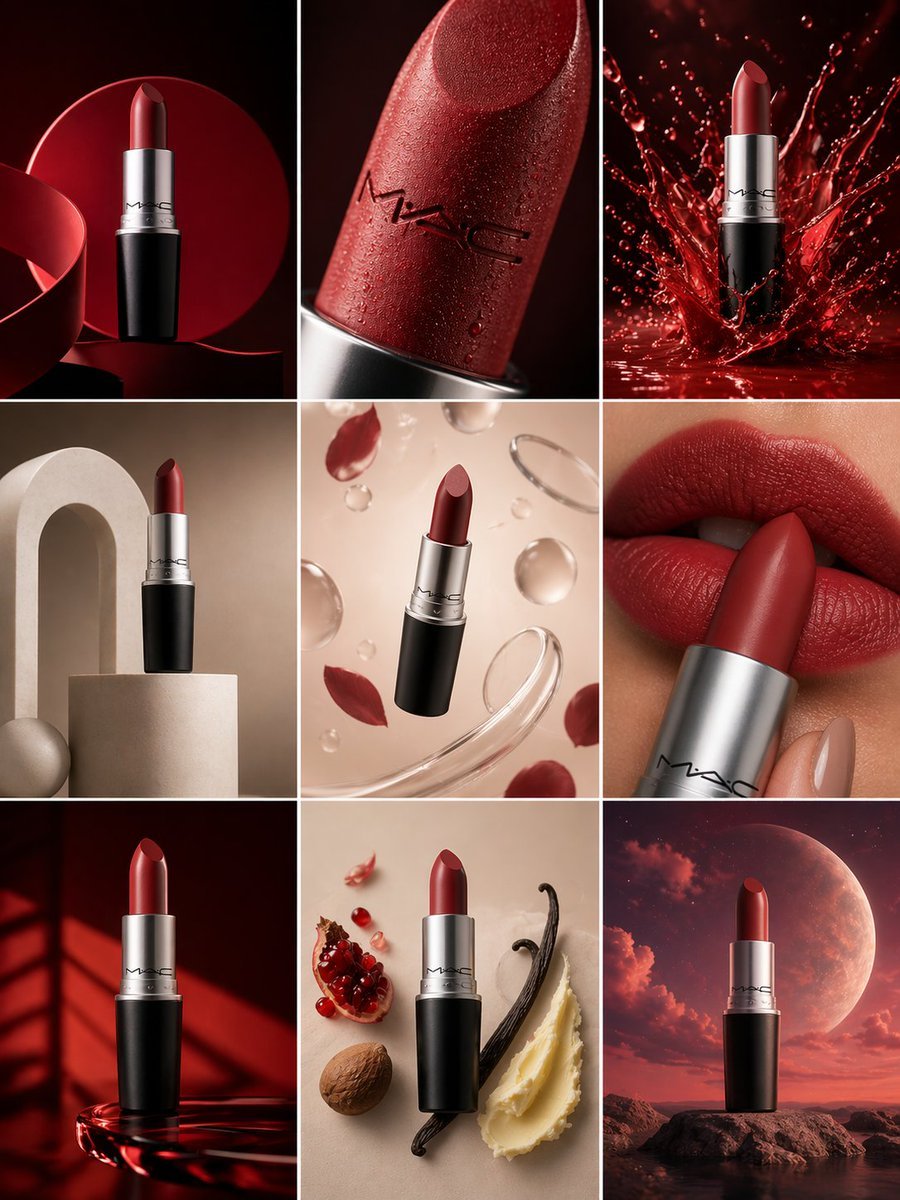
Product & Brand Prompt #285
Product & Brand Prompt #953

Act as a Senior Editorial Designer and Typographer
Aesthetic and fill the negative space

Clean, minimalist fashion infographic from an uploaded reference photo
Make it yours
Predominantly monochromatic with silver, black, and grey tones works as-is. These are the safest ways to change it without losing the look.
Change one field
Copy a single group, rewrite it, and generate again so you can see what that field is doing.
Keep the frame, change the subject
Hold the composition and light of Predominantly monochromatic with silver, black, and grey tones, then swap wardrobe, props or the person for a new take.
| If the result… | Why | Fix |
|---|---|---|
| The result drifts from the preview | Too many fields changed at once. | Reuse Predominantly monochromatic with silver, black, and grey tones as-is first, then change one group — subject, light, or setting. |
| The model over-stylizes the scene | The prose prompt leaves finish and camera underspecified. | Add one camera or lighting sentence and stay on Nano Banana 2. |
More Nano Banana 2 templates
Other prompts made for Nano Banana 2.

Photorealistic Leaf Shaped Like a Dragon

K-Pop Idol Portrait Grid for Rapid Selection

Poetic Rain Forest Portrait During Golden Hour

Urban Street Portrait with Cartoon Inner Self Duo

Candid Nighttime Photo with Cat Prompt

High-Concept 3D Diorama Generation Prompt

Cinematic Futuristic Studio Portrait Template

Skincare Editorial Photography Collage Prompt

Hyper-Realistic Commercial Product Photography (Splash Effect)

Hyper-Realistic Nightclub Portrait Prompt
More image prompts
Fresh picks from across the catalog.
Four-Panel Fashion Editorial Grid
Soft Gamer Aesthetic Mirror Selfie in Lavender Light
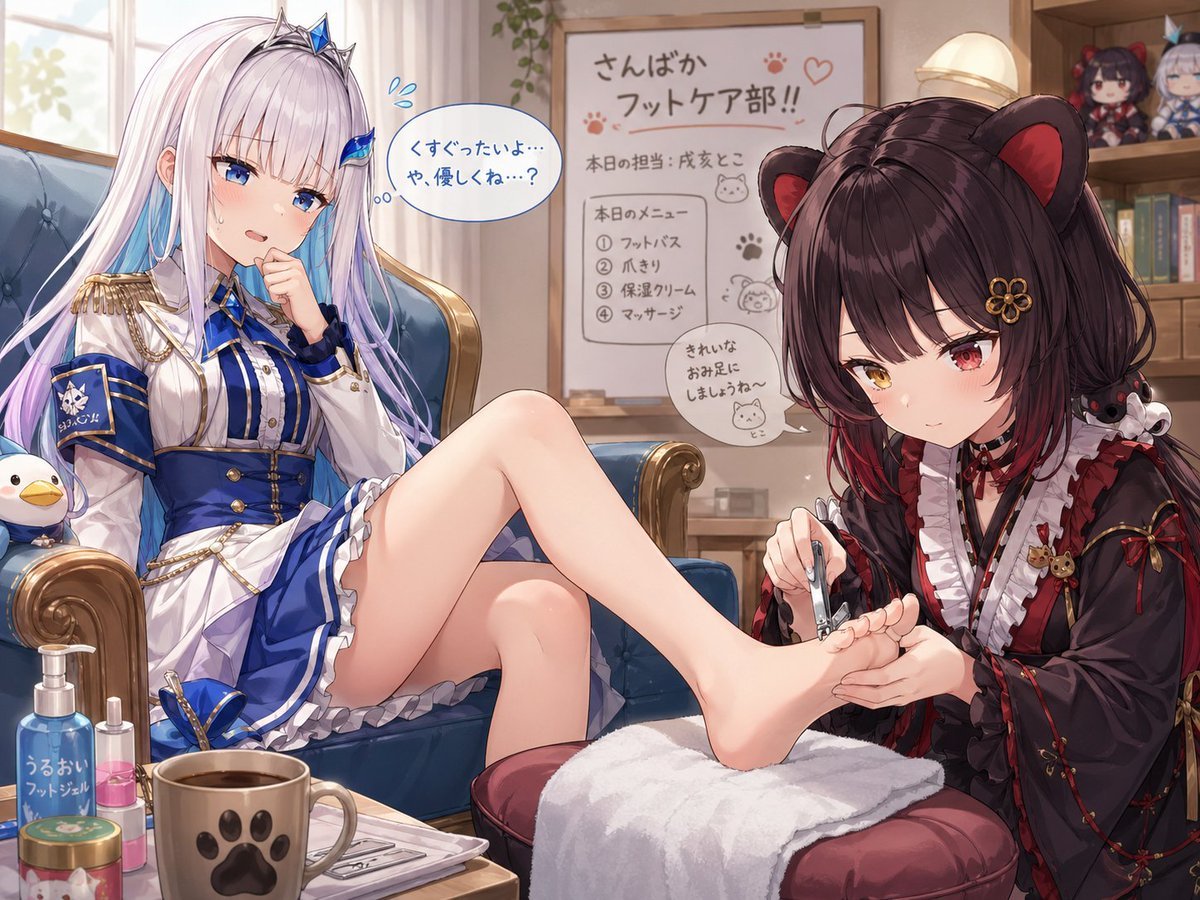
Toko Inui and Lize Helesta Illustration
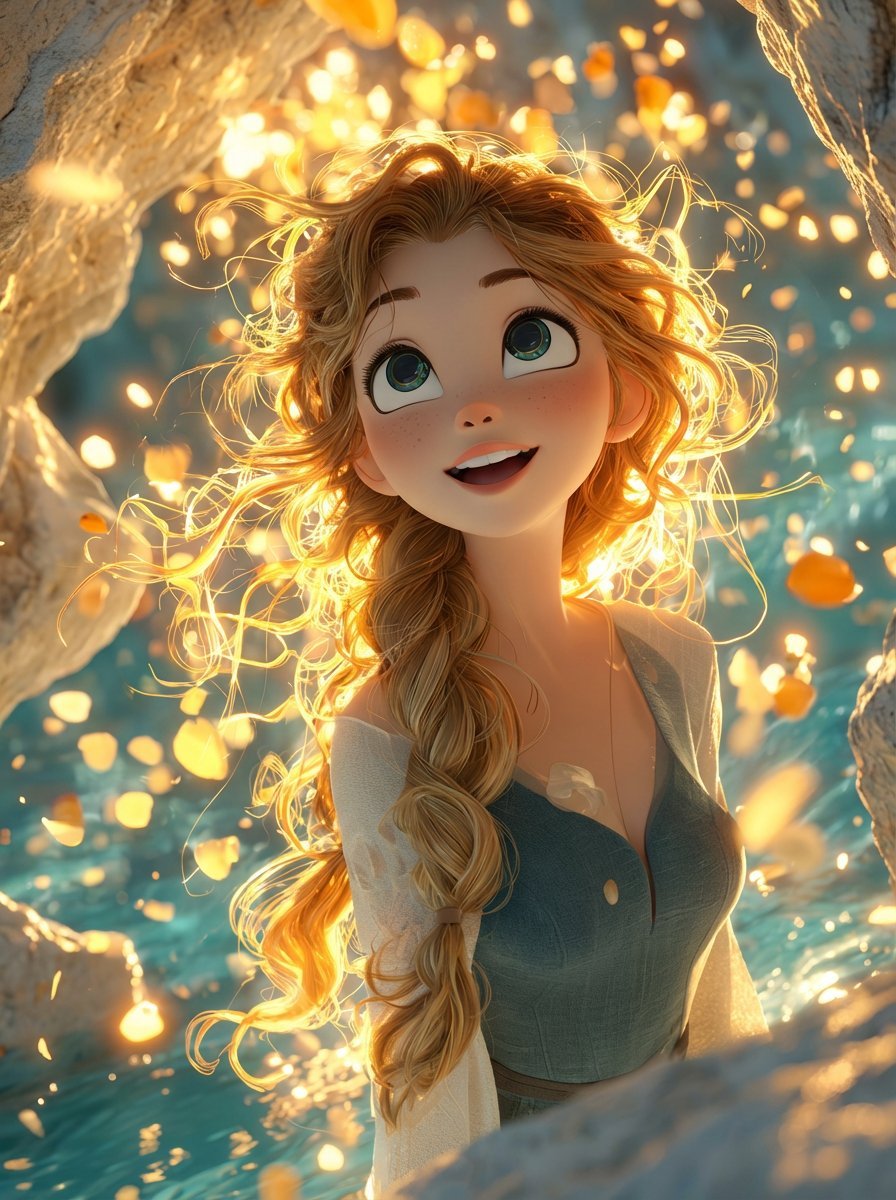
Dreamy 3D Animated Girl in Magical Cave
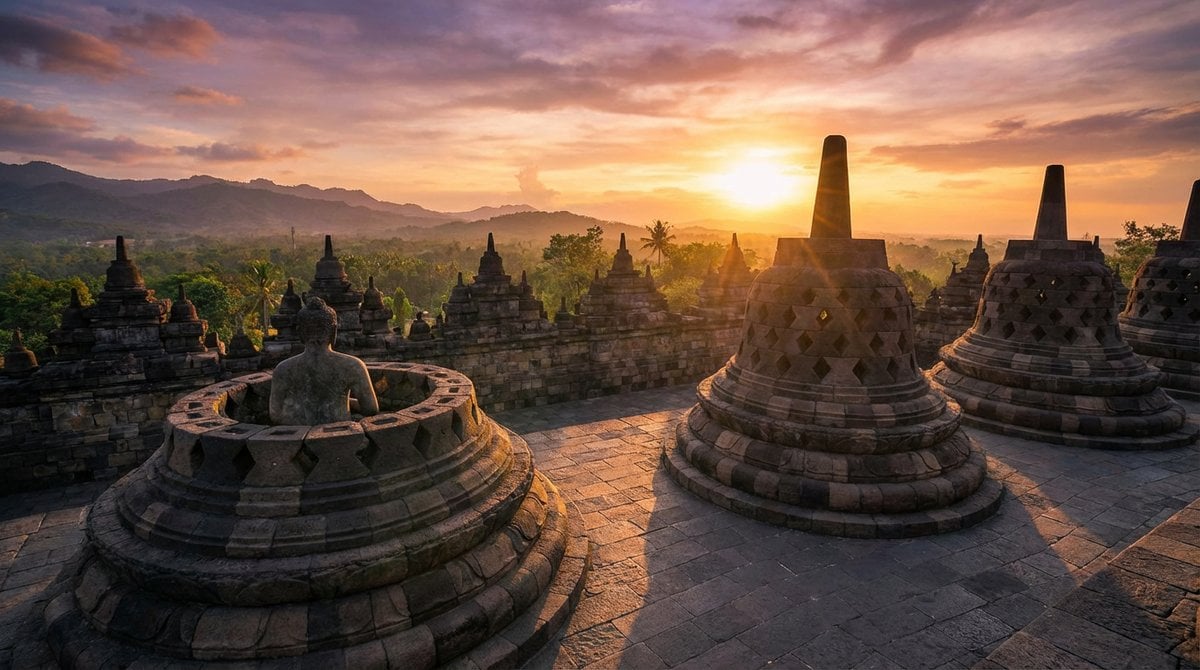
Geolocation sunset scene at specific coordinates
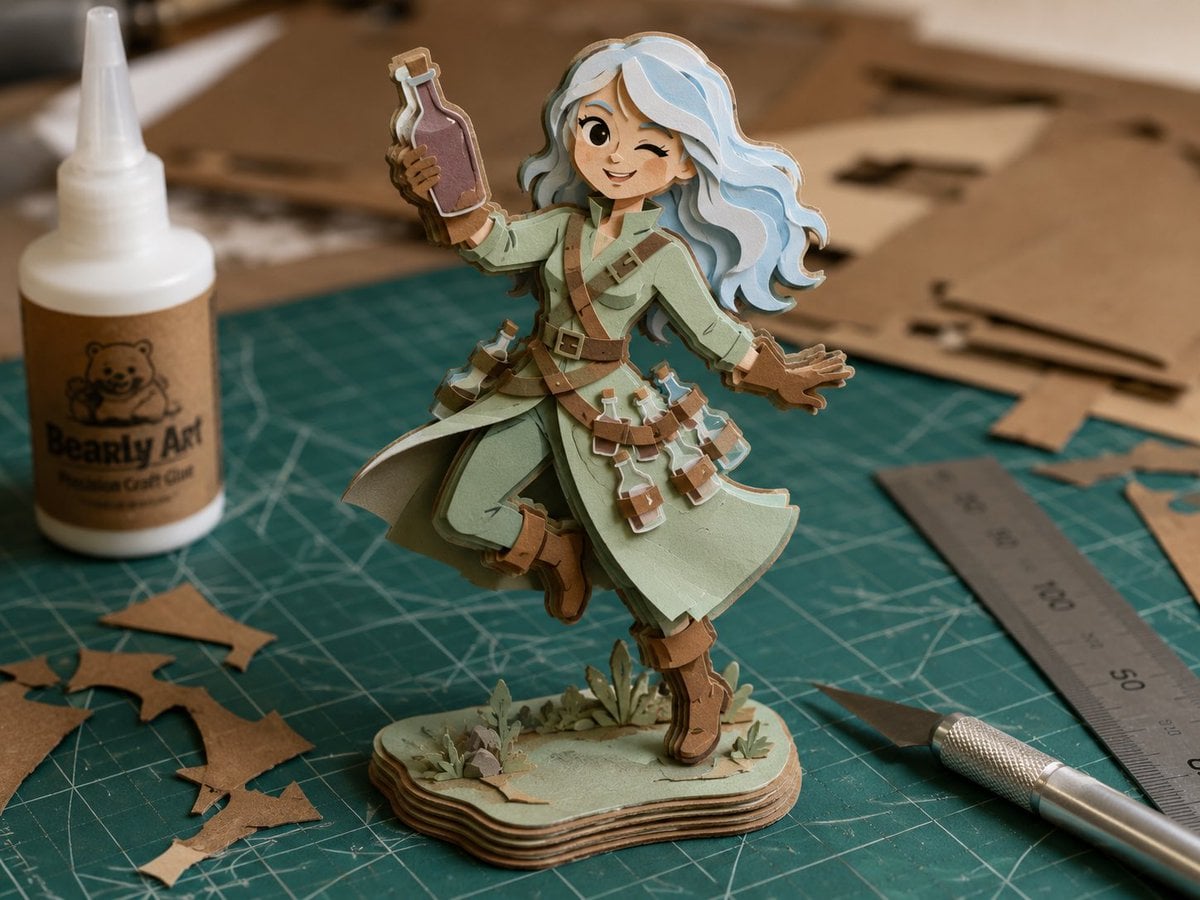
Layered Paper Alchemist Figurine
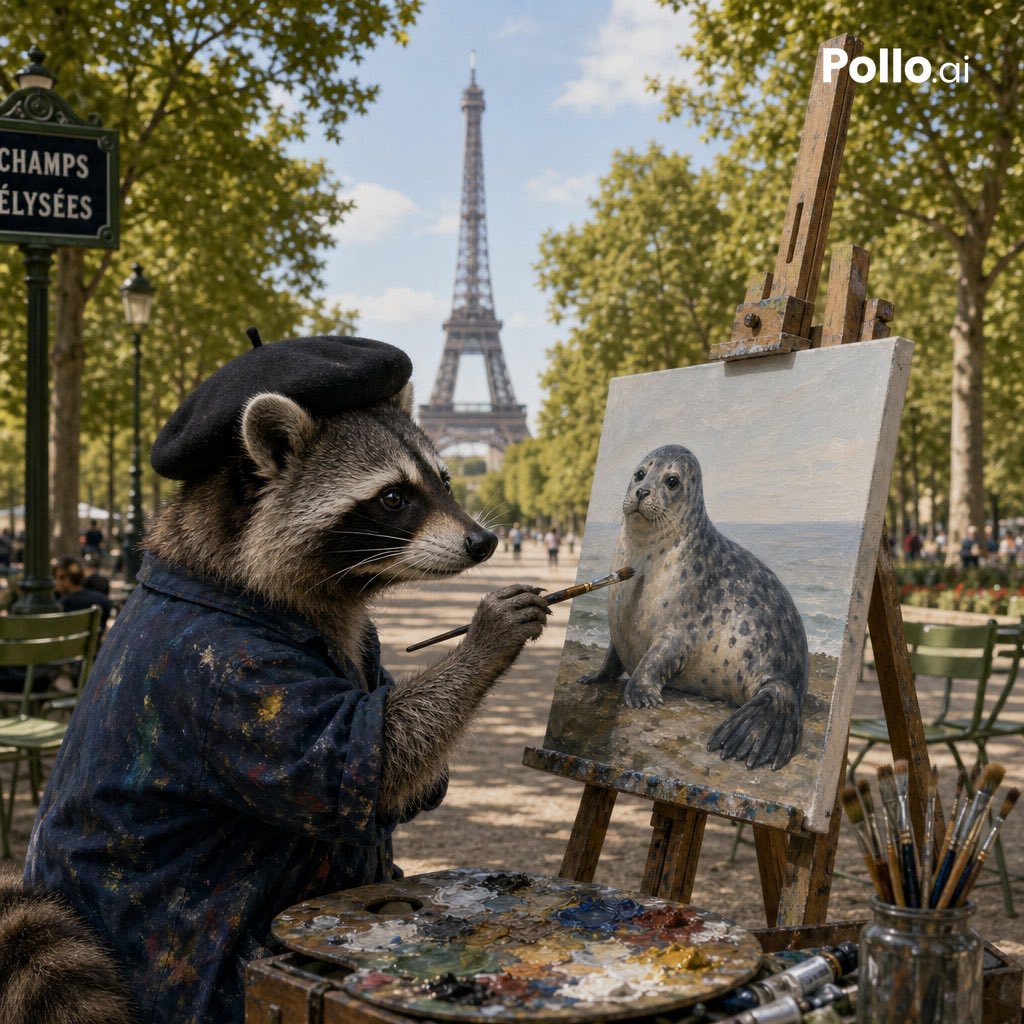
Photorealistic Raccoon Painter in Paris
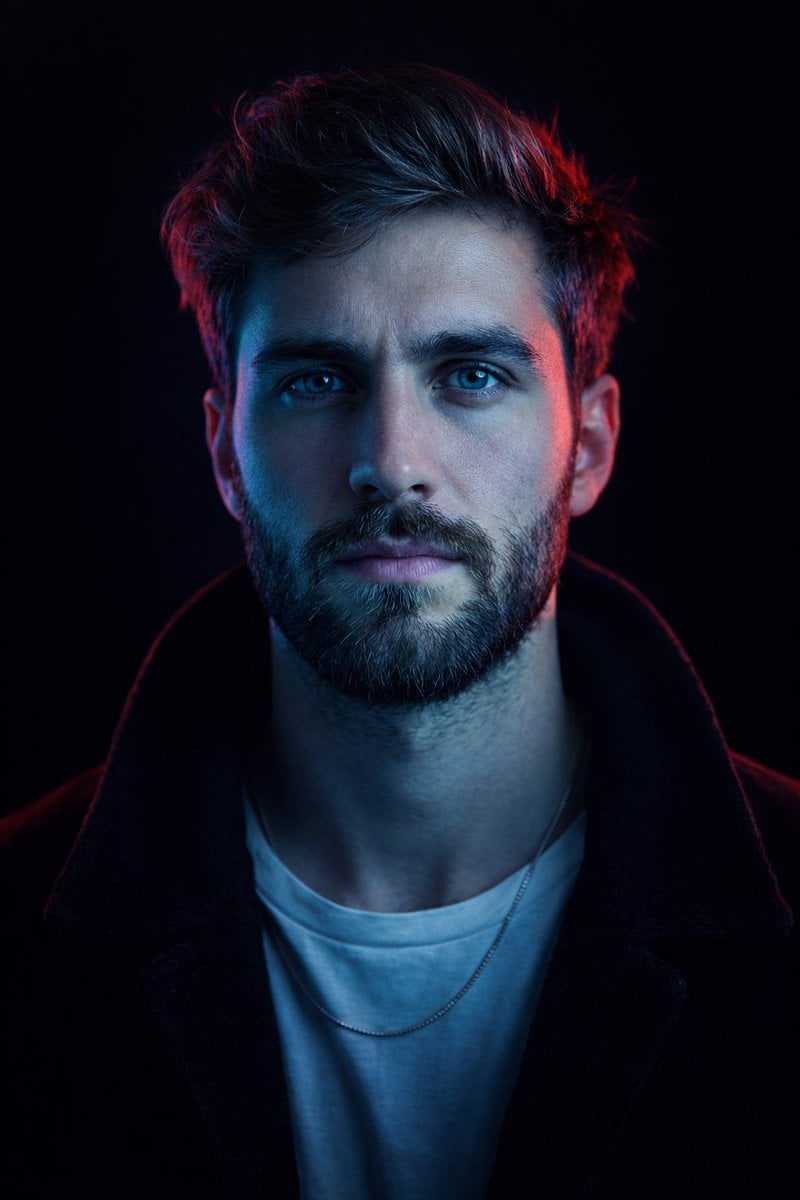
Cyberpunk Neon Split Lighting Portrait
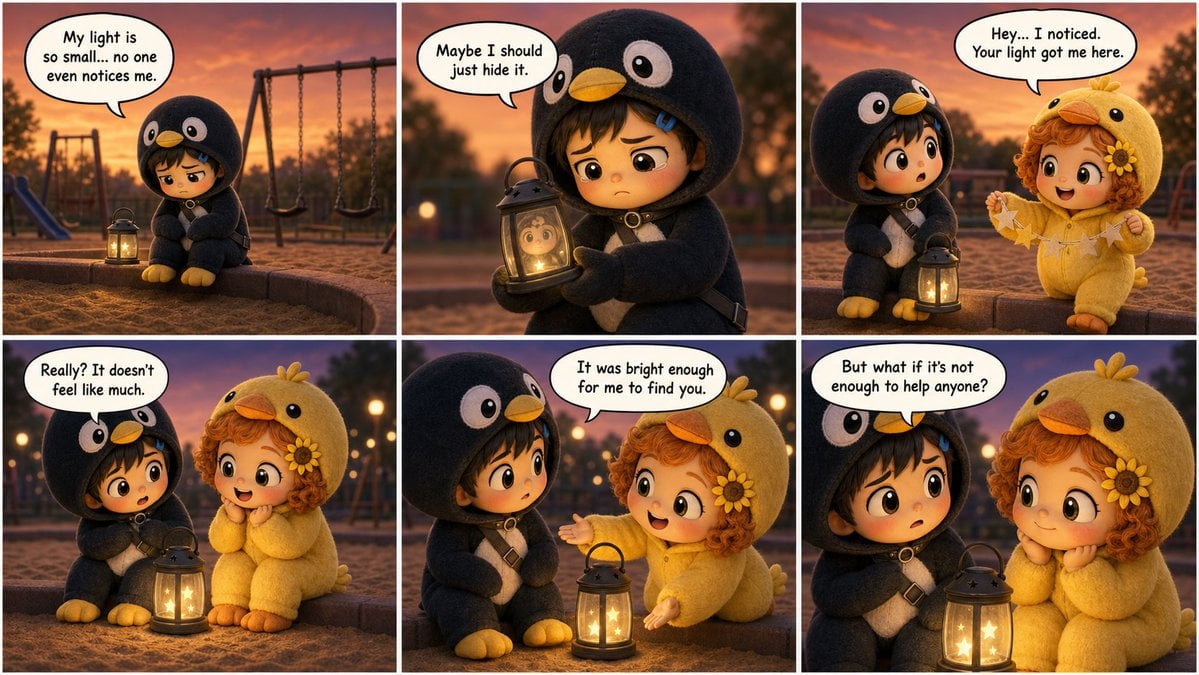
Pixar-Style Storyboard Layout
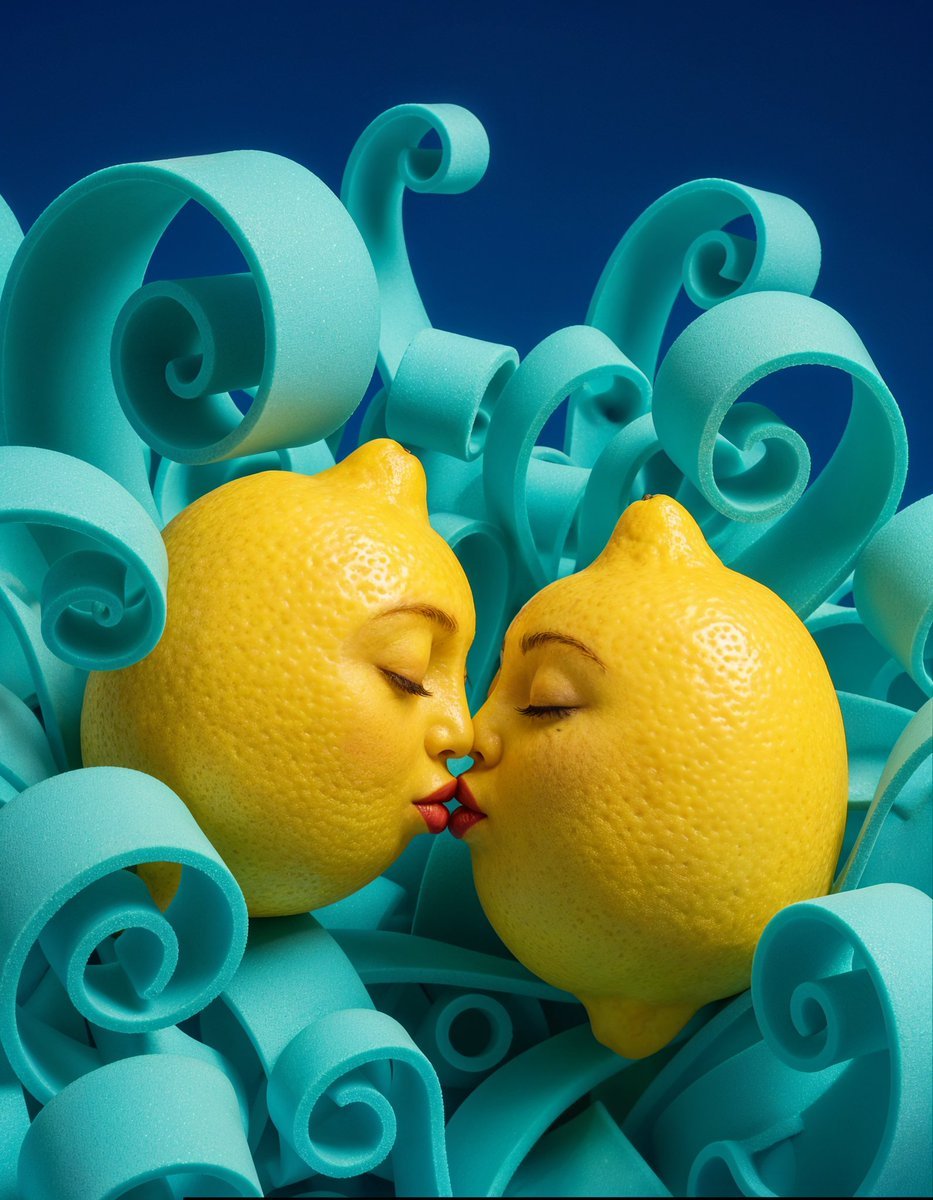
Surreal Anthropomorphic Lemon Still Life Prompt
Browse template categories
Predominantly monochromatic with silver, black, and grey tones questions
How do I use the Predominantly monochromatic with silver, black, and grey tones template?
Add your photo if the template asks for one, edit the prompt if you like — the template's model and format are already selected — and press Generate. Your version opens in PicX Studio.
Can I customize the Predominantly monochromatic with silver, black, and grey tones template?
Yes. You can change the subject, setting, lighting, mood, format, and available model controls before creating your image.
Is the Predominantly monochromatic with silver, black, and grey tones template free?
Opening and editing this template is free. Generating uses credits, shown on the Generate button when you are signed in.
Which AI model should I use?
Start with Nano Banana 2, which is the model associated with this template. You can compare another compatible model for a different finish.
Looking for something else? Browse all templates.

Your photo, any look
Thousands of ready templates for every top image and video model, from one credit balance.