
Product & Brand Prompt #569
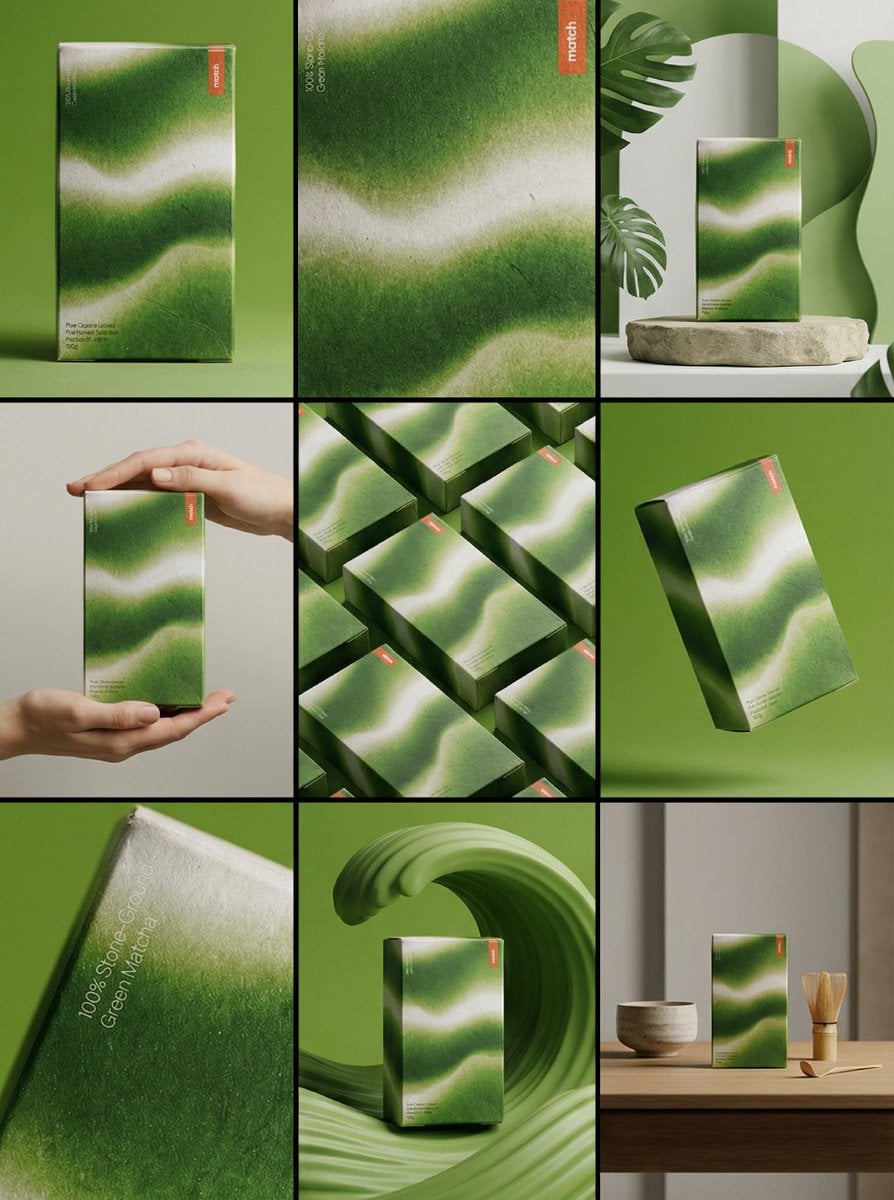
Create a 3×3 grid in 3:4 aspect ratio for a high-end commercial marketing campaign using the uploaded product as the central subject.
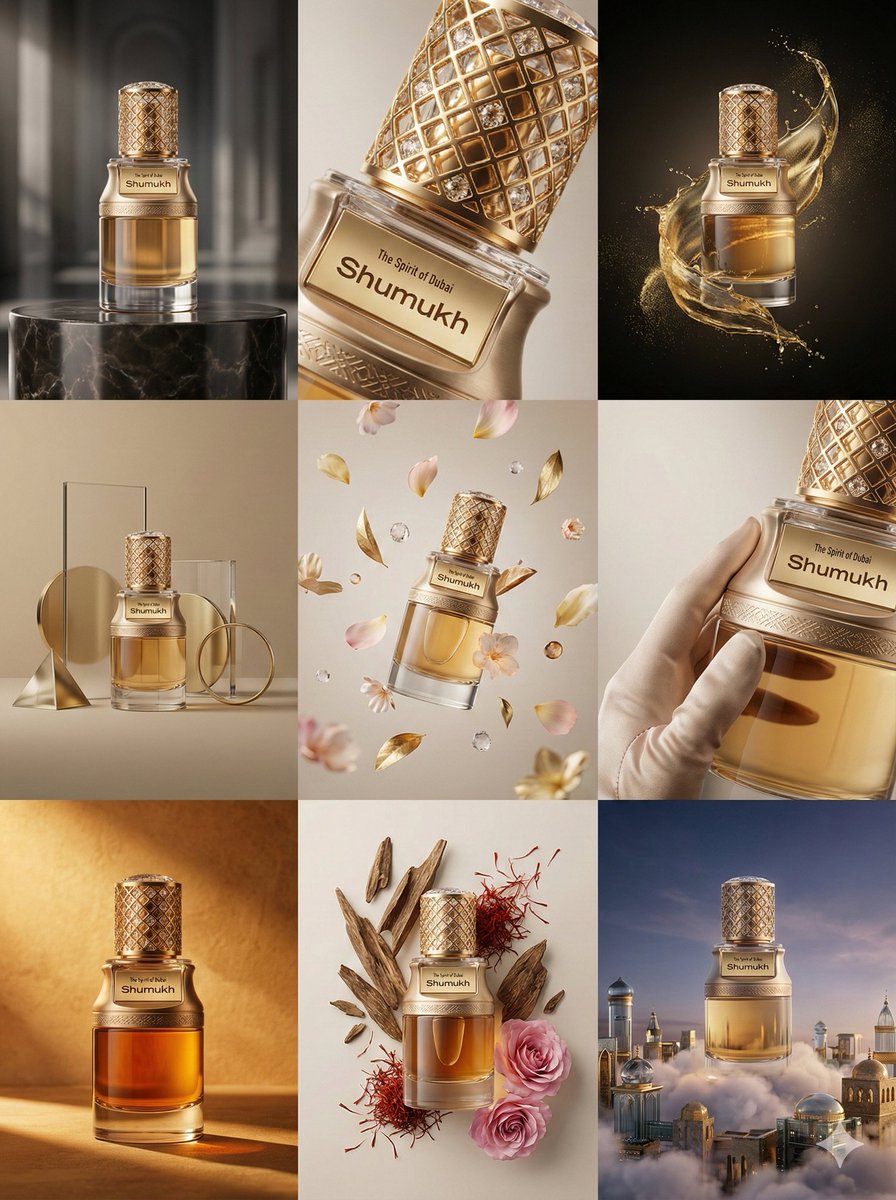
- Prompt included
- Model and format preset
- Premium template
The prompt behind this image
Copy the exact prompt behind Product & Brand Prompt #569, or open it in the studio and make it yours.
Create a 3×3 grid in 3:4 aspect ratio for a high-end commercial marketing campaign using the uploaded product as the central subject. Each frame must present a distinct visual concept while maintaining perfect product consistency across all nine images. Grid Concepts (one per cell): 1. Iconic hero still life with bold composition 2. Extreme macro detail highlighting material, surface, or texture 3. Dynamic liquid or particle interaction surrounding the product 4. Minimal sculptural arrangement with abstract forms 5. Floating elements composition suggesting lightness and innovation 6. Sensory close-up emphasizing tactility and realism 7. Color-driven conceptual scene inspired by the product palette 8. Ingredient or component abstraction (non-literal, symbolic) 9. Surreal yet elegant fusion scene combining realism and imagination Visual Rules: Product must remain 100% accurate in shape, proportions, label, typography, color, and branding No distortion, deformation, or redesign of the product Clean separation between product and background Lighting & Style: Soft, controlled studio lighting Subtle highlights, realistic shadows High dynamic range, ultra-sharp focus Editorial luxury advertising aesthetic Premium sensory marketing look Overall Feel: Modern, refined, visually cohesive High-end commercial campaign Designed for brand websites, social grids, and digital billboards Hyperreal, cinematic, polished, and aspirational
How to use Product & Brand Prompt #569 in 3 steps
- 1Upload ImagePNG, JPG or paste
Add your photo
Upload the photo the template builds on. The prompt, model and format are already set.
- 2…a portrait of your subject in softgolden-hour light, 85mm…
Personalize
Edit the subject and creative details for your destination.
- 3Generate
Generate
Press Generate — your image is created in PicX Studio, so you can compare it with the original and refine one variable at a time.
More like this
Templates with the same subject, style or setup. Open one to see its prompt.
Product & Brand Prompt #1444
Product & Brand Prompt #285
Product & Brand Prompt #953
Product & Brand Prompt #341
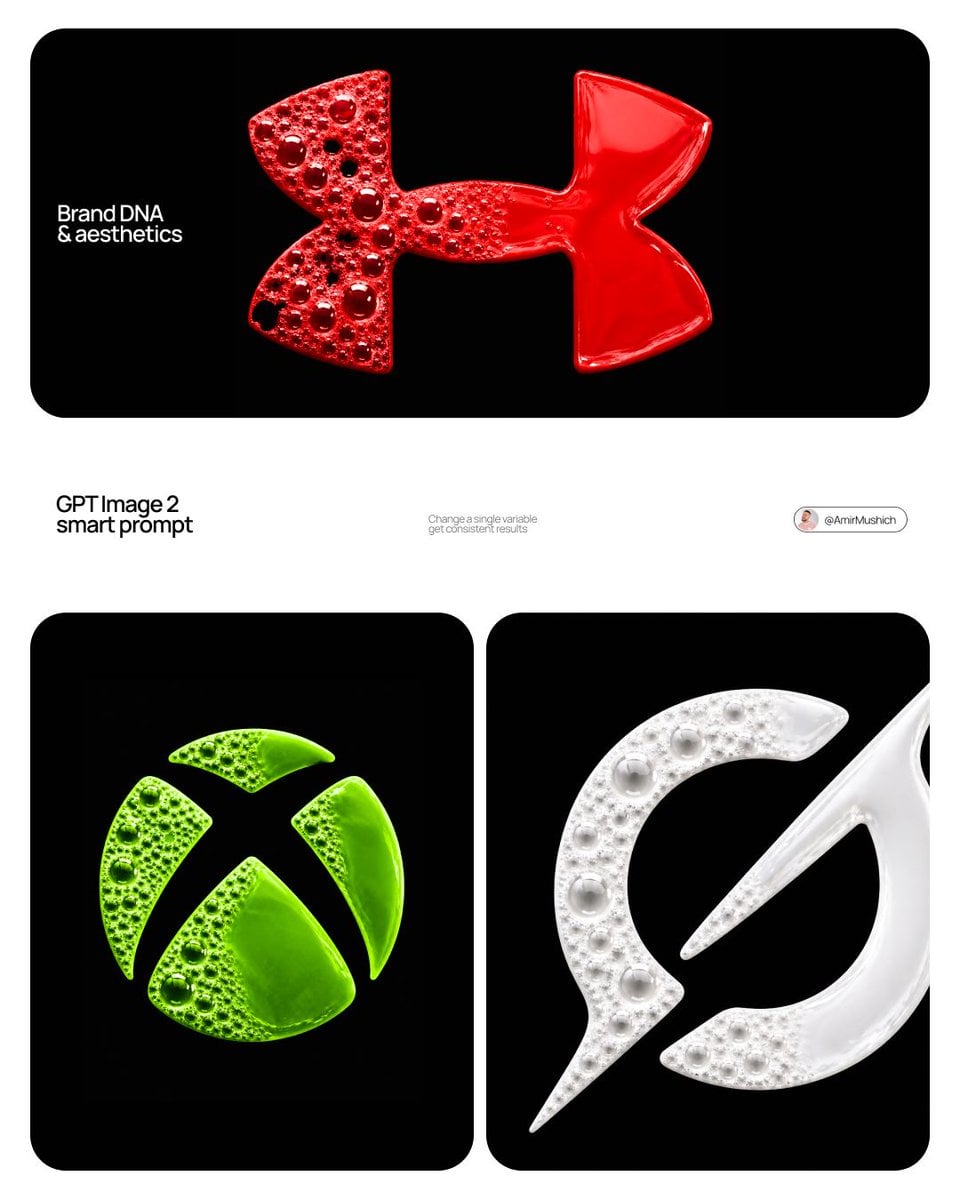
Product & Brand Prompt #230

A hyper-realistic beauty product photograph of a pink jar placed
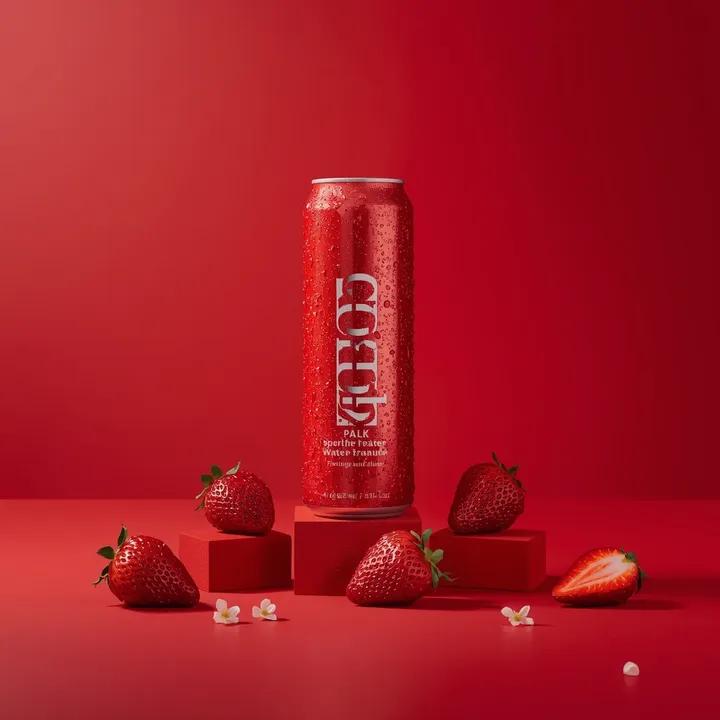
A premium studio product photograph of a tall, slim red aluminum
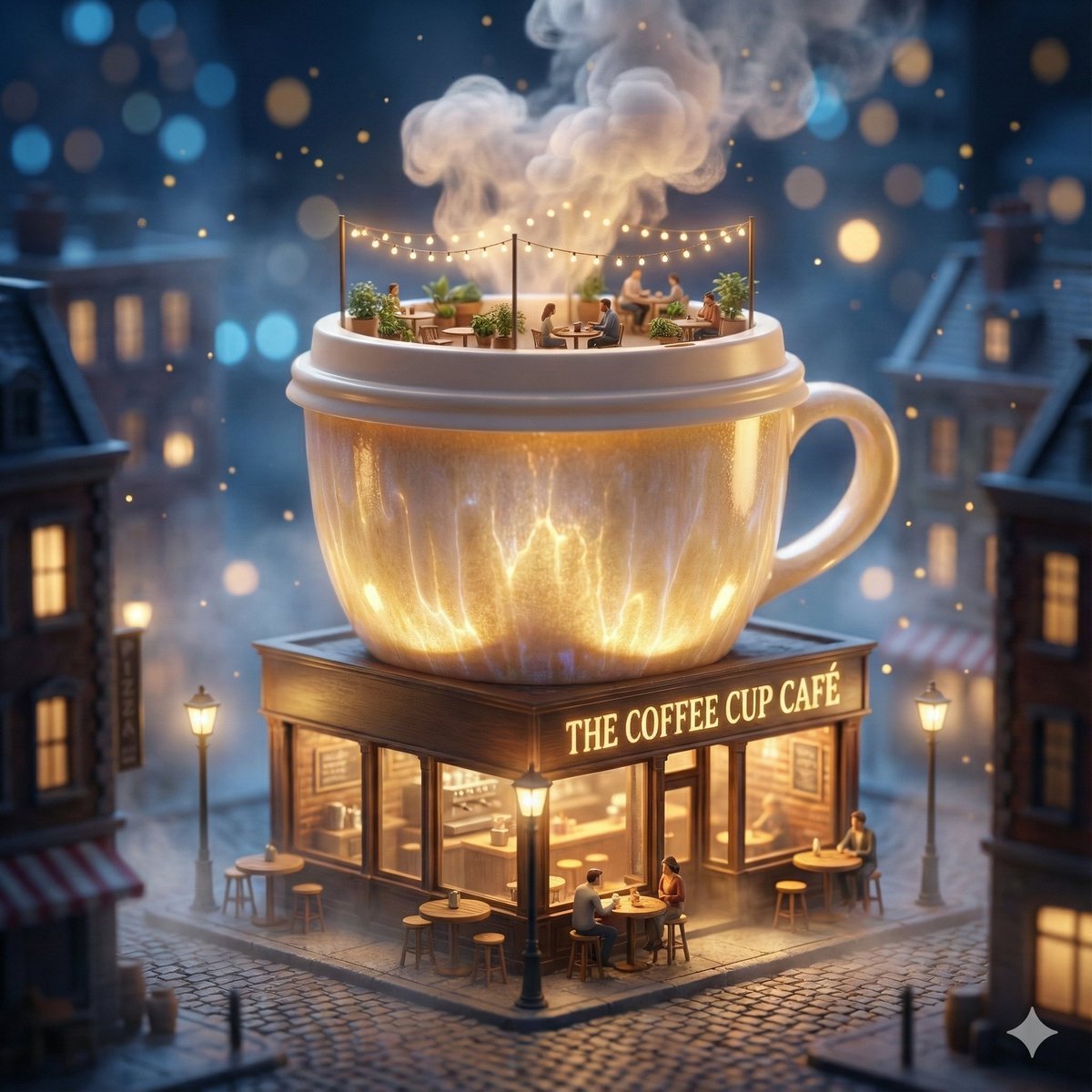
ChatGPT Image 1 5 Google Veo 3 1

Act as a Senior Editorial Designer and Typographer
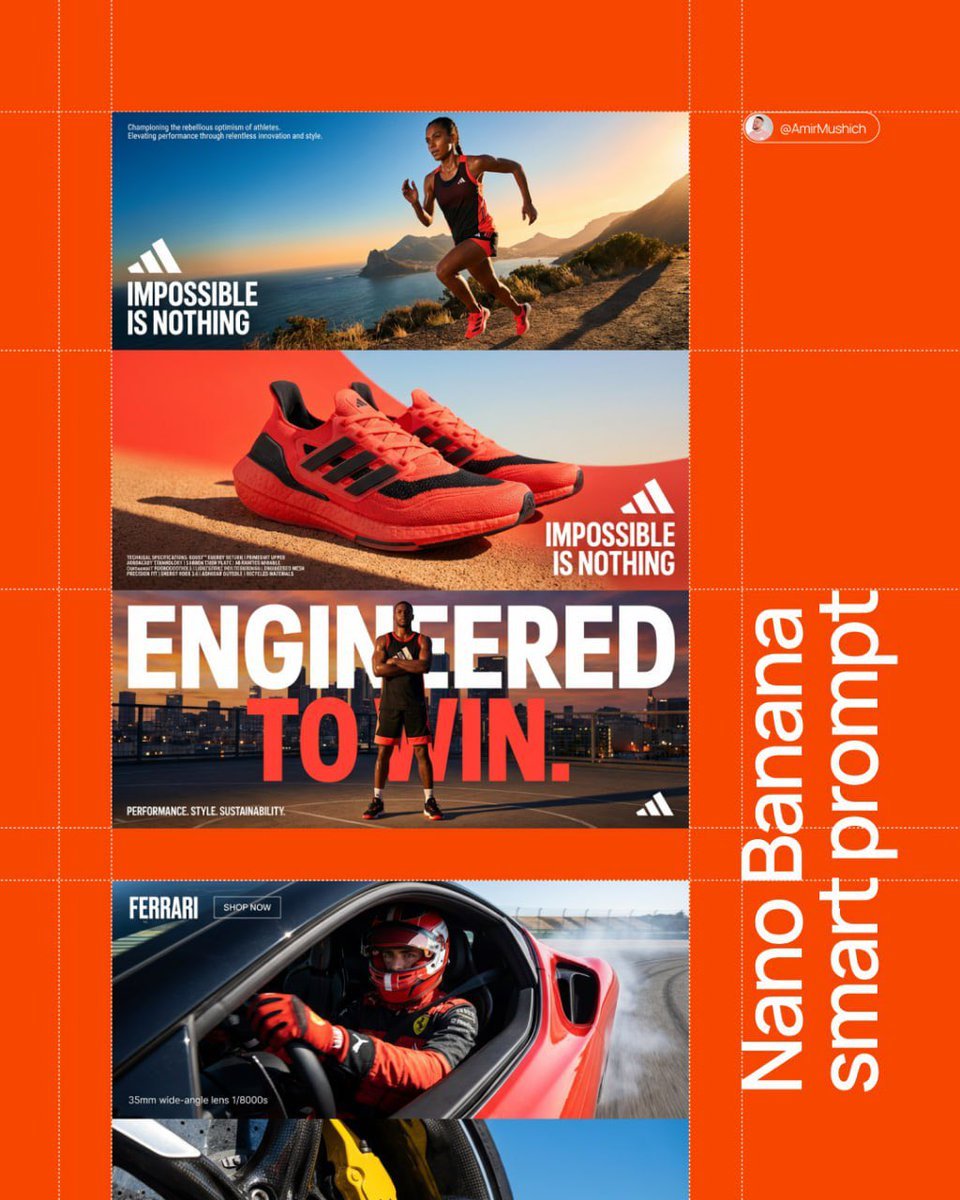
Aesthetic and fill the negative space

Clean, minimalist fashion infographic from an uploaded reference photo
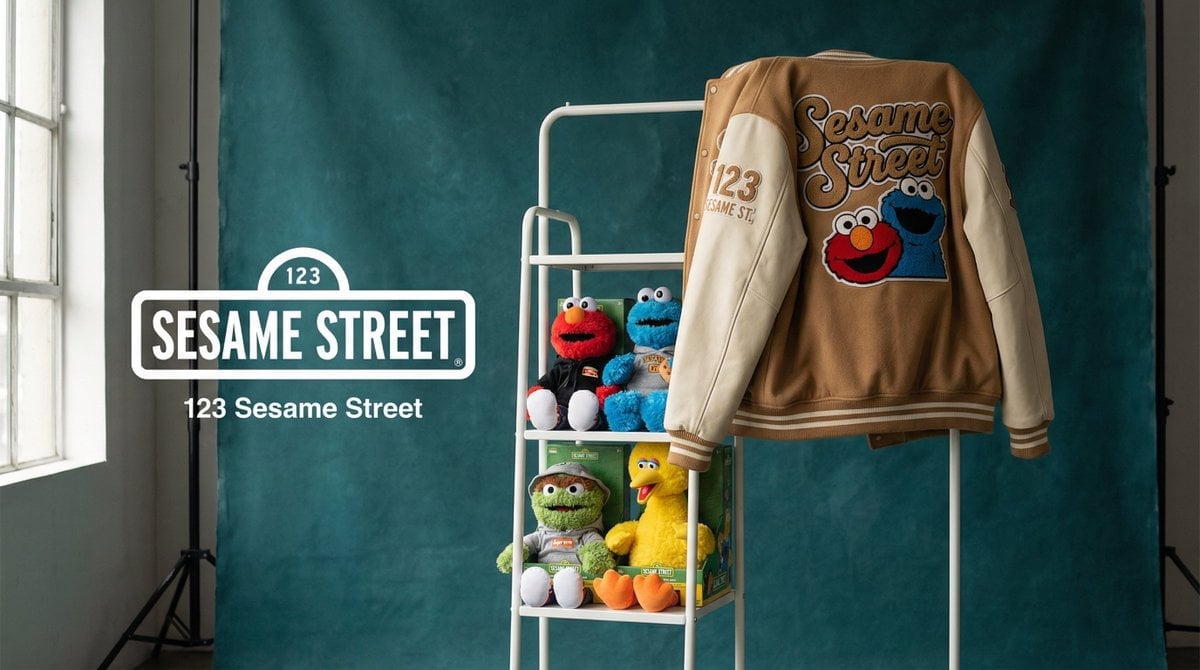
Photograph announcing a limited merchandise drop
Make it yours
Product & Brand Prompt #569 works as-is. These are the safest ways to change it without losing the look.
Change one field
Copy a single group, rewrite it, and generate again so you can see what that field is doing.
Keep the frame, change the subject
Hold the composition and light of Product & Brand Prompt #569, then swap wardrobe, props or the person for a new take.
| If the result… | Why | Fix |
|---|---|---|
| The result drifts from the preview | Too many fields changed at once. | Reuse Product & Brand Prompt #569 as-is first, then change one group — subject, light, or setting. |
| The model over-stylizes the scene | The prose prompt leaves finish and camera underspecified. | Add one camera or lighting sentence and stay on Nano Banana 2. |
More Nano Banana 2 templates
Other prompts made for Nano Banana 2.

Photorealistic Leaf Shaped Like a Dragon

K-Pop Idol Portrait Grid for Rapid Selection

Poetic Rain Forest Portrait During Golden Hour

Urban Street Portrait with Cartoon Inner Self Duo

Candid Nighttime Photo with Cat Prompt

High-Concept 3D Diorama Generation Prompt

Cinematic Futuristic Studio Portrait Template

Skincare Editorial Photography Collage Prompt

Hyper-Realistic Commercial Product Photography (Splash Effect)

Hyper-Realistic Nightclub Portrait Prompt
More image prompts
Fresh picks from across the catalog.
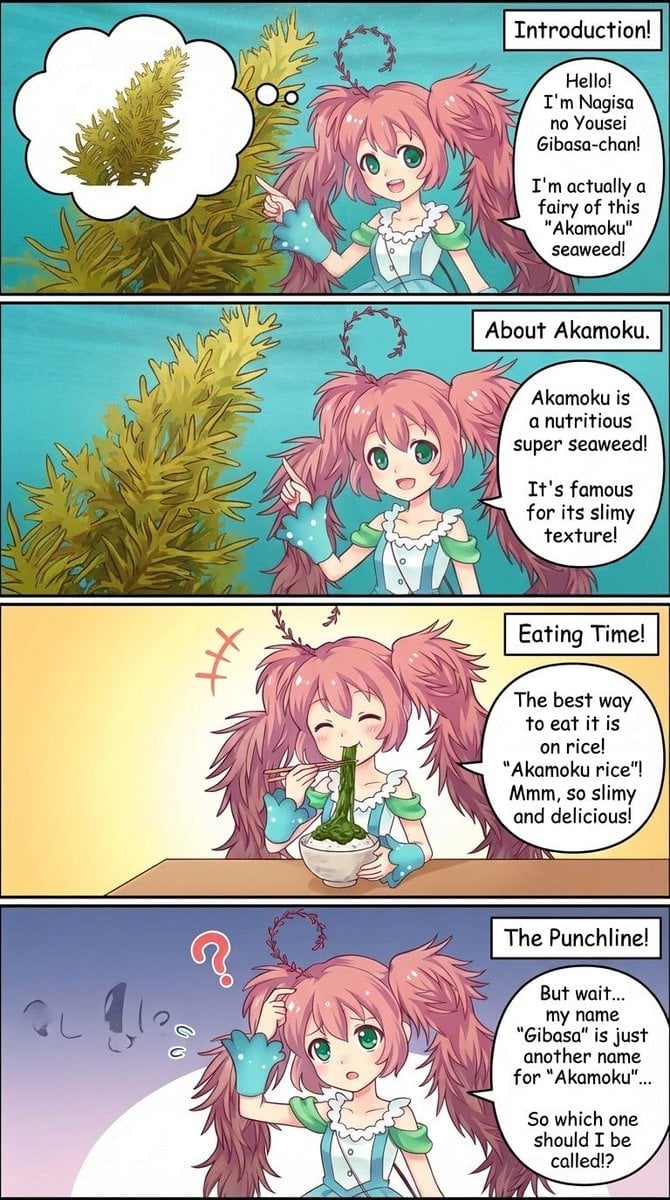
Four-Panel Manga Creation Prompt (Version 2 with Formatting)
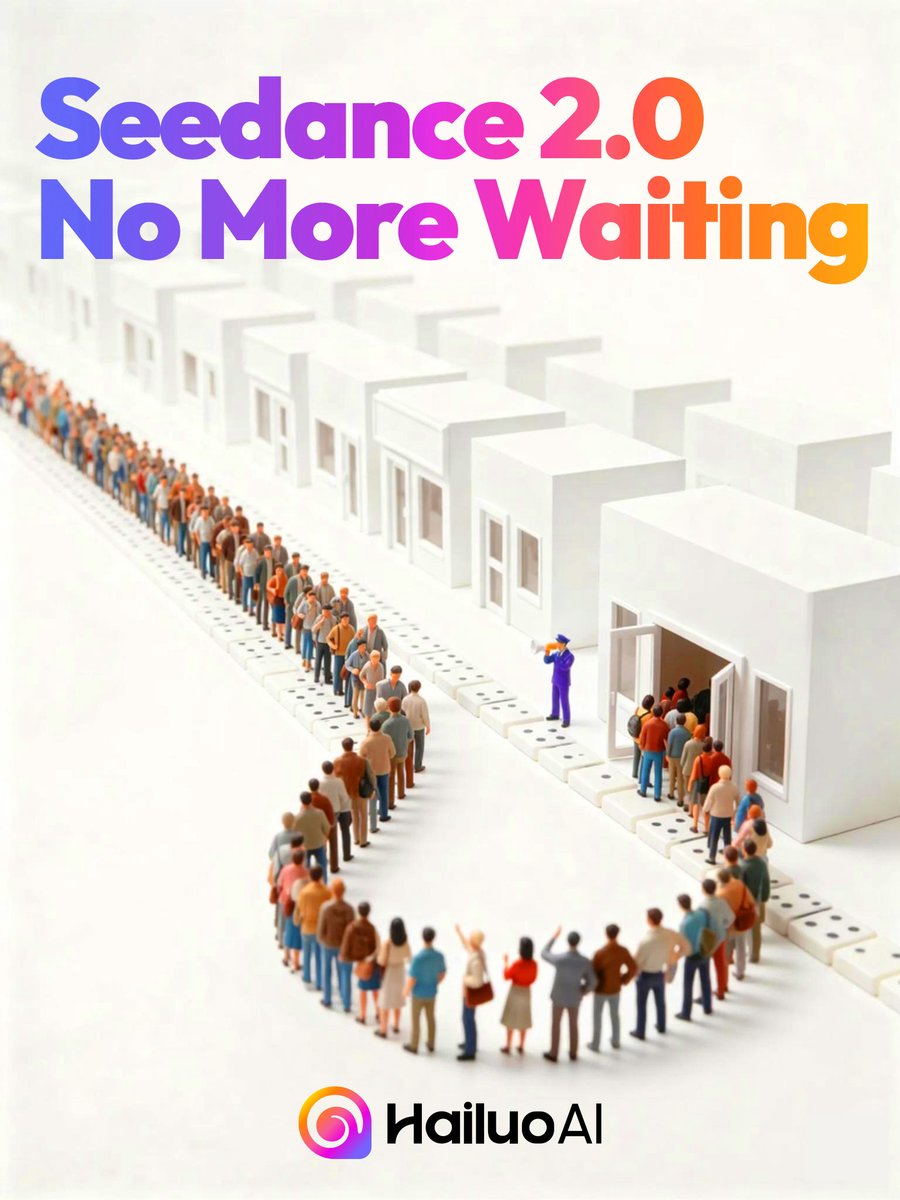
Seedance 2.0 Waiting Line Poster
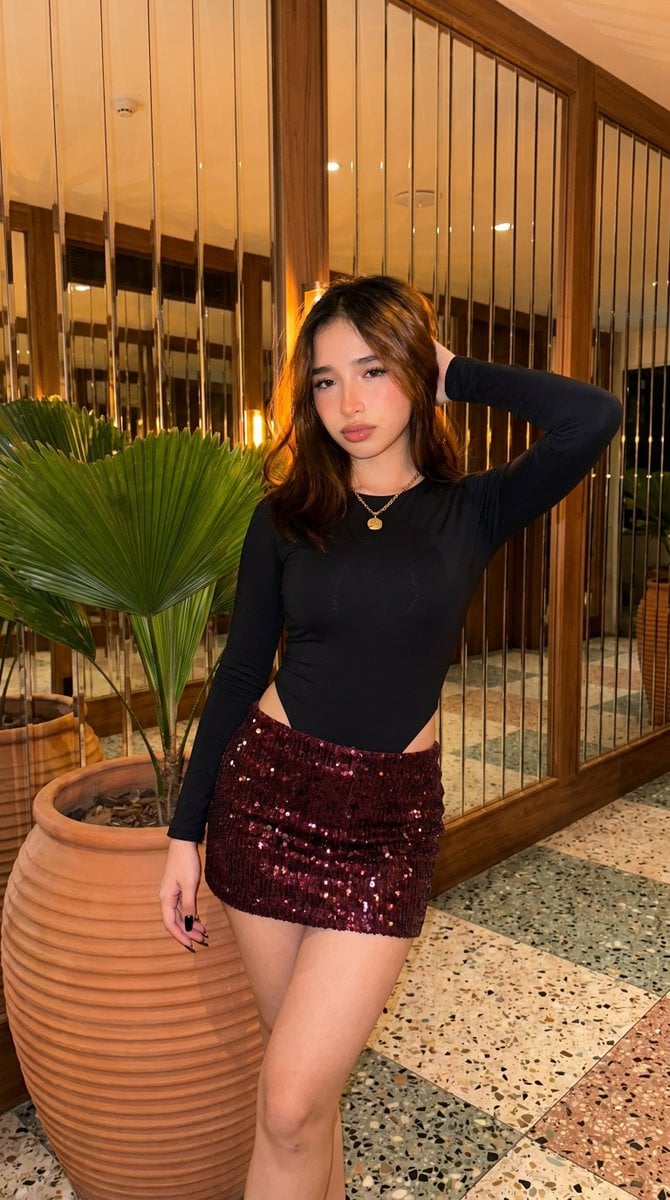
High-Fidelity Fashion Photography Prompt
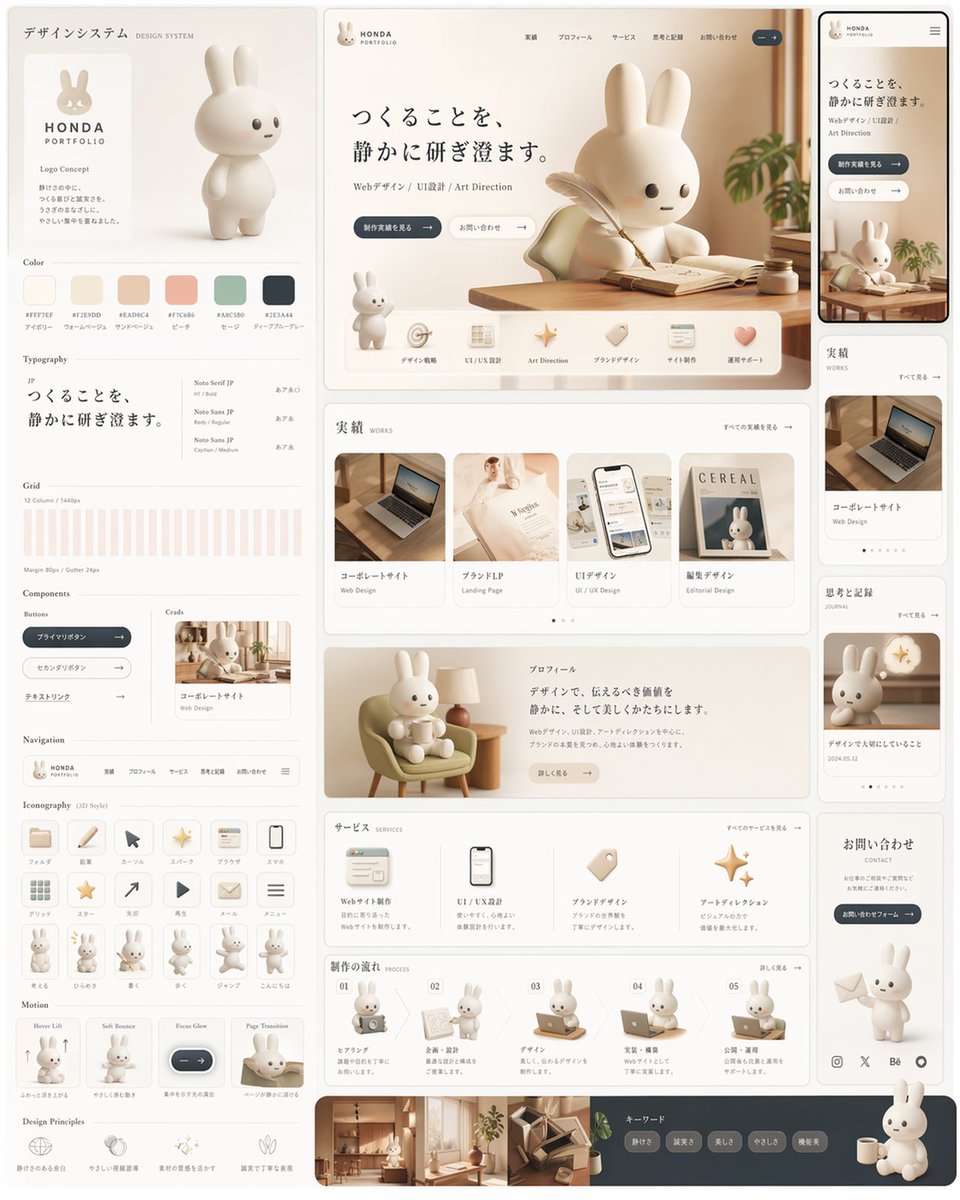
Rabbit Portfolio Design System Board
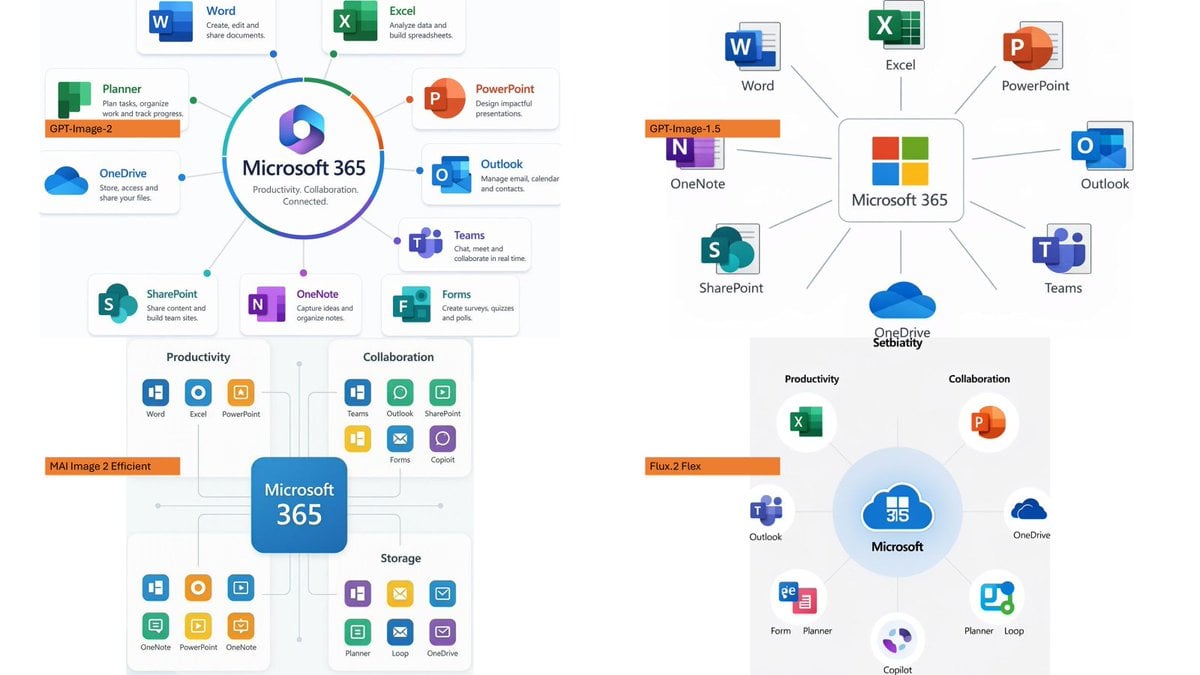
Microsoft 365 Model Comparison Infographic
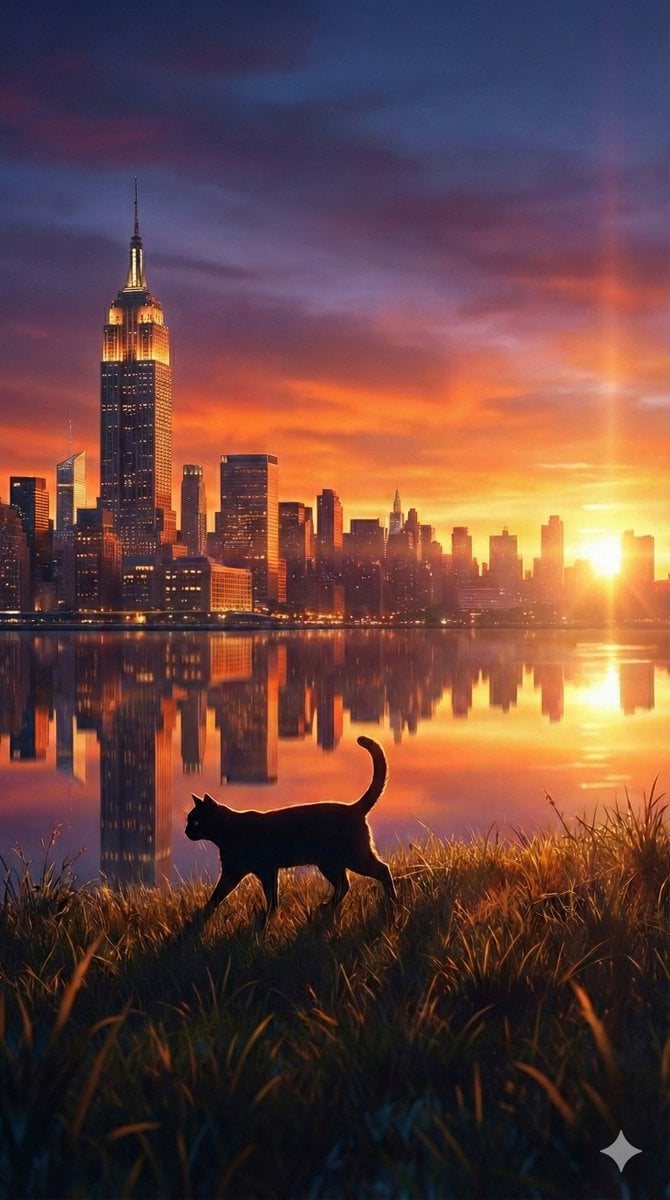
Fantasy Sunset Landscape with Black Cat Silhouette and City Reflection
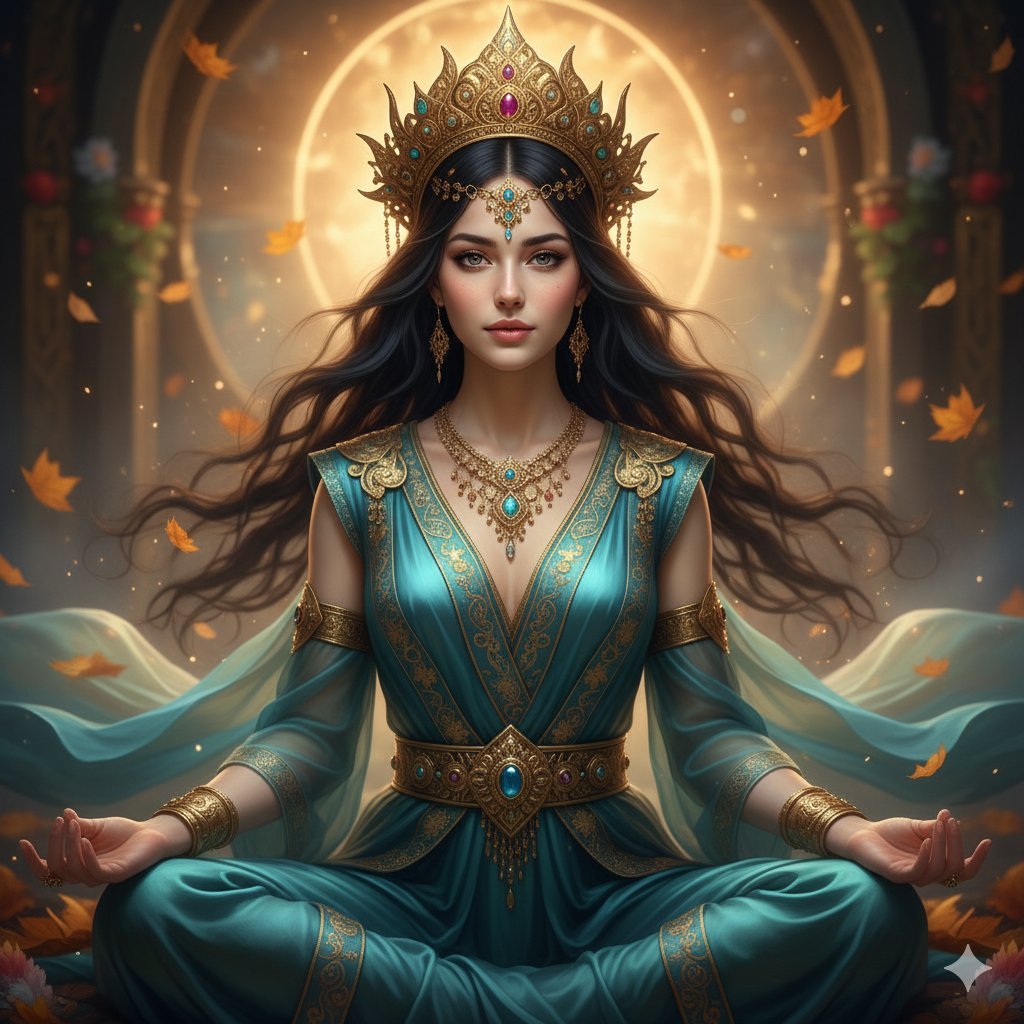
Ultra-Realistic Divine Goddess Fantasy Portrait
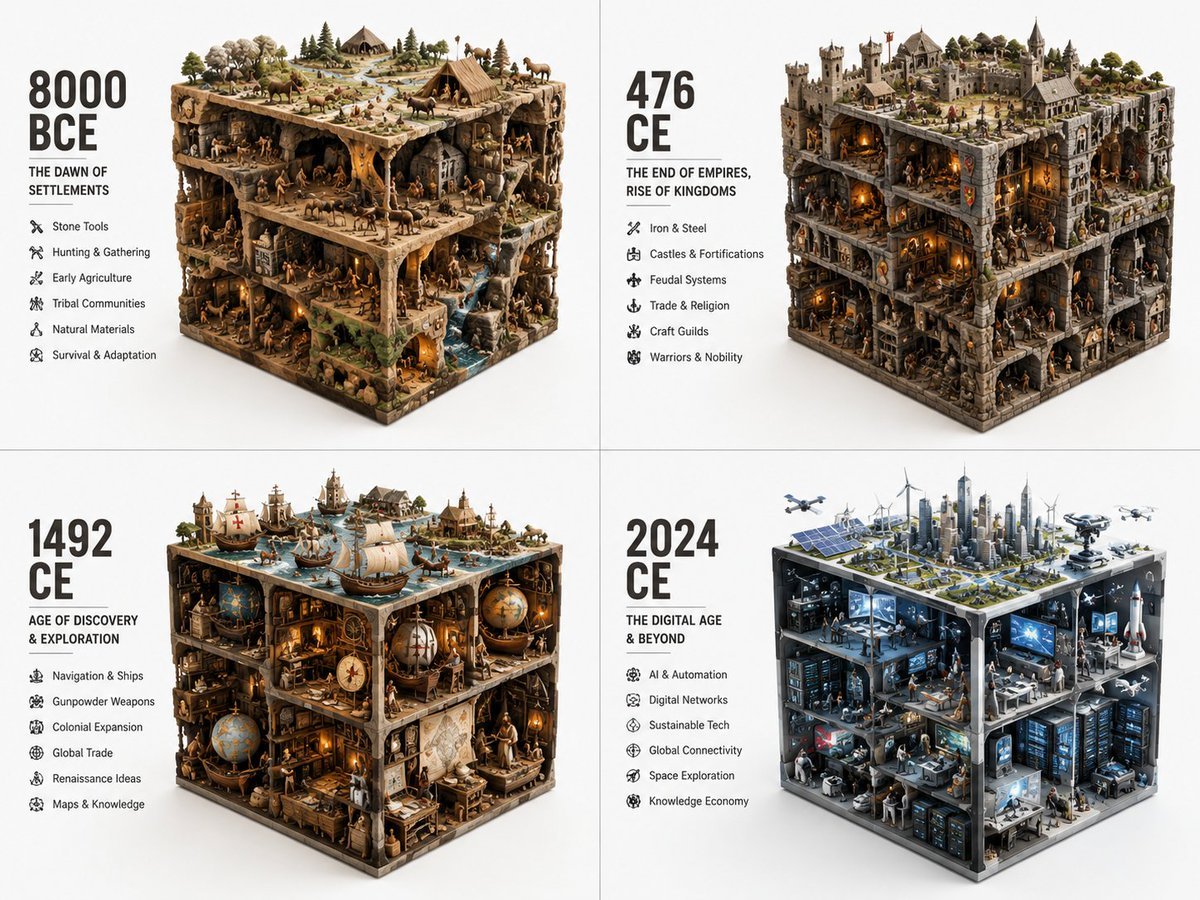
Historical Era Visualization Cube
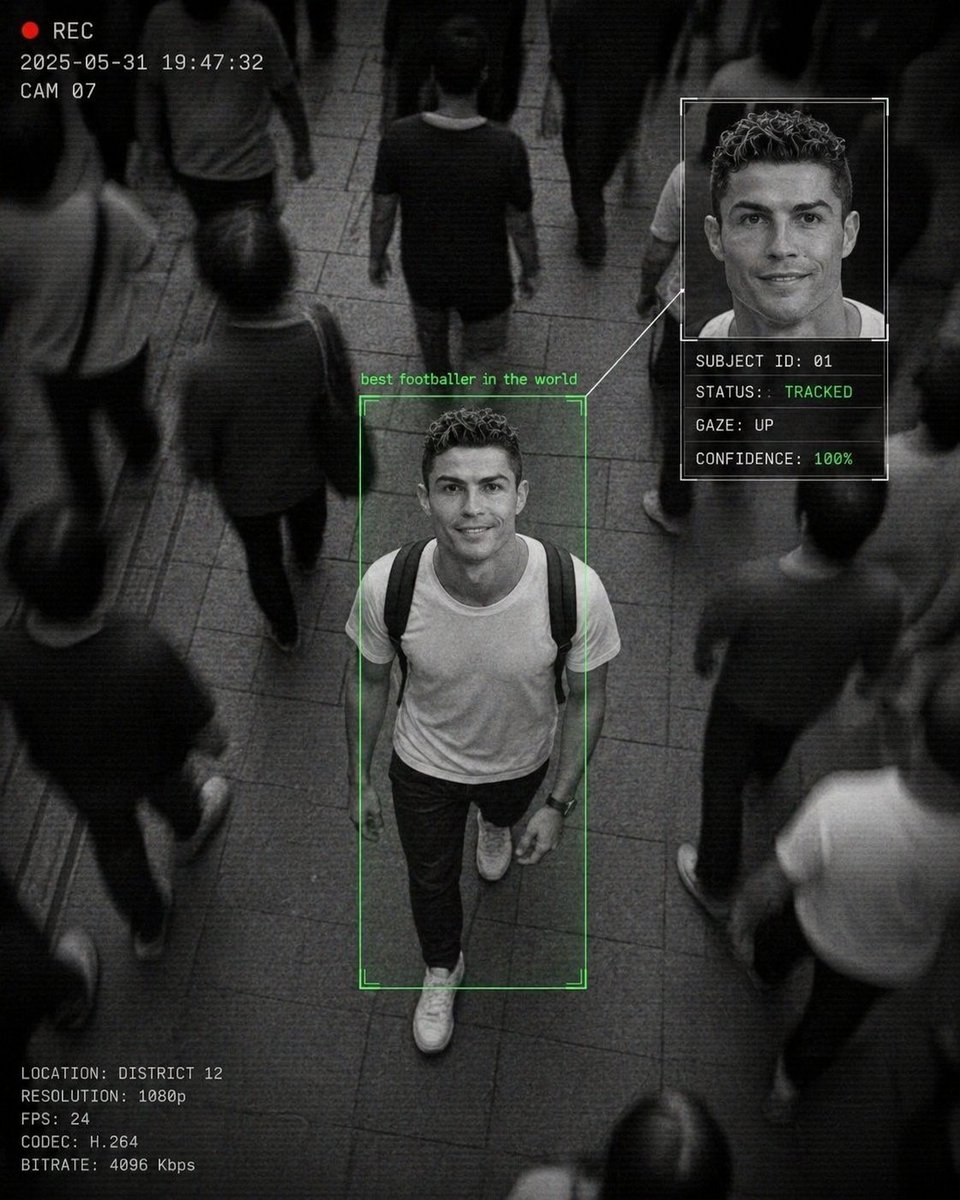
Cinematic Surveillance Interface Aesthetic
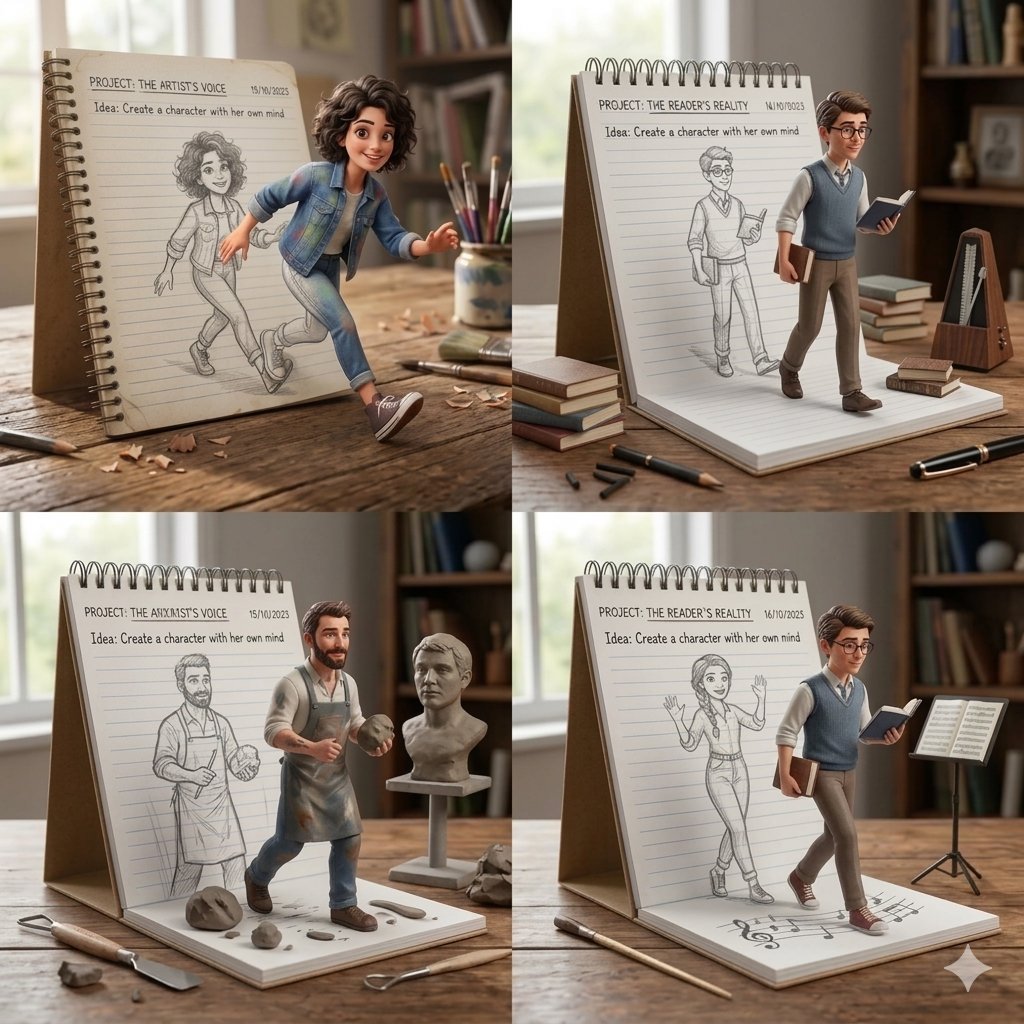
Creative Concept of Hand-Drawn Characters Coming to Life
Browse template categories
Product & Brand Prompt #569 questions
How do I use the Product & Brand Prompt #569 template?
Add your photo if the template asks for one, edit the prompt if you like — the template's model and format are already selected — and press Generate. Your version opens in PicX Studio.
Can I customize the Product & Brand Prompt #569 template?
Yes. You can change the subject, setting, lighting, mood, format, and available model controls before creating your image.
Is the Product & Brand Prompt #569 template free?
Opening and editing this template is free. Generating uses credits, shown on the Generate button when you are signed in.
Which AI model should I use?
Start with Nano Banana 2, which is the model associated with this template. You can compare another compatible model for a different finish.
Looking for something else? Browse all templates.

Your photo, any look
Thousands of ready templates for every top image and video model, from one credit balance.